










Save up to 73% on plans

Cat on Ultra Bee AI Video Generator
Sign In

Cat on Ultra Bee AI Video Generator

Cat or dog photo*(0/1)
Try Cat or dog photo sample

Please add the required Cat or dog photo before generating.

0 / 300

Public VisibilityAllow this result to appear in public inspiration surfaces.

Your pet wheelie

Video

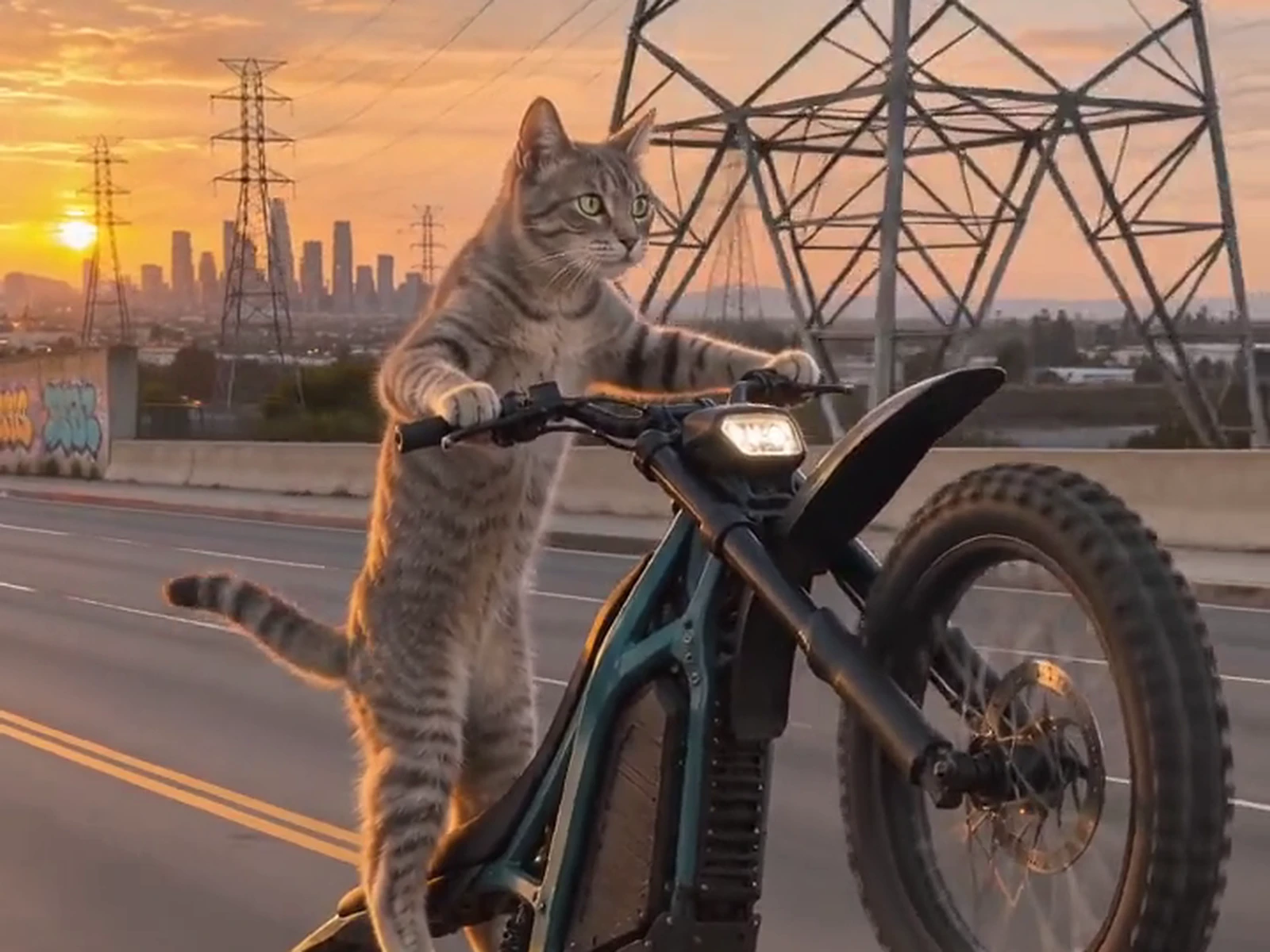
A tabby-and-white cat cruises a sunset highway
1 / 3

More AI Video Models & Effects

What is Cat on Ultra Bee?

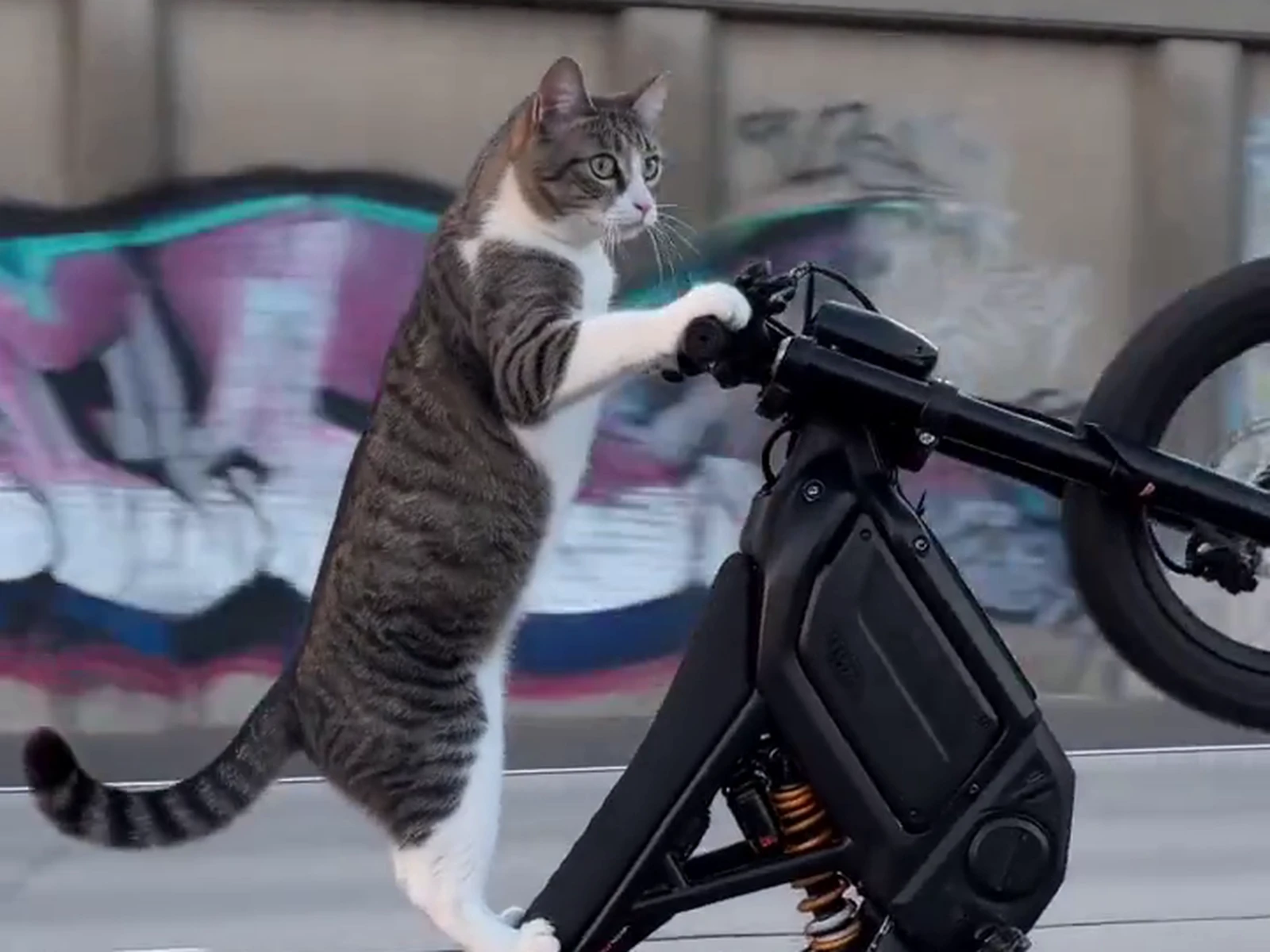
Cat on Ultra Bee is a photo-to-video effect based on the AI pet wheelie clip that took over short-video feeds in November. In the original, a calm tabby stands upright on a teal electric dirt bike, grips the handlebars like a seasoned rider and keeps the front wheel high while power pylons, a graffiti wall and a downtown skyline slide past. The camera follows from a car driving alongside, so it feels like a real bike-life video until you notice who is riding. The joke is the contrast: a serious stunt, and a rider who looks like it is just heading home for dinner. With Cat on Ultra Bee you swap in your own pet. Your photo supplies the face, fur colors and markings, and the effect builds the bike, the road and the sunset around them. You do not need a bike, a costume or a written prompt, and no real animal ever gets near a moving vehicle. It is pure fantasy made for a laugh, a little story about the pet who apparently has weekend plans of its own. This is an unofficial fan effect, not affiliated with or endorsed by Ultra Bee or Sur-Ron.

How to make a Cat on Ultra Bee video

One pet photo and three simple steps take your cat or dog from the sofa to the open road.

Upload one clear pet photo

Choose a JPG, PNG or WebP file up to 10 MB that shows a single cat or dog. A standing or sitting shot with the head, front paws, body and tail in view works better than a tight face crop, because the rider has to stand on the bike. Even daylight keeps the coat colors and markings accurate, and skipping filters and costumes means fewer surprises. The photo does not need a bike or a road in it, since Cat on Ultra Bee supplies the whole scene.

Create Cat on Ultra Bee Video
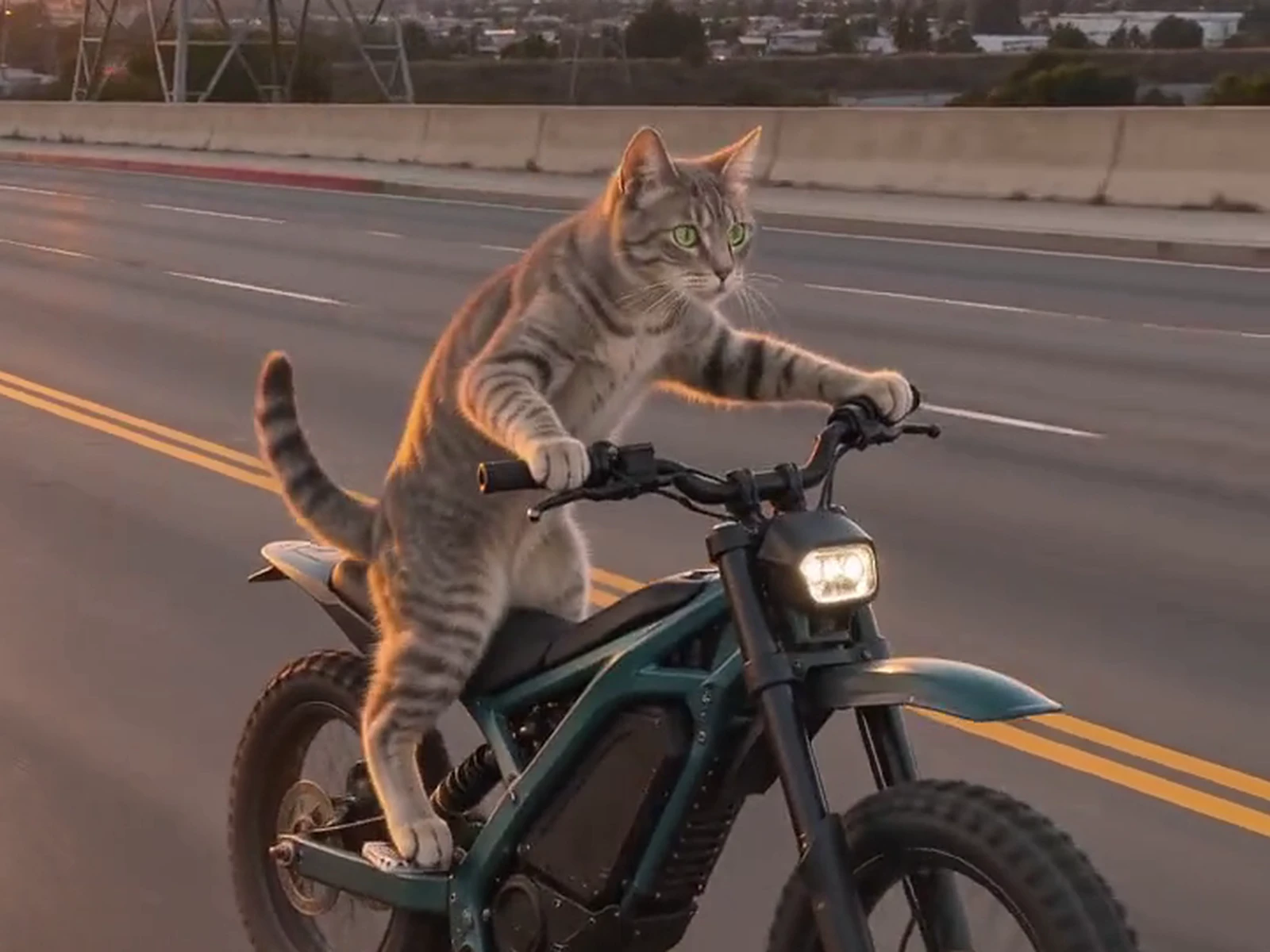
Tabby cat seated on a teal electric dirt bike at sunset, head, paws and tail clearly visible

Add a note if you like

The ride already runs from the lifted front wheel to the cruise past the skyline, so you can leave the note empty and still get the classic version. For a personal touch, add a few plain words about your pet, such as a red collar, a sleepy expression or a quick glance at the camera. Keep notes about small details on your pet instead of rewriting the ride, since the bike, the road and the skyline stay the same. Your pet's look still comes from the photo, whatever the note asks for.

Create Cat on Ultra Bee Video
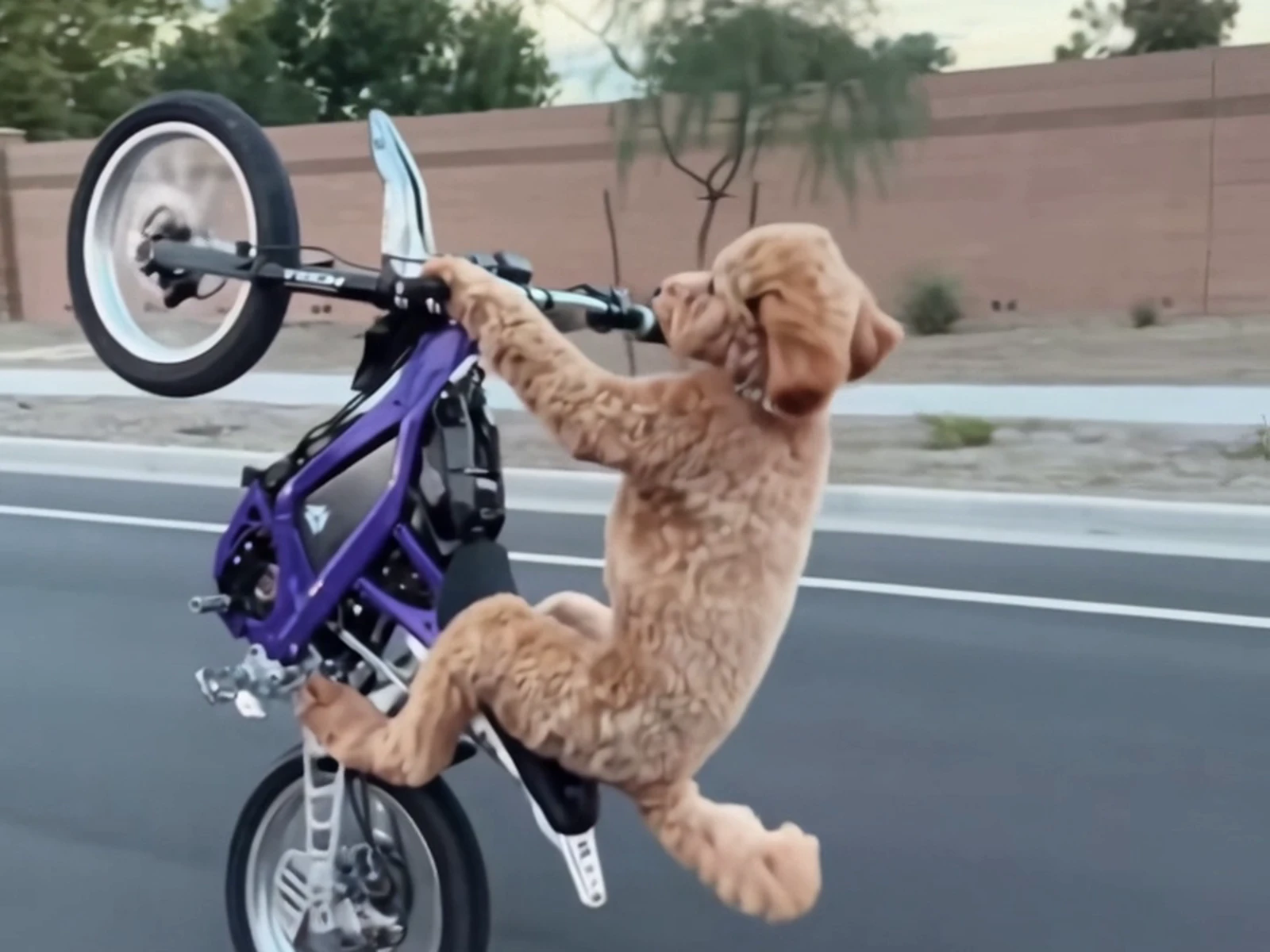
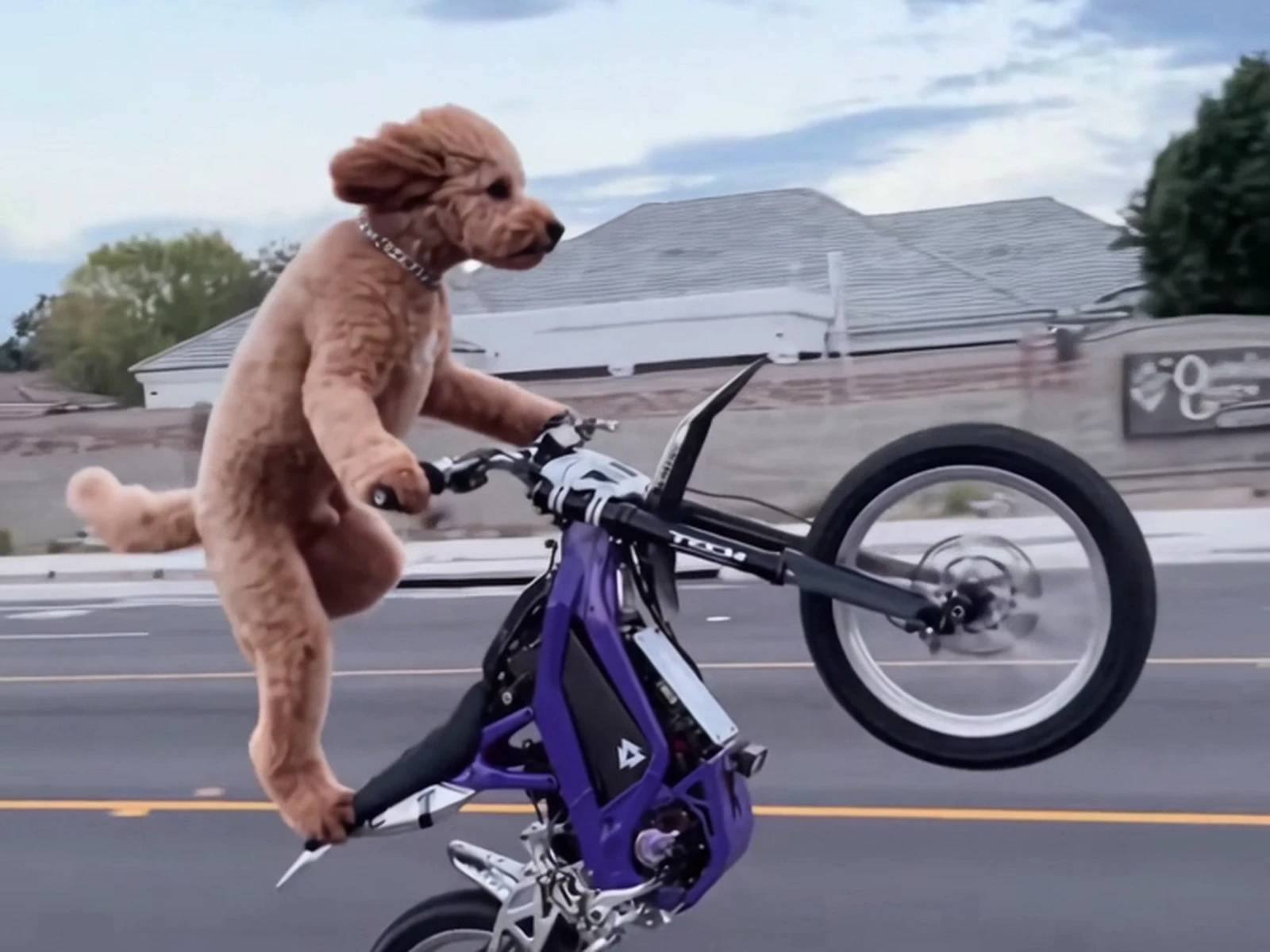
Curly poodle gripping the handlebars of a purple dirt bike with the front wheel lifted

Create, review and download

Press the create button and wait for the result to appear in the panel. Watch the whole ride rather than judging the first frame, and check the ears, the coat pattern, the paws on the handlebars and the rear wheel touching the road. If something looks off, try a sharper photo with the whole body visible and create again. When the ride looks right, download the video file and post it with your own caption.

Create Cat on Ultra Bee Video

Inside a Cat on Ultra Bee ride

Four moments make the joke land, all in one smooth ride down the road.

Up on the footpegs

The ride opens with your pet standing tall on the footpegs, front paws wrapped around the handlebars like an experienced rider. Golden light falls across the fur, so the coat colors from your photo stay easy to read. Behind the bike, power pylons and a graffiti wall line the road. Your pet looks completely calm, which is exactly what makes viewers look twice.

Create Cat on Ultra Bee Video

Front wheel high

Then the front wheel lifts and stays up as the bike rolls on its rear tire. The camera tracks alongside at bike height, the way real wheelie videos are filmed from a car in the next lane. Ears and fur stream back in the wind while the rider holds its pose. This is the Cat on Ultra Bee moment people pause on and send to friends.

Create Cat on Ultra Bee Video

Cats and dogs both ride

The rider does not have to be a cat. A curly poodle, a husky or a tiny chihuahua can take the handlebars and hold the same wheelie. The effect keeps your pet's species, face and markings, so a dog stays a dog instead of turning into the tabby from the original. A dog photo is a fun twist on the Cat on Ultra Bee name and often gets the biggest reaction from friends.

Create Cat on Ultra Bee Video

Rolling on toward the skyline

To close, the front wheel settles back onto the asphalt and the bike keeps cruising. Your pet stays on board with its paws on the bars while the city skyline glows behind it. Nobody crashes and nobody falls, and the ride simply carries on as if this were a normal trip to the shops. Keep this ending when you post, since the easy landing finishes the joke.

Create Cat on Ultra Bee Video

Photo tips for a recognizable rider

A good photo is the difference between a random cat on a bike and your cat on a bike.

Show the whole body

Pick a shot where the head, front paws, body and tail are all in frame. The rider stands upright on the bike, so the effect needs to know how your pet is built. A face-only crop leaves too much to guess and can produce paws or a tail that do not match. A normal standing or sitting pose on the floor is perfect.

Create Cat on Ultra Bee Video
Tabby-and-white cat standing upright beside the handlebars, whole body in view

Light up the markings

Even daylight from a window shows stripes, white socks, spots and eye color clearly. Dark rooms and strong shadows make the coat look flat, and the result may drift toward a generic tabby. Skip beauty filters and heavy color grading. The more accurate the photo, the more the rider in your Cat on Ultra Bee video looks like your own pet.

Create Cat on Ultra Bee Video
Tabby cat lit by warm sunset light, stripes easy to read

One pet, no props

Crop the picture so only one animal is visible, because two pets can blur into one rider. Hats, sweaters and costumes can confuse the outline, so a plain collar is the safest accessory. Keep the background simple if you can. Sharp focus on the eyes helps the face stay steady from the first frame to the last.

Create Cat on Ultra Bee Video
A single poodle with no props holding on to a purple dirt bike

Cat on Ultra Bee FAQ

What exactly is Cat on Ultra Bee?

It is an AI video effect that puts your cat or dog on an electric dirt bike, holding a steady wheelie down a city road at golden hour. It recreates the look of the viral pet wheelie clip with one photo of your own pet.

How do I make the video from my pet's photo?

Upload one clear photo of a single cat or dog, add an optional note and press create. When the result appears, watch it to the end and download the video file if you like it.

Can I use a dog or another pet?

Yes. Dogs work well, and other small pets with a clear face and body can work too. The result keeps your pet's own species and coat, so make sure the whole animal is visible in the photo.

Does my photo need a bike or a road in it?

No. An everyday picture of your pet at home is enough. The bike, the road, the pylons and the skyline all come from the effect.

Is the video real, and should I try this with my own pet?

No on both counts. Every frame is generated, and no animal rides anything. Never put a real cat or dog on a moving vehicle for a video; making it from a photo keeps your pet safely on the sofa. Turn on the AI label when you post so viewers know it is a fantasy.

Do I have to write a prompt?

No. The ride is already set up, so you can create with the note left empty. A short note can adjust small details on your pet, like a collar or its expression.

Why does my pet look a little different in the result?

Low light, heavy filters, a tight face crop or two animals in one photo can all reduce the likeness. Try a sharper, evenly lit photo that shows the whole body, then create again.

What do I get when the video is ready?

You get a vertical video sized for phone feeds, ready to download as a video file. Downloads carry no NanoPic watermark, so the wheelie stays clean when you post it.

How do credits work?

Credits for each render show in the generator before you create. If a render fails, the credits are refunded automatically.

Is Cat on Ultra Bee affiliated with the bike maker or the creator of the original clip?

No. The name comes from an online meme. NanoPic is an independent tool, not affiliated with Sur-Ron, the Ultra Bee bike or the creator of the original clip.

Ready to put your pet on the bike?

Upload one photo and let Cat on Ultra Bee give your cat or dog its own wheelie past the skyline. Unofficial fan effect; not affiliated with Ultra Bee or Sur-Ron.

Related tools

25th Anniversary Video Maker

25th Anniversary Video Maker

Make a short silver 25th anniversary video concept from one or two authorized couple photos. Add names, year, mood, motion, and editor-ready greeting space.

Open tool
Storyboard cover of two fictional adults sharing a hug

AI Hug Video Generator

AI Hug Video Generator turns an authorized photo of consenting adults into a five-second friendly hug. Review faces, hands, clothing and scene throughout.

Open tool
Animate Picture

Animate Picture

Animate a picture into a short AI video. Upload one authorized photo, describe subject and camera motion, review the live credit cost, and generate with Seedance.

Open tool
Birthday Video Maker

Birthday Video Maker

Create a short birthday video concept from one or two authorized photos. Direct the theme, transition, motion, format, and clean space for exact editor-added greetings.

Open tool
Draw to Video: Animate Images with Motion Arrows

Draw to Video: Animate Images with Motion Arrows

Draw to Video lets you add arrows, text and brush strokes to an image, then generate an AI video from your motion guide. Edit, save, create and download.

Open tool
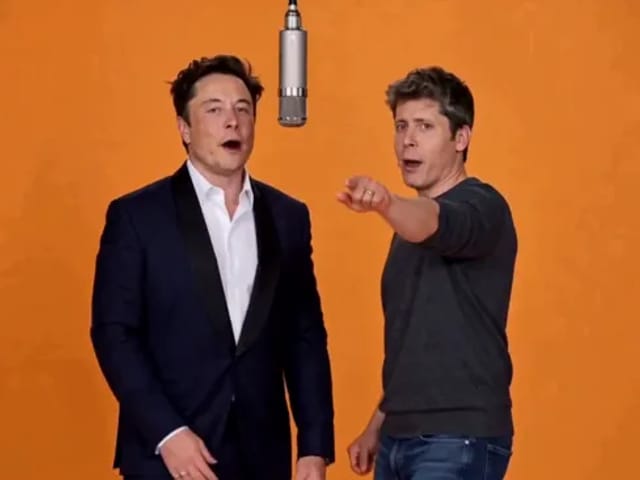
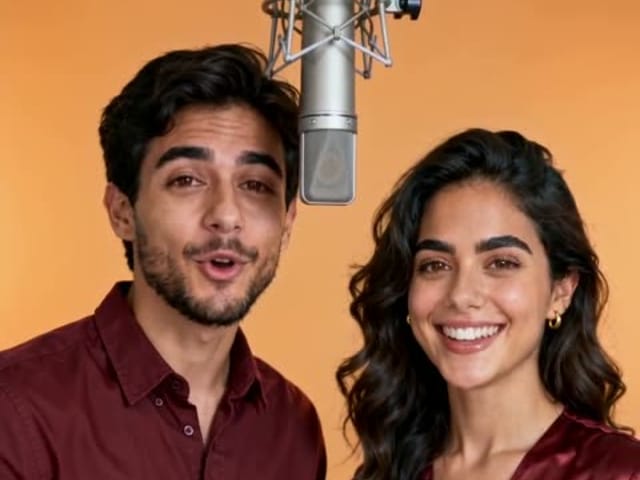
Elon Musk + Sam Altman

Hotel Lobby AI

Turn two photos into a 15-second orange-studio rap duo with MiniMax H3. Explore five actual videos, inspect their inputs and choose your left and right performers.

Open tool
STORM II dance with a lead and coordinated supporting dancers

STORM II Dance AI Video Generator

Create a STORM II dance with your lead photo and an AI-generated motion reference. Add a supporting cast, compare three videos and review your result.

Open tool
AI Cheek Pinch Video Generator

AI Cheek Pinch Video Generator

Turn one photo of an adult (with consent) or your pet into an ai cheek pinch video: hands gently squeeze the cheeks and let go. Download and share.

Open tool
AI Christmas Video

AI Christmas Video

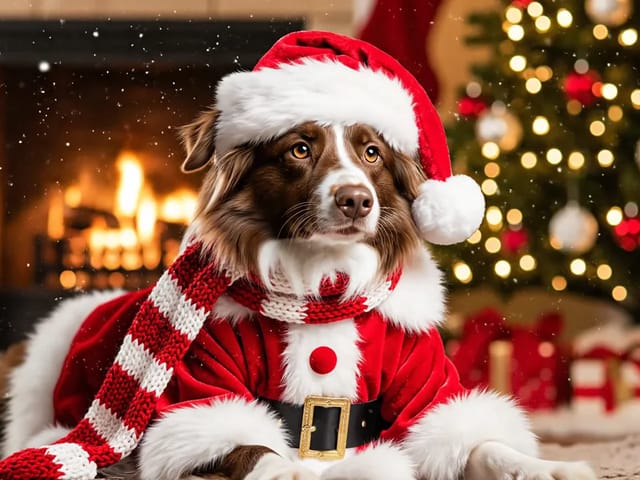
Make an ai christmas video from one photo of your pet or yourself: Santa outfit, glowing tree, fireplace and soft snow. Download and share the clip.

Open tool
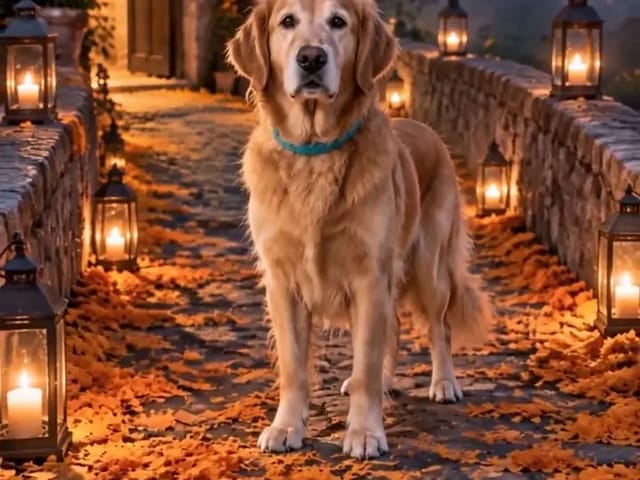
Golden retriever on a marigold memorial path

AI Day of the Dead Pet Video Generator

Make an ai day of the dead pet video from one dog or cat photo: warm marigold bridge, vertical 9:16, memorial not horror for keepsakes.

Open tool
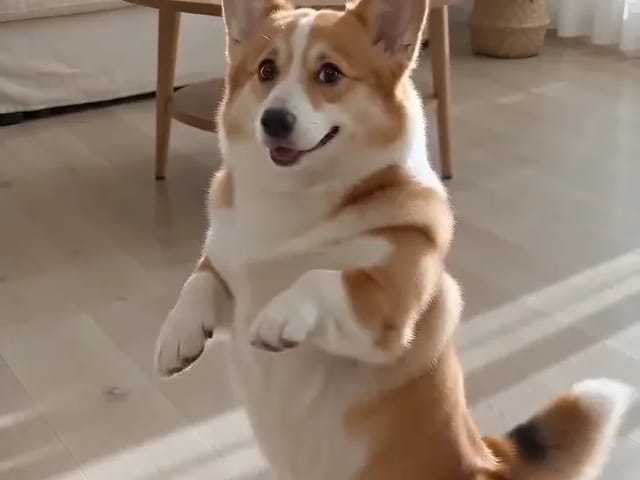
Corgi standing on its hind legs in a living room for an ai dog dance video

AI Dog Dance Generator

Upload one clear dog or cat photo and get a vertical ai dog dance clip: your pet stands up and dances a living-room routine.

Open tool
AI Doorbell Camera Video

AI Doorbell Camera Video Generator

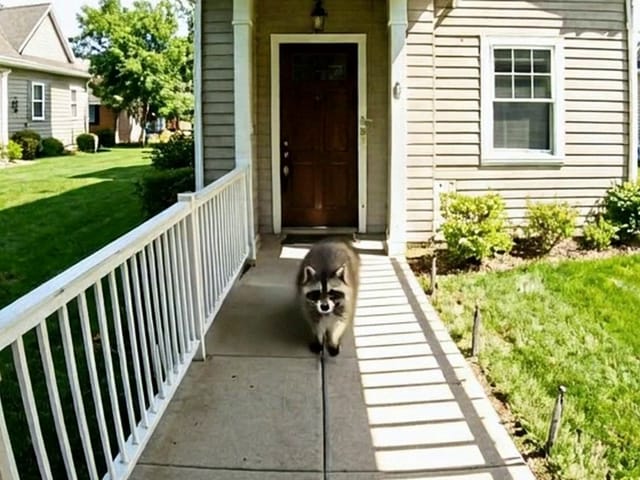
Make an AI doorbell camera video from one photo of your door: a pet, a costumed friend or a clumsy delivery caught on a fixed porch cam. Download MP4.

Open tool
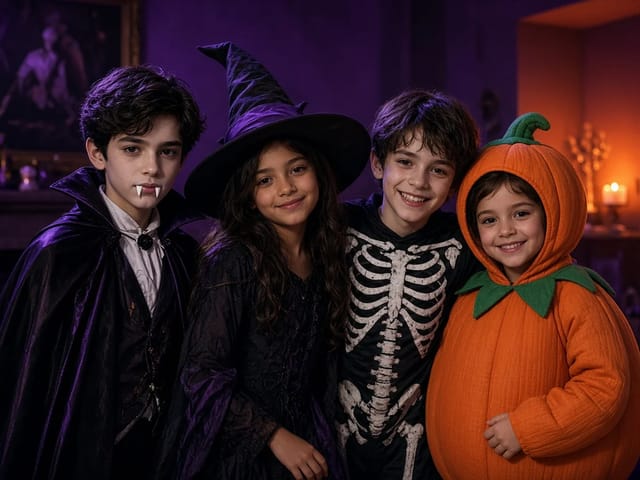
Four children dressed as a vampire, a witch, a skeleton and a pumpkin posing together in a candlelit room

AI Halloween Costume Transformation Video Generator

AI Halloween costume transformation from one photo: pick a vampire, witch, skeleton or pumpkin look and watch your outfit change in smoke in a short video.

Open tool
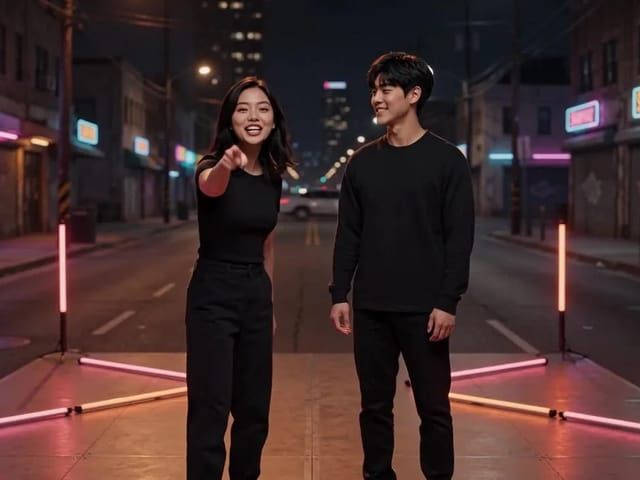
AI Rap Battle Generator

AI Rap Battle Generator

Upload two photos and create an AI rap battle video. Each side takes a turn in a short widescreen clip you can review before posting.

Open tool
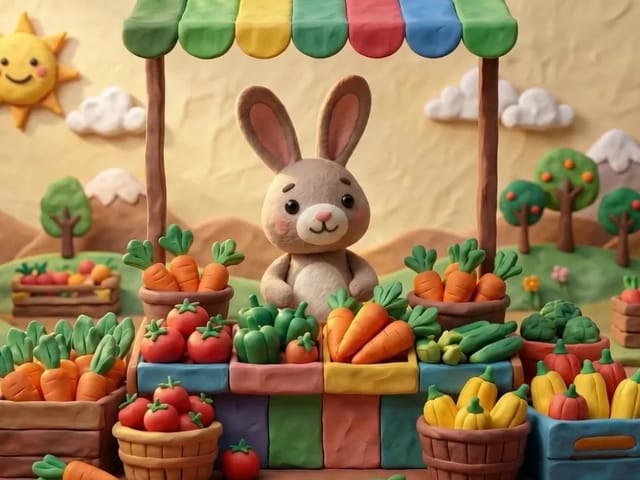
AI Stop Motion Video Maker

AI Stop Motion Video Maker

Use an ai stop motion video maker to turn one still into clay, paper-craft, or blocky tabletop motion you can preview before download.

Open tool

AI Zombie Trend Video Generator

Make the AI zombie trend video from two photos: one person turns, the other lowers the weapon for a hug, then a warm memory. Vertical 9:16, no gore.

Open tool
Cover still for anijam ai video maker

Anijam AI Video Maker from One Still

Use anijam ai video maker on NanoPic: upload one authorized photo, describe motion in plain words, review credits, and check every frame before sharing.

Open tool
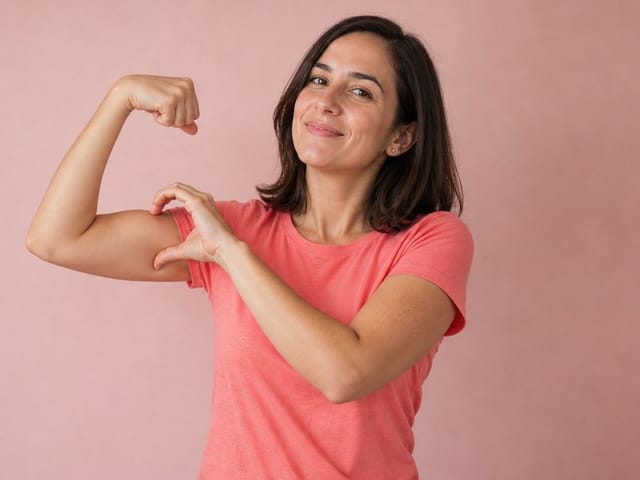
Bicep Heart Trend AI

Bicep Heart Trend AI

Join the bicep heart trend from one photo: AI flexes your arm and curves your other hand into a heart on the bicep. Preview, then download an MP4.

Open tool
Birthday Rap Video

Birthday Rap Video

Make a birthday rap video from one clear photo: a fixed studio rap reference drives lip motion in a vertical clip. Add a name and review.

Open tool
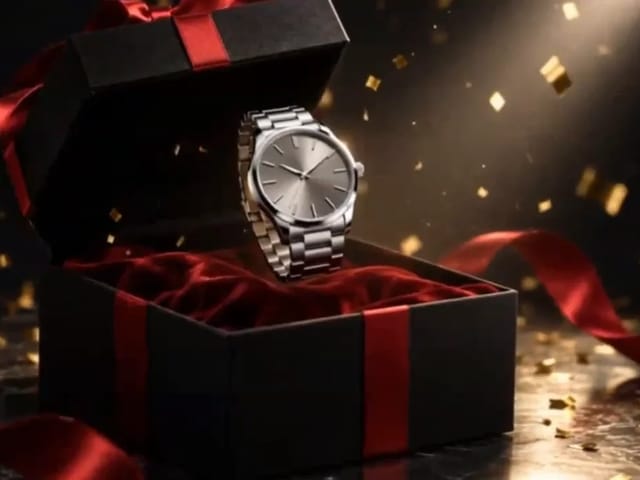
Silver watch in an open black gift box with red ribbon and gold confetti, Black Friday product clip

Black Friday Video Maker

Black Friday video maker: upload one product photo and get a promo clip with seasonal lighting and a slow camera move, ready for your sale text.

Open tool
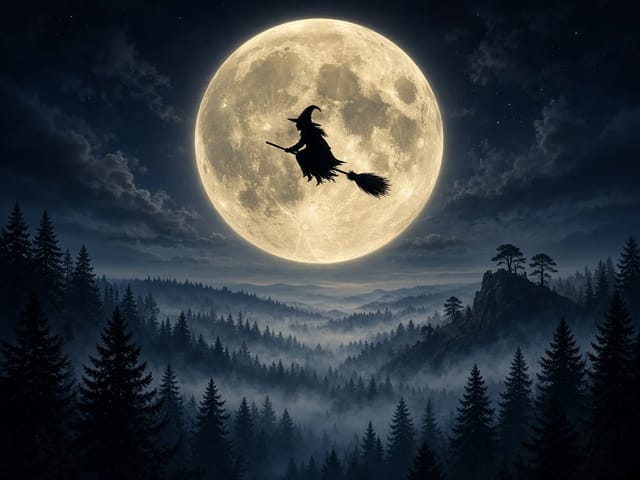
Silhouette of a witch riding a broomstick across a full moon over a misty forest

Broom Riding AI Video Generator

Broom Riding AI puts you on a flying broom beside a moving car in the My Ride Is Here trend. Upload one photo, get a 10-second clip and add your own sound.

Open tool
Bulin 47 AI

Bulin 47 AI Video Generator

Turn one photo into a Bulin 47 AI freestyle clip: shoulder rolls, a cheering friend and a laughing crowd under red lights, in vertical 9:16.

Open tool