
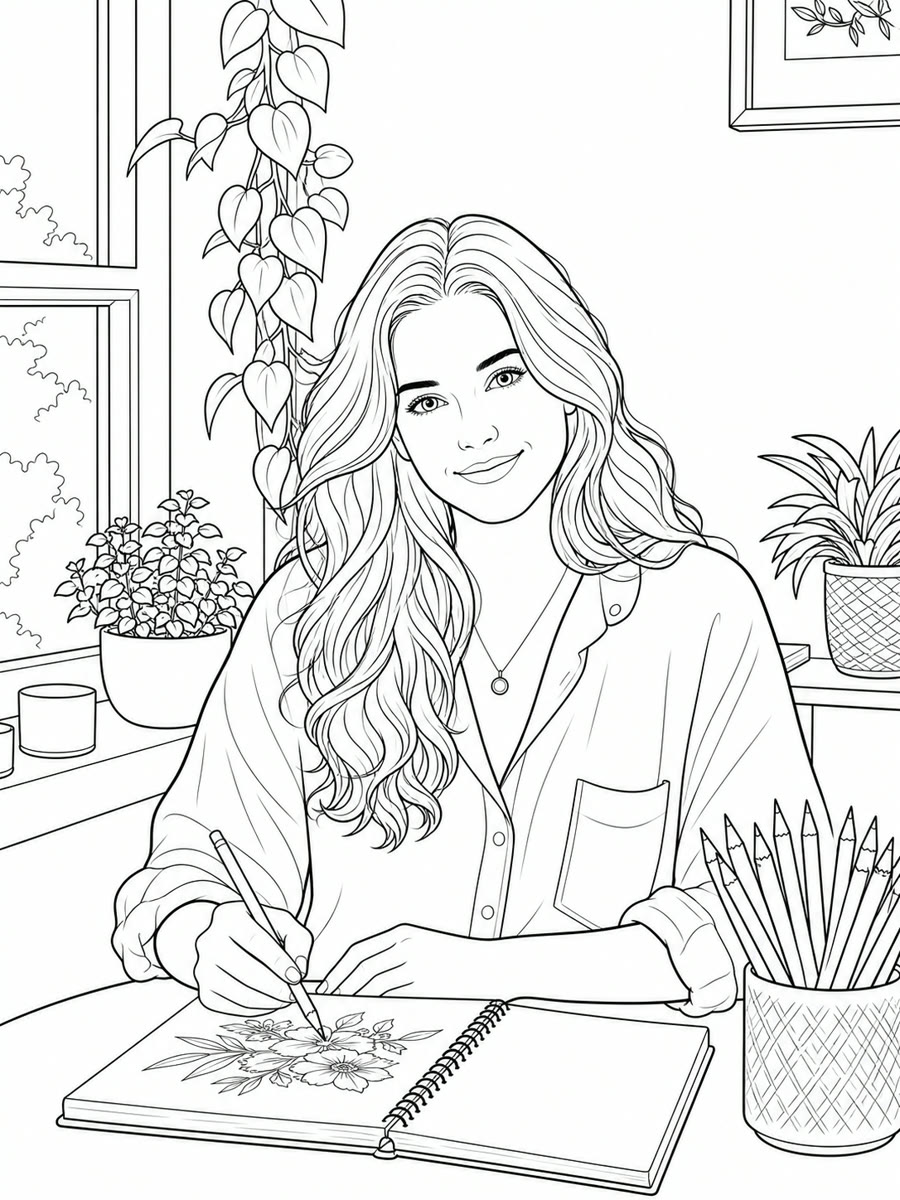


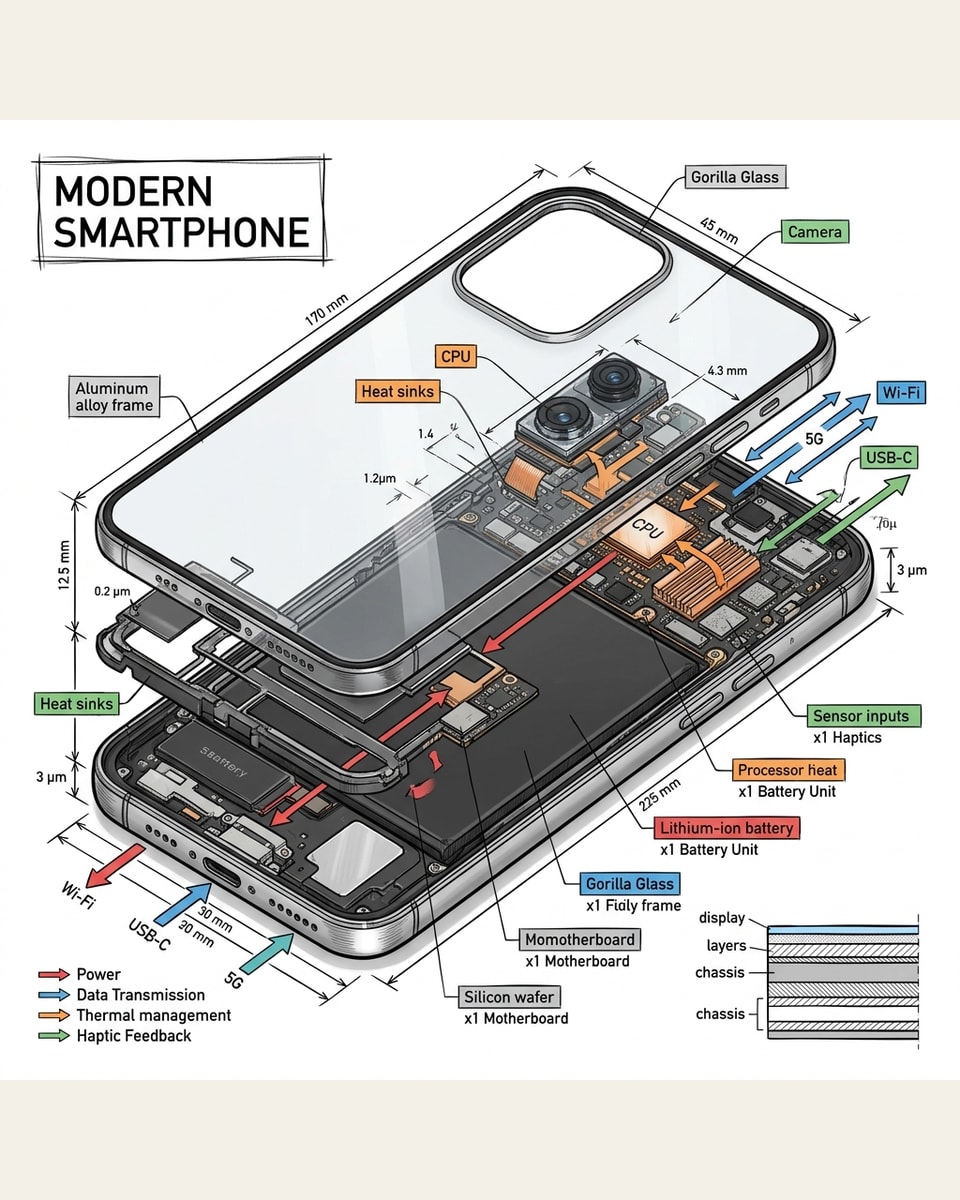
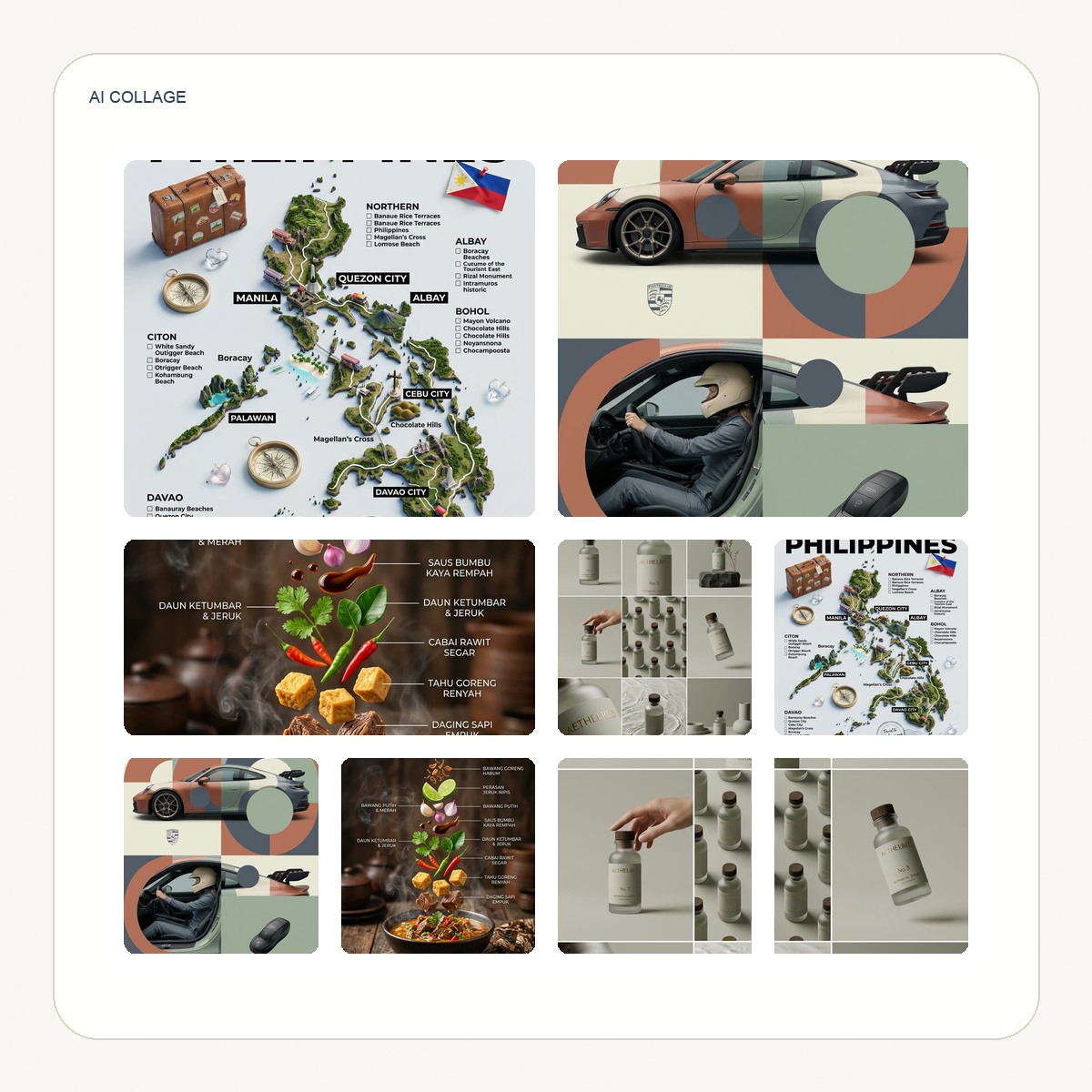






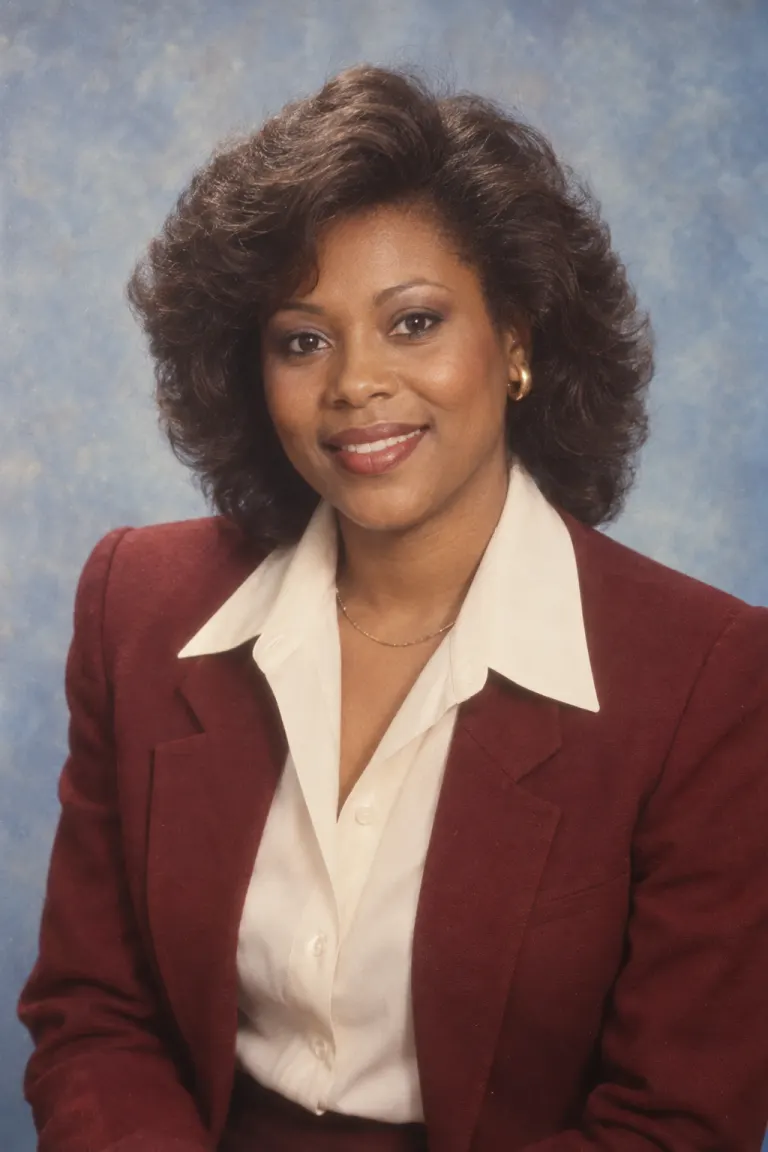
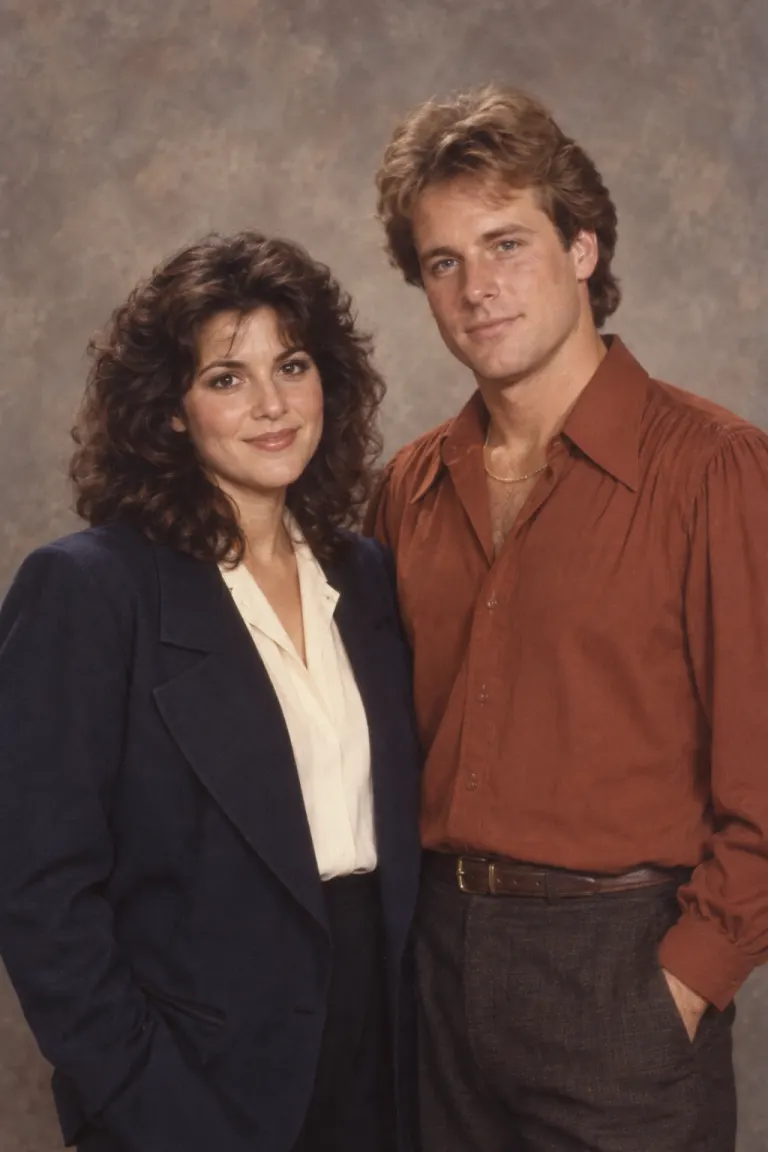
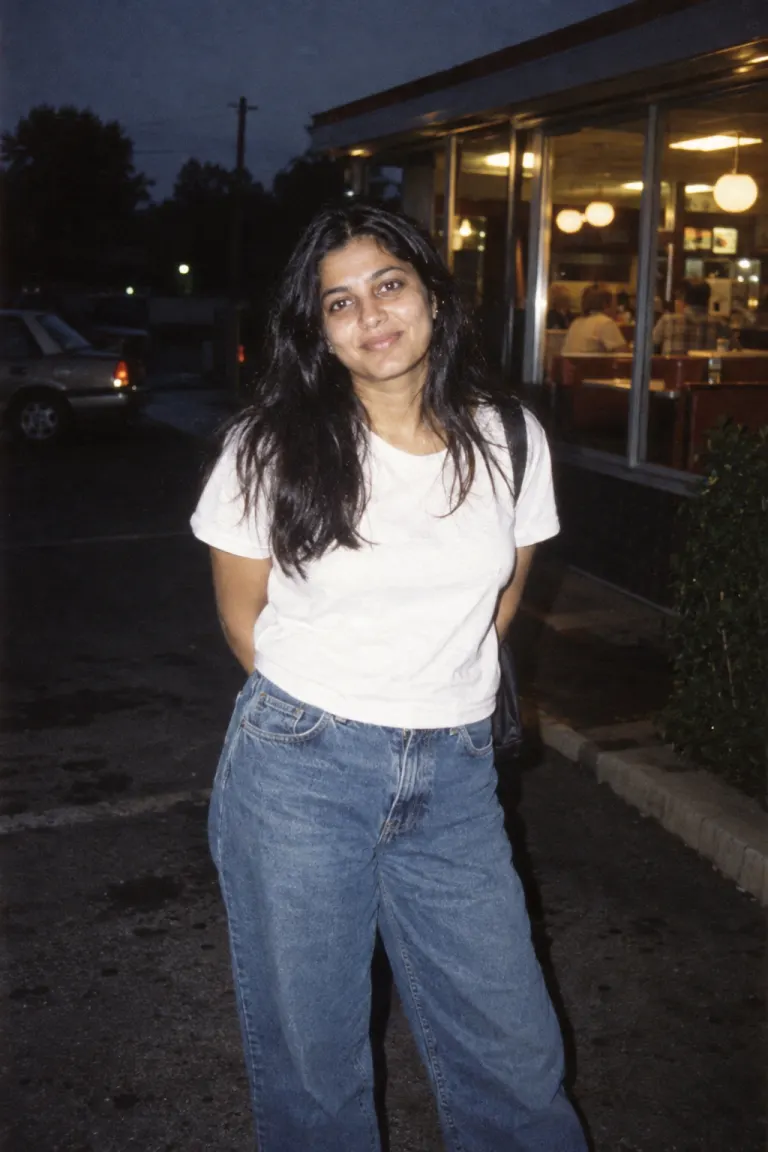


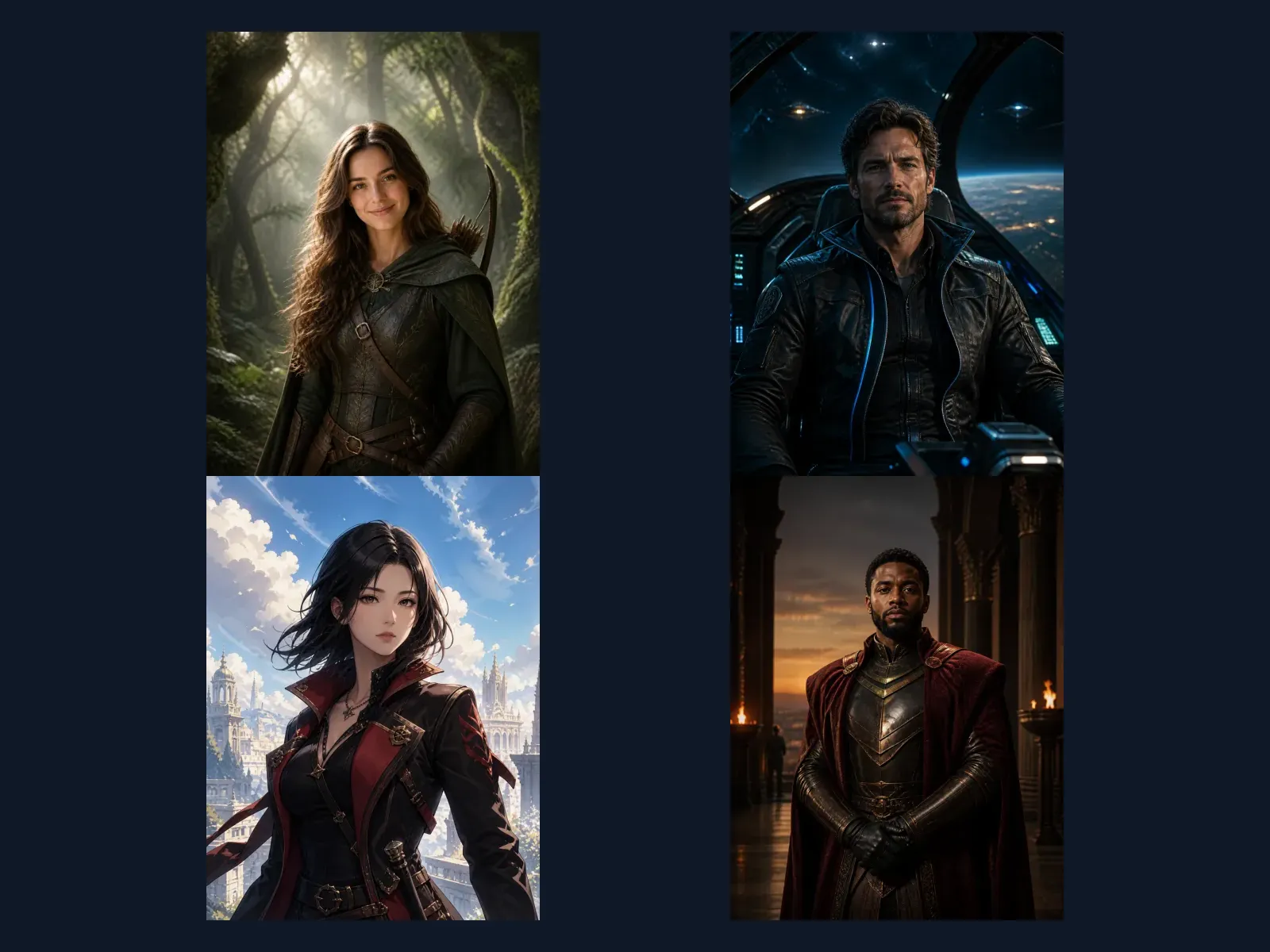
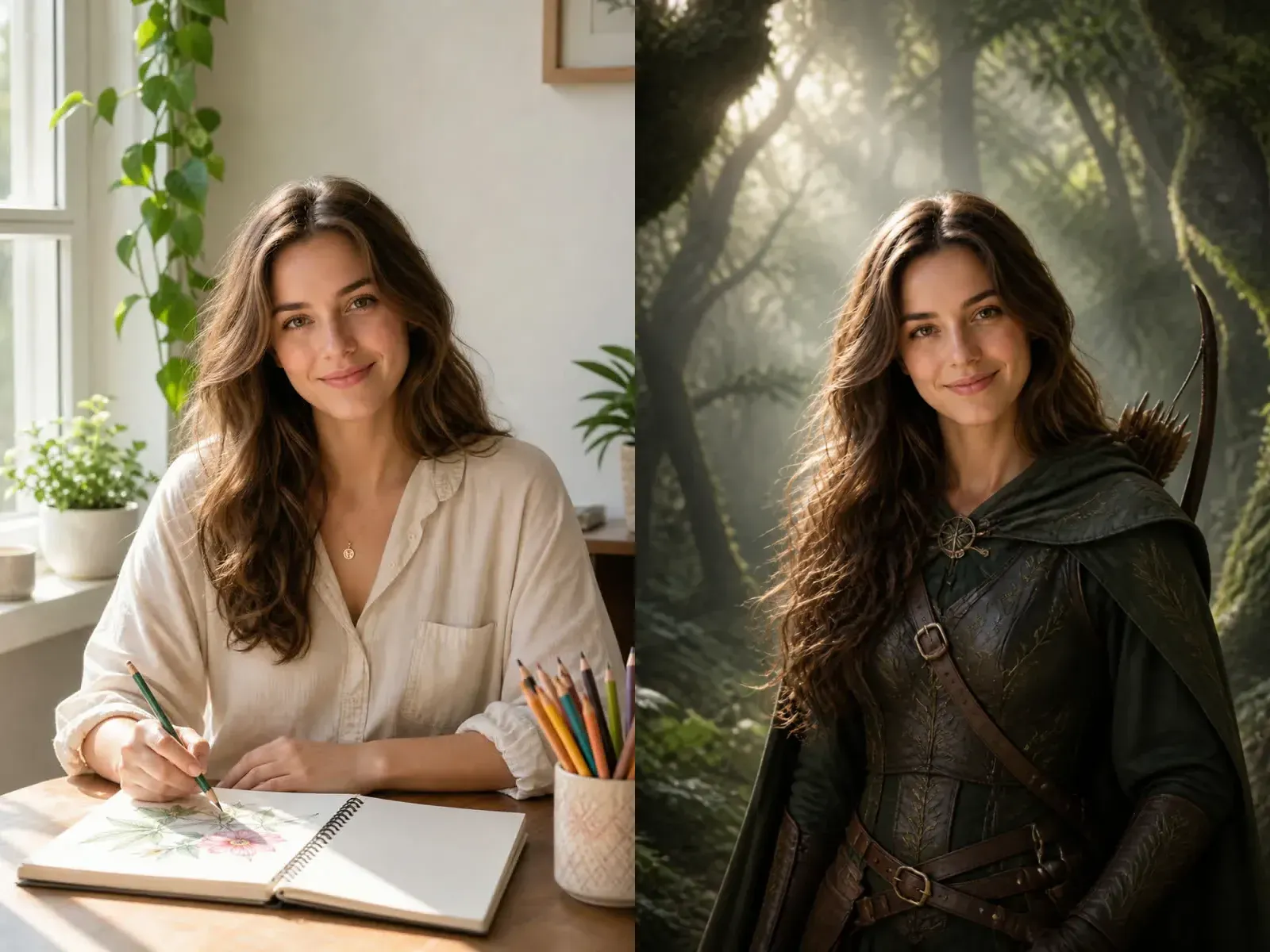
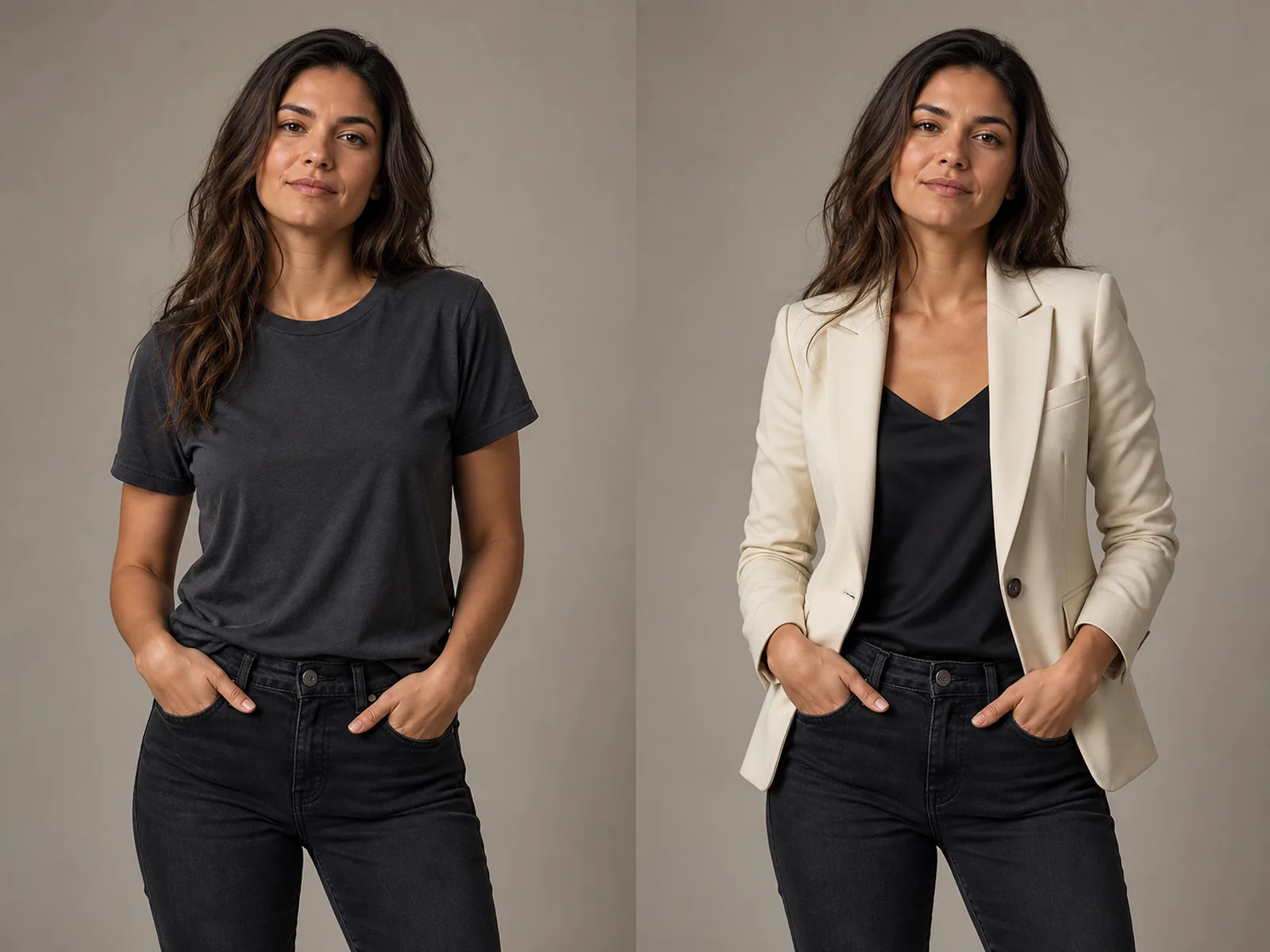
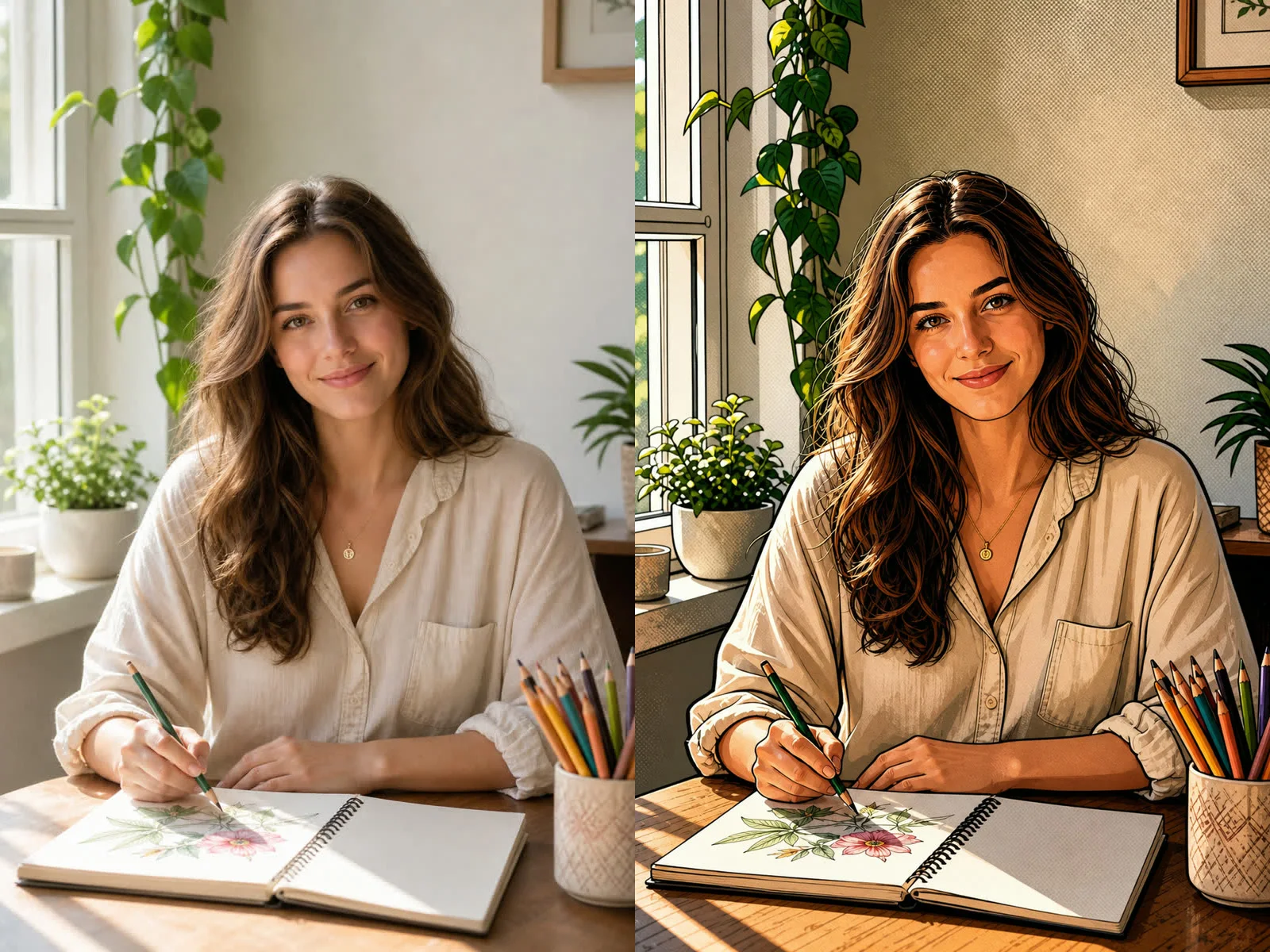



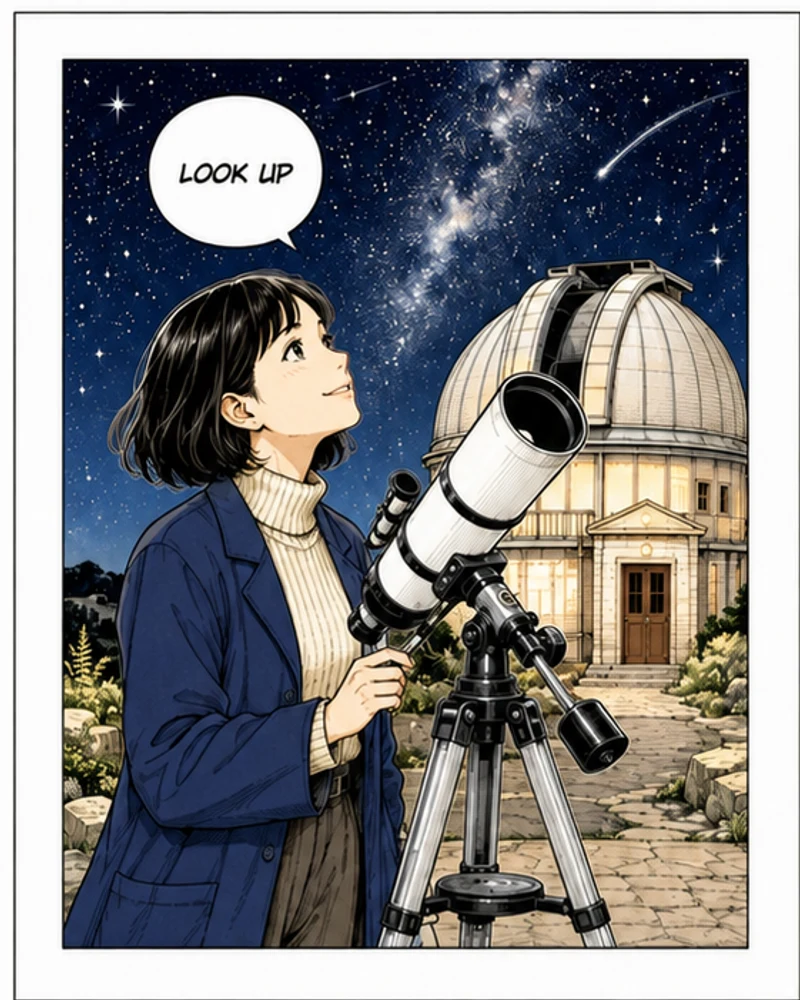
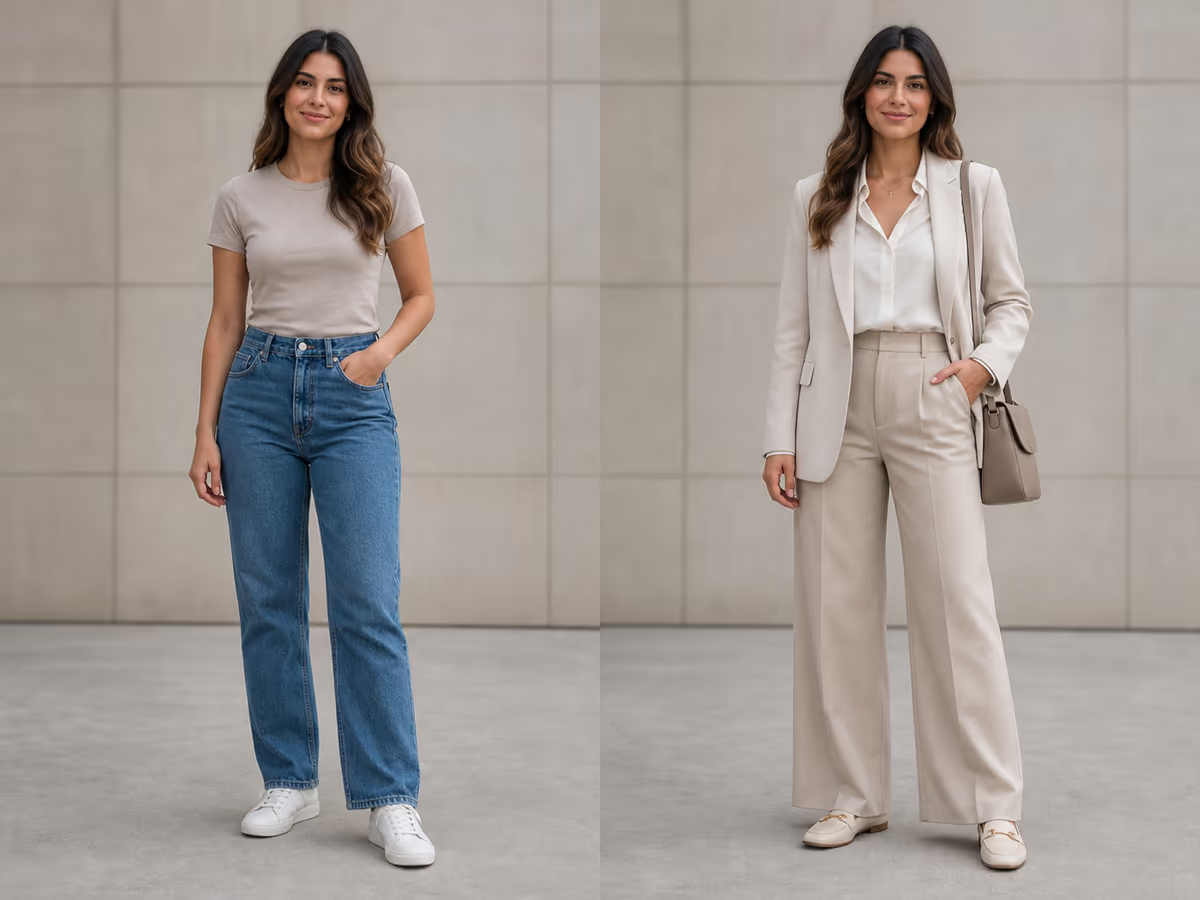
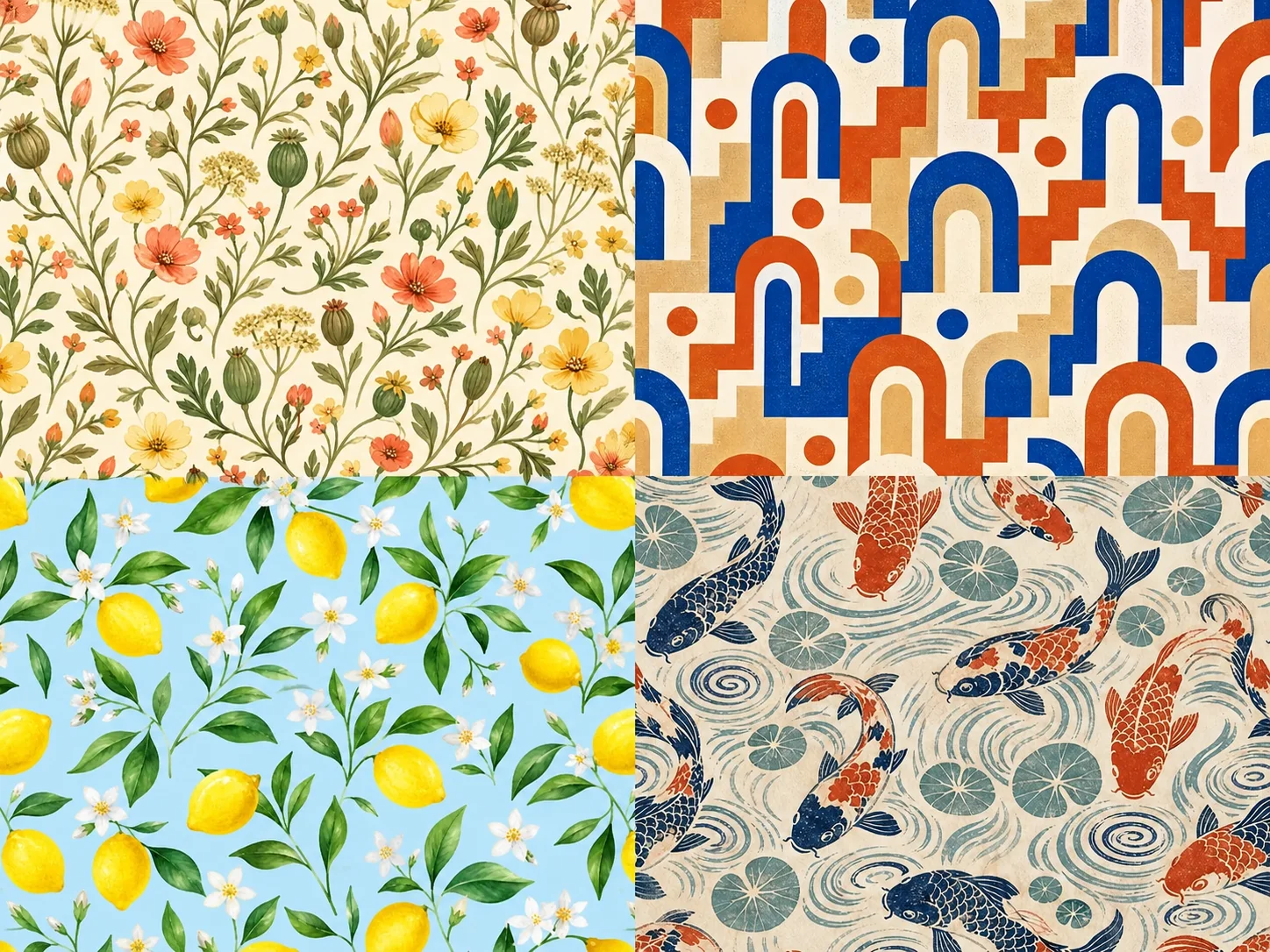
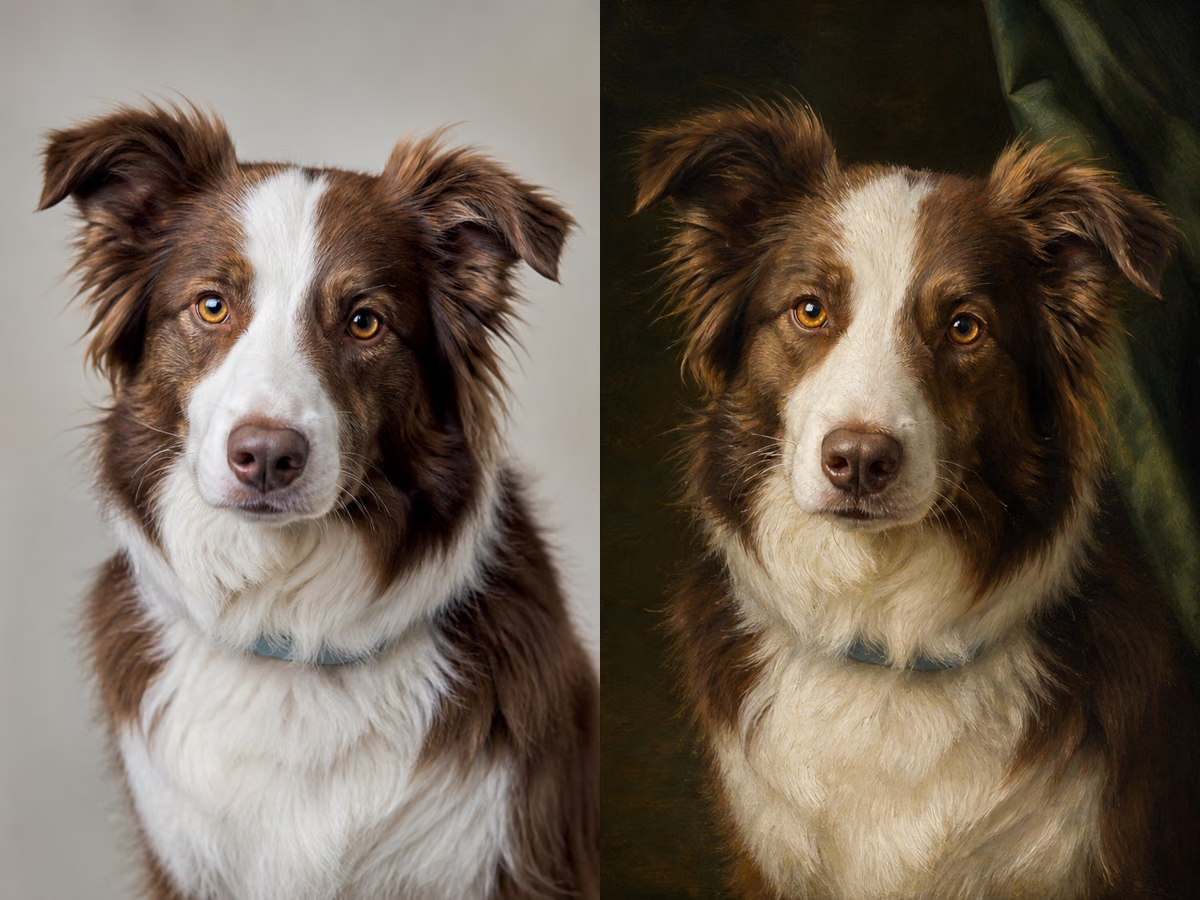
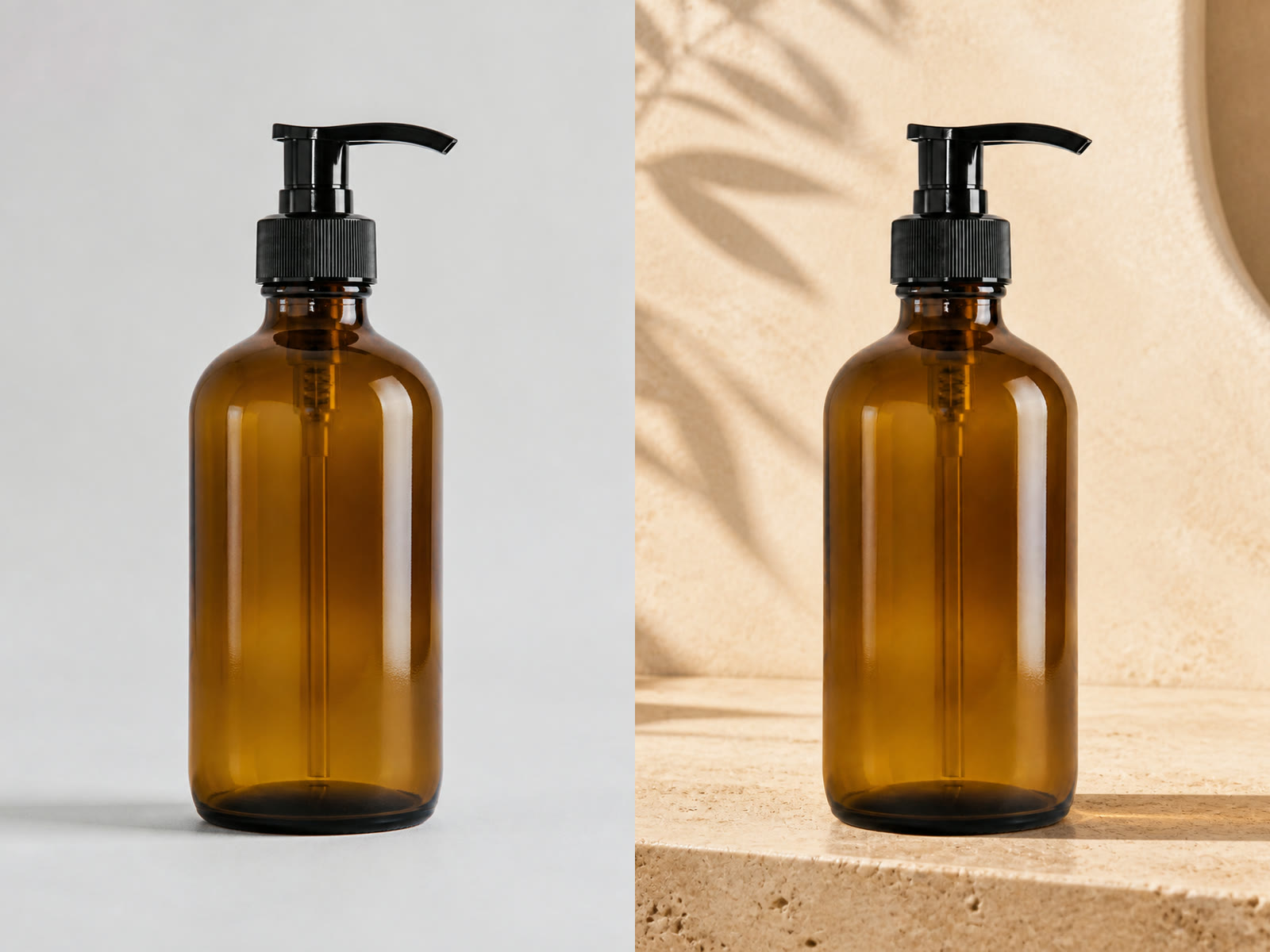

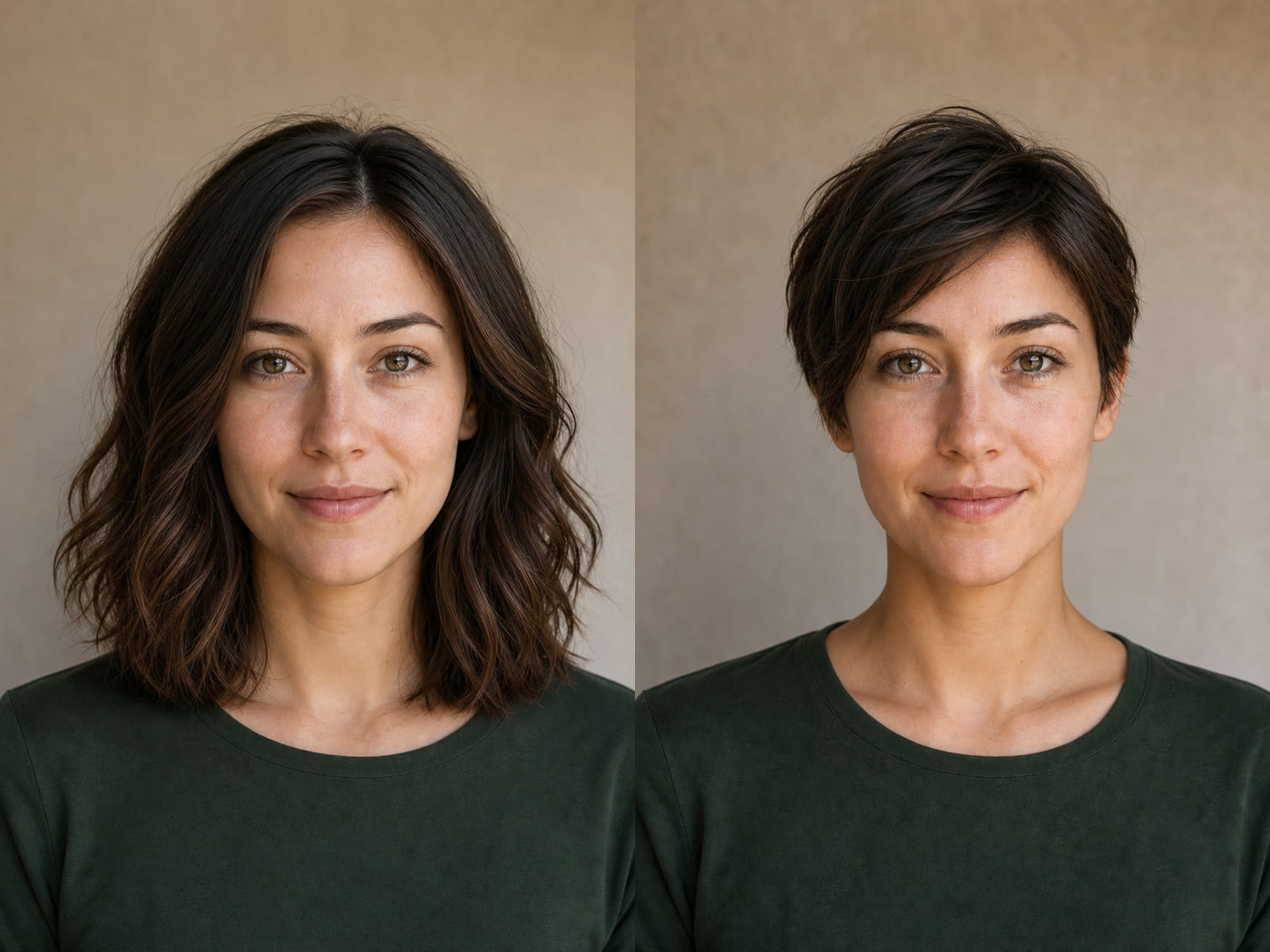

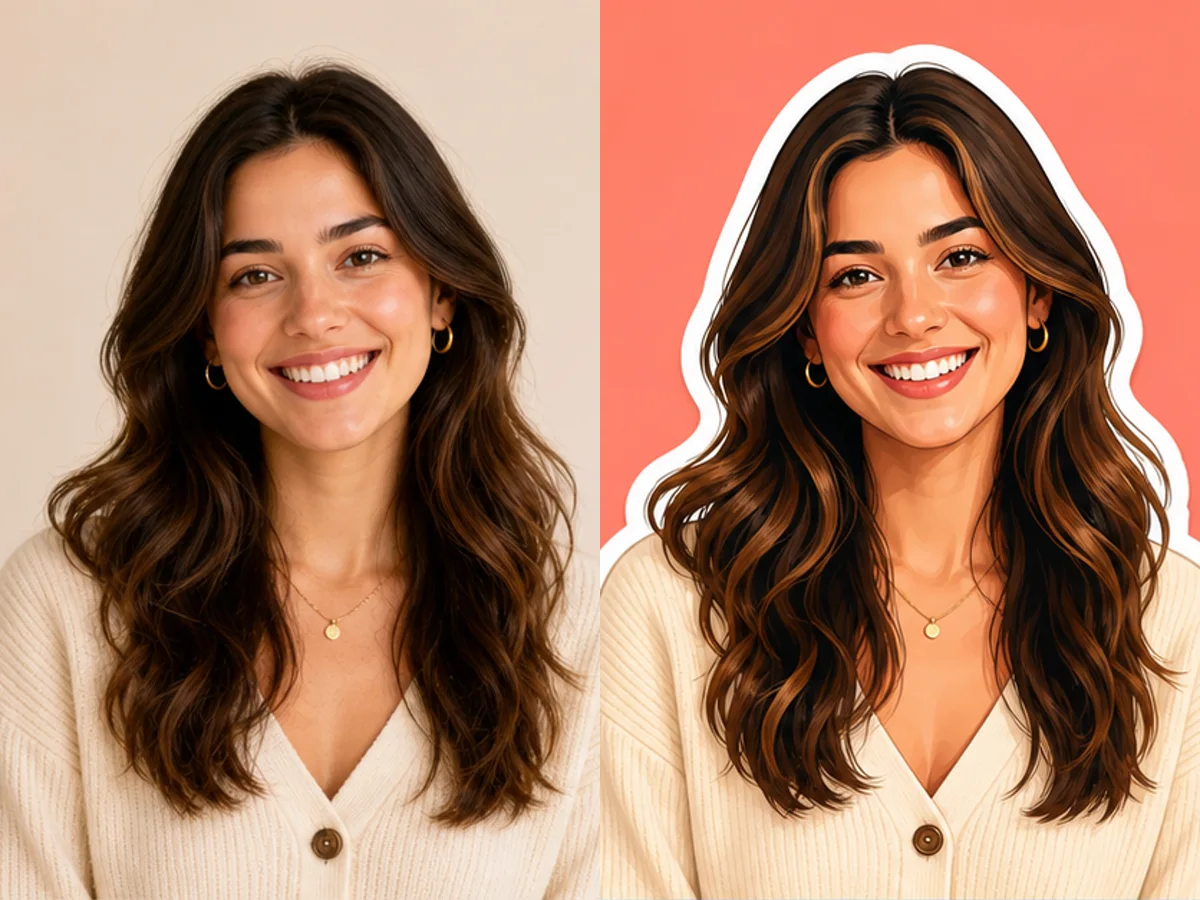
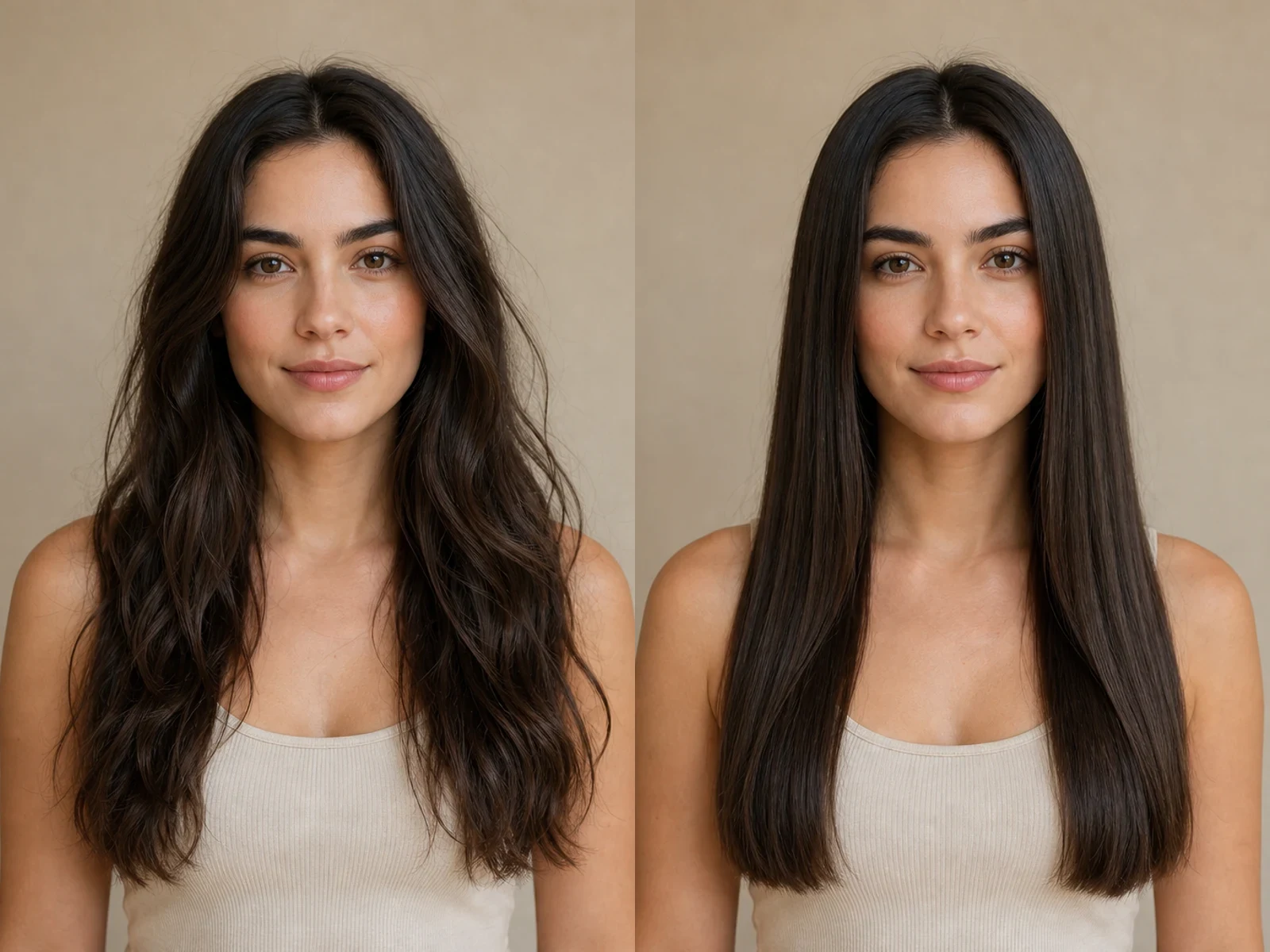
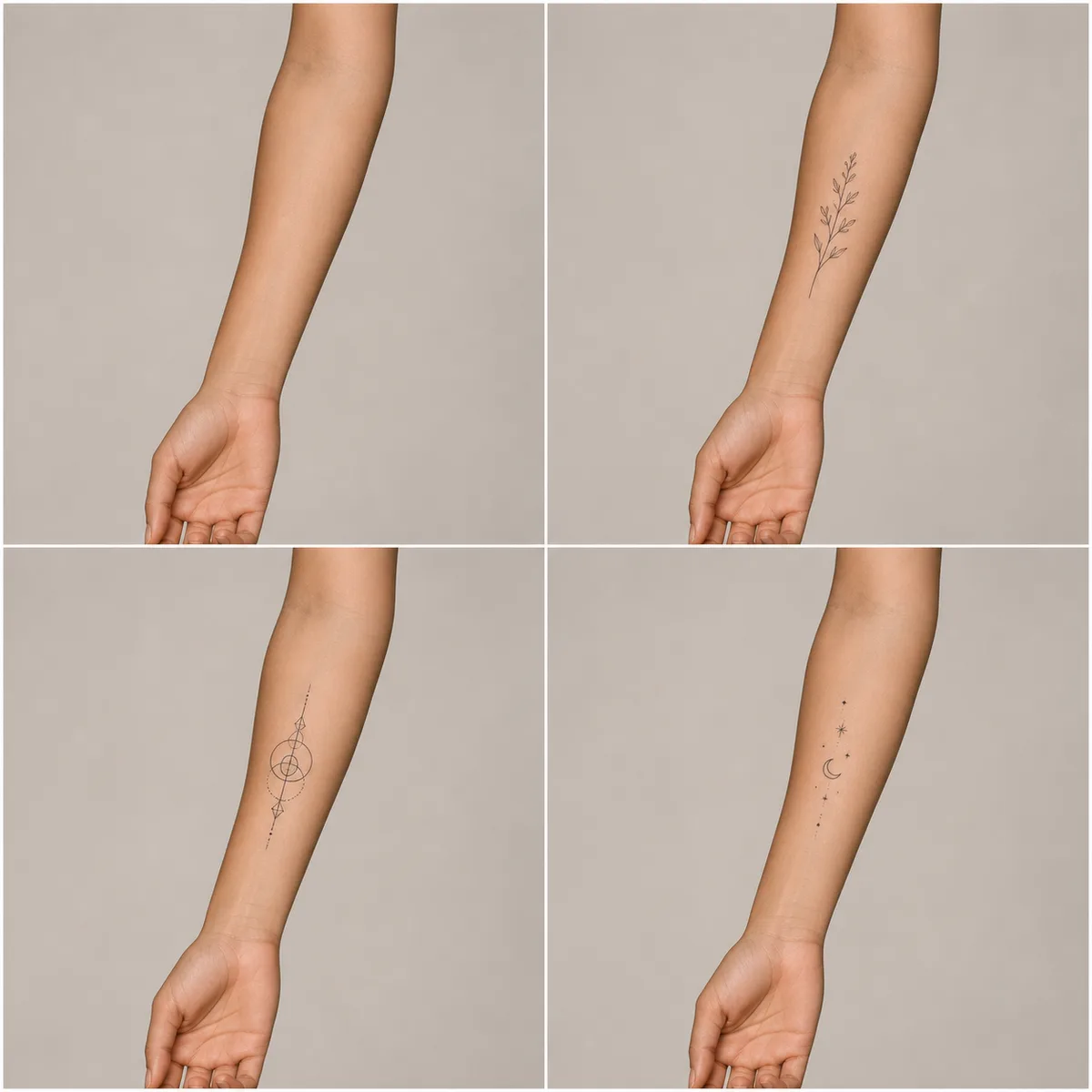

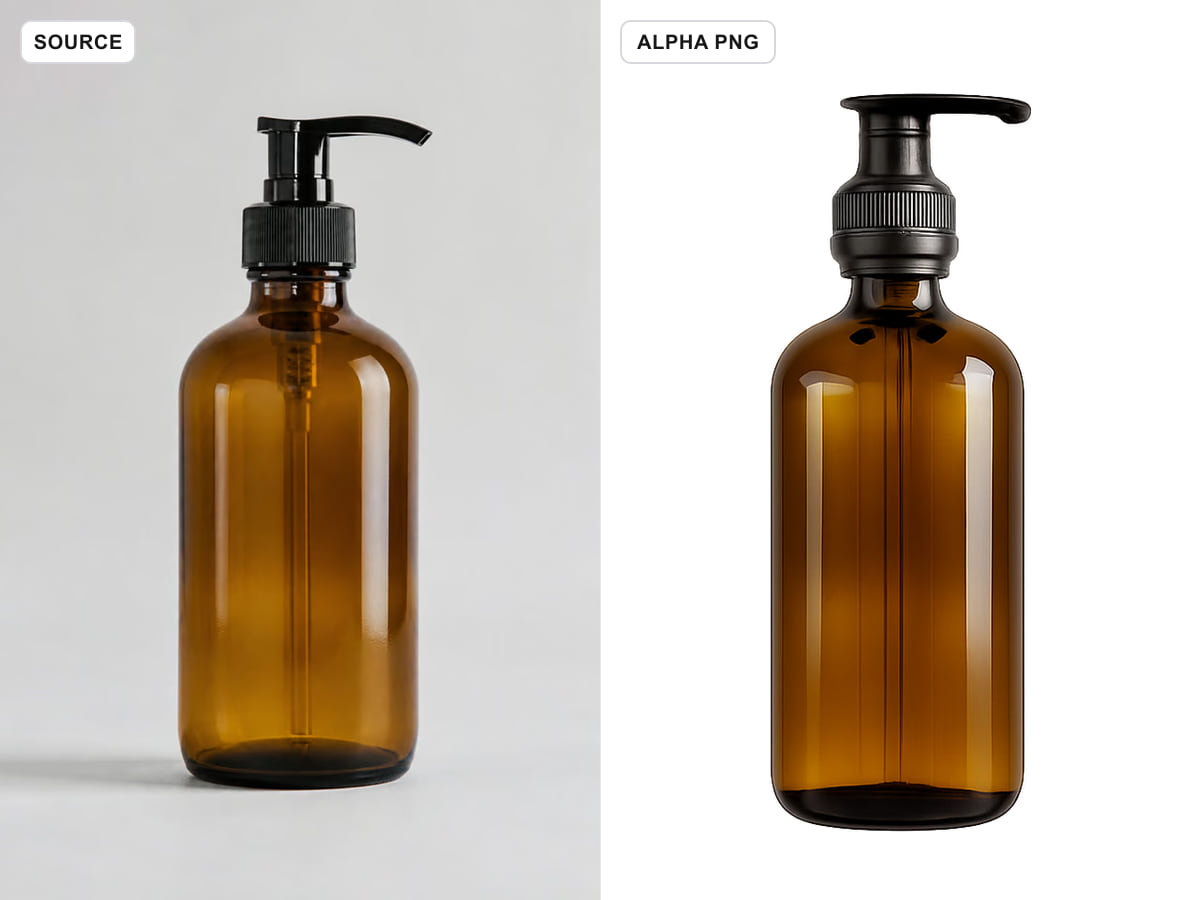
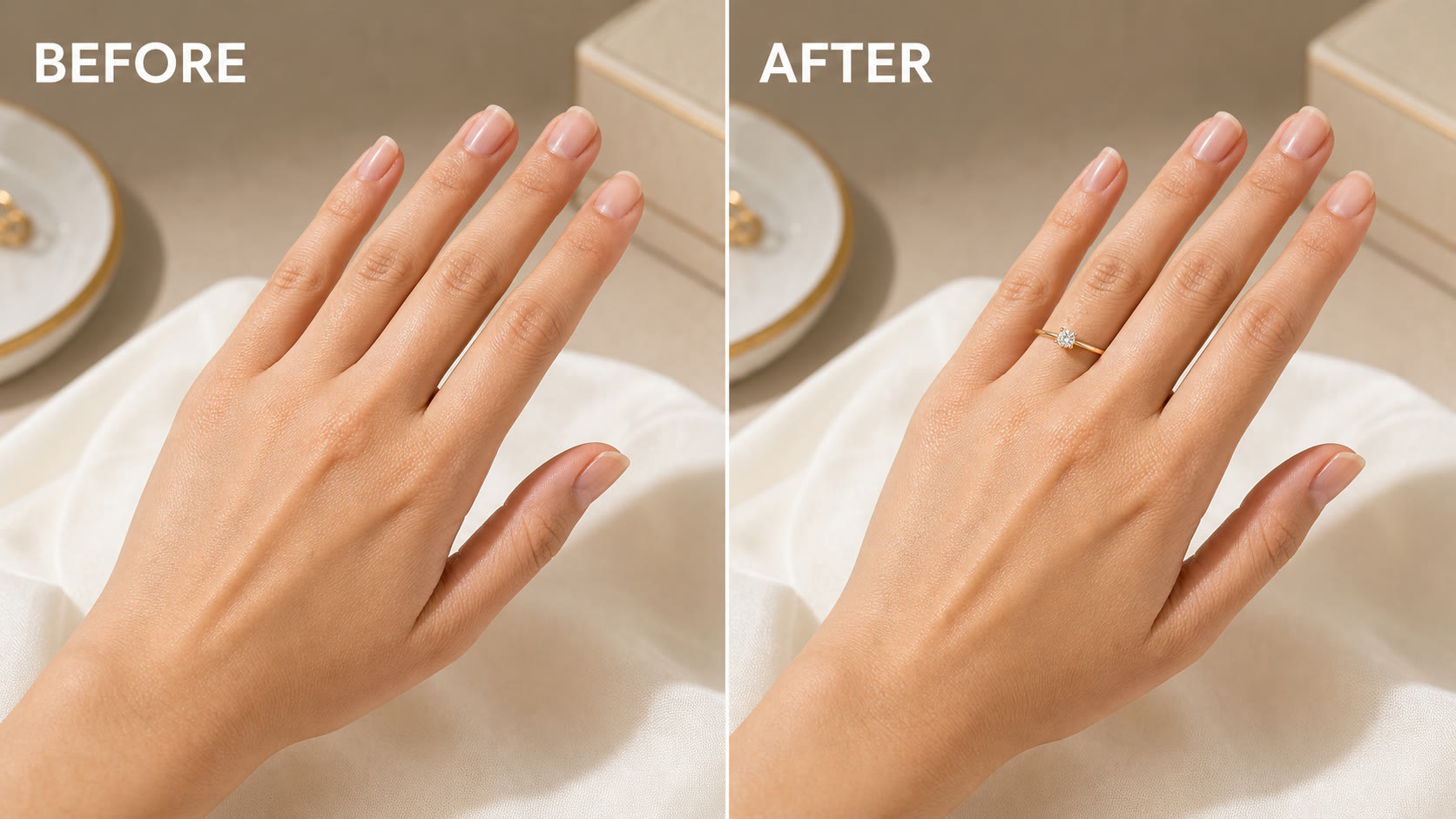
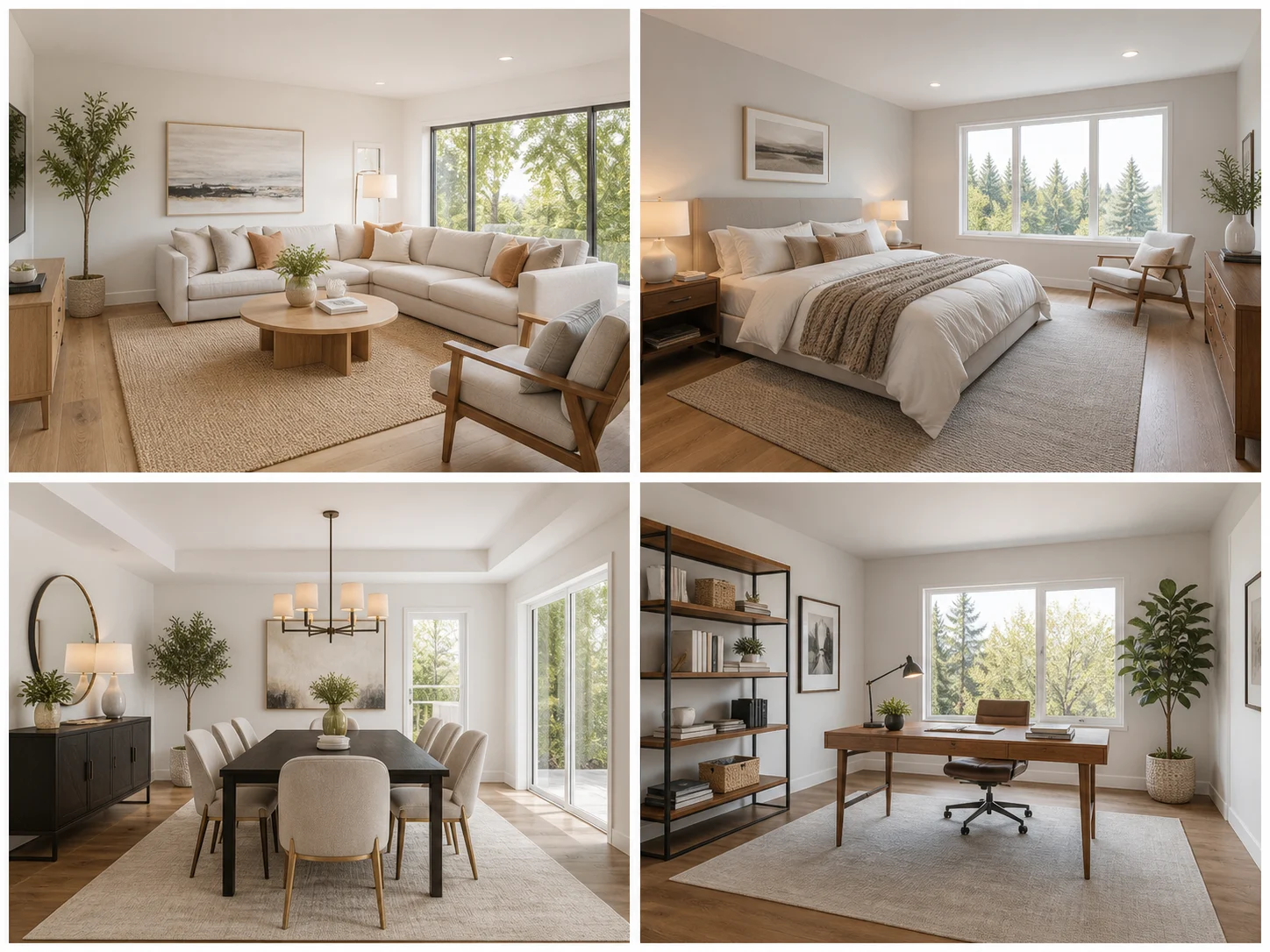





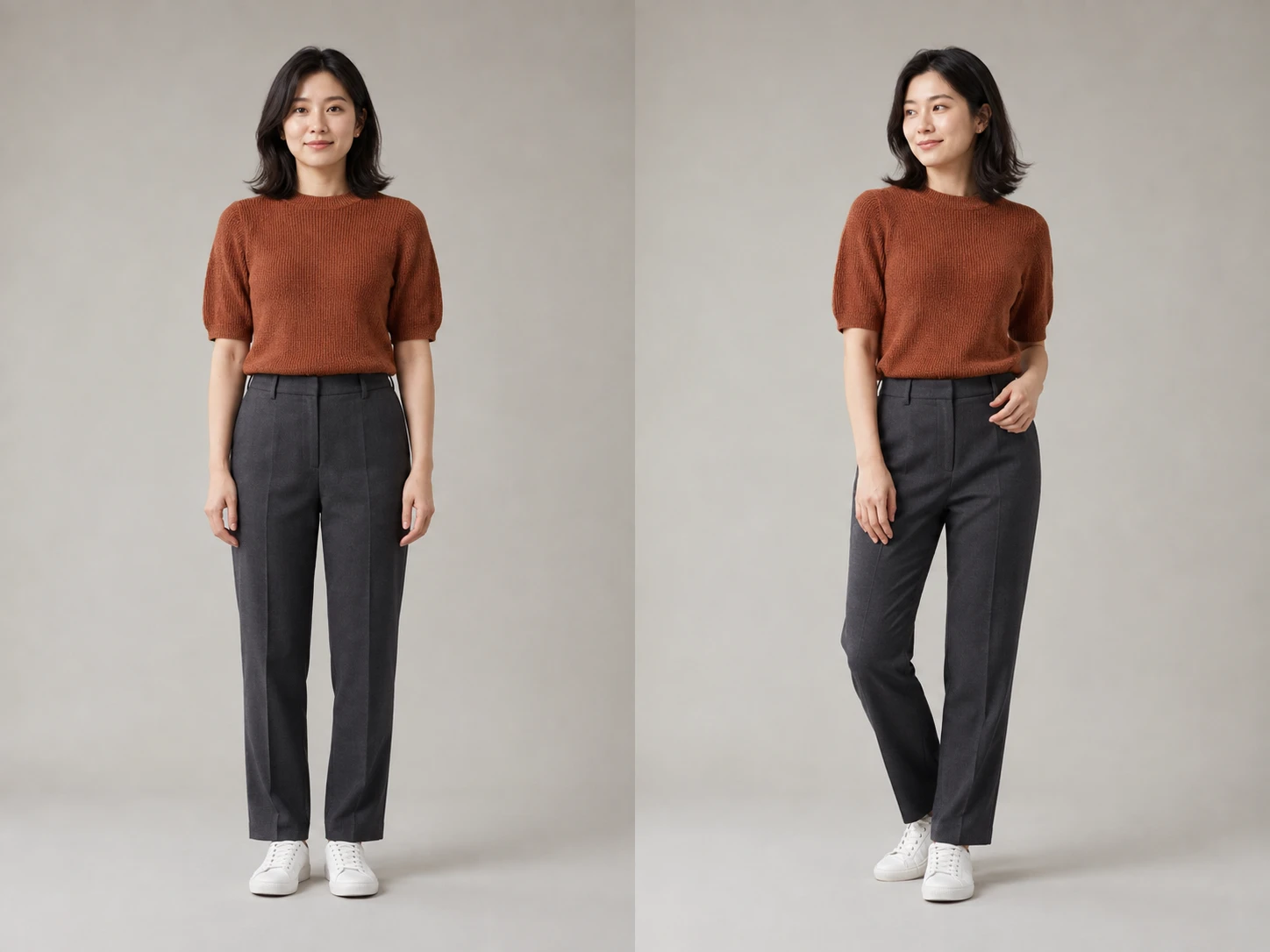
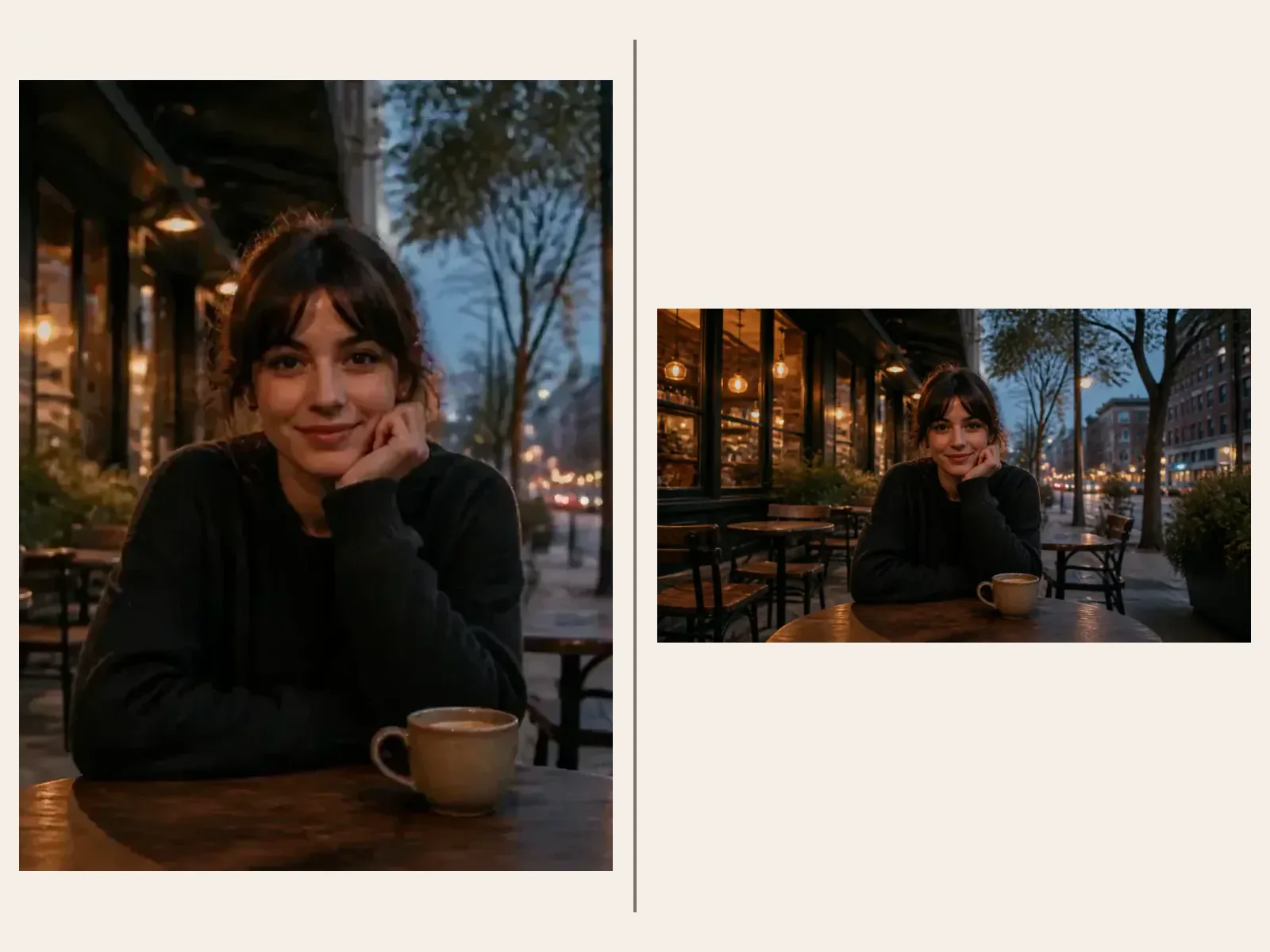
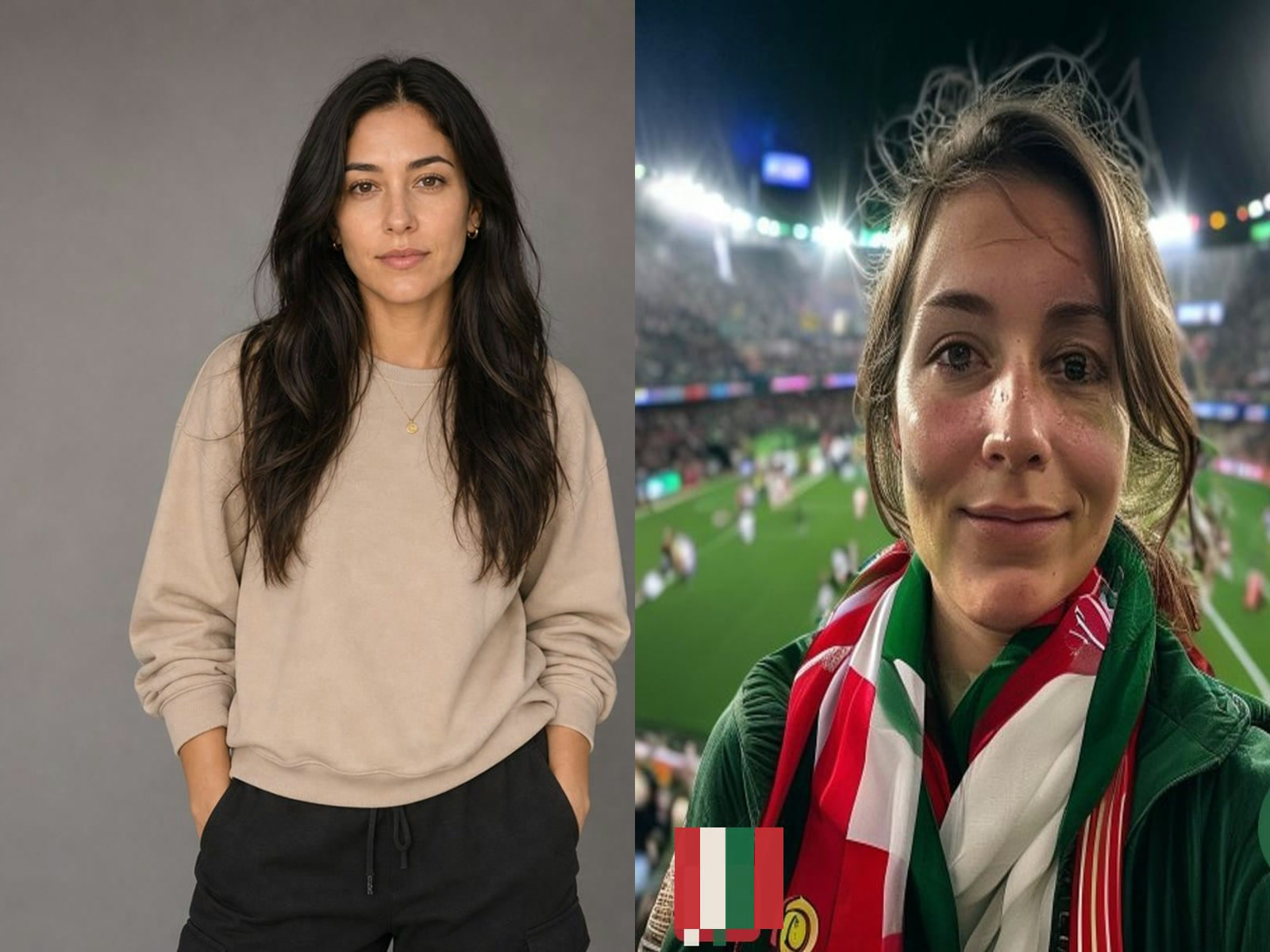
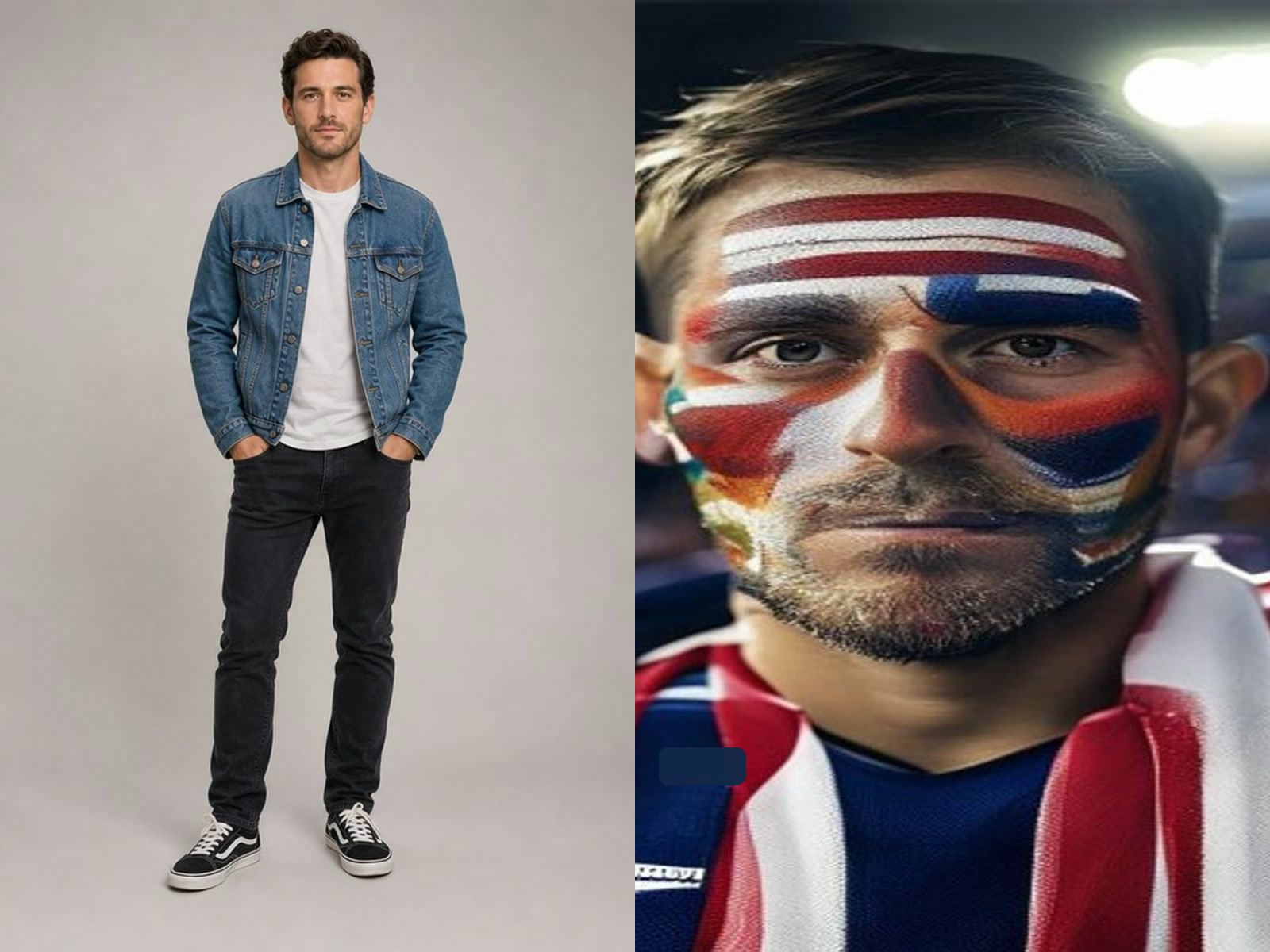
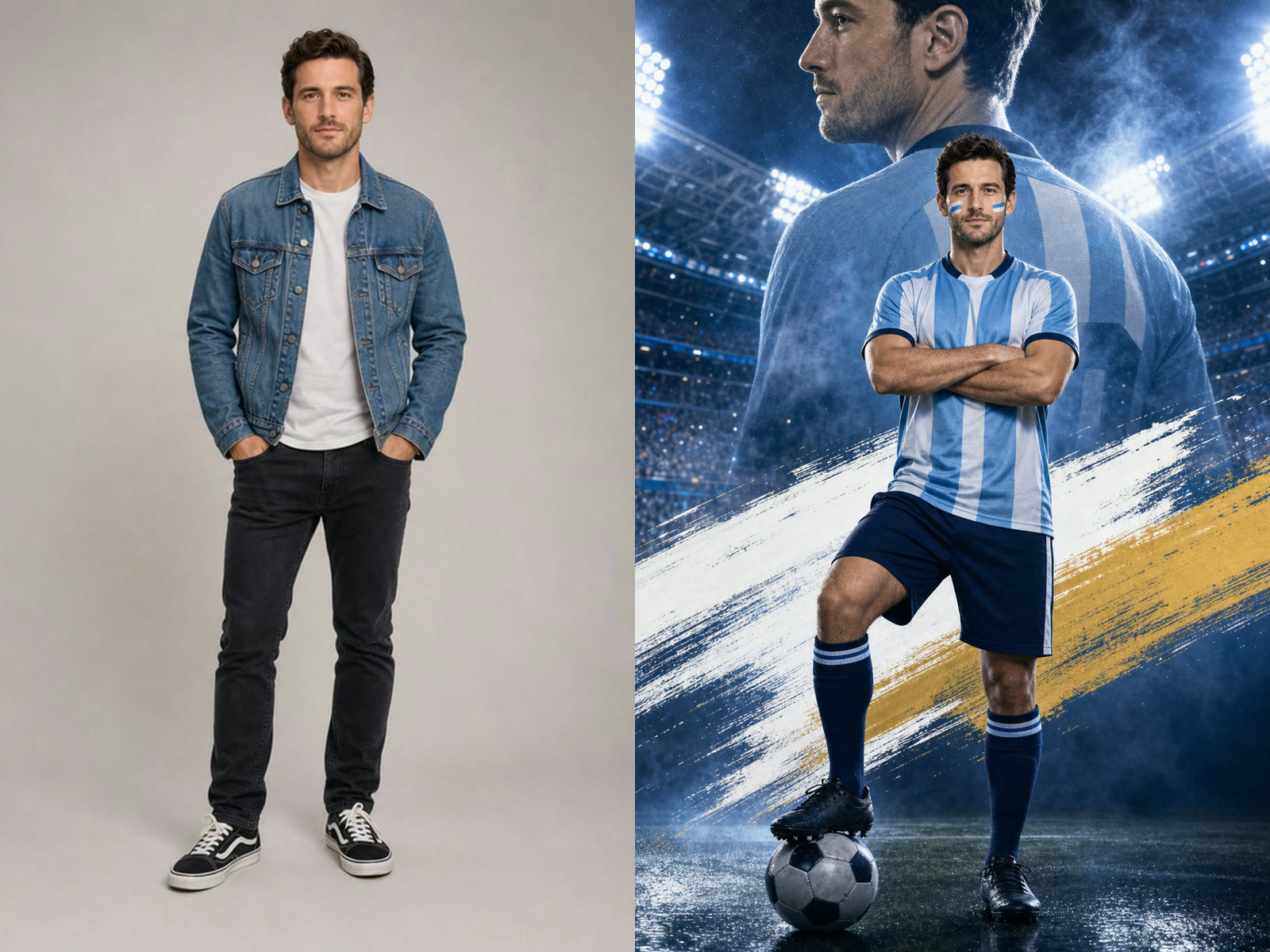

Dedicated Pro generation routes
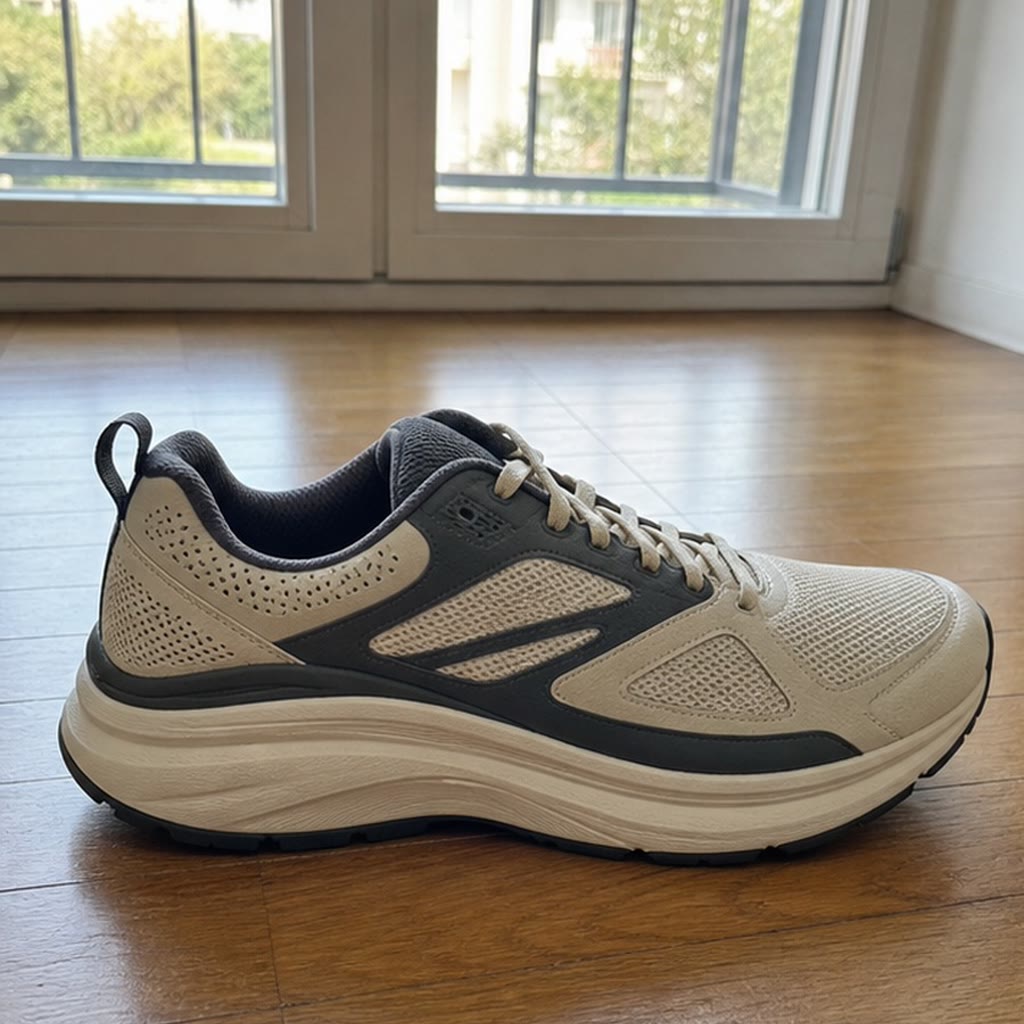
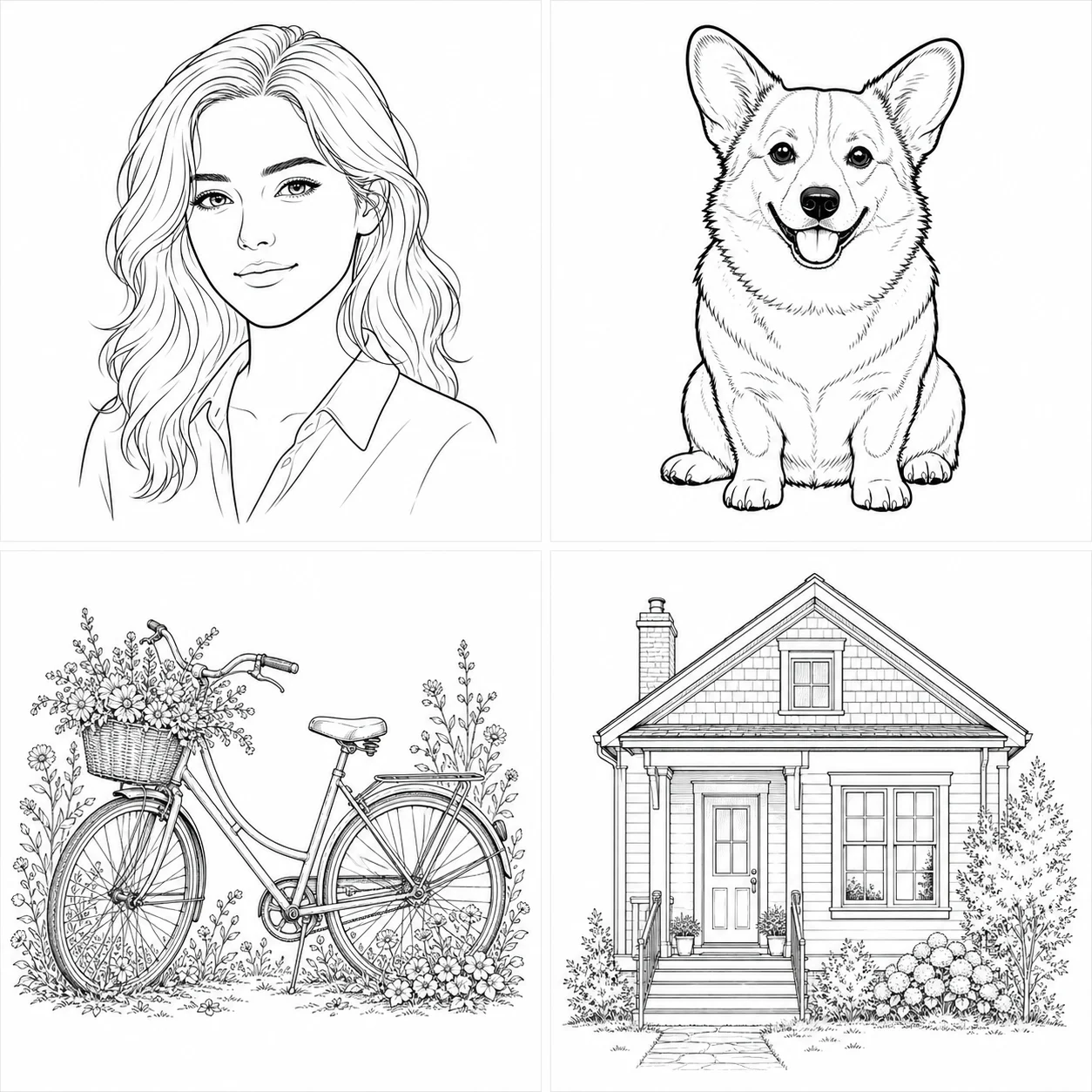
Text prompts use qwen3/pro-text-to-image and reference edits use qwen3/pro-image-to-image. That separation keeps provider task records, pricing, and results aligned with the model selected in the interface.
Save up to 73% on plans
Qwen Image 3 Pro

AI output preview
Browse every other AI image model and effect published on this site in a continuous carousel.
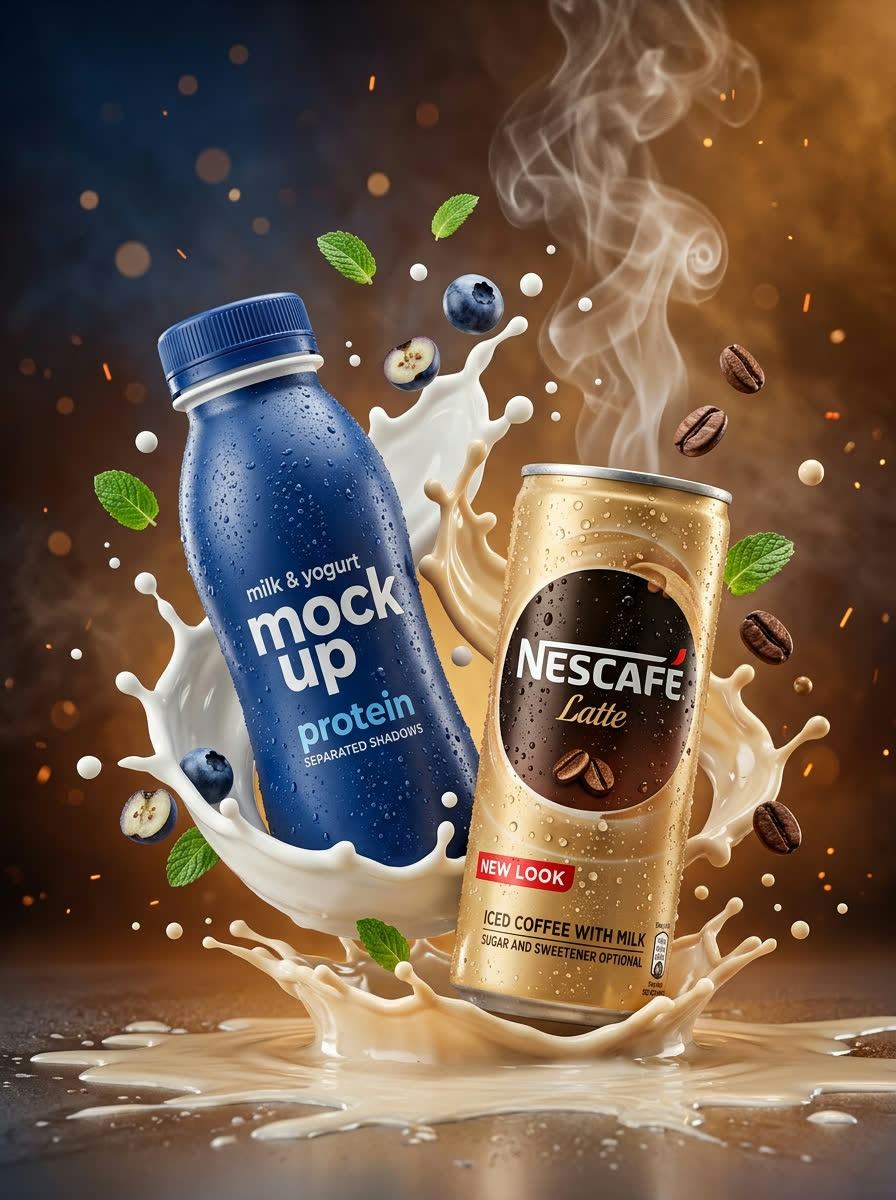
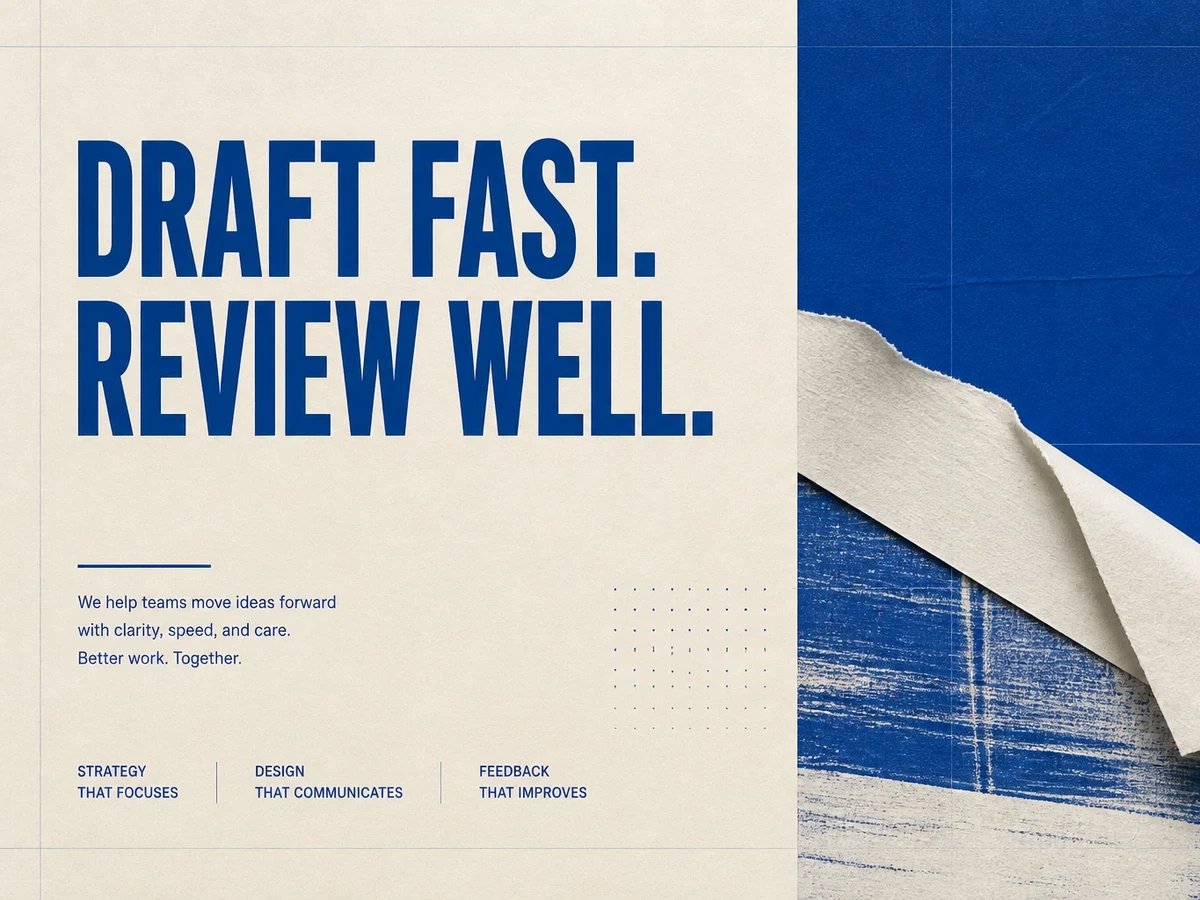
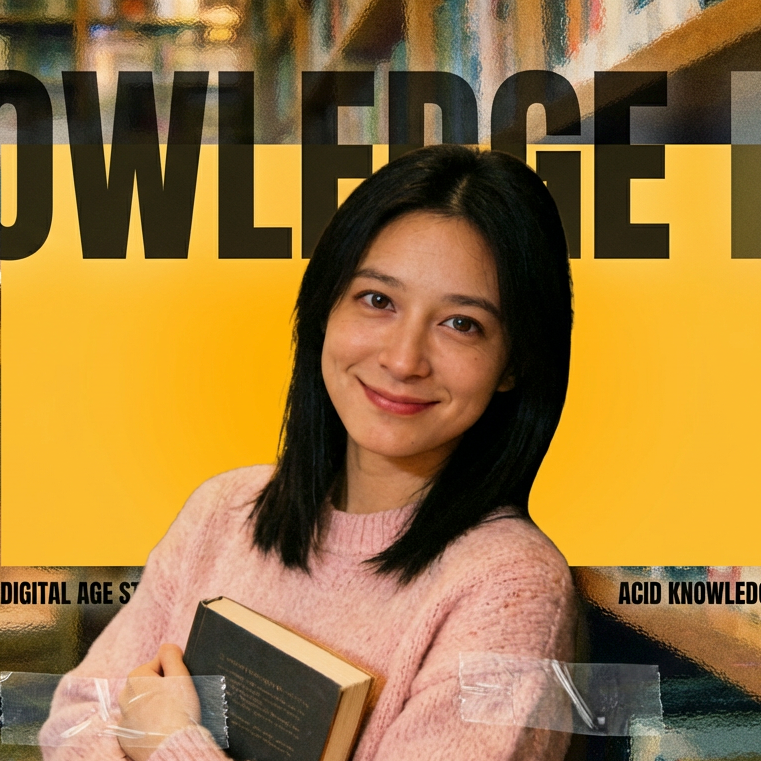
NanoPic's Pro workspace is intended for concepts that deserve closer art direction: product launches, campaign key visuals, spatial studies, editorial covers, and reference-led revisions. The page sends text and image-editing tasks to KIE's dedicated Qwen3 Pro routes rather than presenting Pro as a cosmetic label on the standard model.
Treat the model as a focused visual-development step with documented inputs and review points.
Text prompts use qwen3/pro-text-to-image and reference edits use qwen3/pro-image-to-image. That separation keeps provider task records, pricing, and results aligned with the model selected in the interface.
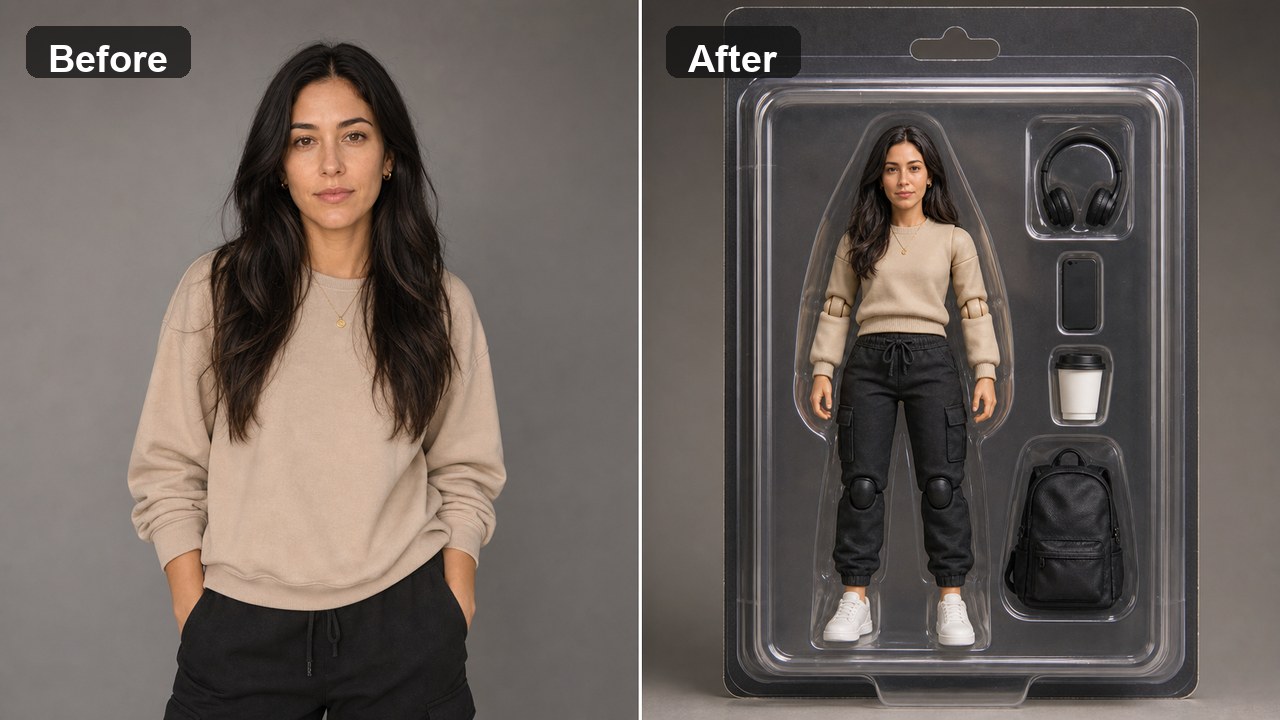
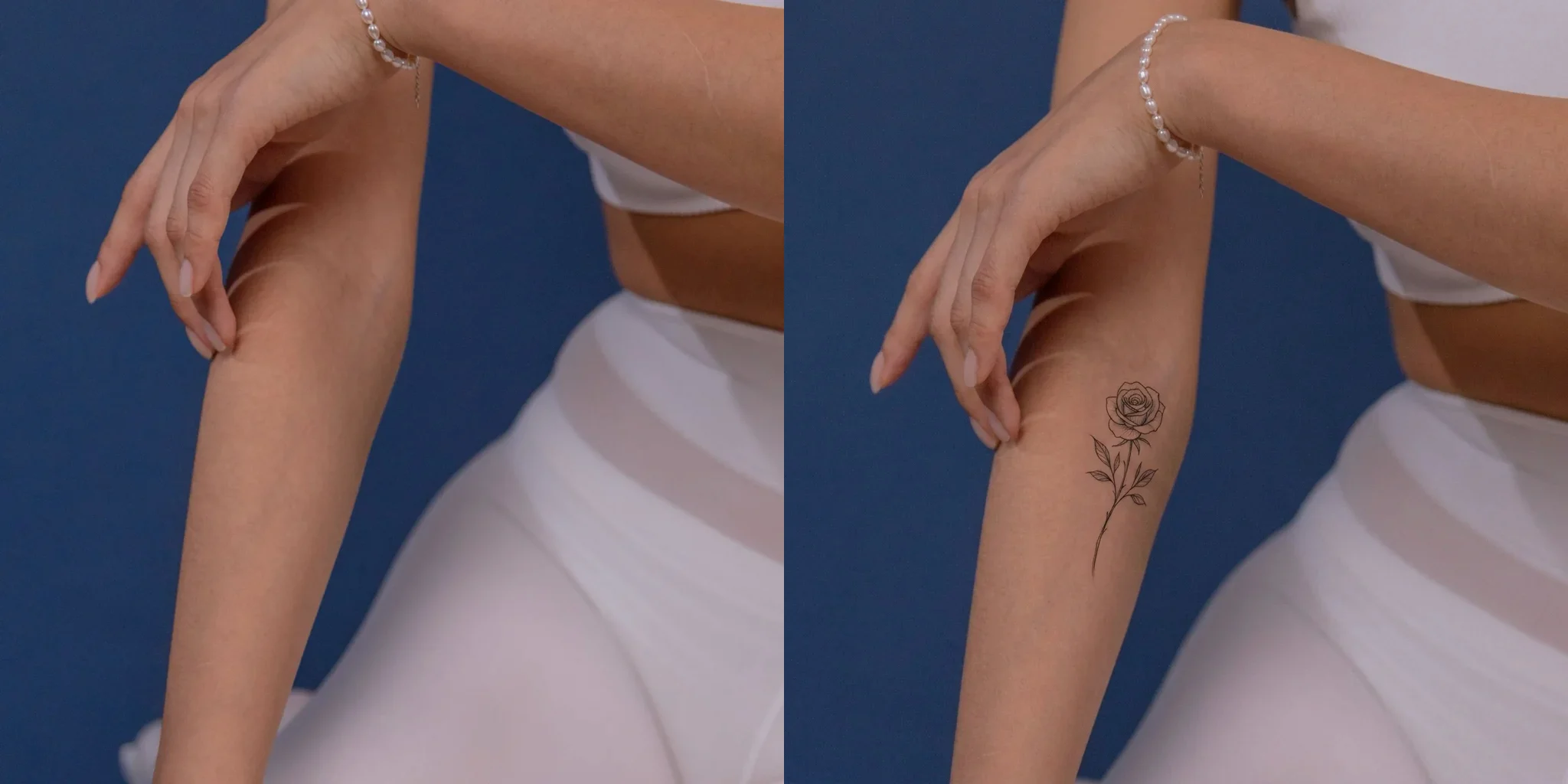
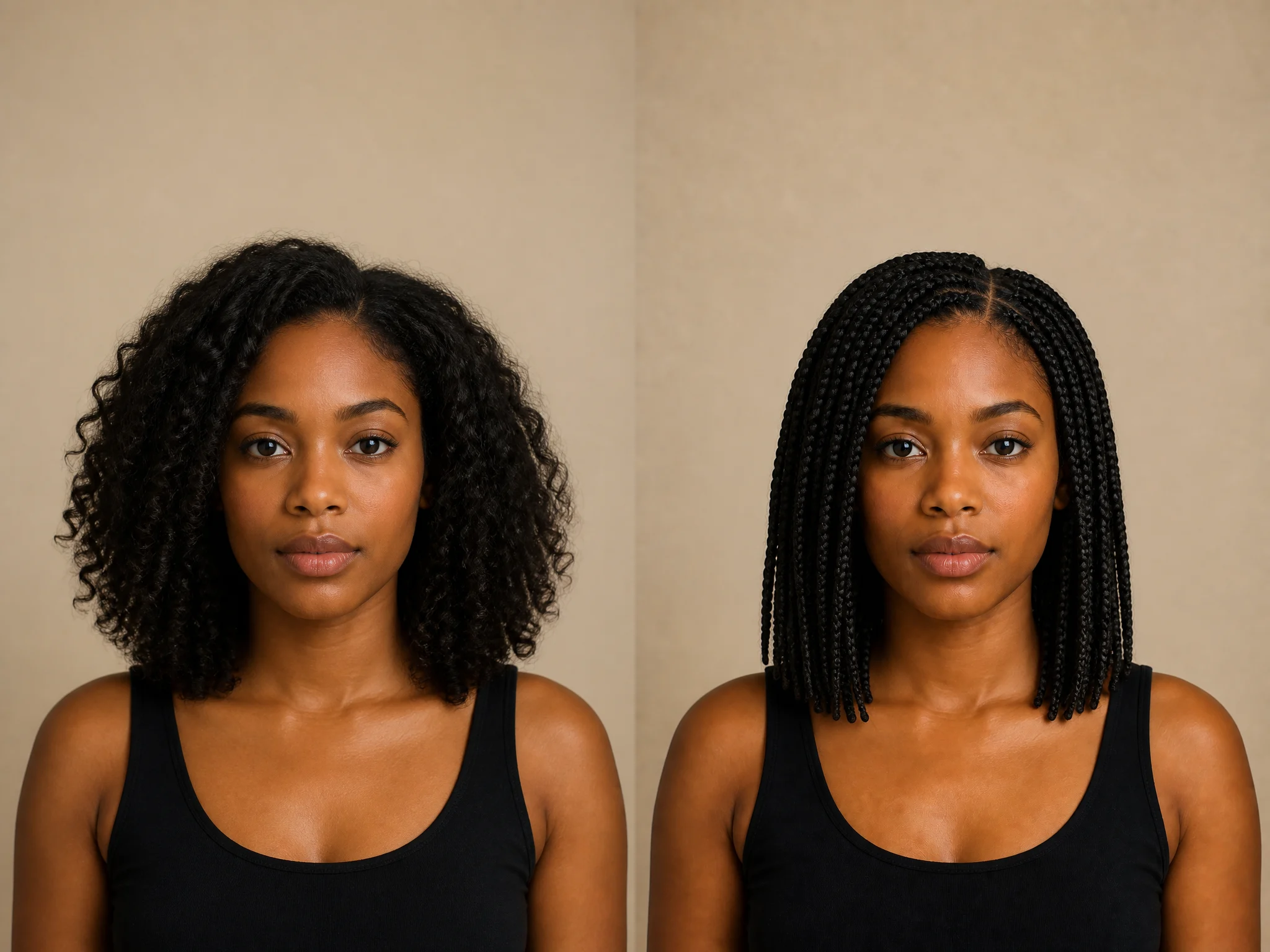
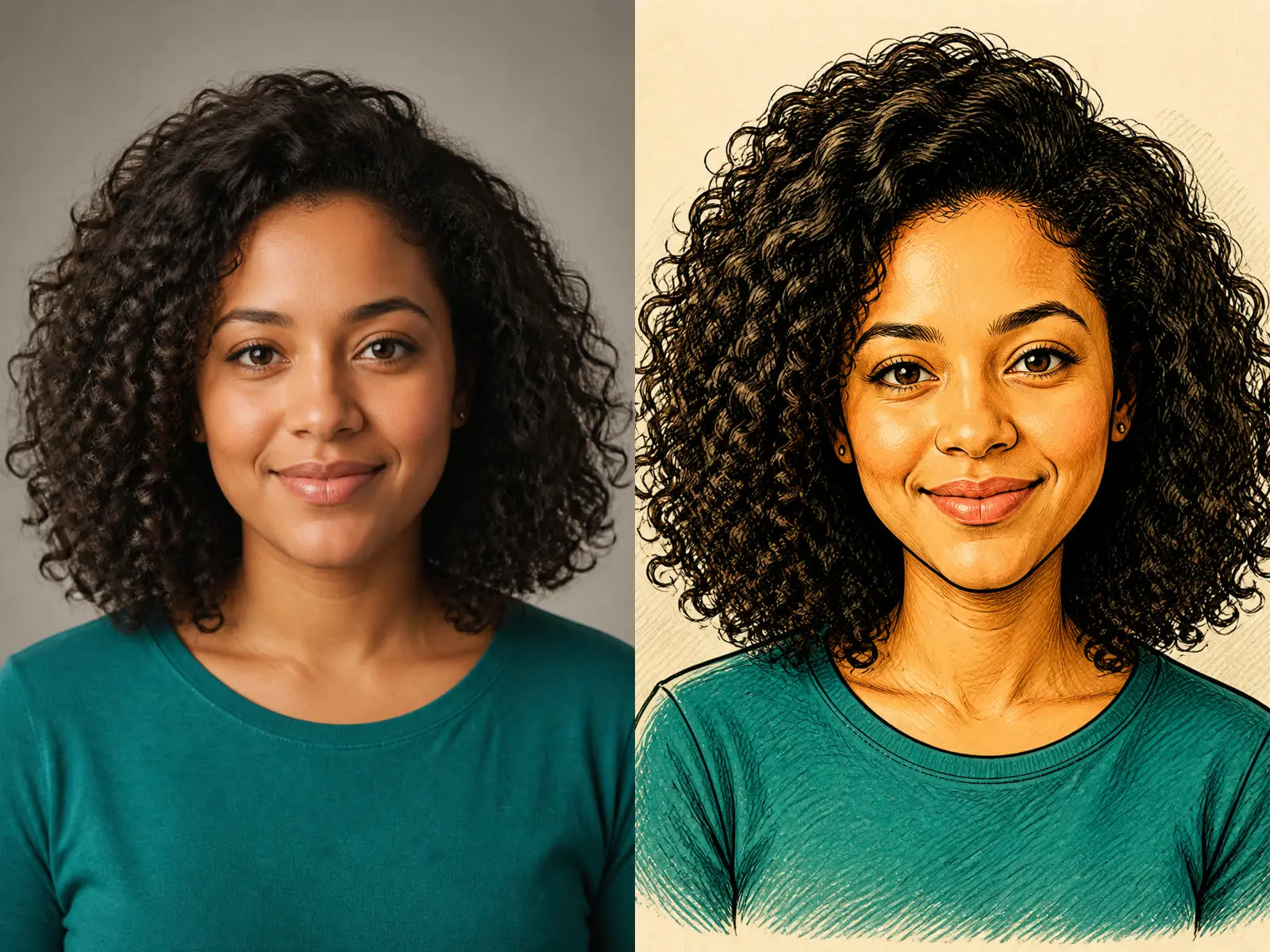
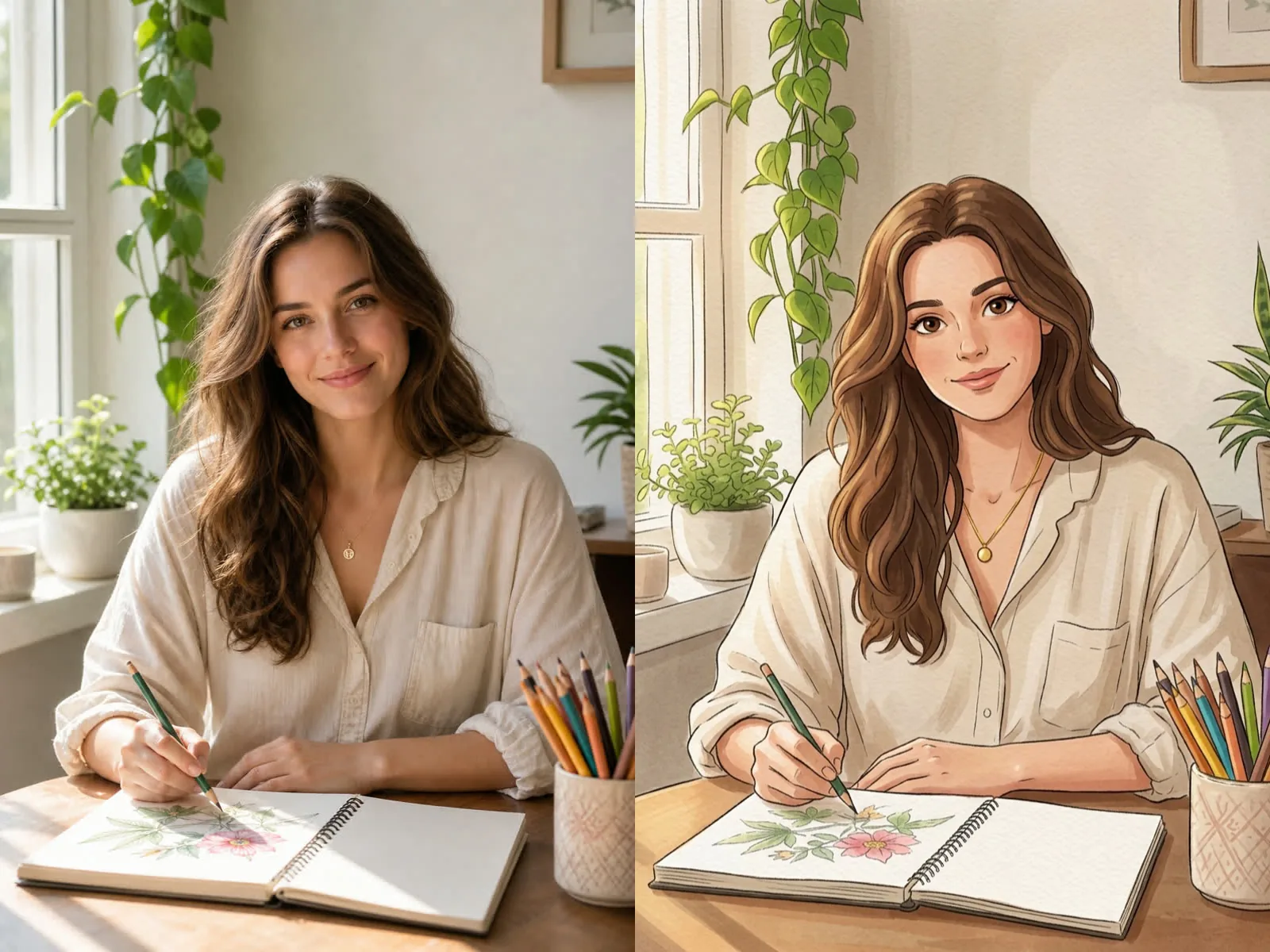
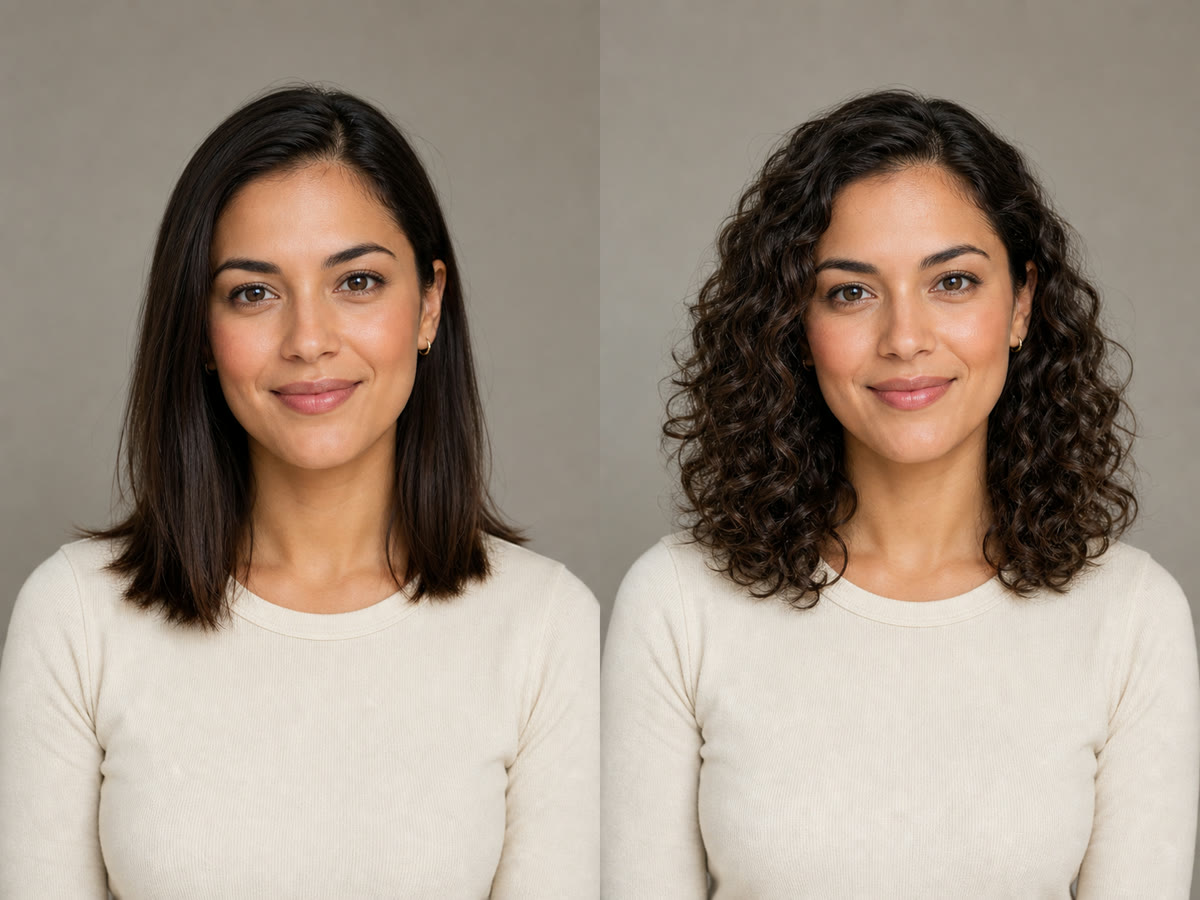
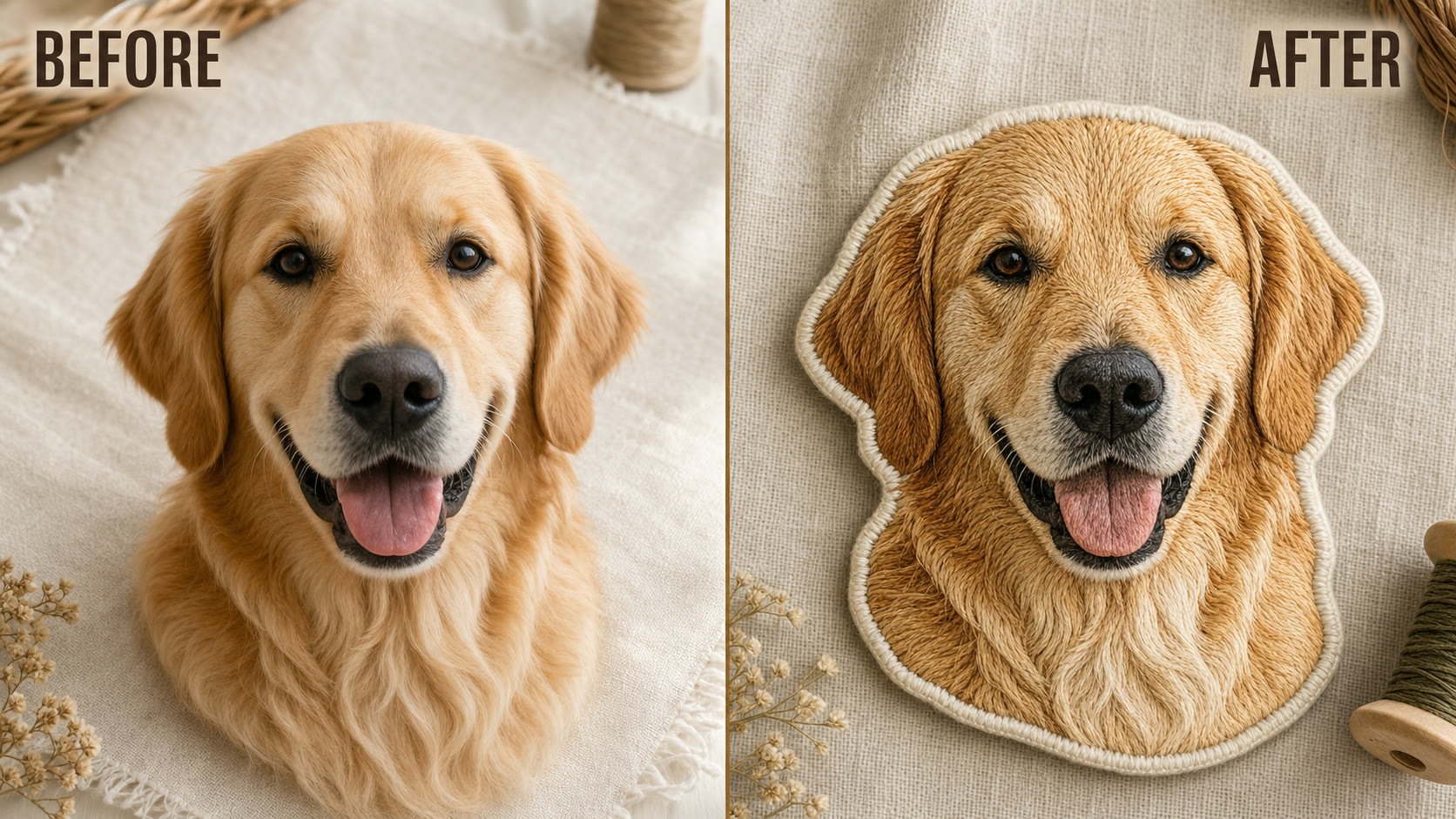
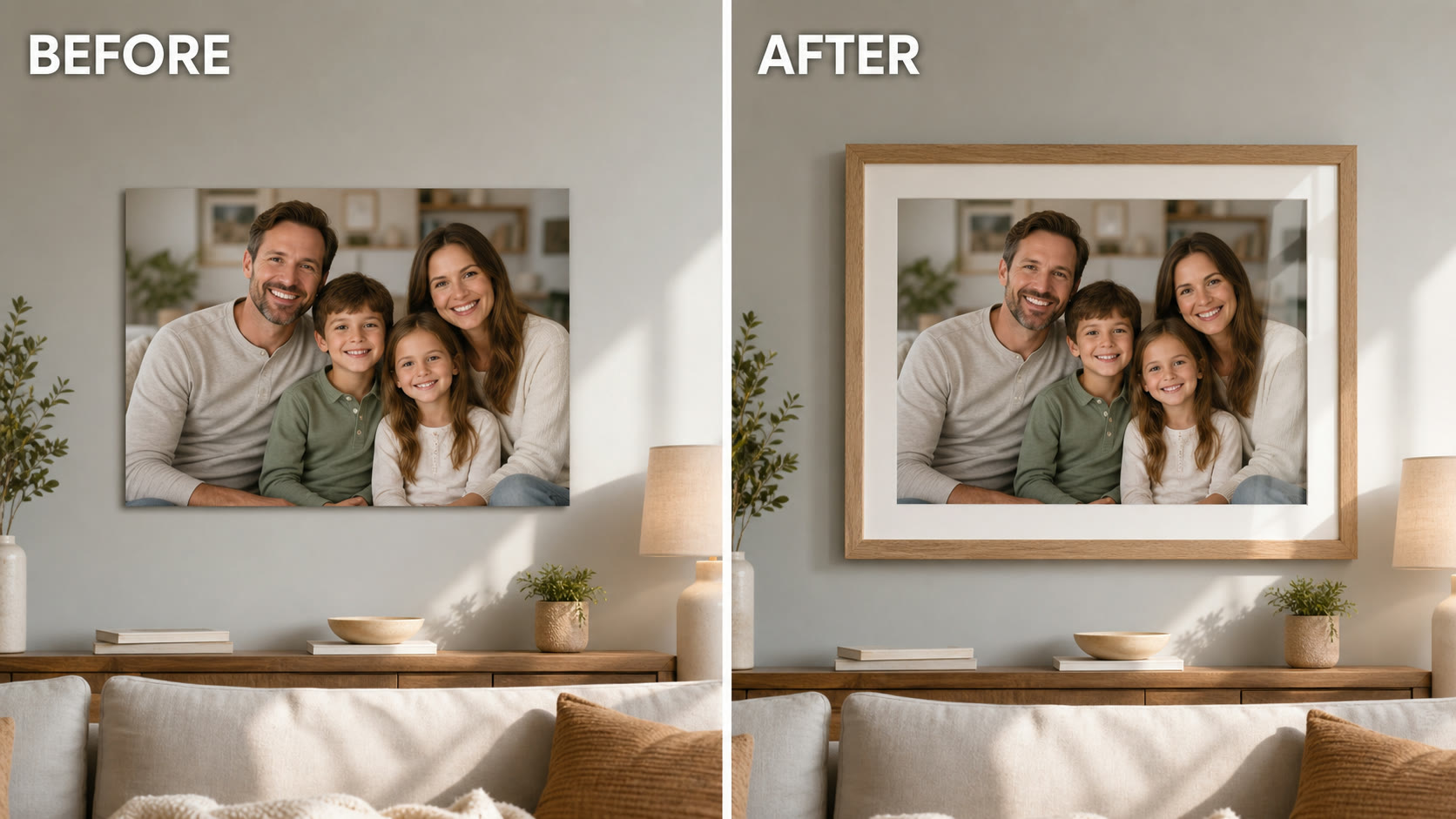
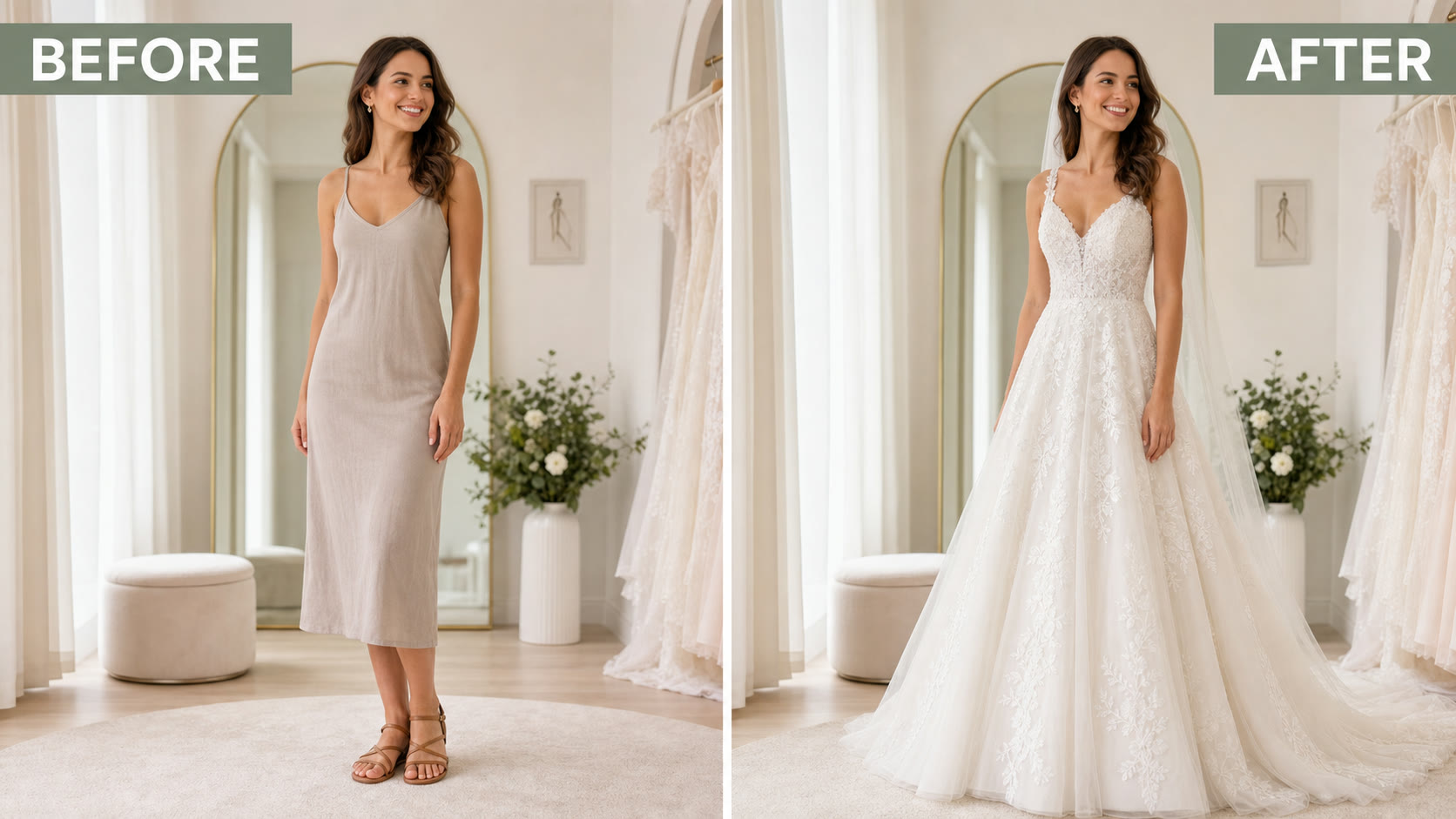
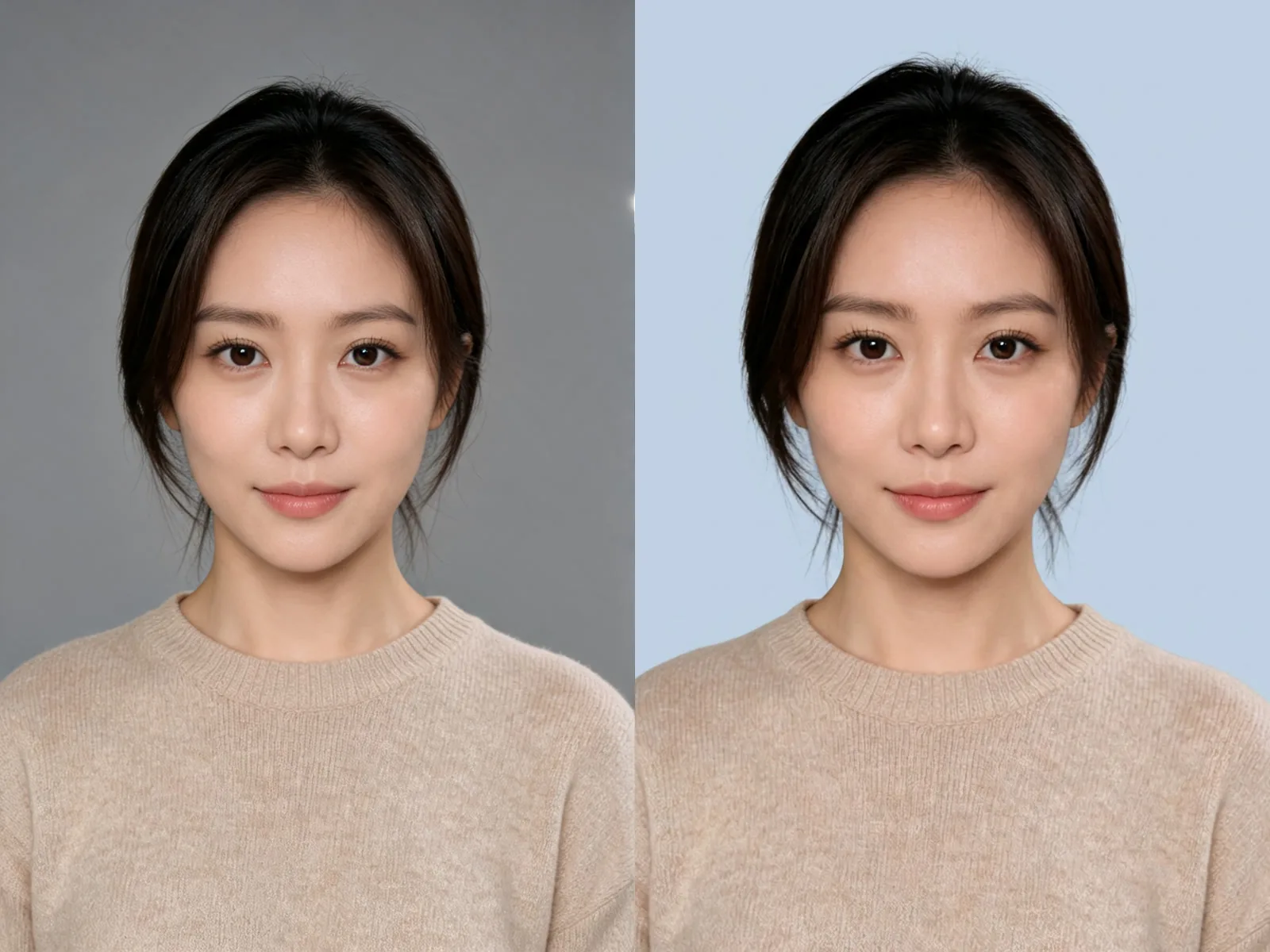
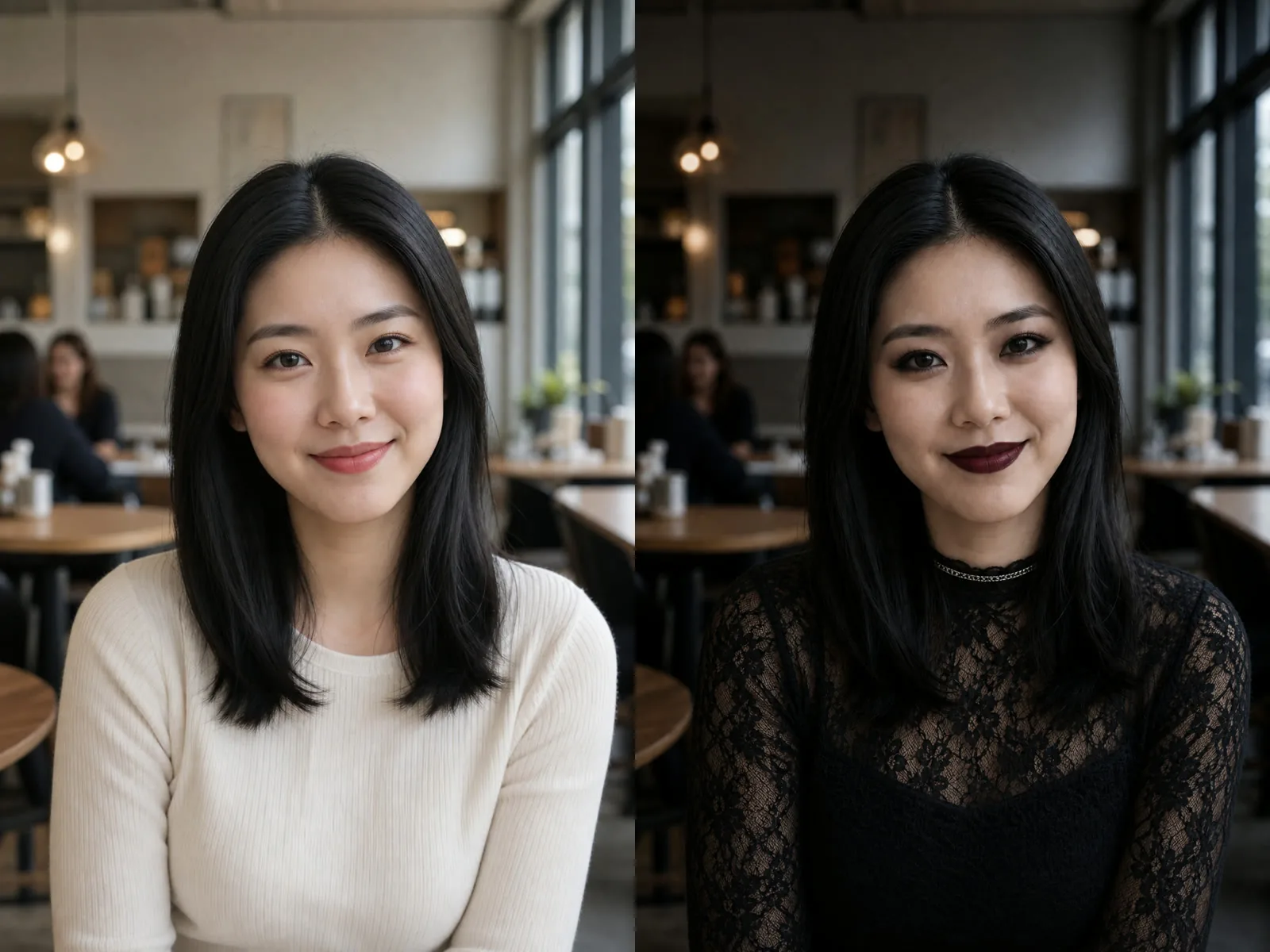
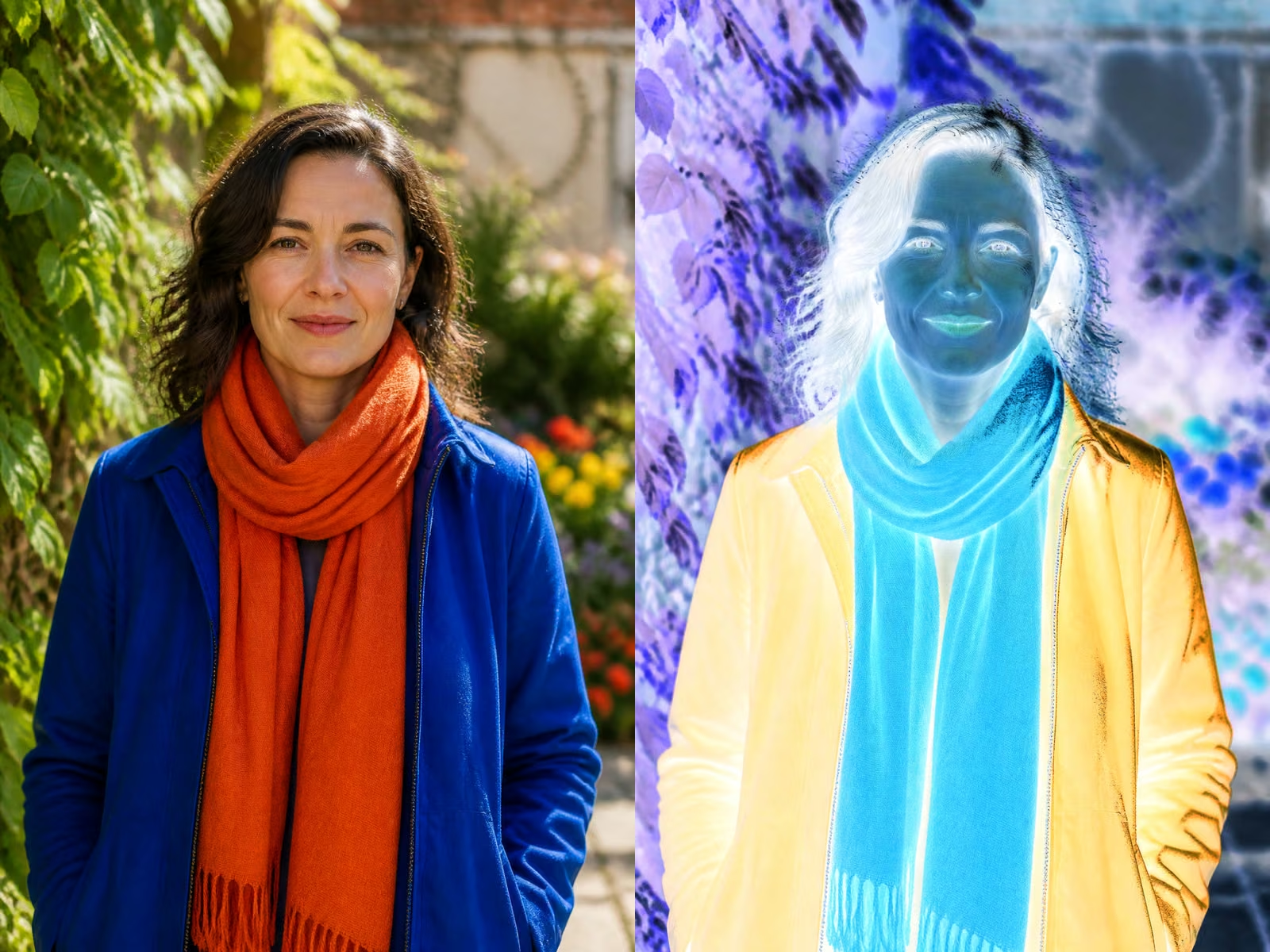
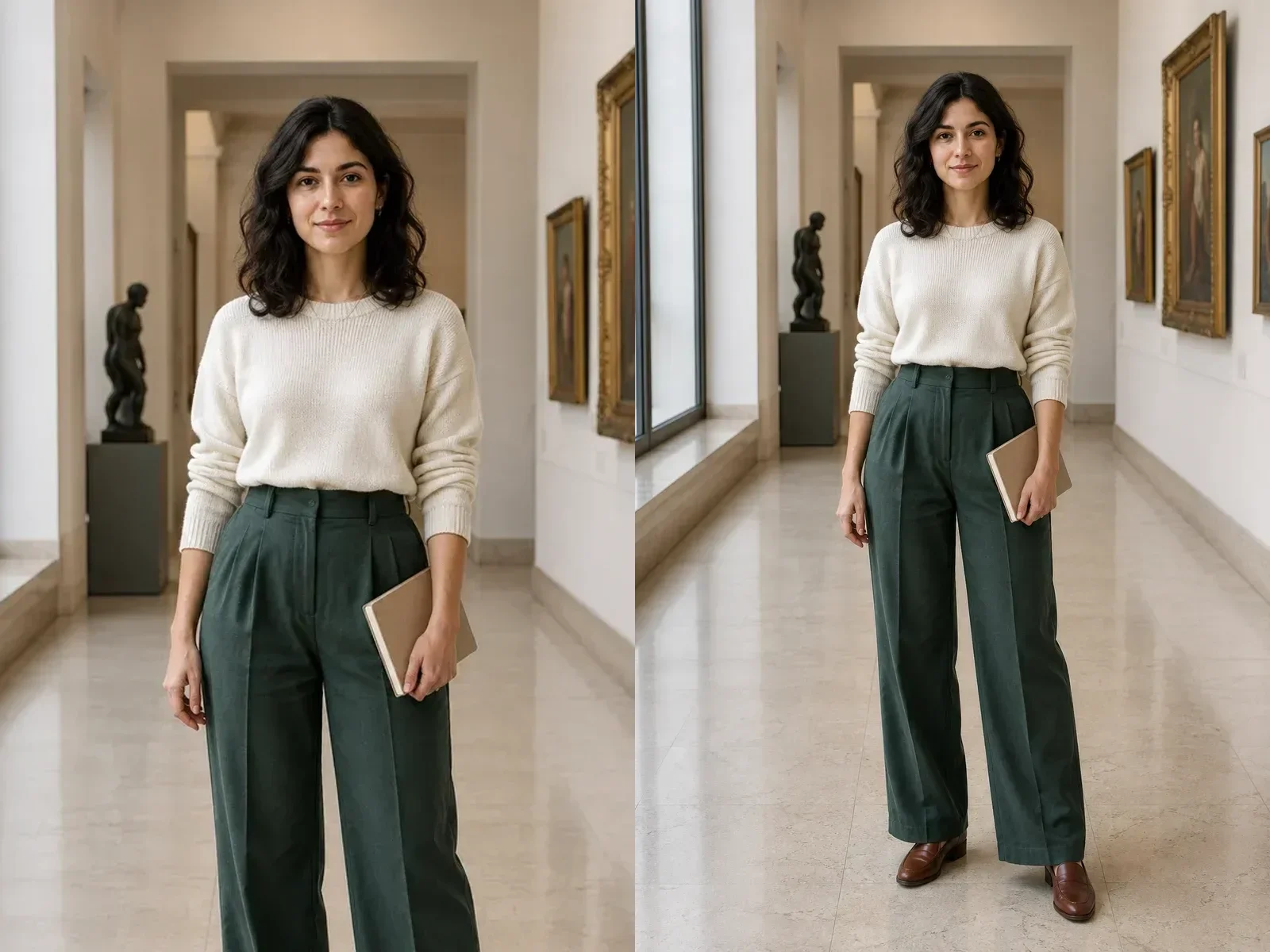
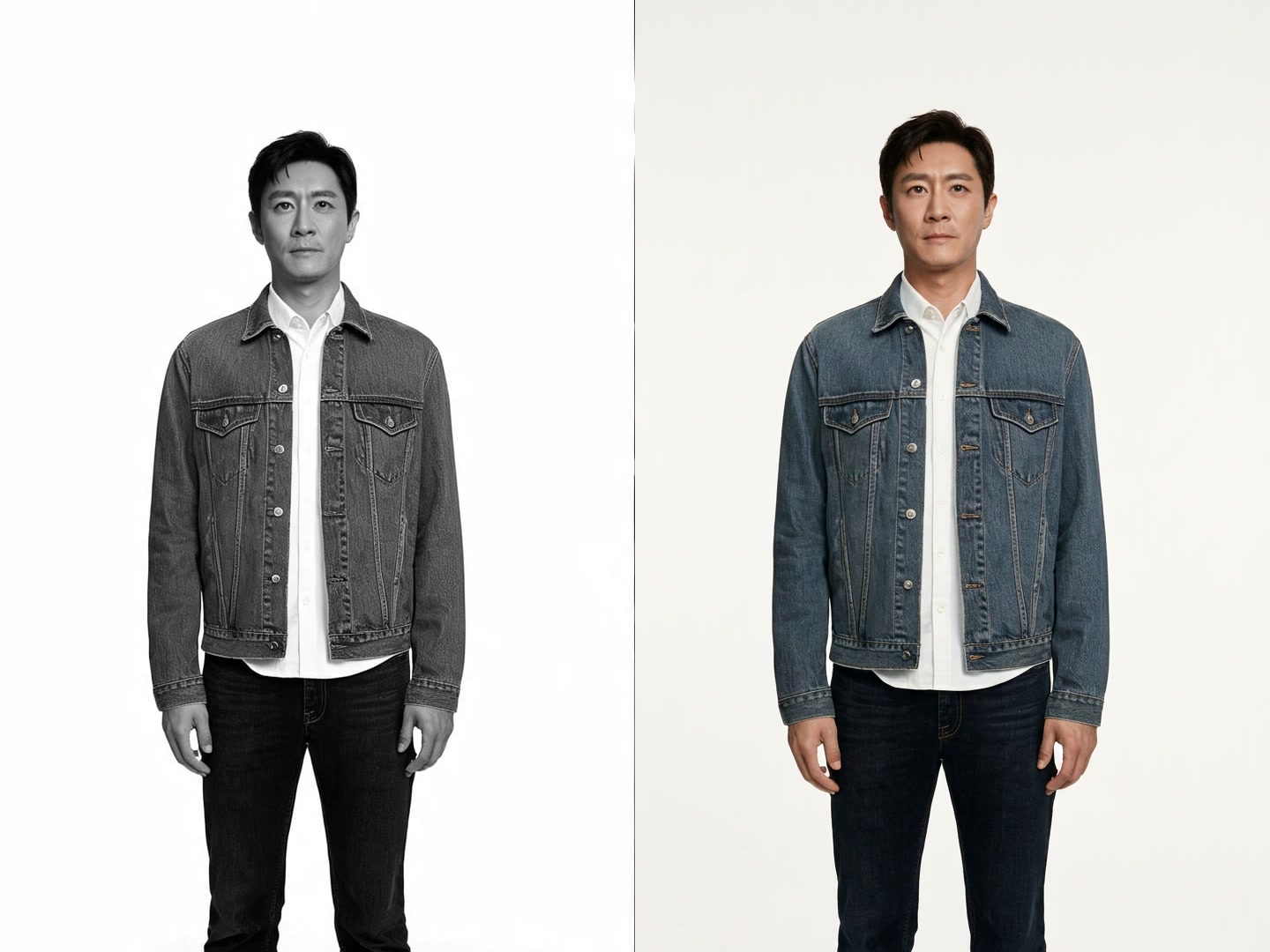
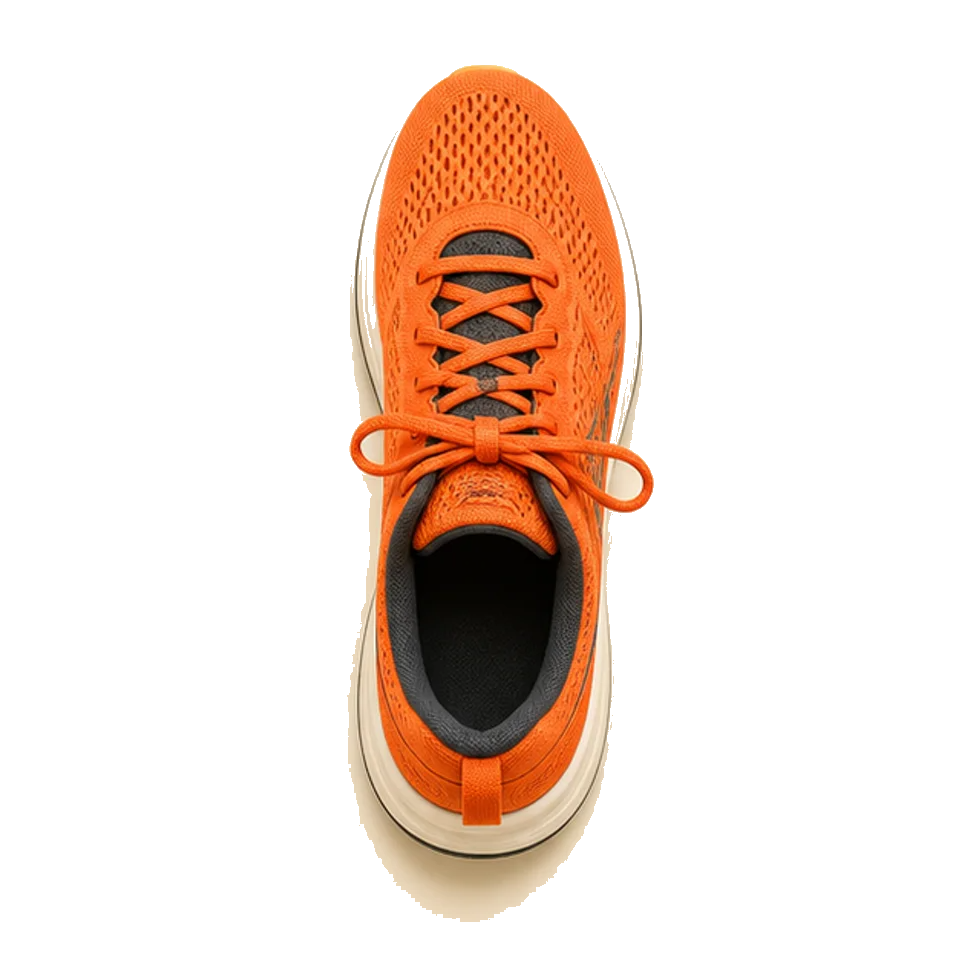
Bring one or more approved visual anchors into the edit workflow, then identify protected details and requested changes. This is useful for material swaps, layout revisions, campaign variations, and controlled style exploration.
Work at 1K while testing composition and art direction. Select 2K when the concept is stable enough to inspect surfaces, edge quality, background objects, and small design details.
Separate the non-negotiable design rules from the details the model may explore.
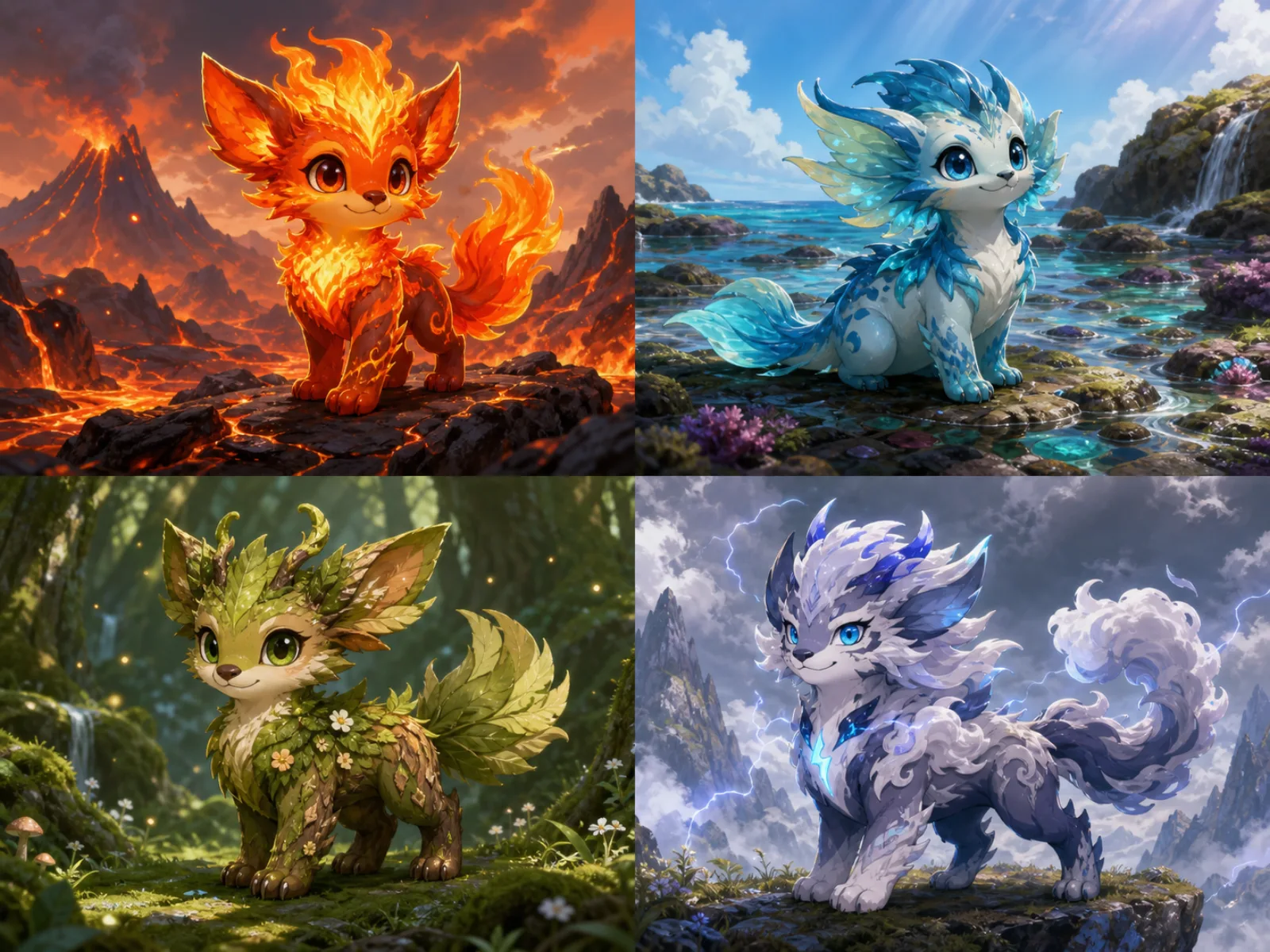
State the primary subject, visual focal point, format, camera viewpoint, and negative space before describing style. This gives the composition a clear job instead of a collection of competing aesthetics.
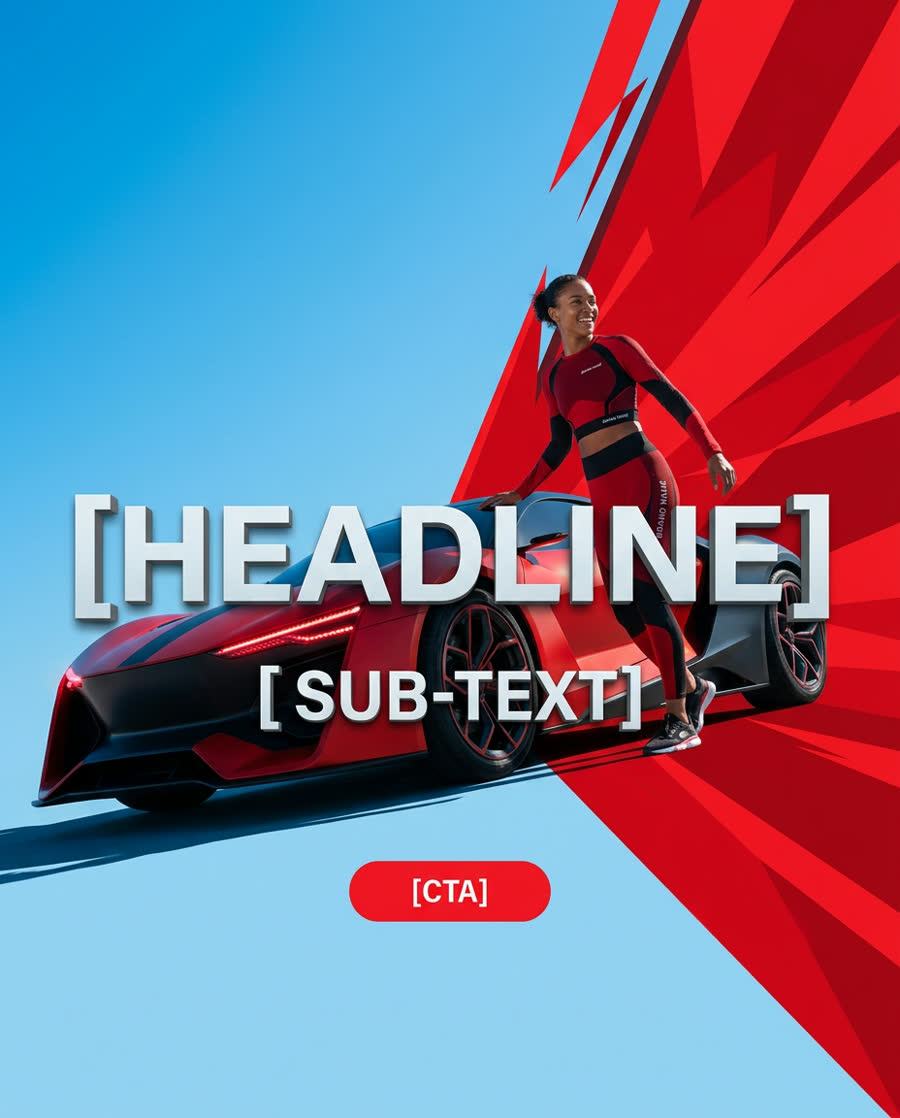
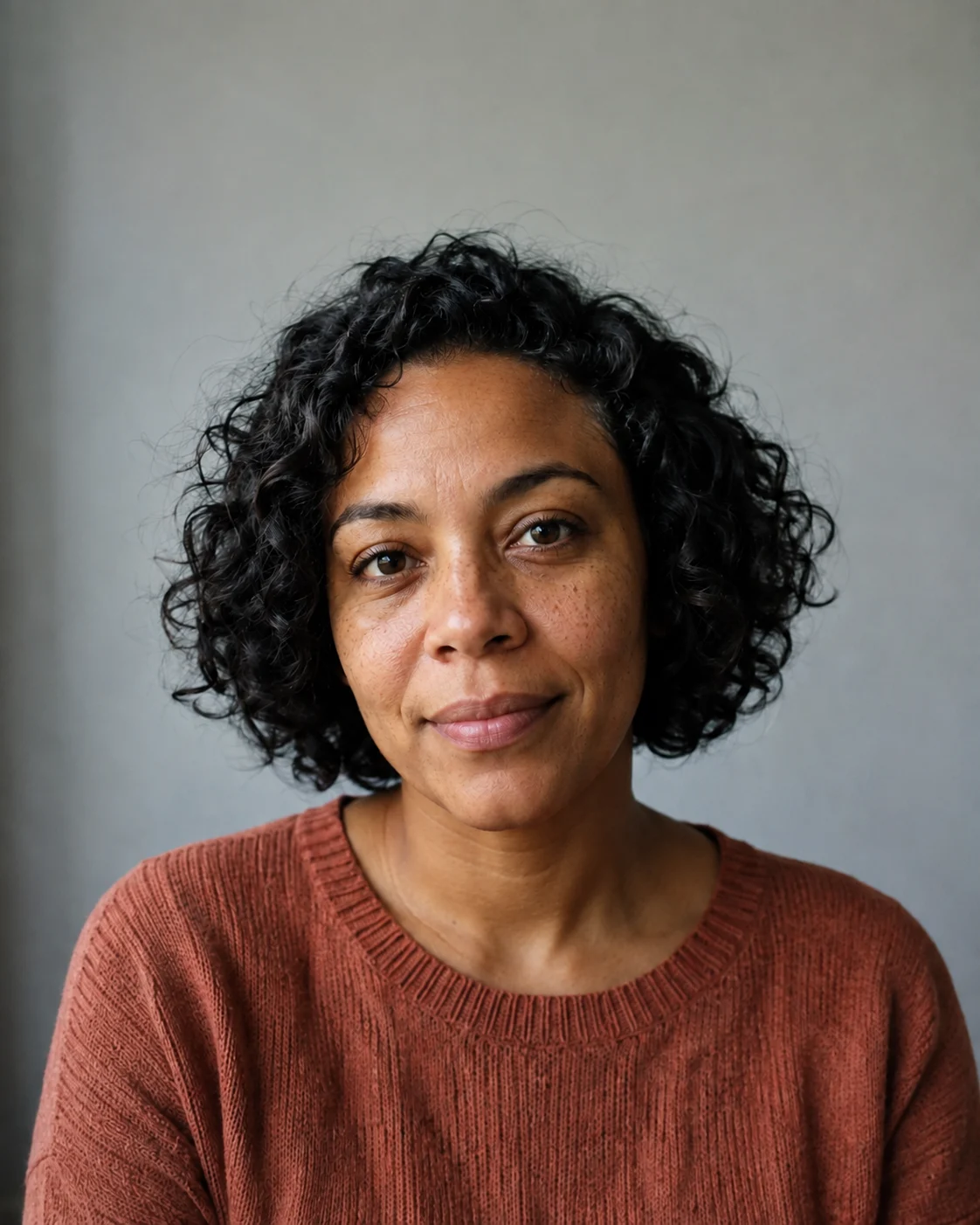
For reference edits, list the shapes, colors, proportions, identity cues, and packaging elements that cannot drift. Generated text and logos still require manual verification before release.
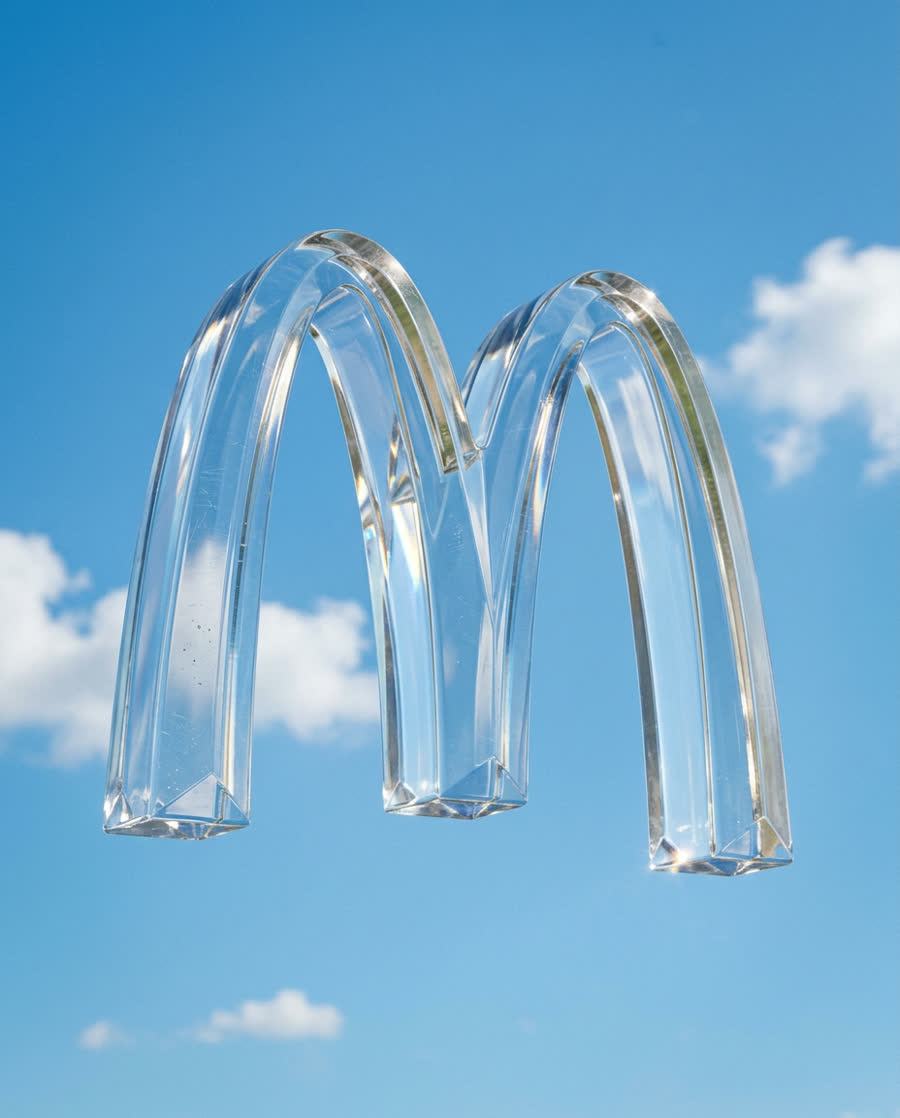
Keep the approved brief and seed, then change one variable such as lighting, crop, background, or palette. A small set of explainable variants is easier to review than an unrelated batch.
Use the Pro route when a dense brief needs measurable structure and closer review.
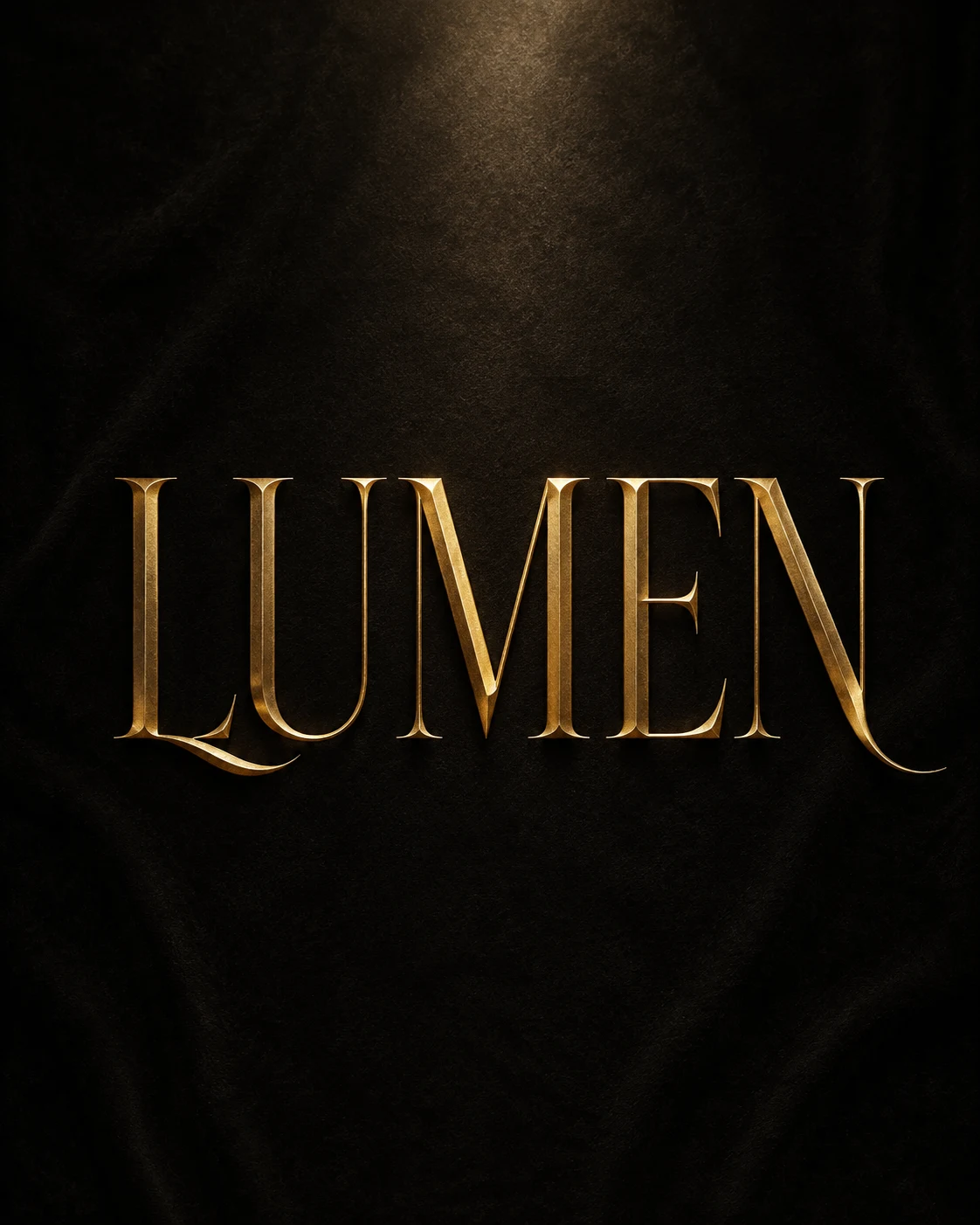
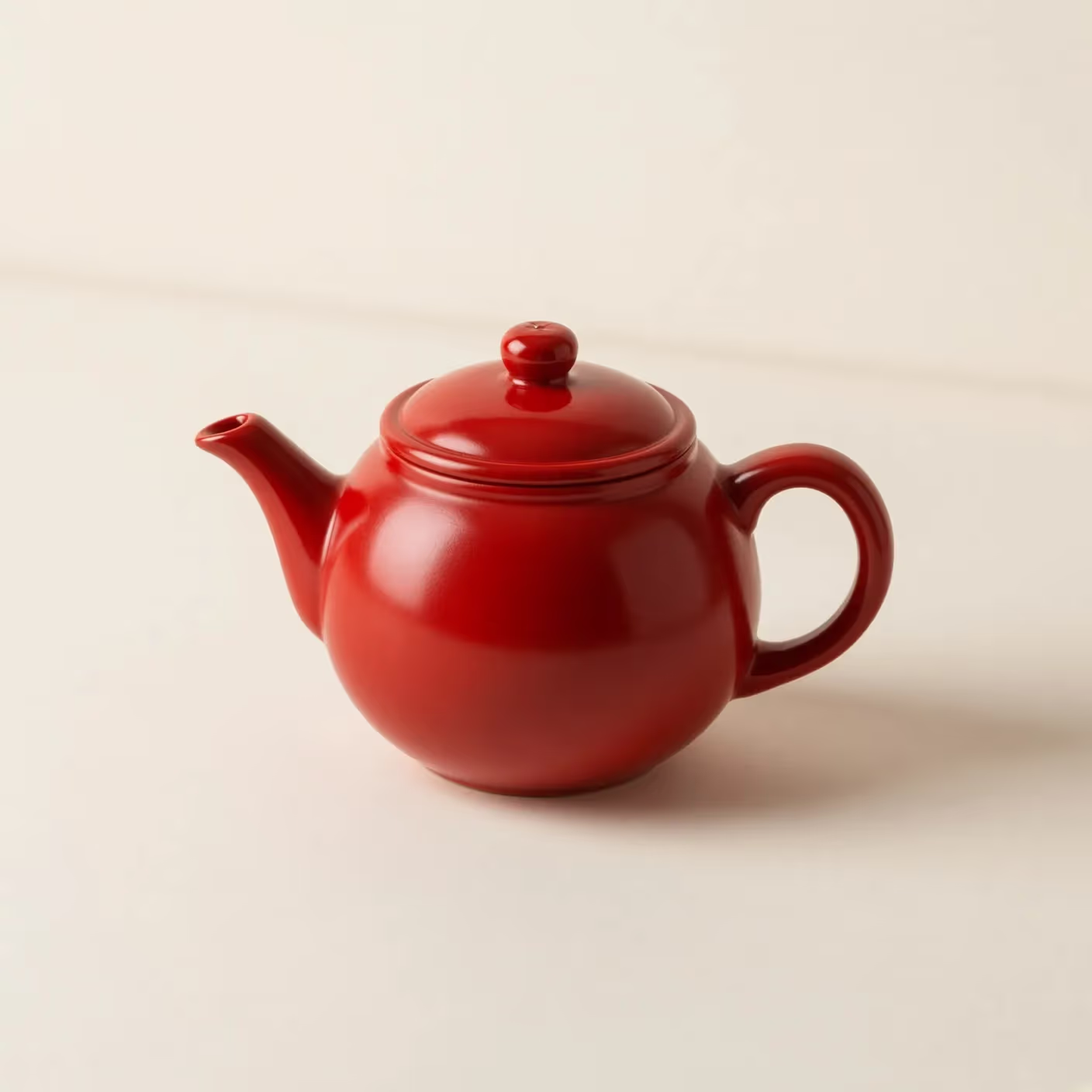
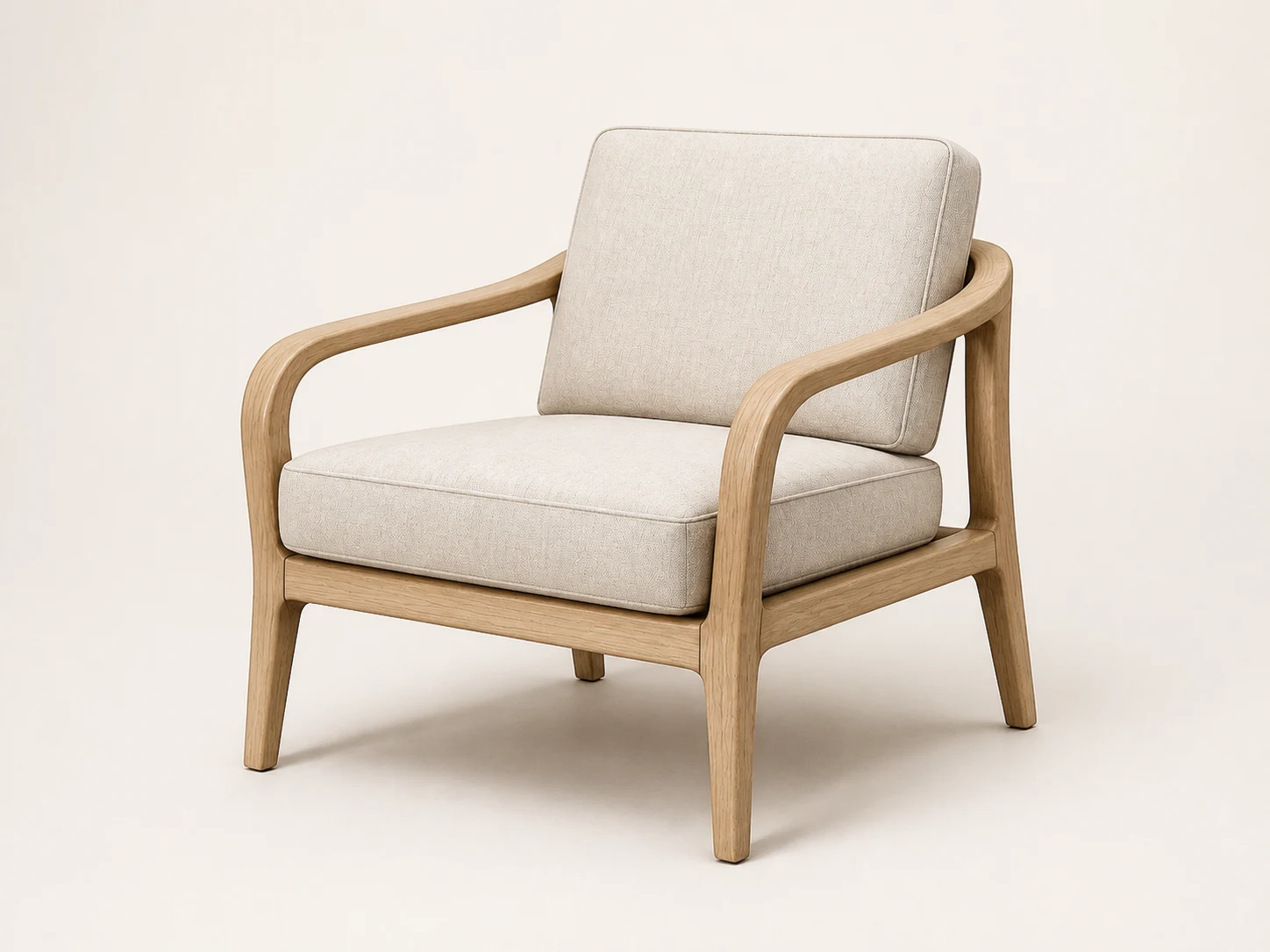
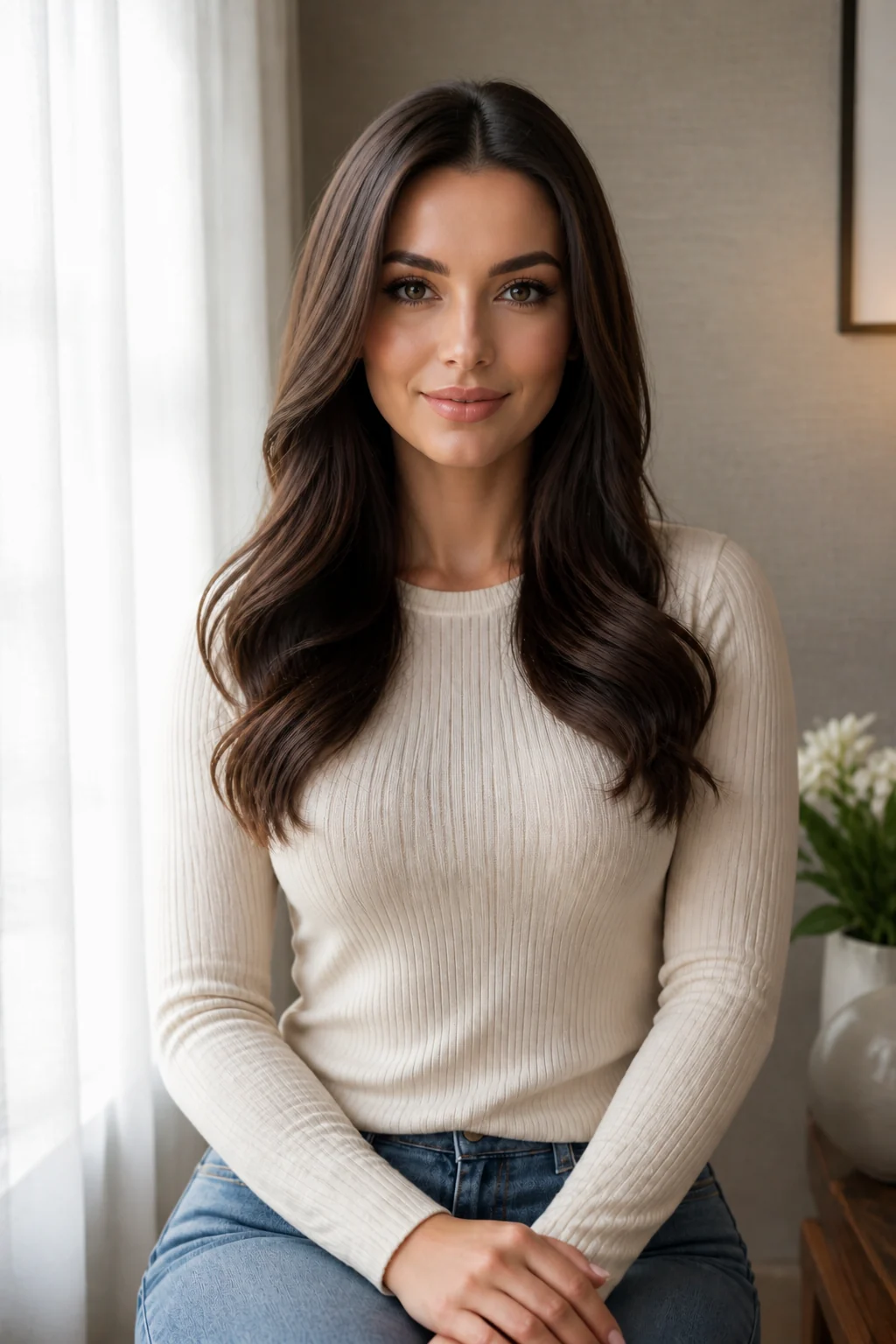
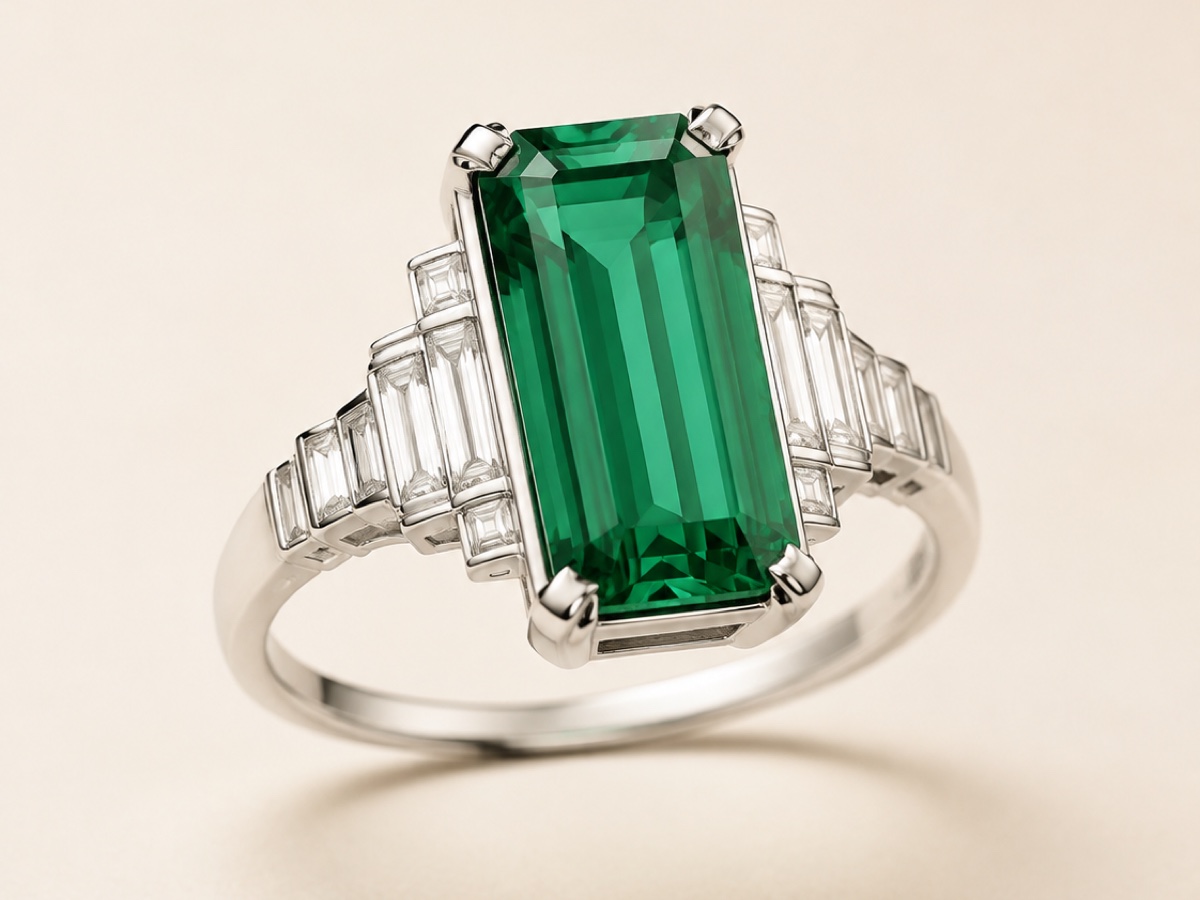
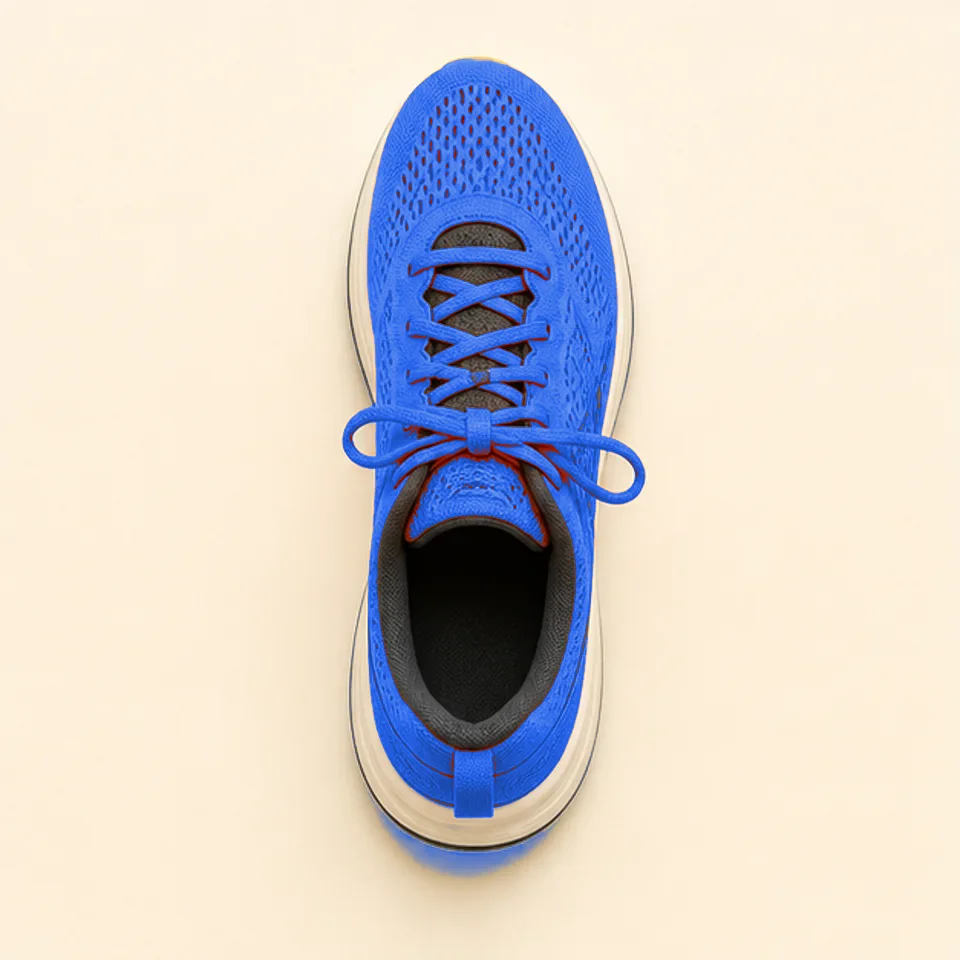
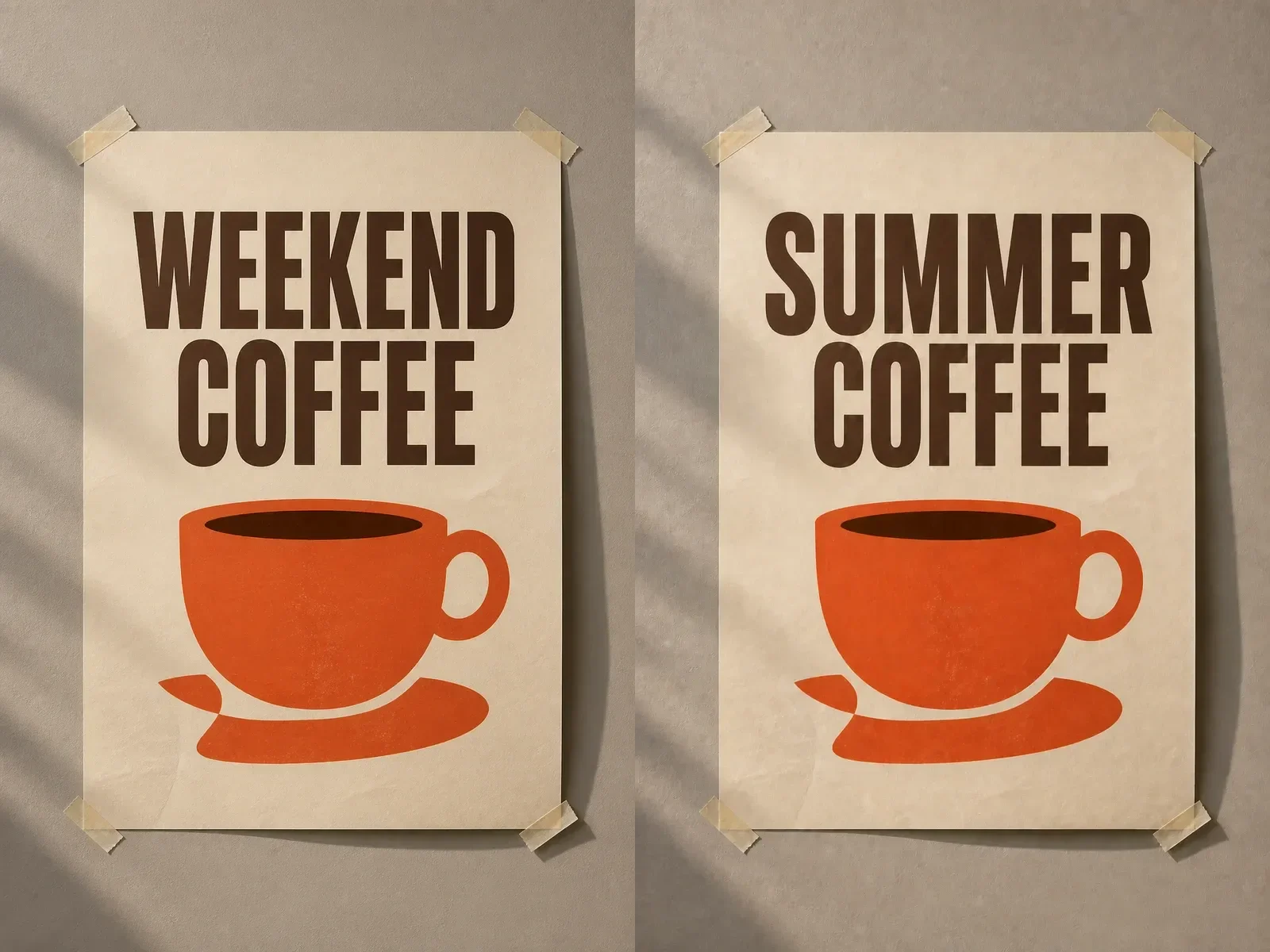
Combine a hero product, supporting objects, controlled palette, copy-safe space, and destination framing in one documented brief. Define the non-negotiable hierarchy before generation. Review whether the focal subject remains dominant, whether secondary elements support the story, and whether the composition can survive real campaign crops without rebuilding the core image from scratch.
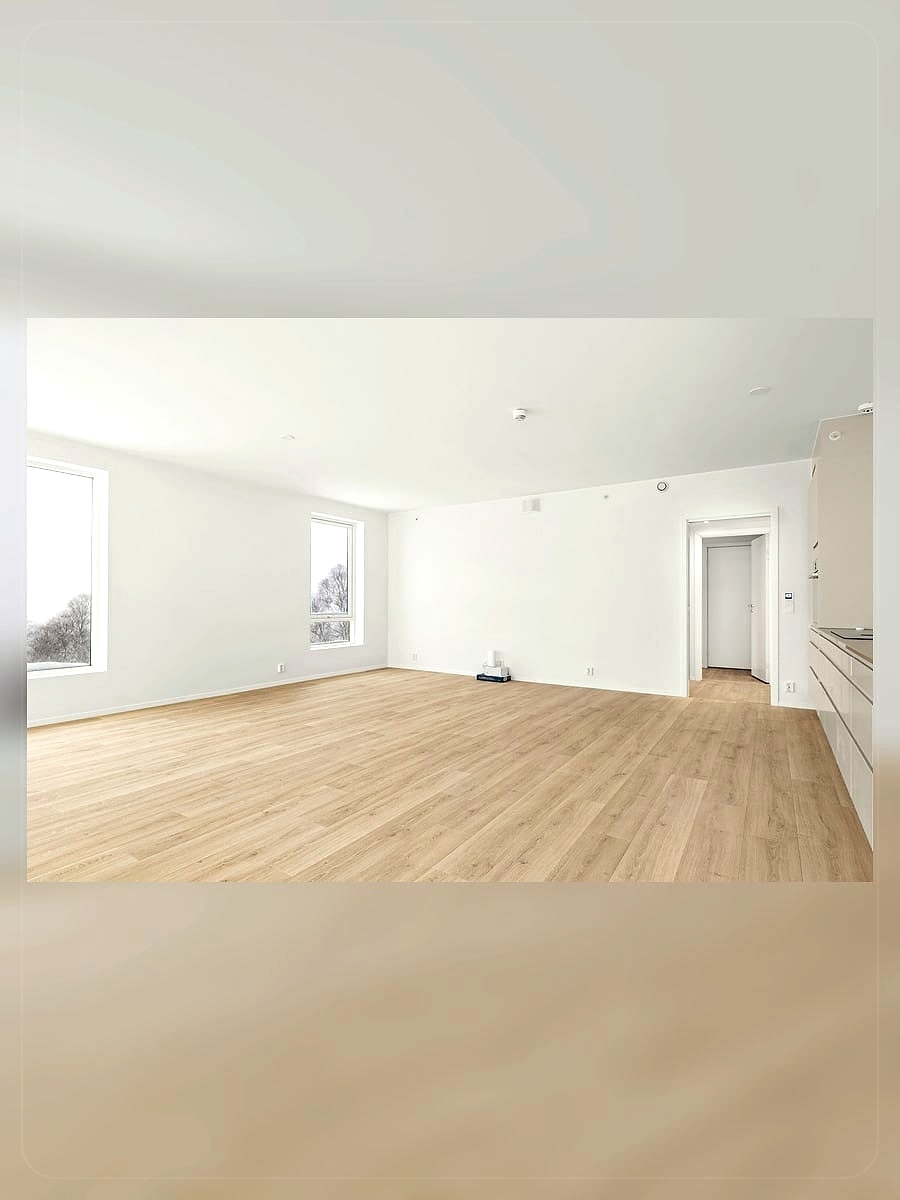
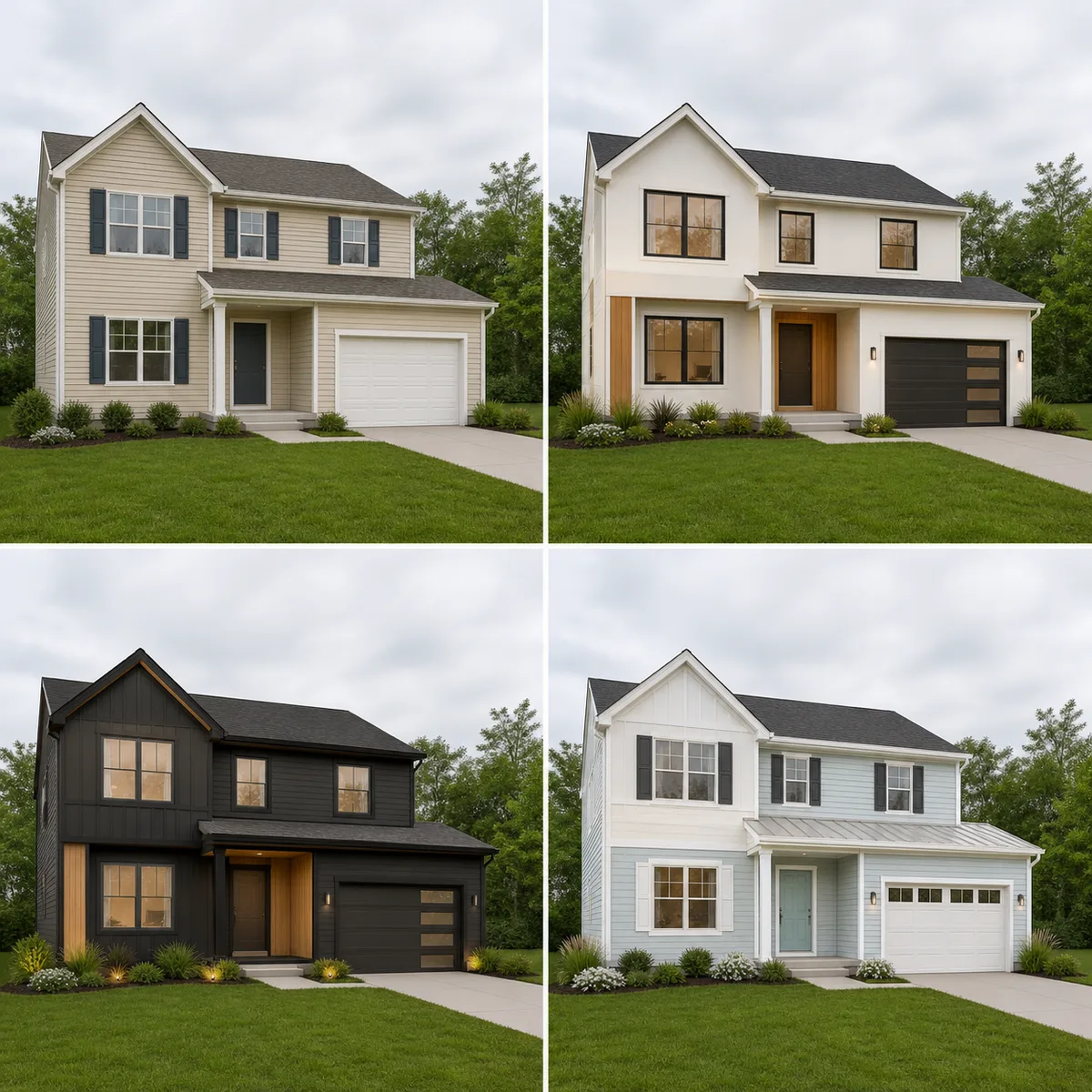
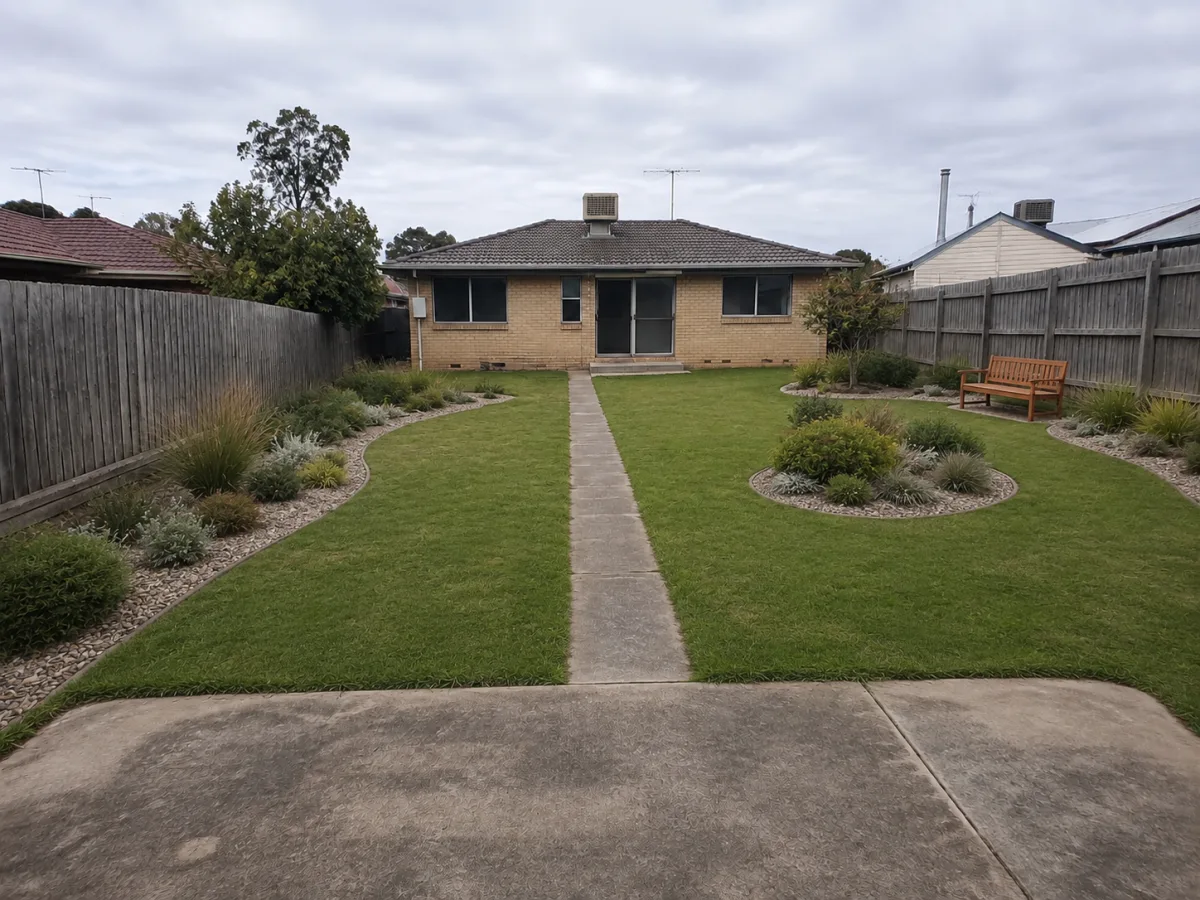
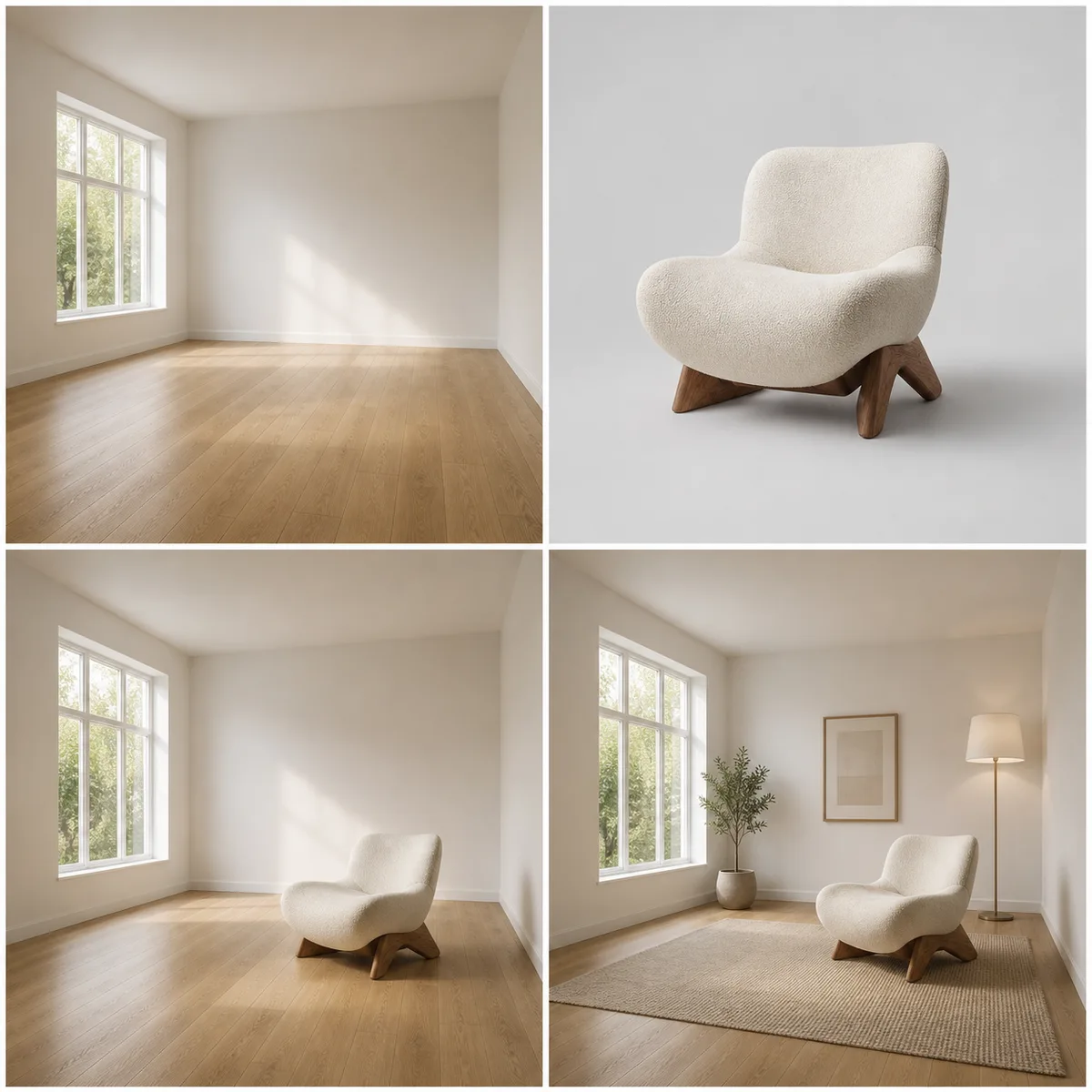
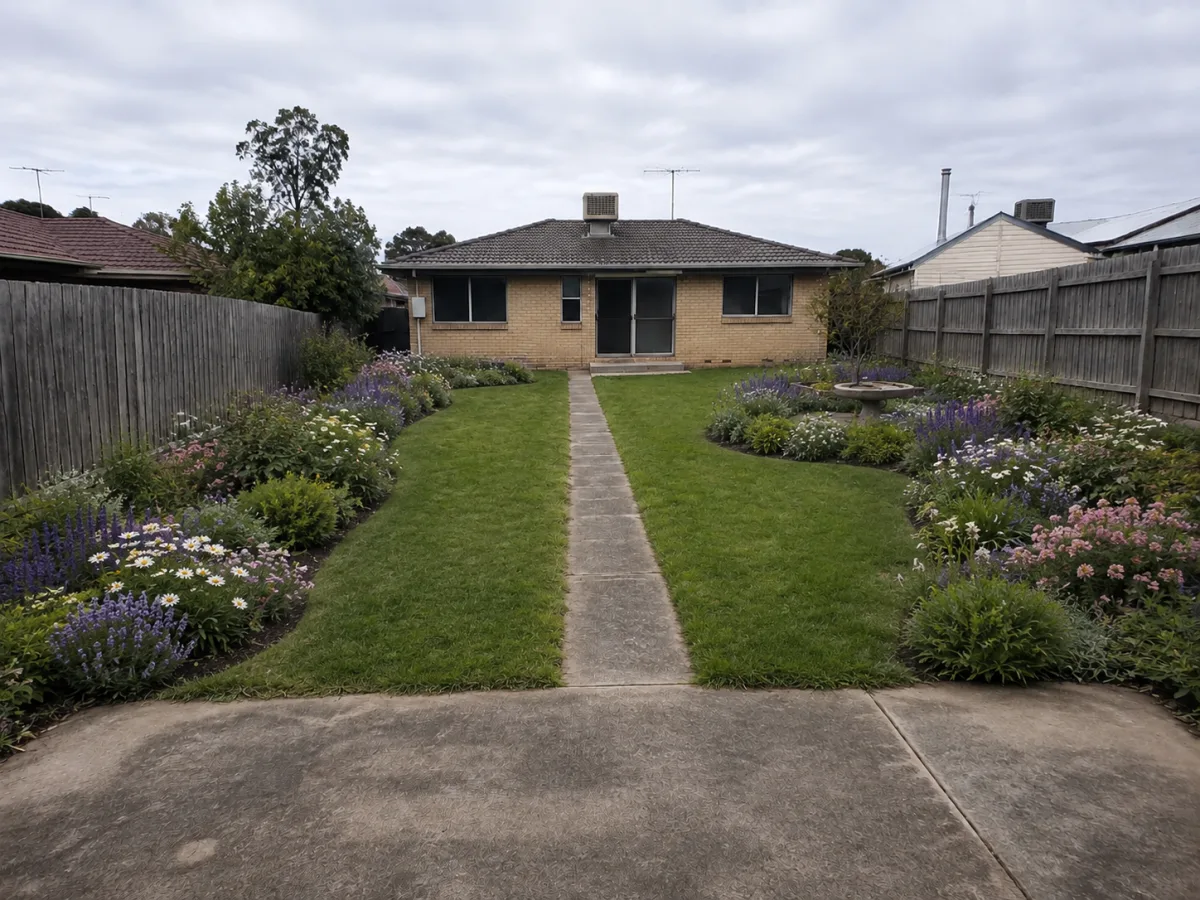
Specify camera position, perspective, scale cues, material transitions, landscape context, and required circulation or openings. Use references to protect an approved massing or design language while changing one dimension at a time. Generated spatial imagery is a concept draft, so verify geometry, constructability, accessibility, and factual claims with qualified reviewers before external use.
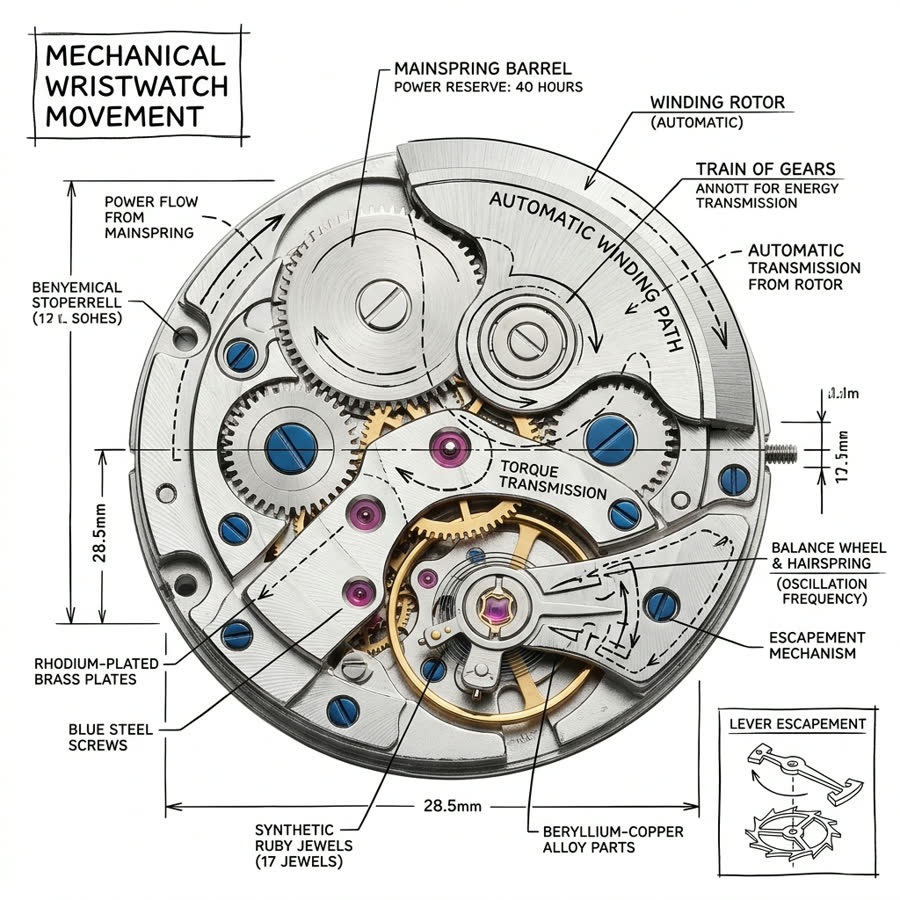
For exploded views or component-rich scenes, list counts, order, alignment, material, and relationships explicitly, while reserving final annotations for a design tool. Inspect repeated parts, hidden overlaps, edge quality, and assembly logic at full size. A visually sophisticated render still fails when it invents components or breaks the product's actual structure.
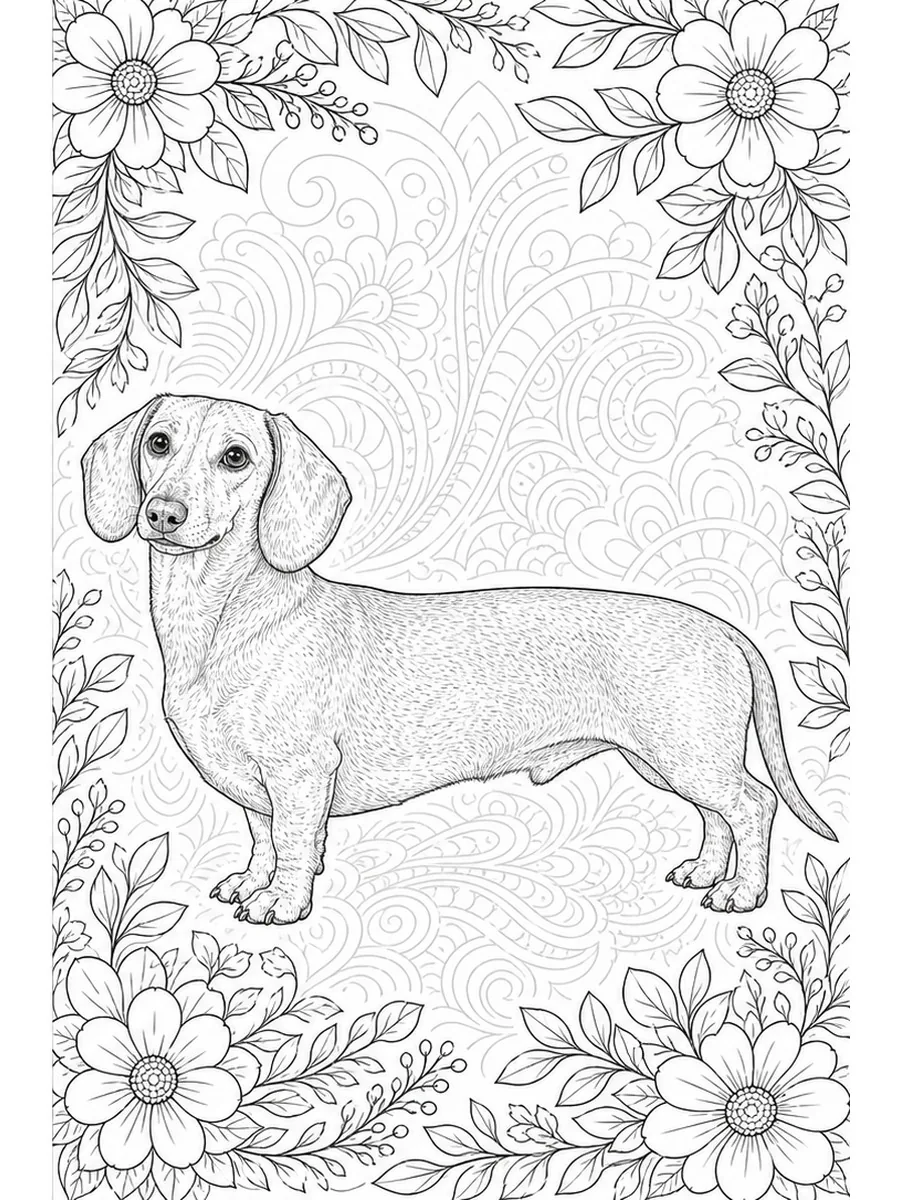
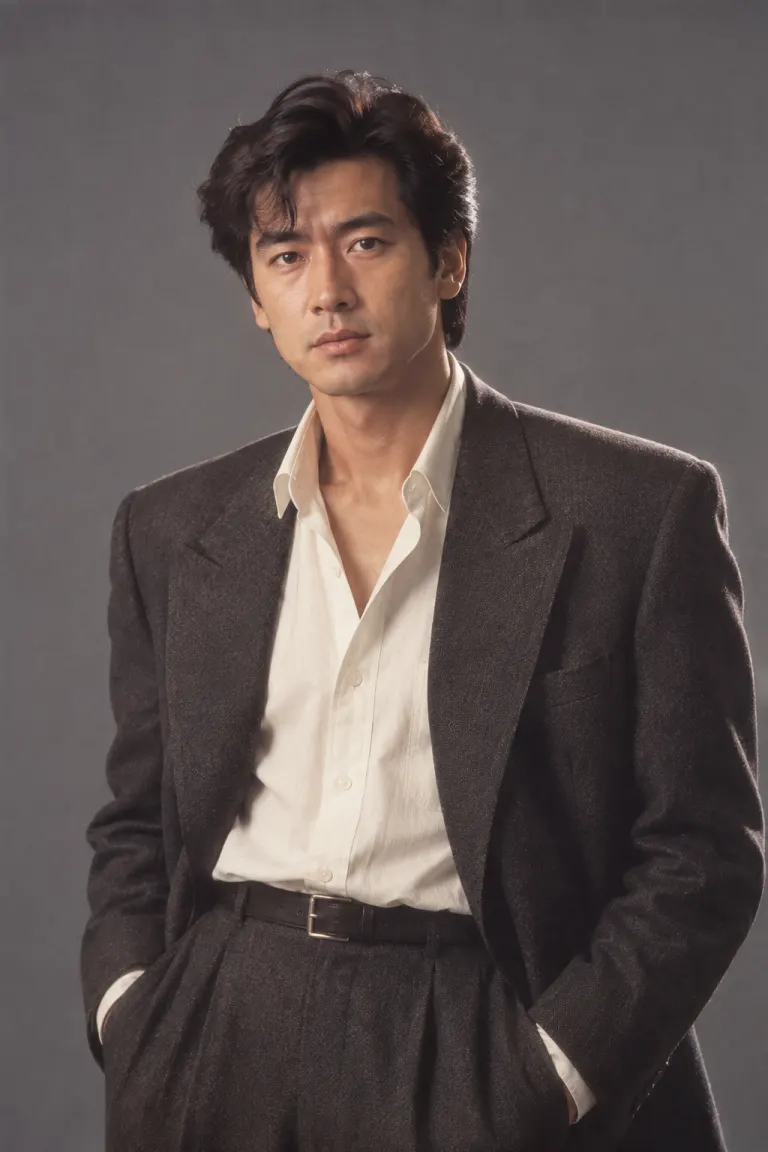
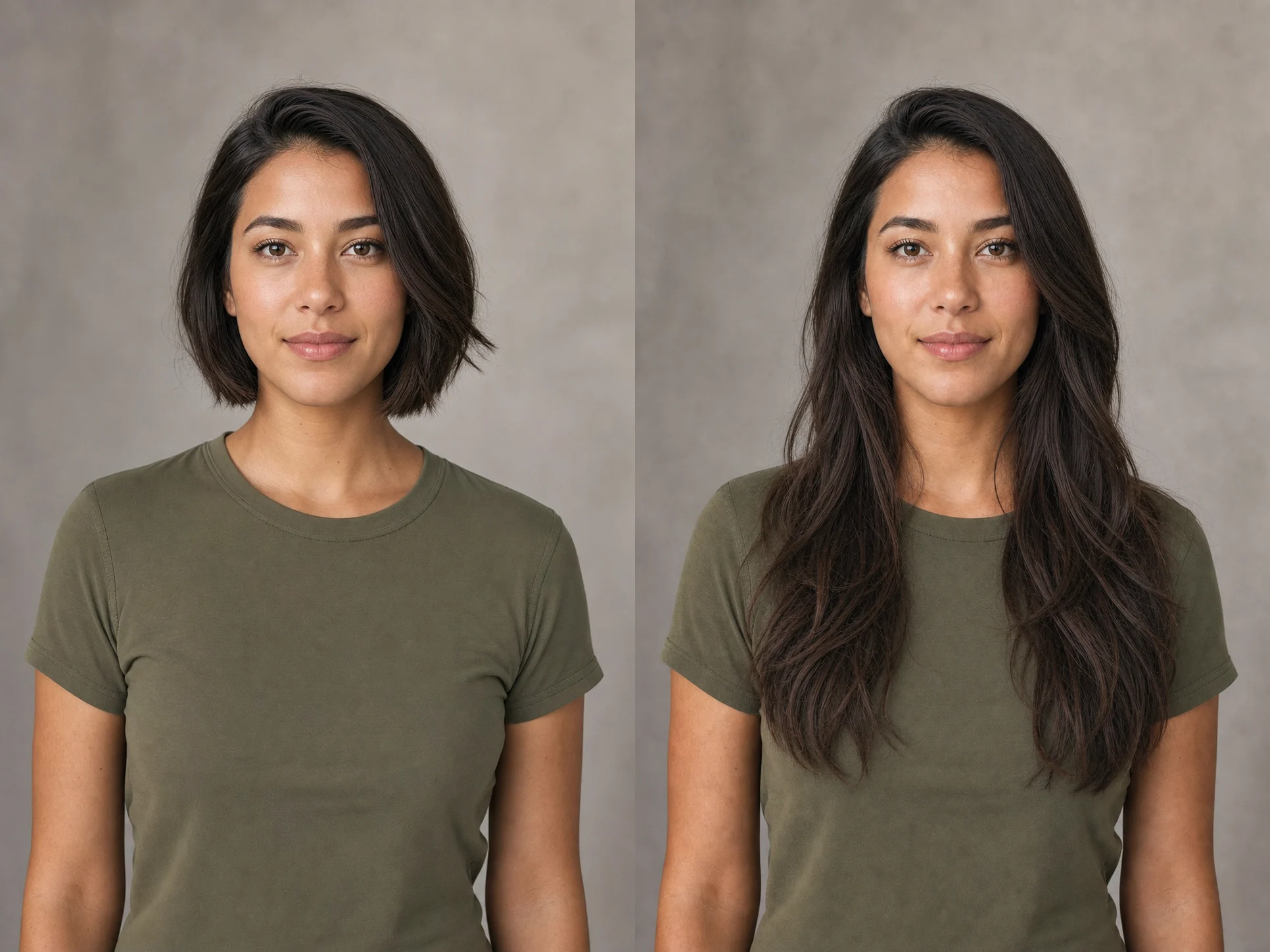
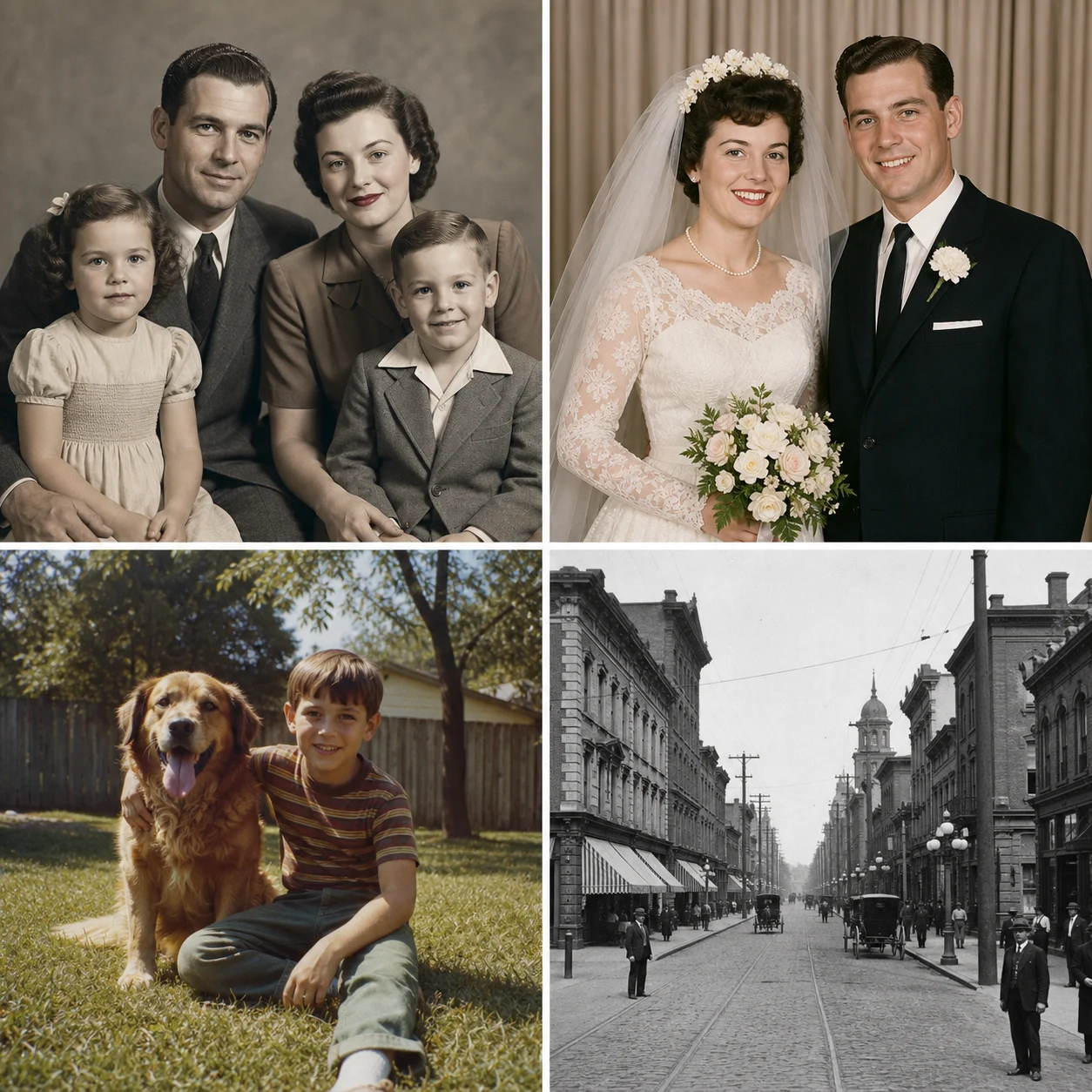
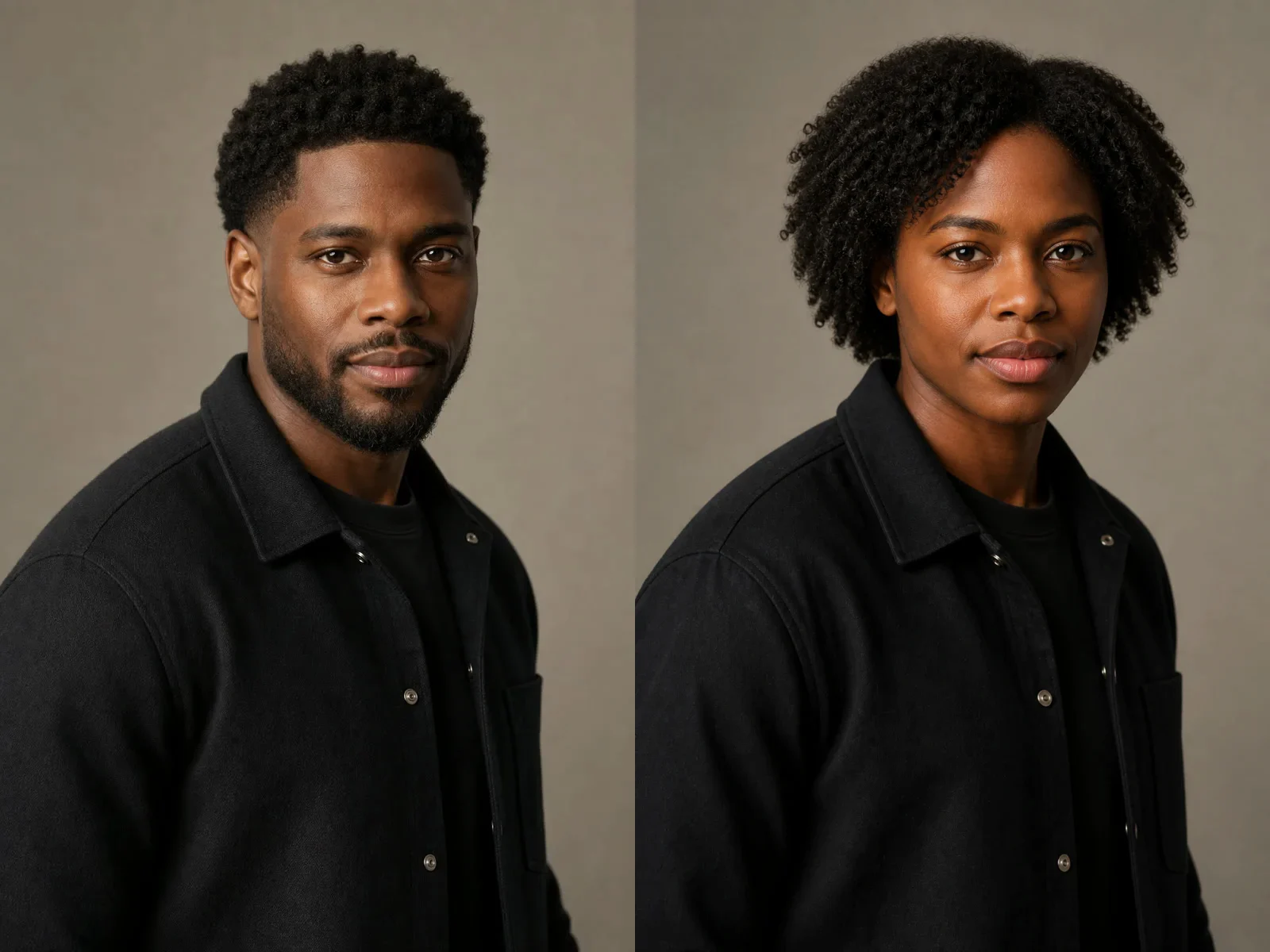
Identify the source features that must remain fixed, such as identity, silhouette, packaging structure, or proportions, and separate them from the requested environment or material change. Save both input and output with the exact prompt and settings. This gives reviewers a reliable basis for approving the edit and spotting drift before production handoff.
Practical notes for Pro creation and editing on NanoPic.
Yes. NanoPic maps the Pro selector to KIE's qwen3/pro-text-to-image and qwen3/pro-image-to-image model IDs.
No. Use the standard model for quick exploration and Pro when the brief, review effort, or desired detail justifies a dedicated pass.
Yes. Select image-to-image, upload supported reference files, and describe both the elements to preserve and the change you want.
No. Higher resolution can reveal more detail, but you should still inspect anatomy, geometry, text, logos, and factual content before publication.
Turn an approved visual brief into a detailed draft, then revise with references and controlled settings.