




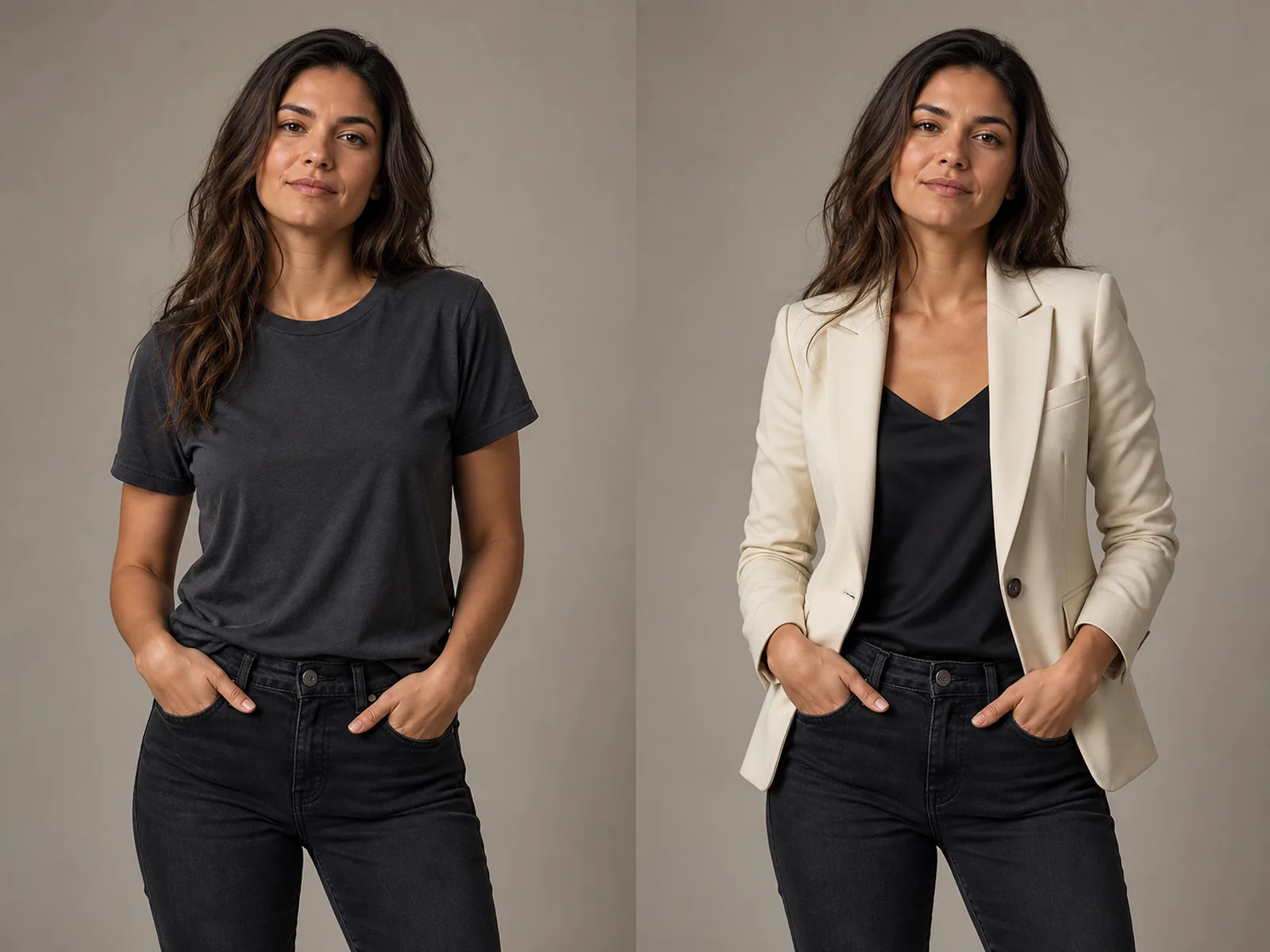
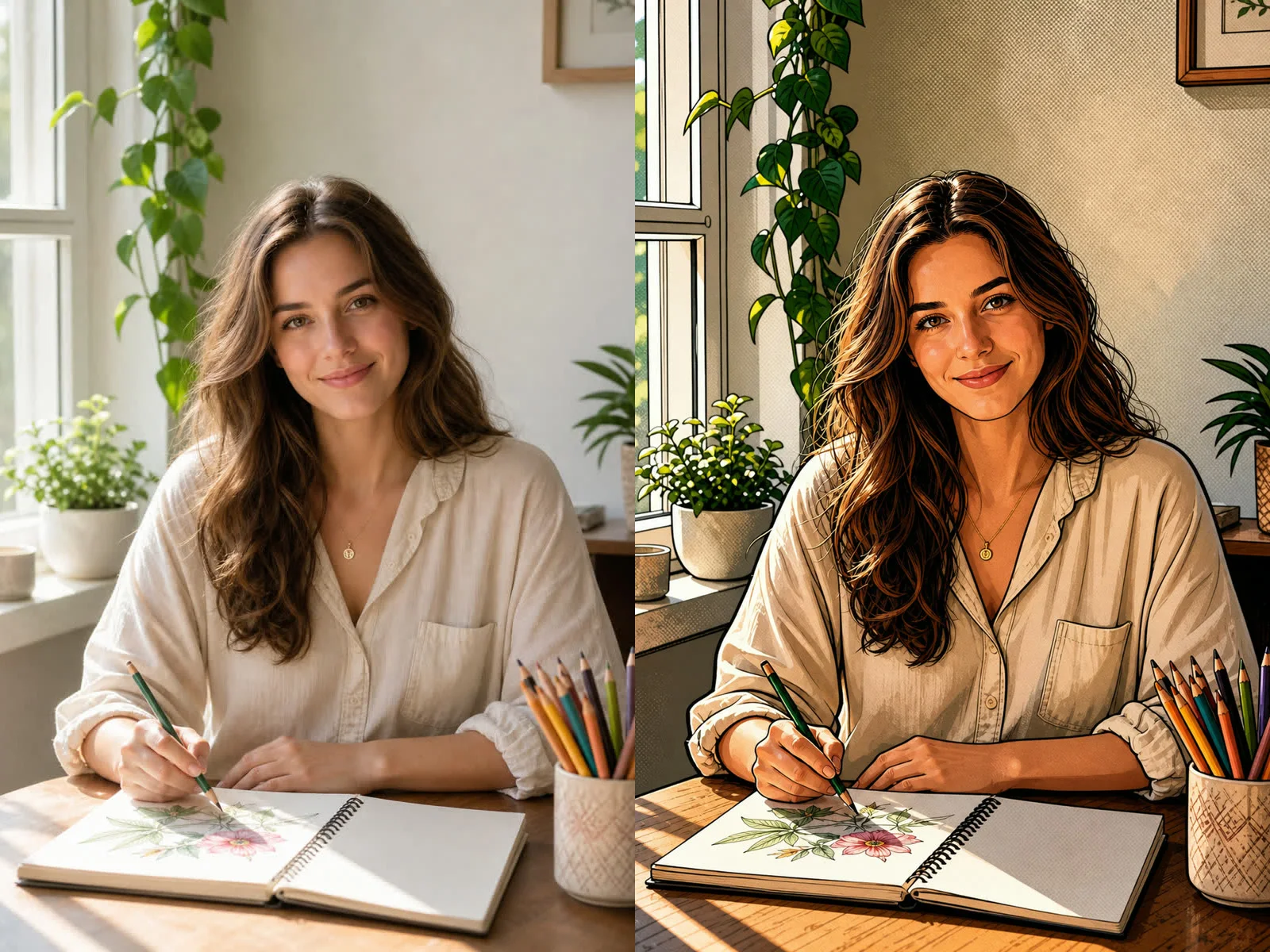
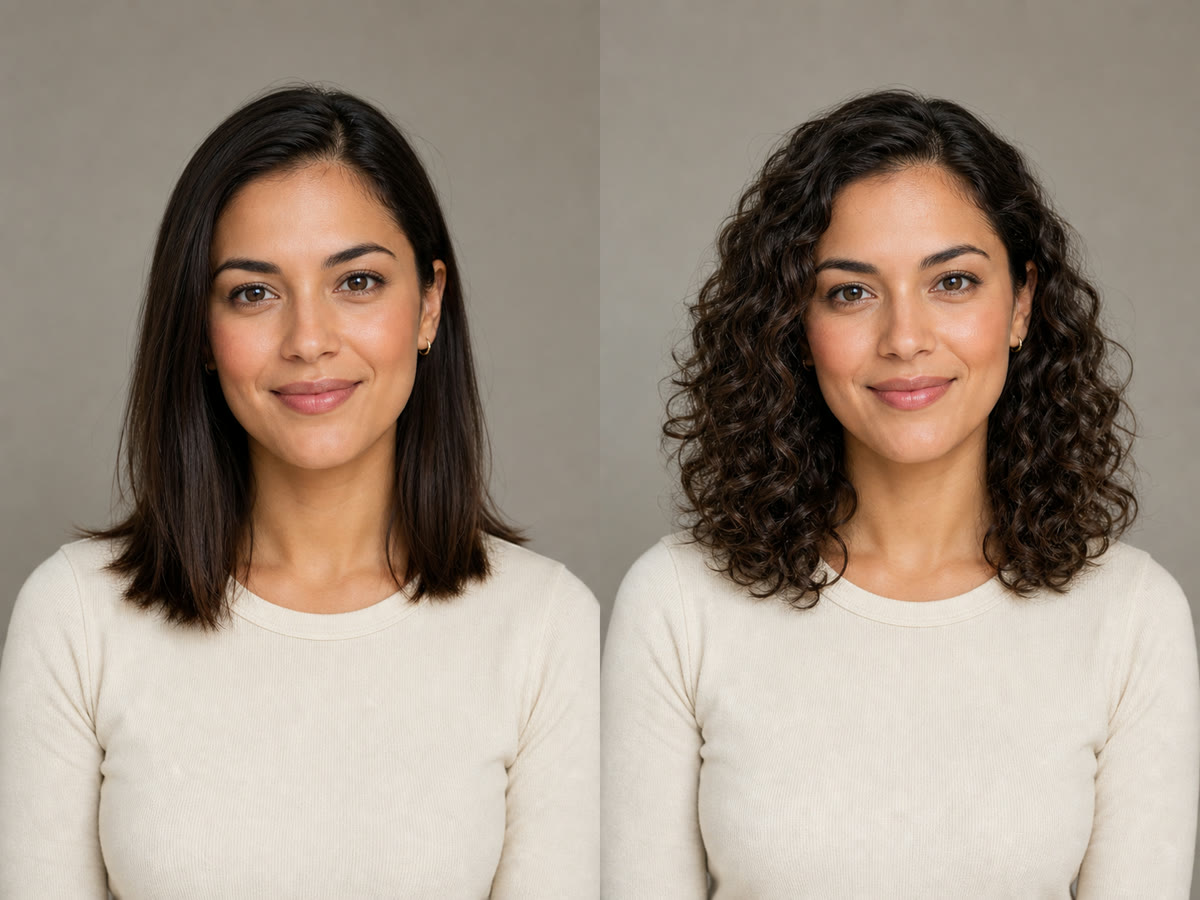
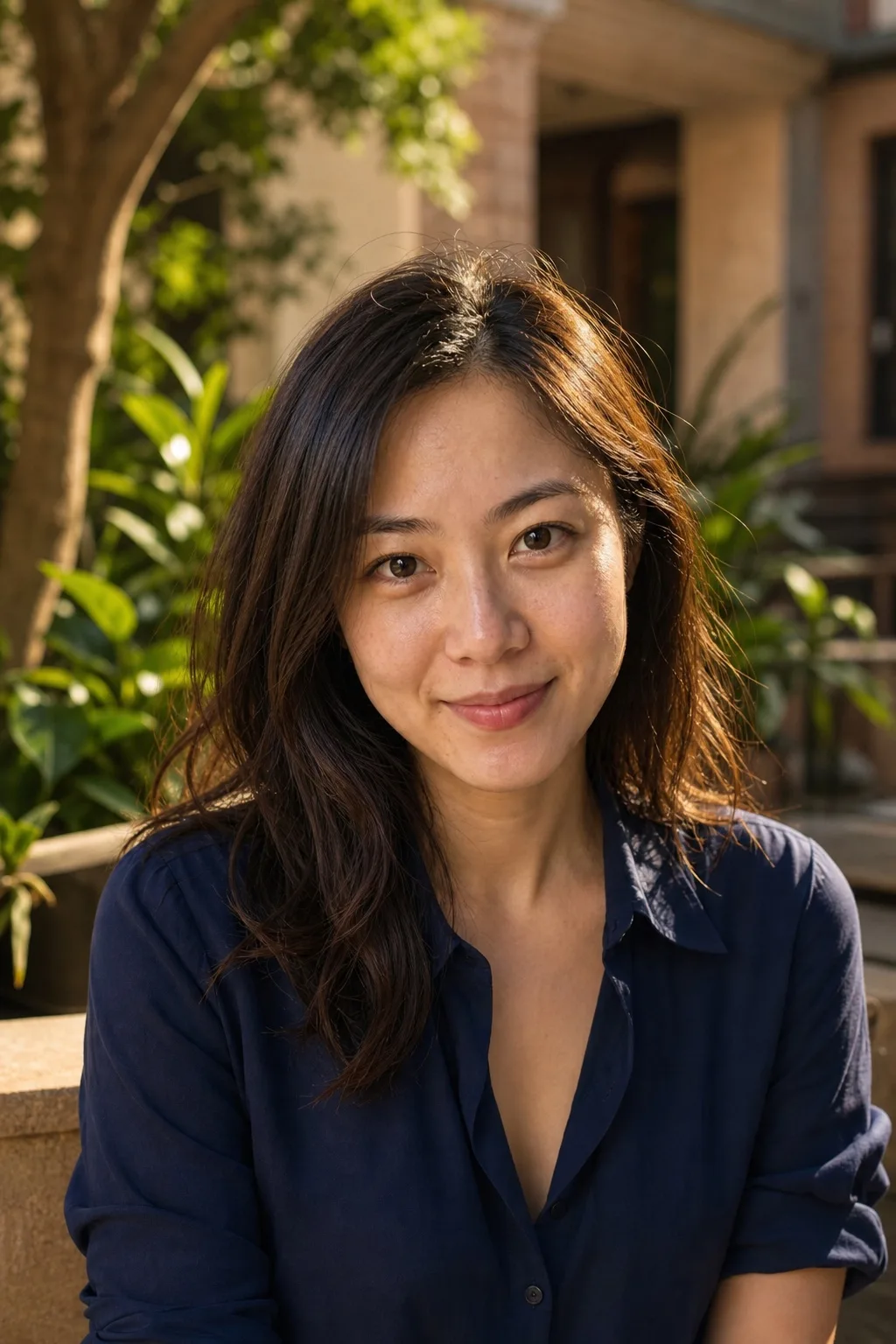
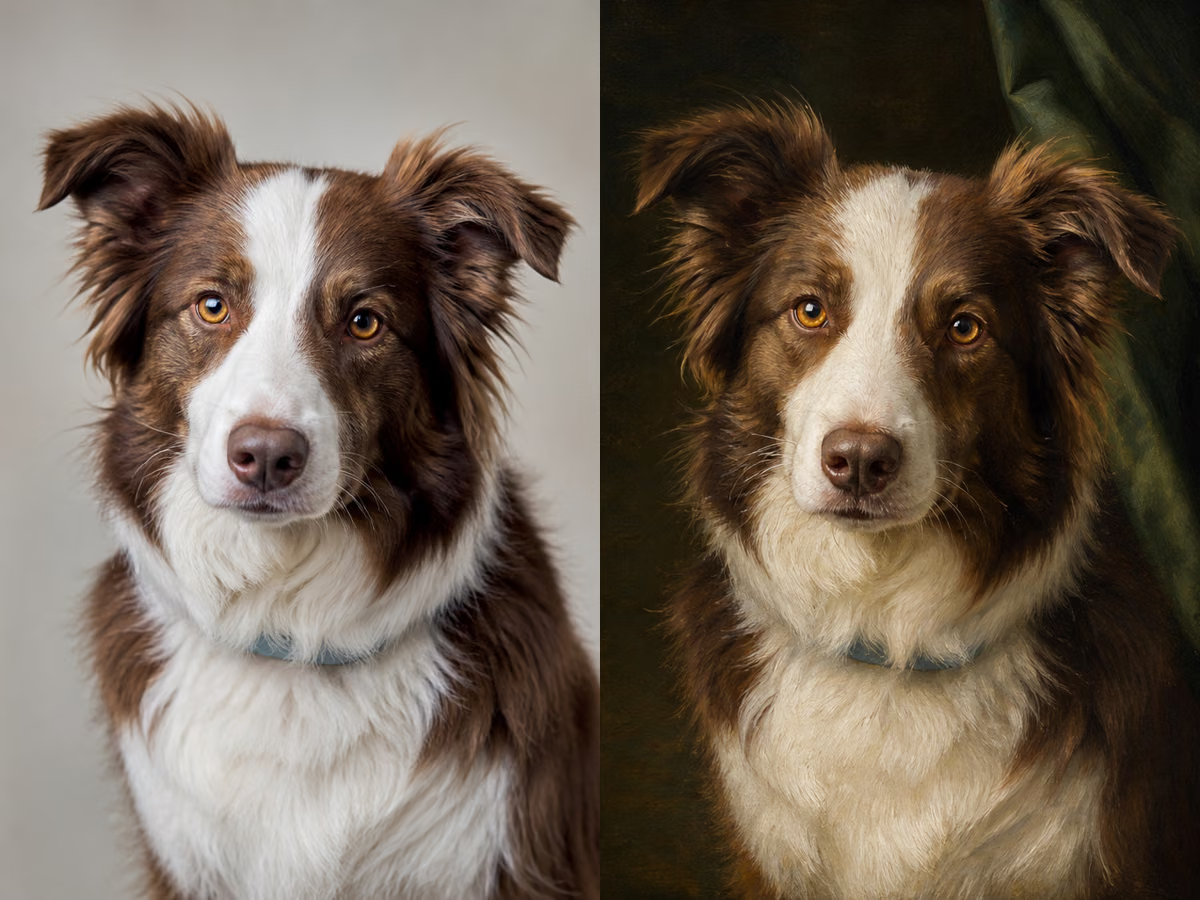
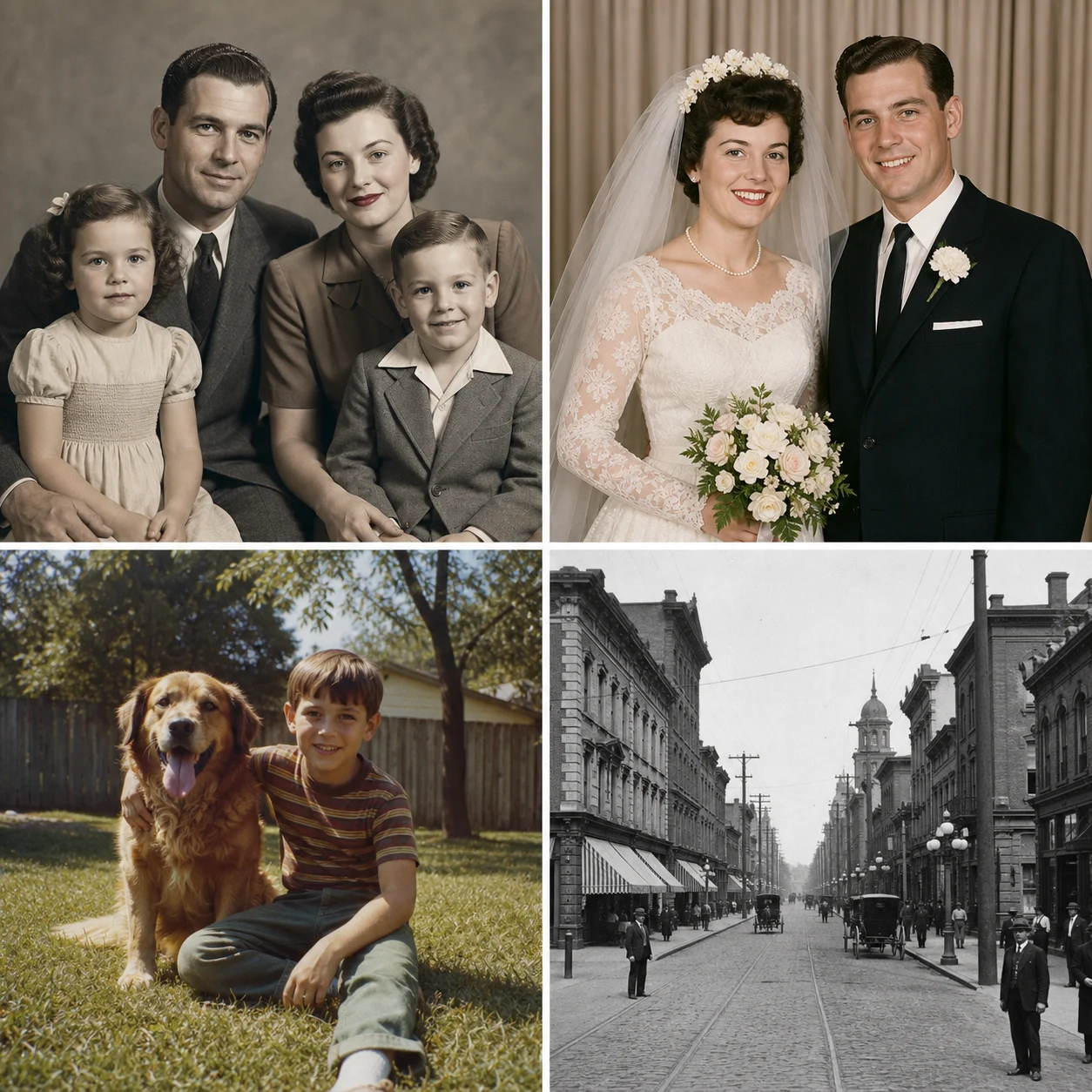
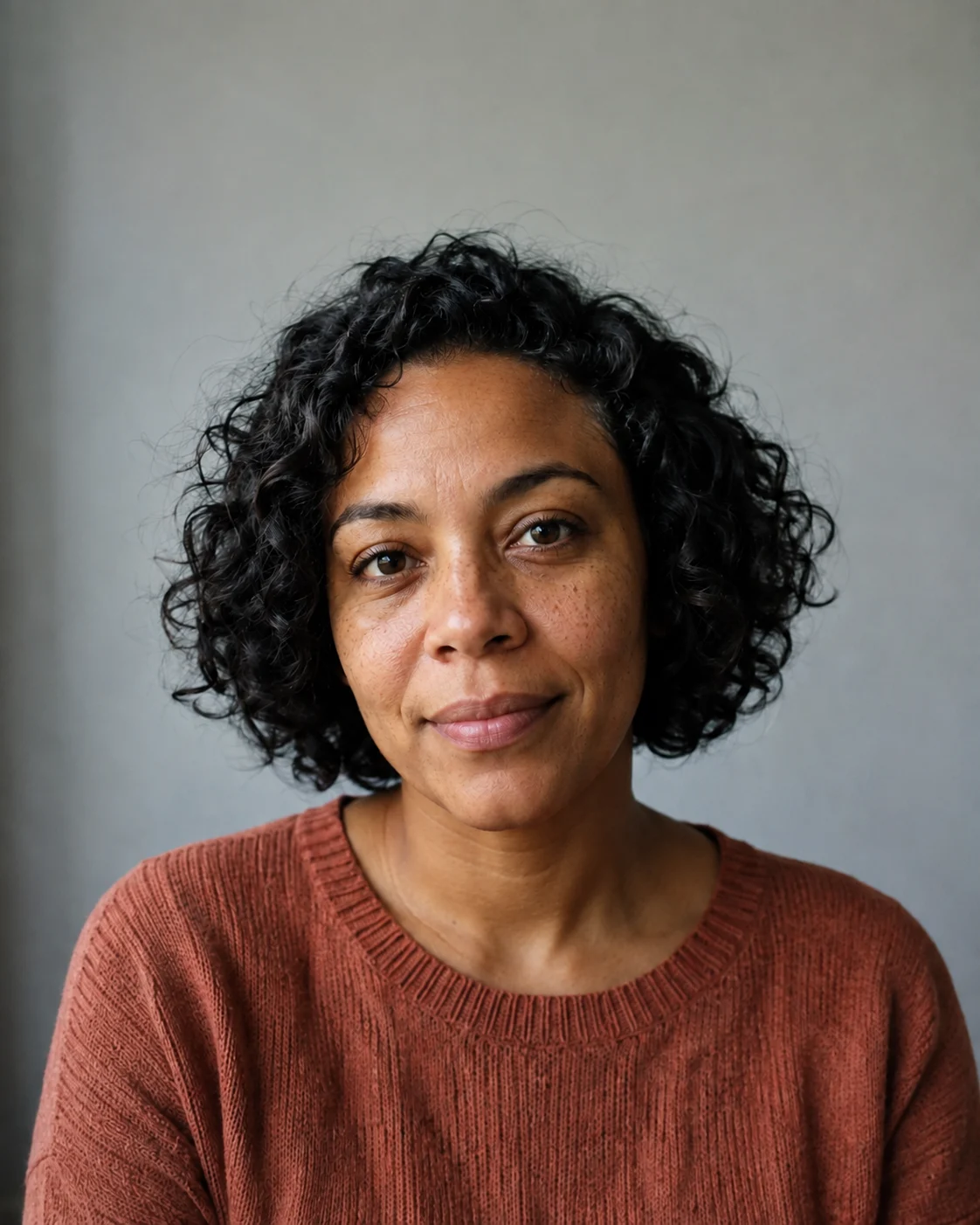
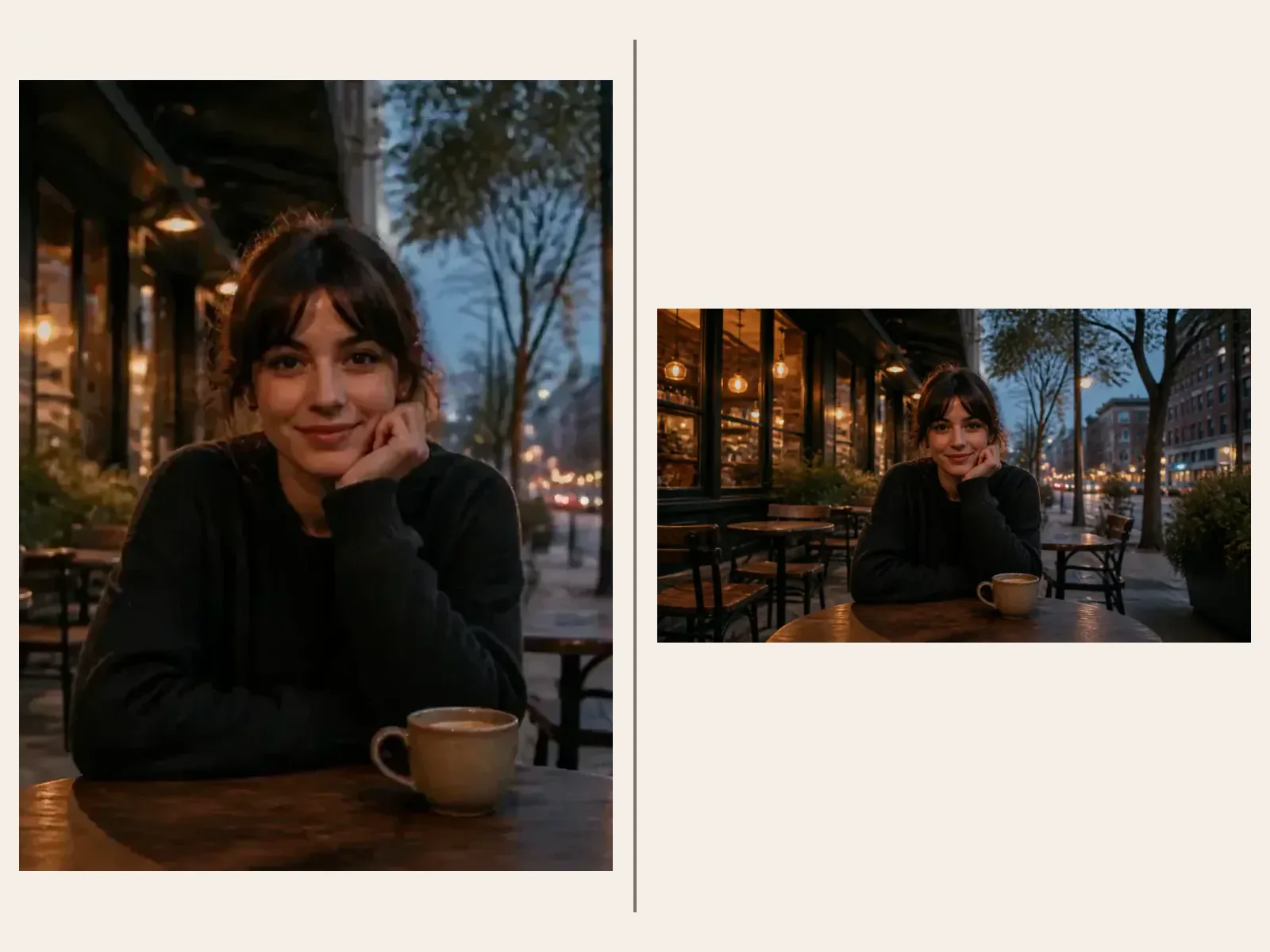
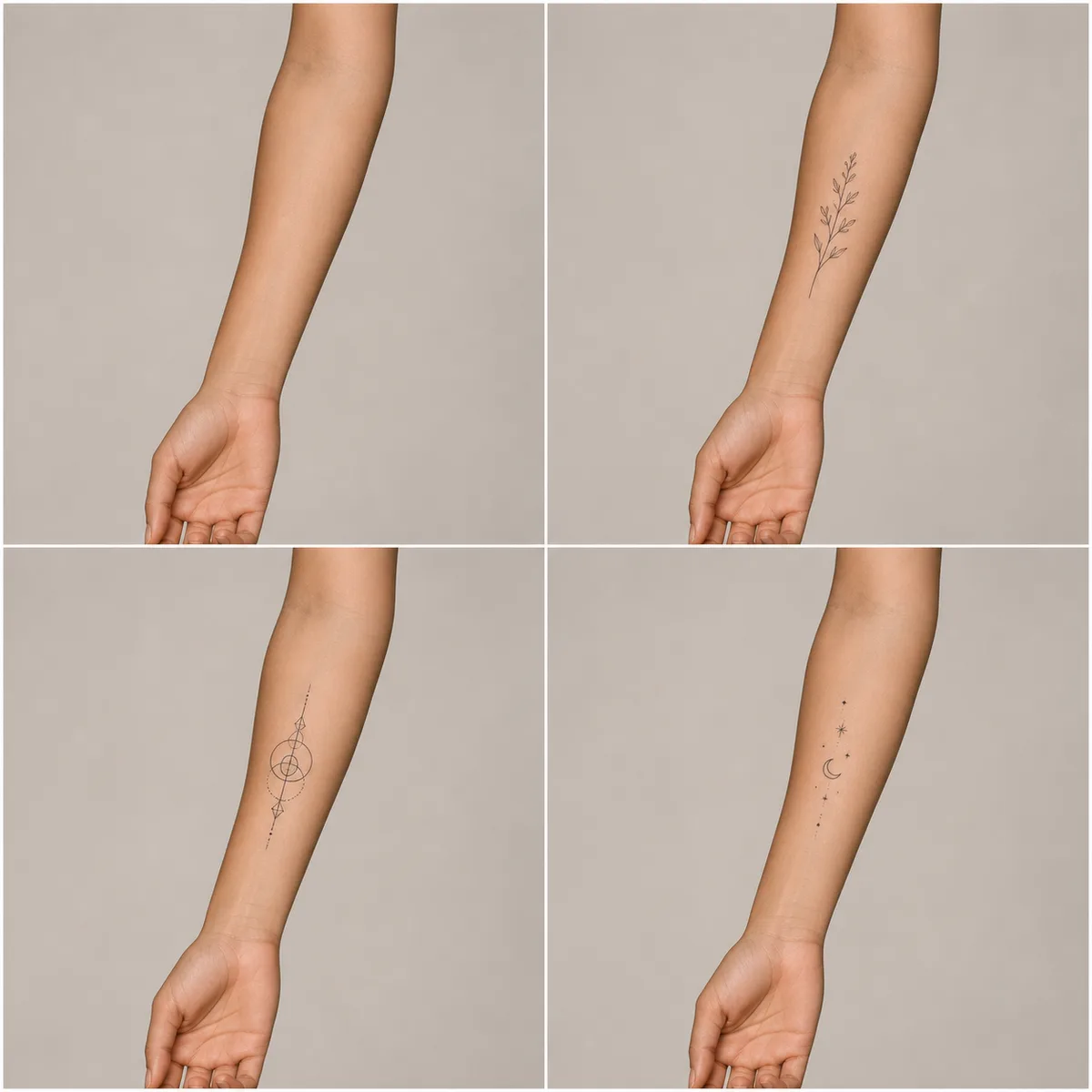

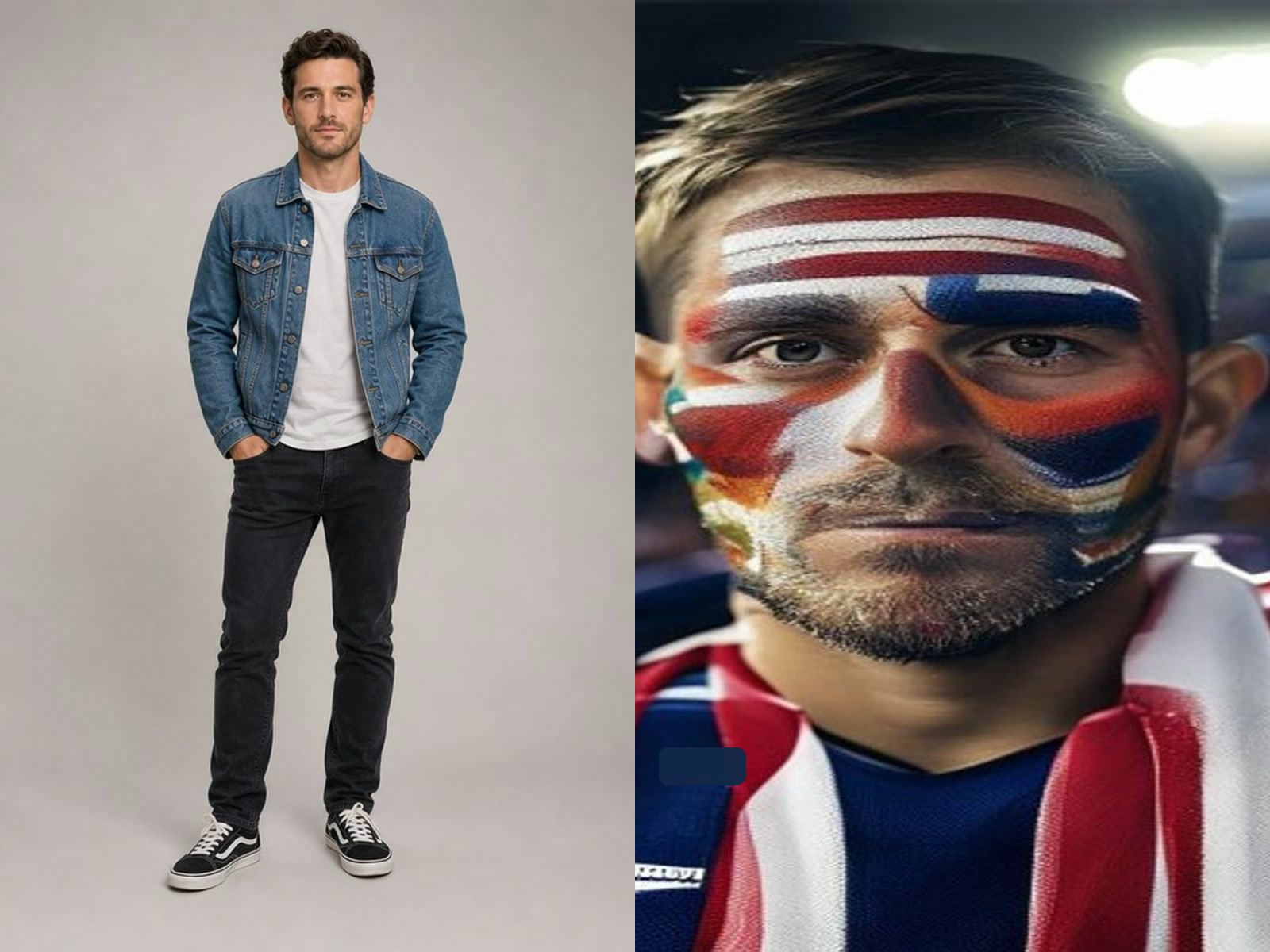
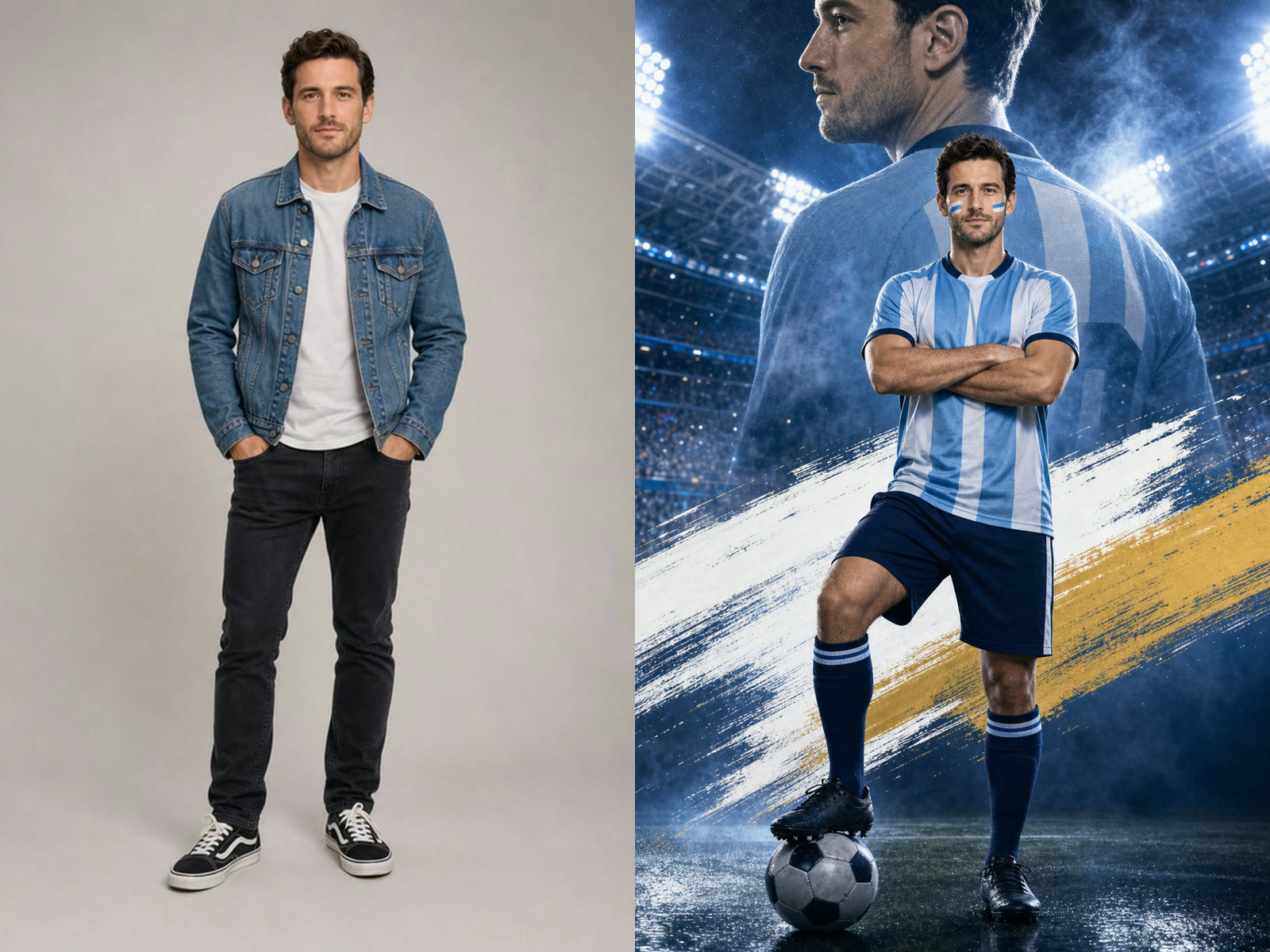
Photo Content Preservation
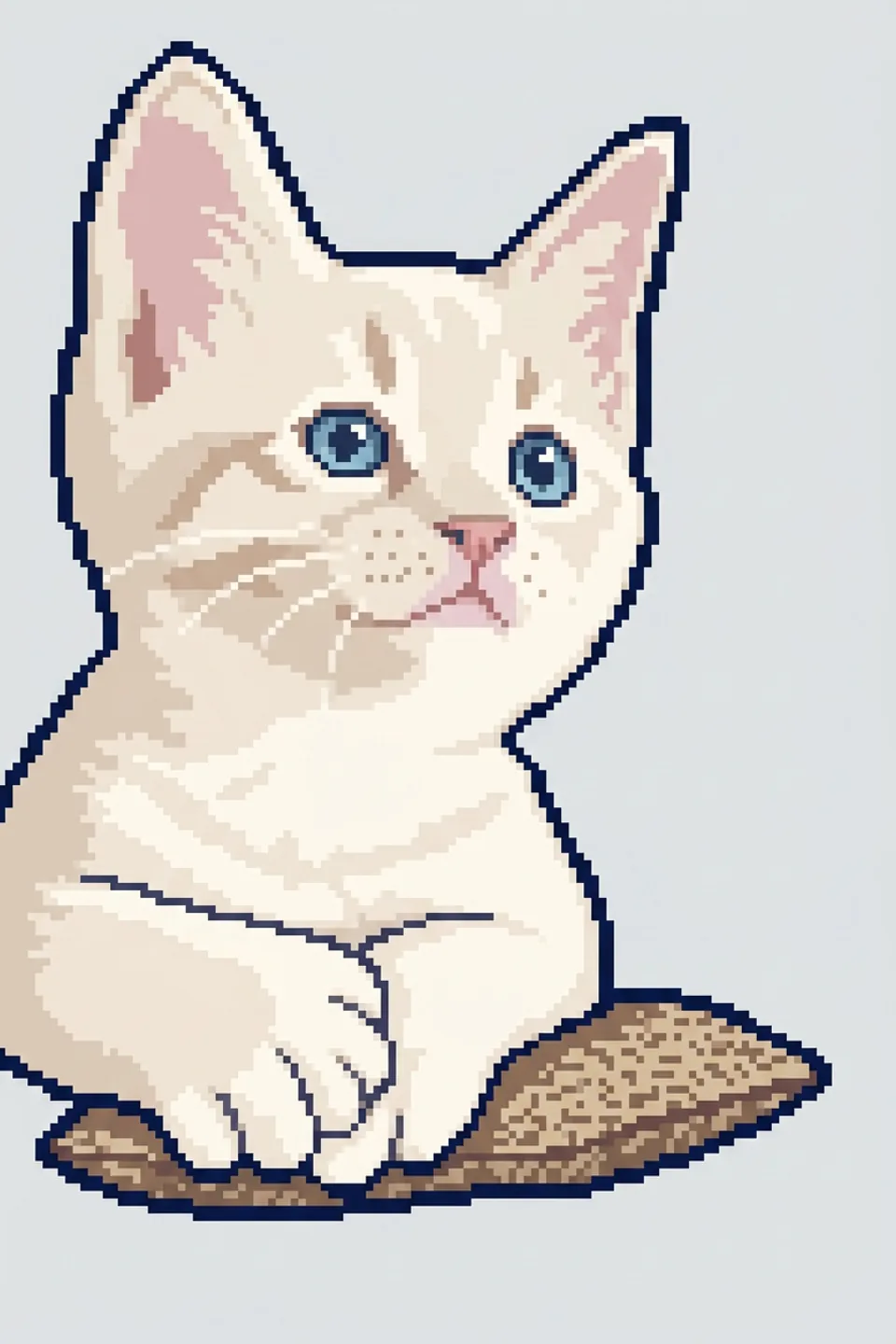
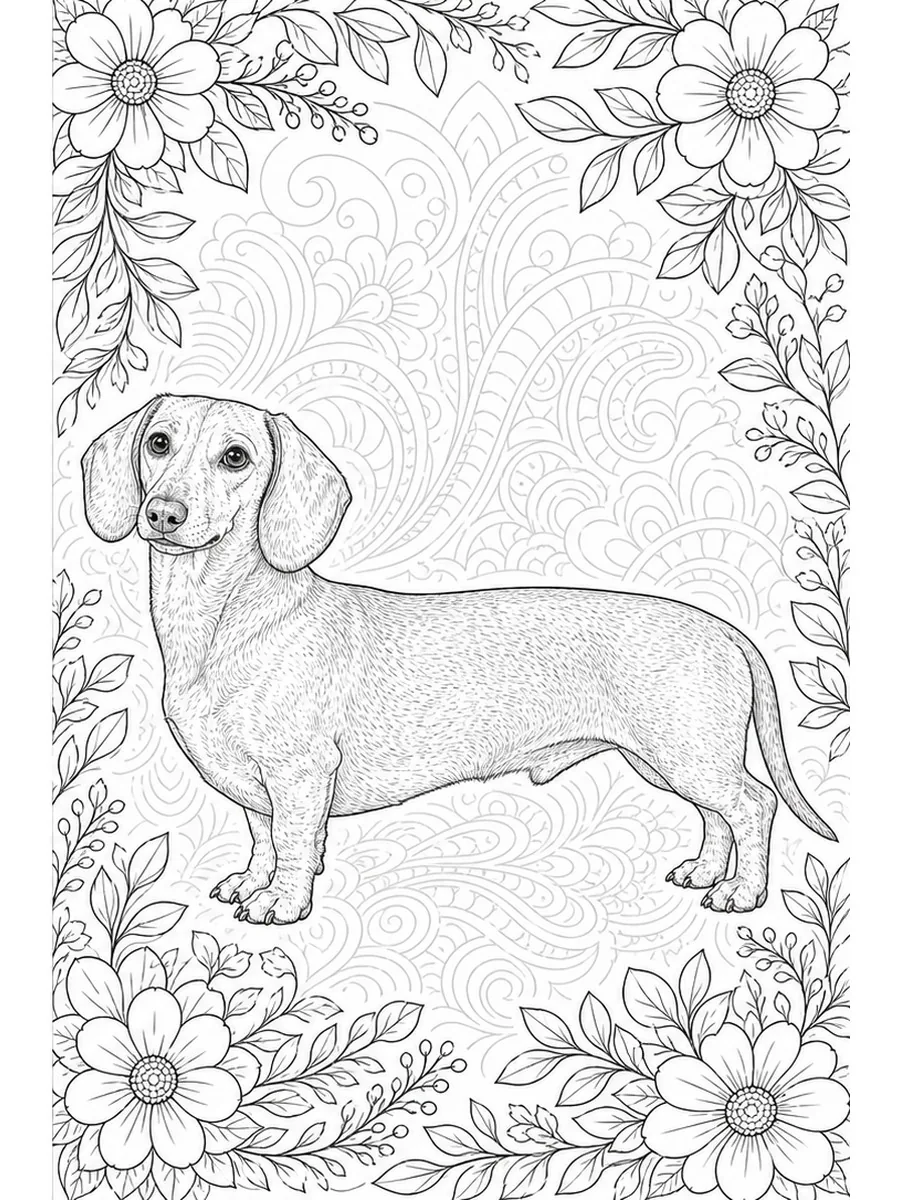
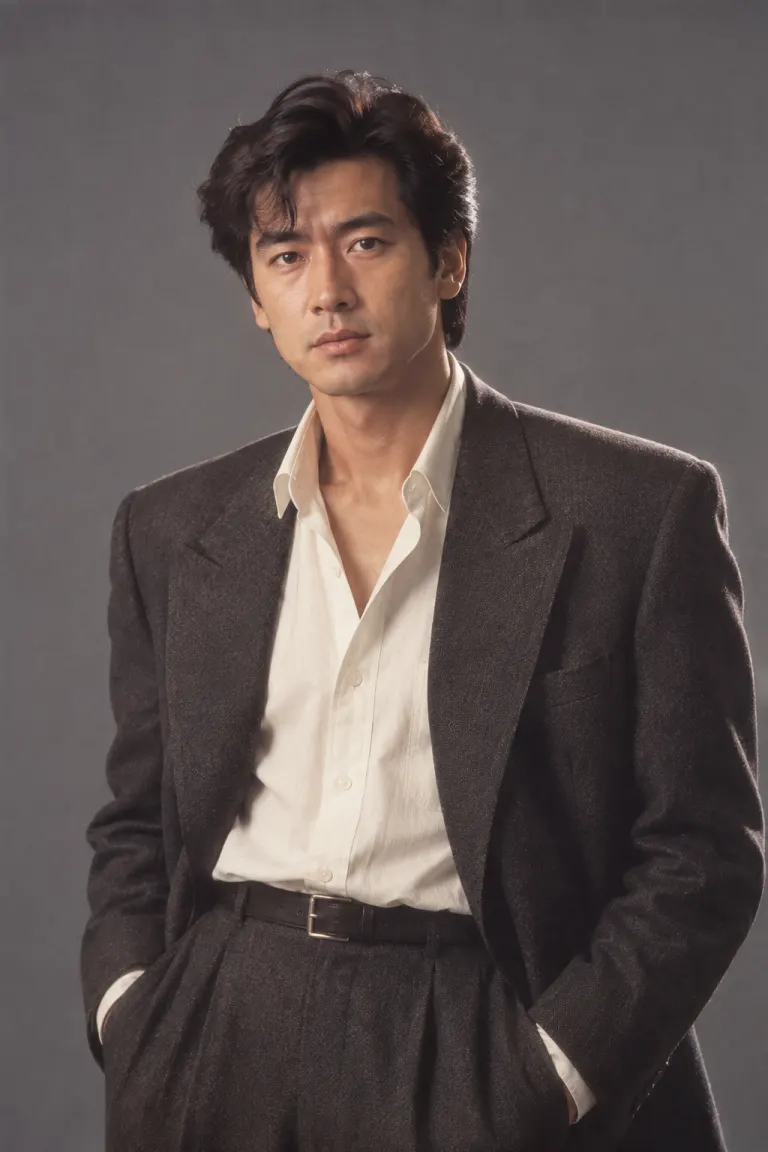
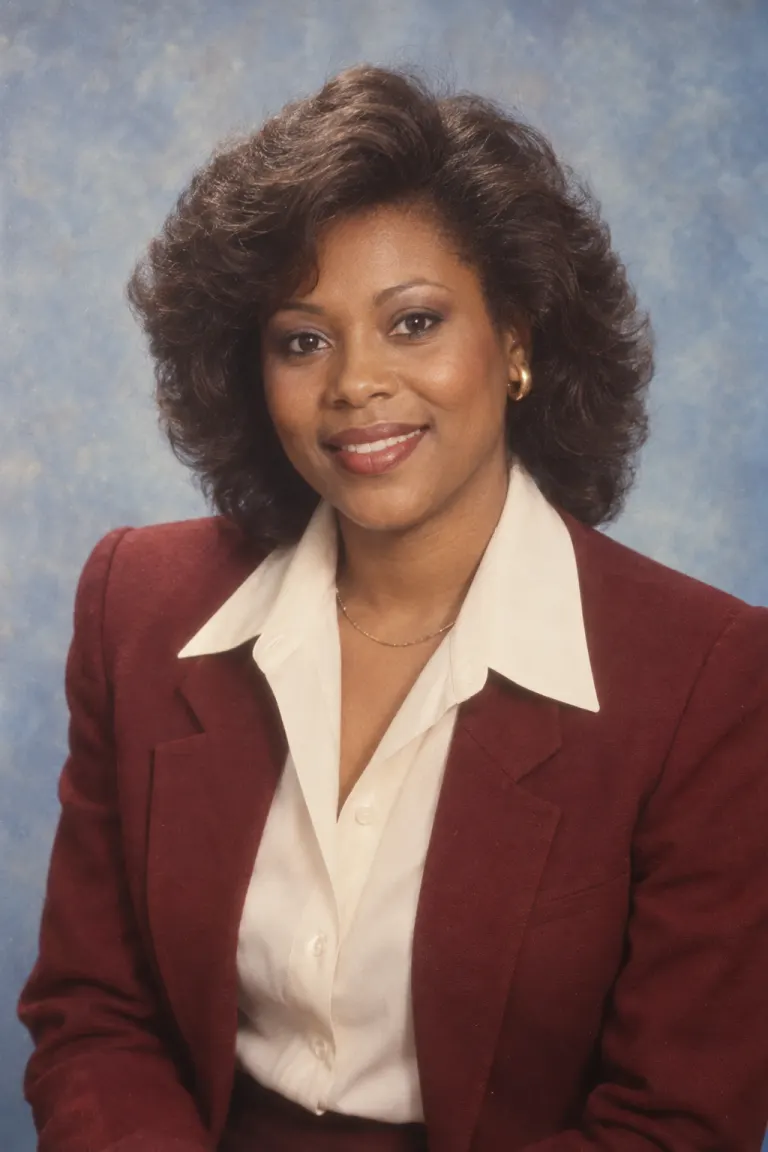
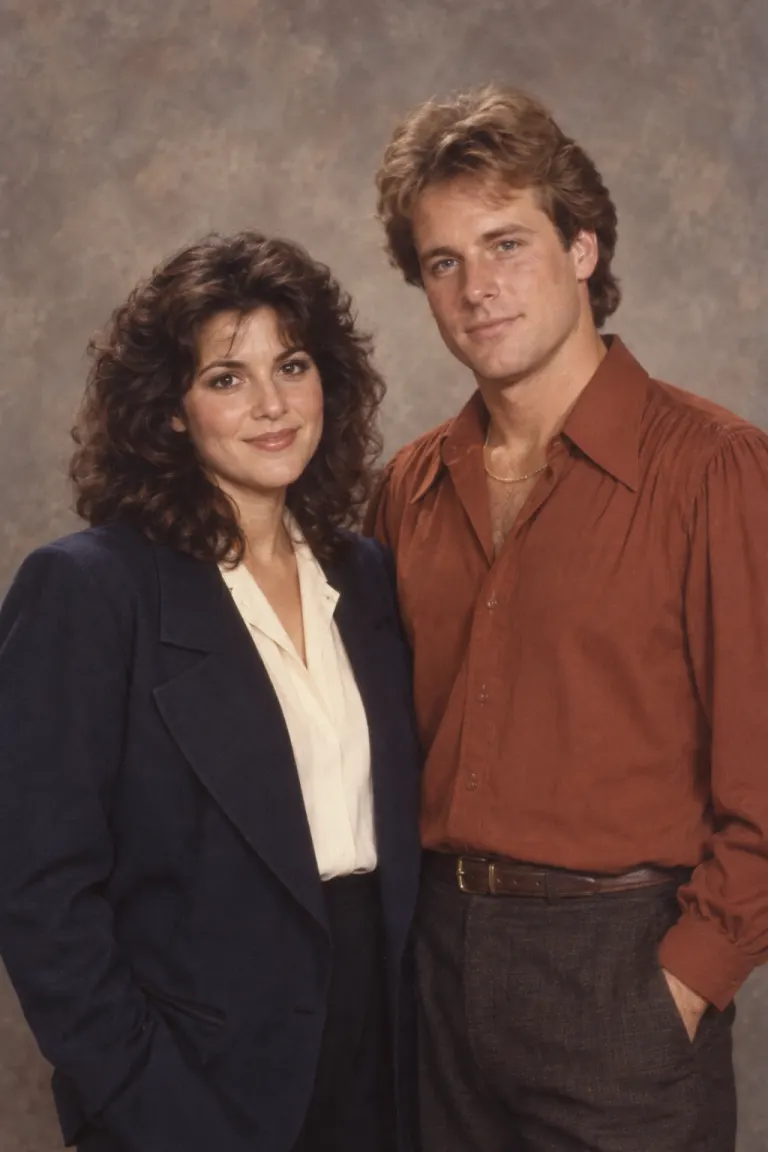
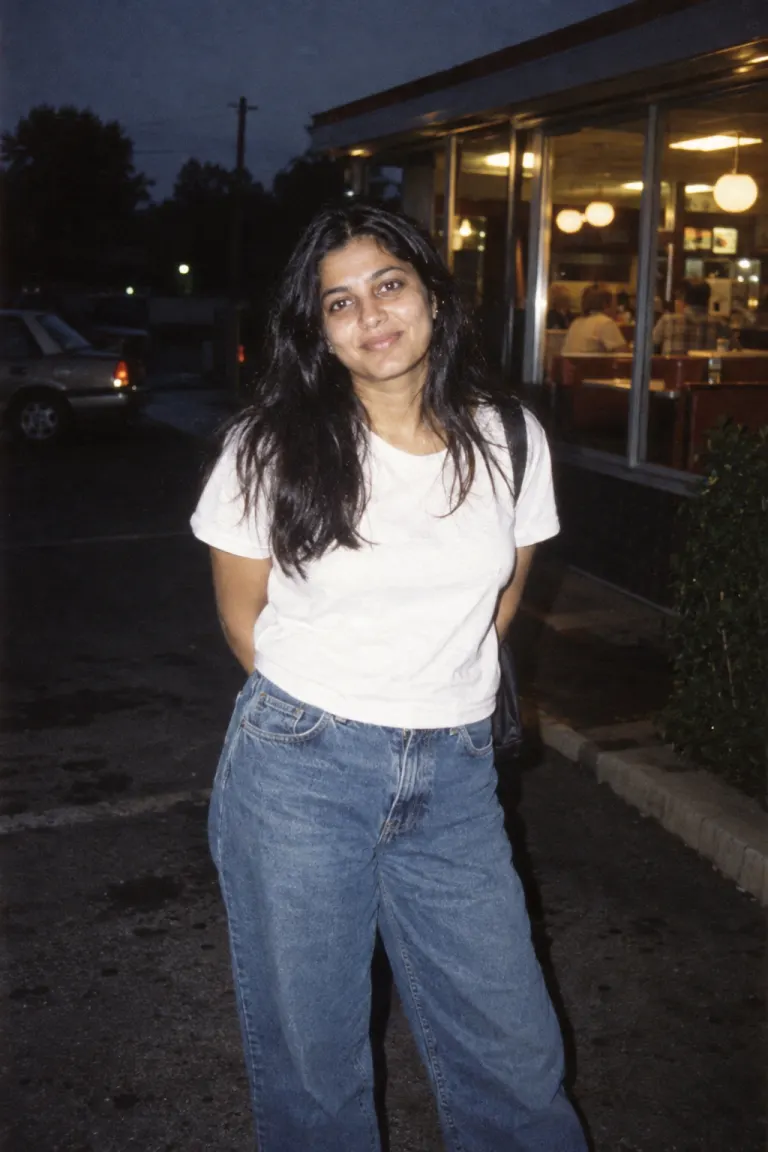
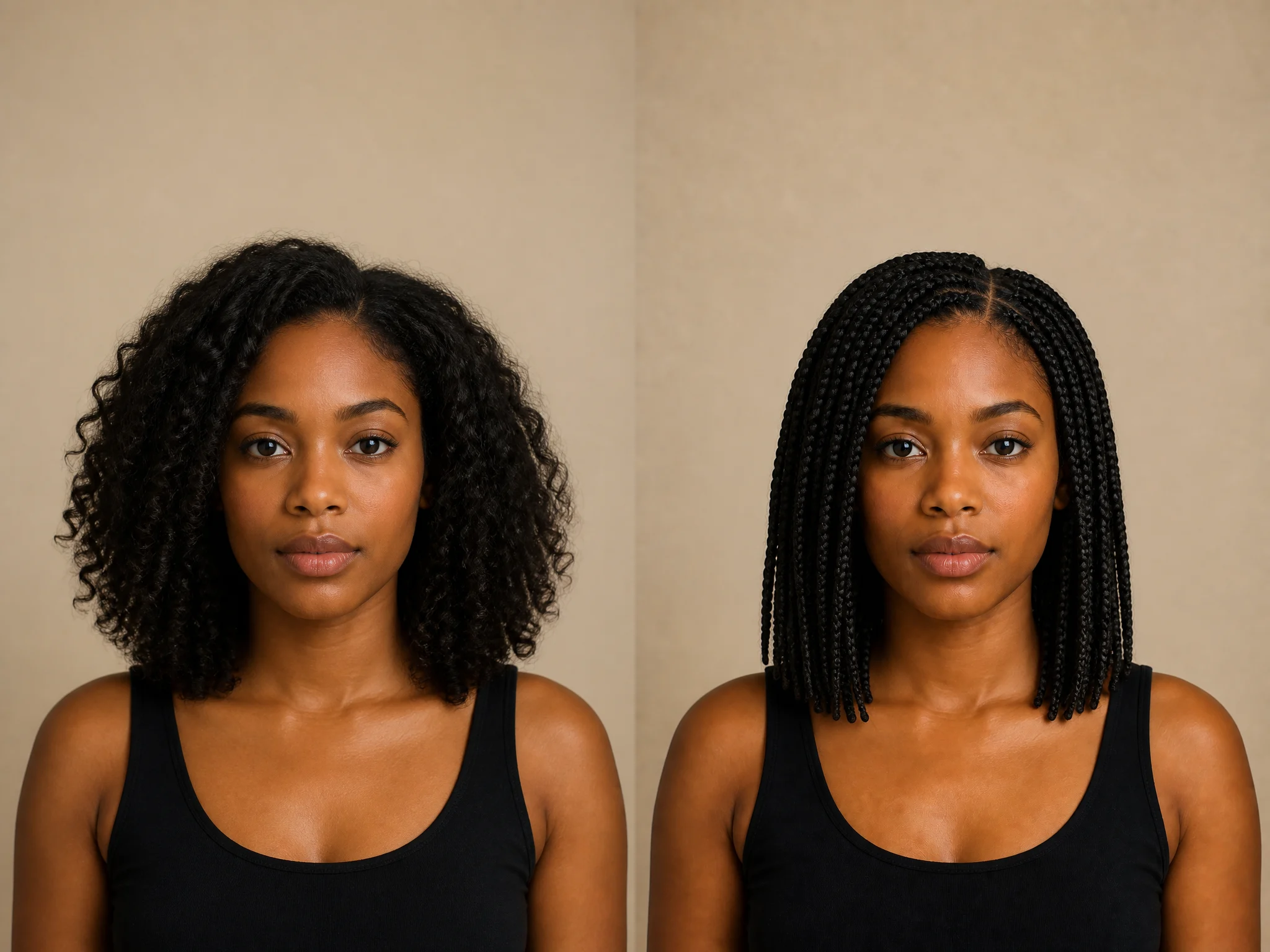
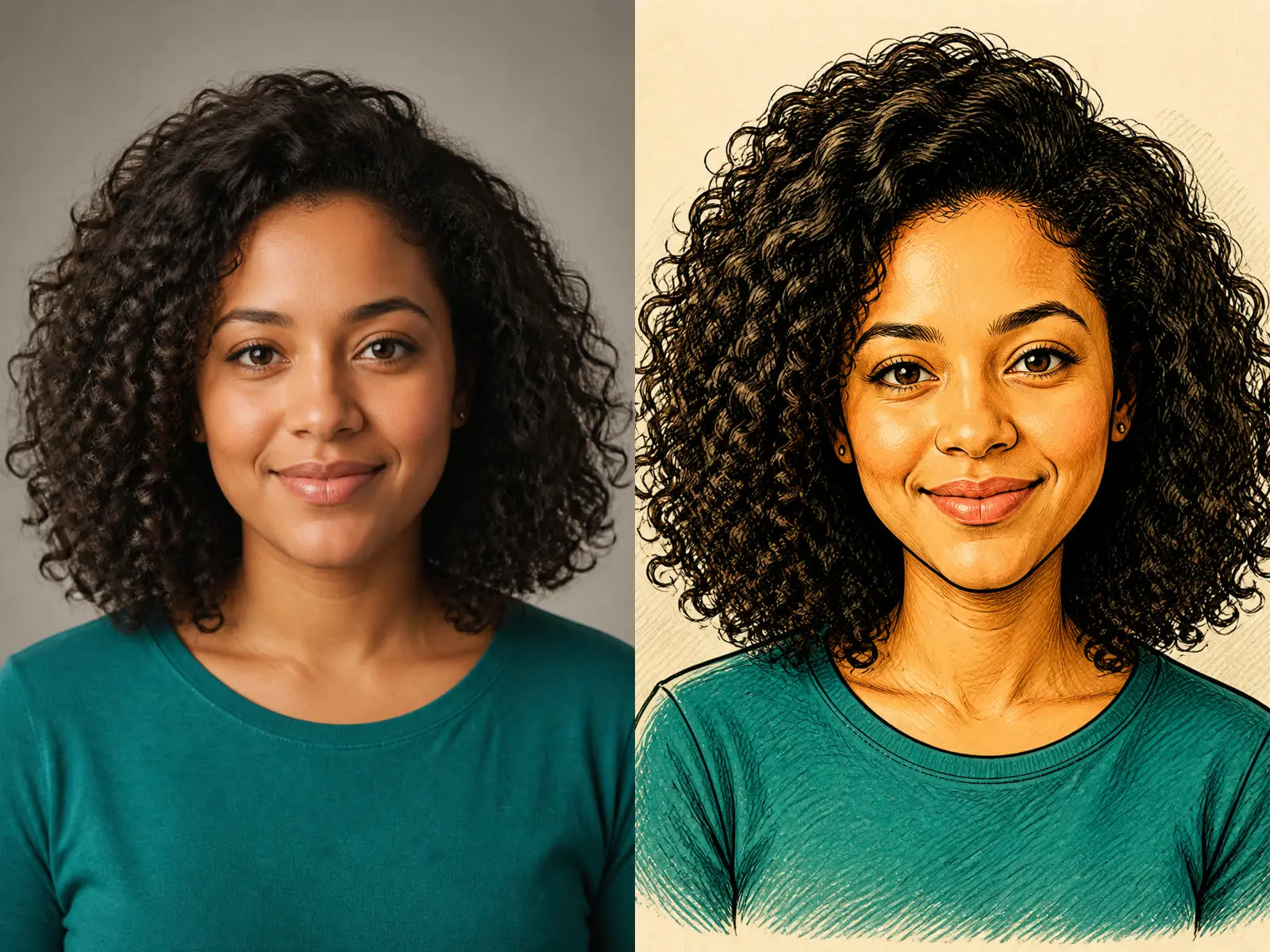
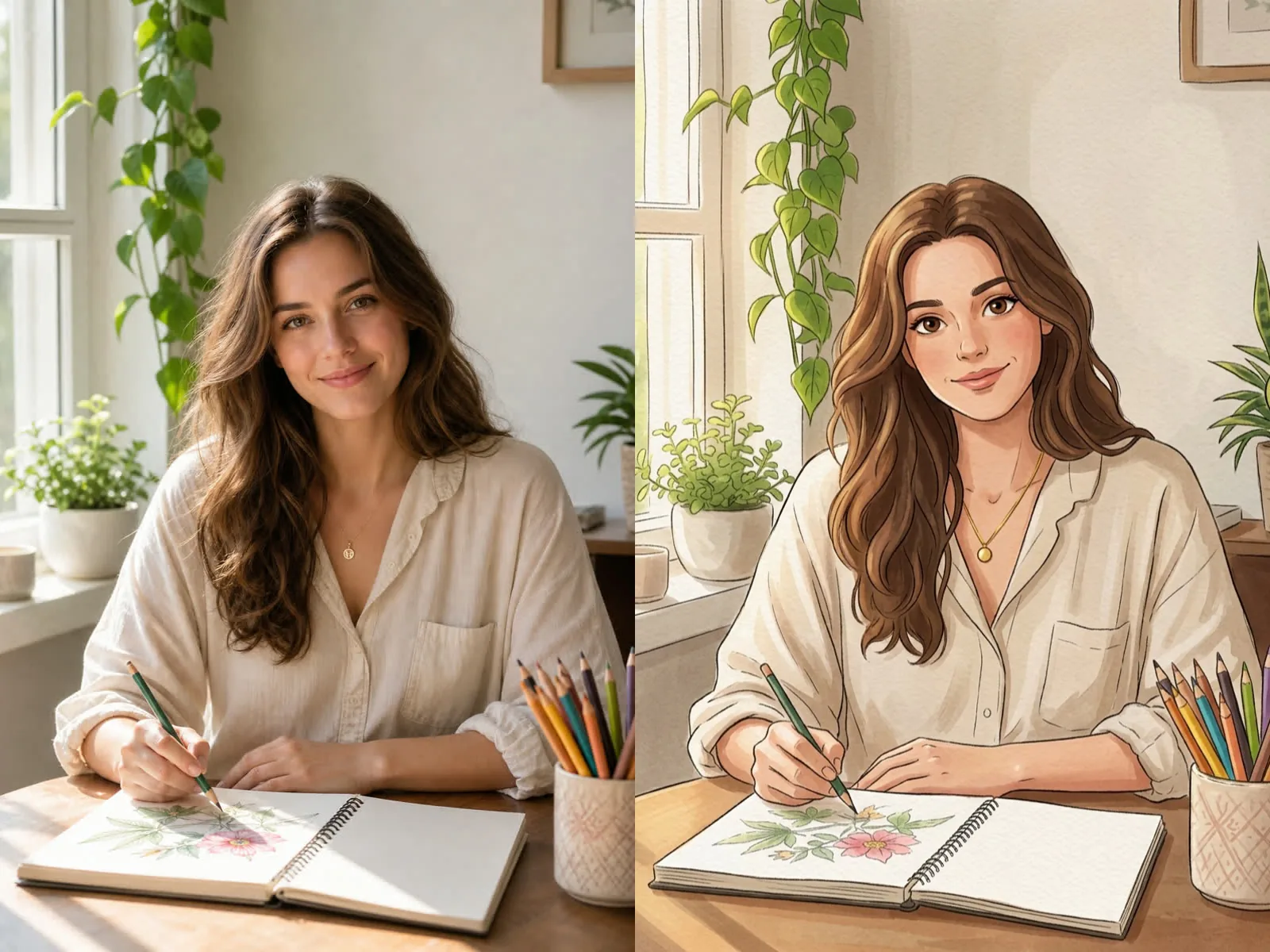
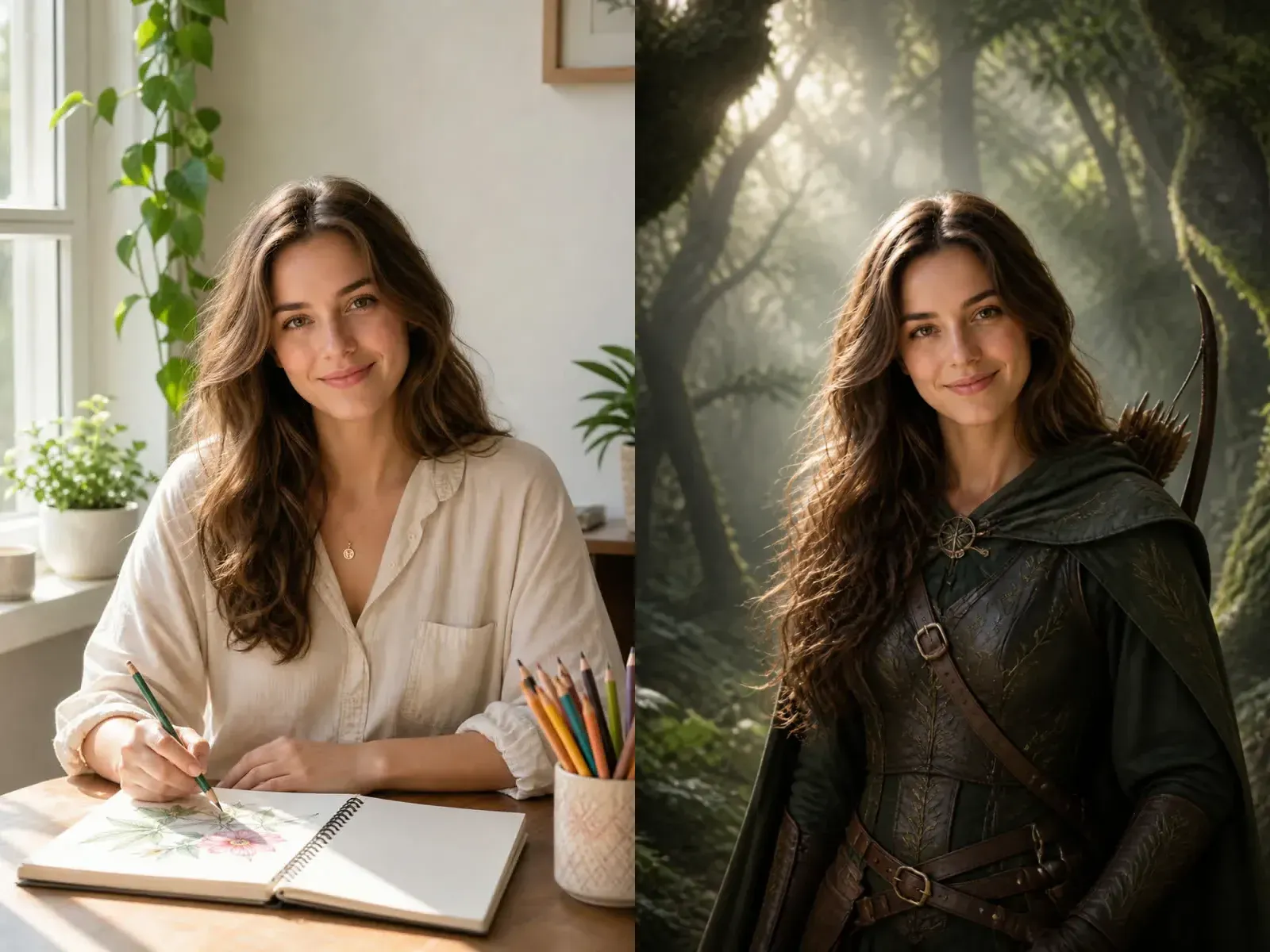
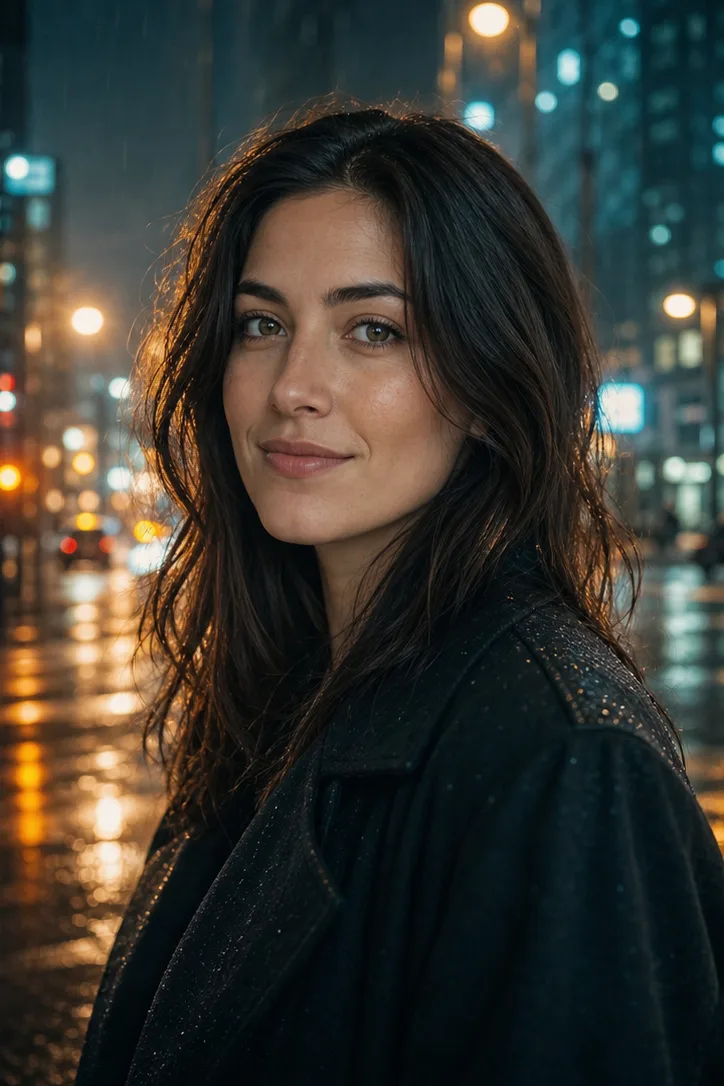
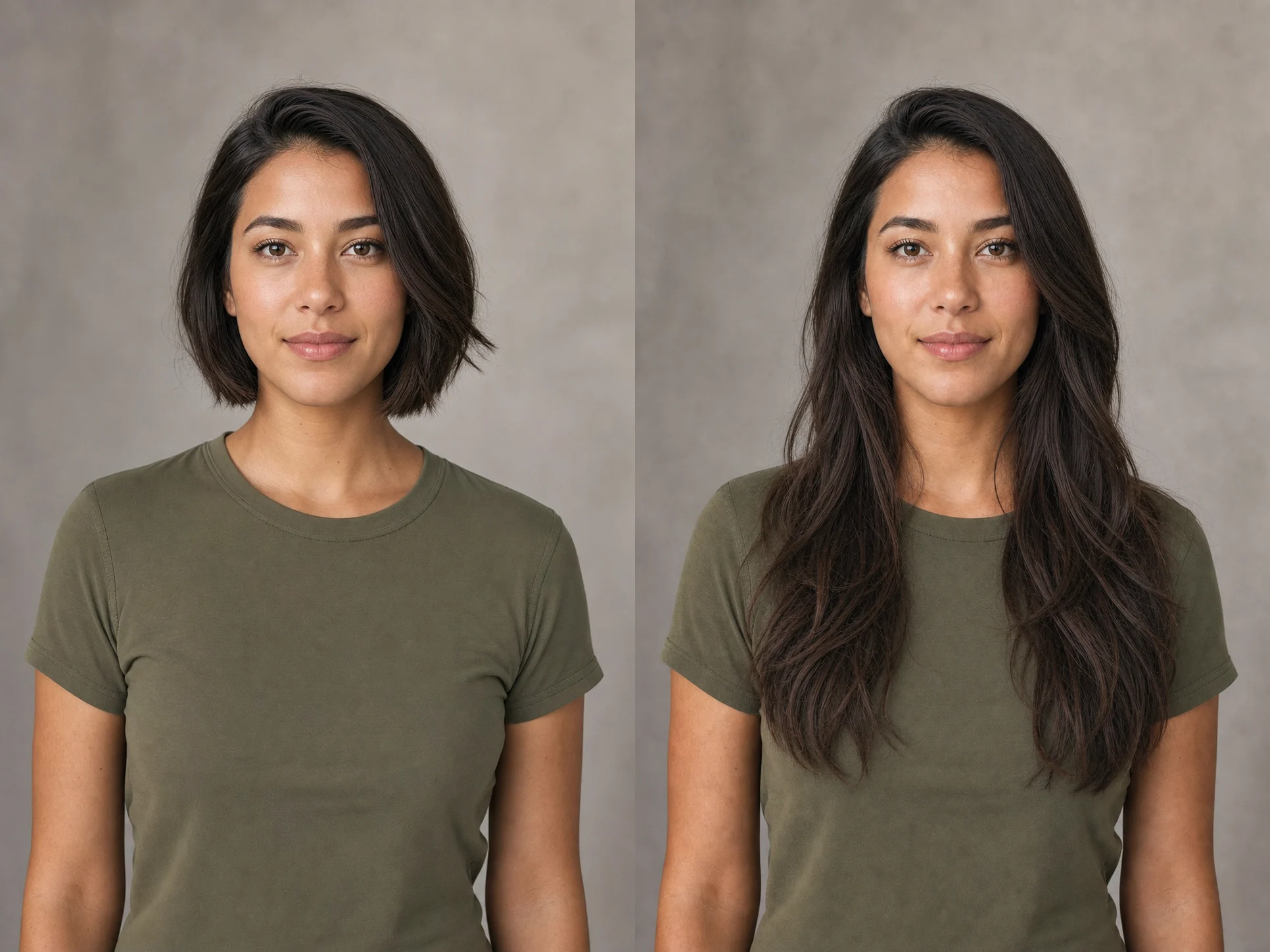
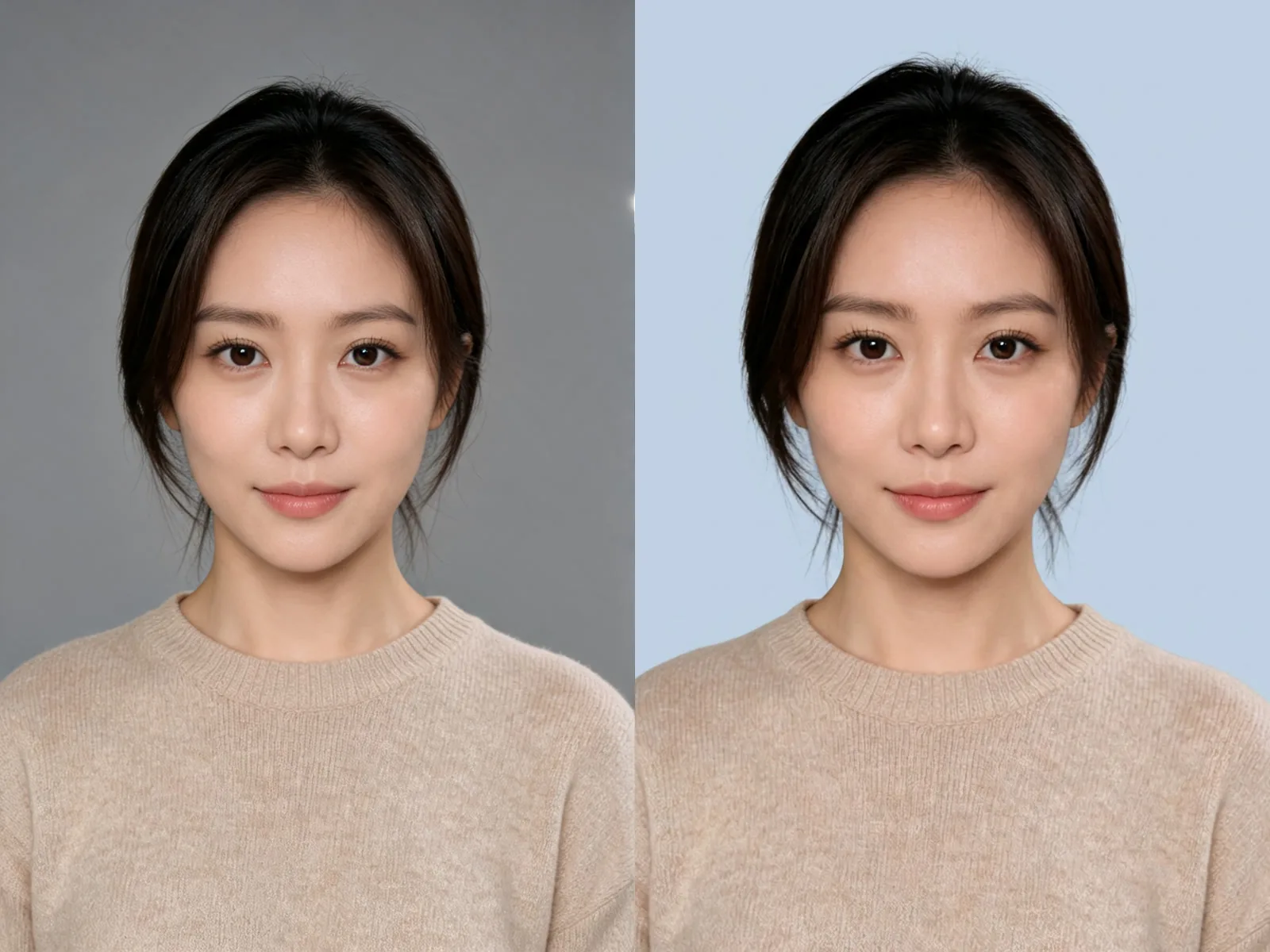
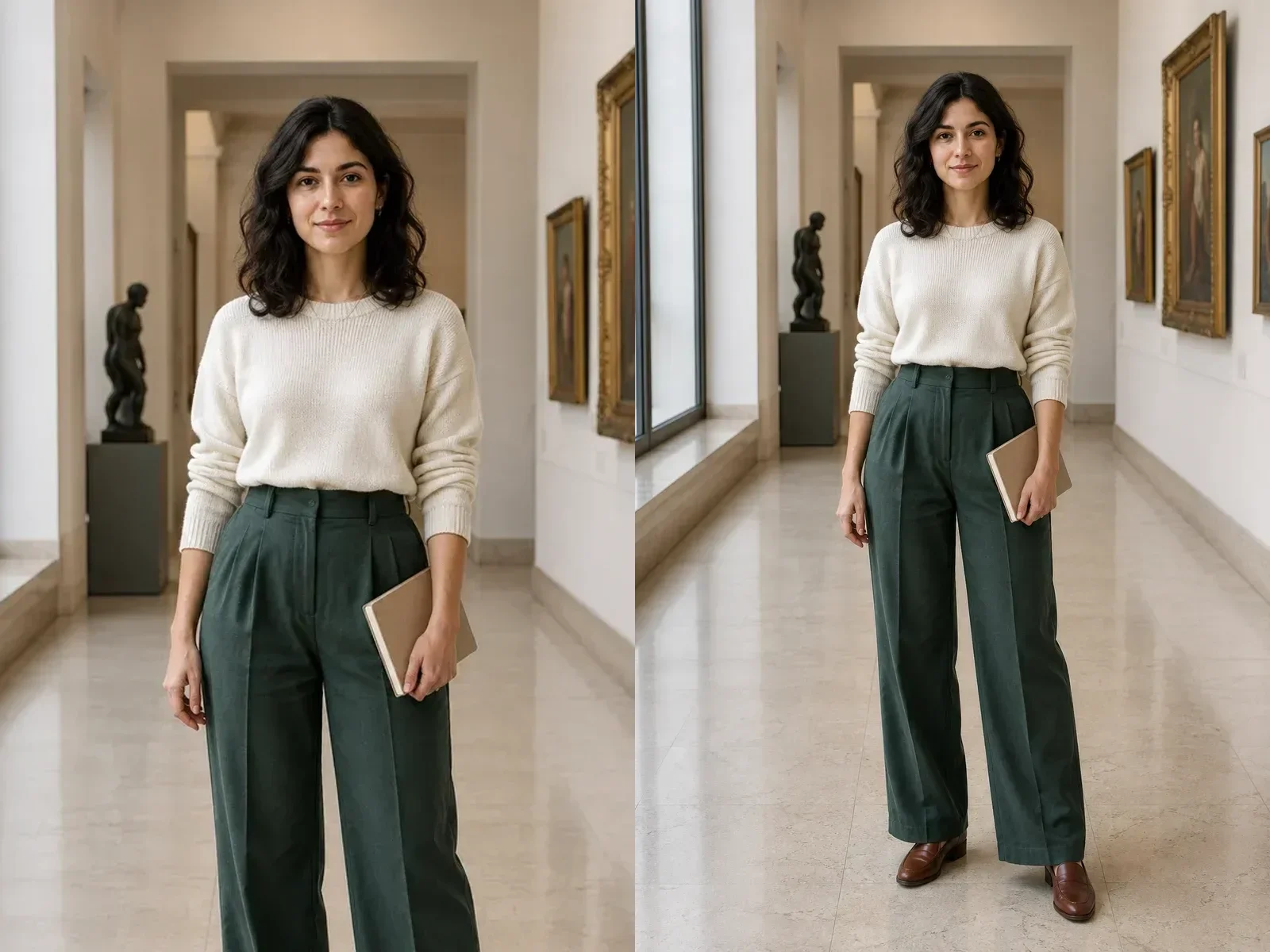
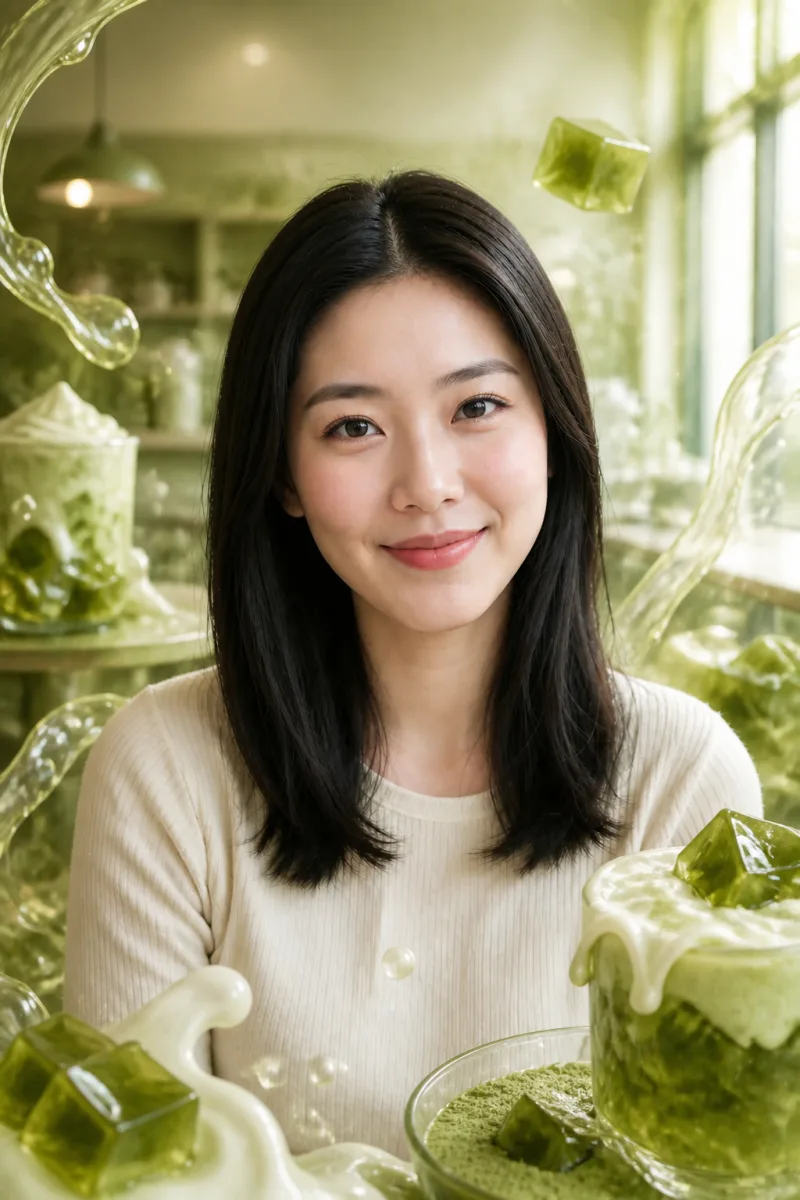
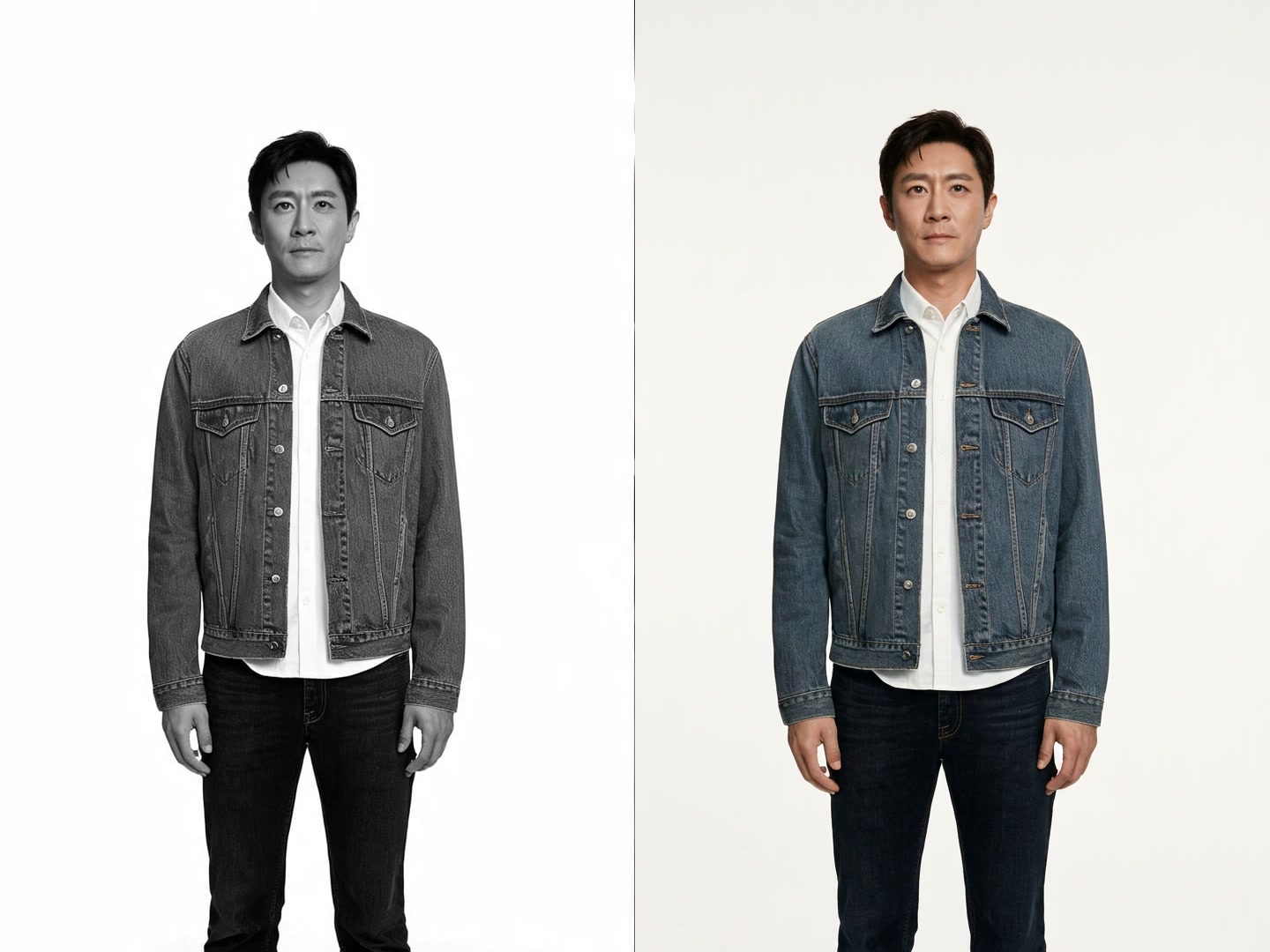
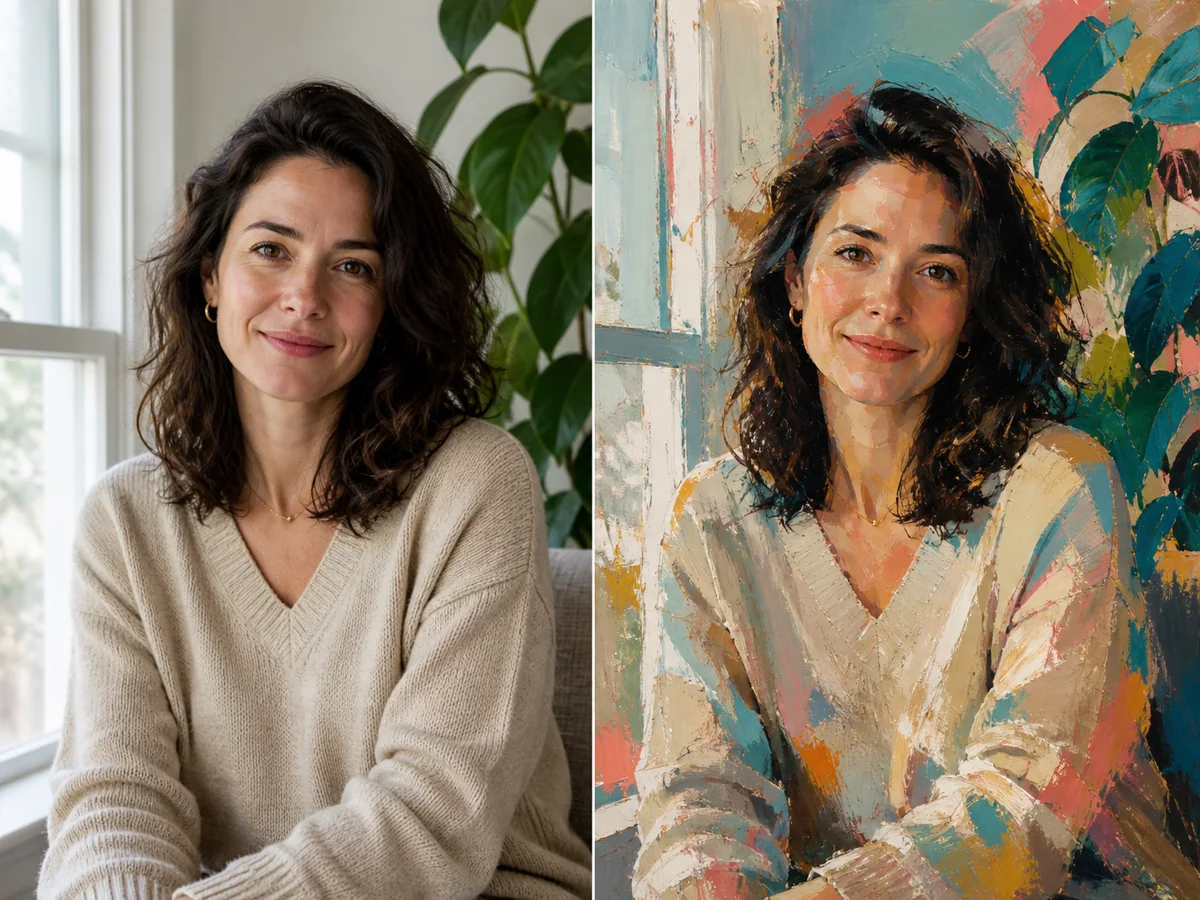
The prompt asks NanoPic to keep faces, colors, composition, and important details from the uploaded photo while building the frame around it.
Save up to 73% on plans
Image
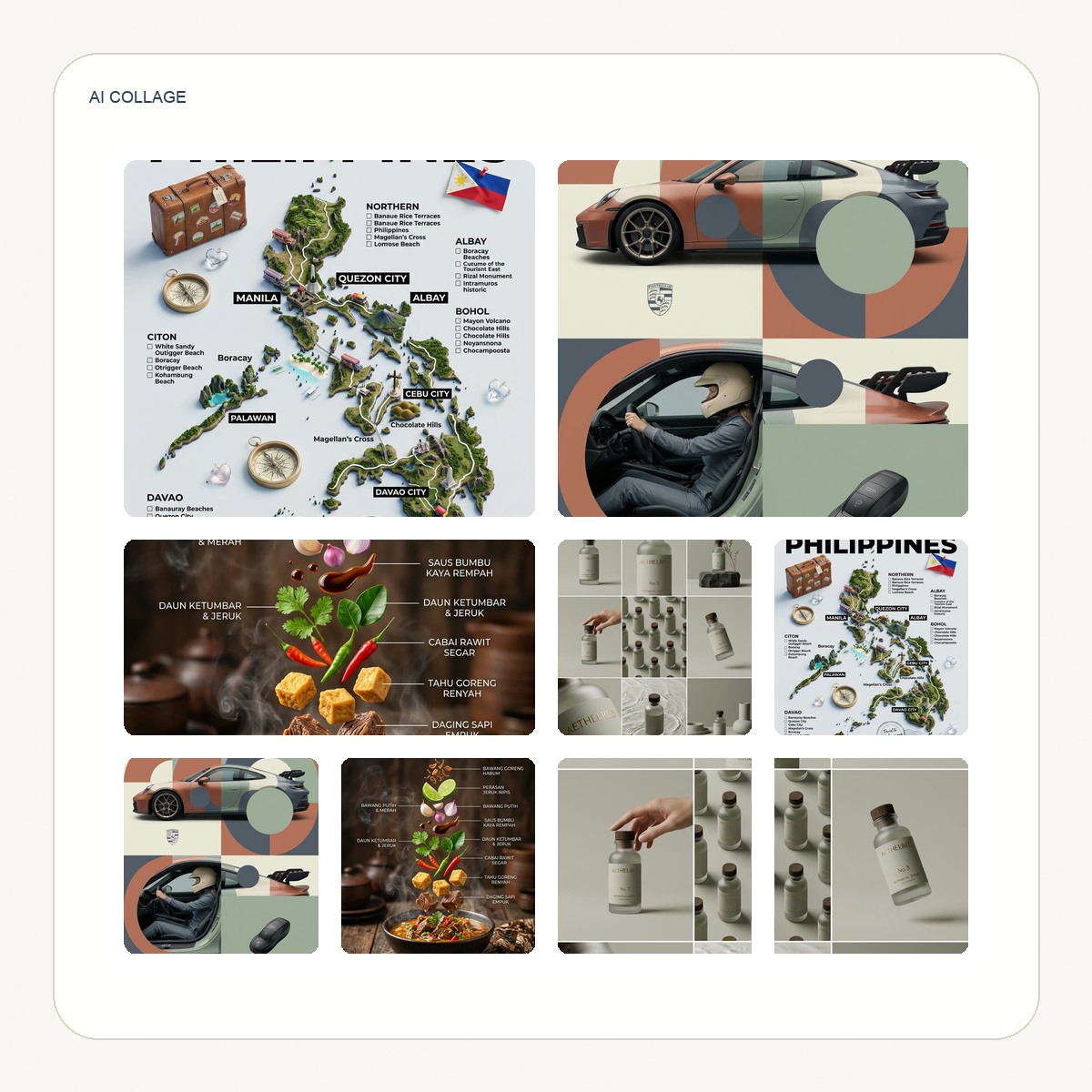
Browse every other AI image model and effect published on this site in a continuous carousel.
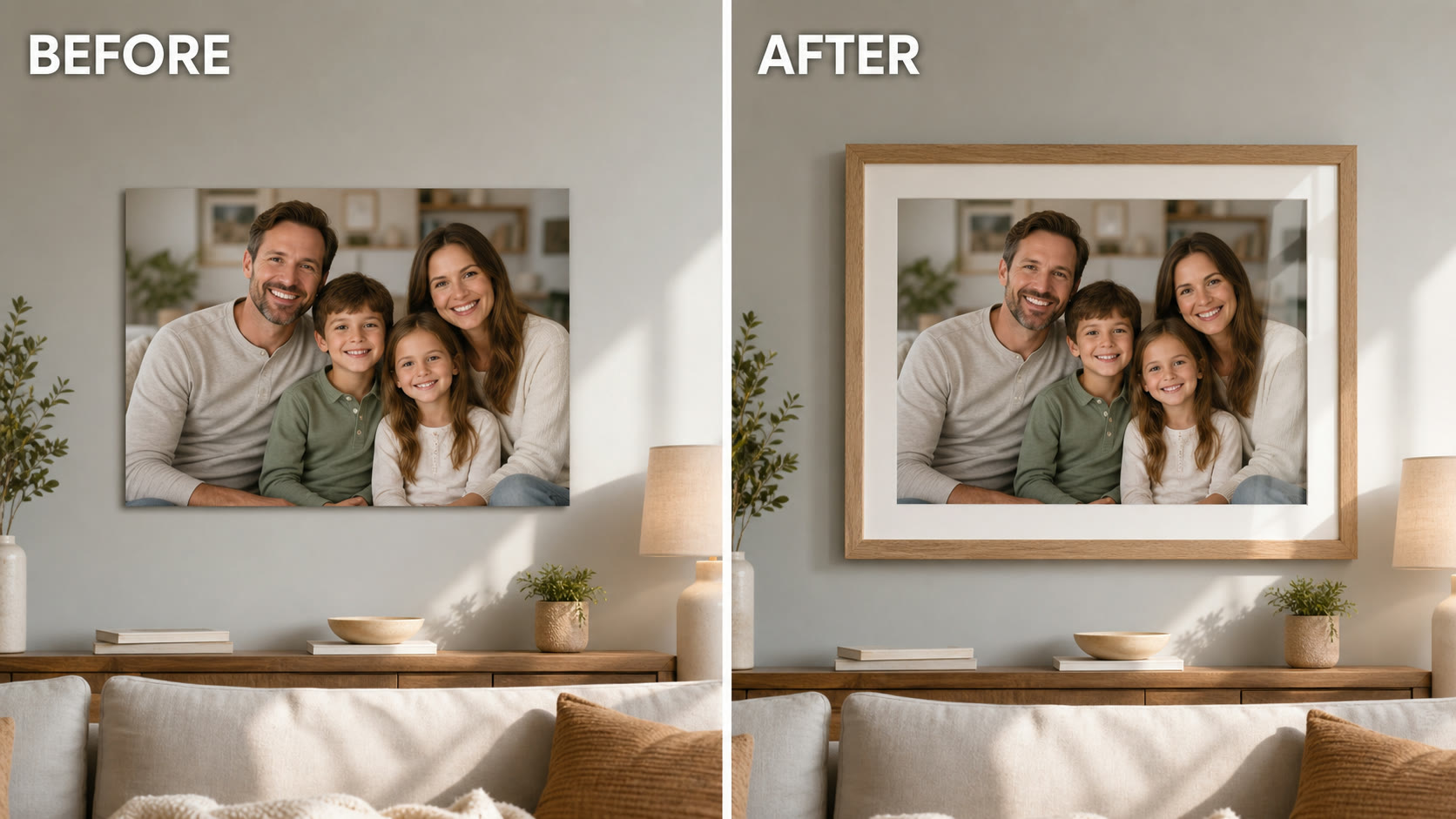
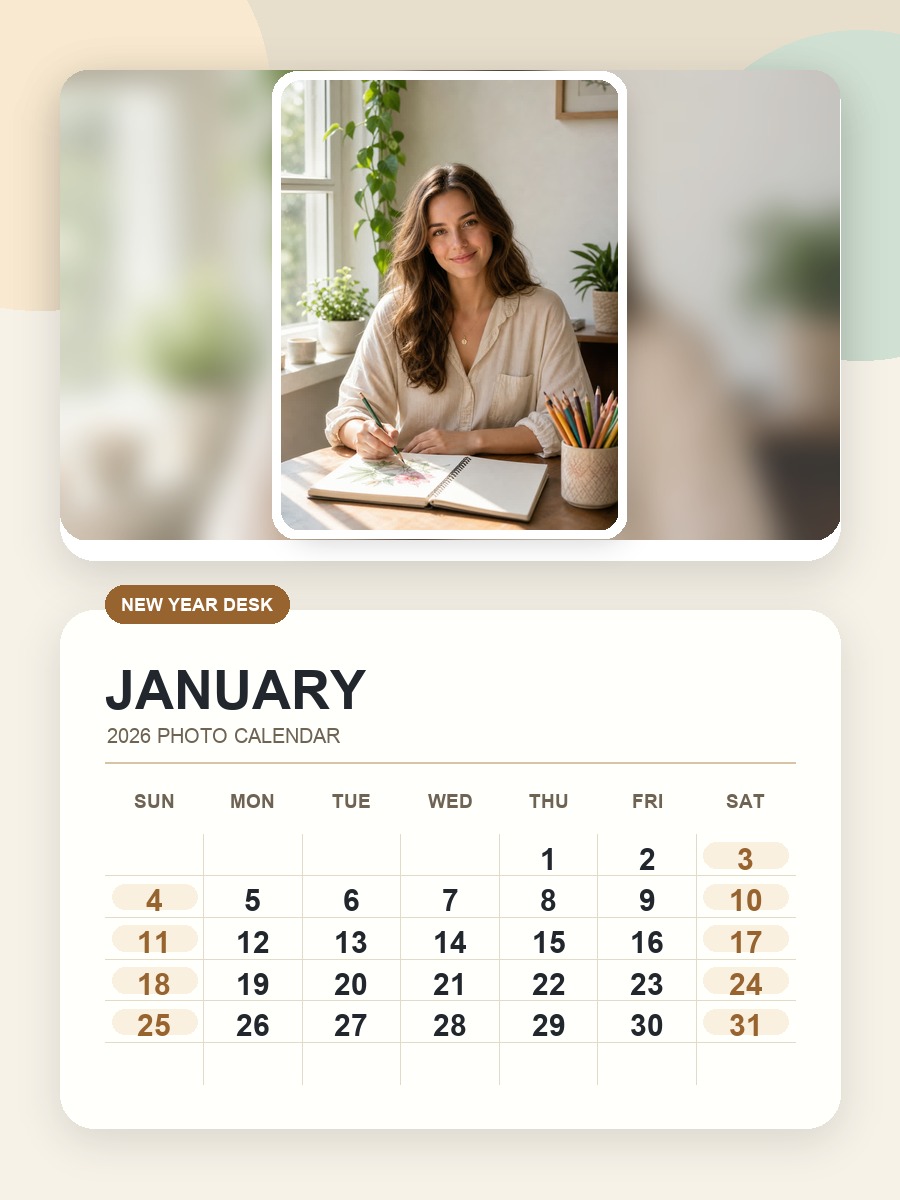
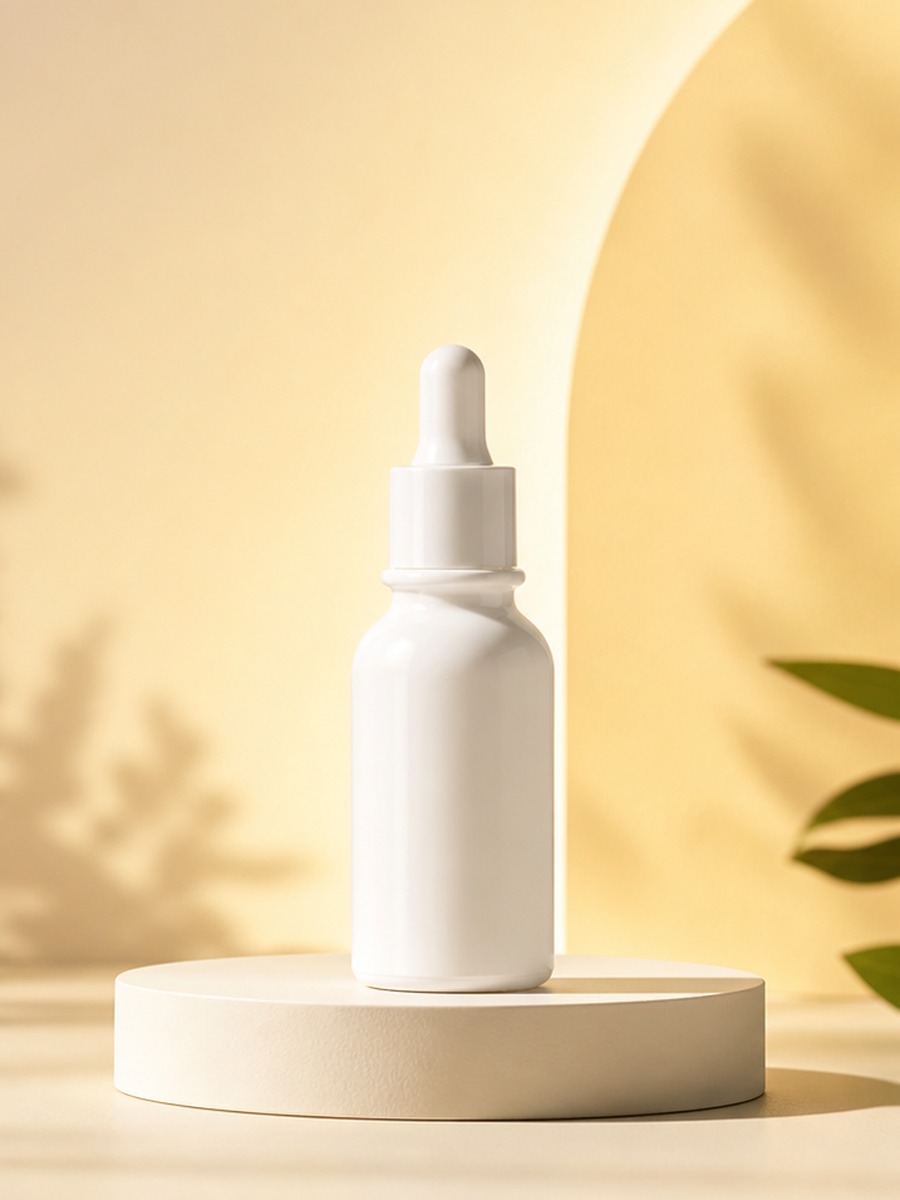
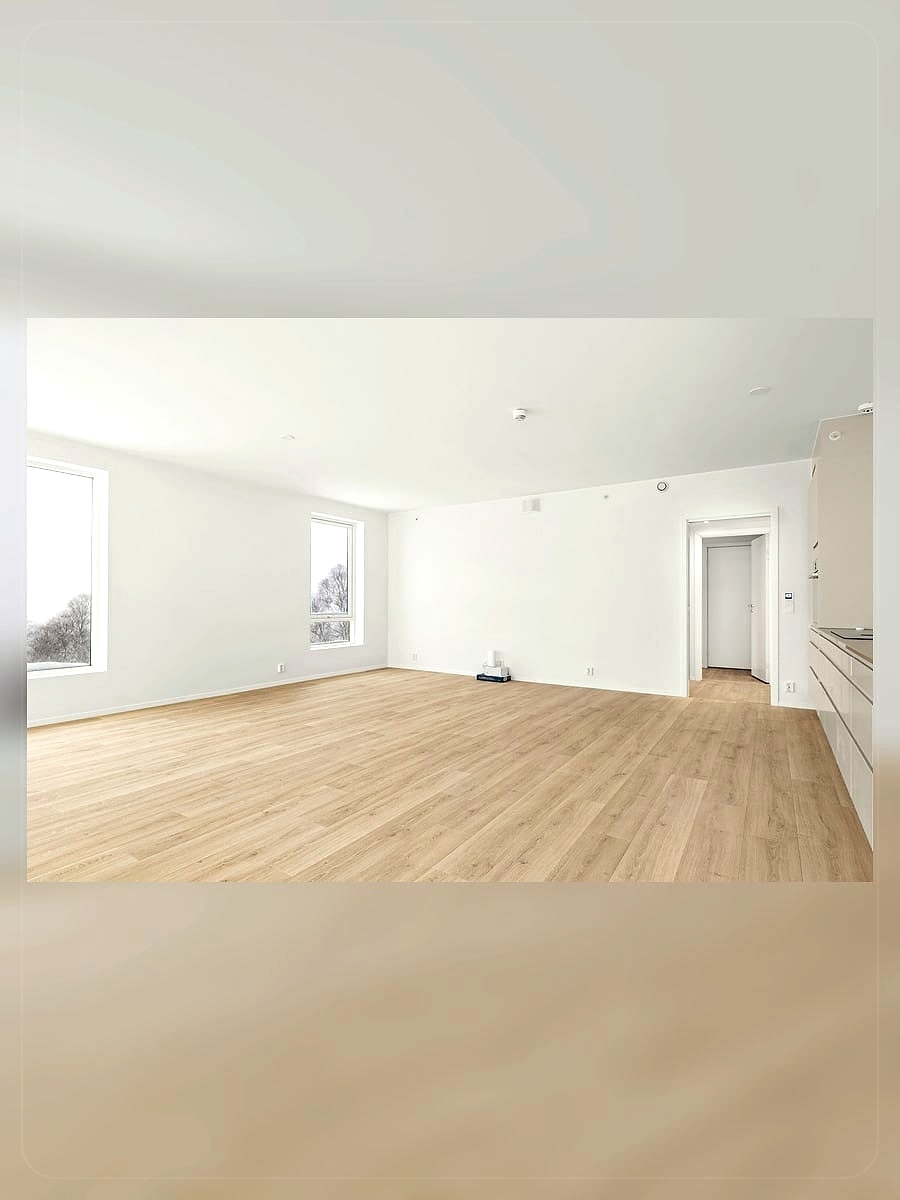
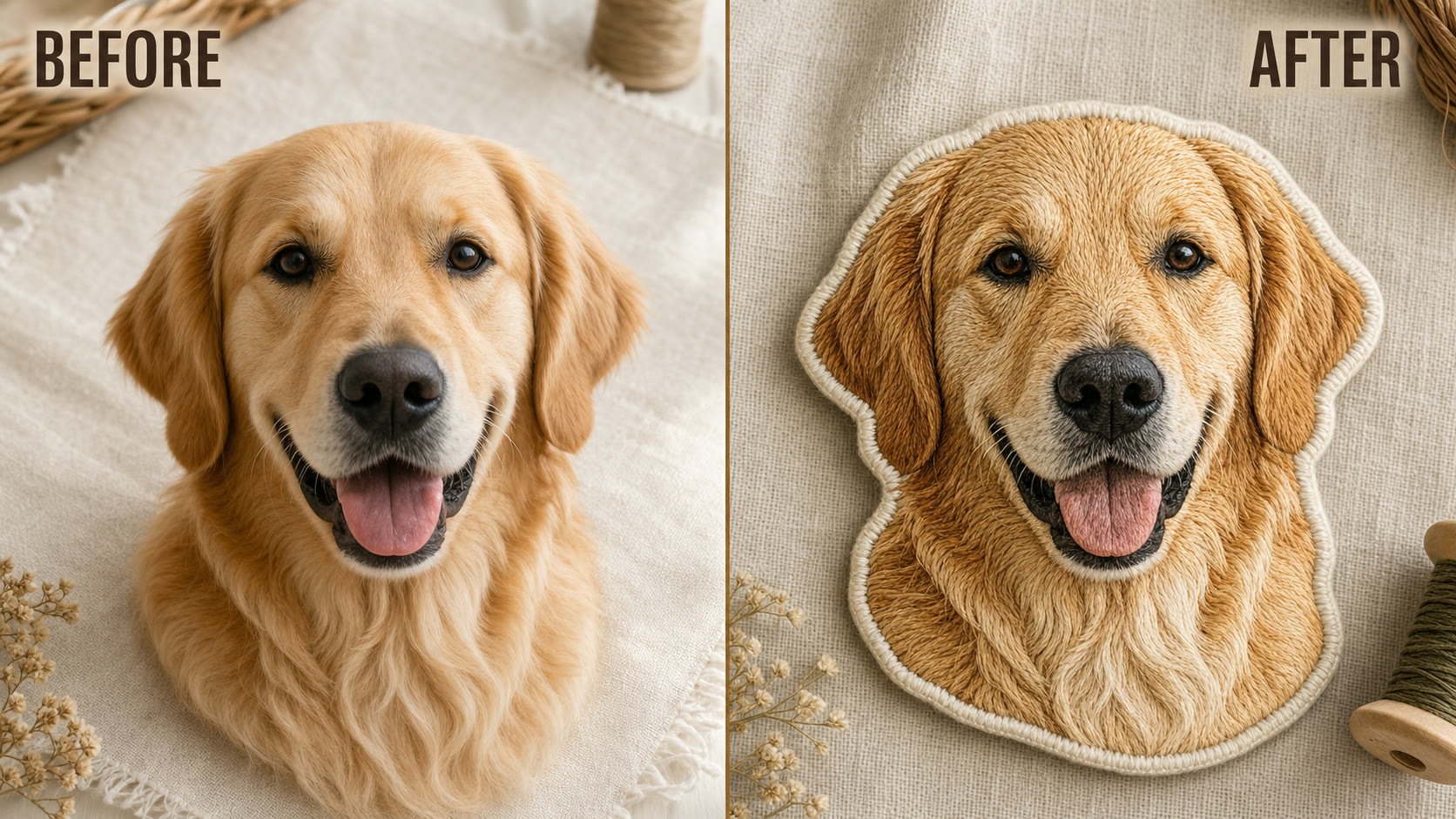
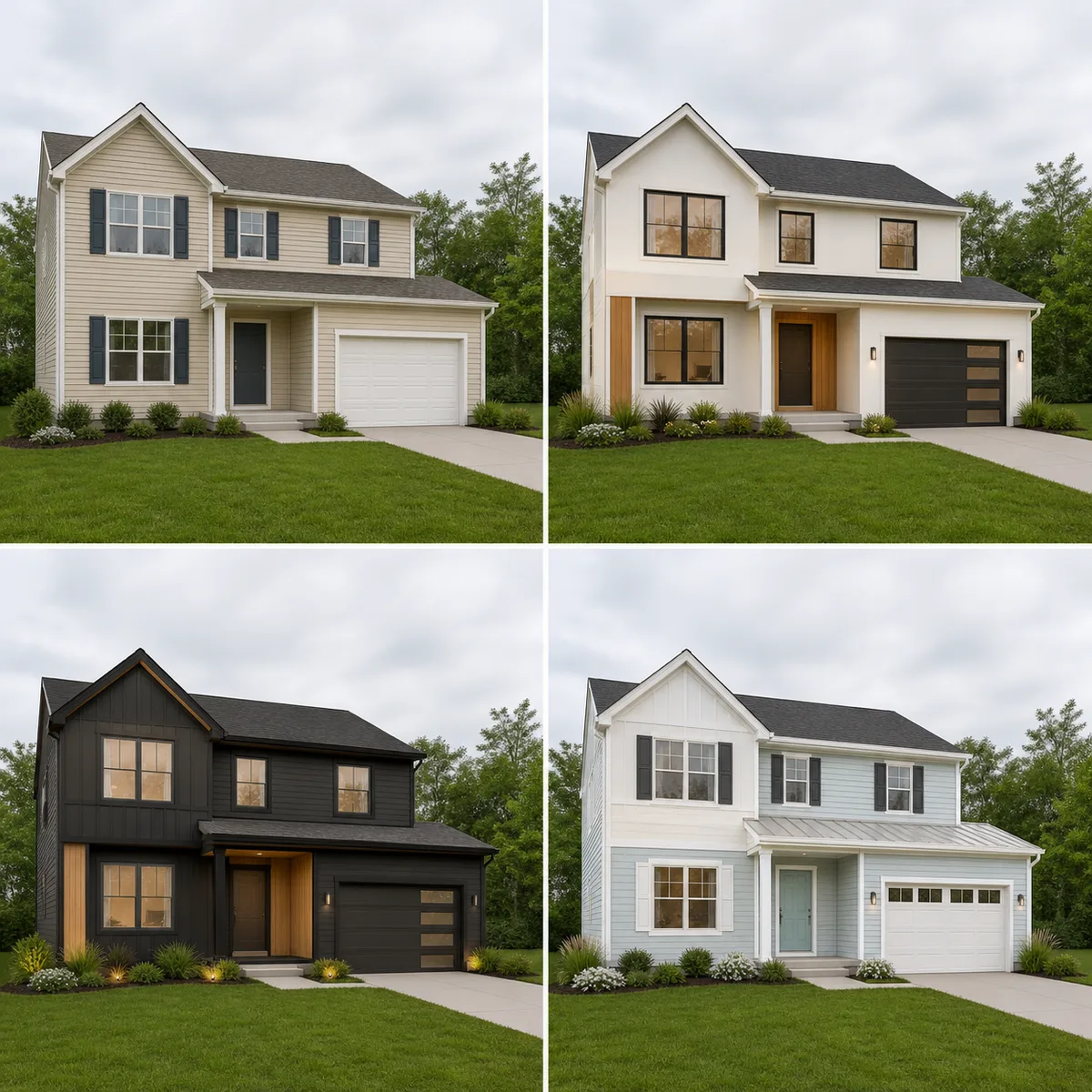
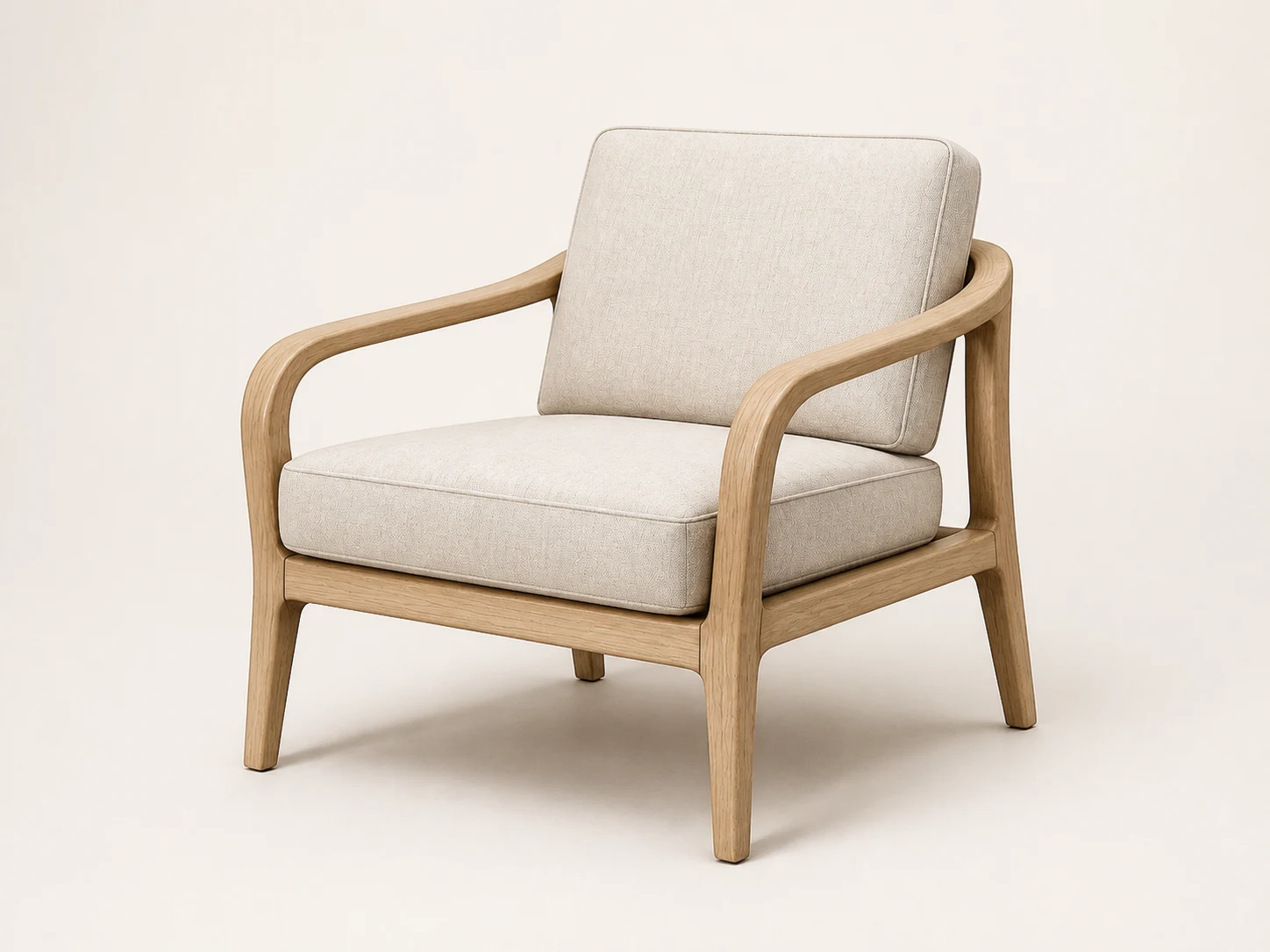
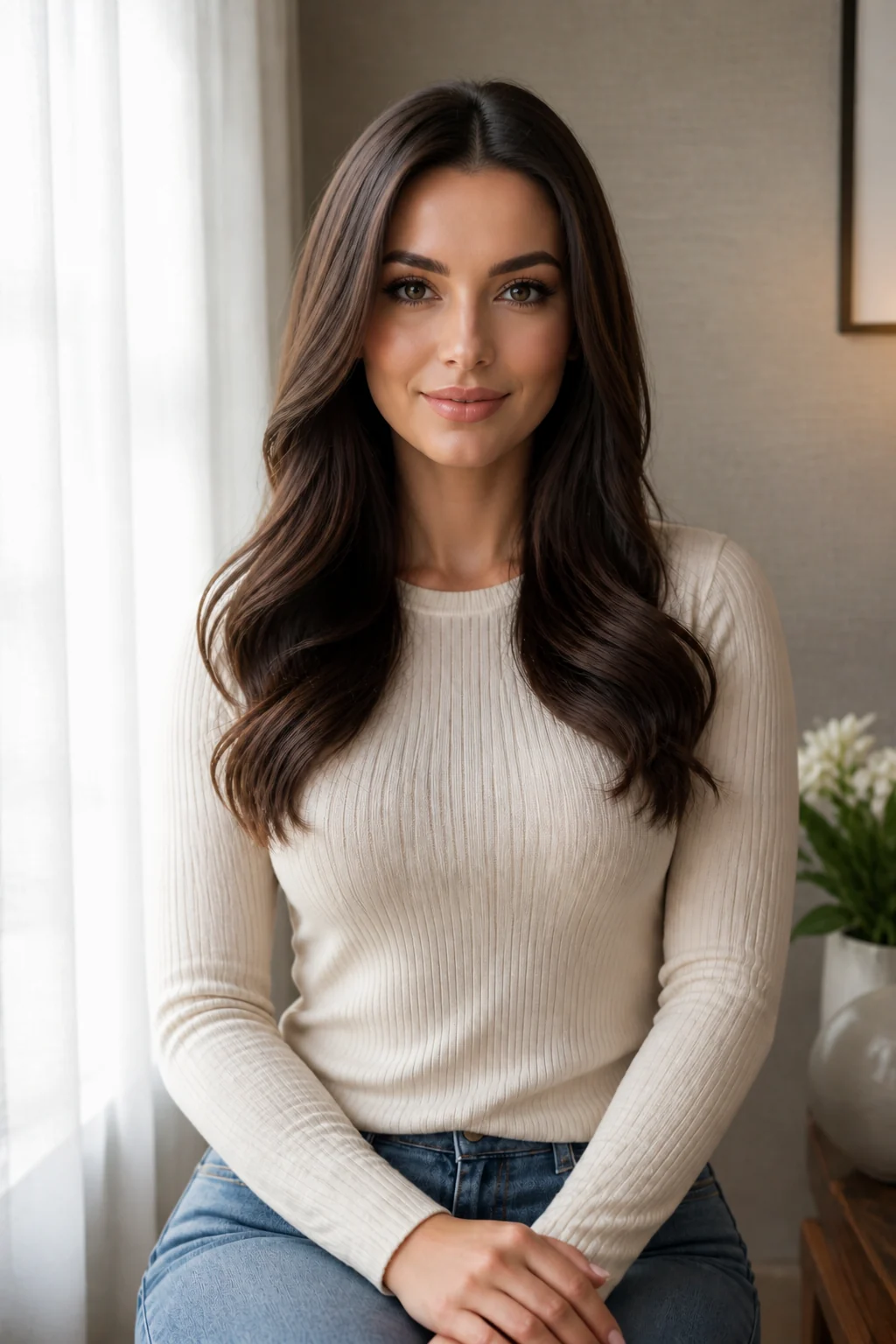
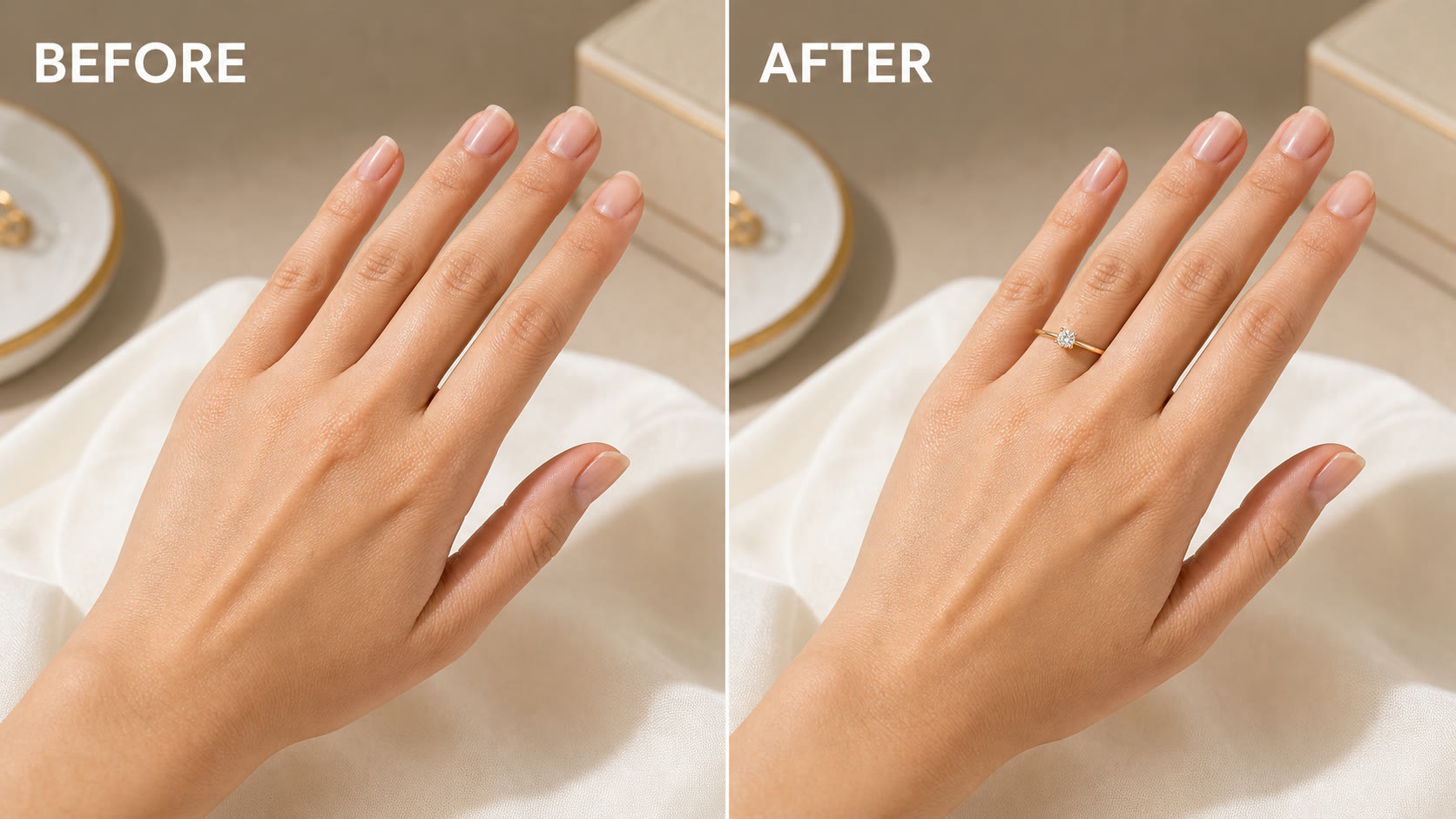
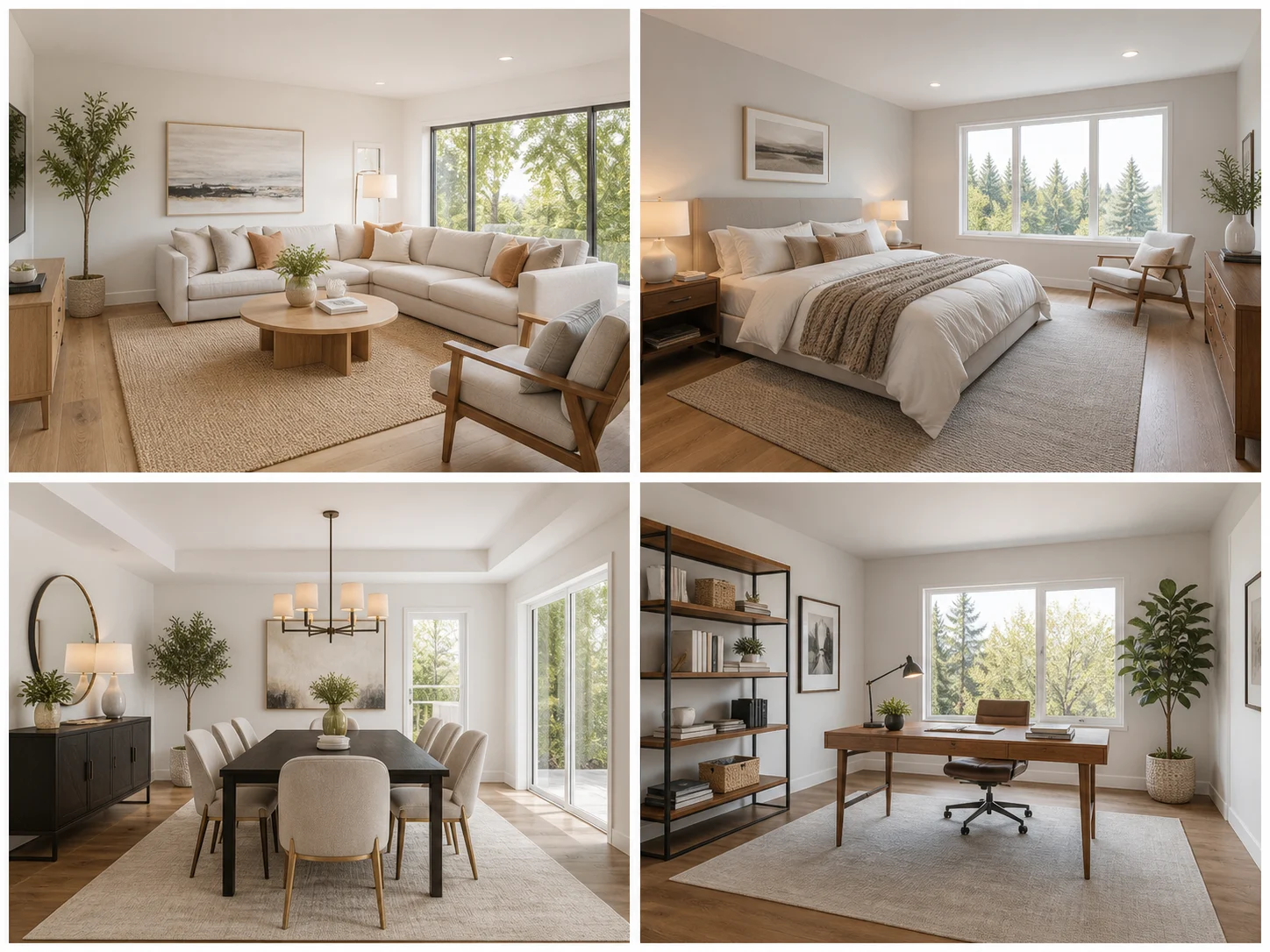
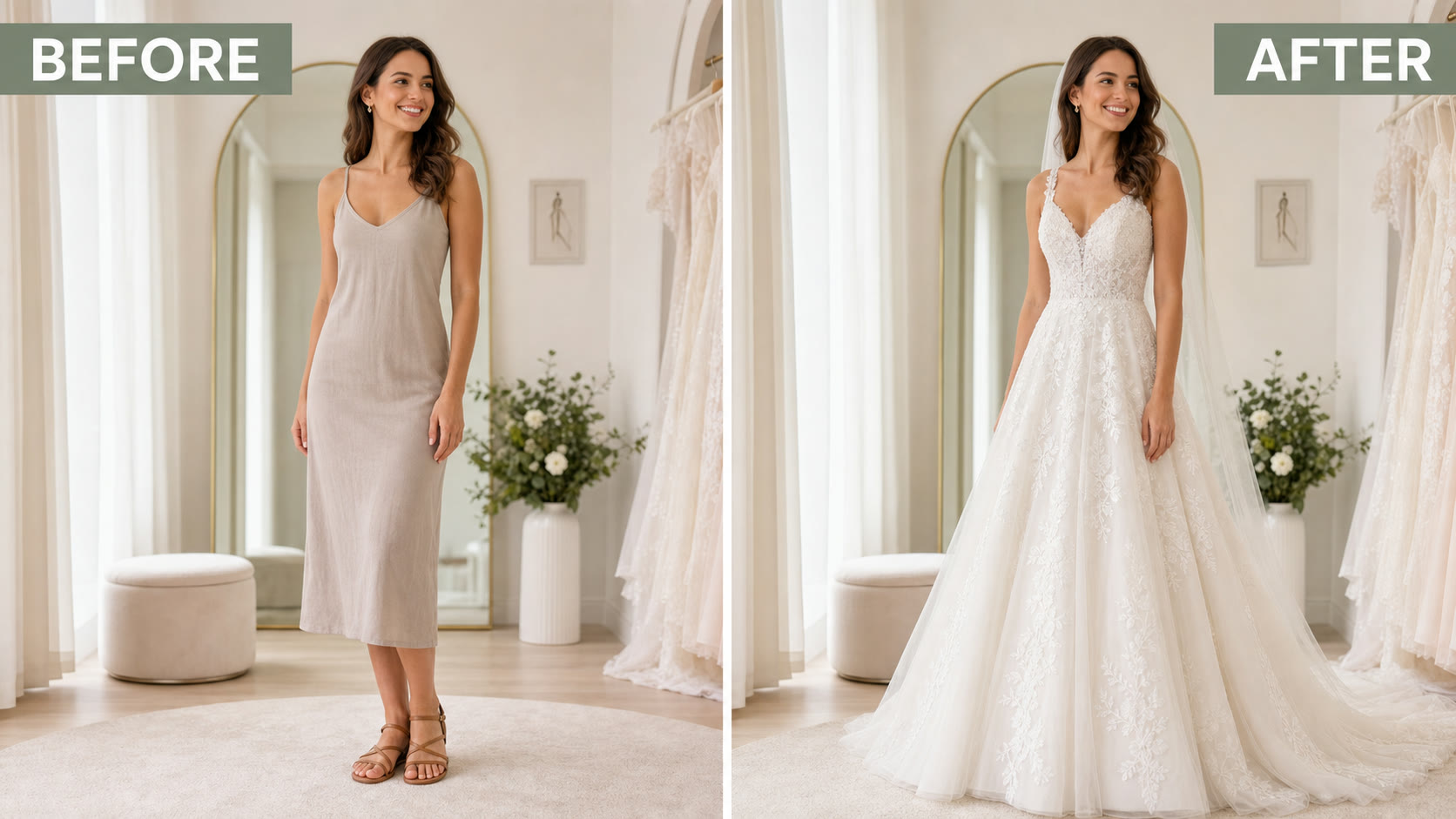
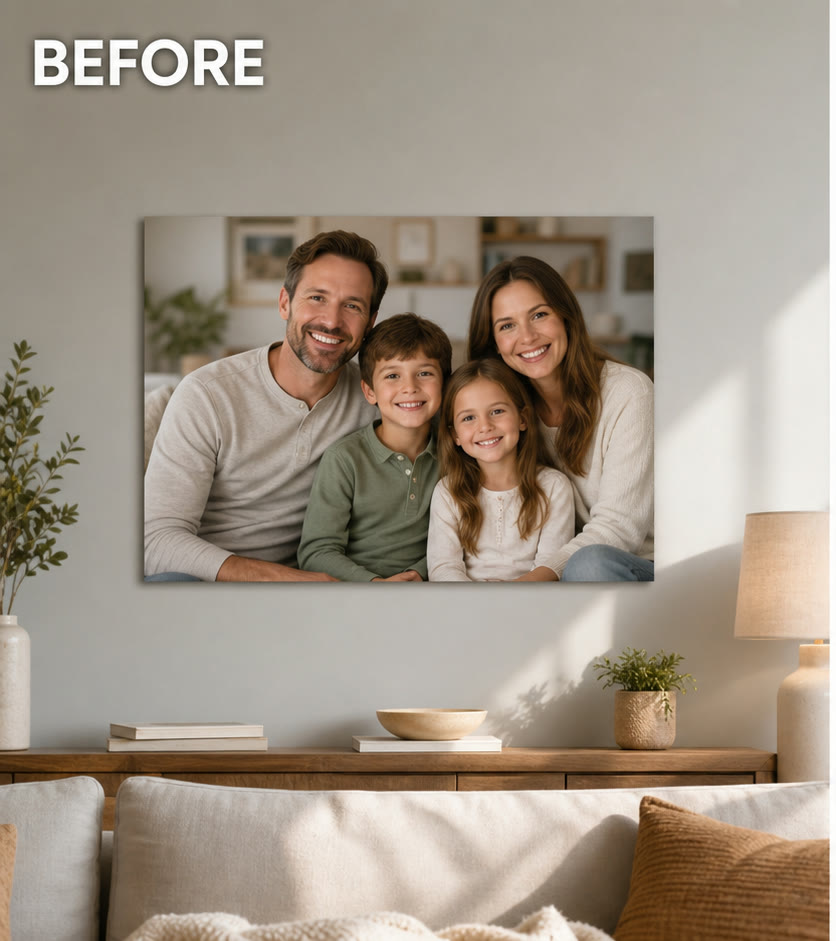
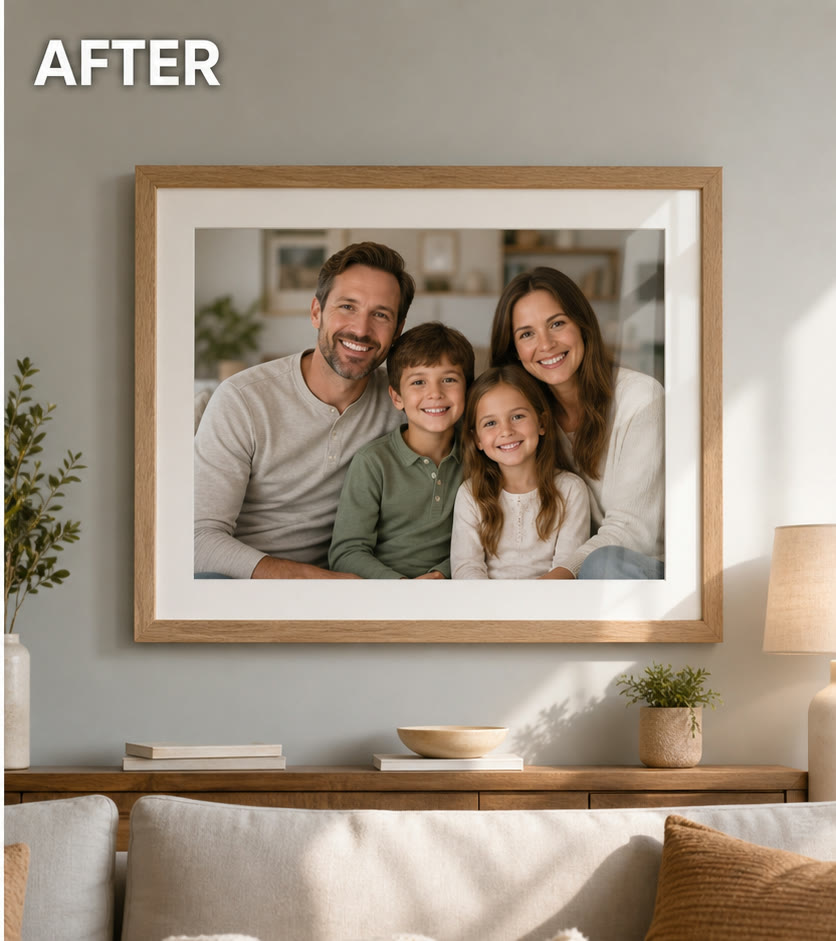
NanoPic AI photo frame editor turns a plain photo into a realistic framed display. The template preserves the original photo content while adding frame material, mat board, glass reflection, wall or tabletop context, perspective, and natural shadows, making it practical for family gifts, print previews, interior mockups, art listings, product pages, and social before-and-after posts.
The preset is built to frame your existing photo clearly, not replace it with a new scene.
The prompt asks NanoPic to keep faces, colors, composition, and important details from the uploaded photo while building the frame around it.
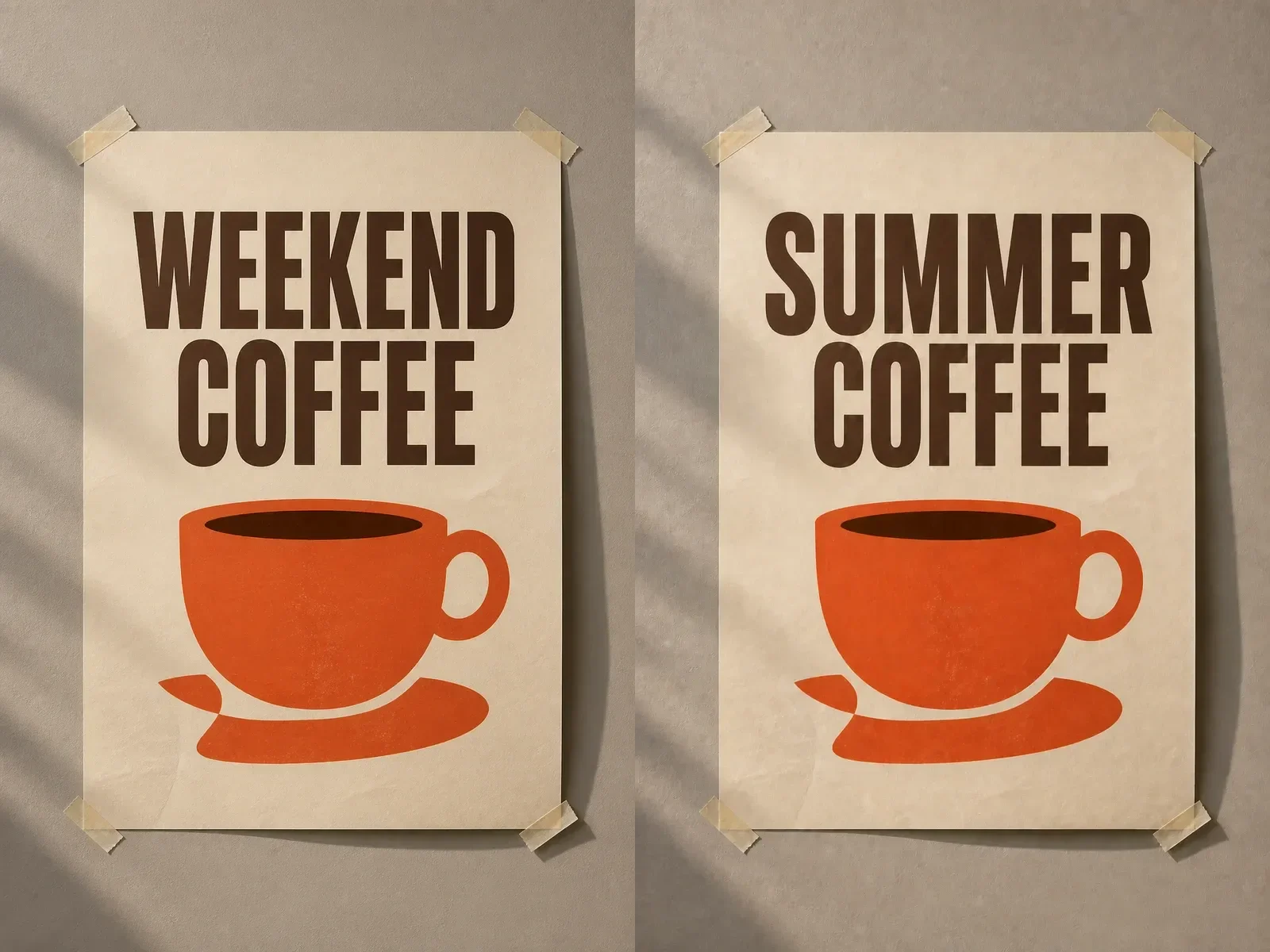
It adds wood or gallery frame material, mat board, subtle glass reflection, wall placement, perspective, and soft shadows for a believable interior mockup.
Upload one photo and generate a polished framed version for gift ideas, wall art planning, listing images, or social content.
Use a clear image with the main subject centered enough to survive frame cropping and mat-board placement.
Turn portraits, family photos, pet images, or travel memories into framed previews for gift planning and personal keepsakes.
Frame a Gift PhotoPreview how artwork, prints, or photography might look on a wall with a clean frame, mat board, and realistic room lighting.
Create Wall MockupCreate quick framed product visuals for posters, art prints, photo services, or digital downloads before committing to a full product shoot.
Generate Listing ImageQuick answers for creating AI framed photo mockups in NanoPic.
The saved prompt asks the model to preserve the original photo content, especially faces and key composition. Very low-quality uploads can still drift.
Use a clear portrait, family photo, pet image, artwork, poster, or product image. Avoid tiny screenshots and images with critical text near the edges.
Yes. The preset requests a physical frame, clean mat board, subtle glass reflection, and realistic lighting.
It is best used as a visual mockup. For actual printing, keep your original high-resolution file for production.
No. Upload a photo and generate. The frame-editing prompt is saved in the template.
Upload one image and generate a realistic framed version for wall art, gifts, listings, or social previews.