


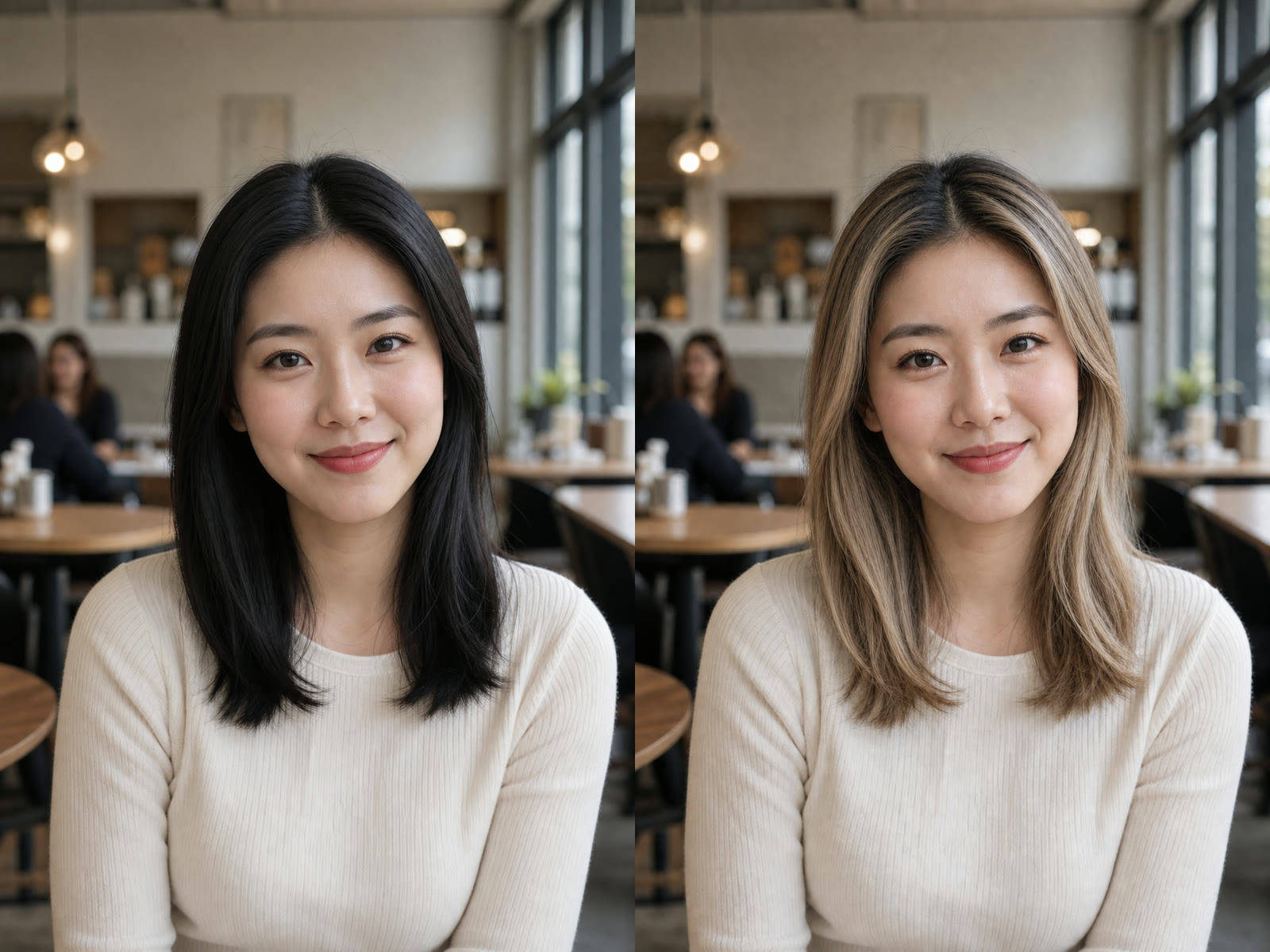
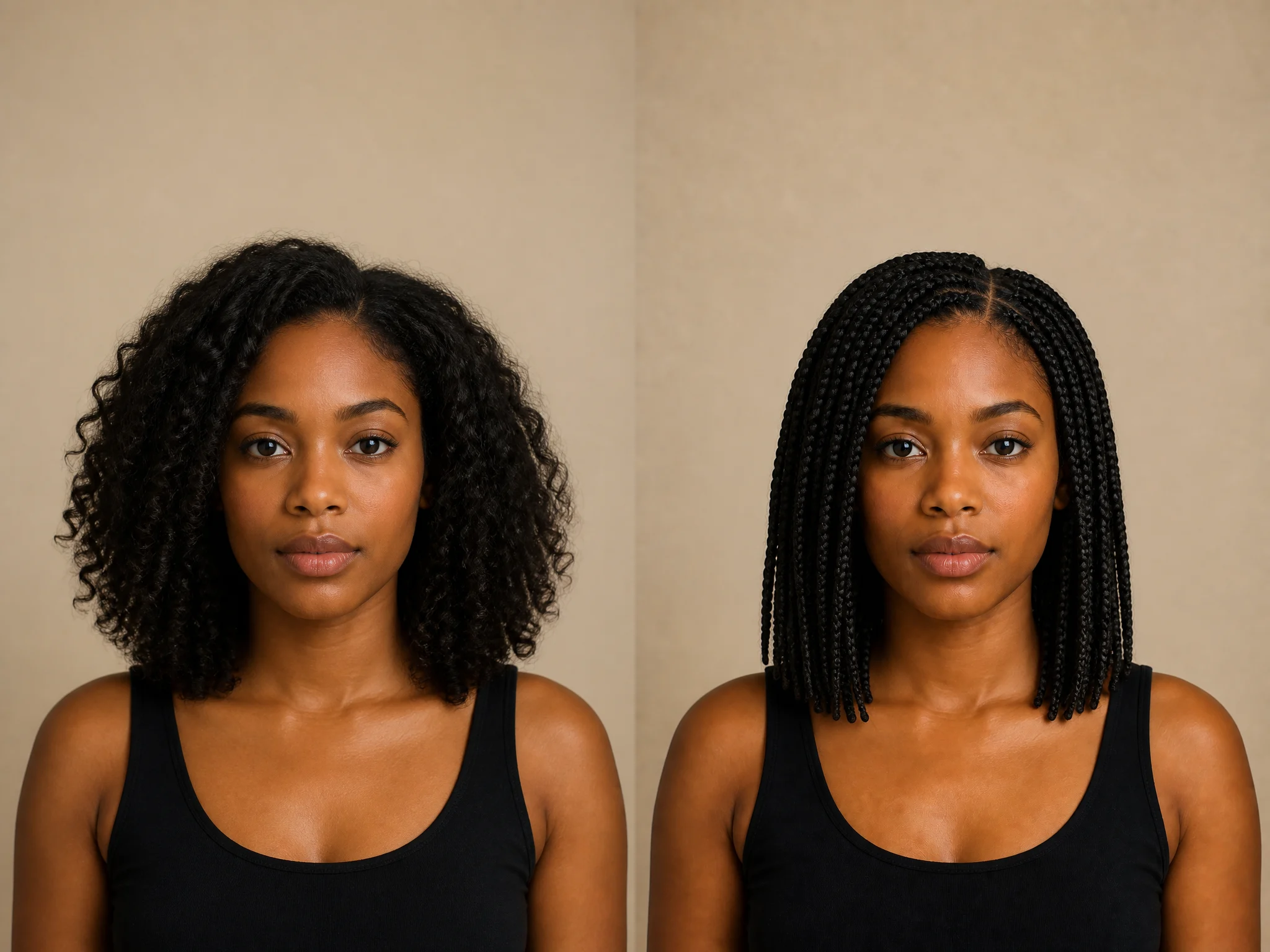
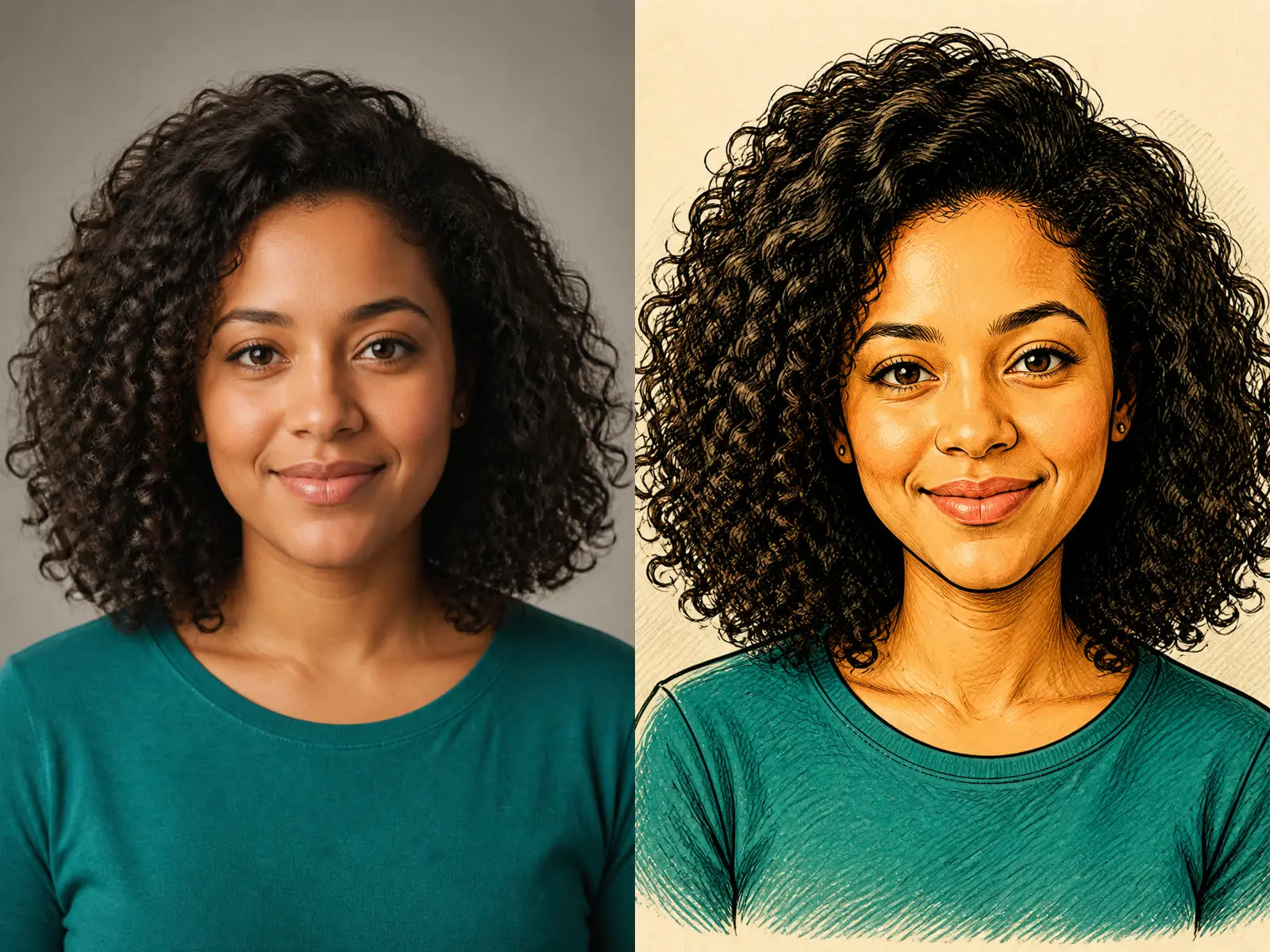
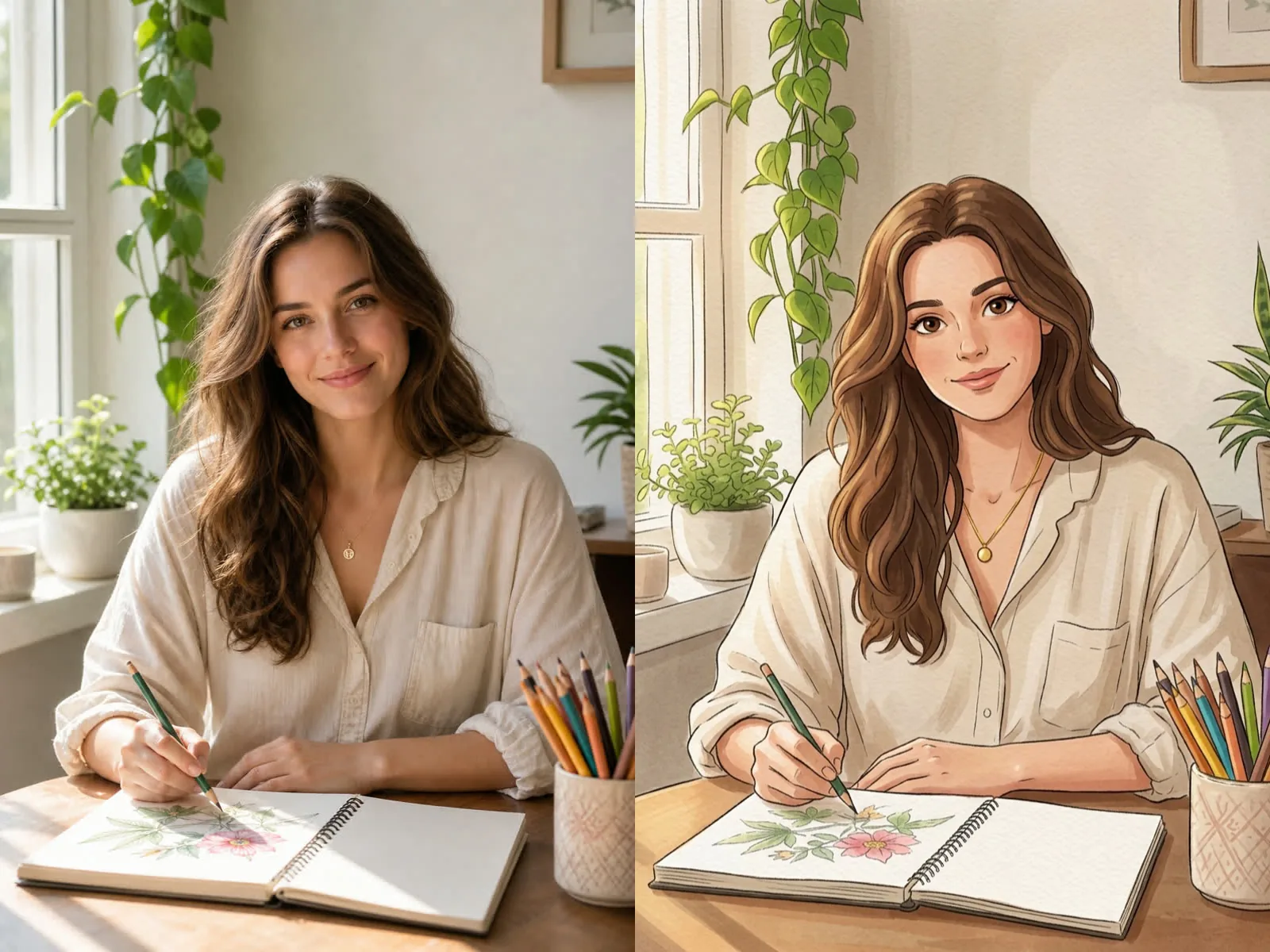
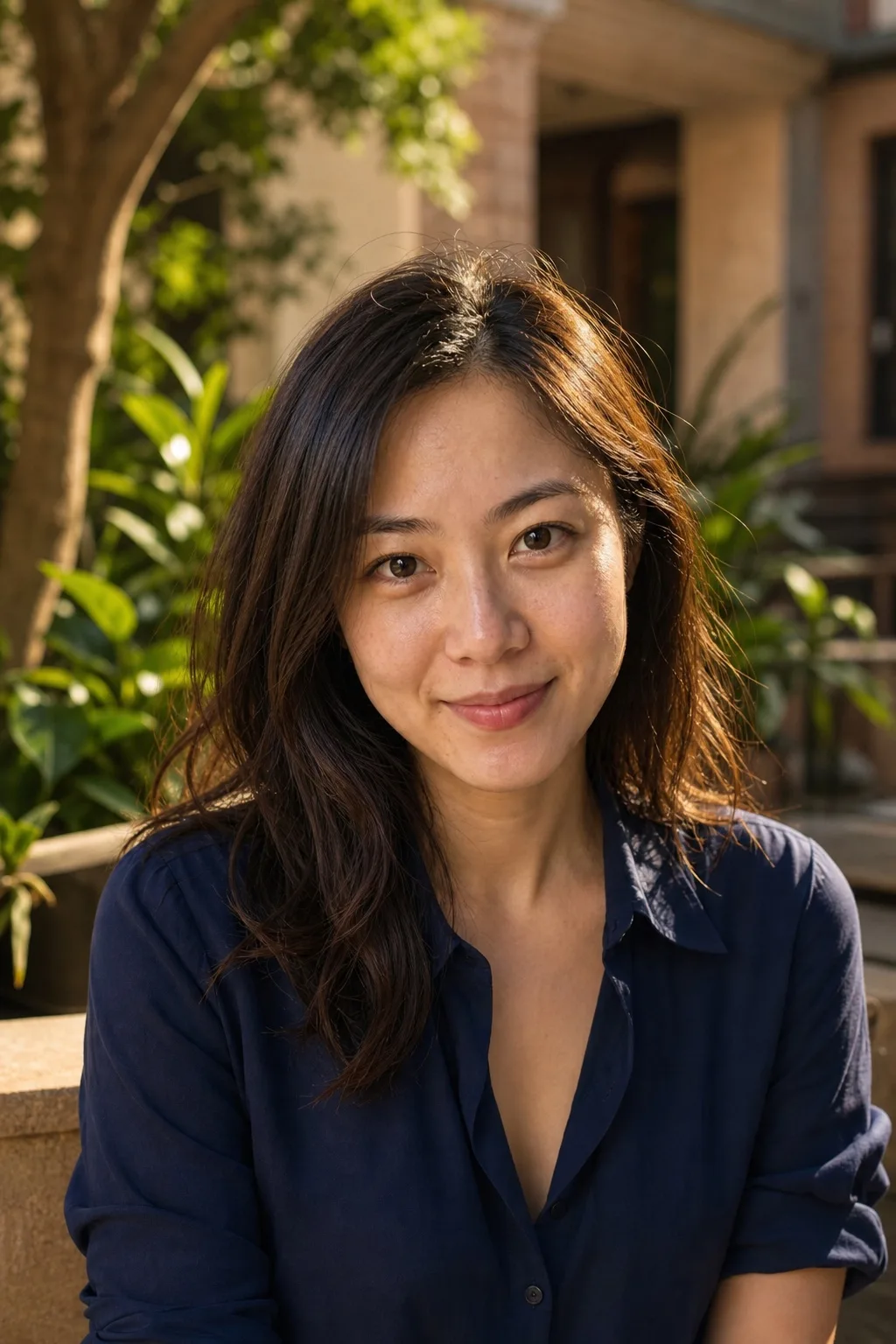
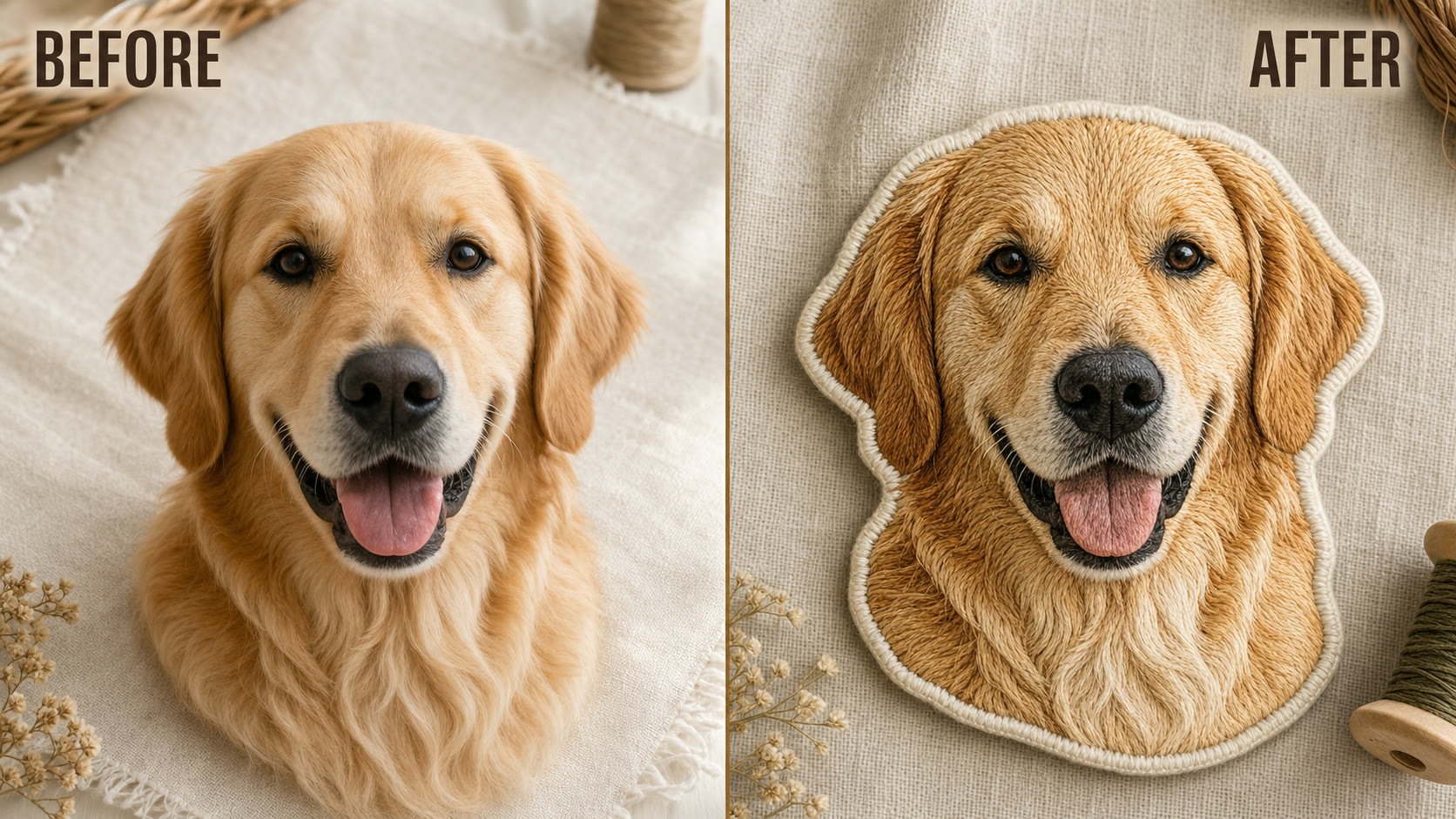
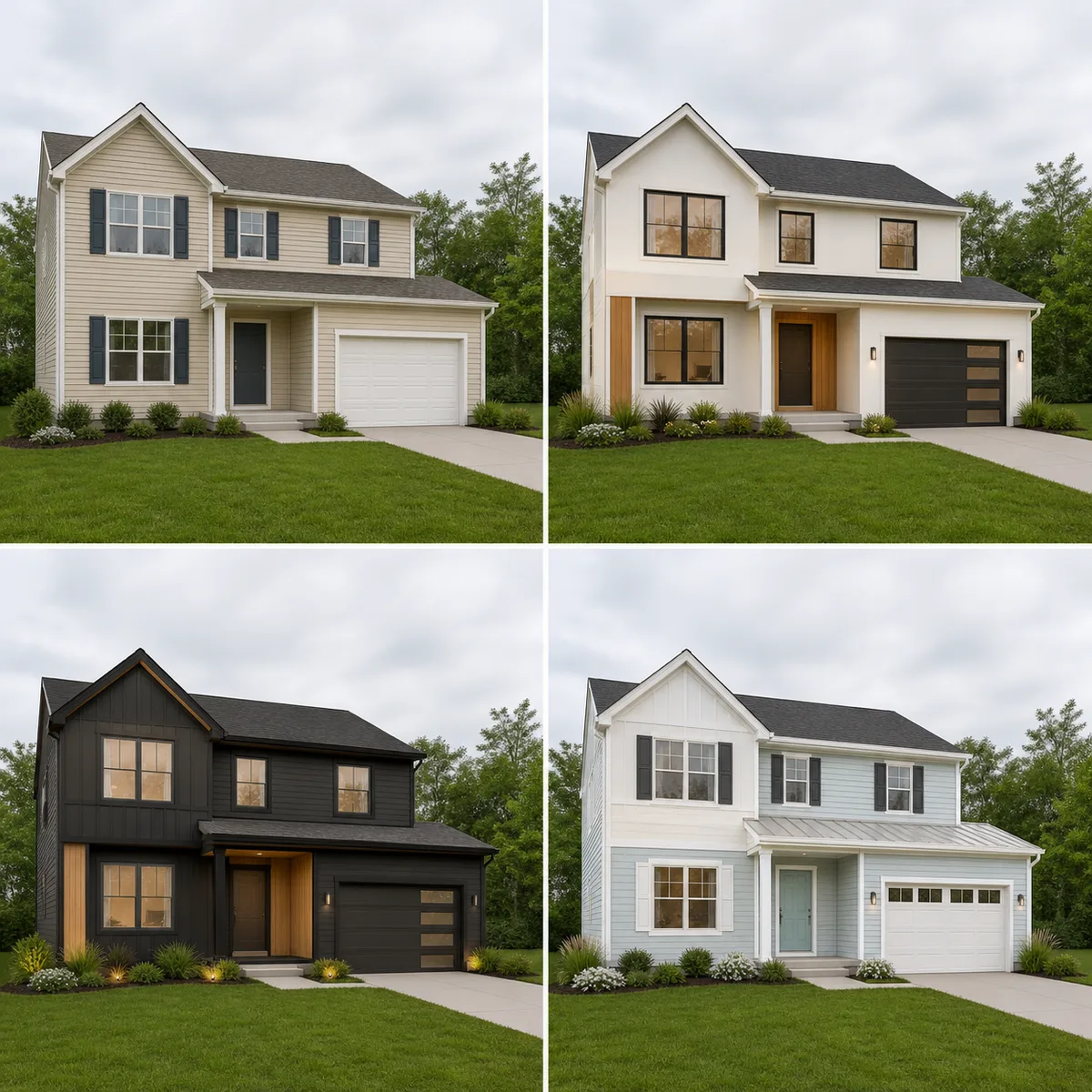


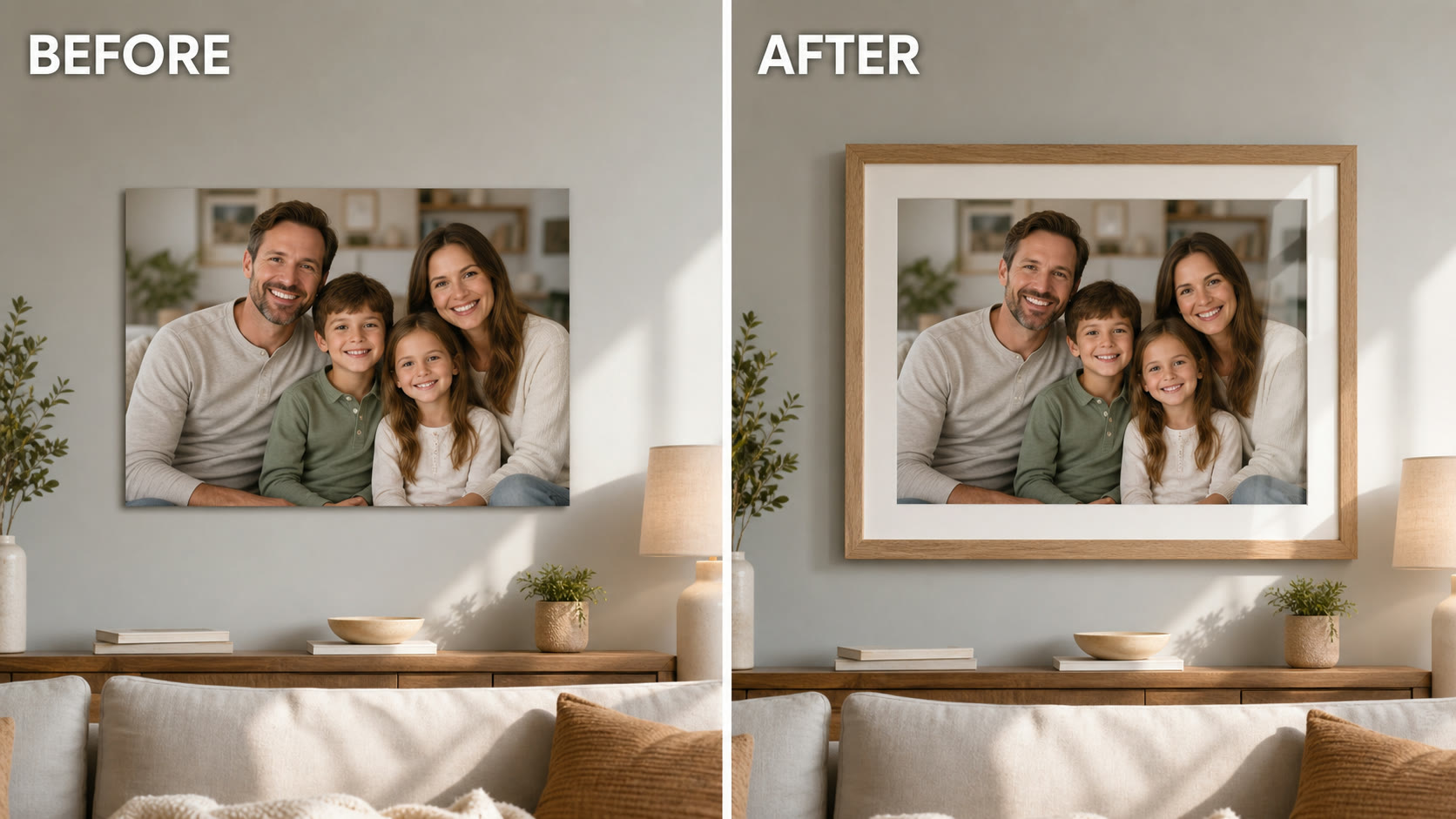
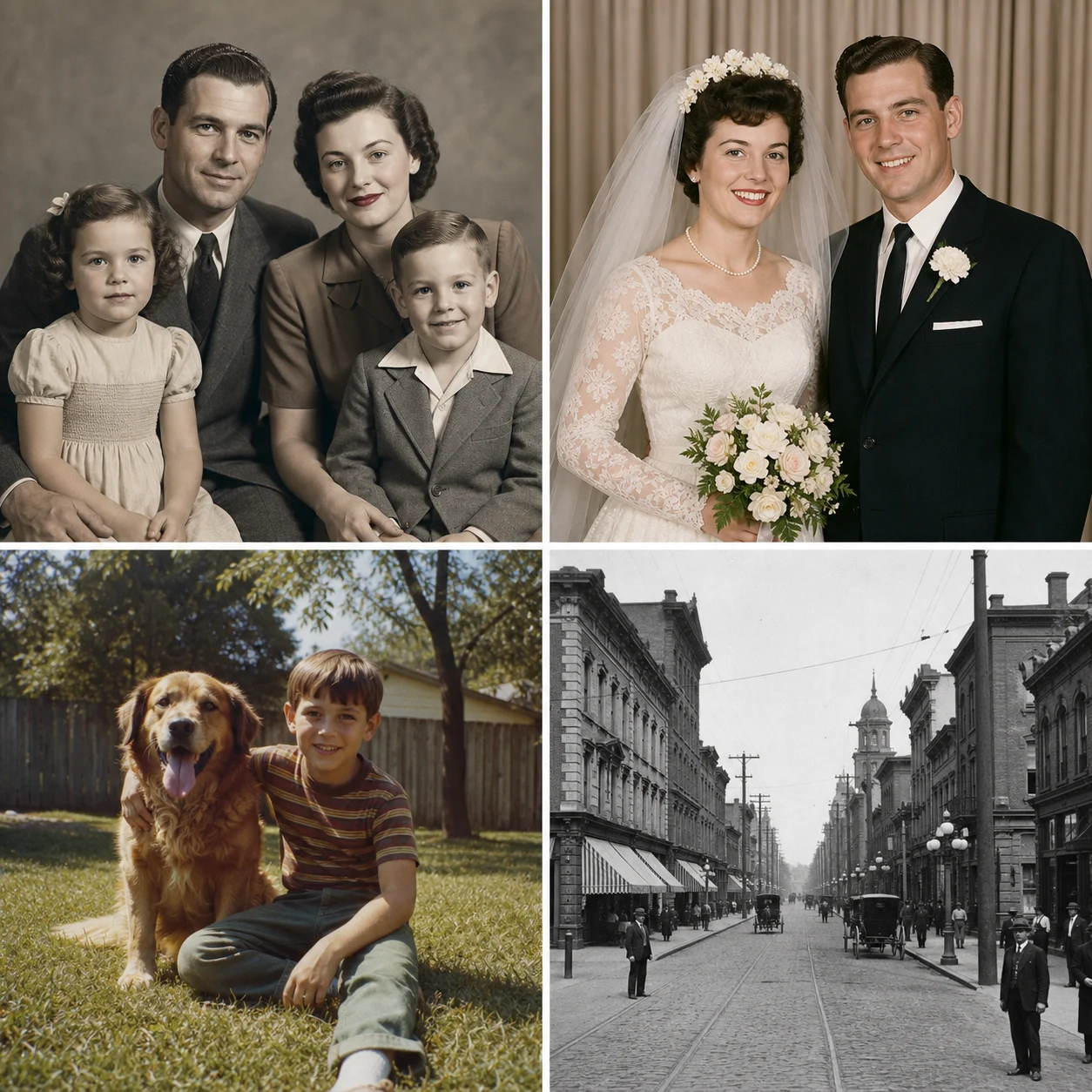
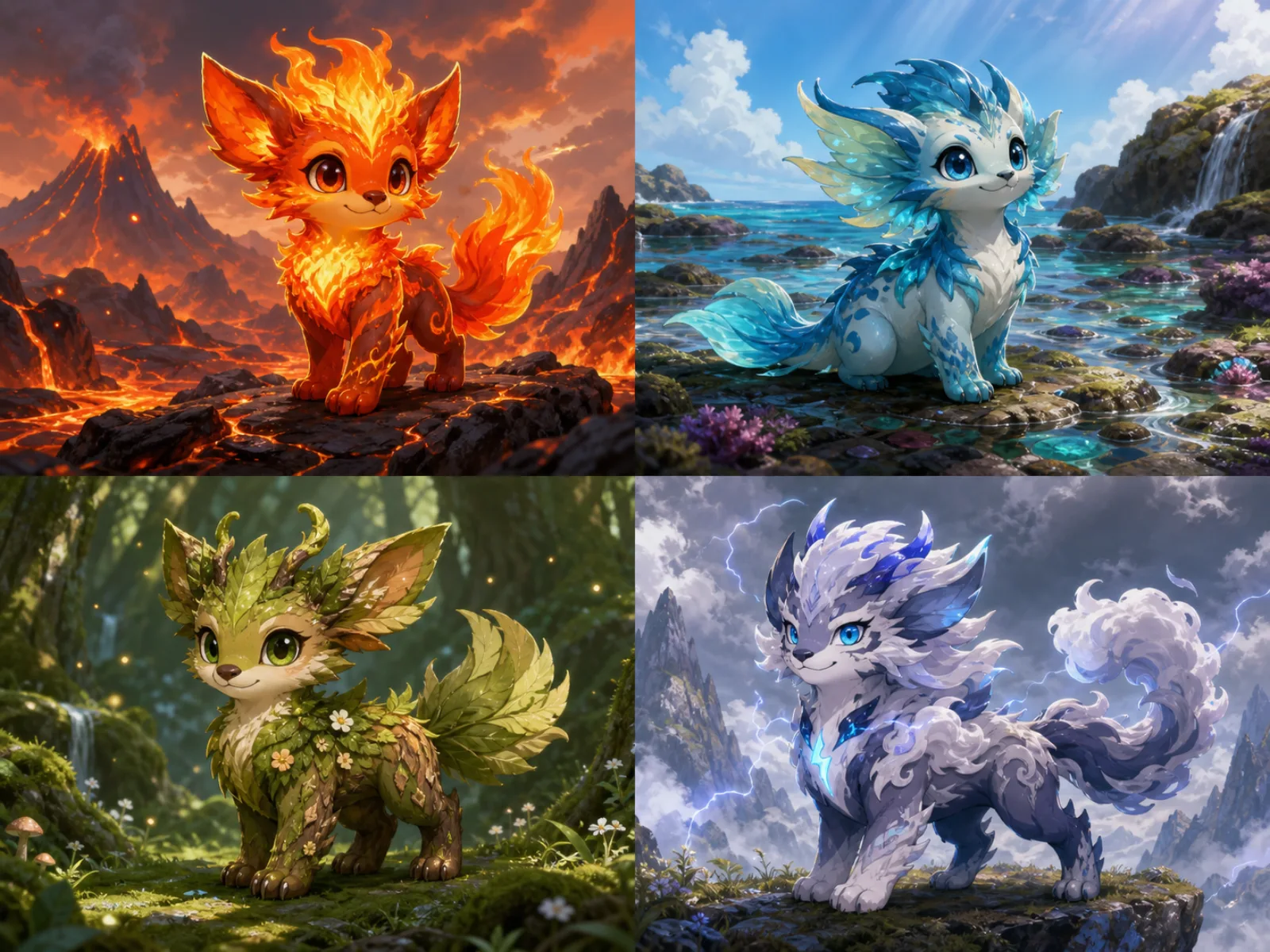
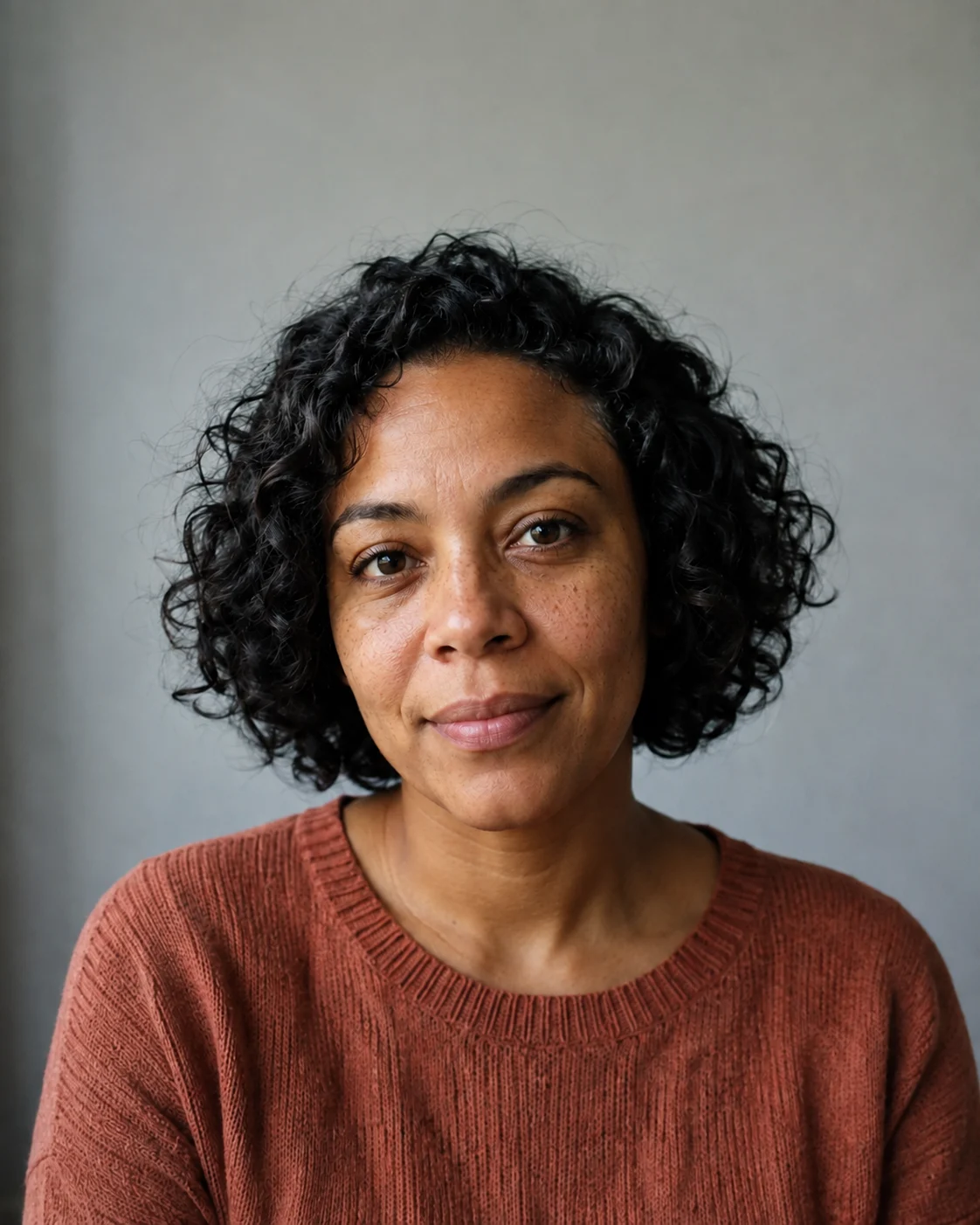


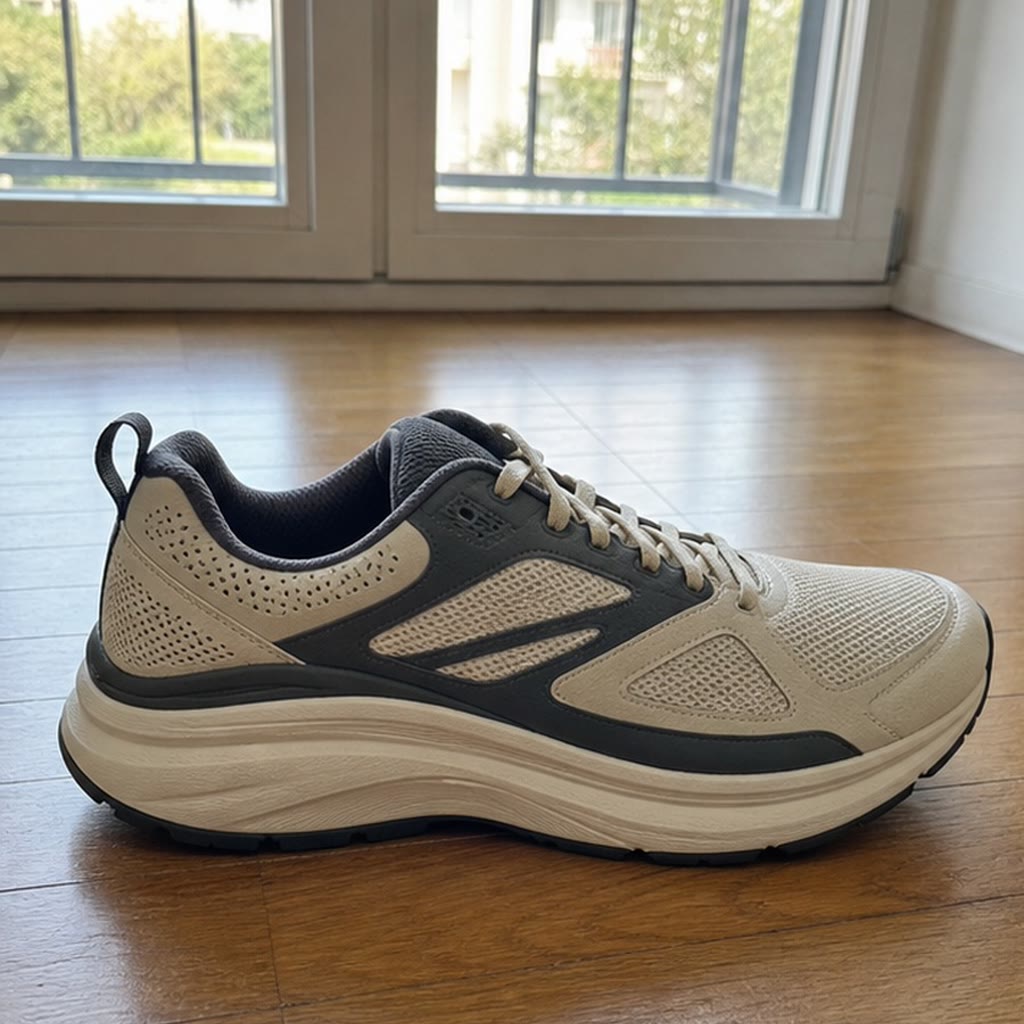
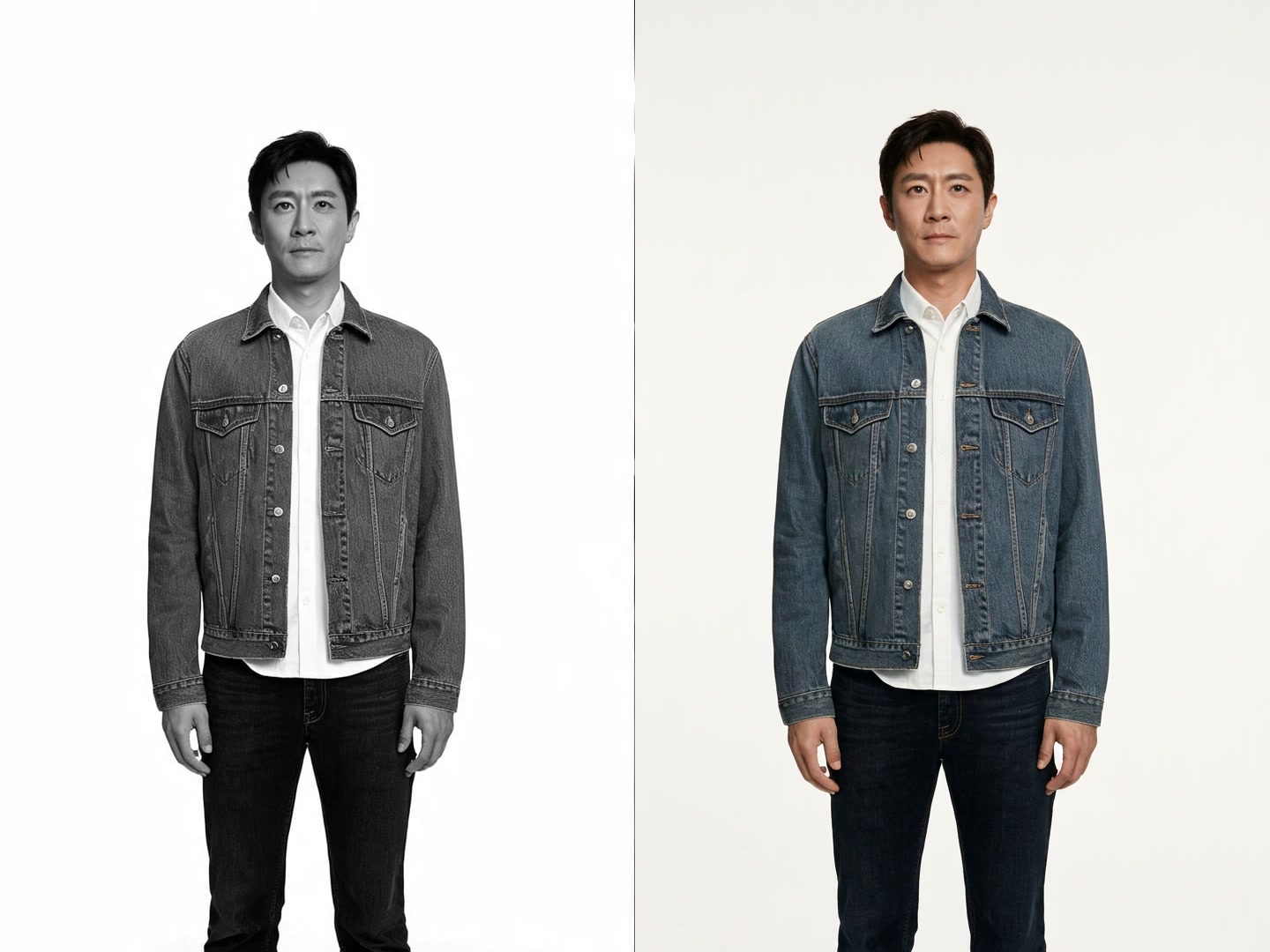
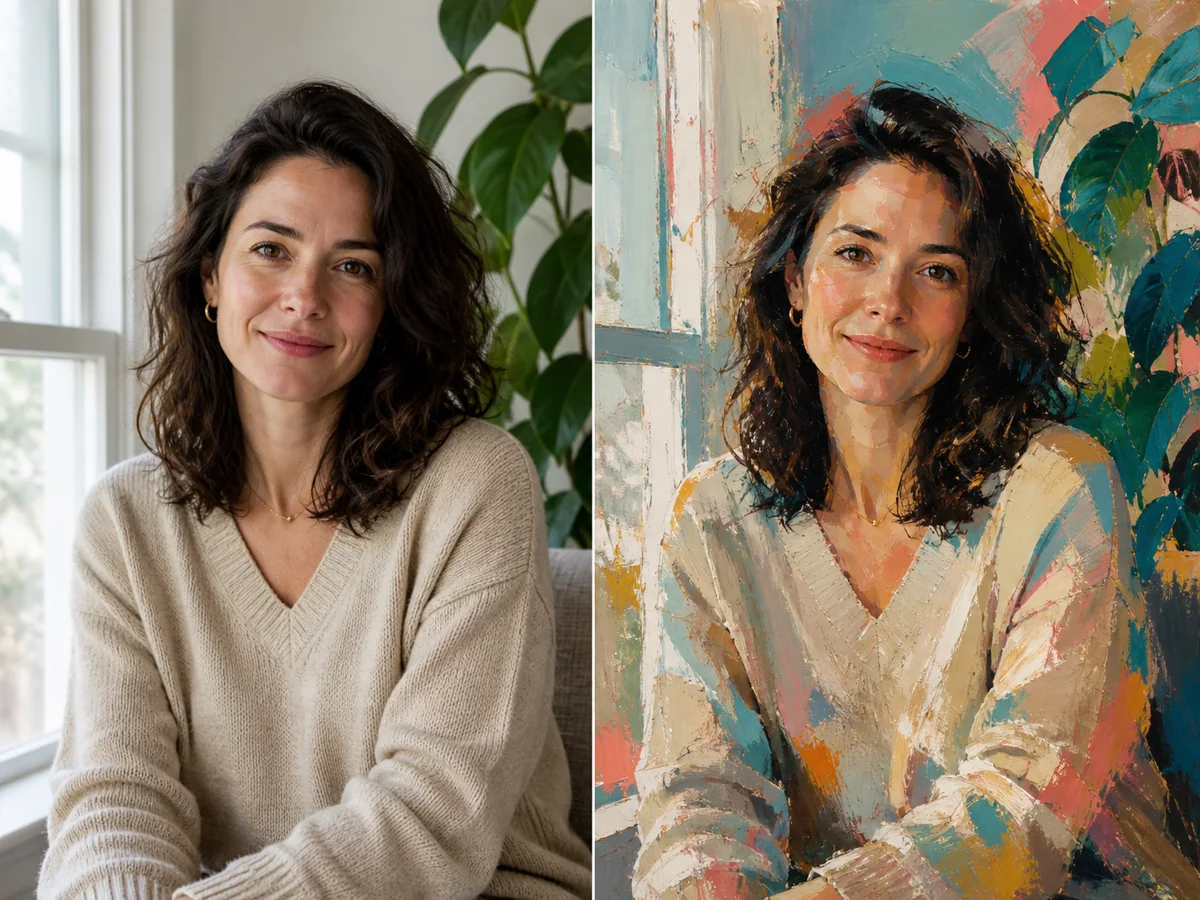
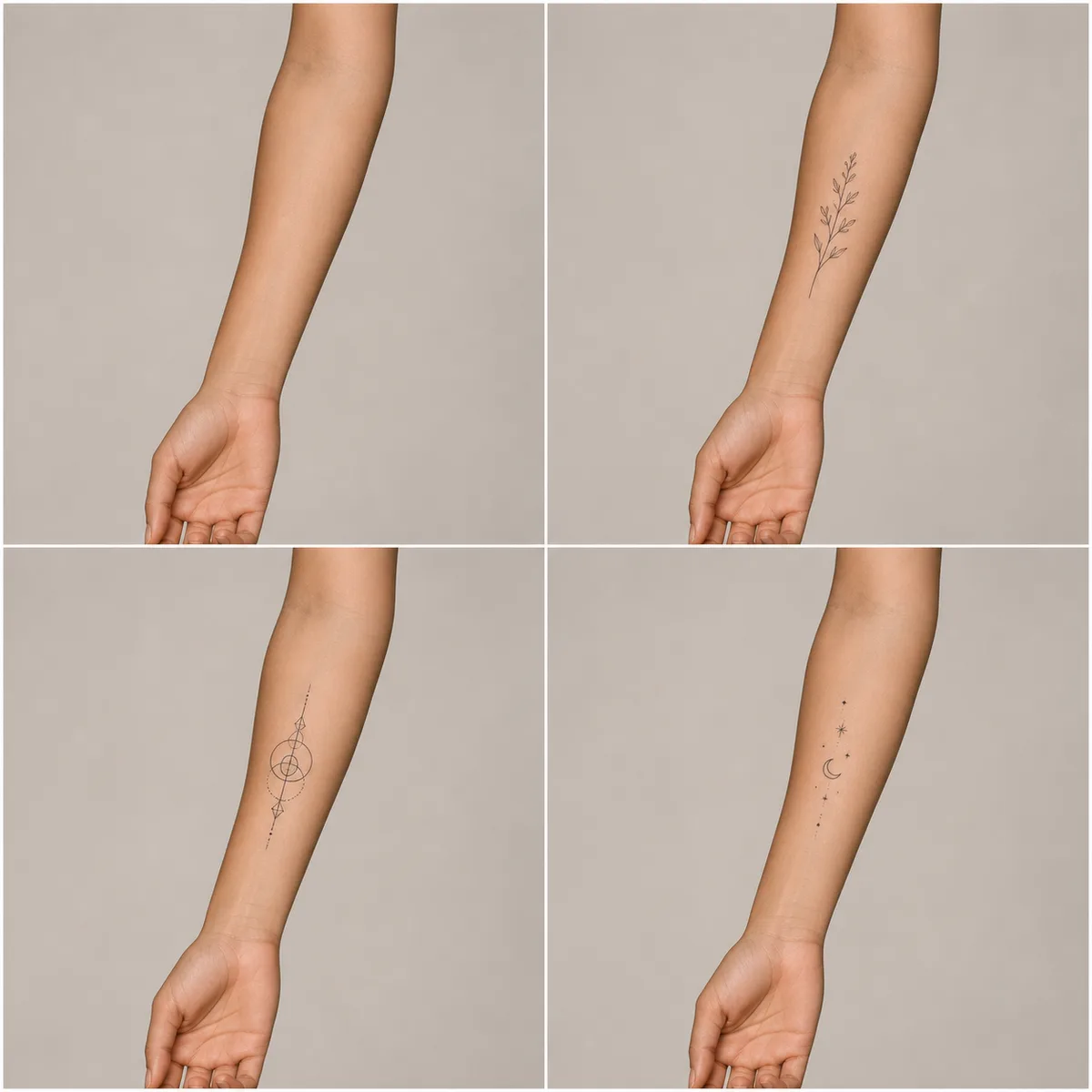

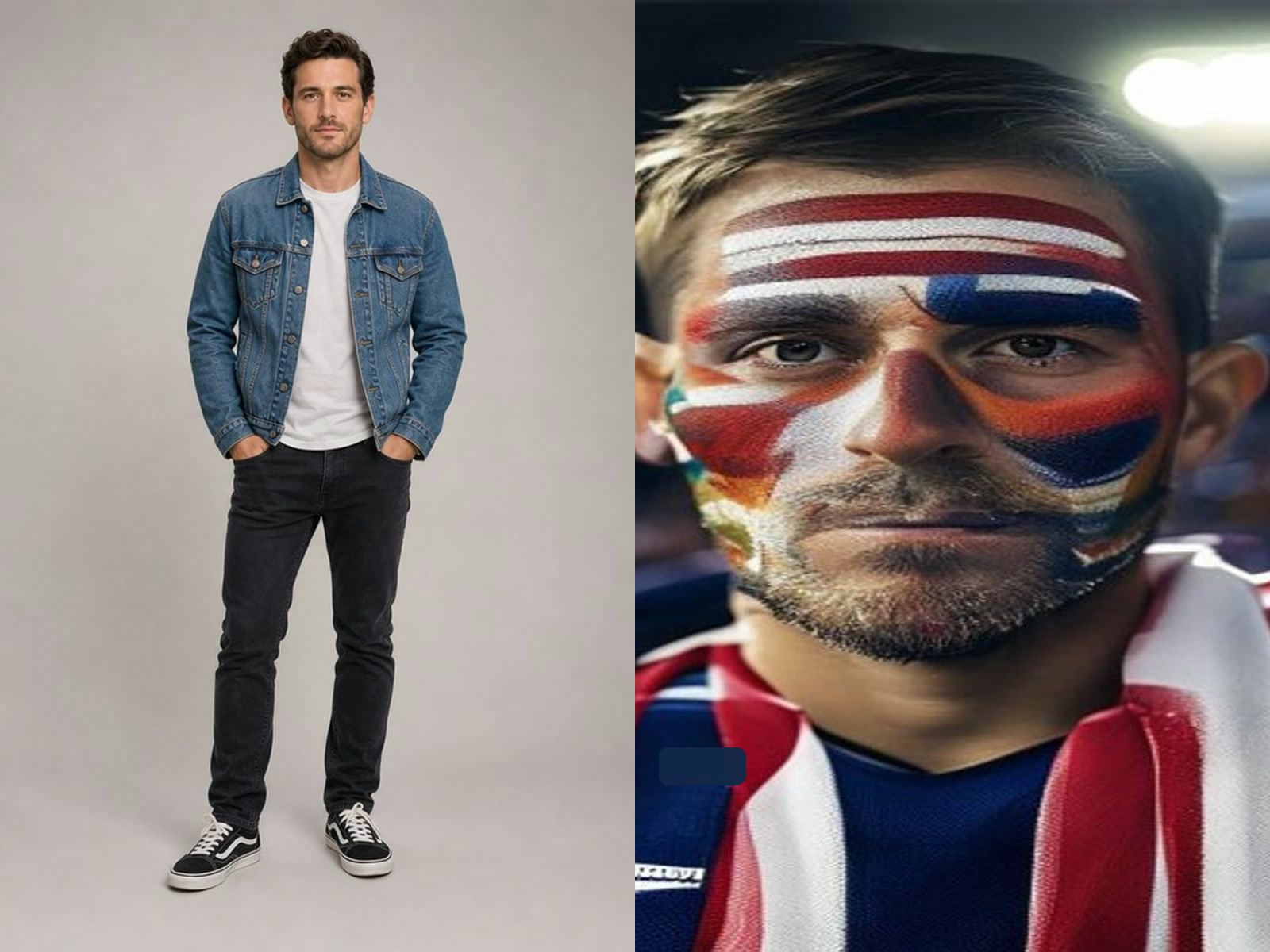
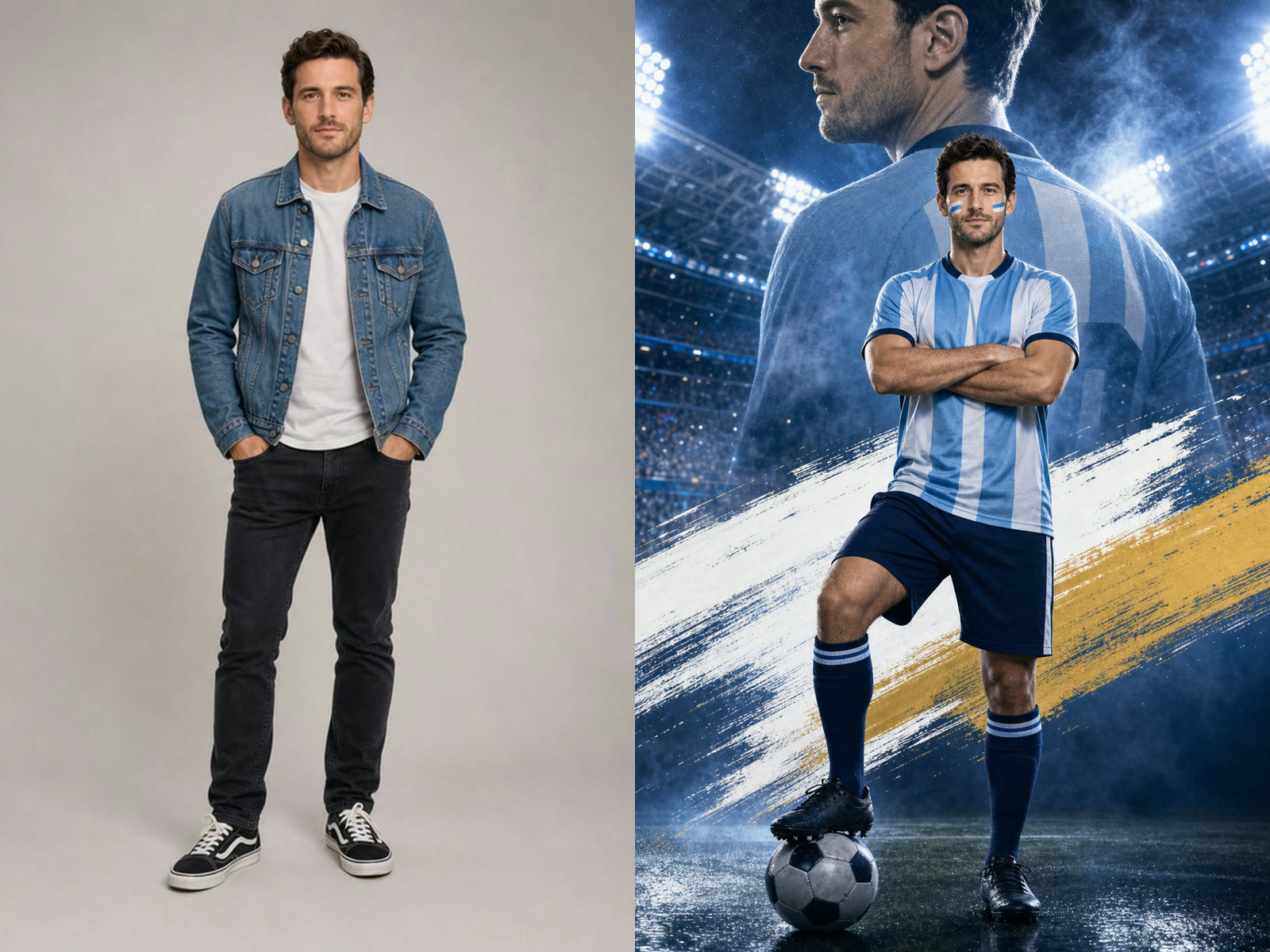

Multi-Photo Layouts
Upload 2 to 6 images and let NanoPic arrange the important subjects into a cohesive collage with readable spacing and consistent visual rhythm.
Save up to 73% on plans
Image
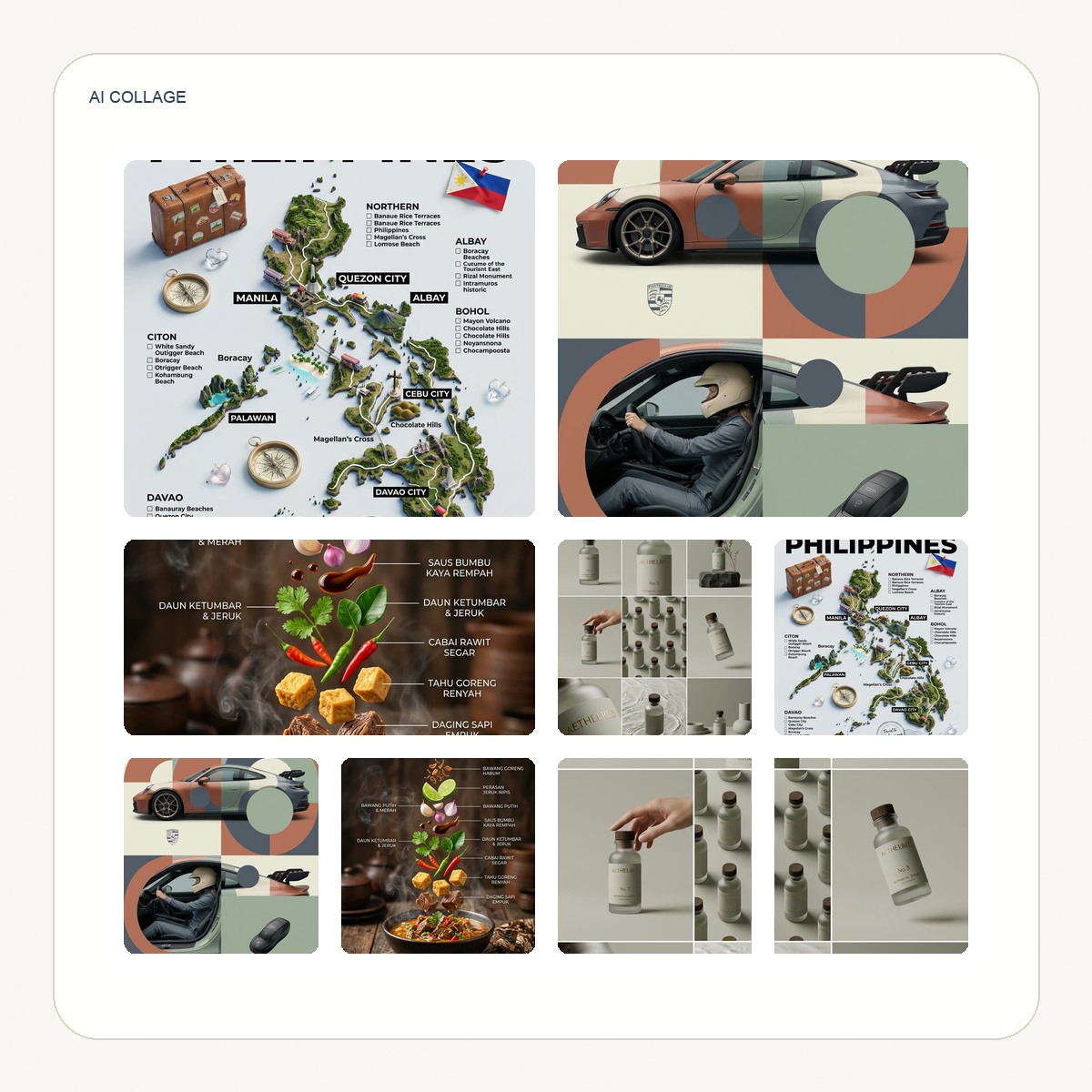
Browse every other AI image model and effect published on this site in a continuous carousel.
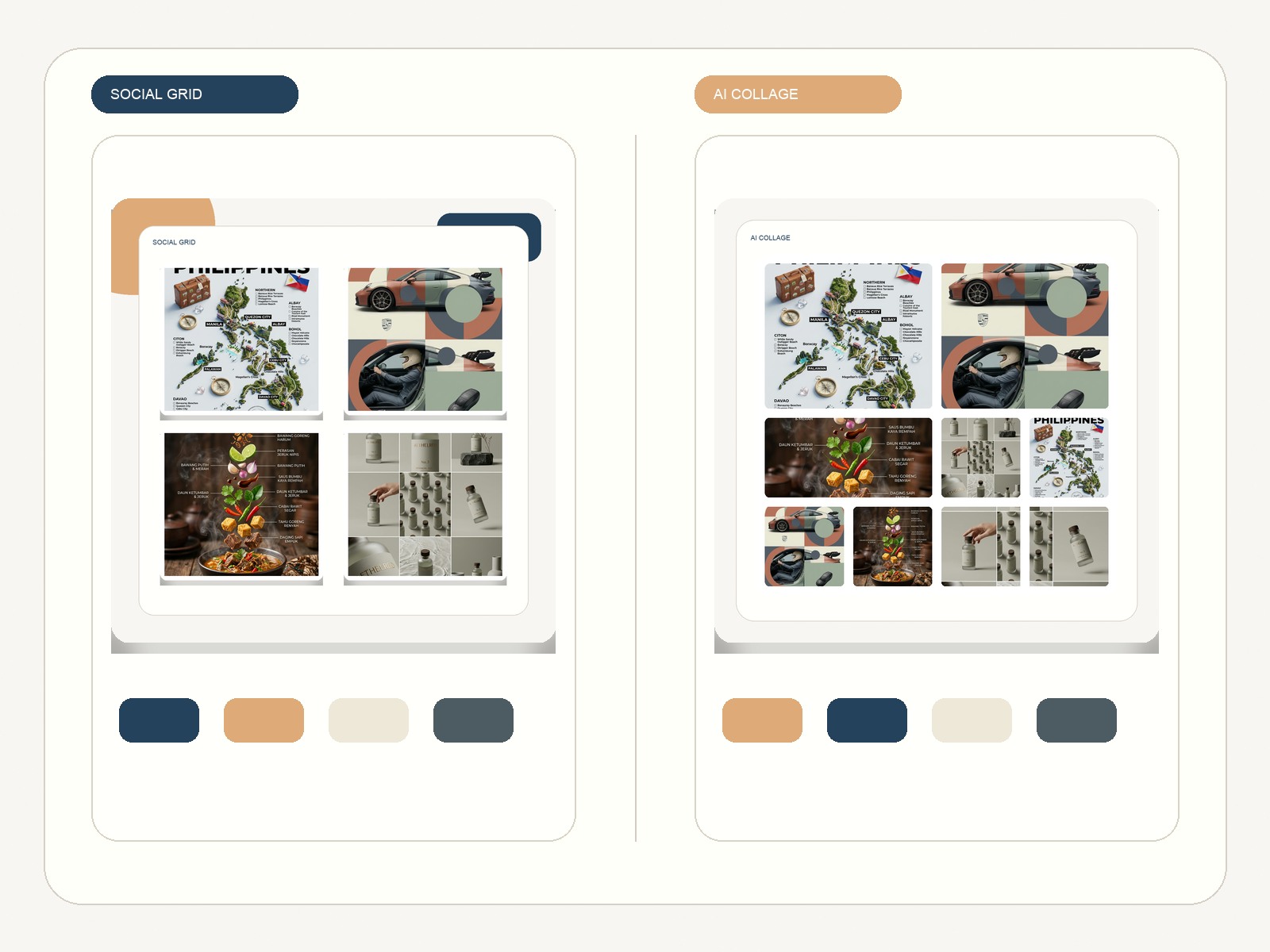
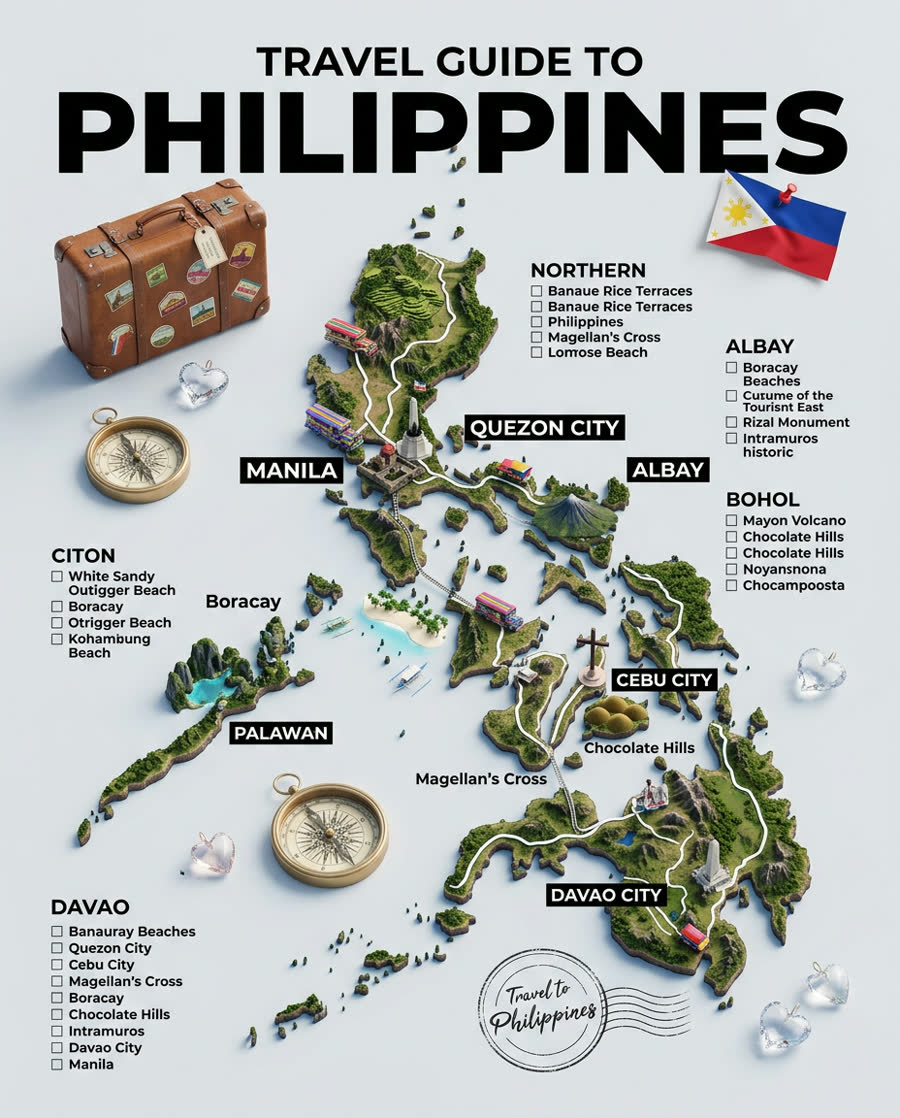
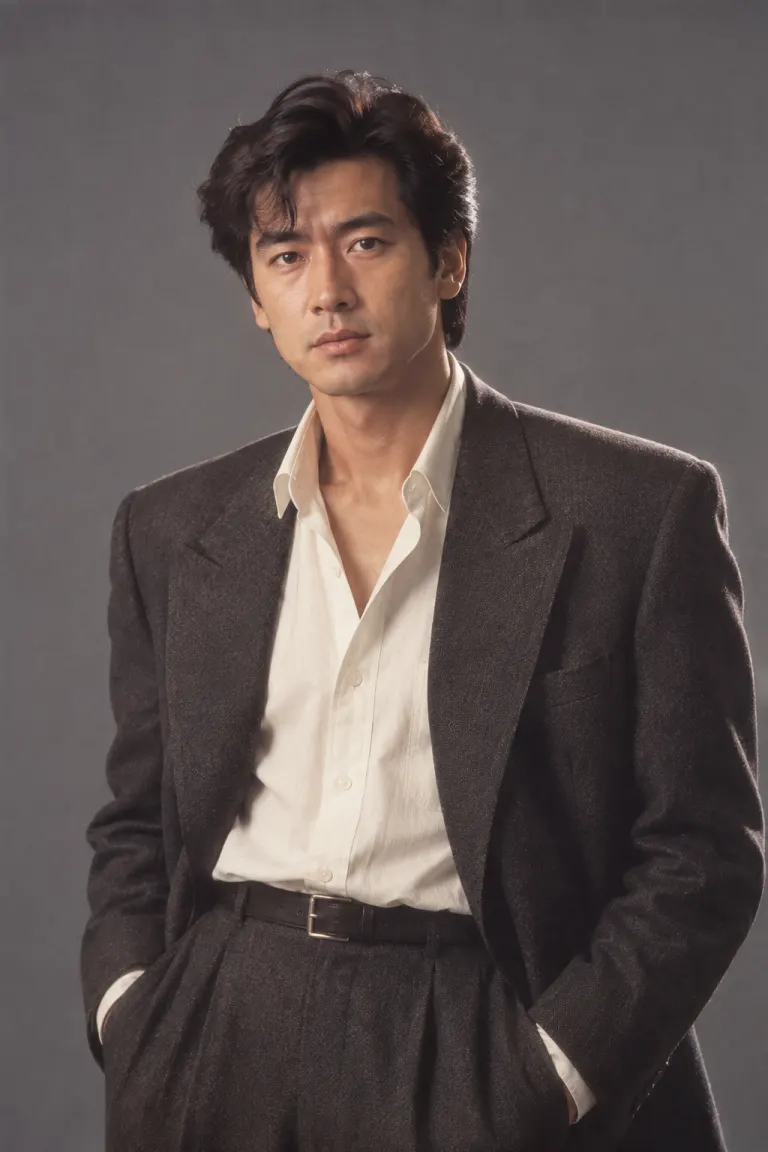
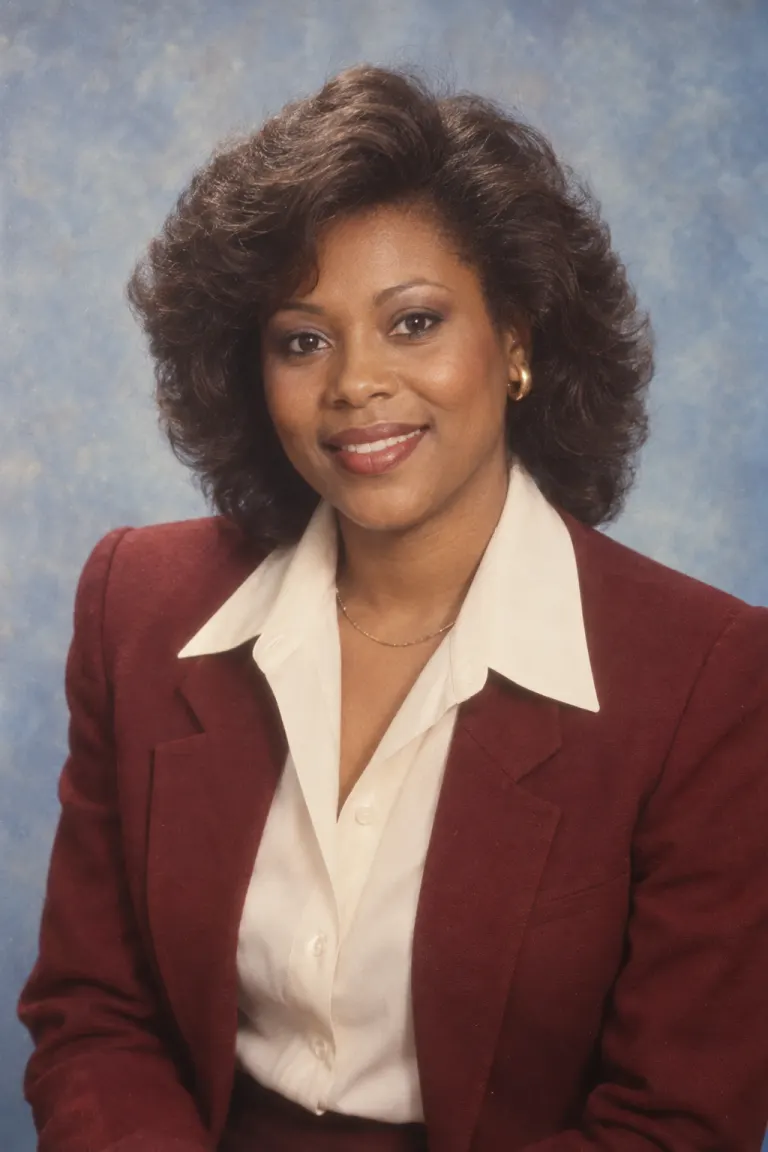
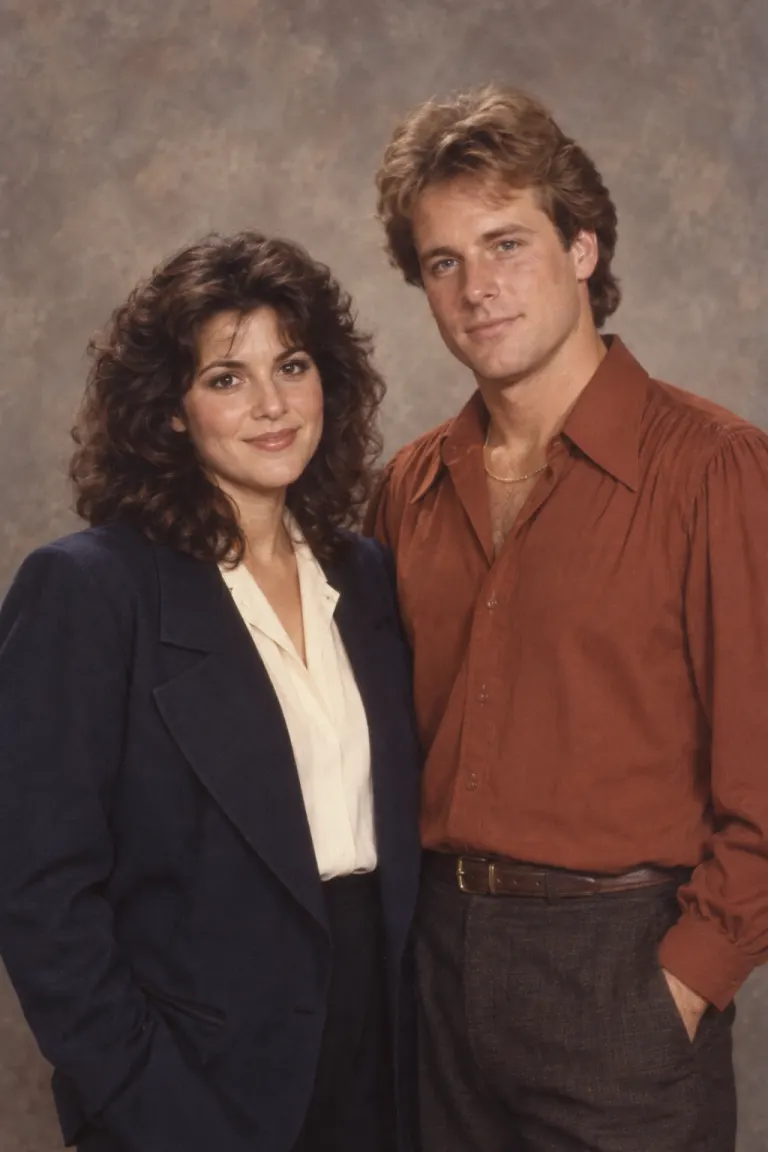
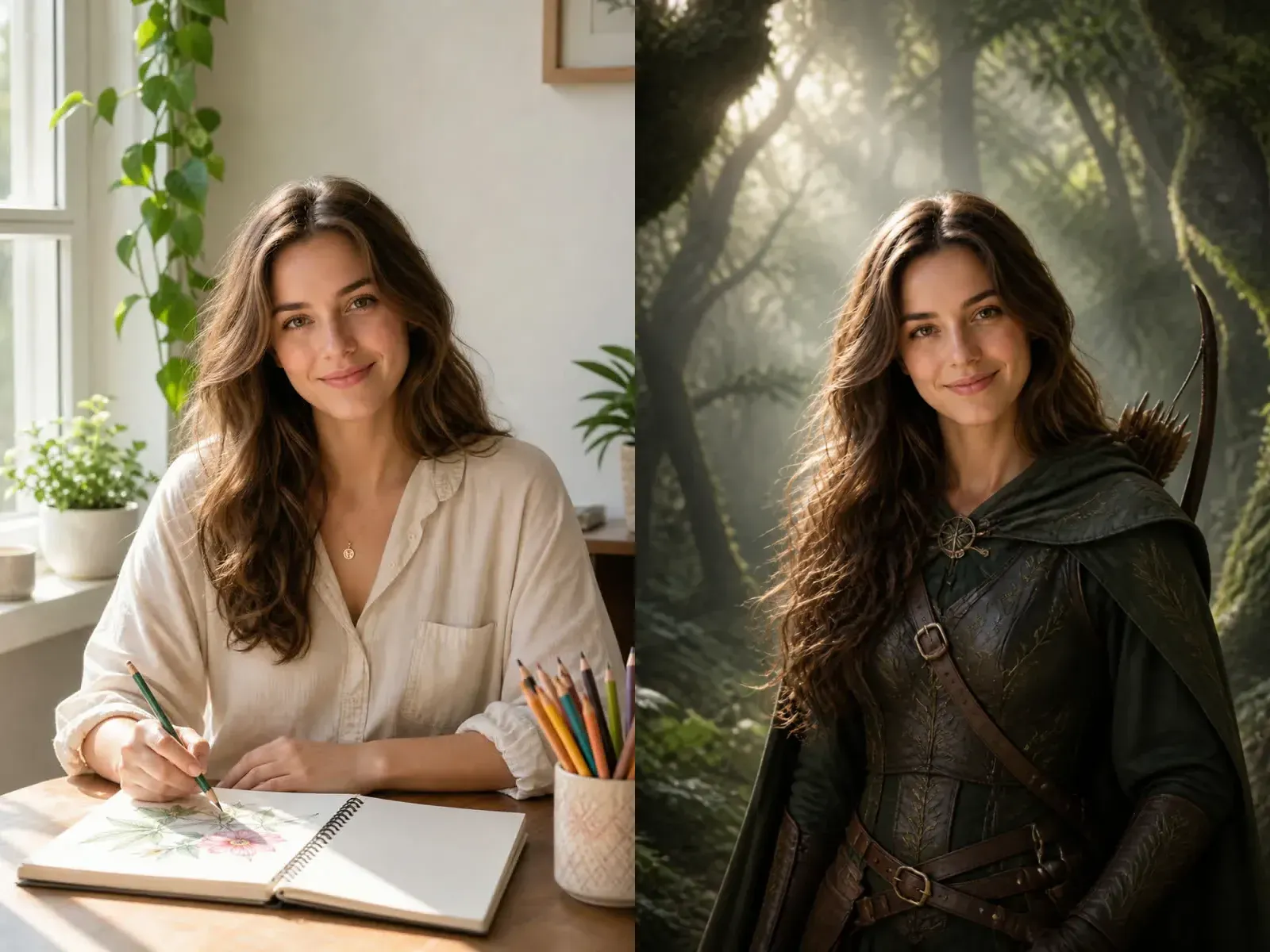
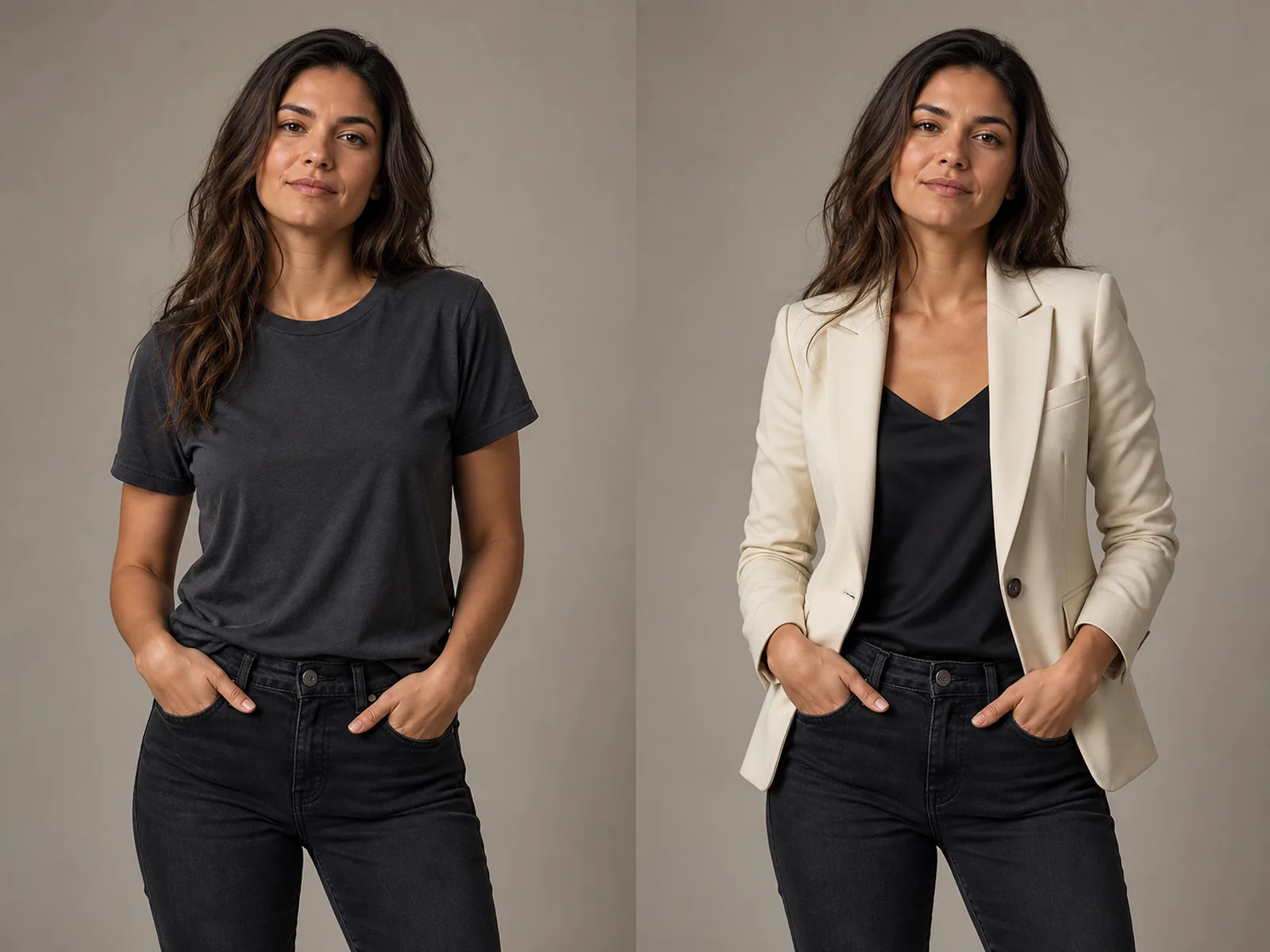
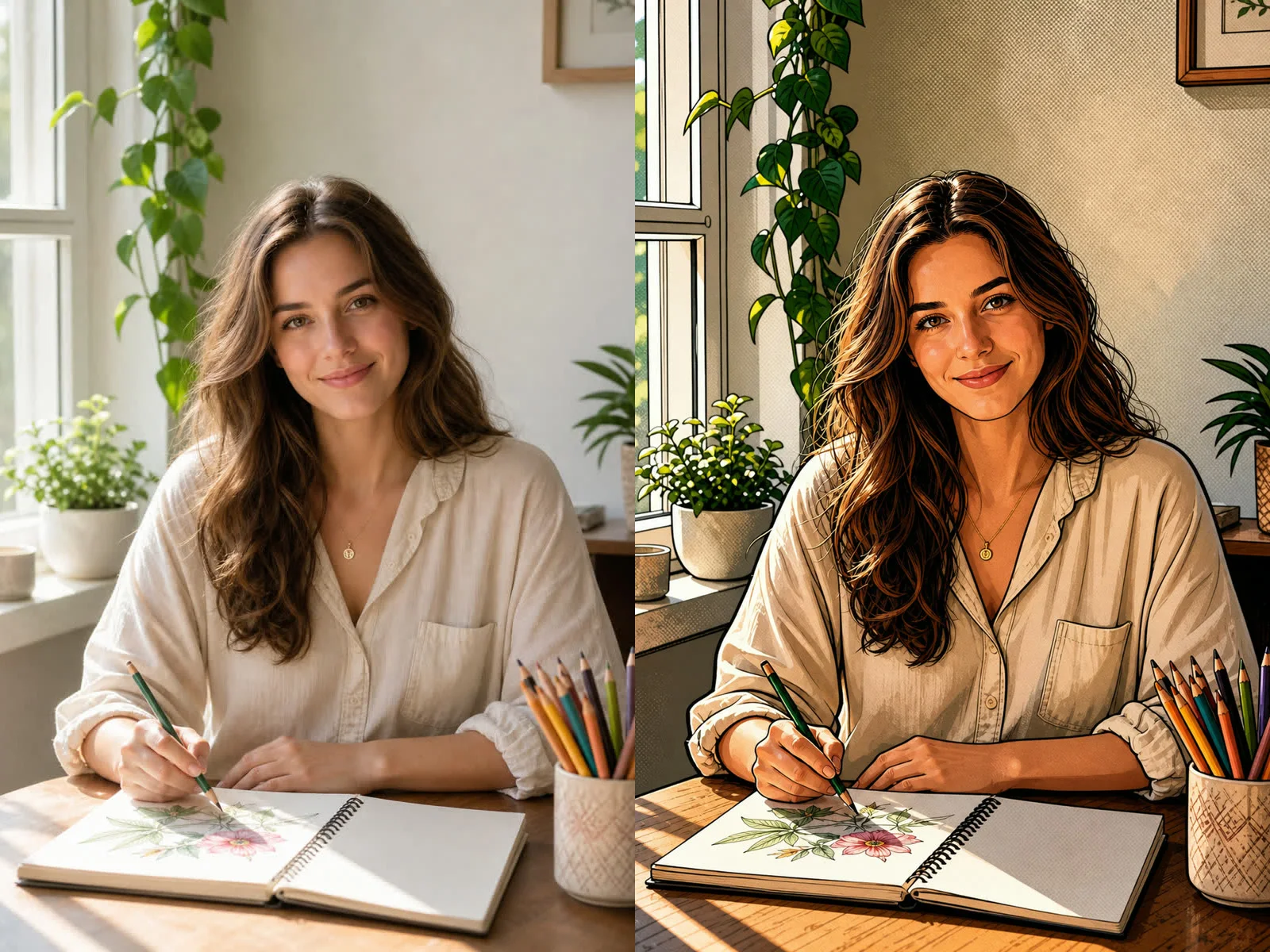
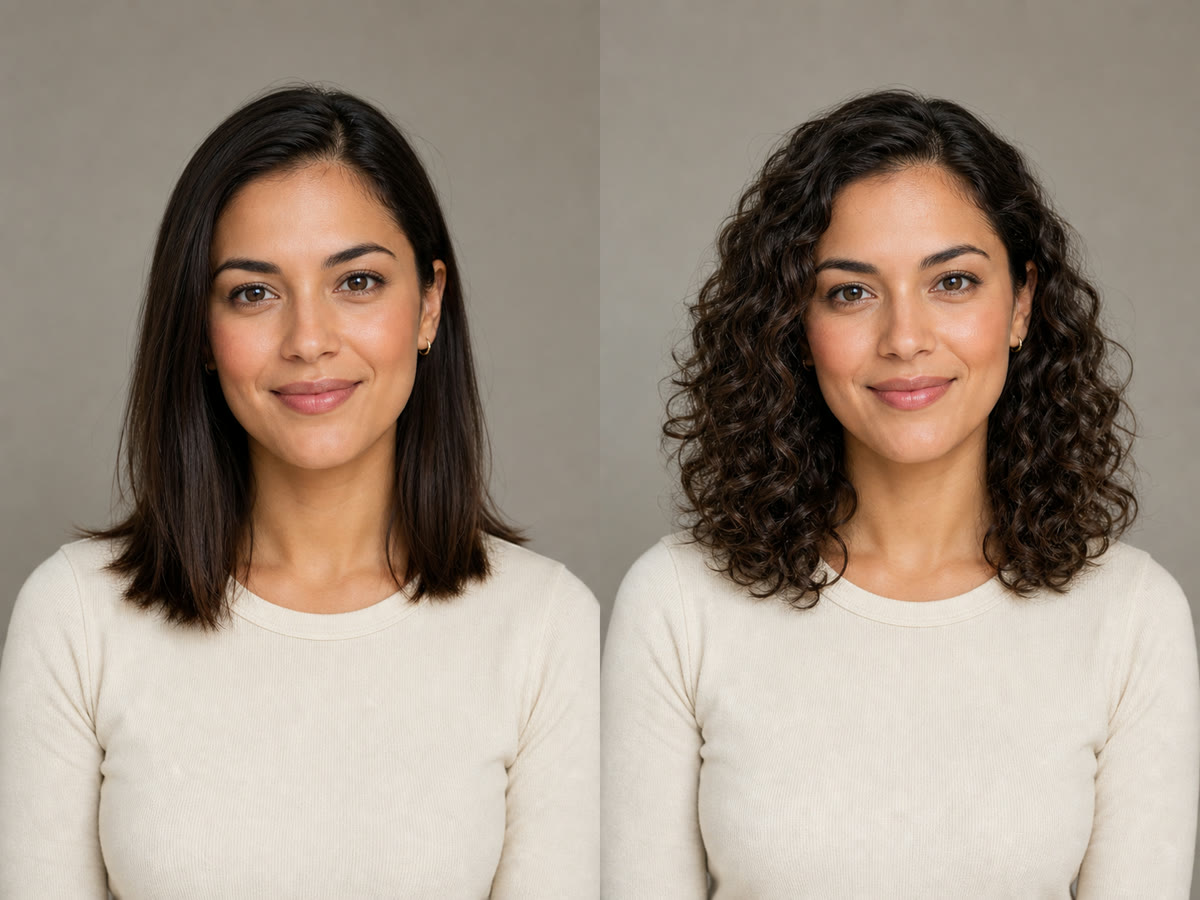
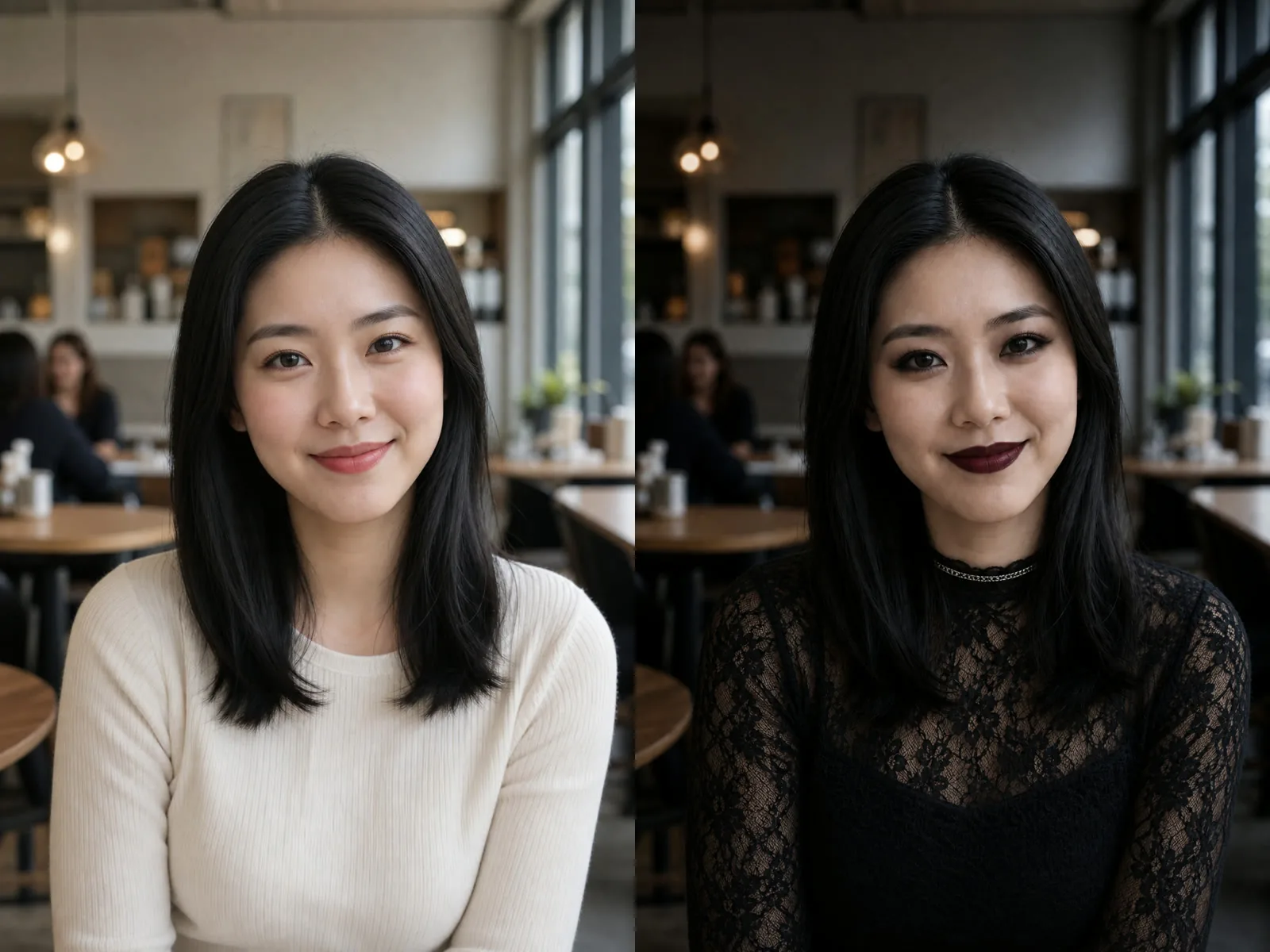
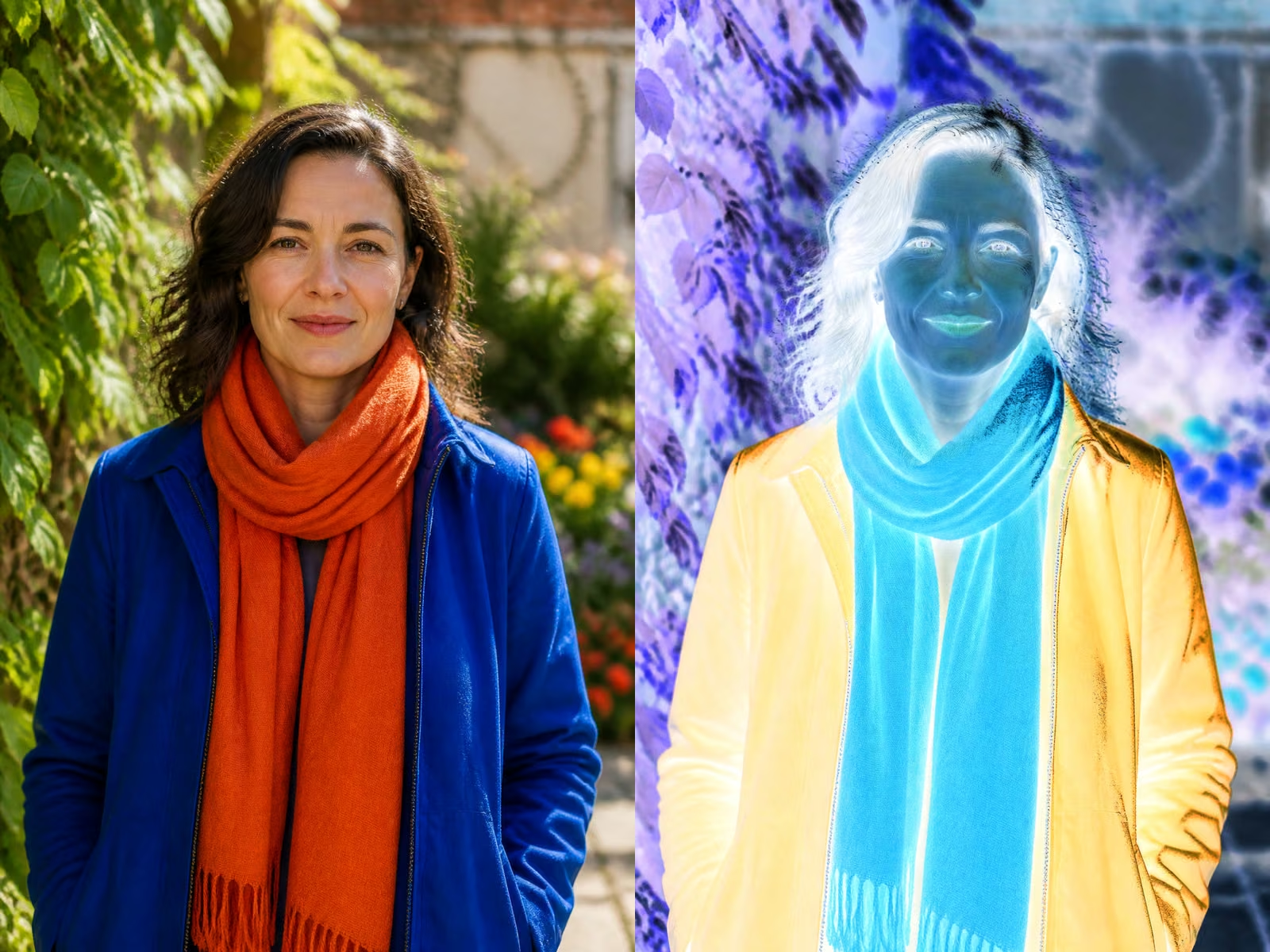
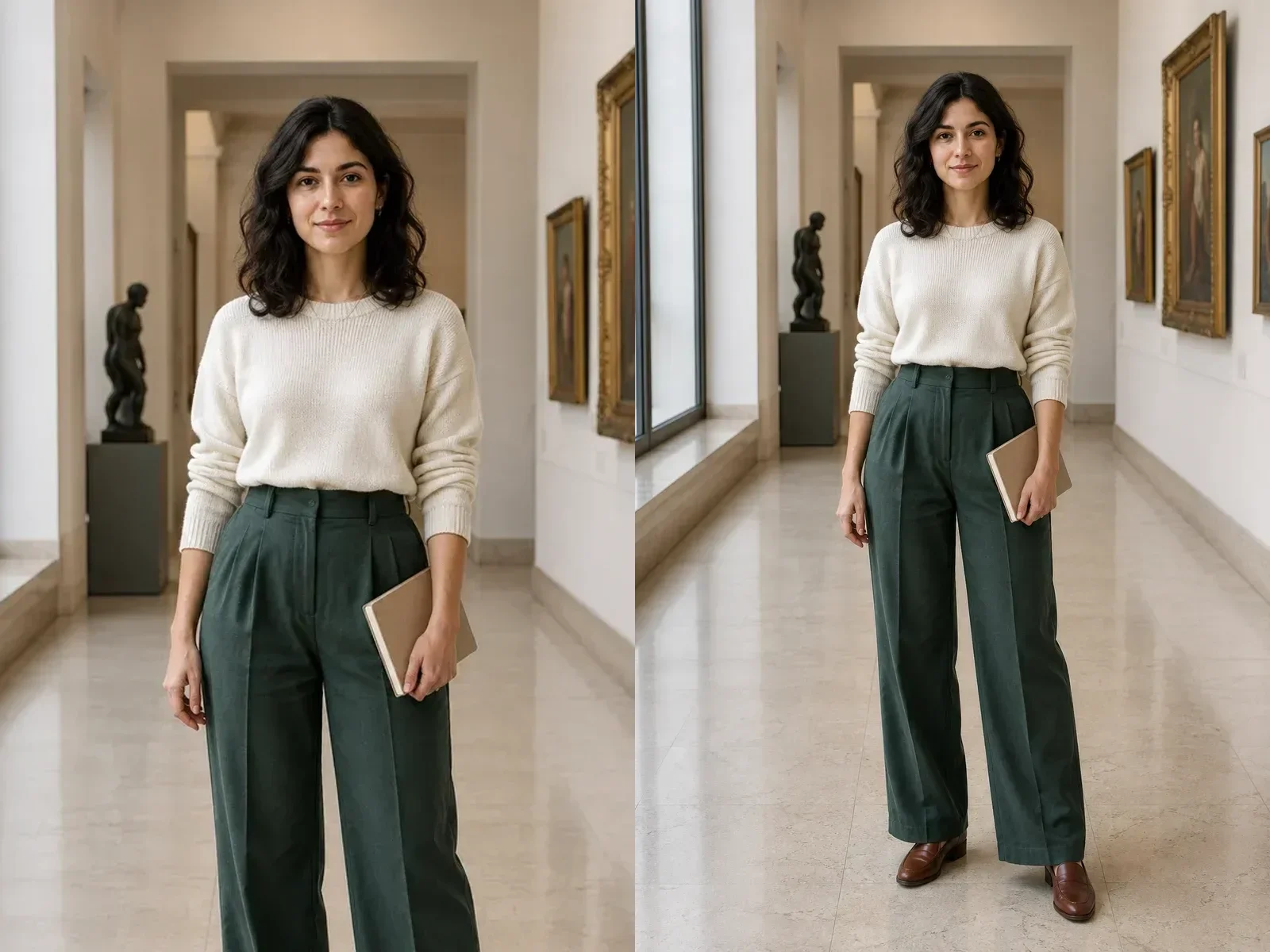
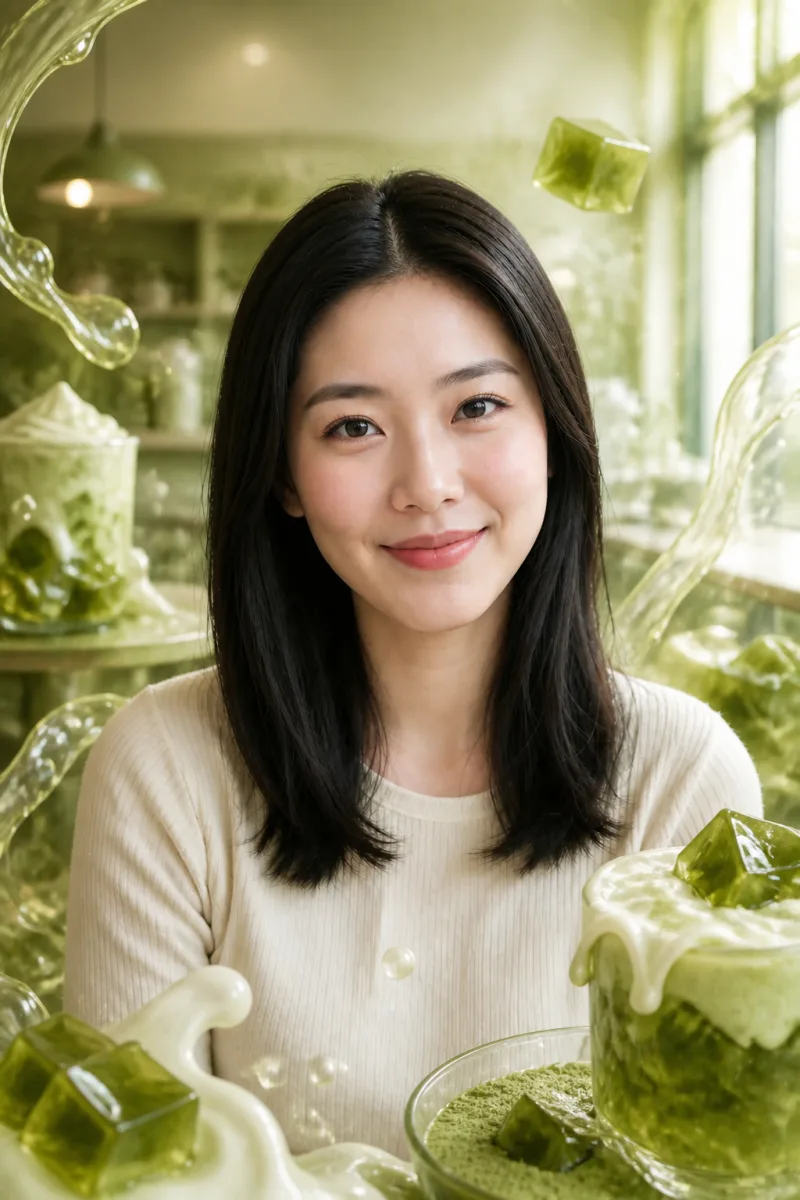
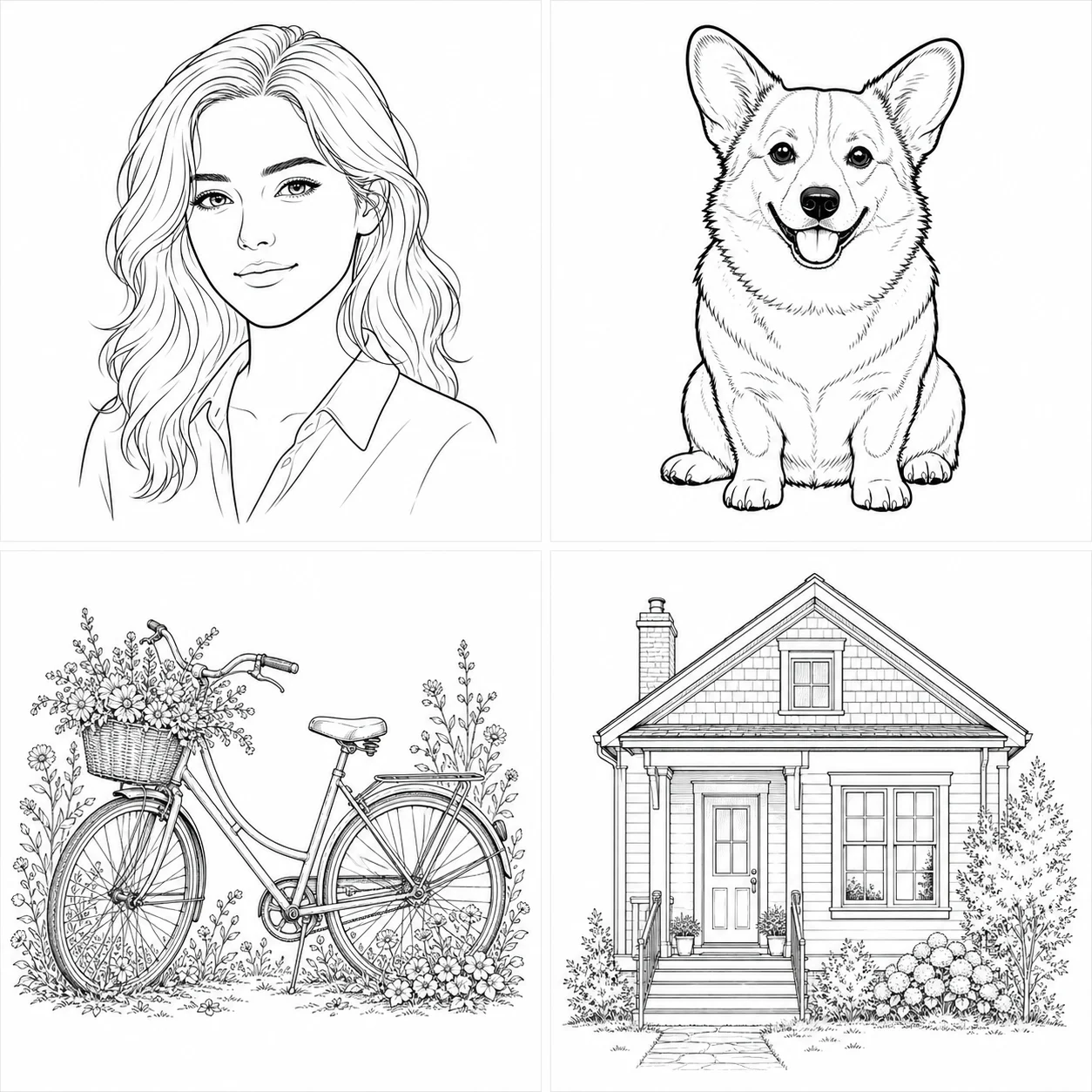
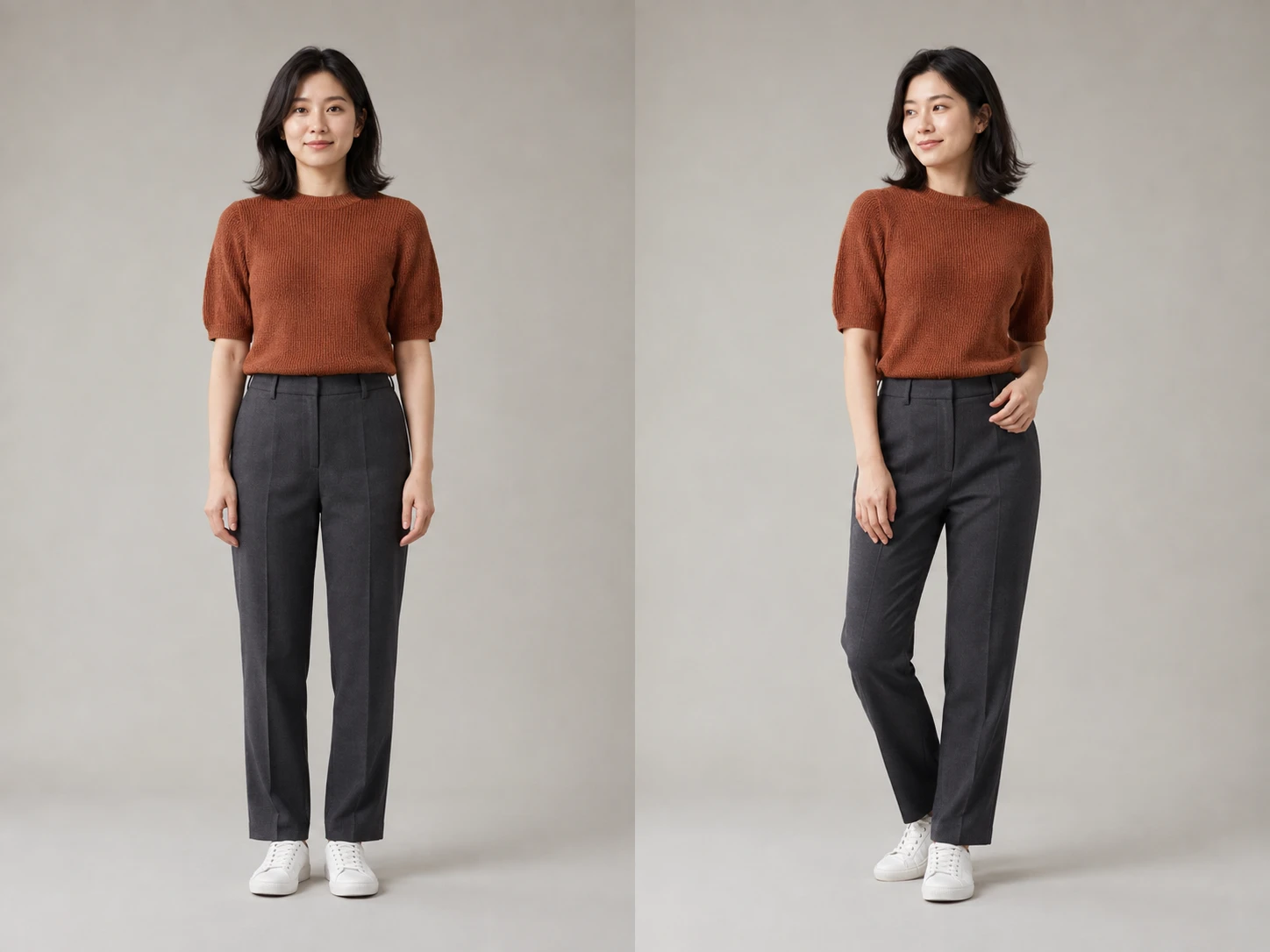
NanoPic turns a set of photos into a finished collage layout instead of making you arrange every crop by hand. Upload a trip, event, product, family, food, or creator photo set, then ask for an Instagram grid, scrapbook page, travel journal, product moodboard, holiday card, or printable memory layout.
The template is tuned for multi-image composition, not a generic single-image filter.
Upload 2 to 6 images and let NanoPic arrange the important subjects into a cohesive collage with readable spacing and consistent visual rhythm.
Start from Instagram grid, scrapbook page, travel journal, or product moodboard presets, then edit the prompt for a specific event, brand, or print use.
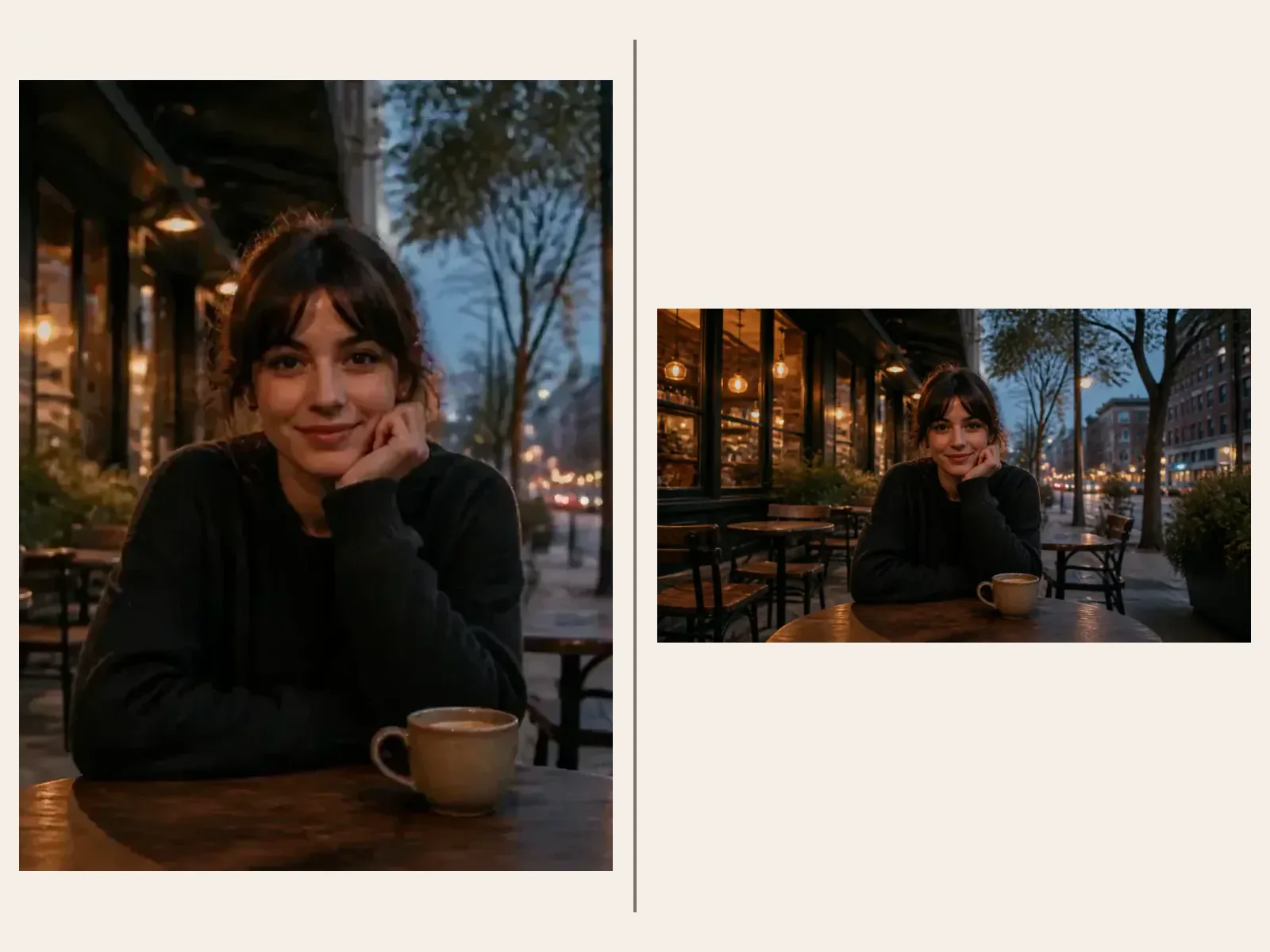
Generate square posts, 4:5 social feed images, 16:9 headers, or 3:4 printable layouts without stretching the source photos.
Use your photos as references, then guide the layout style with one short prompt.
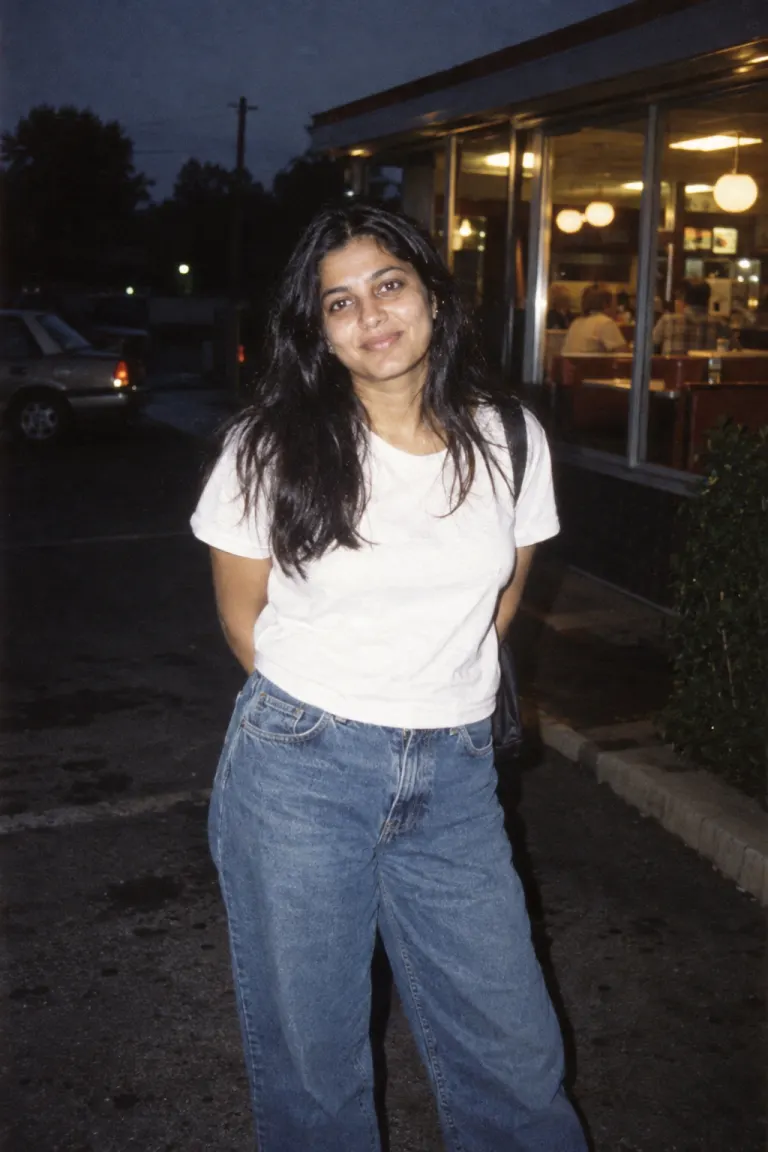
Use clear photos from one event, campaign, trip, product shoot, meal, pet session, or family moment. Related images help the AI build a cleaner layout.
Upload PhotosAsk for a square Instagram grid, vintage scrapbook, travel postcard board, family memory page, product launch moodboard, or a clean 4:5 social post.
Edit Collage DirectionCreate social recaps, scrapbook inserts, travel journals, event posts, holiday cards, product moodboards, thumbnails, blog graphics, and print-ready memory pages.
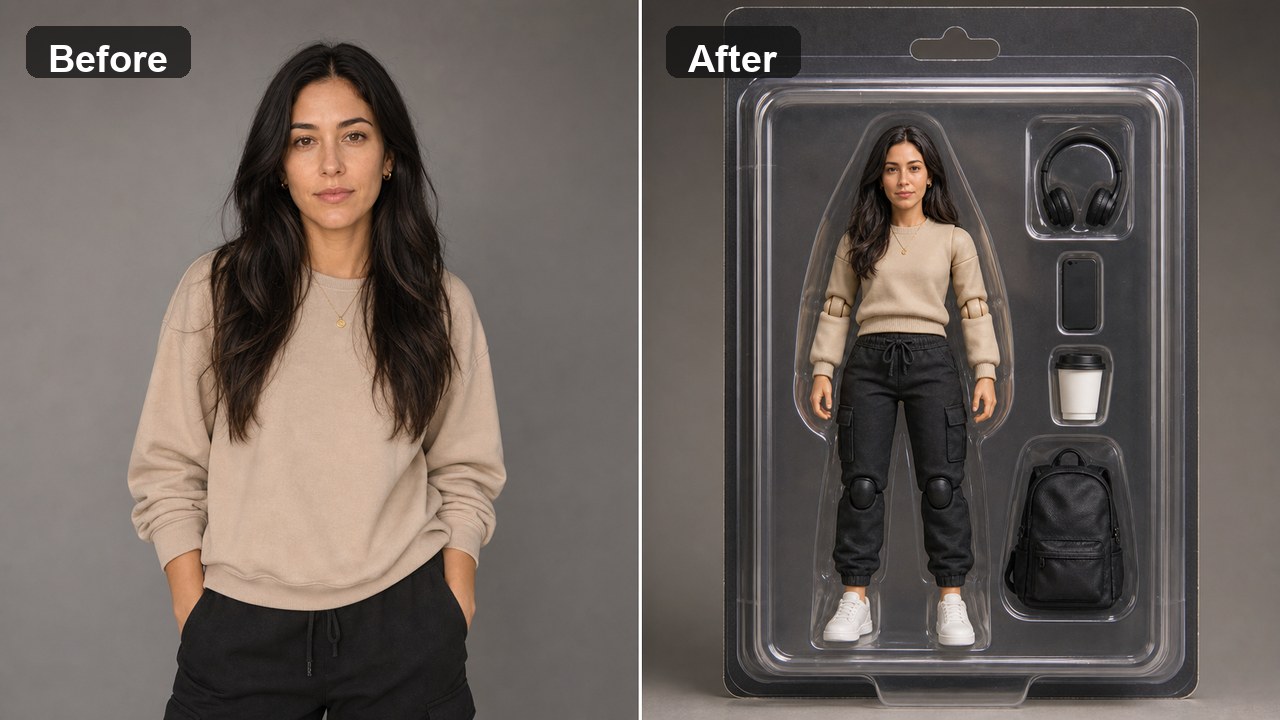
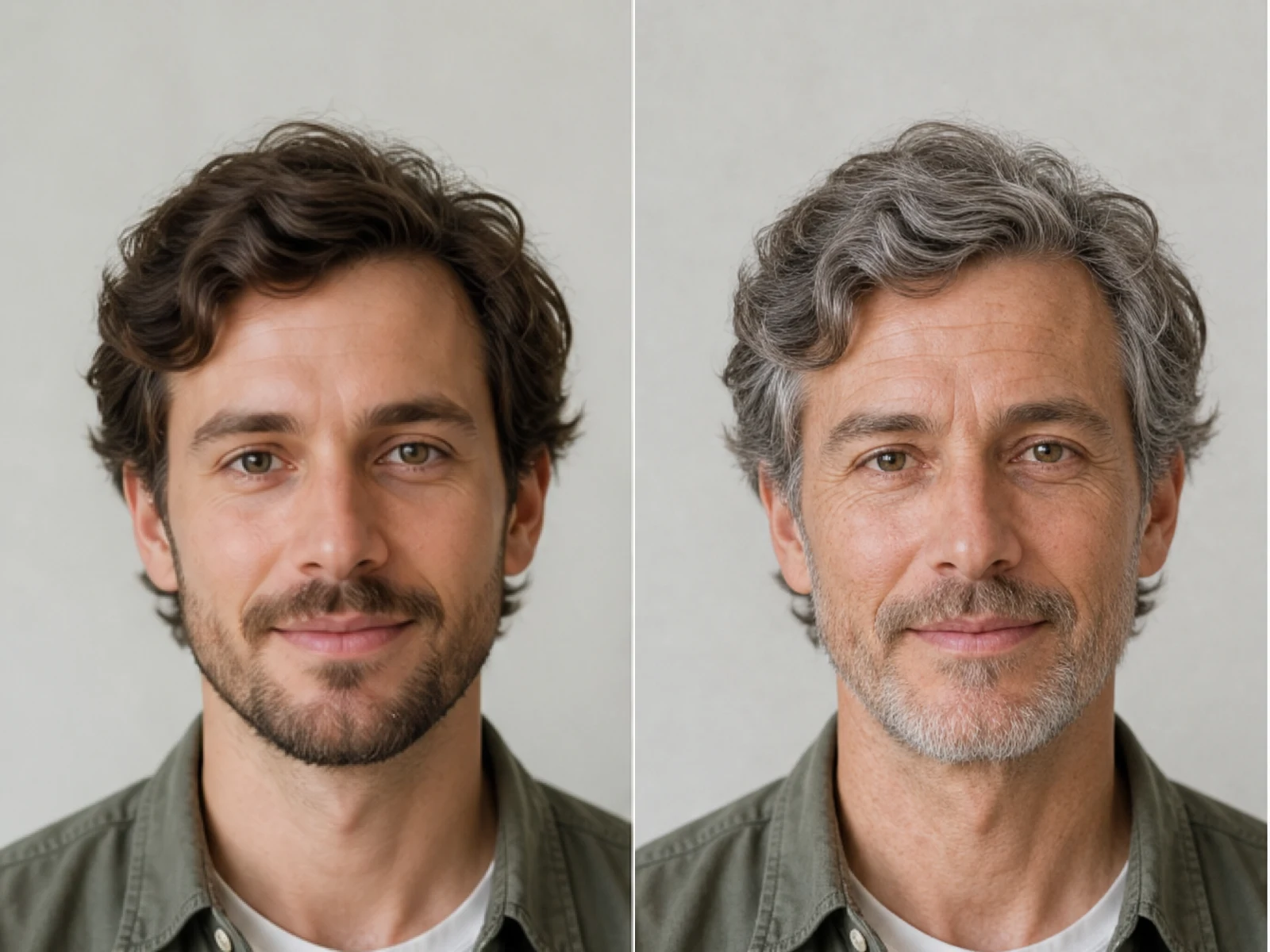
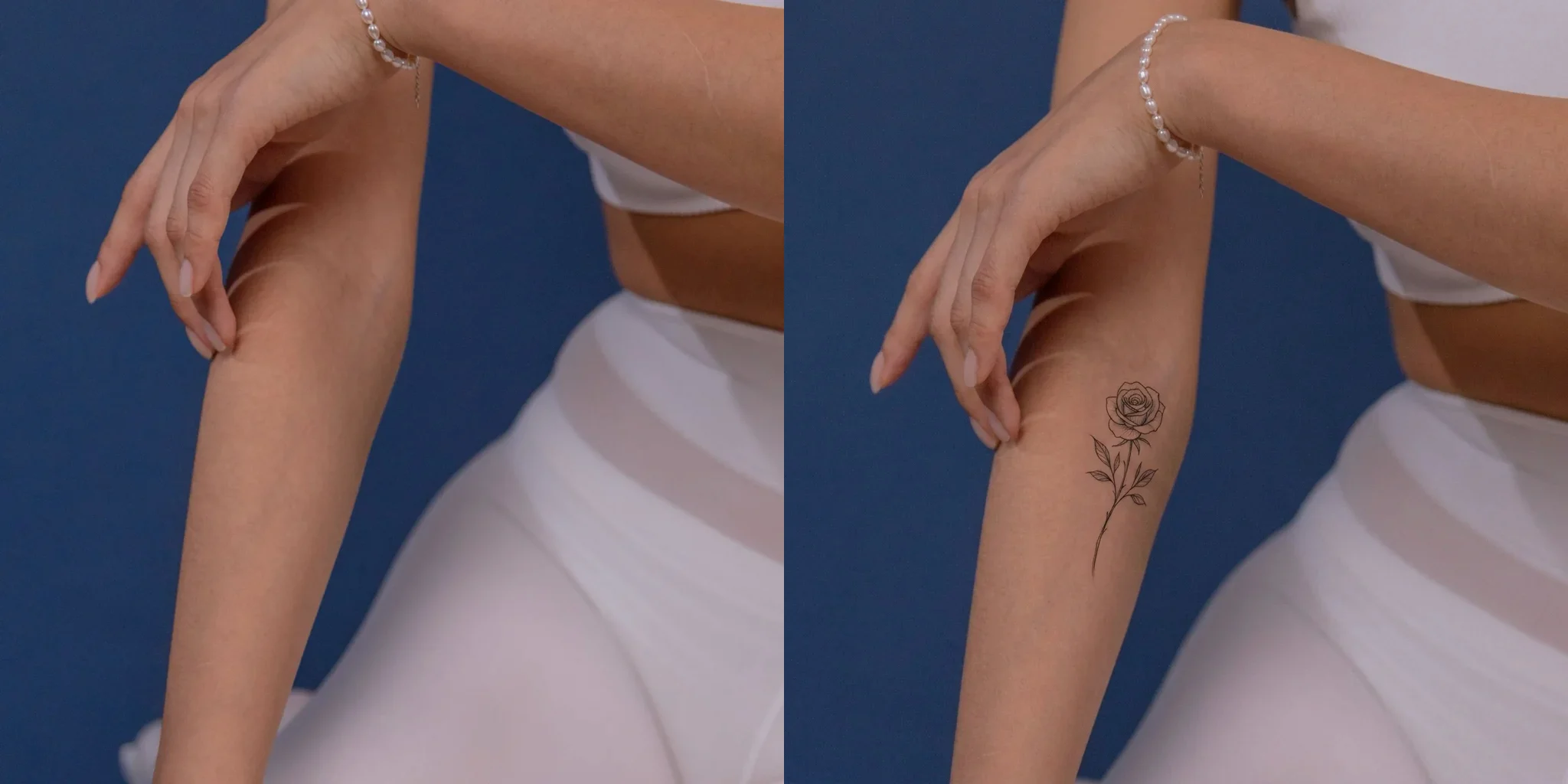
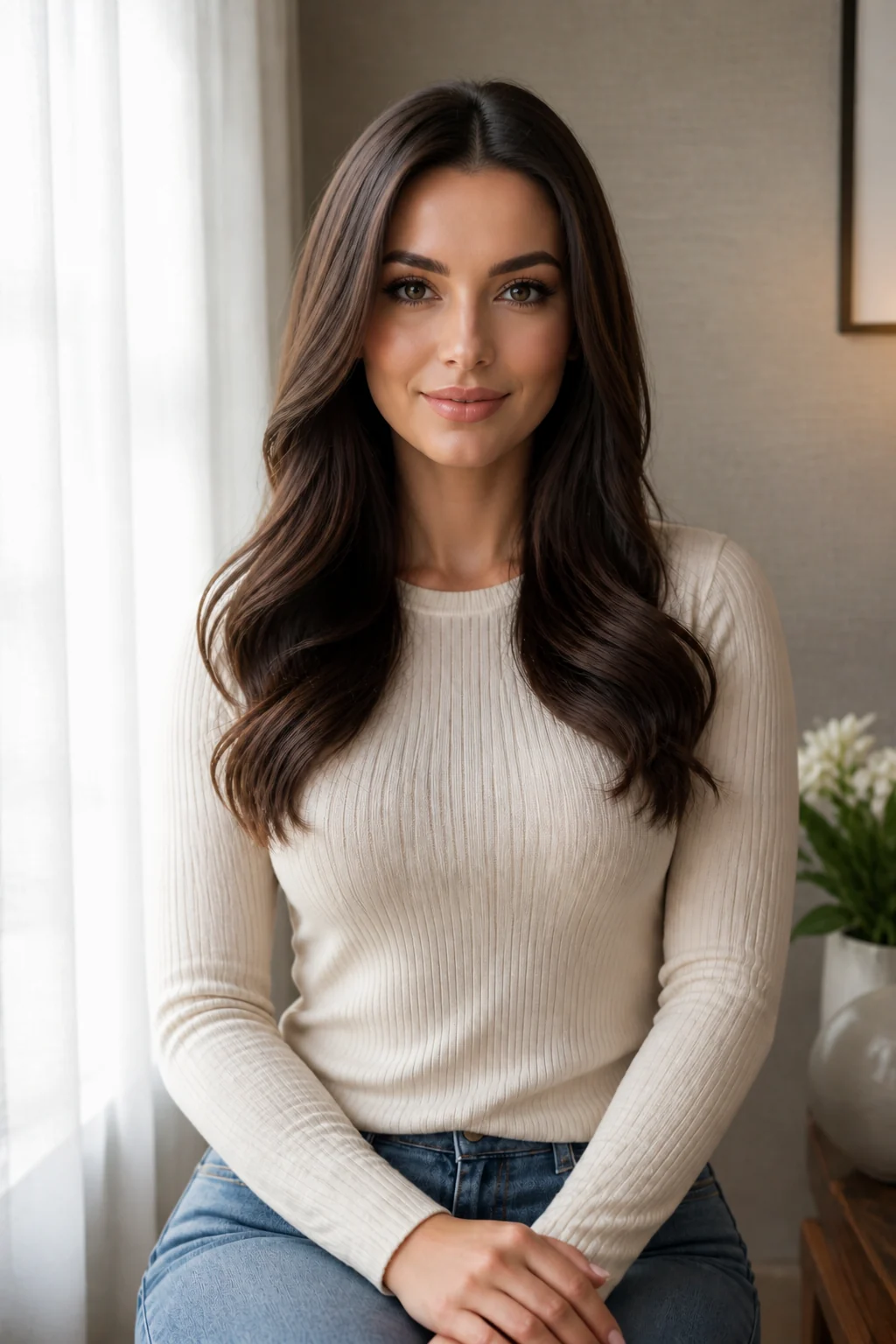
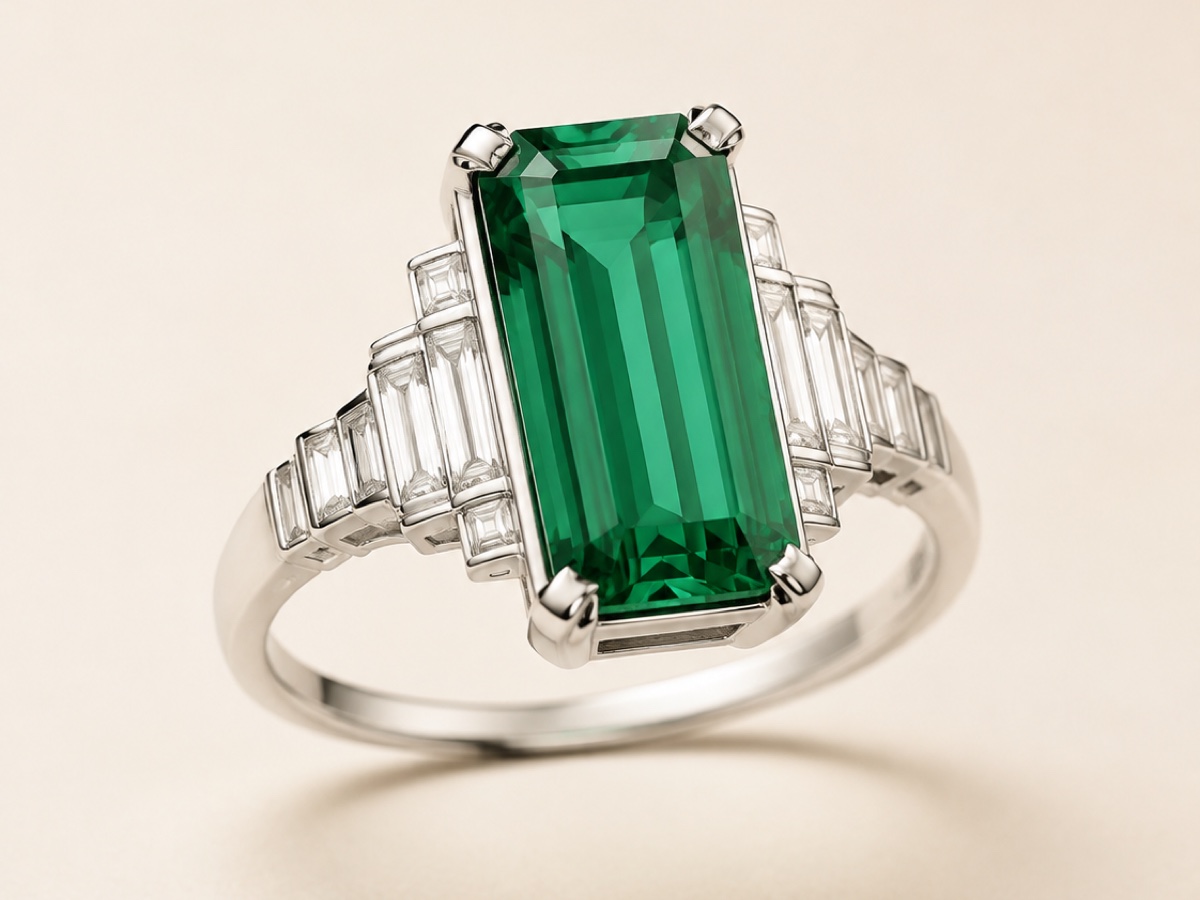
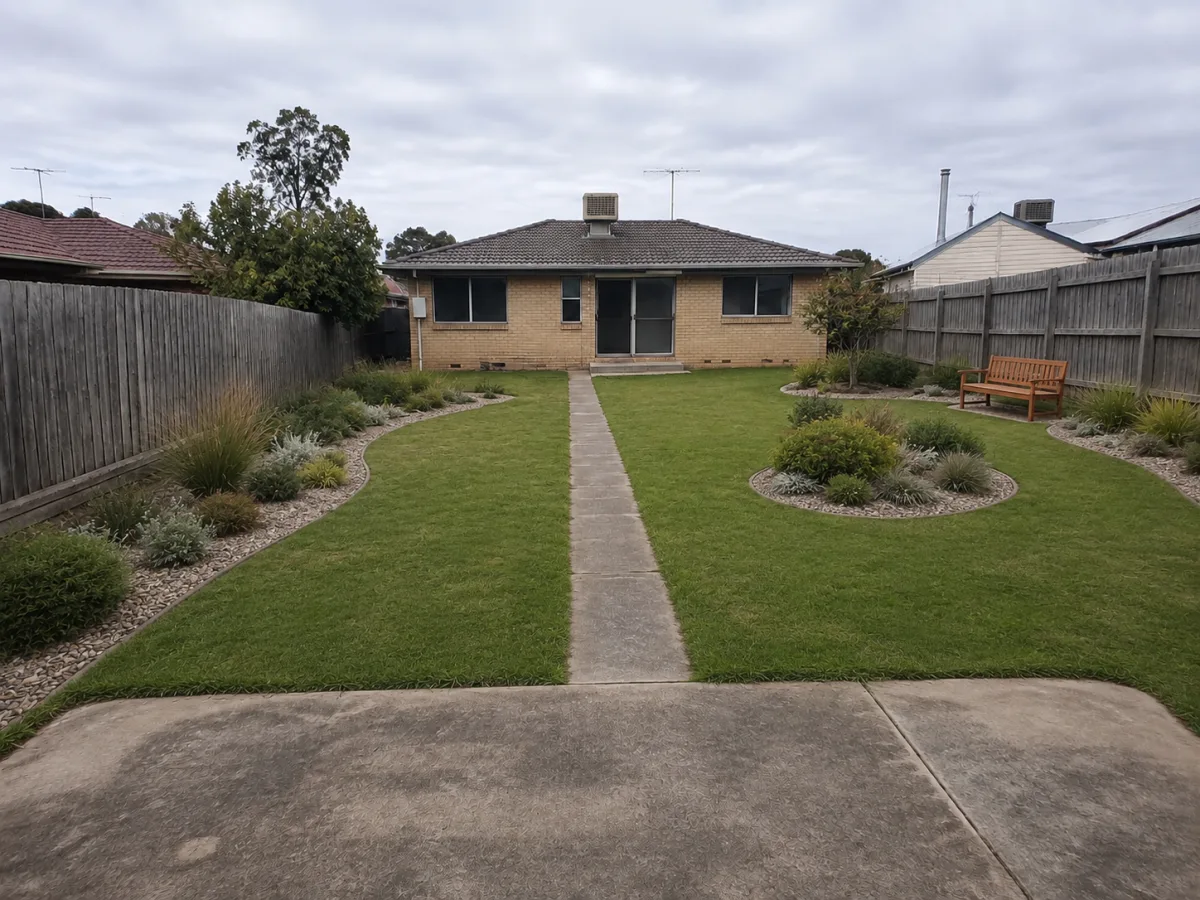
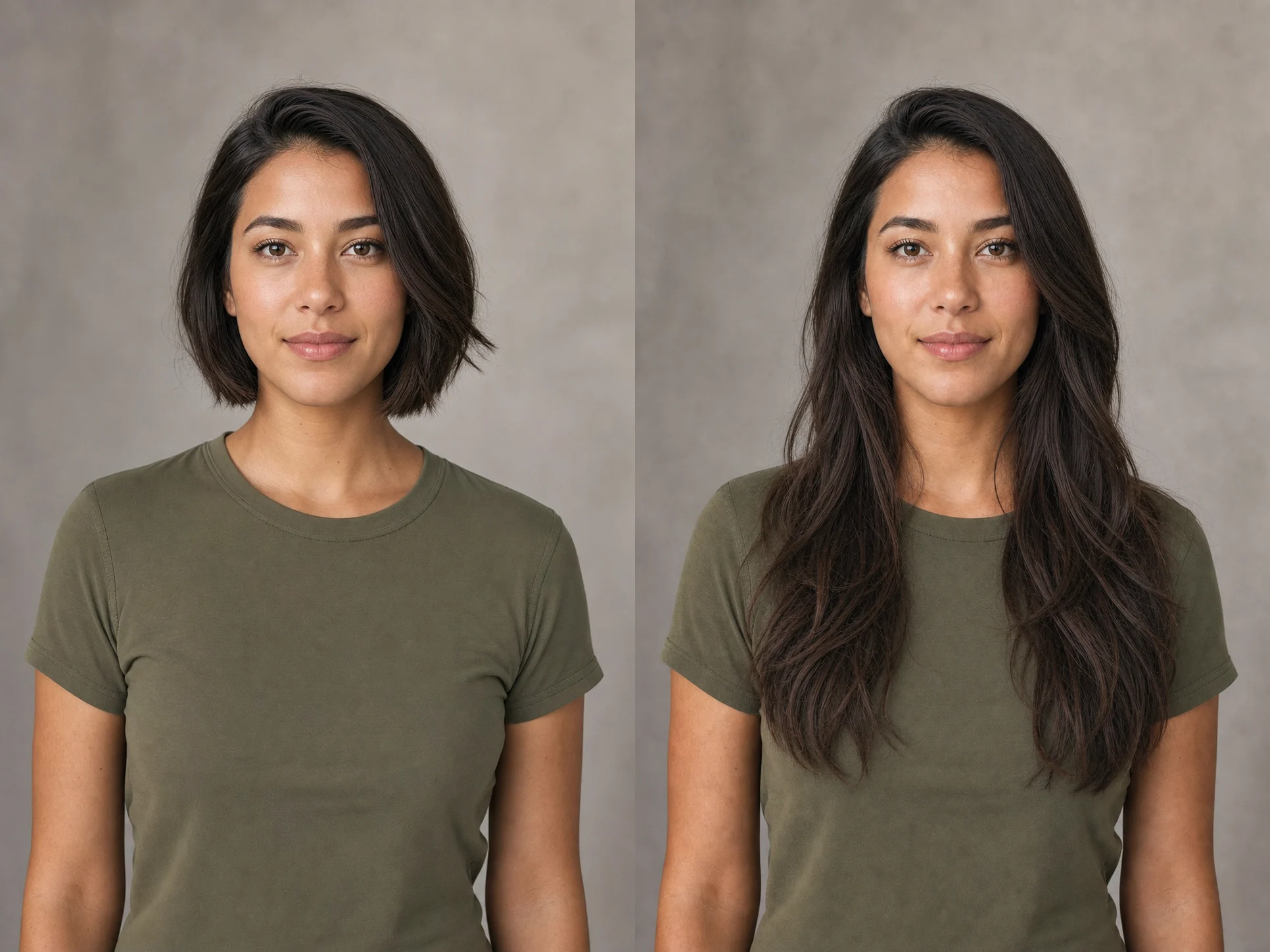
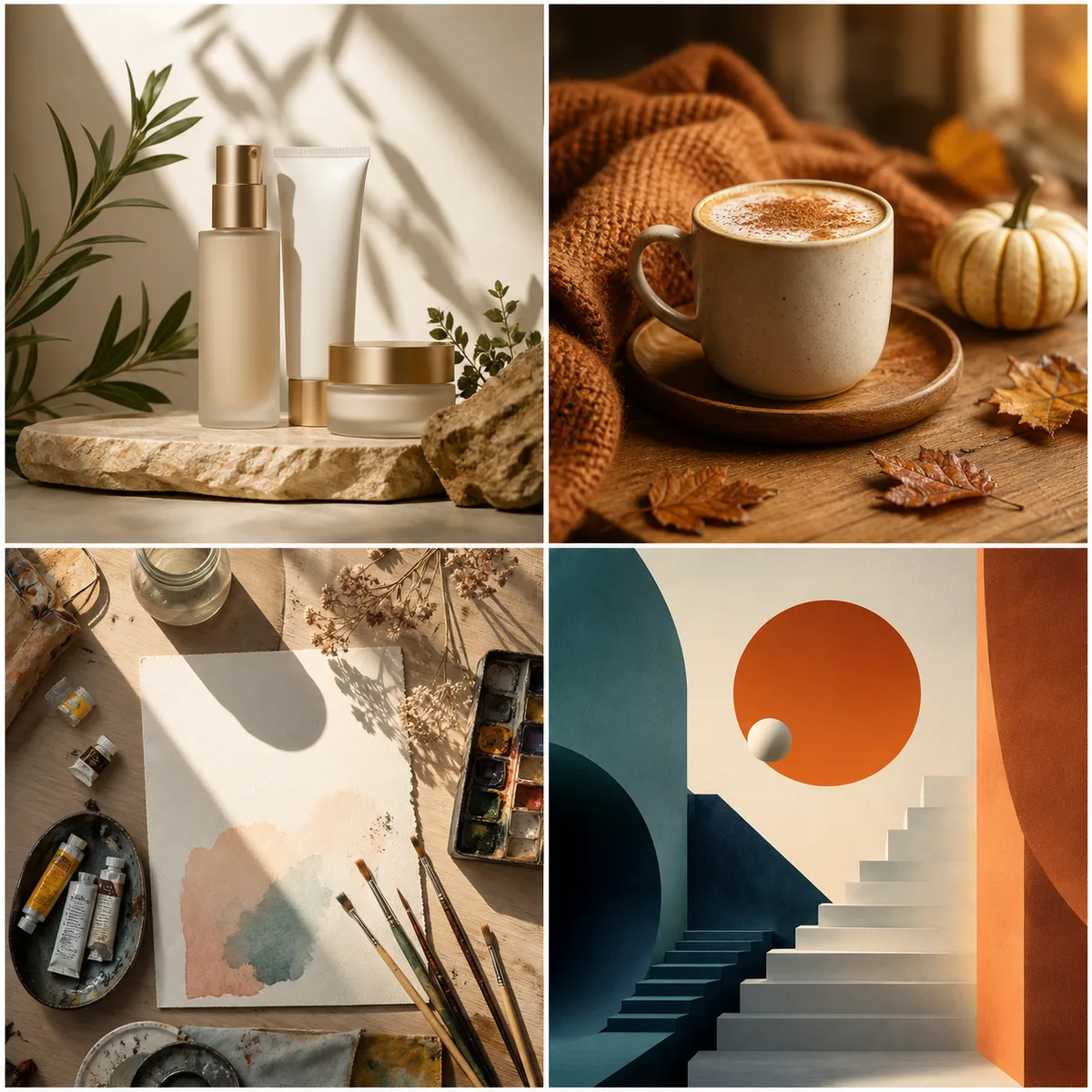
Generate and DownloadThese examples follow the common photo-collage search pattern: upload multiple related images, then generate a finished social, scrapbook, travel, product, memory, or moodboard layout.
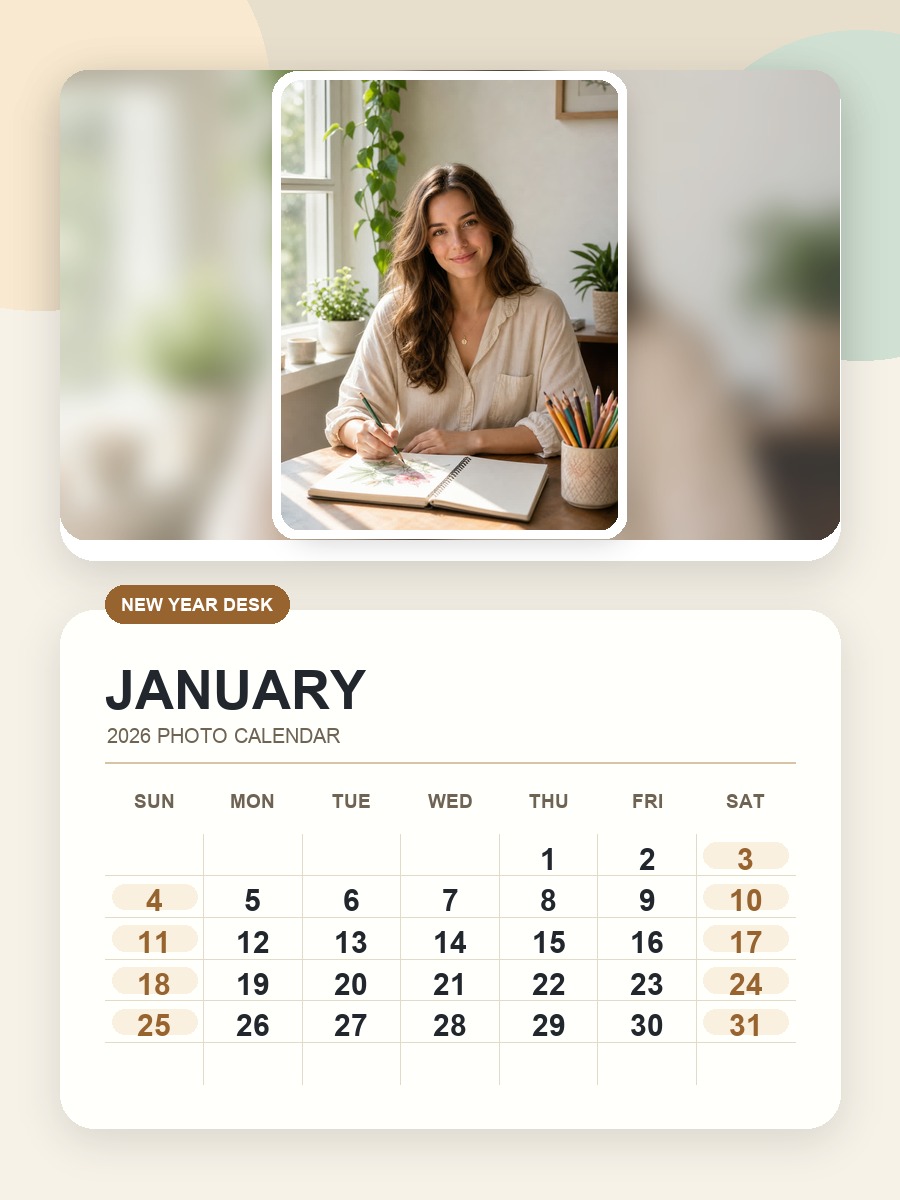
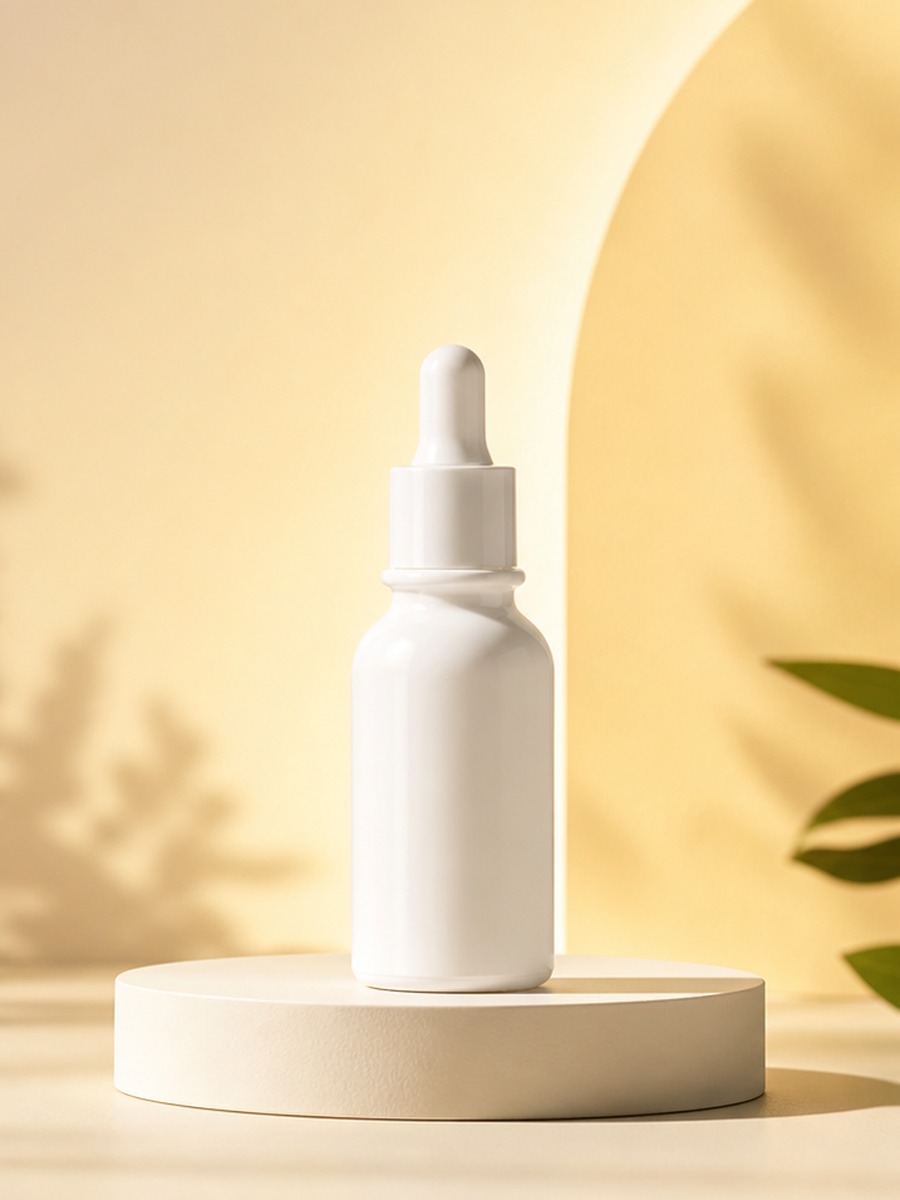
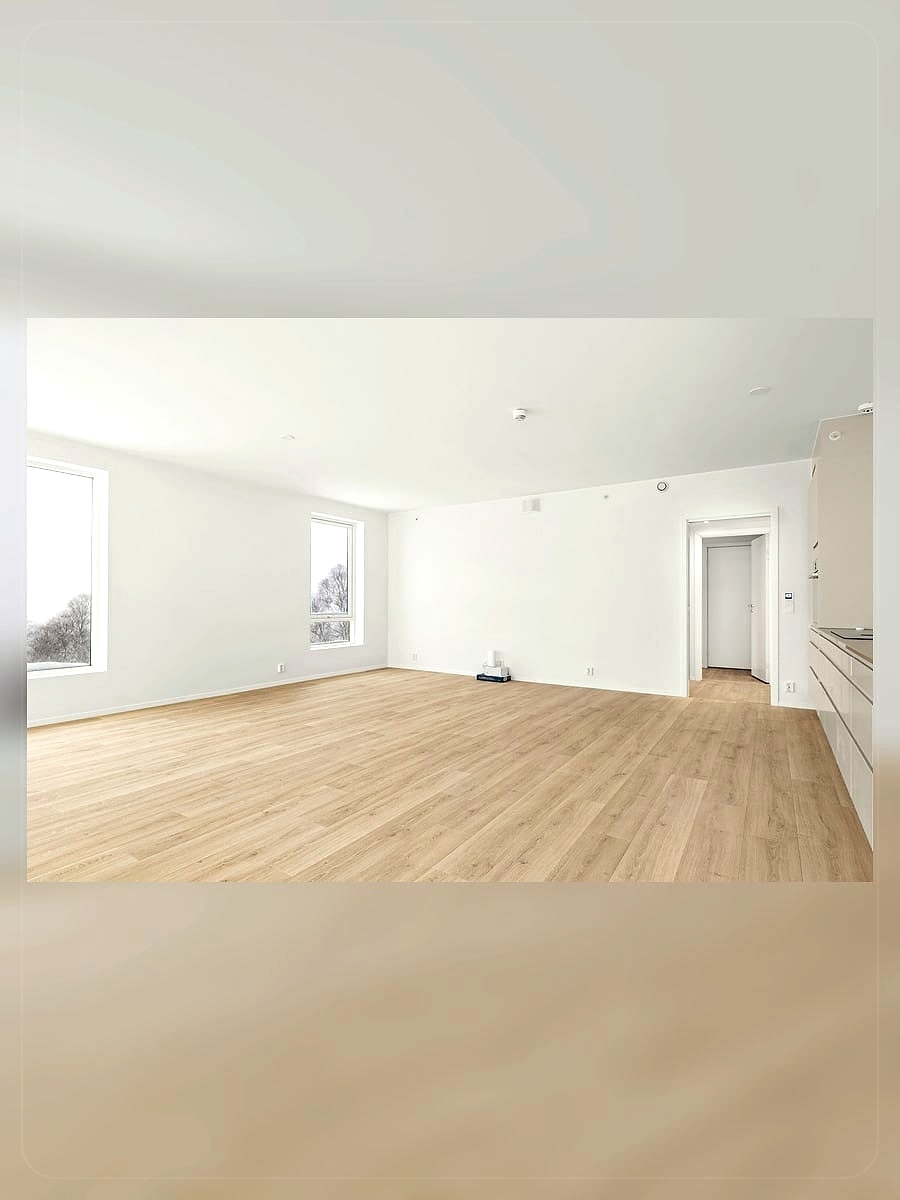
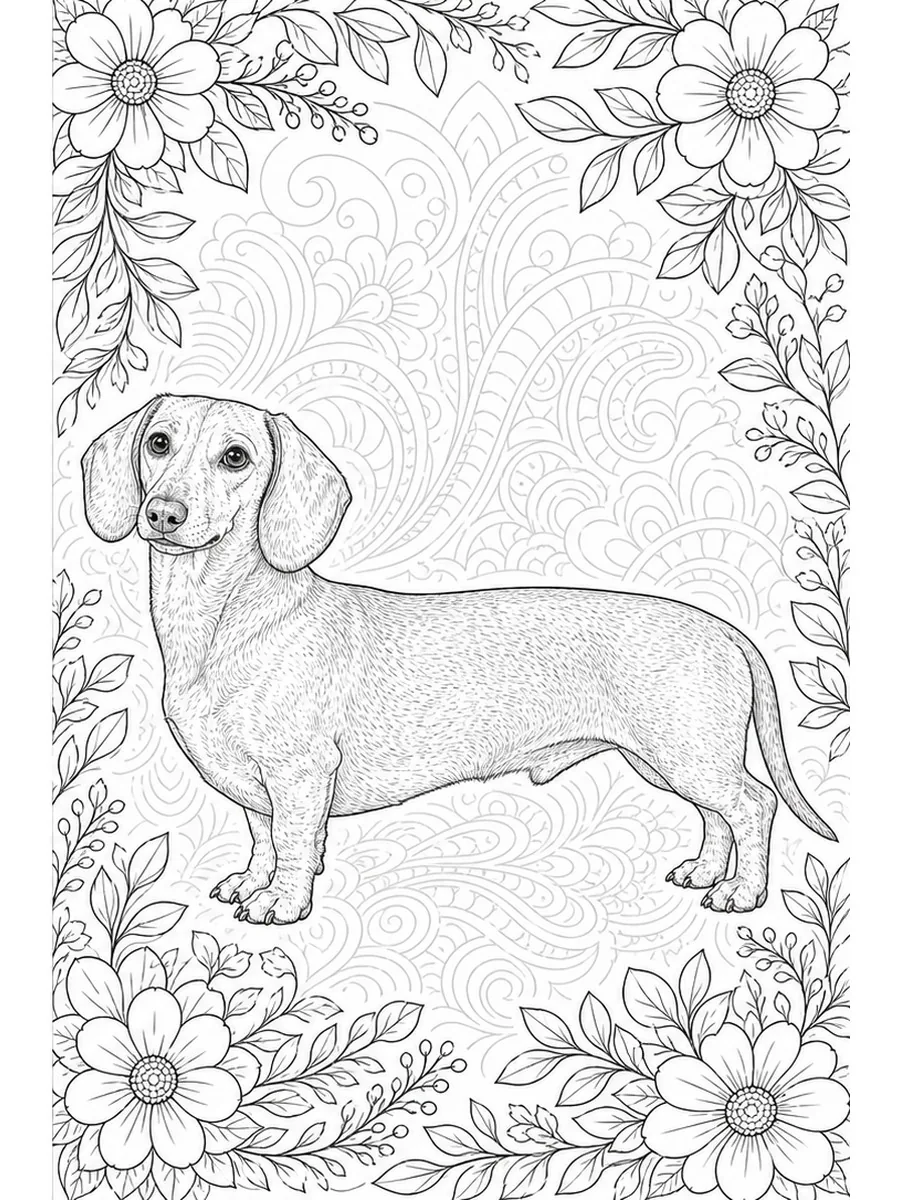
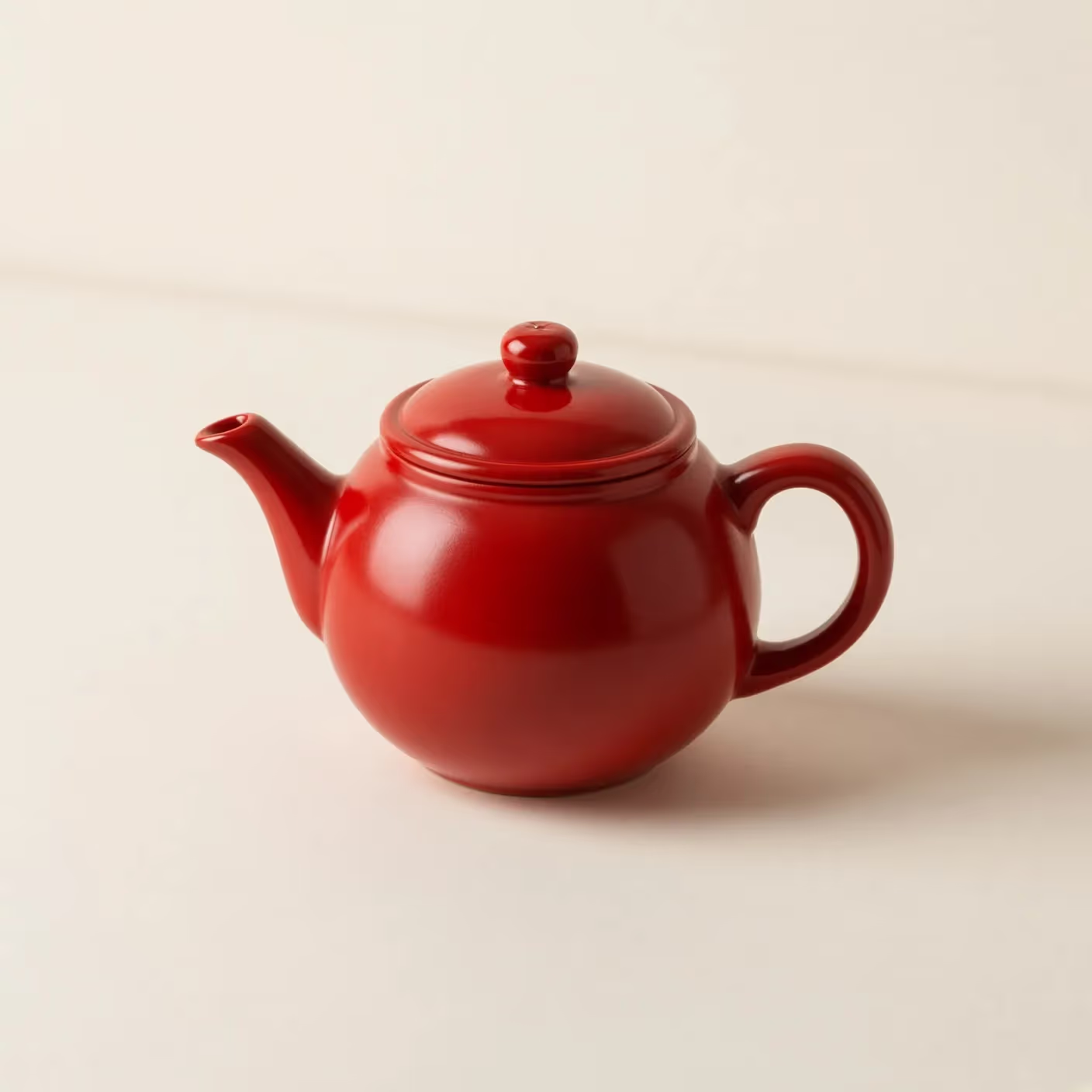
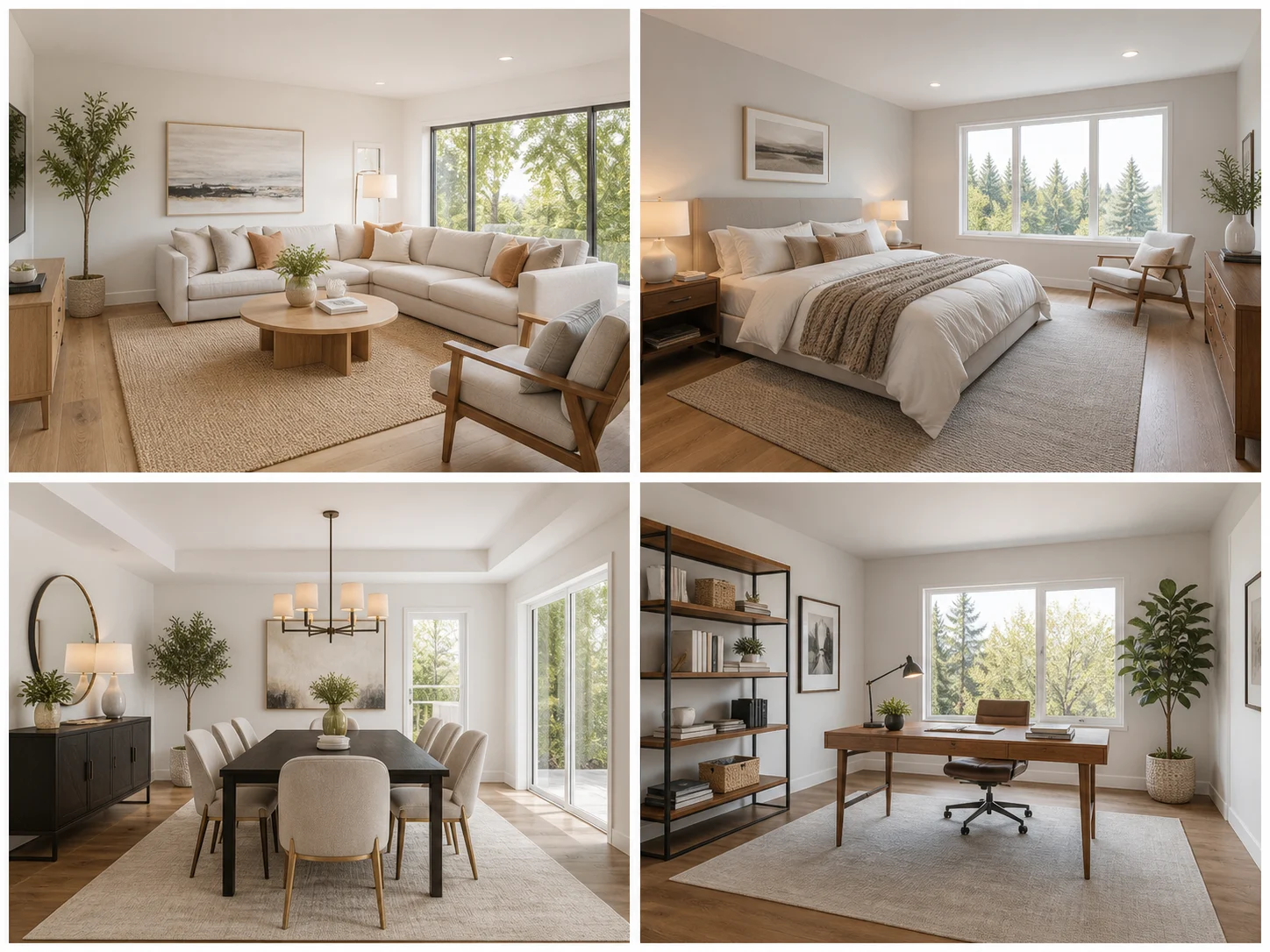
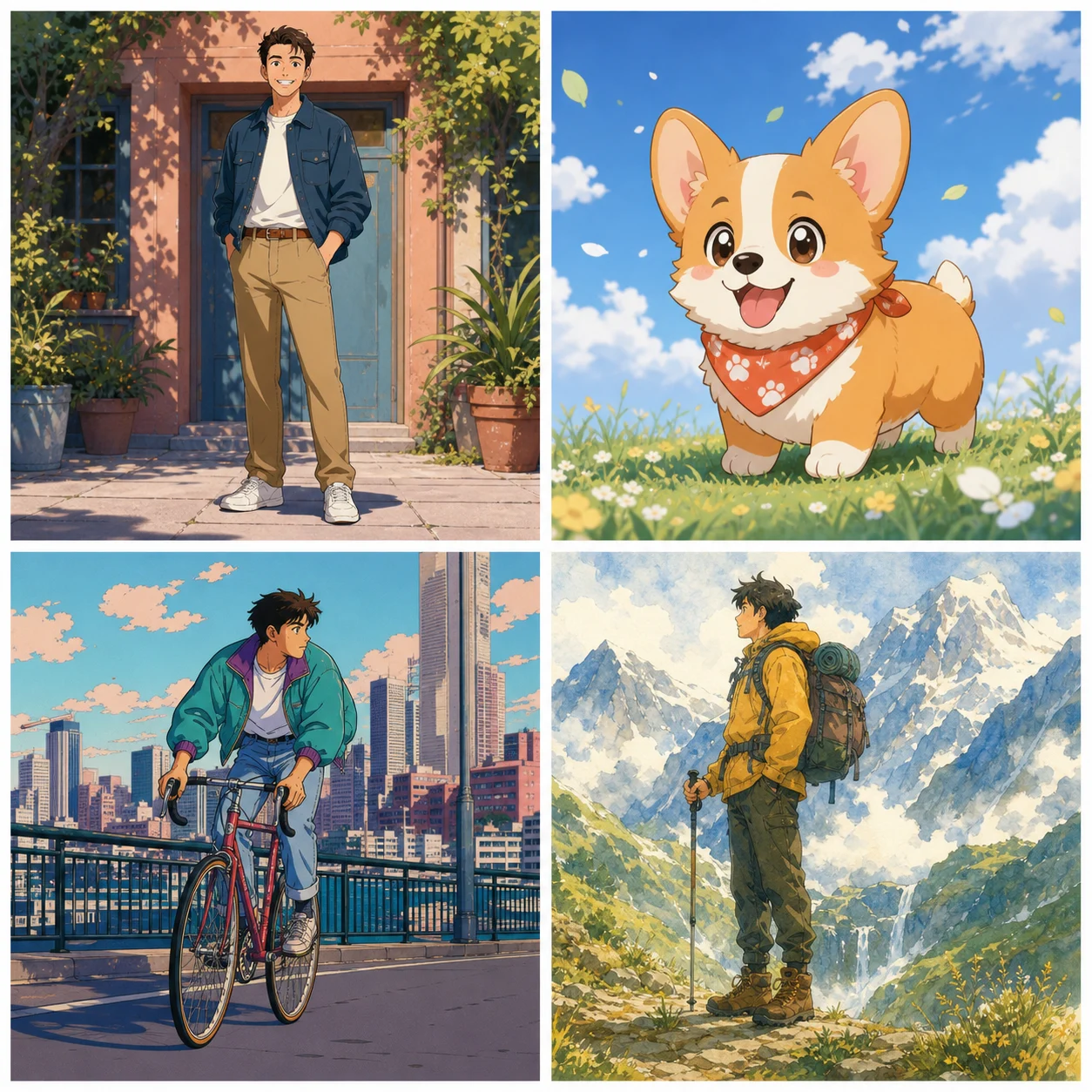
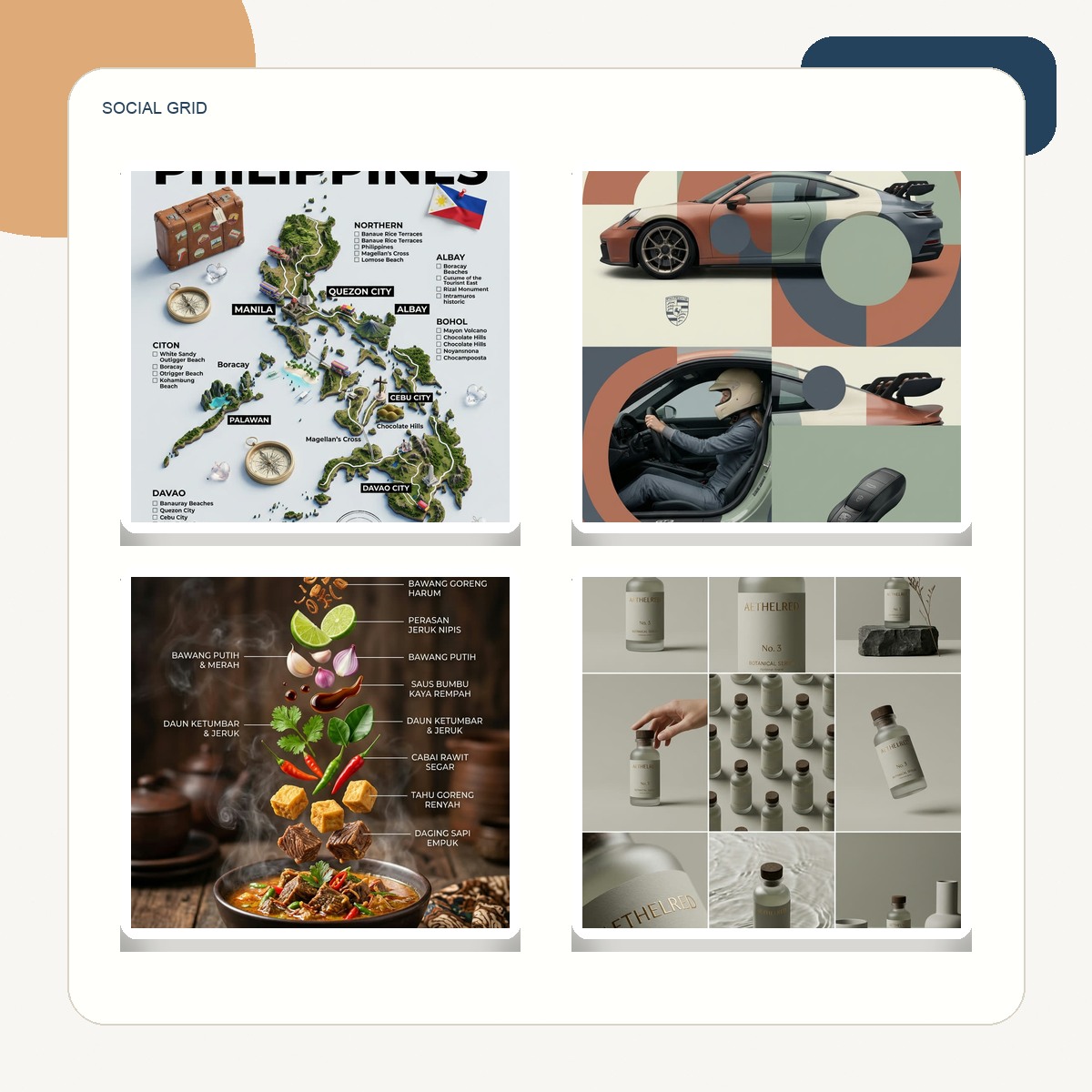
A clean square social collage with balanced grid spacing, white gutters, and editorial color grading.
Use This LayoutQuick answers for generating photo collages with NanoPic.
Upload 2 to 6 photos. Four related photos usually work well for balanced grids, scrapbook pages, and product moodboards.
Yes. Use the built-in presets or type a direction such as Instagram grid, scrapbook page, travel journal, baby milestone, holiday card, or product moodboard.
Use 1:1 for square social posts, 4:5 for feed images, 16:9 for blog headers and thumbnails, and 3:4 for printable pages.
The template asks the model to preserve recognizable subjects and important details, but AI layout generation can crop, stylize, or simplify parts of an image. Review the output before publishing.
Check the rights for each uploaded photo, any people or products shown, and the final generated output before commercial use.
Upload your photo set, choose a layout direction, and generate a polished collage in NanoPic.