

Save up to 73% on plans

3D Month Letters AI Photo
Sign In

3D Month Letters AI Photo

Pick a month; its spelling and colors fill the prompt box, where you can change the palette, layout or prop.

Upload One Full-Body Photo*
Try Upload One Full-Body Photo sample

Please add the required Upload One Full-Body Photo before generating.

256 / 600

Public VisibilityAllow this result to appear in public inspiration surfaces.
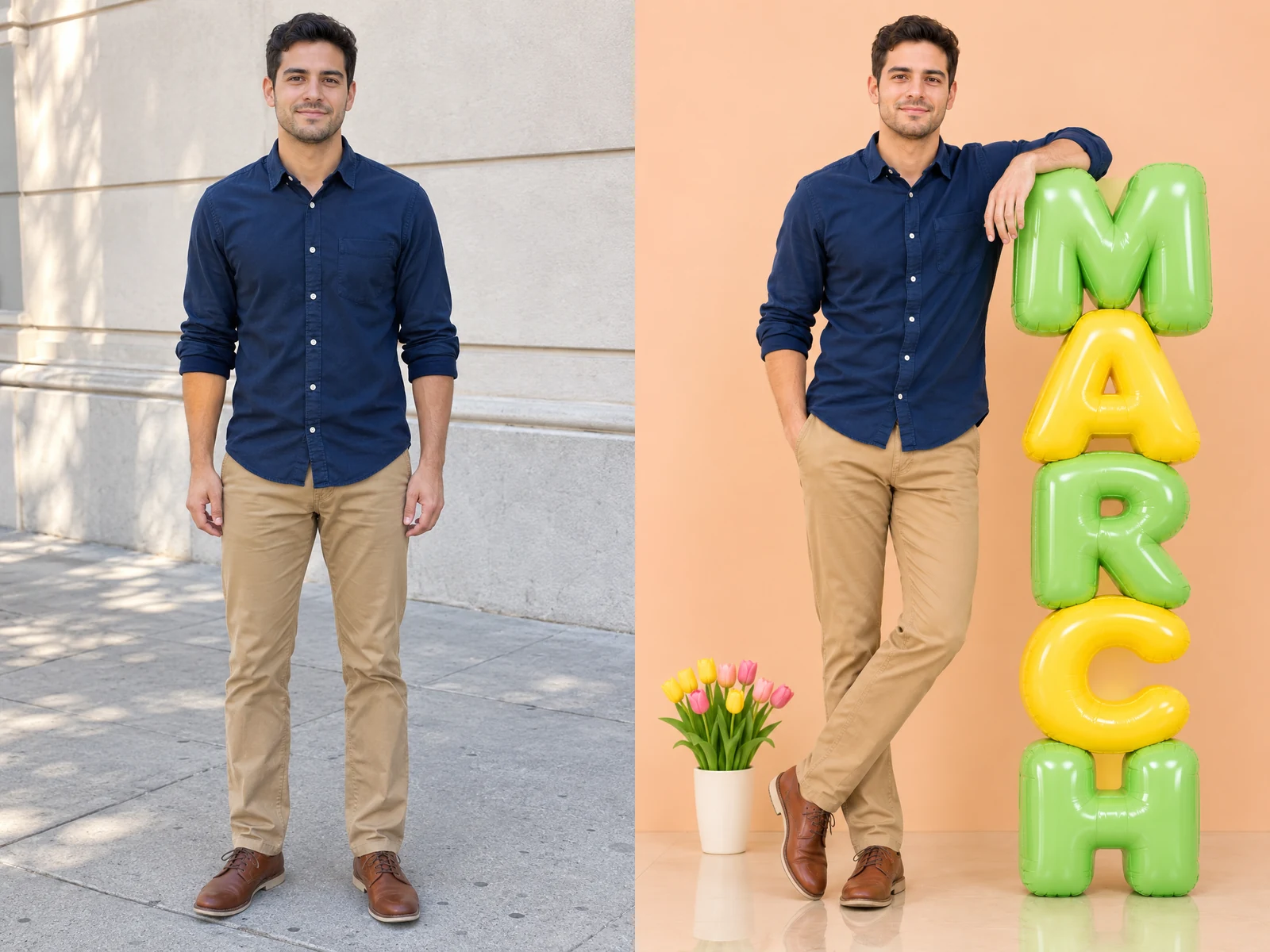
Man in a navy shirt and beige chinos standing on a sunny sidewalk
Before
Same man leaning on pastel green and yellow MARCH balloon letters
After

More AI Image Models & Effects

What Is a 3D Month Letters AI Photo?

A 3D month letters AI photo is a studio-style portrait in which you stand next to giant, puffy, three-dimensional letters that spell the name of a month. The letters look like inflated balloons, with rounded edges, soft highlights and candy pastel colors such as pink, mint, butter yellow and lavender. They usually rise in one column a little taller than you, while you lean against them or rest a hand on the nearest letter. A smooth peach or light gray wall and a softly reflective floor make it feel like a small photo set built just for you. The look spread on social feeds as a hello November or hello December post for the first day of the month, then moved on to birthday months. You only need one clear photo: the effect keeps the way you look, rebuilds the room, light and lettering around you, and gives you a still image ready to post or print.

How to Make Your Month Letter Portrait

Three steps from one photo to a portrait with your month spelled out in giant letters.

Upload One Full-Body Photo

Choose a single photo of one person, saved as JPG, PNG or WebP under 10 MB. A standing picture that shows you from head to shoes works best, because the letters are built to stand on the same floor as your feet. Keep your face clear, well lit and turned toward the camera, and avoid heavy filters, sunglasses or a hand covering your face. Only upload yourself or someone who has agreed to the edit.

Create My Month Photo
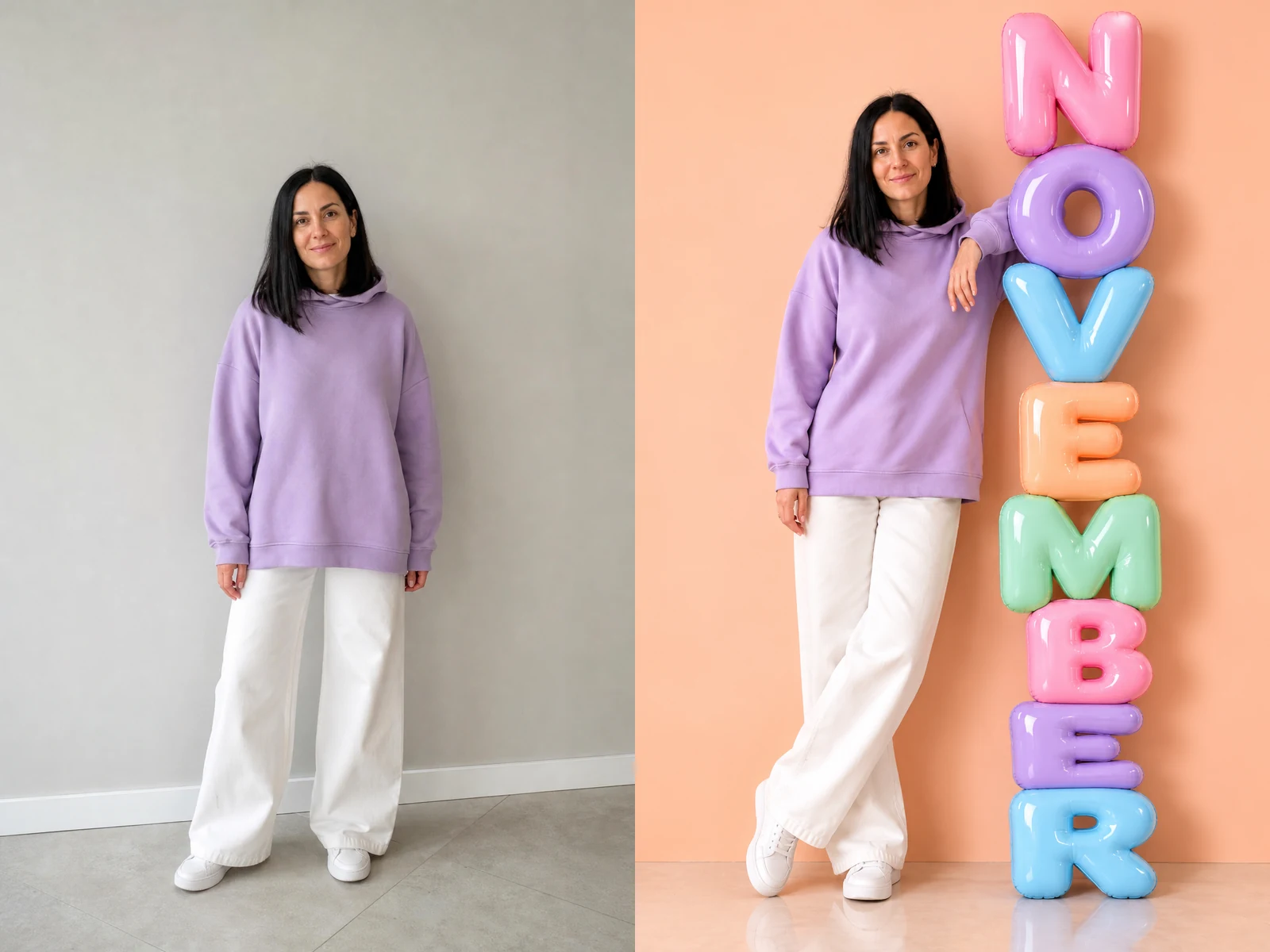
Before and after: full-body photo of a woman beside the same woman leaning on NOVEMBER balloon letters

Pick Your Month and Picture Shape

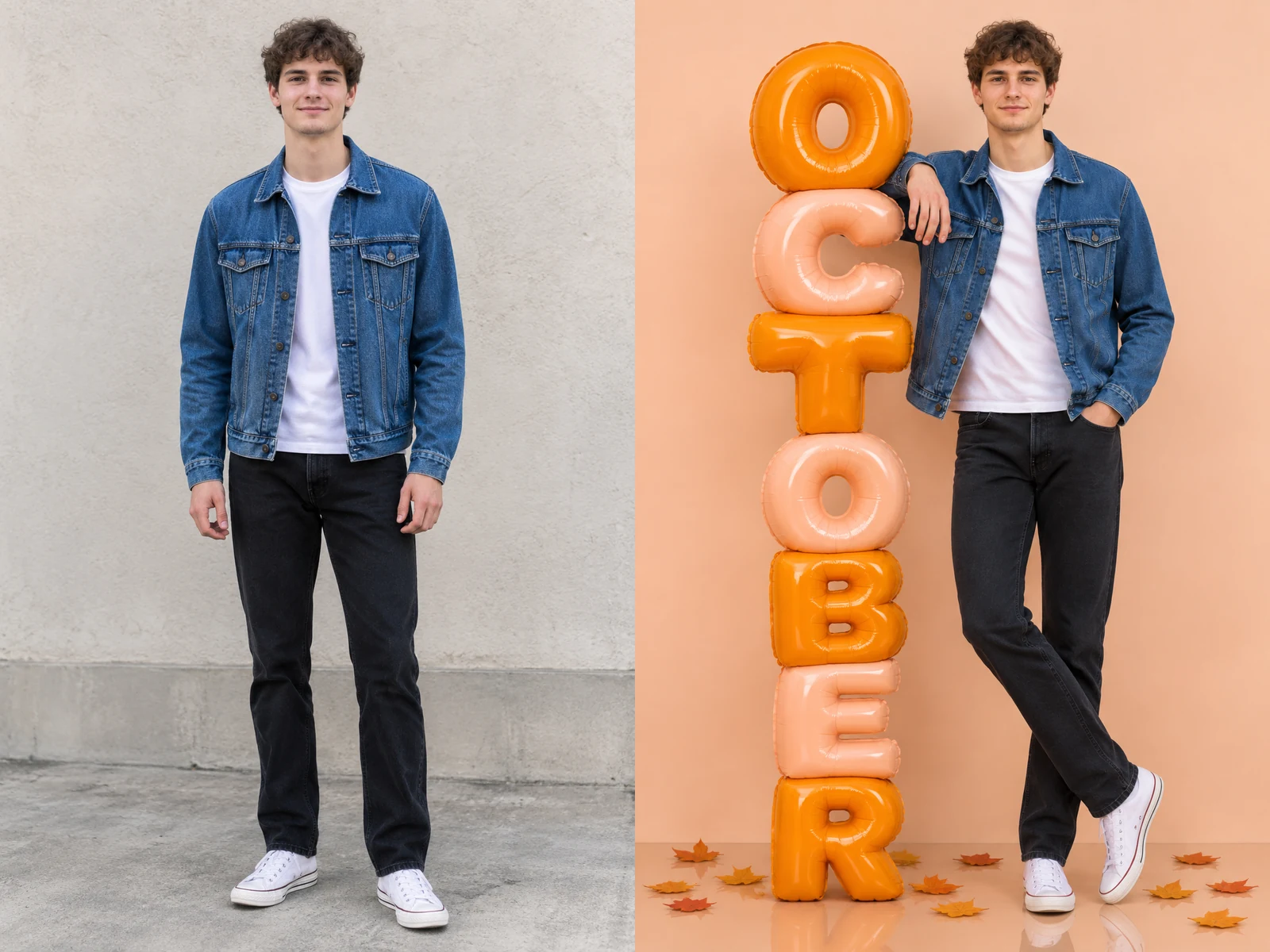
Open the month list and choose any of the twelve months, from January to December. Each choice fills the prompt box with a ready description: the exact spelling, a matching palette and a small prop, such as silver baubles for December or falling leaves for October. Edit that text if you want a different color mix, a horizontal row along the wall instead of a tall column, or a calmer background. Then choose a 3:4, 4:5 or 1:1 frame; the tall 3:4 shape gives a long word like September the most room.

Create My Month Photo
Before and after: man in a denim jacket beside the same man next to amber OCTOBER balloon letters

Create, Read Every Letter and Save

Press the button and look at your 3D month letters AI photo at full size. Read the word letter by letter, because image models sometimes double a letter, drop one or swap two, especially in longer names. Compare your face, hair, outfit and shoes with the original, and check the hands where they touch the letters. If anything looks off, run it again or add a short note such as spell NOVEMBER exactly once. When the word and the person both look right, download the picture and share it.

Create My Month Photo
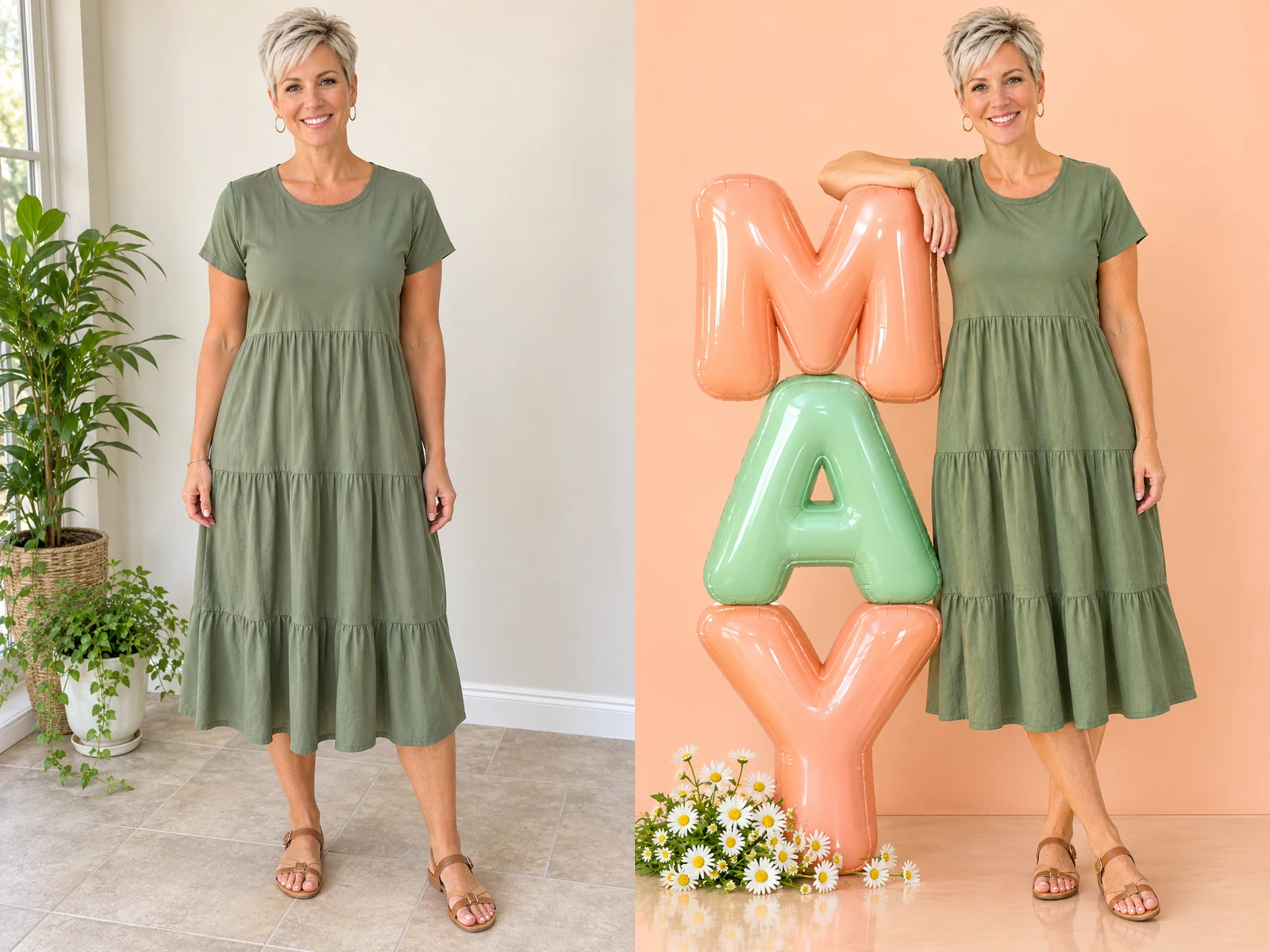
Before and after: woman in a dress beside the same woman next to peach and mint MAY balloon letters

Month Letter Photos You Can Create

Pick a month, a moment and a color mood for your 3D month letters AI photo; the person in it stays recognizably you.

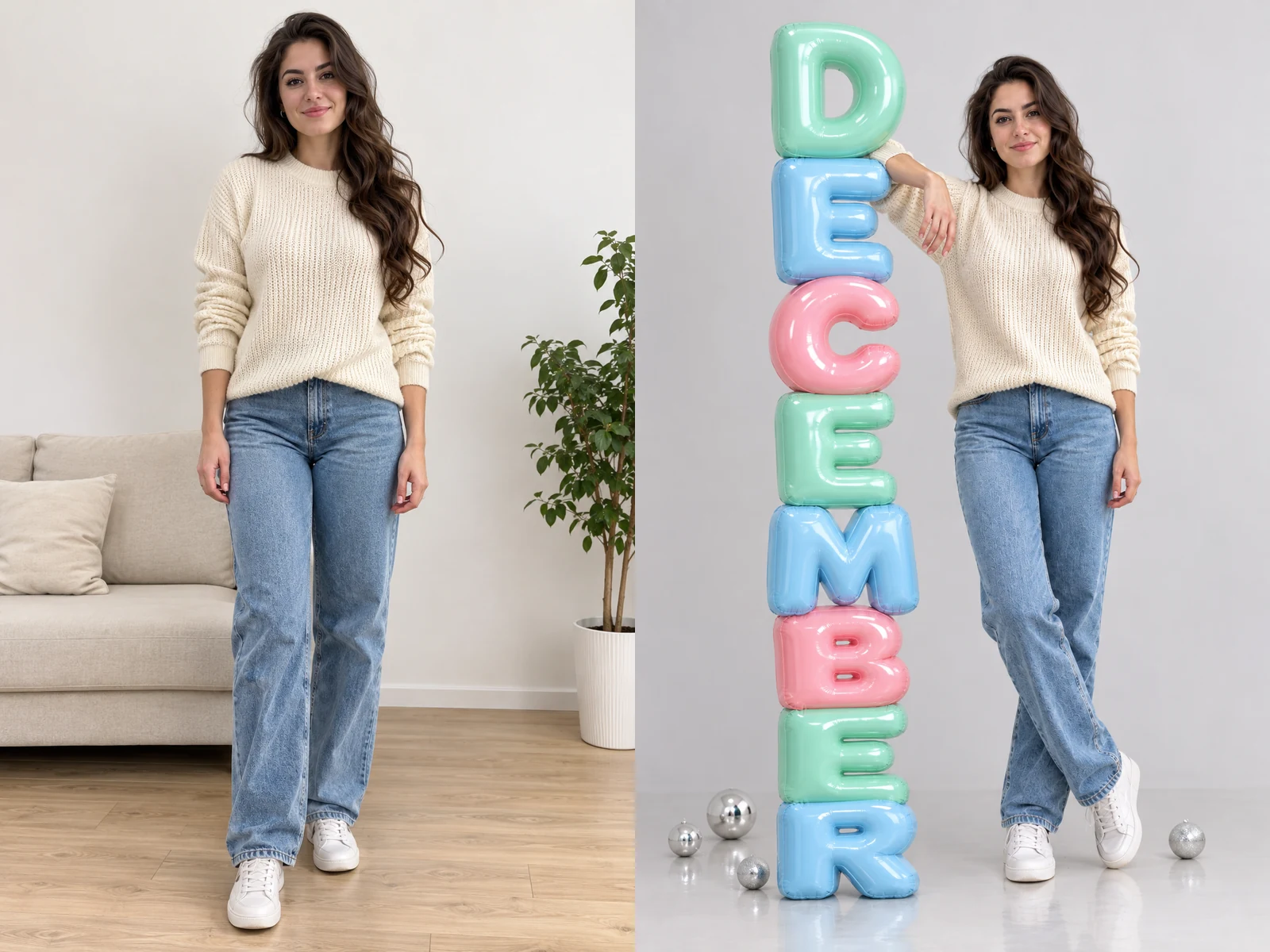
Hello December in Mint and Ice Blue

A woman in a cream sweater leans against a tall column that spells DECEMBER in mint, ice blue and soft pink, with a few silver baubles at her feet. It reads as wintry without a single Santa hat, which makes it a calm opener for the last month of the year. Post it on December 1, use it as a profile picture for the month, or send it to friends as a quiet season greeting. Keep your own outfit for a natural look, or wear something festive in the upload if you want the picture dressed up.

Create My Month Photo
Before and after: woman in a cream sweater beside the same woman leaning on DECEMBER balloon letters

A Birthday Month Portrait

Pick the month you were born and the giant letters turn an ordinary photo into a birthday announcement. A man in a navy shirt stands beside a column spelling MARCH in pastel green and lemon yellow, and the picture says whose month it is without any caption. This 3D month letters AI photo works well as the first slide in a birthday carousel, a story post on the big day, or a printed card for family. Add a bunch of balloons or a small cake on the floor in the prompt if you want a clearer party feel. Short month names such as May or June leave extra space around each letter, so the stack looks airy and bold.

Create My Month Photo
Before and after: man in a navy shirt beside the same man next to MARCH balloon letters

A Twelve-Month Series With One Outfit

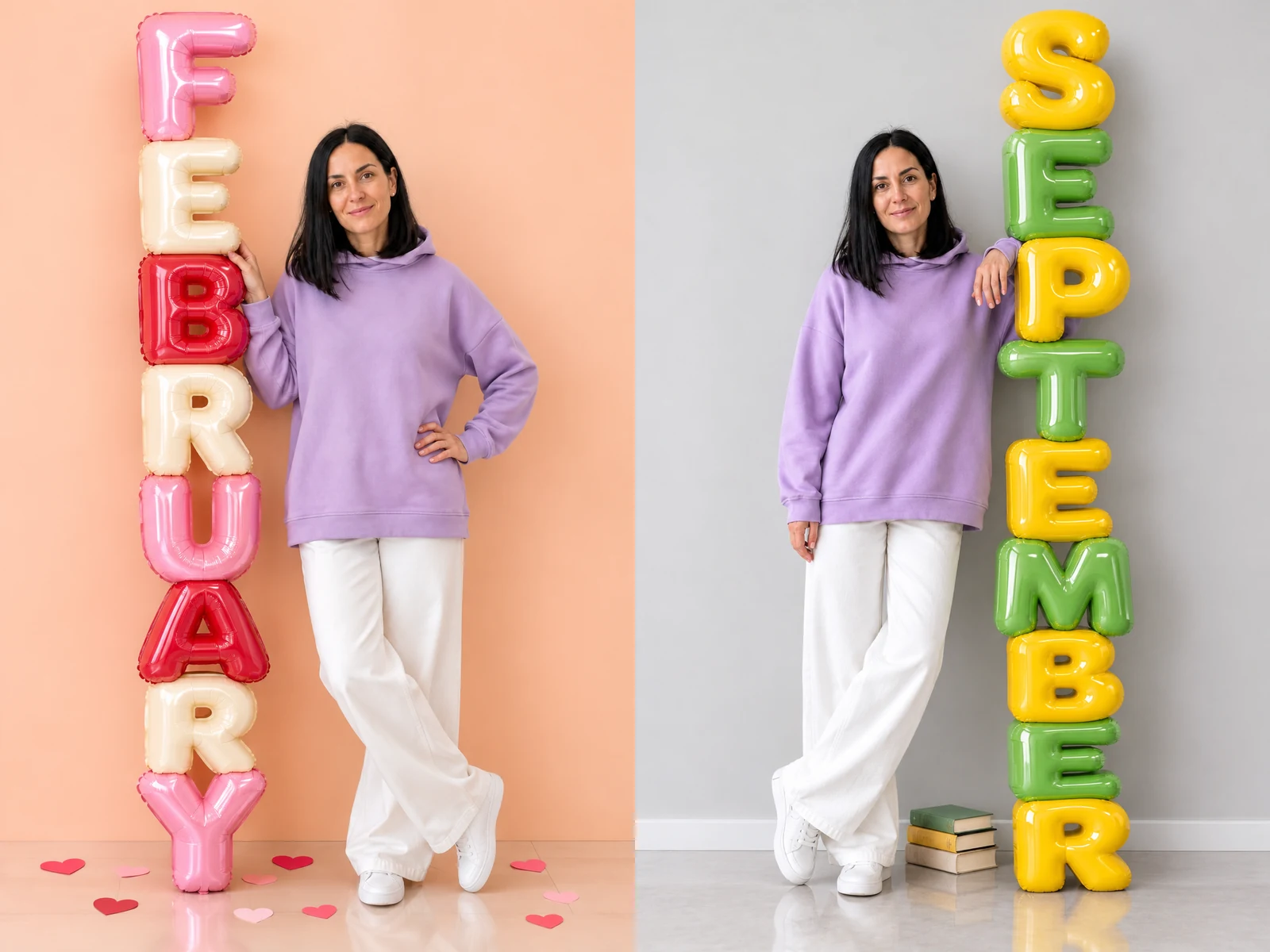
Use the same photo every month and you build a matching set: the same person, the same outfit, a new word and a new palette each time. A creator can open each month on social media with the same visual style, and a family can keep a year of portraits in one album. Because every 3D month letters AI photo is generated fresh, small details like the pose or the shadows can change between months. Save the version you like best each time and line them up later as a grid, a calendar mood board or a year-in-review collage. Keep the same frame shape for all twelve so the set looks tidy.

Create My Month Photo
Same woman in one outfit beside FEBRUARY and SEPTEMBER balloon letters

Stacked Column or Floor Row

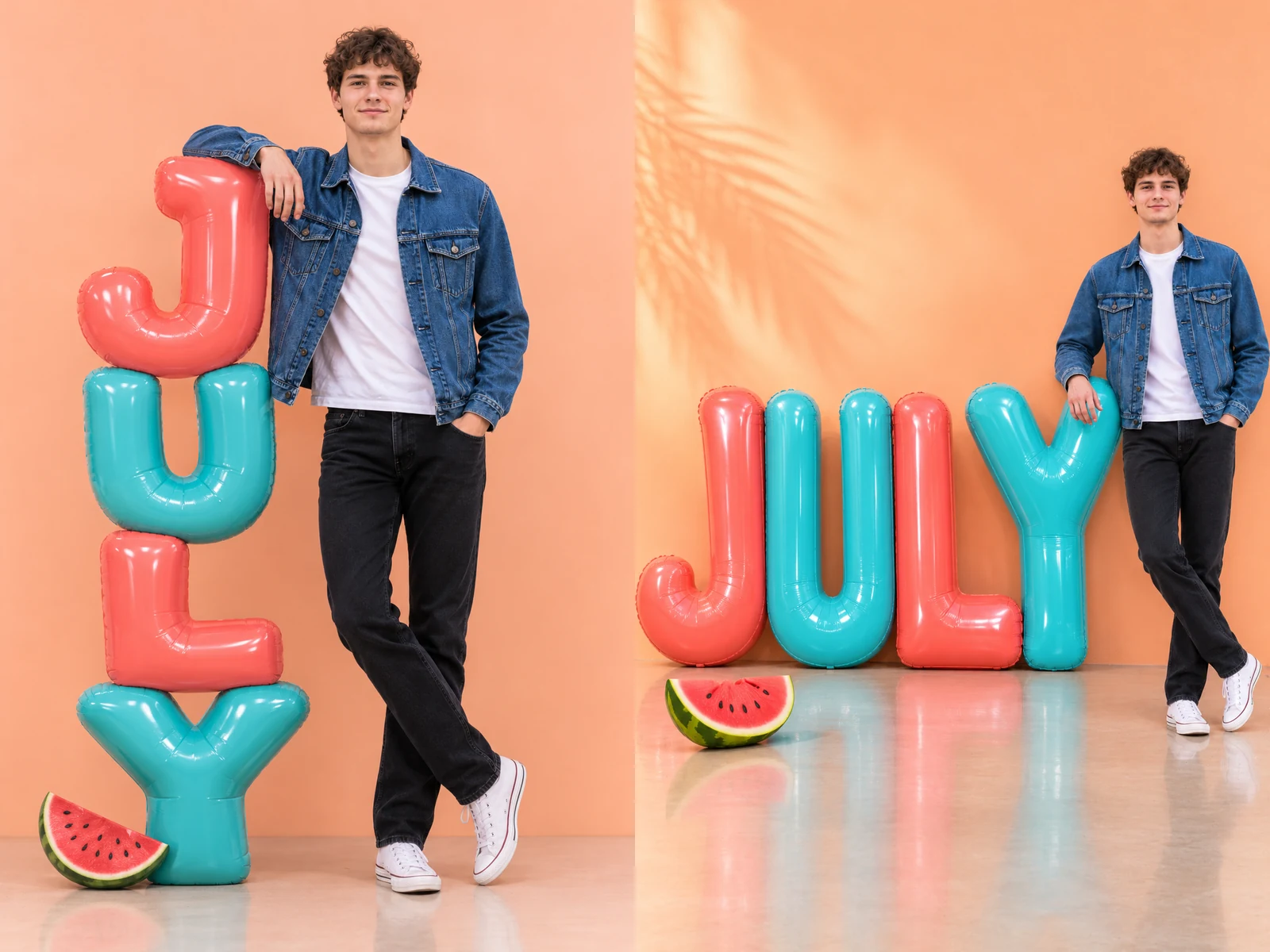
Most month photos use a tall column, one letter on top of the next, with you leaning against it like a friend. If you prefer a wider scene, describe a single row of giant letters along the back wall instead, and stand at one end so the whole word stays readable. The column suits vertical stories and phone wallpapers, while the row fits square posts and the 4:5 feed shape. Either way, ask for the letters to touch the floor so they cast real shadows and look like solid props rather than stickers. Try both layouts with the same photo and keep the one that frames you best.

Create My Month Photo
Same man beside a tall stacked JULY column and a horizontal row of JULY letters

Photo Tips for Clean Letters and a True Likeness

Stand in even light and have someone shoot at chest height, so your proportions look natural next to tall letters. Show your whole body with a little space around you; a tight selfie leaves no feet and no floor for the scene. Keep your arms relaxed and away from your face, since the hands touching the letters are redrawn from your pose. Solid-color clothes make pastel letters stand out, or you can match one letter color to your outfit. Skip group shots, mirror selfies and busy patterns. For the cleanest 3D month letters AI photo, keep one month word in the prompt and describe colors and a single prop in short phrases.

3D Month Letters AI Photo FAQ

Answers about photos, months, spelling, likeness and saving your picture.

What does a 3D month letters AI photo look like?

It is a still portrait of you beside oversized, glossy balloon letters that spell a month, set in a soft studio with a light floor reflection. Your face, hair and outfit come from your photo; the letters, wall, light and props are created around you.

How do I make a 3D month letters AI photo from my picture?

Upload one full-body photo, pick a month from the list, edit the prompt box if you want other colors or a different layout, choose a frame shape and press the button. Check the spelling and the likeness, then download the result.

Which photo works best?

A clear photo of one person standing, from head to shoes, with the face visible and evenly lit. JPG, PNG or WebP files under 10 MB are accepted. Tight face crops, strong filters and blurry shots give weaker results.

Can I choose any month?

Yes. All twelve months are in the list, and the letters are English capitals. You can also type another short word into the prompt, such as a name, but longer words are more likely to come out with a spelling slip.

What if a letter is wrong or missing?

Read the word carefully before you share it. If a letter is doubled, dropped or swapped, run it again, or add a note such as spell DECEMBER exactly once, top to bottom. Shorter month names tend to come out right more often.

Will it still look like me?

The effect is guided to keep your face, hairstyle, skin tone, outfit and shoes. Small details can still shift, so compare the result with your original and try another run if something important changed.

Can two people or a pet appear in the picture?

It is designed for one person. A photo of two people standing close may work, but faces and letters are less reliable, so a solo picture gives the cleanest result.

Can I use someone else's photo?

Only with their permission. Use your own pictures or photos of people who have agreed to the edit, and avoid images of minors.

How do credits work?

Credits for your settings appear beside the button before you create. If a run fails, the credits are returned automatically.

Ready to Pose With Your Month?

Upload one full-body photo, pick the month that matters to you, and download a 3D month letters AI photo you will want to share.

Related tools

80s Photo Filter

80s Photo Filter

80s Photo Filter adds warm, faded film color to your photo in the browser. Adjust strength, preserve clothing and framing, and download a PNG.

Open tool
AI Age Filter

AI Age Filter

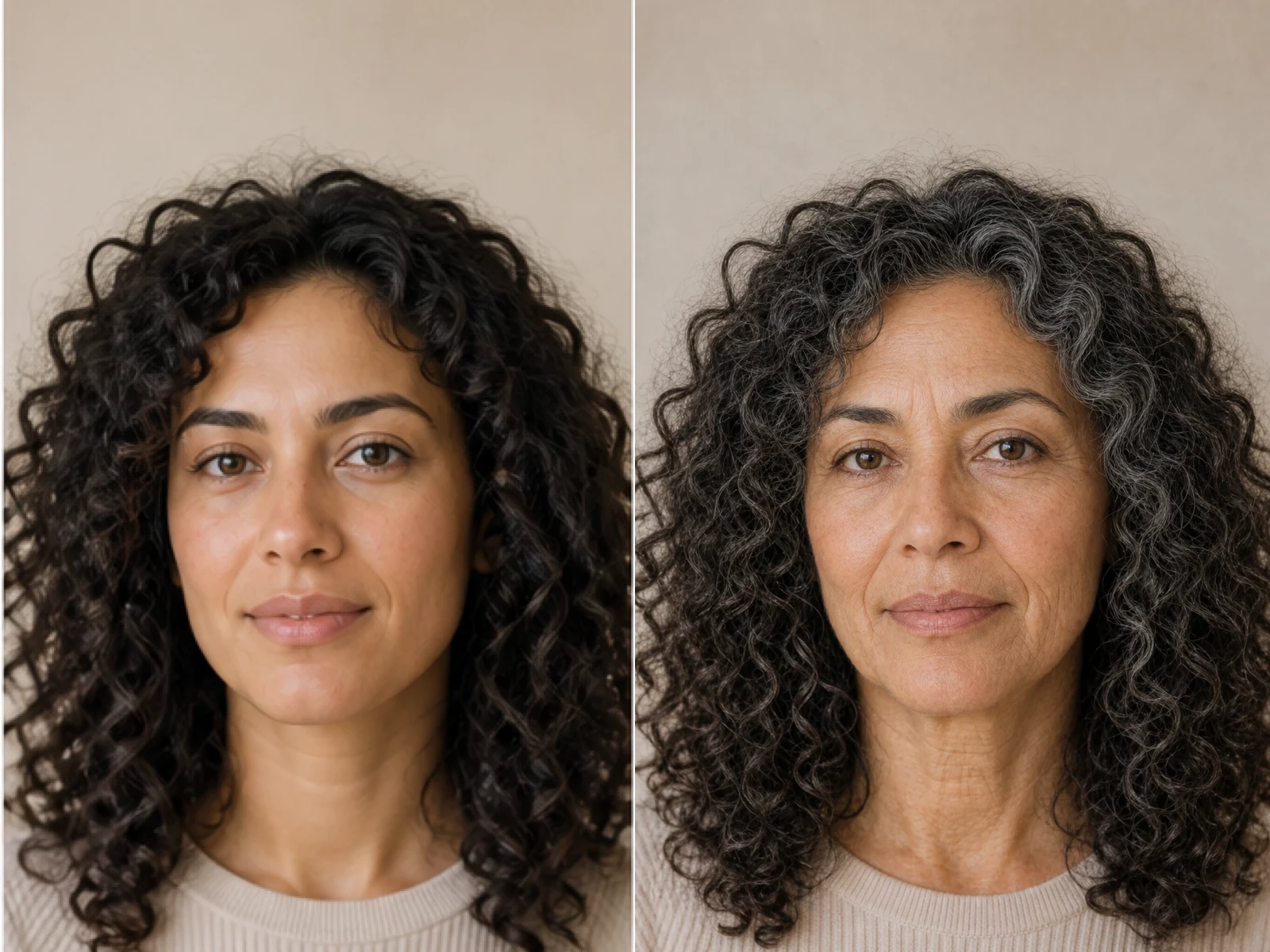
AI Age Filter creates a natural older-look concept from an authorized adult portrait. Review identity, complete-head framing, light and scene after editing.

Open tool
AI Age Progression

AI Age Progression

AI Age Progression creates a target-age concept from an authorized adult portrait. Set an age interval and review identity, framing and scene after editing.

Open tool
AI Labubu Generator

AI Labubu Generator

AI Labubu Generator helps explore your own monster doll concept from an authorized reference. Create original shapes and outfits, with no official affiliation.

Open tool
Camera Roll AI

Camera Roll AI

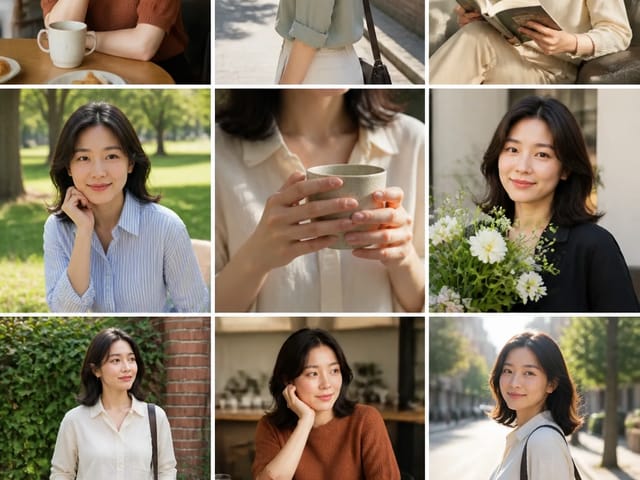
Camera Roll AI turns an authorized reference photo into one lifestyle collage. Plan varied scenes and a phone-gallery-inspired layout, then save one image.

Open tool
Face in Hole Generator

Face in Hole Generator

Face in Hole Generator places an authorized face into your chosen photo or template. Upload two references, refine the blend, and save a creative portrait.

Open tool
Hotpot AI Image Generator

Hotpot AI Image Generator

Create still images with the Hotpot AI Image Generator on NanoPic. Write a clear scene, generate with Nano Banana 2, refine the look, and download the picture you like.

Open tool
Make Image Higher Resolution

Make Image Higher Resolution

Make Image Higher Resolution with real 2× or 4× browser resizing. Compare pixel dimensions and download PNG without claiming recovered detail.

Open tool
Remove Glare from Glasses in Photos

Remove Glare from Glasses in Photos

Remove Glare from Glasses in photos with an editable AI image prompt. Upload your portrait, reduce lens reflections, and review the result before using it.

Open tool
Wooden porch at dusk with a glowing carved jack-o'-lantern and autumn leaves

Add Pumpkin to Photo

Add pumpkin to photo: upload one picture, say how many and where, keep faces and pets, then download a still with realistic or glowing pumpkins.

Open tool
Small mushroom-cap vinyl figure in a yellow raincoat beside a leaf-pattern box

AI Blind Box Generator

AI blind box generator: upload one photo of you or your pet and get a cute chibi, plush or boxed collectible figure image to download and share.

Open tool
Young man in a red scarf smiling beside a glowing Christmas tree

AI Christmas Photo Generator

AI Christmas photo generator: upload one photo and get a cozy holiday portrait or a Christmas card picture that still looks like you, ready to download.

Open tool
Before and after: woman selfie beside the fisheye white-room portrait

AI Fisheye Portrait Generator

AI fisheye portrait generator for selfies: upload one clear photo and get a curved, close-up fisheye lens look that still keeps your face recognizable.

Open tool
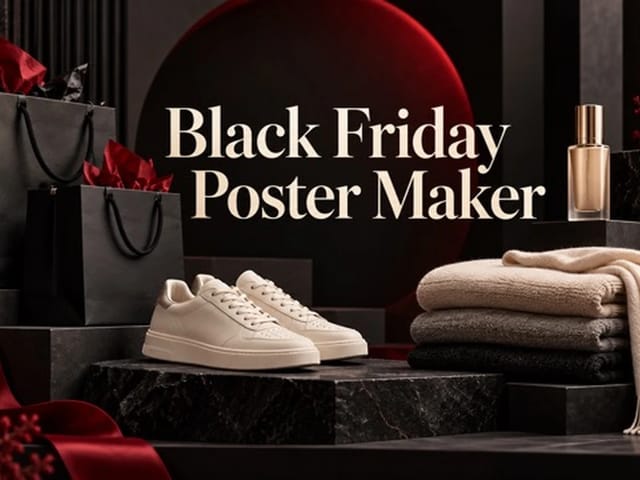
Black Friday sale scene with sneakers, knitwear and gift bags on dark stone

Black Friday Poster Maker From Your Product Photo

Black Friday poster maker for sellers: upload one product photo, pick a sale style, and add an optional headline or offer text to your downloadable poster.

Open tool
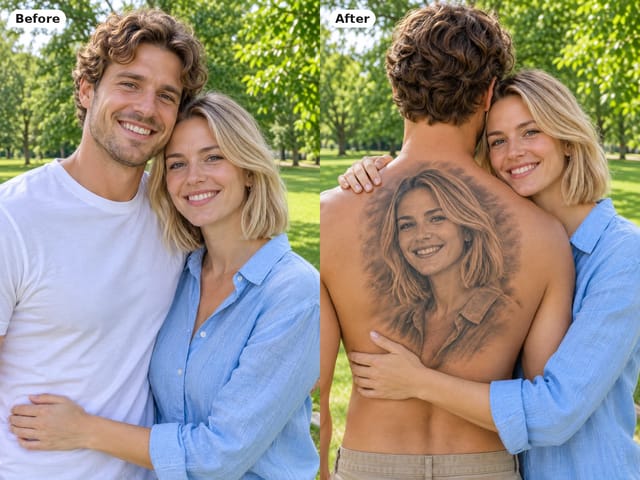
Man seen from behind with a black-and-grey portrait tattoo of his partner on his back while she hugs him

Couple Back Tattoo AI

Couple back tattoo AI turns your photos into a romantic picture: a partner's face as a black-and-grey back tattoo with roses and Love You script.

Open tool
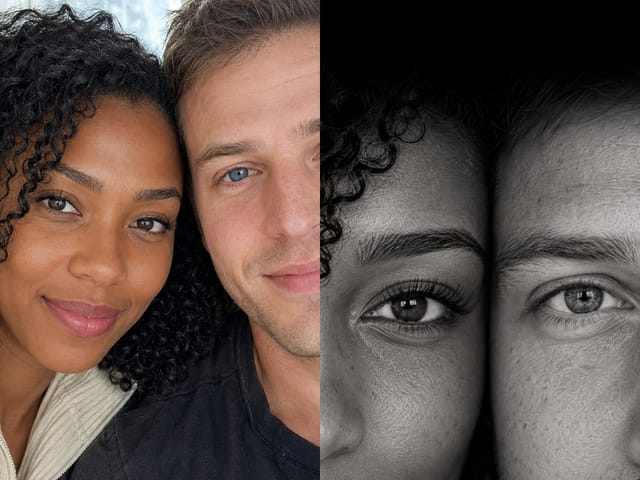
Couple eyes wallpaper: one eye from each partner in a tall black and white close-up

Couple Eyes Wallpaper Generator

Couple eyes wallpaper generator: upload two portraits and get a tall close-up with one eye from each of you, in black and white, color or stardust.

Open tool

Flashlight AI Photo

Turn one authorized adult portrait into a realistic flashlight scene with a miniature stylized double. Generate, then inspect identity, hands, light, scale, and crop.

Open tool
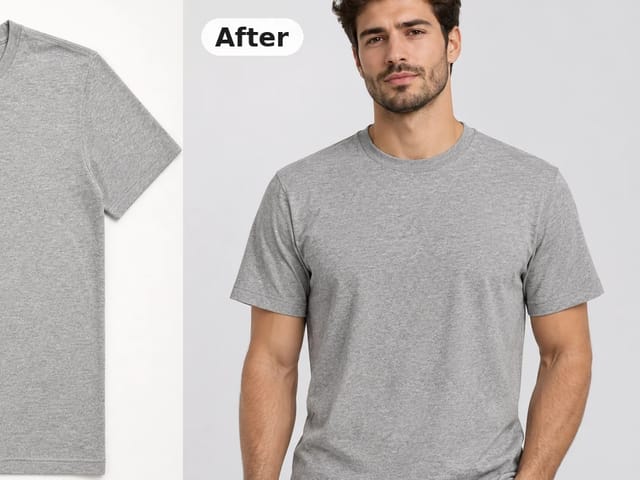
Before and after: gray crew-neck t-shirt laid flat beside the same shirt worn by a model

Flat Lay to On-Model Photo

Turn a flat lay, hanger or ghost mannequin shot into a flat lay to on model photo with a realistic model, pose and scene for product listings and ads.

Open tool

Funny AI Prompts

Try 12 original funny AI prompts on one authorized person or pet photo. Load, edit, generate, and review identity, anatomy, props, text, and visual coherence.

Open tool
Demo cover showing clearer detail after enhancement workflow

Magnific AI Image Generator Style Enhance on NanoPic

Run a magnific ai image generator style enhance on NanoPic: upload one photo, rebuild edges and textures toward 4K, then download after a full-size check.

Open tool

Mera Prompt AI Photo Prompts for Viral Selfie Edits

Copy free mera prompt AI photo prompts for boys, girls, couples, festivals and cricket, then turn your own selfie into a viral edit on NanoPic.

Open tool

Minecraft Pixel Art

Turn one authorized photo into original blocky pixel art with six editable prompts. Generate, then review subject detail, geometry, text, rights, and composition.

Open tool