












































Text-to-Video Excellence
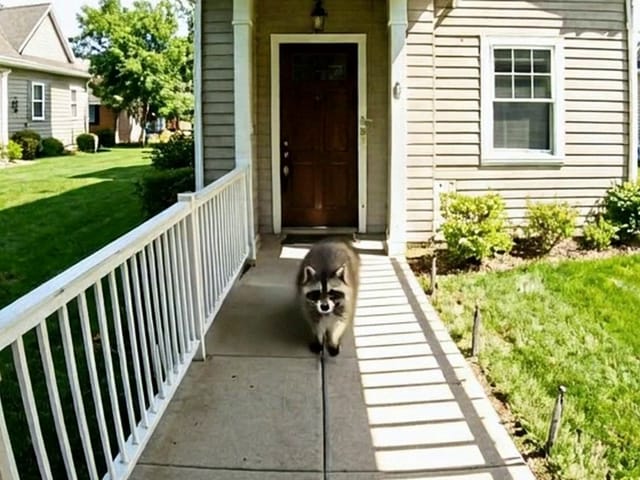
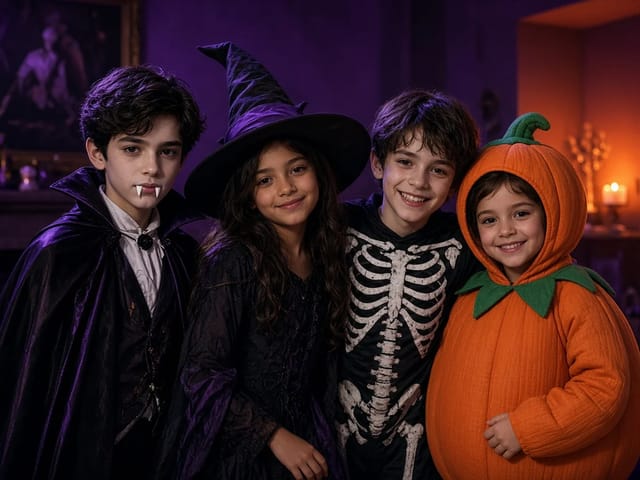
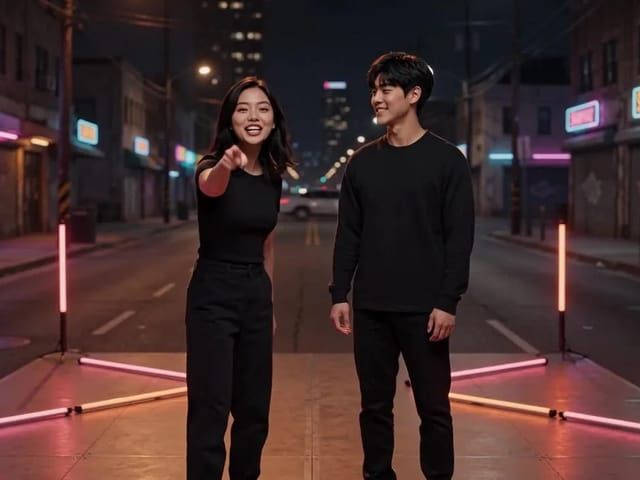
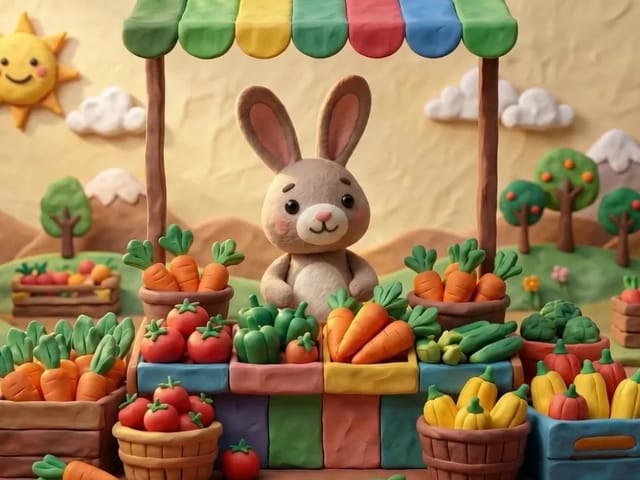
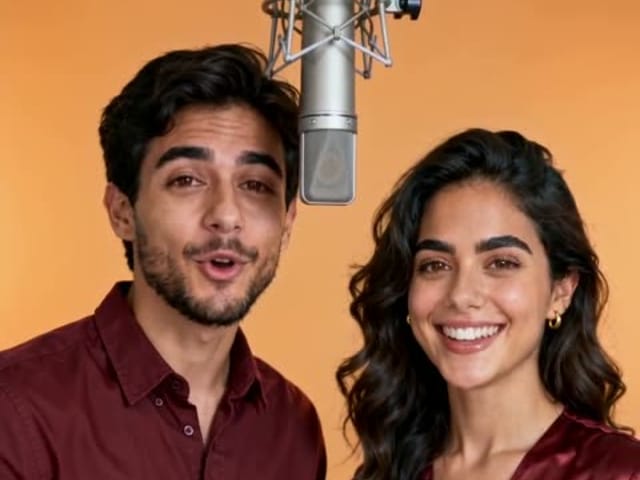
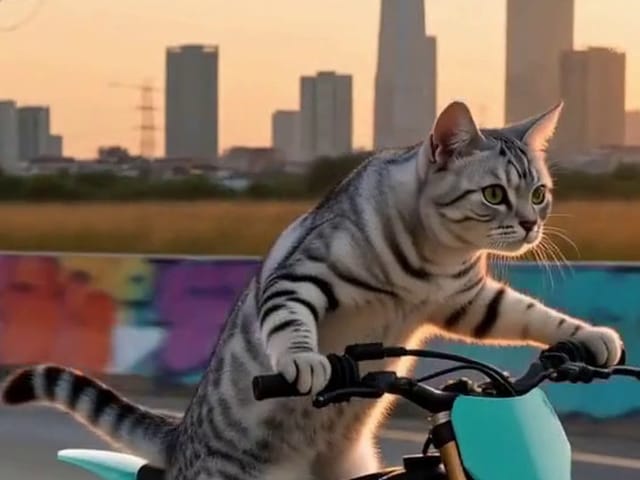
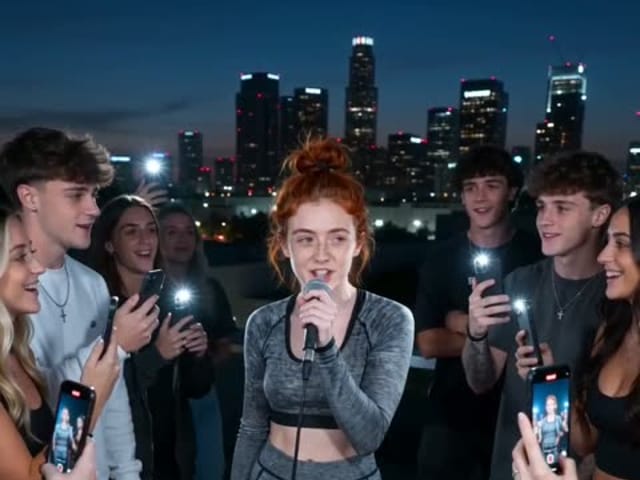
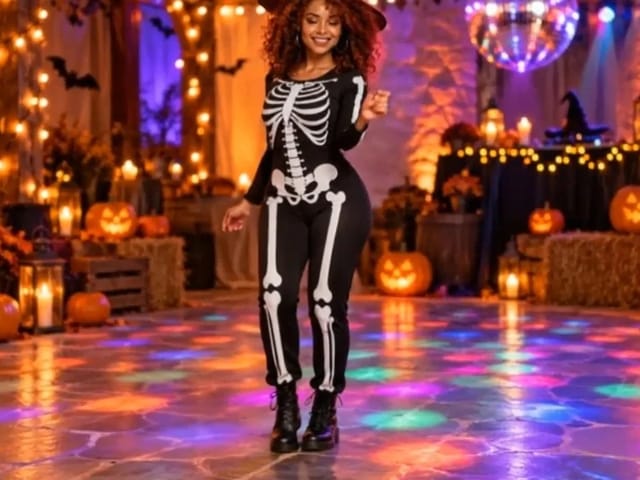
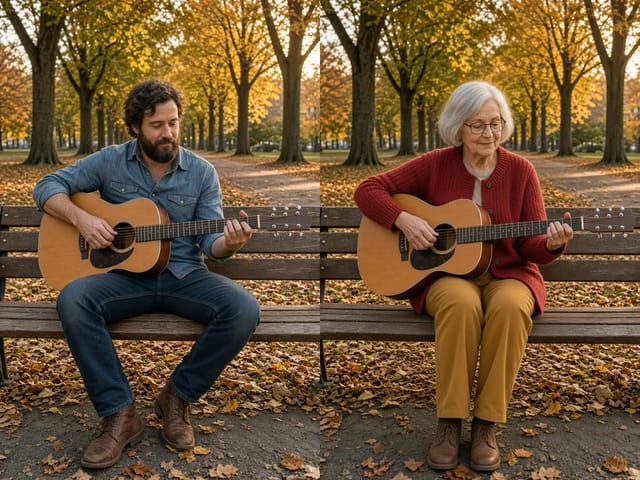
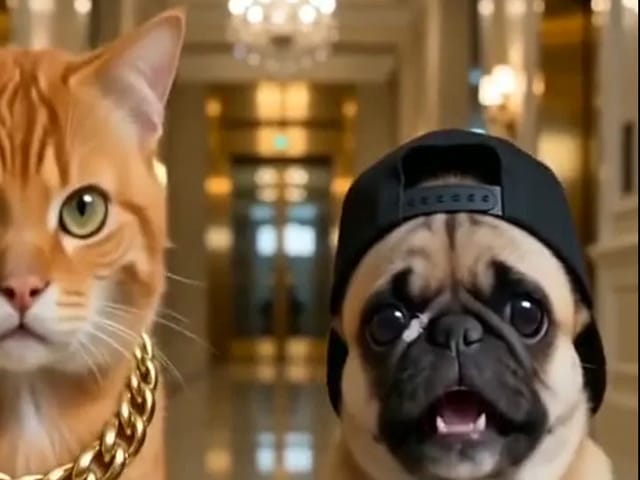
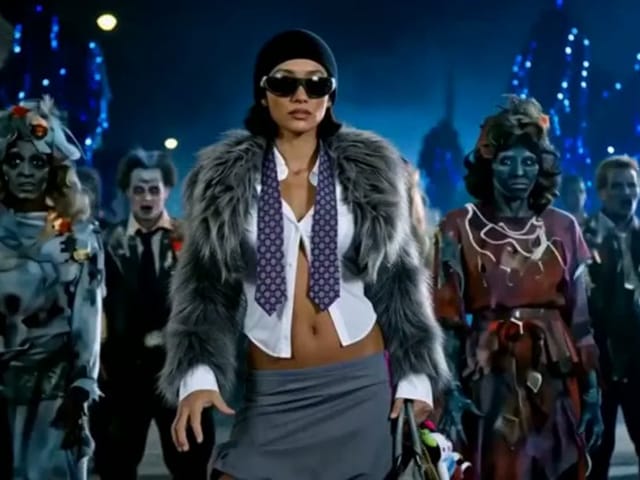
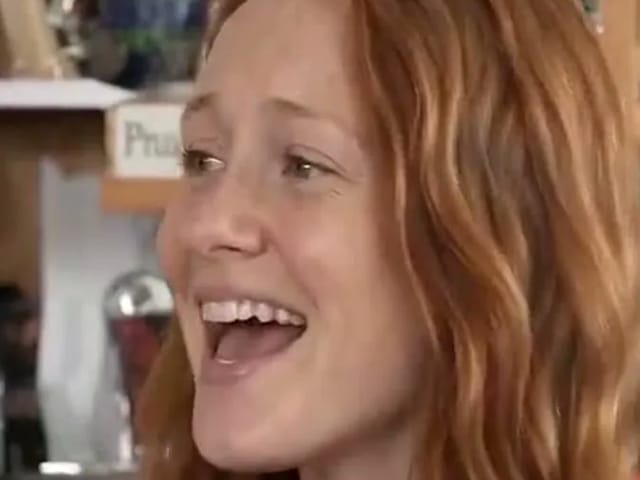
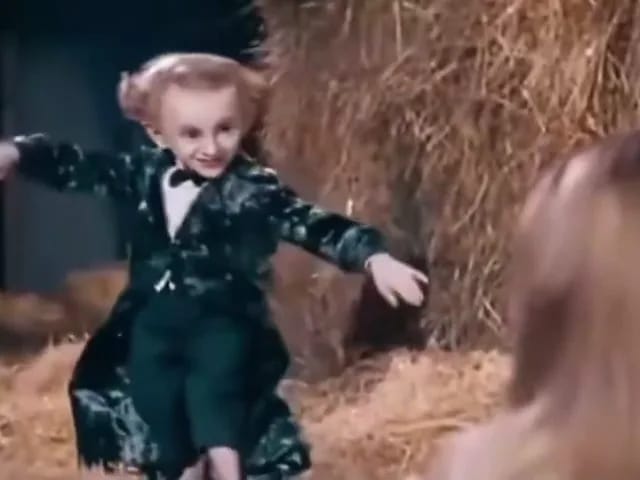
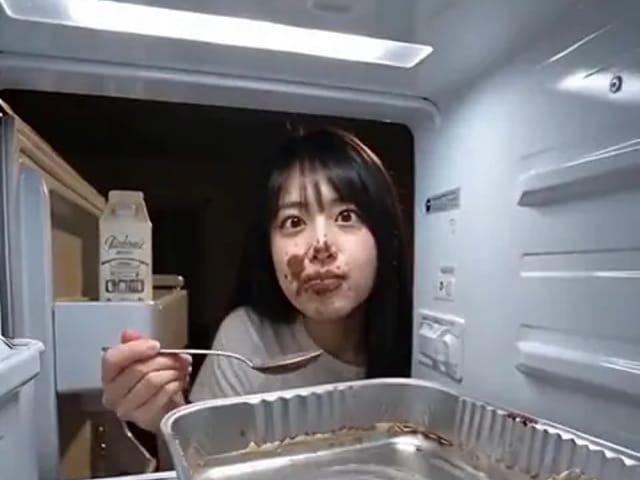
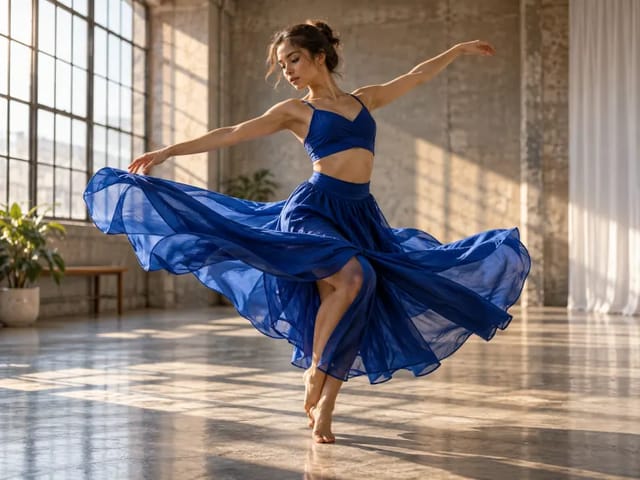
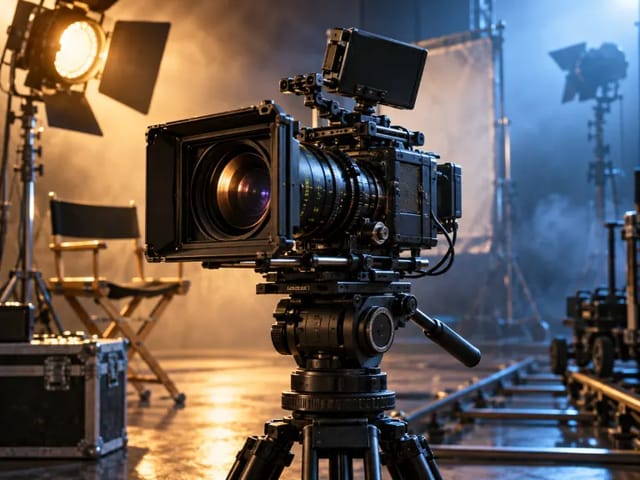
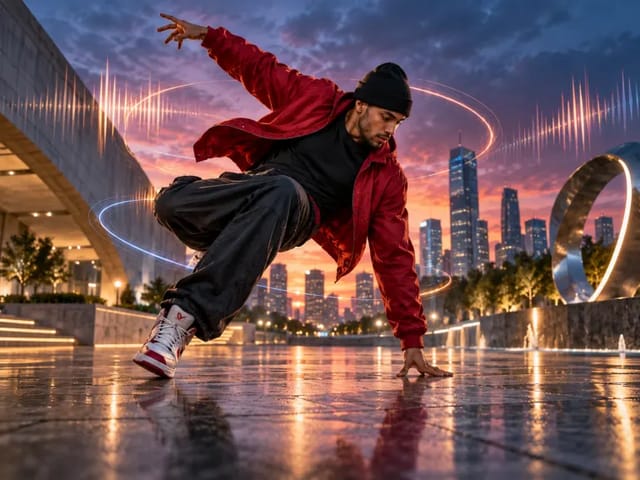
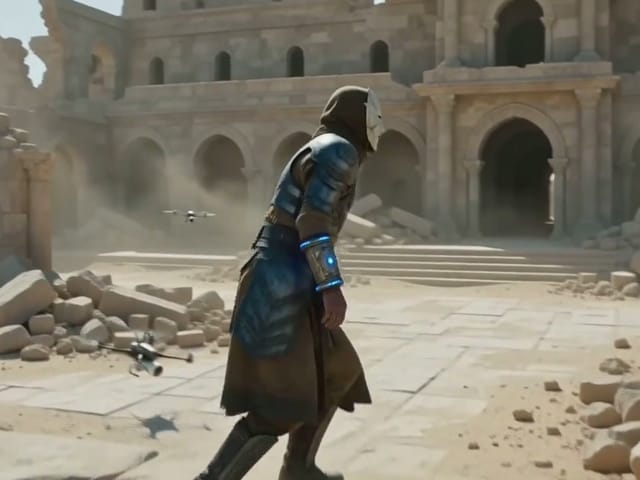
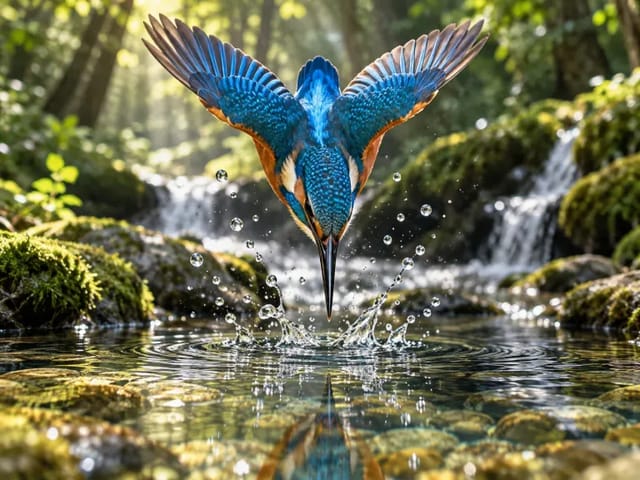
Our Sora 2 AI video generator interprets complex prompts to create vivid, accurate scenes with incredible fidelity, understanding nuance and context like never before.
Save up to 73% on plans

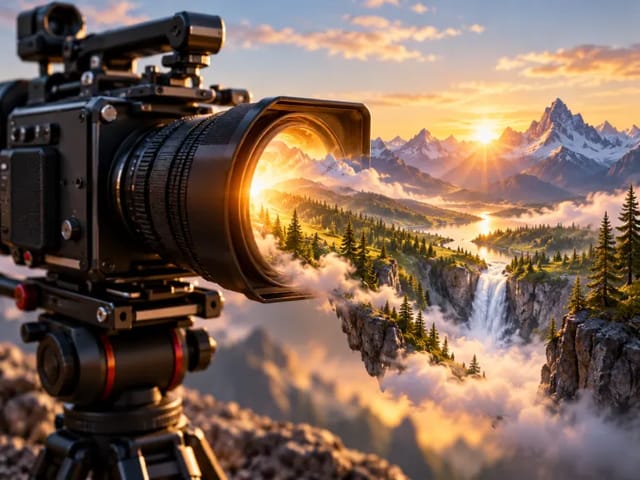
Create cinematic videos with our advanced Sora 2 AI video generator.
Sora 2
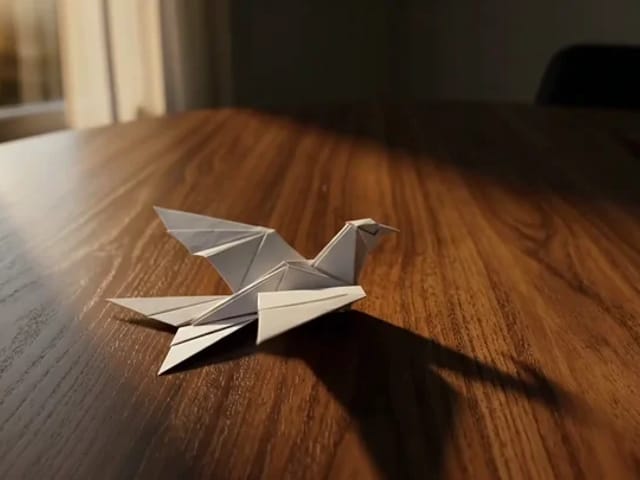
Paper crane taking flight · Veo 3.1 Fast
Archive reference · Generated with Veo 3.1 Fast. Reference only; not a benchmark of the currently selected model.
Explore the groundbreaking features that make our platform the leading choice for AI-driven video synthesis.
Our Sora 2 AI video generator interprets complex prompts to create vivid, accurate scenes with incredible fidelity, understanding nuance and context like never before.
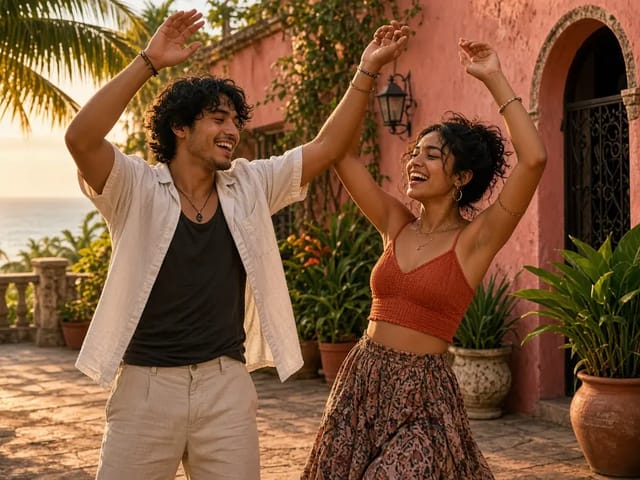
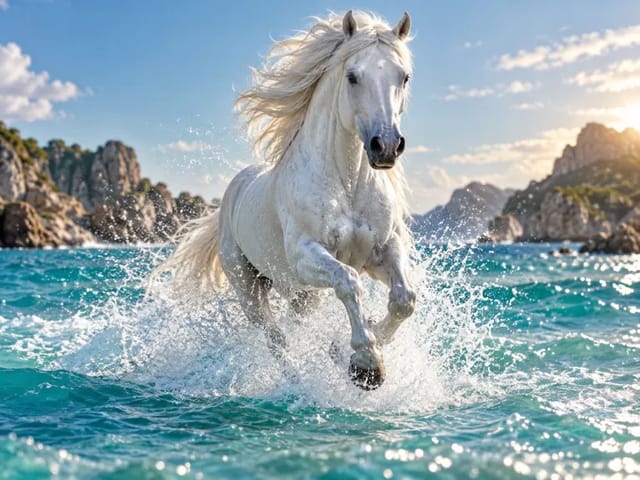
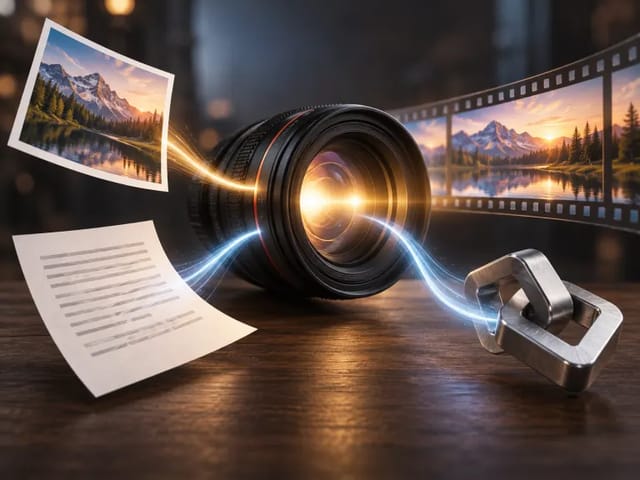
Bring still photos to life. The platform understands motion dynamics to animate images realistically, adding depth and movement to static memories.
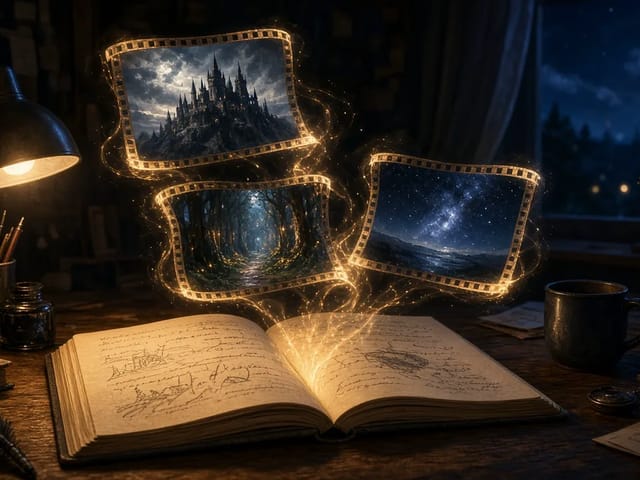
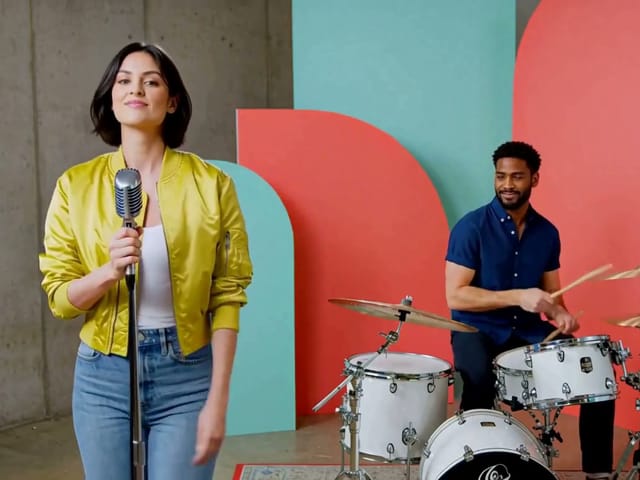
Sora 2 now generates matching audio, creating immersive soundscapes that sync perfectly with visuals for a complete sensory experience.
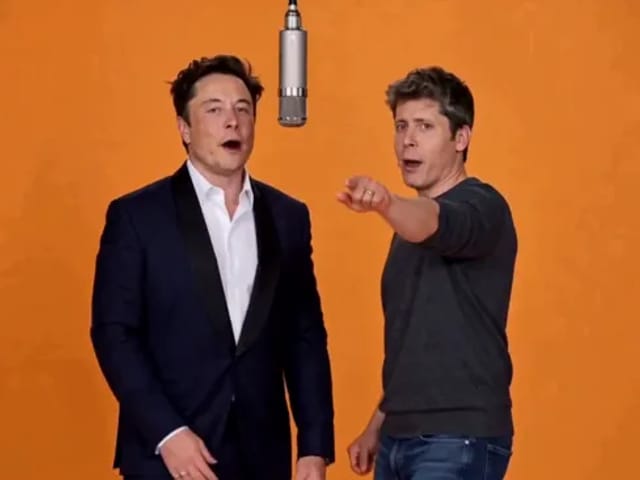
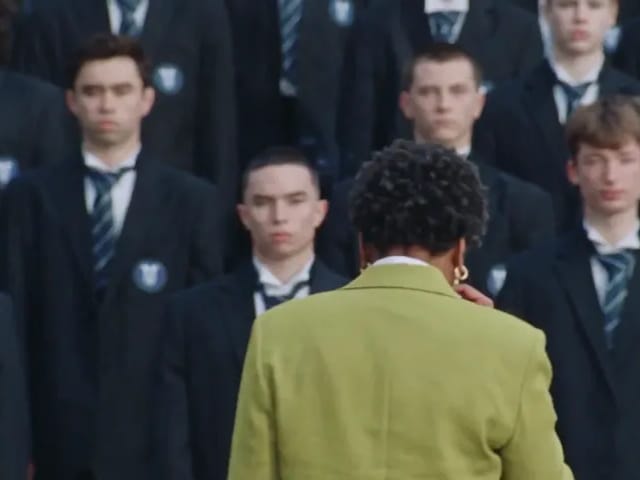
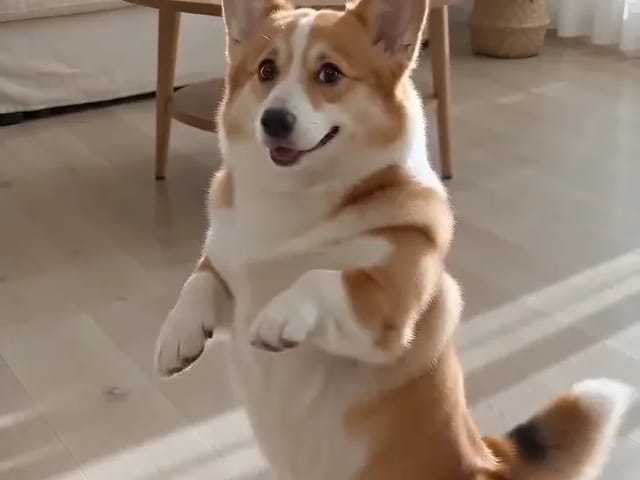
Reused video references from our archive, generated with Kling 2.6 and Veo 3.1 Fast. Labels identify the original source model, which may differ from your current selection.
Source model: Veo 3.1 Fast. An origami crane lifts off a wooden table in warm light.
Source model: Veo 3.1 Fast. A golden retriever moves across a sunset beach.
Source model: Kling 2.6. A fixed-camera still life with a teal ceramic bird and a moving green leaf.
Source model: Kling 2.6. A square-format reference-image animation of the ceramic bird and leaf.
Discover why content creators worldwide are switching to the Sora 2 AI video generator for their video production needs.
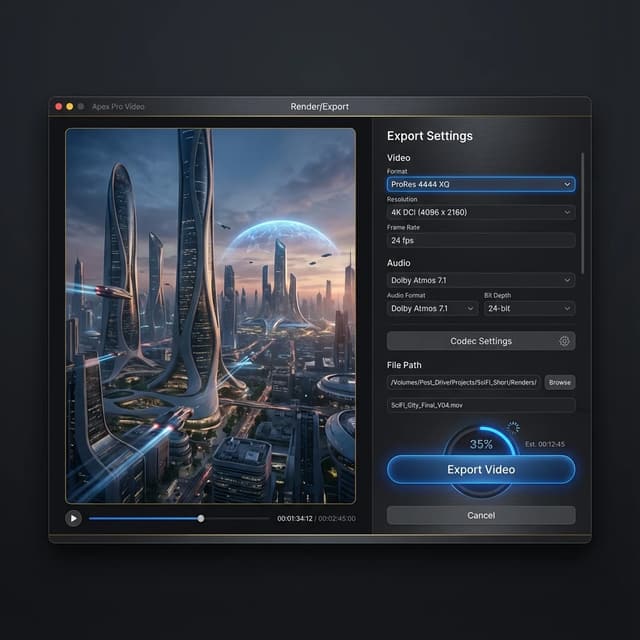
The Sora 2 AI video generator is built for professionals who demand brilliance. It supports up to 1080p resolution, with future pro versions aiming for 4K capabilities. When you use this platform, you get broadcast-ready quality that integrates seamlessly into existing workflows. The consistency and clarity provided by the tool set a new industry standard, allowing independent creators to compete with major studios.
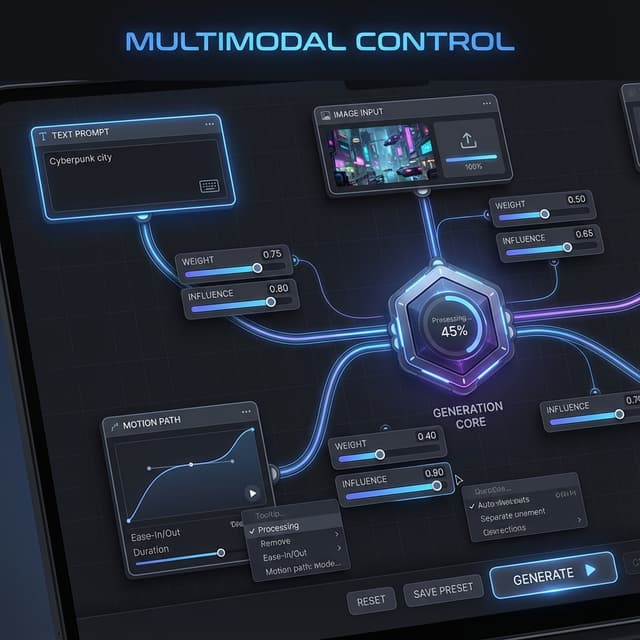
Speed is creativity in the modern age. The Sora 2 AI video generator allows for rapid prototyping and iteration. Instead of waiting days for renders or setting up complex shoots, the system delivers results in minutes. This speed enables you to explore more ideas and refine your vision faster than ever before, significantly reducing time-to-market for your creative projects.
Traditional video production is prohibitively expensive. The Sora 2 AI video generator dramatically reduces costs by eliminating the need for physical sets, hired actors, and expensive rental gear. With this technology, your budget goes further, allowing you to produce high-value content at a fraction of the price. This democratization of video production empowers voices that previously went unheard.
Hear from the community of creators who have transformed their work using the Sora 2 AI video generator.






Answers to frequently asked questions about the Sora 2 AI video generator.
The Sora 2 AI video generator is an advanced artificial intelligence model developed to create high-quality, realistic videos from text descriptions and images. It represents the state-of-the-art in generative video technology, offering unprecedented control and fidelity.
You can access the Sora 2 AI video generator directly through our platform. Simply sign up for an account, choose your subscription plan, and start creating amazing videos immediately. We offer various tiers to suit different needs.
Yes, the latest version of the Sora 2 AI video generator includes synchronized audio generation. This feature adds realistic sound effects and background ambience to your videos automatically, enhancing the immersion of your creations.
Currently, the Sora 2 AI video generator creates videos up to 20 seconds in length per generation. However, you can use our extend feature to create longer sequences. We are constantly working to extend the capabilities of the platform.
Absolutely. Videos created with the Sora 2 AI video generator can be used for commercial projects, marketing campaigns, films, and more, giving you full ownership and commercial rights of your creations.
We have implemented robust safety measures in the Sora 2 AI video generator to prevent the generation of harmful or inappropriate content. The platform is designed for safe, creative expression and adheres to strict ethical guidelines.
Don't get left behind. Join the revolution and unleash your creativity with the world's most powerful Sora 2 AI video generator. Your journey to cinematic excellence starts here.
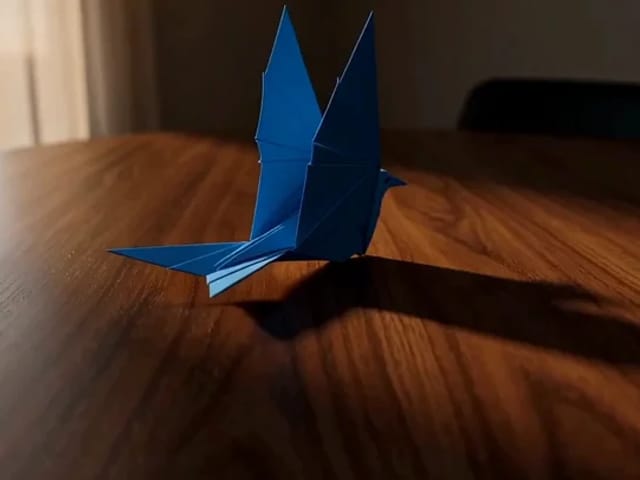
Flux Video Edit revises existing footage with a text prompt. Upload a short MP4, describe a visible change, and review an edited clip at up to 720p.
Open tool
HeyGen Video 1 turns text or a first-frame image into 5–15 second videos with audio. Create product demos and image animations at 480p or 768p on NanoPic.
Open tool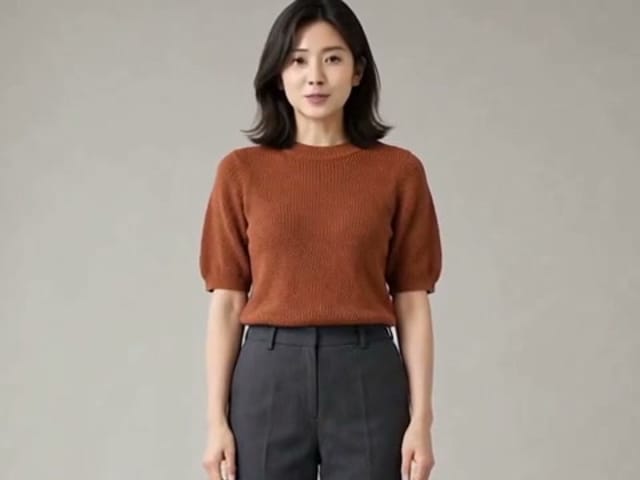
H3 Max Lip Sync animates an authorized portrait with your uploaded voice audio. Create a talking photo, choose resolution, and review the video with sound.
Open tool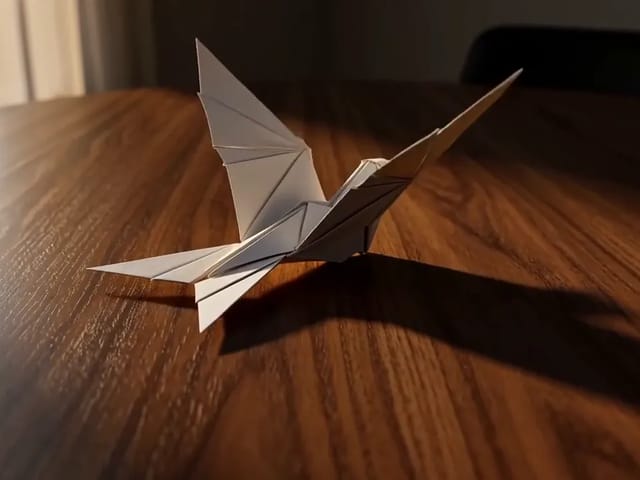
Learn what FastH3 Omni is and create short videos with synced sound online. Write a prompt, add a reference image and get a clip with no GPU or setup.
Open tool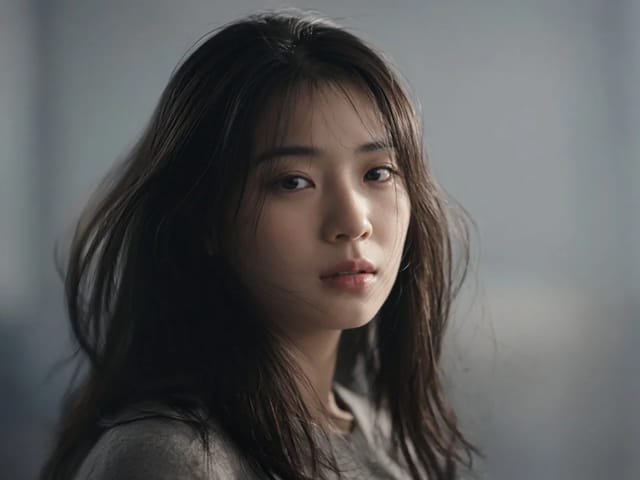
Use OmniHuman 2.0 on NanoPic to turn a clear portrait into video: upload a photo, add a short motion direction, and generate an image-to-video clip.
Open tool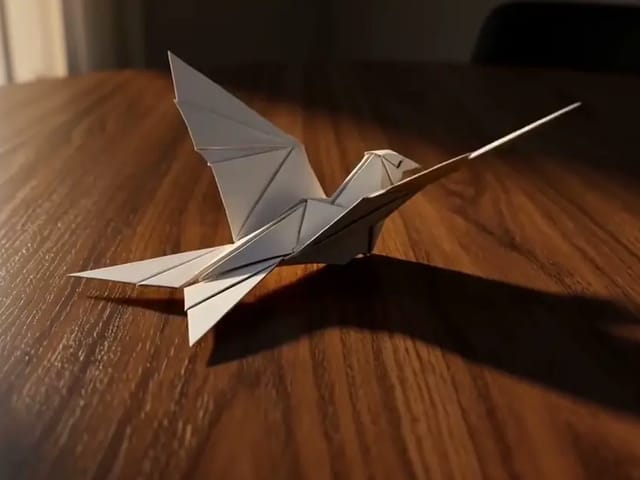
Use Pika H3 Flex online to turn a prompt or a photo into a short AI video. Write the action, add a first frame if you like, and generate in your browser.
Open tool
Vidu Q4 AI Video Generator: upload one image, describe the motion, camera and sound, and turn your still into a 3–15 second clip with audio.
Open tool