













Save up to 73% on plans

AI Day of the Dead Pet Video Generator
Sign In

AI Day of the Dead Pet Video Generator

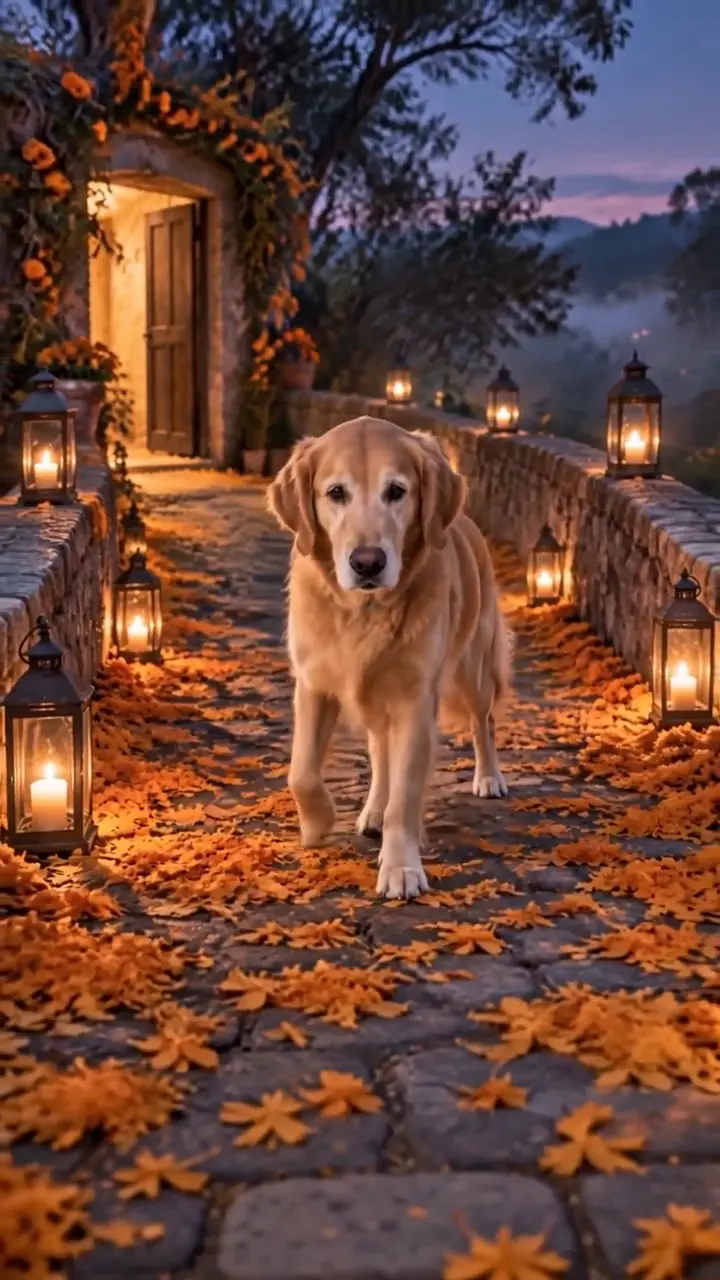
Upload one clear dog or cat photo to create your ai day of the dead pet video. Your companion walks a glowing marigold bridge toward the camera in a warm night scene. The journey is fixed; only the pet changes. Use a photo you have the right to use.

Dog or cat photo*(0/1)
Try Dog or cat photo sample

Please add the required Dog or cat photo before generating.

0 / 300

Public VisibilityAllow this result to appear in public inspiration surfaces.

Your Memorial Clip

Video

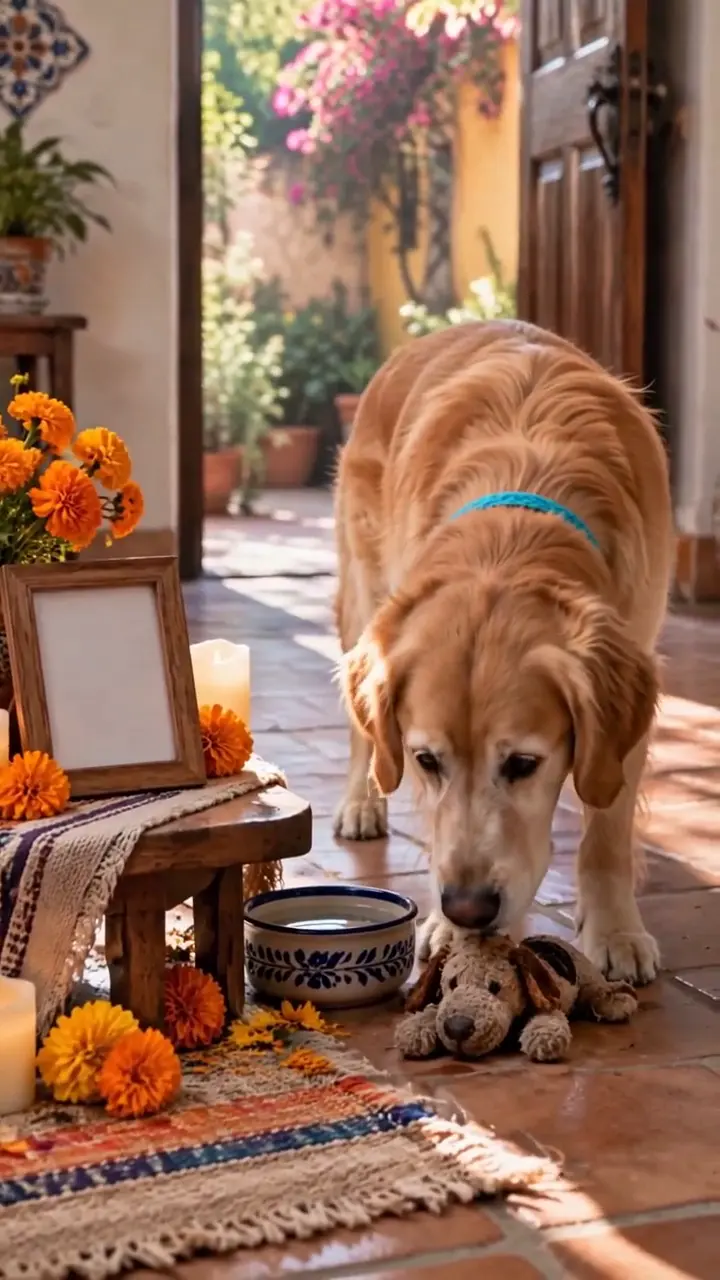
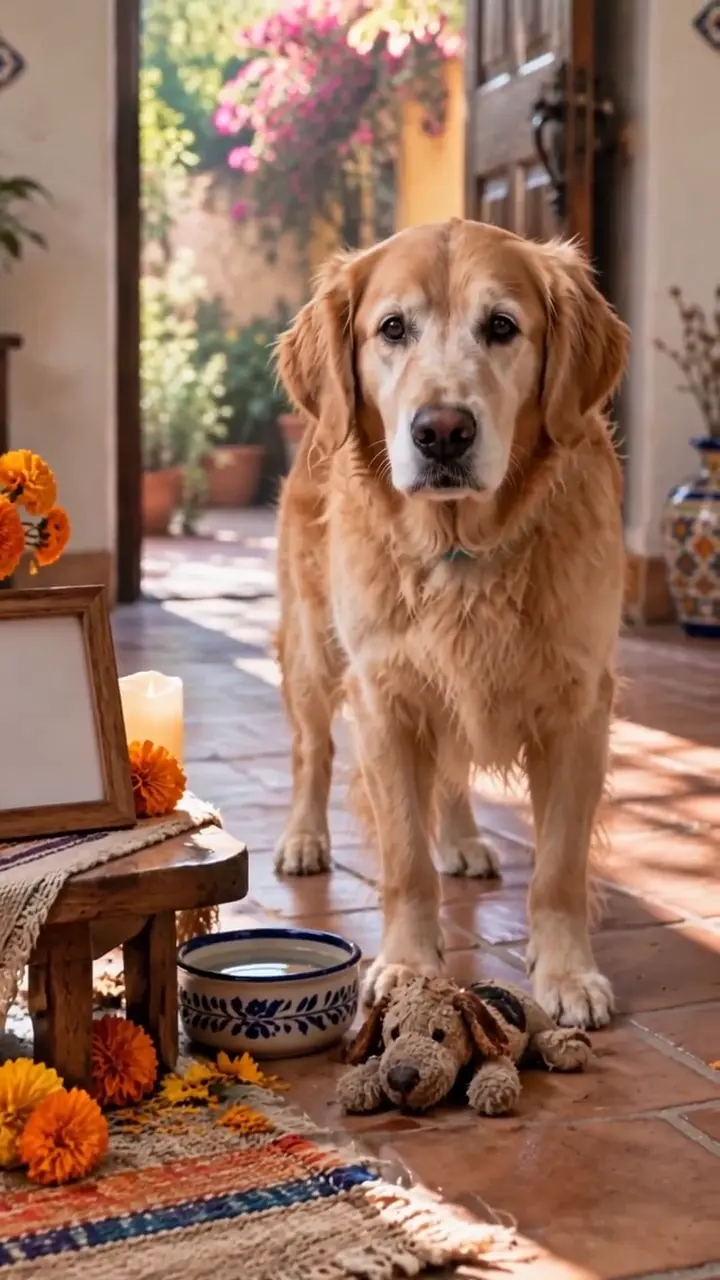
Golden retriever bridge
1 / 4

More AI Video Models & Effects

What Is an AI Day of the Dead Pet Video?

An ai day of the dead pet video is a short memorial clip made from one familiar photograph. Your dog or cat appears on a path of orange marigold petals, candle lanterns and soft night mist, then walks gently toward the viewer. Families share this kind of remembrance around Día de Muertos and on quiet days when they miss a companion. On NanoPic the flower-bridge homecoming is built into the effect, so you focus on choosing a clear photo rather than writing a full scene. The mood stays warm and hopeful: no skeletal pets, no gore and no crowded cast. The result is creative AI imagery for remembrance, not real footage and not a claim about what happens after goodbye. Many owners make one for a dog who waited by the door every evening, a cat who always found the sunniest windowsill, or a rescue who only had a few years with the family. The marigold flower, called cempasúchil in Mexico, is traditionally placed on altars because its color and scent are believed to guide loved ones home. That symbol is why the bridge glows orange here, and why the animal walks toward you rather than away. You can make a single keepsake for yourself, a version to send to a sibling who grew up with the same pet, or a gentle clip to share with friends who remember them too.

Five Moments Inside the Marigold Homecoming

The same warm journey, recast with the face from your single pet photo. Soft lantern light, petal texture and a steady pet-eye-level camera stay locked so you can focus on likeness instead of staging a new scene each time. When your clip is ready, pause on the eyes, ears and coat pattern so those photo details stay easy to check.

A Familiar Face on the Bridge

Every tribute starts with recognition. The coat colors, ear shape and eyes from your photo should still read as the animal you know while the setting becomes a marigold path. Pick a daylight portrait with a visible face and muzzle so those small markings can carry through the walk. A soft front-facing crop usually beats a dark, distant shot when you want the finished clip to feel personal. If the only photo you have is older, prefer the frame where whisker pads and ear tips are still sharp.

Start with Their Photo
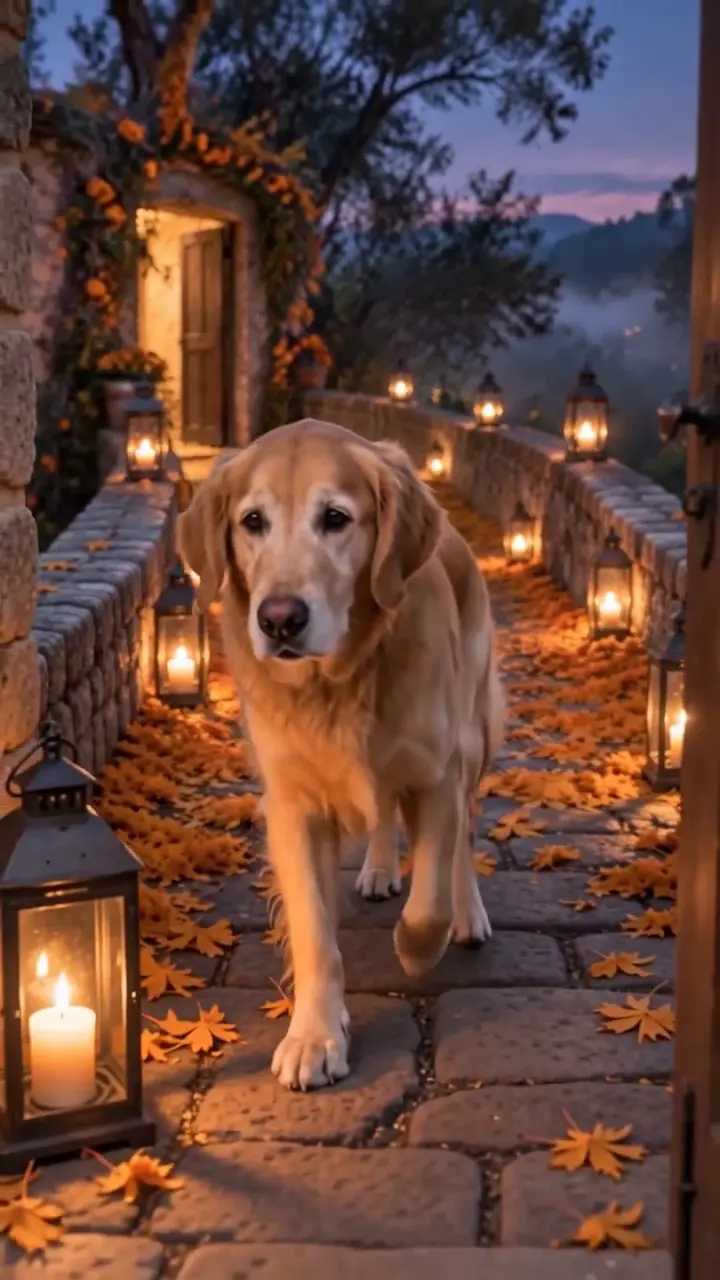
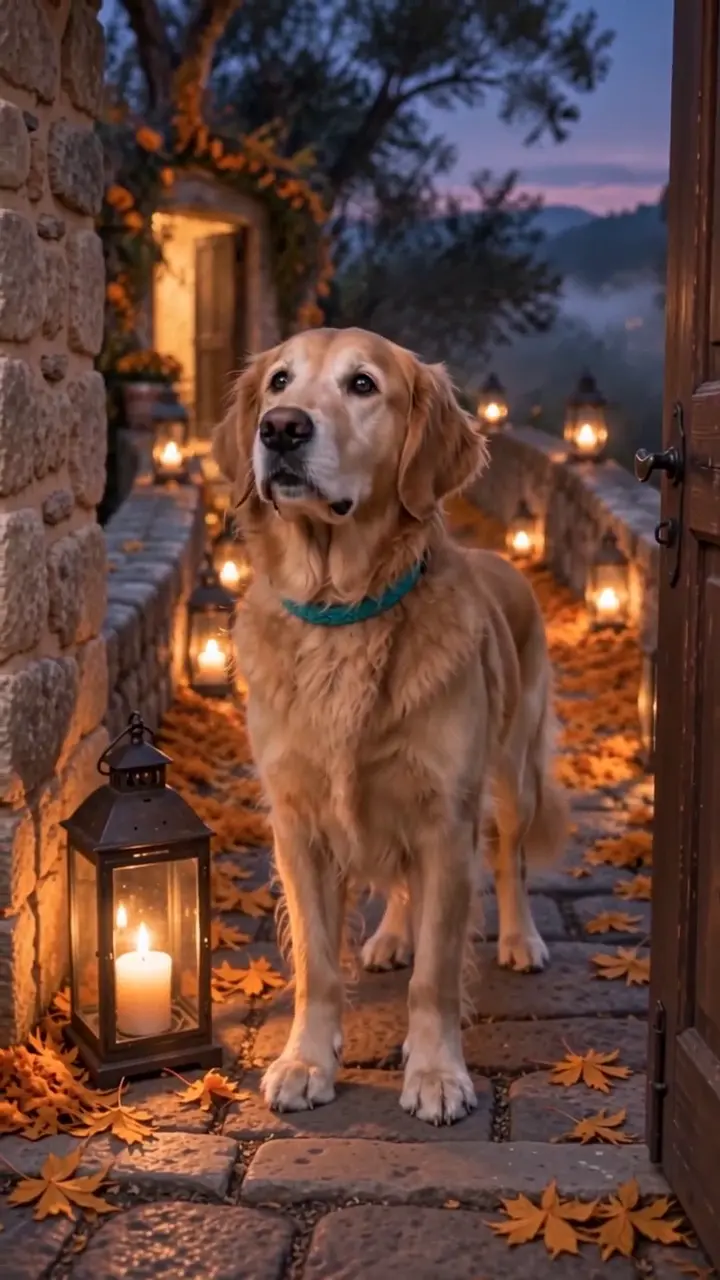
Golden retriever standing on a candlelit marigold path looking toward the camera

Orange Petals Under Natural Paws

The fixed scene lays a glowing carpet of cempasúchil petals under four grounded paws. As your pet walks closer, petals shift and lantern light warms the fur. That continuous approach is the heart of the day of the dead pet trend people reshare for remembrance. Review the paws and stride when your clip is ready; natural footing keeps the tribute tender instead of uncanny.

Create the Walk
Golden retriever walking closer along orange marigold petals at dusk

Lanterns, Mist and a Calm Arrival

Blue-violet mist, enclosed lanterns and subtle papel picado frame a quiet arrival rather than a spectacle. Your pet slows near the camera and settles with an attentive gaze. That pause gives viewers time to notice the expression they remember. Keep the optional note short if you add one, so the clip stays focused on the face and the bridge.

See the Arrival
Golden retriever pausing near the camera on a marigold bridge at night

One Pet, No Horror Cast

The effect accepts exactly one dog or cat. Extra animals, people, skeleton pets or film characters are out of scope. This keeps the tribute intimate and respectful for family keepsakes or a private watch. Crop group photos first so only the companion you want to remember remains in the frame.

Upload One Pet
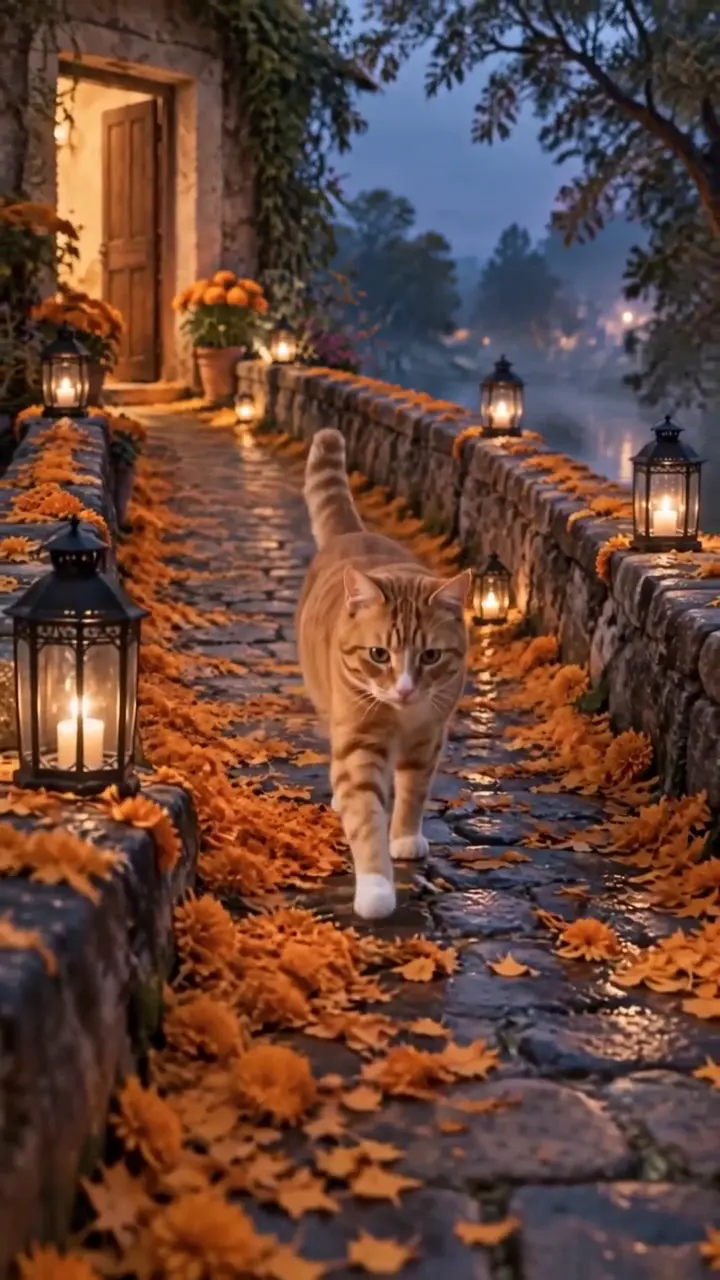
Ginger tabby cat on a stone marigold path lined with lanterns

Vertical Clips Ready to Keep

Results are vertical 9:16 clips sized for phone viewing and social posts. Download the ones you want to keep, and label AI-generated content when a platform asks. The finished clip can stay private on your device or be shared with the people who loved that animal. Each generation can differ slightly, so compare markings before you decide which version to keep.

Make a Vertical Tribute
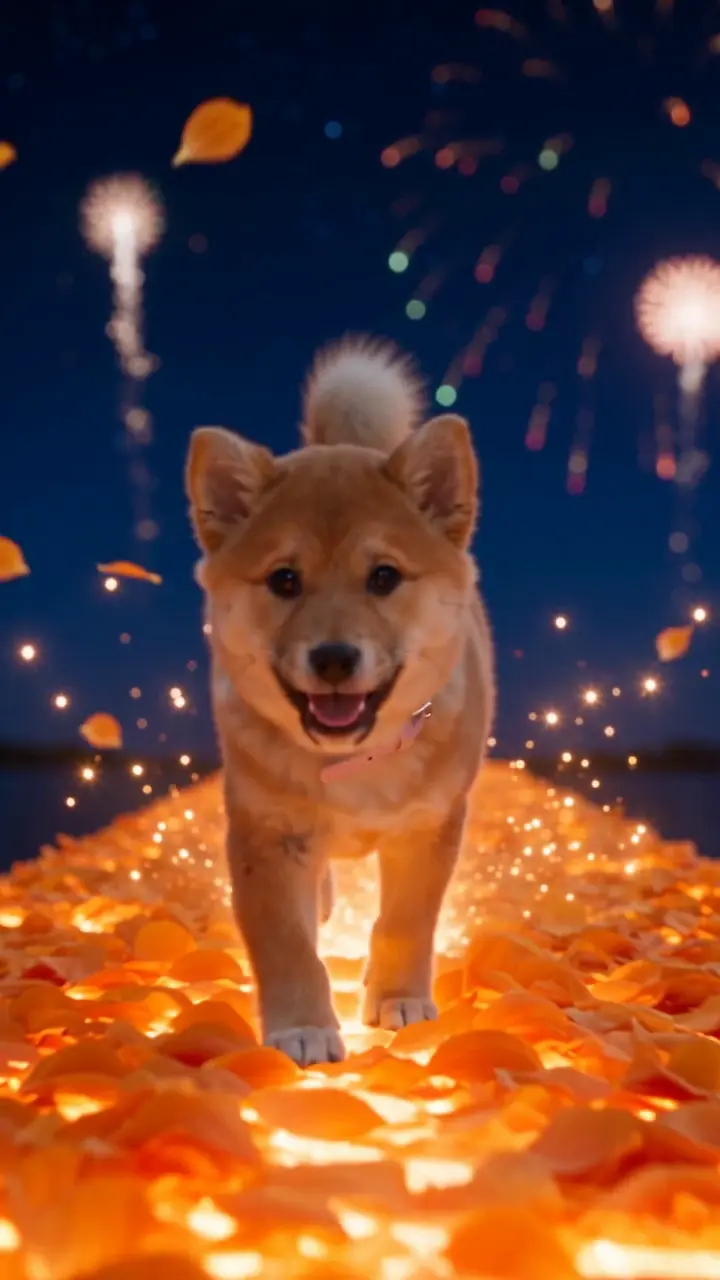
Fluffy puppy walking a glowing marigold path under night fireworks

How to Make an AI Day of the Dead Pet Video

Three steps from one photo to a finished vertical memorial clip. Take a moment before you upload to crop other animals out of the frame and check that the eyes catch soft daylight.

Choose One Clear Dog or Cat Photo

Use a sharp JPG, PNG or WebP of a single dog or cat with the face and markings visible. Soft daylight helps more than heavy filters. Avoid sunglasses-style props on the pet, mirrors that double the animal, and photos of anyone under 18. This single photo is the only upload the effect needs.

Upload a Pet Photo
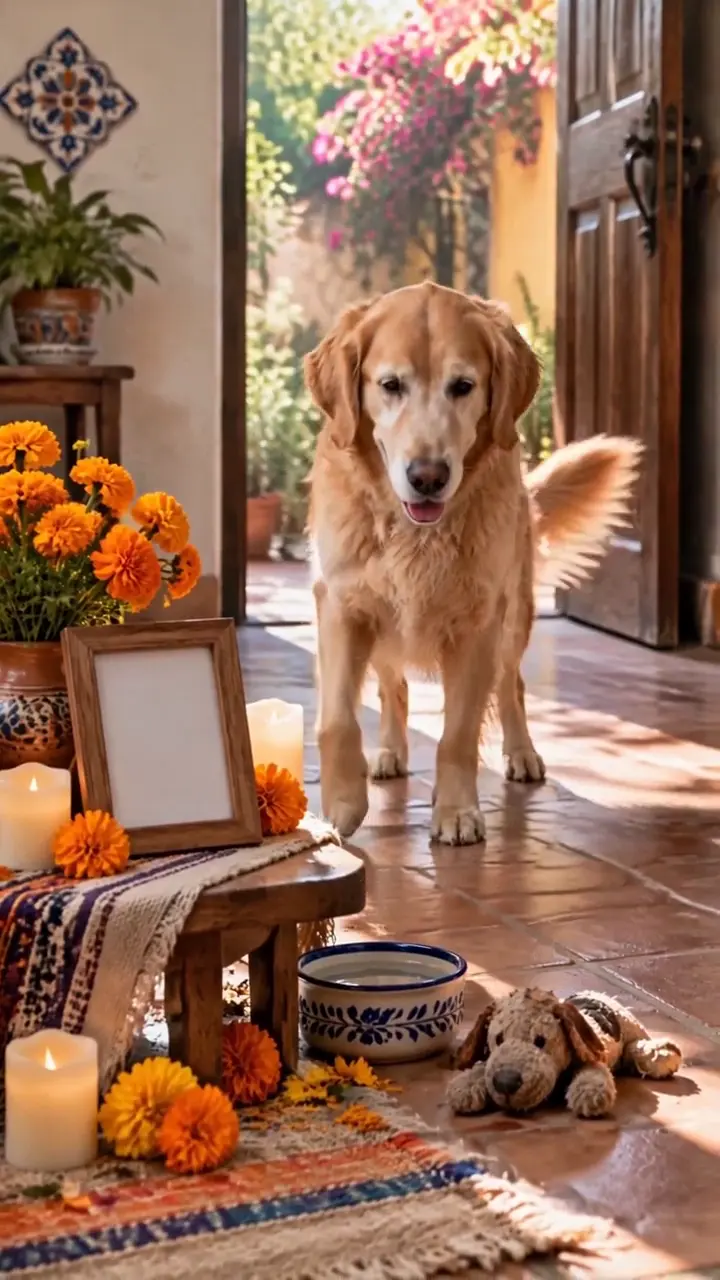
Golden dog near a candlelit ofrenda-style doorway with marigold petals

Add an Optional Memory Note

Open the generator, upload the photo and, if you like, type a short optional note such as a favorite collar color or a calmer walk. Leave it empty for the default homecoming. Aspect ratio and quality are already set for this effect. Then sign in and create when your photo and note look right.

Add a Short Note
Golden dog on a lantern path with orange petals underfoot

Generate, Review and Keep

Sign in and create. Watch the full clip and pause on the eyes, ears and coat pattern. If the face drifts, try a clearer photo and run again; failed runs return credits automatically. When the tribute feels right, download it and decide whether to keep it private or share it with care.

Generate My Tribute
Golden dog facing the camera at the end of a marigold path

Photo Tips for a Clear Likeness

A strong tribute starts with soft daylight and visible eyes. Choose a head-and-shoulders or full-body crop where coat markings, ear tips and whisker pads are easy to see. Skip heavy filters, blurry zooms and dark indoor shots. If your pet wore a favorite collar, a photo that shows it helps the tribute feel familiar. Downloaded clips carry no NanoPic watermark, so keep the version that looks most like them.

AI Day of the Dead Pet Video FAQ

Photos, safety, credits and sharing.

What is an ai day of the dead pet video?

It is a short memorial clip from one pet photo: your dog or cat walks a glowing marigold bridge toward the viewer in a warm night scene. It is AI imagery for remembrance, not real footage.

How do I make an ai day of the dead pet video from one photo?

Upload one clear dog or cat photo, optionally add a short note, sign in and generate. Review the full clip, then download the version you want to keep.

Does it work for both dogs and cats?

Yes. Use one photo of one dog or one cat. Keep the face and coat markings visible so the likeness is easier to check.

Is the result scary or gory?

No. The effect is a warm marigold homecoming. It does not create skeletal pets, blood or horror scenes.

Can I use a photo of a pet who has passed away?

Yes. Many people do. Choose the clearest photo you have and treat the clip as a creative tribute, not a real recording or a spiritual claim.

Can I upload more than one pet or add people?

No. Each run supports one animal. Crop other pets or people out of the frame first.

Do I need to write a long prompt?

No. The flower-bridge journey is built in. The optional note is only for a short preference, such as a calmer walk.

What happens if a generation fails?

Credits for each render show in the generator. If a run fails, those credits are returned automatically.

Is NanoPic affiliated with TikTok or the creators of viral pet memorial clips?

No. NanoPic is an independent tool and is not affiliated with TikTok, Instagram or the creators of any viral memorial trend.

Create Your AI Day of the Dead Pet Video

One clear photo of a dog or cat you want to remember. Start from the generator and keep the tribute that feels right.

Related tools

25th Anniversary Video Maker

25th Anniversary Video Maker

Make a short silver 25th anniversary video concept from one or two authorized couple photos. Add names, year, mood, motion, and editor-ready greeting space.

Open tool
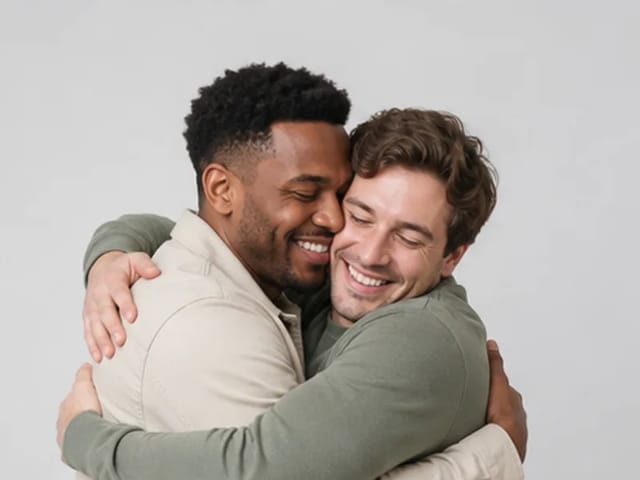
Storyboard cover of two fictional adults sharing a hug

AI Hug Video Generator

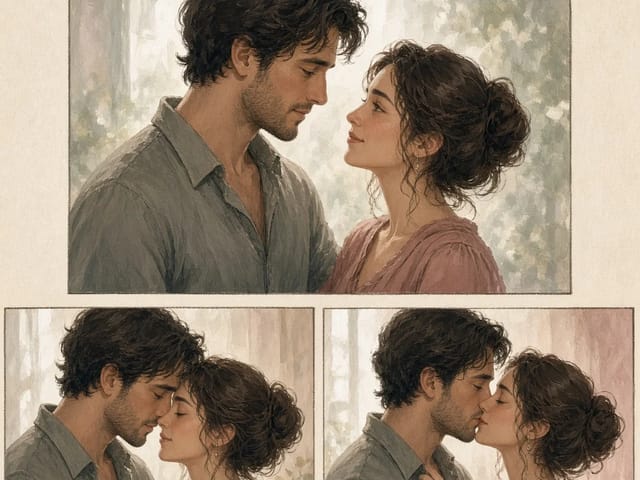
AI Hug Video Generator turns an authorized photo of consenting adults into a five-second friendly hug. Review faces, hands, clothing and scene throughout.

Open tool
Animate Picture

Animate Picture

Animate a picture into a short AI video. Upload one authorized photo, describe subject and camera motion, review the live credit cost, and generate with Seedance.

Open tool
Birthday Video Maker

Birthday Video Maker

Create a short birthday video concept from one or two authorized photos. Direct the theme, transition, motion, format, and clean space for exact editor-added greetings.

Open tool
Draw to Video: Animate Images with Motion Arrows

Draw to Video: Animate Images with Motion Arrows

Draw to Video lets you add arrows, text and brush strokes to an image, then generate an AI video from your motion guide. Edit, save, create and download.

Open tool
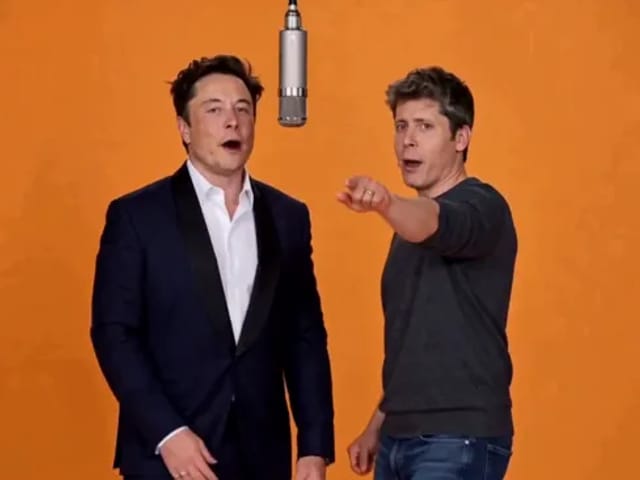
Elon Musk + Sam Altman

Hotel Lobby AI

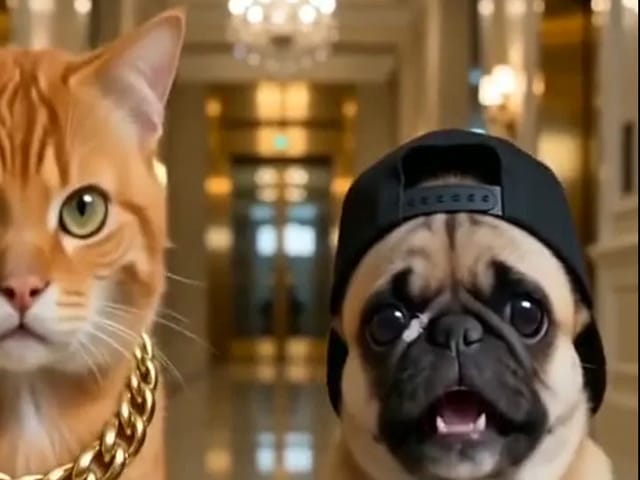
Turn two photos into a 15-second orange-studio rap duo with MiniMax H3. Explore five actual videos, inspect their inputs and choose your left and right performers.

Open tool
STORM II dance with a lead and coordinated supporting dancers

STORM II Dance AI Video Generator | NanoPic

Create a STORM II dance with your lead photo and an AI-generated motion reference. Add a supporting cast, compare three videos and review your result.

Open tool
AI Cheek Pinch Video Generator

AI Cheek Pinch Video Generator – Pinch Cheeks From One Photo | NanoPic

Turn one photo of an adult (with consent) or your pet into an ai cheek pinch video: hands gently squeeze the cheeks and let go. Download and share.

Open tool
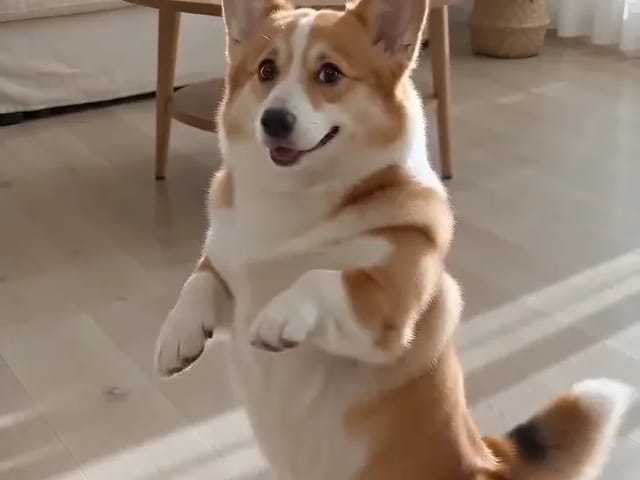
Corgi standing on its hind legs in a living room for an ai dog dance video

AI Dog Dance Generator: Make Your Dog or Cat Dance | NanoPic

Upload one clear dog or cat photo and get a vertical ai dog dance clip: your pet stands up and dances a living-room routine.

Open tool
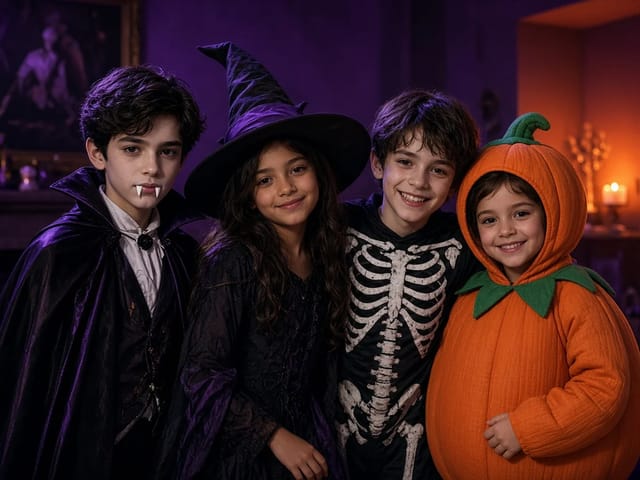
Four children dressed as a vampire, a witch, a skeleton and a pumpkin posing together in a candlelit room

AI Halloween Costume Transformation Video | NanoPic

AI Halloween costume transformation from one photo: pick a vampire, witch, skeleton or pumpkin look and watch your outfit change in smoke in a short video.

Open tool
AI Rap Battle Generator

AI Rap Battle Generator: Two Photos, One Battle Video | NanoPic

Upload two photos and create an AI rap battle video. Each side takes a turn in a short widescreen clip you can review before posting.

Open tool

AI Zombie Trend Video Generator from Two Photos | NanoPic

Make the AI zombie trend video from two photos: one person turns, the other lowers the weapon for a hug, then a warm memory. Vertical 9:16, no gore.

Open tool
Cover still for anijam ai video maker

Anijam AI Video Maker Online | NanoPic

Use anijam ai video maker on NanoPic: upload one authorized photo, describe motion in plain words, review credits, and check every frame before sharing.

Open tool
Birthday Rap Video

Birthday Rap Video Maker from a Photo | NanoPic

Make a birthday rap video from one clear photo: a fixed studio rap reference drives lip motion in a vertical clip. Add a name and review.

Open tool
Silver watch in an open black gift box with red ribbon and gold confetti, Black Friday product clip

Black Friday Video Maker: Product Photo to Sale Clip | NanoPic

Black Friday video maker: upload one product photo and get a promo clip with seasonal lighting and a slow camera move, ready for your sale text.

Open tool
Silhouette of a witch riding a broomstick across a full moon over a misty forest

Broom Riding AI - My Ride Is Here Broom Video | NanoPic

Broom Riding AI puts you on a flying broom beside a moving car in the My Ride Is Here trend. Upload one photo, get a 10-second clip and add your own sound.

Open tool
Bulin 47 AI

Bulin 47 AI Video Generator: Your Photo in a Street Freestyle

Turn one photo into a Bulin 47 AI freestyle clip: shoulder rolls, a cheering friend and a laughing crowd under red lights, in vertical 9:16.

Open tool
Burning Bridges AI Video Generator

Burning Bridges AI: One Photo Party Video | NanoPic

Make a Burning Bridges AI video from one photo: toast, hand to heart, point at the camera, then turn in a vertical chandelier party clip.

Open tool

Check One Check Two AI Video Generator | NanoPic

Make a check one check two AI video from one photo: you lean into the lens and shout the mic check over a night crowd. Vertical MP4, ready to post.

Open tool

Crreo AI Video Generator | NanoPic

Crreo AI video generator: describe one scene, pick a frame shape and turn your story idea into a short AI video clip you can watch and download.

Open tool
Dancer bouncing her shoulders on a city sidewalk

Dame Hombro AI: Shoulder Dance Video From a Photo | NanoPic

Make a Dame Hombro AI shoulder dance video from one full-body photo: knee bounces, shoulder pops and a lean-in, in a vertical 9:16 clip.

Open tool
Diss Track Generator

Diss Track Generator: Friendly Roast Rap Video from a Photo | NanoPic

Make a playful diss track video from a clear photo and a few inside jokes. Keep it friendly, review the roast, and share only with consent.

Open tool