

















Free AI Hug Video Generator from a Photo
Sign In
Credits275 creditsKling 2.6

Free AI Hug Video Generator from a Photo

Upload one authorized photo of consenting adults and create a quiet five-second friendly hug. The template keeps motion restrained and sound off.

Upload reference image*(0/1)
Try Sample Images

130 / 500

Sound
Credits required:275 credits

Your AI Hug Video

Video

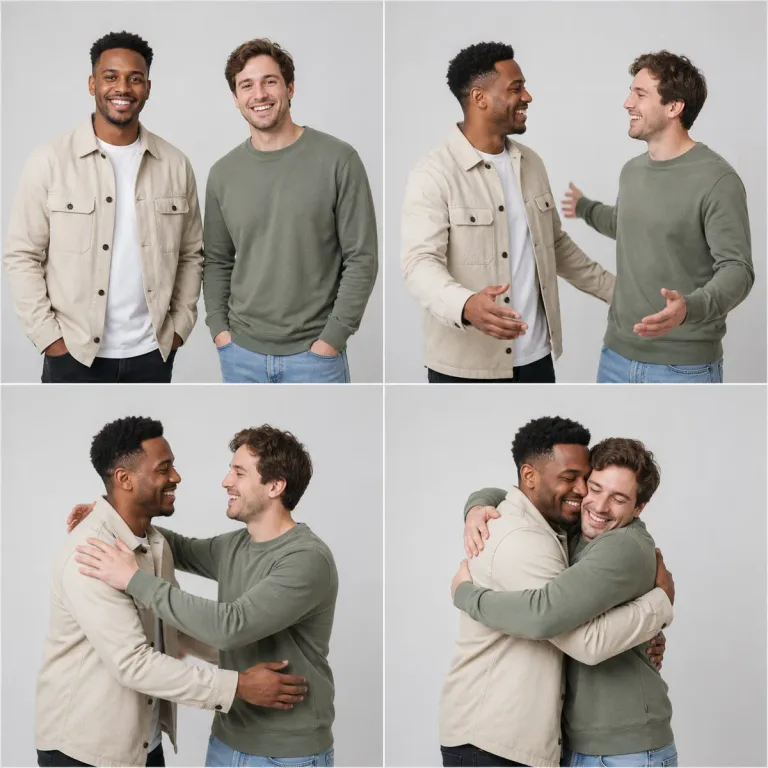
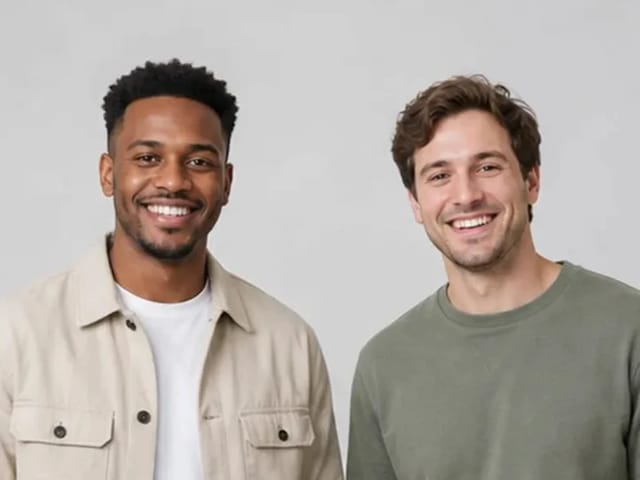
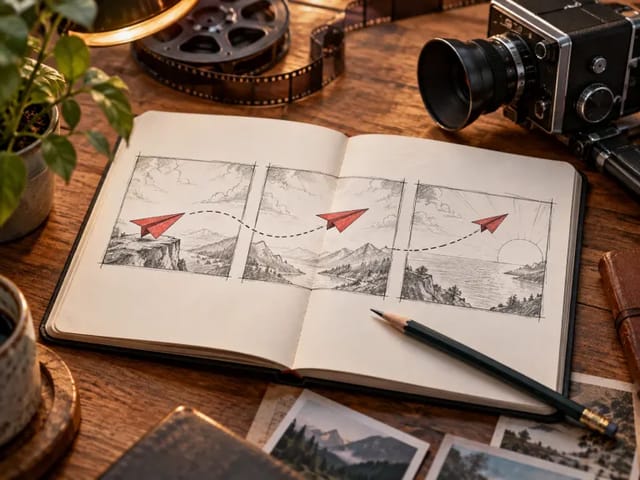
Storyboard preview of two fictional adult friends sharing a warm, family-safe hug.

Animate One Photo into a Warm, Consensual Hug

The image-to-video prompt begins from the supplied pose, uses small natural turns and arm movement, and ends in a comfortable embrace while preserving faces, apparent age, hairstyles, clothing, body shape, background, light, and camera. Use only photos you are allowed to animate, never upload minors, and do not present the result as authentic footage of an event that did not occur. AI can distort faces, hands, arms, and body contact, so review the complete clip frame by frame before sharing.

From Side-by-Side Photo to Friendly Hug

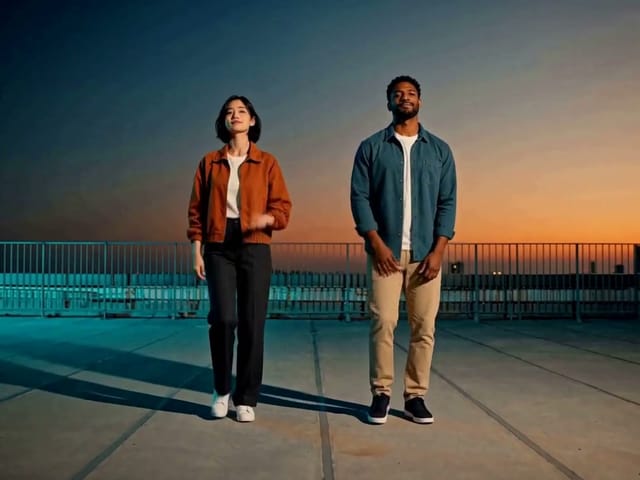
The still storyboard uses fictional adults and illustrates the intended restrained motion arc.

Storyboard of two fictional adults moving into a friendly hug

A Five-Second Family-Safe Motion Concept

The live generator creates video; the page example is a still storyboard and is not presented as generated footage.

Create a Hug Video

How to Make a Photo Hug Video

A clear adult photo and minimal motion note improve temporal stability.

1. Confirm Consent and Upload

Use a photo of consenting adults that you own or may process. Choose a clear waist-up image with visible arms, compatible scale, and limited occlusion.

2. Keep Motion Natural

The default prompt already requests a gentle friendly hug. Add only a small note about pace or camera restraint instead of changing identity, clothing, or setting.

3. Review Every Frame

Inspect eyes, mouth, face shape, hands, fingers, arms, body contact, clothing, and background. Reject distorted, sexualized, coercive, or misleading output.

Consent and Identity Guardrails

The template keeps the motion short, silent, adult-only, and family-safe.

Adults and Consent Only

The workflow prohibits minors and non-consensual or deceptive intimate media.

Identity Preservation

Faces, age, hair, clothing, body shape, background, lighting, and camera remain anchored.

Short Silent Motion

A five-second duration and disabled sound reduce unnecessary invented behavior.

Disclosure Reminder

Generated motion must not be represented as real footage of an event that did not happen.

AI Hug Video Generator FAQ

Answers about photos, consent, minors, motion, credits, and sharing.

What photo works best?

Use a sharp waist-up photo of consenting adults with faces and arms visible, similar scale, simple background, and limited overlap.

Can I animate a photo of a child?

No. This workflow is limited to consenting adults and explicitly rejects minors.

Will faces and hands stay exact?

The prompt strongly protects identity and anatomy, but video generation can still drift or distort details. Review every frame and reject inaccurate output.

Can I present the result as a real memory?

No. It is an AI interpretation. Do not use it as documentary evidence or imply that an event occurred when it did not.

Is the AI Hug Video Generator free?

New users receive the welcome credits shown in the generator. Video generation uses NanoPic credits, and free-credit output includes a watermark.

Create a Gentle Hug Animation Responsibly

Confirm adult consent, keep motion restrained, and disclose that the result is AI-generated.