



























Native Audio Sync
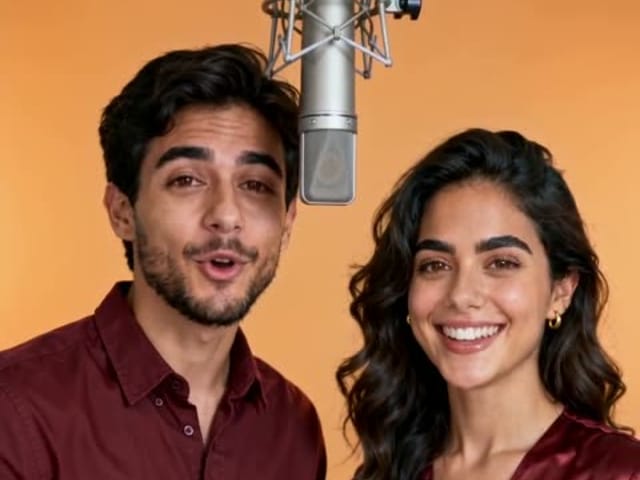
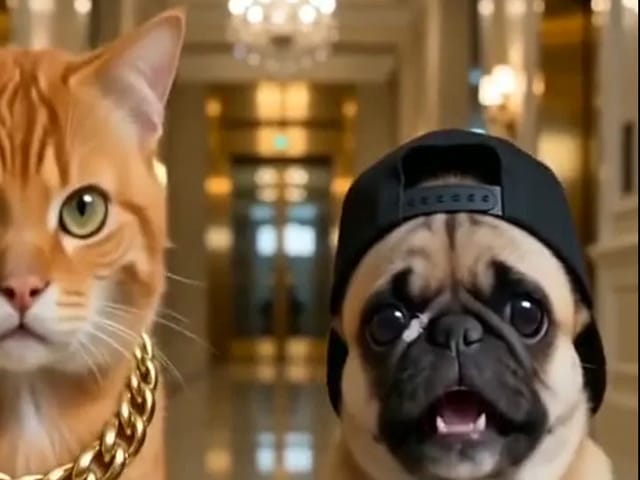
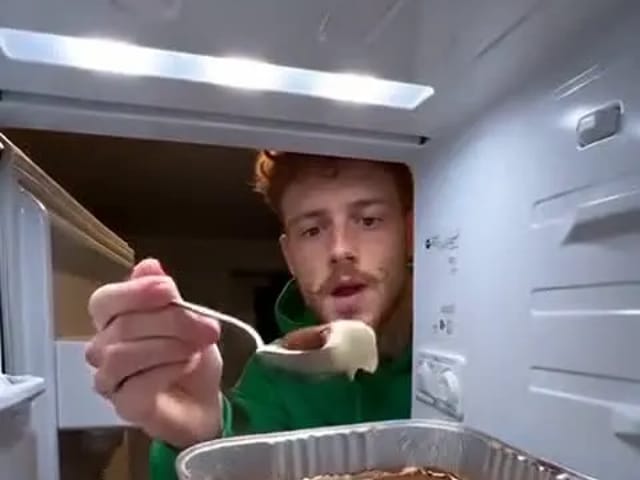
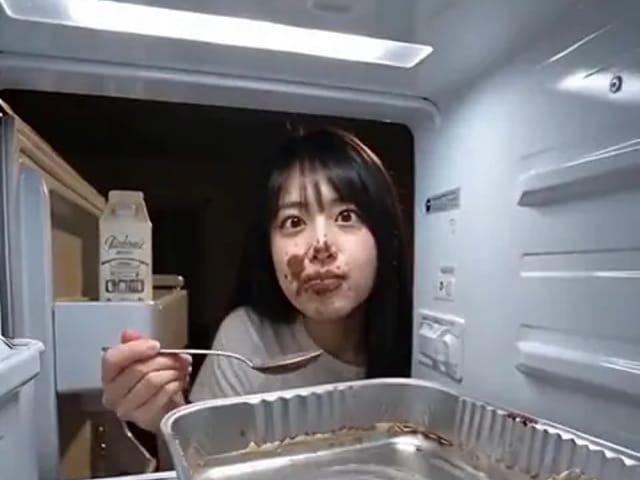
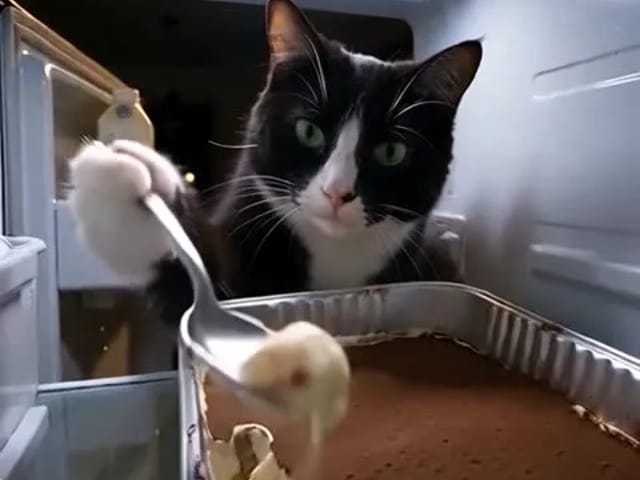
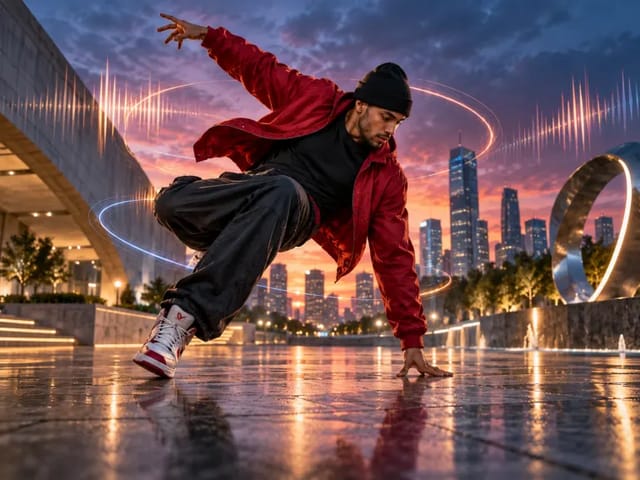
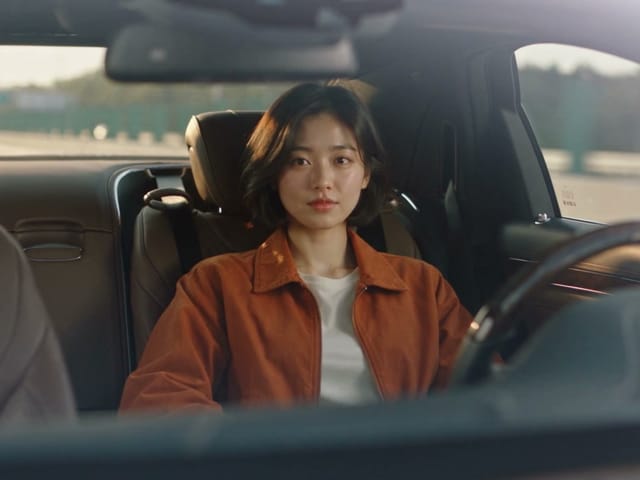
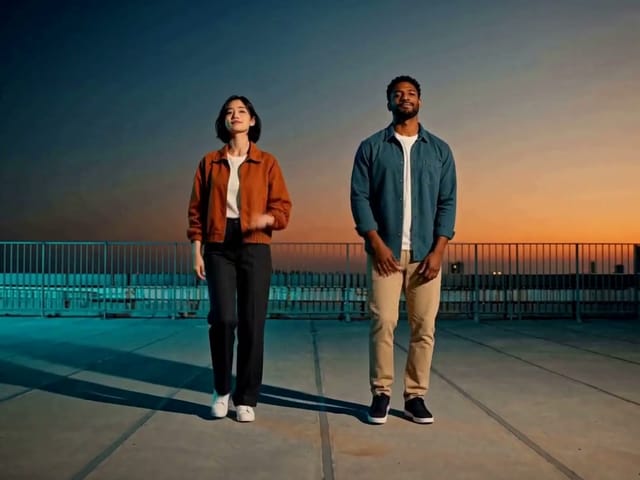
The Kling 2.6 AI video generator creates synchronized speech and sound effects ensuring a complete audiovisual experience.
Save up to 73% on plans
Create cinematic videos with native audio using the Kling 2.6 AI video generator. Experience unparalleled realism and motion control in every frame.
Kling 2.6
Ceramic bird — text to video · Kling 2.6
Archive reference · Generated with Kling 2.6. An existing Kling 2.6 sample.
Discover why Kling 2.6 is the choice for high-fidelity AI video production.
The Kling 2.6 AI video generator creates synchronized speech and sound effects ensuring a complete audiovisual experience.
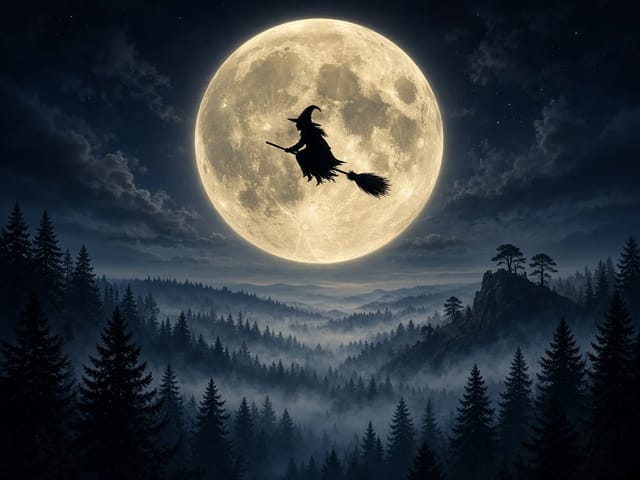
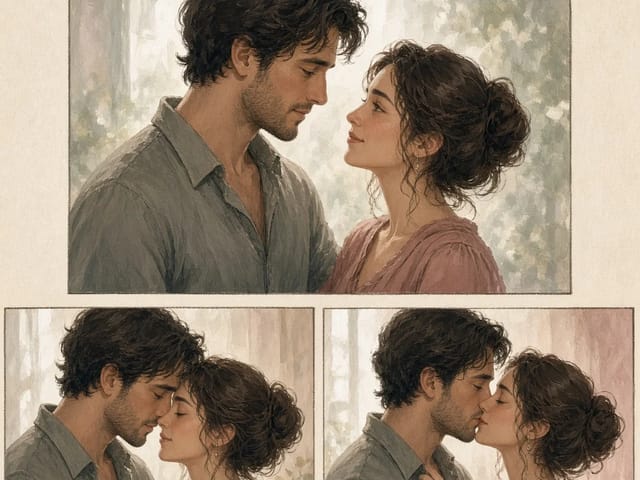
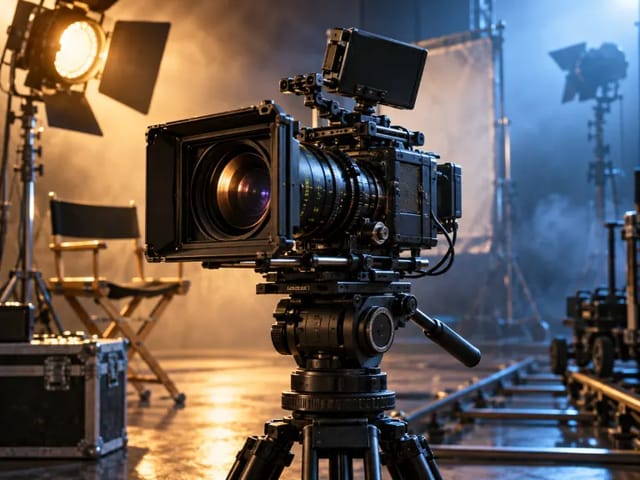
Achieve smooth, complex camera movements with the Kling 2.6 AI video generator, perfect for professional storytelling.
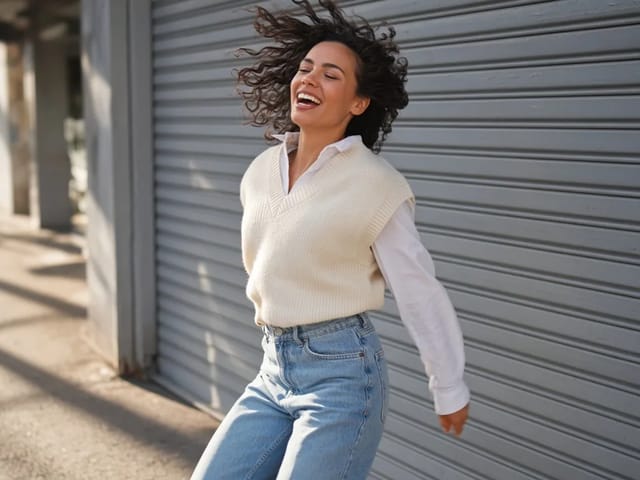
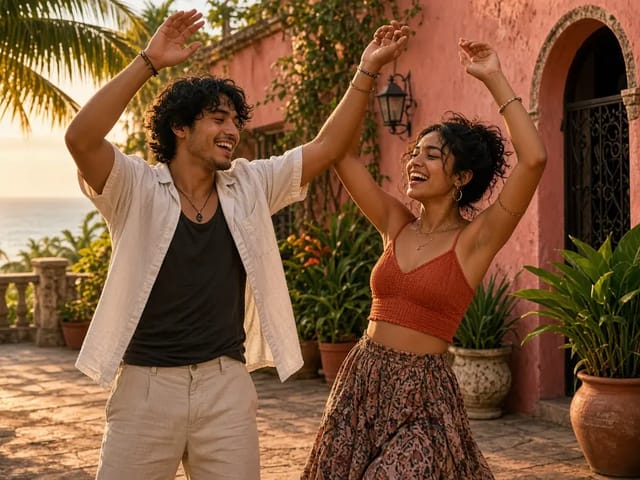
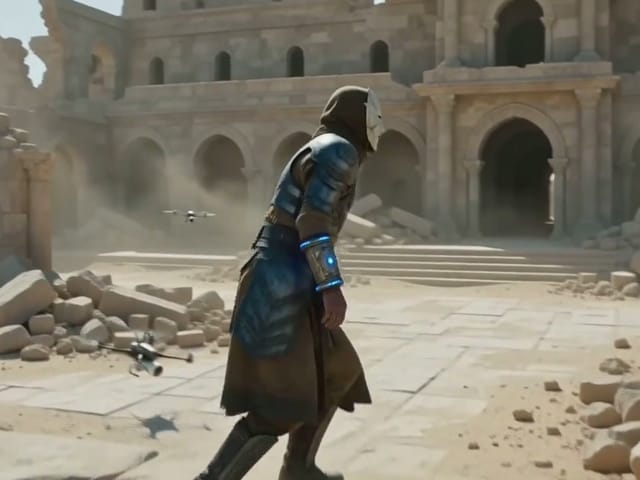
Produce high-definition content at smooth frame rates with the Kling 2.6 AI video generator for broadcast-ready results.
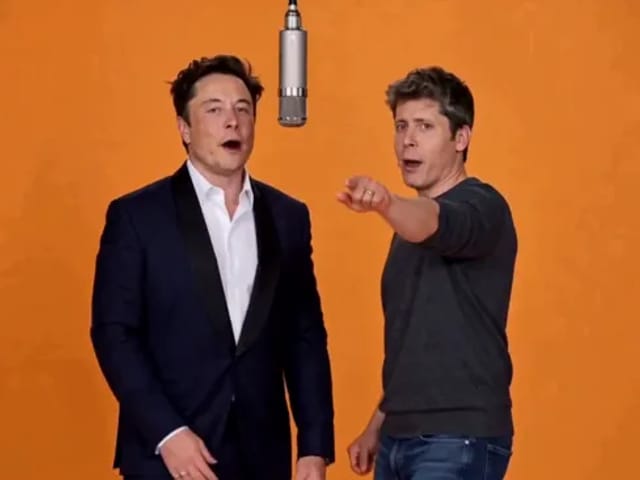
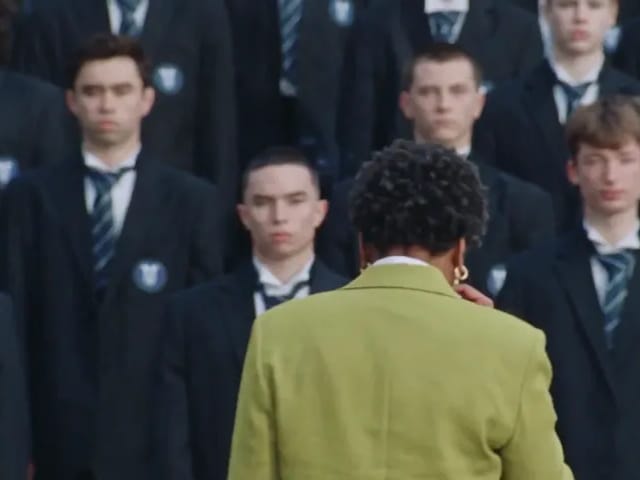
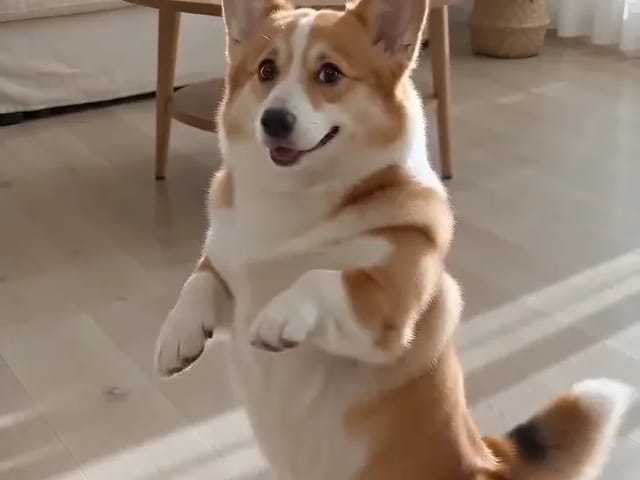
Reused video references from our archive, generated with Kling 2.6 and Veo 3.1 Fast. Labels identify the original source model, which may differ from your current selection.
Source model: Kling 2.6. A fixed-camera still life with a teal ceramic bird and a moving green leaf.
Source model: Kling 2.6. A square-format reference-image animation of the ceramic bird and leaf.
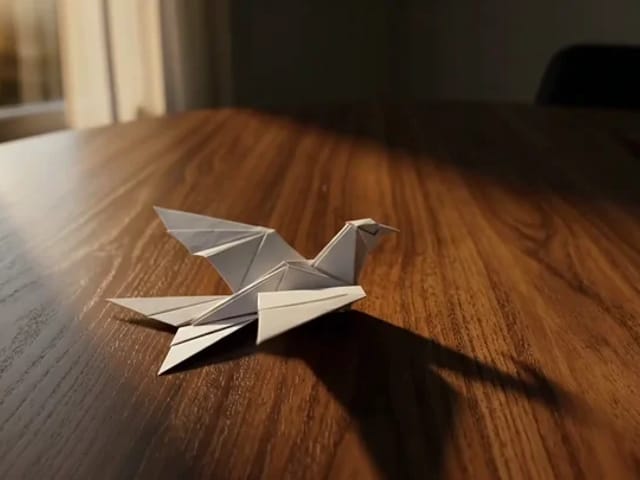
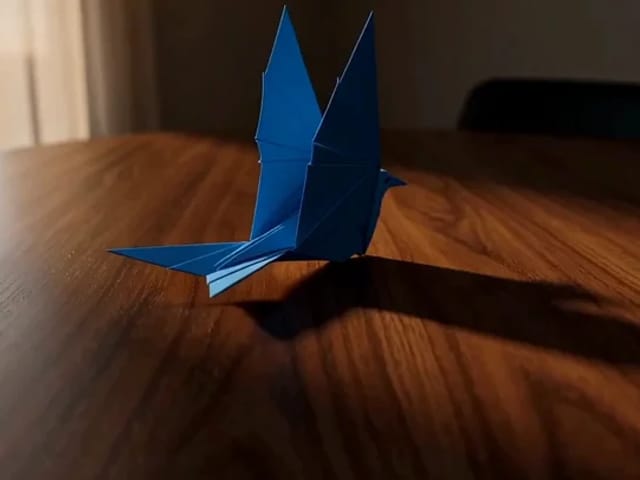
Source model: Veo 3.1 Fast. An origami crane lifts off a wooden table in warm light.
Source model: Veo 3.1 Fast. A golden retriever moves across a sunset beach.
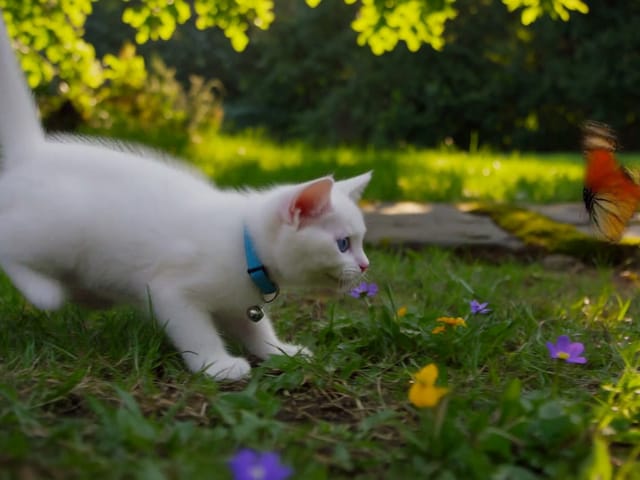
Kling 2.6 offers a unique combination of quality, speed, and integrated features.
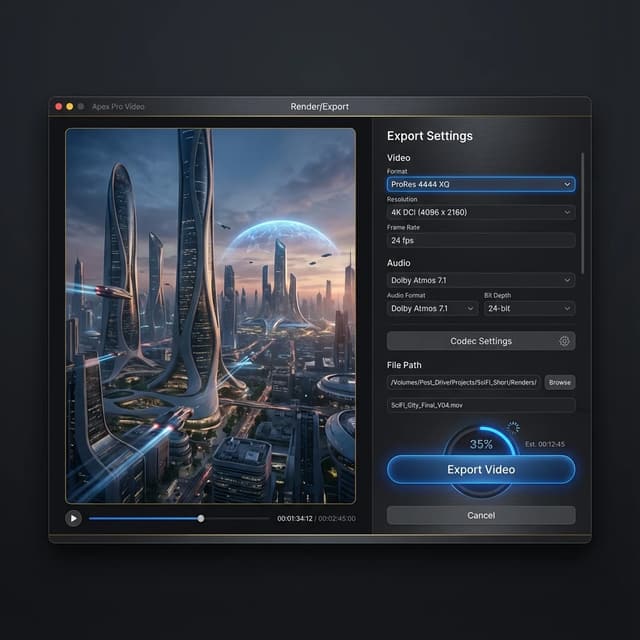
Eliminate the need for external sound design. The Kling 2.6 AI video generator produces video and audio simultaneously for a cohesive output.
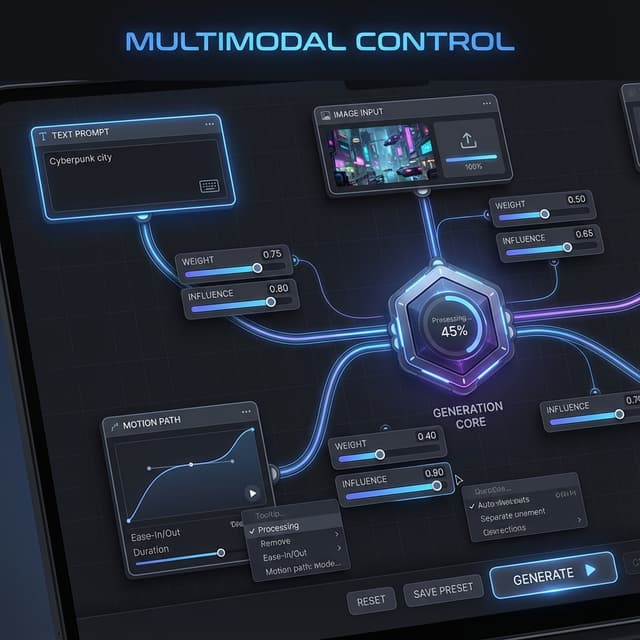
With 1080p output, the Kling 2.6 AI video generator meets the technical standards required for television and high-end web content.
Create clips from 5 seconds to longer extended sequences with the Kling 2.6 AI video generator, ensuring you have the right length for any platform.
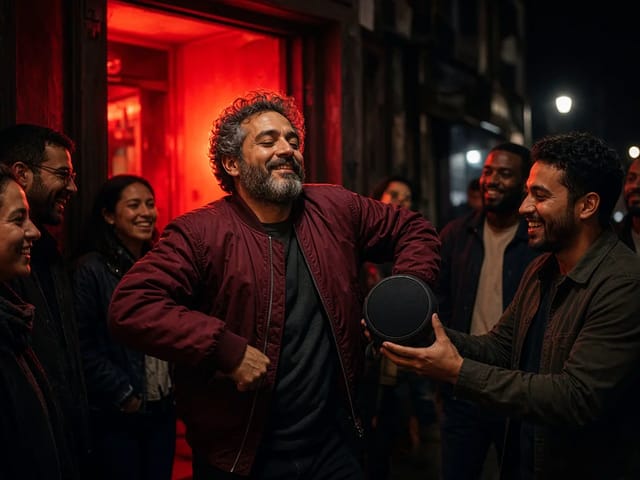
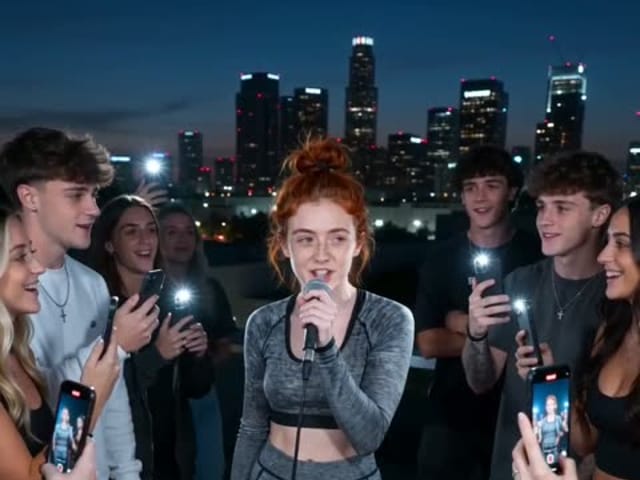
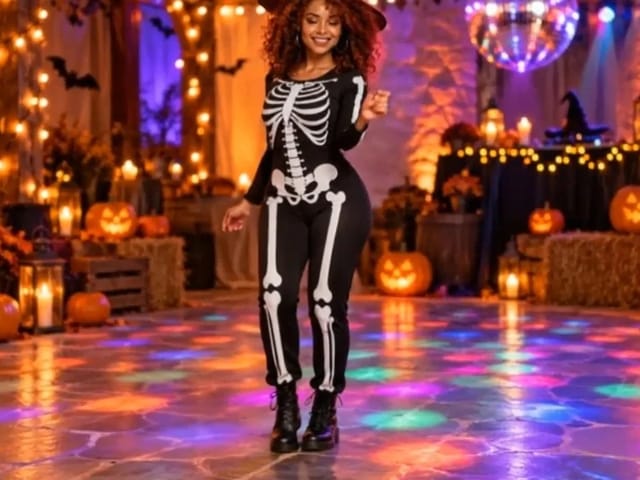
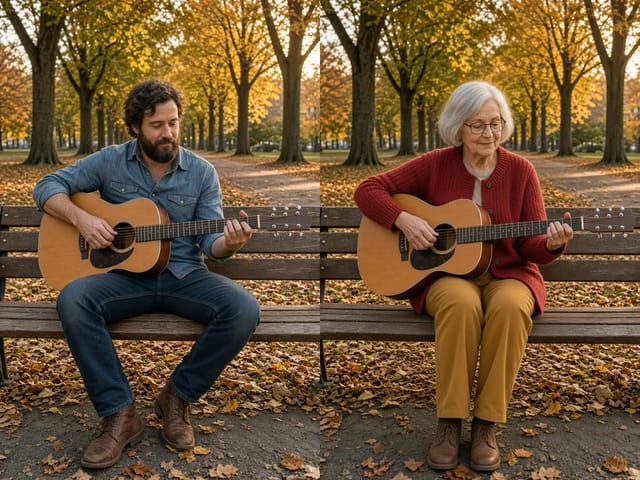
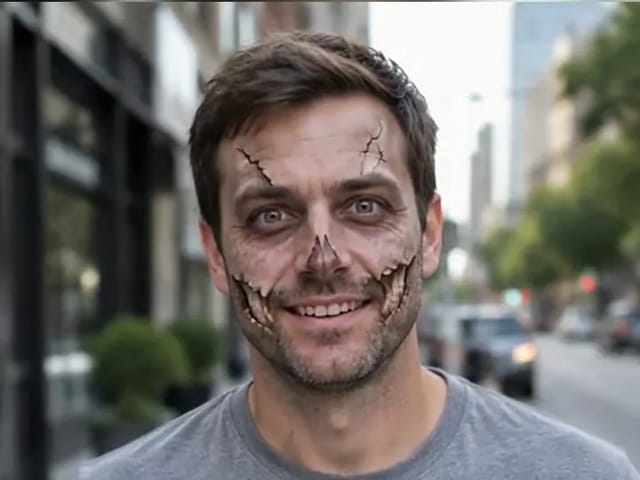
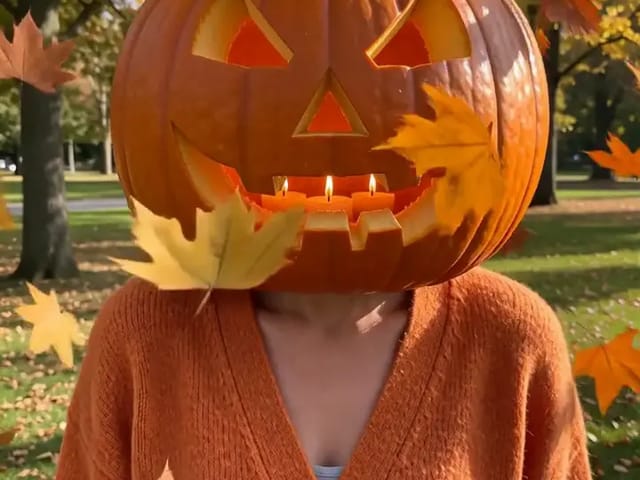
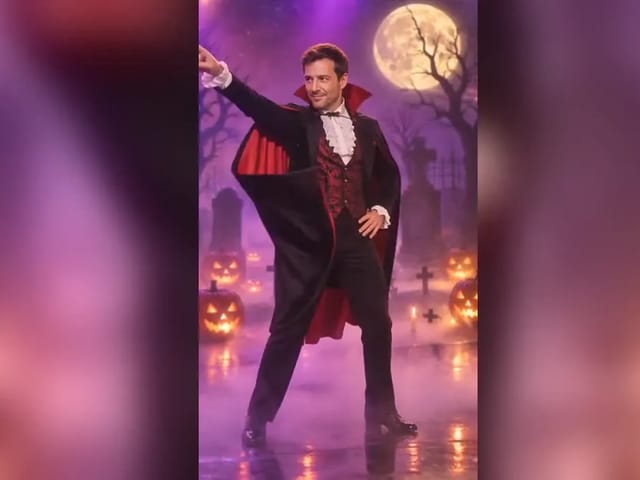
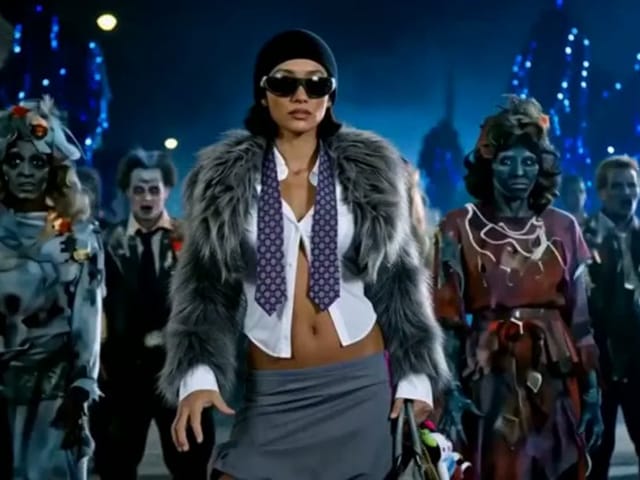
See how creators are utilizing Kling 2.6 in their workflows.





Answers to your questions about the Kling 2.6 AI video generator.
The Kling 2.6 AI video generator is a state-of-the-art model designed to creating realistic videos with synchronized audio from text and image prompts.
Yes, native audio generation including speech and sound effects is a core feature of the Kling 2.6 AI video generator.
The Kling 2.6 AI video generator supports high-definition output up to 1080p at 30 frames per second.
We offer various subscription plans to access the Kling 2.6 AI video generator, including a free trial tier for new users.
Absolutely. The Kling 2.6 AI video generator excels at Image-to-Video generation, bringing static photos to life.
Kling 2.6 is developed by Kuaishou team and is made available through our platform for easy access.
Experience the power of synchronized audio and video. Start creating with Kling 2.6 today.
Flux Video Edit revises existing footage with a text prompt. Upload a short MP4, describe a visible change, and review an edited clip at up to 720p.
Open tool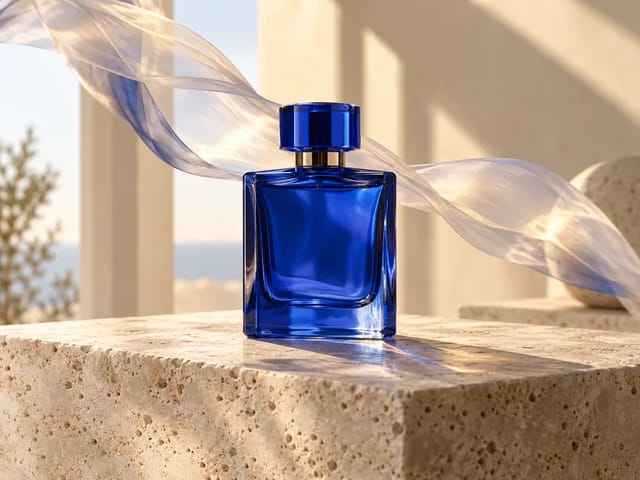
HeyGen Video 1 turns text or a first-frame image into 5–15 second videos with audio. Create product demos and image animations at 480p or 768p on NanoPic.
Open tool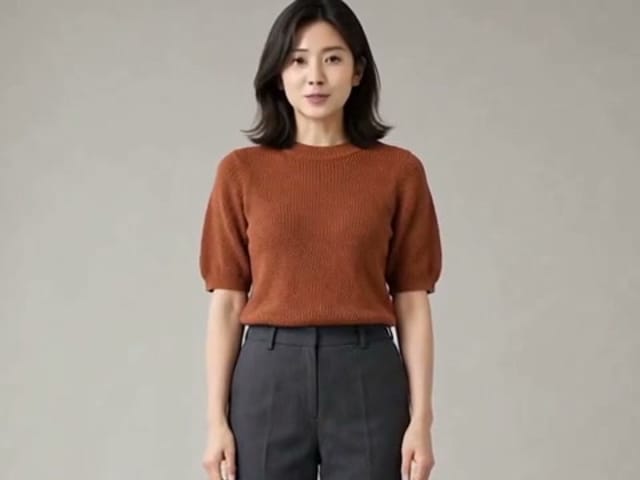
H3 Max Lip Sync animates an authorized portrait with your uploaded voice audio. Create a talking photo, choose resolution, and review the video with sound.
Open tool
AI Hug Video Generator turns an authorized photo of consenting adults into a five-second friendly hug. Review faces, hands, clothing and scene throughout.
Open tool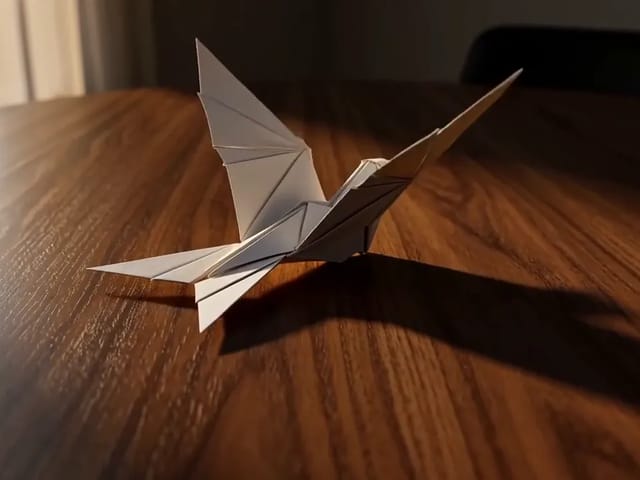
Learn what FastH3 Omni is and create short videos with synced sound online. Write a prompt, add a reference image and get a clip with no GPU or setup.
Open tool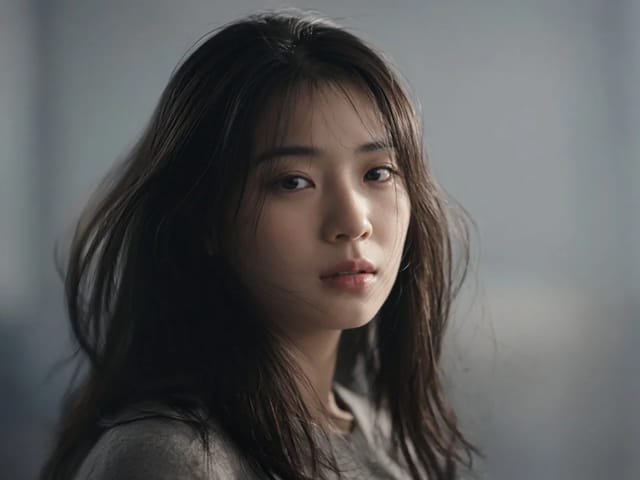
Use OmniHuman 2.0 on NanoPic to turn a clear portrait into video: upload a photo, add a short motion direction, and generate an image-to-video clip.
Open tool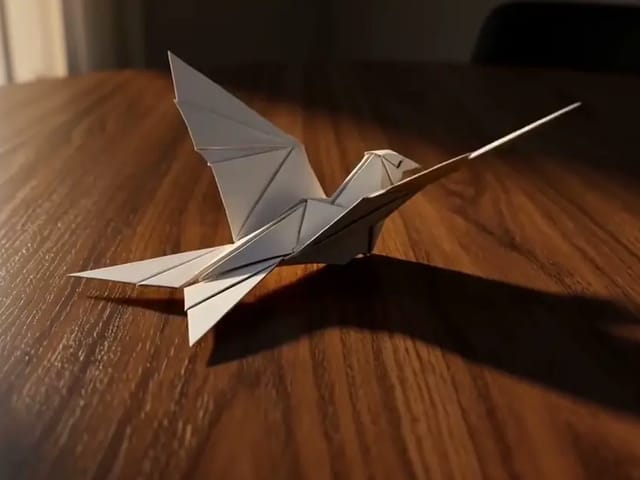
Use Pika H3 Flex online to turn a prompt or a photo into a short AI video. Write the action, add a first frame if you like, and generate in your browser.
Open tool
Vidu Q4 AI Video Generator: upload one image, describe the motion, camera and sound, and turn your still into a 3–15 second clip with audio.
Open tool