


































































Save up to 73% on plans

AI Video Generator
Sign In
Veo 3 AI Video Generator Hero

Google Veo 3 AI Video Generator

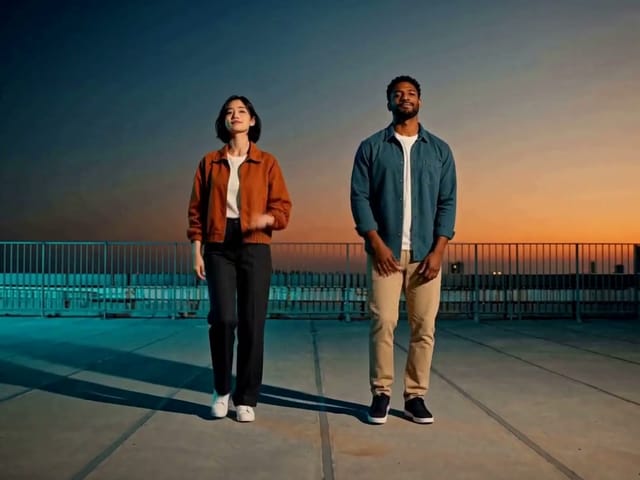
Generate cinematic videos with native synchronized audio using Veo 3, Google's state-of-the-art video generation model from DeepMind. Transform your text prompts into immersive audiovisual experiences with high-fidelity output. Veo 3 supports both 720p and 1080p at 24 FPS with upscaling to 4K, offering landscape and portrait formats for versatile creative applications. Experience Veo 3's advanced capabilities including richer dialogue, stronger prompt adherence, and realistic visuals.

Reference images(0/4)
Public VisibilityAllow this result to appear in public inspiration surfaces.
Credits required:—

AI Video Generator

Veo 3

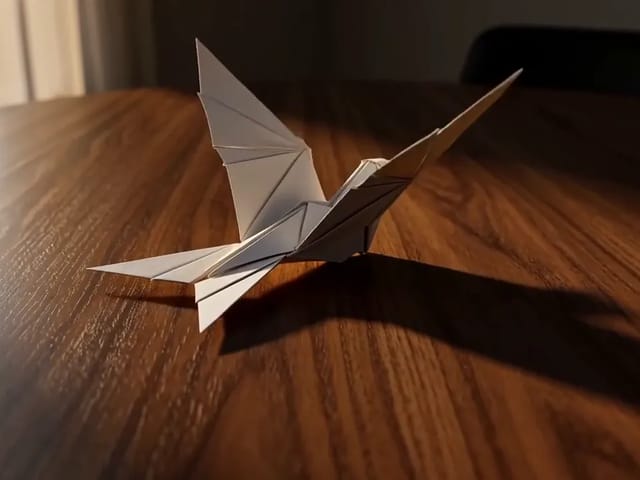
Paper crane taking flight · Veo 3.1 Fast

Archive reference · Generated with Veo 3.1 Fast. Reference only; not a benchmark of the currently selected model.

1/2

More AI Video Models & Effects

Key Features of Veo 3 AI Video Generator

Discover the advanced multimedia capabilities that make Veo 3 from Google DeepMind a state-of-the-art leader in AI video generation technology.

Native Synchronized Audio Generation

Veo 3 creates realistic native audio including music, sound effects, and synchronized dialogue that perfectly match the on-screen action. The richer audio generation in Veo 3 includes natural conversations and precisely timed sound effects, making videos more immersive and eliminating the need for separate audio production.
High-Fidelity 1080p and 4K Quality

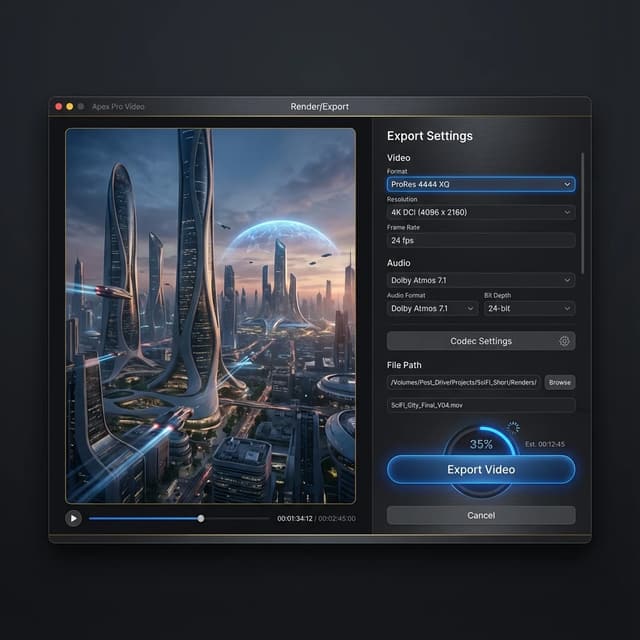
Veo 3 generates broadcast-ready videos in 720p and 1080p at 24 FPS, with upscaling available to 1080p and 4K for sharper, high-fidelity production. Supporting both 16:9 landscape and 9:16 portrait aspect ratios, Veo 3 delivers professional visual quality with durations of 4, 6, or 8 seconds, with scene extension capabilities for longer sequences.

Advanced Prompt Understanding and Realism

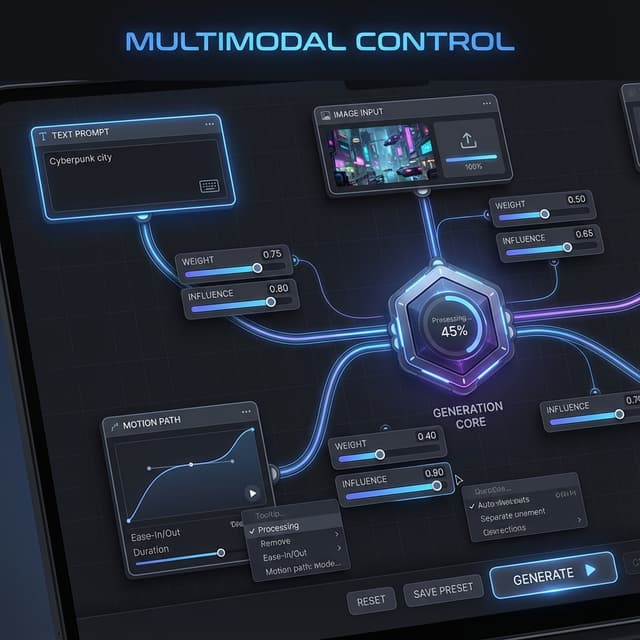
Veo 3 features stronger prompt adherence and more realistic visuals compared to previous models. The advanced understanding allows Veo 3 to interpret complex, multi-layered prompts with nuance and tone, translating natural language into accurate video representations with improved identity consistency and sophisticated physics simulation.

Video references from our archive

Reused video references from our archive, generated with Kling 2.6 and Veo 3.1 Fast. Labels identify the original source model, which may differ from your current selection.

Paper crane taking flight

Source model: Veo 3.1 Fast. An origami crane lifts off a wooden table in warm light.

Golden retriever on the beach

Source model: Veo 3.1 Fast. A golden retriever moves across a sunset beach.

Ceramic bird — text to video

Source model: Kling 2.6. A fixed-camera still life with a teal ceramic bird and a moving green leaf.

Ceramic bird — image to video

Source model: Kling 2.6. A square-format reference-image animation of the ceramic bird and leaf.

Benefits of the Veo 3 AI Video Generator

See why content creators and professional teams are choosing Veo 3 from Google DeepMind for their video production projects.

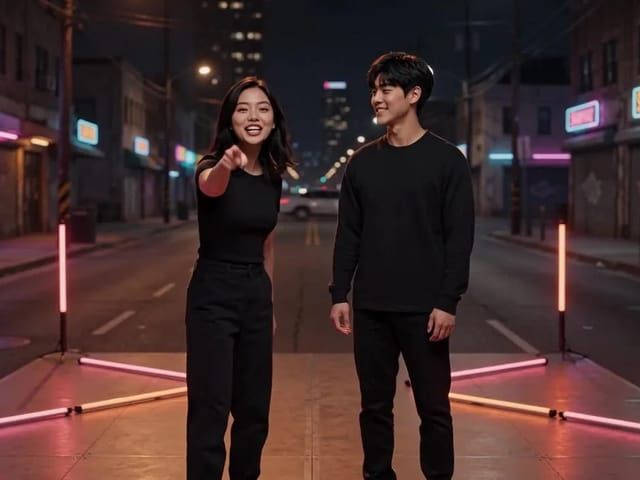
Veo 3 Audio Video

All-in-One Audiovisual Creation

With Veo 3, you get both high-fidelity video and native synchronized audio in one generation pass, saving hours of post-production time. The richer native audio from Veo 3 includes natural conversations, synchronized dialogue with lip movements, music, and sound effects that perfectly match the on-screen action. This integrated approach eliminates the need for separate audio production, making Veo 3 a complete solution for creating ready-to-publish content. Whether you need ambient soundscapes or character dialogue, Veo 3 generates coherent audiovisual experiences that enhance viewer immersion and streamline your creative workflow.

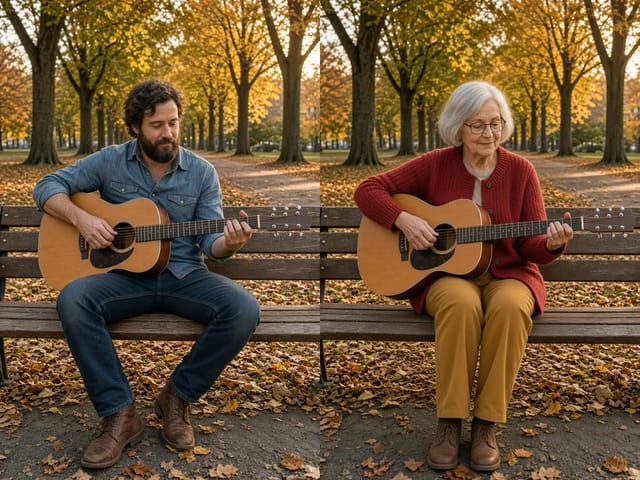
Veo 3 Infrastructure

Google Ecosystem Power and Reliability

Leverage the reliability and world-class infrastructure of Google with Veo 3. Integrated into Google's Vertex AI platform and available through the Gemini API, Veo 3 ensures fast render times and high availability for professional production environments. The enterprise-grade infrastructure behind Veo 3 provides scalable video generation suitable for high-volume commercial production, from personalized advertising campaigns to dynamic website content. With Google's commitment to continuous improvement, Veo 3 benefits from ongoing enhancements like the recent Veo 3.1 update bringing even richer dialogue, better identity consistency, and more realistic visuals.

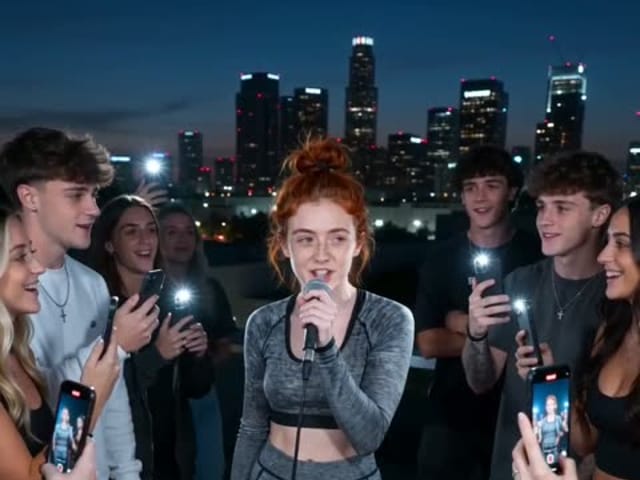
Veo 3 HD

High-Fidelity HD and 4K Output

Veo 3 natively supports 720p and 1080p generation at 24 FPS, with upscaling available to 1080p and 4K for sharper, high-fidelity video production. Supporting both 16:9 landscape and 9:16 portrait aspect ratios, Veo 3 delivers crisp, clear visuals suitable for any modern display or platform. The high-definition output from Veo 3 ensures professional quality for social media content, commercial advertising, and broadcast applications. With scene extension capabilities, Veo 3 can create longer videos lasting a minute or more, making it versatile for various content formats and storytelling needs.

Veo 3 AI Video Generator User Reviews

Hear what content creators and professionals are saying about Veo 3 from Google DeepMind and how it transforms their video production workflows.

User Jessica

User Mark

User Elena

User Tom

User Sarah

User David

Veo 3 AI Video Generator FAQ

Common questions about Veo 3 from Google DeepMind and how to use this state-of-the-art video generation model.

What is Veo 3 and what makes it state-of-the-art?

Veo 3 is Google DeepMind's state-of-the-art video generation model capable of creating high-fidelity videos with native synchronized audio from text prompts. What makes Veo 3 state-of-the-art is its combination of high-quality 1080p and 4K output, richer native audio generation including dialogue and sound effects, stronger prompt adherence, improved identity consistency, and more realistic visuals. Veo 3 represents a significant advancement in AI video generation technology with comprehensive audiovisual capabilities.

Does Veo 3 generate synchronized audio and what types of sound?

Yes, Veo 3 features native audio generation that creates synchronized audio matching the video content. Unlike many predecessors, Veo 3 generates richer native audio including natural conversations, synchronized dialogue with lip movements, music, ambient sound effects, and environmental noise. The audio in Veo 3 is generated simultaneously with the video, ensuring perfect synchronization and eliminating the need for post-production audio work.

What resolutions and video formats does Veo 3 support?

Veo 3 supports generation at 720p and 1080p resolution at 24 FPS, with upscaling available to 1080p and 4K for sharper, high-fidelity video production. Veo 3 supports both 16:9 landscape and 9:16 portrait aspect ratios, making it versatile for different platforms and content types. Video durations in Veo 3 include 4, 6, or 8 seconds, with scene extension capabilities allowing Veo 3 to create longer videos lasting a minute or more by connecting sequential clips.

Can I use Veo 3 for commercial projects and professional production?

Yes, videos generated with Veo 3 can be used for commercial purposes, subject to terms of service. Veo 3 is designed for professional use and integrated into Google's Vertex AI platform for enterprise deployment. The high-fidelity output, reliable infrastructure, and native audio make Veo 3 suitable for commercial advertising, personalized marketing, social media content, and professional video production. All videos created with Veo 3 are marked with SynthID for AI content detection and transparency.

How long are videos created by Veo 3 and can they be extended?

Veo 3 generates clips in durations of 4, 6, or 8 seconds per generation. However, Veo 3 features scene extension capabilities that allow creating longer videos lasting a minute or more. The scene extension in Veo 3 works by generating new clips that connect to previous videos based on the final second of the previous clip, enabling seamless longer sequences and extended storytelling with Veo 3.

Is Veo 3 available via API and how can developers access it?

Yes, Veo 3 is accessible via Google's Vertex AI platform and the Gemini API for developers and enterprise integrations. The API access to Veo 3 enables scalable video generation, custom workflows, and secure deployment within corporate environments. Developers can leverage Veo 3 through these enterprise-grade APIs for high-volume commercial production, automated content creation, and integration into existing production pipelines with the reliability of Google's infrastructure.

Start Creating with Veo 3 AI Video Generator Today

Unlock the potential of state-of-the-art audiovisual AI with Veo 3 from Google DeepMind. Experience high-fidelity video generation with native synchronized audio, stronger prompt adherence, and 4K upscaling capabilities. Sign up now and bring your creative stories to life with Veo 3's advanced video generation technology.

Related tools

Flux Video Edit

Flux Video Edit: Edit Footage with a Prompt

Flux Video Edit revises existing footage with a text prompt. Upload a short MP4, describe a visible change, and review an edited clip at up to 720p.

Open tool
HeyGen Video 1 creative concept illustration, not a model output example

HeyGen Video 1

HeyGen Video 1 turns text or a first-frame image into 5–15 second videos with audio. Create product demos and image animations at 480p or 768p on NanoPic.

Open tool
H3 Max Lip Sync

H3 Max Lip Sync

H3 Max Lip Sync animates an authorized portrait with your uploaded voice audio. Create a talking photo, choose resolution, and review the video with sound.

Open tool
Folded paper bird on a sunlit wooden table

FastH3 Omni Video Generator

Learn what FastH3 Omni is and create short videos with synced sound online. Write a prompt, add a reference image and get a clip with no GPU or setup.

Open tool
Portrait ready to animate into a short video

Create a Video with OmniHuman 2.0

Use OmniHuman 2.0 on NanoPic to turn a clear portrait into video: upload a photo, add a short motion direction, and generate an image-to-video clip.

Open tool
Skateboarder gliding across a sunny concrete plaza

Pika H3 Flex Video Generator

Use Pika H3 Flex online to turn a prompt or a photo into a short AI video. Write the action, add a first frame if you like, and generate in your browser.

Open tool
Blue teapot and cup in a Vidu Q4 video example

Vidu Q4 AI Video Generator

Vidu Q4 AI Video Generator: upload one image, describe the motion, camera and sound, and turn your still into a 3–15 second clip with audio.

Open tool