
























Save up to 73% on plans

Tiramisu Fridge Pet AI Video Generator
Sign In

Tiramisu Fridge Pet AI Video Generator

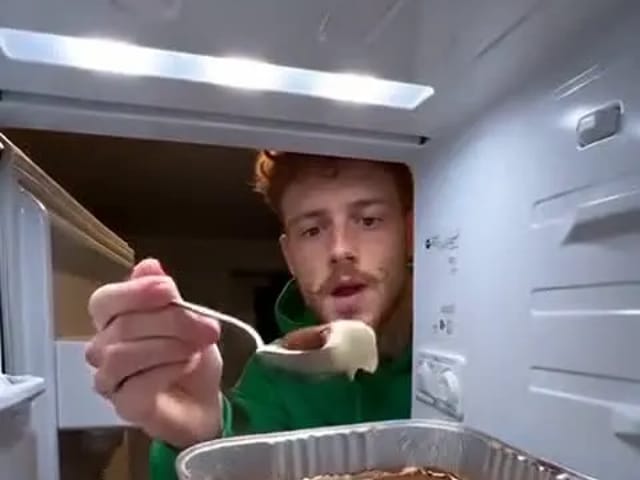
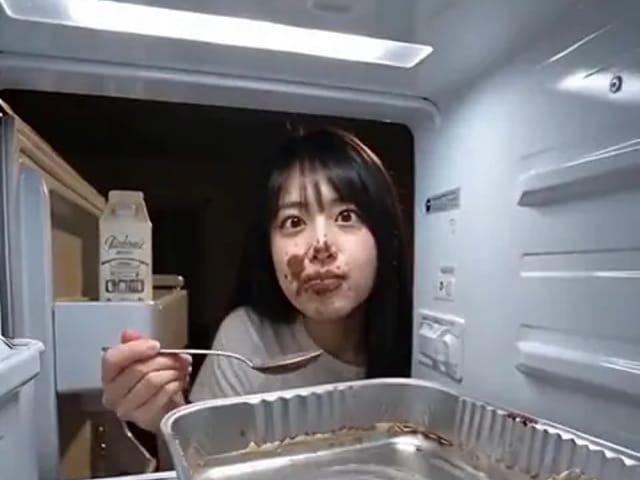
Upload one clear pet photo and tiramisu fridge pet ai places your cat or dog inside the fridge POV scene: a paw spoons dessert from the foil tray, the door closes, they return for another bite, then they look straight at the camera. You get a vertical 9:16, 768P MP4. Use JPG, PNG or WebP, up to 10 MB. Failed renders refund credits automatically. This is AI fiction only—never feed real tiramisu to pets.

Your pet photo*(0/1)
Try Your pet photo sample

Please add the required Your pet photo before generating.

0 / 300

Public VisibilityAllow this result to appear in public inspiration surfaces.

Your pet fridge POV clip

Video

Pet fridge raid

More AI Video Models & Effects

What is tiramisu fridge pet ai?

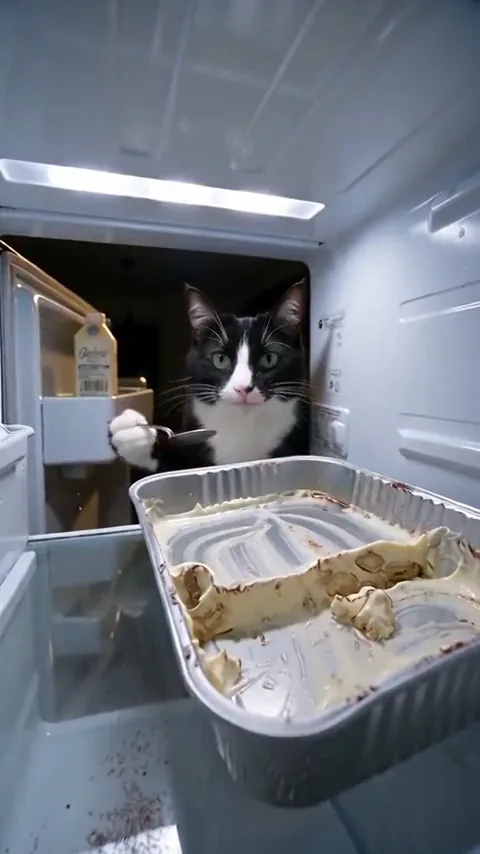
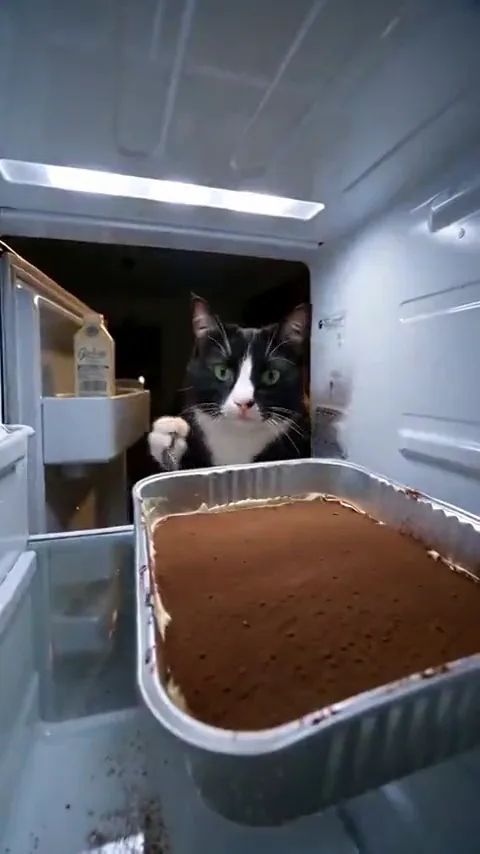
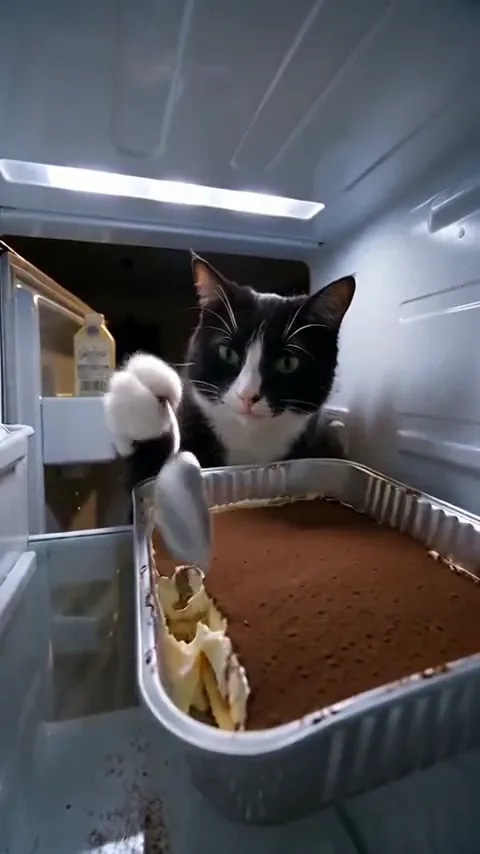
Tiramisu fridge pet ai is a photo-to-video fridge POV effect built for one clear joke: a pet keeps sneaking spoonfuls from a foil tray of tiramisu while a camera watches from inside the fridge. You upload a sharp front-facing photo of a cat, dog or similar companion animal, and the effect keeps that breed, fur color and face while the fridge, tray and door timing stay fixed. The recognizable beat runs as a continuous scene: the door opens, a spoon digs into the tray, the door closes into darkness, the door opens again for another bite, then the pet looks toward the lens as if caught. You do not need to hide a phone on a shelf, film a real animal eating dessert, or edit jump cuts by hand. Your photo sets which pet raids the tray; the effect supplies the fridge cam framing and the raid rhythm. The finished file is a vertical 9:16 MP4 you can review end to end before you download it for TikTok, Reels or Shorts. Friends often swap pet takes for a shared laugh—always with animals you own or have permission to feature, and never with photos of minors. Real coffee and cocoa in tiramisu are toxic to cats and dogs, so treat every tiramisu fridge pet ai result as AI fiction and never feed dessert to pets for a shoot. Compared with a CapCut face-slot cutout, the effect regenerates the raid with AI rather than only pasting a face into a fixed frame. Start with one clear pet photo and walk away with a fridge POV clip you can check before you share it.

How to make a tiramisu fridge pet ai video

Three steps from one pet photo to a fridge POV clip you can post.

1. Upload one clear pet photo

Open the generator and add one JPG, PNG or WebP of a cat, dog or similar pet facing the camera. Eyes open and even light help tiramisu fridge pet ai keep fur color and face steady. Crop busy backgrounds so only the intended pet remains. Skip heavy filters and never upload photos of minors—this effect is for pets only. One animal per upload keeps the fridge raid focused on a single lead.

Upload now
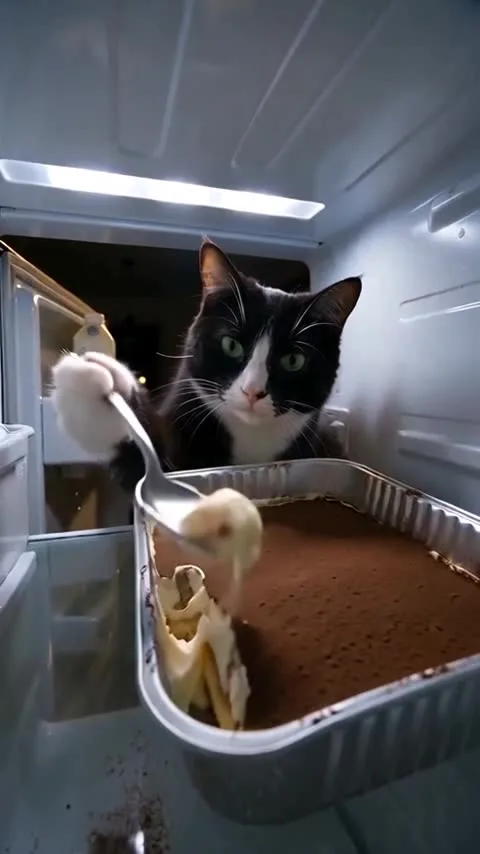
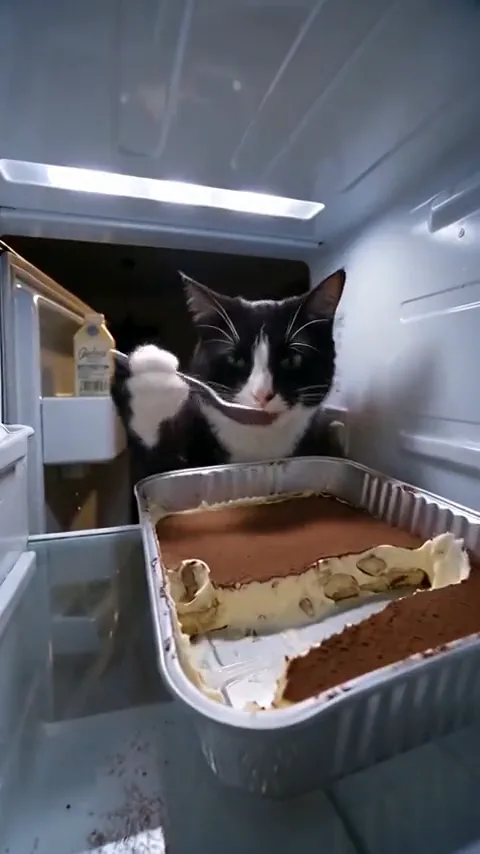
Step one: upload a clear pet photo for fridge POV

2. Create your fridge POV clip

Start when you are ready. The generator runs the inside-fridge raid: spoon, door close, return, then a look toward the camera. Wait for the result panel rather than refreshing mid-run. If a render fails, credits return to your account automatically. An optional short note can nudge expression without changing the fridge, tray or door beat the generator locks in.

Create my clip
Step two: create the pet fridge POV clip

3. Review, download and label AI

Play the full clip and check the face, fur markings, the spoon contact, and the moment the door reopens. If you are happy, download the MP4—there is no NanoPic watermark—and add a clear AI-generated label where a platform asks. Remind viewers it is fiction and that pets must never eat real tiramisu. If likeness looks soft, try a brighter pet photo and run tiramisu fridge pet ai again rather than editing frame by frame.

Review my clip
Step three: review and share the pet clip

What tiramisu fridge pet ai brings to your pet photo

Fridge POV framing, a clear raid beat, a pet lead, and a simple photo-to-video path.

A camera locked inside the fridge

The effect keeps the viewpoint on the shelf among jars and the foil tray, so the joke reads as fridge cam rather than a kitchen selfie. Your pet’s likeness steps into that fixed frame instead of asking you to film from a cold shelf. Preview the clip once to confirm the tray stays readable and the face stays the focus whenever the door opens. Soft lighting on the source photo usually blends more cleanly with the cool fridge light the scene keeps consistent.

Open the fridge POV
Fridge POV framing with a pet at the door

The raid beat you already recognize

Still photos gain motion through a fixed sequence. In every tiramisu fridge pet ai take, the door opens, a spoon digs into the tiramisu, the door closes, the door opens again for another spoonful, then the pet faces the camera. You do not upload a separate motion reference or mark keyframes. Because the beat stays consistent, friends can compare pet takes side by side. Spoon detail can vary slightly between renders, so always watch the full clip once.

Run the raid beat
Spoon and door beat in the pet fridge raid

A pet lead who owns the joke

The effect is built for one animal companion. Breed cues, fur color and facial markings carry into the fridge POV while the tray and door timing stay locked. Keep uploads to a single pet you own or have permission to feature so identity stays clean. Real coffee and cocoa are toxic to cats and dogs—never feed tiramisu for a shoot, and treat every animal fridge raid as AI fiction only. For a classic shareable take, tiramisu fridge pet ai works best with a clear, front-facing pet portrait.

Put my pet in the raid
Pet lead for the fridge raid

A simple photo-to-video workflow

The path stays short: upload one pet photo, create the clip, review it, then download the MP4. You do not need to build a timeline or hide a camera in a real fridge. Optional notes can nudge a guiltier look or a calmer stare, while the fridge, tray and door timing stay fixed. When the render finishes, play it through, confirm the return visit and the look to camera, then save the file and caption it honestly as AI.

Make my pet fridge clip
Clear pet portrait for the fridge POV effect

Photo tips for a better tiramisu fridge pet ai result

A sharp, well-lit pet face matters more than anything else you can change.

Use one clear front-facing pet photo

Pick one cat, dog or similar pet facing the camera with eyes open and even light on the face. Avoid distant group shots, heavy filters, harsh shadows and busy toys filling the frame. Crop until only the intended animal remains. Show enough of the chest when you can, so markings read against the fridge light. Never upload minors, and only use photos you have permission to edit. A brighter crop usually helps keep fur detail steadier on close spoon angles.

Upload a clear photo
Clear front-facing pet for fridge POV

Consent, safety and AI labels

Feature only pets you own or have permission to show. When you post, follow platform rules for AI labels so viewers know the fridge POV was generated. State clearly that the dessert scene is fiction—coffee and cocoa in tiramisu can harm cats and dogs, so never stage a real feed. If a face drifts, rerun with a brighter crop instead of forcing a soft source through more edits. Keep the joke kind: this fridge POV is entertainment, not a claim that your pet really raided a fridge on camera.

Check safety first
Safety tips for pet fridge POV clips

Tiramisu fridge pet ai FAQ

What is tiramisu fridge pet ai?

Tiramisu fridge pet ai is a photo-to-video fridge POV effect for pets. Upload one clear pet photo and get a vertical clip where a cat or dog spoons tiramisu from a foil tray inside a fridge, closes the door, returns, then looks at the camera.

Is this filmed with a real fridge camera?

No. The fridge cam look is generated. You provide the pet face; the effect supplies the shelf, tray and door beat.

How do I use tiramisu fridge pet ai?

Upload one clear pet photo, create the clip, then review and download the MP4. Label the result as AI where platforms ask, and remind people it is fiction.

Can I use a cat or a dog?

Yes. Cats, dogs and similar companion animals work when the face is sharp and front-facing. One pet per clip keeps identity cleaner.

Can I upload a human portrait here?

This effect is built for pets. Use a clear animal photo rather than a human portrait so the fridge raid stays on a pet lead.

Is it safe to feed real tiramisu to pets?

No. Coffee and cocoa in tiramisu are toxic to cats and dogs. Every tiramisu fridge pet ai clip is AI fiction—never feed dessert to pets for a shoot or a joke.

Is tiramisu fridge pet ai official?

No. It is an independent creative effect and is not affiliated with TikTok, Instagram or the trend’s original creators.

Should I label the finished clip as AI?

Yes. Add a clear AI-generated label when a platform asks, so viewers know the fridge POV was generated.

Why does my pet sometimes look slightly different?

Close spoon angles and door cuts can soften markings. A brighter, sharper photo with an unobstructed face usually helps on the next run.

How many credits does it cost, and what if it fails?

Credits for each render show in the generator before you start. If a render fails, credits return to your account automatically.

How do I download my clip?

When the render finishes, play it in the result panel and use the download button to save the MP4. The file has no NanoPic watermark.

Ready to make your tiramisu fridge pet ai clip?

Upload one clear pet photo, run the fridge POV raid, and download a vertical clip you can review before sharing—AI fiction only, never feed real tiramisu to pets.

Related tools

25th Anniversary Video Maker

25th Anniversary Video Maker

Make a short silver 25th anniversary video concept from one or two authorized couple photos. Add names, year, mood, motion, and editor-ready greeting space.

Open tool
Storyboard cover of two fictional adults sharing a hug

AI Hug Video Generator

AI Hug Video Generator turns an authorized photo of consenting adults into a five-second friendly hug. Review faces, hands, clothing and scene throughout.

Open tool
Animate Picture

Animate Picture

Animate a picture into a short AI video. Upload one authorized photo, describe subject and camera motion, review the live credit cost, and generate with Seedance.

Open tool
Birthday Video Maker

Birthday Video Maker

Create a short birthday video concept from one or two authorized photos. Direct the theme, transition, motion, format, and clean space for exact editor-added greetings.

Open tool
Draw to Video: Animate Images with Motion Arrows

Draw to Video: Animate Images with Motion Arrows

Draw to Video lets you add arrows, text and brush strokes to an image, then generate an AI video from your motion guide. Edit, save, create and download.

Open tool
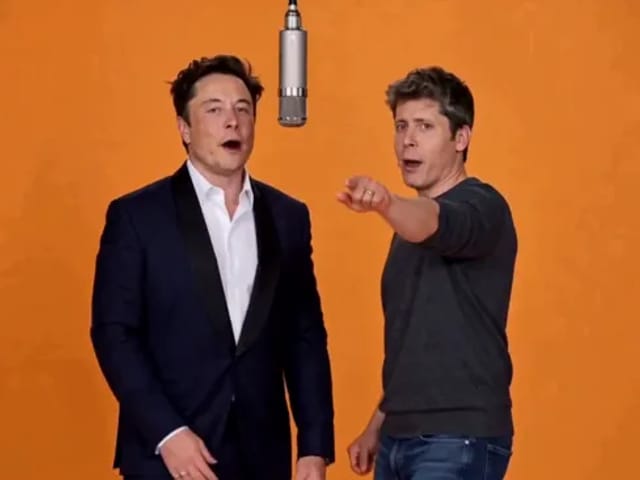
Elon Musk + Sam Altman

Hotel Lobby AI

Turn two photos into a 15-second orange-studio rap duo with MiniMax H3. Explore five actual videos, inspect their inputs and choose your left and right performers.

Open tool
STORM II dance with a lead and coordinated supporting dancers

STORM II Dance AI Video Generator | NanoPic

Create a STORM II dance with your lead photo and an AI-generated motion reference. Add a supporting cast, compare three videos and review your result.

Open tool
AI Cheek Pinch Video Generator

AI Cheek Pinch Video Generator – Pinch Cheeks From One Photo | NanoPic

Turn one photo of an adult (with consent) or your pet into an ai cheek pinch video: hands gently squeeze the cheeks and let go. Download and share.

Open tool
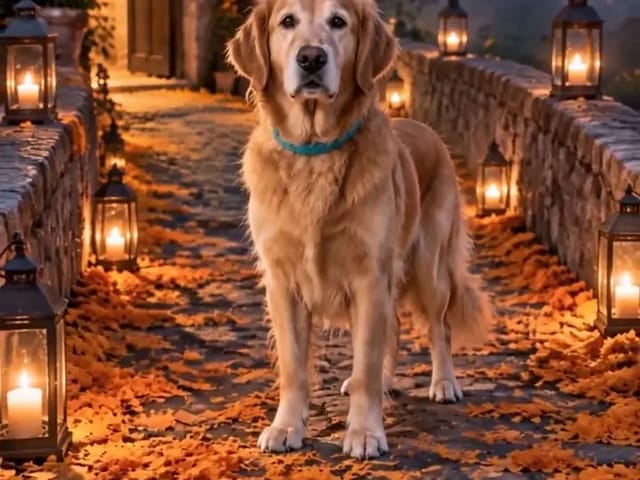
Golden retriever on a marigold memorial path

AI Day of the Dead Pet Video Generator from One Photo | NanoPic

Make an ai day of the dead pet video from one dog or cat photo: warm marigold bridge, vertical 9:16, memorial not horror for keepsakes.

Open tool
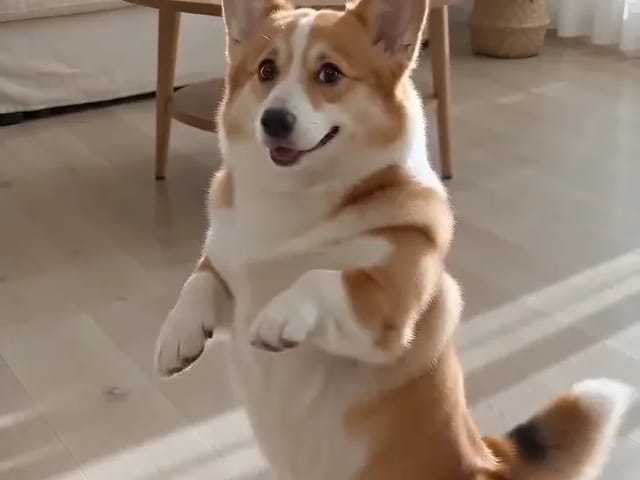
Corgi standing on its hind legs in a living room for an ai dog dance video

AI Dog Dance Generator: Make Your Dog or Cat Dance | NanoPic

Upload one clear dog or cat photo and get a vertical ai dog dance clip: your pet stands up and dances a living-room routine.

Open tool
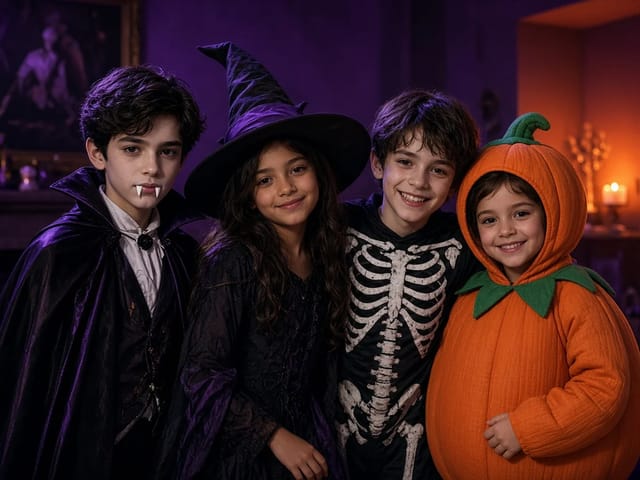
Four children dressed as a vampire, a witch, a skeleton and a pumpkin posing together in a candlelit room

AI Halloween Costume Transformation Video | NanoPic

AI Halloween costume transformation from one photo: pick a vampire, witch, skeleton or pumpkin look and watch your outfit change in smoke in a short video.

Open tool
AI Rap Battle Generator

AI Rap Battle Generator: Two Photos, One Battle Video | NanoPic

Upload two photos and create an AI rap battle video. Each side takes a turn in a short widescreen clip you can review before posting.

Open tool
AI Stop Motion Video Maker

AI Stop Motion Video Maker | NanoPic

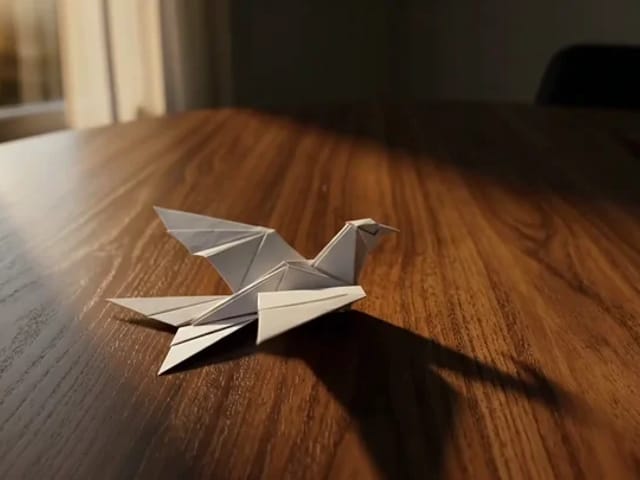
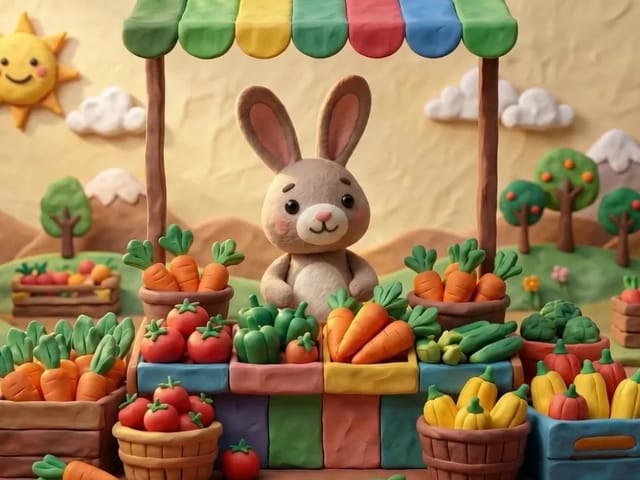
Use an ai stop motion video maker to turn one still into clay, paper-craft, or blocky tabletop motion you can preview before download.

Open tool

AI Zombie Trend Video Generator from Two Photos | NanoPic

Make the AI zombie trend video from two photos: one person turns, the other lowers the weapon for a hug, then a warm memory. Vertical 9:16, no gore.

Open tool
Cover still for anijam ai video maker

Anijam AI Video Maker Online | NanoPic

Use anijam ai video maker on NanoPic: upload one authorized photo, describe motion in plain words, review credits, and check every frame before sharing.

Open tool
Birthday Rap Video

Birthday Rap Video Maker from a Photo | NanoPic

Make a birthday rap video from one clear photo: a fixed studio rap reference drives lip motion in a vertical clip. Add a name and review.

Open tool
Silver watch in an open black gift box with red ribbon and gold confetti, Black Friday product clip

Black Friday Video Maker: Product Photo to Sale Clip | NanoPic

Black Friday video maker: upload one product photo and get a promo clip with seasonal lighting and a slow camera move, ready for your sale text.

Open tool
Silhouette of a witch riding a broomstick across a full moon over a misty forest

Broom Riding AI - My Ride Is Here Broom Video | NanoPic

Broom Riding AI puts you on a flying broom beside a moving car in the My Ride Is Here trend. Upload one photo, get a 10-second clip and add your own sound.

Open tool
Bulin 47 AI

Bulin 47 AI Video Generator: Your Photo in a Street Freestyle

Turn one photo into a Bulin 47 AI freestyle clip: shoulder rolls, a cheering friend and a laughing crowd under red lights, in vertical 9:16.

Open tool
Burning Bridges AI Video Generator

Burning Bridges AI: One Photo Party Video | NanoPic

Make a Burning Bridges AI video from one photo: toast, hand to heart, point at the camera, then turn in a vertical chandelier party clip.

Open tool

Check One Check Two AI Video Generator | NanoPic

Make a check one check two AI video from one photo: you lean into the lens and shout the mic check over a night crowd. Vertical MP4, ready to post.

Open tool

Crreo AI Video Generator | NanoPic

Crreo AI video generator: describe one scene, pick a frame shape and turn your story idea into a short AI video clip you can watch and download.

Open tool