













Save up to 73% on plans

pollo ai kissing — Soft Kiss from Couple or Two Singles
Sign In

pollo ai kissing — Soft Kiss from Couple or Two Singles

Use pollo ai kissing on NanoPic with one authorized JPG or PNG couple photo, or two single adult photos, to make a restrained five-second kiss clip. Motion starts from clear adult faces: lips gently touch, partners lean together, and quiet eye flutter keeps identities stable. Add optional motion notes in the prompt box, choose whether to include sound, review the credits shown, and inspect the full clip before sharing. Only adults who agreed may appear; when you upload two singles, both people must consent; never upload minors or non-consensual photos.

Upload reference image*(0/2)
Try Sample Images

102 / 500

Sound
Public VisibilityAllow this result to appear in public inspiration surfaces.

Your Kissing Video

Video

A Tender Kiss Clip Between Two Adults

More AI Video Models & Effects

Sample Input and pollo ai kissing Result

Adult Photos Become a Tender Kiss Clip

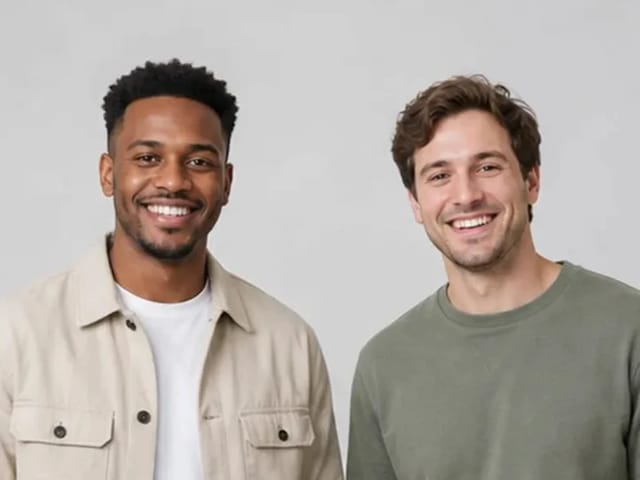
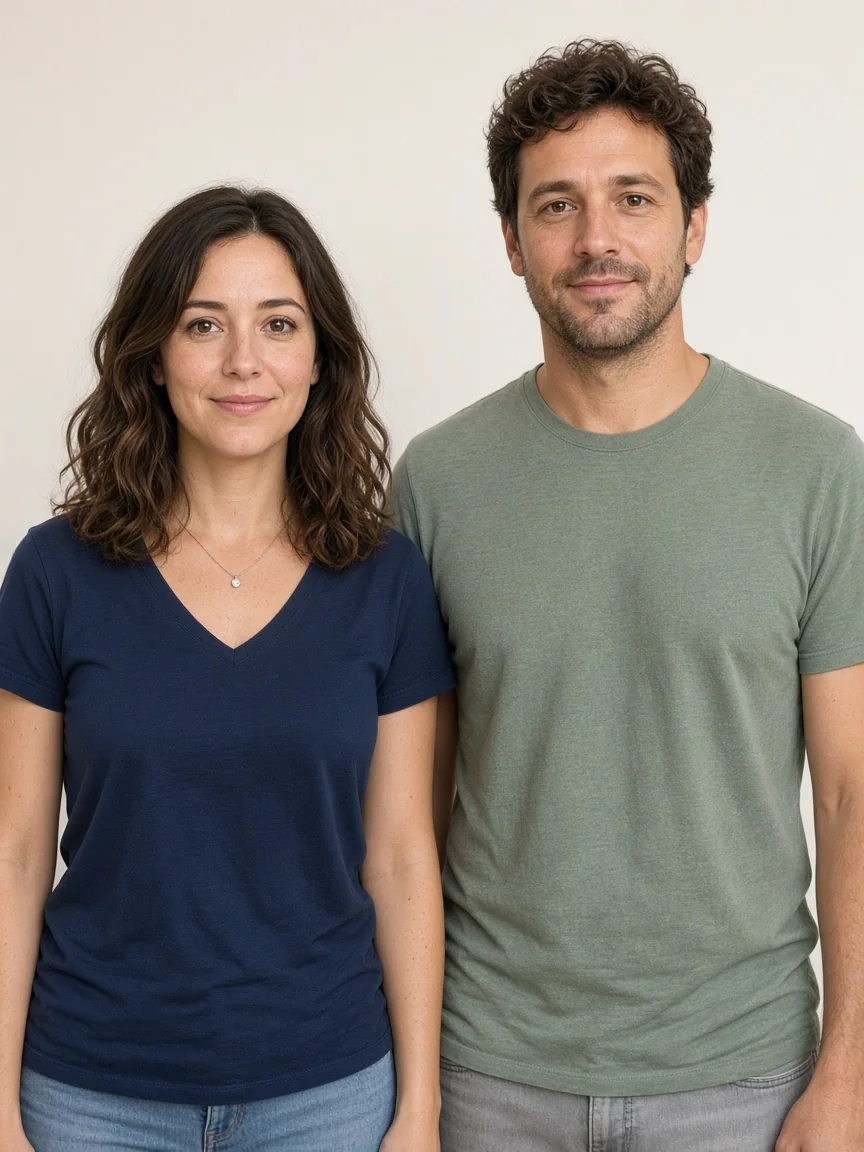
Kling 2.6 animates original photos of two fictional consenting adults into a five-second silent clip for pollo ai kissing. Compare the still input with the motion: lips meet lightly, both partners lean in together, and soft eye flutter keeps the mood tender. Watch faces, hands, clothing, and the background through every frame so identity stays consistent. This sample is an AI-generated animation, not footage of a real event, and it must be labeled as generated when you share it. If anatomy drifts or the kiss looks forced, discard the clip and try again with a clearer couple photo or two sharper single adult photos.
Create pollo ai kissing from Couple Photo or Two Singles

pollo ai kissing on NanoPic turns one authorized couple photo—or two single adult photos—into a short, restrained kiss while preserving faces, apparent age, hairstyles, clothing, body shape, light, and camera. You get a soft lip touch, synchronized leaning, and a natural blush rather than dramatic camera moves. Start from a waist-up couple still, or upload two clear single portraits of consenting adults, keep optional prompt notes small, and review the complete clip frame by frame. Never upload minors, never animate someone without consent, and never present the result as proof that a kiss happened in real life. When the output looks unstable, improve the couple photo or both singles instead of forcing a harder prompt.

pollo ai kissing Look Ideas

Each showcase uses fictional consenting adults and explains photo choice, motion notes, and what to check after you finish the clip.

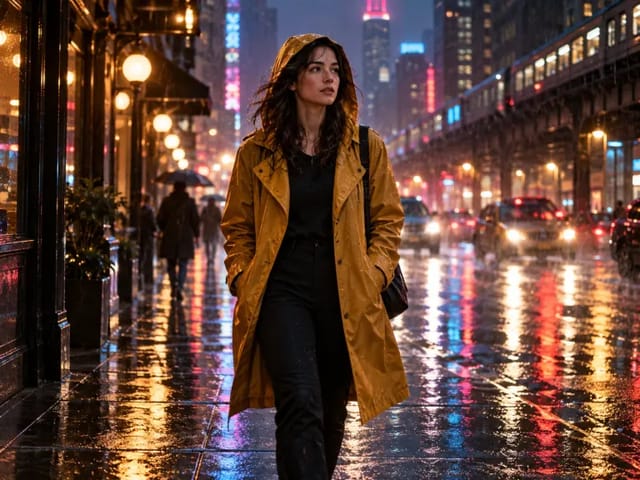
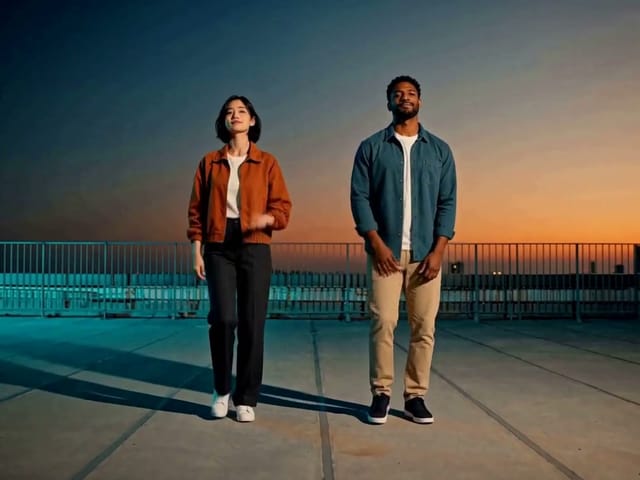
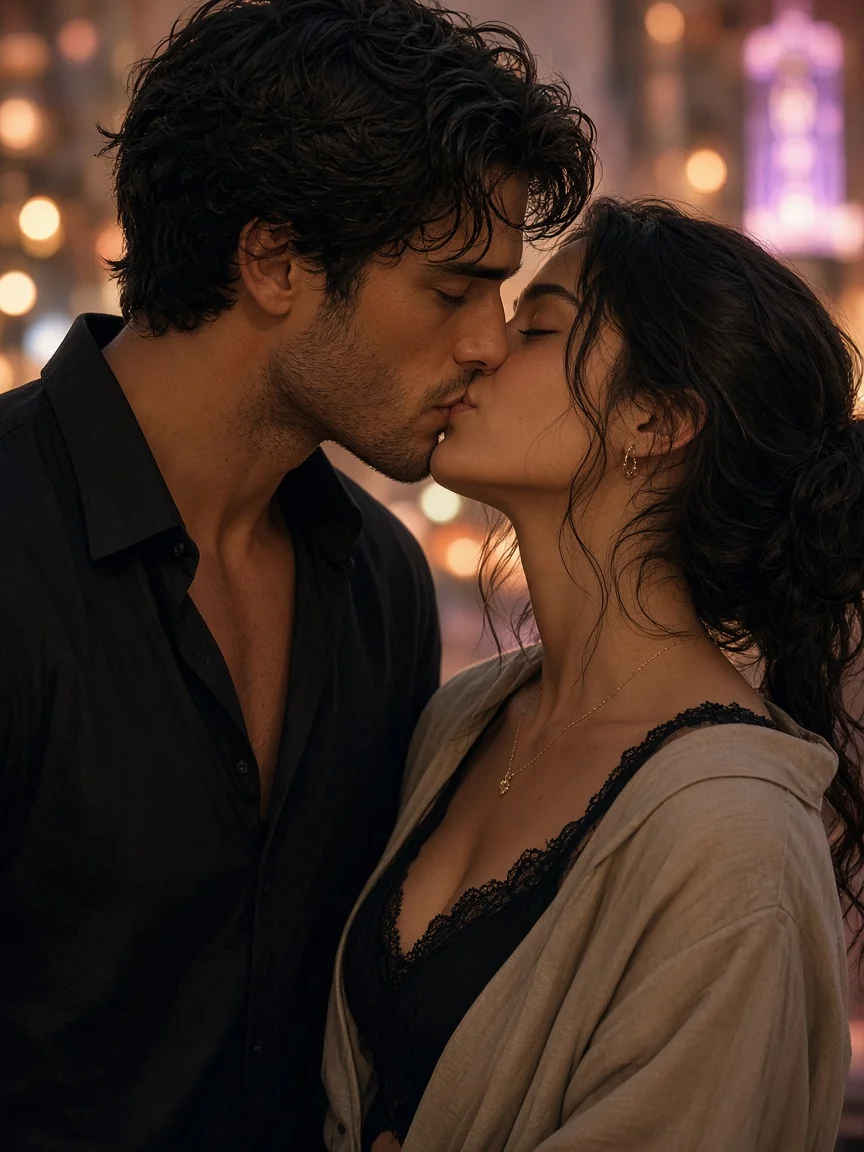
Fictional adults in a city evening almost-kiss

City Evening Soft Kiss

Choose a waist-up couple photo—or two clear single adult portraits—with warm evening light and unobstructed faces so the model can read lip distance clearly. In the prompt box, ask for a gentle lean, subtle lip movement, and a quiet camera instead of sweeping pans. When the clip finishes, watch cheek contact, eye flutter, and clothing edges for drift or merging. If the kiss feels rushed, shorten the motion note and regenerate with the same couple photo or the same two singles. This city look keeps pollo ai kissing warm without changing the original outfit or skyline.

Create Kissing Clip

How to Run pollo ai kissing on NanoPic

Confirm adult consent, upload one couple photo or two single adult photos, keep motion notes small, then review the full pollo ai kissing result before sharing.

Confirm Consent and Upload Photos

Use photos of consenting adults that you own or are allowed to process. Upload one sharp waist-up couple photo where both faces are visible, or two single adult photos with similar scale and clear mouths. Avoid heavy filters, tiny distant faces, or cropped mouths that hide the lip line the model needs. Confirm every person is an adult who agreed; if you use two singles, both people must consent; refuse any image that might include a minor. Upload one or two JPG or PNG files, then open the prompt box if you want a short motion note before starting.

Open Generator
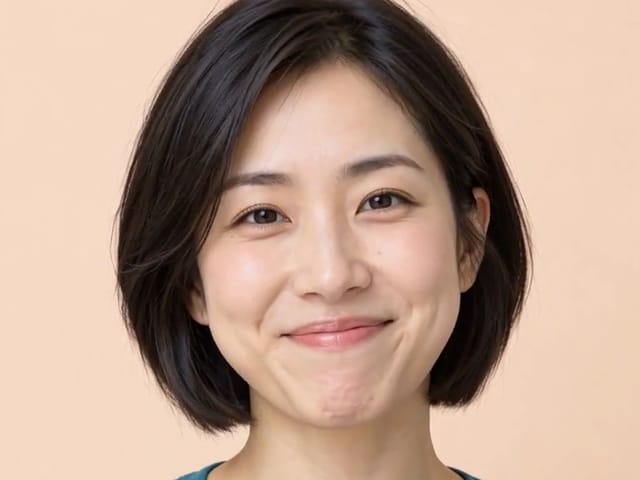
Clear adult couple photo ready for upload

Keep Motion Notes Tender and Small

The default prompt already asks for a tender kiss with subtle lip movement, synchronized leaning, and soft eye flutter. In the visible prompt field, add only a short note such as slower lean, quieter camera, or gentle blush. Do not rewrite identity, age, clothing, or location; large rewrites make faces drift. Leave sound off unless you plan to review audio credits carefully after generation. Small notes keep pollo ai kissing motion readable inside a five-second window.

Add Motion Notes
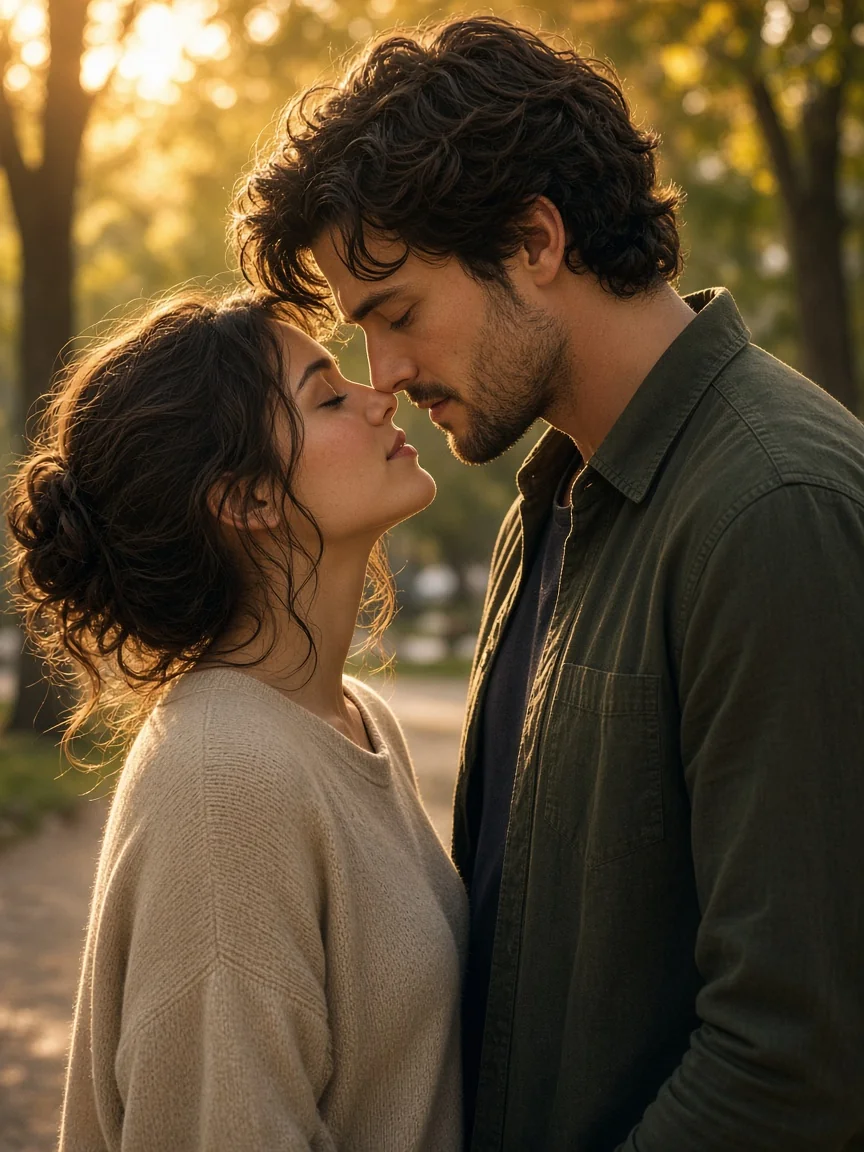
Park golden-hour couple pose for tender motion

Review Every Frame Before You Share

Play the clip completely and pause on lips, eyes, hands, and clothing seams. Reject distorted fingers, merged cheeks, sudden wardrobe changes, or any look that feels coercive. Confirm both adults still match the source photo in age appearance and hairstyle. If the kiss overshoots, regenerate with a calmer note instead of stacking conflicting instructions. Only share when the pollo ai kissing result is stable, clearly labeled as generated, and limited to consenting adults.

Generate and Review
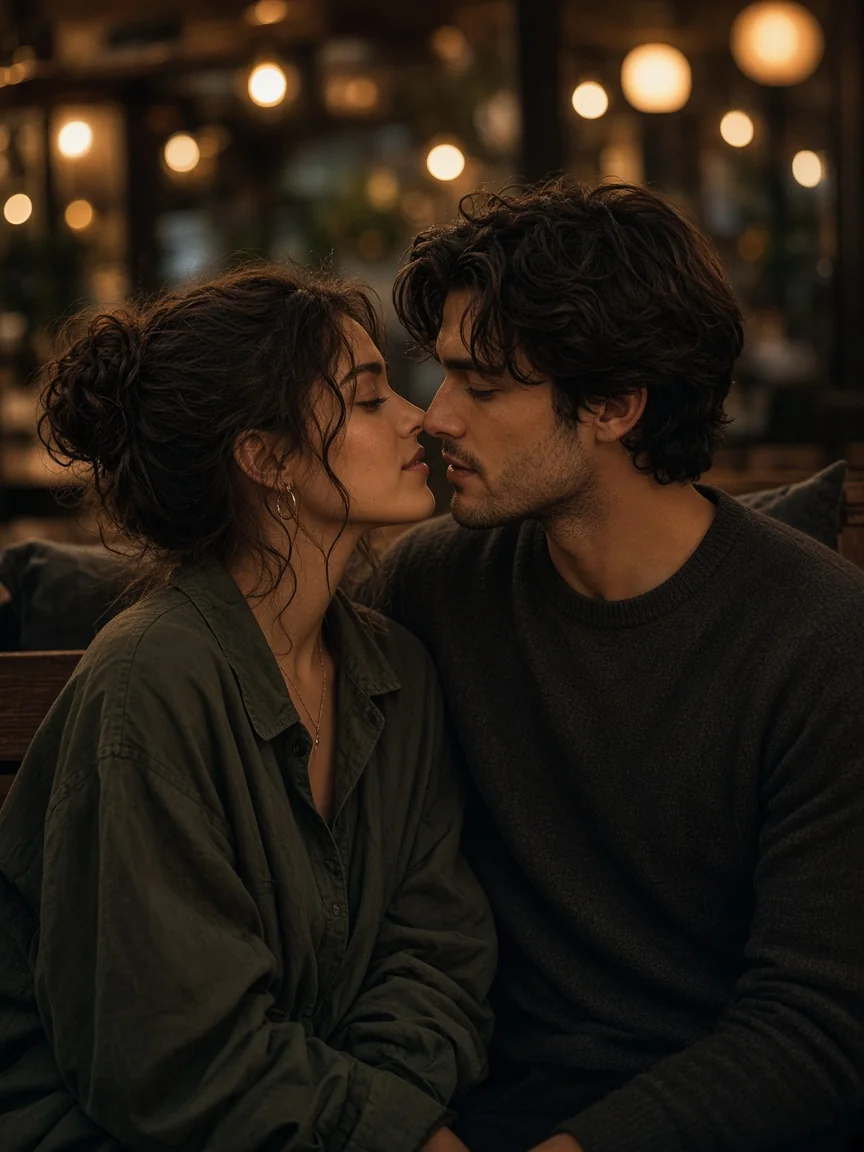
Cafe bokeh couple close-up used to review frames

Where Soft Kissing Clips Fit

Short kissing clips suit private anniversary messages, story drafts, or mood boards when both adults consent. Keep the setting ordinary—a doorway, park path, or quiet cafe—so the kiss stays the focus. Do not use the clip as documentary evidence, dating proof, or a surprise involving someone who did not agree. If a platform asks how the media was made, disclose that it is AI-generated from still photos. Responsible sharing protects trust while still letting you explore warmth with pollo ai kissing from authorized adult photos.

Start Creating
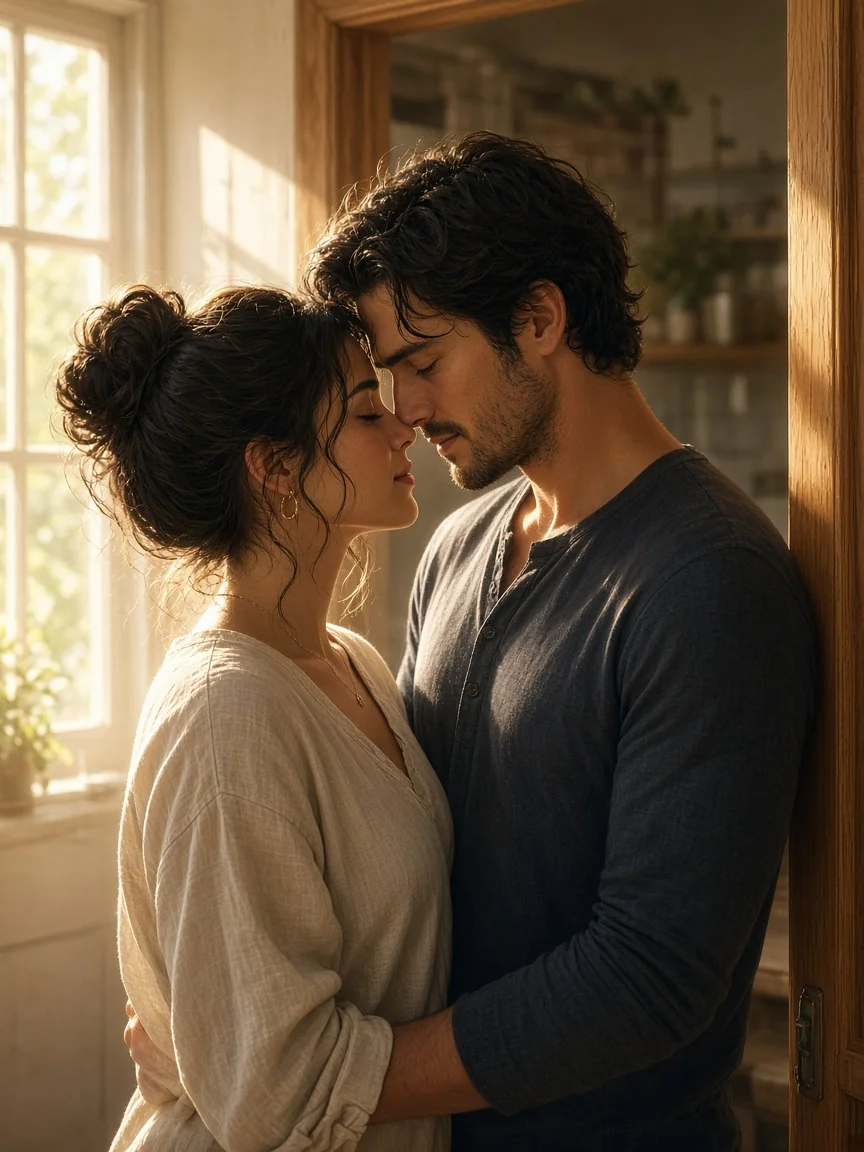
Home doorway couple still suitable for a soft kiss

Photo Limits for a Stable Kiss Clip

Better source photos make identity and lip contact more reliable.

Adults and Consent Only

Every person in the photo must be a consenting adult. If you upload two singles, both adults must agree. Minors are prohibited. You must have rights to process the images.

Faces and Lip Line Visible

Keep both faces sharp, similar in scale, and free of heavy occlusion so the model can place a gentle kiss without inventing anatomy.

One Couple Photo or Two Singles

Upload one couple or group still of two consenting adults, or two separate single adult photos. Do not upload more than two images for this workflow.

Disclose Generated Media

Label the clip as AI-generated. Do not claim pollo ai kissing output is a real recorded kiss.

pollo ai kissing FAQ

Consent, photo choice, minors, prompt notes, credits, and sharing on NanoPic.

What photo works best?

Use one sharp waist-up couple photo of consenting adults, or two single adult photos with visible faces and mouths, similar scale, and simple backgrounds for stable pollo ai kissing.

Can I animate a photo that includes a child?

No. This workflow is limited to consenting adults and explicitly rejects minors.

Is prompt input required?

No. The default already requests a tender kiss. Optional notes can refine pace or camera restraint without changing identity.

Will faces stay exact?

The prompt protects identity, but video generation can still drift. Review every frame and reject inaccurate output.

Can I present the result as a real memory?

No. A pollo ai kissing clip is an AI interpretation. Do not use it as documentary evidence or imply a kiss occurred when it did not.

Is this an official Pollo product?

No. NanoPic is not affiliated with Pollo; pollo ai kissing here refers to the search phrase and the kissing effect you can run on NanoPic, not an official partner product.

Are credits required?

Video generation uses credits. Sign in to check your balance and review the amount shown before you create a clip.

What about privacy and consent?

Only upload photos you have rights to use, featuring adults who agreed to this animation. If you use two singles, both adults must consent. Do not upload non-consensual third-party images.

Create Responsible pollo ai kissing on NanoPic

Confirm adult consent, keep motion tender, review every frame, disclose that the result is AI-generated, then create your pollo ai kissing clip.

Related tools

25th Anniversary Video Maker

25th Anniversary Video Maker

Make a short silver 25th anniversary video concept from one or two authorized couple photos. Add names, year, mood, motion, and editor-ready greeting space.

Open tool
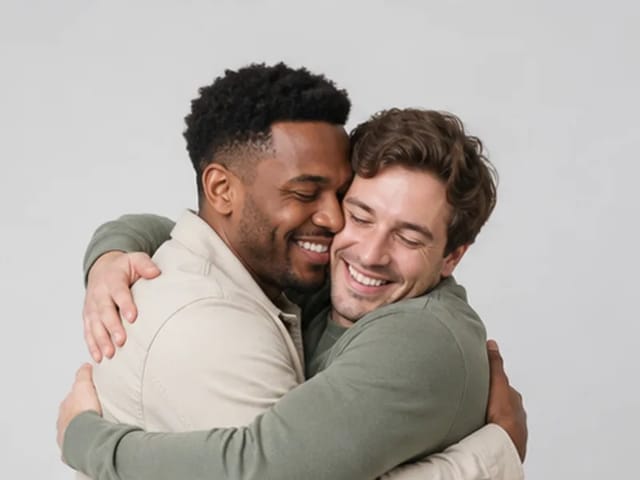
Storyboard cover of two fictional adults sharing a hug

AI Hug Video Generator

AI Hug Video Generator turns an authorized photo of consenting adults into a five-second friendly hug. Review faces, hands, clothing and scene throughout.

Open tool
Animate Picture

Animate Picture

Animate a picture into a short AI video. Upload one authorized photo, describe subject and camera motion, review the live credit cost, and generate with Seedance.

Open tool
Birthday Video Maker

Birthday Video Maker

Create a short birthday video concept from one or two authorized photos. Direct the theme, transition, motion, format, and clean space for exact editor-added greetings.

Open tool
Draw to Video: Animate Images with Motion Arrows

Draw to Video: Animate Images with Motion Arrows

Draw to Video lets you add arrows, text and brush strokes to an image, then generate an AI video from your motion guide. Edit, save, create and download.

Open tool
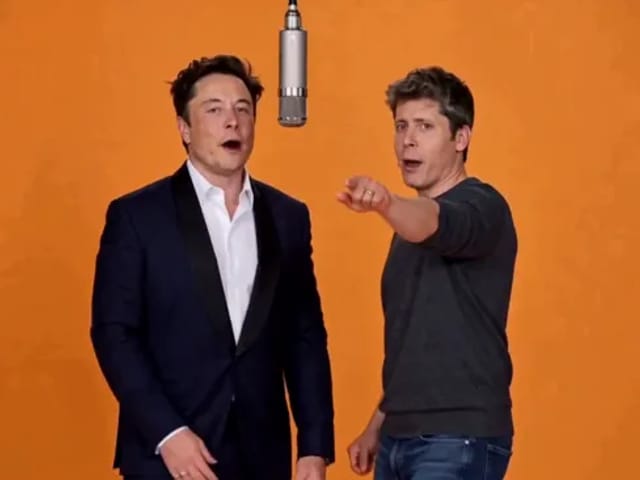
Elon Musk + Sam Altman

Hotel Lobby AI

Turn two photos into a 15-second orange-studio rap duo with MiniMax H3. Explore five actual videos, inspect their inputs and choose your left and right performers.

Open tool
STORM II dance with a lead and coordinated supporting dancers

STORM II Dance AI Video Generator | NanoPic

Create a STORM II dance with your lead photo and an AI-generated motion reference. Add a supporting cast, compare three videos and review your result.

Open tool
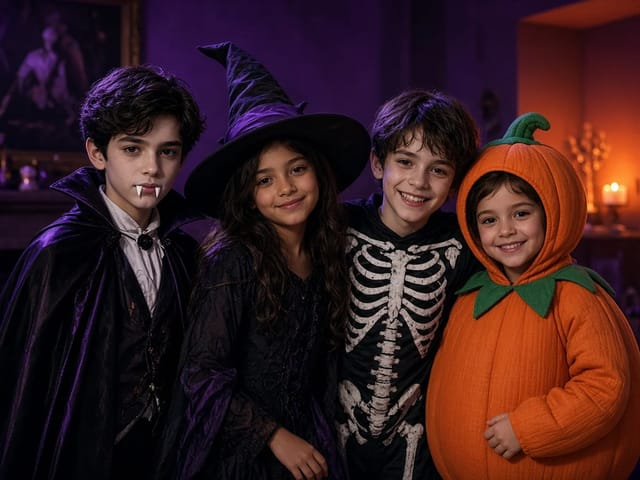
Four children dressed as a vampire, a witch, a skeleton and a pumpkin posing together in a candlelit room

AI Halloween Costume Transformation Video | NanoPic

AI Halloween costume transformation from one photo: pick a vampire, witch, skeleton or pumpkin look and watch your outfit change in smoke in a short video.

Open tool
Cover still for anijam ai video maker

Anijam AI Video Maker Online | NanoPic

Use anijam ai video maker on NanoPic: upload one authorized photo, describe motion in plain words, review credits, and check every frame before sharing.

Open tool
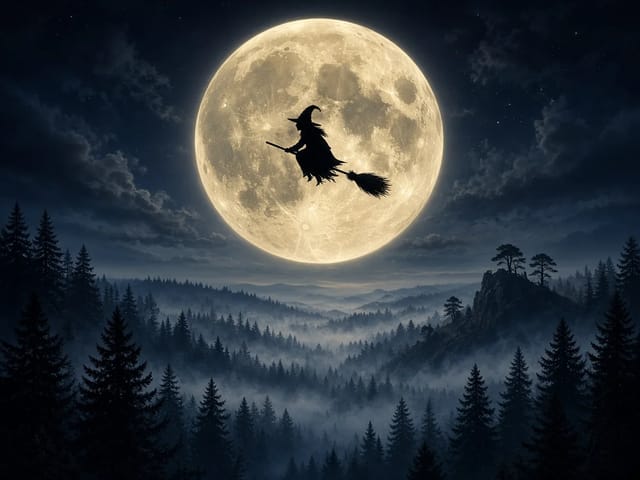
Silhouette of a witch riding a broomstick across a full moon over a misty forest

Broom Riding AI - My Ride Is Here Broom Video | NanoPic

Broom Riding AI puts you on a flying broom beside a moving car in the My Ride Is Here trend. Upload one photo, get a 10-second clip and add your own sound.

Open tool

EveryGen AI Video Generator | NanoPic

EveryGen AI video generator: describe a scene in plain words, choose a frame shape and turn your idea into a short AI video you can watch and download.

Open tool
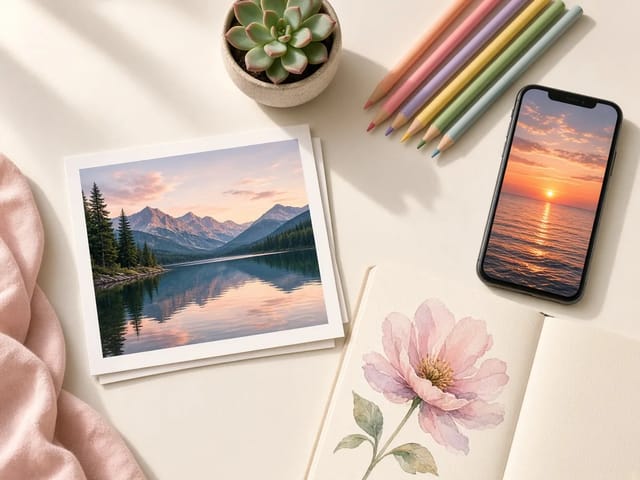
Creative desk with a printed lake photo, a phone showing a sunset and a watercolour flower sketch

EzCreate AI Image & Video Generator: Edit and Animate Photos

Use the EzCreate AI Image & Video Generator online to turn your own photos and ideas into new pictures and short video clips.

Open tool

Hedra Character 3 AI Video Generator: Lip Sync | NanoPic

Hedra Character 3 AI video generator: upload a portrait, mascot or cartoon, type a line, and get a lip-synced talking or singing character video.

Open tool
Open notebook on a desk at night with glowing film frames of a castle, a forest and a starry sky rising from the page

LoreMotion AI Video Generator: Text to Video | NanoPic

Write a short scene or upload a photo and the LoreMotion AI video generator turns it into a short AI video clip you can download and share.

Open tool
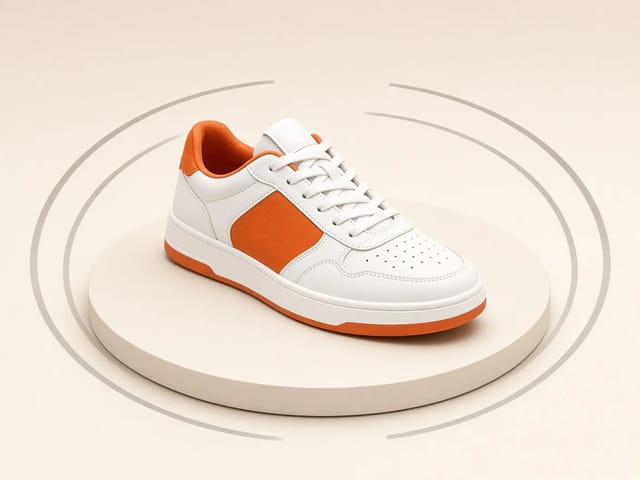
White and orange sneaker on a round turntable with a circular motion arc

MiniMax H3 360 Orbit AI Video Generator | NanoPic

Turn one photo into a MiniMax H3 360 orbit video: upload a product, shoe, figure or portrait and watch your subject turn a full circle in place.

Open tool

Opus Clip Free AI Video Generator: Vertical Clips | NanoPic

Opus Clip free AI video generator: describe a scene in a few sentences and turn it into a short vertical 9:16 video clip.

Open tool
Pavo AI Video Generator: Turn Text into AI Video

Pavo AI Video Generator: Text to Video | NanoPic

Pavo AI video generator: write one scene, pick the length and frame shape, and turn your text into a short AI video with natural motion and steady framing.

Open tool
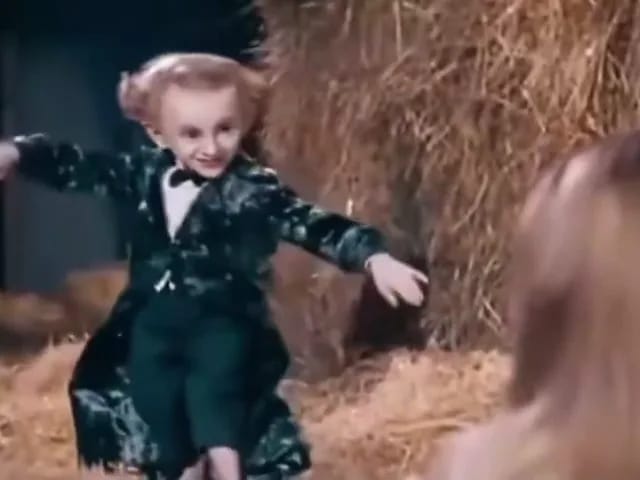
Performer in a dark tailcoat tiptoeing through a hay-filled barn with arms spread as a blonde woman watches from the foreground

Tip Toe In My Jordans AI Video Generator | NanoPic

Make a tip toe in my jordans AI video: upload two photos and see you and a friend sneak through the barn tiptoe dance as the lead and the stunned watcher.

Open tool