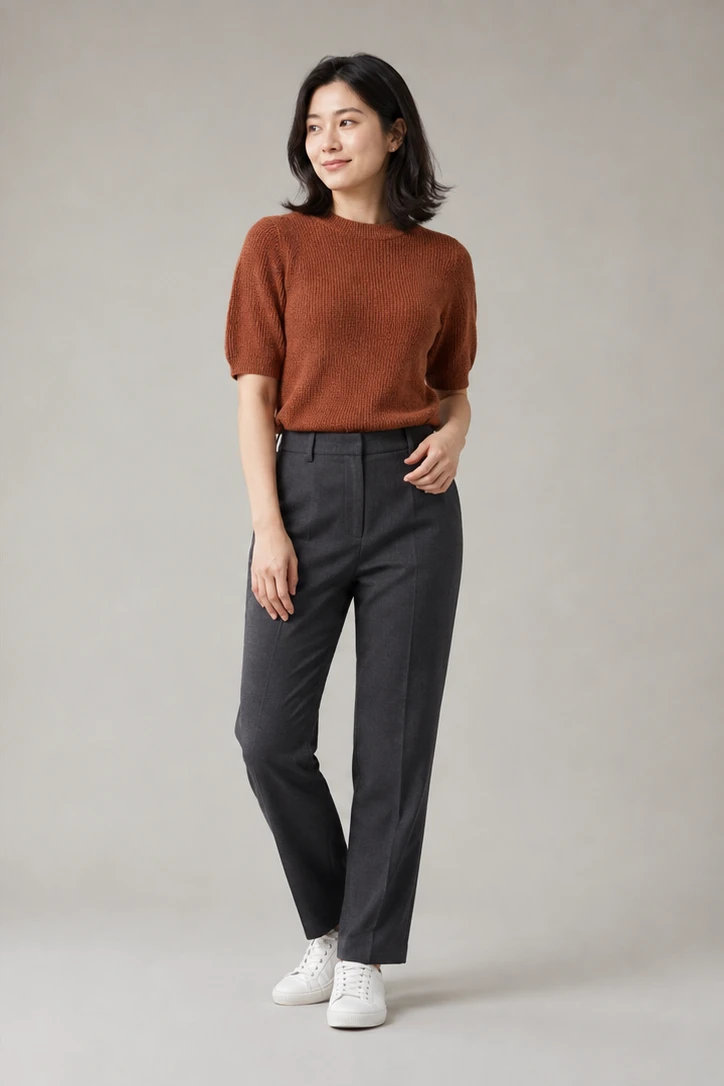




















































































































Pose Reference AI
Sign In

Pose Reference AI

Upload the adult identity photo first and the pose reference second, refine the editable instruction, then transfer the pose.

1. Upload Identity Photo*
Try 1. Upload Identity Photo sample
2. Upload Pose Reference*
Try 2. Upload Pose Reference sample

Please add the required 1. Upload Identity Photo, 2. Upload Pose Reference before generating.

362 / 700

Copy Protection
Credits required:-
Public VisibilityAllow this result to appear in public inspiration surfaces.

Transfer a Pose Without Replacing the Person

Image

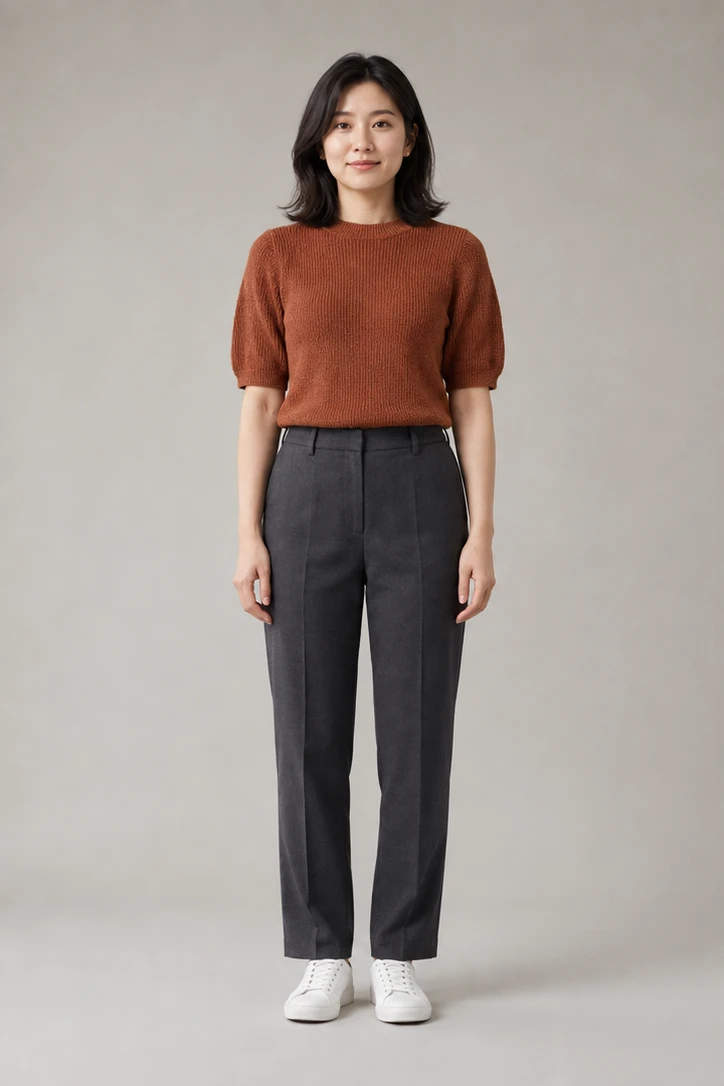
Fictional adult identity source standing in a neutral pose
Identity
Same fictional adult with transferred head turn, hand position, bent knee, and contrapposto weight shift
Pose Result
Fictional adult identity source and pose-transfer result showing a new head angle, arm position, leg bend, and weight shift

Use a Separate Pose Image Without Replacing the Person

Pose Reference AI is a two-image editing workflow. The first upload is the person you want to keep: it supplies identity, face, visible age, skin tone, hair, clothing, proportions, background, and photographic character. The second upload is an action map: it supplies head direction, shoulder line, torso angle, arms, hands, hips, legs, feet, and center of gravity. NanoPic sends both references in that fixed order with an instruction that separates their jobs. The result remains generative rather than motion-capture data, so inspect identity and anatomy before using it.

Four Pose Reference AI Examples to Inspect

These original fictional-adult examples isolate different parts of a pose. Each 4:3 card joins matching 2:3 identity and result frames without stretching or letterboxing. Use them as a review guide; an individual generation can still drift.

Head, Shoulders, Hand, and Contrapposto

The neutral source becomes a three-quarter stance. The output turns the head, advances one shoulder, brings one hand to the waist, softens one knee, and settles weight over the standing leg. The face, dark hair, rust top, charcoal trousers, shoes, scale, and studio remain recognizable. This example shows why pose transfer is more than matching a silhouette: shoulder and hip counter-rotation must still feel balanced.

Try This Weight Shift
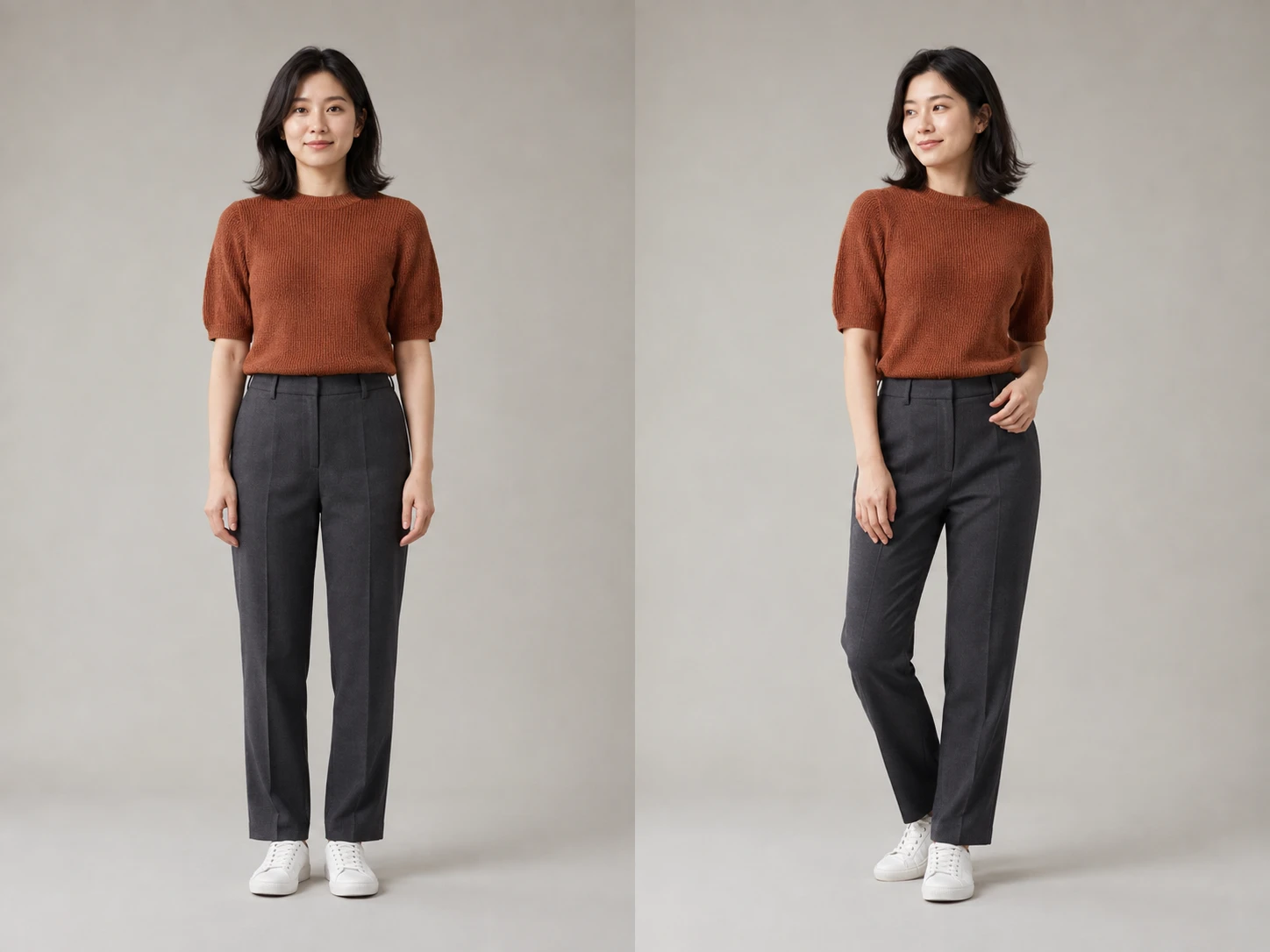
Pose Reference AI before and after contrapposto example with the same fictional adult

Raised Arm and Cross-Body Placement

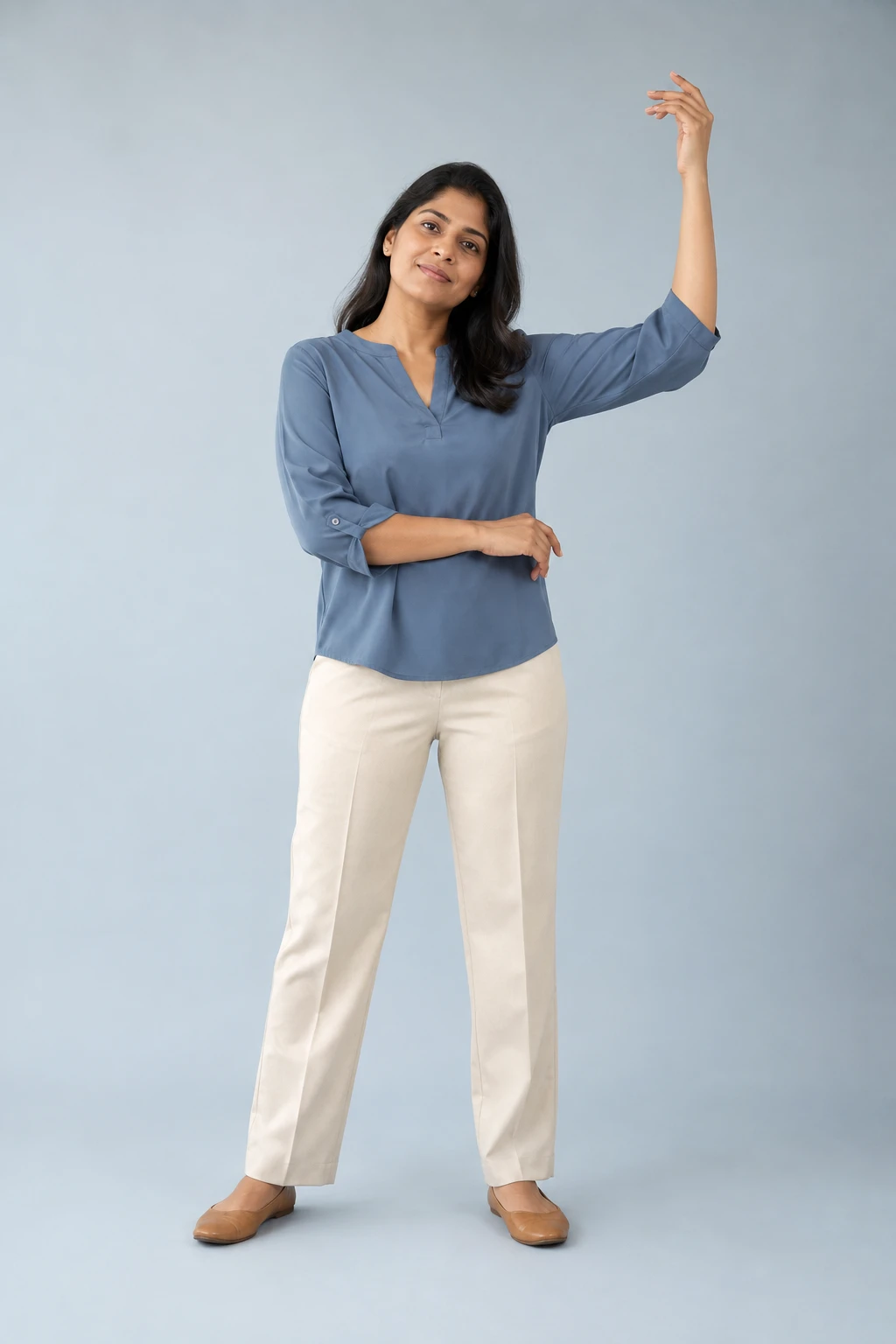
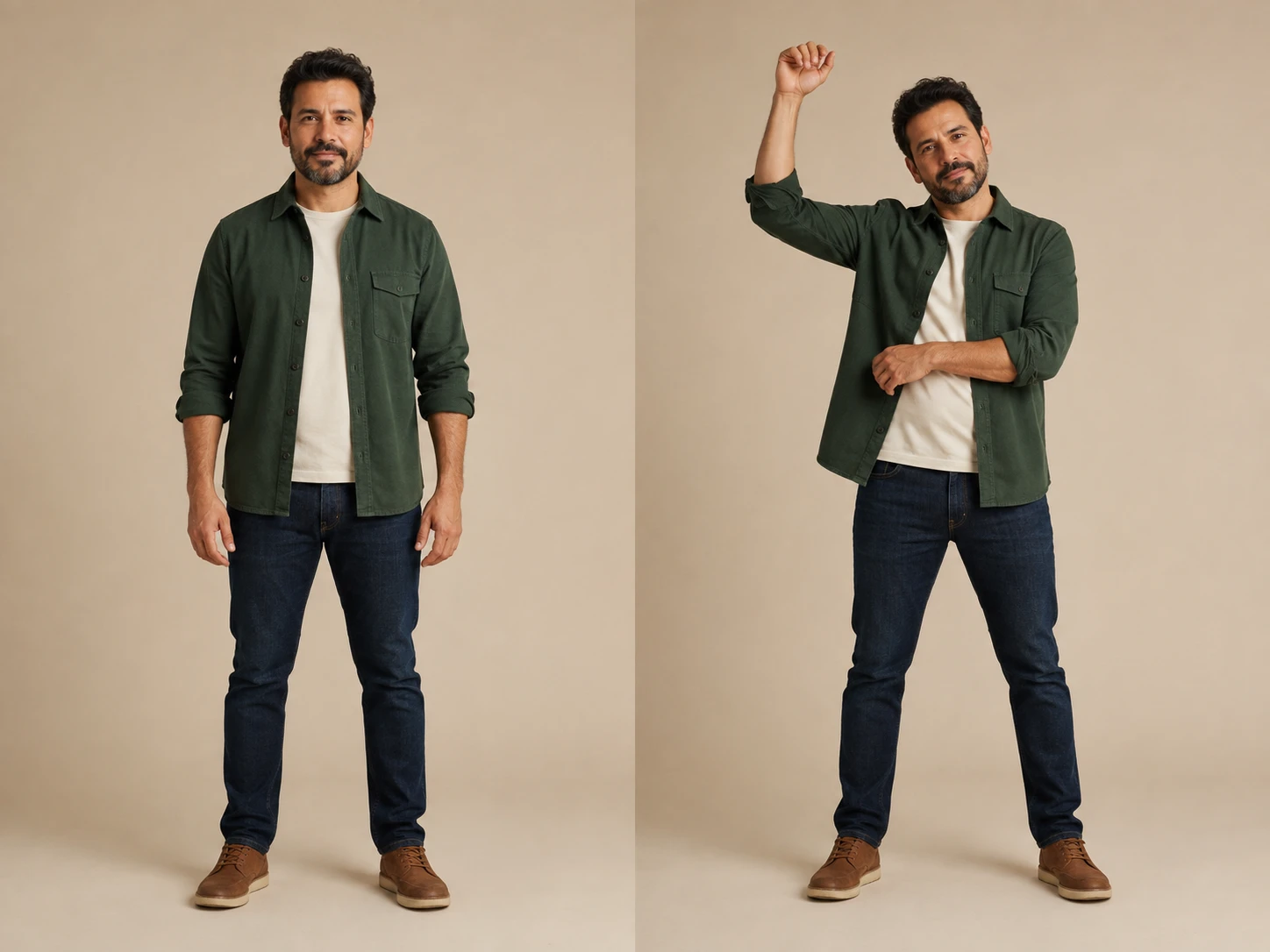
A raised hand changes the shoulder line, elbow angle, torso balance, and space around the head. The result keeps the same adult, beard, overshirt, T-shirt, jeans, shoes, background, and camera while moving both arms into distinct positions. Check every finger, the raised wrist, the elbow near the head, the lower forearm crossing the torso, and fabric folds around both shoulders.

Try an Arm Pose
Same fictional adult before and after a raised-arm pose transfer

Walking Stride and Forward Weight Transfer

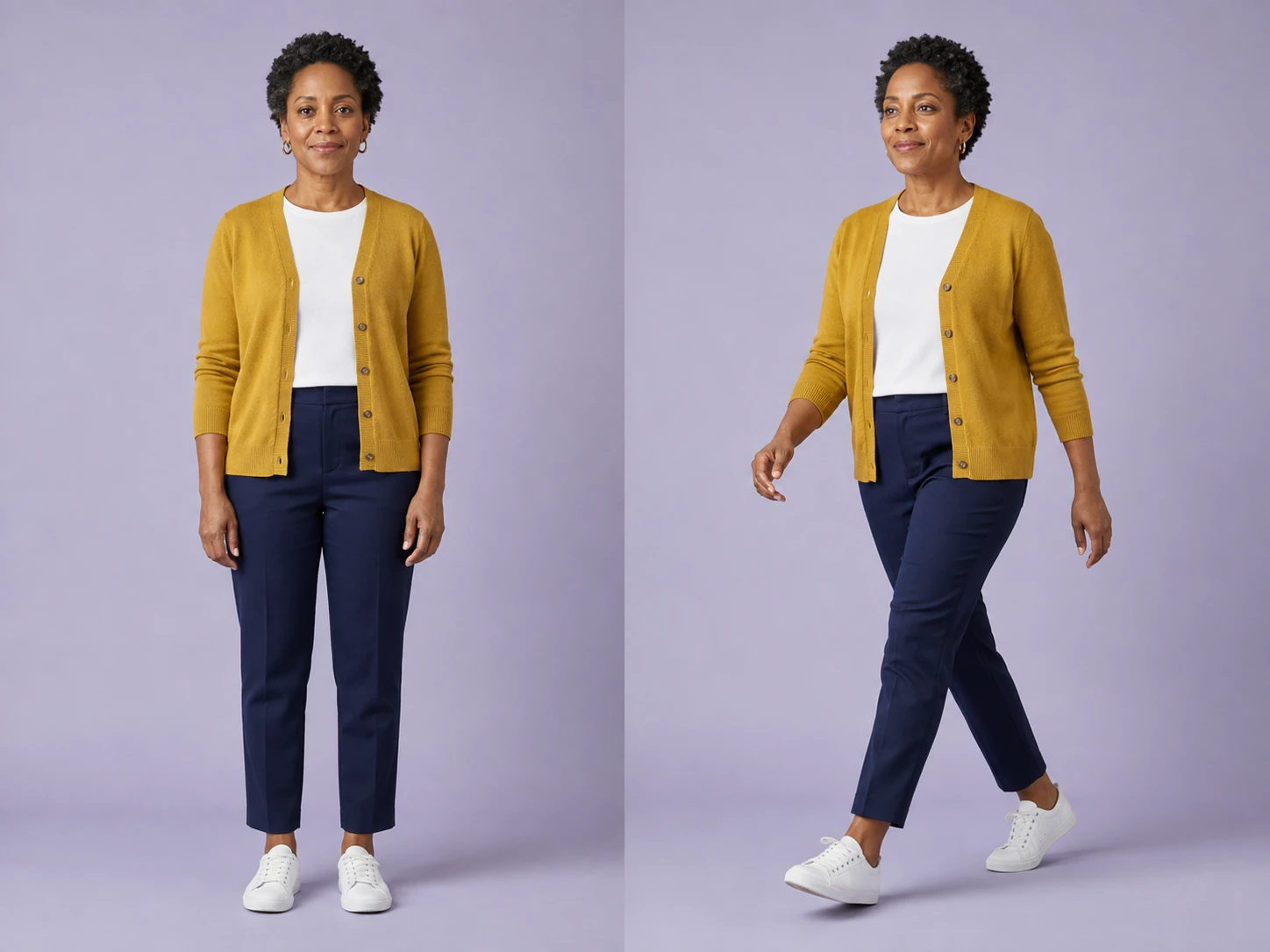
Walking requires the whole body to agree. The front knee bends, rear heel lifts, opposite arms swing, pelvis advances, and weight moves onto the next foot. The result preserves the same mature adult, short curls, mustard cardigan, white top, navy trousers, sneakers, and studio. Inspect both feet for ground contact and reject a frame when a shoe floats or a leg crosses unnaturally.

Try a Walking Pose
Same fictional adult before and after a walking-stride pose transfer

Seated Lean and Supported Balance

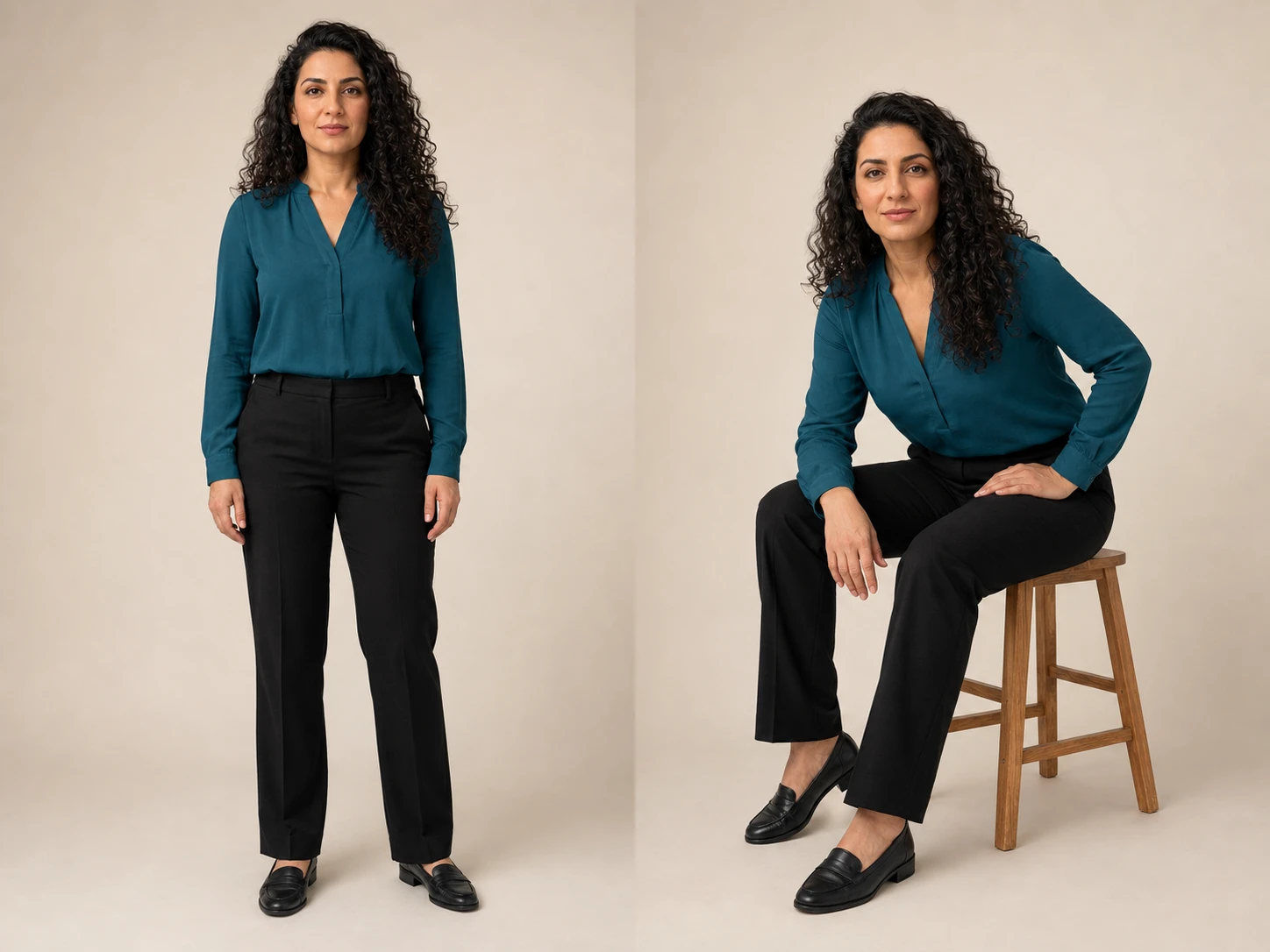
A seated reference introduces contact with a stool and a different center of gravity. The output keeps the same adult, curls, teal blouse, black trousers, shoes, studio tone, and face while changing the torso angle, shoulders, elbows, hands, knees, and feet. Review whether the hips are actually supported, both feet relate to the floor, and the stool legs cast coherent contact shadows.

Try a Seated Pose
Same fictional adult before and after a seated forward-lean pose transfer

How to Use a Person and Pose Reference Together

The two upload slots are intentionally separate. A clear division between identity and pose gives the model a more useful instruction than two unlabeled photos.

1. Upload the Identity Photo First

Choose a sharp image you own or are authorized to edit, showing one clearly adult person. Include every body region that matters to the new pose. A full-body result needs the complete head, shoulders, elbows, hands, hips, knees, and feet in the source; a waist-up result cannot reliably invent hidden legs. Balanced light, a moderate camera angle, and some empty space around the person make pose changes easier to frame. Avoid severe crops, motion blur, large foreground objects, group photos, and hands hidden behind the body.

Choose an Identity Photo
Clear fictional adult full-body identity source with complete head, hands, legs, and feet

2. Upload a Readable Pose Reference Second

The second image can show a different adult because it contributes movement rather than identity. Choose a pose with visible joints, distinct limb separation, grounded feet, and a camera view that can plausibly map to the first photo. Similar framing helps: use full body with full body, or upper body with upper body. Avoid tangled limbs, hands hidden in pockets when finger placement matters, extreme foreshortening, heavy coats that obscure joints, tiny figures, and poses that depend on an unseen prop.

Add a Pose Reference
Fictional adult pose reference with a complete raised hand, shoulder line, crossed forearm, legs, and feet

3. Refine the Prompt, Generate, and Compare

The prompt is prefilled and editable. Add only the pose priorities that matter, such as keep the face forward, match the left elbow angle, or preserve the original background. After generation, compare the result with both inputs in order: identity and clothing against image one; head, shoulders, hands, hips, legs, feet, and balance against image two. Regenerate with clearer references or fewer instructions if the face drifts, a limb changes length, or the center of gravity looks impossible.

Generate and Review
Pose-transfer comparison used to review identity, arm swing, knees, feet, and weight placement

A Real Two-Reference Pose Transfer Workflow

This is not a renamed single-image filter. The interface, request contract, prompt, previews, and validation all distinguish the identity image from the pose image.

Two Required Labeled Uploads

The first slot accepts the identity source and the second accepts the pose source. Generation remains blocked until both references are present, and the server validates their positional order.

Identity and Appearance Protection

The template asks the model to keep the first adult's face, visible age, skin tone, ethnicity, hair, clothing, proportions, accessories, and photographic character instead of blending the two people.

Whole-Body Pose Language

Head angle, gaze, shoulders, torso rotation, arms, hands, hips, legs, feet, and center of gravity are named explicitly so the request does not reduce a pose to hand placement alone.

Editable Pose Priorities

Start from a complete default instruction, then clarify the most important joint, body direction, crop, or background constraint without rebuilding the hidden safety prompt.

Review-Oriented Results

The comparison preview keeps the identity source and generated pose result side by side so you can review face, wardrobe, anatomy, hands, feet, and balance before using the image.

Portrait-Safe Output Shapes

Choose 2:3, 3:4, 4:5, or square output. The default 2:3 frame is suited to full-body pose review, while shorter shapes work better for waist-up references.

Practical Uses for Pose Reference AI

Use generated images as creative drafts, then review them honestly before publication or production work.

Character and Portrait Studies

Try a new stance for an original character or authorized portrait while keeping identity and wardrobe recognizable. This can help compare calm, confident, dynamic, or seated body language before a final illustration or photo plan.

Fashion and Lookbook Planning

Place the same fictional or consenting adult into several readable poses to explore garment presentation. Generated folds, fit, logos, fabric behavior, and exact product construction still need human and product review.

Storyboard and Campaign Blocking

Prototype a walking beat, raised-arm gesture, supported lean, or balanced standing pose before a shoot. Do not present the generated frame as documentary evidence that the person performed the depicted action.

Drawing and Composition Reference

Create an original reference for body rhythm, negative space, and silhouette. Check anatomy independently, especially hands, joint limits, weight bearing, and contact with chairs, walls, floors, or other supports.

Pose Reference AI FAQ

Answers about two-image ordering, identity preservation, pose quality, consent, and realistic limitations.

What does Pose Reference AI do?

It uses two ordered image references in one image-to-image request. The first image is the target adult whose identity, face, hair, clothing, proportions, setting, and photographic character should remain recognizable. The second image supplies body arrangement: head direction, shoulders, torso angle, arms, hands, hips, legs, feet, and center of gravity. The model generates a new image rather than moving pixels or rigging a 3D skeleton, so every result requires review.

Which image should I upload first?

Upload the identity photo first and the pose reference second. The interface labels both slots, sends their URLs in that order, and blocks generation when either required slot is empty. Reversing them would ask the model to keep the wrong person. Use the first image for the adult you are authorized to edit, and use the second only as a movement guide.

Can the pose reference show a different person?

Yes. The second adult can look completely different because the prompt tells the model to ignore that person's identity, face, age, skin tone, hair, outfit, body shape, background, and lighting. A different person can still provide a useful pose when the joints, hands, feet, and weight distribution are visible. The generated result should retain the first person, but generative identity drift remains possible.

Will it preserve the face and identity exactly?

No generative edit can promise an exact biometric or pixel-level match. The first image and prompt strongly prioritize the same recognizable face, visible adult age, skin tone, hair, expression, clothing, and proportions, but the model may alter details while rebuilding the body. Compare eyes, face shape, hairline, nose, mouth, skin tone, age cues, and asymmetry with the source before using the result.

What makes a good pose reference image?

Use a clear image with the complete pose visible, distinct limb separation, readable elbows and knees, visible hands and feet, and believable contact with the ground or support. Similar camera angle and framing help. Avoid extreme foreshortening, crossed limbs that hide joints, motion blur, long clothing that conceals knees, hands inside pockets when finger placement matters, and poses that depend on cropped or invisible props.

Can it transfer hand and finger positions?

The prompt includes arms, wrists, hands, and placement, but hands are among the most error-prone regions in image generation. Use a large, sharp pose reference with separated fingers and no occlusion. After generation, count fingers, inspect joints and wrist direction, and check that the hands contact clothing, furniture, or the body naturally. Regenerate rather than publishing fused, duplicated, or impossible fingers.

Can I use a full-body pose with a close portrait?

The model cannot reliably reconstruct every hidden body region from a tight headshot. Match source coverage to the intended result: full-body identity plus full-body pose for legs and feet, three-quarter with three-quarter, or waist-up with waist-up. If you intentionally expand the crop, treat the unseen body and clothing as generated interpretation rather than preserved source information.

Can I transfer a walking or seated pose?

Yes, when the reference clearly shows the joints and support relationships that make the pose believable. For walking, inspect opposite arm swing, knee bend, foot direction, heel lift, and forward weight transfer. For seated poses, show the chair or stool, hip contact, torso angle, both knees, and planted feet. The result remains generative, so reject floating feet, missing support, or impossible balance.

What should I review in the generated result?

Compare the face, visible age, skin tone, hair, clothing, accessories, proportions, background, camera angle, and lighting with the first image. Then compare head angle, shoulder line, torso lean, elbow and wrist angles, hands, hip tilt, knees, foot direction, ground contact, and center of gravity with the second. Reject extra limbs, missing fingers, broken joints, floating feet, identity blending, body reshaping, or implausible support.

May I upload another person's photo?

Only upload images you own or are authorized to edit, and obtain the depicted adult's consent where required. Do not use pose transfer for minors, ambiguous-age people, sexualization, impersonation, harassment, deceptive endorsements, fake evidence, or claims that a real person performed an action they did not perform. The examples on this page use fictional adults created specifically for this workflow.

Keep the Person, Borrow the Pose

Upload one authorized adult identity image and one readable pose reference, refine the editable prompt, then review identity, anatomy, hands, feet, and weight before downloading.