










































































































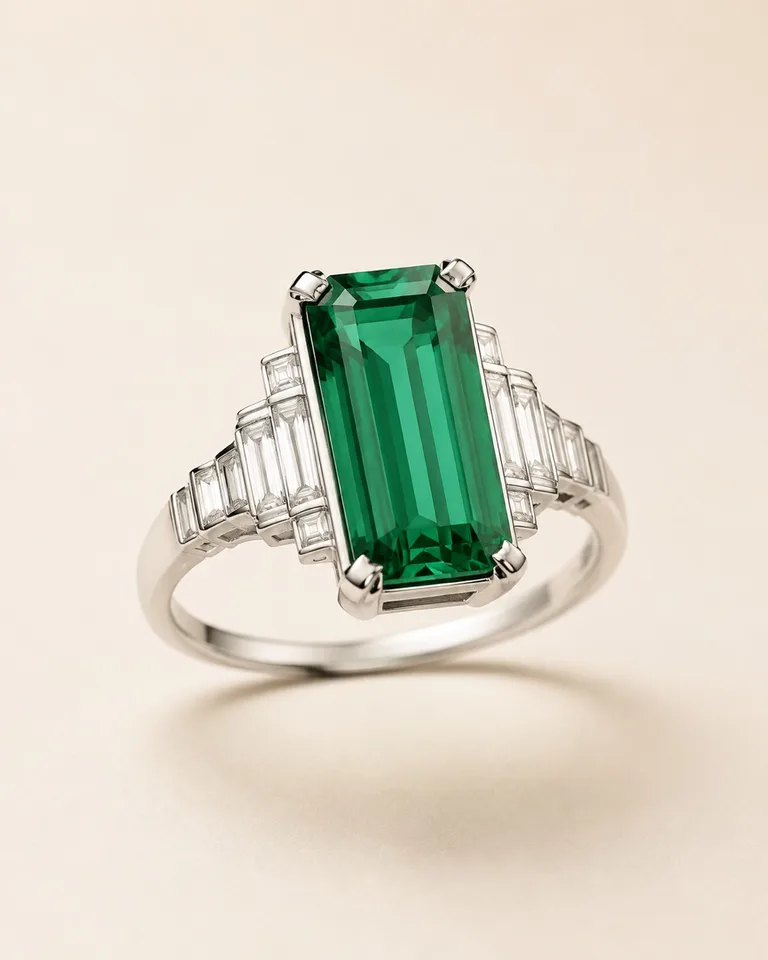
Art Deco Emerald Ring
An elongated center stone and stepped platinum shoulders create a geometric cocktail-ring direction.
Try Art DecoSave up to 73% on plans
Image
Browse every other AI image model and effect published on this site in a continuous carousel.
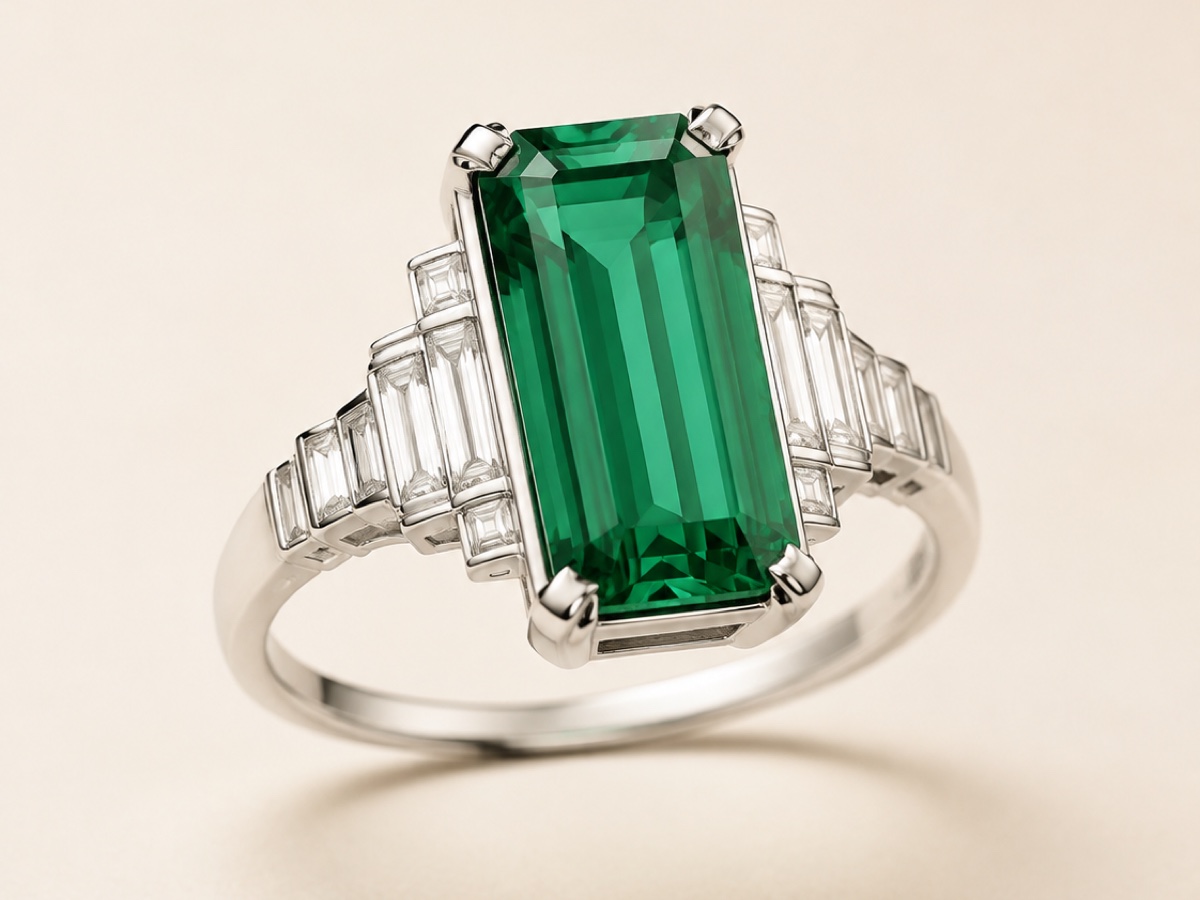
Plan rings, necklaces, earrings, bracelets, pendants, and brooches by describing the piece in concrete terms. The generator can work from text alone or use an uploaded sketch as a visual anchor. It aims to keep the complete object in frame while refining metal, gemstone, setting, surface, composition, and studio lighting. The result is a visual concept for discussion and iteration—not CAD, exact stone dimensions, or proof that a design can be manufactured.
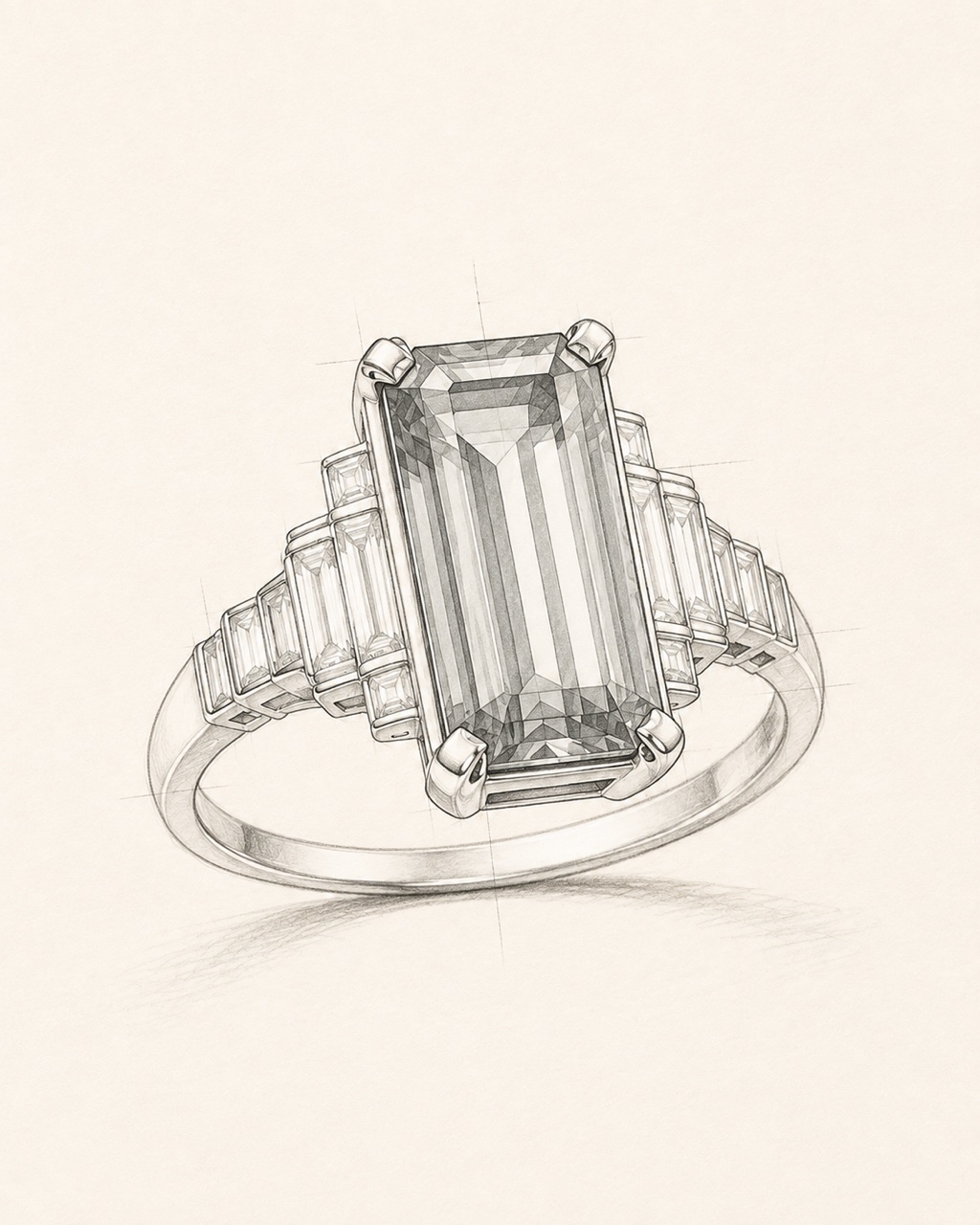
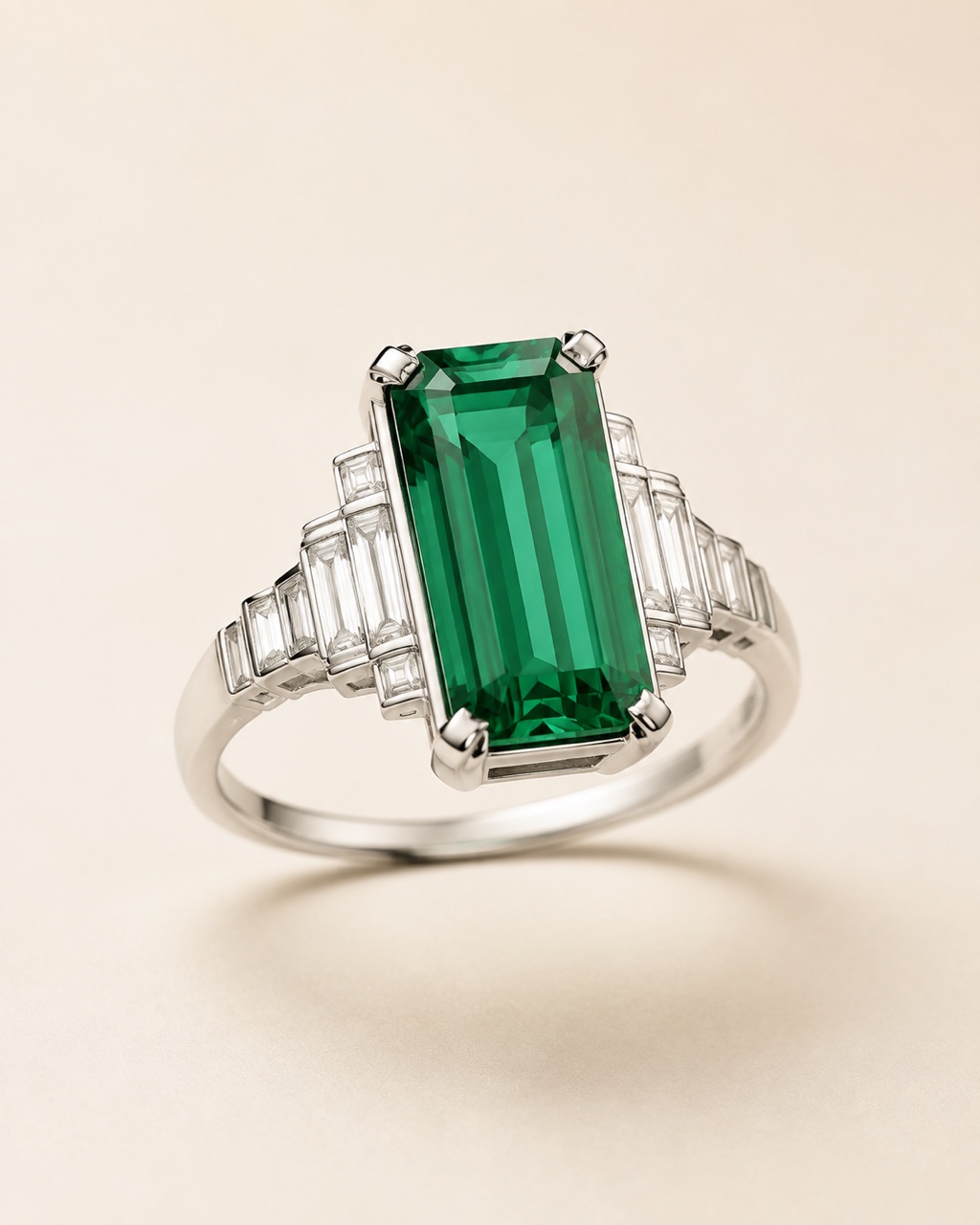
These original AI-generated examples cover different object types, materials, eras, and camera treatments. Each complete output is paired with a matching design sketch and a concrete prompt direction.
An elongated center stone and stepped platinum shoulders create a geometric cocktail-ring direction.
Try Art DecoChoose one design problem, supply a clear visual hierarchy, and review the result before refining it.
Write a brief from scratch, or upload one authorized sketch or reference with the complete piece visible. A clean silhouette is easier to preserve than a cropped or cluttered source.
Name the object, metal, center stone, cut, setting, motif, era, surface finish, viewpoint, background, and light. Prefer a few compatible decisions over a long list of conflicting styles.
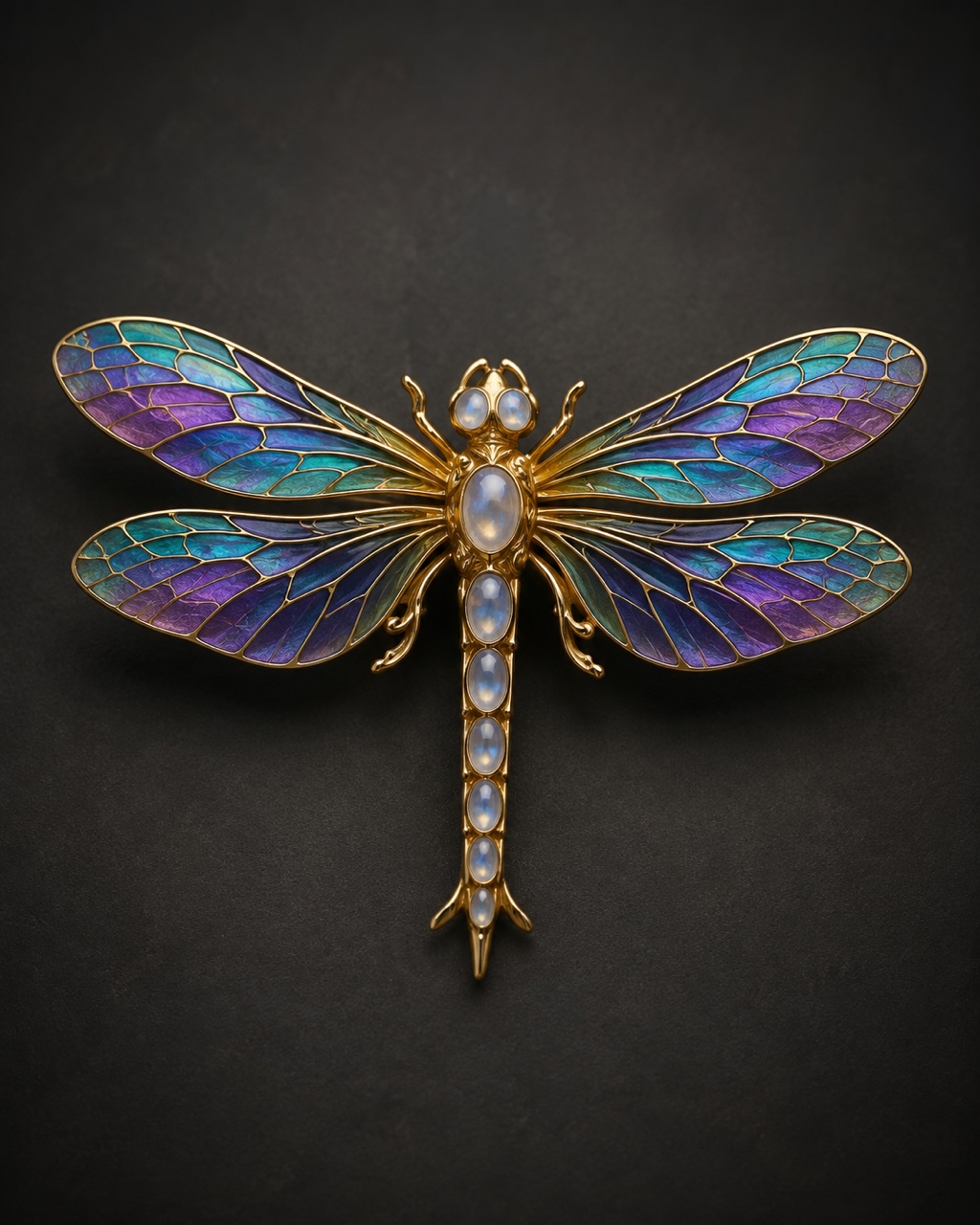
Check the concept against the brief. If one detail drifted, revise that detail alone—such as stone count, clasp continuity, symmetry, or camera angle—then generate another version.
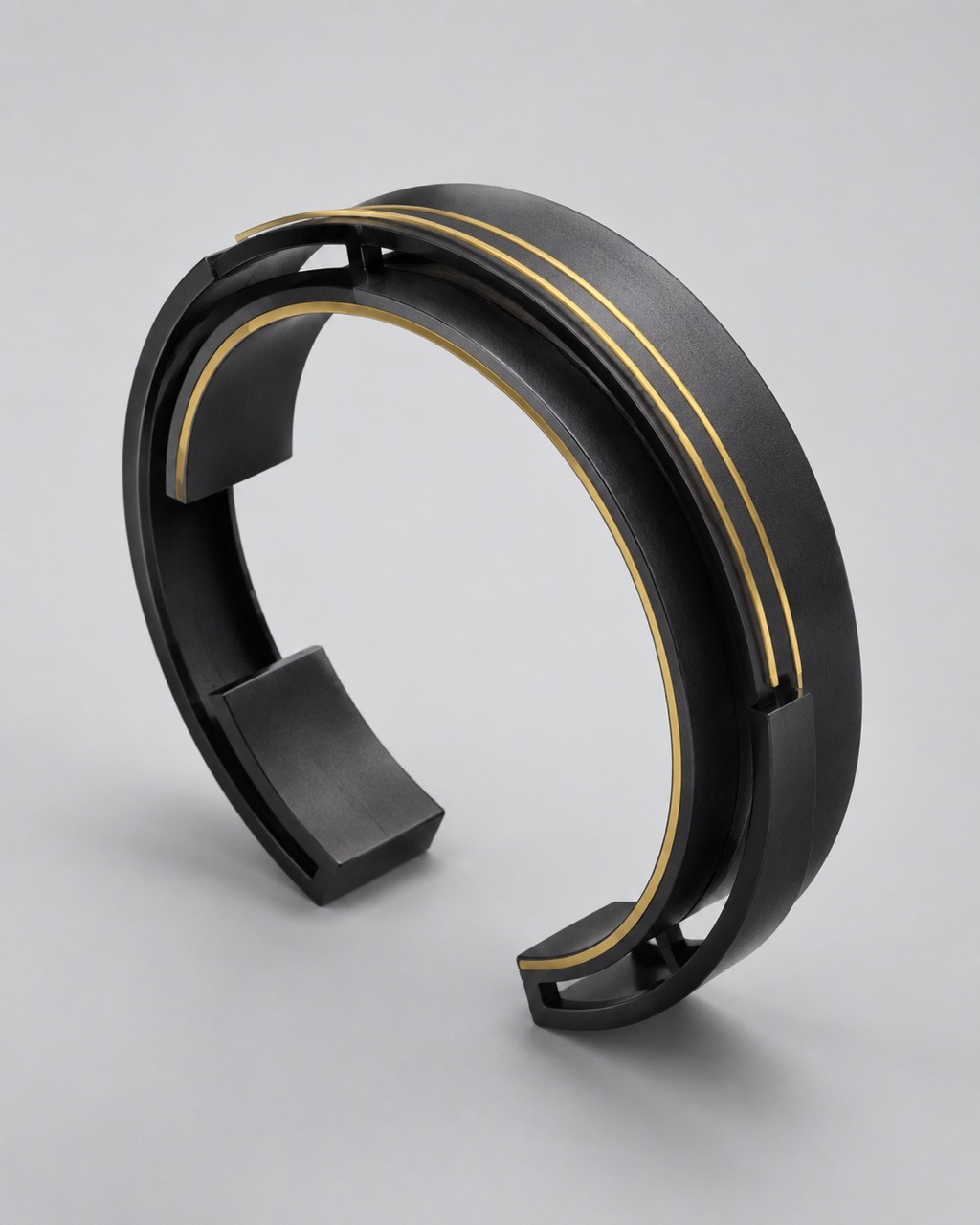
A useful brief reads like a compact design review. Fill the important fields and omit anything you do not care about.
Choose ring, necklace, earrings, bracelet, pendant, or brooch. State one piece or one matching pair, plus the silhouette, band, chain, clasp, or fastening that must remain complete.
Name platinum, yellow gold, rose gold, silver, titanium, enamel, or another material, then add polished, brushed, hammered, oxidized, or matte finish.
Describe the gemstone color, cut, count, relative scale, and setting style. Do not treat the image as a gem identification or exact carat estimate.
Use concrete language such as geometric Art Deco, botanical Art Nouveau, minimalist contemporary, celestial, architectural, or organic artisan.
Request top-down, straight-on, or three-quarter macro framing; one complete object; centered placement; safe margins; and a 4:5, square, portrait, or landscape shape.
Set studio, window, beauty, or raking light, then exclude cropped edges, extra jewelry, broken chains, impossible joins, text, logos, borders, and collages.
A polished image can still contain structural mistakes. Use the render to communicate direction, then have a qualified jewelry designer or maker evaluate the piece.
Compare every visible stone, halo, shoulder, and paired component with the brief or sketch.
Inspect prongs, bezels, bails, hinges, links, chain continuity, and clasp placement for impossible overlaps or gaps.
The picture does not establish exact size, weight, comfort, strength, or how a piece will sit on a real body.
Use references you are allowed to upload and review the result for unintended resemblance. AI output is not guaranteed to be exclusive.
AI Jewelry Design creates new visual concepts. Use adjacent tools when the job is placement or merchandising instead.
Use this page for a new jewelry idea from text, a sketch, or a shape reference.
Try Now
Use a specific ring product plus a hand photo when you need a wearing preview.
Try Now
Use a real jewelry product photo when you need a commercial website or campaign visual.
Try NowThe Gemological Institute of America describes generative AI as a way to create conceptual jewelry images from text or image input while noting that physical realization still depends on professional design, CAD, and fabrication work.
Read the industry overview, then treat every generated image as an early visual concept.
Read the GIA overviewAnswers about inputs, prompts, credits, concept limits, rights, and production review.
Yes. Describe one jewelry piece, its metal, stones, setting, motif, composition, and light. An uploaded sketch is optional and is most useful when you already have a silhouette or arrangement to preserve.
You can explore visual concepts for rings, necklaces, earrings, bracelets, pendants, brooches, and related pieces. Ask for one complete object or one matching pair per generation.
Include the jewelry type, metal and finish, gemstone color and cut, setting, motif or era, proportions, camera angle, background, light, aspect ratio, and a short avoid list.
New users receive the welcome credits shown in the live generator. Each generation consumes the displayed NanoPic credits, and images created with free credits include a NanoPic watermark.
No. The output is a 2D concept image, not manufacturing-ready CAD, a 3D-printable model, a technical drawing, a stone certificate, or proof of production feasibility.
Use the image to discuss visual direction, then ask a qualified jewelry designer, CAD specialist, gem professional, or maker to verify dimensions, settings, strength, comfort, cost, and fabrication.
Only upload material you are authorized to use. Review NanoPic terms and applicable rights before commercial use; generated output is not guaranteed to be exclusive or legally cleared.
Start with one piece, one coherent material system, and one clear camera treatment—then review the concept with a jewelry professional.

80s Photo Filter adds warm, faded film color to your photo in the browser. Adjust strength, preserve clothing and framing, and download a PNG.
Open tool
AI Age Filter creates a natural older-look concept from an authorized adult portrait. Review identity, complete-head framing, light and scene after editing.
Open tool
AI Age Progression creates a target-age concept from an authorized adult portrait. Set an age interval and review identity, framing and scene after editing.
Open tool
AI Labubu Generator helps explore your own monster doll concept from an authorized reference. Create original shapes and outfits, with no official affiliation.
Open tool
Camera Roll AI turns an authorized reference photo into one lifestyle collage. Plan varied scenes and a phone-gallery-inspired layout, then save one image.
Open tool
Face in Hole Generator places an authorized face into your chosen photo or template. Upload two references, refine the blend, and save a creative portrait.
Open tool
Explore a Hotpot AI alternative with NanoPic’s independent Seedream 5.0 editor. Upload a reference, direct a visual concept, and review your image.
Open tool
Make Image Higher Resolution with real 2× or 4× browser resizing. Compare pixel dimensions and download PNG without claiming recovered detail.
Open tool
Remove Glare from Glasses in photos with an editable AI image prompt. Upload your portrait, reduce lens reflections, and review the result before using it.
Open toolTurn one authorized adult portrait into a realistic flashlight scene with a miniature stylized double. Generate, then inspect identity, hands, light, scale, and crop.
Open toolTry 12 original funny AI prompts on one authorized person or pet photo. Load, edit, generate, and review identity, anatomy, props, text, and visual coherence.
Open toolTurn one authorized photo into original blocky pixel art with six editable prompts. Generate, then review subject detail, geometry, text, rights, and composition.
Open tool