
















Qwen Image 3 AI Image Generator
Sign In
CreditsCost

Qwen Image 3 AI Image Generator

Qwen Image 3

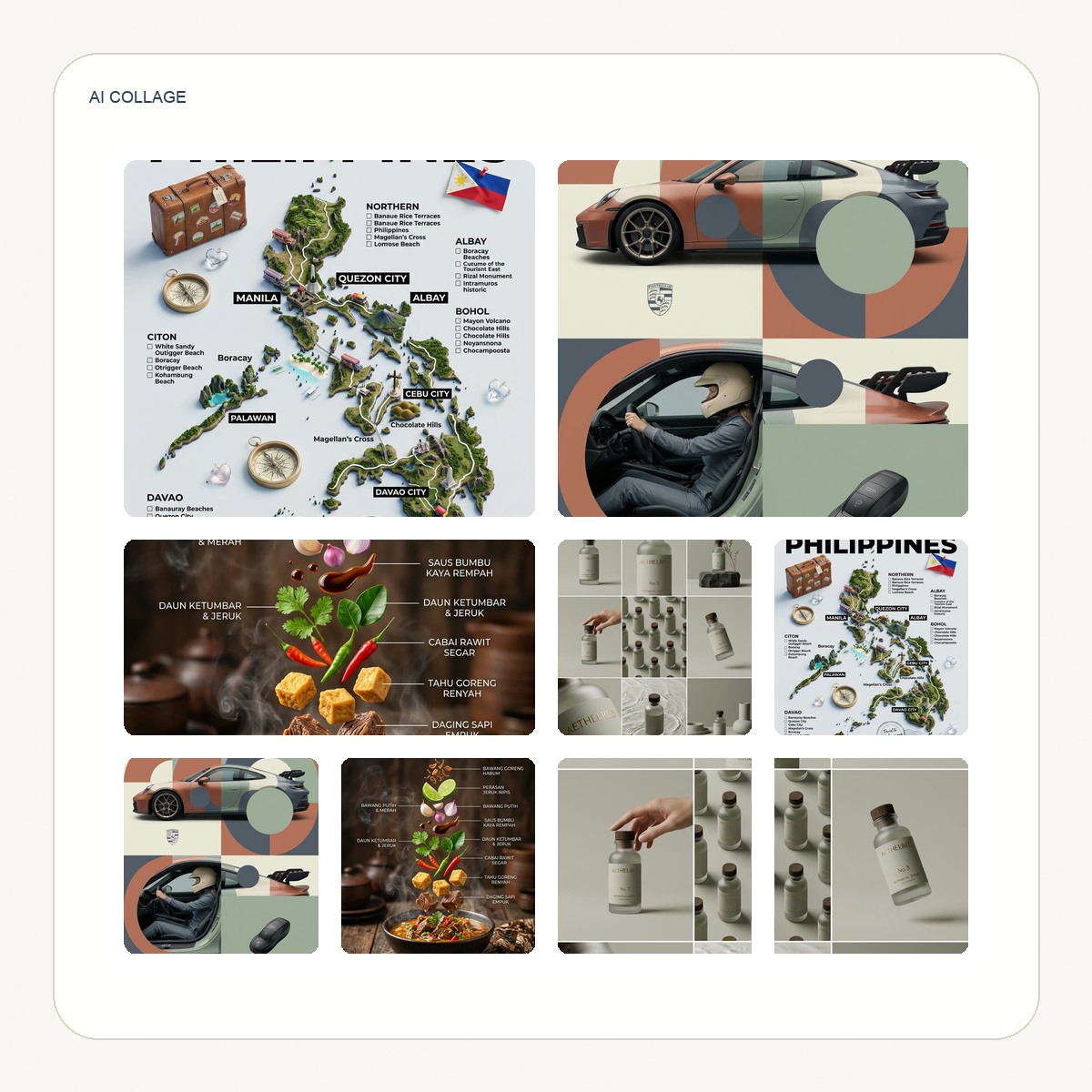
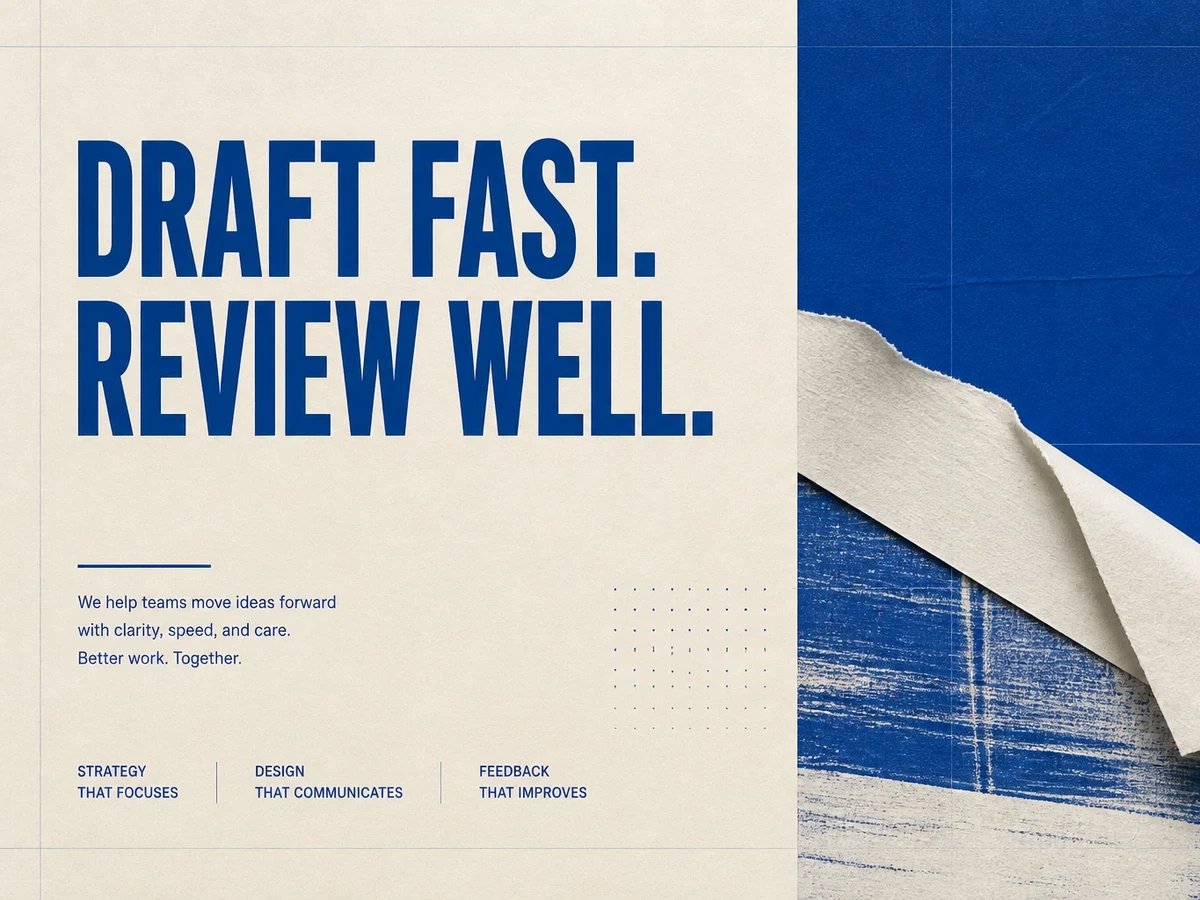
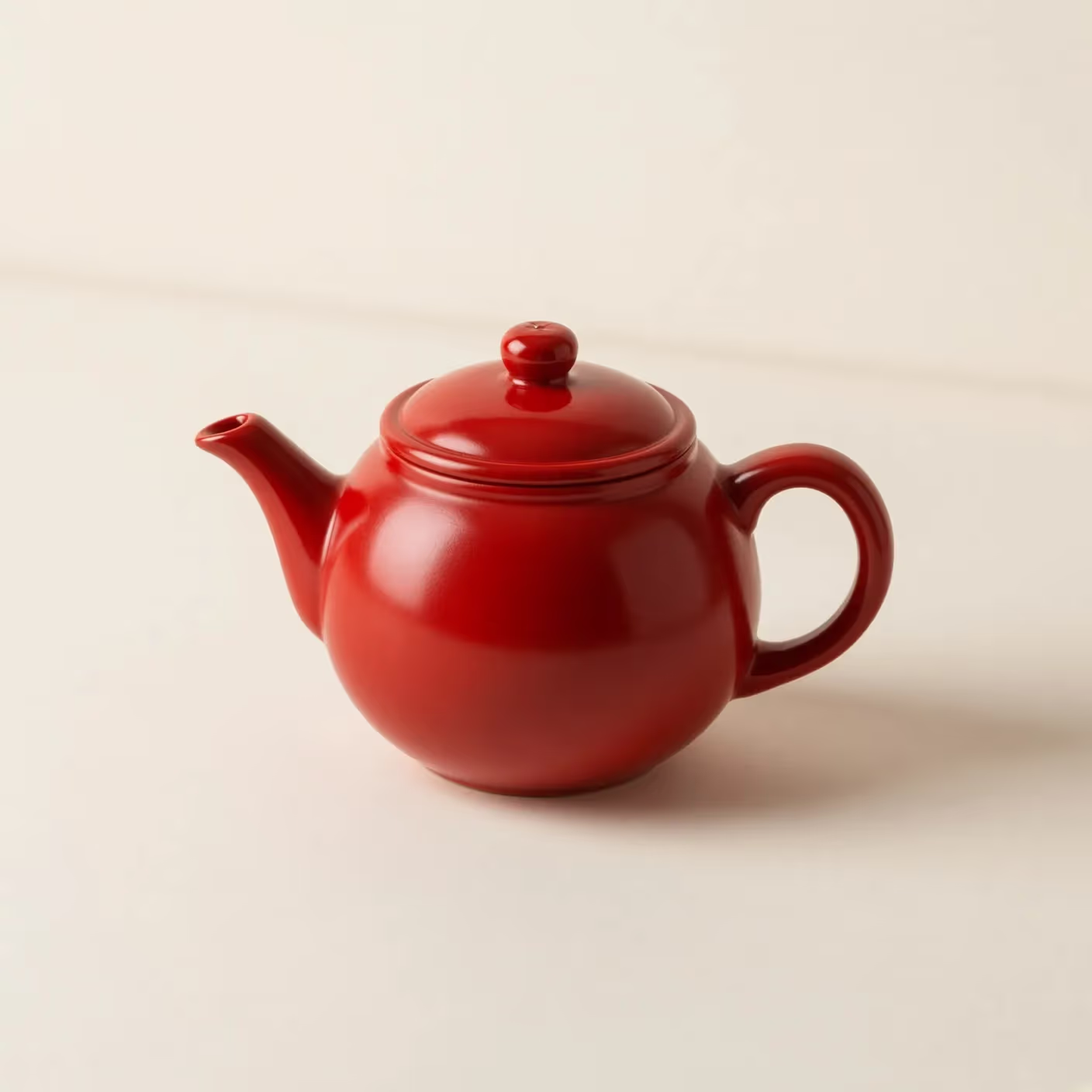
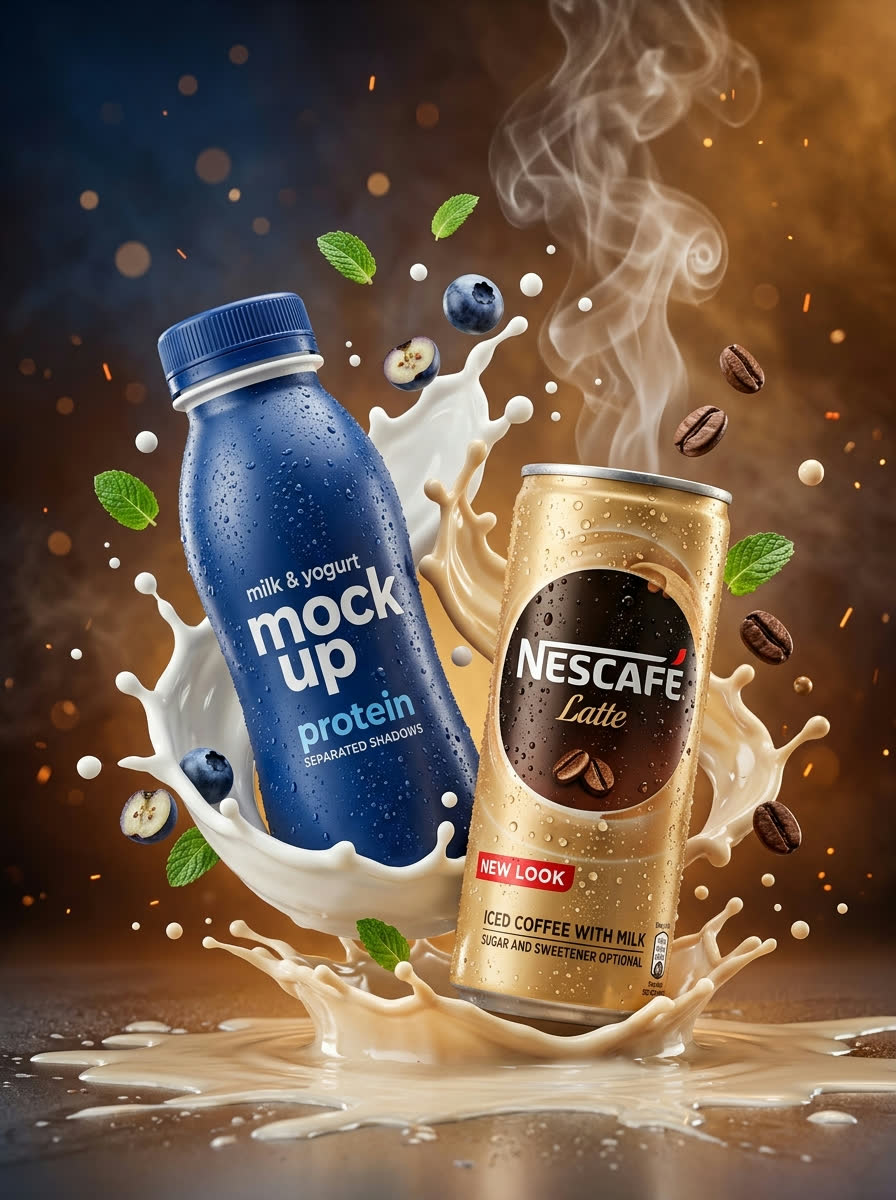
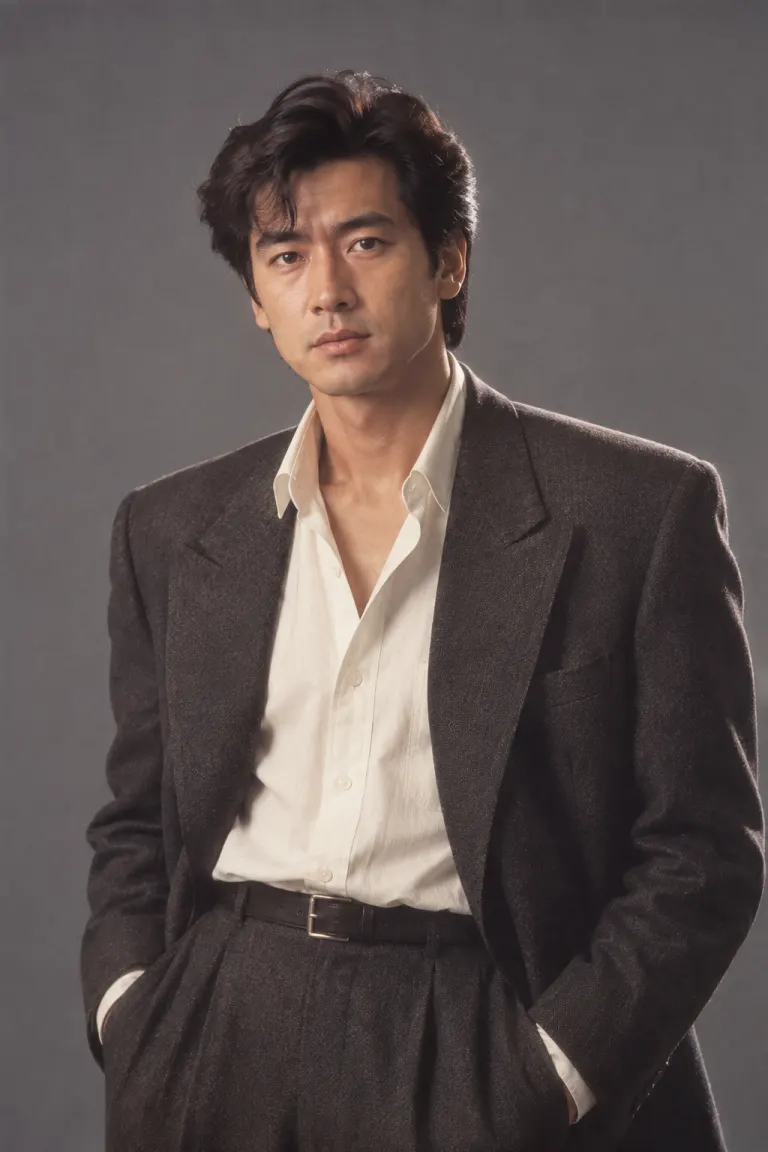
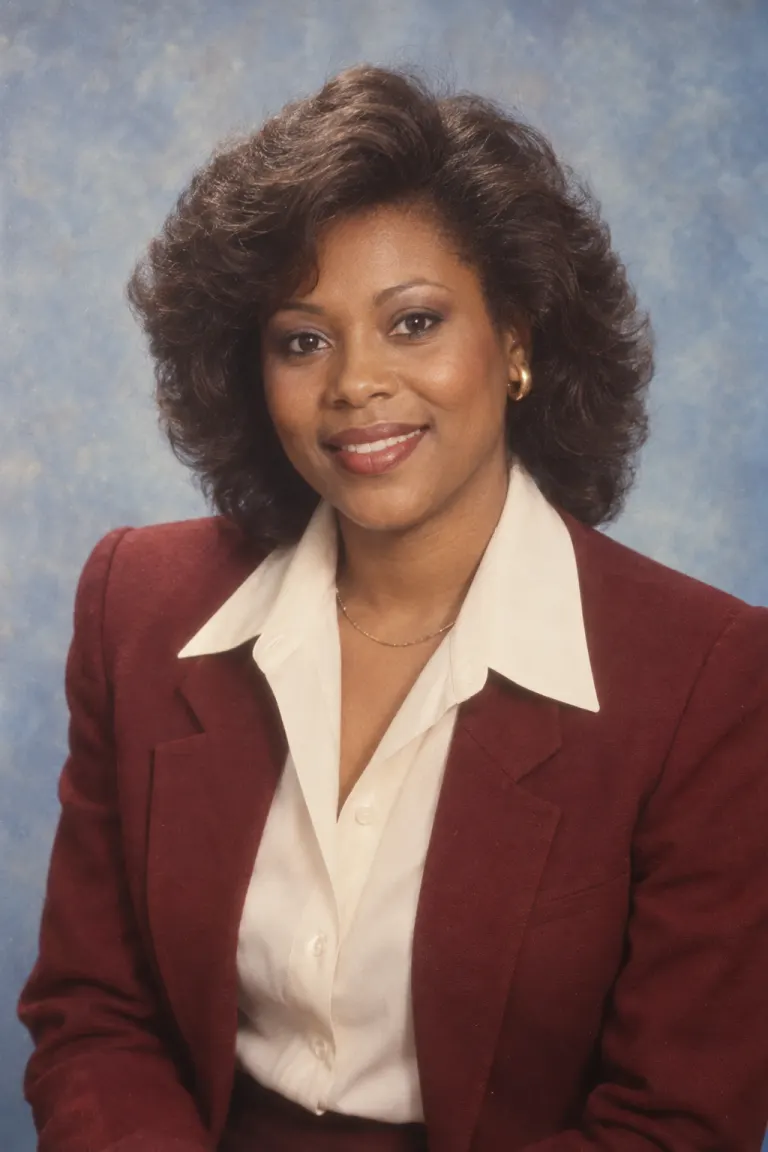
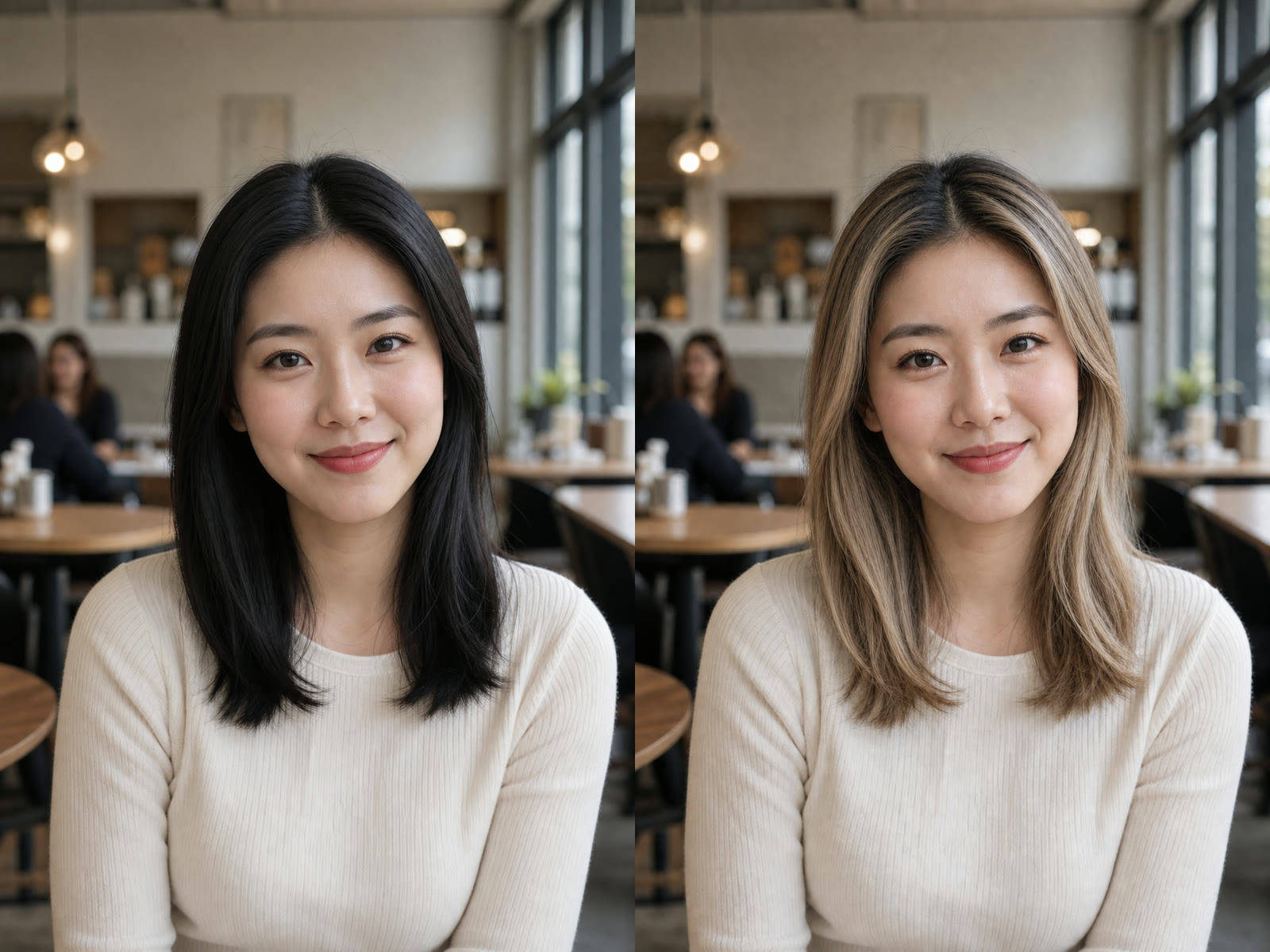
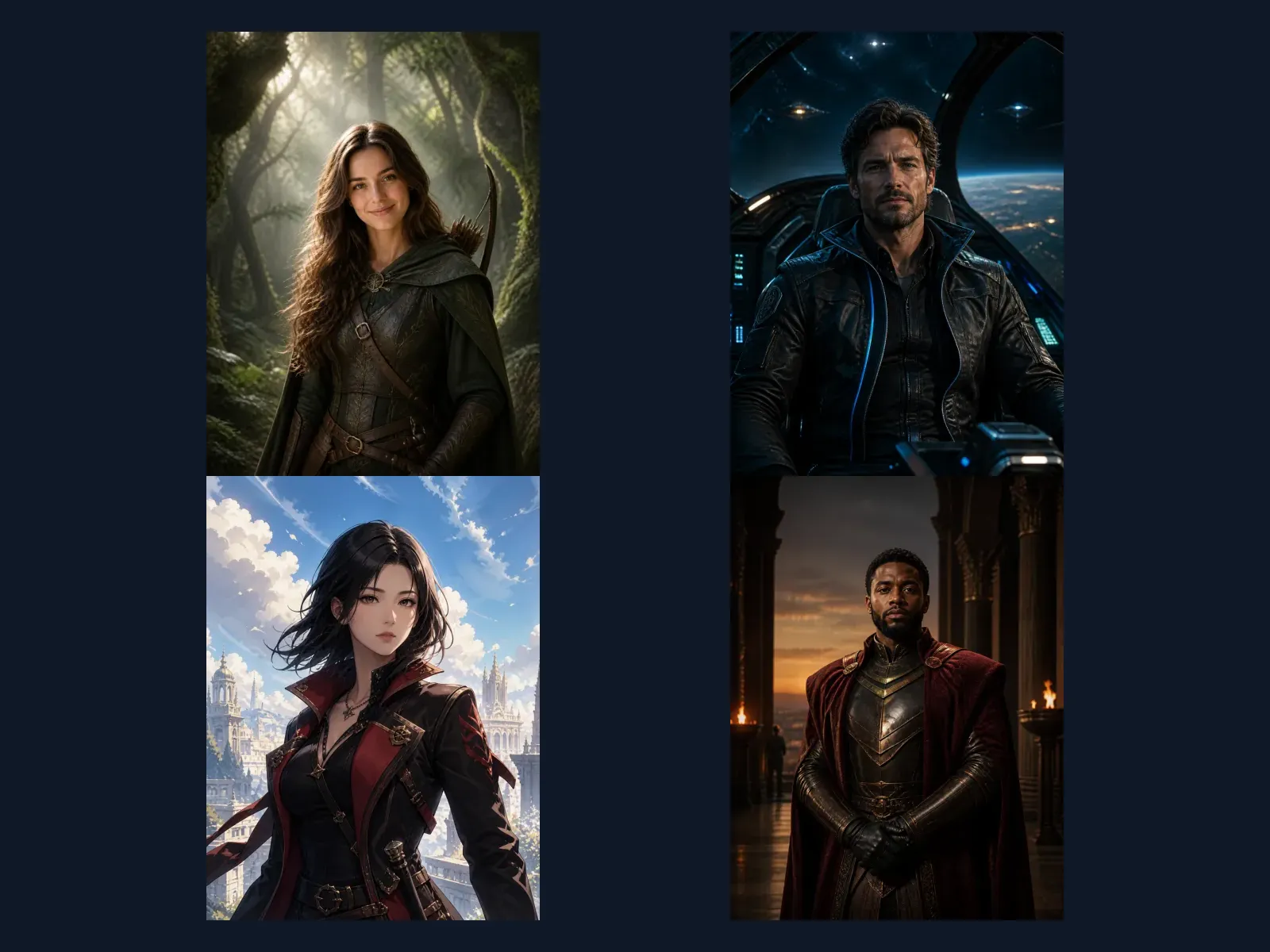
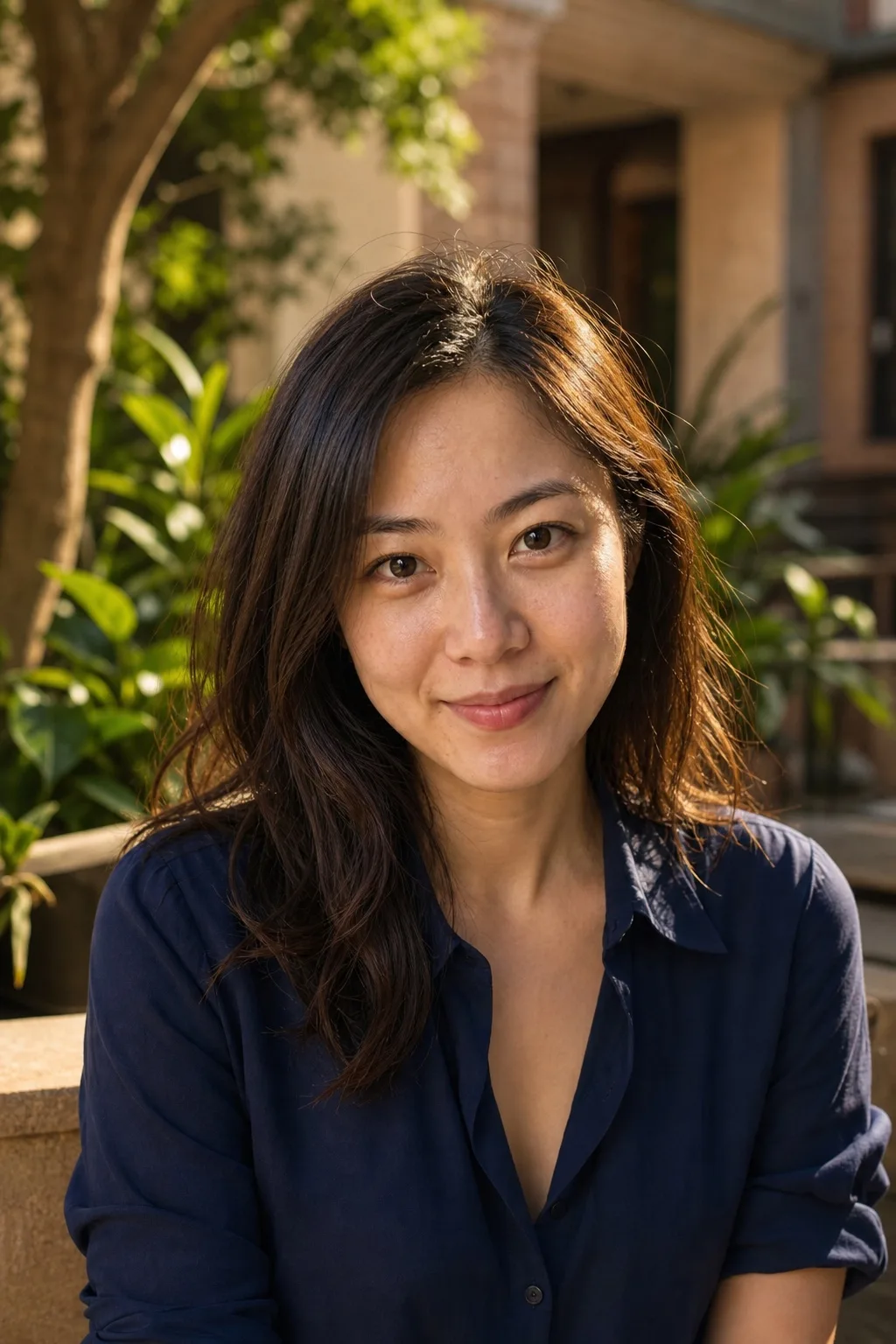
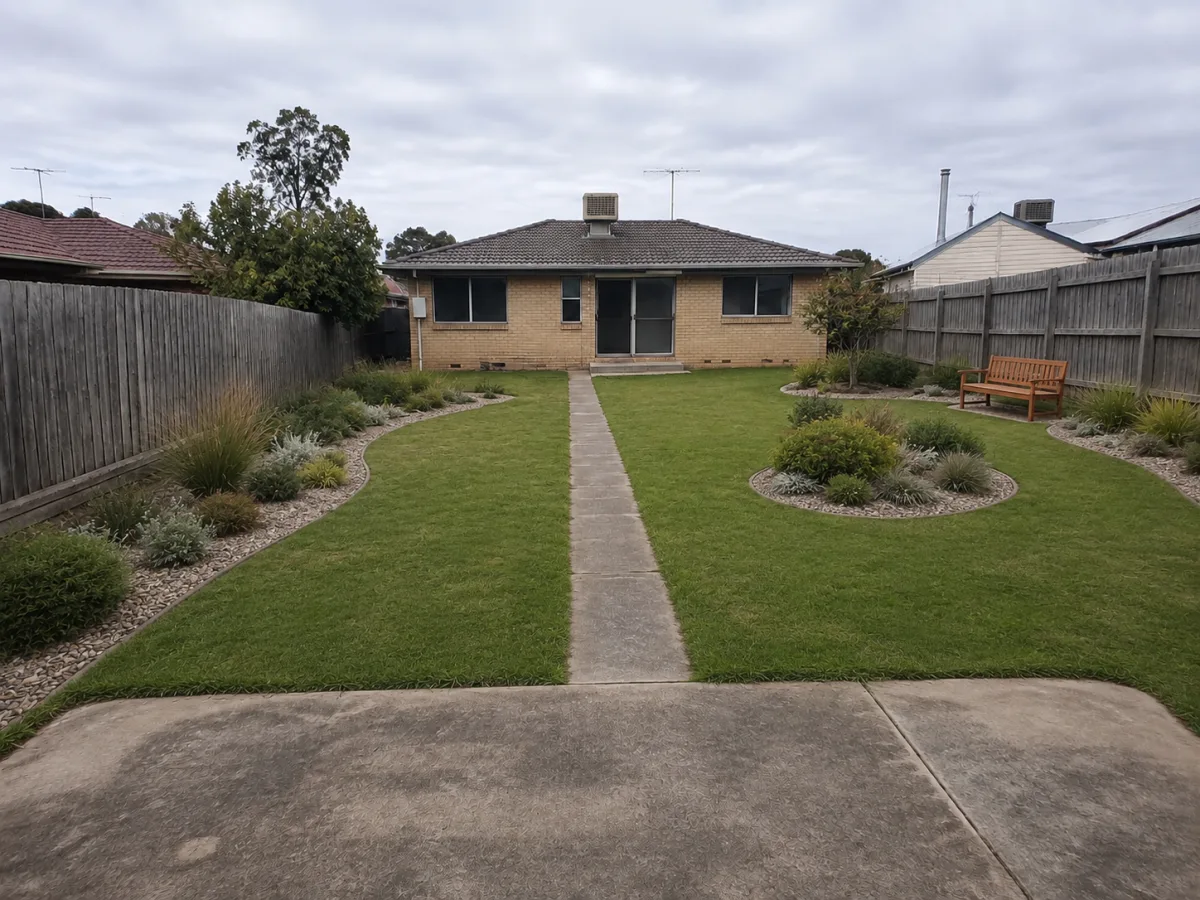
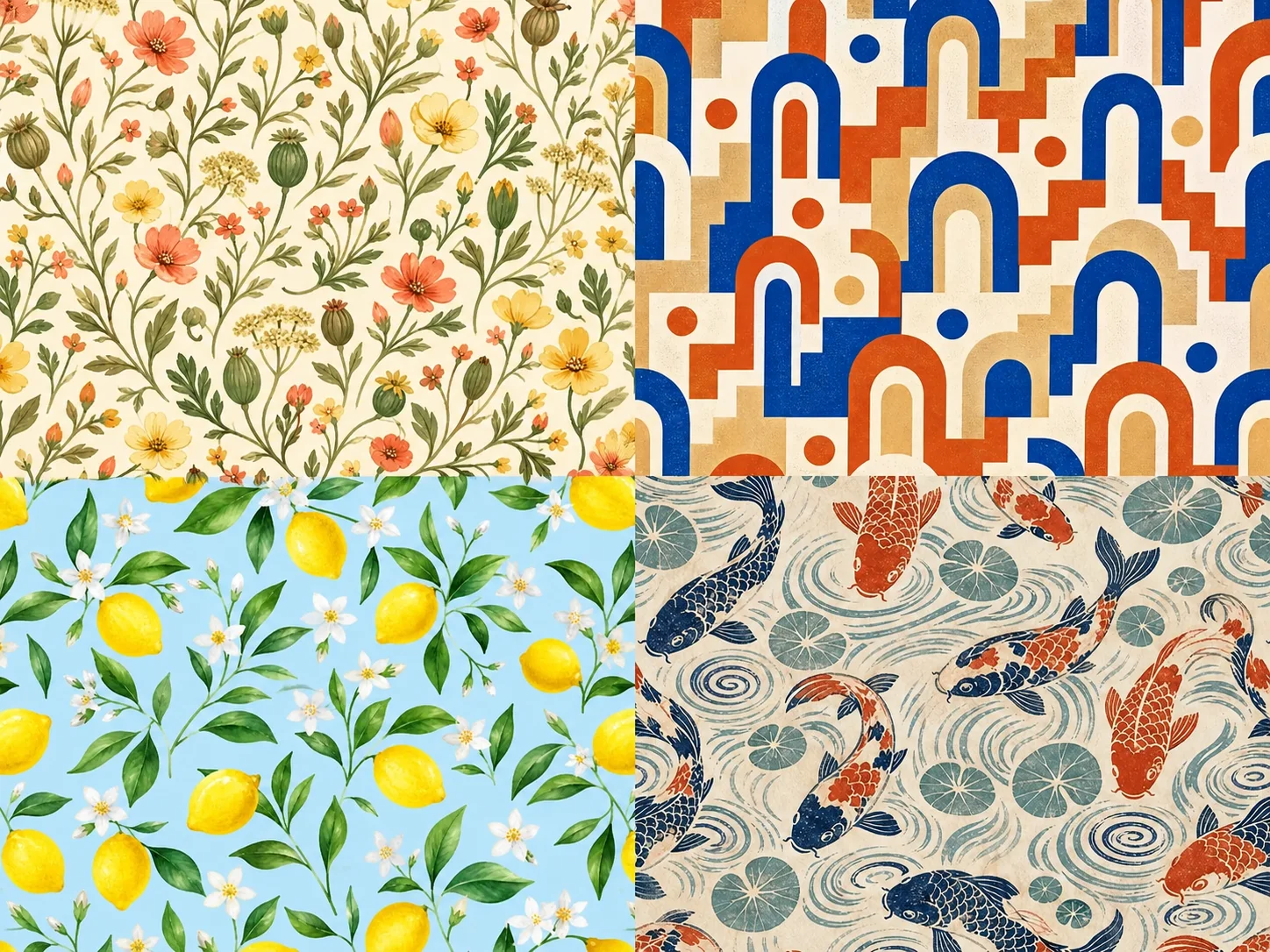
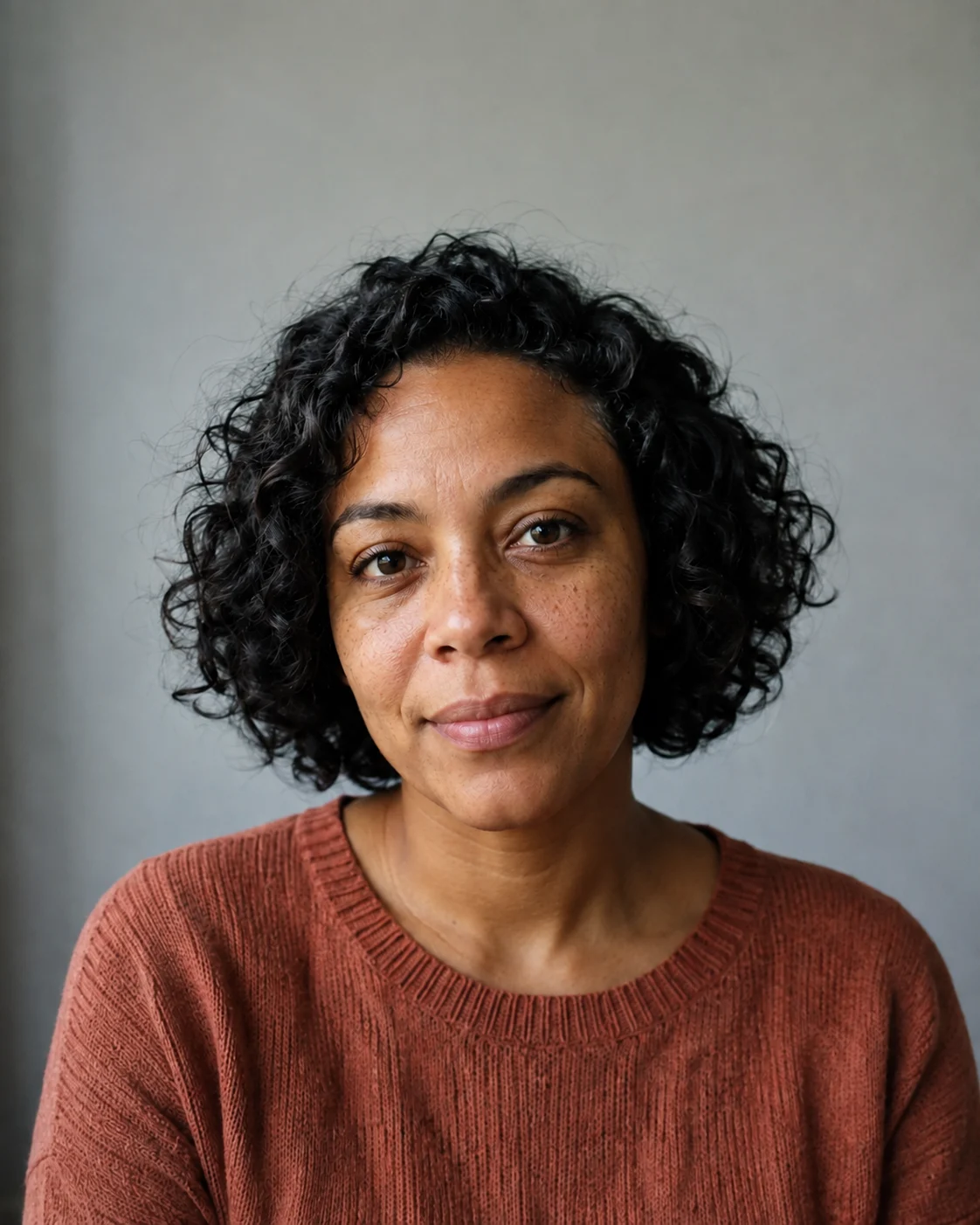
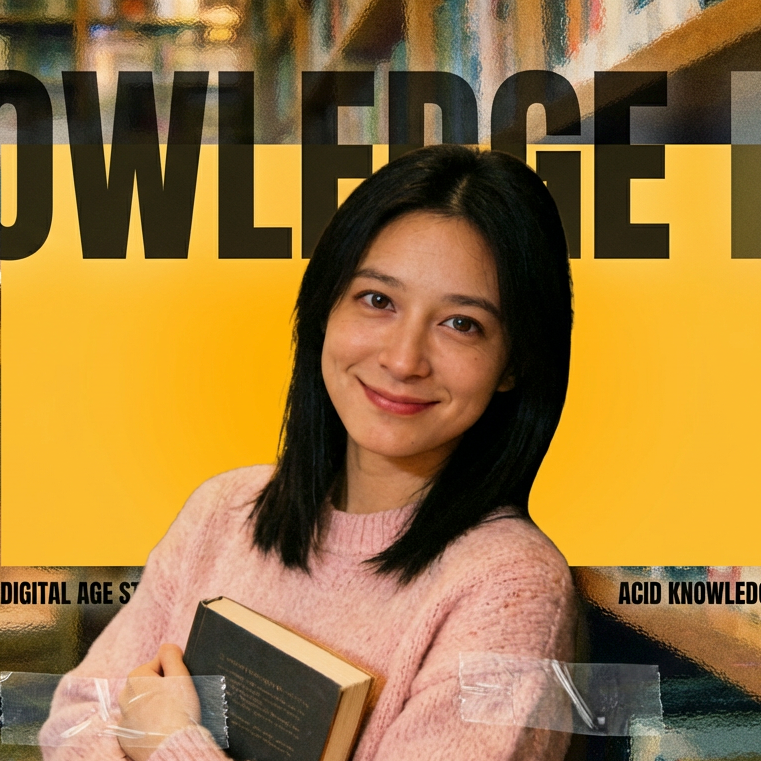
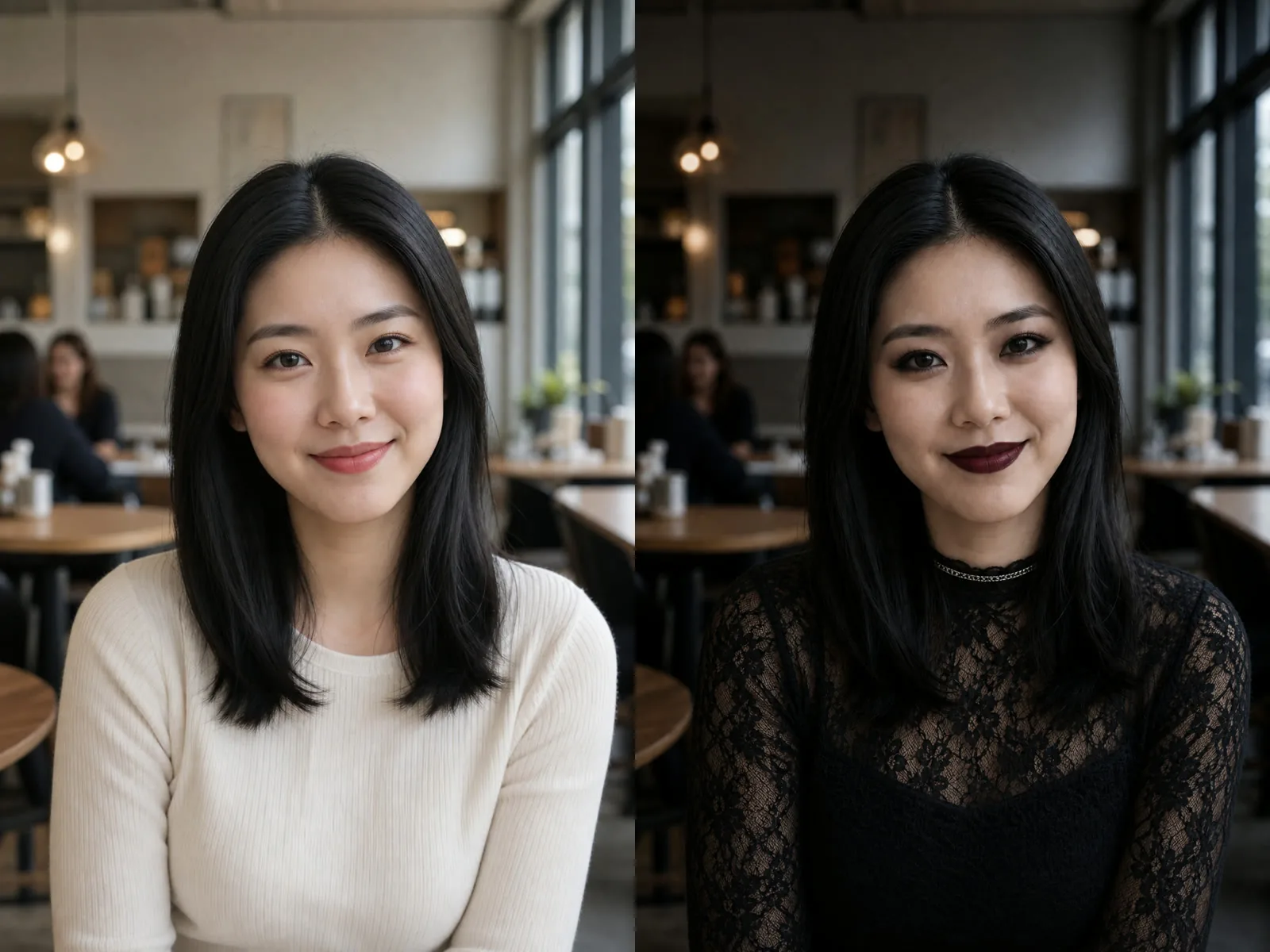
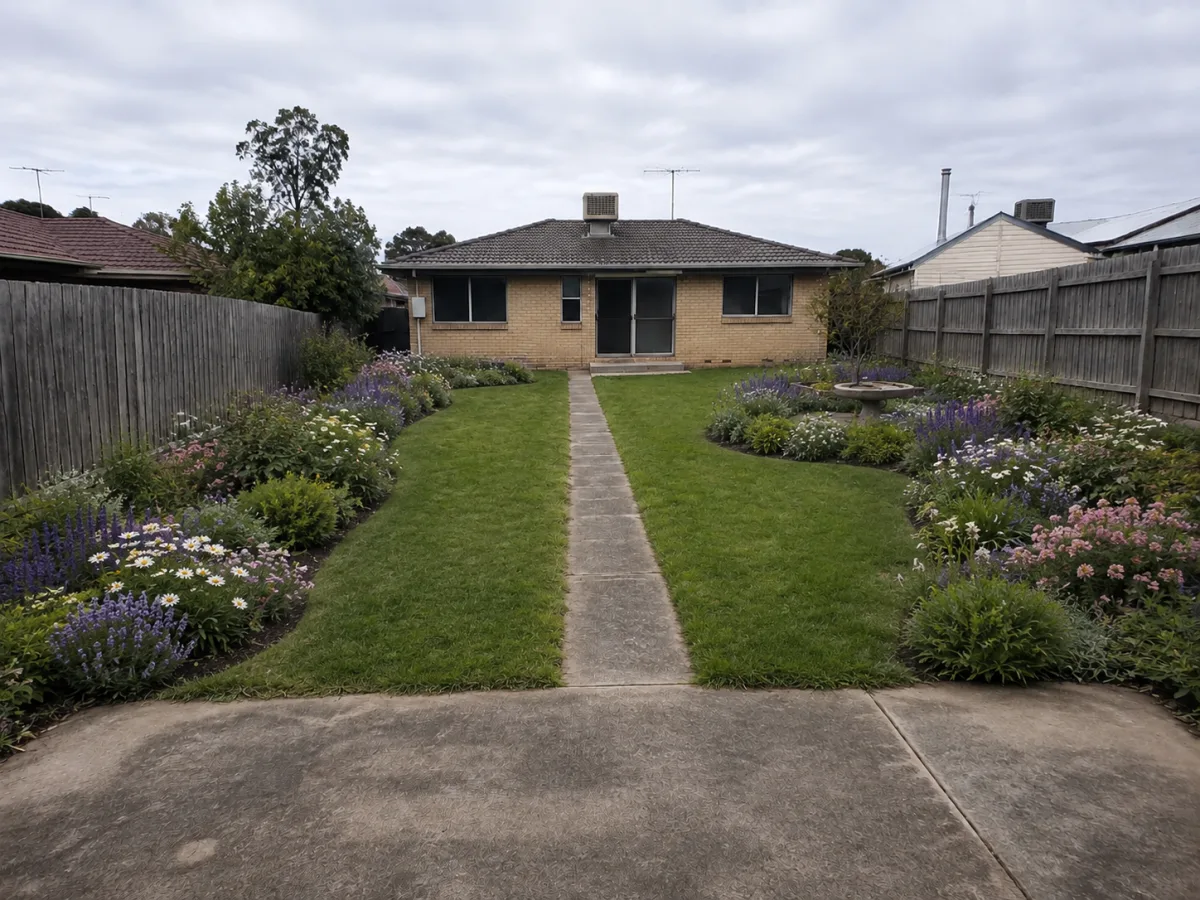
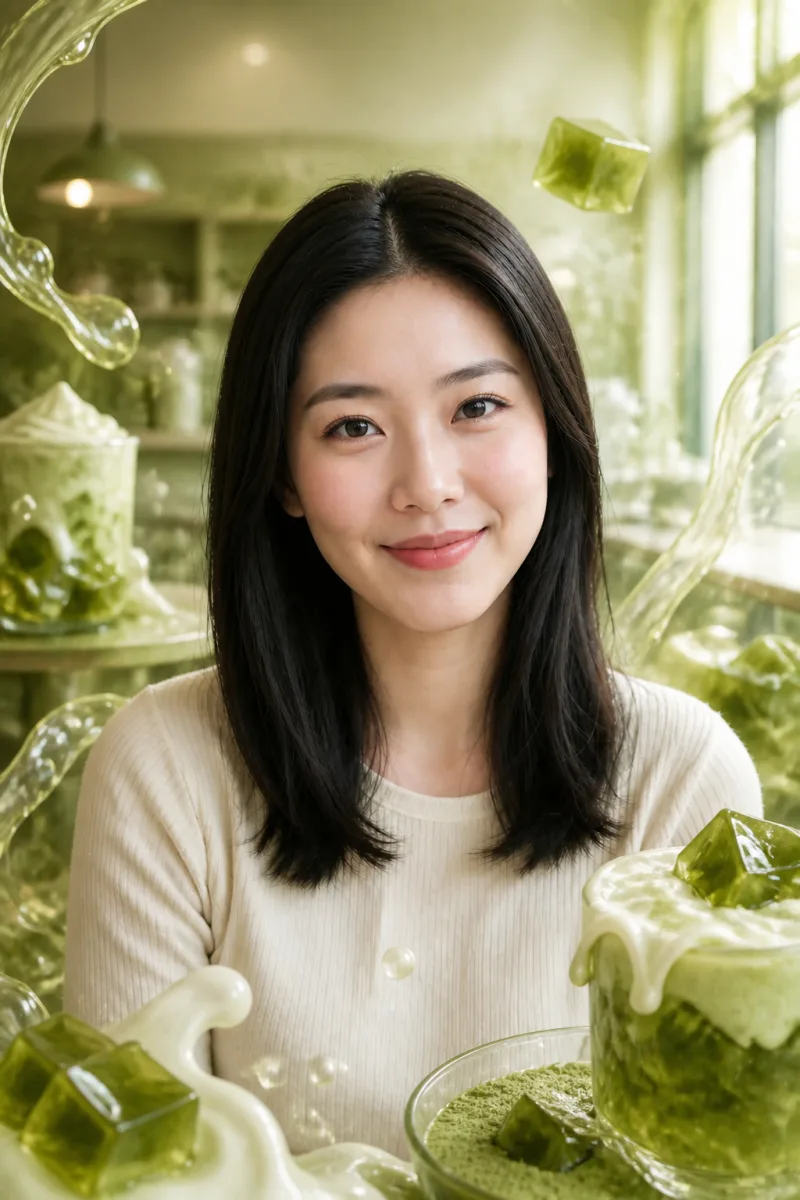
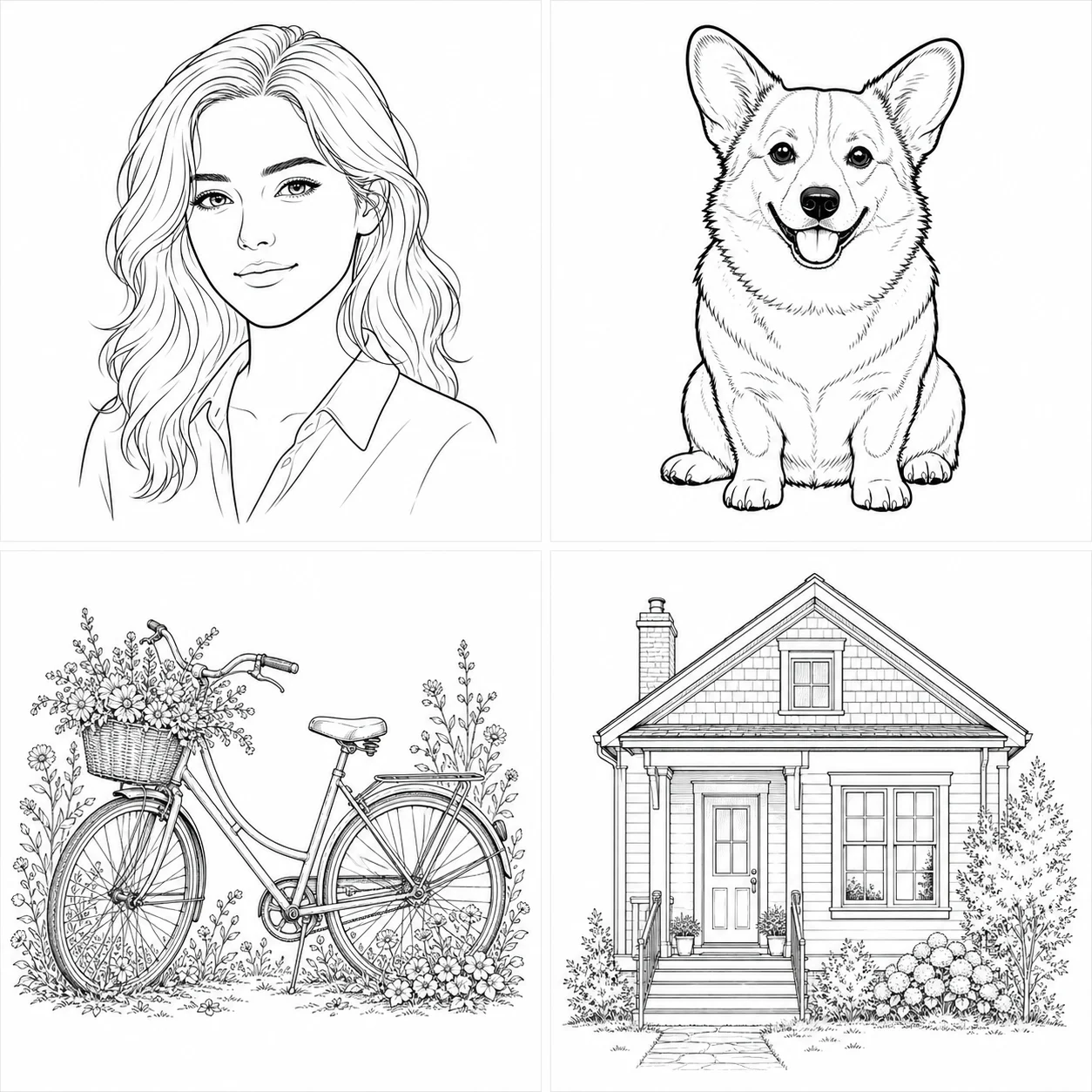
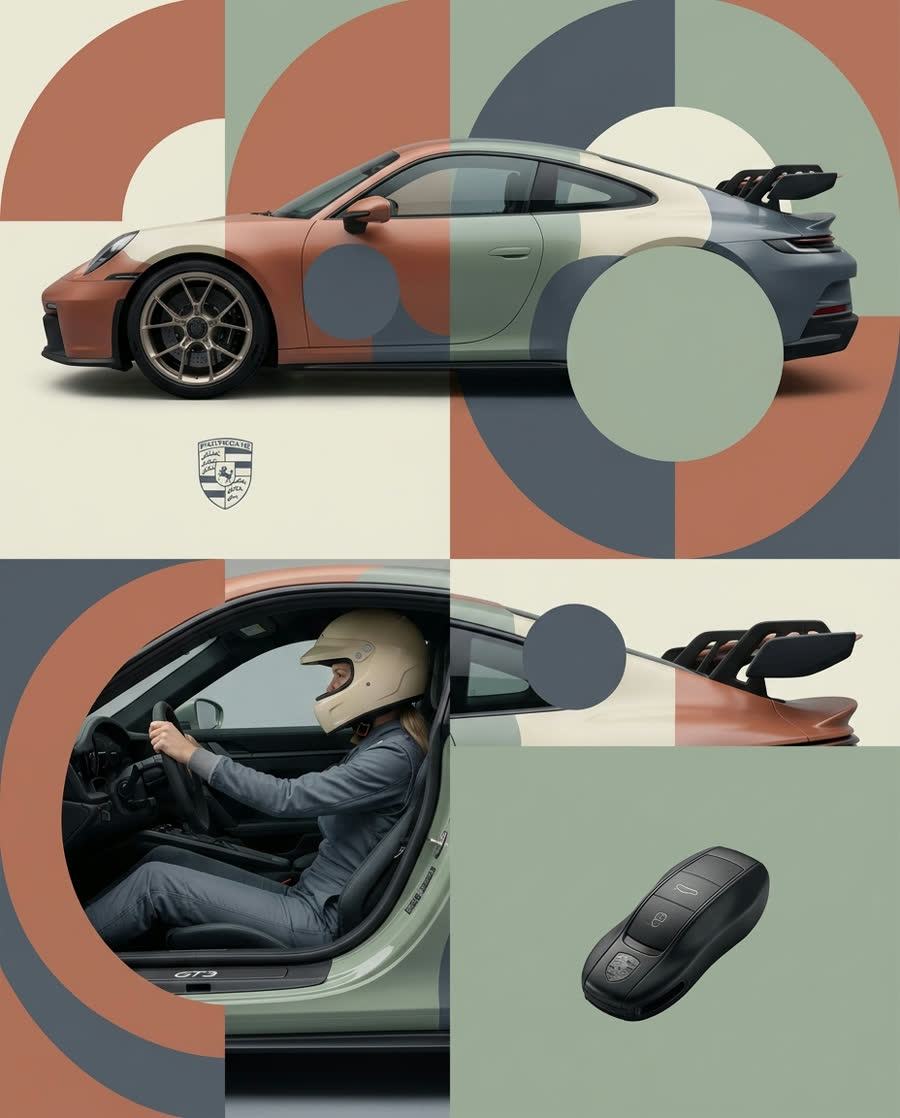
Editorial composition for the Qwen Image 3 generator

Turn a Clear Brief into a Reviewable Qwen Image 3 Draft

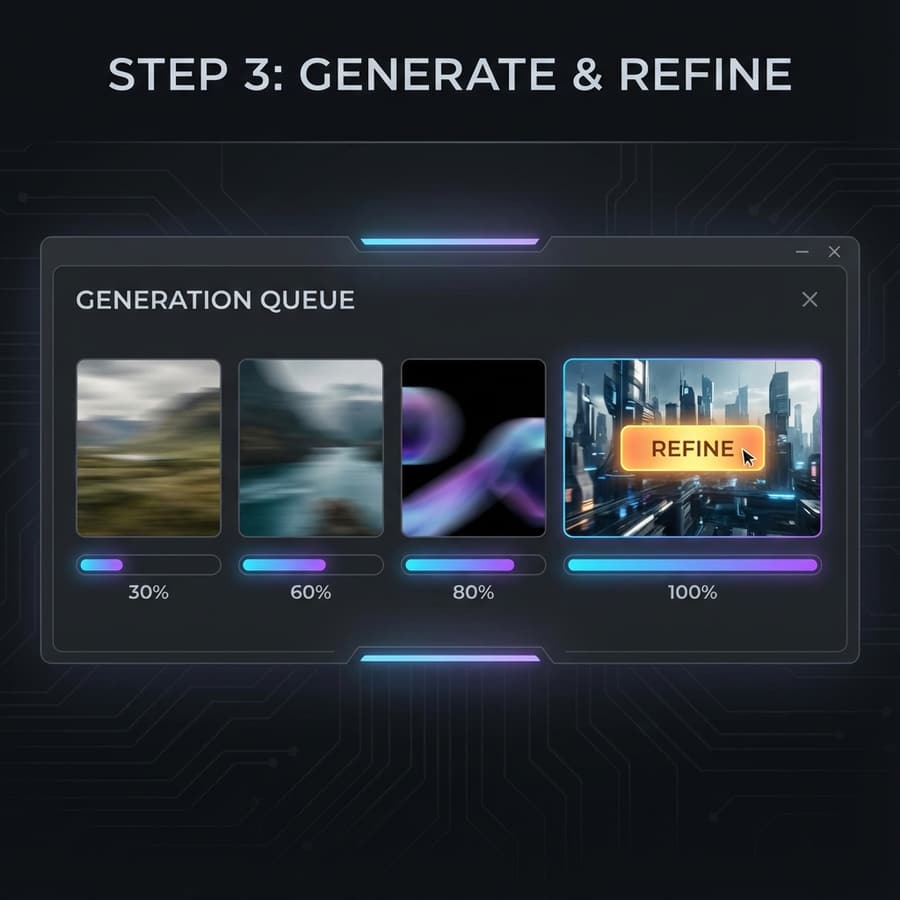
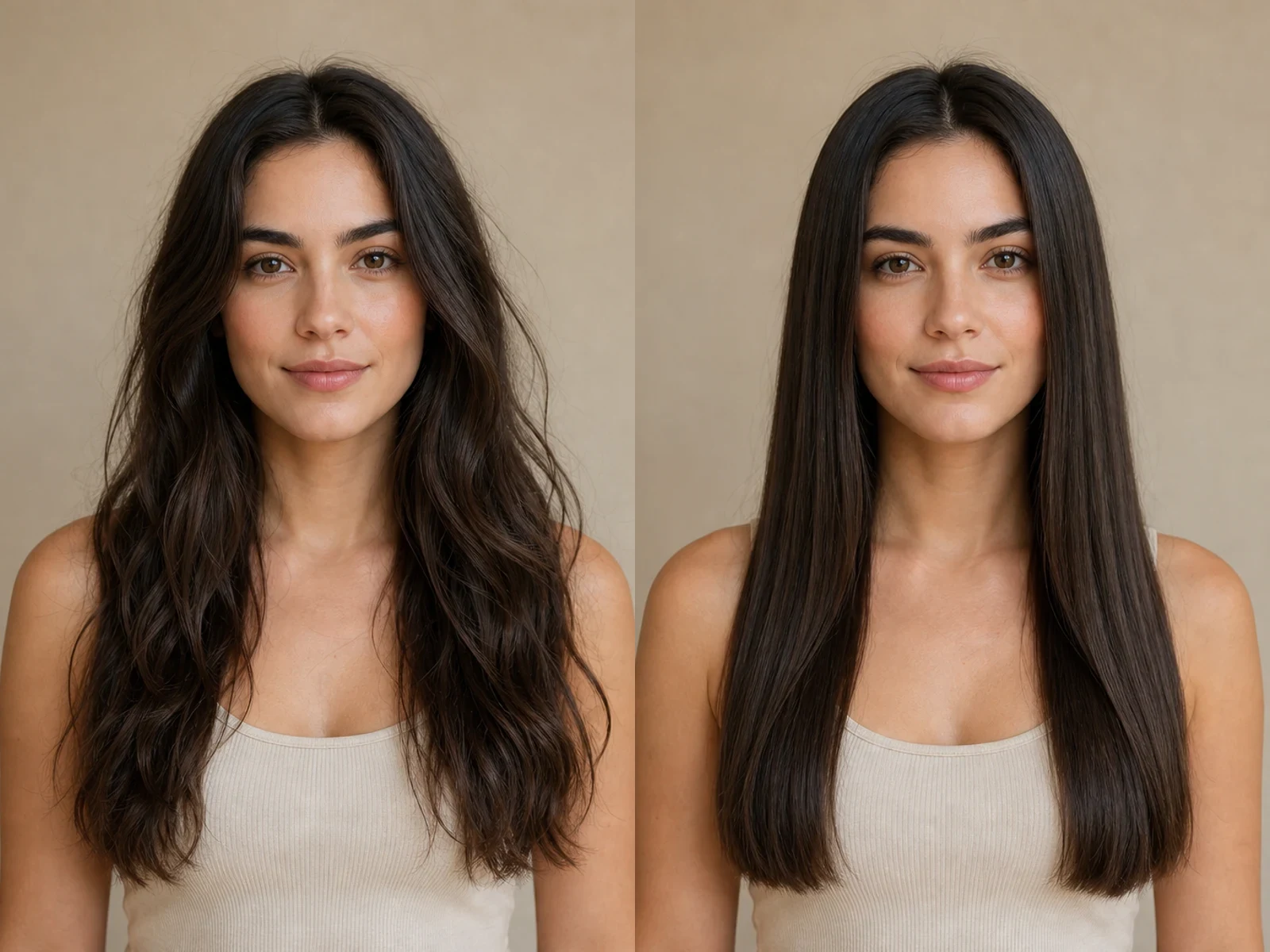
NanoPic connects the generator directly to KIE's Qwen3 routes for both text-to-image and image-to-image work. Start from a prompt or provide as many as three references, choose a supported canvas and resolution, then keep the prompt and settings beside the result so each creative decision remains easy to review.

Qwen Image 3 Controls That Support Deliberate Iteration

Use the documented KIE controls to keep first drafts economical and later revisions specific.

Text creation and reference editing

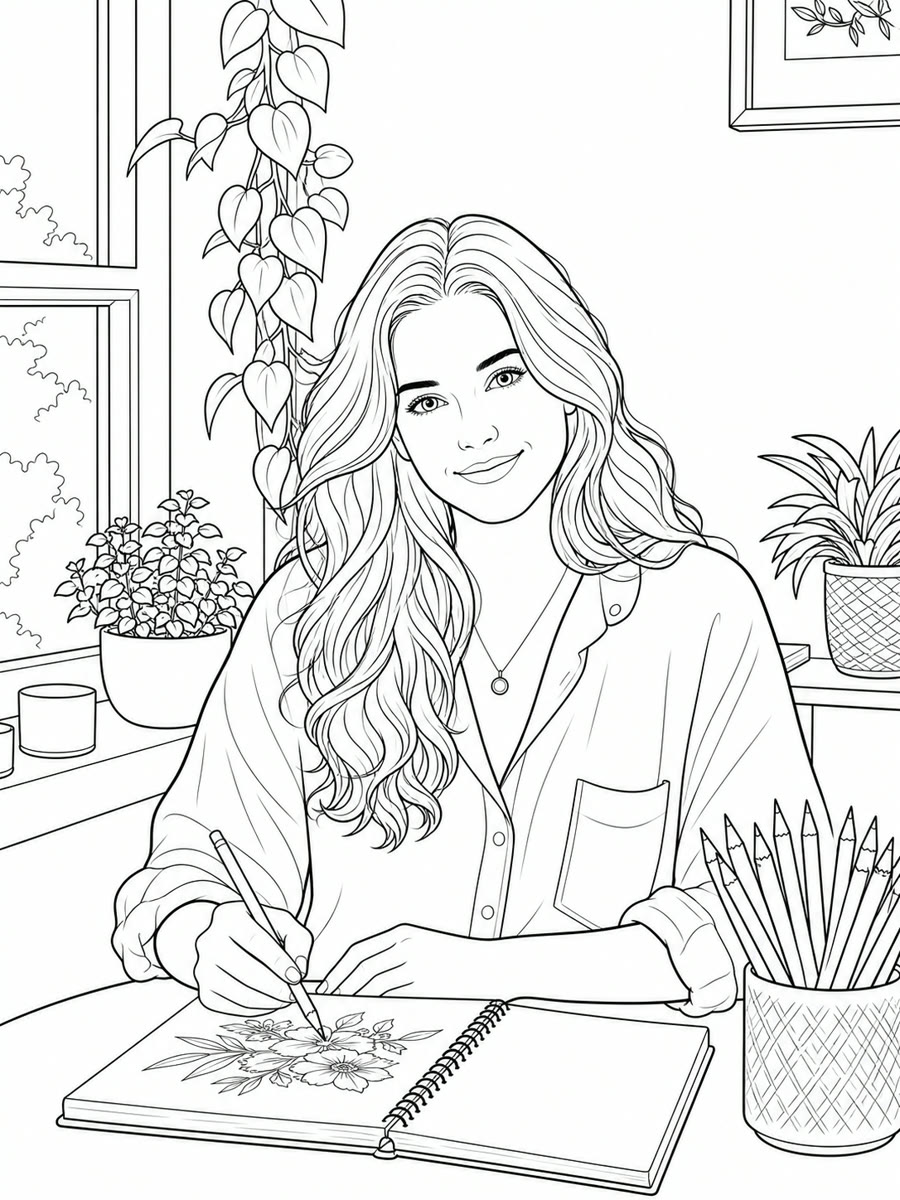
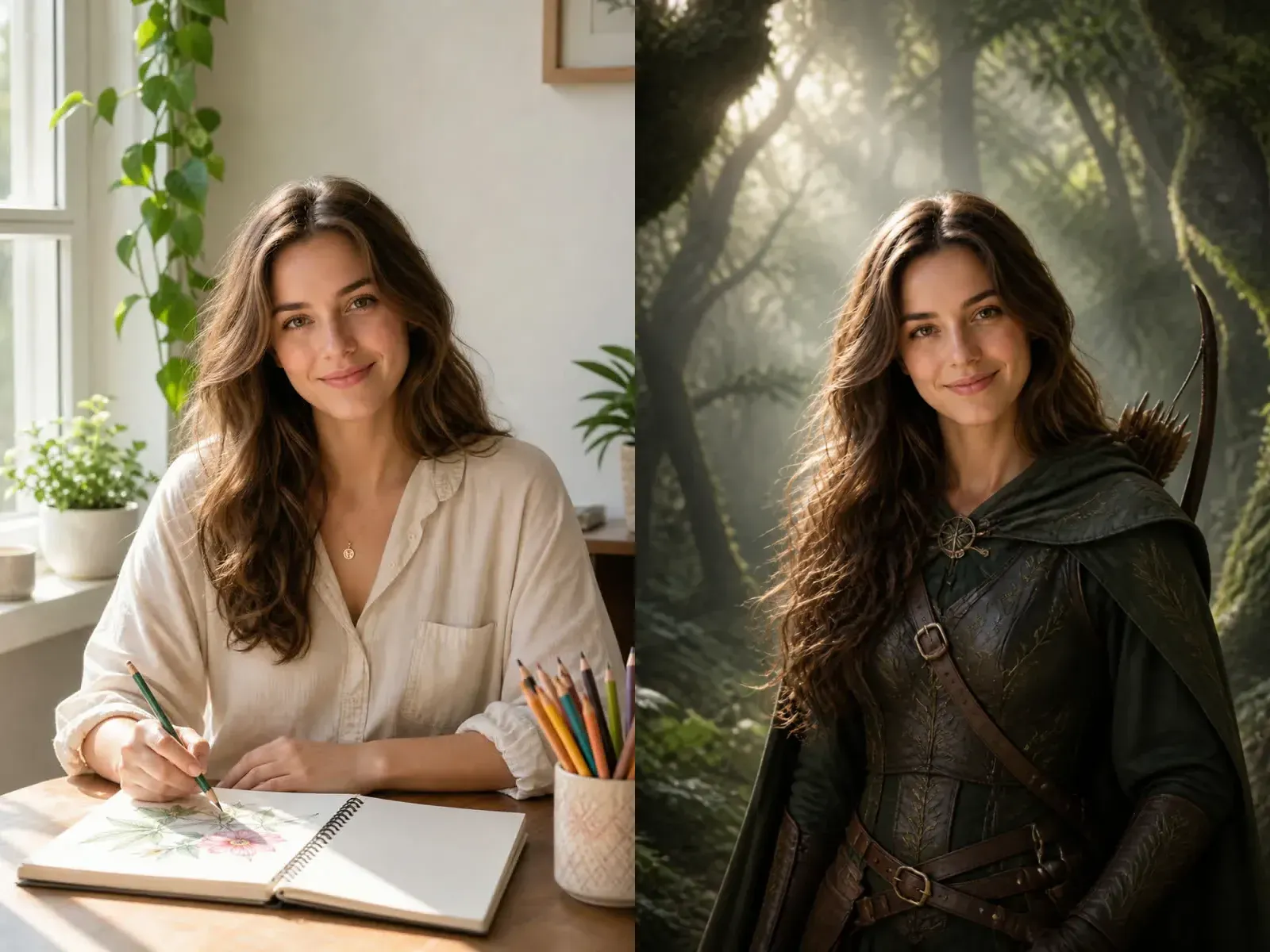
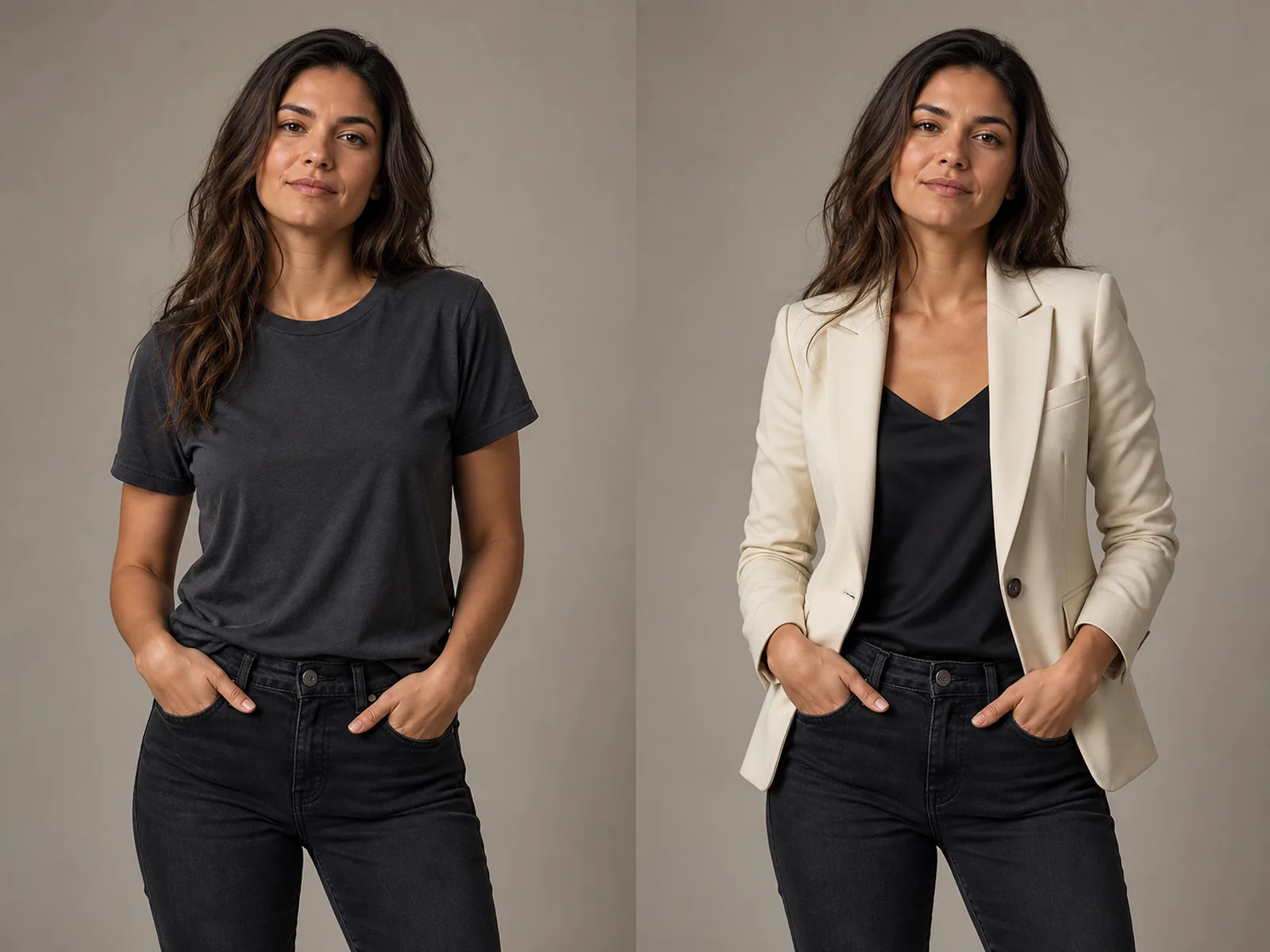
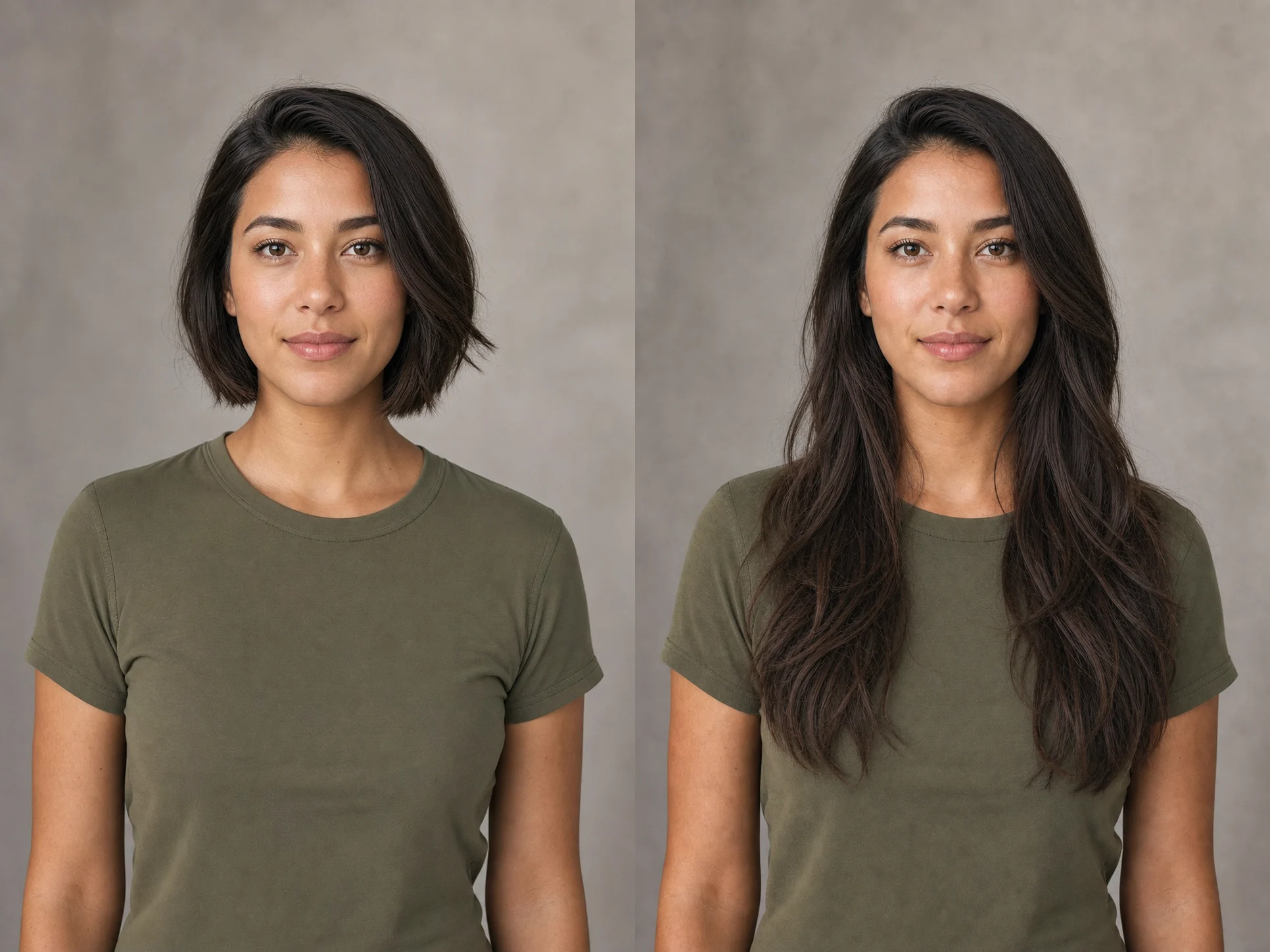
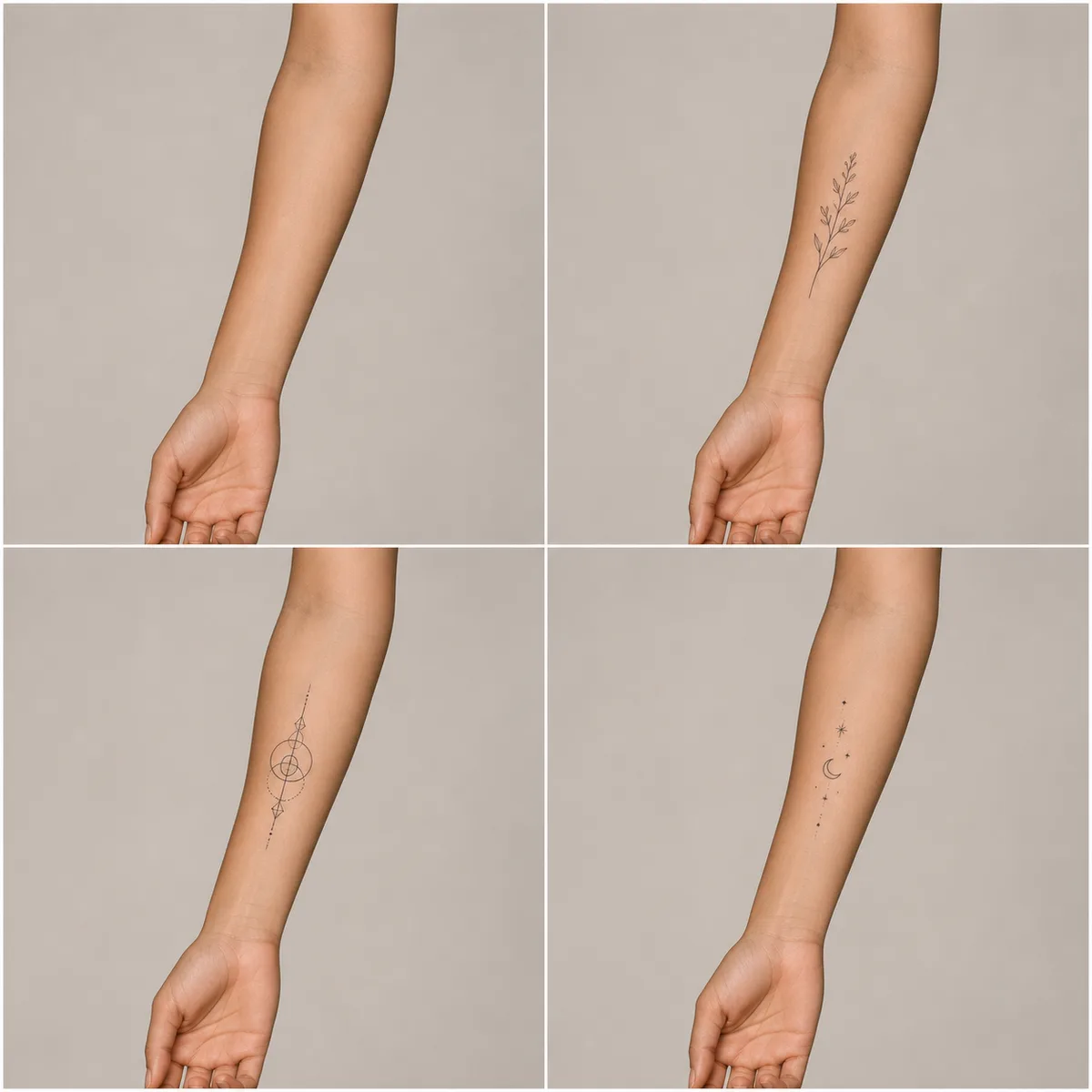
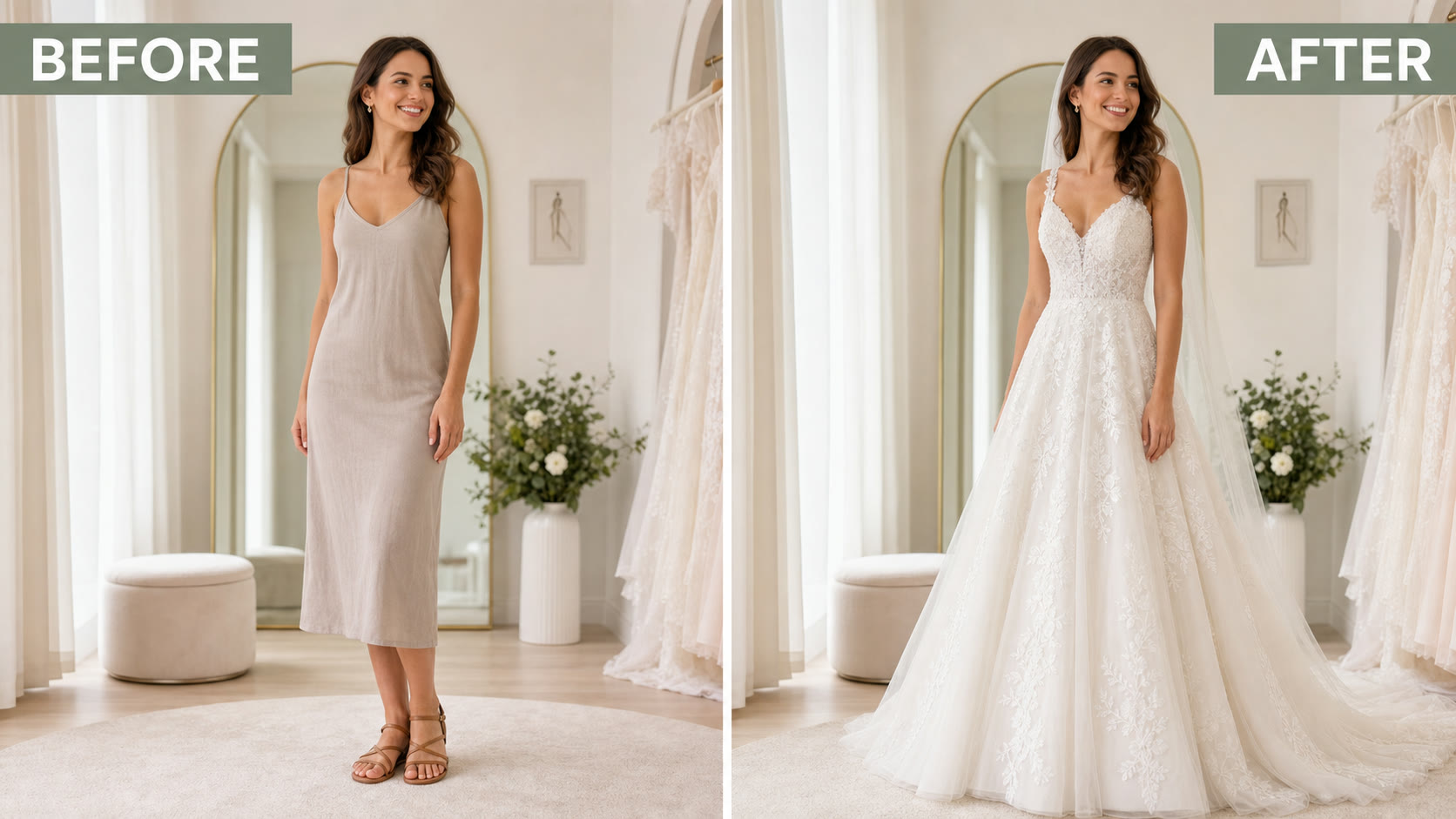
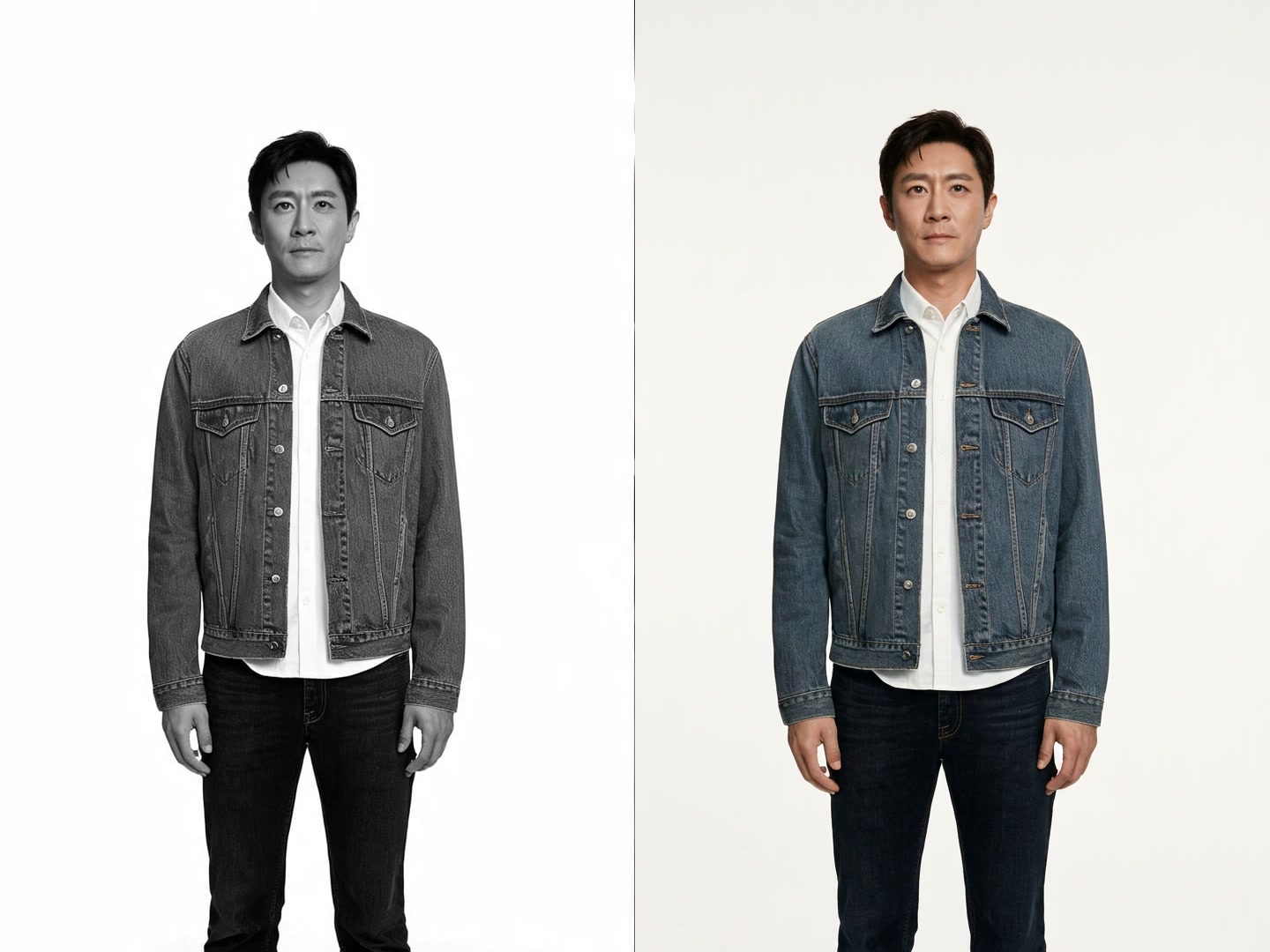
Create an image from a written brief or upload one to three visual references. In edit mode, state what must remain unchanged as clearly as the requested transformation so composition, identity, or product details have a stable anchor.

1K and 2K output choices

Use 1K for prompt exploration and layout tests, then move to 2K when the direction is strong enough to inspect texture, edges, small objects, and typography more closely.

Prompt extension, seed, and export format

Prompt extension can elaborate a short idea, while a fixed seed helps compare controlled revisions. Choose PNG for lossless review or JPEG when a smaller handoff file is more useful.

A Practical Qwen Image 3 Workflow

Build one visual decision at a time instead of changing every variable between generations.

1. Define the image's job

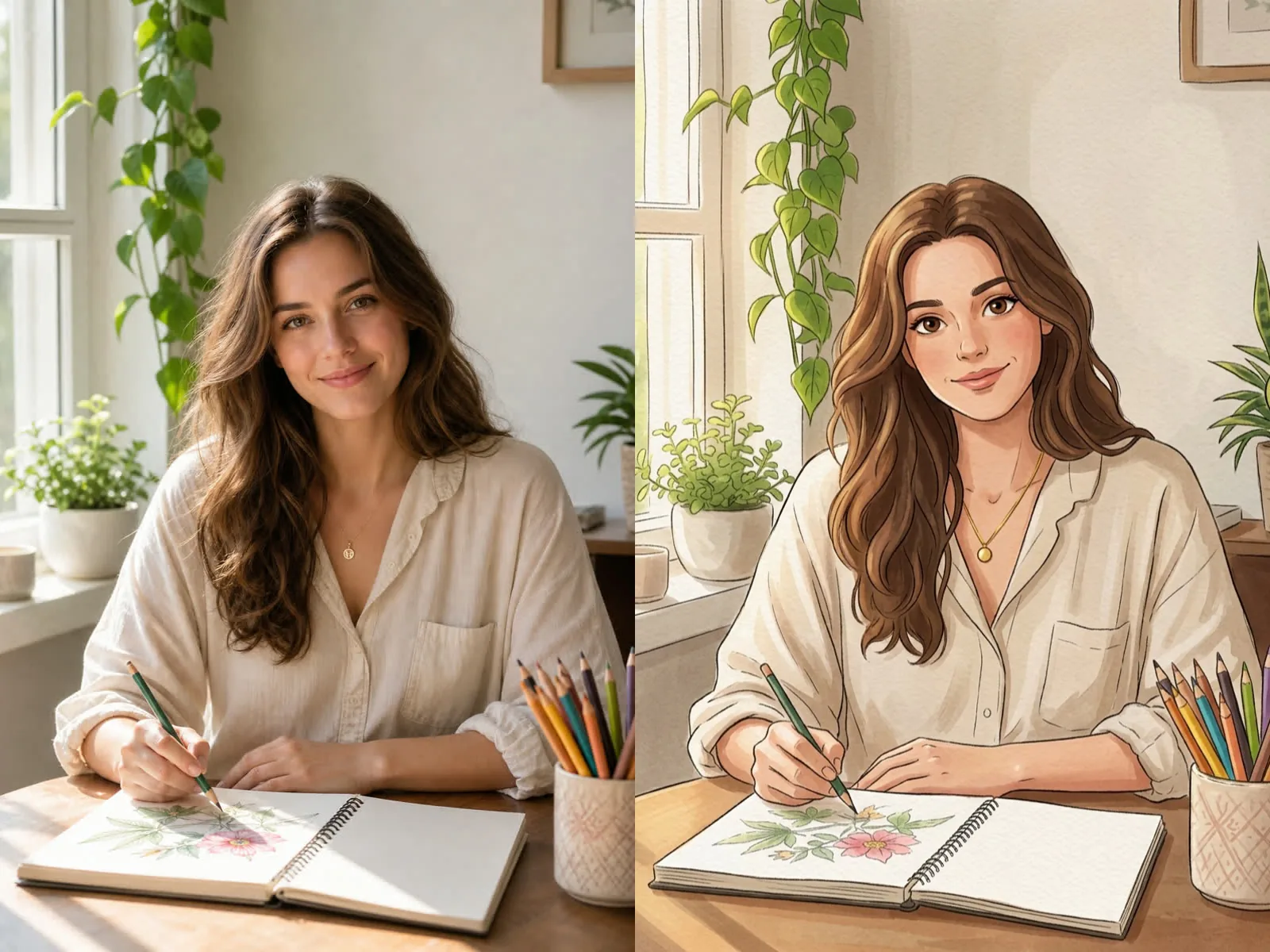
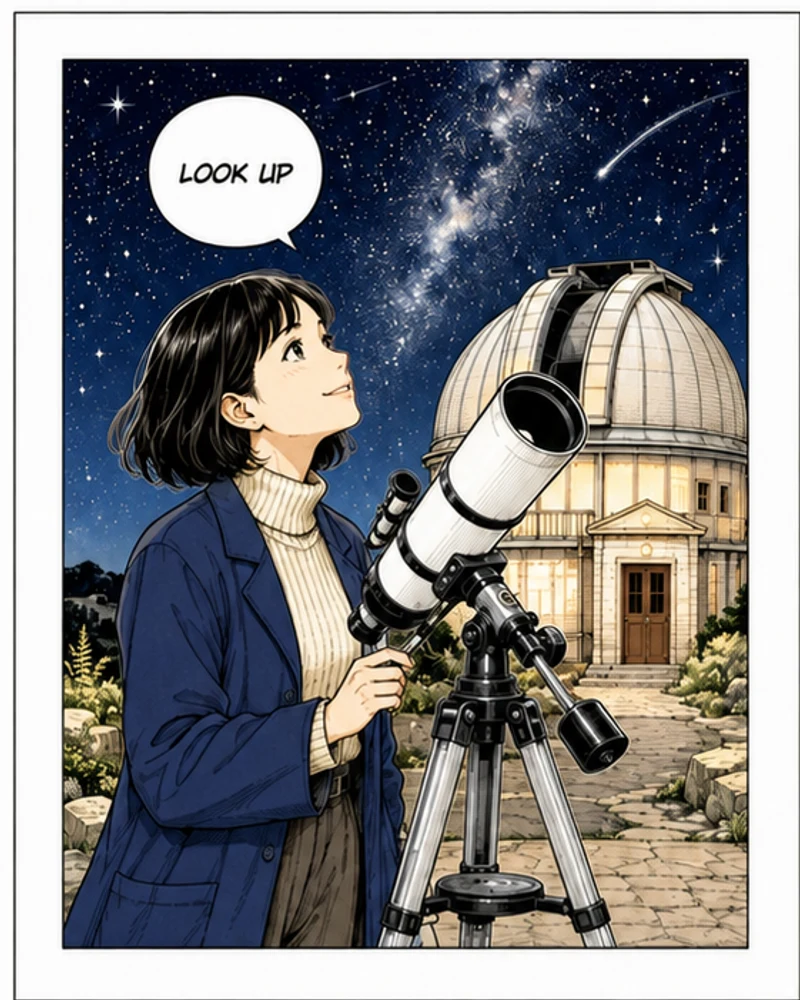
Name the subject, placement, audience, format, lighting, palette, and one key constraint. A product card, editorial header, poster study, and character concept need different composition priorities.

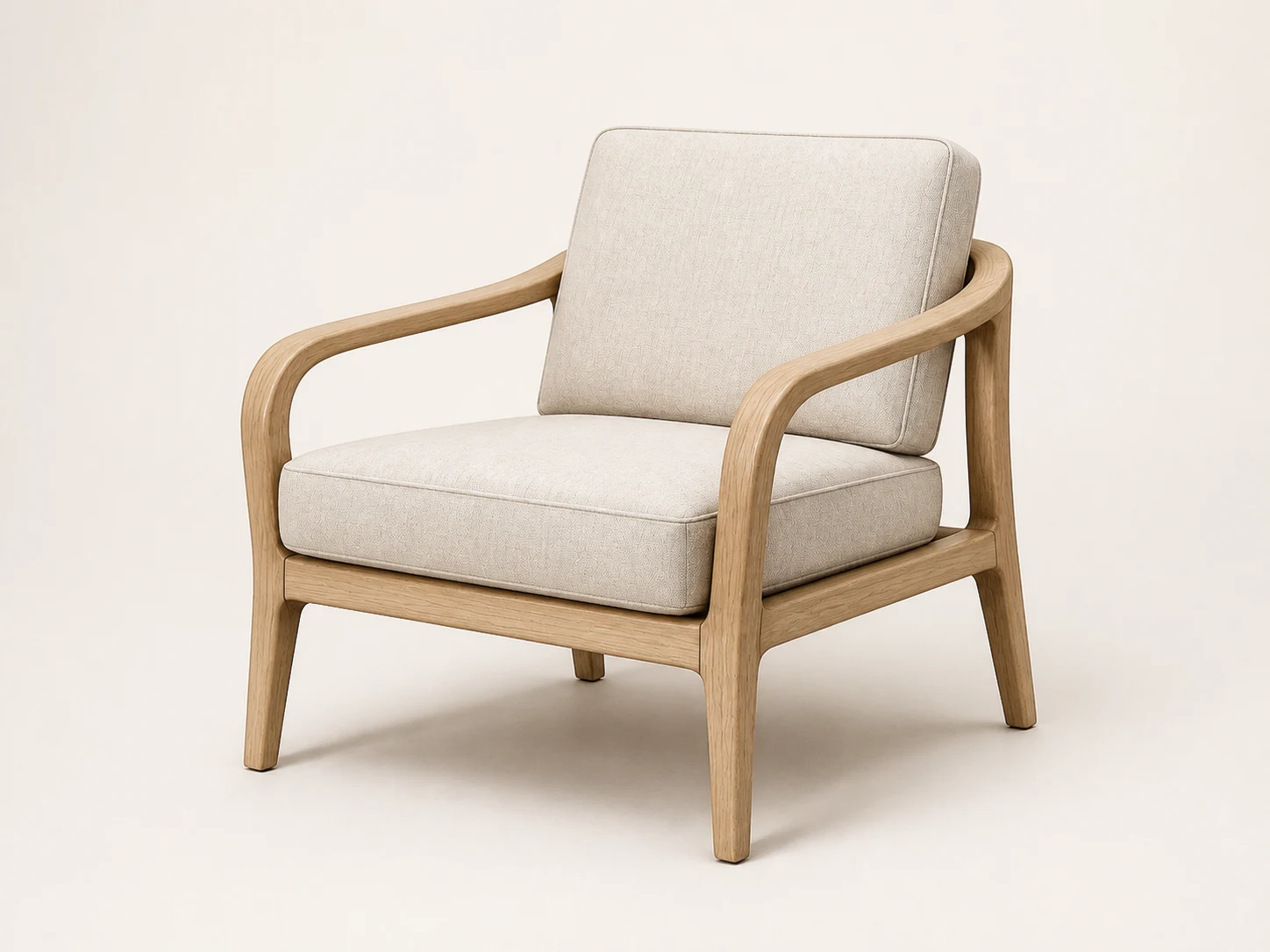
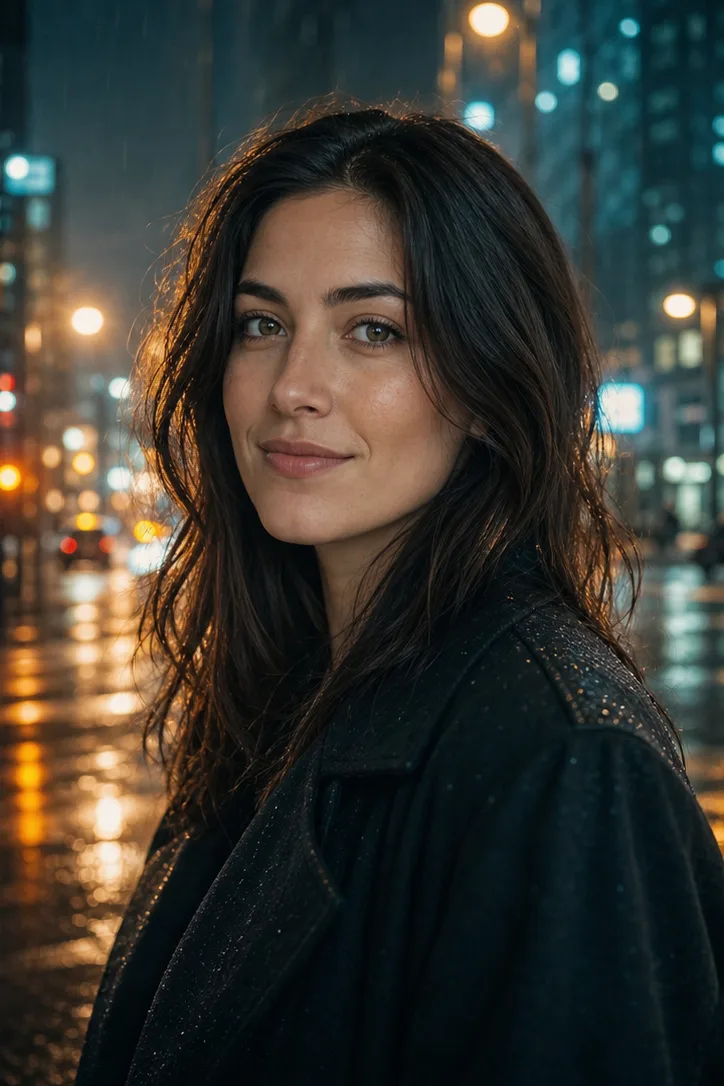
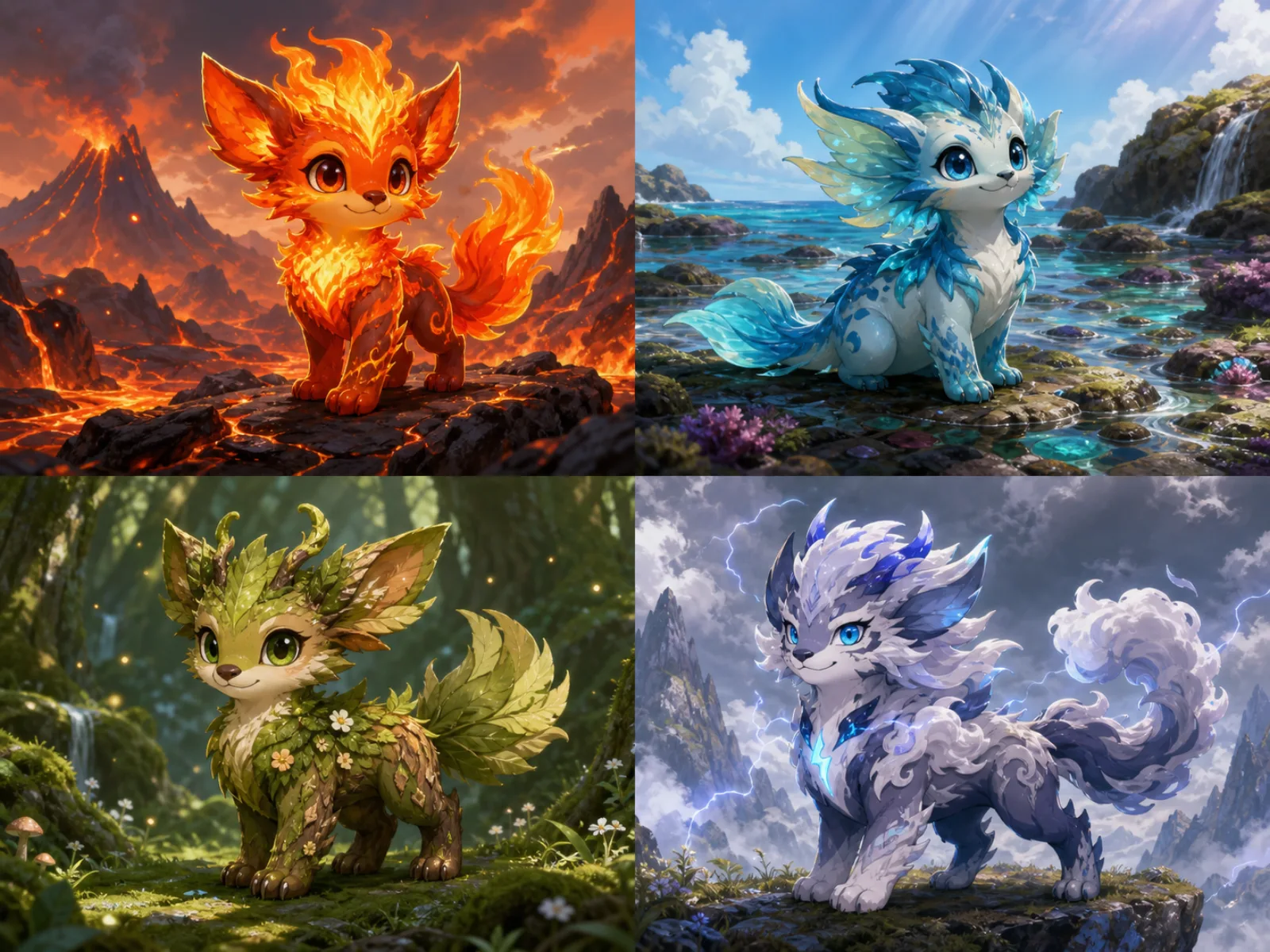
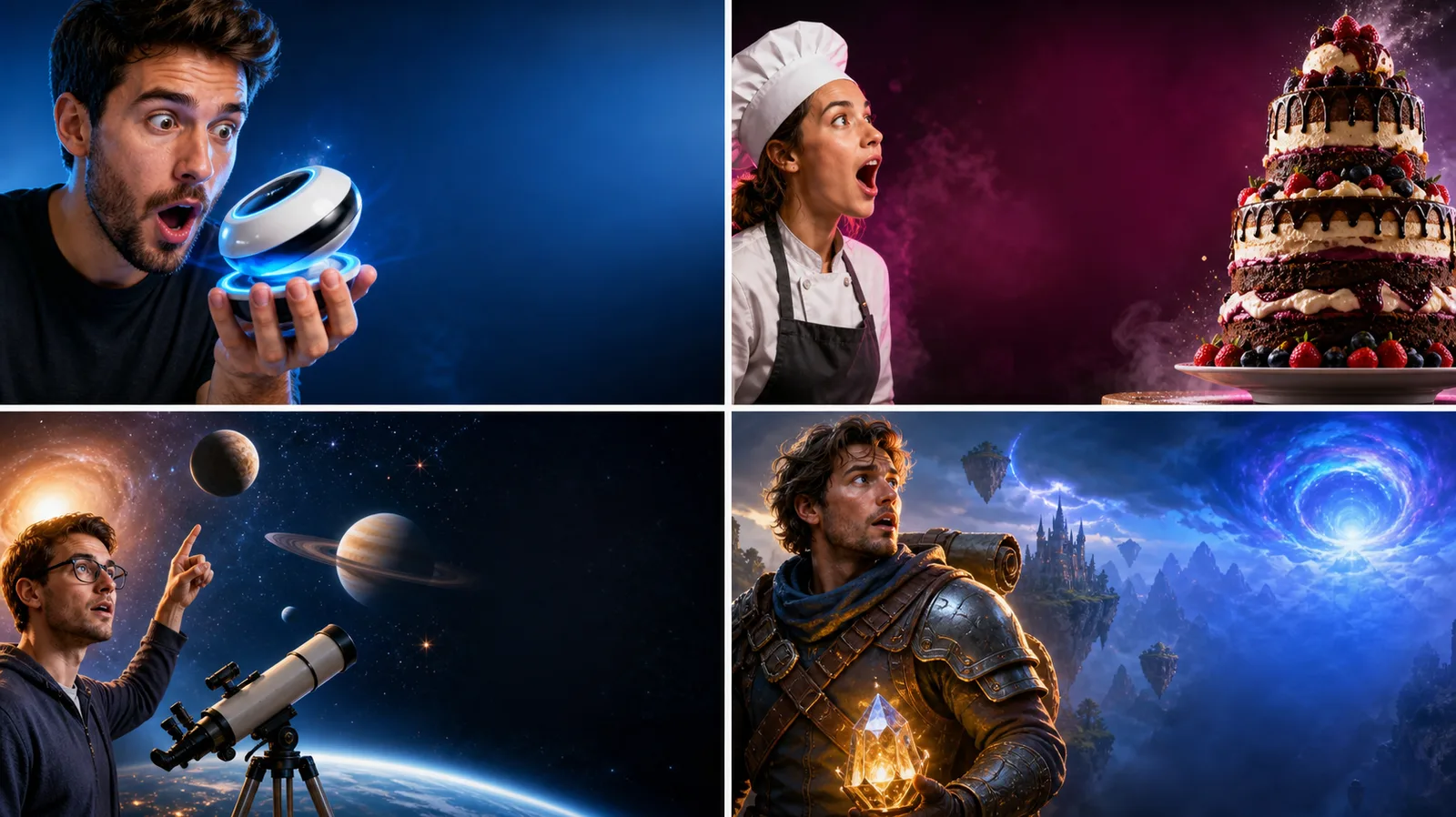
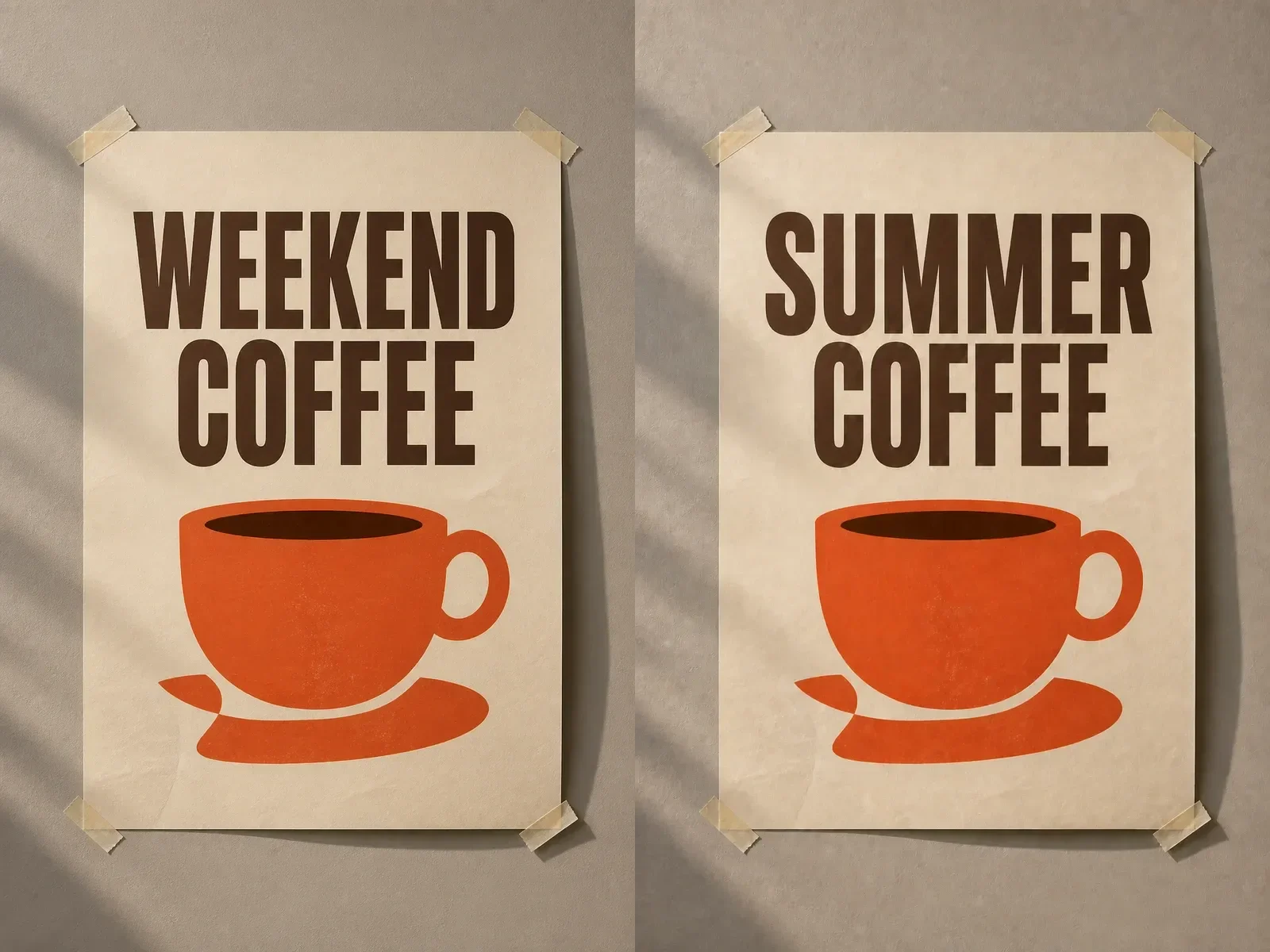
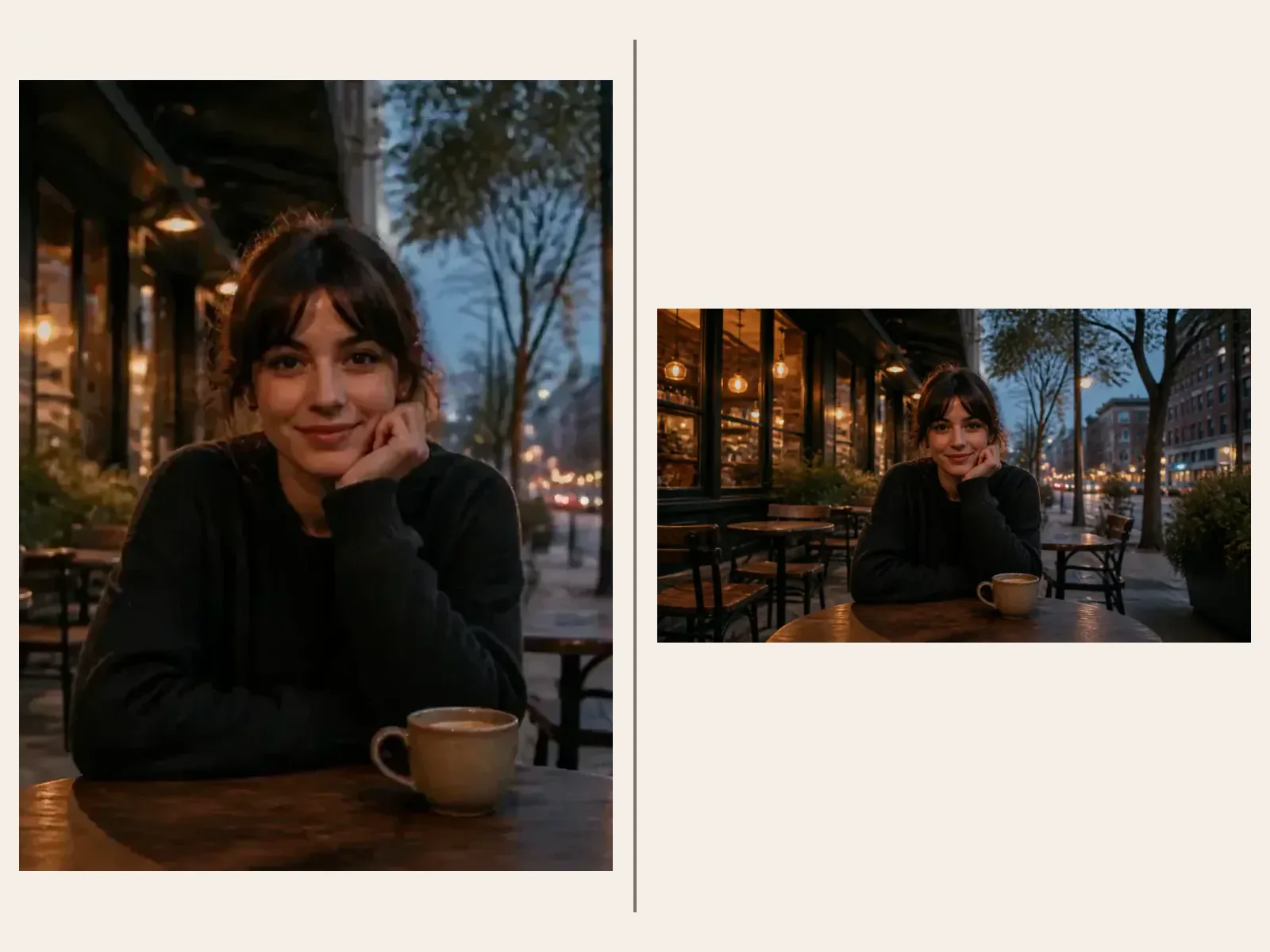
Structured brief for Qwen Image 3

2. Add references with explicit roles

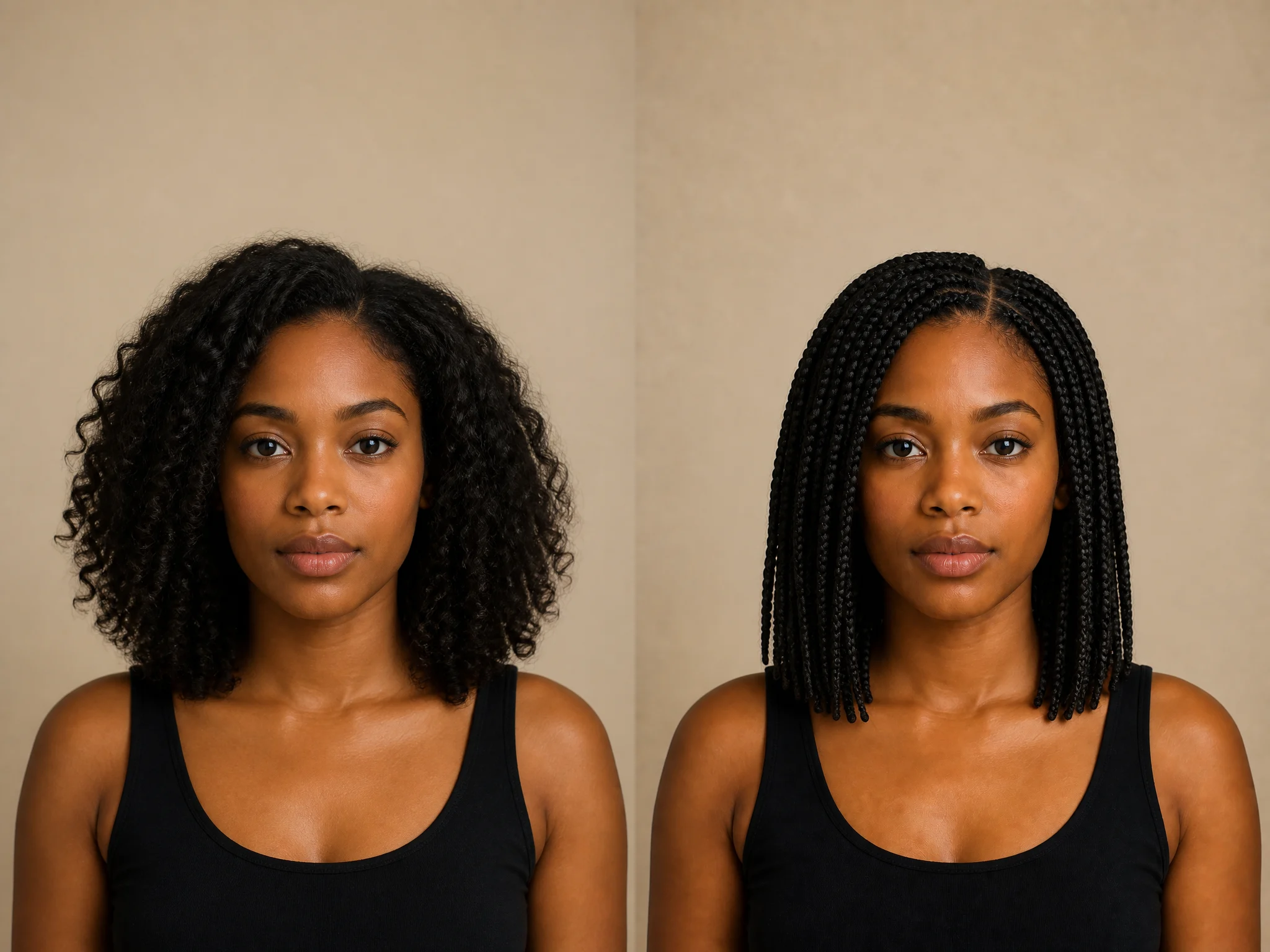
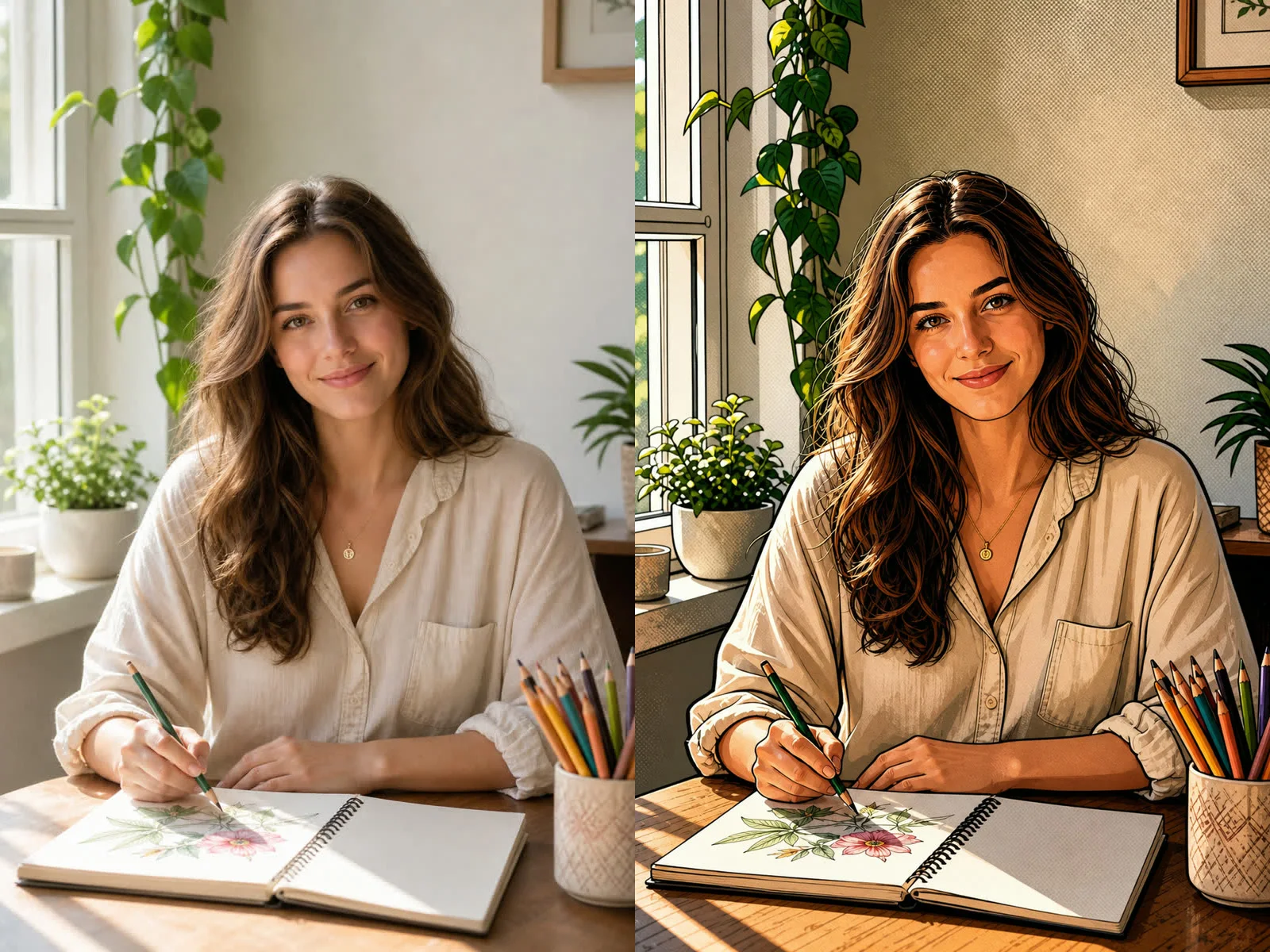
Explain whether each source controls identity, silhouette, color, layout, material, or atmosphere. Avoid asking one reference to govern every dimension of the output.

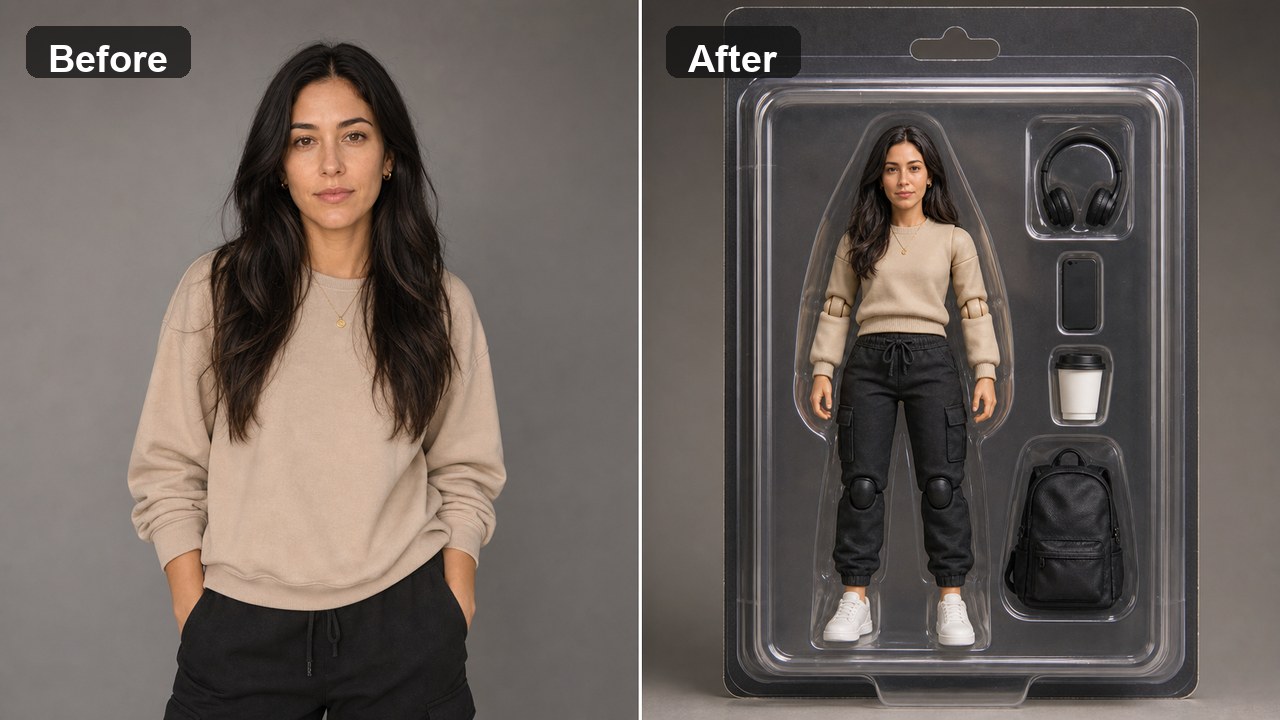
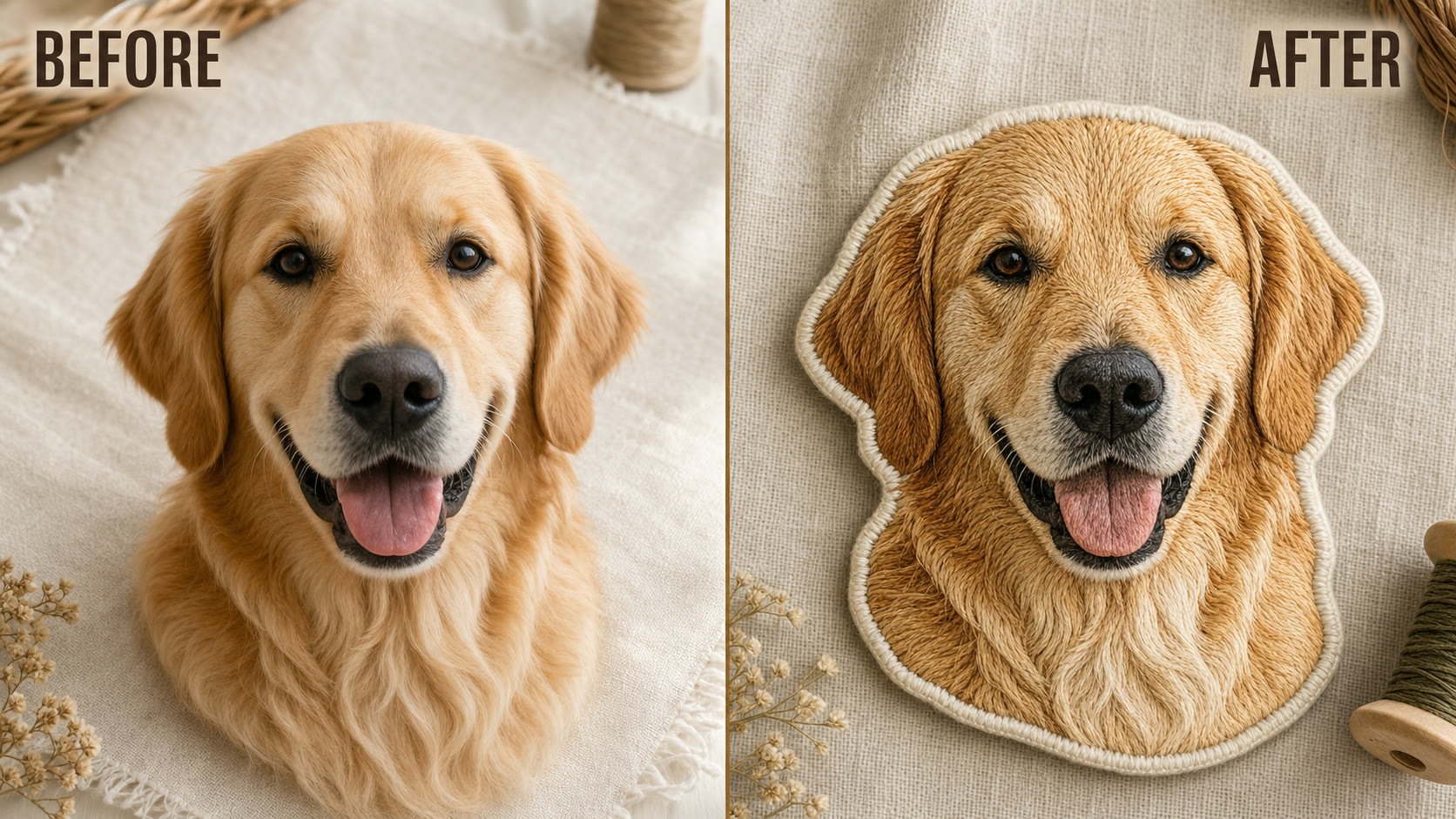
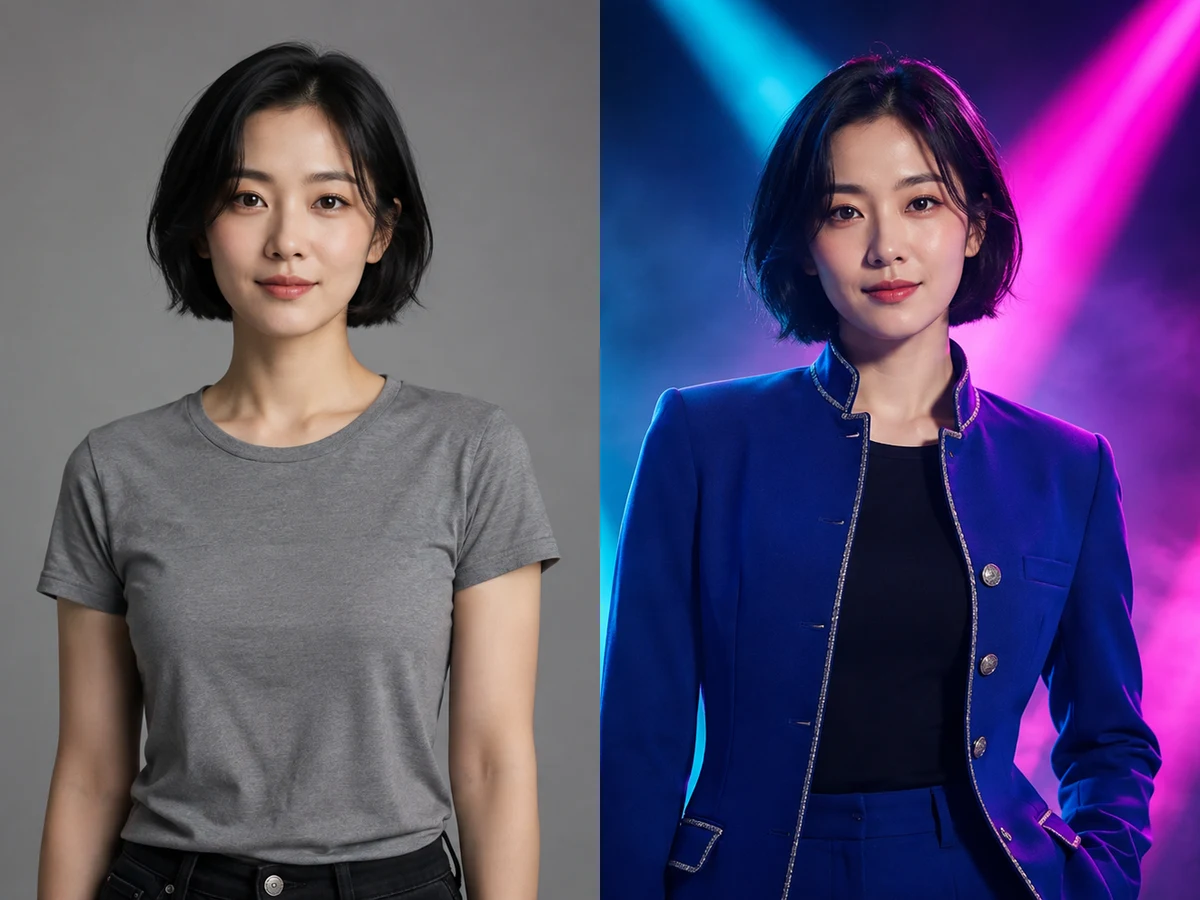
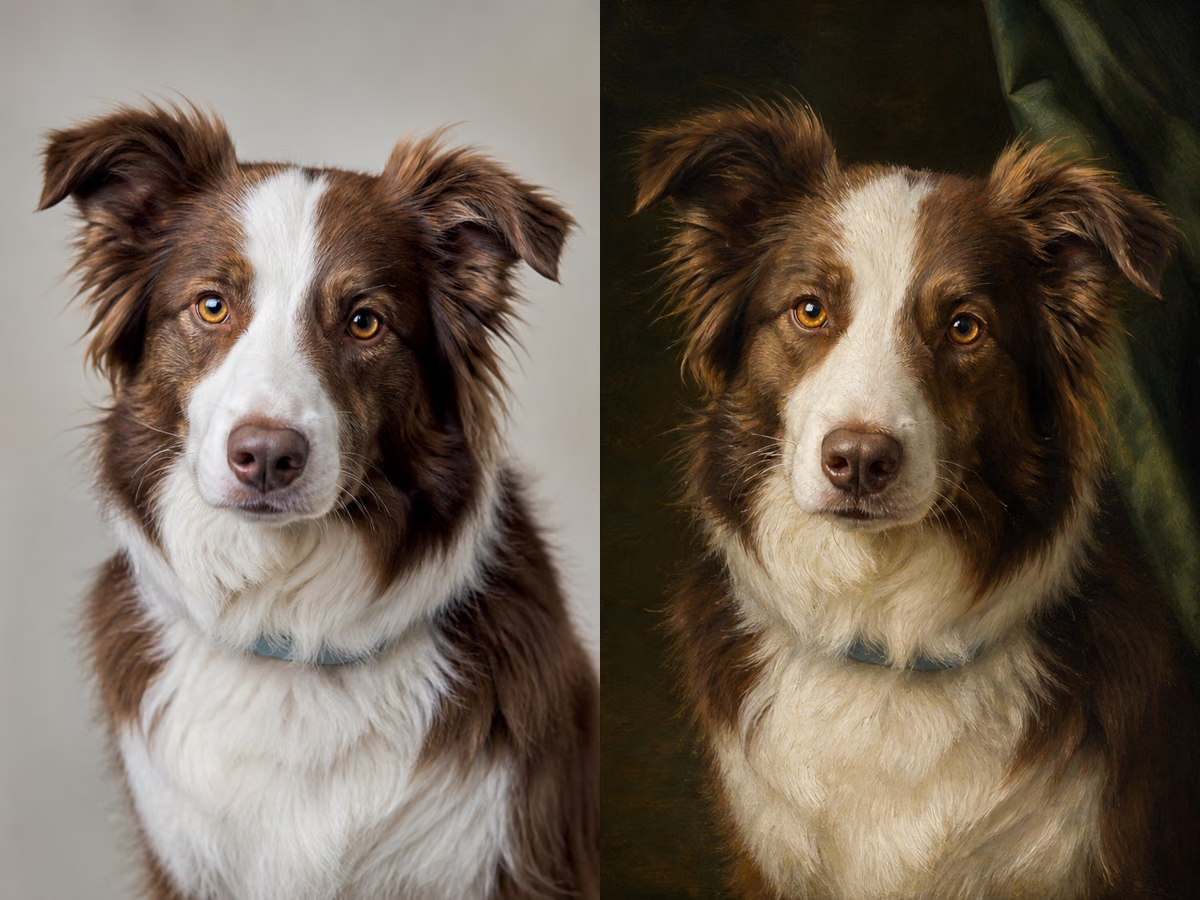
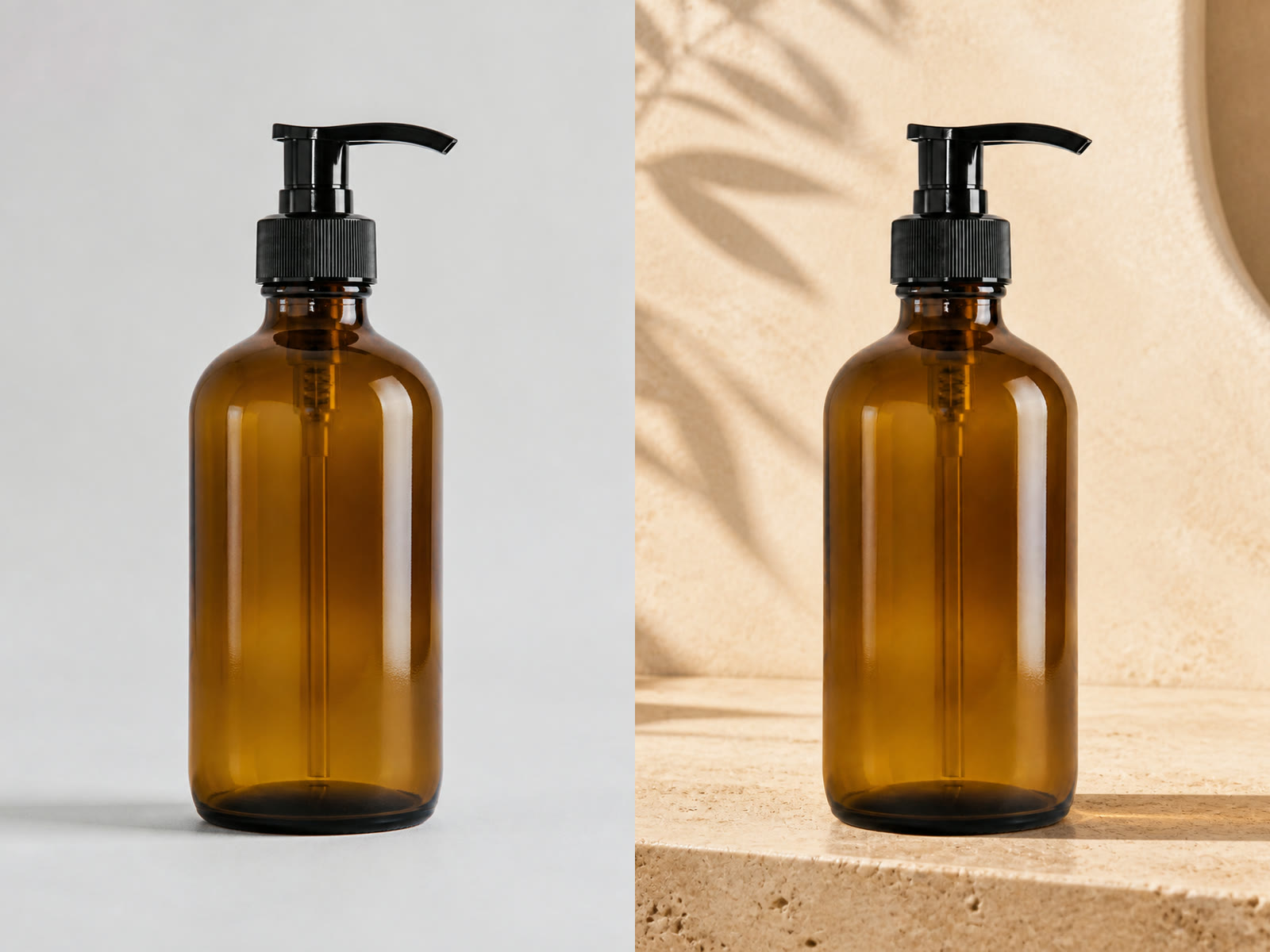
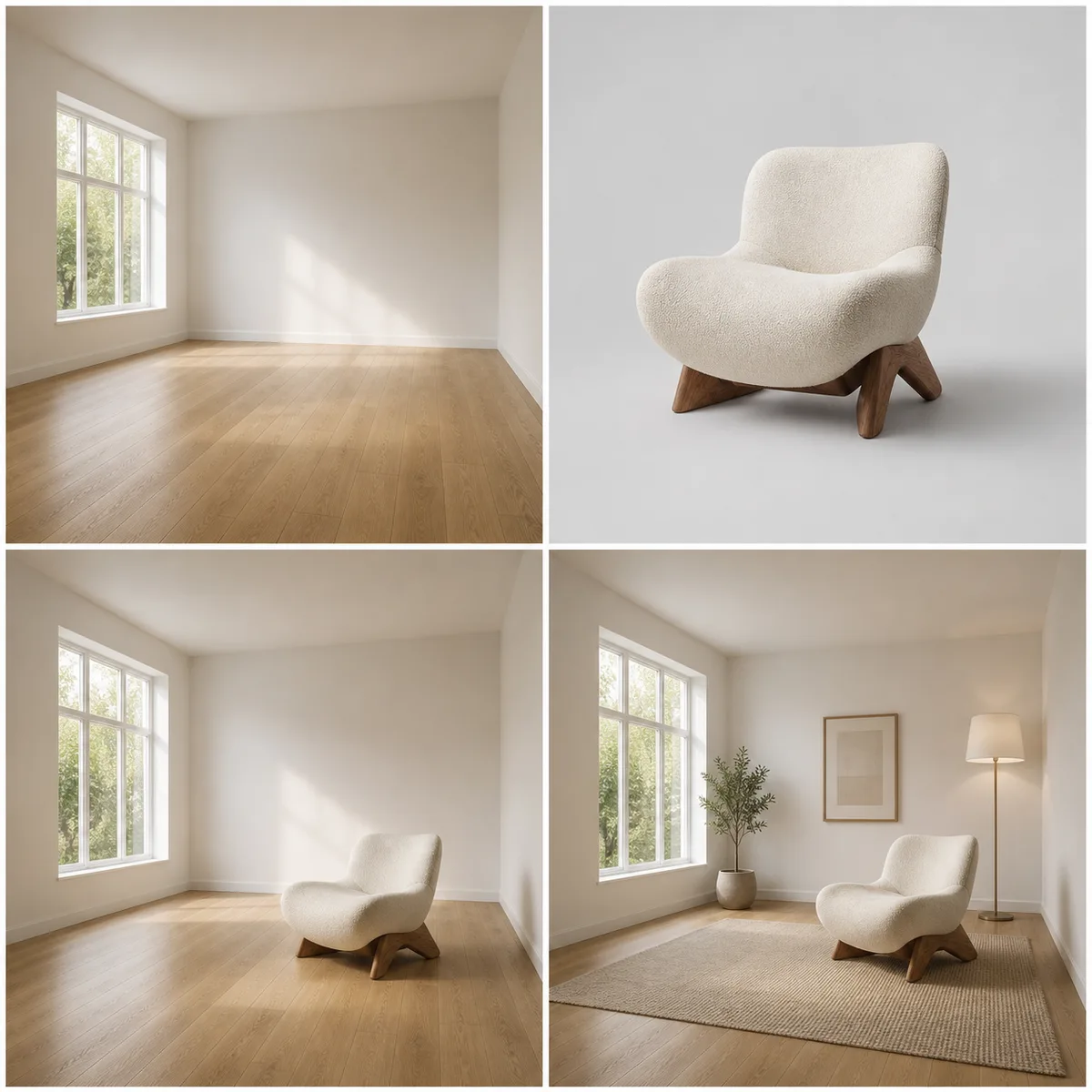
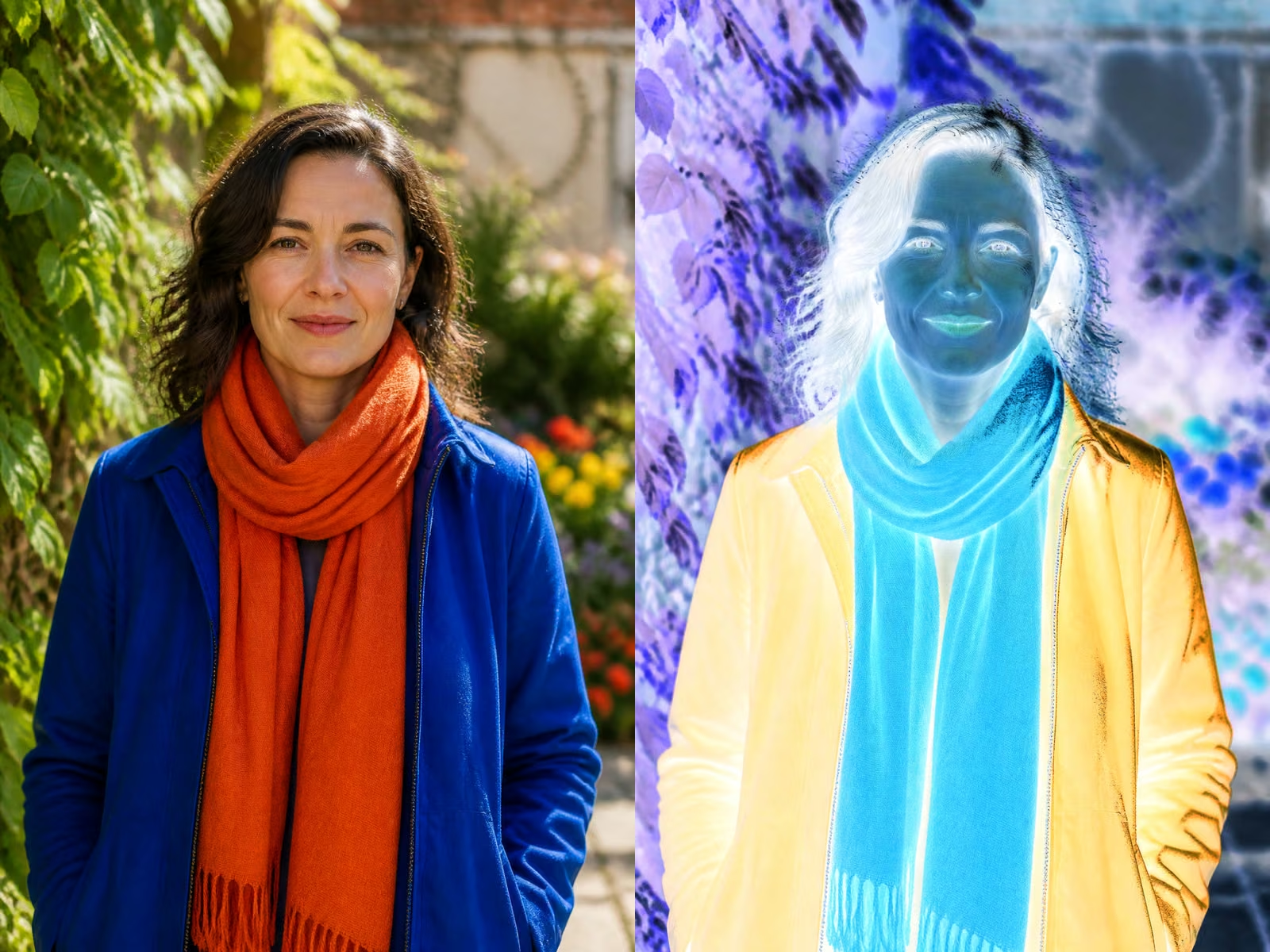
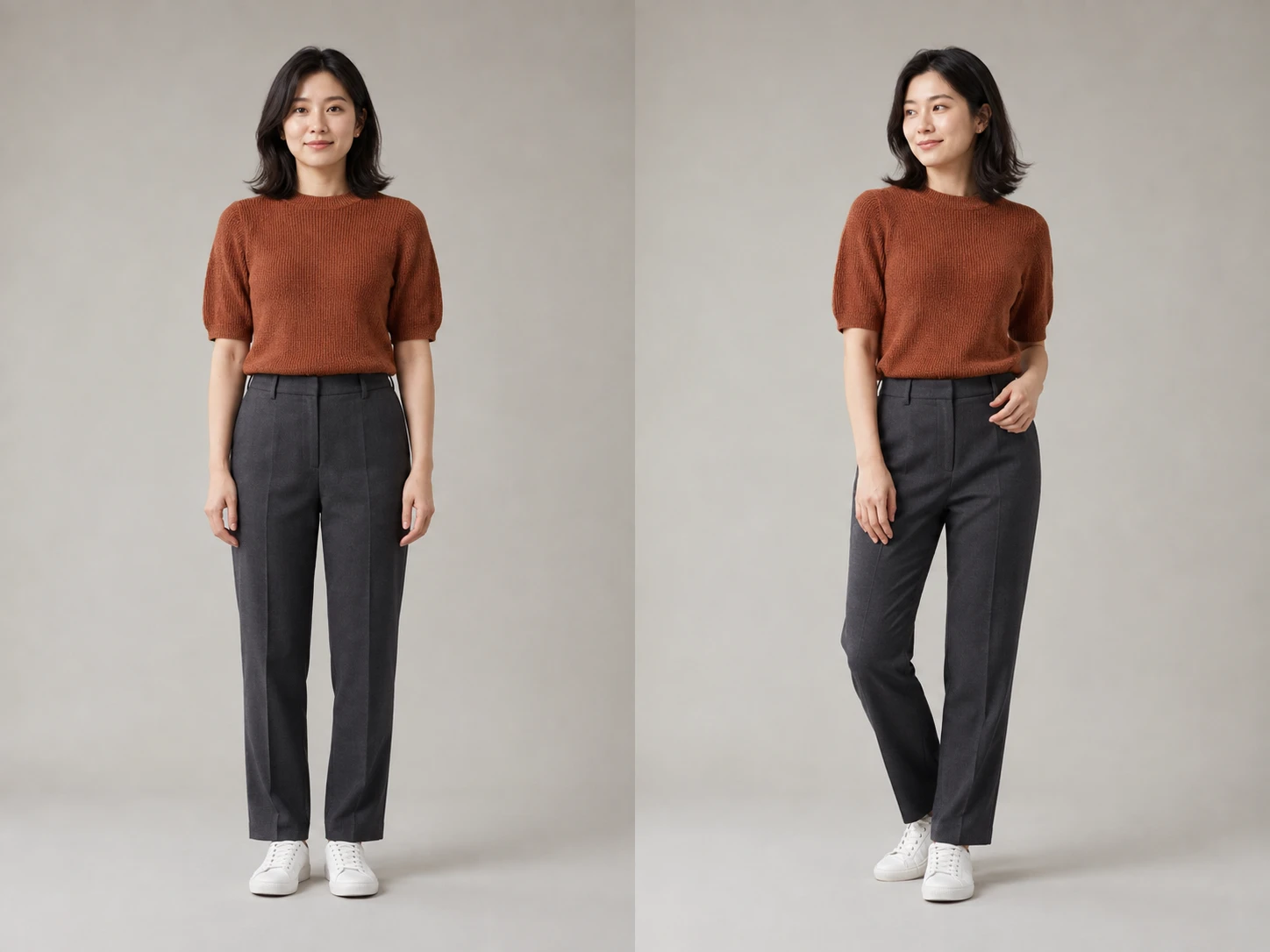
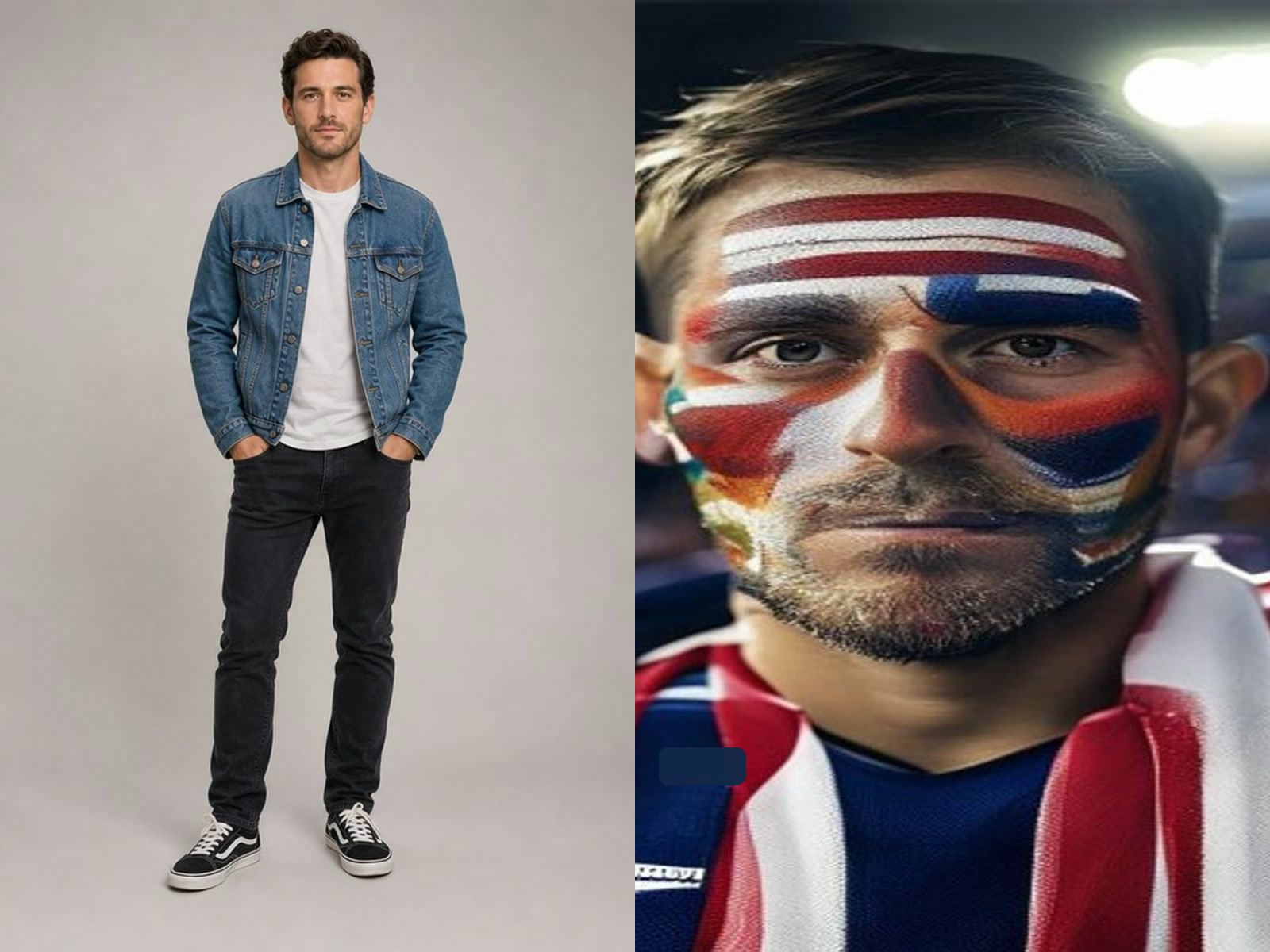
Reference-guided Qwen Image 3 editing

3. Inspect before increasing resolution

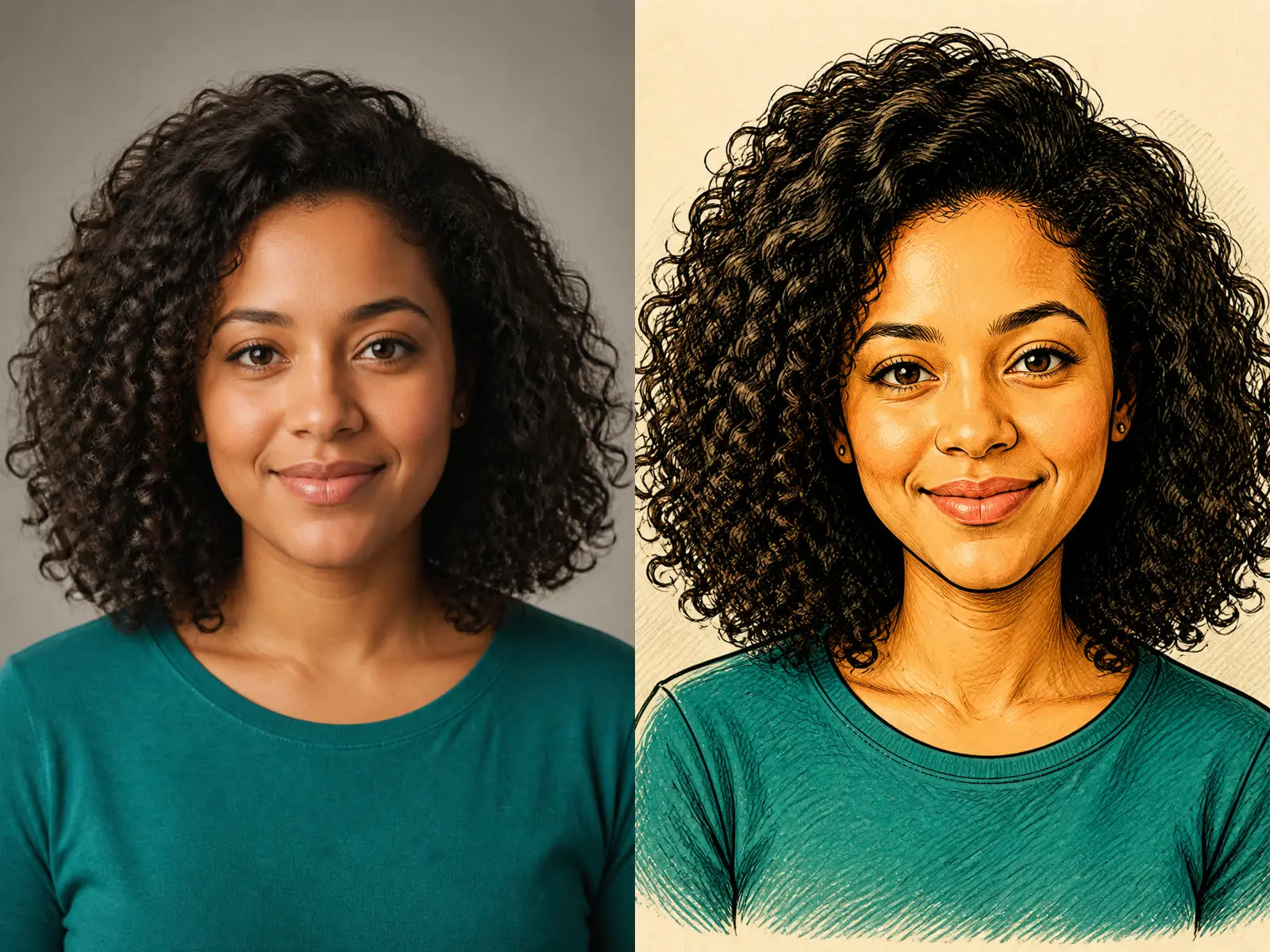
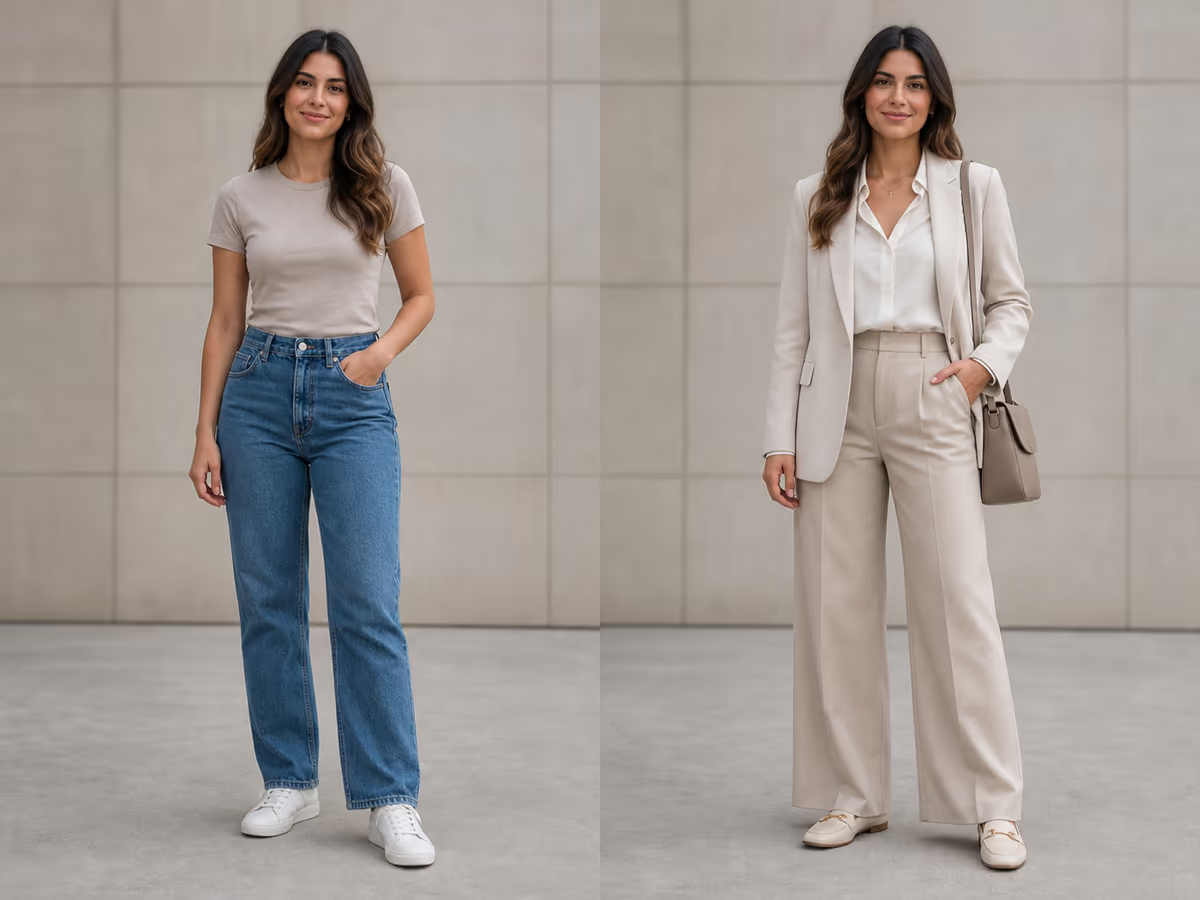
Check hands, faces, object count, edges, text, logos, and factual details at 1K. Fix the prompt hierarchy first, then use 2K for the approved direction.

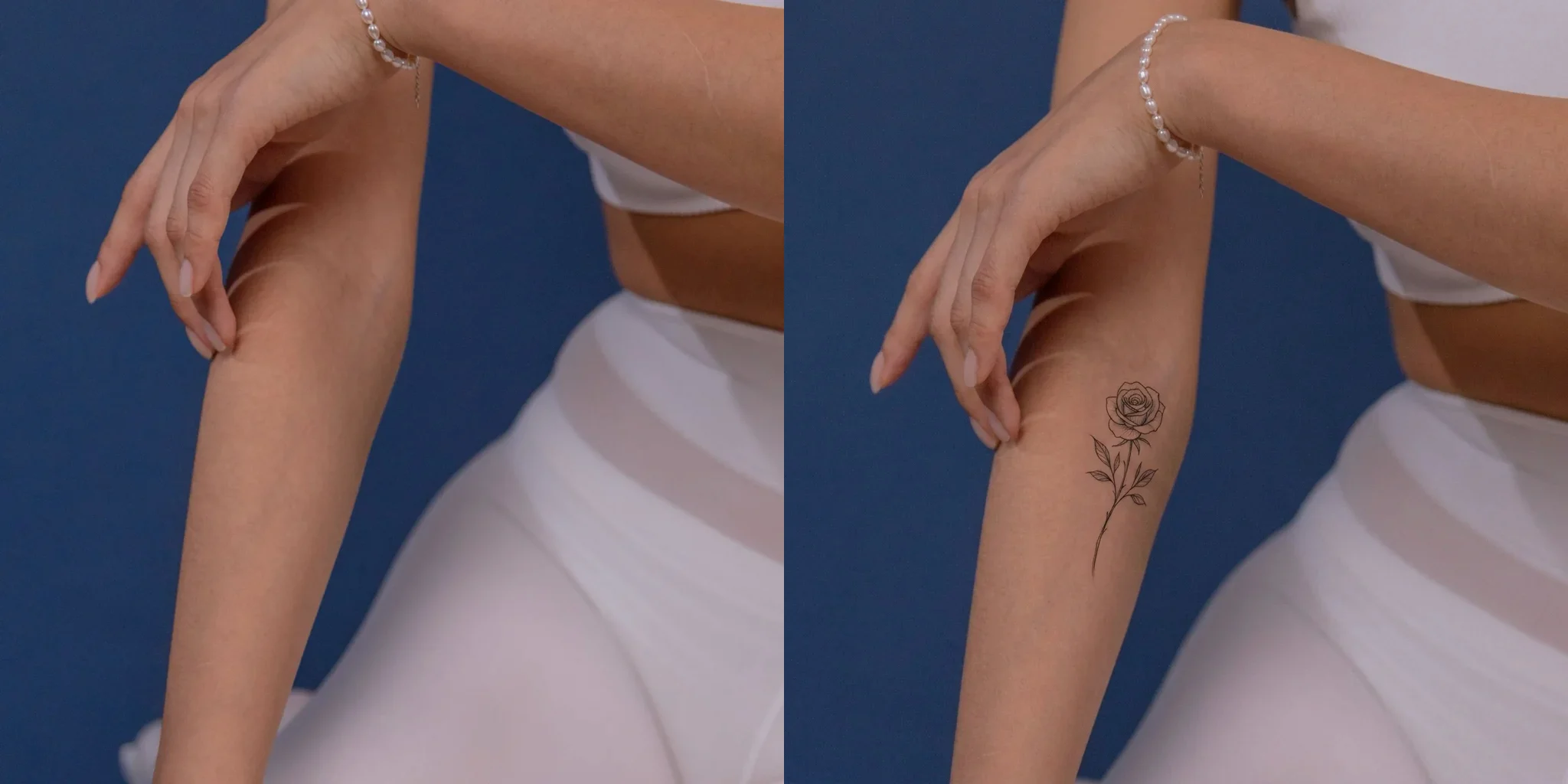
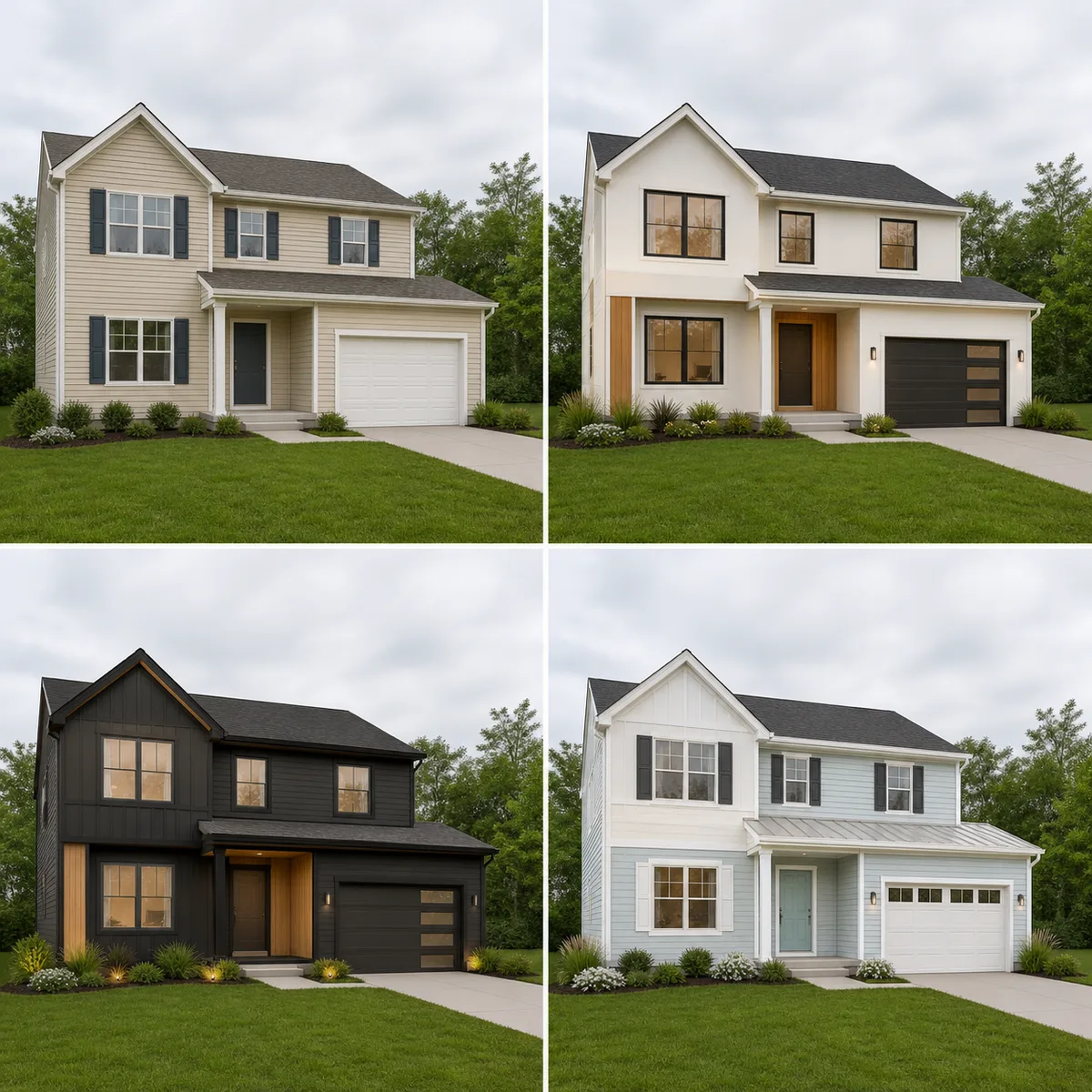
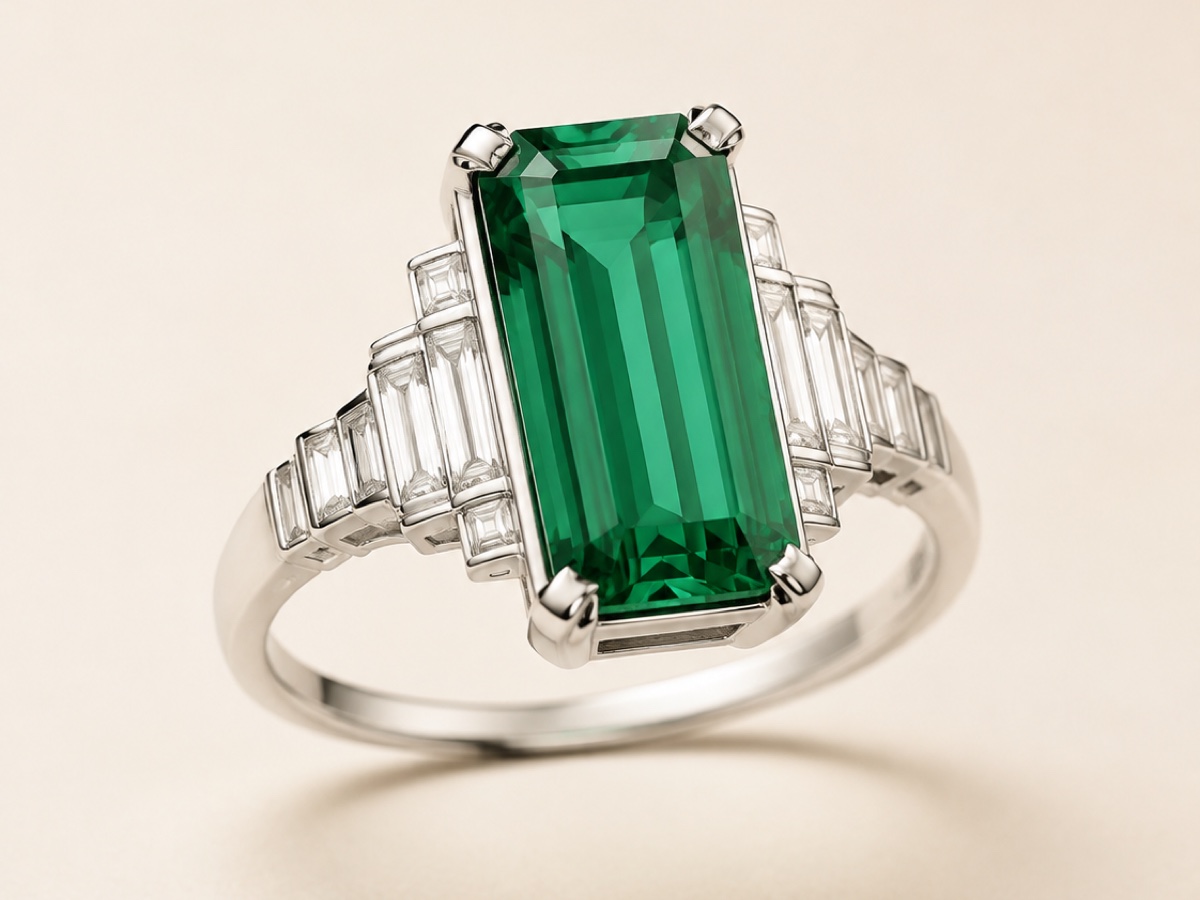
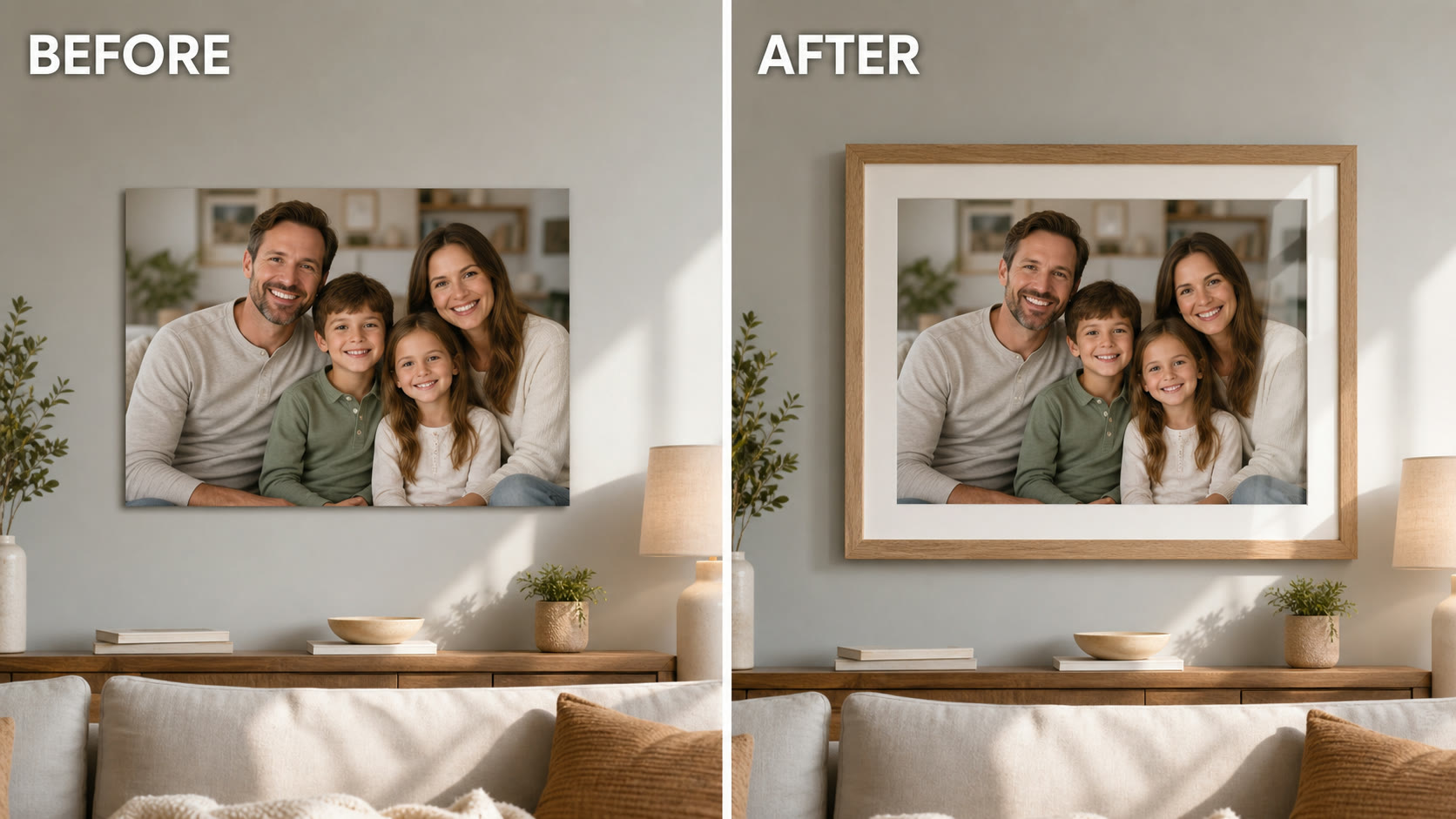
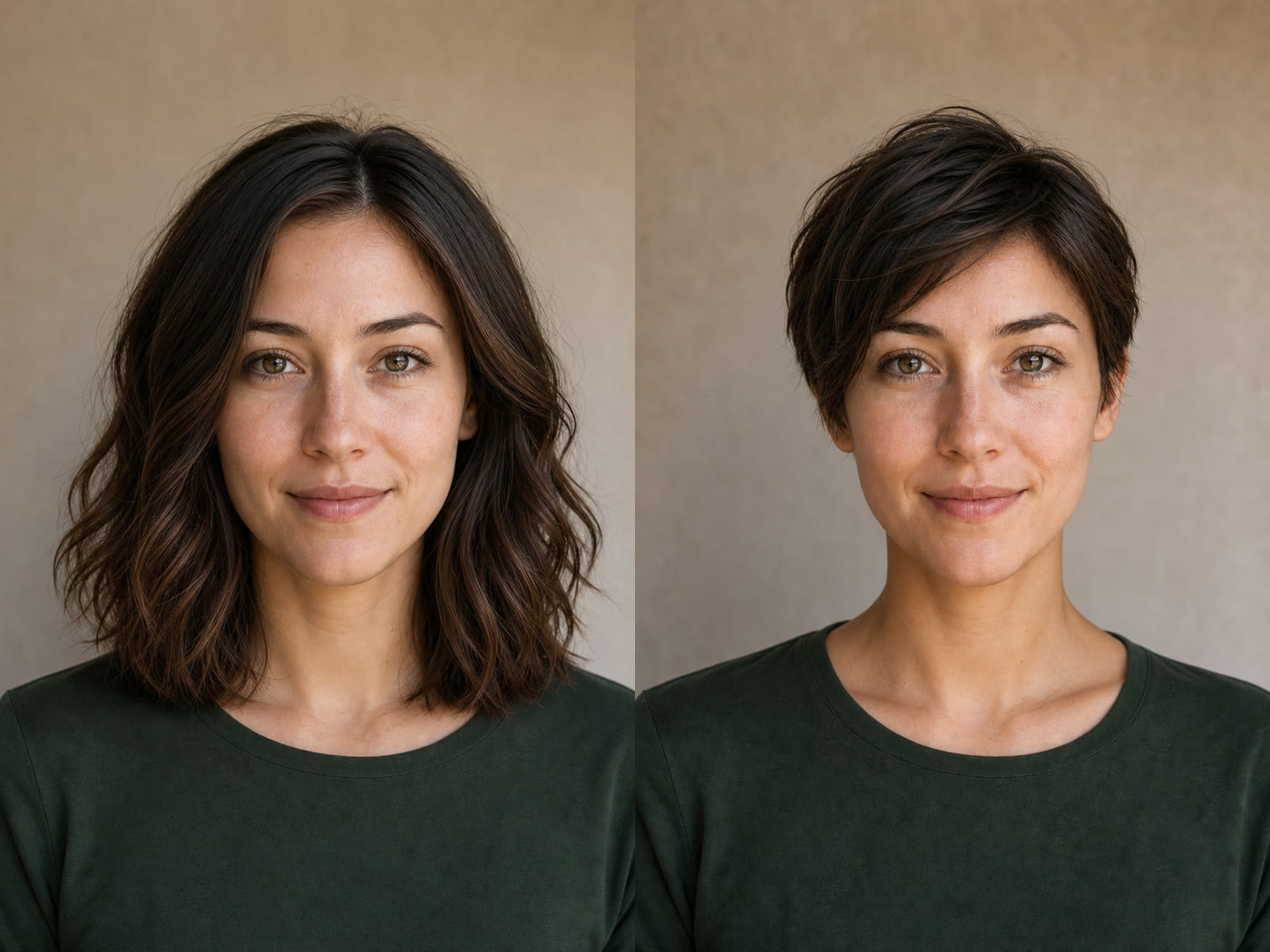
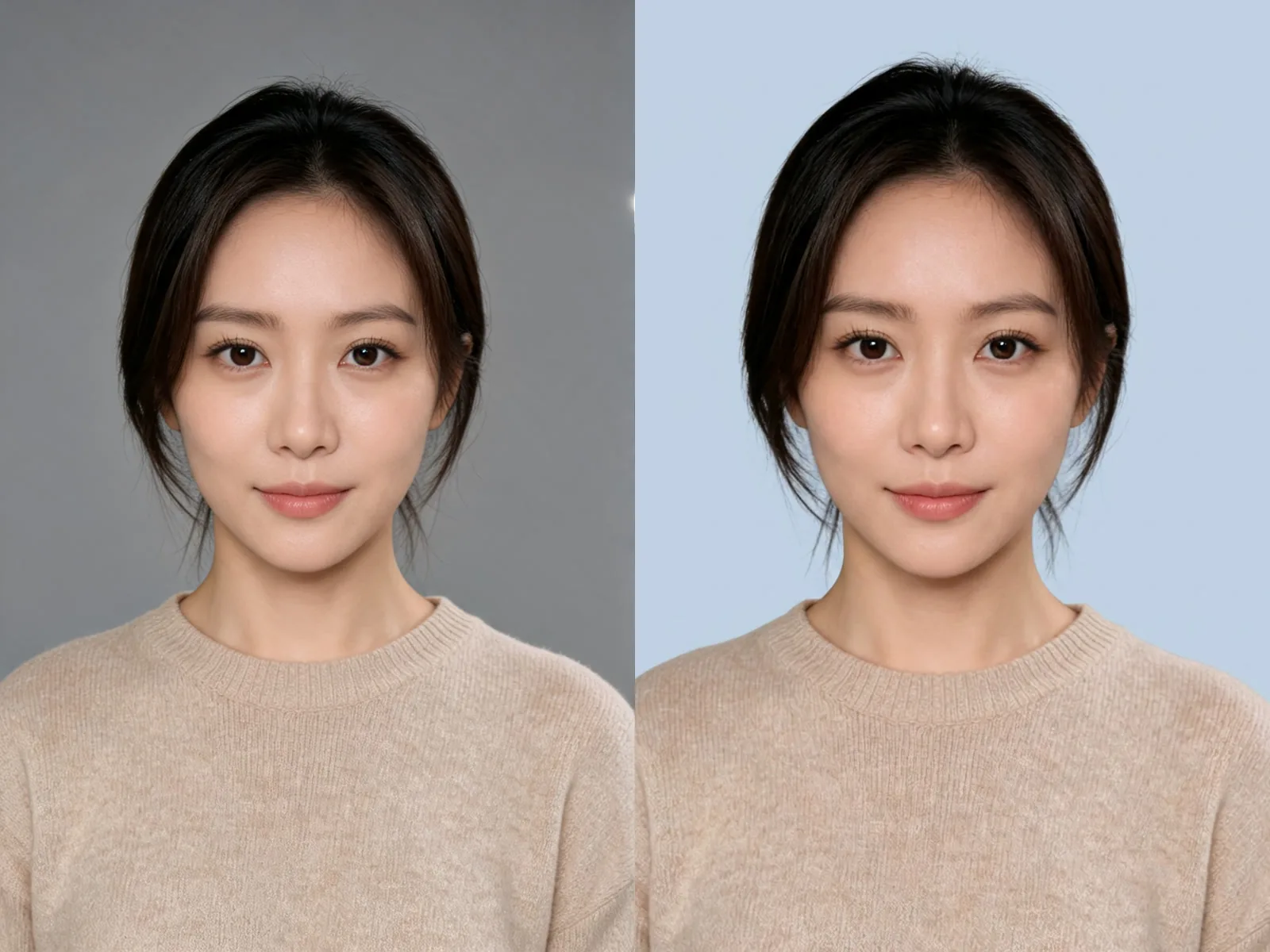
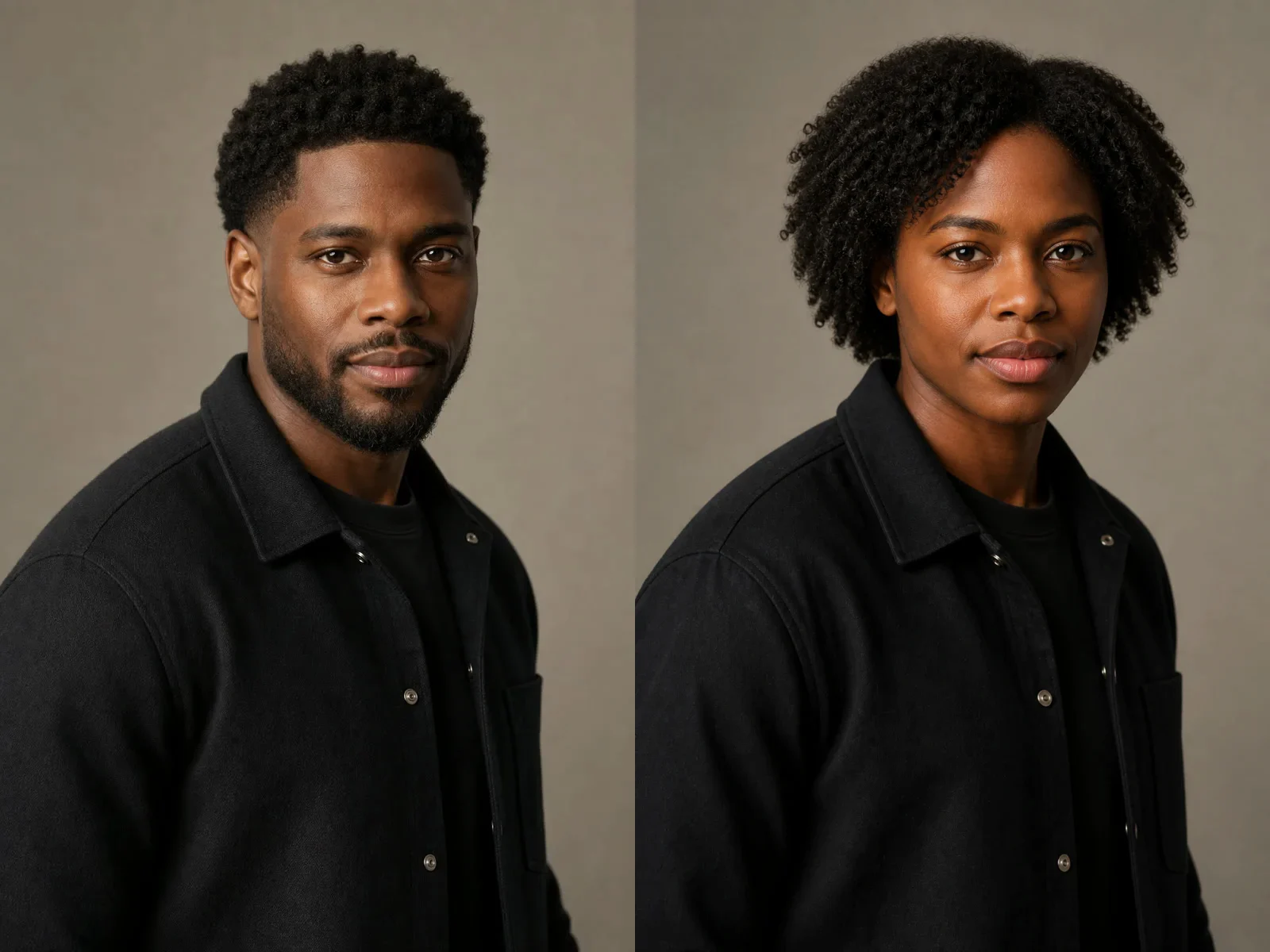
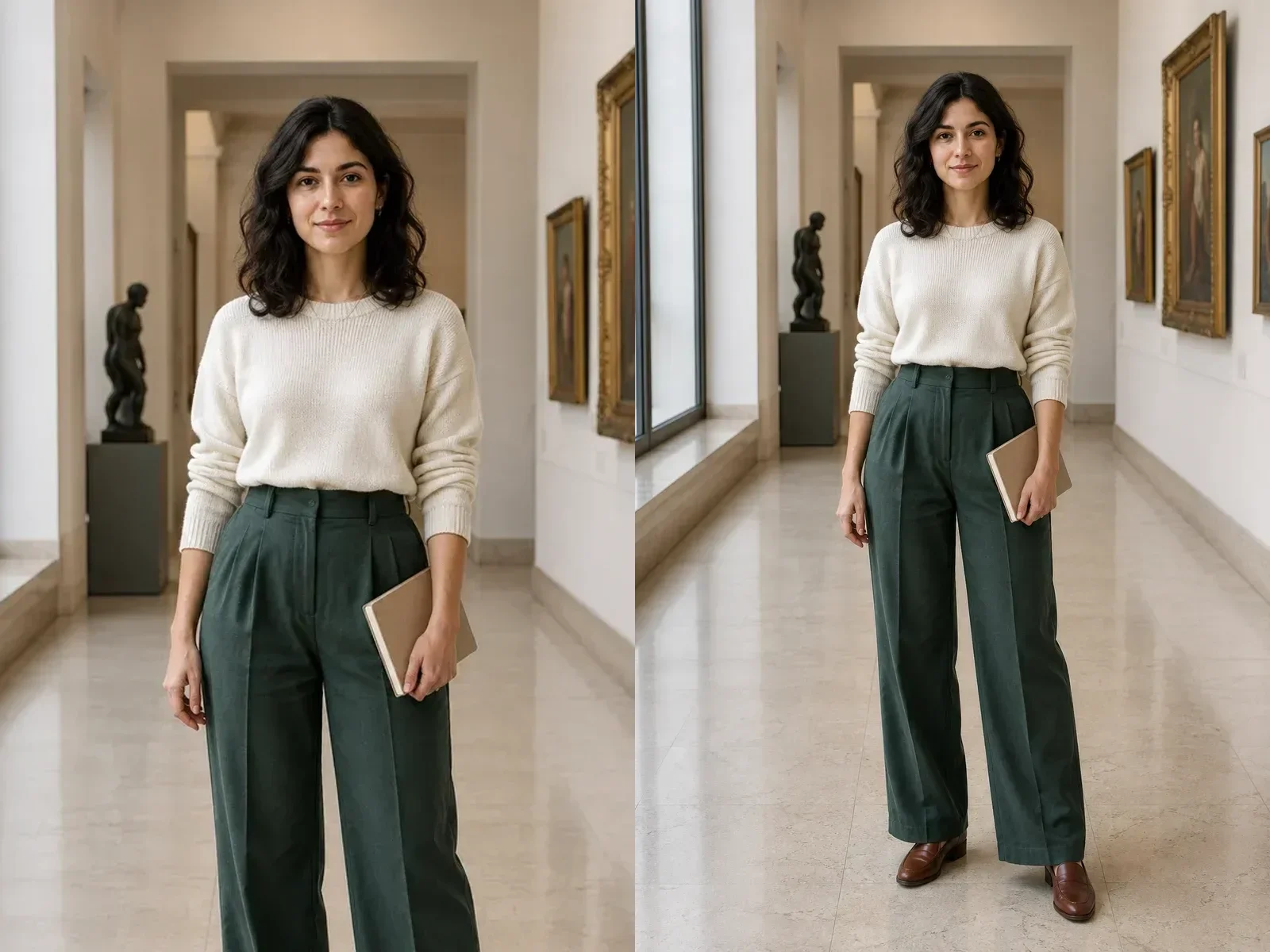
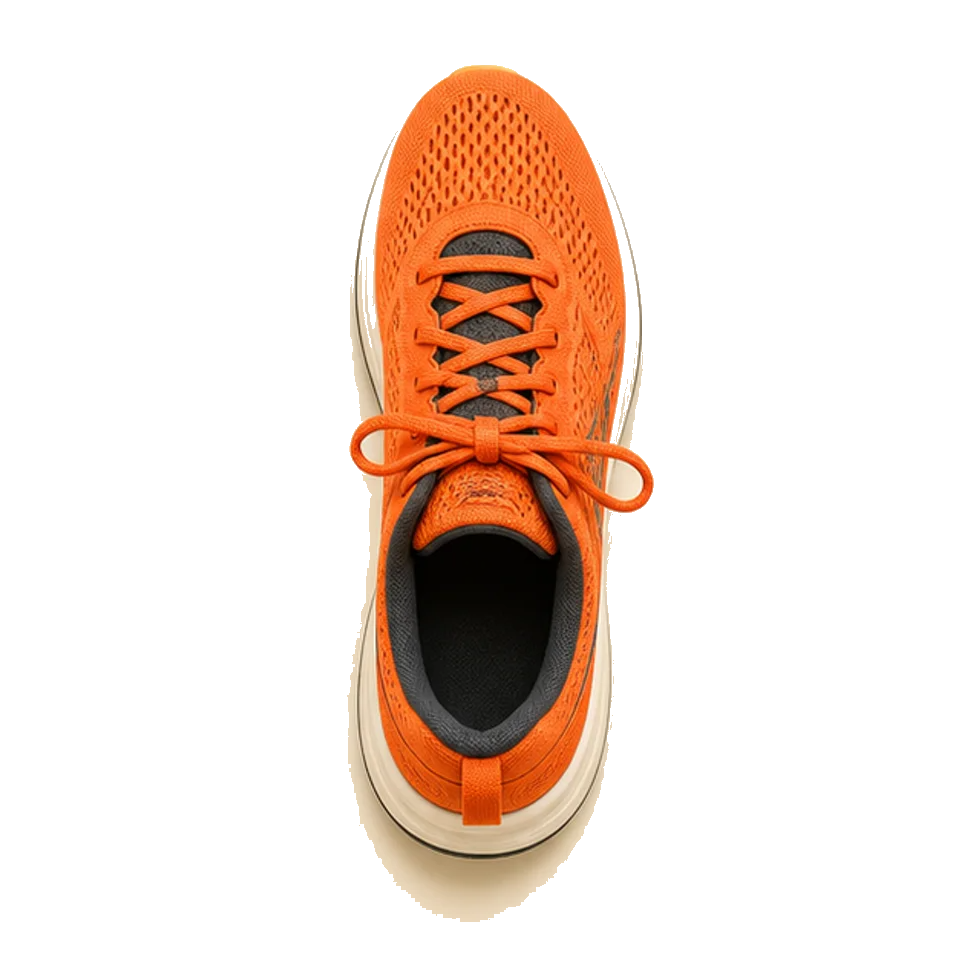
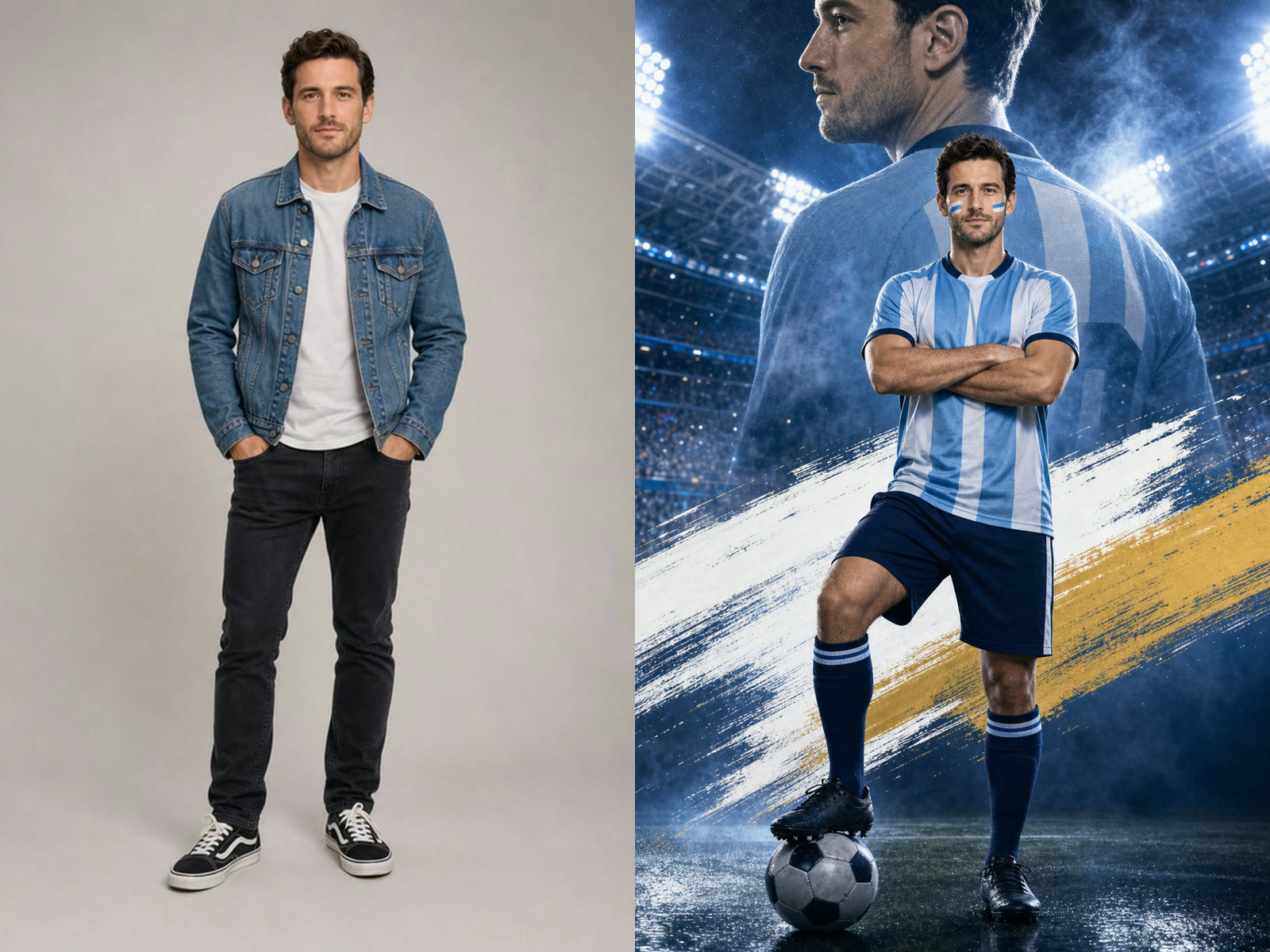
Qwen Image 3 output review

Production Uses for the Qwen Image 3 AI Image Generator

Move from a clear brief to an asset that has been reviewed for its destination.

Campaign concept drafts

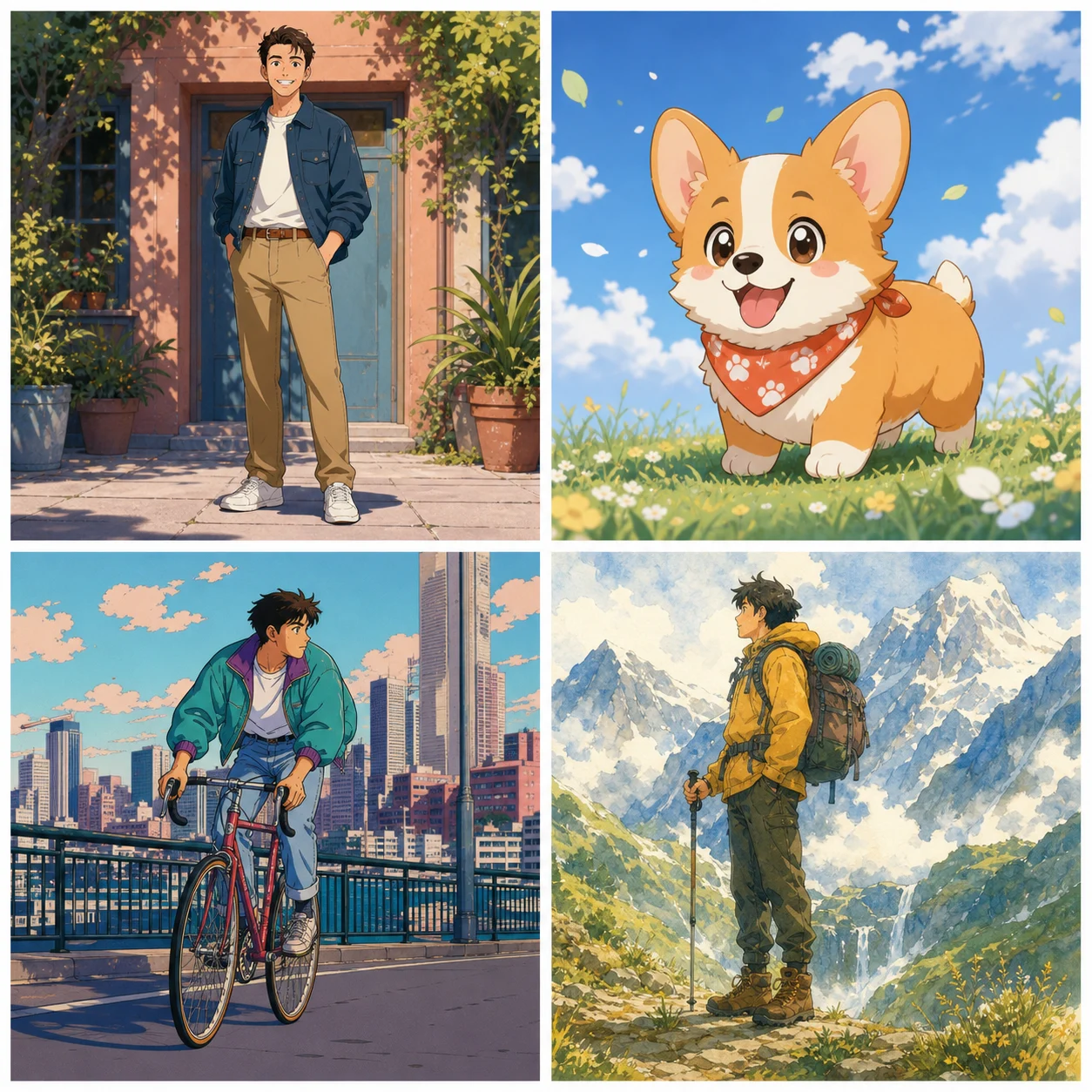
Translate an approved message into a visual direction by naming the hero subject, audience, placement, palette, light, and copy-safe area. Start at 1K and use one ratio that matches the intended channel. Keep several directions only when each serves a distinct creative strategy, not because minor styling differences make the gallery look varied.

Product and material studies

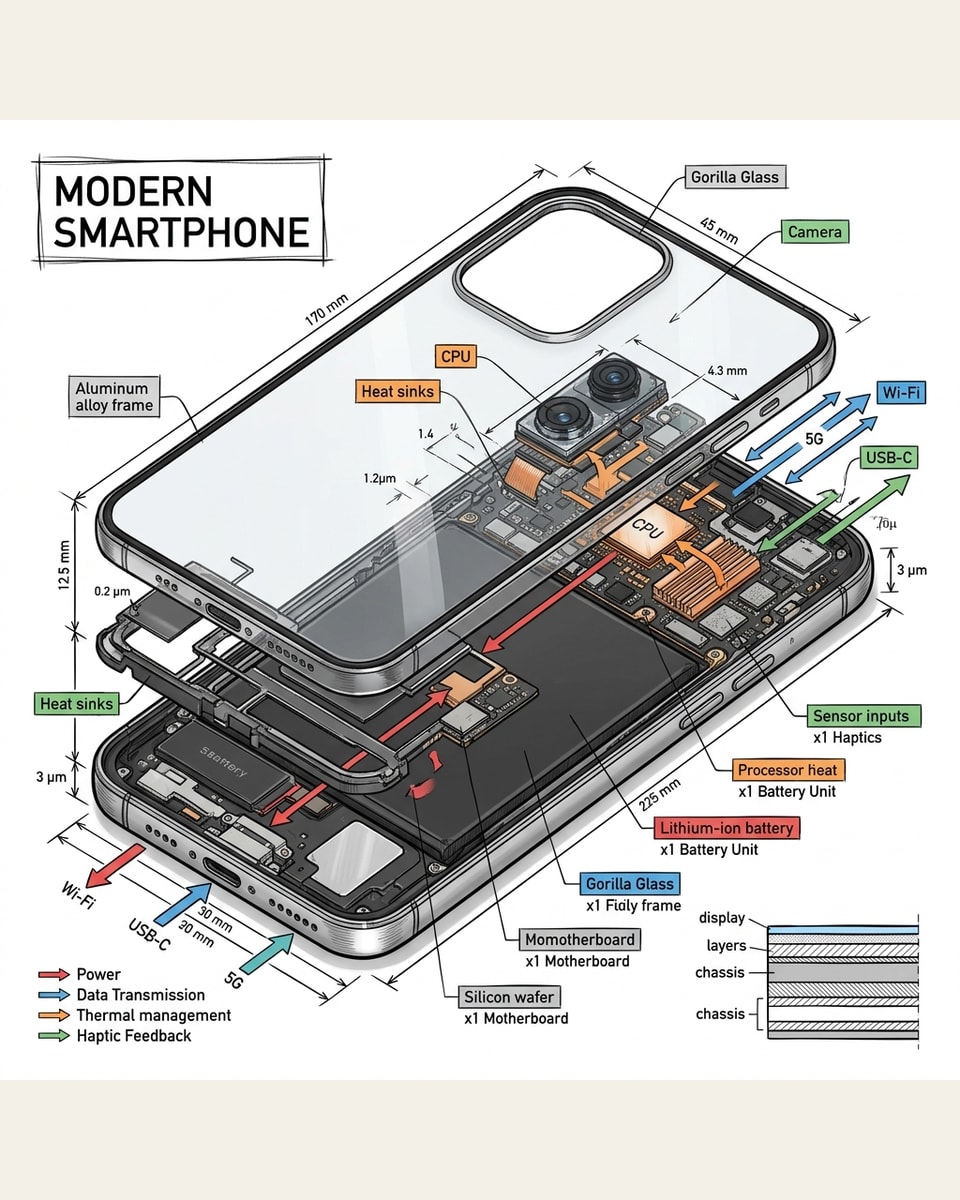
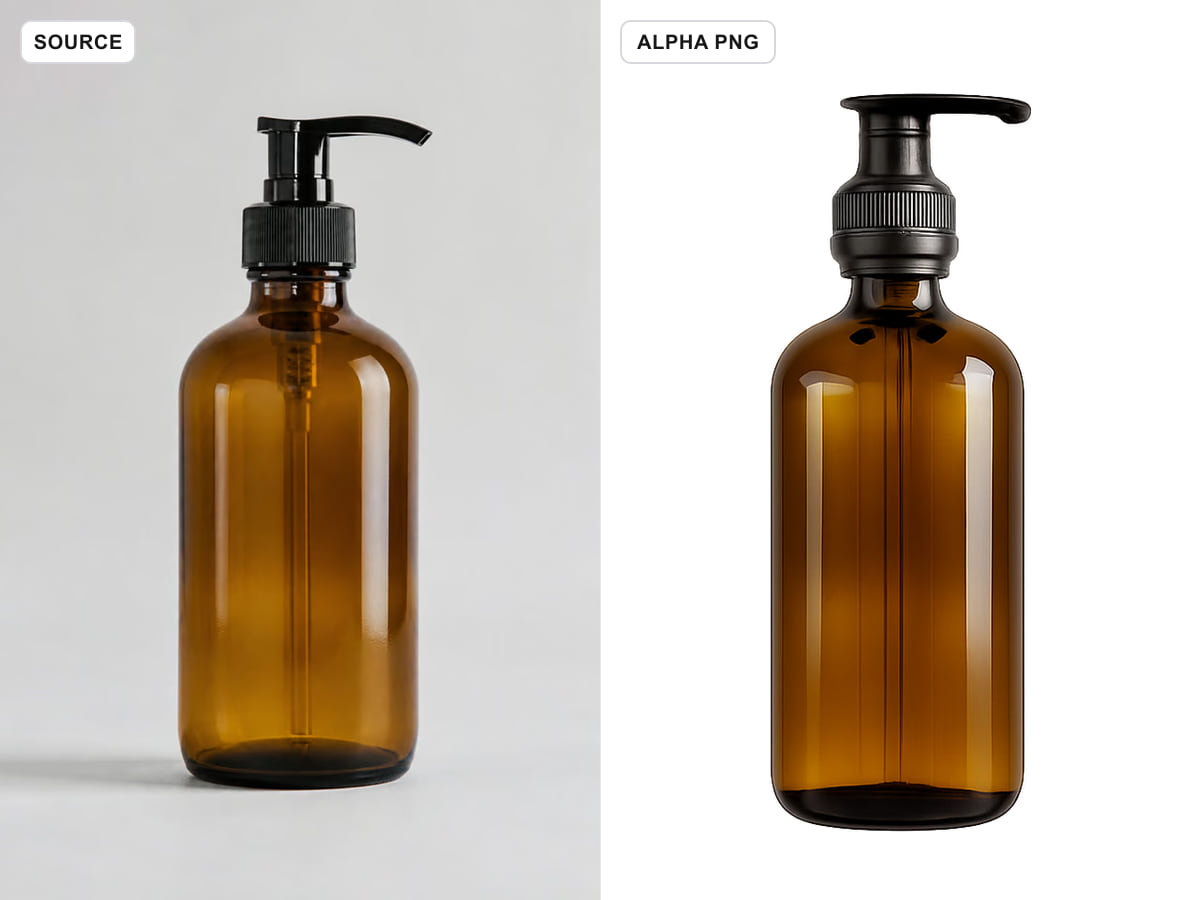
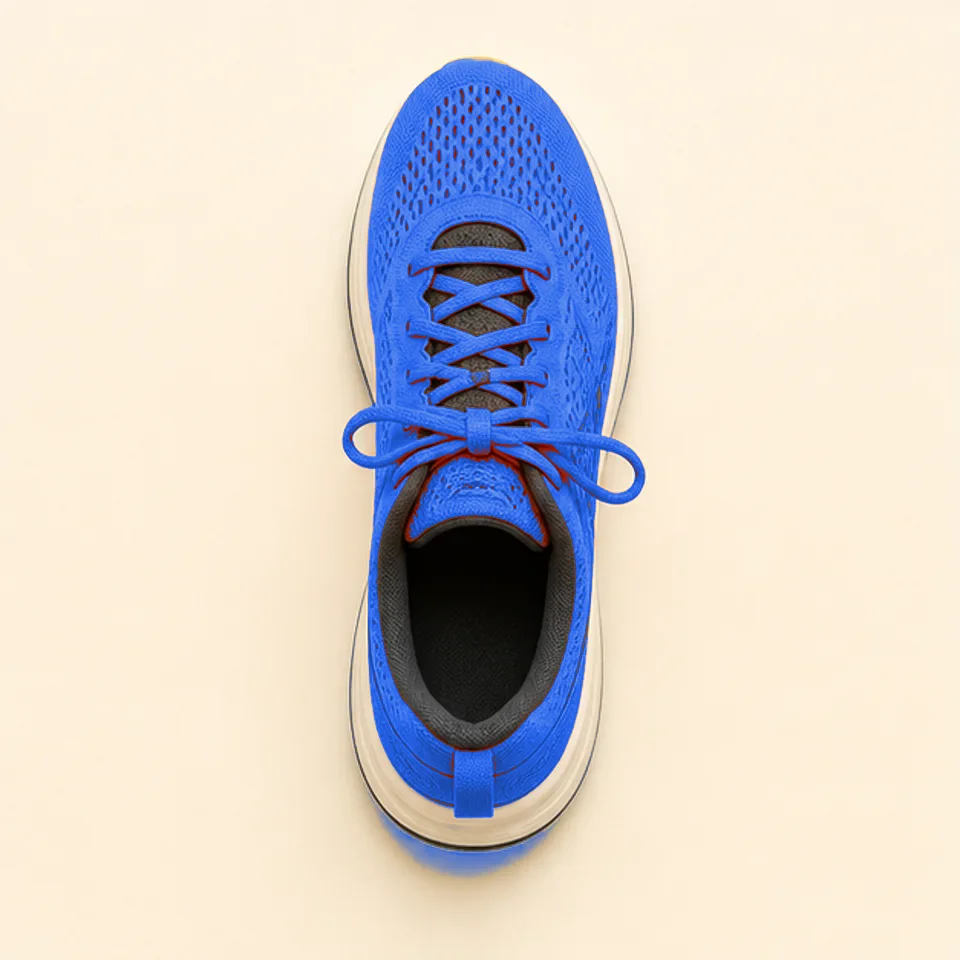
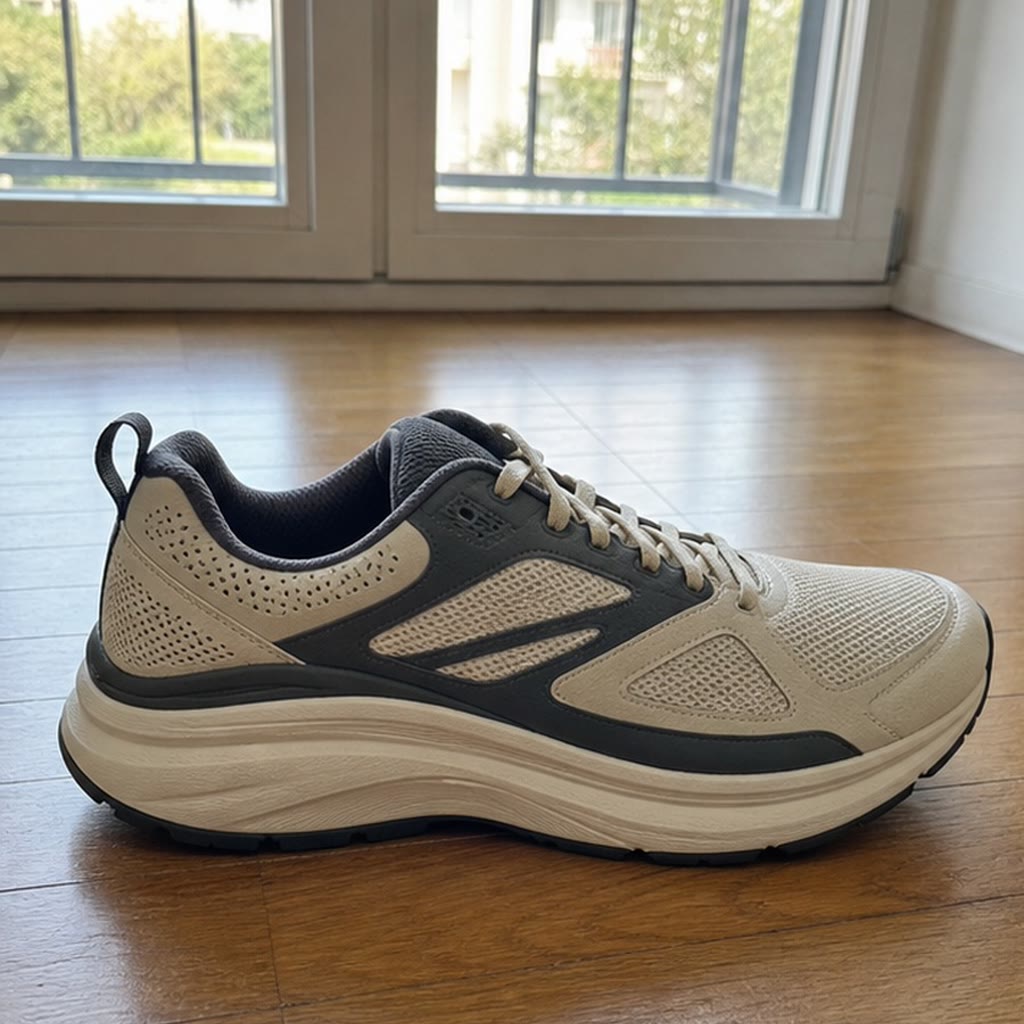
Describe shape, finish, construction, camera distance, surface, and shadow behavior in concrete language. When a product reference is available, protect its identity and proportions before asking for a new environment or material treatment. Review small geometry, joins, reflections, labels, and logos closely before a generated draft reaches a client or catalog workflow.

Editorial and social layouts

Choose the final canvas early and specify where the focal subject and negative space belong. Generate separate compositions for a cover, article lead, feed tile, or vertical story instead of relying on aggressive crops. Check whether supporting elements remain readable at destination size and leave typography to a controlled design step when accuracy matters.

Reference-led revisions

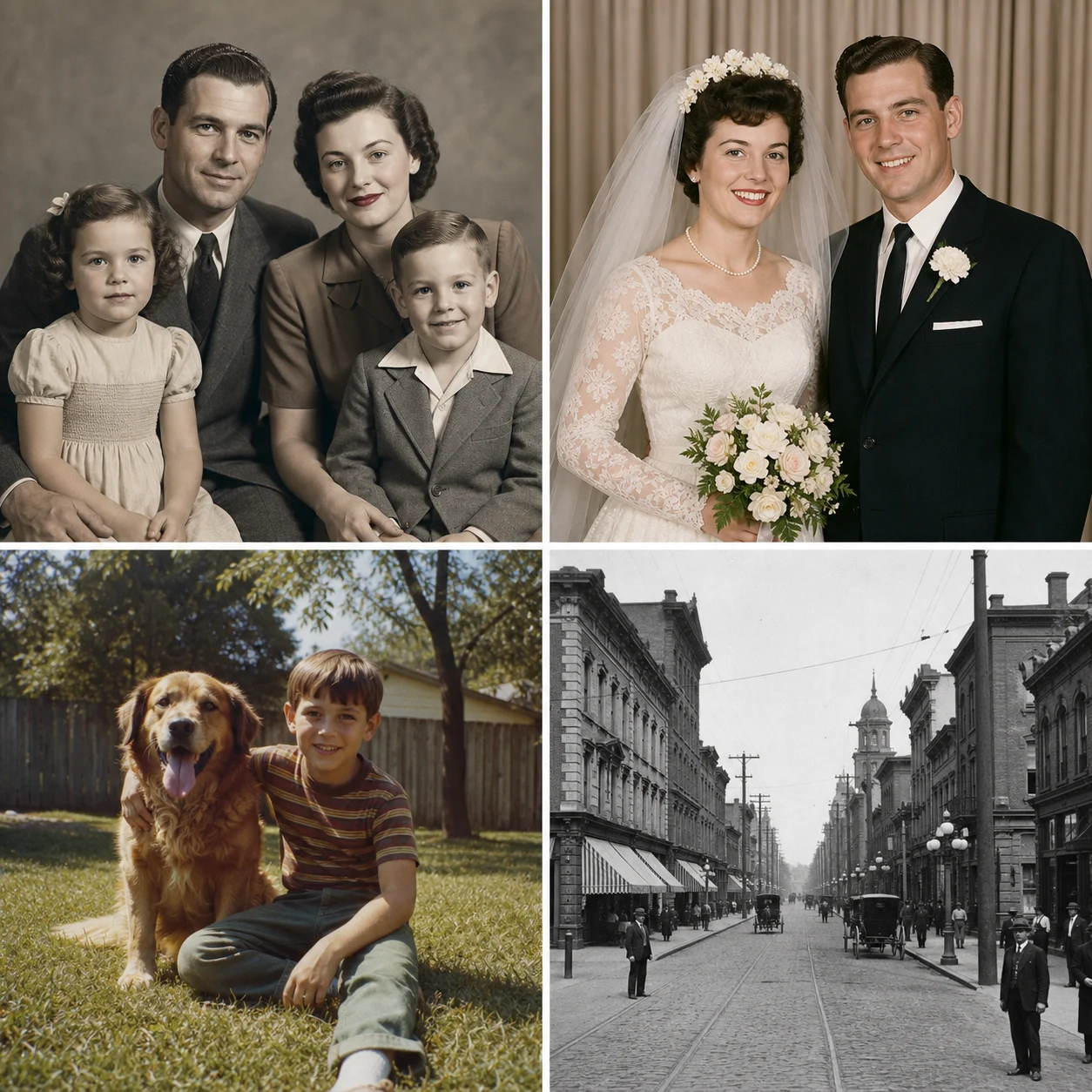
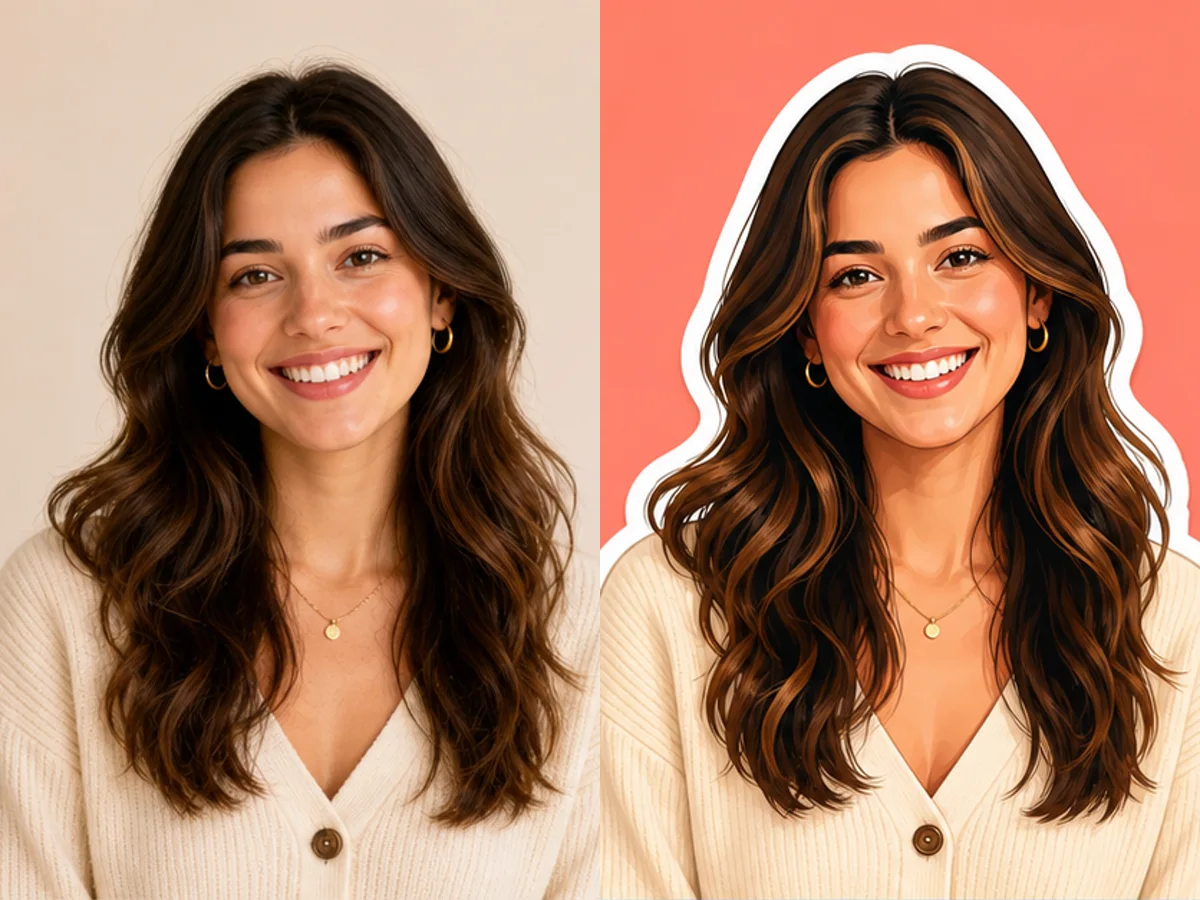
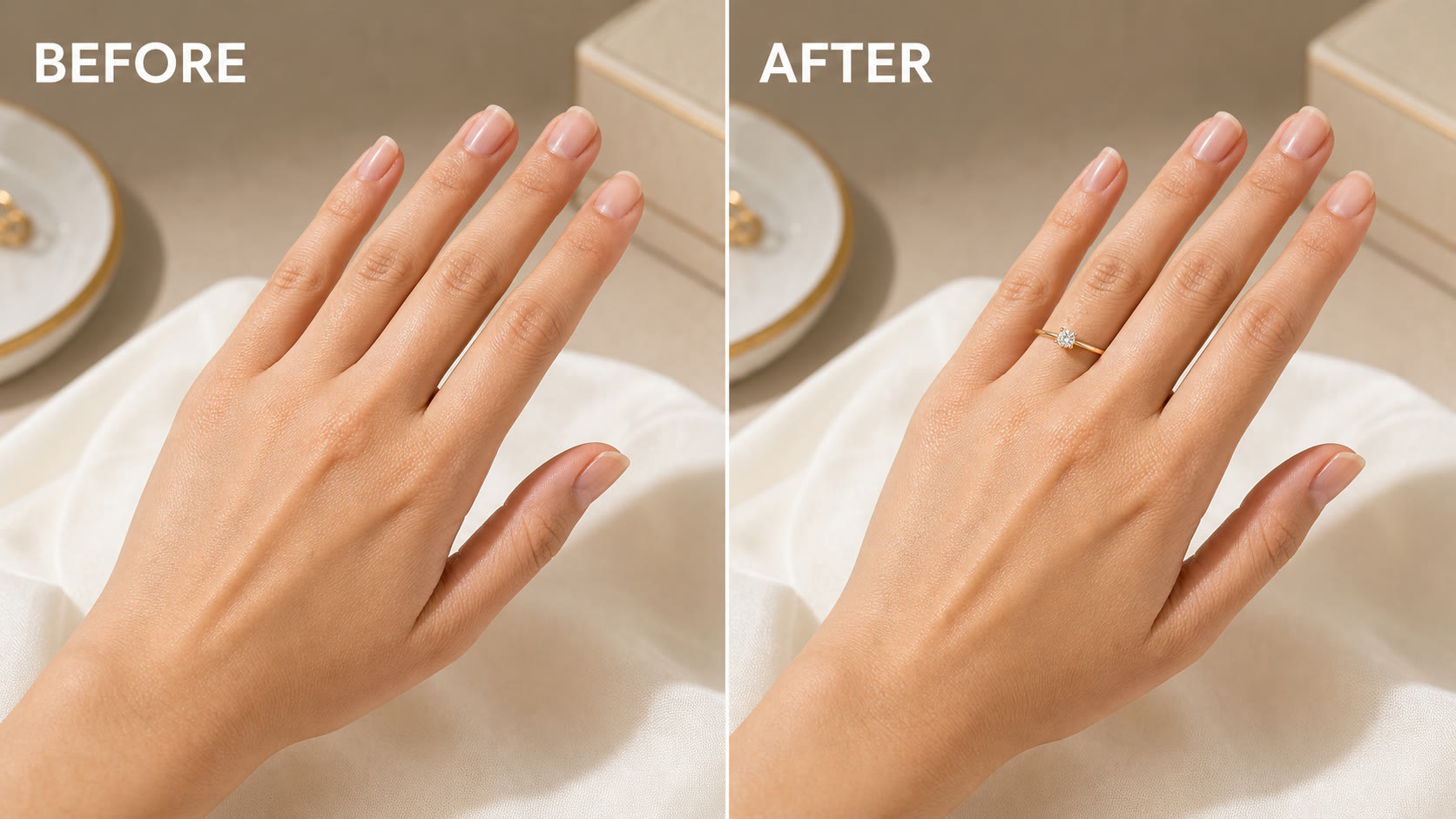
Give each of up to three licensed references one purpose, such as identity, structure, palette, or texture. Ask for one revision goal per round and save the prior result. This preserves a visible decision trail, reduces conflicting instructions, and makes it easier to identify which source or phrase caused an improvement, unwanted drift, or accidental reuse.

Qwen Image 3 AI Image Generator FAQ

Answers about NanoPic's live Qwen3 image workflow.

Is Qwen Image 3 available on NanoPic now?

Yes. Text creation uses KIE model qwen3/text-to-image and reference editing uses qwen3/image-to-image.

How many reference images can I use?

The KIE Qwen3 image-to-image route accepts up to three references, with a maximum file size of 10 MB for each supported image.

Which aspect ratios are supported?

The route supports 1:1, 3:2, 2:3, 4:3, 3:4, 16:9, 9:16, and 21:9 at 1K or 2K.

When should I use prompt extension?

Enable it when a short idea needs more descriptive structure. Disable it when exact wording and controlled prompt comparisons matter more than automatic elaboration.

Create with Qwen Image 3

Draft from text, revise with references, and keep every generation tied to a clear creative objective.