



Save up to 73% on plans

AI Dog Dance Generator
Sign In

AI Dog Dance Generator

Upload one clear JPG, PNG or WebP photo of your dog or cat and turn your pet into an ai dog dance clip: it rises on its hind legs and follows a playful living-room routine in a 9:16 video you can download. The dance moves, room and timing are fixed; only your pet changes.

Dog or cat full-body photo*(0/1)

Please add the required Dog or cat full-body photo before generating.

0 / 300

Public VisibilityAllow this result to appear in public inspiration surfaces.

Your AI dog dance video

Video

Tabby cat dancing on its hind legs
1 / 4

More AI Video Models & Effects

What an ai dog dance video is

An ai dog dance video is a short clip in which a pet from a single still photo appears to stand up and dance. It is a playful edit, not real footage, and it works for cats as well: an ai cat dance clip uses the same steps, with a cat photo in place of a dog. Pet owners use these clips for birthday posts, adoption shout-outs, holiday greetings and group chats, because a dog that suddenly dances on two legs is instantly funny. The effect keeps your pet's own fur color, markings and face while borrowing the moves from a fixed routine. Results are AI-generated and can differ from the examples, so review every clip before you share it and label it as AI where a platform asks.

How to make an ai dog dance video

Pick one clear photo

Choose one sharp JPG, PNG or WebP photo of one dog or one cat, up to 10 MB, taken in daylight with the whole body visible. A pet that is already sitting up or standing gives the model the best start, because legs and belly do not have to be guessed. Avoid filters, costumes and other animals in the frame. This single photo is the only input your ai dog dance clip needs.

Try the generator
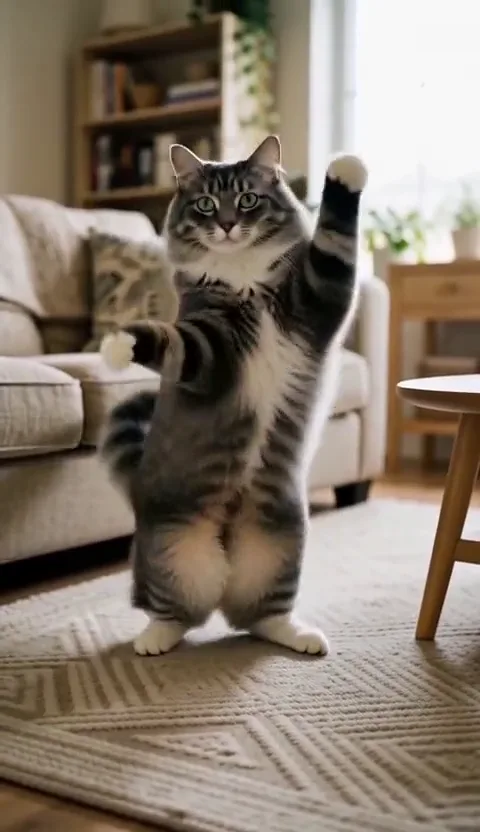
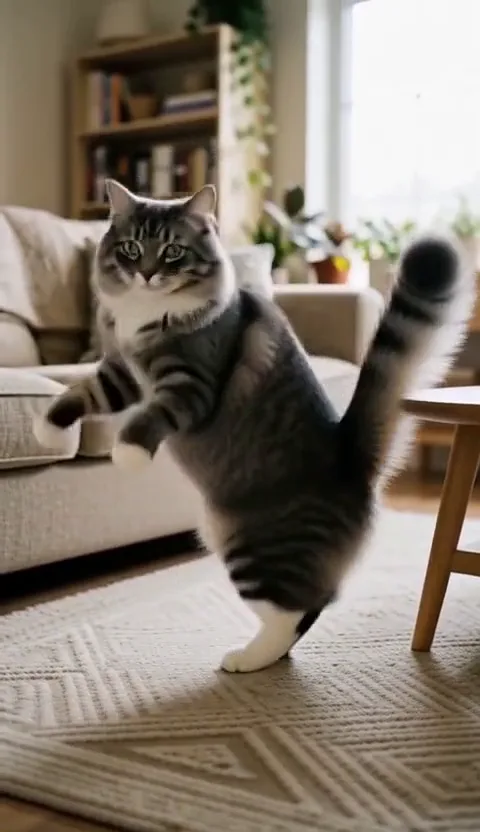
Gray tabby cat standing up as an example of a full-body pet photo

Upload and add an optional note

Open the generator, upload the photo and, if you like, type a short motion note such as keep the ears up or slower paw waves. Leave the note empty to use the default routine. The frame and quality are already set, so there are no other settings to change before your ai dog dance run.

Try the generator
Tabby cat with paws raised, used to show the optional motion note

Sign in and create

Sign in and start the run. The credits needed show in the generator before you create. The clip appears in the result panel when it finishes, and finished runs also show up in your activity history, and a failed run returns its credits automatically.

Try the generator
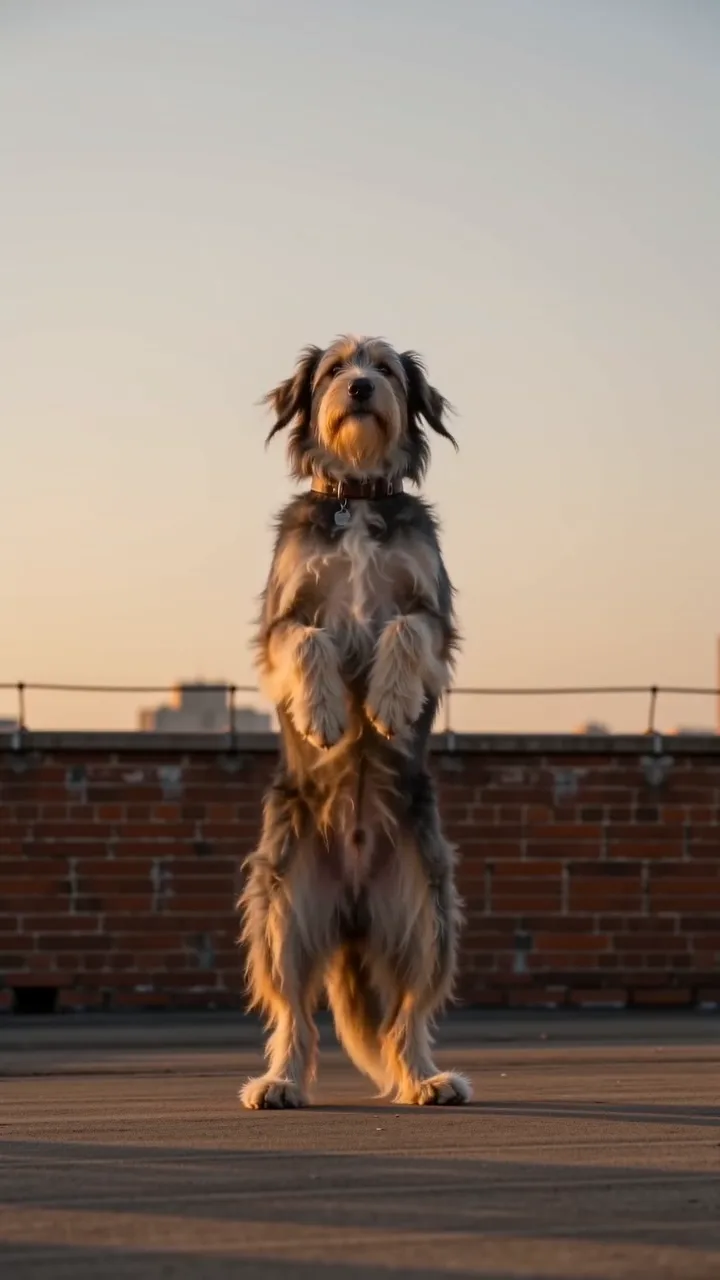
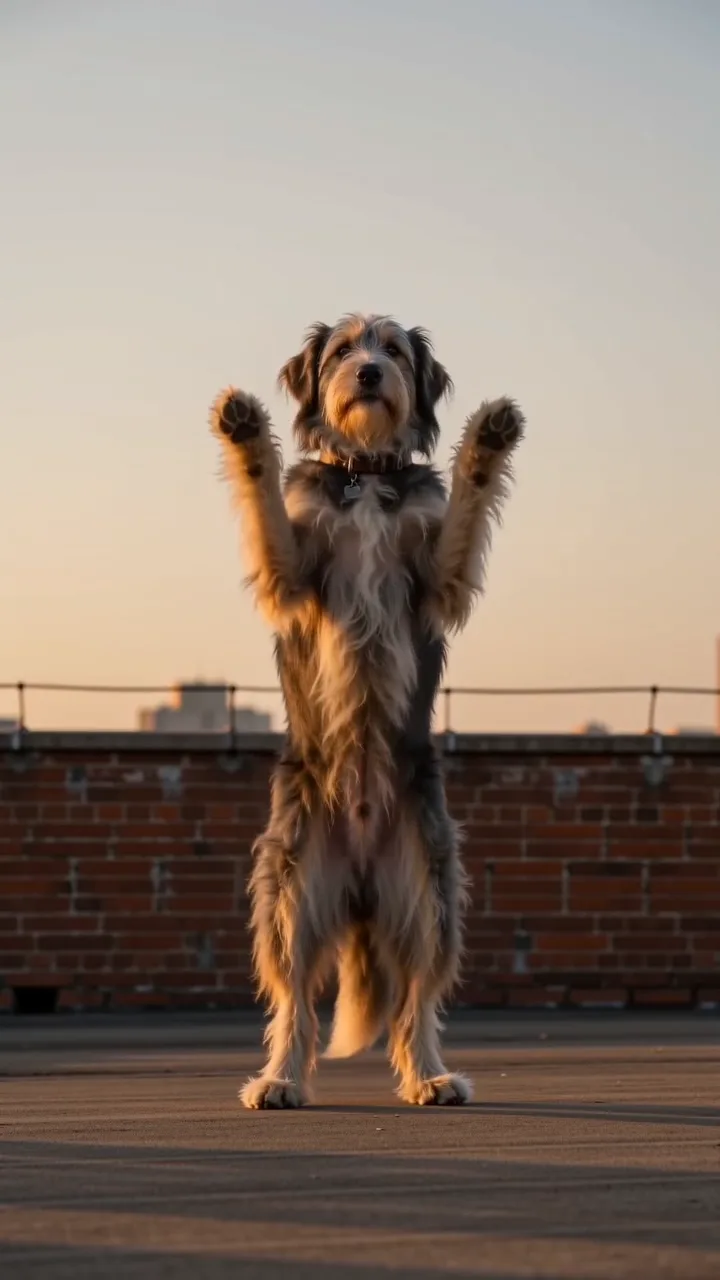
Shaggy dog bouncing upright, showing a run in progress

Review, download and share

Play the full clip and pause on the face, paws and tail. If your pet looks like another breed or the paws melt, try a clearer photo. When you are happy, download the MP4 and post your video with an AI label where needed.

Try the generator
Shaggy dog with paws up near the end of a clip under review

What the dance brings to your pet's photo

Your pet rises onto its hind legs

The clip opens in a bright living room where your dog or cat pushes up from all fours and finds its balance on two legs, tail swinging for counterweight. Fur color, ear shape and face markings come straight from your photo, so the dancer reads as your own pet rather than a stock animal. This first move is where an ai dog dance clip wins the laugh, because a familiar face suddenly standing tall is the surprise people share.

Try the generator
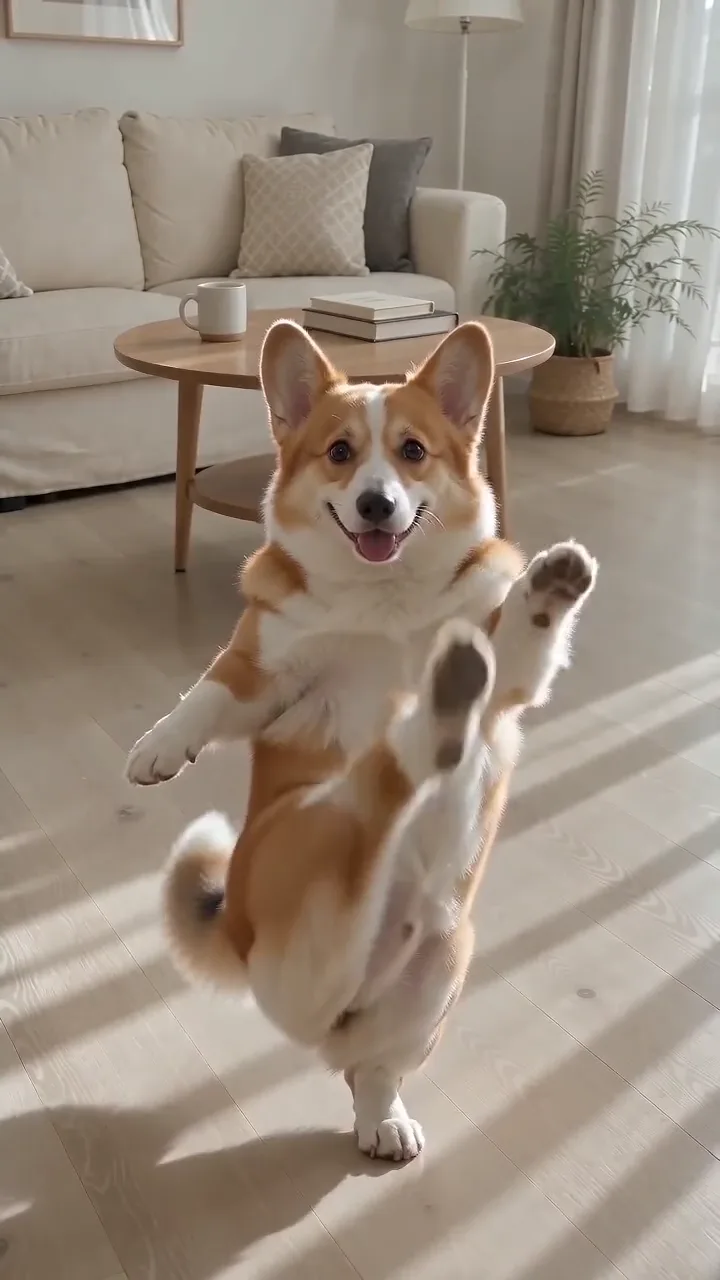
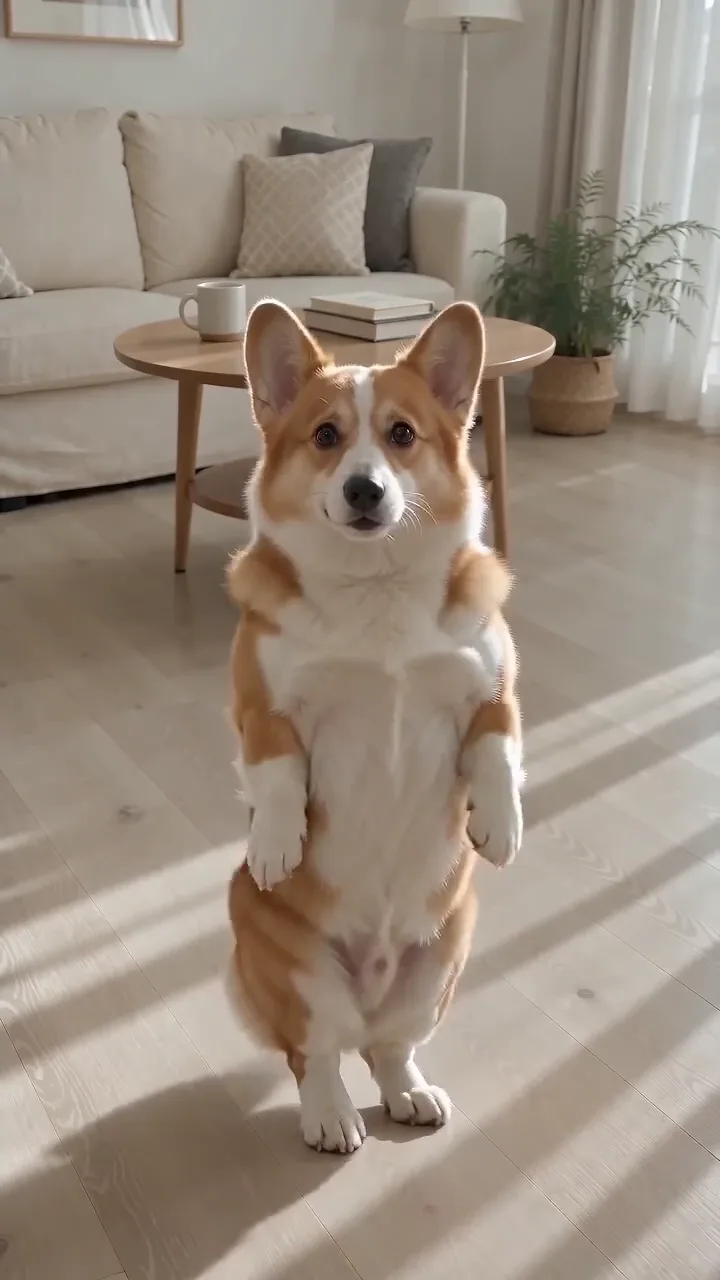
Corgi standing on its hind legs in a living room, the built-in ai dog dance routine

Front paws up, bouncing and swaying

Next your pet lifts both front paws, bounces softly and sways from side to side while the camera stays steady. The moves are gentle on purpose: paws stay readable, the coat holds together and long ears do not smear into the background. Short-coated dogs keep the cleanest outline, while fluffy breeds and cats look best when the photo was taken in soft daylight. If you add a motion note such as slower paws or ears up, the generator tries to work it into this part.

Try the generator
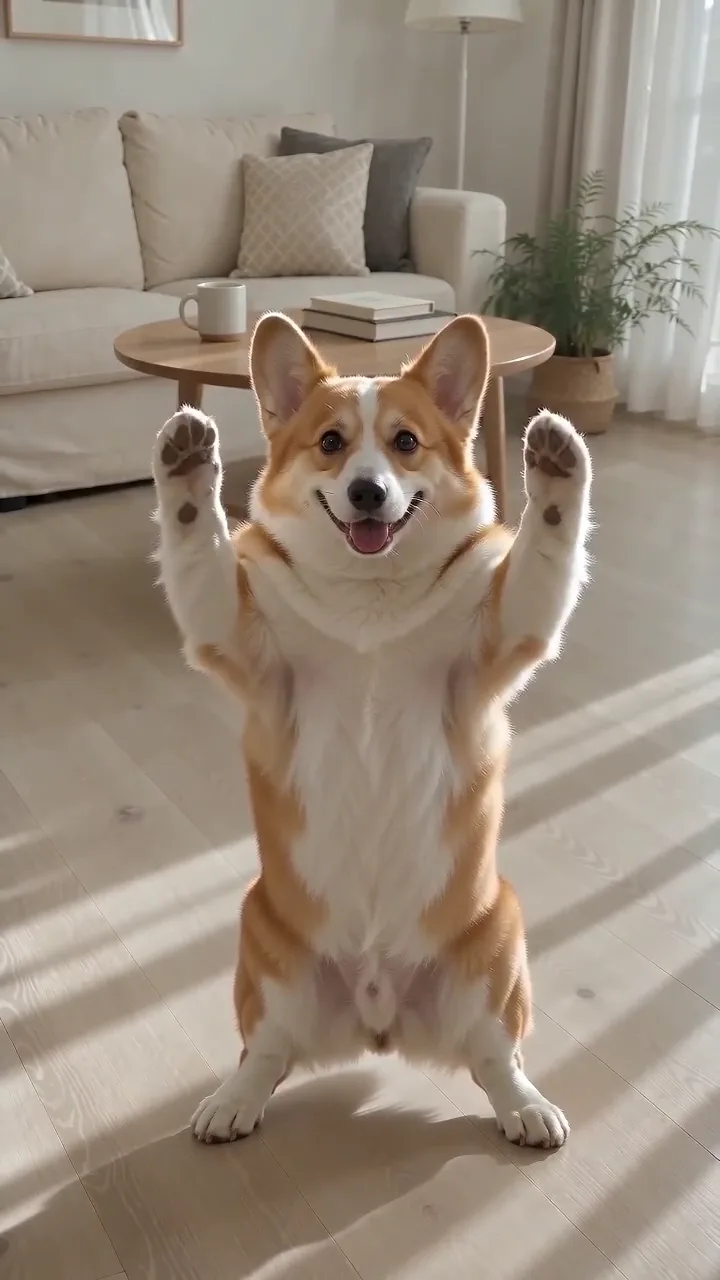
Corgi raising both front paws mid-routine in a bright living room

A finish you can post right away

The routine winds down with one more bounce and a clear look at your pet's face, which gives you a natural frame for a caption or a sticker. The result is a vertical 9:16 MP4 at 768P with no NanoPic watermark, ready for Reels, Shorts, TikTok or a family group chat. Birthday posts, adoption shout-outs and holiday greetings are the most common uses, and the same ai cat dance steps work just as well when the star is a cat.

Try the generator
Corgi bouncing near the end of the routine

Tips for dogs, cats and the photo itself

For dogs: show the ears and the tail

Dogs change shape a lot between breeds, so the model leans on what the photo shows. Ear shape, muzzle length and tail type are the details most likely to drift in an ai dog dance clip. Use a photo where the ears are up, the tail is in frame and the dog faces the camera. Short-coated dogs usually hold their look best; for fluffy breeds, brush the coat first and shoot in soft light.

Try the generator
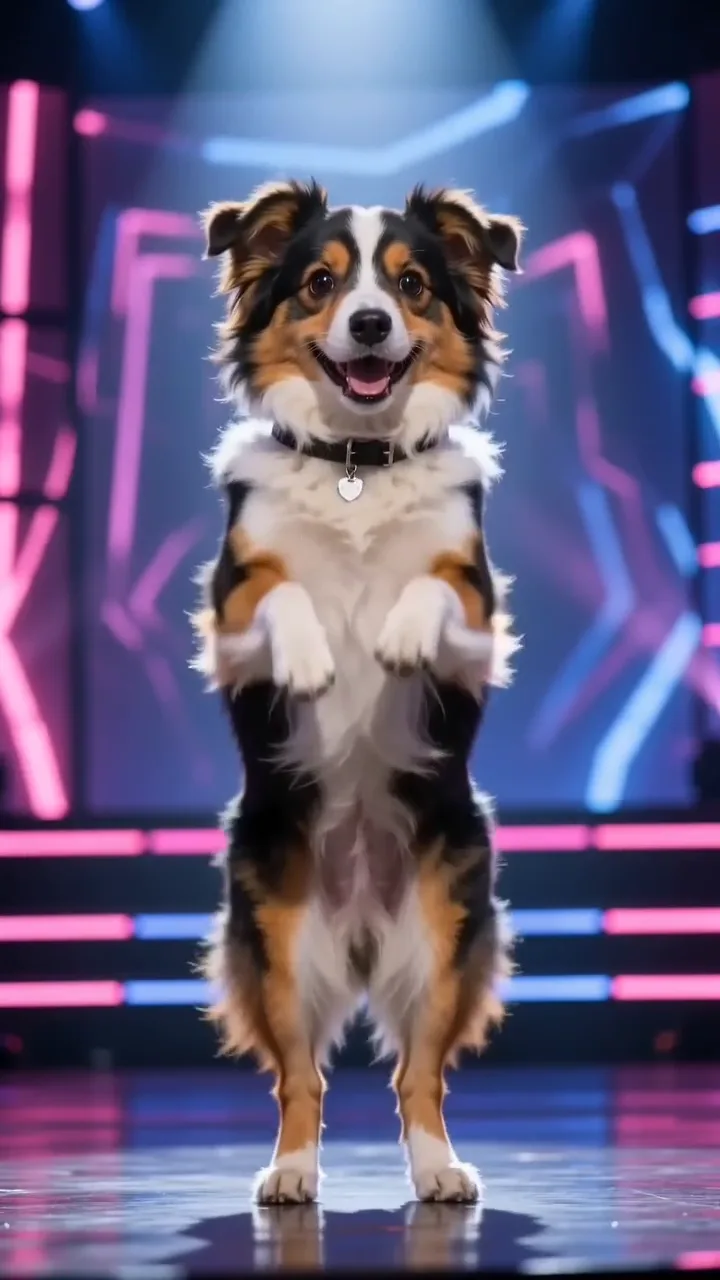
Tricolor dog with ears up and tail visible

For cats: catch them sitting up

Most cat photos show a curled-up pet, which hides the legs and the length of the body. For an ai cat dance clip, hold a treat at eye level so your cat sits up and looks at you, then shoot from a little lower than its head. Clear stripes or patches help the model keep the same cat from start to finish. Expect cats to move a little more stiffly than dogs, and judge the result on the face first.

Try the generator
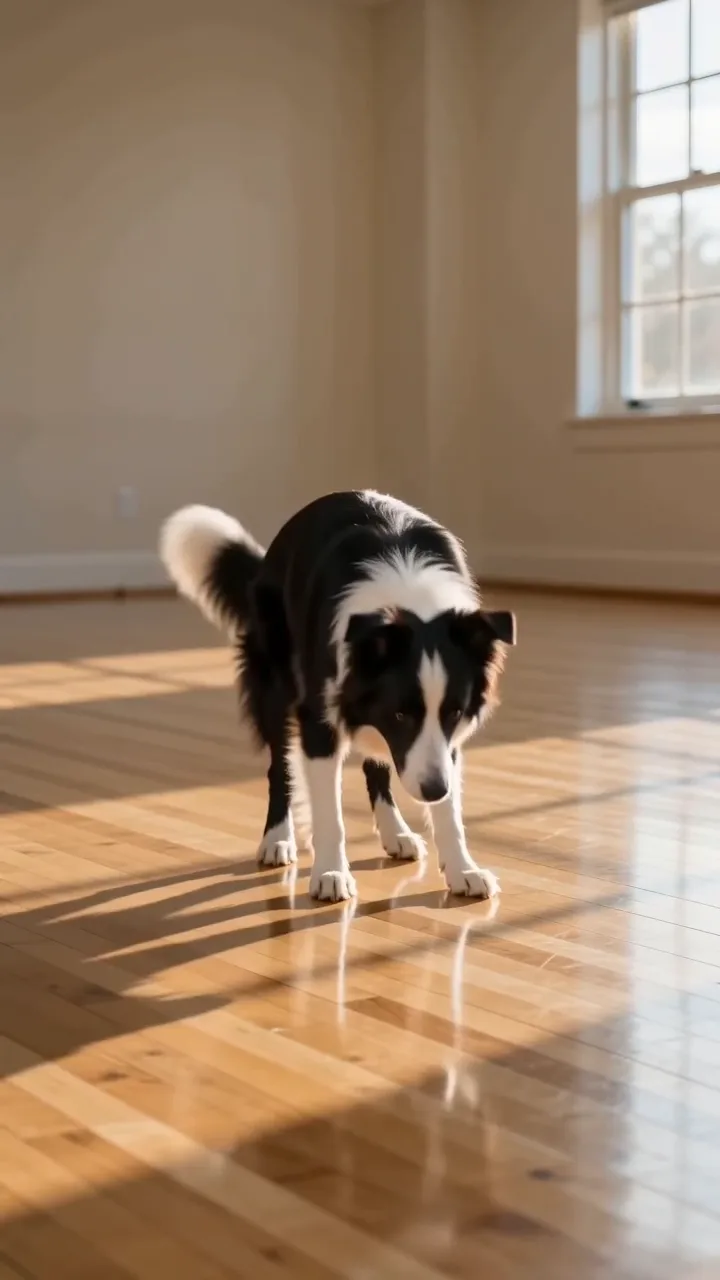
Border collie rising from the floor, showing why full-body photos matter

For the photo: one animal, plain background

Keep only one animal in the frame and remove reflections, mirrors or toys that look like another pet. A plain wall or floor behind the pet keeps the outline clean. Do not use a screenshot or a heavily compressed image; a straight photo from your phone works better. Good light and a full body are worth more than a cute angle for any ai dog dance photo.

Try the generator
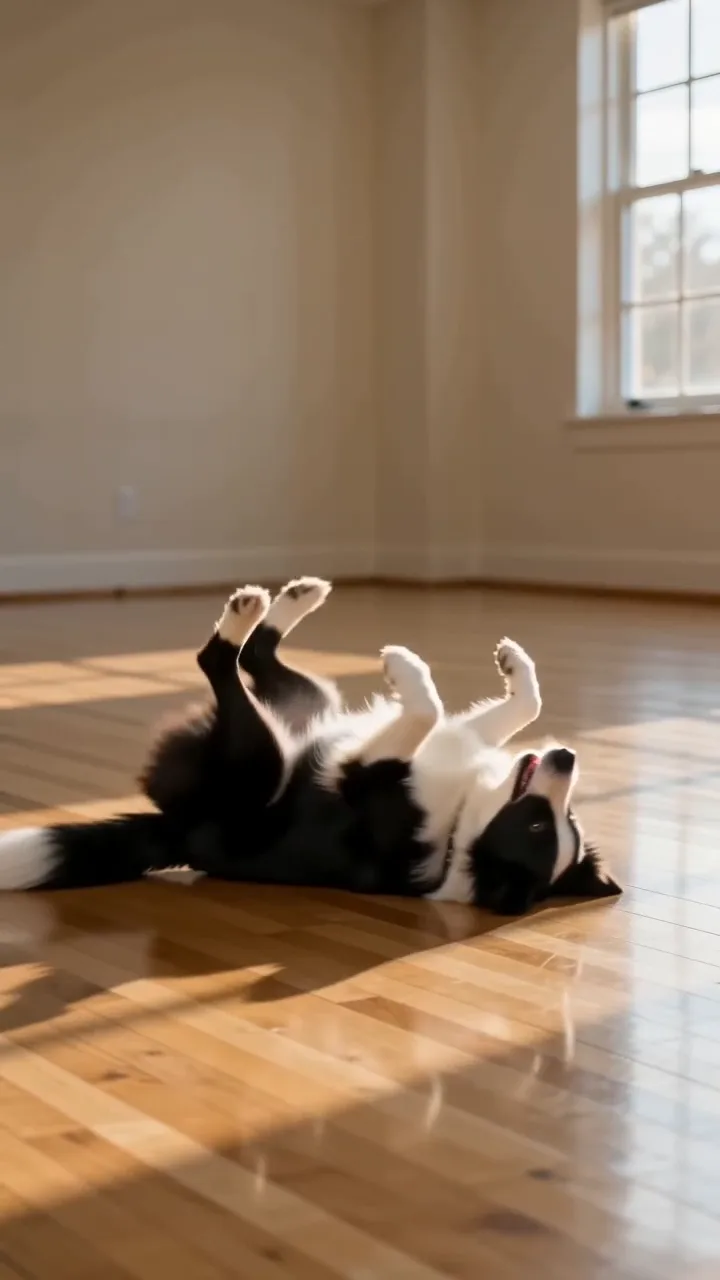
Border collie rolling on a wooden floor, a hard case for paws

AI dog dance FAQ

How do I make my dog dance with AI from one photo?

Upload one clear photo of your dog, add an optional motion note, sign in and create. The ai dog dance generator returns a vertical clip of your dog following a living-room routine.

How many credits does an AI dog dance video take?

Credits for each render show in the generator before you start, and failed runs return their credits automatically.

Does it work as an AI cat dance app too?

Yes. Upload a cat photo instead of a dog photo and the same routine plays with your cat. Sitting-up photos with the whole body visible work best.

Can my pet copy a specific trending dance?

No. The moves come from one built-in routine, and you cannot upload your own dance video or pick a different choreography.

Which photo works best?

A sharp daylight photo of one pet, facing the camera, with ears, paws and tail in view and a plain background behind it.

Can I put two pets or my family in the clip?

No. Each run supports one animal. Photos with people or several pets are not supported.

Will the dance look realistic?

It looks like a playful, believable clip of your own pet, but it is AI-generated: paws, ears and fur can shift, so review it before you share.

What format is the clip?

A 9:16 vertical, 768P clip, delivered as an MP4 you can download.

Why does my pet not look like my pet?

Blurry, dark or curled-up photos force the model to guess. Try a sharper full-body photo and compare the face and markings again.

Can I post the result on TikTok or Instagram?

Yes, if you own the rights to the photo. Turn on the AI-generated label where the platform offers one.

Is NanoPic affiliated with TikTok or the creators of viral pet dance clips?

No. NanoPic is an independent tool and is not affiliated with TikTok, Instagram or the original creators of any viral pet dance.

Ready for your first ai dog dance clip?

Pick a clear photo of your dog or cat, upload it and watch your pet dance in a short vertical video.

Related tools

25th Anniversary Video Maker

25th Anniversary Video Maker

Make a short silver 25th anniversary video concept from one or two authorized couple photos. Add names, year, mood, motion, and editor-ready greeting space.

Open tool
Storyboard cover of two fictional adults sharing a hug

AI Hug Video Generator

AI Hug Video Generator turns an authorized photo of consenting adults into a five-second friendly hug. Review faces, hands, clothing and scene throughout.

Open tool
Animate Picture

Animate Picture

Animate a picture into a short AI video. Upload one authorized photo, describe subject and camera motion, review the live credit cost, and generate with Seedance.

Open tool
Birthday Video Maker

Birthday Video Maker

Create a short birthday video concept from one or two authorized photos. Direct the theme, transition, motion, format, and clean space for exact editor-added greetings.

Open tool
Draw to Video: Animate Images with Motion Arrows

Draw to Video: Animate Images with Motion Arrows

Draw to Video lets you add arrows, text and brush strokes to an image, then generate an AI video from your motion guide. Edit, save, create and download.

Open tool
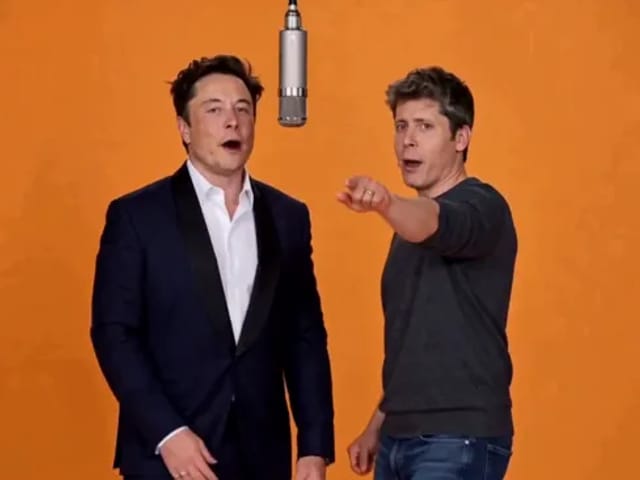
Elon Musk + Sam Altman

Hotel Lobby AI

Turn two photos into a 15-second orange-studio rap duo with MiniMax H3. Explore five actual videos, inspect their inputs and choose your left and right performers.

Open tool
STORM II dance with a lead and coordinated supporting dancers

STORM II Dance AI Video Generator | NanoPic

Create a STORM II dance with your lead photo and an AI-generated motion reference. Add a supporting cast, compare three videos and review your result.

Open tool
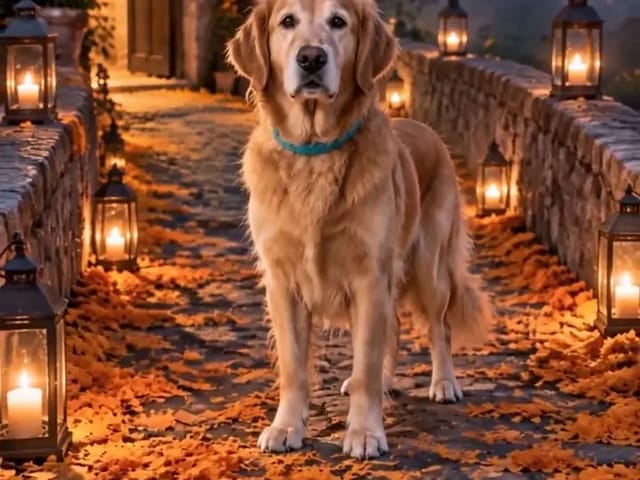
Golden retriever on a marigold memorial path

AI Day of the Dead Pet Video Generator from One Photo | NanoPic

Make an ai day of the dead pet video from one dog or cat photo: warm marigold bridge, vertical 9:16, memorial not horror for keepsakes.

Open tool
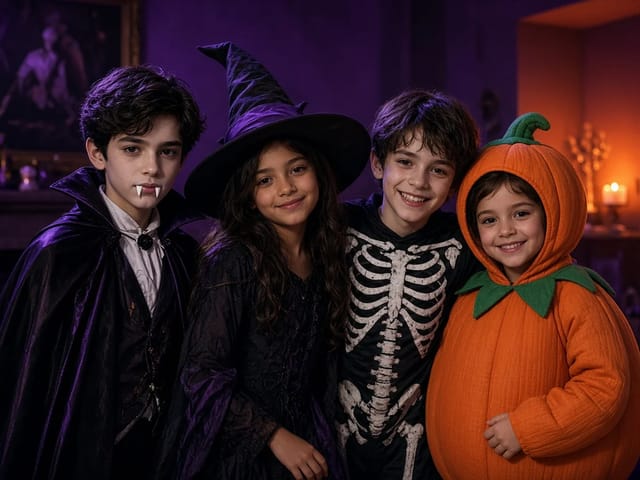
Four children dressed as a vampire, a witch, a skeleton and a pumpkin posing together in a candlelit room

AI Halloween Costume Transformation Video | NanoPic

AI Halloween costume transformation from one photo: pick a vampire, witch, skeleton or pumpkin look and watch your outfit change in smoke in a short video.

Open tool
AI Rap Battle Generator

AI Rap Battle Generator: Two Photos, One Battle Video | NanoPic

Upload two photos and create an AI rap battle video. Each side takes a turn in a short widescreen clip you can review before posting.

Open tool

AI Zombie Trend Video Generator from Two Photos | NanoPic

Make the AI zombie trend video from two photos: one person turns, the other lowers the weapon for a hug, then a warm memory. Vertical 9:16, no gore.

Open tool
Cover still for anijam ai video maker

Anijam AI Video Maker Online | NanoPic

Use anijam ai video maker on NanoPic: upload one authorized photo, describe motion in plain words, review credits, and check every frame before sharing.

Open tool
Birthday Rap Video

Birthday Rap Video Maker from a Photo | NanoPic

Make a birthday rap video from one clear photo: a fixed studio rap reference drives lip motion in a vertical clip. Add a name and review.

Open tool
Silver watch in an open black gift box with red ribbon and gold confetti, Black Friday product clip

Black Friday Video Maker: Product Photo to Sale Clip | NanoPic

Black Friday video maker: upload one product photo and get a promo clip with seasonal lighting and a slow camera move, ready for your sale text.

Open tool
Silhouette of a witch riding a broomstick across a full moon over a misty forest

Broom Riding AI - My Ride Is Here Broom Video | NanoPic

Broom Riding AI puts you on a flying broom beside a moving car in the My Ride Is Here trend. Upload one photo, get a 10-second clip and add your own sound.

Open tool
Burning Bridges AI Video Generator

Burning Bridges AI: One Photo Party Video | NanoPic

Make a Burning Bridges AI video from one photo: toast, hand to heart, point at the camera, then turn in a vertical chandelier party clip.

Open tool

Check One Check Two AI Video Generator | NanoPic

Make a check one check two AI video from one photo: you lean into the lens and shout the mic check over a night crowd. Vertical MP4, ready to post.

Open tool

Crreo AI Video Generator | NanoPic

Crreo AI video generator: describe one scene, pick a frame shape and turn your story idea into a short AI video clip you can watch and download.

Open tool
Dancer bouncing her shoulders on a city sidewalk

Dame Hombro AI: Shoulder Dance Video From a Photo | NanoPic

Make a Dame Hombro AI shoulder dance video from one full-body photo: knee bounces, shoulder pops and a lean-in, in a vertical 9:16 clip.

Open tool
Diss Track Generator

Diss Track Generator: Friendly Roast Rap Video from a Photo | NanoPic

Make a playful diss track video from a clear photo and a few inside jokes. Keep it friendly, review the roast, and share only with consent.

Open tool

EveryGen AI Video Generator | NanoPic

EveryGen AI video generator: describe a scene in plain words, choose a frame shape and turn your idea into a short AI video you can watch and download.

Open tool
Creative desk with a printed lake photo, a phone showing a sunset and a watercolour flower sketch

EzCreate AI Image & Video Generator: Edit and Animate Photos

Use the EzCreate AI Image & Video Generator online to turn your own photos and ideas into new pictures and short video clips.

Open tool