

















































































Save up to 73% on plans

AI Video Generator
Sign In
LTX 2 Pro AI Video Generator Background

LTX 2 Pro AI Video Generator

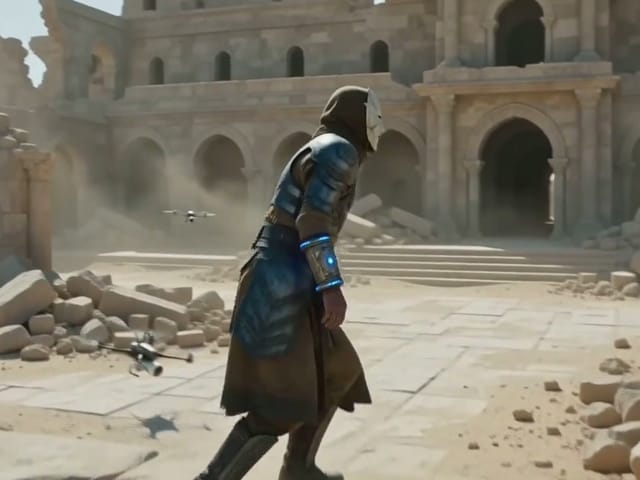
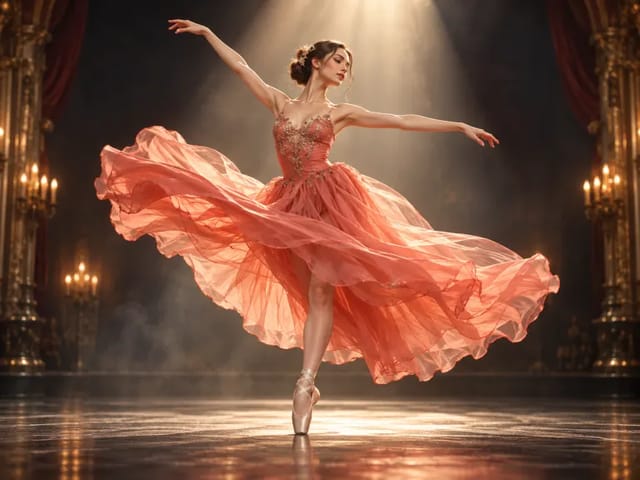
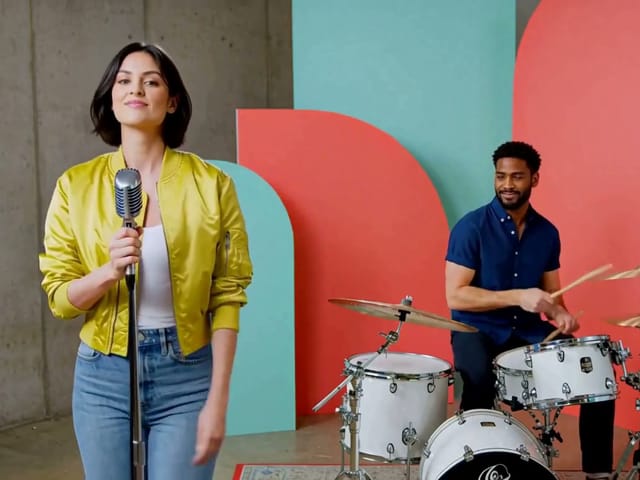
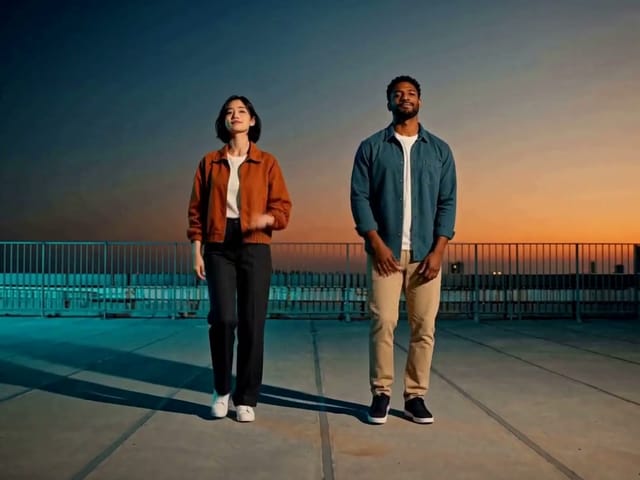
Elevate your production with LTX 2 Pro, the professional-grade AI video generator built on the powerful DiT architecture. Designed for production teams and creative professionals, LTX 2 Pro delivers high-fidelity 4K visuals at 50 FPS with native audio synchronization. Perfect for stakeholder reviews, client pitches, and final delivery, LTX 2 Pro balances quality and efficiency for day-to-day professional workflows.

Reference images(0/4)
Public VisibilityAllow this result to appear in public inspiration surfaces.
Credits required:—

AI Video Generator

LTX-2 Pro

Paper crane taking flight · Veo 3.1 Fast

Archive reference · Generated with Veo 3.1 Fast. Reference only; not a benchmark of the currently selected model.

1/2

More AI Video Models & Effects

Features of LTX 2 Pro AI Video Generator

Discover the advanced professional tools that make LTX 2 Pro the preferred choice for production teams requiring predictable performance and studio-grade output.

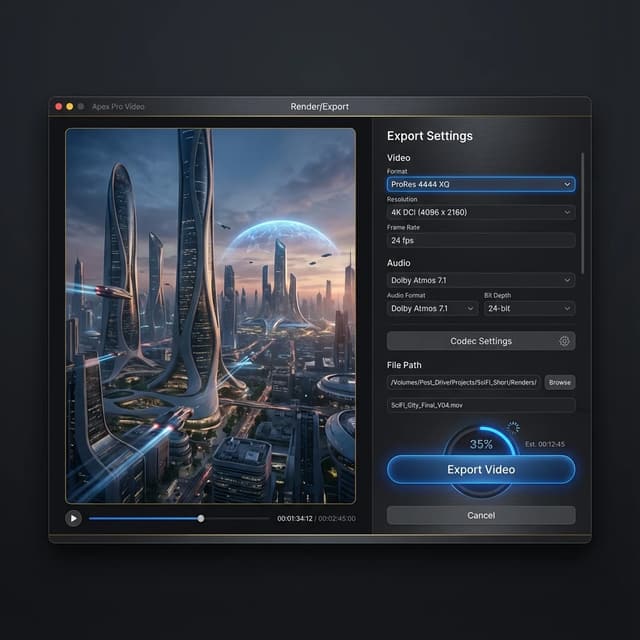
Studio-Grade 4K Fidelity at 50 FPS

LTX 2 Pro prioritizes visual polish, delivering crisp output in FHD (1080p), QHD (1440p), and true 4K resolution at 50 frames per second. With clips up to 20 seconds long, LTX 2 Pro produces broadcast-ready footage ideal for client presentations, stakeholder reviews, and high-end content delivery.
Deep Prompt Understanding and Control

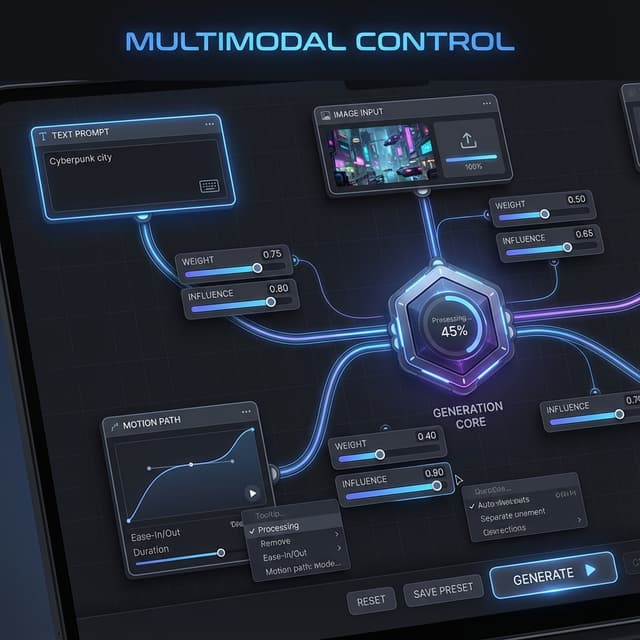
LTX 2 Pro translates complex scripts into reality with advanced semantic interpretation. Supporting multi-keyframe conditioning and controllability low-rank adaptations, LTX 2 Pro interprets nuanced descriptions to create scenes with precise lighting, camera movement, mood, and action, giving production teams measurable control over output.

Synchronized Audio-Visual Generation

Create a complete sensory experience with LTX 2 Pro. The model generates video and audio in a single coherent pass, synchronously creating motion, dialogue, background noise, and music with natural timing. Every sound effect and line of dialogue is perfectly synchronized, eliminating post-production audio work.

Video references from our archive

Reused video references from our archive, generated with Kling 2.6 and Veo 3.1 Fast. Labels identify the original source model, which may differ from your current selection.

Paper crane taking flight

Source model: Veo 3.1 Fast. An origami crane lifts off a wooden table in warm light.

Golden retriever on the beach

Source model: Veo 3.1 Fast. A golden retriever moves across a sunset beach.

Ceramic bird — text to video

Source model: Kling 2.6. A fixed-camera still life with a teal ceramic bird and a moving green leaf.

Ceramic bird — image to video

Source model: Kling 2.6. A square-format reference-image animation of the ceramic bird and leaf.

Why Choose LTX 2 Pro AI Video Generator?

LTX 2 Pro bridges the gap between rapid ideation and final delivery, offering production-grade quality with professional control.

LTX 2 Pro Quality

Production-Ready 4K Quality with Professional Polish

LTX 2 Pro delivers the high fidelity needed for professional reviews, client presentations, and final delivery. Supporting resolutions from FHD (1080p) to true 4K at 50 frames per second, LTX 2 Pro produces broadcast-ready footage that reduces the gap between concept and final product. The production-ready output quality means content generated with LTX 2 Pro can be used directly in professional workflows, stakeholder reviews, and high-end content delivery without extensive post-processing. As the model optimized for developers and production teams, LTX 2 Pro delivers predictable performance and measurable specs that professional environments require.

LTX 2 Pro Efficiency

Efficient Professional Workflow Balance

LTX 2 Pro is the workhorse of the LTX ecosystem, designed as the default flow for day-to-day production. Balancing quality and speed efficiently, LTX 2 Pro keeps creative teams and production pipelines moving without sacrificing visual standards or audio quality. The integrated audio-video generation, multi-keyframe support, and advanced conditioning capabilities enhanced with controllability low-rank adaptations make LTX 2 Pro suitable for custom pipelines and experimentation. Production teams can maintain momentum while ensuring every output meets professional standards for client work and commercial projects.

LTX 2 Ecosystem

Seamless LTX Ecosystem Integration

Start with LTX 2 Fast for rapid ideation and brainstorming, then refine with LTX 2 Pro for detailed production work and final delivery. The LTX 2 AI video generator family supports your entire creative pipeline from concept to completion. Both models share the same DiT-based architecture, support text-to-video and image-to-video generation with optional synchronized audio, and integrate with tools like ComfyUI and Fal for custom workflows. Released under Apache 2.0 license, the LTX 2 Pro ecosystem provides complete freedom for commercial and non-commercial use, allowing production teams to build comprehensive workflows around these production-grade models.

LTX 2 Pro AI Video Generator Reviews

See how studios, agencies, and production teams are using LTX 2 Pro to enhance their professional workflows and deliver production-grade content.

User Marcus

User Jessica

User Tom

User Aisha

User Carlos

User Sophie

LTX 2 Pro AI Video Generator FAQ

Answers to common questions about LTX 2 Pro features, capabilities, and professional applications.

What makes LTX 2 Pro different from LTX 2 Fast?

While LTX 2 Fast is optimized for rapid iteration and brainstorming with maximum speed, LTX 2 Pro focuses on higher visual fidelity and polished output as the default flow for day-to-day production. LTX 2 Pro balances quality and efficiency, making it better suited for professional presentations, stakeholder reviews, client pitches, and final content delivery. Both models share the same DiT-based architecture and audio-video synchronization capabilities, but LTX 2 Pro delivers production-ready quality for professional workflows.

Does LTX 2 Pro support 4K resolution and what frame rates are available?

Yes, LTX 2 Pro supports high-resolution outputs including FHD (1080p), QHD (1440p), and true 4K resolution at 50 frames per second. LTX 2 Pro generates clips up to 20 seconds long with broadcast-ready quality, ensuring your videos look sharp and professional on any screen or display. The high frame rate output provides smooth, cinematic motion suitable for professional production environments.

How does the synchronized audio generation work in LTX 2 Pro?

LTX 2 Pro uses a unified DiT-based model to generate video and audio together in a single coherent process. The model synchronously creates motion, dialogue, background noise, and music with natural timing. This ensures that sound effects and dialogue are perfectly synchronized with the visual action automatically, eliminating the need for post-production audio work. The integrated approach makes LTX 2 Pro a complete audiovisual production solution.

Can I use LTX 2 Pro for commercial client work and professional projects?

Absolutely. LTX 2 Pro is specifically designed for professional use cases and production teams. Released under Apache 2.0 license, LTX 2 Pro provides complete freedom for both commercial and non-commercial use, covering usage for client projects, marketing materials, presentations, and professional video production. The production-grade quality and predictable performance make LTX 2 Pro ideal for commercial workflows.

What kind of creative control does LTX 2 Pro offer production teams?

LTX 2 Pro offers extensive control optimized for developers and production teams. Features include deep prompt understanding, multi-keyframe conditioning for timeline control, and controllability low-rank adaptations for precise direction. You can control camera movement, subject action, scene transitions, structure, motion, and character identity with intent. This level of control is essential for professional animatics, pre-visualization, and achieving measurable specs in production environments.

Is LTX 2 Pro available now and how can production teams integrate it?

Yes, LTX 2 Pro is available immediately for professional use. Production teams can access LTX 2 Pro through our platform to start creating professional-grade video content. LTX 2 Pro integrates with tools such as ComfyUI and Fal for custom pipelines and experimentation, allowing seamless integration into existing production workflows. The open-source nature under Apache 2.0 license enables custom adaptations for specific production needs.

Elevate Your Video Production with LTX 2 Pro Today

Experience the future of professional AI video generation with LTX 2 Pro. Create production-ready 4K videos with synchronized audio for your professional workflows. Join production teams worldwide using LTX 2 Pro as their default flow for day-to-day video creation, client presentations, and final delivery.

Related tools

Flux Video Edit

Flux Video Edit: Prompt-Based Video Editing | NanoPic AI

Flux Video Edit revises existing footage with a text prompt. Upload a short MP4, describe a visible change, and review an edited clip at up to 720p.

Open tool
HeyGen Video 1 creative concept illustration, not a model output example

HeyGen Video 1

HeyGen Video 1 turns text or a first-frame image into 5–15 second videos with audio. Create product demos and image animations at 480p or 768p on NanoPic.

Open tool
H3 Max Lip Sync

H3 Max Lip Sync

H3 Max Lip Sync animates an authorized portrait with your uploaded voice audio. Create a talking photo, choose resolution, and review the video with sound.

Open tool
Folded paper bird on a sunlit wooden table

FastH3 Omni Video Generator: Fast Video with Audio | NanoPic

Learn what FastH3 Omni is and create short videos with synced sound online. Write a prompt, add a reference image and get a clip with no GPU or setup.

Open tool
Portrait ready to animate into a short video

OmniHuman 2.0 Talking Avatar Generator: Photo to Video | NanoPic

Use OmniHuman 2.0 on NanoPic to turn a clear portrait into video: upload a photo, add a short motion direction, and generate an image-to-video clip.

Open tool
Skateboarder gliding across a sunny concrete plaza

Pika H3 Flex AI Video Generator: Text and Image to Video | NanoPic

Use Pika H3 Flex online to turn a prompt or a photo into a short AI video. Write the action, add a first frame if you like, and generate in your browser.

Open tool
Blue teapot and cup in a Vidu Q4 video example

Vidu Q4 AI Video Generator: Photo to Video | NanoPic

Vidu Q4 AI Video Generator: upload one image, describe the motion, camera and sound, and turn your still into a 3–15 second clip with audio.

Open tool