




Identity-Preserving Selfie Edits
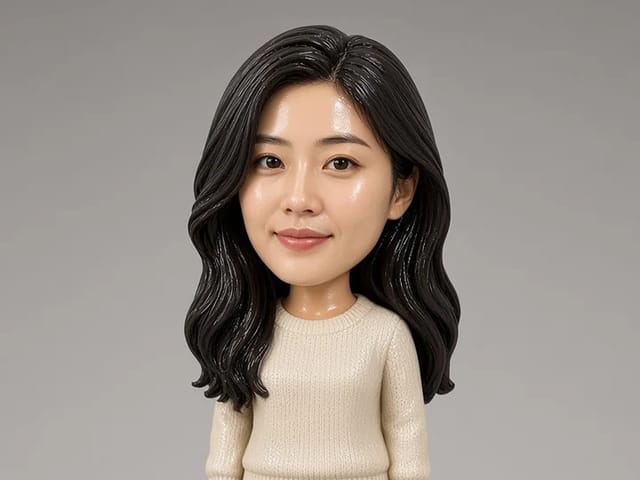
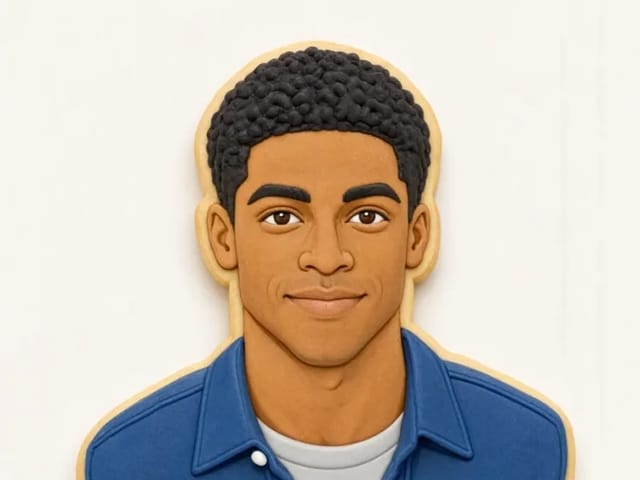
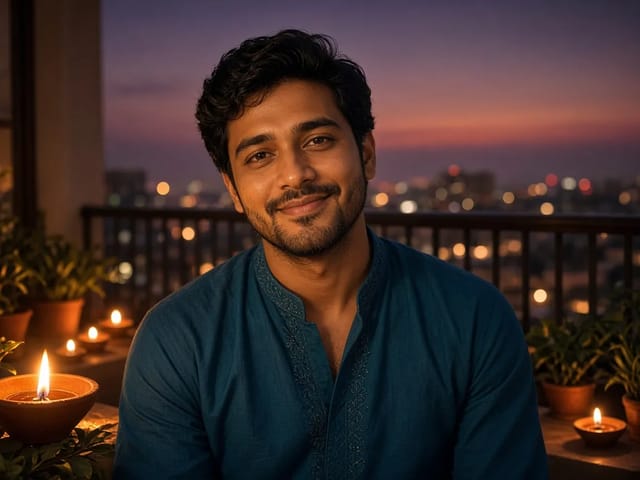
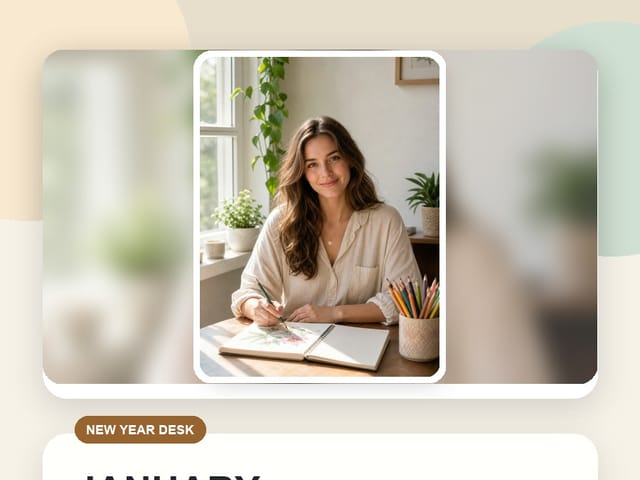
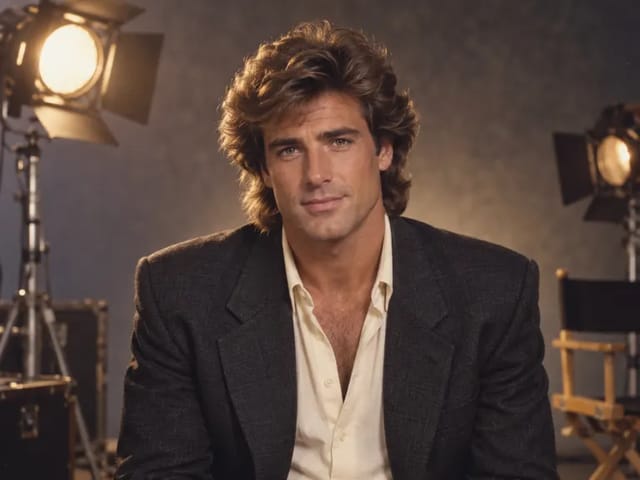
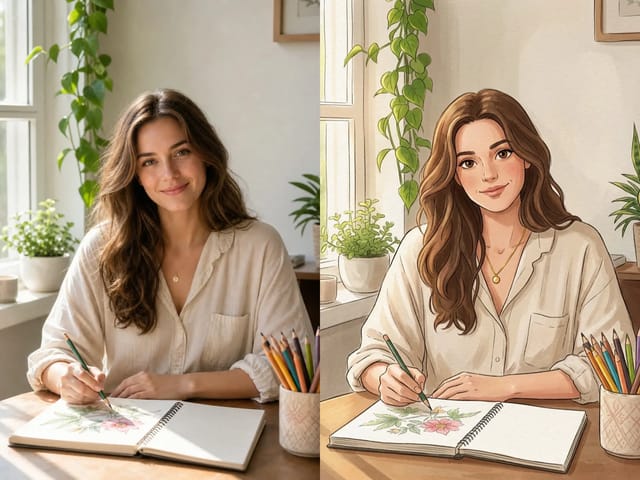
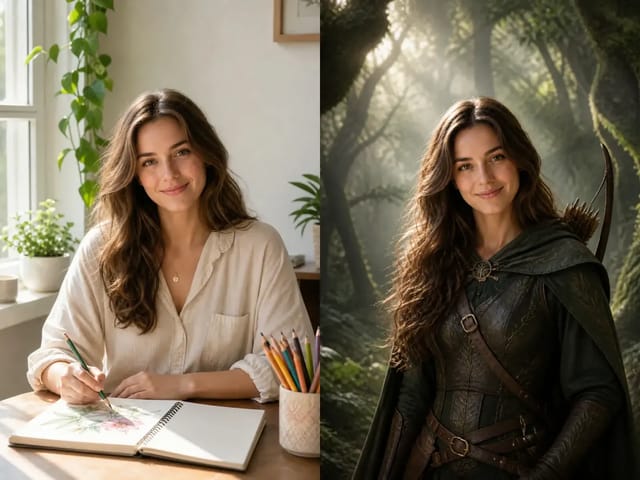
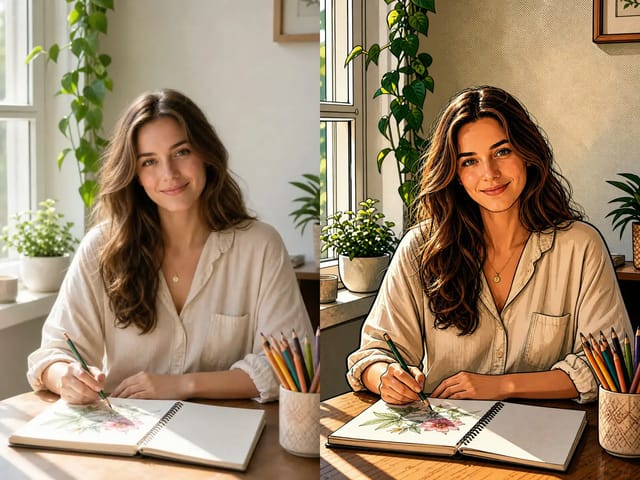
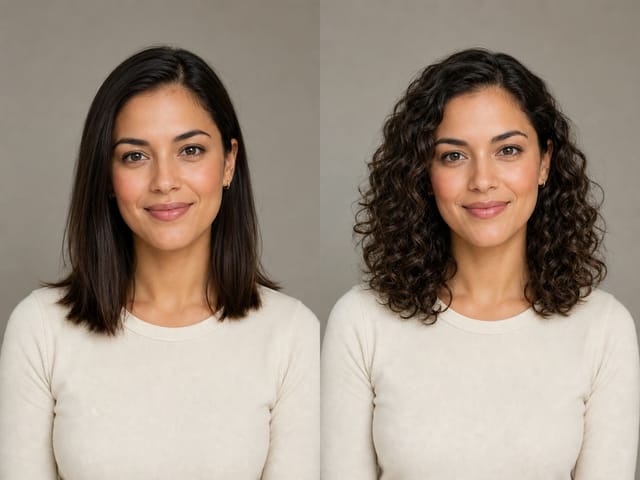
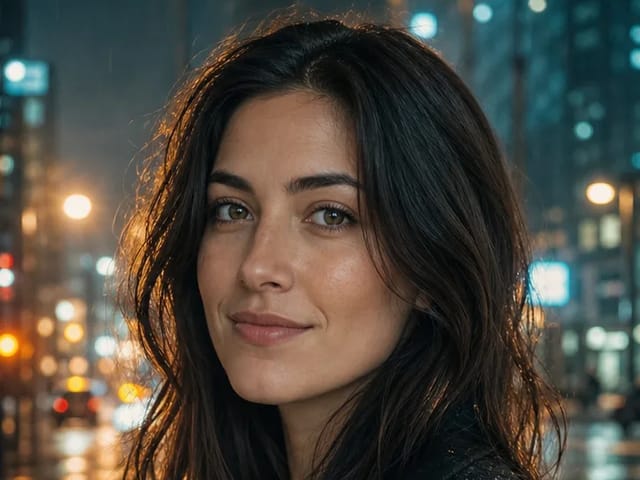
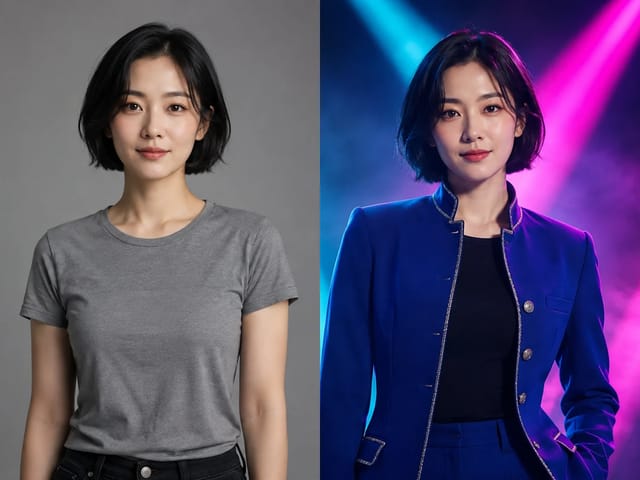
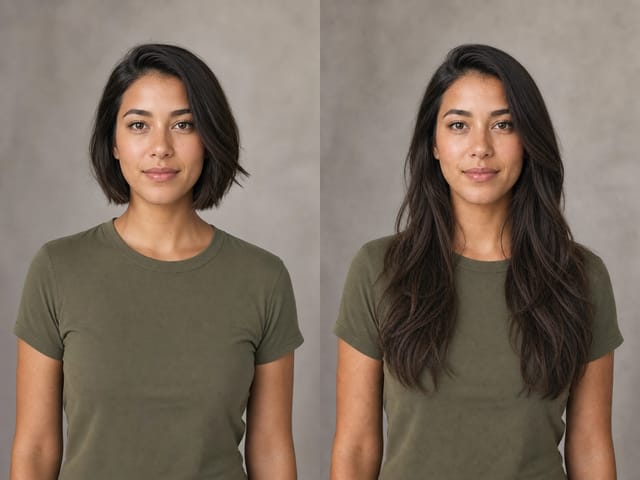
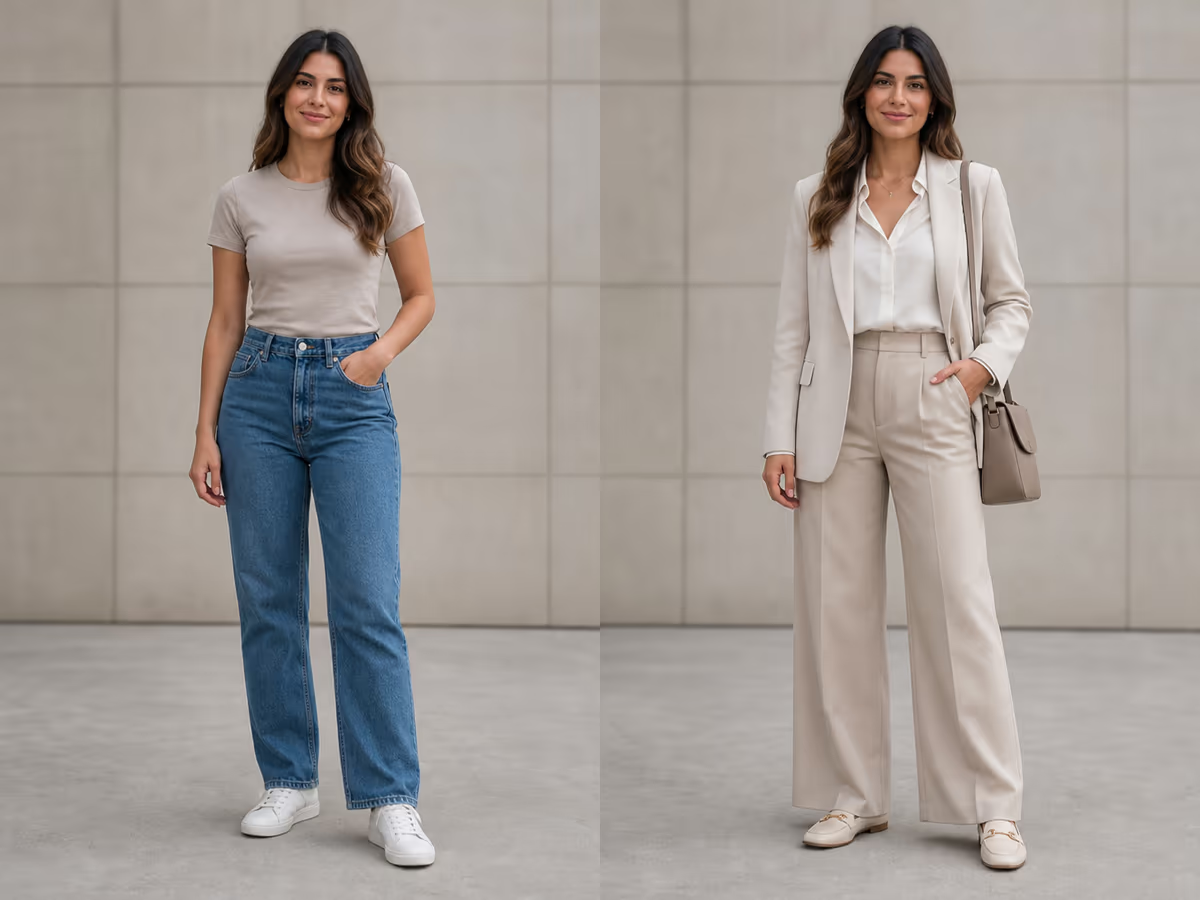
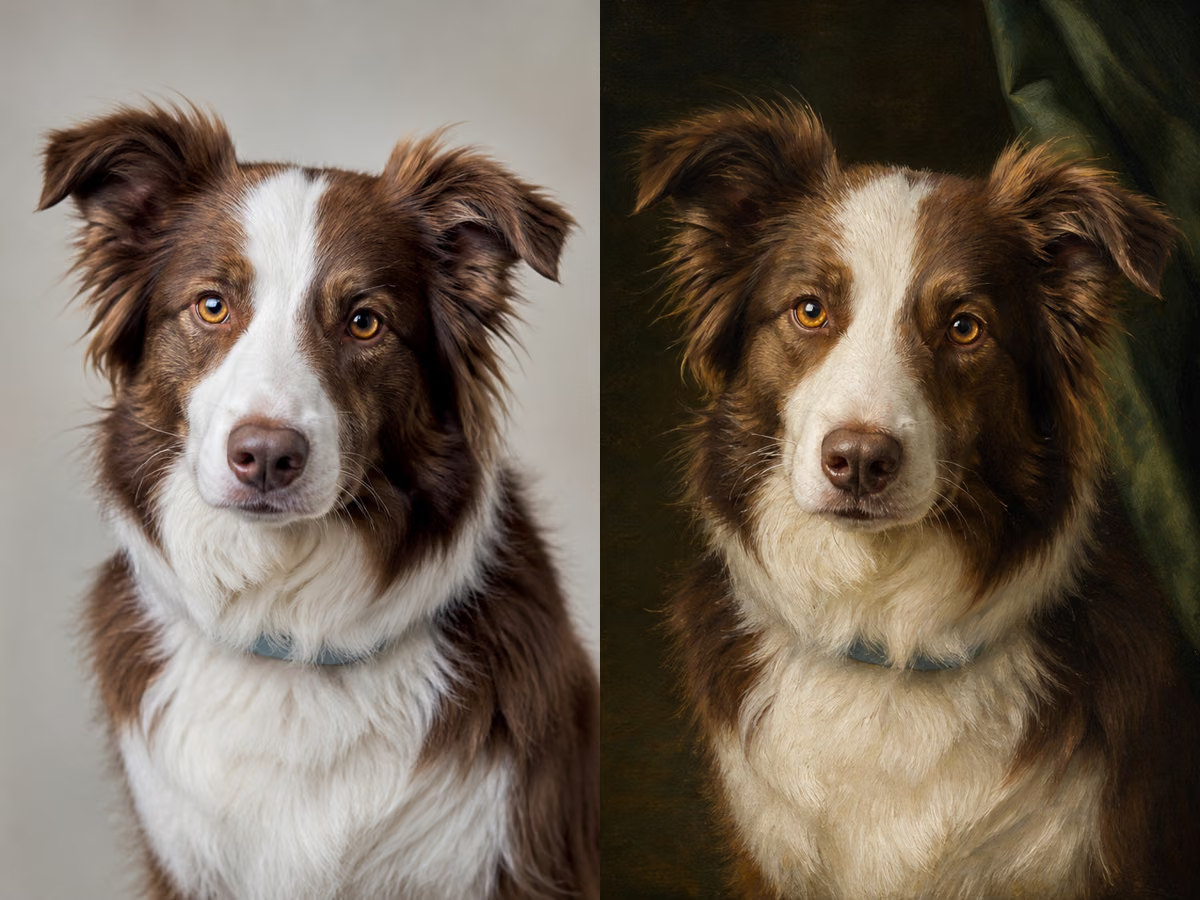
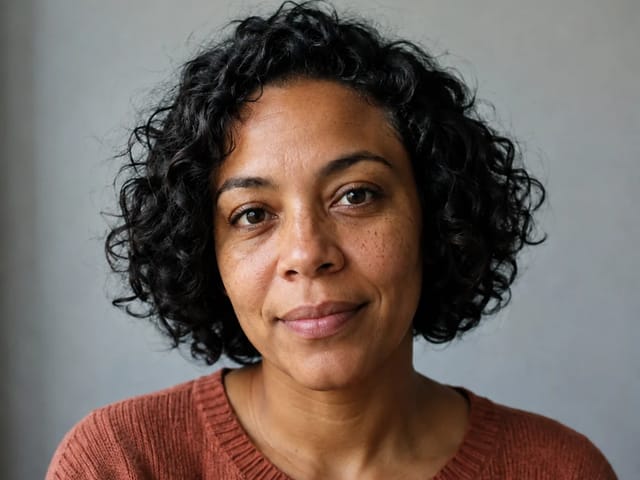
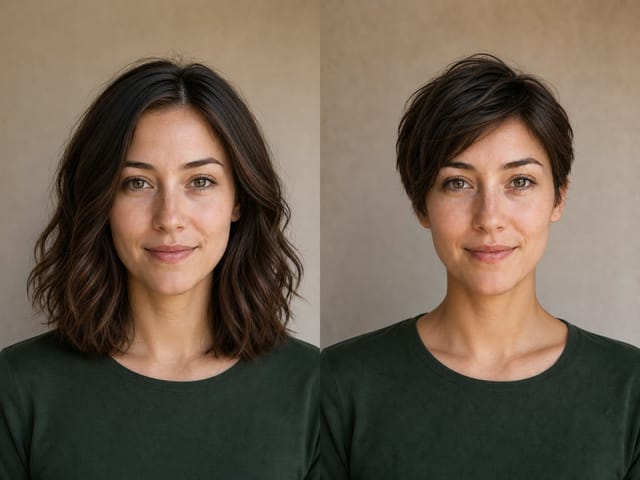
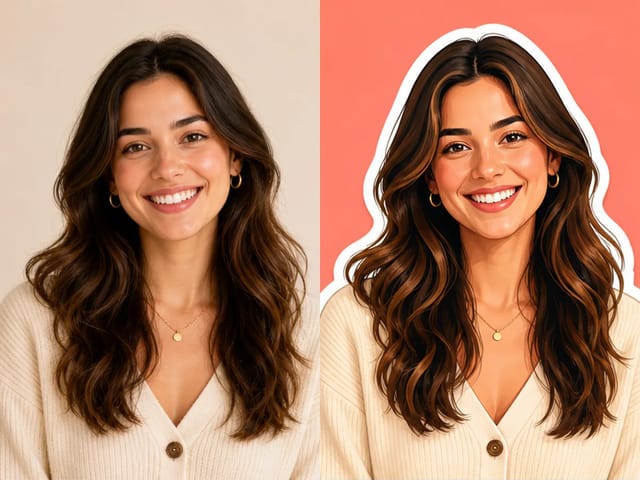
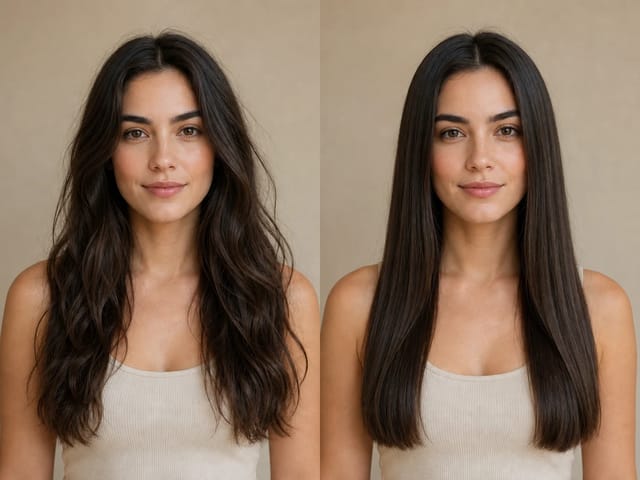
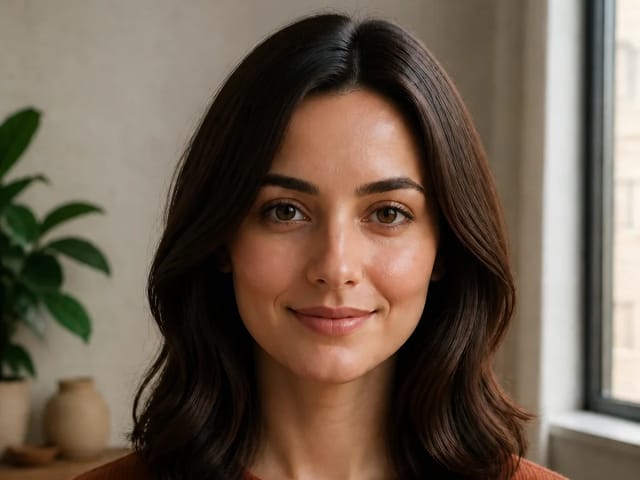
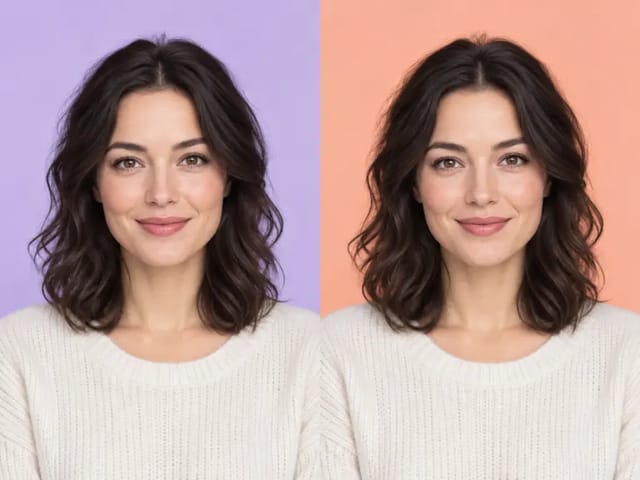
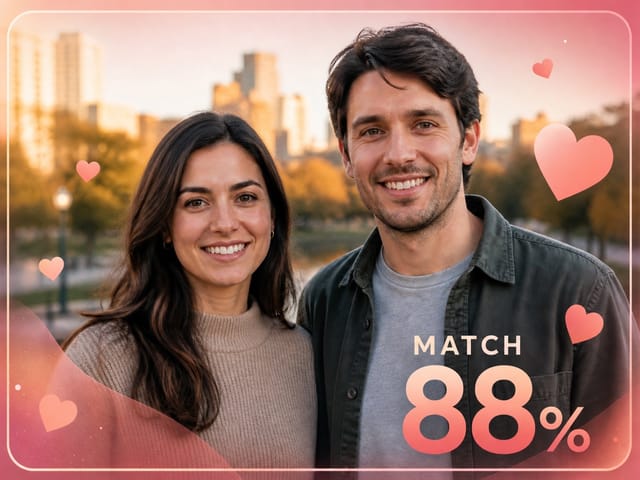
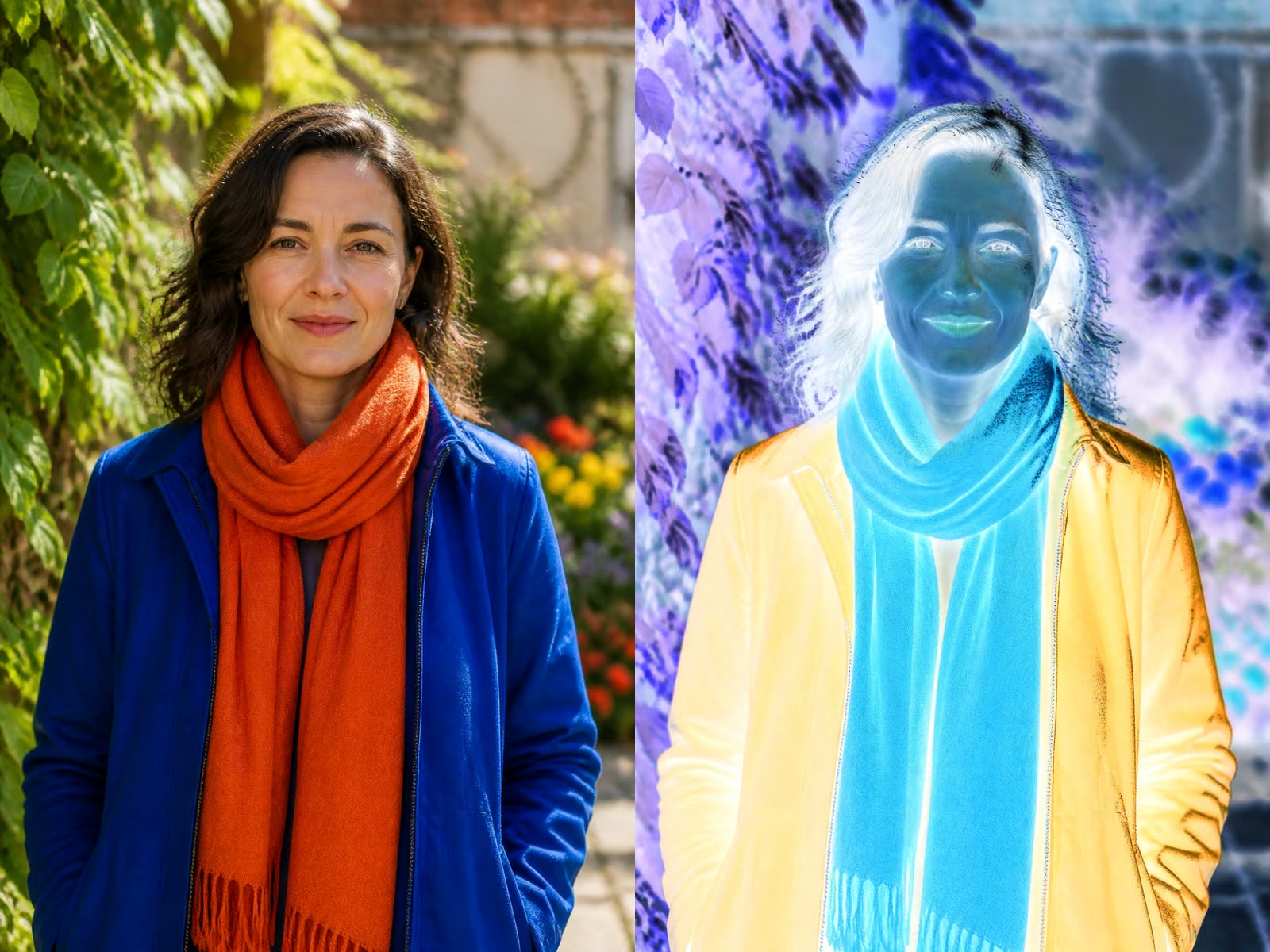
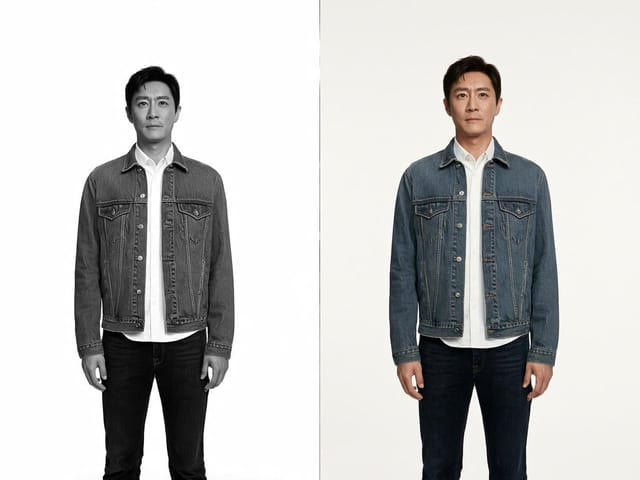
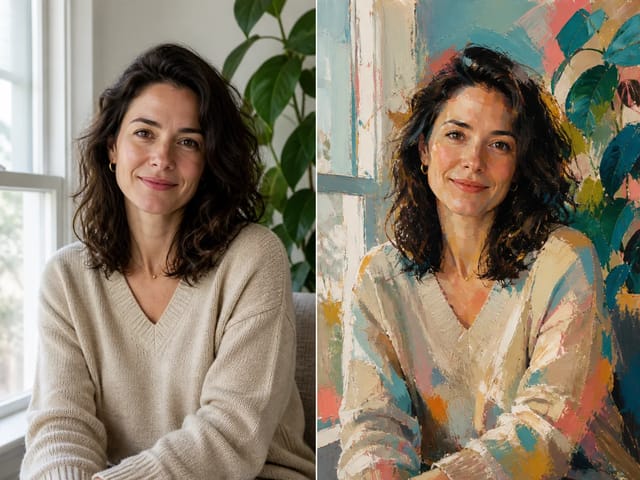
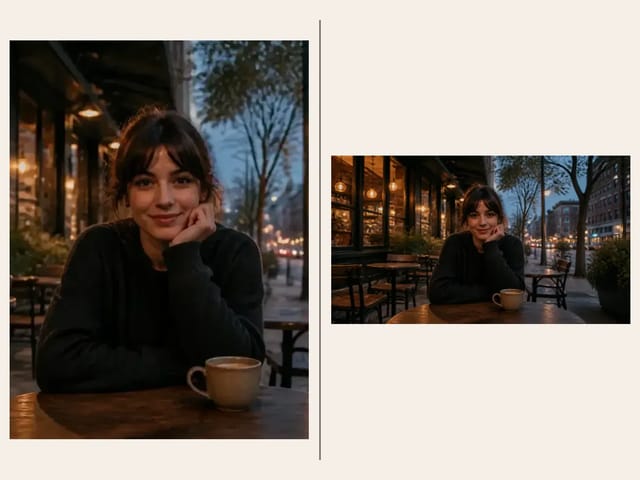
The uploaded portrait acts as the identity anchor. The prompt asks NanoPic to preserve face shape, hairstyle, skin tone, expression, and recognizability before adding fan styling.
Save up to 73% on plans


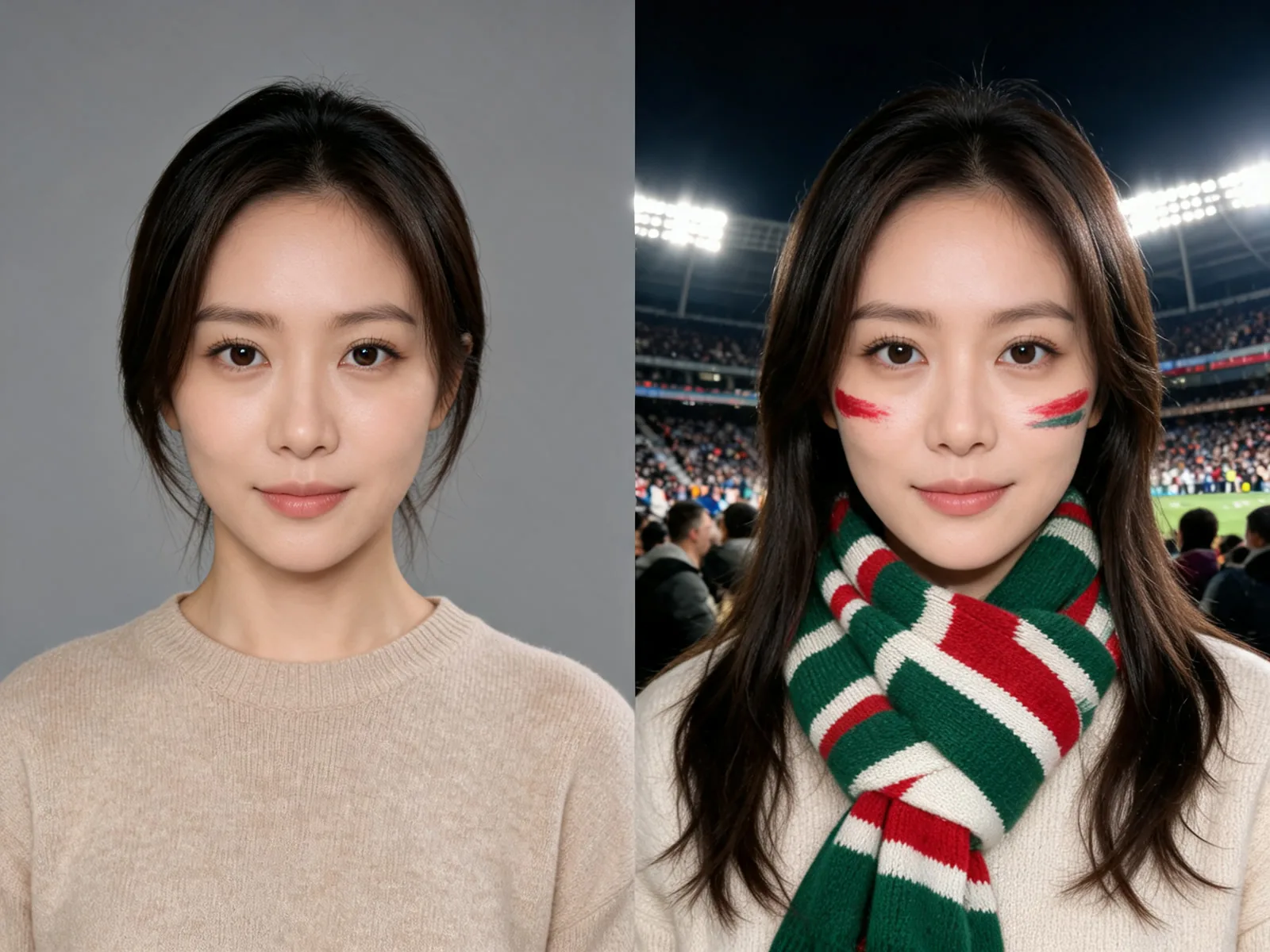
NanoPic turns a clear selfie into a World Cup-inspired fan photo without asking you to design the whole prompt from scratch. Use it for supporter portraits, matchday posts, country-color fan looks, stadium selfies, profile banners, and social images. The preset focuses on realistic identity preservation, football crowd energy, team-style color styling, and safe unofficial visuals with no official logos, federation crests, trophy replicas, or real player likeness promises.
The template is built for realistic fan-photo transformations, not official tournament artwork.
The uploaded portrait acts as the identity anchor. The prompt asks NanoPic to preserve face shape, hairstyle, skin tone, expression, and recognizability before adding fan styling.
All pages are configured for unofficial fan creative, not official tournament marks, team crests, trophy replicas, or real player likenesses.
The default crops support vertical and square social formats for reels covers, avatars, stories, group chats, supporter posts, and campaign drafts.
Use one reference image as the identity anchor, then steer the fan style with colors, crop, and mood.
Front-facing portraits and half-body photos usually work best. Avoid dark images, heavy face occlusion, crowded group shots, and screenshots with lots of UI so face paint, scarf details, and jersey-like styling can align with the photo.
Generate Fan PhotoMention country-inspired colors, face-paint intensity, scarf details, stands, stadium lights, celebration mood, and vertical or square framing. Do not request official crests, celebrity-player photos, or trophy replicas.
Edit Fan Style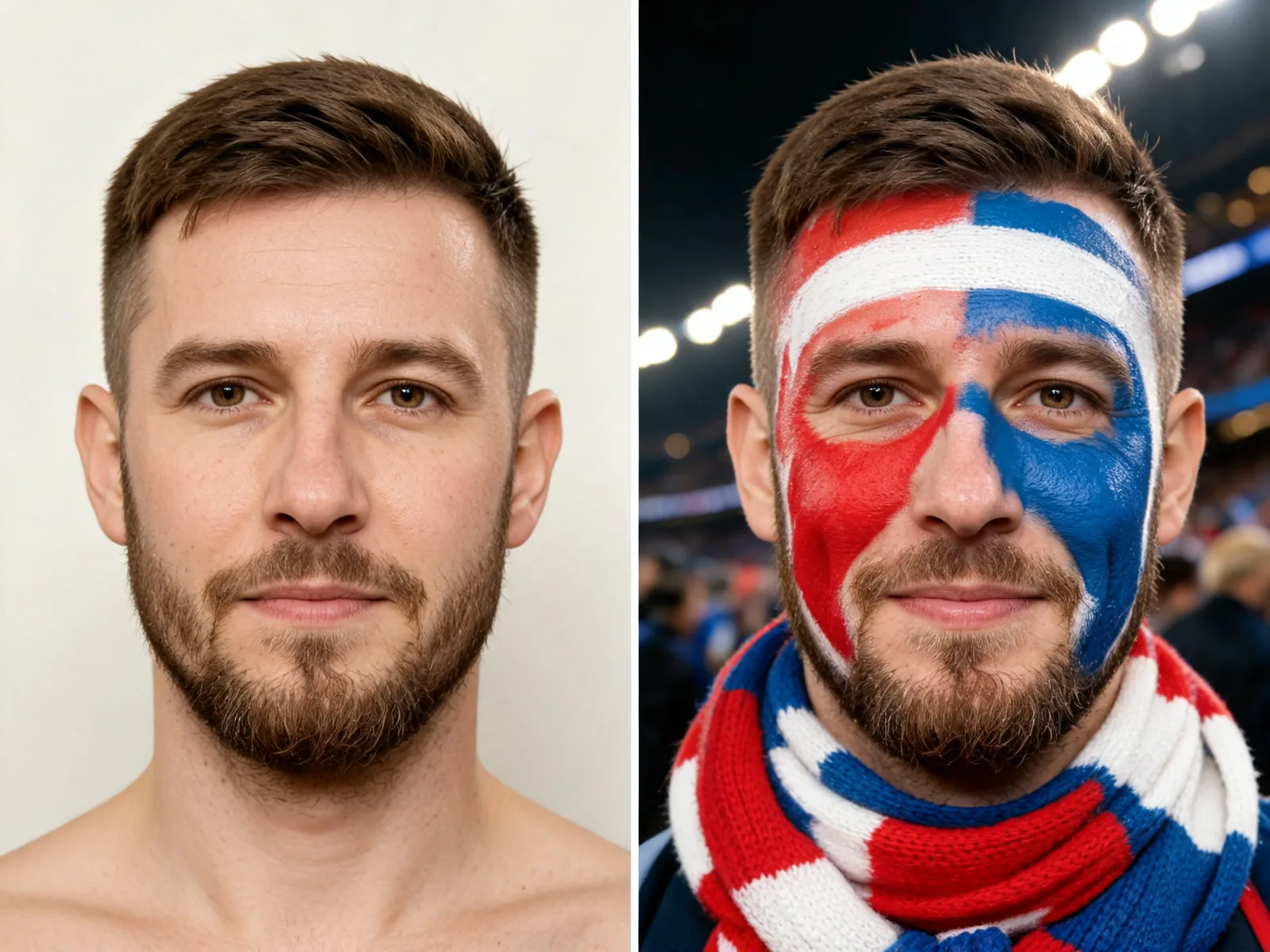
Generated images are useful for matchday avatars, stories, covers, event directions, and internal visual drafts. For final commercial use, confirm the rights for the uploaded photo and the generated output.
Generate and Download
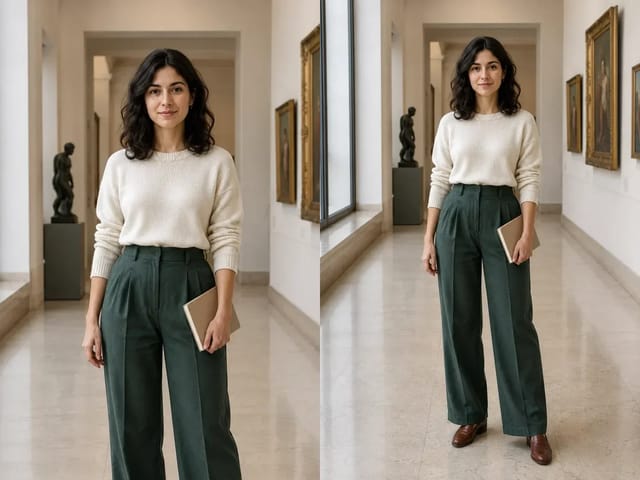
Browse generated before-and-after examples with different fan-photo moods. Each example keeps the same 4:3 pair format used by the page cards.
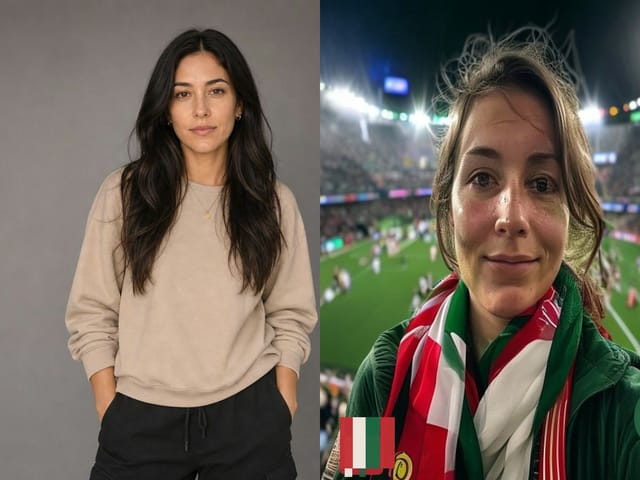
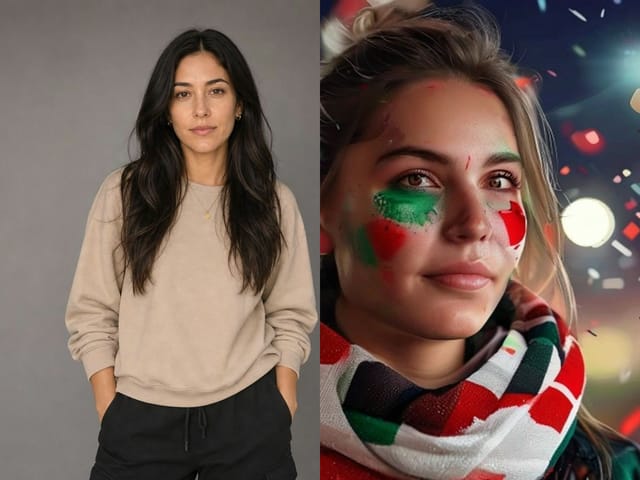
A clean portrait becomes a realistic stadium supporter selfie with scarf colors, cheek paint, and floodlight crowd energy.
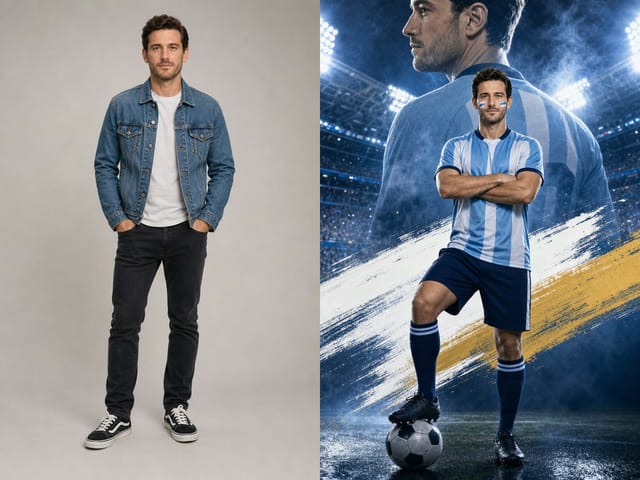
Use This LookA full-body input turns into a stadium-lit football hero poster with blue smoke and a generic striped supporter shirt.
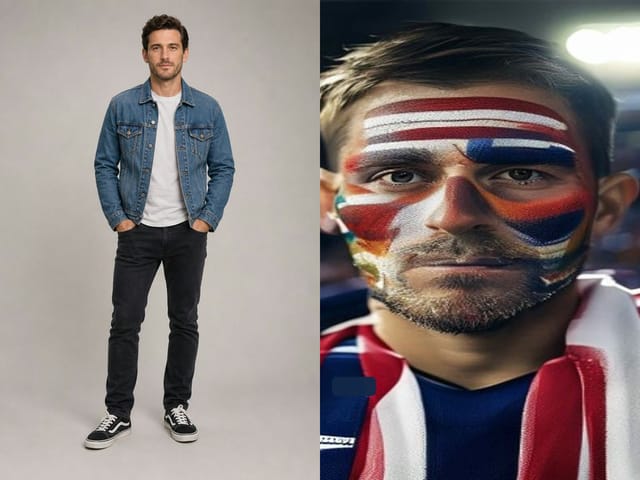
Use This LookA neutral portrait becomes a close-up supporter image with bold face paint, scarf styling, and stadium concourse lights.
Use This LookA simple portrait becomes a golden-hour fan-zone celebration with scarf, confetti, and bright supporter colors.
Use This LookA head-and-shoulders portrait turns into a clean matchday profile image with stadium seats and red-white scarf styling.
Use This LookA plain full-body portrait becomes a relaxed stadium supporter shot with scarf, jersey-like colors, and football pitch energy.
Use This LookAn urban portrait becomes a night street celebration outside the stadium with scarf color, flag gesture, and crowd bokeh.
Use This LookA home portrait becomes a rainy stadium fan photo with poncho texture, scarf color, and floodlit stands.
Use This LookA studio portrait becomes a cinematic matchday poster with navy-white scarf styling and cool stadium tunnel lighting.
Use This LookA two-person portrait becomes an adult couple stadium fan selfie with purple-white scarves and soft matchday face paint.
Use This LookCommon questions about creating World Cup-inspired football fan images with NanoPic.
No. This page is for unofficial fan creative. Do not upload or request official tournament marks, team crests, sponsor text, trophy replicas, or real player likenesses unless you have the rights.
Use a clear selfie, half-body photo, or portrait. A readable face helps the AI preserve identity while adding natural face paint, scarf styling, jersey-like colors, and stadium atmosphere.
Yes. Phrase it as country-inspired colors or list the colors directly, such as green, white, and red supporter colors. Avoid requesting official crests or exact kit replicas.
NanoPic can help create creative drafts and visual assets, but before commercial use you should confirm rights for the uploaded photo, personal likeness, generated output, and any tournament or team-related rights.
Use a clearer, front-facing, evenly lit photo and include preserve identity, keep the same face in the prompt. If needed, reduce the face-paint intensity and regenerate.
Upload one clear photo, describe the supporter colors or matchday mood, and generate a football fan image for social posts, avatars, and campaign drafts.
80s Photo Filter adds warm, faded film color to your photo in the browser. Adjust strength, preserve clothing and framing, and download a PNG.
Open tool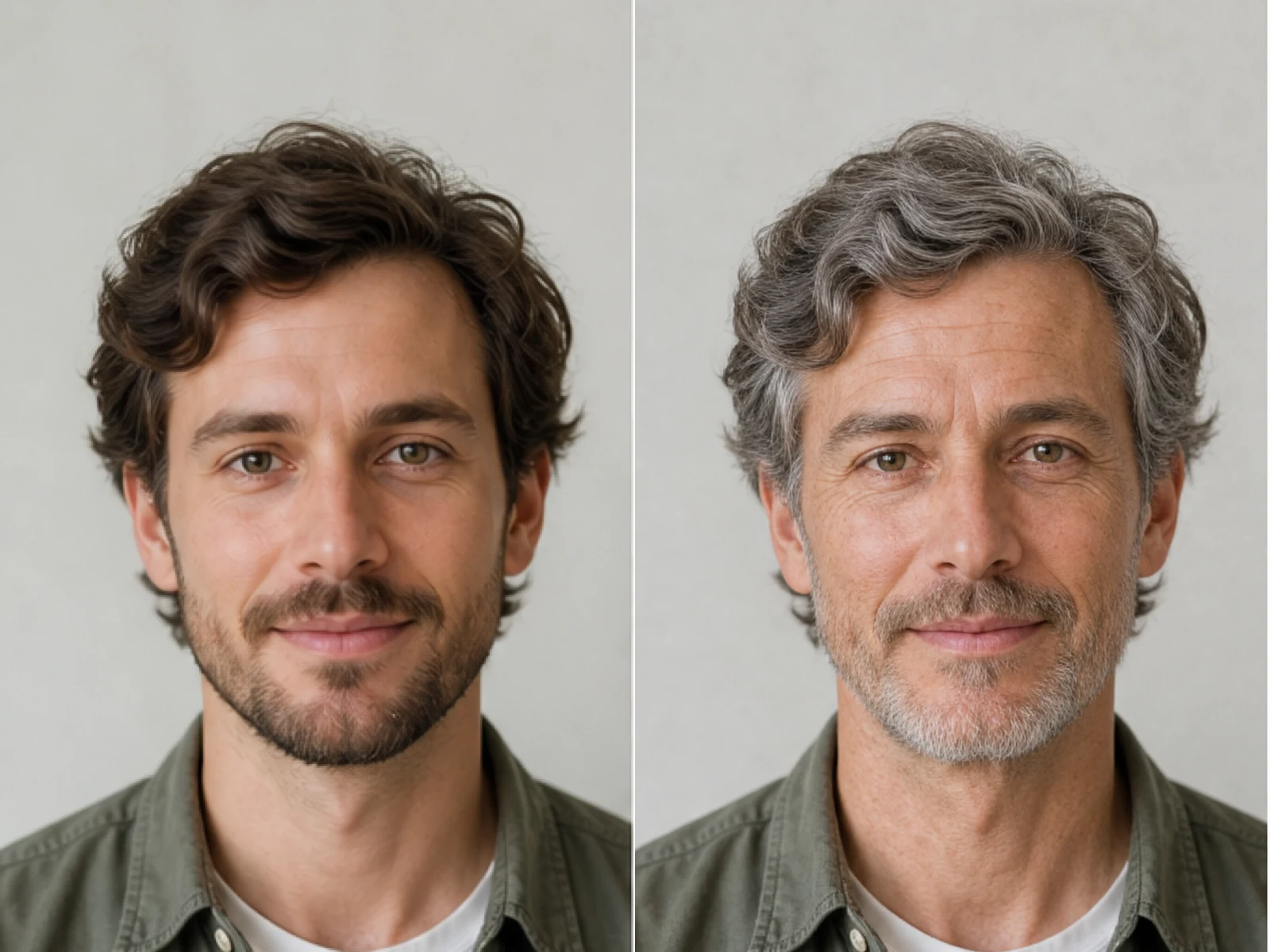
AI Age Filter creates a natural older-look concept from an authorized adult portrait. Review identity, complete-head framing, light and scene after editing.
Open tool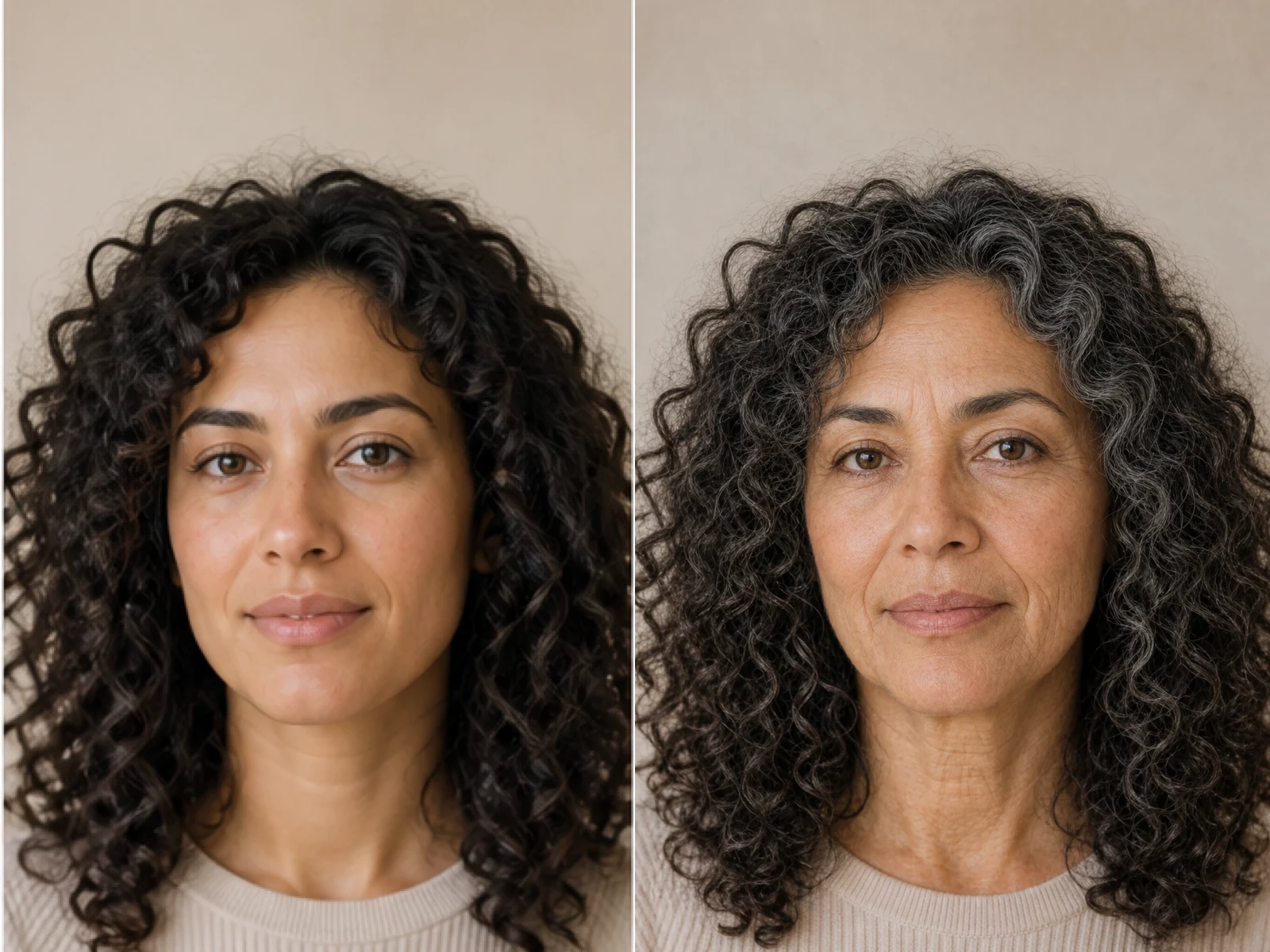
AI Age Progression creates a target-age concept from an authorized adult portrait. Set an age interval and review identity, framing and scene after editing.
Open tool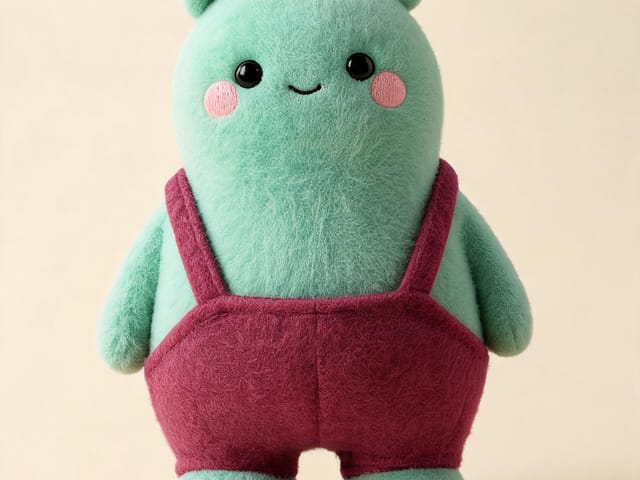
AI Labubu Generator helps explore your own monster doll concept from an authorized reference. Create original shapes and outfits, with no official affiliation.
Open tool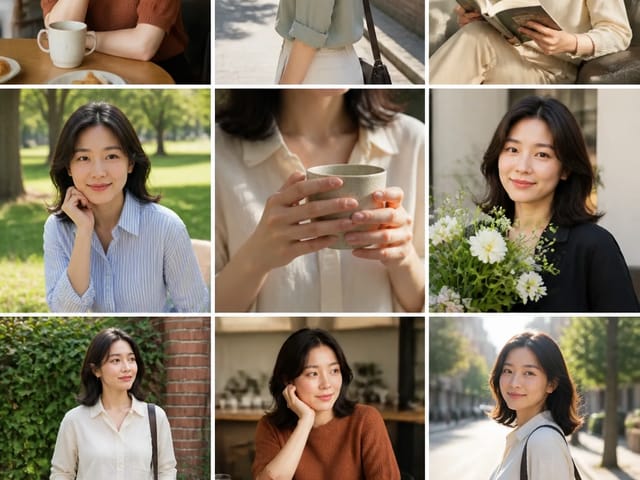
Camera Roll AI turns an authorized reference photo into one lifestyle collage. Plan varied scenes and a phone-gallery-inspired layout, then save one image.
Open tool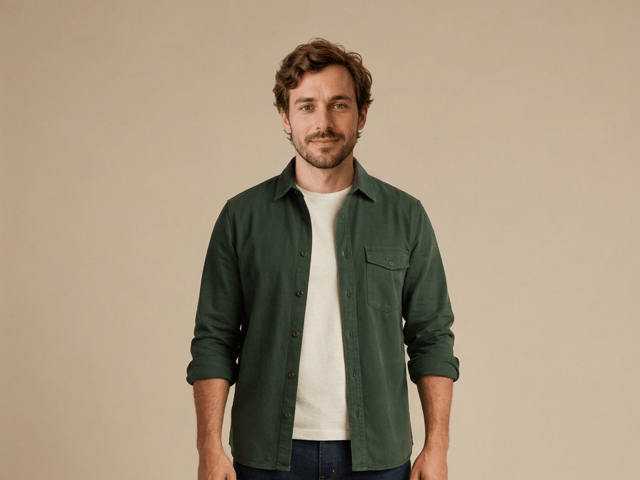
Face in Hole Generator places an authorized face into your chosen photo or template. Upload two references, refine the blend, and save a creative portrait.
Open tool
Create still images with the Hotpot AI Image Generator on NanoPic. Write a clear scene, generate with Nano Banana 2, refine the look, and download the picture you like.
Open tool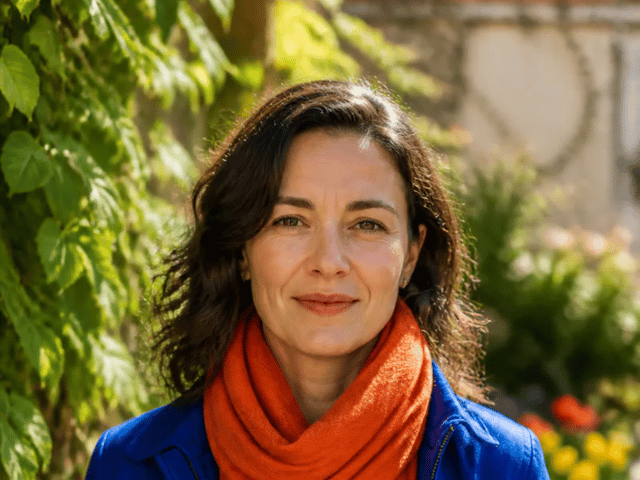
Make Image Higher Resolution with real 2× or 4× browser resizing. Compare pixel dimensions and download PNG without claiming recovered detail.
Open tool
Remove Glare from Glasses in photos with an editable AI image prompt. Upload your portrait, reduce lens reflections, and review the result before using it.
Open tool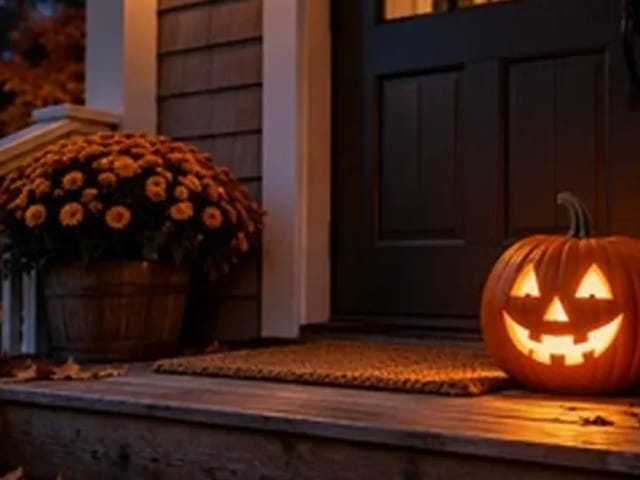
Add pumpkin to photo: upload one picture, say how many and where, keep faces and pets, then download a still with realistic or glowing pumpkins.
Open tool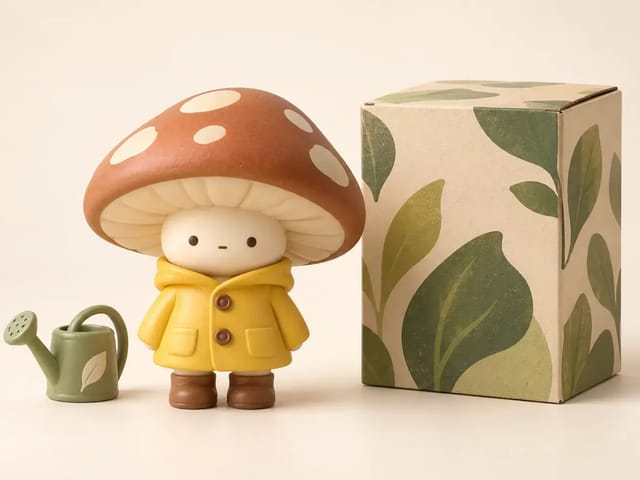
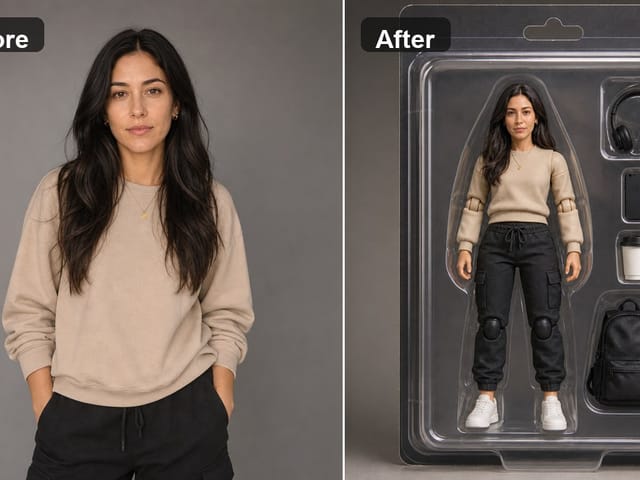
AI blind box generator: upload one photo of you or your pet and get a cute chibi, plush or boxed collectible figure image to download and share.
Open tool
AI Christmas photo generator: upload one photo and get a cozy holiday portrait or a Christmas card picture that still looks like you, ready to download.
Open tool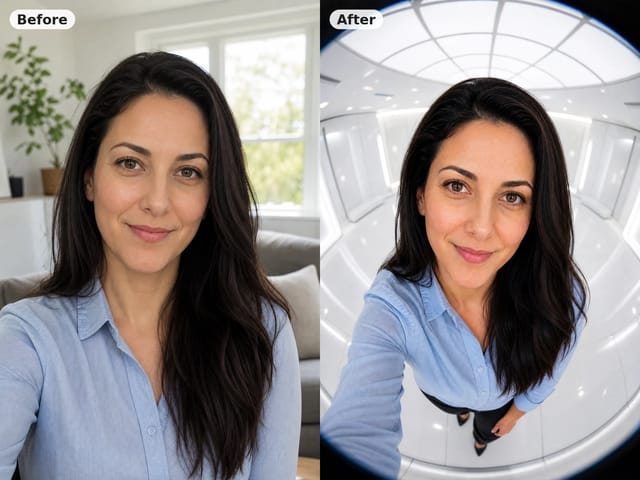
AI fisheye portrait generator for selfies: upload one clear photo and get a curved, close-up fisheye lens look that still keeps your face recognizable.
Open tool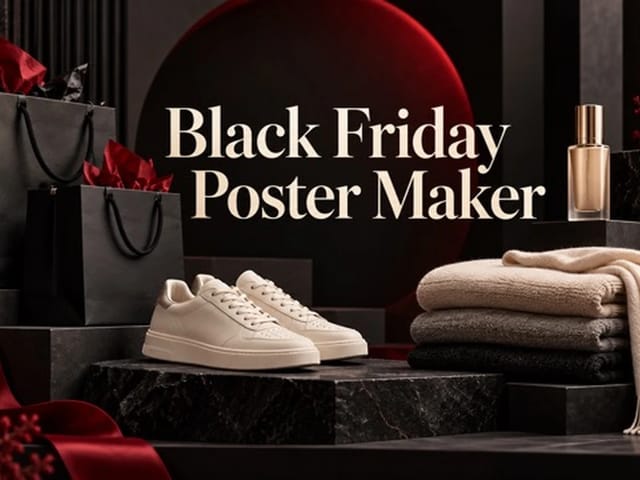
Black Friday poster maker for sellers: upload one product photo, pick a sale style, and add an optional headline or offer text to your downloadable poster.
Open tool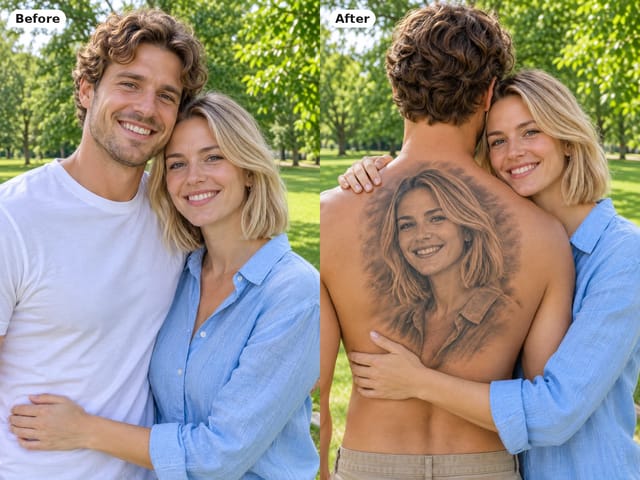
Couple back tattoo AI turns your photos into a romantic picture: a partner's face as a black-and-grey back tattoo with roses and Love You script.
Open toolTurn one authorized adult portrait into a realistic flashlight scene with a miniature stylized double. Generate, then inspect identity, hands, light, scale, and crop.
Open tool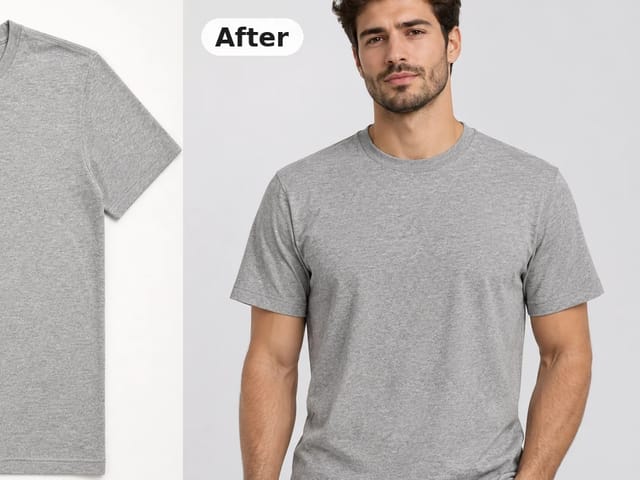
Turn a flat lay, hanger or ghost mannequin shot into a flat lay to on model photo with a realistic model, pose and scene for product listings and ads.
Open toolTry 12 original funny AI prompts on one authorized person or pet photo. Load, edit, generate, and review identity, anatomy, props, text, and visual coherence.
Open tool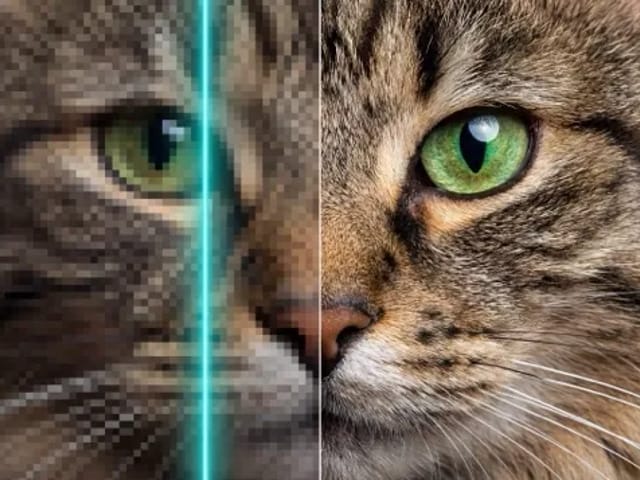
Run a magnific ai image generator style enhance on NanoPic: upload one photo, rebuild edges and textures toward 4K, then download after a full-size check.
Open toolCopy free mera prompt AI photo prompts for boys, girls, couples, festivals and cricket, then turn your own selfie into a viral edit on NanoPic.
Open toolTurn one authorized photo into original blocky pixel art with six editable prompts. Generate, then review subject detail, geometry, text, rights, and composition.
Open tool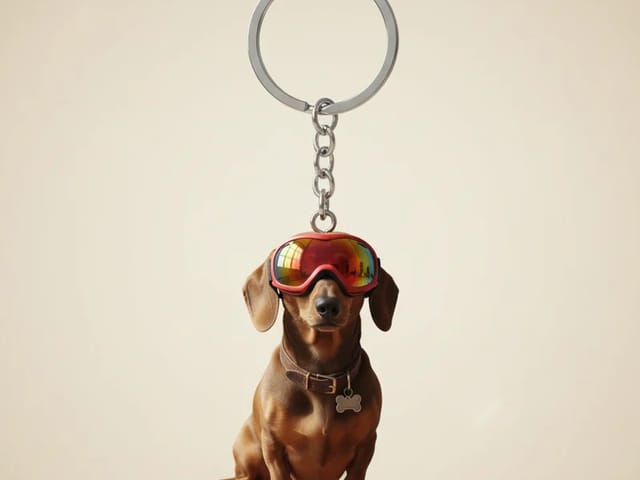
Photo to 3D keychain: upload a portrait, pet or object photo and get a glossy mini keychain image with a metal ring that keeps the look of your subject.
Open tool