

Pixel-Specific Prompting
The saved prompt asks for low-resolution pixel structure, crisp hard edges, limited palettes, readable silhouettes, no sprite sheets, and no photorealistic rendering.
Save up to 73% on plans
Image
Browse every other AI image model and effect published on this site in a continuous carousel.
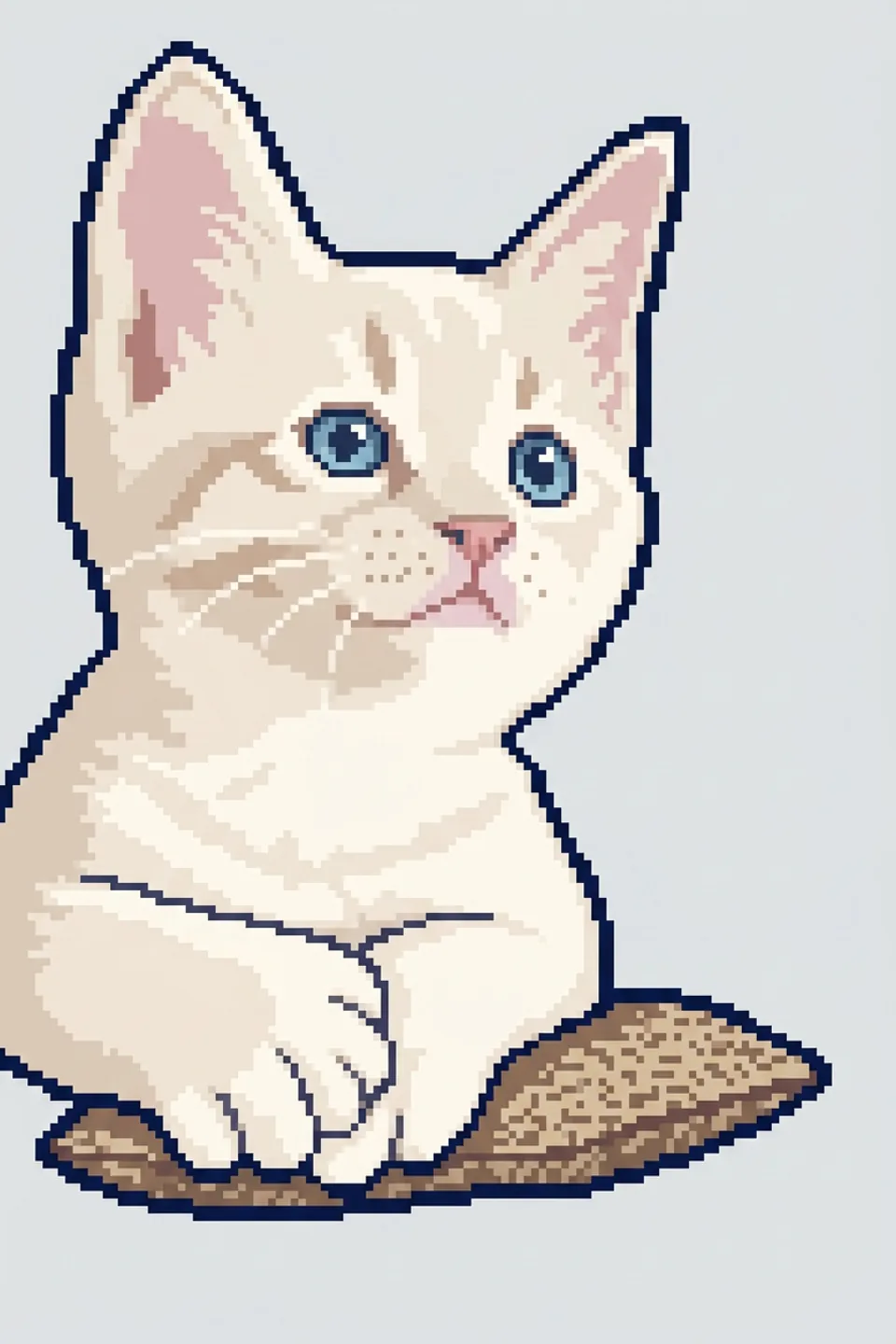
NanoPic turns short creative briefs into clean pixel art concepts for indie game prototypes, inventory icons, profile avatars, social posts, and retro brand visuals. Start with a preset such as game sprite, item icon, isometric tile, or avatar portrait, then edit the subject, palette, mood, and use case.
The template is tuned for pixel-art structure, not a generic cartoon filter.
The saved prompt asks for low-resolution pixel structure, crisp hard edges, limited palettes, readable silhouettes, no sprite sheets, and no photorealistic rendering.
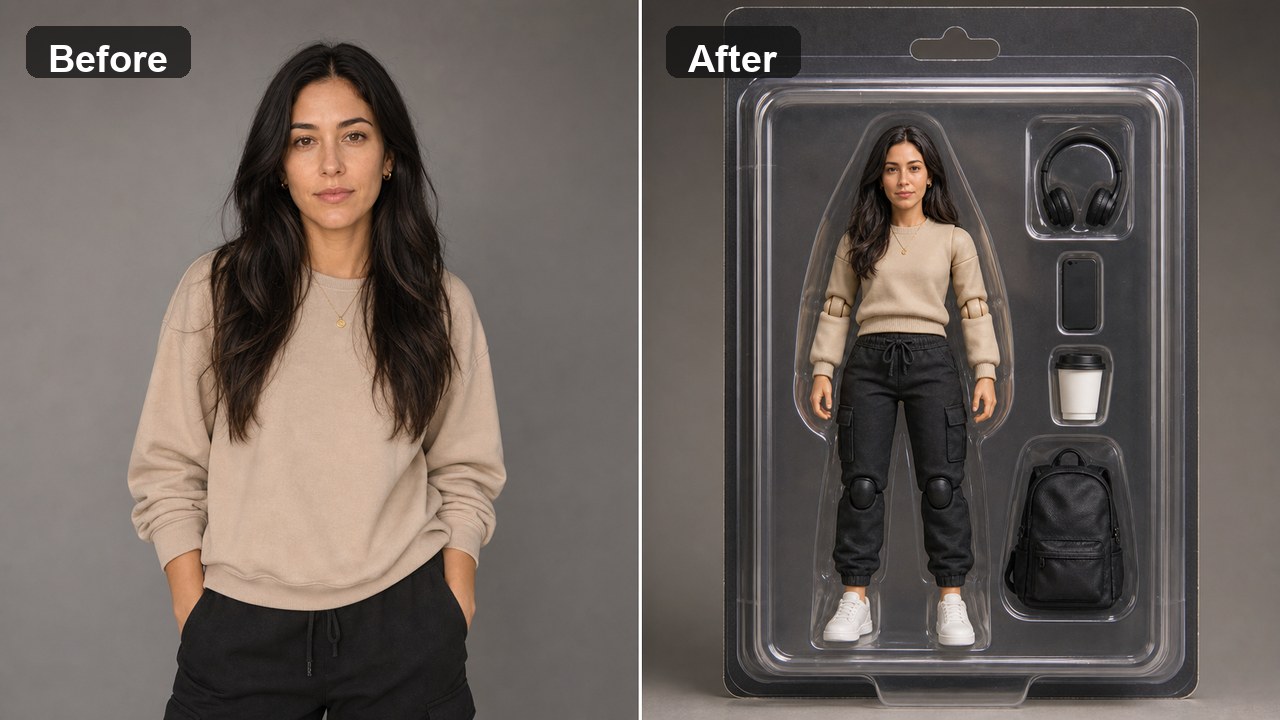
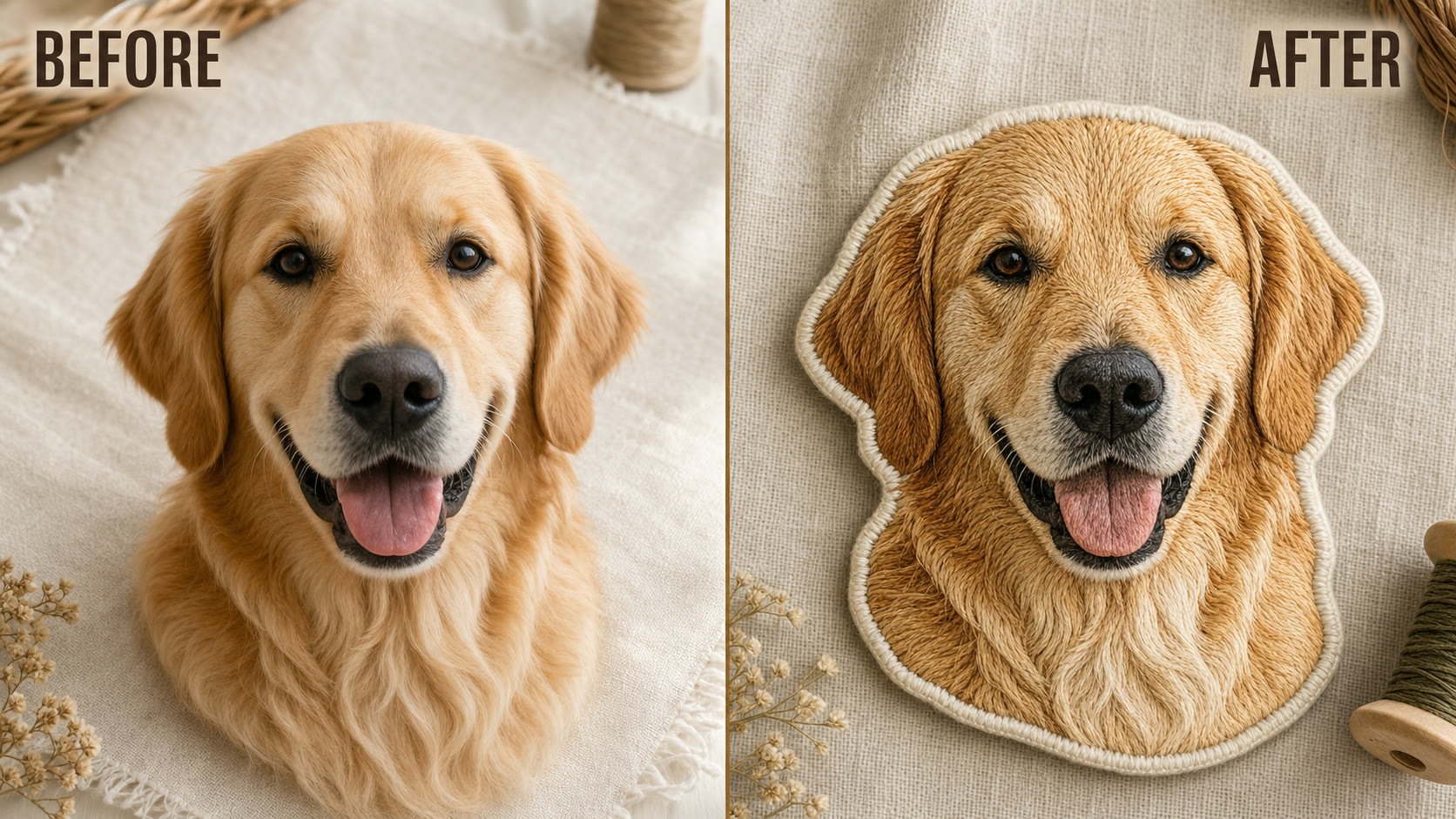
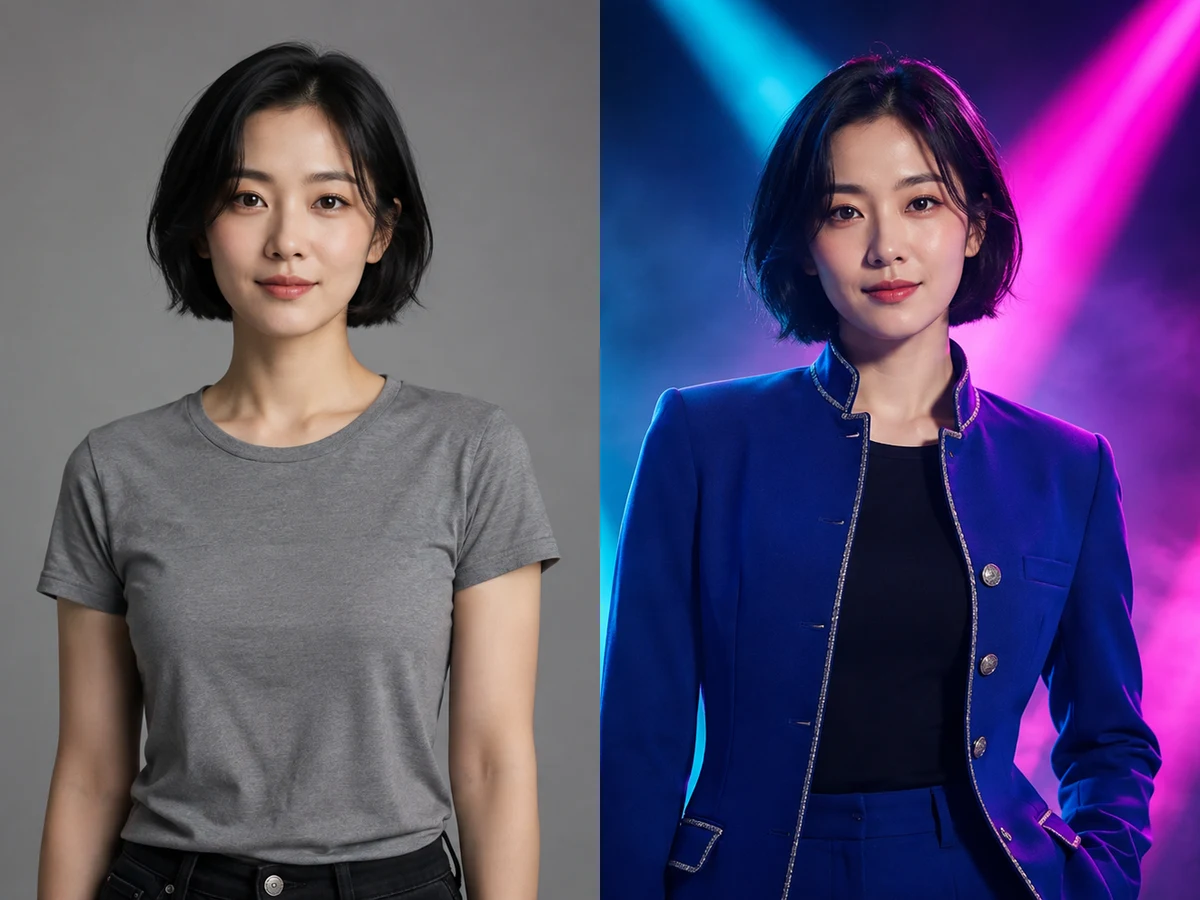
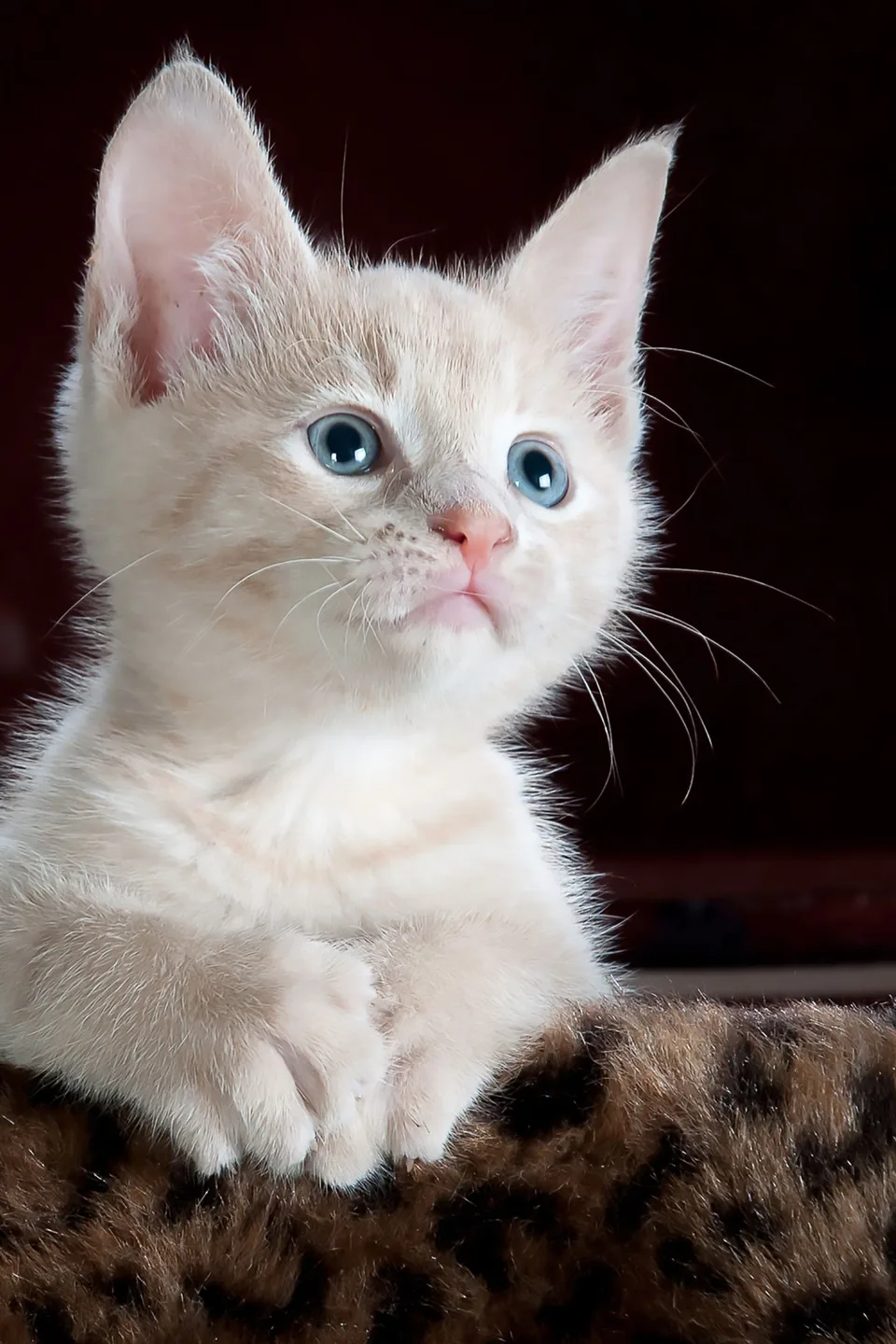
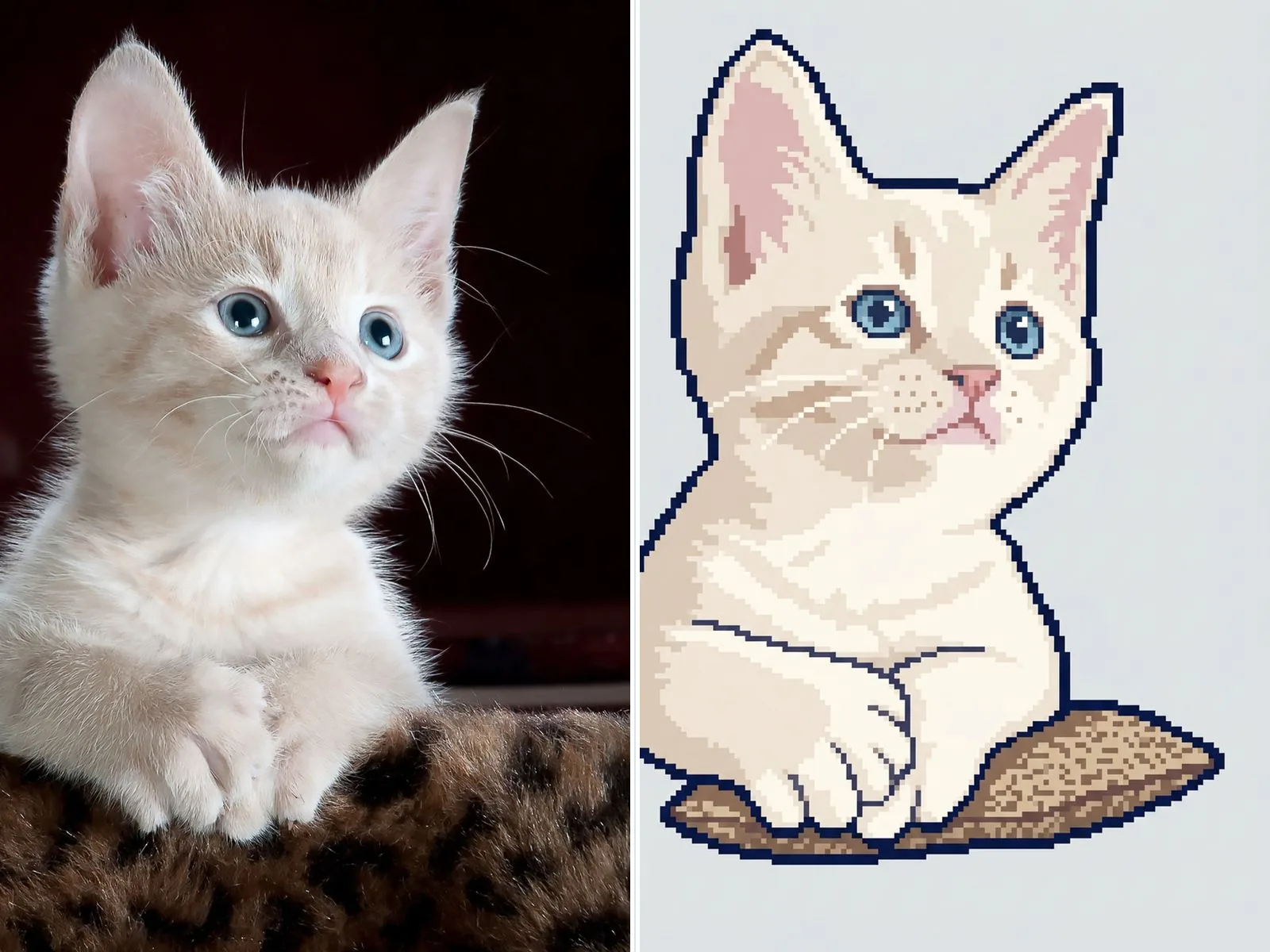
Generate from a prompt, or upload one reference image and keep the main subject while converting it into a single pixel art result.
Create character sprites, inventory icons, isometric scenes, and profile avatars without rewriting the prompt from scratch.
Choose the mode first, then keep the output focused on one subject.
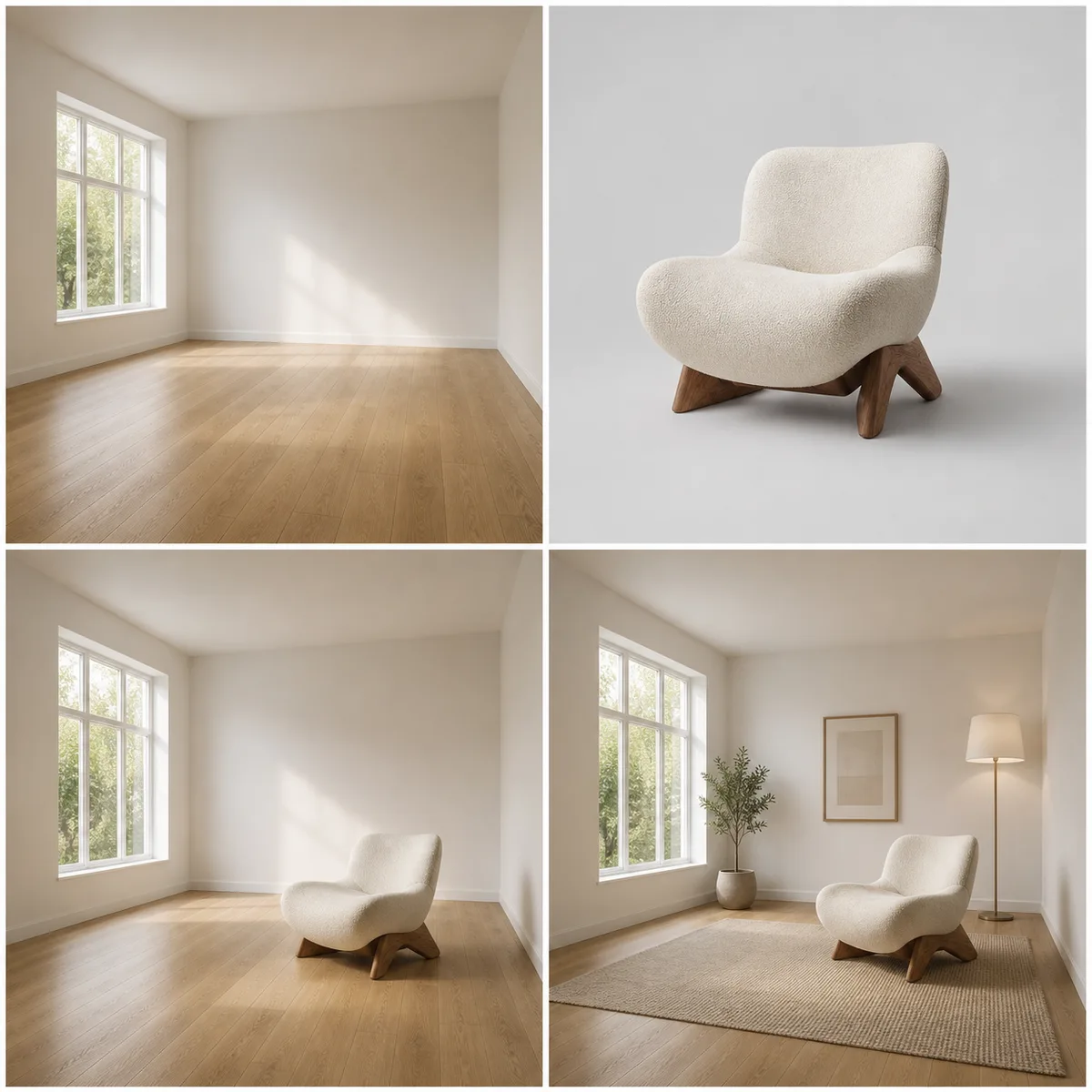
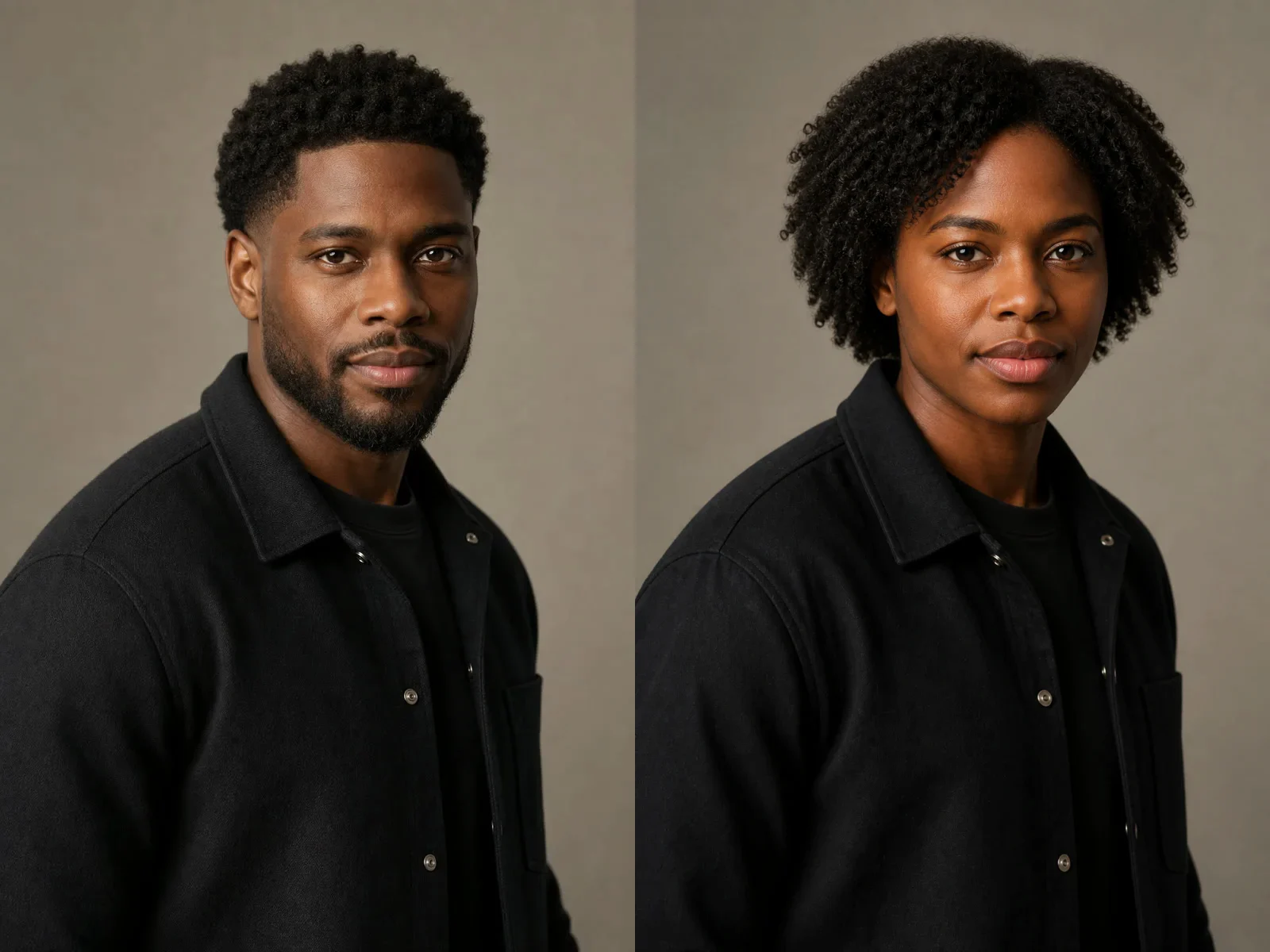
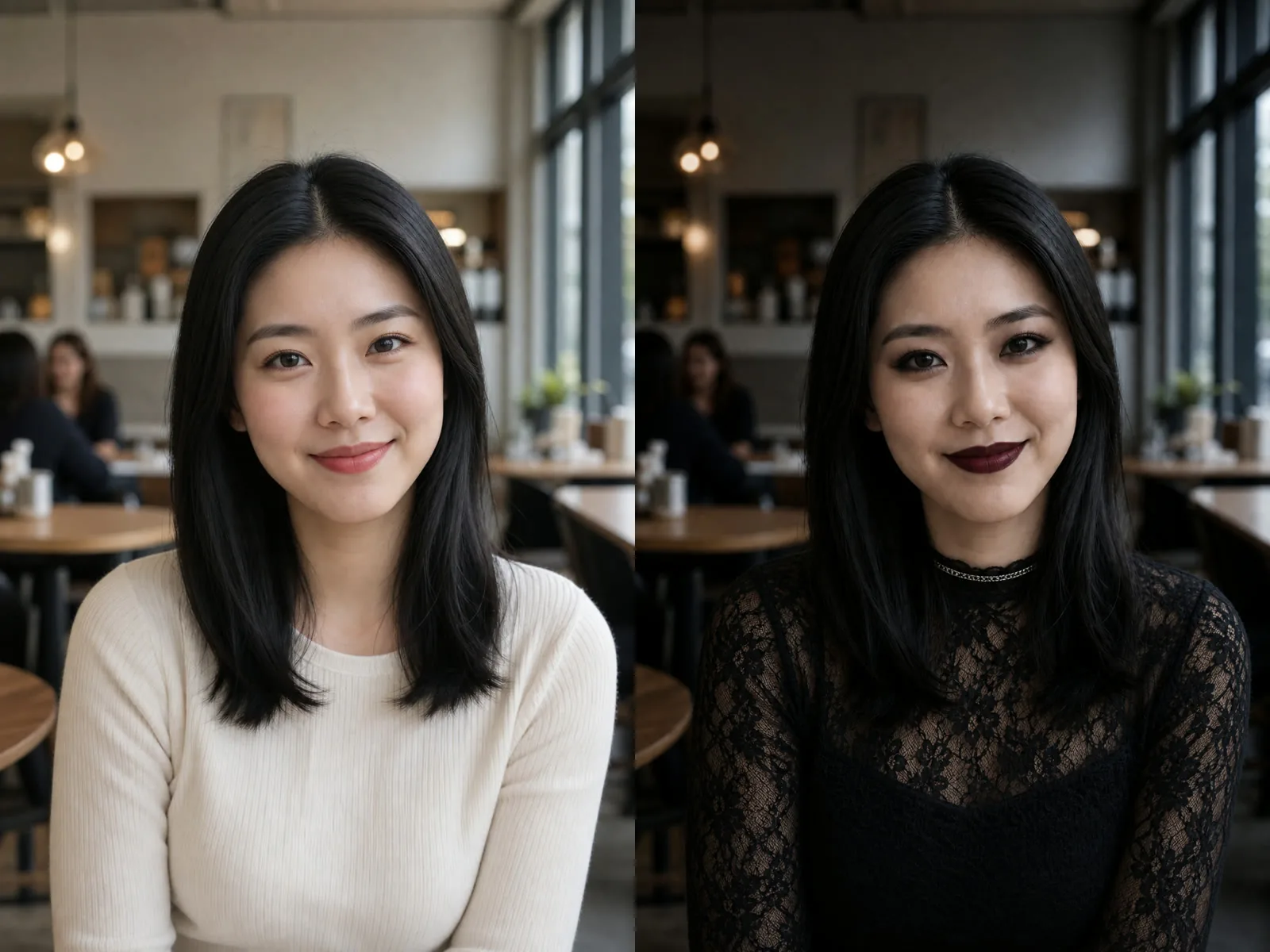
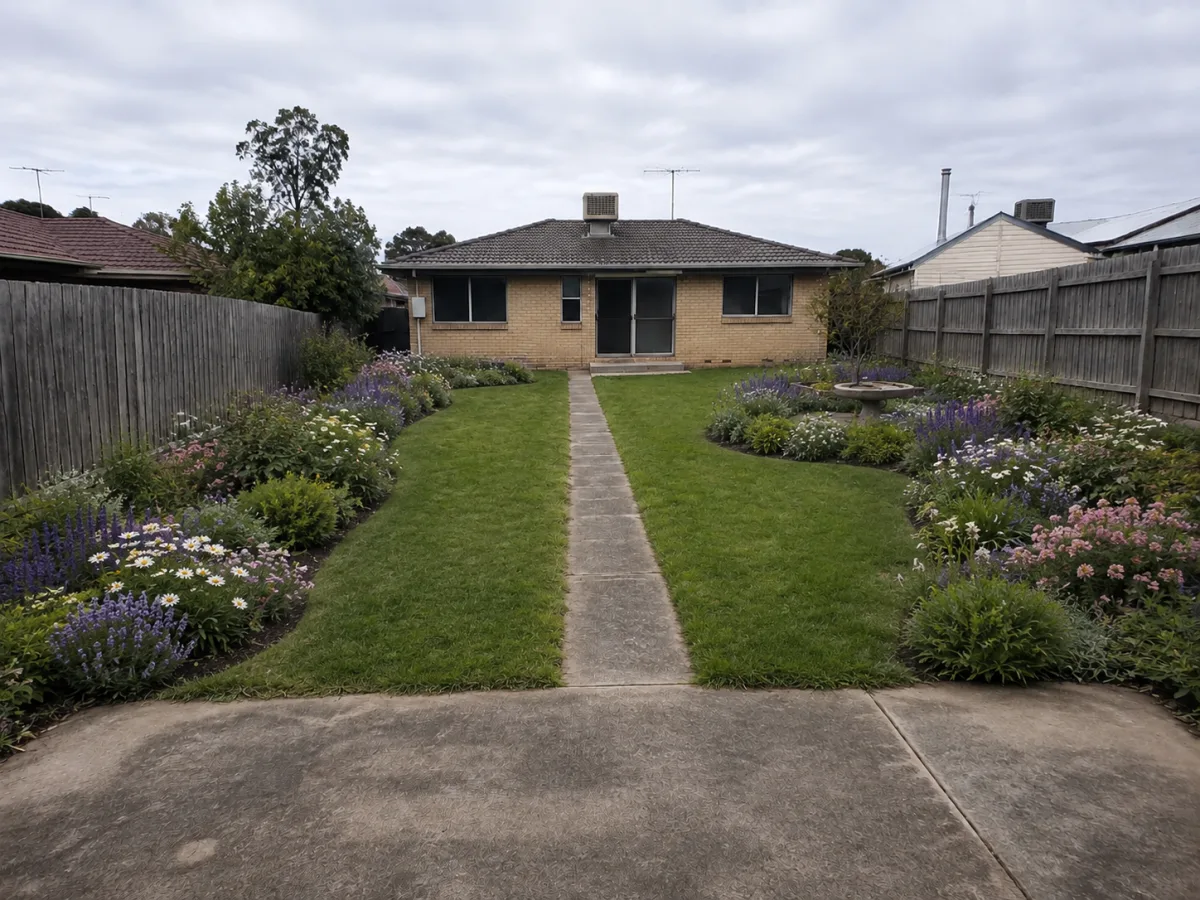
Start with Text to Image for a new idea, or Image to Image when you already have a pet, product, portrait, room, or landscape reference.
Choose a ModeUse game sprite, item icon, isometric tile, or avatar portrait so the composition stays close to the final use case.
Choose a Style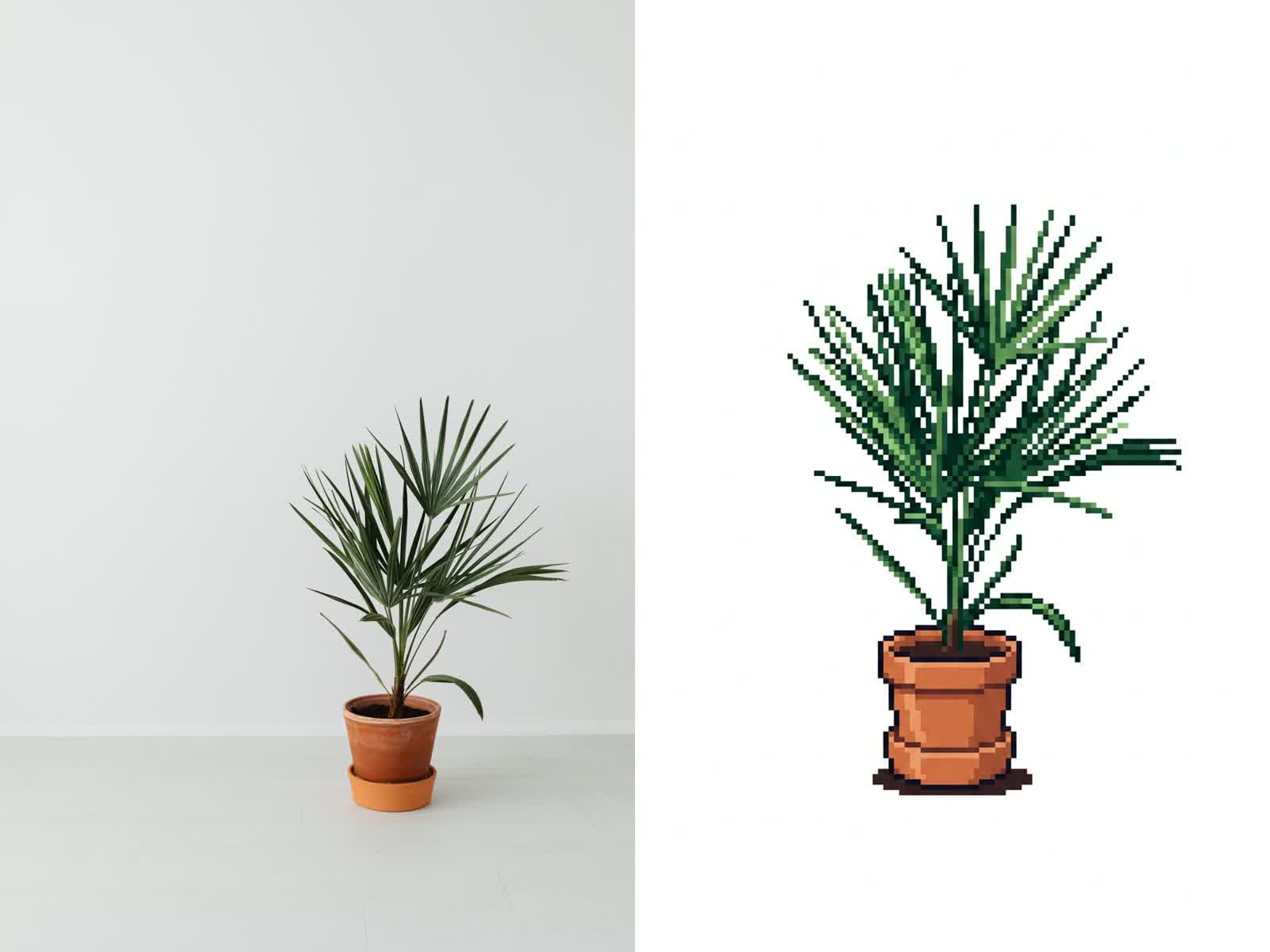
The prompt asks for one standalone result, not a sheet of tiny variants, so the generated pixel art is easier to inspect and reuse.
Generate Output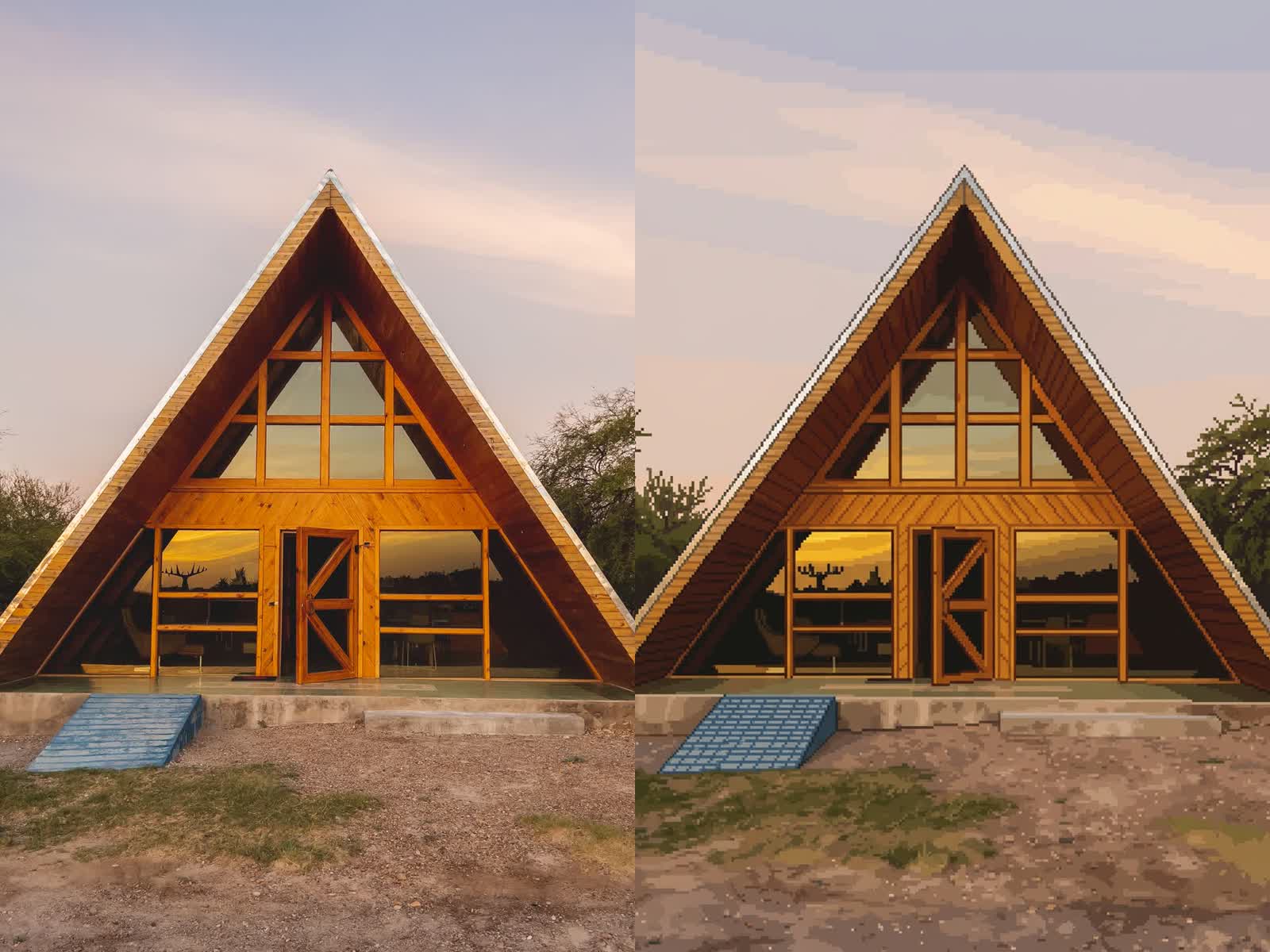
Quick answers for creating pixel art with NanoPic.
No. You can generate from text only. If you upload an image, NanoPic keeps the main subject and converts it into one pixel art result.
It is useful for concept sprites and early game art direction. Review and clean up final assets before using them in a production game.
Mention the output type, subject, palette, pose, and constraint such as no text, no blur, simple background, or readable silhouette.
Yes. The presets include item icon and avatar portrait layouts for compact, readable pixel-art outputs.
Pick a pixel art type, then generate from a prompt or convert one uploaded image into a crisp retro visual.