



































Save up to 73% on plans

Photo to Sugar Cookie
Sign In

Photo to Sugar Cookie

Upload one clear photo of yourself, your pet or a favorite object, pick a cookie look, and add a short note about icing colors or a holiday theme. Photo to sugar cookie keeps hair, markings and outfit colors while it redraws the subject as a hand-iced cookie.

Pick a look; its direction fills the notes box, where you can edit colors, sprinkles and theme.

Upload One Photo*
Try Upload One Photo sample

Please add the required Upload One Photo before generating.

172 / 900

Public VisibilityAllow this result to appear in public inspiration surfaces.
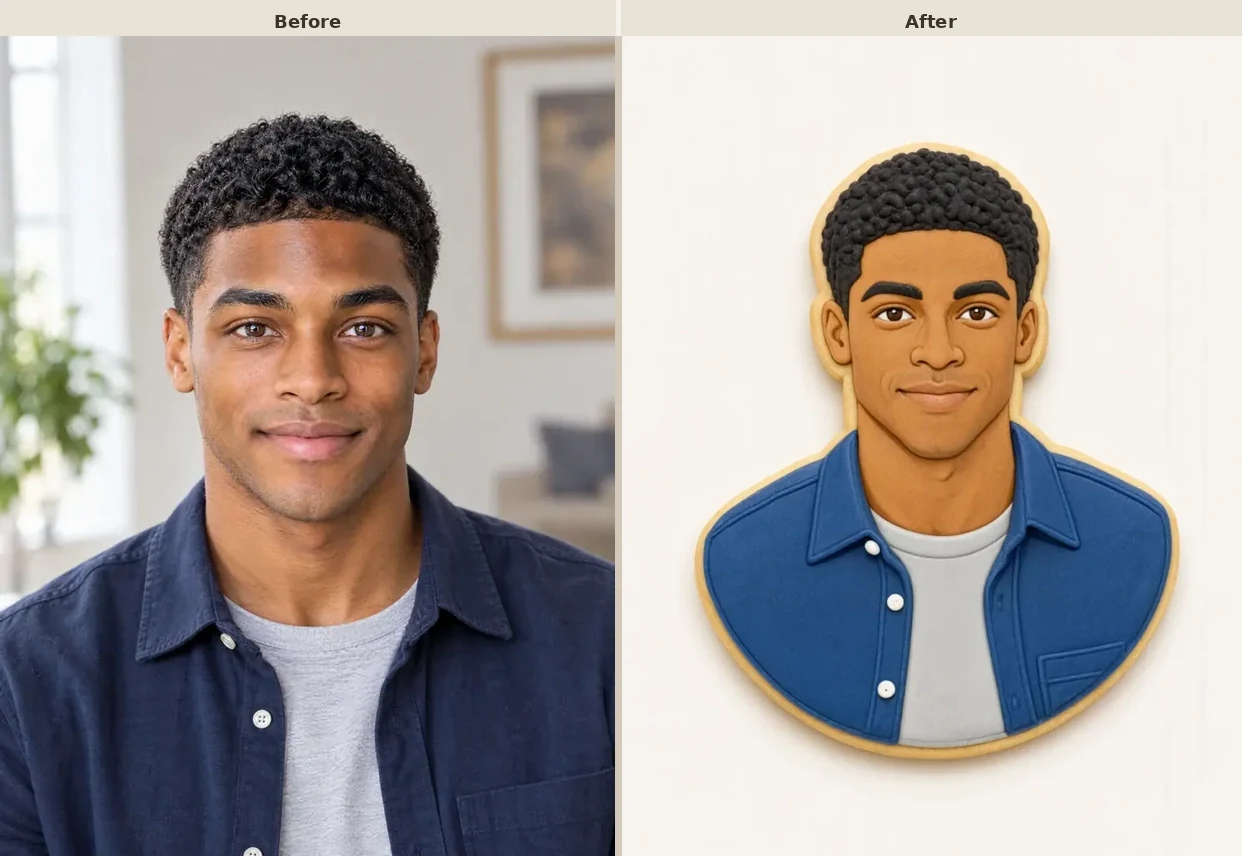
Young man with short curly hair in a navy shirt standing indoors
Before
Same young man as an iced sugar cookie with a blue shirt and grey tee
After

More AI Image Models & Effects

What Is Photo to Sugar Cookie?

Photo to sugar cookie is a photo effect that redraws a picture you already have as a decorated sugar cookie. The cookie is cut to the outline of your subject, baked to a pale golden edge and covered in smooth royal icing, with piped lines that trace hair, fur, glasses or a shirt collar. Large color areas from the photo become flat glossy icing, while tiny textures such as individual hairs are simplified into a few clean strokes, so the result reads like something a patient baker decorated by hand. You can start with a selfie, a dog or cat, or a simple object like a mug, and steer the mood with a short note about colors, sprinkles or a holiday theme. People use photo to sugar cookie for playful profile pictures, Christmas cookie photo greetings, party invitations and inspiration for real baking projects. The result is a digital image: you get iced cookie art to download and share, not a recipe, a cutter file or an edible print.

How to Turn a Photo into a Sugar Cookie

Three steps from an everyday picture to cookie art you can share.

Upload One Clear Photo

Choose a JPG, PNG or WebP under 10 MB that you took yourself or have permission to use. If the photo shows a person, upload only adults who agreed to it, and please do not upload pictures of children. A single subject with a clean outline gives photo to sugar cookie the easiest job, so a pet sitting on a plain rug works better than a crowded room. Keep the face or the pet's markings sharp and well lit, since those details become the piped lines on the cookie.

Turn Me Into a Cookie

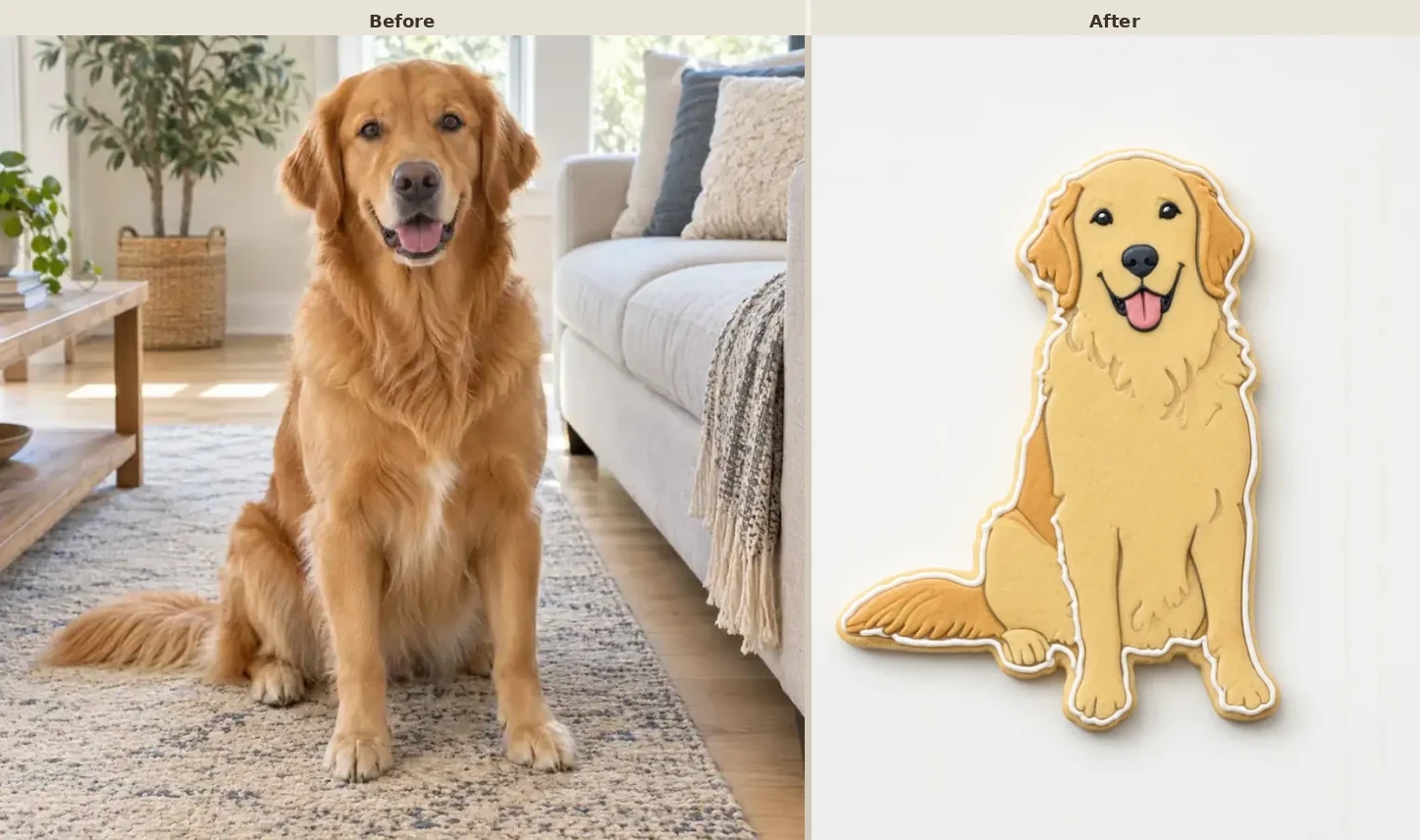
Golden retriever sitting on a rug, used as the upload

Pick a Cookie Look and Add a Note

Select Classic Iced Cookie, Christmas Cookie, Pastel Party Cookie or Bakery Tray, and its direction appears in the notes box. Edit that text to name icing colors, a sprinkle style or a background, for example red and green icing with white snowflakes. Short, concrete words guide the result better than long wishes, and one change per run makes it easy to see what helped. Choose an image shape that fits where the picture will go, such as square for a profile photo.

Turn Me Into a Cookie
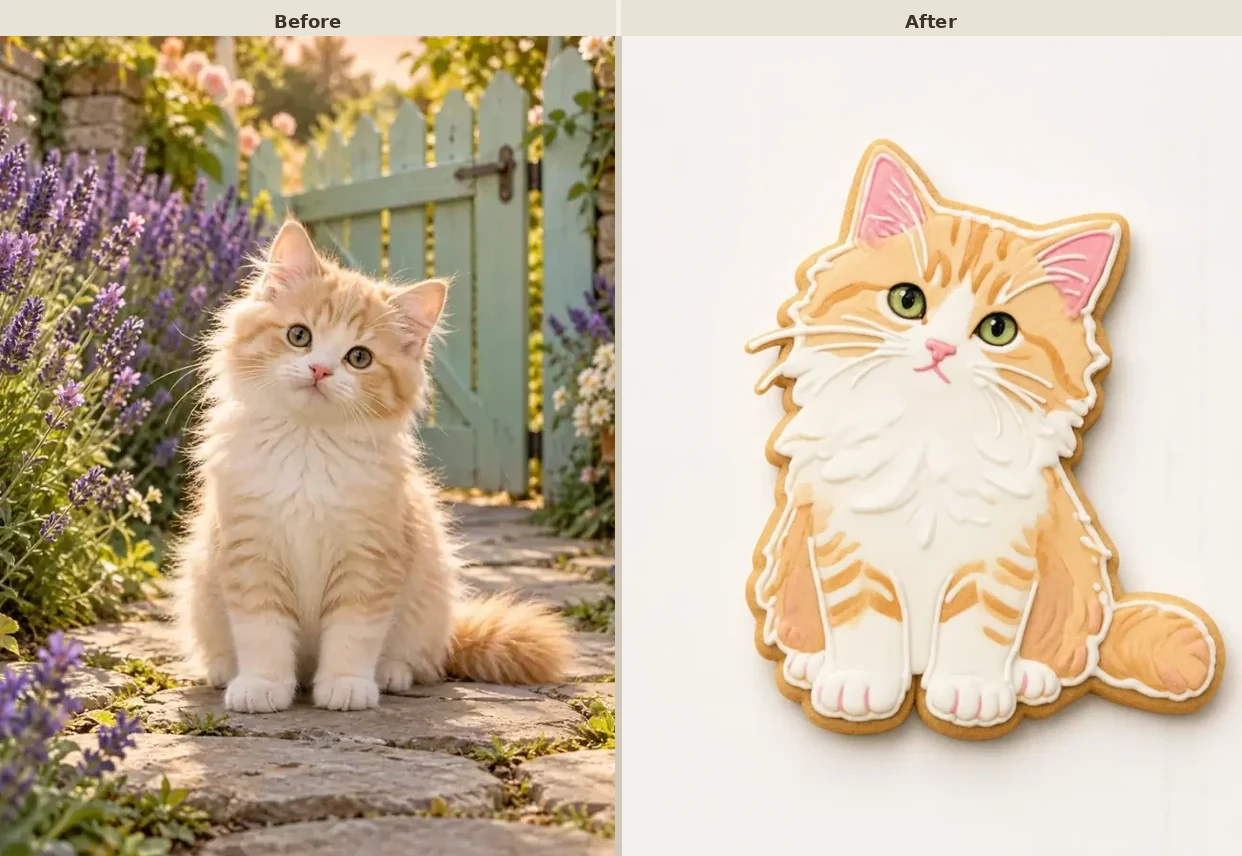
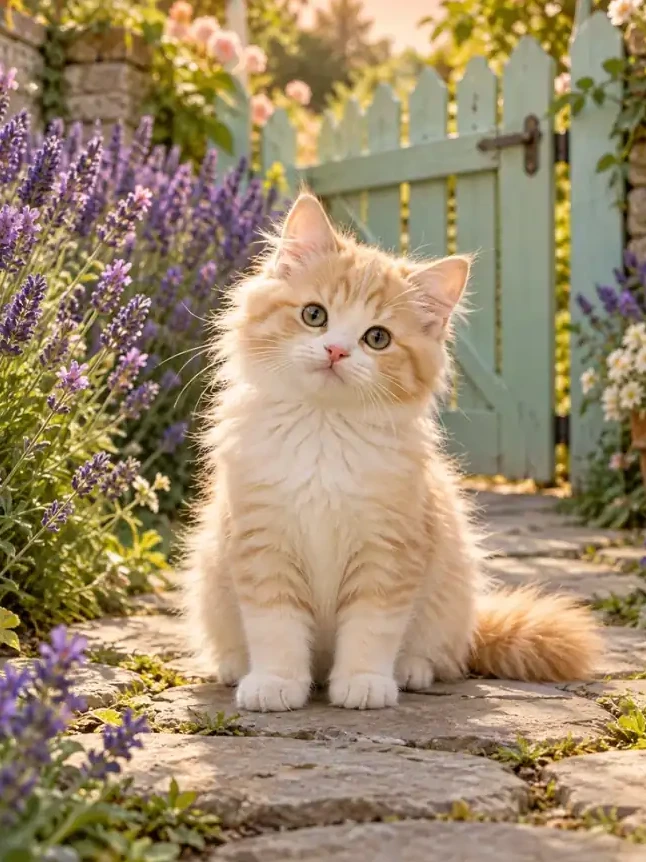
Kitten sitting on a garden path, ready for a cookie look

Create, Compare and Download

Press the button and look at the cookie at full size. Compare hair, glasses, markings and outfit colors with your original photo, and check that the cookie outline is unbroken. If a detail drifts, run photo to sugar cookie again with a tighter note such as keep the blue bandana or keep my curly hair. When you like the result, download it and use it as a post, a card picture or a reference for your next baking day.

Turn Me Into a Cookie
Before and after: golden retriever photo beside the iced sugar cookie result

Sugar Cookie Looks You Can Create

Each look keeps your subject recognizable and turns it into hand-iced cookie art.

Selfies as Cookie Portraits

A young man in a navy shirt becomes a cut-out cookie with a blue icing shirt, a grey tee and his short curly hair piped in dark chocolate tones. This is the look most people try first with photo to sugar cookie, because it turns a plain selfie into a friendly avatar. Front-facing photos with even light keep the eyes, smile and hairline clear. Add a note like keep my glasses or add a red bow tie to personalize the icing.

Try Portrait Cookie
Before and after: young man selfie beside the iced sugar cookie portrait

Pets in Royal Icing

A fluffy kitten on a garden path turns into a cookie with orange and white icing, pink ears and bright green eyes. Pets are a natural fit for photo to sugar cookie, since fur colors and markings translate into bold icing shapes. Choose a photo where the whole animal is visible and sitting still, so the outline stays clean. Ask for a collar color or a tiny heart on the chest if you want a sweeter version.

Try Pet Cookie
Before and after: fluffy kitten photo beside the iced sugar cookie

Everyday Objects as Decorated Cookies

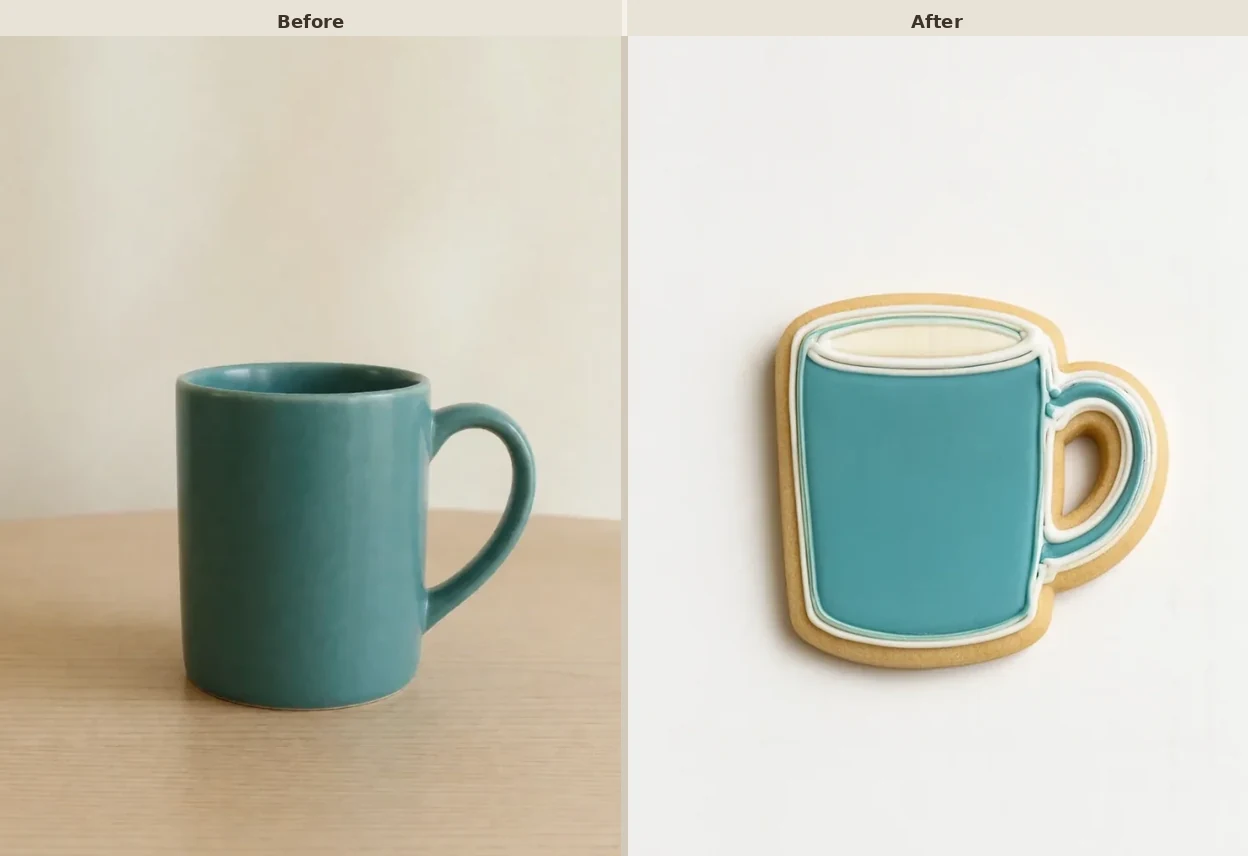
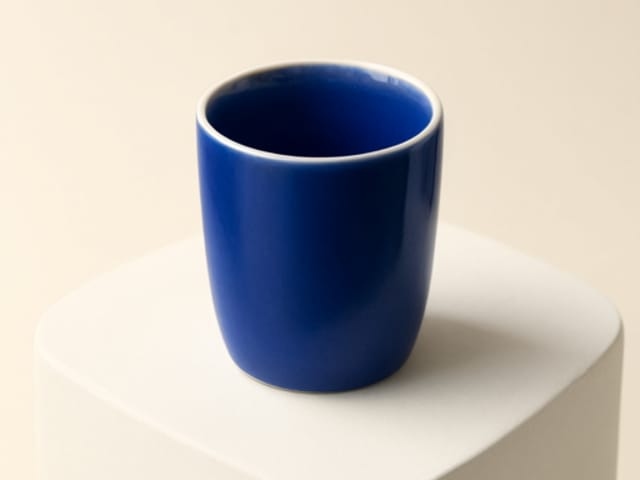
A teal ceramic mug on a wooden table becomes a glossy cookie with a pale rim of icing that looks like fresh coffee foam. Simple objects with strong shapes, such as mugs, plants, sneakers or a favorite toy, make charming cookie designs. Photograph the object against a plain background and fill most of the frame with it. This look is popular for shop announcements, hobby posts and little digital thank-you notes.

Try Object Cookie
Before and after: teal mug photo beside the iced sugar cookie

Christmas Cookie Photos

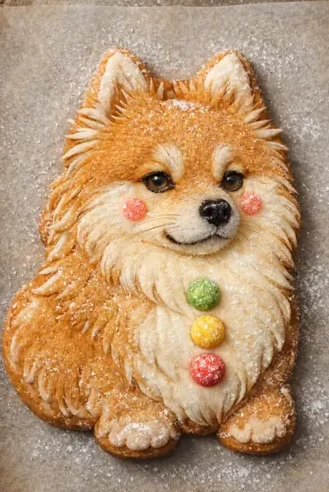
A fluffy little dog becomes a festive cookie dusted with sugar, with rosy cheeks and three candy buttons in red, yellow and green. Pick the Christmas Cookie look when you want a Christmas cookie photo for holiday cards, advent posts or a seasonal profile picture. Photo to sugar cookie adds the festive details while it keeps your pet or portrait recognizable. Mention snowflakes, candy canes or a gingerbread-style edge to shift the mood.

Try Christmas Cookie
Fluffy dog as a festive cookie with candy buttons and sugar dusting

Cookie Portraits with Fine Details

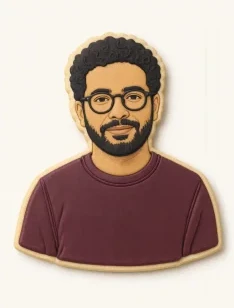
A bearded man with round glasses becomes a cookie portrait in a maroon icing sweater, with every frame line neatly piped. Glasses, beards and hairstyles survive the change well when they are clearly visible in the upload. Use this look as a cookie portrait AI avatar for a team page, a bakery profile or a gift tag. If small details disappear, crop the photo closer to the face and run it again.

Try Detailed Cookie
Man with glasses and a beard drawn as an iced cookie portrait

Photo Tips for Better Sugar Cookie Art

Start with a sharp photo taken in daylight or under even indoor light, with one clear subject that fills most of the frame. A plain background helps the cookie outline stay smooth, while busy rooms and overlapping people tend to blur the shape. Bold colors in clothing or fur become the most striking icing areas when you run photo to sugar cookie. Avoid heavy filters, sunglasses and hands covering faces, since those details are hard to rebuild in icing. Write the colors and theme you want in plain words, then adjust one detail per run until the cookie feels right.

Photo to Sugar Cookie FAQ

Quick answers about photos, looks, results and downloads.

What does photo to sugar cookie do?

It redraws one uploaded photo as a decorated sugar cookie with royal icing, piped outlines and a baked edge, while keeping the subject's colors and shape recognizable.

How do I turn my photo into a sugar cookie?

Upload one clear photo, choose a cookie look, edit the direction if you like, and press create. Review the result at full size, then download it.

Do I get a picture, a recipe or a real cookie?

You get a digital image of iced cookie art. It does not include a recipe, a cutter file or a physical cookie, and it is not edible photo printing, though bakers often use it as visual inspiration.

Can I use a pet or an object instead of a person?

Yes. Dogs, cats and simple objects such as mugs or plants work well. Keep the whole subject in frame against a plain background.

Can it work as an AI sugar cookie filter for Christmas?

Yes. Choose the Christmas Cookie look or write a note such as red and green icing with snowflakes to get a festive version of your photo.

How is it different from a gingerbread effect?

Gingerbread effects use brown spiced dough with white piping. This effect makes a pale golden sugar cookie covered in colorful royal icing, and you can still ask for a gingerbread-style edge in your note.

Why does my cookie look a little different from my photo?

The effect simplifies faces and textures into flat icing and piped lines, so small details can change. Try a sharper, front-facing photo and add a note such as keep my glasses.

Can I upload photos of other people?

Only upload photos you took or have permission to use, and only of adults who agreed to it. Please do not upload photos of children.

How do credits and failed runs work?

Credits for each render show in the generator before you create. If a run fails, the credits are returned automatically.

Is this tool affiliated with any bakery or cookie brand?

No. It is an independent NanoPic photo effect and is not affiliated with any bakery, cookie or food brand.

Ready to See Yourself as a Sugar Cookie?

Upload a clear photo, choose a classic, Christmas, pastel or bakery look, and download iced cookie art that still looks like you.

Related tools

80s Photo Filter

80s Photo Filter

80s Photo Filter adds warm, faded film color to your photo in the browser. Adjust strength, preserve clothing and framing, and download a PNG.

Open tool
AI Age Filter

AI Age Filter

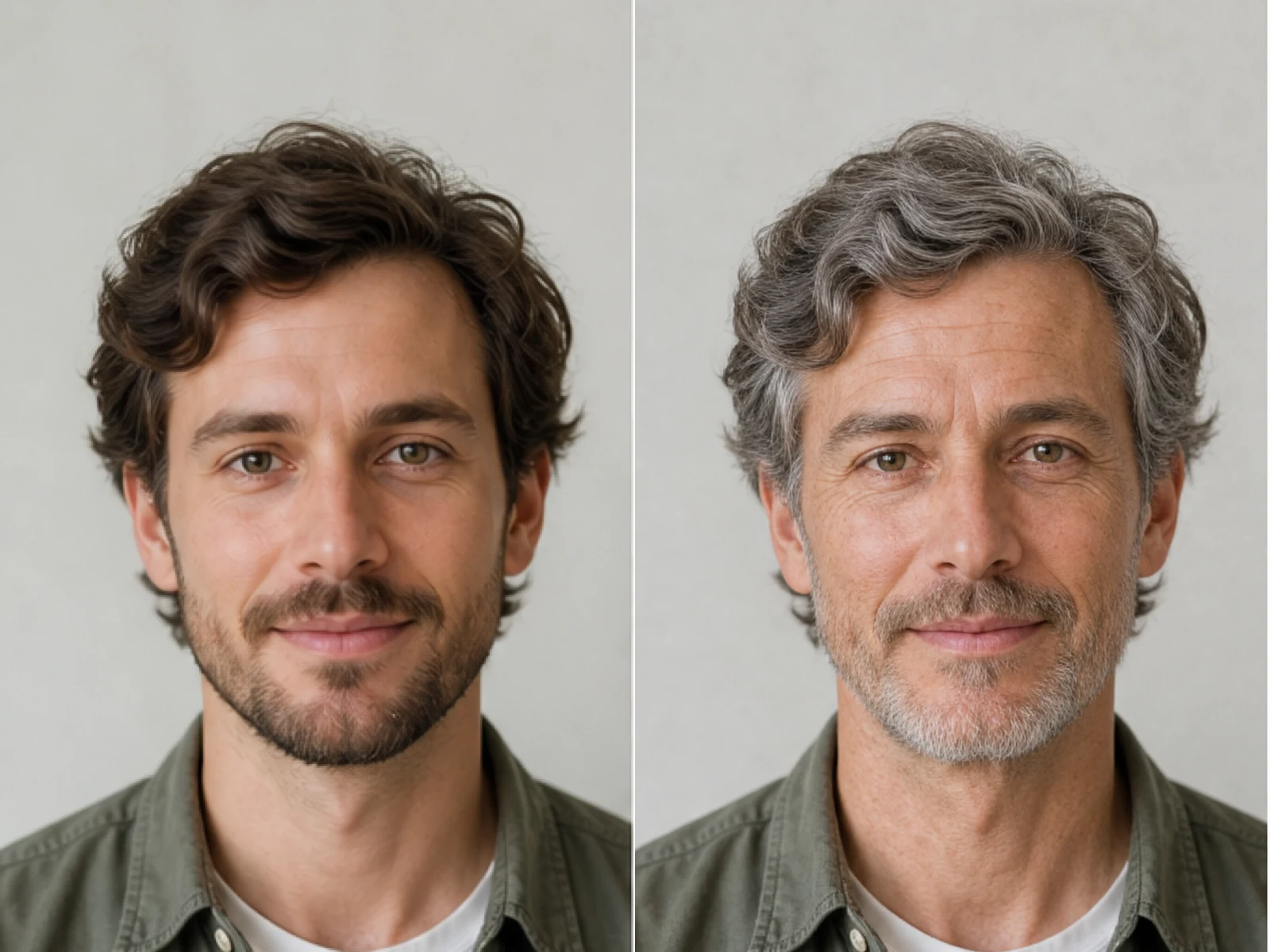
AI Age Filter creates a natural older-look concept from an authorized adult portrait. Review identity, complete-head framing, light and scene after editing.

Open tool
AI Age Progression

AI Age Progression

AI Age Progression creates a target-age concept from an authorized adult portrait. Set an age interval and review identity, framing and scene after editing.

Open tool
AI Labubu Generator

AI Labubu Generator

AI Labubu Generator helps explore your own monster doll concept from an authorized reference. Create original shapes and outfits, with no official affiliation.

Open tool
Camera Roll AI

Camera Roll AI

Camera Roll AI turns an authorized reference photo into one lifestyle collage. Plan varied scenes and a phone-gallery-inspired layout, then save one image.

Open tool
Face in Hole Generator

Face in Hole Generator

Face in Hole Generator places an authorized face into your chosen photo or template. Upload two references, refine the blend, and save a creative portrait.

Open tool
Hotpot AI Image Generator

Hotpot AI Image Generator Online | NanoPic

Create still images with the Hotpot AI Image Generator on NanoPic. Write a clear scene, generate with Nano Banana 2, refine the look, and download the picture you like.

Open tool
Make Image Higher Resolution

Make Image Higher Resolution

Make Image Higher Resolution with real 2× or 4× browser resizing. Compare pixel dimensions and download PNG without claiming recovered detail.

Open tool
Remove Glare from Glasses in Photos

Remove Glare from Glasses in Photos

Remove Glare from Glasses in photos with an editable AI image prompt. Upload your portrait, reduce lens reflections, and review the result before using it.

Open tool
Wooden porch at dusk with a glowing carved jack-o'-lantern and autumn leaves

Add Pumpkin to Photo: Place Pumpkins in Your Picture | NanoPic

Add pumpkin to photo: upload one picture, say how many and where, keep faces and pets, then download a still with realistic or glowing pumpkins.

Open tool
Small mushroom-cap vinyl figure in a yellow raincoat beside a leaf-pattern box

AI Blind Box Generator: Turn a Photo into a Chibi Figure | NanoPic

AI blind box generator: upload one photo of you or your pet and get a cute chibi, plush or boxed collectible figure image to download and share.

Open tool
Young man in a red scarf smiling beside a glowing Christmas tree

AI Christmas Photo Generator: Festive Portraits & Cards | NanoPic

AI Christmas photo generator: upload one photo and get a cozy holiday portrait or a Christmas card picture that still looks like you, ready to download.

Open tool
Black Friday sale scene with sneakers, knitwear and gift bags on dark stone

Black Friday Poster Maker: Product Photo to Sale Poster | NanoPic

Black Friday poster maker for sellers: upload one product photo, pick a sale style, and add an optional headline or offer text to your downloadable poster.

Open tool

Flashlight AI Photo: Tiny Character Scene | NanoPic

Turn one authorized adult portrait into a realistic flashlight scene with a miniature stylized double. Generate, then inspect identity, hands, light, scale, and crop.

Open tool

Funny AI Prompts — 12 Photo and Pet Editing Ideas | NanoPic

Try 12 original funny AI prompts on one authorized person or pet photo. Load, edit, generate, and review identity, anatomy, props, text, and visual coherence.

Open tool
Demo cover showing clearer detail after enhancement workflow

Magnific AI Image Generator Workflow on NanoPic | Clarity from One Photo

Run a magnific ai image generator style enhance on NanoPic: upload one photo, rebuild edges and textures toward 4K, then download after a full-size check.

Open tool

Mera Prompt AI Photo Prompts: Copy Viral Edits | NanoPic

Copy free mera prompt AI photo prompts for boys, girls, couples, festivals and cricket, then turn your own selfie into a viral edit on NanoPic.

Open tool

Minecraft Pixel Art — Turn a Photo Into Block Art | NanoPic

Turn one authorized photo into original blocky pixel art with six editable prompts. Generate, then review subject detail, geometry, text, rights, and composition.

Open tool
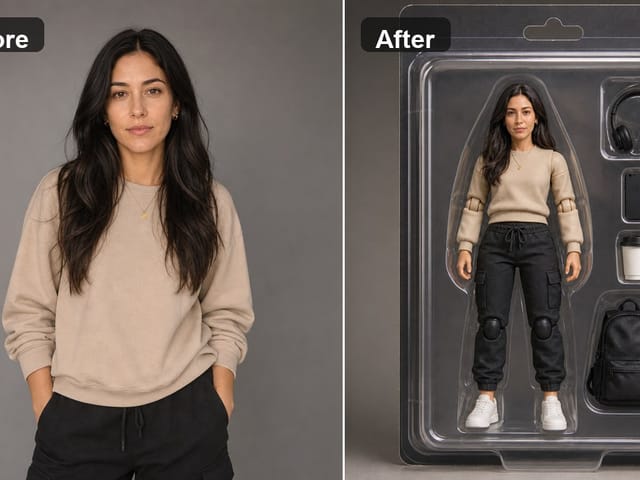
Bobblehead figurine of a woman in a cream sweater standing on a round base

Photo to Bobblehead: Turn a Portrait into a Bobblehead | NanoPic

Photo to bobblehead in a few steps: upload one clear portrait and get a big-head collectible figure image that still looks like the person, ready to save.

Open tool

Prompt Seen Girl AI Photo Prompts & Generator | NanoPic

Prompt seen girl portraits from your own selfie: upload one photo, describe the outfit, setting and light, and keep your face looking like you.

Open tool
Row of glowing carved jack-o'-lanterns on a leaf-covered wooden porch at dusk

Pumpkin Head Photoshoot - Turn Your Photo into a Jack-o'-Lantern Portrait | NanoPic

Pumpkin head photoshoot from one photo: swap heads for carved jack-o'-lanterns while keeping your outfit and pose, with an optional autumn or spooky mood.

Open tool
Synthetic demo cover for sorry i lied ai Halloween costume reveal carousel

Sorry I Lied AI: Childhood Costume Reveal Photos | NanoPic

Make sorry i lied ai costume reveal photos from one authorized childhood costume shot: Perfect, First Apology, Almost Honest, then your real original last.

Open tool