

Wan 3.0 Generator
Sign In
CreditsCost

Wan 3.0 Generator

Wan 2.7

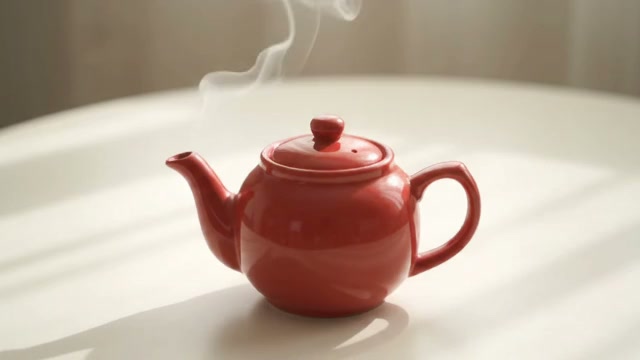
A coral-red paper kite glides above windswept coastal grass at golden hour, long ribbon tails flowing naturally, distant ocean horizon, slow cinematic camera push.

Coastal motion prompt concept

A coral-red paper kite glides above windswept coastal grass at golden hour, long ribbon tails flowing naturally, distant ocean horizon, slow cinematic camera push.

1/4
Coral kite concept poster for the Wan 3.0 Generator workflow page

Wan 3.0 AI Video Generator for Text and Image Workflows

Build cinematic AI video drafts from focused scene briefs or strong source frames. The Wan 3.0 Generator keeps prompt, framing, resolution, duration, motion guidance, and review cost together so you can test a short direction before scaling it into a longer or sharper result.

Wan 3.0 Generator Controls for Practical Video Creation

The controls in NanoPic focus on choices that materially change a result: input mode, framing, resolution, duration, prompt guidance, reproducibility, and safety. Start small, review motion quality, then spend more only when the direction is working.

Text to video from a focused scene brief

Describe one subject, one action, one environment, one camera move, and the desired light. A compact brief is easier to evaluate than a prompt that asks for several unrelated shots at once.

Image to video with first and optional last frames

Upload a strong source frame when composition, product shape, color, or character appearance matters. A second image can define the intended ending while the prompt describes the motion between them.

Five text-to-video aspect ratios

Choose 16:9, 9:16, 1:1, 4:3, or 3:4 for text-driven clips. For image-driven generation, the source frame anchors composition instead of forcing an unrelated crop control.

Two resolution tiers

Use 720p for economical direction tests and 1080p when a validated prompt needs a sharper review copy. Resolution affects both output detail and the displayed credit cost.

Two to fifteen seconds

Select any whole-second duration from 2 through 15. Short clips are useful for testing motion and visual stability; longer clips should follow only after a short draft has proved the idea.

Prompt expansion, negative prompts, and seed control

Keep prompt expansion on for a helpful first draft, list defects to avoid in the negative prompt, and set a seed when you need a reproducible comparison between controlled prompt changes.

How to Use the Wan 3.0 Video Generator

Treat AI video generation as a review loop. Each run should answer a specific question about composition, motion, camera language, timing, or source-image fidelity.

1. Prove the motion with a short 720p draft

Begin with 2-5 seconds at 720p. Write a single continuous shot and name the camera behavior: slow push, locked tripod, lateral track, gentle orbit, or overhead drift. Check whether the subject remains recognizable and whether movement follows the prompt before extending the clip.

Try the Starter Prompt
Coastal kite prompt-planning poster for a short Wan video draft

2. Use an image when visual identity matters

Switch to image to video for a product shot, campaign key visual, illustration, architectural frame, or character still. Upload a clean image with comfortable margins. Ask for limited, plausible movement first—fabric flow, a slow turntable, light travel, mist, or a restrained camera move—so the source remains an effective anchor.

Animate a Source Image
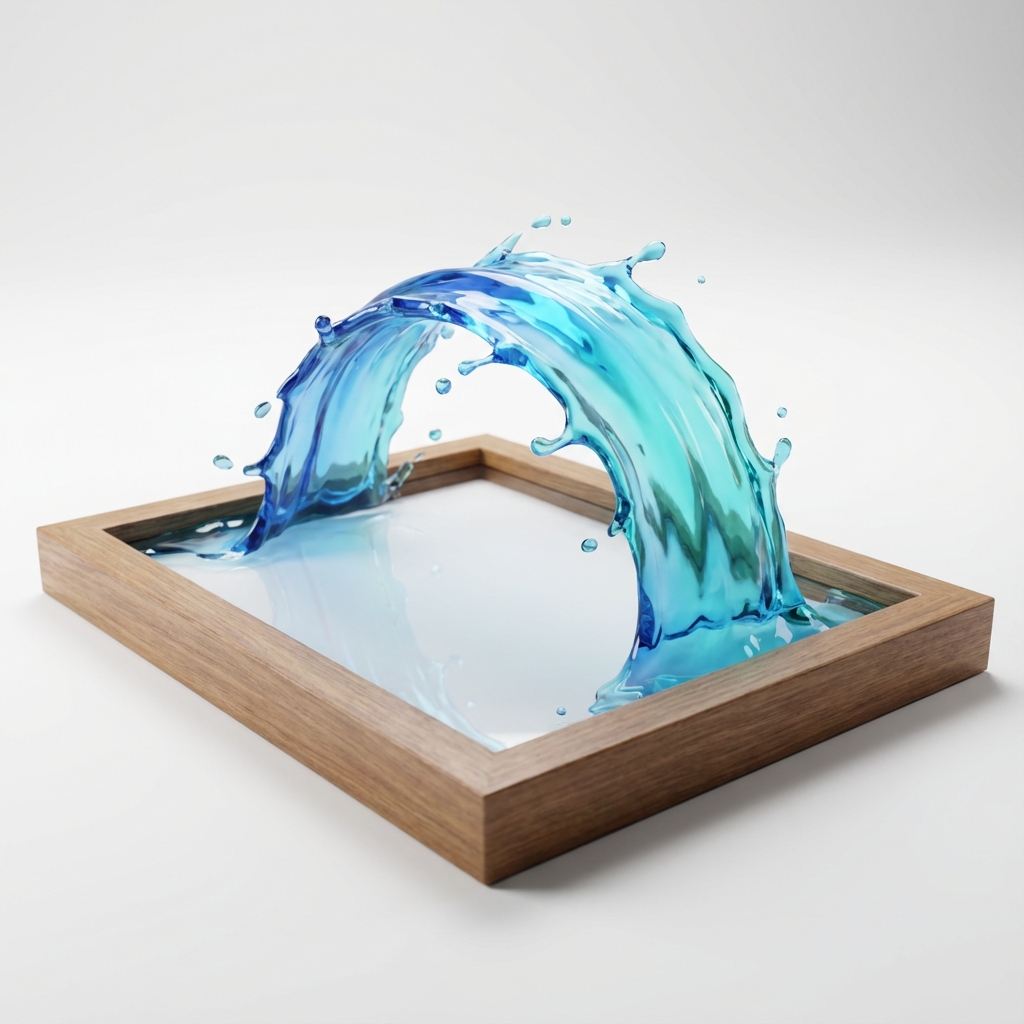
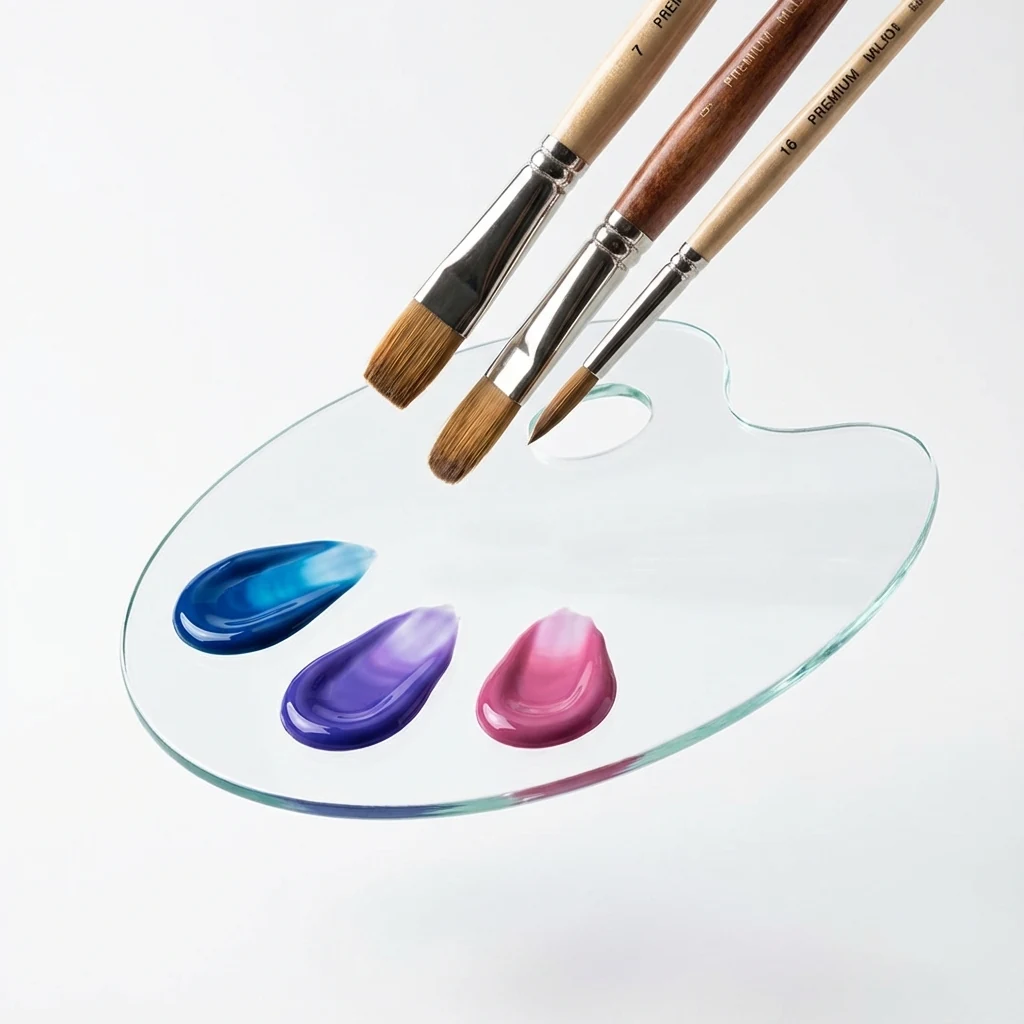
Unbranded glass product concept poster for Wan image-to-video planning

3. Match framing to the publishing channel

Use 16:9 for landscape presentations and web video, 9:16 for vertical social placements, 1:1 for square feeds, and 4:3 or 3:4 when a more editorial frame fits the subject. Recompose the prompt for each ratio instead of assuming one crop will serve every channel.

Set the Frame
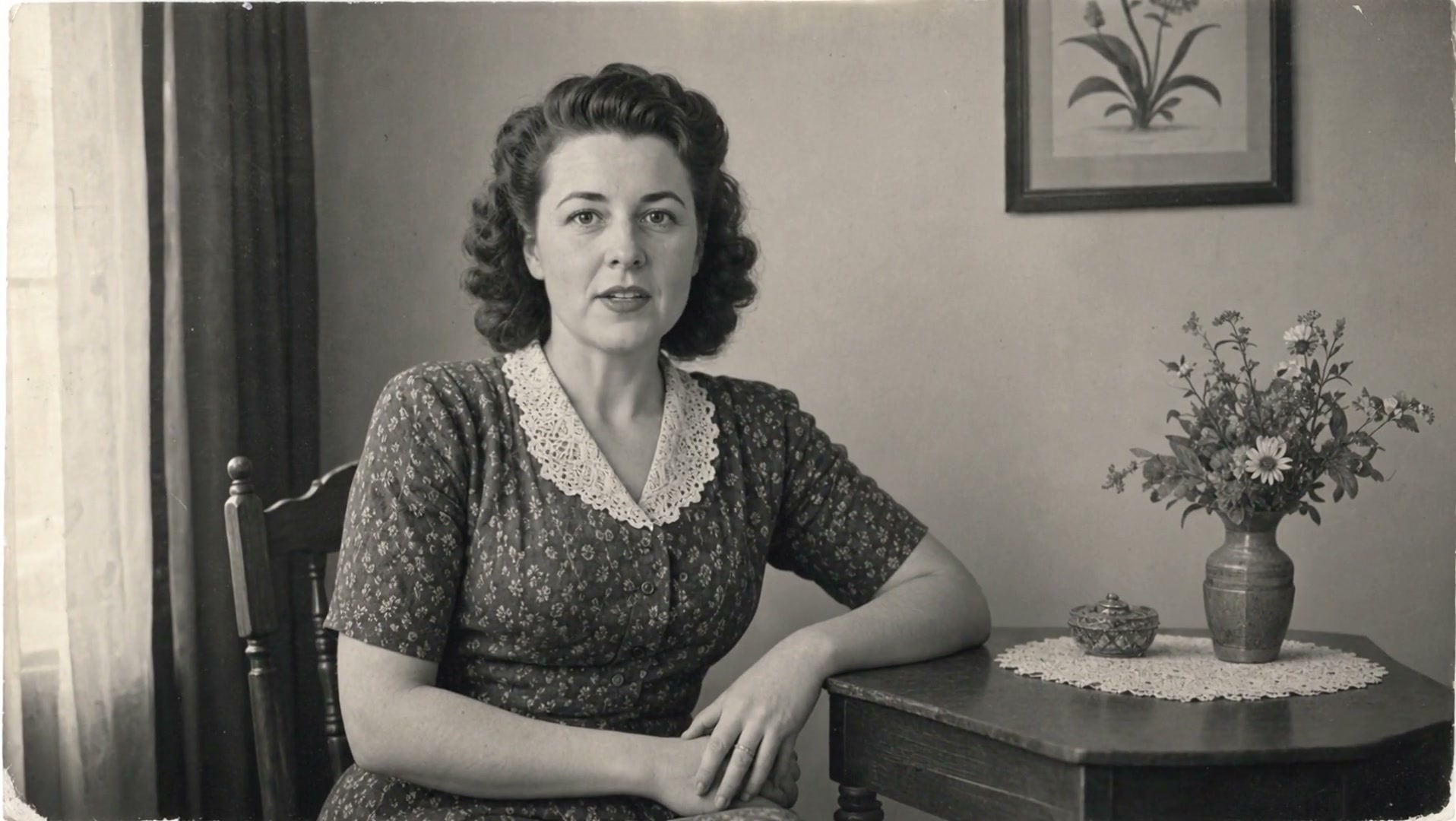
Rainy lantern alley concept poster for cinematic framing in the Wan generator

4. Increase duration or resolution only after review

A longer or sharper render costs more and does not repair a weak direction. Review the short draft for subject consistency, edge artifacts, accidental text, camera jumps, and the clarity of the action. Revise the prompt or source frame first, then move to 1080p or a longer duration when the visual idea is stable.

Refine a Draft
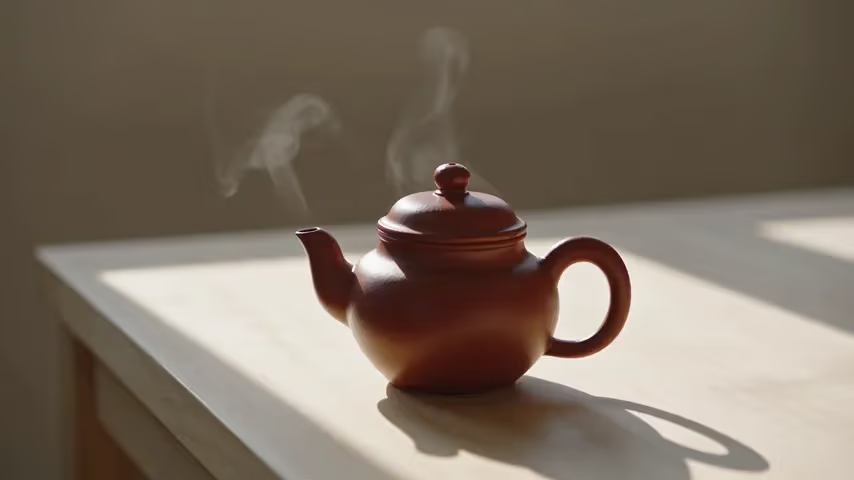
Coastal greenhouse concept poster for reviewing subtle environmental motion

A Better Wan Video Prompt Structure

A useful video prompt describes what changes over time. Build the prompt in layers, then remove anything that does not help the shot.

Subject and action

Name a concrete subject and an observable action: a kite climbs, a bottle rotates, curtains move in wind, or lanterns drift forward. Avoid vague requests such as ‘make it cinematic’ without a visible event.

Environment and physical cues

State the setting and the forces that shape motion—wind direction, water resistance, falling rain, moving clouds, or reflected light. These cues make the intended movement easier to interpret.

Camera and timing

Specify one camera move and its pace. ‘Slow dolly in during a continuous five-second shot’ is more actionable than combining zoom, orbit, pan, and several cuts in the same short clip.

Light, material, and finish

Add only the details that affect appearance: soft dawn light, wet pavement reflections, translucent glass, shallow depth of field, or realistic cloth. Keep branded labels and readable text out of the scene unless essential.

Transparent Wan Video Credit Pricing

NanoPic converts the active provider price at $0.001 per site credit. The generator recalculates before submission, so the shown charge follows the resolution and duration you actually select.

720p: 100 credits per second

A 2-second 720p draft costs 200 credits, a 5-second draft costs 500 credits, and a 15-second clip costs 1,500 credits.

1080p: 150 credits per second

A 2-second 1080p draft costs 300 credits, a 5-second draft costs 750 credits, and a 15-second clip costs 2,250 credits.

No hidden audio multiplier

The exposed NanoPic route prices by duration and resolution. Review the exact credit total in the generator before you create the task.

Wan 3.0 Video Ideas and Model Comparisons

Choose a workflow around the creative constraint: scene direction, source-image continuity, camera language, motion pacing, or comparison with another video model.

Plan a story as a sequence of clear shots

Break a longer idea into connected shots with one subject action and one camera move in each prompt. Reuse visual anchors, lighting language, and pacing notes so adjacent clips feel like parts of the same Wan 3.0 video concept.

Start a Wan 3.0 Video

Use text prompts for precise scene direction

Text to video works well for product motion, atmospheric scenes, social concepts, and visual direction tests. Name the subject, action, environment, camera behavior, and light instead of combining several unrelated moments.

Write a Scene Prompt

Start from an image when continuity matters

Choose image to video for a product still, campaign key visual, illustration, architectural frame, or character reference. Preserve comfortable margins and ask for limited, plausible movement before increasing complexity.

Animate a Source Image

Compare Kling for another cinematic workflow

Use the Kling model page when you want to compare a different provider route and its own motion, multi-shot, or audio controls. Keep the prompt and source frame consistent so the comparison is useful.

Open Kling 3.0

Compare Seedance for fast reference-driven drafts

Use Seedance when several reference types, fast lower-resolution exploration, or its specific audio and ratio controls better match the brief. NanoPic keeps model pages separate so each route exposes its actual controls.

Open Seedance

Wan 3.0 Generator FAQ

Answers about Wan 3.0 video workflows, source images, settings, pricing, output examples, audio, and the model currently selected in NanoPic.

Can I generate a Wan video from text on this page?

Yes. Keep Text to Video selected, describe one continuous shot, choose an aspect ratio, resolution, and duration, then review the displayed credit cost before submitting. The visible model selector shows the exact model used for the task.

Can I animate an image or define an ending frame?

Yes. Image to Video accepts a first frame, and a second uploaded image can define the last frame. Use clear source images with enough edge space, then describe only the movement and camera behavior you want between them.

What duration and resolution should I start with?

Start with 2-5 seconds at 720p. This is usually enough to judge prompt interpretation, subject stability, and camera movement. Move to 1080p or a longer clip only after the short direction works.

How are Wan video credits calculated?

The current route costs 100 NanoPic credits per second at 720p and 150 credits per second at 1080p. Duration can be any whole second from 2 to 15, and the generator shows the calculated charge before submission.

Are the posters on this page claimed as Wan video outputs?

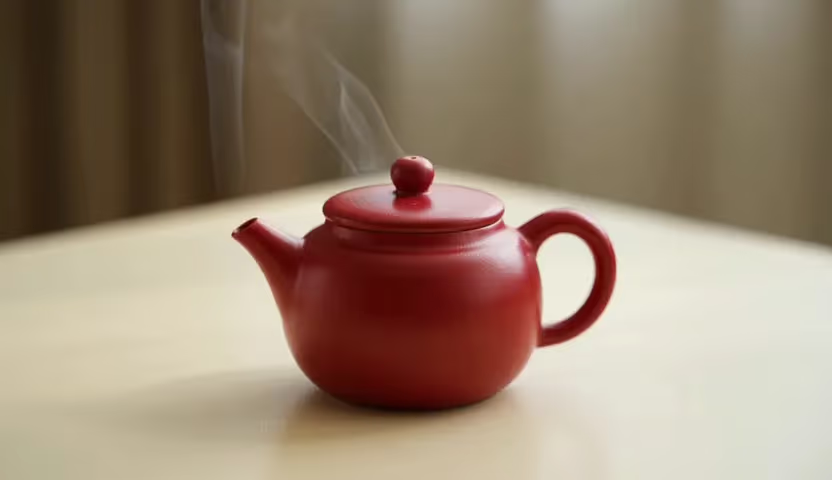
No. They are original, page-specific concept posters used to demonstrate prompt composition and safe framing. A generated task result appears in the NanoPic result viewer only after the provider completes that task.

Can the current Wan route use driving audio?

Yes. Advanced settings accept an optional public WAV or MP3 URL. Text-to-video audio should be 3-30 seconds and image-to-video audio 2-30 seconds, with a 15 MB provider limit. The currently selected provider route determines whether matching background audio can be generated automatically.

Which Wan model powers the generator today?

The visible selector currently defaults to Wan 2.7 through Fal because it is the latest Wan route NanoPic can call and verify. Alibaba has announced Wan 3.0 public-beta access, but NanoPic does not yet have a verified callable Wan 3.0 provider task. As soon as a Wan 3.0 provider API, pricing, and a successful real task are verified, NanoPic will switch this page's default model to Wan 3.0 immediately; the evergreen page copy will not need to change. Last checked August 10, 2026.

Create with the Wan 3.0 Generator

Start with a short, focused prompt, verify motion at 720p, and scale only the directions that work. The model selector always shows the exact route used for generation.