












































































































PNG MIME and Signature
The response is checked as image/png and begins with the PNG file signature. Renaming a JPEG to .png would fail this check.
Save up to 73% on plans
Image
Browse every other AI image model and effect published on this site in a continuous carousel.
A gray checkerboard can be baked into ordinary RGB pixels, and a white canvas can look transparent on a white page. Neither is transparency. This generator requests PNG output with a transparent background. The launch candidates were fetched with the image/png MIME type, opened as 1024×1024 four-channel PNGs, and checked for alpha values of 0, 255, and intermediate edge pixels. That combination proves empty regions, solid subject pixels, and soft anti-aliased boundaries exist in the file itself.
The response is checked as image/png and begins with the PNG file signature. Renaming a JPEG to .png would fail this check.
Selected launch outputs contain four channels and an alpha channel. Their transparent regions use alpha 0 rather than painted white or checkerboard pixels.
Hair, fur, curved ceramic, and product edges include intermediate alpha values. Those pixels help avoid harsh stair-steps when the asset is placed on a new color.
The page keeps each comparison simple with the alpha-verified subject on a white or very light neutral panel. Transparency proof comes from the RGBA file checks, not decorative preview colors.
Each comparison keeps the source on the left and presents the same alpha-verified PNG on a clean white or very light neutral panel on the right. The simple panel is only a presentation surface; transparency was verified separately at file level.
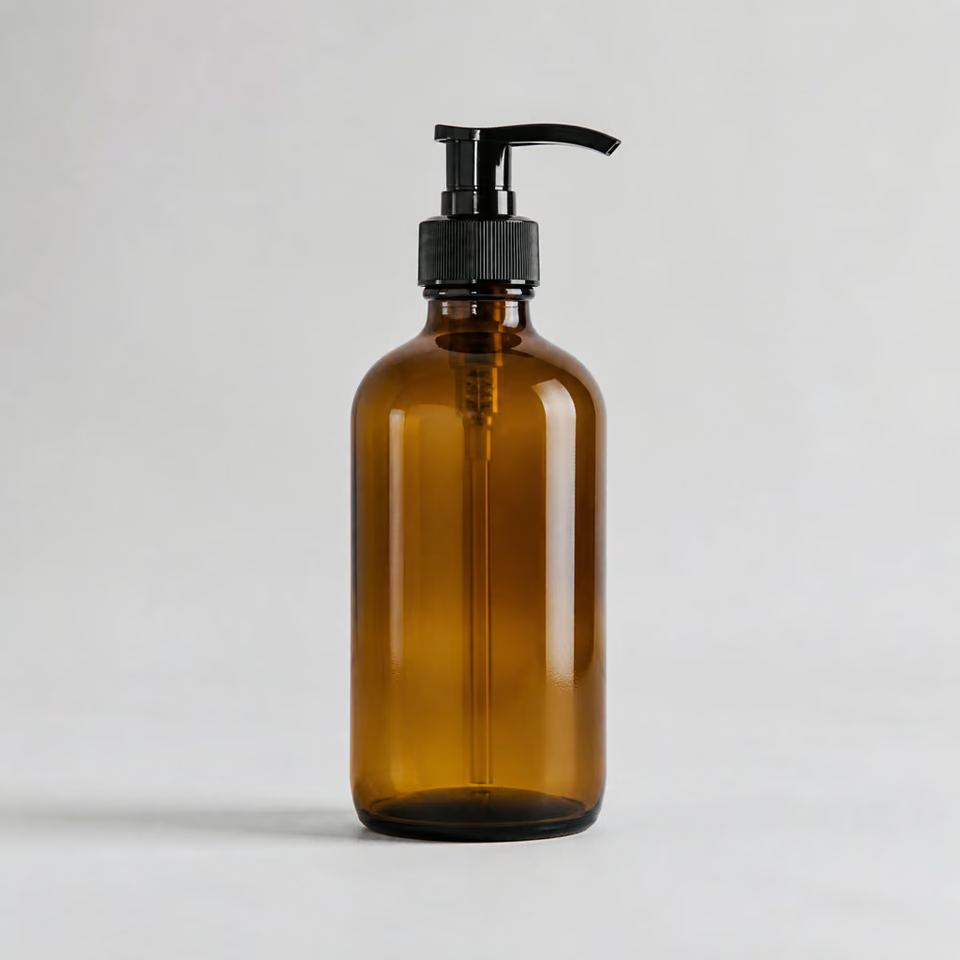
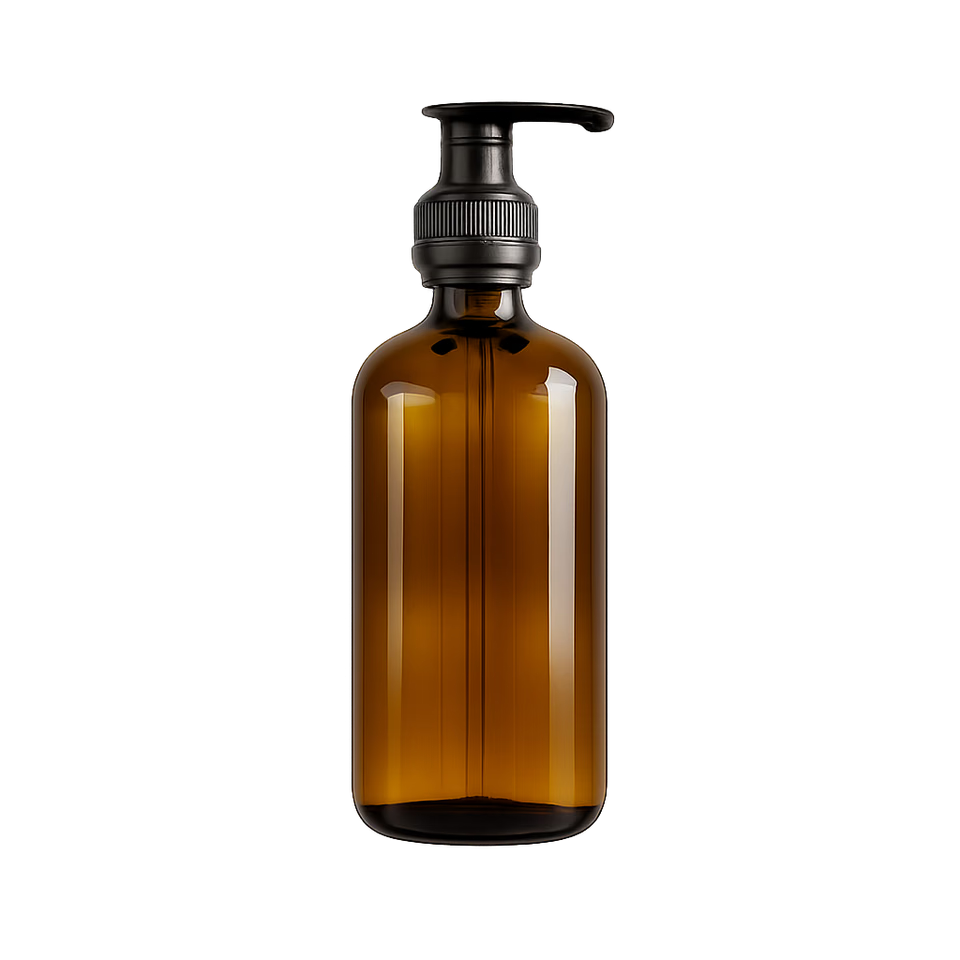
The amber bottle test checks more than the outer rectangle. The pump nozzle, ridged collar, bottle shoulders, glass highlights, base, and visible dip tube must remain readable. The transparent result can still contain generative changes, so compare the source at full size before using it for a catalog. If exact packaging, legal copy, or a barcode matters, a segmentation-only background remover is safer than a generative edit.
Try a Product Cutout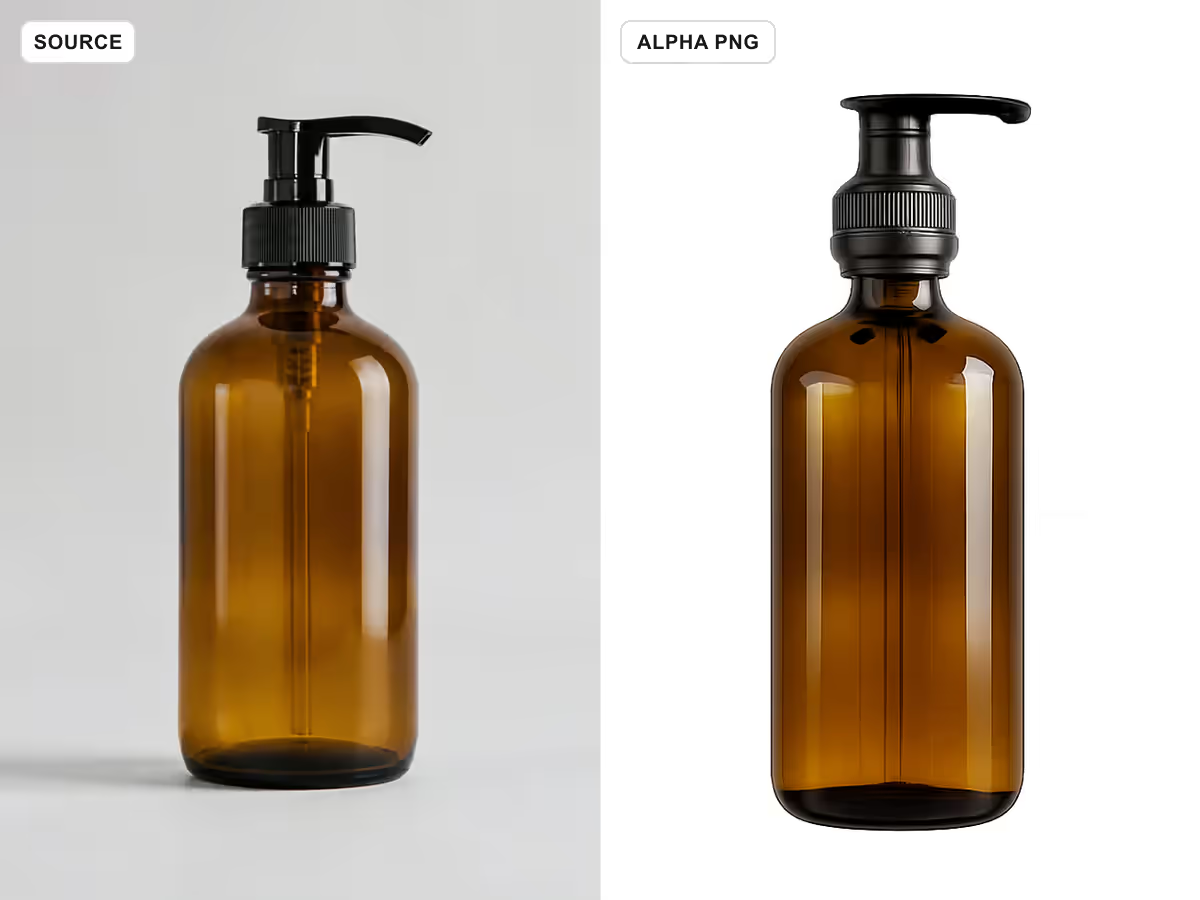
Fur creates many narrow boundaries, so a useful result needs more than a clean oval around the animal. This corgi example keeps both ears, facial expression, chest fur, paws, tail, and soft contour pixels. The clean neutral preview makes the silhouette easy to compare without decorative split colors; use the downloaded PNG on both light and dark colors for final edge QA.
Test Hair or Fur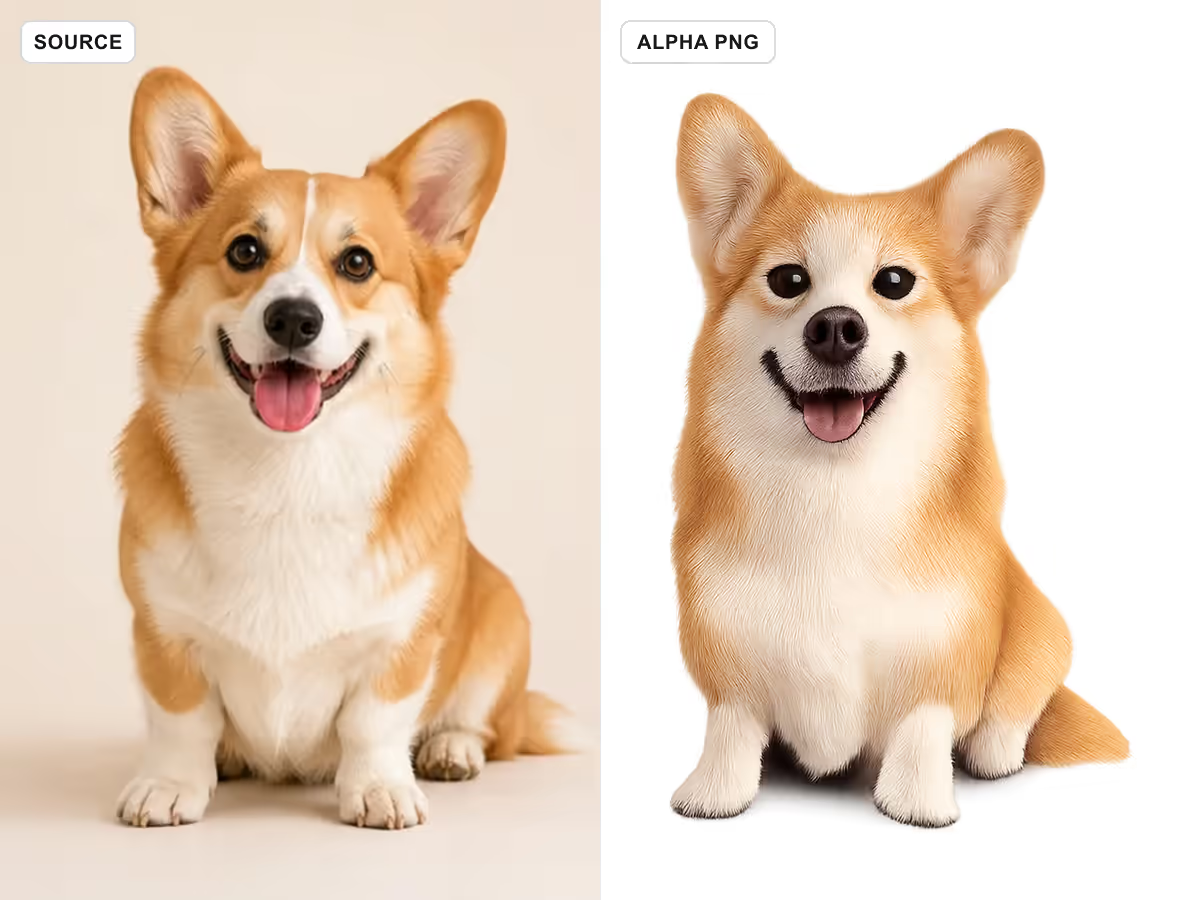
Products often contain negative space that must become transparent too. The orange shoe test covers the gap inside the opening, lace holes, separate lace segments, sole contour, fabric edge, and complete toe and heel. A flattened background left inside any of those gaps would reveal that the cutout is incomplete. Product colors and panel shapes should also be compared with the source because GPT editing is not pixel-locked.
Check Interior Gaps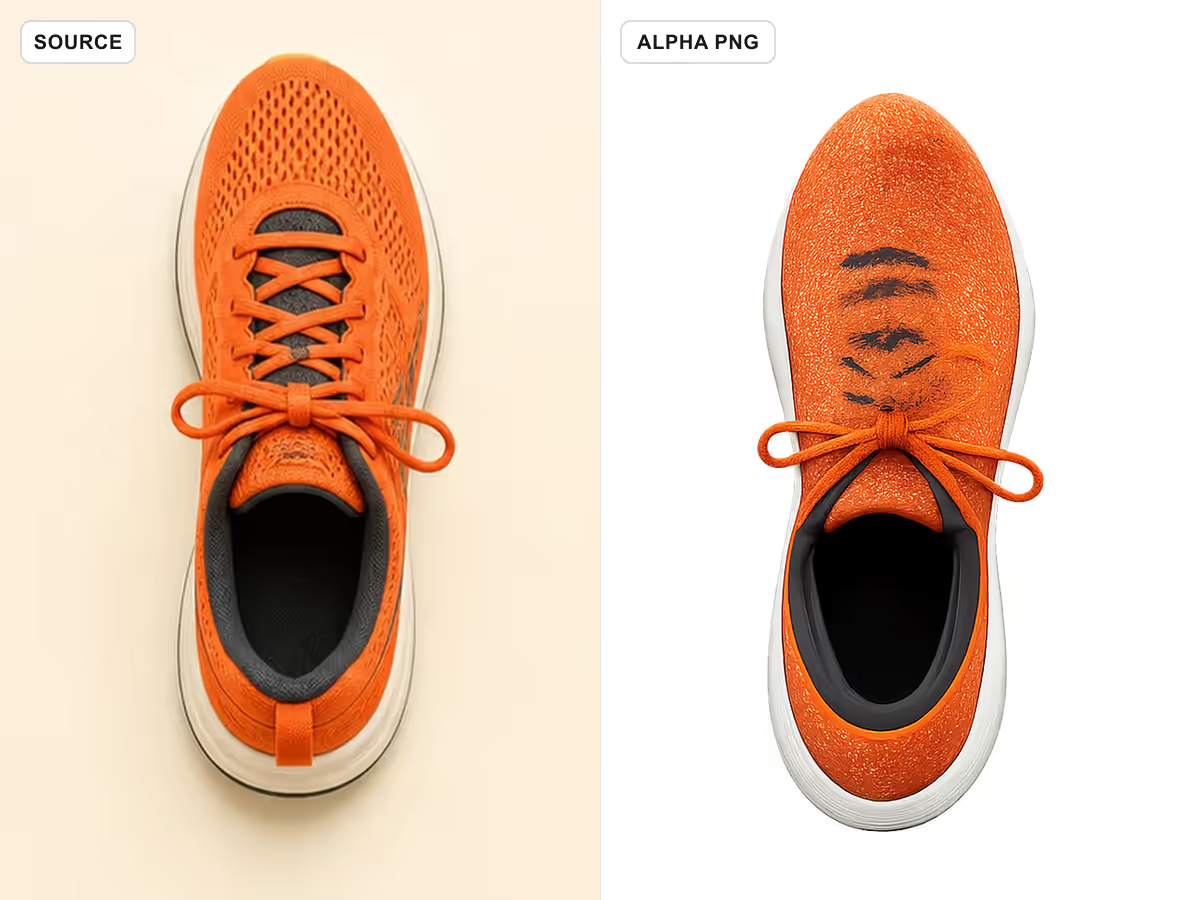
Portrait edges can fail around flyaway hair, shoulders, and light clothing. This fictional adult example uses a simple light neutral preview so the source and alpha output stay easy to compare without visual clutter. Users should still check the downloaded PNG on contrasting colors, then review identity, expression, hair shape, clothing seams, hands, and skin detail before reuse. Do not treat a generative edit as an exact extraction.
Try a Portrait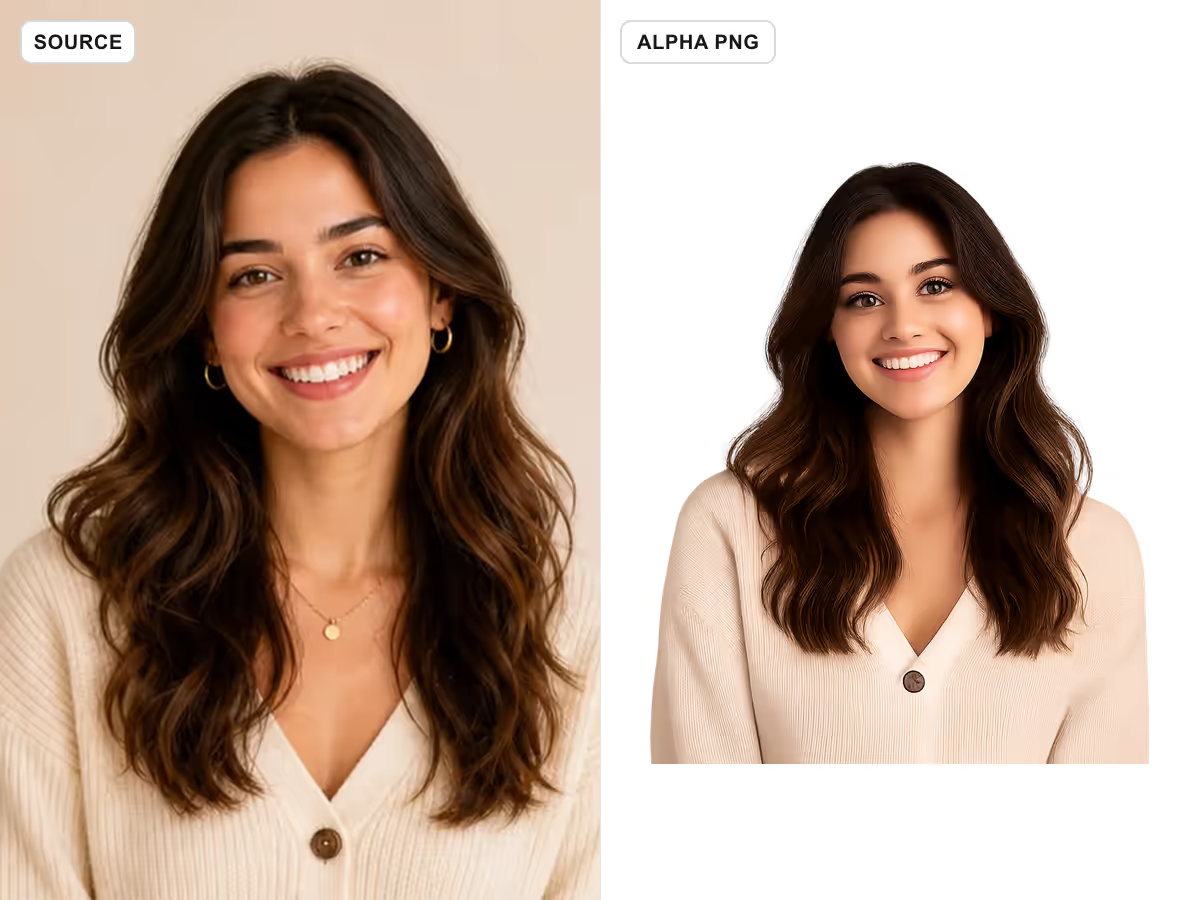
Choose whether you need a new asset or a generative edit, then make the transparency requirement explicit and inspect the downloaded file rather than trusting the preview alone.
Use Text to Image for a new icon, object, mascot, logo concept, character, product mockup, or isolated design element. Use Image to Image when you already have one authorized photo and want the model to remove the scene while following preservation instructions. Upload one sharp image with the complete subject and important openings visible. Avoid screenshots, baked checkerboards, heavy motion blur, tiny subjects, and already-cropped edges.
Choose a Workflow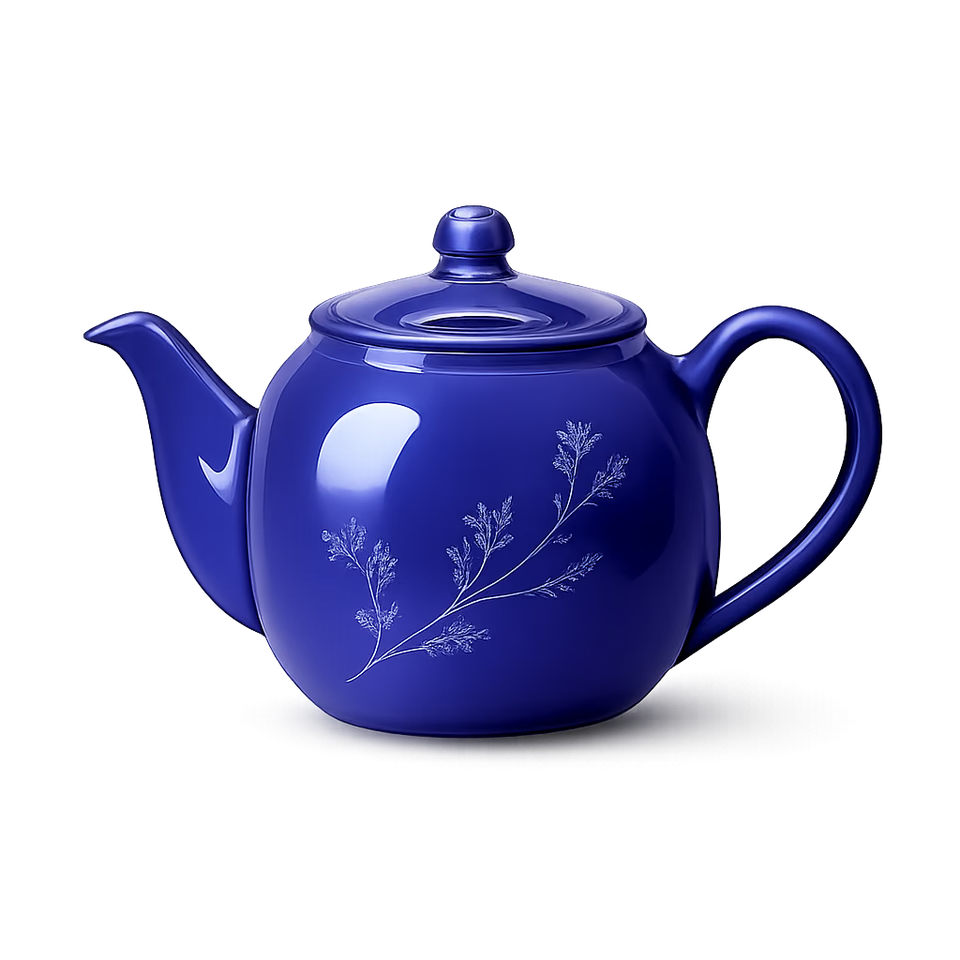
Name one subject, request a true transparent alpha background, and list the boundaries that matter: hair, fur, glass, lace, spokes, leaves, handles, holes, tails, thin straps, or product labels. Also say what must not appear, such as a white canvas, checkerboard, floor, shadow rectangle, border, caption, or extra object. For an uploaded source, protect identity, geometry, colors, materials, camera angle, and critical details.
Edit the Prompt
Open the finished result, download it, and confirm the response is a PNG. Place it over at least one light and one dark color. Zoom to the edge and inspect transparent gaps, partial edge pixels, fine detail, color spill, halos, stray fragments, and subject changes. If a label, face, product part, or interior opening drifted, revise one instruction and generate again. A visually attractive preview is not enough for production approval.
Generate and Verify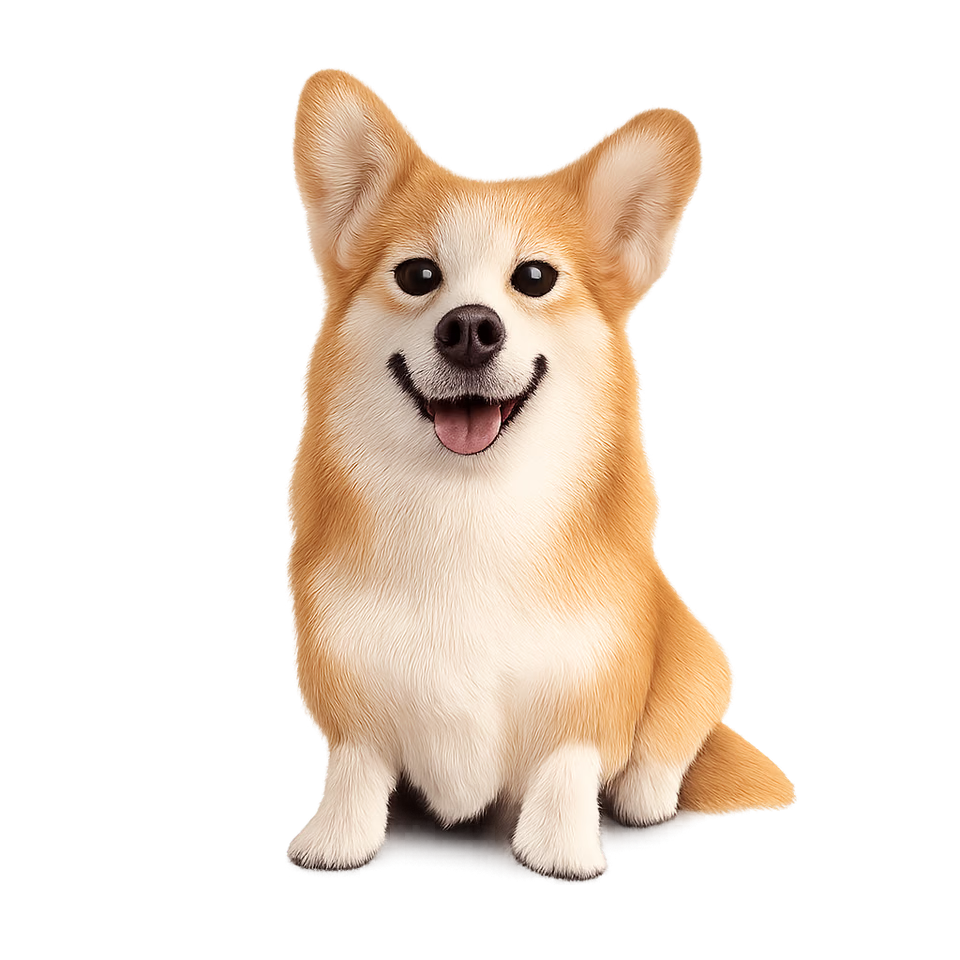
These pages solve adjacent but different jobs. Choose the workflow by the file you need at the end, not by the word background alone.
Use this page when the final asset must carry real alpha so it can be layered over many future designs. It supports prompt-only generation and prompt-guided editing with GPT Image 1.5.
Use the product background page when you want to keep a product visible and create a new studio, lifestyle, ad, or social scene behind it. Its output is intentionally a complete opaque composition.
Use the color-change page when the desired final image should have a specific solid or styled background rather than transparency. It is useful for profile, listing, and campaign color variants.
For exact extraction of a catalog photo without generative redraw, use a dedicated segmentation remover when available. This GPT workflow can preserve details well, but it can still reinterpret pixels.
A useful transparent PNG prompt describes the subject, full silhouette, difficult boundaries, preservation rules, and forbidden fake-background patterns in one compact instruction.
“Generate one cobalt ceramic teapot, complete handle opening and spout visible, clean isolated RGBA PNG, true transparent alpha, no floor, white canvas, checkerboard, border, text, or extra object.”
“Isolate the complete shoe. Preserve sole, panels, laces, lace holes, material, colors, camera angle, and opening. Remove every background pixel and return a true transparent PNG.”
“Preserve identity, expression, ears, whiskers, flyaway hair, individual fur edges, paws, and tail. Keep soft partial alpha without halos or color spill.”
“Keep the exact authorized mark, internal holes, thin strokes, original colors, alignment, and proportions. Return one lossless transparent PNG without redrawing text.”
The generator requests a transparent background and PNG output. Launch samples were fetched as image/png, opened as four-channel PNGs, and verified to contain fully transparent, fully opaque, and intermediate edge-alpha pixels. You should still inspect each personal download because model outputs can fail or contain edge artifacts.
No. A checkerboard can be painted into ordinary RGB pixels. Verify the file format and alpha channel, then place the PNG over two different solid colors. The page presents selected outputs on a clean light panel for clarity, while their transparency is proven separately through file-level alpha checks.
Yes. Select Text to Image, describe one isolated asset, keep the prefilled true-alpha rules, and generate. This is useful for icons, objects, mascots, logo concepts, characters, and reusable design elements.
Yes. Select Image to Image and upload one authorized source. The model receives high input-fidelity plus preservation instructions, but it remains a generative editor and may change product labels, geometry, faces, hair, or small details. Compare the output with the source before commercial use.
Not always. Intermediate alpha can preserve softer boundaries, but hair, fur, glass, smoke, reflections, and translucent materials remain difficult. Inspect on light and dark colors at full size and regenerate or refine the asset when you see clipping, halos, spill, or missing detail.
No. This page creates a reusable alpha PNG with no scene behind it. The AI Product Background Generator creates an opaque studio, lifestyle, ad, or social background around a product. The final file purpose is different.
Your intended use still depends on rights to the source, subject, brand, and generated content. Use only images you own or are authorized to edit, review NanoPic terms, check logos and labels, and obtain any required permissions before publishing or selling an asset.
Check the complete silhouette, transparent interior gaps, fine edge alpha, hair or fur, product labels, faces, hands, laces, glass, color spill, halos, stray pixels, cropping, and any model-added detail. Then open the actual file over two contrasting solid colors.
Start with the editable prompt, choose text generation or one-image editing, and verify the alpha channel and subject details before production use.

80s Photo Filter adds warm, faded film color to your photo in the browser. Adjust strength, preserve clothing and framing, and download a PNG.
Open tool
AI Age Filter creates a natural older-look concept from an authorized adult portrait. Review identity, complete-head framing, light and scene after editing.
Open tool
AI Age Progression creates a target-age concept from an authorized adult portrait. Set an age interval and review identity, framing and scene after editing.
Open tool
AI Labubu Generator helps explore your own monster doll concept from an authorized reference. Create original shapes and outfits, with no official affiliation.
Open tool
Camera Roll AI turns an authorized reference photo into one lifestyle collage. Plan varied scenes and a phone-gallery-inspired layout, then save one image.
Open tool
Face in Hole Generator places an authorized face into your chosen photo or template. Upload two references, refine the blend, and save a creative portrait.
Open tool
Explore a Hotpot AI alternative with NanoPic’s independent Seedream 5.0 editor. Upload a reference, direct a visual concept, and review your image.
Open tool
Make Image Higher Resolution with real 2× or 4× browser resizing. Compare pixel dimensions and download PNG without claiming recovered detail.
Open tool
Remove Glare from Glasses in photos with an editable AI image prompt. Upload your portrait, reduce lens reflections, and review the result before using it.
Open tool