




























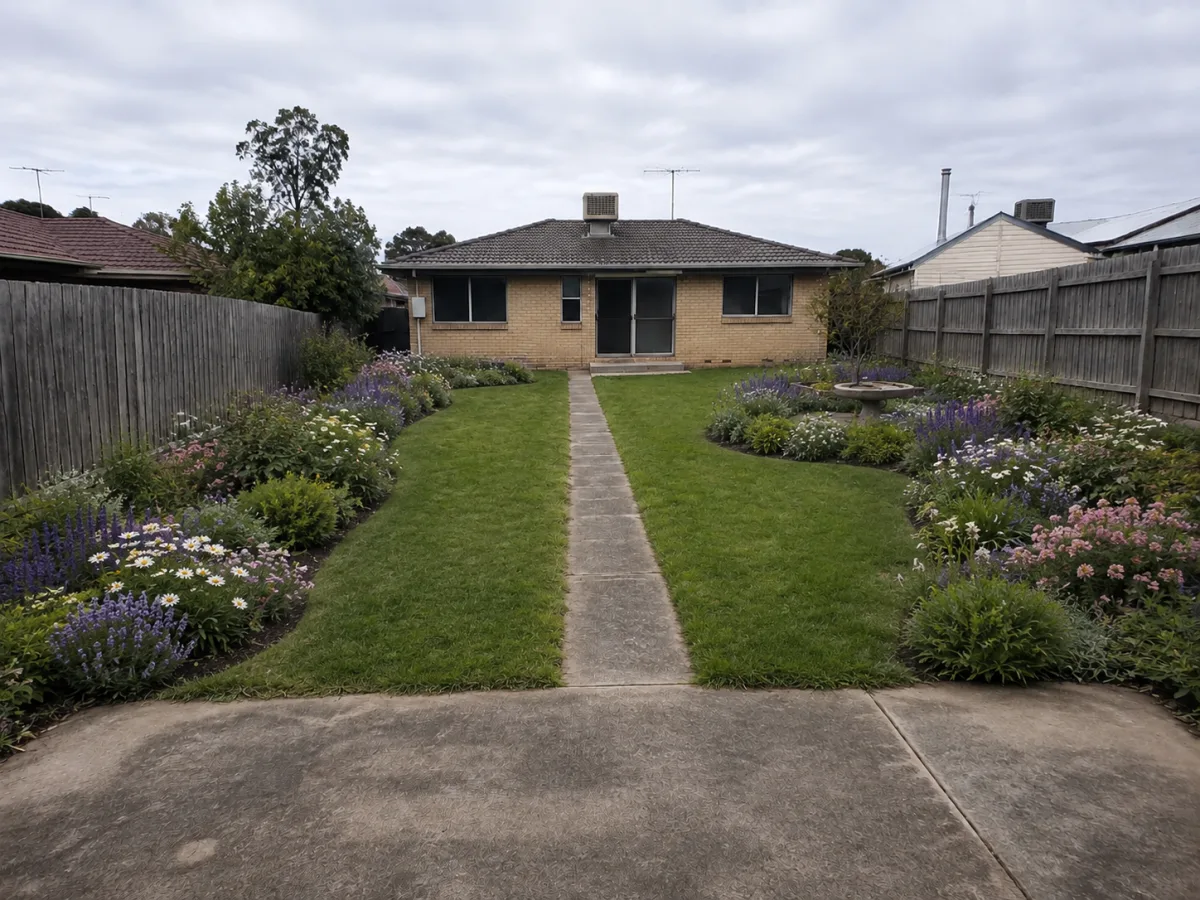
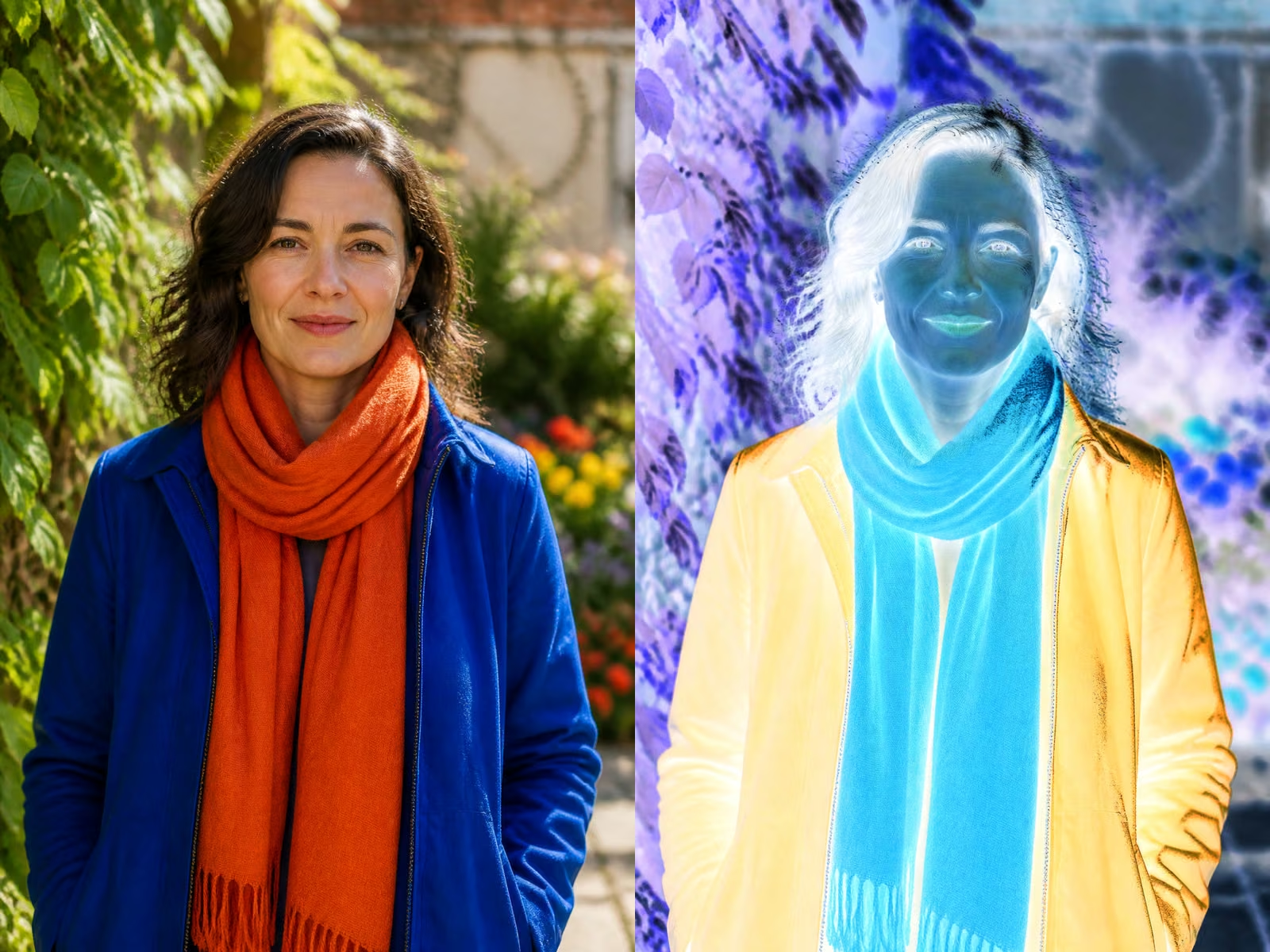
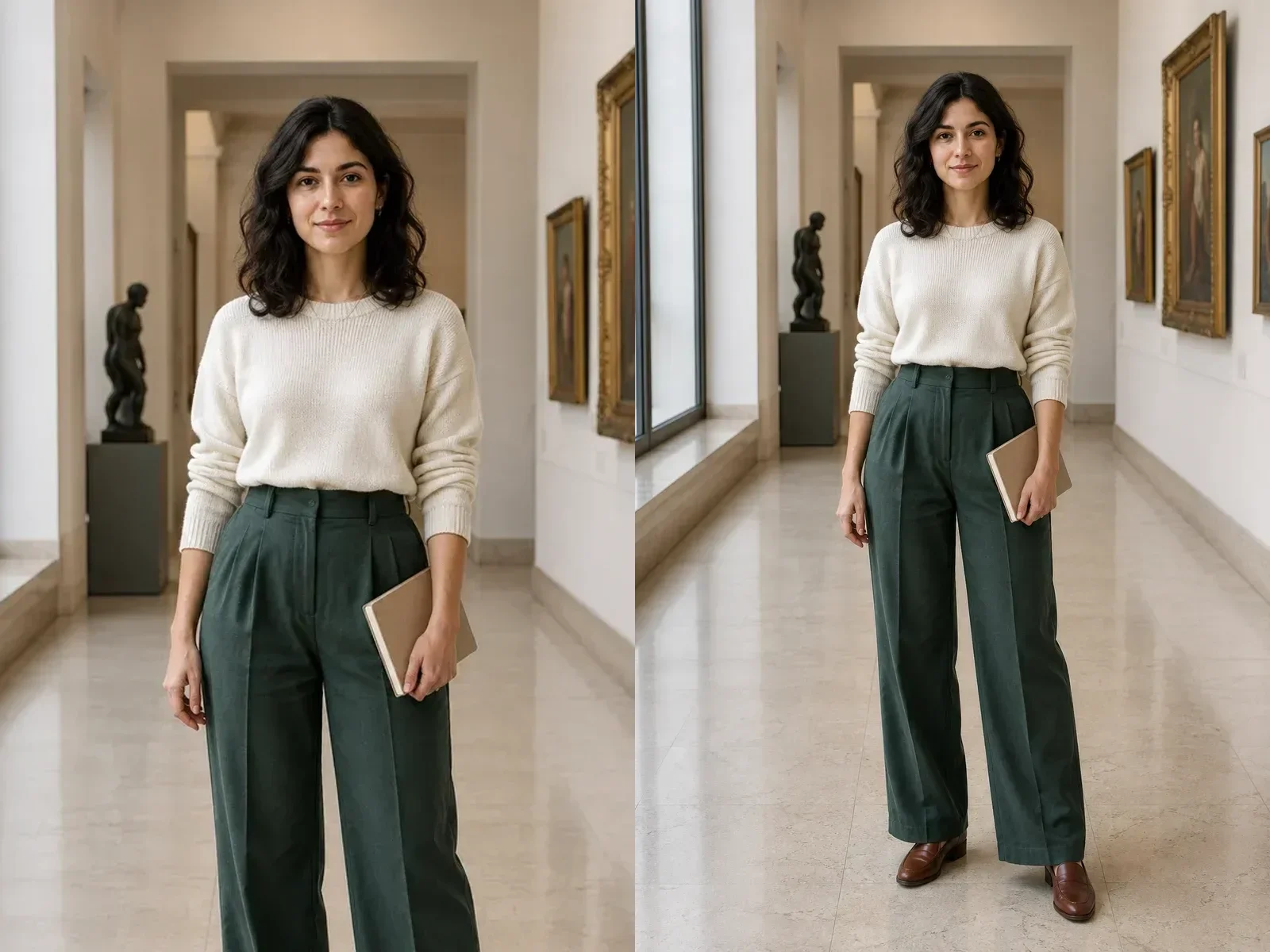






Layout-First Generation
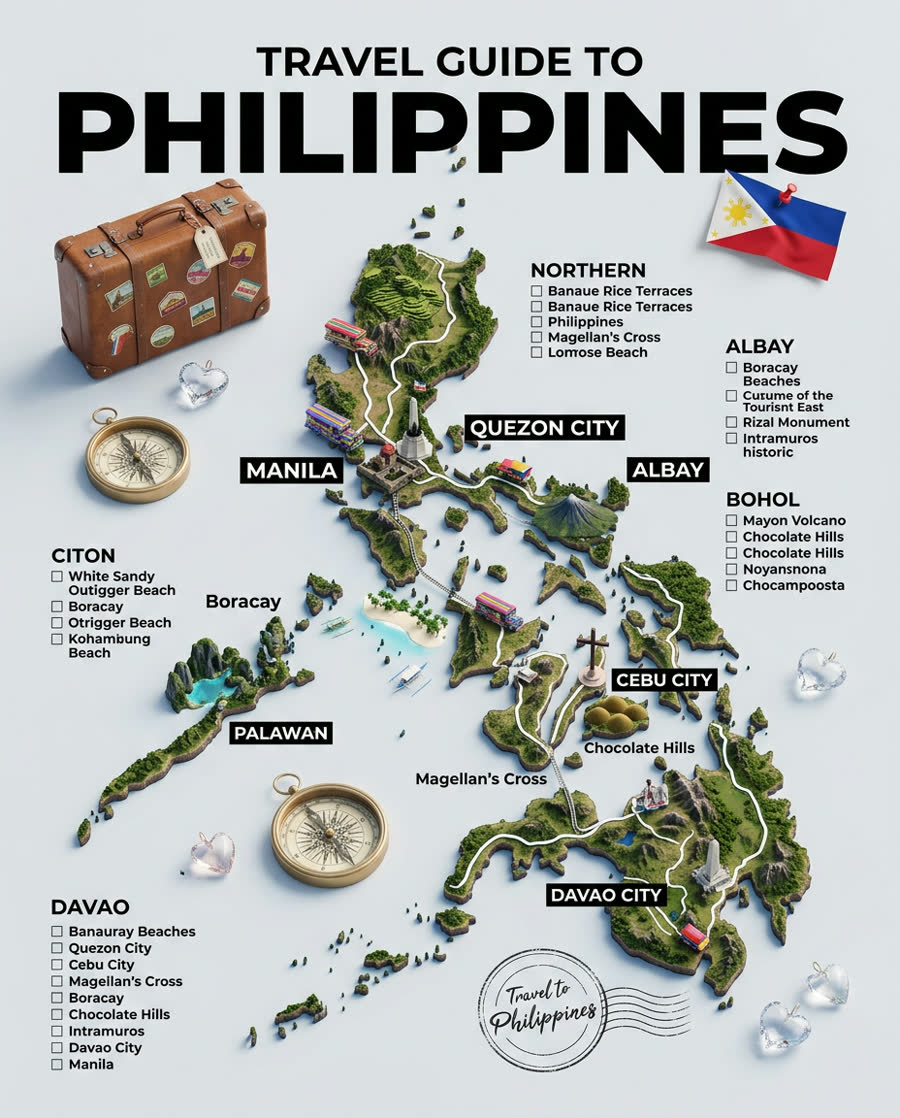
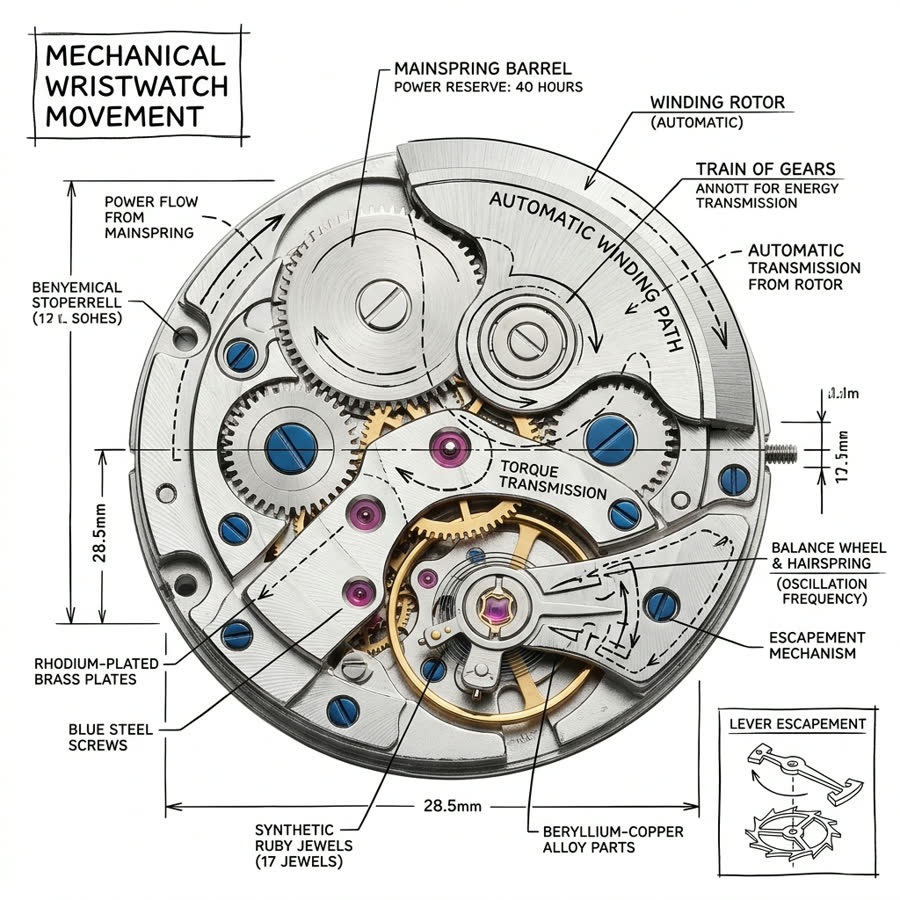
Start from process, comparison, data snapshot, or social tip card presets so the result has a clear visual structure.
Save up to 73% on plans
Image
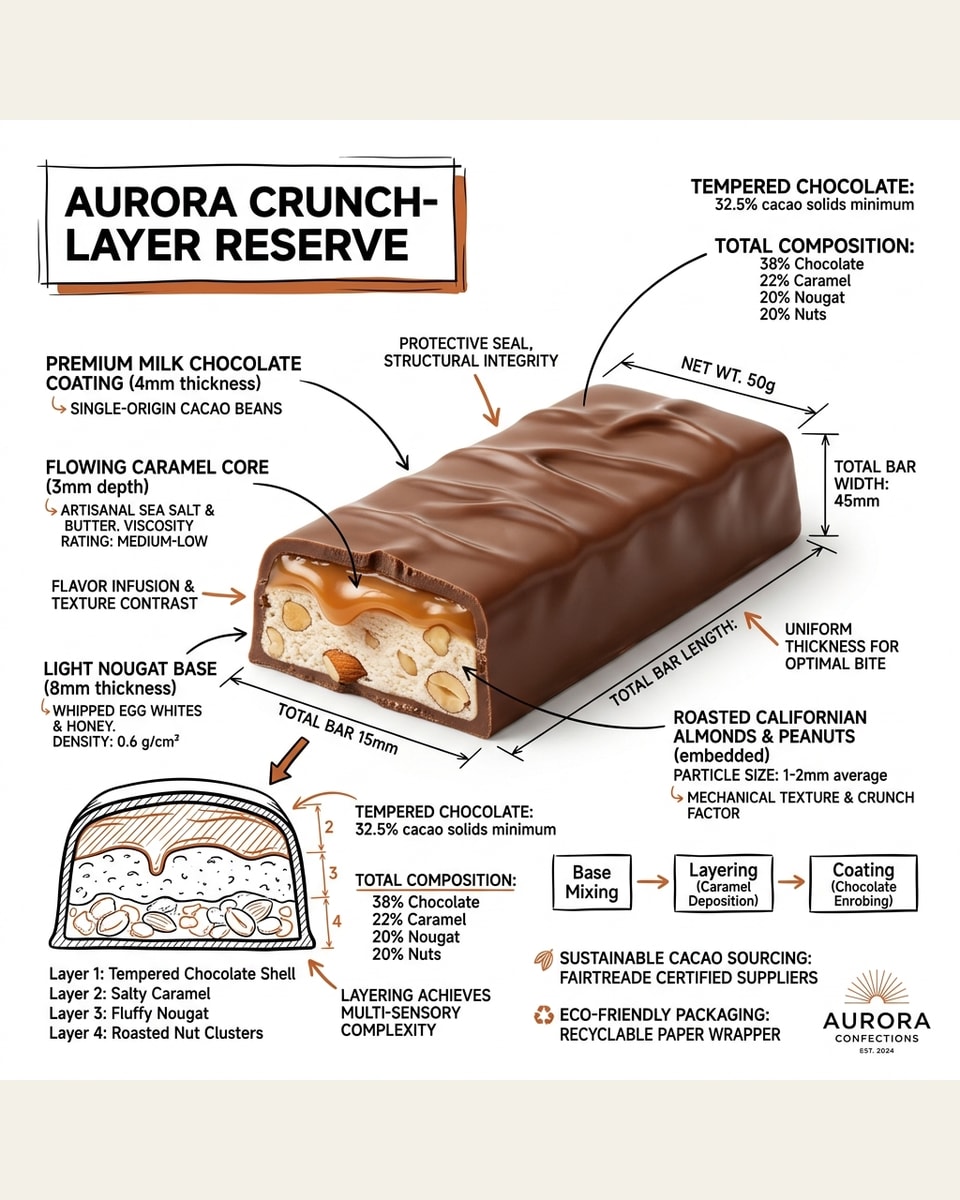
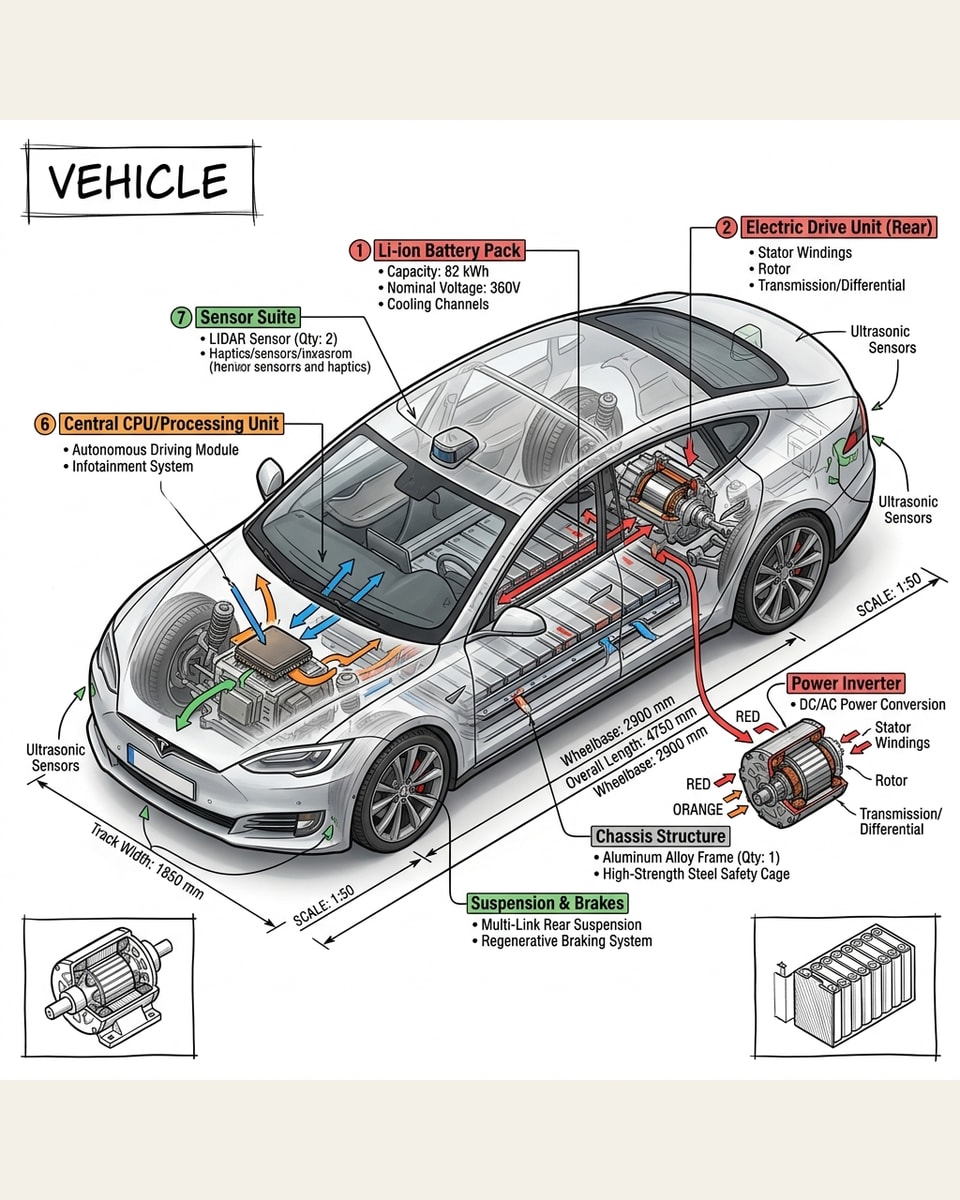
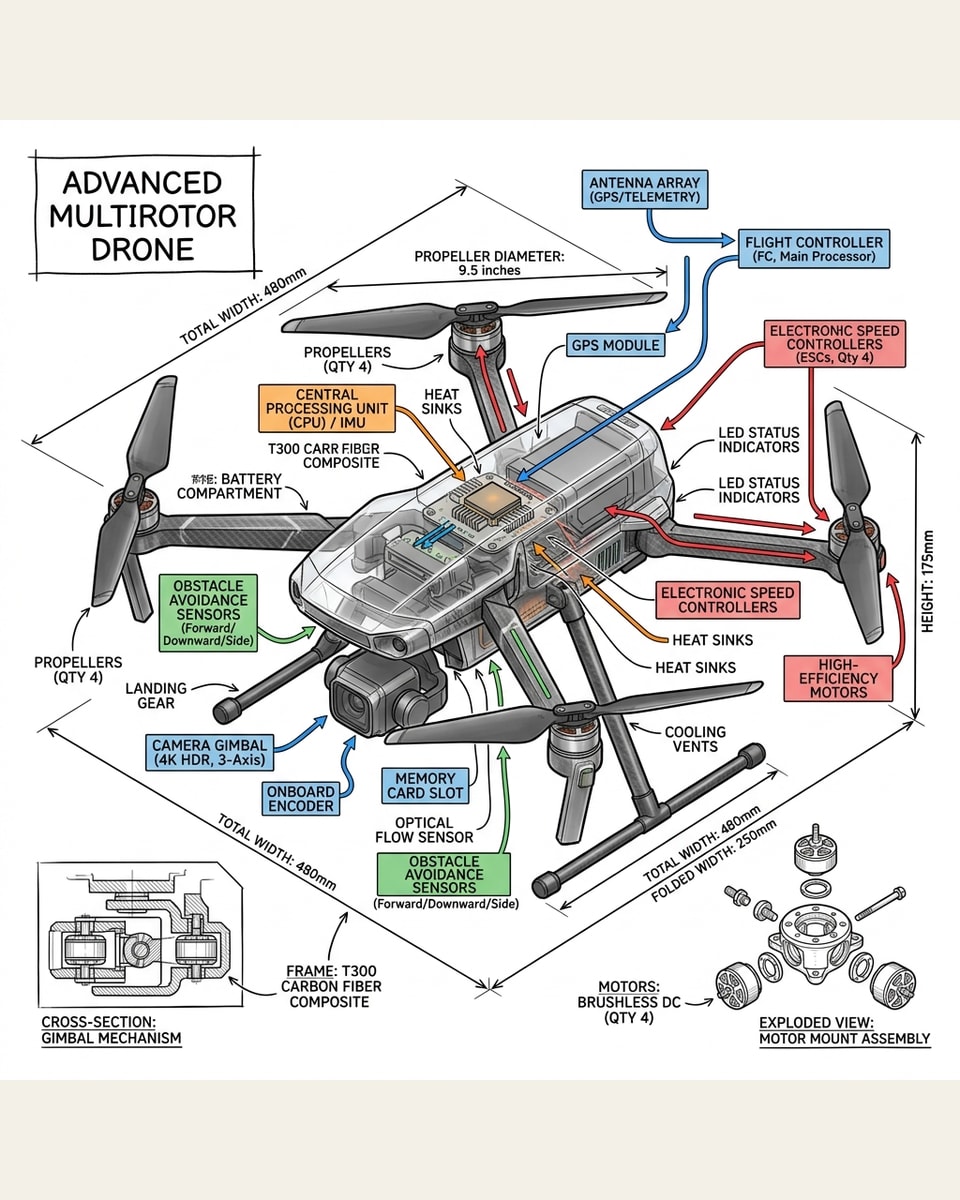
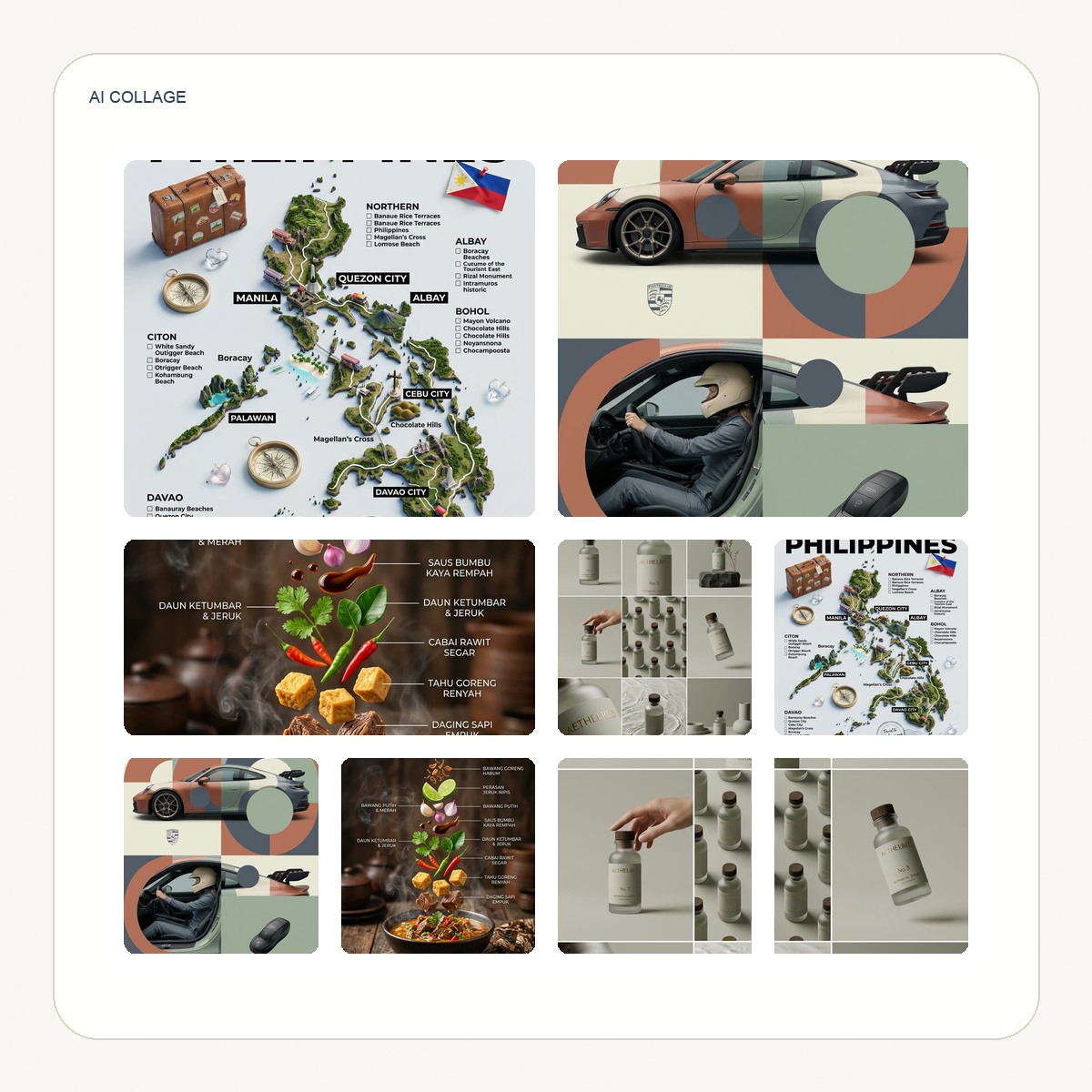
Browse every other AI image model and effect published on this site in a continuous carousel.
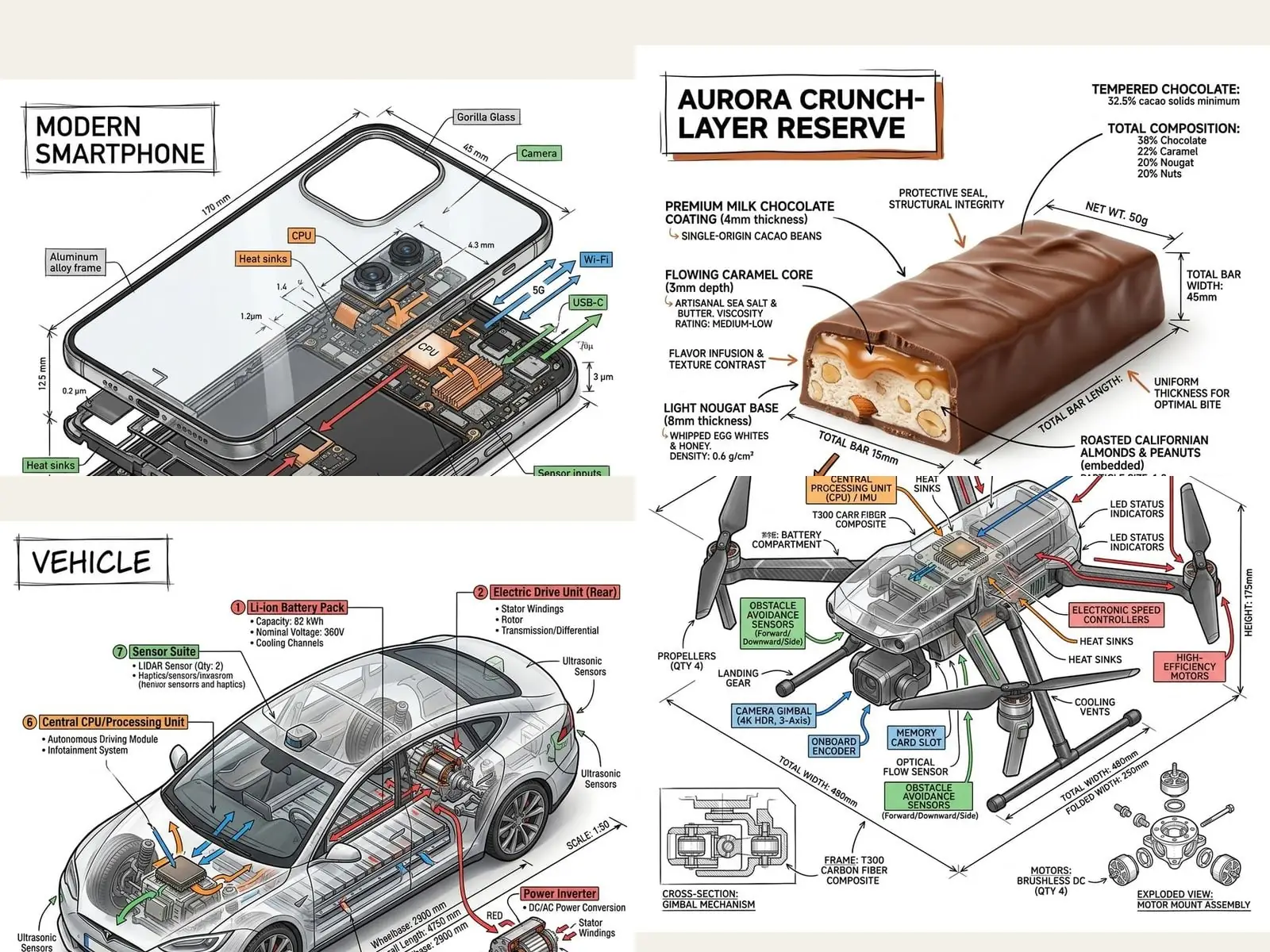
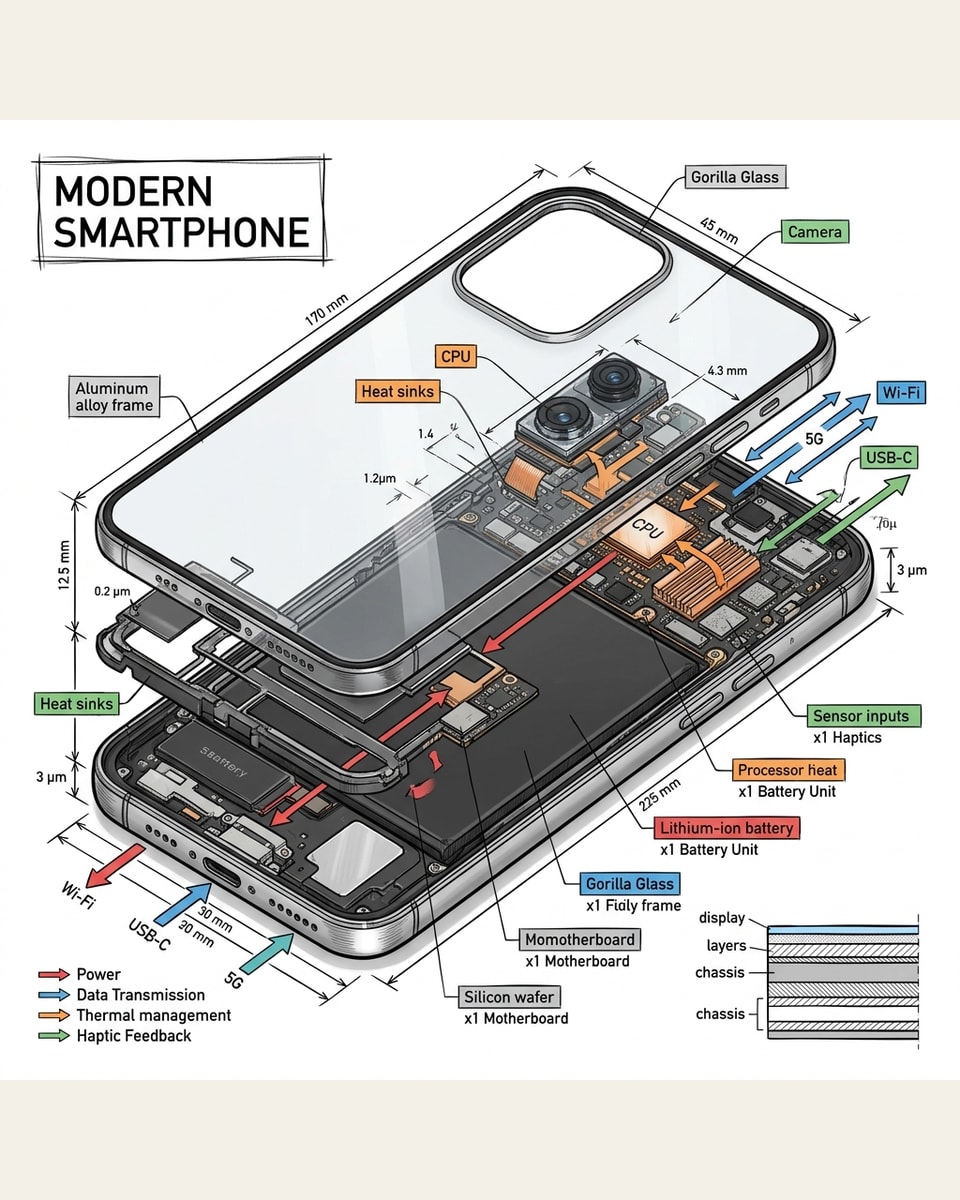
NanoPic helps marketers, founders, educators, and creators turn a topic into an infographic-style image. Use it for process explainers, comparison graphics, social tip cards, and high-level data snapshots where short labels and visual hierarchy matter more than dense paragraphs.
The template is tuned for layout concepts with short labels and clear sections.
Start from process, comparison, data snapshot, or social tip card presets so the result has a clear visual structure.
The prompt asks for concise headings, minimal text, and generous spacing because AI image models perform better with short in-image labels.
Generate infographic directions for blog visuals, launch posts, decks, newsletters, social explainers, and internal concept reviews.
Use simple briefs and treat the output as a visual draft that can be reviewed or refined.
Choose a process diagram, comparison, data snapshot, or social tip card. The layout preset gives the model a clearer structure.
Choose LayoutDescribe the topic, audience, style, number of sections, and any colors. Keep in-image text short and avoid asking for long paragraphs.
Edit BriefUse the image as a visual draft. Check text, numbers, claims, and brand details before using it in public content.
Generate DraftQuick answers for creating infographic-style images with NanoPic.
Use it for visual drafts and high-level layout concepts. Verify all numbers, labels, and claims before publishing.
AI image models are more reliable with short headings and labels than with dense paragraphs or many tiny captions.
Processes, comparisons, checklists, educational tips, simple frameworks, and high-level campaign summaries work best.
Yes. The template supports vertical social layouts, square cards, widescreen graphics, and 9:16 story formats.
Choose a layout, write a short topic brief, and generate a visual explainer.