












































































































Royal Oil Painting for a Border Collie
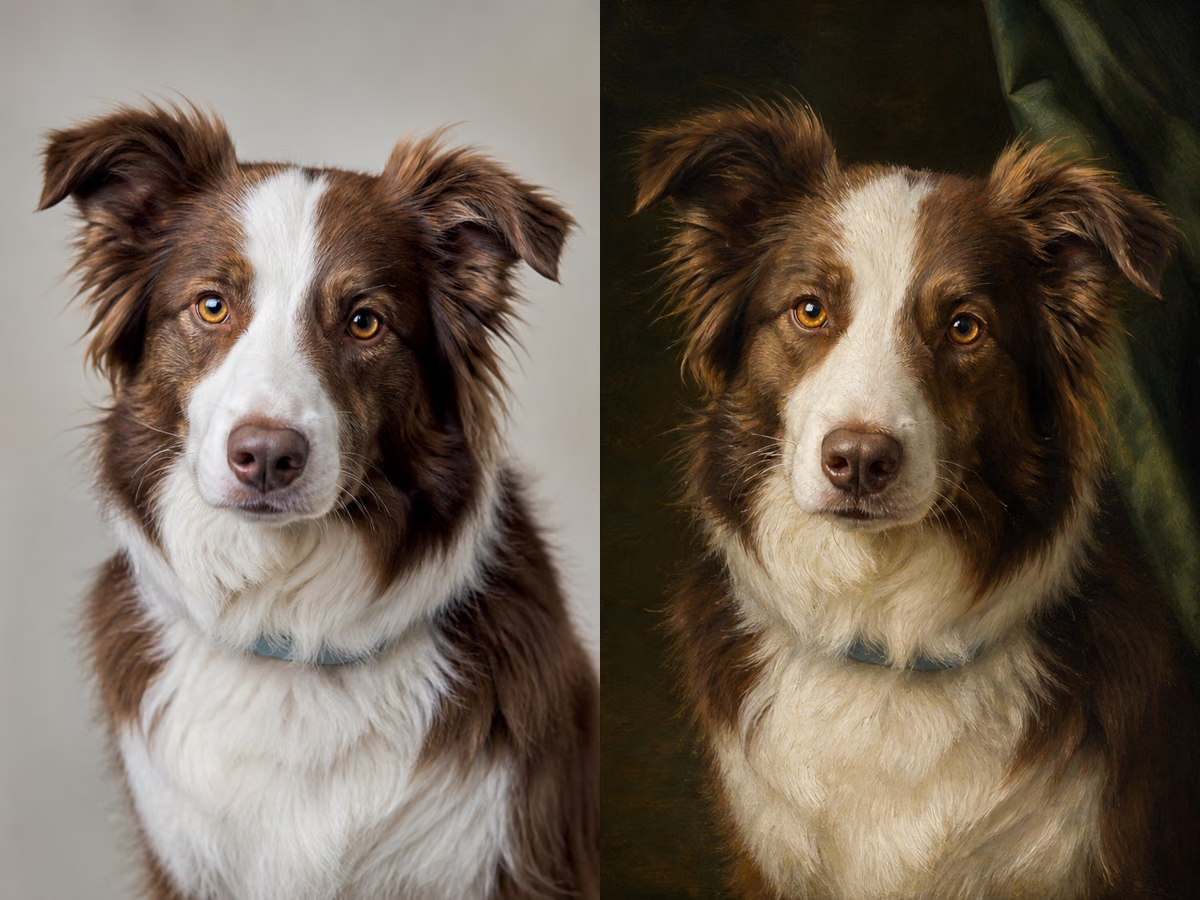
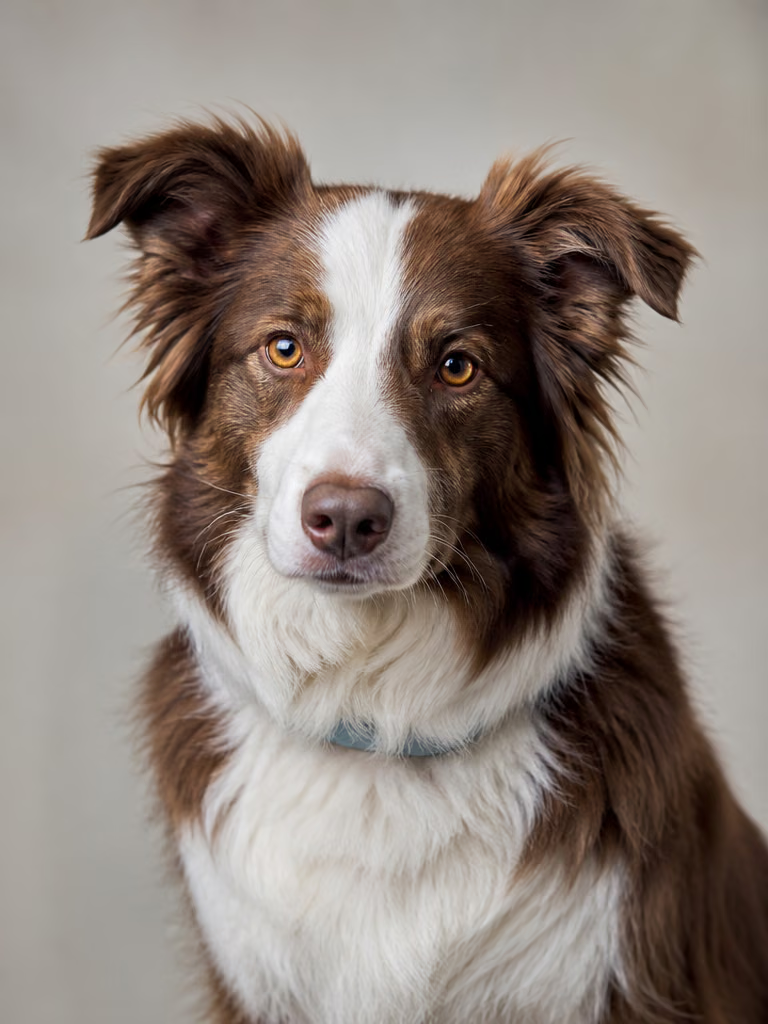
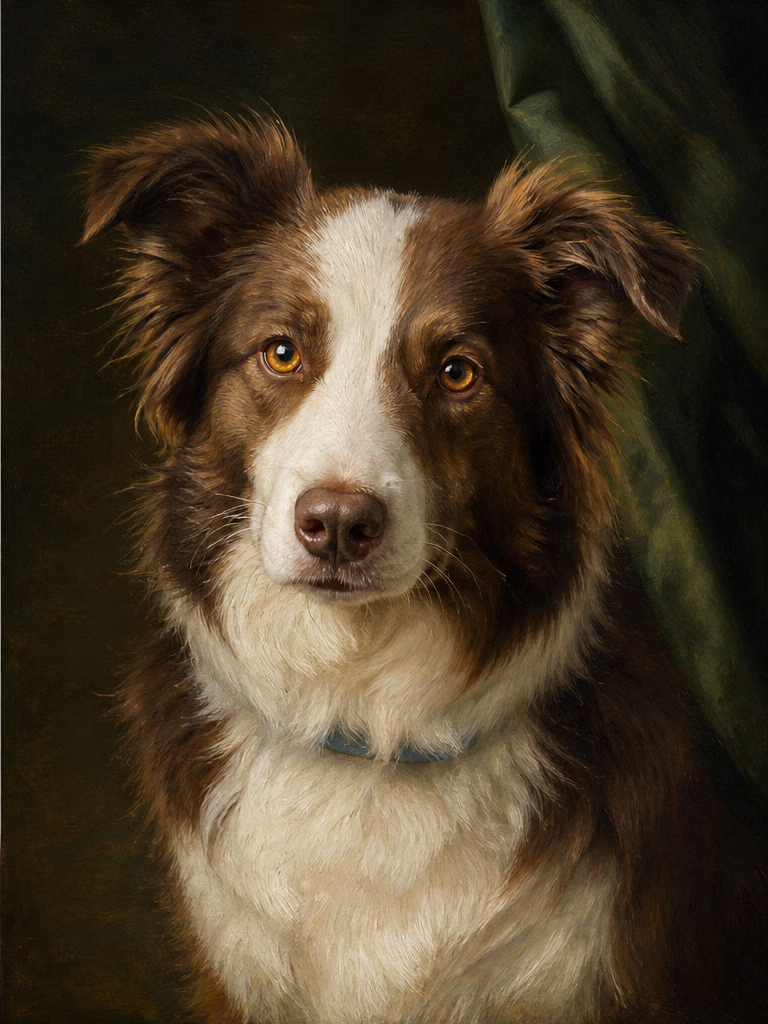
Gallery lighting and formal clothing change the setting while the white blaze, black ears, brown eyes, coat pattern, and collar keep the dog recognizable.
Save up to 73% on plans
Image
Browse every other AI image model and effect published on this site in a continuous carousel.
A strong pet portrait keeps more than a generic breed. This template tells the image model to follow the source animal's coat colors, facial markings, eye color, ear or beak shape, expression, and recognizable identity while changing the medium, wardrobe, lighting, and background. Results are generative rather than pixel-locked, so compare every output with the source before printing or gifting it.
The selected examples cover fur, feathers, long ears, small horns, light and dark markings, and art directions from gallery painting to graphic sticker work.
Gallery lighting and formal clothing change the setting while the white blaze, black ears, brown eyes, coat pattern, and collar keep the dog recognizable.
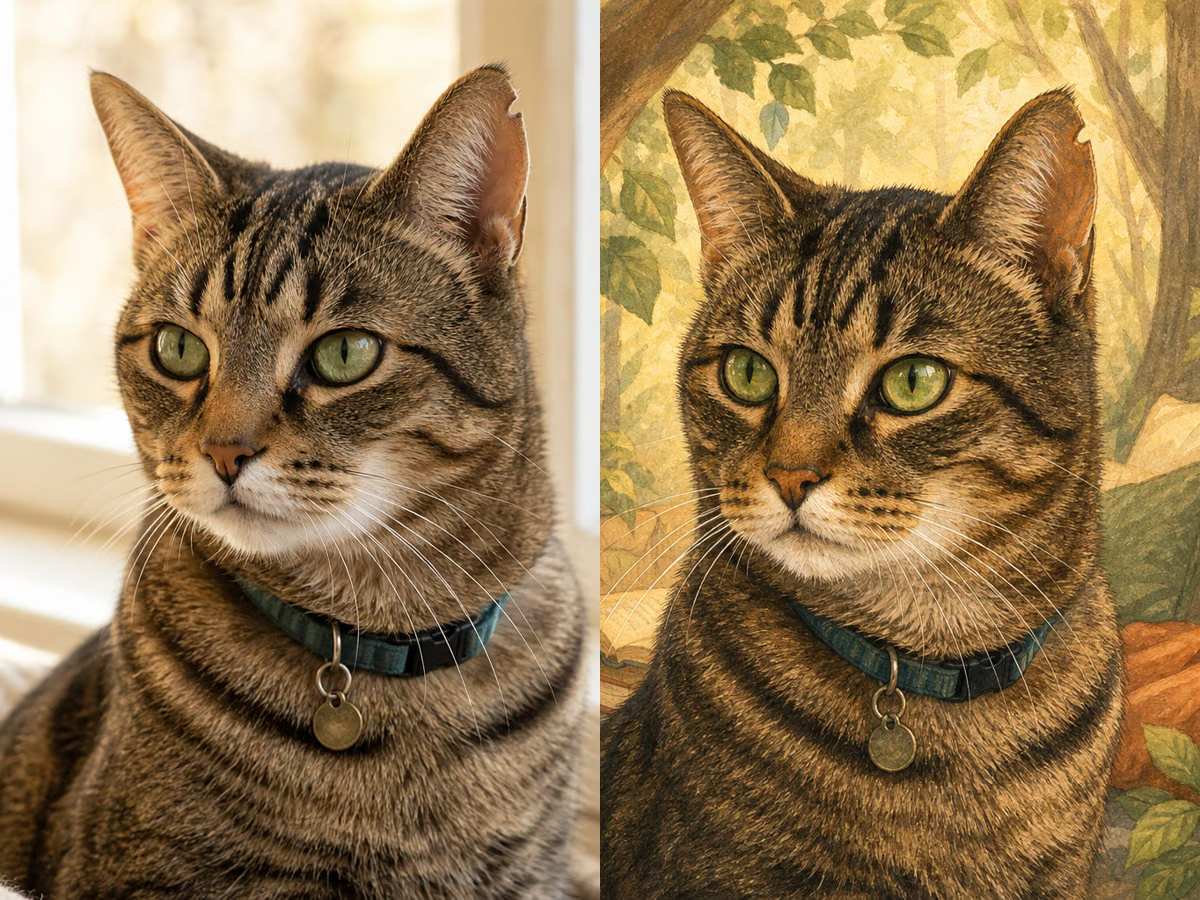
Soft painted texture and a warm narrative background preserve the cat's striped forehead, green eyes, white muzzle, ears, and quiet expression.
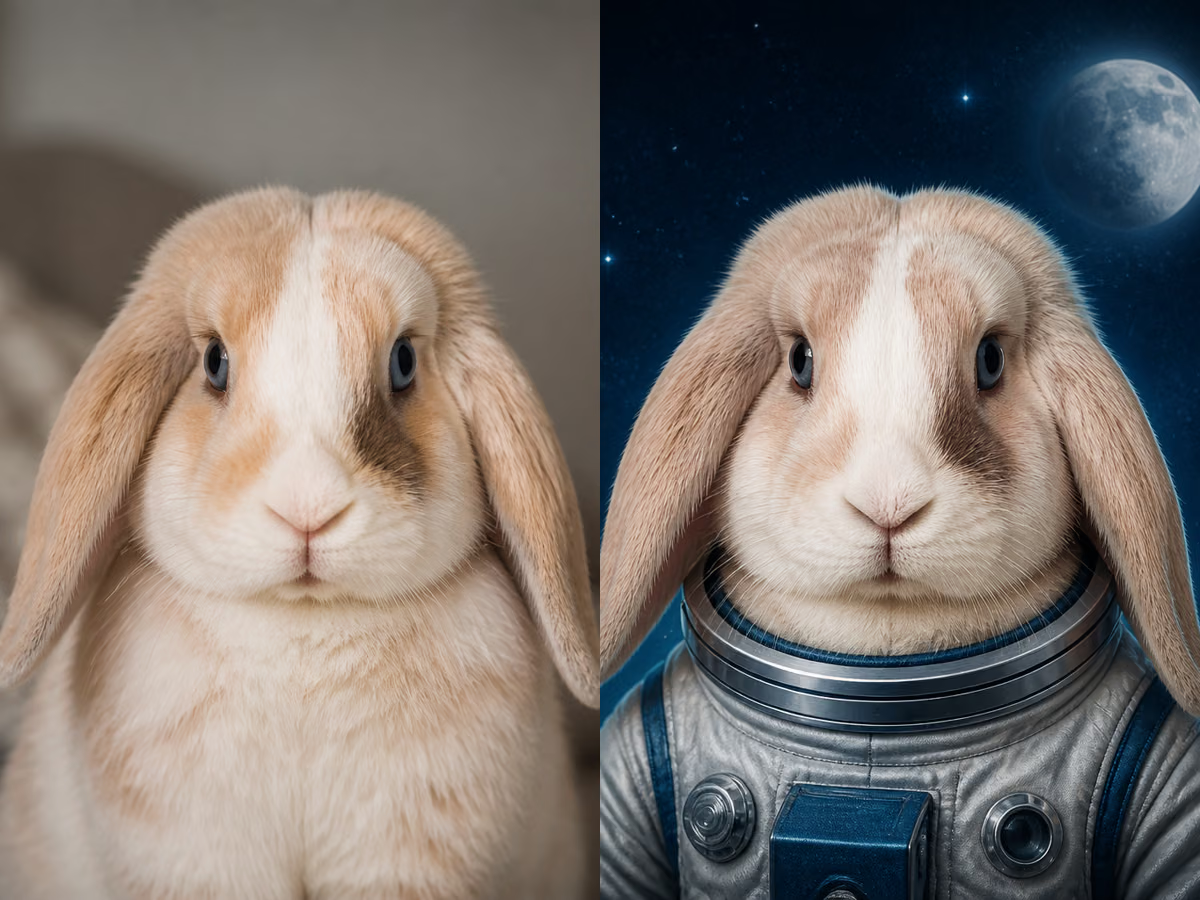
The suit and space setting frame rather than hide the rabbit's cream-and-brown patches, drooping ears, dark eyes, and compact face.
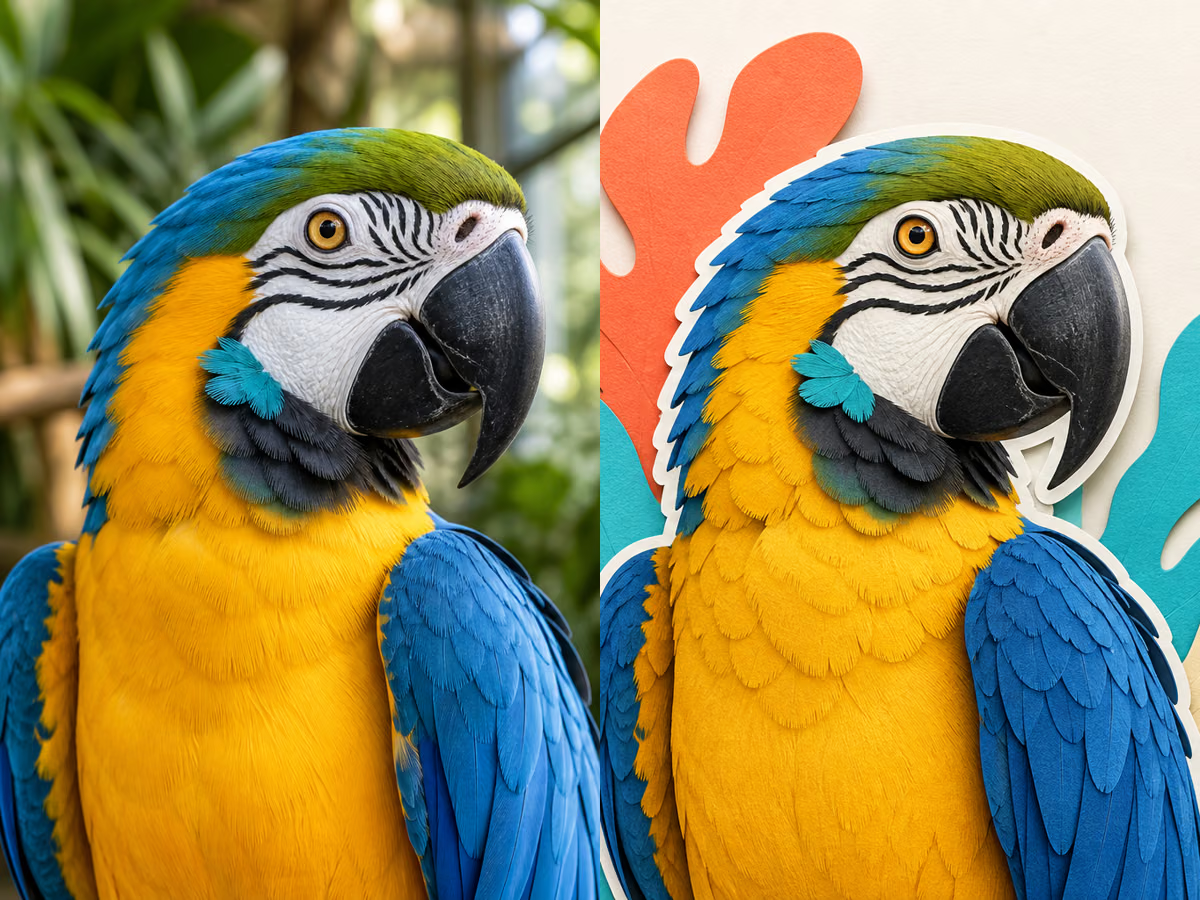
Layered paper shapes simplify the image while retaining the blue wings, gold chest, white face patch, black beak, and eye markings of the same bird.
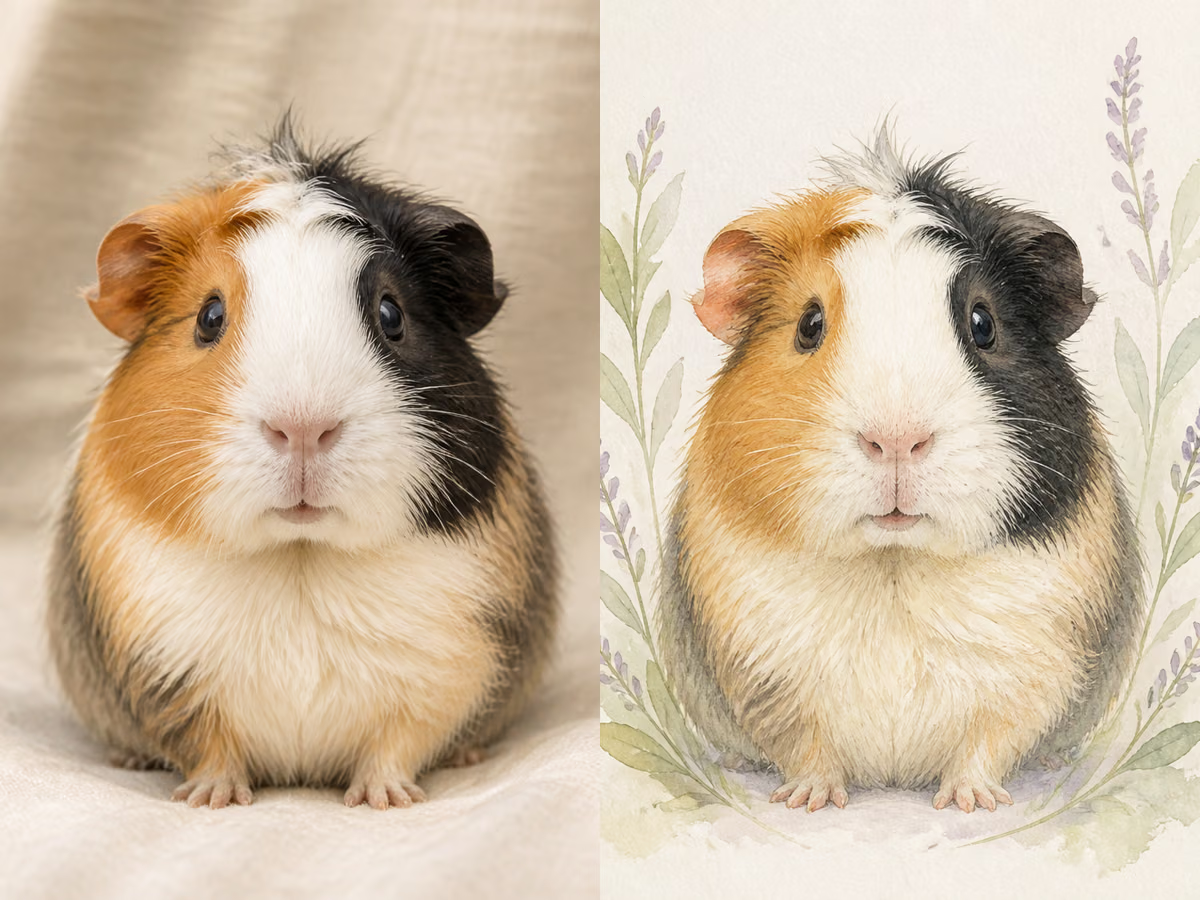
Loose flowers and transparent pigment surround the subject while its tricolor patches, round ears, whiskers, and face proportions remain the visual anchor.
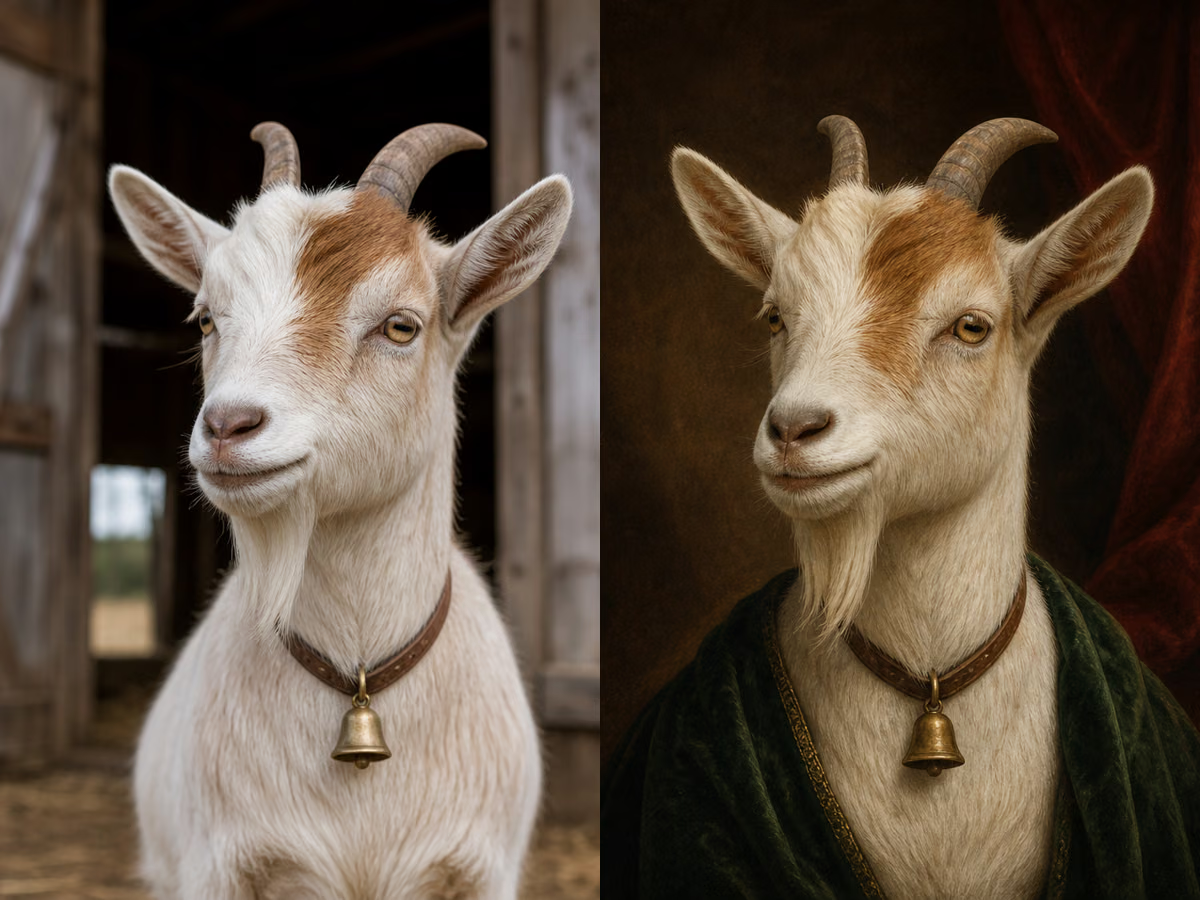
Period lighting and costume add a formal mood without replacing the goat's white-and-tan coat, facial stripe, amber eyes, ears, or small horns.
A clear source, one coherent style, and a short identity checklist give the model the best chance to keep your pet recognizable.
Choose a sharp, well-lit image where the full head, both eyes, ears or beak, coat or feather markings, and collar are visible. Avoid motion blur, extreme shadows, tiny subjects, clipped ears, and heavy filters. Use only an image you have permission to upload.
Choose a Pet Photo AboveSelect Royal Oil, Storybook, Astronaut, Sticker Avatar, Botanical Watercolor, or Renaissance. The prompt is already filled in and remains editable. Add concrete details such as “keep the blue collar,” “preserve the white forehead blaze,” or “no text,” instead of mixing several competing styles.
Pick a Portrait Style Above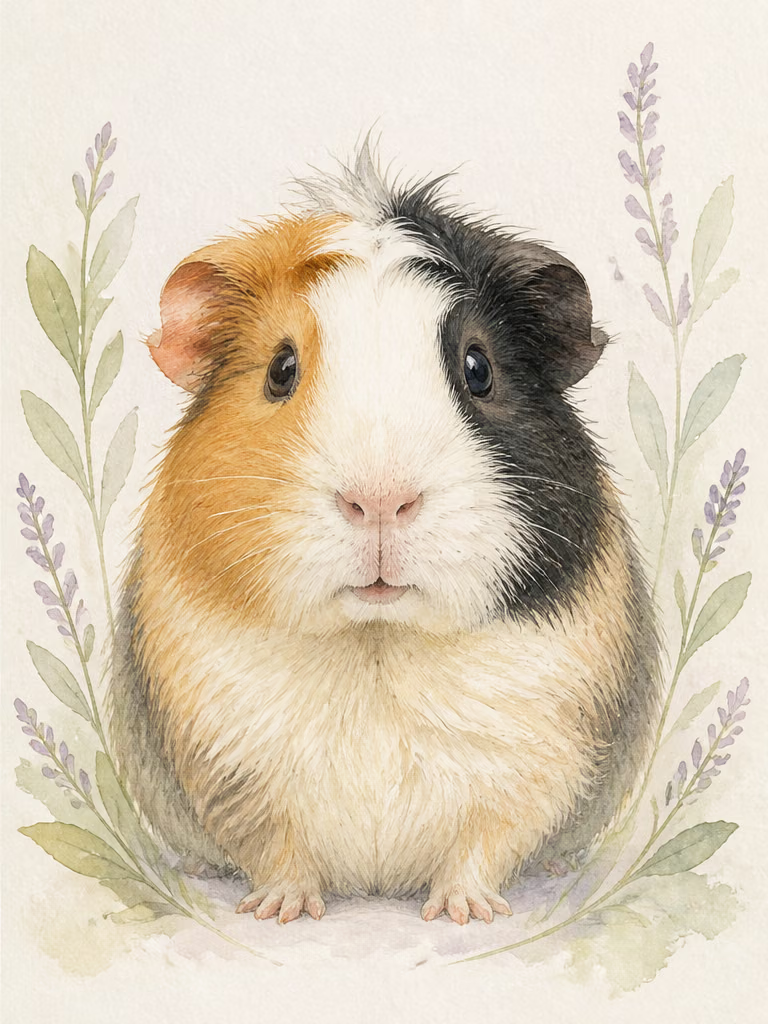
Open the result at full size, then compare species, coat colors, facial markings, eyes, ears, muzzle or beak, expression, collar, and number of animals with the source. Regenerate with a shorter correction if an important feature drifts.
Generate and Review AboveThe workflow changes art direction while giving the source animal's identity details priority.
The template explicitly names species, face shape, coat or feather color, markings, eyes, ears or beak, expression, collar, and number of animals as constraints.
Start with a tested preset, then revise the visible prompt for your pet, background, lighting, costume, framing, or excluded details.
The examples include a dog, cat, rabbit, macaw, guinea pig, and goat so the page does not imply the tool is limited to cats and dogs.
The default vertical composition suits avatars, framed portrait drafts, cards, social posts, and gift mockups while keeping the pet's face prominent.
Treat each result as creative artwork to review, not documentary proof or a guaranteed exact replica.
Explore a portrait direction for a card, mug, poster, or framed print, then inspect the full-size face and markings before ordering anything.
Create a centered avatar or celebratory post while asking for a simple background and enough space around ears, feathers, or horns.
Use a favorite authorized photo and a restrained style. Review the output carefully because generative art can alter small identity details.
Generate one pet at a time with the same preset, background phrase, crop, and palette to build a more consistent household collection.
Answers about source photos, supported pets, identity consistency, downloads, and responsible use.
Use one sharp, well-lit pet with the face large in frame, both eyes visible, and the full ears, beak, horns, coat pattern, or feathers included. Avoid blur, deep shadows, screenshots, heavy filters, distant subjects, and cropped identifying features.
Yes. The workflow accepts one reference image and the examples cover a dog, cat, rabbit, macaw, guinea pig, and goat. Clear visual evidence matters more than the species label, but unusual animals may require a more explicit species description.
The template asks the model to preserve those details, but AI output is not pixel-locked and can drift. Compare the result with the source, especially facial markings, eye color, ear shape, muzzle or beak, collar, coat patches, and number of animals. Regenerate with a direct correction when needed.
The page provides Royal Oil, Storybook, Astronaut, Sticker Avatar, Botanical Watercolor, and Renaissance presets. Each preset fills the editable prompt; you can keep the style and add pet-specific constraints or background notes.
This template accepts one source image per generation. For a coordinated set, generate one pet at a time with the same preset, background wording, crop, and palette. A source image containing multiple animals is harder to preserve reliably.
You can download and use your result subject to the rights in the source image and NanoPic's terms. Inspect identity, anatomy, text, and resolution before publishing or printing. Do not upload an image you lack permission to use.
Return to the source photo, choose a clearer crop, and shorten the correction to the most distinctive facts—for example, “same green eyes, white left ear tip, black muzzle, blue collar; no added markings.” Keep one art style and regenerate rather than stacking conflicting directions.
Choose one clear photo, apply an art direction, and compare the generated portrait with the source before downloading it.

80s Photo Filter adds warm, faded film color to your photo in the browser. Adjust strength, preserve clothing and framing, and download a PNG.
Open tool
AI Age Filter creates a natural older-look concept from an authorized adult portrait. Review identity, complete-head framing, light and scene after editing.
Open tool
AI Age Progression creates a target-age concept from an authorized adult portrait. Set an age interval and review identity, framing and scene after editing.
Open tool
AI Labubu Generator helps explore your own monster doll concept from an authorized reference. Create original shapes and outfits, with no official affiliation.
Open tool
Camera Roll AI turns an authorized reference photo into one lifestyle collage. Plan varied scenes and a phone-gallery-inspired layout, then save one image.
Open tool
Face in Hole Generator places an authorized face into your chosen photo or template. Upload two references, refine the blend, and save a creative portrait.
Open tool
Explore a Hotpot AI alternative with NanoPic’s independent Seedream 5.0 editor. Upload a reference, direct a visual concept, and review your image.
Open tool
Make Image Higher Resolution with real 2× or 4× browser resizing. Compare pixel dimensions and download PNG without claiming recovered detail.
Open tool
Remove Glare from Glasses in photos with an editable AI image prompt. Upload your portrait, reduce lens reflections, and review the result before using it.
Open tool