
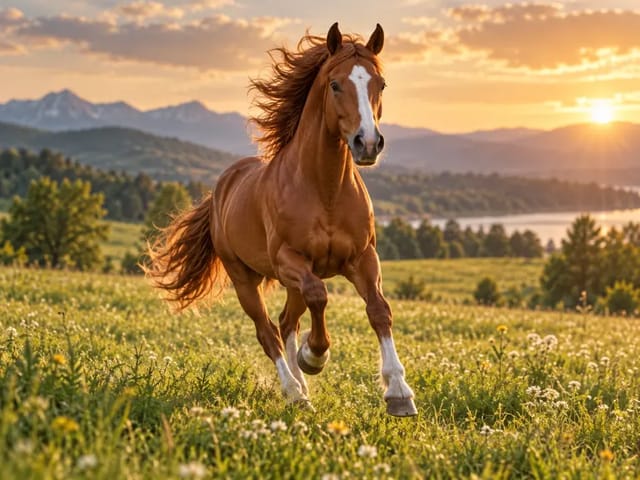
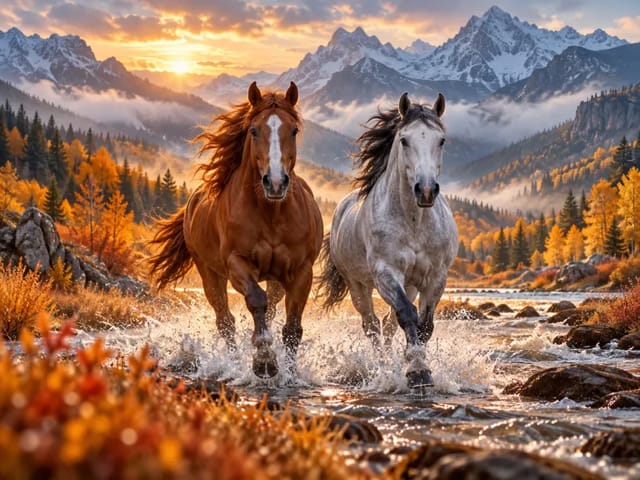
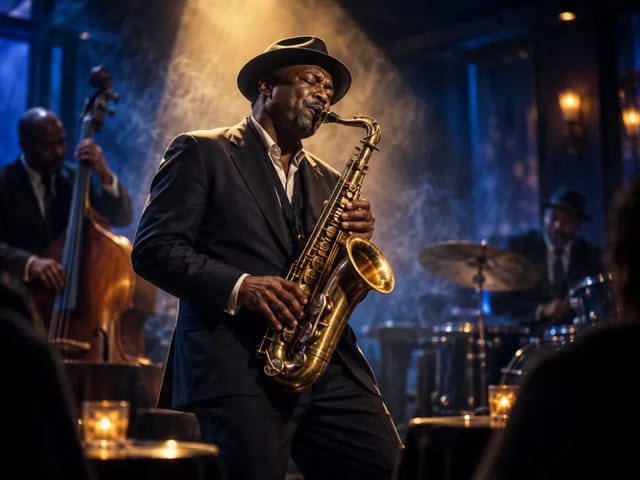
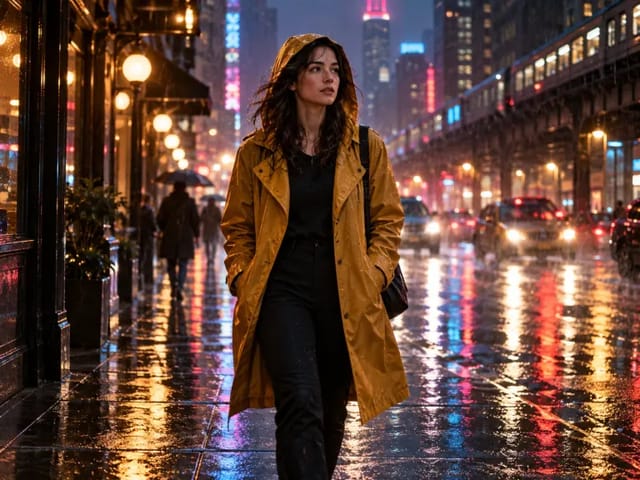
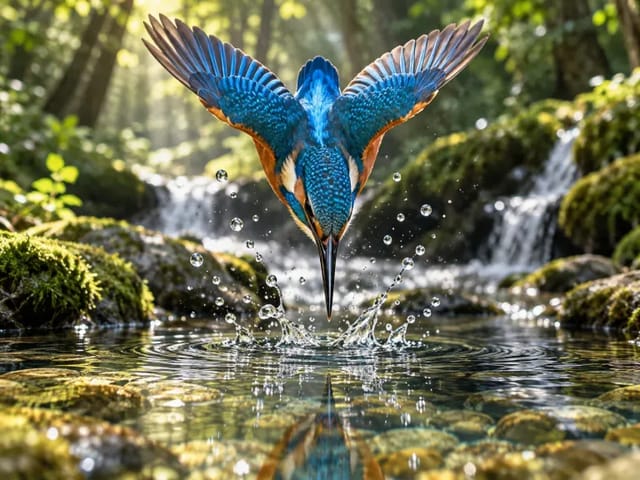
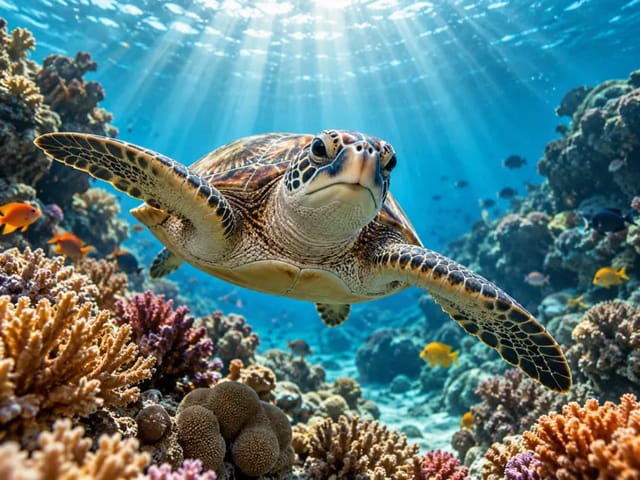

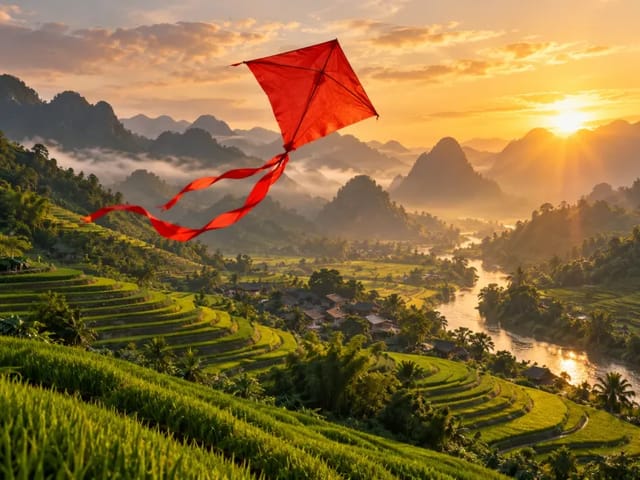
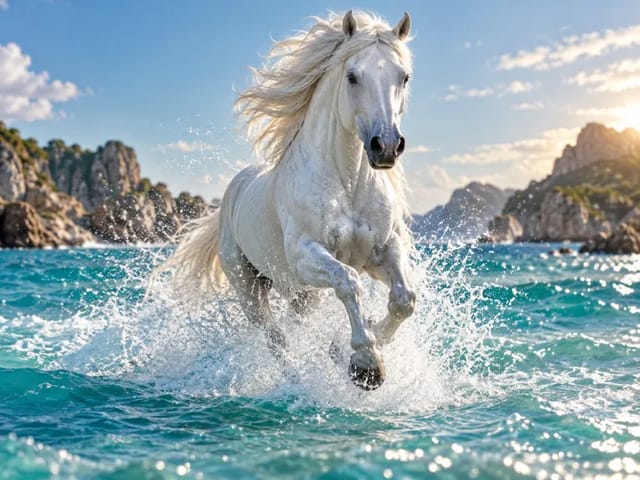

1. Upload and draw
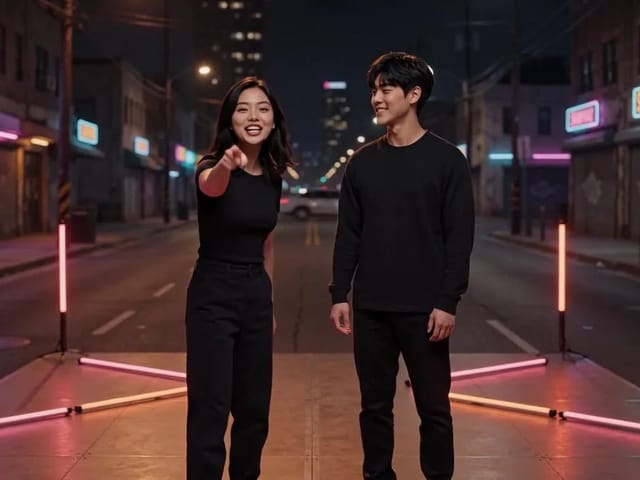
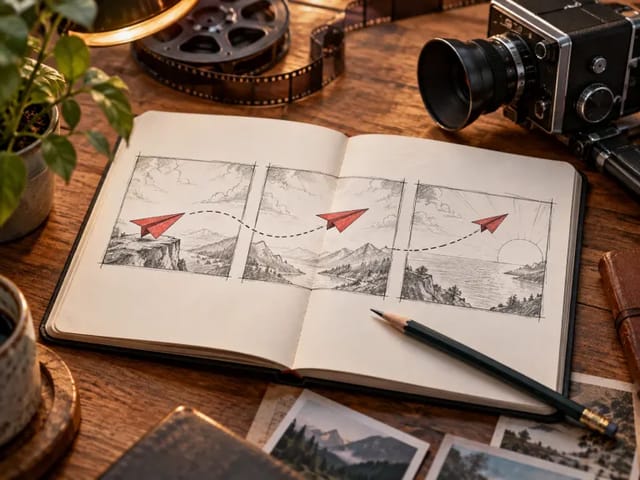
Choose a JPEG, PNG or WebP. Draw an arrow near the subject to indicate direction, or place a short written instruction. Editing stays in your browser.
Save up to 73% on plans
Video
Browse every other AI video model and effect published on this site in a continuous carousel.
Choose a JPEG, PNG or WebP. Draw an arrow near the subject to indicate direction, or place a short written instruction. Editing stays in your browser.
Review the drawing and save it. Once signed in, the combined image is uploaded to NanoPic storage for video generation.
Add motion notes, review the credit cost and generate. Check the movement and any remaining marks before downloading the clip.
There is no guarantee. The model is asked to interpret annotations and produce a clean scene, but arrows or text may remain and motion can differ from your intent. Start with a simple scene.
Place one clear arrow near the subject without covering faces or important details. Describe one movement at a time, keep labels short, and clarify the desired action in motion notes.
The image editor is free to use. Video generation consumes credits; the generator displays the current cost and access requirements.
Editing happens locally. Saving while signed in uploads the combined image to storage where anyone with its URL may access it. When you generate, that image and your prompt are sent to the video provider. Use images you have permission to process and avoid sensitive content or private annotations.
The generator uses Veo 3.1 Fast with your annotated image as a reference. Choose landscape 16:9, portrait 9:16, or Auto for the video. Crop and edit the source separately; reference-based generation may change the composition.