



Save up to 73% on plans

Free AI Montage Maker for Photos, Video Clips, and Audio
Sign In
Reference images(0/4)
Public VisibilityAllow this result to appear in public inspiration surfaces.
Credits required:—

Free AI Montage Maker for Photos, Video Clips, and Audio

Seedance 2

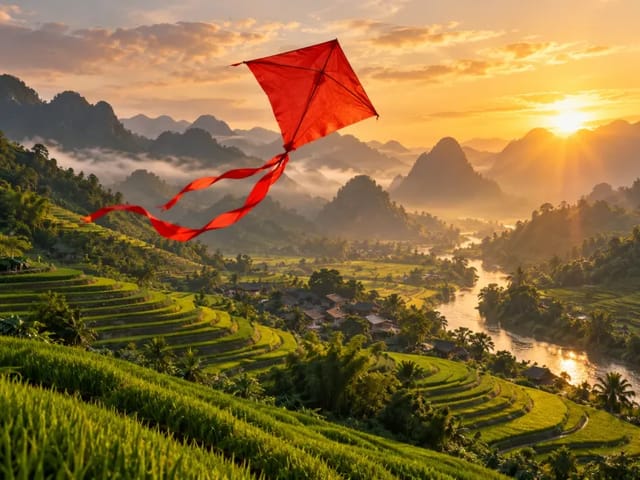
Seedance motion direction example

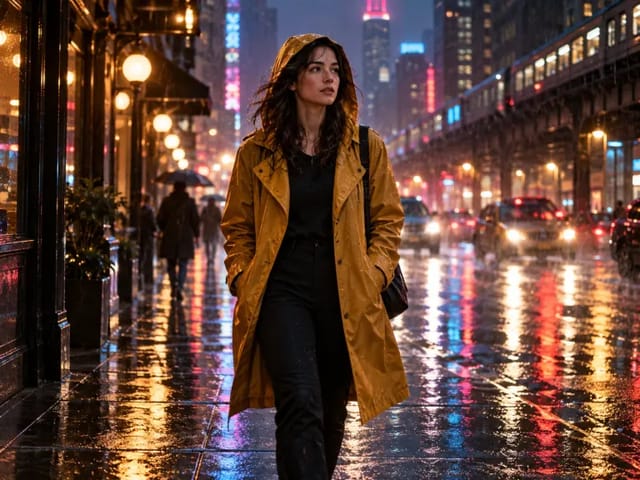
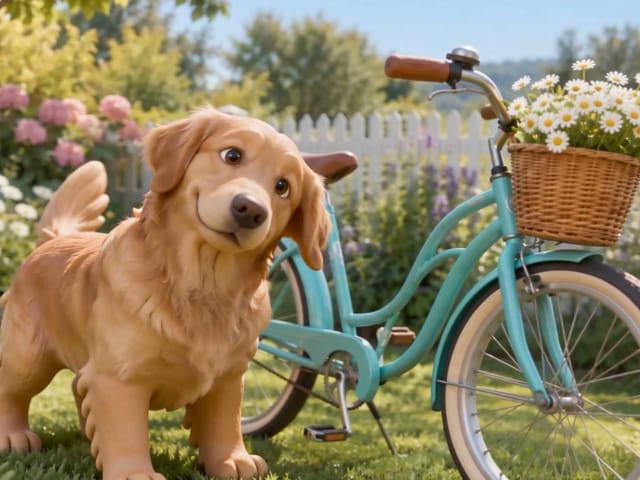
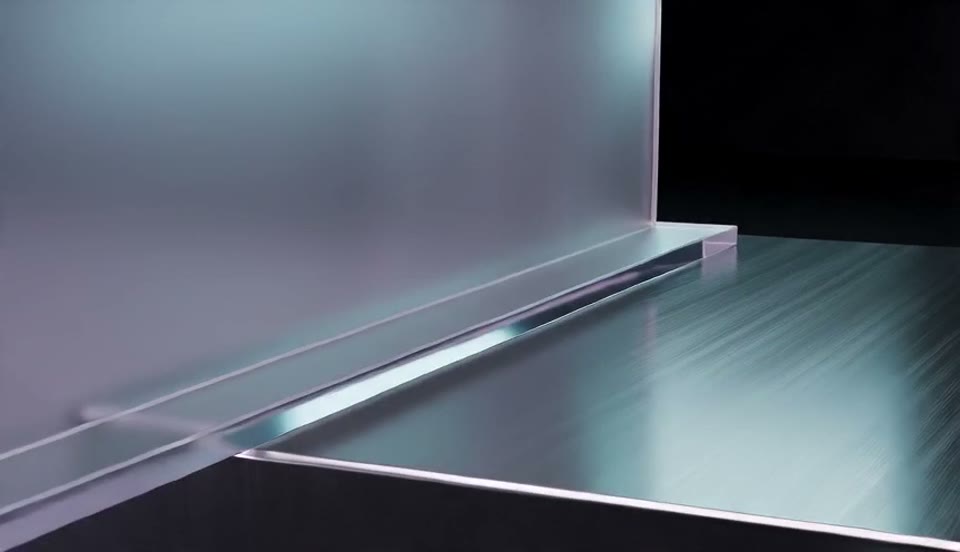
A polished brand direction video inspired by a visual material board, with translucent acrylic, brushed metal, lavender and cyan light, slow camera drift, stable shapes, ambient sound, no watermark. This existing Seedance example demonstrates motion direction; it is not presented as a render from the montage workflow above.

More AI Video Models & Effects

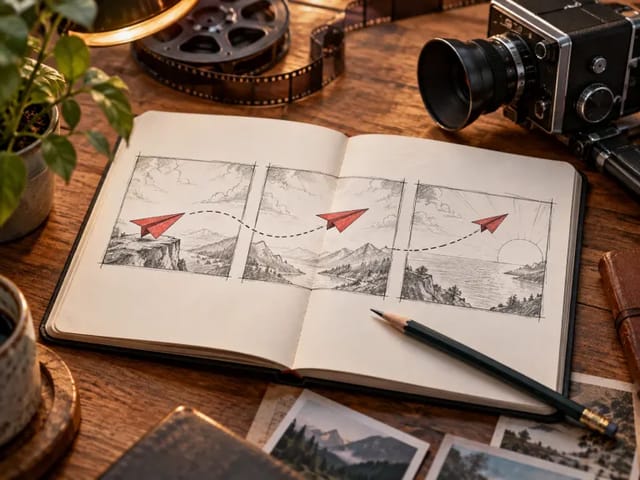
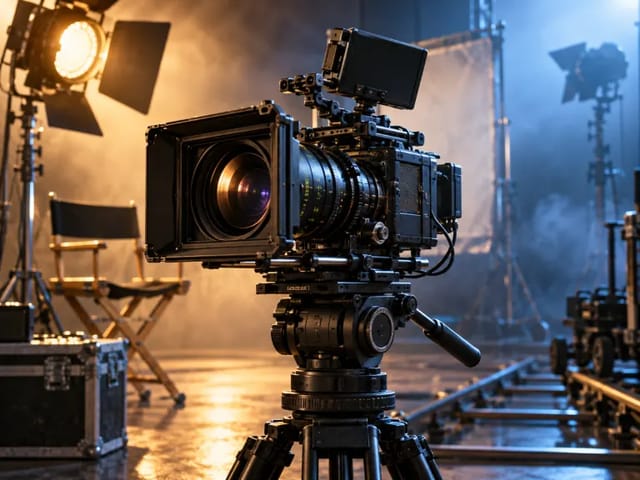
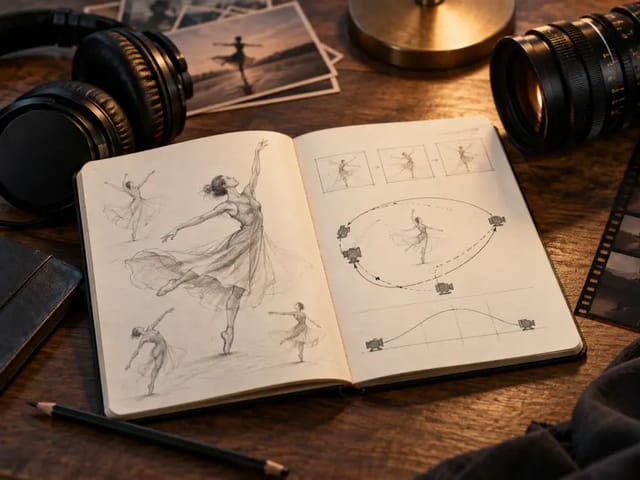
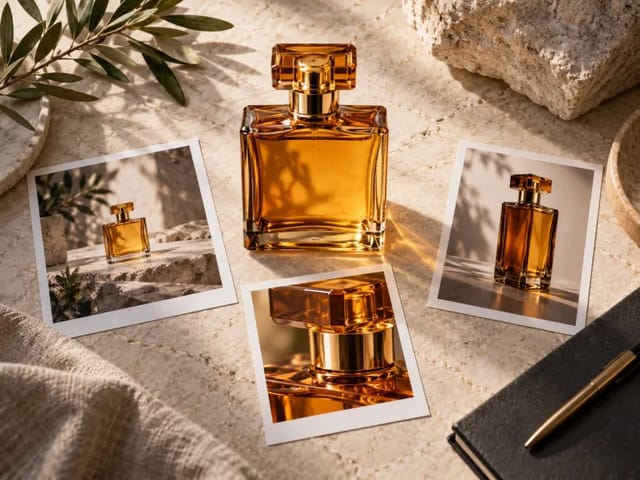
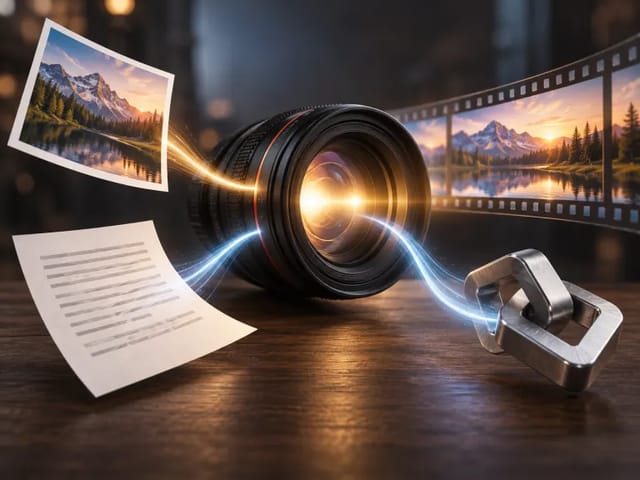
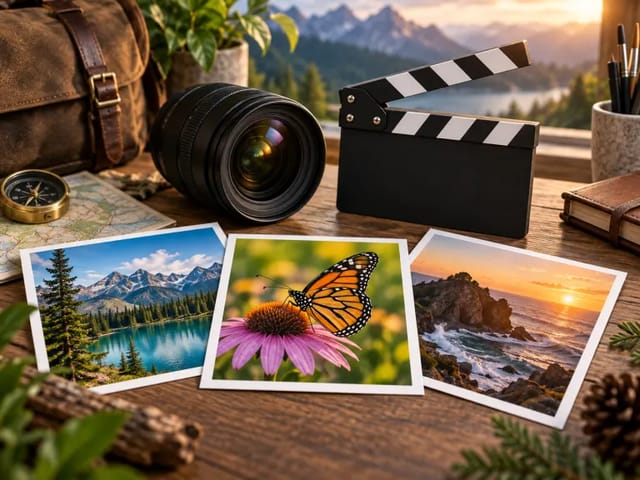
Cinematic Seedance material board used to illustrate an AI montage workflow

Turn a Folder of Moments into One Coherent Video

A useful montage is more than a slideshow of files. It needs a beginning, a change of pace, visual continuity, and an ending that feels earned. NanoPic's AI montage maker gives Seedance 2 your selected visual and audio references together with a written direction. The model can use those ingredients to interpret mood, rhythm, scene relationships, and camera energy. You remain the director: decide which materials matter, explain their intended order, name the title or date that should appear, and review every generated draft before publishing. The workflow is designed for fast concept creation, social recaps, event memories, product stories, and pitch material. It is not a conventional non-linear editor with a frame-accurate timeline, and it cannot guarantee that every reference will appear at a specific second.

Plan Your 15-Asset Montage Before You Upload

The reference collection accepts up to 15 files in total, with separate limits of 9 images, 3 videos, and 3 audio tracks. You do not need to fill every slot. A smaller, intentional set often produces a clearer story than a folder of near-duplicates.

Up to 9 Images for Story Beats

Use photographs, product frames, illustrations, screenshots you are allowed to process, or design references as visual anchors. Choose images that introduce the setting, reveal important details, mark a change, and provide a strong closing frame. Remove duplicates and blurry frames. If exact chronology matters, list the image subjects in the prompt in the order you want them considered.
Up to 3 Video Clips for Real Motion

Short clips can communicate gestures, camera movement, demonstrations, or atmosphere that still images cannot. Trim obvious dead time before uploading and select clips with compatible subjects and orientation. The model may reinterpret timing or transitions, so describe which clip contains the opening action, central highlight, or ending rather than assuming file order alone controls the edit.

Up to 3 Audio Files for Rhythm and Mood

Music, ambience, voice recordings, or sound references can guide tone and pacing when you have rights to use them. Explain whether an audio file should influence rhythm, atmosphere, or narrative emphasis. Generated video and audio remain probabilistic; inspect synchronization, speech, volume, and artifacts before sharing the result.

How to Use the Free AI Montage Maker

Start with a reviewable draft, give each reference a purpose, and revise one instruction at a time. The editor can be configured for free; your account's required generation credits appear before submission.

1. Curate the Images, Clips, and Audio

Select only material you own, created, licensed, or have permission to process. Aim for one theme and clear visual progression. For a travel recap, that might mean an establishing landscape, two portraits, detail photos, one walking clip, one reveal clip, ambient street sound, and a music reference. For a product story, it might mean packaging, texture, use, a demonstration clip, and a simple brand-safe sound bed. The upload policy allows up to 9 images, 3 videos, and 3 audio files, but quality and relevance matter more than reaching 15.

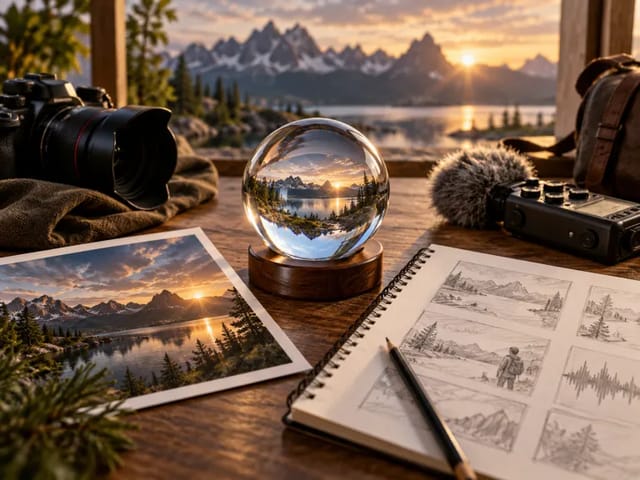
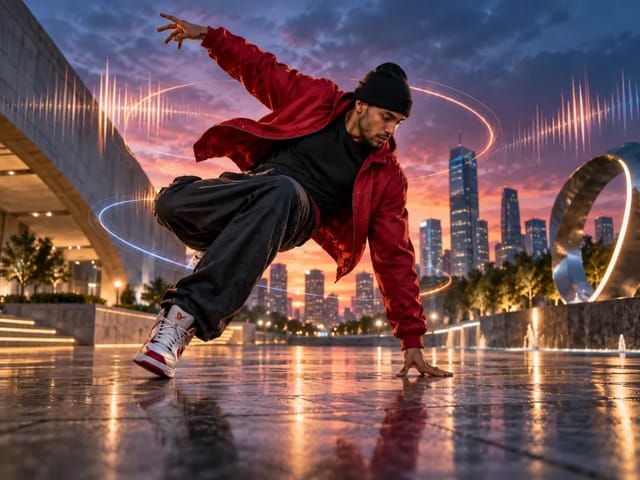
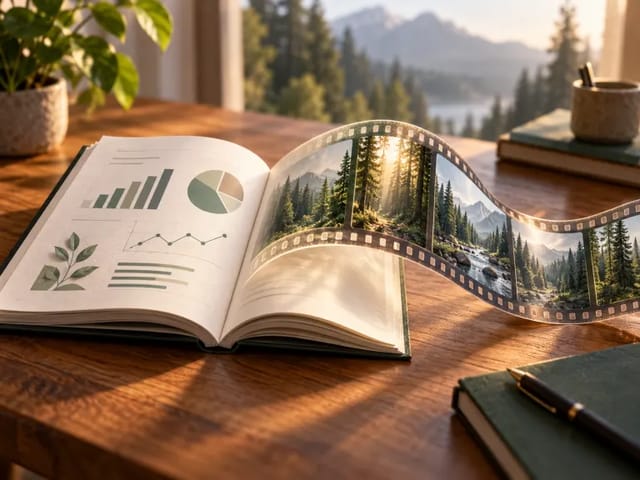
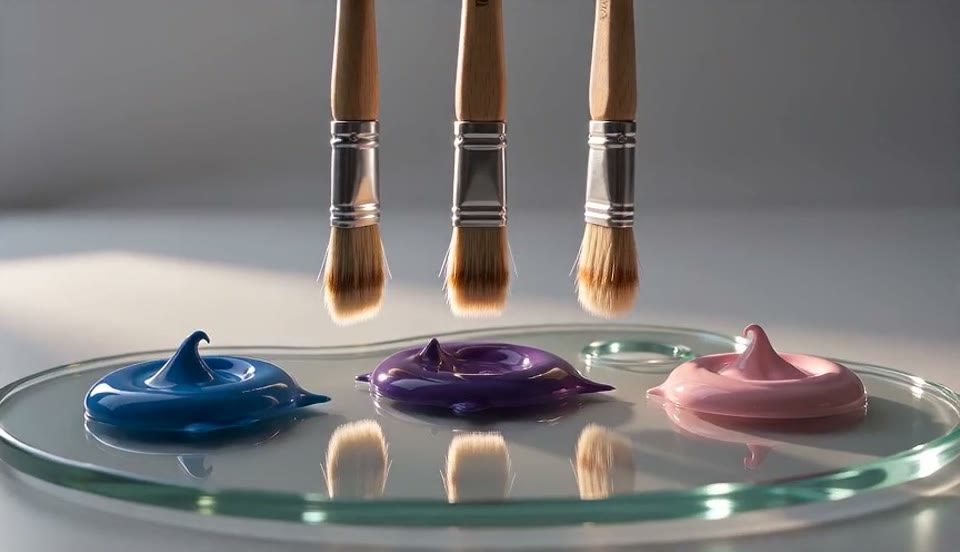
Wide visual material board representing curated montage references

2. Write the Story and Text into the Prompt

Describe the audience, purpose, mood, opening, sequence, pace, transition character, text treatment, and ending. If the video needs a title, caption, place name, date, or short message, type it directly into the prompt and place the exact wording in quotation marks. The provider contract does not expose a separate text-document array, so NanoPic does not pretend that TXT, DOCX, or caption files can be uploaded as montage materials. Keep on-screen wording brief and always verify spelling because generative video may render text imperfectly.

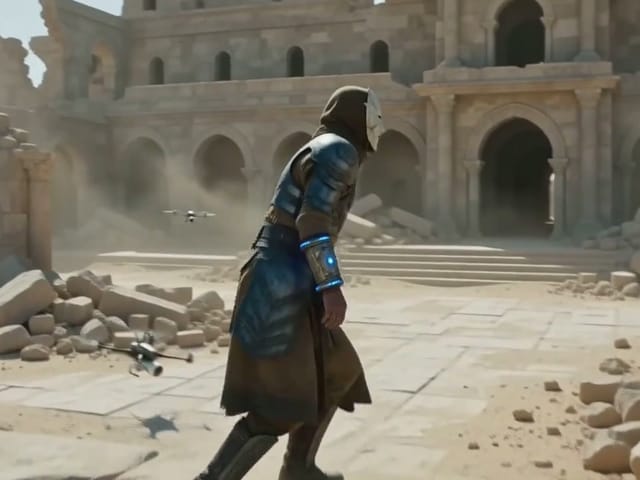
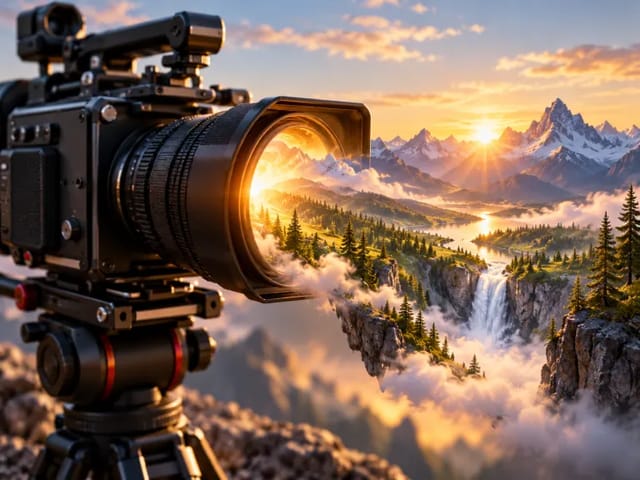
Seedance studio scene illustrating prompt-guided visual direction

3. Generate a Draft, Review It, and Refine

Choose the destination aspect ratio before generating and begin with a short 720p draft. Watch the entire result with sound. Check whether important people and products remain recognizable, whether the story has a clear arc, whether cuts feel comfortable, whether text is legible, and whether audio fits the action. Seedance 2 generation is non-deterministic: the same inputs can yield different selections, timing, transitions, or details. Revise one major direction—such as the opening, pace, or ending—and generate again only when the change has a clear purpose.

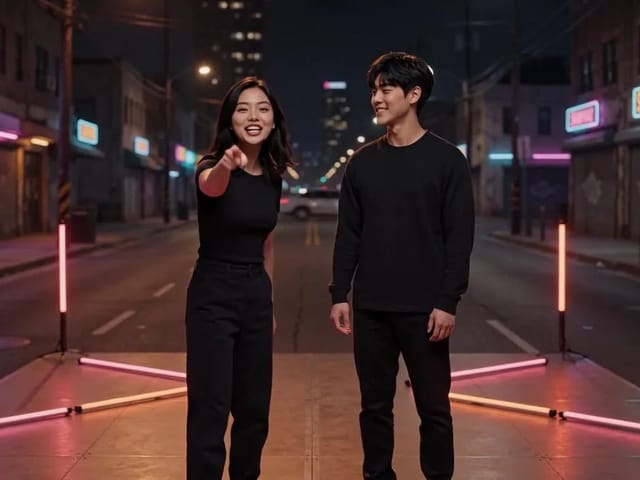
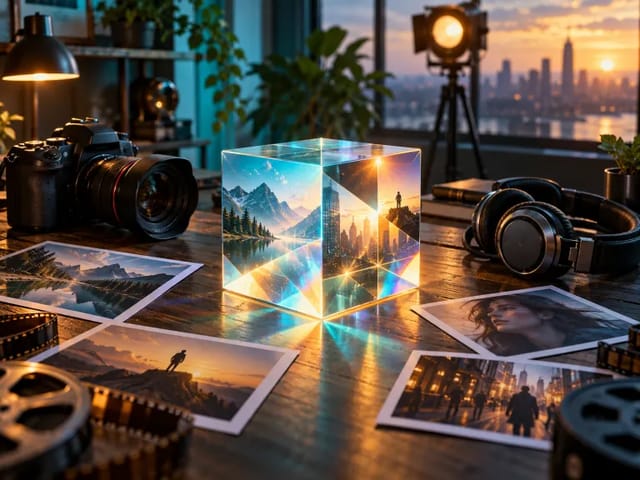
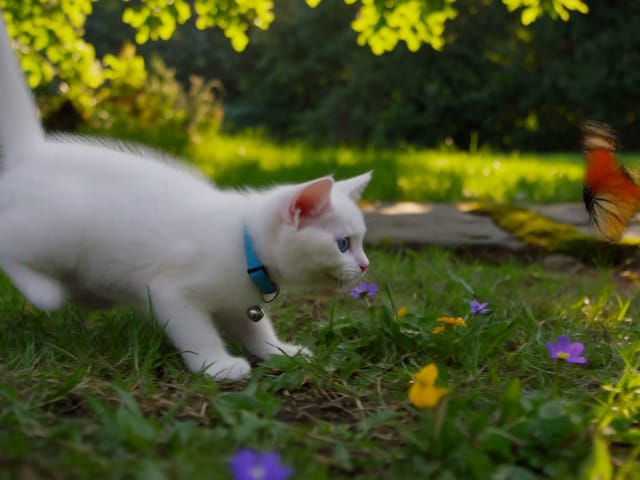
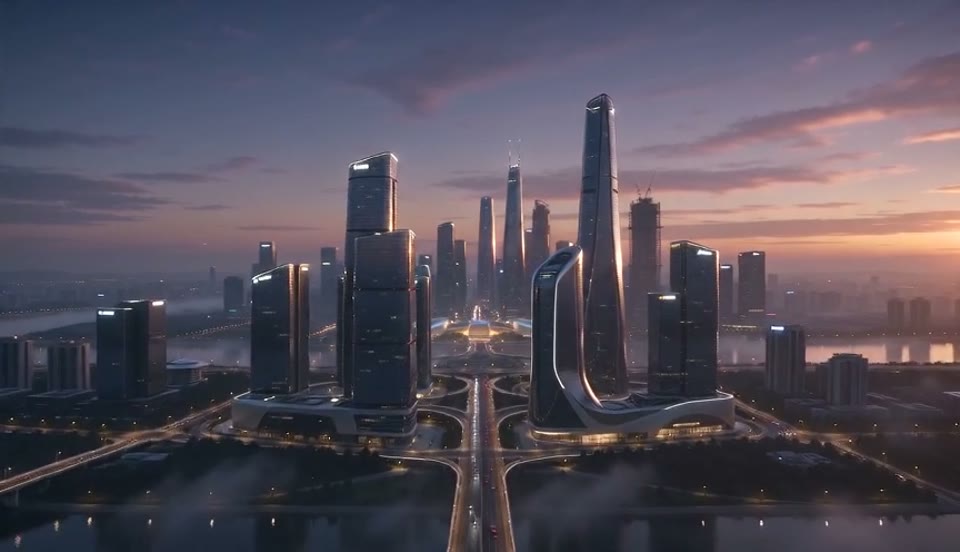
Cinematic city reveal poster used for final montage review guidance

Direct the Montage Without Promising a Traditional Timeline

The strongest prompt gives the model a hierarchy rather than a pile of editing jargon. These directions help while keeping expectations honest about generative video.

Define an Opening, Middle, and Closing Beat

Name the subject or reference that should establish the story, explain what changes in the middle, and describe the feeling or image that should close it. You can request chronological order, a reveal, or a return to the opening motif. The model interprets these directions; it does not expose deterministic clip bins, timecodes, or a frame-by-frame sequence lock.

Describe Pace, Transitions, and Camera Energy

Use concrete language such as slow observational cuts, rhythmic product details, gentle dissolves, restrained match cuts, a quiet push-in, or a fast vertical recap. Avoid asking for every transition style at once. A consistent instruction gives images, clips, and sound a better chance of feeling connected instead of becoming a collection of unrelated effects.

Tell the Model What Must Stay Stable

Identify people, products, colors, logos you are authorized to use, or architectural details that should remain recognizable. Ask the model not to add unrelated characters, fake endorsements, extra products, watermarks, or unreadable typography. These constraints improve direction but are not guarantees; review every frame that will represent a person or brand.

Useful AI Montage Maker Projects

A mixed-reference workflow is most valuable when you already have meaningful material but need a fast draft that gives it shape.

Travel and Event Recaps

Combine wide location photographs, portraits, short activity clips, and licensed music or ambience. Put city names, dates, and the intended chronology in the prompt. The result can become a social recap concept, a private memory video, or a rough direction for a later manual edit.

Product and Campaign Stories

Use packaging frames, material close-ups, lifestyle images, demonstrations, and a brand-safe audio reference to test a launch sequence. Treat the output as a draft until product geometry, claims, text, logos, and legal requirements have been reviewed by the responsible team.

Portfolio, Pitch, and Creator Reels

Group selected work into a concise visual progression, state the intended audience, and request a pace appropriate for a website, pitch room, or vertical social feed. Keep critical names and credits outside the generated video when exact typography and attribution are required.

Credits, Watermarks, Rights, and Model Limits

A responsible montage workflow includes practical constraints before the first generation, not after a video has already been shared.

Free Editor Access Does Not Mean Unlimited Free Rendering

You can open the page, arrange supported references, and write a prompt without paying. A completed Seedance 2 generation consumes NanoPic credits, and the interface calculates the required amount before you submit. Cost can vary with supported duration, resolution, audio, and the active provider route. Do not assume every account receives the same promotional balance.

Watermarks and Provenance Can Depend on the Route

Do not promise a watermark-free result from this page alone. Provider output, account plan, distribution channel, or later platform processing may add visible or invisible provenance markers. Review the downloaded file and follow the disclosure rules that apply to your audience, campaign, and region.

Reference Use Requires Permission and Human Review

Do not upload private footage, unlicensed music, confidential campaigns, or a person's likeness without an appropriate legal basis. Avoid deceptive impersonation, fabricated evidence, and false endorsements. The model can omit references, alter faces, change product details, misrender text, or create unexpected audio, so a human must approve the final result.

AI Montage Maker FAQ

Straight answers about supported materials, prompt text, Seedance 2, pricing, and editing control.

How many materials can I add to the AI montage maker?

You can add up to 15 reference assets in total: no more than 9 images, 3 video clips, and 3 audio files. The limits apply by media type as well as to the combined project, and supported file formats are shown by the uploader.

Can I upload a text file for titles or captions?

No. The current provider contract does not accept a separate array of text documents. Type titles, dates, names, captions, sequence notes, and other written direction into the prompt. Keep exact on-screen text short and verify it in the generated video.

Which model powers this montage workflow?

The page targets NanoPic's reviewed Seedance 2 reference-to-video route. The displayed model, available controls, calculated credit cost, and provider behavior must stay aligned with the route active in the generator.

Is the AI montage maker free?

The editor and prompt workflow are free to open and configure. Generating a video consumes the credit amount displayed before submission. Promotional or earned credits may reduce what you need to purchase, but free access is not a promise of unlimited rendering.

Will NanoPic use every uploaded file?

Not necessarily. Generative video models interpret the whole reference set and prompt, and may emphasize, blend, transform, or omit individual materials. Name essential references and their roles clearly, then review the output instead of assuming every asset appears.

Does this replace a professional video editor?

It can produce a fast concept or short montage draft, but it is not a conventional non-linear editor. There is no promise of frame-accurate cuts, fixed timecodes, deterministic sequencing, layered title controls, or a traditional editable timeline. Use a standard editor afterward when exact timing and delivery specifications matter.

Can the output include my music or voice recording?

You may upload supported audio references within the three-audio limit when you have permission to use them. The model may interpret audio as rhythm, ambience, speech, or creative guidance, but synchronization and reproduction are not guaranteed. Listen to the complete result before publishing.

How do I get a better montage result?

Remove duplicates, use clear licensed material, choose one destination aspect ratio, and explain the story hierarchy. State the intended opening, important middle beat, closing frame, pace, transition character, audio role, and any short text. Review the first draft at 720p before increasing complexity.

Create a Free AI Montage Draft with Seedance 2

Curate up to 9 images, 3 video clips, and 3 audio files, put titles and sequence direction in the prompt, and review the credit amount before generating your first montage draft.

Related tools

25th Anniversary Video Maker

25th Anniversary Video Maker

Make a short silver 25th anniversary video concept from one or two authorized couple photos. Add names, year, mood, motion, and editor-ready greeting space.

Open tool
Storyboard cover of two fictional adults sharing a hug

AI Hug Video Generator

AI Hug Video Generator turns an authorized photo of consenting adults into a five-second friendly hug. Review faces, hands, clothing and scene throughout.

Open tool
Animate Picture

Animate Picture

Animate a picture into a short AI video. Upload one authorized photo, describe subject and camera motion, review the live credit cost, and generate with Seedance.

Open tool
Birthday Video Maker

Birthday Video Maker

Create a short birthday video concept from one or two authorized photos. Direct the theme, transition, motion, format, and clean space for exact editor-added greetings.

Open tool
Draw to Video: Animate Images with Motion Arrows

Draw to Video: Animate Images with Motion Arrows

Draw to Video lets you add arrows, text and brush strokes to an image, then generate an AI video from your motion guide. Edit, save, create and download.

Open tool
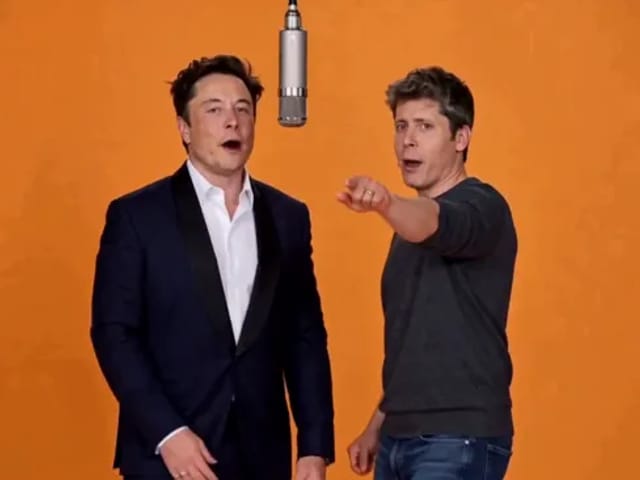
Elon Musk + Sam Altman

Hotel Lobby AI

Turn two photos into a 15-second orange-studio rap duo with MiniMax H3. Explore five actual videos, inspect their inputs and choose your left and right performers.

Open tool
STORM II dance with a lead and coordinated supporting dancers

STORM II Dance AI Video Generator | NanoPic

Create a STORM II dance with your lead photo and an AI-generated motion reference. Add a supporting cast, compare three videos and review your result.

Open tool
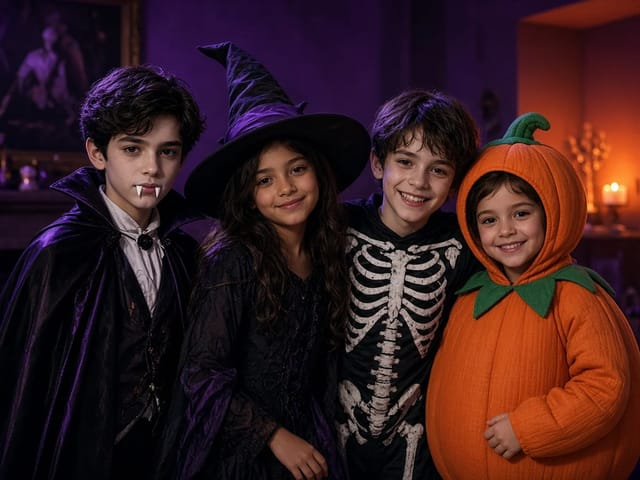
Four children dressed as a vampire, a witch, a skeleton and a pumpkin posing together in a candlelit room

AI Halloween Costume Transformation Video | NanoPic

AI Halloween costume transformation from one photo: pick a vampire, witch, skeleton or pumpkin look and watch your outfit change in smoke in a short video.

Open tool
AI Rap Battle Generator

AI Rap Battle Generator: Two Photos, One Battle Video | NanoPic

Upload two photos and create an AI rap battle video. Each side takes a turn in a short widescreen clip you can review before posting.

Open tool
Cover still for anijam ai video maker

Anijam AI Video Maker Online | NanoPic

Use anijam ai video maker on NanoPic: upload one authorized photo, describe motion in plain words, review credits, and check every frame before sharing.

Open tool
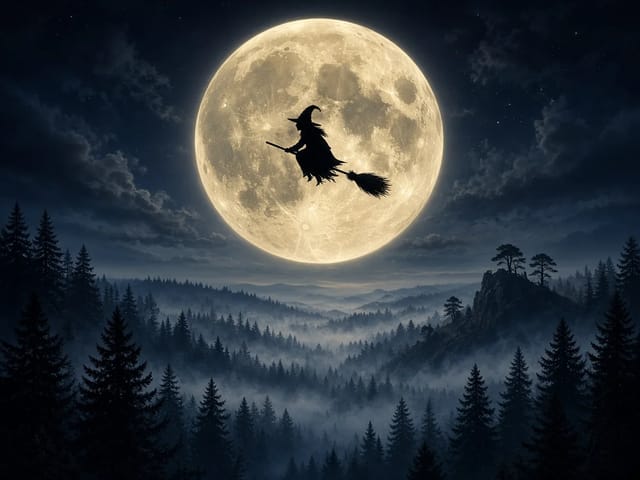
Silhouette of a witch riding a broomstick across a full moon over a misty forest

Broom Riding AI - My Ride Is Here Broom Video | NanoPic

Broom Riding AI puts you on a flying broom beside a moving car in the My Ride Is Here trend. Upload one photo, get a 10-second clip and add your own sound.

Open tool

EveryGen AI Video Generator | NanoPic

EveryGen AI video generator: describe a scene in plain words, choose a frame shape and turn your idea into a short AI video you can watch and download.

Open tool
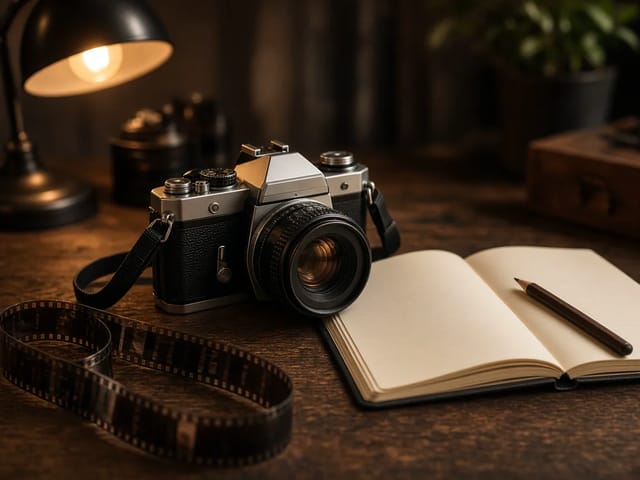
Creative desk with a printed lake photo, a phone showing a sunset and a watercolour flower sketch

EzCreate AI Image & Video Generator: Edit and Animate Photos

Use the EzCreate AI Image & Video Generator online to turn your own photos and ideas into new pictures and short video clips.

Open tool

Hedra Character 3 AI Video Generator: Lip Sync | NanoPic

Hedra Character 3 AI video generator: upload a portrait, mascot or cartoon, type a line, and get a lip-synced talking or singing character video.

Open tool
Two stills side by side: a bearded man playing guitar on a park bench in autumn on the left, and an elderly woman in a red cardigan in the same pose on the same bench on the right

Higgsfield Genjutsu AI Video Generator – Recast | NanoPic

Higgsfield Genjutsu style video editing on NanoPic: keep the motion and camera of your clip and recast the person, outfit, product or setting from photos.

Open tool
Open notebook on a desk at night with glowing film frames of a castle, a forest and a starry sky rising from the page

LoreMotion AI Video Generator: Text to Video | NanoPic

Write a short scene or upload a photo and the LoreMotion AI video generator turns it into a short AI video clip you can download and share.

Open tool
White and orange sneaker on a round turntable with a circular motion arc

MiniMax H3 360 Orbit AI Video Generator | NanoPic

Turn one photo into a MiniMax H3 360 orbit video: upload a product, shoe, figure or portrait and watch your subject turn a full circle in place.

Open tool

Opus Clip Free AI Video Generator: Vertical Clips | NanoPic

Opus Clip free AI video generator: describe a scene in a few sentences and turn it into a short vertical 9:16 video clip.

Open tool
Pavo AI Video Generator: Turn Text into AI Video

Pavo AI Video Generator: Text to Video | NanoPic

Pavo AI video generator: write one scene, pick the length and frame shape, and turn your text into a short AI video with natural motion and steady framing.

Open tool
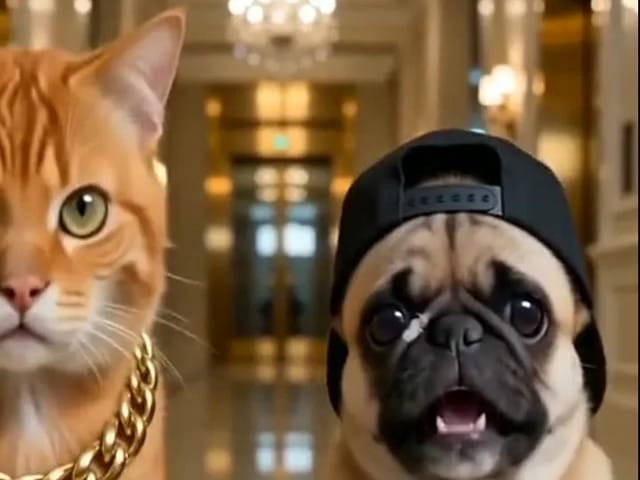
Orange tabby cat and pug rapping in a grand lobby for a pet rap video cover

Pet Rap Video Generator: Make Your Dog or Cat Rap | NanoPic

Turn clear pet photos into a short pet rap video. Cast left and right subjects, generate a vertical draft, and review identity before you share.

Open tool
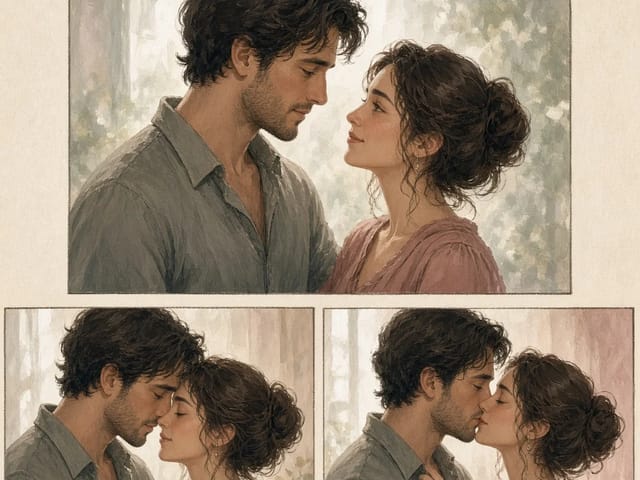
Storyboard cover of fictional adults for a kissing motion

pollo ai kissing — Couple Photo or Two Singles | NanoPic

Run pollo ai kissing on NanoPic: upload one authorized adult couple photo or two single adult photos for a five-second tender kiss clip. Confirm consent and review every frame.

Open tool
Illustrative tiny desk ai desk-concert cover

tiny desk ai — Desk-Concert Video from Photos | NanoPic

Make a tiny desk ai desk-concert clip from 1–5 adult photos. Vertical 15s 9:16 office soul-band with model-generated audio.

Open tool