




Save up to 73% on plans

AI Doorbell Camera Video Generator
Sign In

AI Doorbell Camera Video Generator

Doorway photo (required)*(0/1)

Please add the required Doorway photo (required) before generating.

0 / 300

Public VisibilityAllow this result to appear in public inspiration surfaces.

Your doorbell camera clip

Video

A raccoon sniffs the porch cam up close
1 / 4

More AI Video Models & Effects

What makes an AI doorbell camera video feel real

An AI doorbell camera video is a short clip that looks as if it was caught by the smart camera next to your front door. The view sits high and never moves, the wide lens bends the edges of the frame, and the visitor walks into the shot instead of the camera following them. That fixed, slightly flat look is what makes porch footage feel real, and it is why doorbell clips spread so fast on TikTok, Reels and Shorts. People use the format for harmless pranks, animals ringing the doorbell, parcel drop-offs and Halloween visitors at their own door. On NanoPic you start from one still photo of a doorway, describe the visit in plain words, and the AI adds the motion. Because the photo becomes the first frame, your real porch, door color and doormat stay recognizable, so every AI doorbell camera video you make is set in a place you know. It shows a moment that never happened, so label it as AI whenever you post it.

How to make an AI doorbell camera video

Three steps take you from a still of your doorway to a finished porch cam clip.

Upload a photo of your doorway

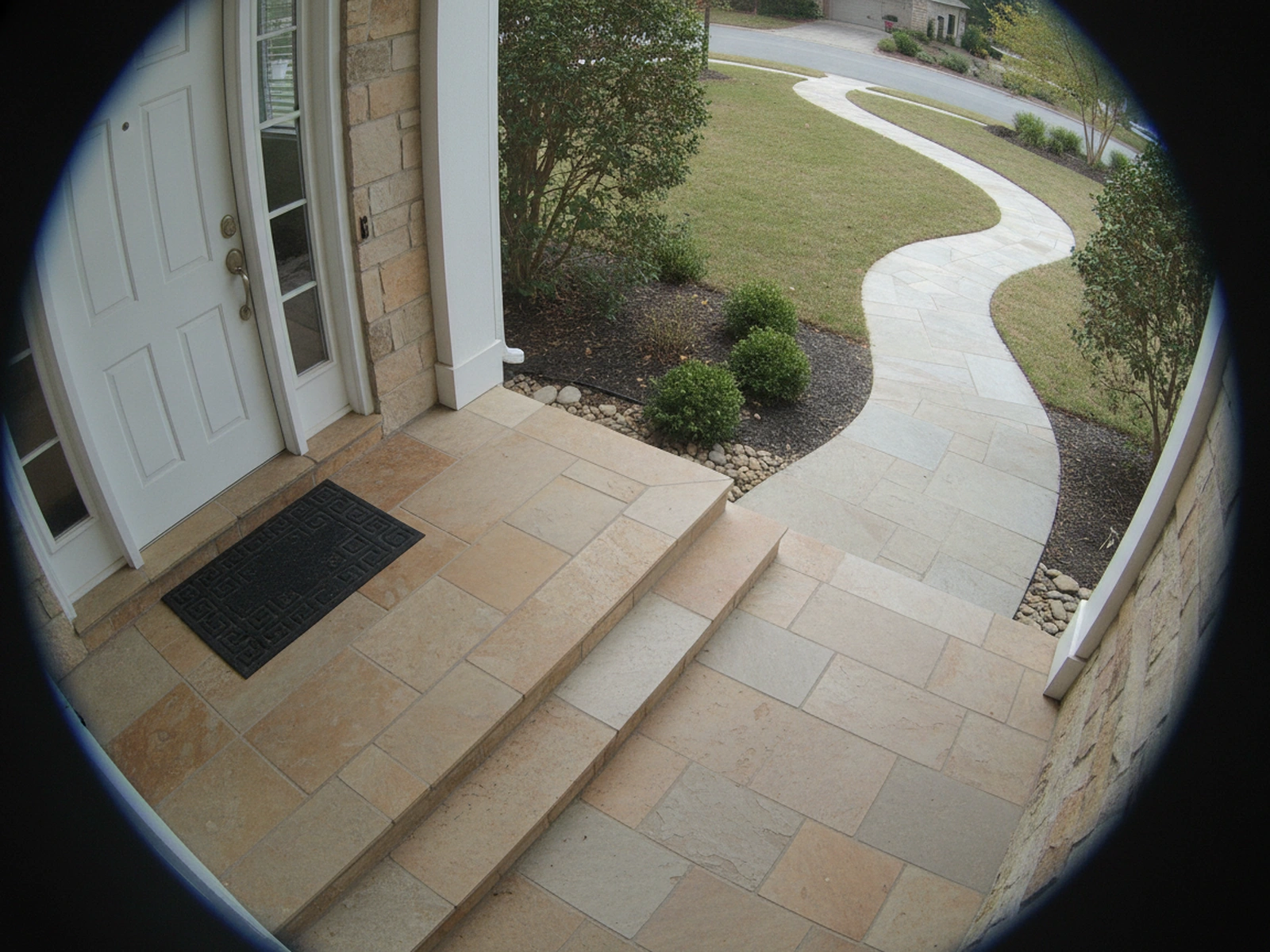
Choose one sharp JPG, PNG or WebP up to 10 MB that shows a front door, porch, gate or apartment hallway. The best photos are taken from a little higher than your head and slightly to the side, the way a doorbell camera is mounted, with the door and the doorstep both in view. An ultra-wide lens makes the AI doorbell camera video look like a real security feed from the first frame. Hold the phone upright so the photo is vertical, and leave empty space on the path or steps where your visitor can walk in.

Make My Doorbell Clip
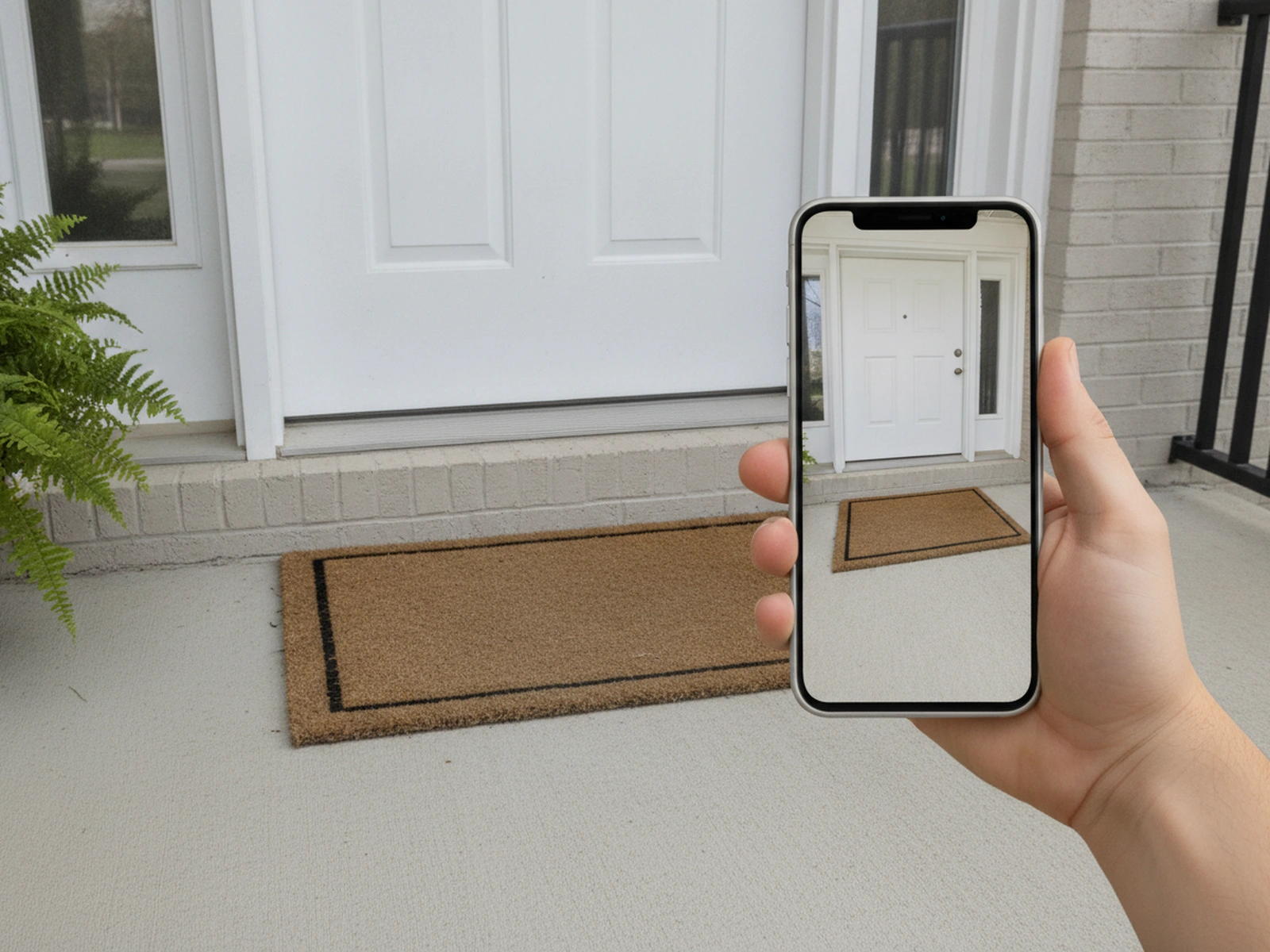
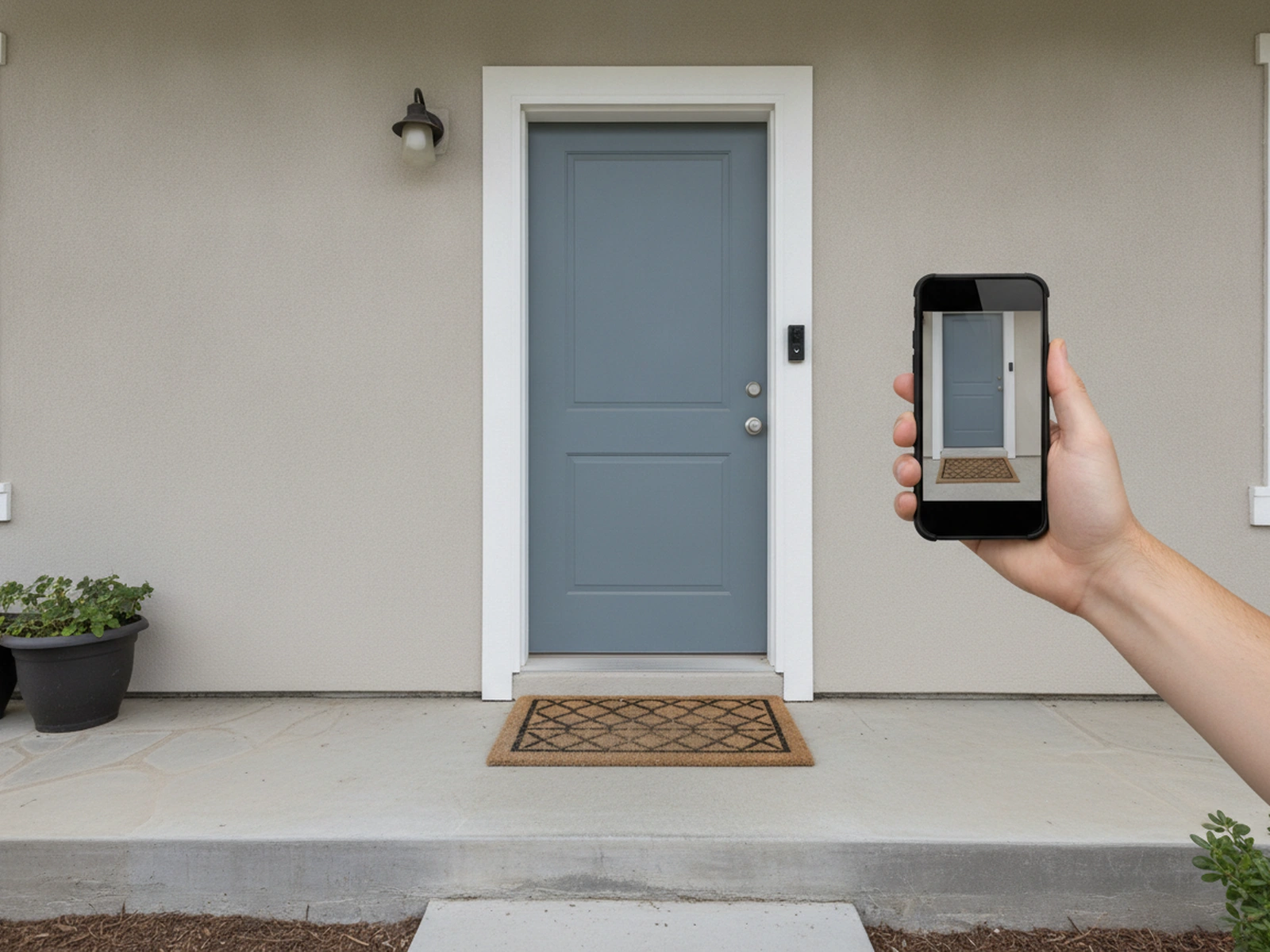
A doorway photo shot from up high with the door, mat and first step in view

Describe who shows up and what happens

Write one or two plain sentences about the visit: who arrives, what they do at the door, how it ends and the mood, such as spooky, cozy or slapstick. For example, a golden retriever climbs the steps, presses the doorbell button with its nose and sits waiting with a stick, or a raccoon tiptoes in, inspects a parcel and drags it off the mat. Keep it to one main action, because a single clear moment reads better on a fixed camera than a whole story. To keep the security feed look, you can describe a fixed fisheye view, grainy low-resolution footage, night vision or a corner date overlay, and leave out film words such as cinematic, dramatic close-up or tracking shot. Credits for each render show in the generator before you press create.

Make My Doorbell Clip

Review, download and share

Check that the door, the steps and any house numbers stay where they were, and that the visitor moves naturally through the frame. If the motion looks stiff or the visitor appears from nowhere, simplify the note and generate again. Download the MP4, which carries no NanoPic watermark, and post your AI doorbell camera video with the platform's AI label switched on. Never share a clip that could pass as evidence of a real crime or embarrass a real neighbor.

Make My Doorbell Clip

What your porch cam clip can show

Four looks and visitors people make most with the doorbell camera format.

A fixed fisheye angle that feels like security footage, not a movie

Real doorbell footage never pans or zooms, and that stillness is the setup for every punchline. Your AI doorbell camera video keeps the camera locked where the photo was taken, so only the visitor, the leaves and the light change. Edges bend like a fisheye, faces stretch a little as they lean close, and the doormat stays at the bottom of the frame the whole time. There are no sweeping moves or film lighting, so it reads as a home camera rather than a movie scene. When a dog pushes its nose right up to the lens, the curve makes it look comically huge.

Make My Doorbell Clip

Night vision, porch light or daylight

The light in your photo sets the mood of the whole clip. A photo taken after dark gives you the grainy, washed-out look of a camera switching to infrared, where eyes catch the light and shadows go deep. Warm porch light makes a cozy evening scene that suits holiday visitors and costumed friends. Bright daytime photos feel like an everyday delivery caught on camera, which is perfect for slapstick. Pick the photo first, then write a note that matches it, and the AI doorbell camera video keeps the atmosphere consistent.

Make My Doorbell Clip

Pets and wildlife on the doorstep

Animals are the most shared doorbell visitors, because they behave like guests with an appointment. A cat can sit politely and wait for the door to open, a dog can press the doorbell button with a paw, and a goose can inspect a parcel like a suspicious inspector. Late-night wildlife is a favorite too: a raccoon, fox or bear wandering up the path and staring straight into the lens. Upload a photo of your own pet on the doorstep to give it the starring role, or describe a wild animal arriving on an empty porch. Keep everything harmless: no animal is hurt and nothing is really stolen.

Make My Doorbell Clip

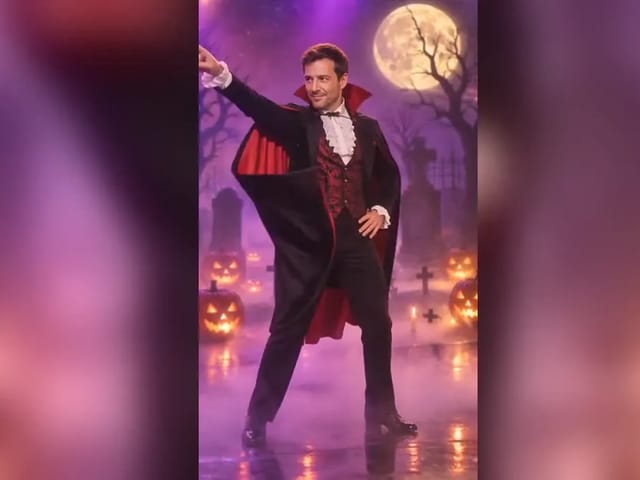
Halloween visitors, deliveries and friendly pranks

Seasonal porches are a natural stage for the format. A friend dressed as a vampire can dance on the doormat and then take exactly one piece of candy, and a delivery driver can set a parcel down, wave at the lens and trip over the last step. You can also put yourself on camera by uploading a head-to-toe photo of you standing at your own door and describing a goofy entrance. These clips work because the joke is obvious once the punchline lands, so keep the tone light and leave real strangers out of it. Tell your audience it is AI, and an AI doorbell camera video stays a fun share instead of a hoax.

Make My Doorbell Clip

Photo tips for a believable porch cam look

The right photo saves you a retry.

Shoot from where a doorbell would sit

Hold your phone a little higher than your head beside the door frame and tilt it slightly down. Include the doormat, the first step and the door itself, so viewers read the scene as a doorstep right away. Switch to the ultra-wide lens if you have one, and keep the phone upright for a vertical photo. Avoid zoomed close-ups, which look like ordinary phone footage rather than security footage.

Make My Doorbell Clip
Phone held higher than head height beside a door frame, tilted down

Leave room for the visitor

The AI needs empty space for someone to arrive. Keep the path, porch steps or hallway clear in the photo, and frame the scene so a visitor can walk in from one side. Cluttered doorsteps with piles of shoes or bags make movement harder to read. If your pet is already in the photo, give it space to stand, turn or walk toward the lens.

Make My Doorbell Clip
A clear porch path with space for a visitor to walk in

Use your own place and willing people

Photograph your own door, or a doorway you have permission to use. Do not upload photos of neighbors, delivery workers or strangers who have not agreed to appear, and never use anyone under 18. Cover visible house numbers or street signs if you plan to post publicly. AI-made porch stills are fine too, as long as they contain no real brand logos or app screens.

Make My Doorbell Clip
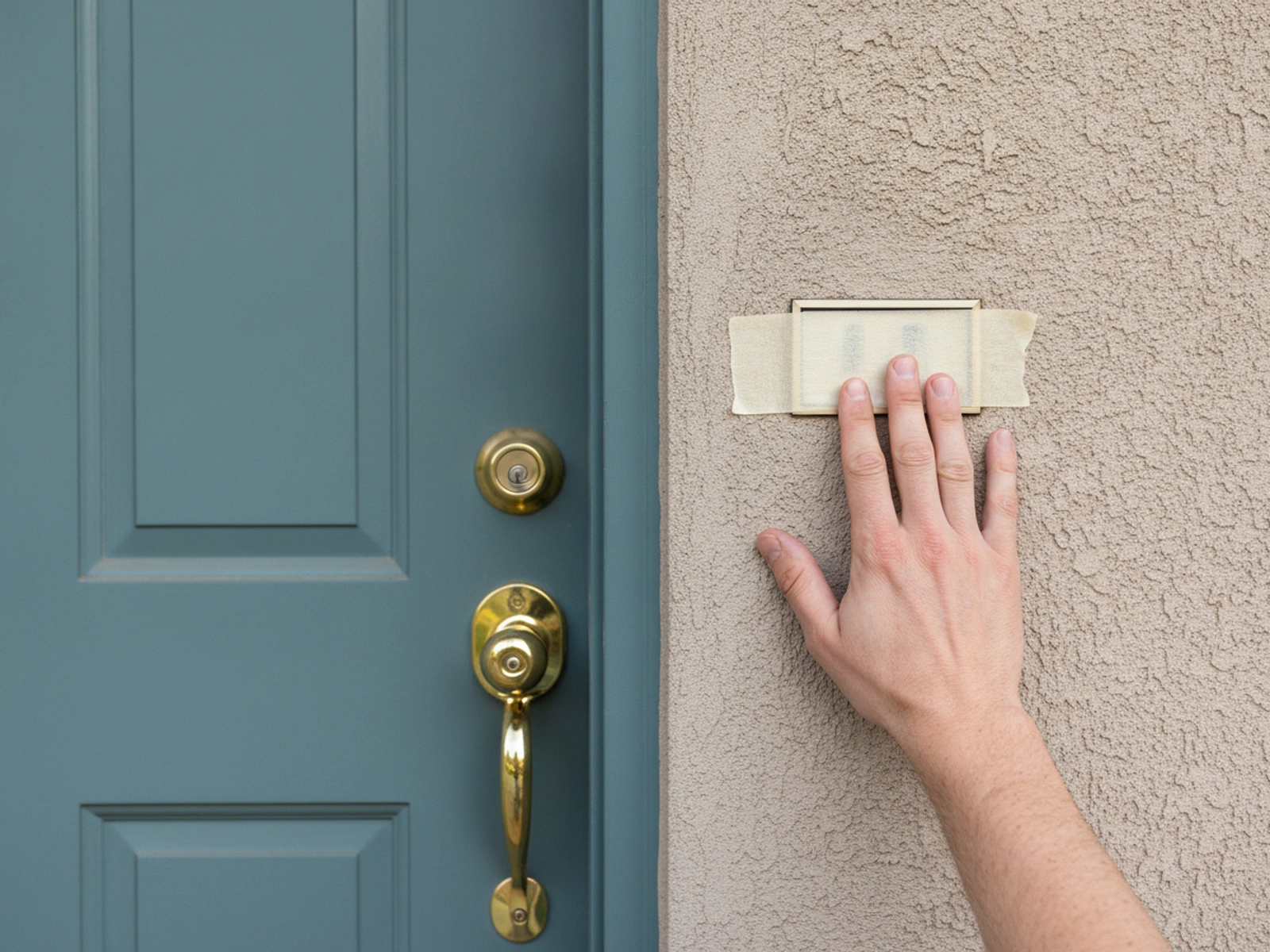
A front door photo with the house number covered

AI doorbell camera video FAQ

What is an AI doorbell camera video?

It is a short AI-generated clip styled like footage from a smart doorbell: a fixed high angle, a wide fisheye-style lens and a visitor who walks into frame. You start from one photo of a doorway and describe what happens.

How do I keep it looking like real doorbell footage instead of a movie?

Start from a high, wide photo of your own porch and keep the note simple. Words like fixed camera, fisheye, wide angle, grainy and low resolution help; skip cinematic, dramatic lighting and camera moves. The view stays locked where your photo was taken.

What ideas work best?

Animals ringing the doorbell, a delivery driver dropping off a parcel, a friendly prank with a willing friend and wildlife wandering up at night. Reuse the same porch photo with a new visitor each time to build a series.

Can I use a photo of my own pet?

Yes. A photo of your dog or cat on the doorstep works well. Describe one action, such as waiting at the door, dropping a toy on the mat or sniffing the lens.

Can I put myself in the clip?

Yes. Upload a head-to-toe photo of yourself standing at your door, taken from up high, and describe your entrance. Only use photos of adults who agreed to be animated.

Is the clip vertical for TikTok, Reels and Shorts?

The generator is set up for vertical 9:16 clips. Upload an upright photo so your door and doorstep fill the frame from top to bottom.

How do I get the night vision look?

You can describe night vision in your note, and a photo taken after dark with the porch light off gives it the best chance. A daytime photo usually stays a daytime scene.

Will the clip show a date and time on screen?

You can describe a camera-style date overlay in your note, but the digits are not reliable. If you need an exact stamp, add it in your video editor after you download.

How many credits does it use?

Credits for each render show in the generator before you start, and failed runs are refunded automatically.

Can I post these clips?

Yes, for fun and with your own photos. Label the clip as AI, and never use it to fake a crime, scare someone for real or make a real person look bad.

Is there a watermark?

No NanoPic watermark is added to the MP4 you download.

Is this connected to a doorbell brand?

No. This is an independent NanoPic effect and is not affiliated with any doorbell or security camera company.

Ready to catch something funny on your porch cam?

Snap one photo of your doorway, describe the visitor, and make your first AI doorbell camera video in the generator.

Related tools

25th Anniversary Video Maker

25th Anniversary Video Maker

Make a short silver 25th anniversary video concept from one or two authorized couple photos. Add names, year, mood, motion, and editor-ready greeting space.

Open tool
Storyboard cover of two fictional adults sharing a hug

AI Hug Video Generator

AI Hug Video Generator turns an authorized photo of consenting adults into a five-second friendly hug. Review faces, hands, clothing and scene throughout.

Open tool
Animate Picture

Animate Picture

Animate a picture into a short AI video. Upload one authorized photo, describe subject and camera motion, review the live credit cost, and generate with Seedance.

Open tool
Birthday Video Maker

Birthday Video Maker

Create a short birthday video concept from one or two authorized photos. Direct the theme, transition, motion, format, and clean space for exact editor-added greetings.

Open tool
Draw to Video: Animate Images with Motion Arrows

Draw to Video: Animate Images with Motion Arrows

Draw to Video lets you add arrows, text and brush strokes to an image, then generate an AI video from your motion guide. Edit, save, create and download.

Open tool
Elon Musk + Sam Altman

Hotel Lobby AI

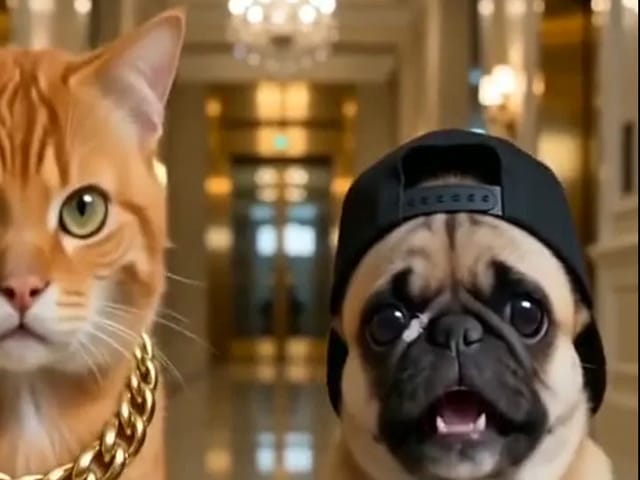
Turn two photos into a 15-second orange-studio rap duo with MiniMax H3. Explore five actual videos, inspect their inputs and choose your left and right performers.

Open tool
STORM II dance with a lead and coordinated supporting dancers

STORM II Dance AI Video Generator

Create a STORM II dance with your lead photo and an AI-generated motion reference. Add a supporting cast, compare three videos and review your result.

Open tool
AI Cheek Pinch Video Generator

AI Cheek Pinch Video Generator

Turn one photo of an adult (with consent) or your pet into an ai cheek pinch video: hands gently squeeze the cheeks and let go. Download and share.

Open tool
AI Christmas Video

AI Christmas Video

Make an ai christmas video from one photo of your pet or yourself: Santa outfit, glowing tree, fireplace and soft snow. Download and share the clip.

Open tool
Golden retriever on a marigold memorial path

AI Day of the Dead Pet Video Generator

Make an ai day of the dead pet video from one dog or cat photo: warm marigold bridge, vertical 9:16, memorial not horror for keepsakes.

Open tool
Corgi standing on its hind legs in a living room for an ai dog dance video

AI Dog Dance Generator

Upload one clear dog or cat photo and get a vertical ai dog dance clip: your pet stands up and dances a living-room routine.

Open tool
Four children dressed as a vampire, a witch, a skeleton and a pumpkin posing together in a candlelit room

AI Halloween Costume Transformation Video Generator

AI Halloween costume transformation from one photo: pick a vampire, witch, skeleton or pumpkin look and watch your outfit change in smoke in a short video.

Open tool
AI Rap Battle Generator

AI Rap Battle Generator

Upload two photos and create an AI rap battle video. Each side takes a turn in a short widescreen clip you can review before posting.

Open tool
AI Stop Motion Video Maker

AI Stop Motion Video Maker

Use an ai stop motion video maker to turn one still into clay, paper-craft, or blocky tabletop motion you can preview before download.

Open tool

AI Zombie Trend Video Generator

Make the AI zombie trend video from two photos: one person turns, the other lowers the weapon for a hug, then a warm memory. Vertical 9:16, no gore.

Open tool
Cover still for anijam ai video maker

Anijam AI Video Maker from One Still

Use anijam ai video maker on NanoPic: upload one authorized photo, describe motion in plain words, review credits, and check every frame before sharing.

Open tool
Bicep Heart Trend AI

Bicep Heart Trend AI

Join the bicep heart trend from one photo: AI flexes your arm and curves your other hand into a heart on the bicep. Preview, then download an MP4.

Open tool
Birthday Rap Video

Birthday Rap Video

Make a birthday rap video from one clear photo: a fixed studio rap reference drives lip motion in a vertical clip. Add a name and review.

Open tool
Silver watch in an open black gift box with red ribbon and gold confetti, Black Friday product clip

Black Friday Video Maker

Black Friday video maker: upload one product photo and get a promo clip with seasonal lighting and a slow camera move, ready for your sale text.

Open tool
Silhouette of a witch riding a broomstick across a full moon over a misty forest

Broom Riding AI Video Generator

Broom Riding AI puts you on a flying broom beside a moving car in the My Ride Is Here trend. Upload one photo, get a 10-second clip and add your own sound.

Open tool
Bulin 47 AI

Bulin 47 AI Video Generator

Turn one photo into a Bulin 47 AI freestyle clip: shoulder rolls, a cheering friend and a laughing crowd under red lights, in vertical 9:16.

Open tool
Burning Bridges AI Video Generator

Burning Bridges AI Video Generator

Make a Burning Bridges AI video from one photo: toast, hand to heart, point at the camera, then turn in a vertical chandelier party clip.

Open tool