




Save up to 73% on plans

AI Blind Box Generator: Your Photo as a Collectible Figure
Sign In

AI Blind Box Generator: Your Photo as a Collectible Figure

Upload one clear photo of yourself, a friend or a pet, pick a blind box, plush or chibi look, and add a short note about outfit, props or box colors. The AI blind box generator keeps hairstyle, glasses, clothing colors and pet markings while turning the subject into a big-headed collectible figure. Open the result at full size, then download the still image.

Pick a look; its direction fills the notes box, where you can edit outfit, props and box colors.

Upload One Photo*
Try Upload One Photo sample

Please add the required Upload One Photo before generating.

317 / 900

Public VisibilityAllow this result to appear in public inspiration surfaces.
Smiling woman with curly hair, round glasses and an orange beret
Before
Same woman as a chibi figure with beret, glasses and cream sweater
After

More AI Image Models & Effects

What Is an AI Blind Box Generator?

An AI blind box generator turns an ordinary photo into an image of a small collectible figure, the kind of designer toy that usually comes hidden in a sealed box. You upload one picture of yourself, a friend or a pet, choose a chibi, packaging or plush look, and get back a figure with a big head, a compact body and a smooth vinyl or soft fabric finish. Hairstyle, glasses, outfit colors and pet markings carry over, so the figure still feels like the subject. Many people search for an AI plush toy generator, an AI chibi figure generator or a way to make a blind box figure from photo; these three looks cover the same need in one place. The result is a digital image for profile pictures, posts, cards and mood boards, not a physical toy, a shipped box or a 3D print file. It differs from the AI Action Figure Generator, which makes realistic jointed figures in a hanging retail case with gear; the AI blind box generator focuses on cute proportions, soft materials and a small matching box.

How to Use the AI Blind Box Generator

Three steps from an everyday photo to a collectible figure image.

Upload One Clear Photo

Choose a JPG, PNG or WebP under 10 MB that you own or have permission to use. A waist-up portrait shows hair and clothing, while a full-body shot adds shoes and posture. For pets, keep both ears and the main coat markings in view. Crop away other people so the AI blind box generator focuses on one subject. Avoid heavy blur, strong backlight and faces that are very small in the frame.

Make My Blind Box Figure
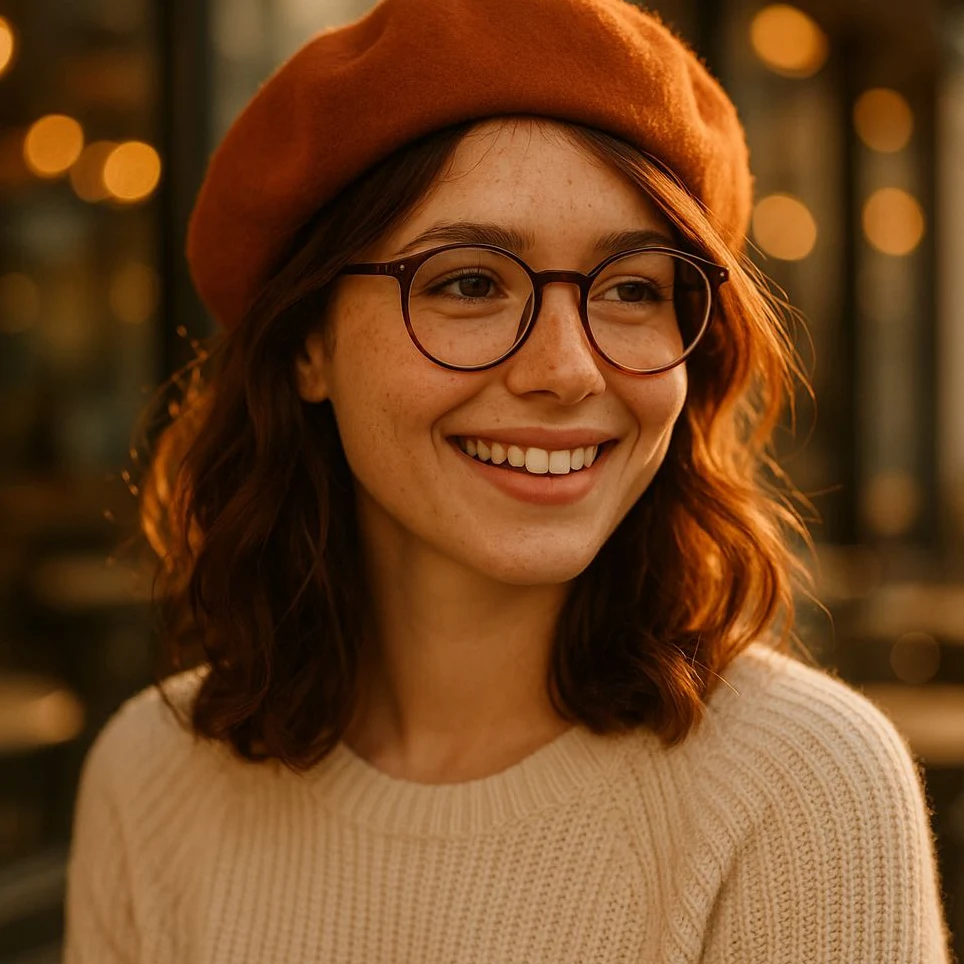
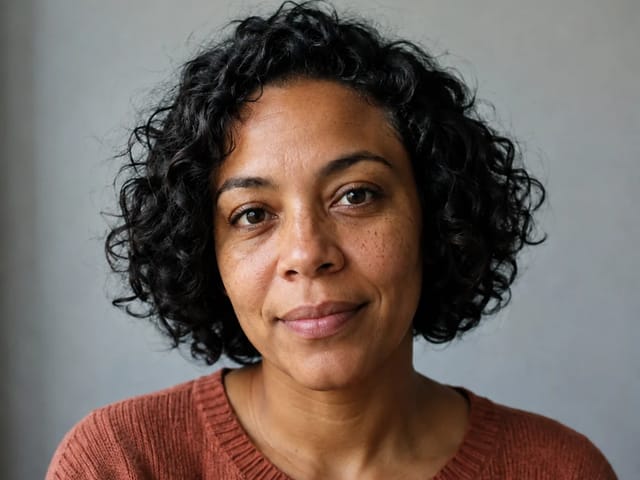
Portrait of a smiling woman with glasses and a beret used as the upload

Pick a Look and Add a Short Direction

Select Chibi Figure, Blind Box Packaging or Plush Toy, and the matching direction fills the notes box. Edit it in plain words: keep my glasses, add a tiny watering can, make the box pastel green. Choose 1:1 for a profile picture, 3:2 for a figure beside its box, or 2:3 for a tall phone wallpaper. The credits for your settings show in the generator before you start. Short, specific notes work better than long lists of details.

Make My Blind Box Figure
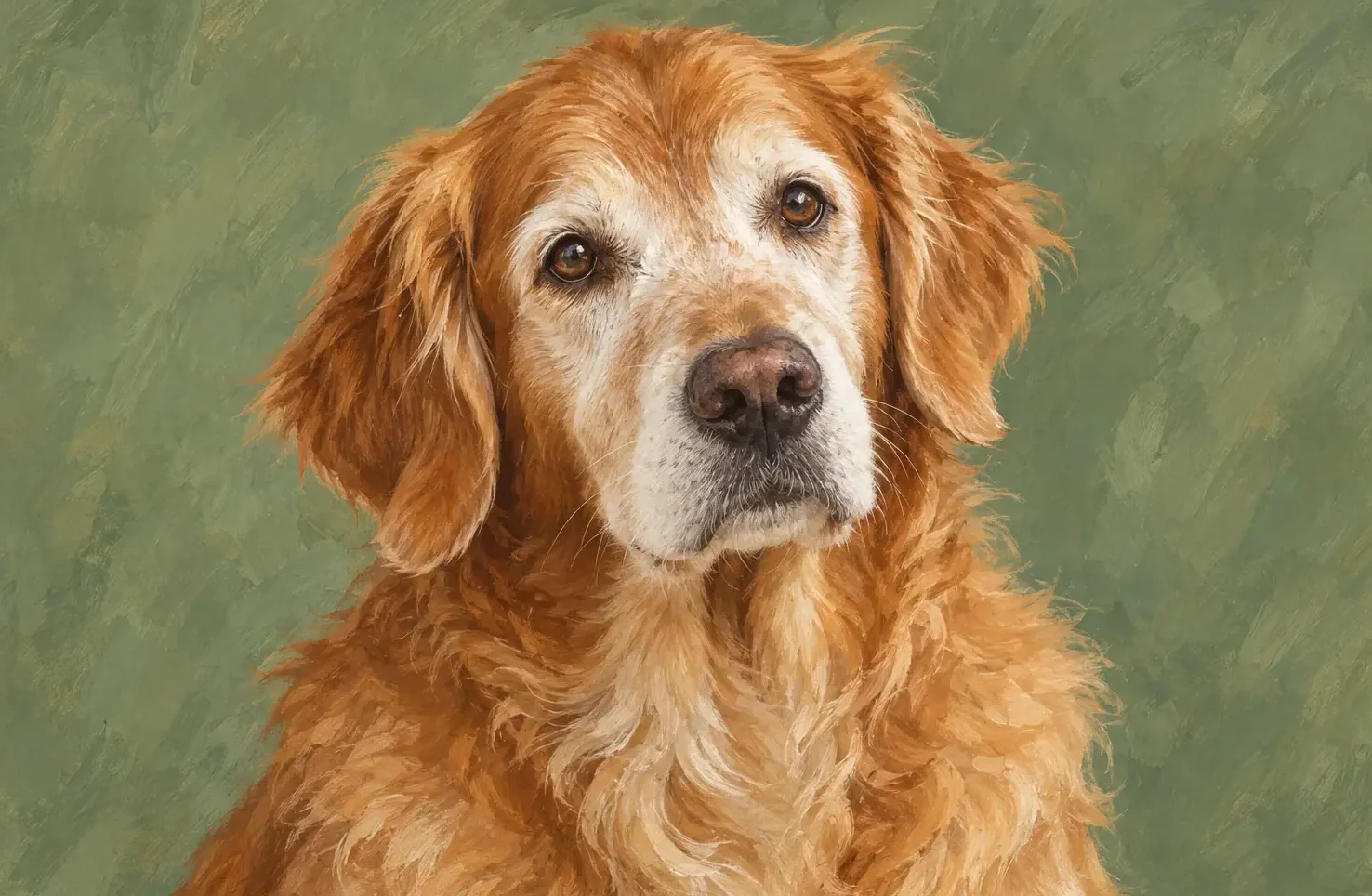
Close-up photo of a golden dog ready to become a plush figure

Check the Details, Then Download

Open the result at full size and compare hair, glasses, clothing colors or pet markings with your original photo. Look at hands or paws and the edges of the box, since small parts are where mistakes show up. If one detail drifted, change a single word in the direction and run the AI blind box generator again. Download the still you like soon after it finishes. Keep the original next to it so you can compare before you share.

Make My Blind Box Figure
Finished chibi desk figure ready to download

Blind Box, Plush and Chibi Looks You Can Make

Each look starts from the same idea: keep the clues that make the subject recognizable, then shrink everything into a cute collectible shape.

Chibi Figure That Still Looks Like You

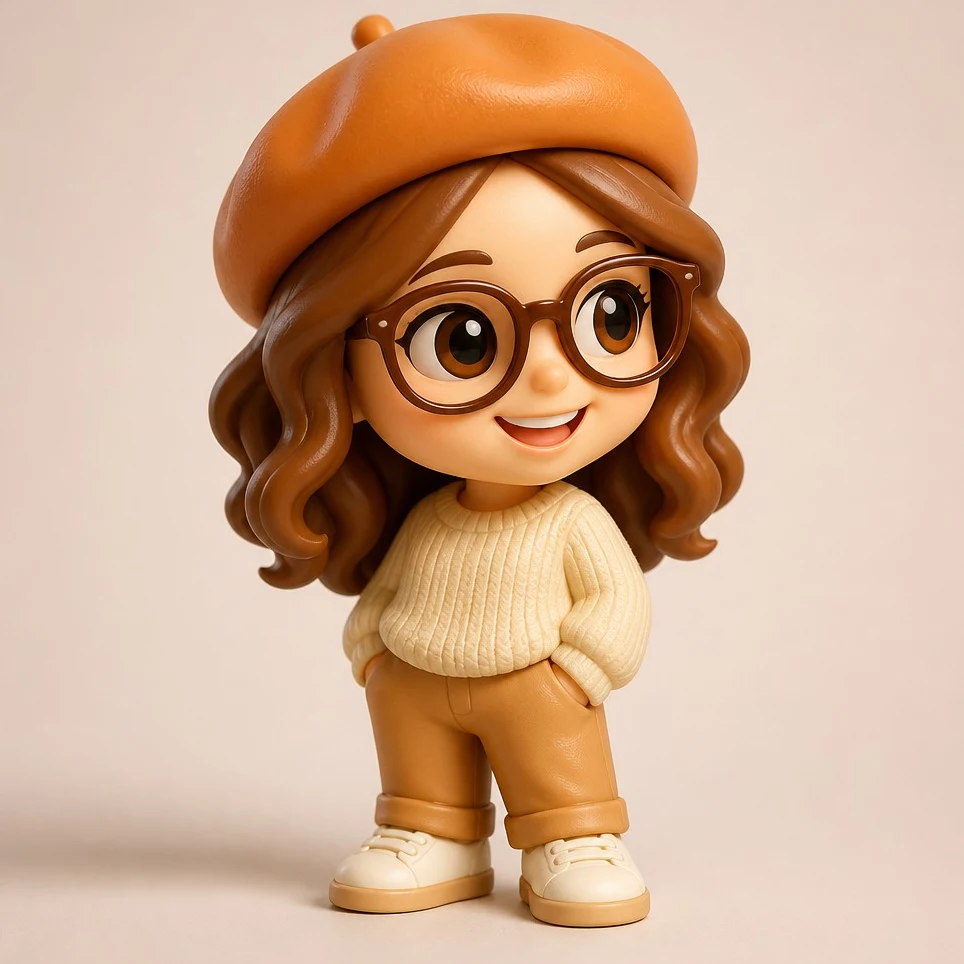
A portrait with curly hair, round glasses and an orange beret becomes a small standing figure with a big head, tiny body and cream sweater. The AI blind box generator holds on to the details friends notice first, such as frames, hat color and hair volume, while simplifying the face into calm dot eyes and a small smile. This chibi look is the quickest way to get a profile picture that feels personal instead of generic. If the expression looks too serious, ask for a slightly bigger smile and try again. Front-facing photos with even light give the cleanest match.

Try Chibi
Chibi collectible figure of a woman in an orange beret and round glasses

Blind Box Packaging Scene

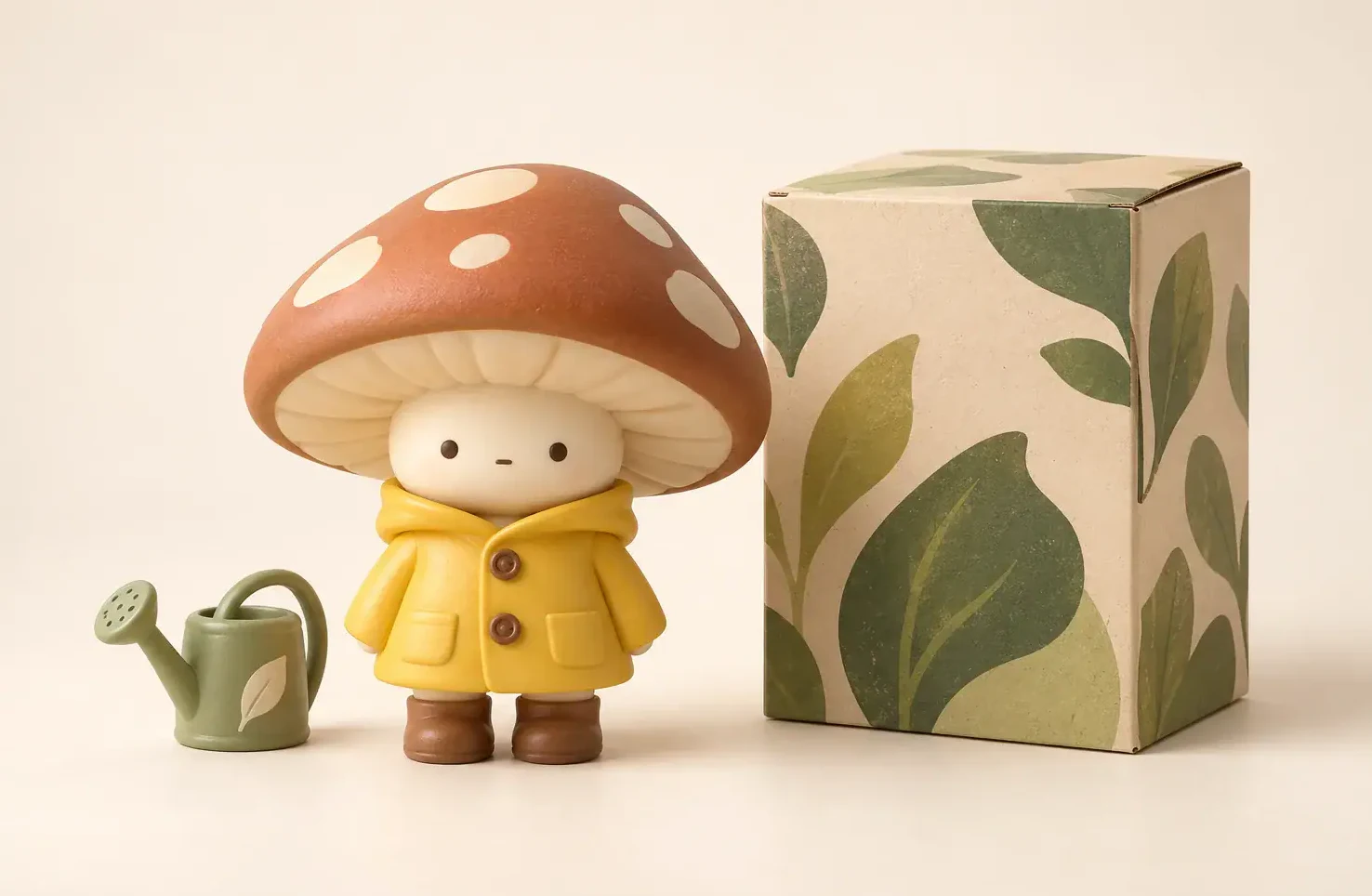
A mushroom-cap character in a yellow raincoat stands next to a pale box printed with soft leaf shapes, so the image reads like a product shot of a new collectible. Use the packaging look when you want the figure and its box together for a post, a gift card or a character sheet. Repeat one shape or color from the outfit on the box so the two feel like a set. Leave a little table space between figure and box so neither one hides the other. Start with graphic shapes rather than words, because printed text on small boxes rarely comes out clean.

Try Packaging
Matte vinyl figure in a yellow raincoat next to a leaf-pattern box

Pet Photos as Soft Collectibles

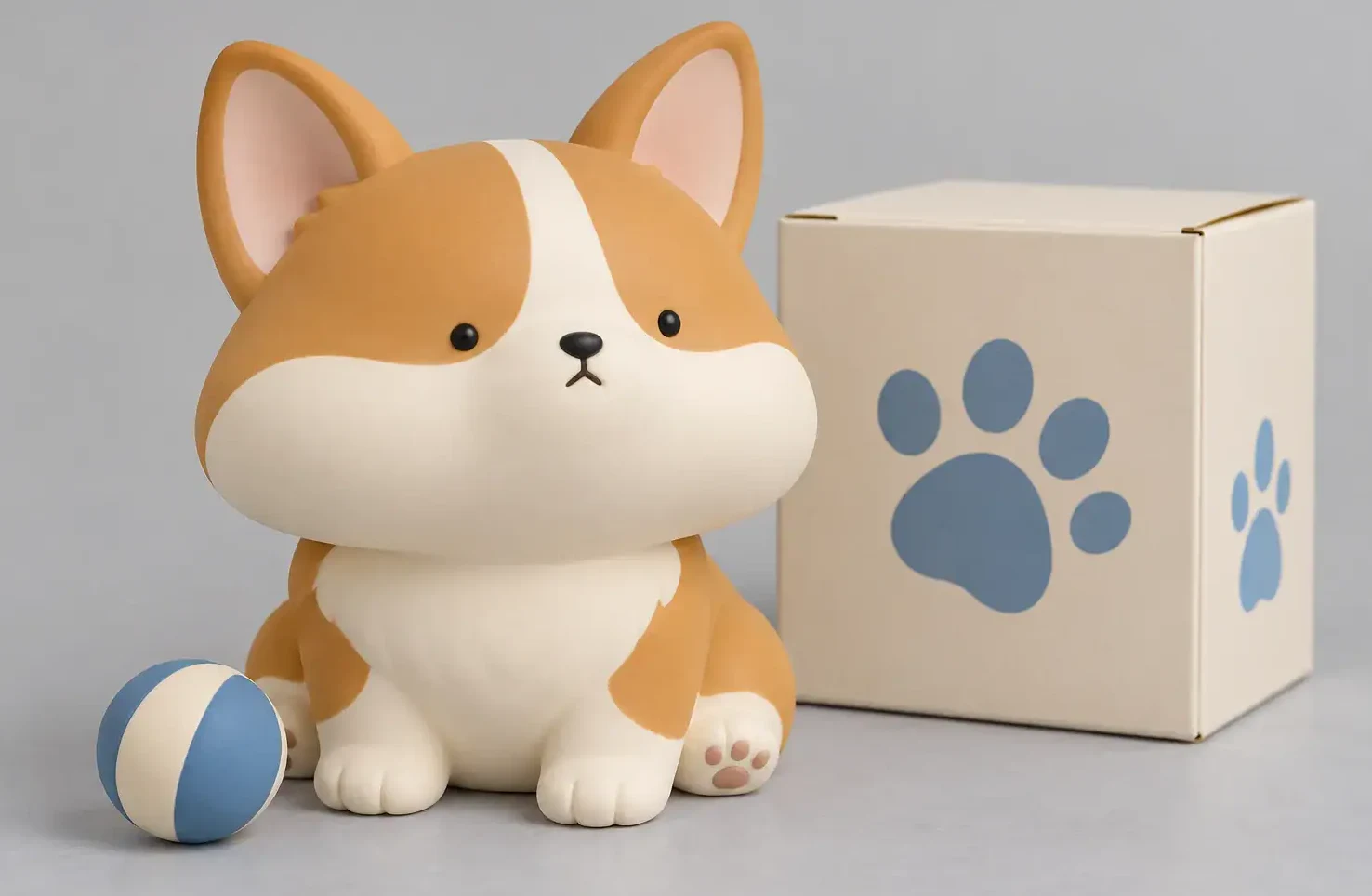
A corgi photo can turn into a rounded toy with a cream muzzle, short legs and a matching paw-print box. Pet owners use the AI blind box generator for birthday posts and memorial keepsakes, because ears, coat patches and posture stay easy to read. Choose the plush look for fuzzy fabric and stitched seams, or the chibi look for a smooth vinyl finish. Keep both ears and the main markings visible in the upload, and avoid photos where the pet is partly hidden. One small prop, such as a ball near a paw, adds personality without crowding the scene.

Try Pet Figure
Rounded corgi collectible toy with a ball and a paw-print box

Themed Boxes for a Story

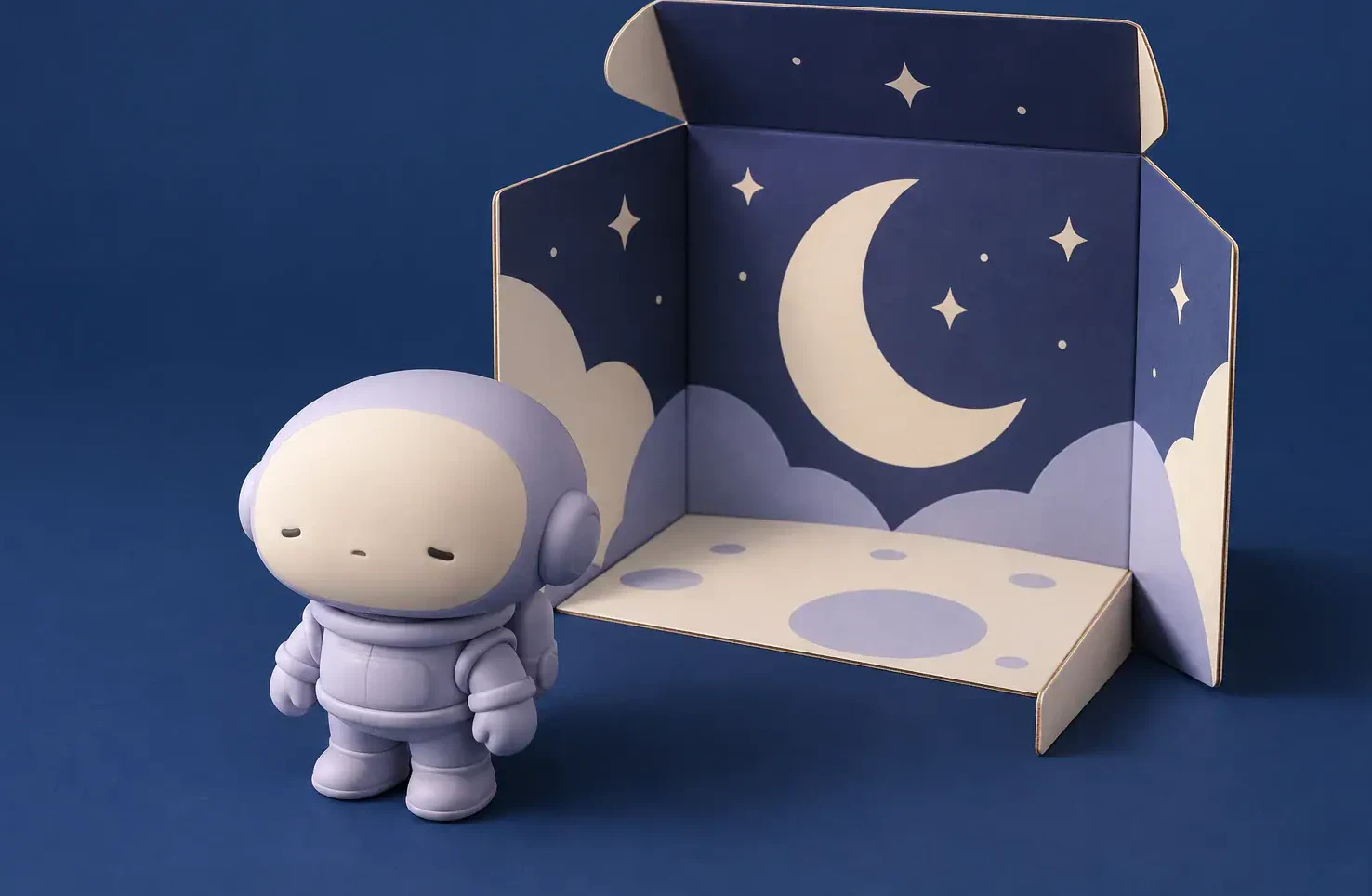
A little astronaut figure sits beside an open box lined with a night sky, crescent moon and stars. Theme the box around a hobby, a job or a dream trip, and the result tells a tiny story about the person inside it. Describe the box colors and one motif in the direction field, then let the generator handle lighting and depth. Night themes look best with a deep blue backdrop and one soft highlight on the figure. Change only one idea per run so you can see which choice improved the design.

Try Themed Box
Small astronaut figure beside an open star-and-moon themed box

Desk Companions and Matching Sets

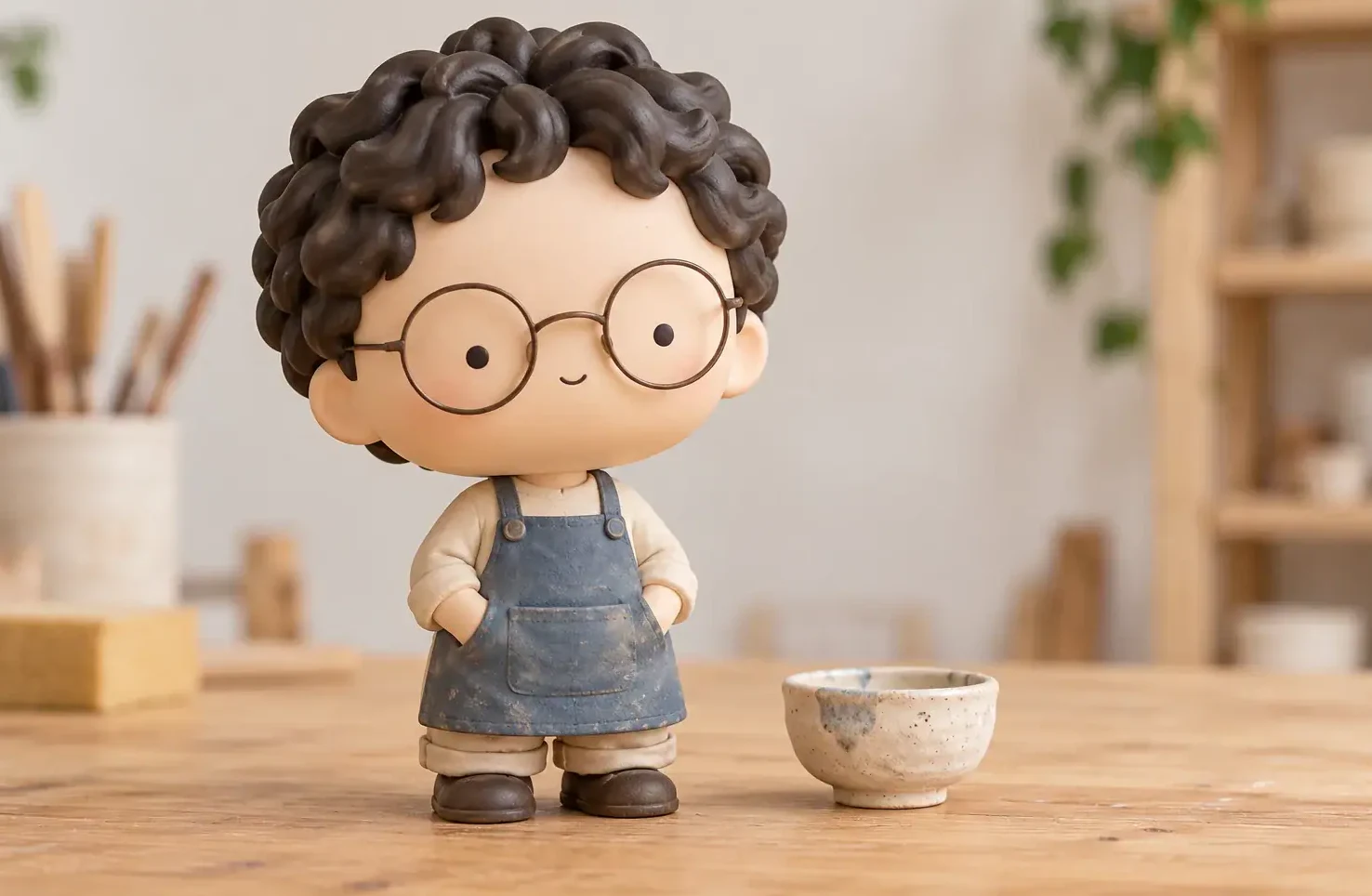
A curly-haired figure in denim overalls stands on a wooden desk next to a tiny ceramic bowl, like a toy someone keeps beside the keyboard. Teams and families run the AI blind box generator once per person with the same look and box style to build a matching set for a group chat or a holiday card. Keep the image shape, look and lighting words the same across runs, and change only clothing and props. Arrange the saved images side by side in any editor to make a collection board. Ask each person before you upload their photo.

Try Desk Figure
Curly-haired vinyl figure in overalls on a wooden desk with a small bowl

Photo Tips for Cute, Recognizable Figures

Pick two or three identity clues to protect, like a fringe, round glasses and a striped sweater, and name them in the direction. Use soft, even light; harsh shadows can turn into odd marks on a tiny face. Choose one mood, such as sleepy, curious or proud, instead of mixing several expressions. Keep accessories small and separate from the hands so their shape stays readable. For box art, repeat one color from the outfit and keep the rest calm. If you want a series, reuse the same look, shape and lighting words for every photo. The AI blind box generator works best with one subject per image, so make group sets one person at a time.

AI Blind Box Generator FAQ

Quick answers about photos, looks, pets and downloads.

How does the AI blind box generator work?

Upload one clear photo, pick a chibi, packaging or plush look, edit the short direction if you like, and generate. The result is a collectible figure image that keeps recognizable hair, clothing and accessories.

Can I make a blind box figure from photo of my pet?

Yes. Dogs, cats and other pets work well when both ears and the main markings are visible. The plush look suits fluffy coats, and the chibi look suits smooth, glossy figures.

Do I get a real toy or a 3D print file?

No. You get a digital image only. Nothing is printed, boxed or shipped, and no 3D model is created.

How is this different from the AI Action Figure Generator?

Action figures look realistic, with joints, gear and a hanging retail case. Blind box figures are cute and compact, with a big head, simple face and a small matching box or a soft plush body.

Can I change the outfit, props or box colors?

Yes. The direction field is editable. Name the clothing, one prop and the box colors or motif, and keep notes short and specific.

Can it copy a famous toy brand or character?

No. Every figure is an original design based on your photo. Requests for famous characters, logos or brand packaging are not supported.

How do credits work?

Credits for each render show in the generator before you start. If a run fails, those credits are returned automatically.

Can I use the images on social media?

Yes, use them for profile pictures, posts and cards, as long as you own the photo or have permission from the person in it.

Make Your Own Blind Box Figure

Upload a clear photo, choose a chibi, packaging or plush look, and download a collectible figure image that still looks like you or your pet.

Related tools

80s Photo Filter

80s Photo Filter

80s Photo Filter adds warm, faded film color to your photo in the browser. Adjust strength, preserve clothing and framing, and download a PNG.

Open tool
AI Age Filter

AI Age Filter

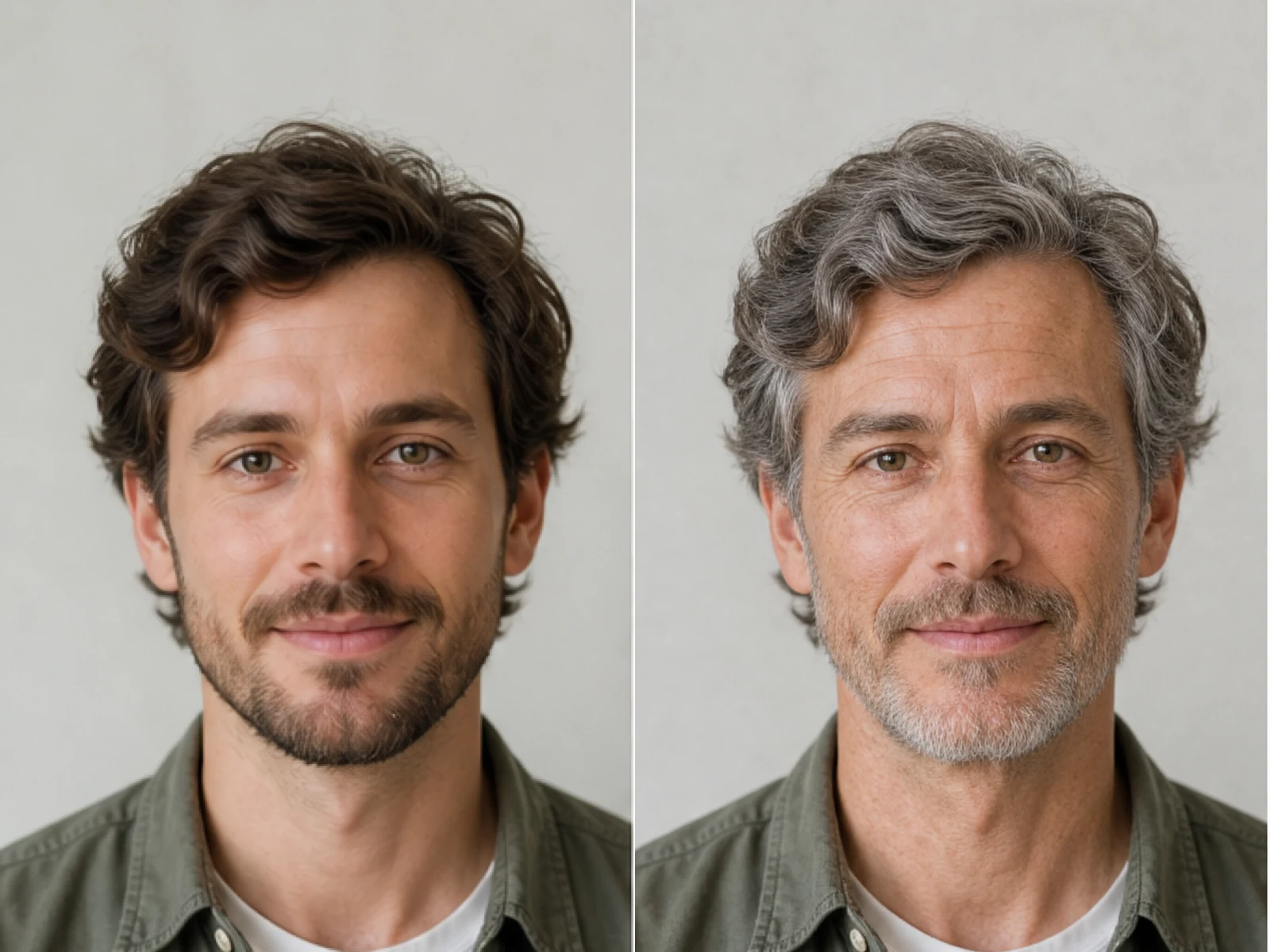
AI Age Filter creates a natural older-look concept from an authorized adult portrait. Review identity, complete-head framing, light and scene after editing.

Open tool
AI Age Progression

AI Age Progression

AI Age Progression creates a target-age concept from an authorized adult portrait. Set an age interval and review identity, framing and scene after editing.

Open tool
AI Labubu Generator

AI Labubu Generator

AI Labubu Generator helps explore your own monster doll concept from an authorized reference. Create original shapes and outfits, with no official affiliation.

Open tool
Camera Roll AI

Camera Roll AI

Camera Roll AI turns an authorized reference photo into one lifestyle collage. Plan varied scenes and a phone-gallery-inspired layout, then save one image.

Open tool
Face in Hole Generator

Face in Hole Generator

Face in Hole Generator places an authorized face into your chosen photo or template. Upload two references, refine the blend, and save a creative portrait.

Open tool
Hotpot AI Image Generator

Hotpot AI Image Generator Online | NanoPic

Create still images with the Hotpot AI Image Generator on NanoPic. Write a clear scene, generate with Nano Banana 2, refine the look, and download the picture you like.

Open tool
Make Image Higher Resolution

Make Image Higher Resolution

Make Image Higher Resolution with real 2× or 4× browser resizing. Compare pixel dimensions and download PNG without claiming recovered detail.

Open tool
Remove Glare from Glasses in Photos

Remove Glare from Glasses in Photos

Remove Glare from Glasses in photos with an editable AI image prompt. Upload your portrait, reduce lens reflections, and review the result before using it.

Open tool
Wooden porch at dusk with a glowing carved jack-o'-lantern and autumn leaves

Add Pumpkin to Photo: Place Pumpkins in Your Picture | NanoPic

Add pumpkin to photo: upload one picture, say how many and where, keep faces and pets, then download a still with realistic or glowing pumpkins.

Open tool
Young man in a red scarf smiling beside a glowing Christmas tree

AI Christmas Photo Generator: Festive Portraits & Cards | NanoPic

AI Christmas photo generator: upload one photo and get a cozy holiday portrait or a Christmas card picture that still looks like you, ready to download.

Open tool
Black Friday sale scene with sneakers, knitwear and gift bags on dark stone

Black Friday Poster Maker: Product Photo to Sale Poster | NanoPic

Black Friday poster maker for sellers: upload one product photo, pick a sale style, and add an optional headline or offer text to your downloadable poster.

Open tool

Flashlight AI Photo: Tiny Character Scene | NanoPic

Turn one authorized adult portrait into a realistic flashlight scene with a miniature stylized double. Generate, then inspect identity, hands, light, scale, and crop.

Open tool

Funny AI Prompts — 12 Photo and Pet Editing Ideas | NanoPic

Try 12 original funny AI prompts on one authorized person or pet photo. Load, edit, generate, and review identity, anatomy, props, text, and visual coherence.

Open tool
Demo cover showing clearer detail after enhancement workflow

Magnific AI Image Generator Workflow on NanoPic | Clarity from One Photo

Run a magnific ai image generator style enhance on NanoPic: upload one photo, rebuild edges and textures toward 4K, then download after a full-size check.

Open tool

Mera Prompt AI Photo Prompts: Copy Viral Edits | NanoPic

Copy free mera prompt AI photo prompts for boys, girls, couples, festivals and cricket, then turn your own selfie into a viral edit on NanoPic.

Open tool

Minecraft Pixel Art — Turn a Photo Into Block Art | NanoPic

Turn one authorized photo into original blocky pixel art with six editable prompts. Generate, then review subject detail, geometry, text, rights, and composition.

Open tool
Bobblehead figurine of a woman in a cream sweater standing on a round base

Photo to Bobblehead: Turn a Portrait into a Bobblehead | NanoPic

Photo to bobblehead in a few steps: upload one clear portrait and get a big-head collectible figure image that still looks like the person, ready to save.

Open tool
Young man redrawn as a decorated sugar cookie with a blue icing shirt

Photo to Sugar Cookie: Turn Any Photo into Iced Cookie Art | NanoPic

Photo to sugar cookie: upload a portrait, pet or object photo and get cute royal-icing cookie art that keeps its colors and shape, ready to download.

Open tool

Prompt Seen Girl AI Photo Prompts & Generator | NanoPic

Prompt seen girl portraits from your own selfie: upload one photo, describe the outfit, setting and light, and keep your face looking like you.

Open tool
Row of glowing carved jack-o'-lanterns on a leaf-covered wooden porch at dusk

Pumpkin Head Photoshoot - Turn Your Photo into a Jack-o'-Lantern Portrait | NanoPic

Pumpkin head photoshoot from one photo: swap heads for carved jack-o'-lanterns while keeping your outfit and pose, with an optional autumn or spooky mood.

Open tool
Synthetic demo cover for sorry i lied ai Halloween costume reveal carousel

Sorry I Lied AI: Childhood Costume Reveal Photos | NanoPic

Make sorry i lied ai costume reveal photos from one authorized childhood costume shot: Perfect, First Apology, Almost Honest, then your real original last.

Open tool