












































































































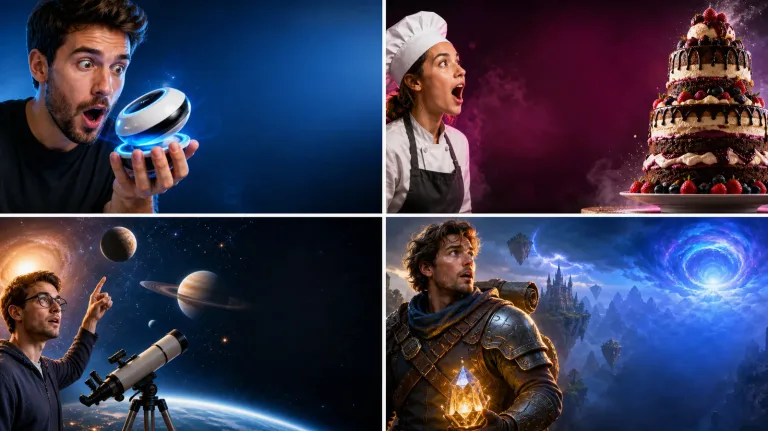
Tech, Food, Explainer, and Gaming Directions
Select a visual grammar that matches the video, then rewrite the brief around the real promise instead of chasing a generic clickbait look.
Generate a ThumbnailSave up to 73% on plans
Image
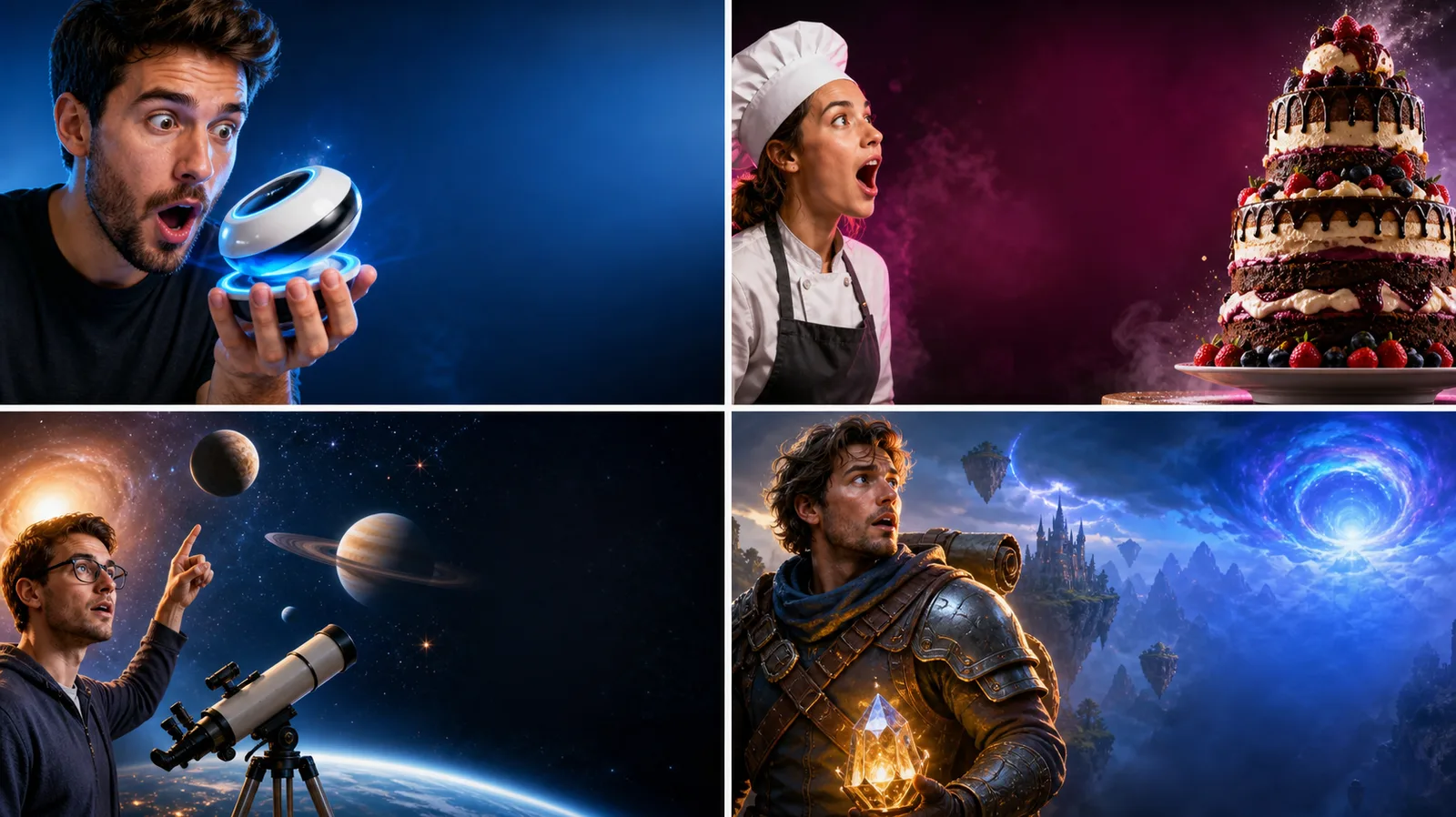
Browse every other AI image model and effect published on this site in a continuous carousel.
A useful thumbnail communicates one promise at phone size. This template asks for one dominant face, object, or scene, strong figure-ground contrast, and a visually quiet headline zone. It avoids platform screenshots, celebrity likenesses, copied competitor layouts, and protected characters. Add the exact video title and any claims afterward, then check spelling, mobile legibility, identity, disclosures, and whether the image accurately represents the video.
Each example uses a fictional subject and leaves room for verified copy.
Select a visual grammar that matches the video, then rewrite the brief around the real promise instead of chasing a generic clickbait look.
Generate a ThumbnailStart from the video's real value, not from decorative effects.
Describe what the viewer will learn, see, compare, or experience. Choose the one subject that best makes that promise visible.
Choose a direction and specify subject placement, emotion, lighting, contrast, and the empty side reserved for your headline.
Add a short verified headline in your editor. View the thumbnail at phone size and confirm that the claim, face, hands, products, and disclosures are accurate.
The generator focuses on a useful visual foundation rather than fake platform UI.
Every direction targets the standard wide thumbnail shape.
Prompts request one large subject and strong contrast instead of tiny clutter.
Headline space is reserved so final copy can be typed and checked separately.
The template rejects copied creators, characters, logos, platform chrome, and competitor layouts.
Answers about dimensions, text, face references, originality, credits, and publishing.
The template generates a 16:9 image. Confirm the current upload requirements and file-size limit in YouTube before publishing.
Image models can misspell or distort lettering. Adding verified copy in a design editor gives you precise wording, typography, and accessibility control.
You may use an authorized photo of yourself or a consenting adult. Review identity accuracy and do not imply an endorsement or event that did not occur.
Use broad composition principles, not a copied creator identity, logo, thumbnail, protected character, or brand system.
New users receive the welcome credits shown in the generator. Generation uses NanoPic credits, and free-credit output includes a watermark.
Show one real promise, reserve copy space, and verify the finished headline before publishing.

80s Photo Filter adds warm, faded film color to your photo in the browser. Adjust strength, preserve clothing and framing, and download a PNG.
Open tool
AI Age Filter creates a natural older-look concept from an authorized adult portrait. Review identity, complete-head framing, light and scene after editing.
Open tool
AI Age Progression creates a target-age concept from an authorized adult portrait. Set an age interval and review identity, framing and scene after editing.
Open tool
AI Labubu Generator helps explore your own monster doll concept from an authorized reference. Create original shapes and outfits, with no official affiliation.
Open tool
Camera Roll AI turns an authorized reference photo into one lifestyle collage. Plan varied scenes and a phone-gallery-inspired layout, then save one image.
Open tool
Face in Hole Generator places an authorized face into your chosen photo or template. Upload two references, refine the blend, and save a creative portrait.
Open tool
Explore a Hotpot AI alternative with NanoPic’s independent Seedream 5.0 editor. Upload a reference, direct a visual concept, and review your image.
Open tool
Make Image Higher Resolution with real 2× or 4× browser resizing. Compare pixel dimensions and download PNG without claiming recovered detail.
Open tool
Remove Glare from Glasses in photos with an editable AI image prompt. Upload your portrait, reduce lens reflections, and review the result before using it.
Open toolTurn one authorized adult portrait into a realistic flashlight scene with a miniature stylized double. Generate, then inspect identity, hands, light, scale, and crop.
Open toolTry 12 original funny AI prompts on one authorized person or pet photo. Load, edit, generate, and review identity, anatomy, props, text, and visual coherence.
Open toolTurn one authorized photo into original blocky pixel art with six editable prompts. Generate, then review subject detail, geometry, text, rights, and composition.
Open tool