








Save up to 73% on plans

Flat Lay to On-Model Photo
Sign In

Flat Lay to On-Model Photo

Pick a setting; its direction fills the prompt box, where you can change the model, pose and background.

Upload Garment Photo*
Try a sample
Upload Model Photo (Optional)

Please add the required Upload Garment Photo before generating.

160 / 600

Public VisibilityAllow this result to appear in public inspiration surfaces.
Heather gray crew neck t-shirt laid flat on an off-white background
Flat lay
Same gray t-shirt worn by a man with black trousers in a light studio
On model

More AI Image Models & Effects

What Is a Flat Lay to On-Model Photo?

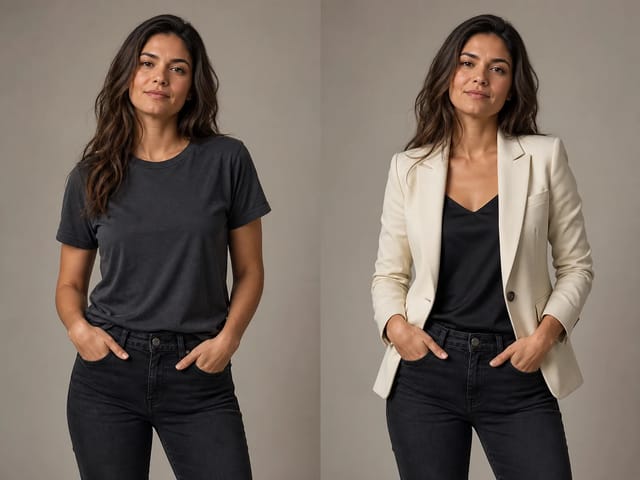
A flat lay to on model photo is a product picture in which a garment you photographed lying flat, hanging or on a ghost mannequin is shown on a realistic person instead. Shoppers want to see how a shirt sits on the shoulders, how far a dress falls and how jeans break over a shoe, and a flat picture cannot show any of that. This photo effect reads the garment in your upload, including its color, print, neckline, buttons, pockets and length, and redraws it on a model with natural folds, drape and shadows. You choose who wears it and where: a clean studio for marketplace listings, a city street for social ads, or a cozy room for a lookbook story. If you already work with a model, you can add that person's photo and the piece is placed on them. Small shops, resale sellers and growing brands use a flat lay to on model photo to fill product galleries, test a new style before a shoot and keep every color variant looking consistent.

How to Turn a Flat Lay into an On-Model Photo

Three steps from a garment picture to a model shot you can publish.

Upload One Clear Garment Photo

Start with a flat lay, a hanger shot or a ghost mannequin image of a single garment, saved as JPG, PNG or WebP under 10 MB. Smooth out wrinkles, show the whole piece from collar to hem, and shoot it in soft, even light so the true color comes through. A plain background such as white paper, a gray board or a light wall helps the effect separate the garment cleanly, as with this black pleated skirt. If you want the piece on a specific person, add one clear photo of an adult model you have permission to use in the model slot.

Put It on a Model
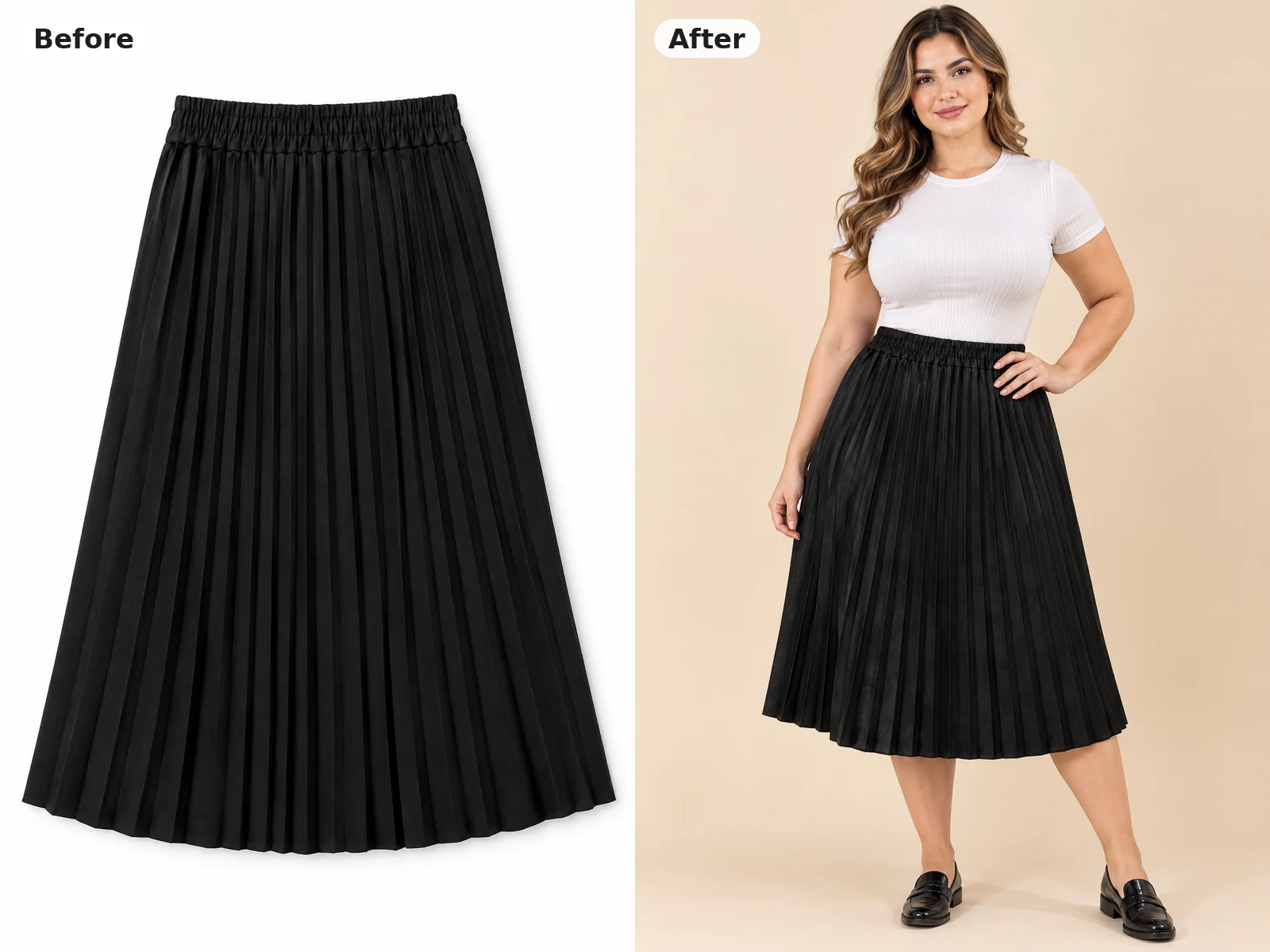
Before and after: black pleated skirt laid flat beside the same skirt worn by a model in a studio

Describe the Model and the Scene

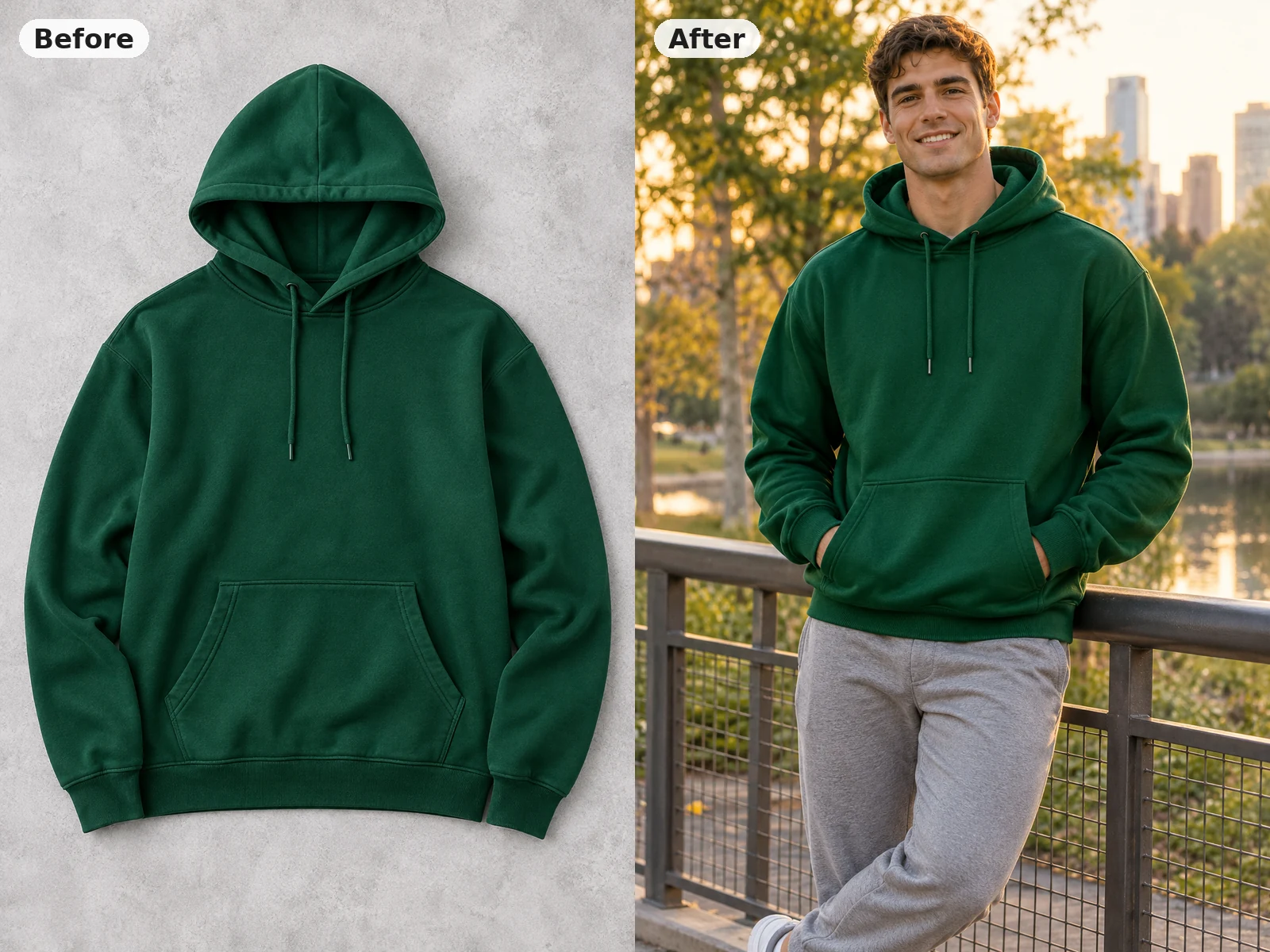
Pick Clean Studio, City Street or Garden Terrace, and its direction appears in the prompt box. Edit that text to set the model's age range, build and pose, the framing, and what the rest of the outfit looks like, for example gray joggers and white sneakers. Here a green hoodie lying on a gray surface becomes a golden-hour park shot ready for a social ad. Choose a 1:1, 4:5 or 3:4 frame to match a listing tile, a taller product card or a classic catalog shot, then write short, concrete phrases and change one thing per run, so you can see what each edit does to your flat lay to on model photo.

Put It on a Model
Before and after: green hoodie flat lay beside the same hoodie worn by a man in a park

Create, Check the Details and Download

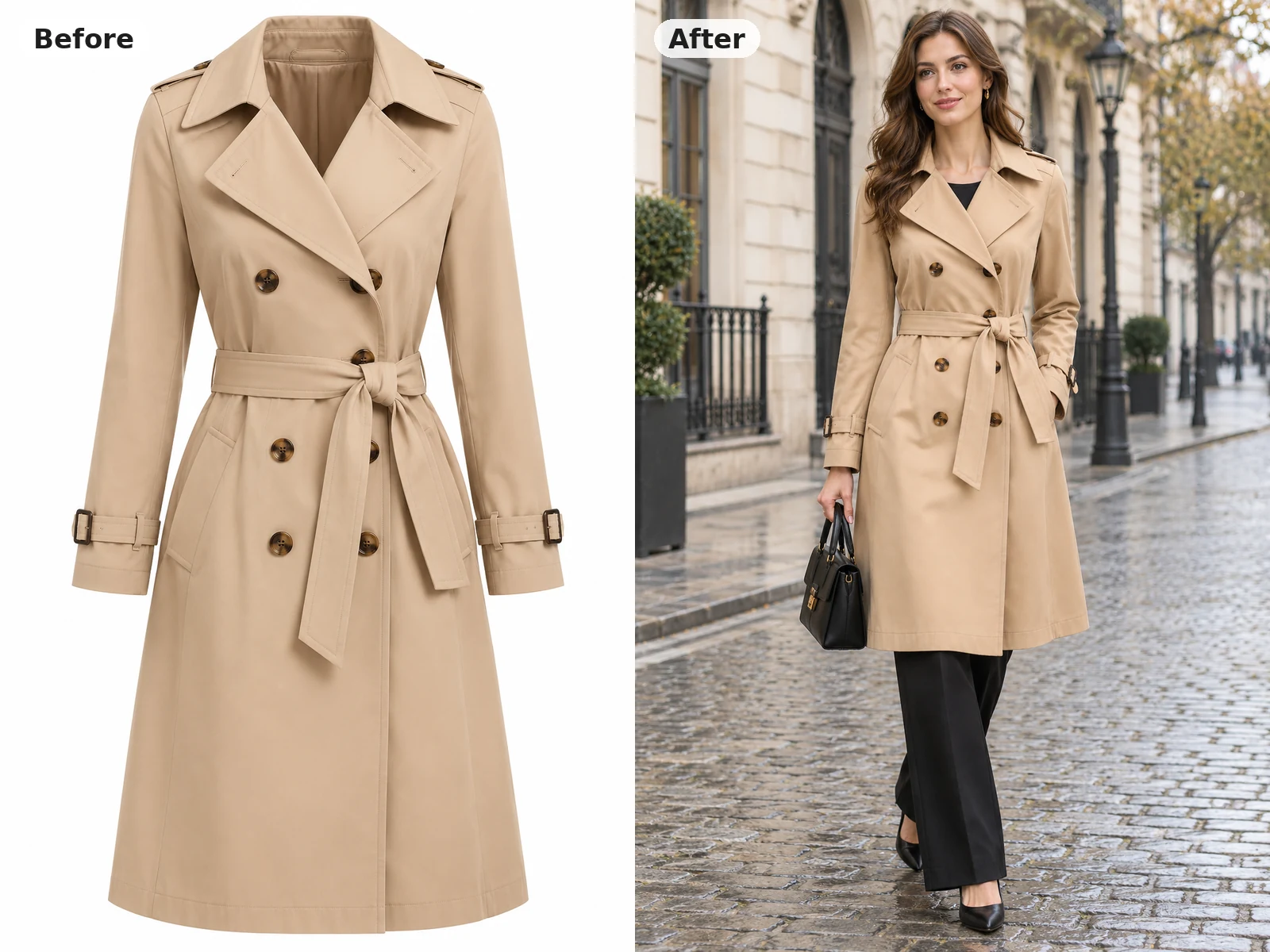
Press the button and look at the result at full size next to your original picture. Compare the color, print scale, buttons, belt, pockets and length, the way this trench coat keeps its double row of buttons and tied belt. If a detail drifts, run it again with a note such as keep the brown buttons or keep the knee length. Before you publish, confirm color, print and fit against the real product, then download the image for your store, ads or lookbook.

Put It on a Model
Before and after: beige trench coat on a ghost mannequin beside the same coat worn by a woman on a street

Model Shots You Can Make from Product Photos

Different garment photos, different settings, the same piece kept recognizable.

Ghost Mannequin Jackets on a Model

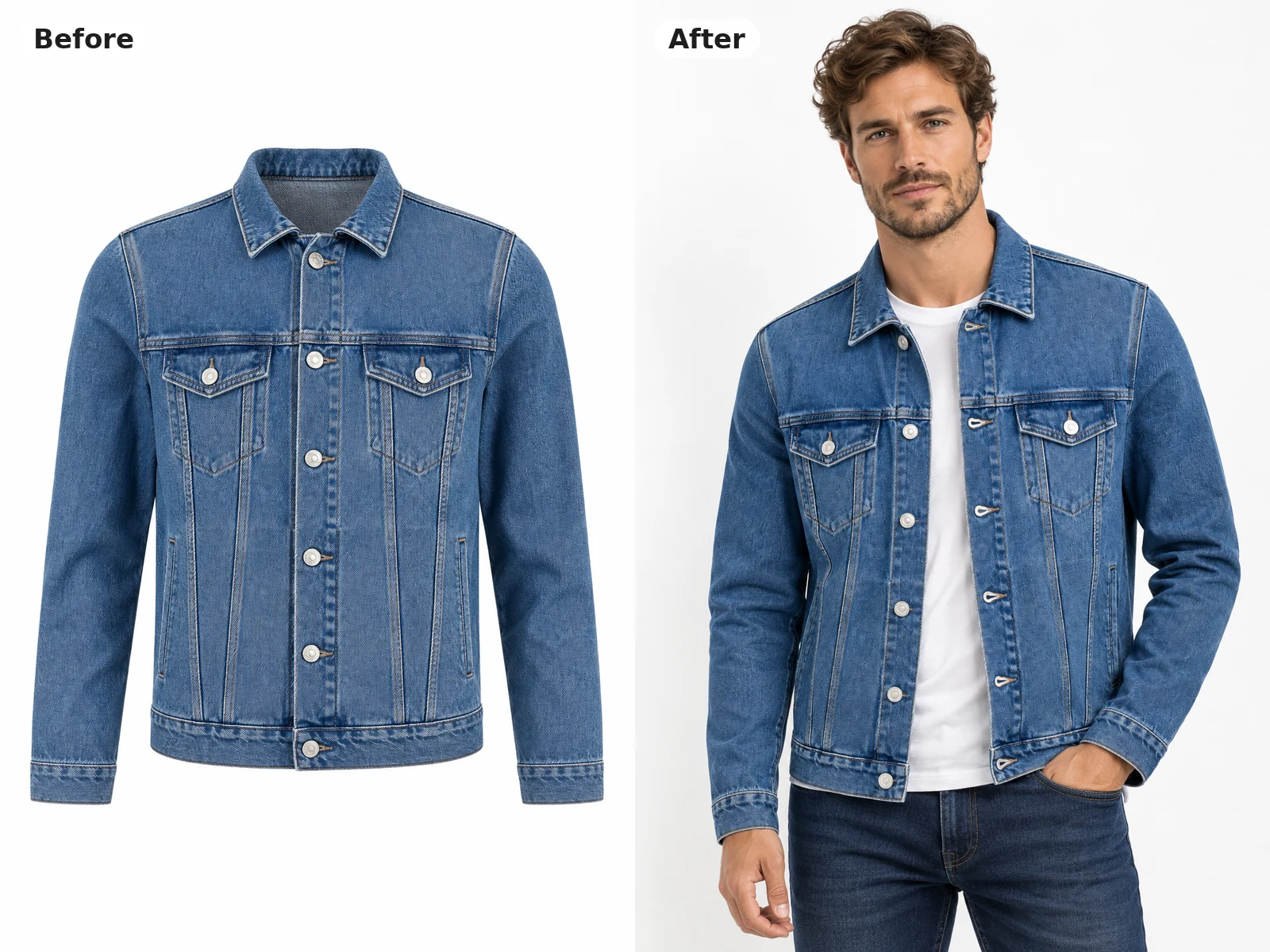
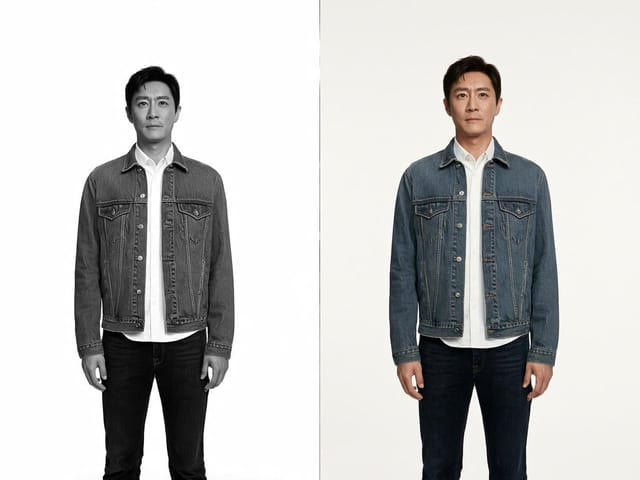
A medium blue denim trucker jacket shot on a ghost mannequin becomes a studio picture of a man wearing it open over a white tee. The silver buttons, chest pockets and seam lines stay in place, and the denim gains natural creases at the elbows. Ghost mannequin images already carry the shape of the garment, so they are an easy starting point for a flat lay to on model photo. Use this look for the main image of a product page where a plain background matters.

Try a Jacket
Before and after: denim jacket on a ghost mannequin beside the same jacket worn by a man

Hanger Shots for Knitwear

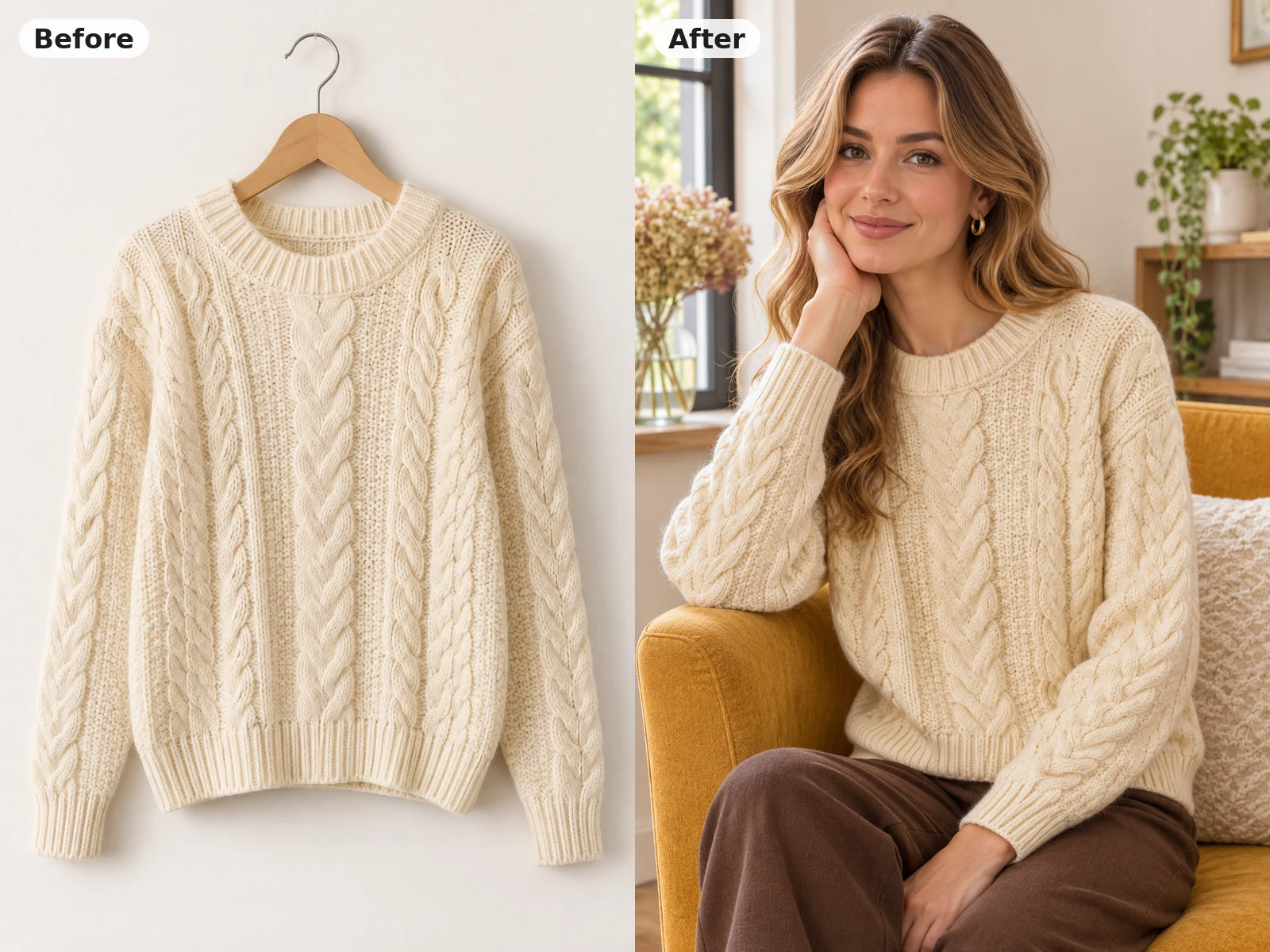
A chunky cream cable-knit sweater photographed on a wooden hanger turns into a cozy scene of a woman relaxing in an armchair by a window. Thick knits are hard to show flat, but on a person you can see the cable pattern, the dropped shoulders and the soft ribbed cuffs. Mention a warm room, a seated pose or a cup of tea to give the picture a story. Lifestyle frames like this work well further along a product gallery and in seasonal email campaigns.

Try Knitwear
Before and after: cream cable-knit sweater on a hanger beside the same sweater worn by a woman indoors

Bags and Accessories Worn in Context

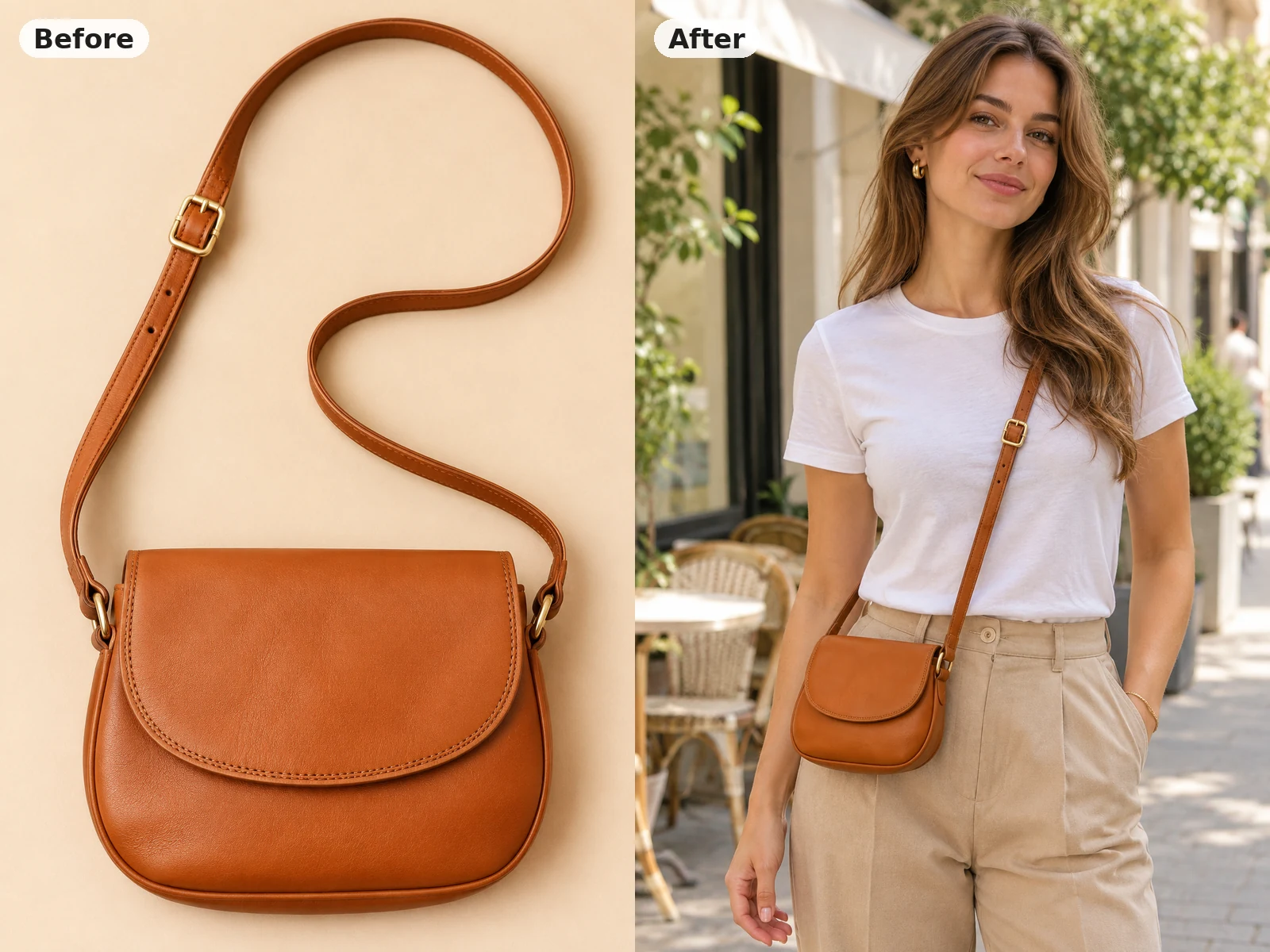
A tan leather crossbody bag lying on a sand-colored surface is shown across the body of a woman on a sunny cafe street. Seeing the strap length and where the bag sits at the hip answers a question shoppers often ask before they buy. Accessories also work as a flat lay to on model photo, as long as the whole item, including straps and buckles, is visible in the upload. Describe a simple outfit so the bag stays the focus of the picture.

Try a Bag
Before and after: tan crossbody bag flat lay beside the same bag worn by a woman on a cafe street

Full Outfits from One Flat Lay

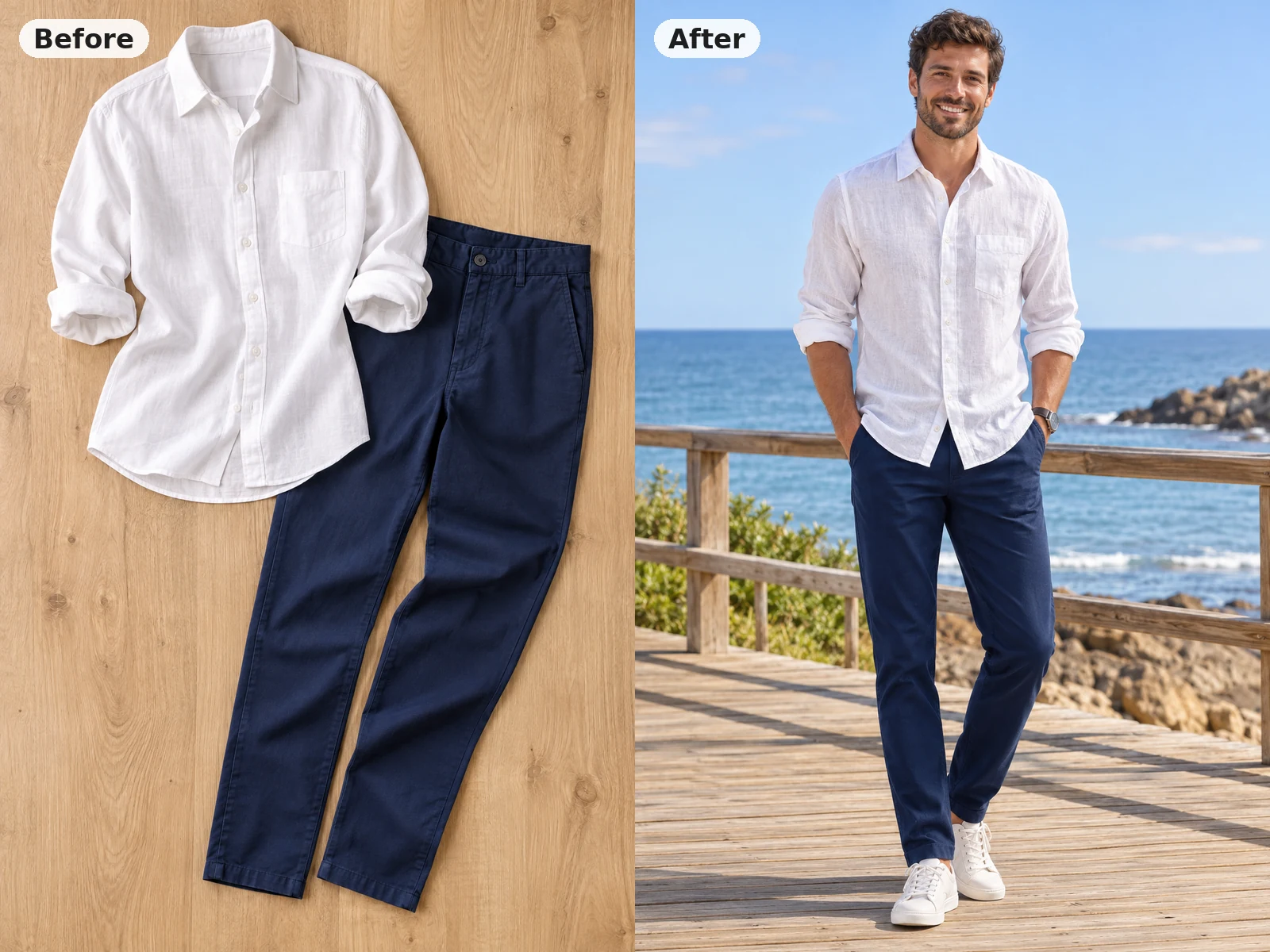
A white linen shirt and navy chinos arranged together on a wooden surface become one full-length shot of a man on a seaside boardwalk. When a flat lay holds a complete outfit, the effect dresses the model in every piece at once, with rolled sleeves and trouser hems kept as shown. This is a quick way to build lookbook pages and bundle listings without booking a full shoot. Ask for shoes or a belt in the prompt if the flat lay does not include them.

Try an Outfit
Before and after: linen shirt and chinos flat lay beside the same outfit worn by a man on a boardwalk

Tips for Better Flat Lay Photos

Iron or steam the garment first, because creases in the upload can turn into strange folds on the model. Lay it flat on a plain, contrasting background, or hang it straight, and keep the whole piece inside the frame with a little space around it. Use soft daylight or two even lamps so the color is accurate and the shadows stay light. Show the front of the garment clearly, with buttons, zippers and prints facing the camera, and leave out other items unless you want a full outfit. For the most reliable flat lay to on model photo, photograph one product per image and describe the model and setting in plain words.

Flat Lay to On-Model Photo FAQ

Answers about garment photos, models, accuracy and downloads.

What does a flat lay to on model photo tool do?

It takes one picture of a garment lying flat, on a hanger or on a ghost mannequin and shows it worn by a realistic model, with the pose and setting you describe.

How do I turn my flat lay clothing photo into a model photo?

Upload the garment photo, optionally add a model photo, pick a setting, edit the prompt, and press create. Review the result at full size, then download it.

Can I use ghost mannequin or hanger photos?

Yes. Flat lays, hanger shots and ghost mannequin images all work. Make sure the whole garment is visible and evenly lit.

Can I put the garment on my own model?

Yes. Add one clear photo of an adult model in the optional model slot. Only use photos of people who agreed to it and whose image you have rights to use.

Will the color and print match my product exactly?

The effect aims to keep color, print, cut and details, but small differences can appear, especially with fine patterns or logos. Always check color, print and fit against the real item before you list it.

Does it work for bags, accessories and full outfits?

Yes. Bags, scarves and complete outfits laid out together can be shown on a model. Keep straps, buckles and every piece inside the frame.

Can I use the images on Amazon, Shopify or in ads?

Many sellers use them for product galleries, store pages and social ads. Check each marketplace's image rules, and make sure the picture represents the real product honestly.

What makes a good flat lay for this effect?

A wrinkle-free garment on a plain background, shot from directly overhead in soft even light, with the front details facing the camera.

How do credits and failed runs work?

Credits for each render show in the generator before you create. If a run fails, the credits are returned automatically.

Is this tool affiliated with any fashion brand or marketplace?

No. It is an independent NanoPic photo effect and is not affiliated with any fashion brand, marketplace or model agency.

Ready to See Your Product on a Model?

Upload a flat lay, hanger or ghost mannequin shot, choose a setting, and download a flat lay to on model photo for your next listing.

Related tools

80s Photo Filter

80s Photo Filter

80s Photo Filter adds warm, faded film color to your photo in the browser. Adjust strength, preserve clothing and framing, and download a PNG.

Open tool
AI Age Filter

AI Age Filter

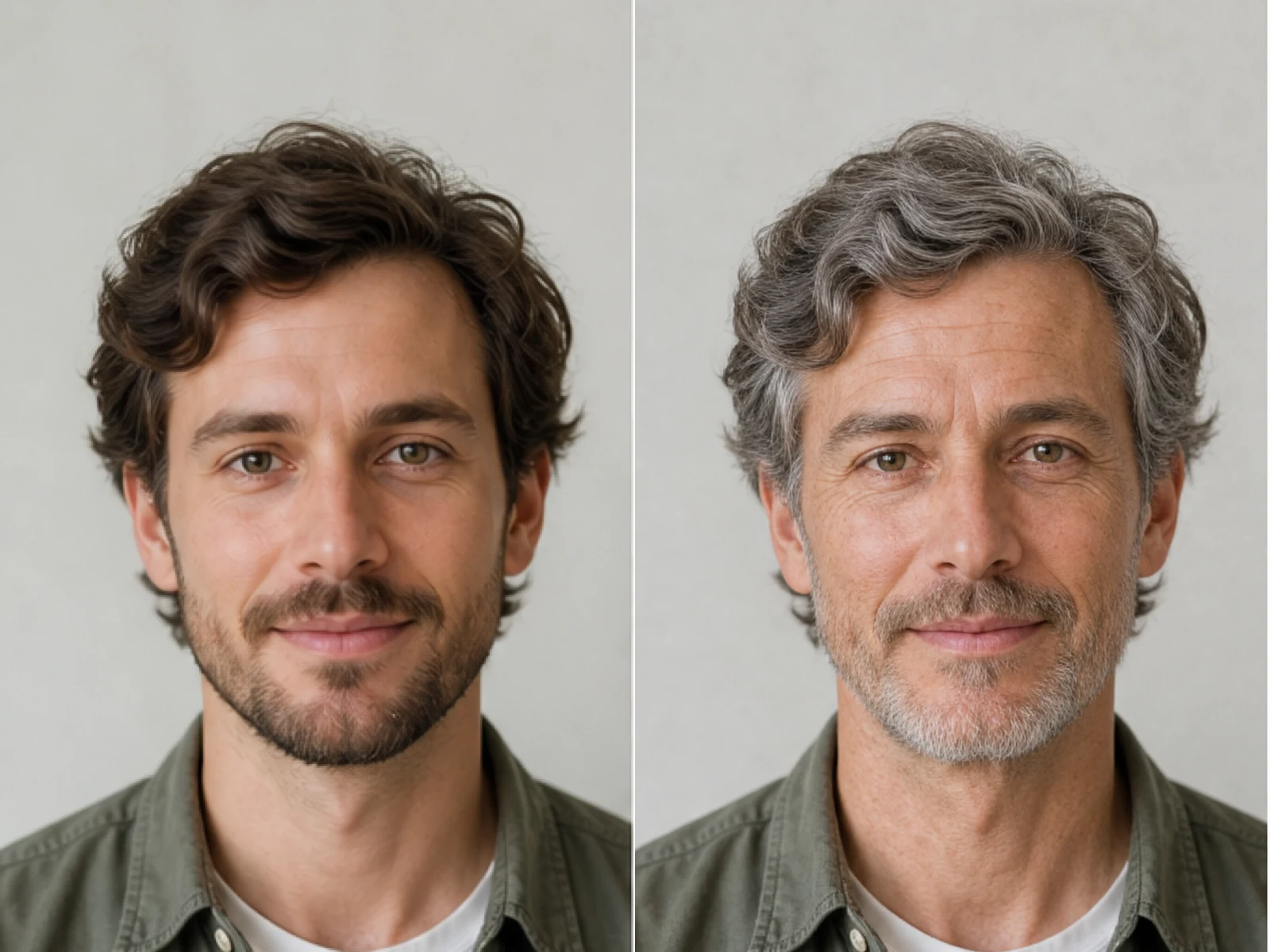
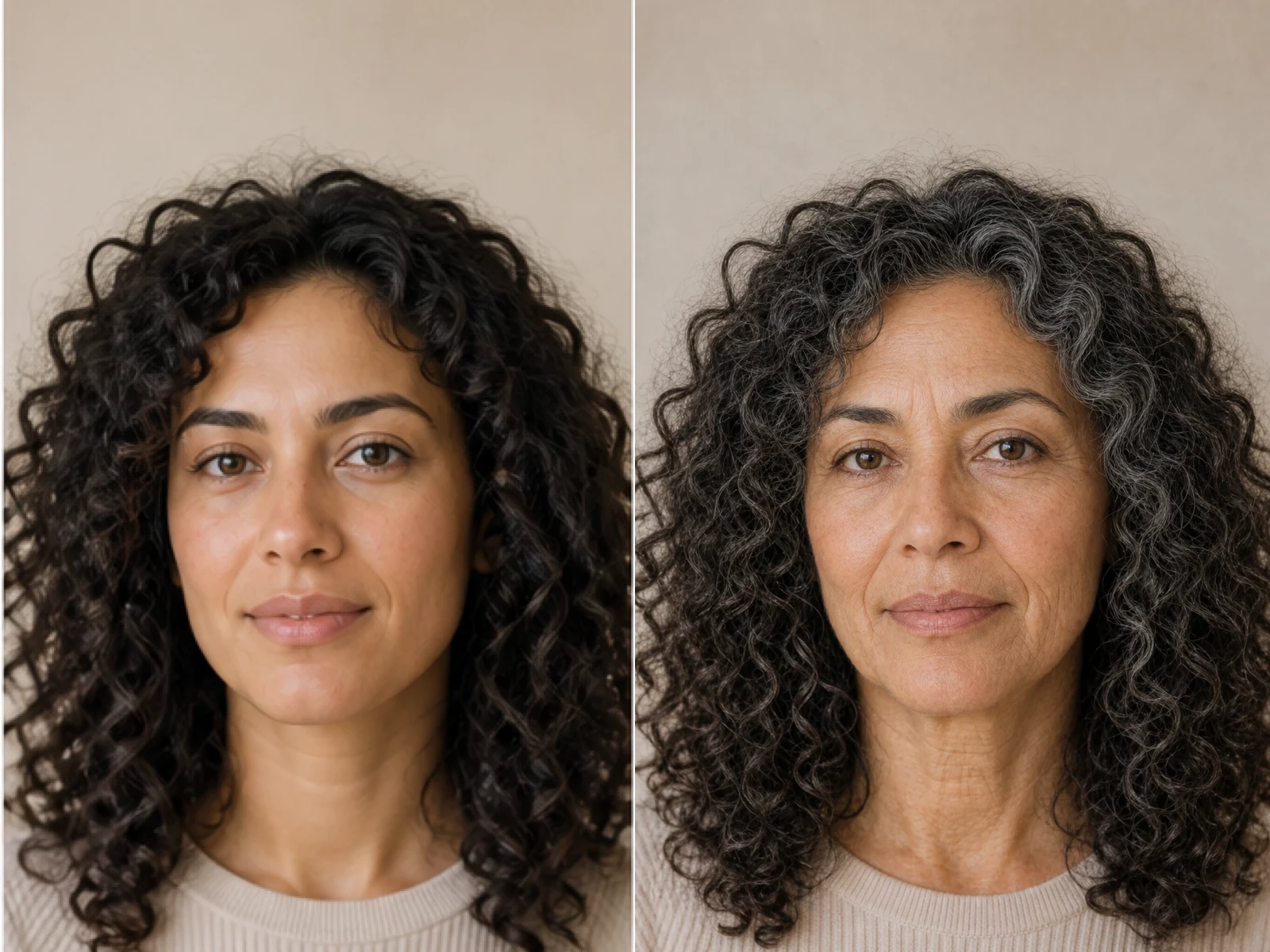
AI Age Filter creates a natural older-look concept from an authorized adult portrait. Review identity, complete-head framing, light and scene after editing.

Open tool
AI Age Progression

AI Age Progression

AI Age Progression creates a target-age concept from an authorized adult portrait. Set an age interval and review identity, framing and scene after editing.

Open tool
AI Labubu Generator

AI Labubu Generator

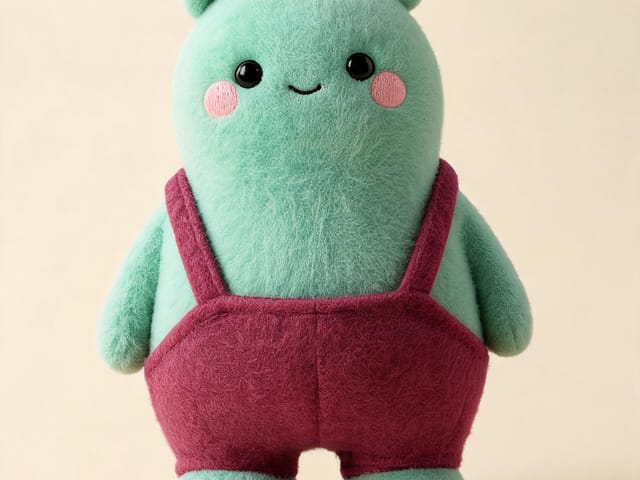
AI Labubu Generator helps explore your own monster doll concept from an authorized reference. Create original shapes and outfits, with no official affiliation.

Open tool
Camera Roll AI

Camera Roll AI

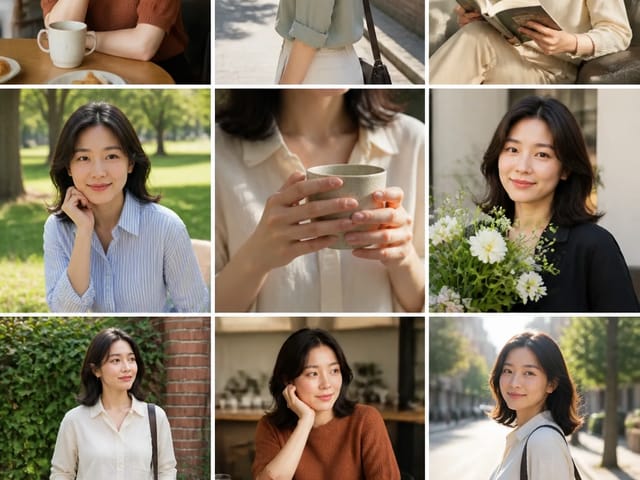
Camera Roll AI turns an authorized reference photo into one lifestyle collage. Plan varied scenes and a phone-gallery-inspired layout, then save one image.

Open tool
Face in Hole Generator

Face in Hole Generator

Face in Hole Generator places an authorized face into your chosen photo or template. Upload two references, refine the blend, and save a creative portrait.

Open tool
Hotpot AI Image Generator

Hotpot AI Image Generator Online | NanoPic

Create still images with the Hotpot AI Image Generator on NanoPic. Write a clear scene, generate with Nano Banana 2, refine the look, and download the picture you like.

Open tool
Make Image Higher Resolution

Make Image Higher Resolution

Make Image Higher Resolution with real 2× or 4× browser resizing. Compare pixel dimensions and download PNG without claiming recovered detail.

Open tool
Remove Glare from Glasses in Photos

Remove Glare from Glasses in Photos

Remove Glare from Glasses in photos with an editable AI image prompt. Upload your portrait, reduce lens reflections, and review the result before using it.

Open tool
Wooden porch at dusk with a glowing carved jack-o'-lantern and autumn leaves

Add Pumpkin to Photo: Place Pumpkins in Your Picture | NanoPic

Add pumpkin to photo: upload one picture, say how many and where, keep faces and pets, then download a still with realistic or glowing pumpkins.

Open tool
Small mushroom-cap vinyl figure in a yellow raincoat beside a leaf-pattern box

AI Blind Box Generator: Turn a Photo into a Chibi Figure | NanoPic

AI blind box generator: upload one photo of you or your pet and get a cute chibi, plush or boxed collectible figure image to download and share.

Open tool
Young man in a red scarf smiling beside a glowing Christmas tree

AI Christmas Photo Generator: Festive Portraits & Cards | NanoPic

AI Christmas photo generator: upload one photo and get a cozy holiday portrait or a Christmas card picture that still looks like you, ready to download.

Open tool
Before and after: woman selfie beside the fisheye white-room portrait

AI Fisheye Portrait Generator: Bold Fisheye Selfies | NanoPic

AI fisheye portrait generator for selfies: upload one clear photo and get a curved, close-up fisheye lens look that still keeps your face recognizable.

Open tool
Black Friday sale scene with sneakers, knitwear and gift bags on dark stone

Black Friday Poster Maker: Product Photo to Sale Poster | NanoPic

Black Friday poster maker for sellers: upload one product photo, pick a sale style, and add an optional headline or offer text to your downloadable poster.

Open tool
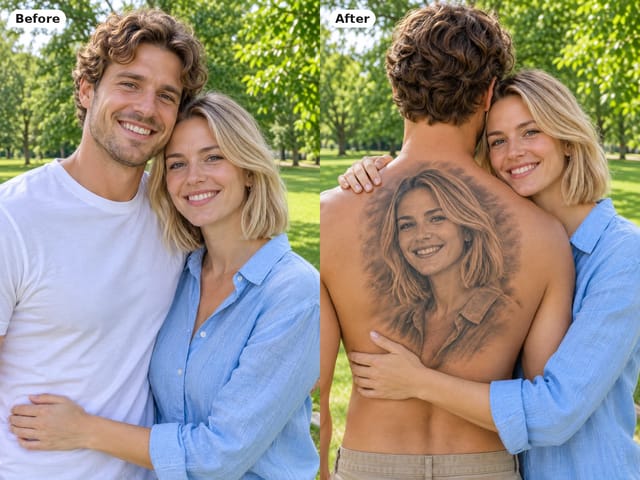
Man seen from behind with a black-and-grey portrait tattoo of his partner on his back while she hugs him

Couple Back Tattoo AI: Their Face Inked on Your Back | NanoPic

Couple back tattoo AI turns your photos into a romantic picture: a partner's face as a black-and-grey back tattoo with roses and Love You script.

Open tool

Flashlight AI Photo: Tiny Character Scene | NanoPic

Turn one authorized adult portrait into a realistic flashlight scene with a miniature stylized double. Generate, then inspect identity, hands, light, scale, and crop.

Open tool

Funny AI Prompts — 12 Photo and Pet Editing Ideas | NanoPic

Try 12 original funny AI prompts on one authorized person or pet photo. Load, edit, generate, and review identity, anatomy, props, text, and visual coherence.

Open tool
Demo cover showing clearer detail after enhancement workflow

Magnific AI Image Generator Workflow on NanoPic | Clarity from One Photo

Run a magnific ai image generator style enhance on NanoPic: upload one photo, rebuild edges and textures toward 4K, then download after a full-size check.

Open tool

Mera Prompt AI Photo Prompts: Copy Viral Edits | NanoPic

Copy free mera prompt AI photo prompts for boys, girls, couples, festivals and cricket, then turn your own selfie into a viral edit on NanoPic.

Open tool

Minecraft Pixel Art — Turn a Photo Into Block Art | NanoPic

Turn one authorized photo into original blocky pixel art with six editable prompts. Generate, then review subject detail, geometry, text, rights, and composition.

Open tool
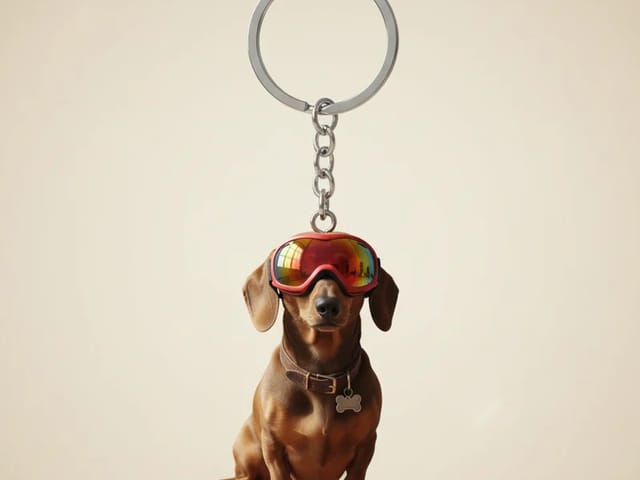
Dachshund in red goggles shown as a glossy 3D keychain charm on a metal ring

Photo to 3D Keychain: Turn Your Photo into a Mini Keychain | NanoPic

Photo to 3D keychain: upload a portrait, pet or object photo and get a glossy mini keychain image with a metal ring that keeps the look of your subject.

Open tool
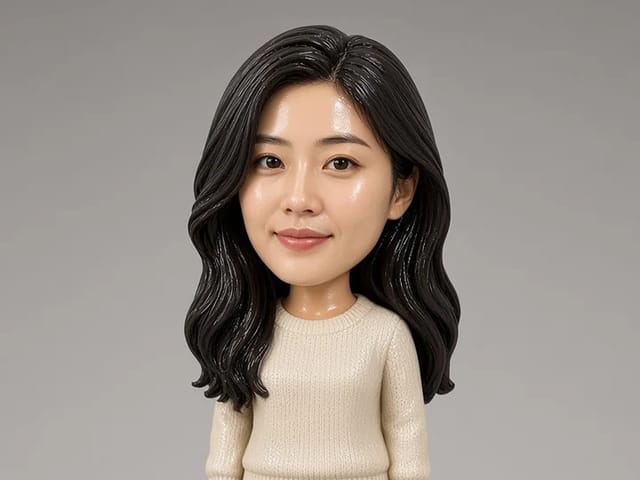
Bobblehead figurine of a woman in a cream sweater standing on a round base

Photo to Bobblehead: Turn a Portrait into a Bobblehead | NanoPic

Photo to bobblehead in a few steps: upload one clear portrait and get a big-head collectible figure image that still looks like the person, ready to save.

Open tool