







Video Models
Sign In
CreditsCost

AI Video Generator

HappyHorse 1.1

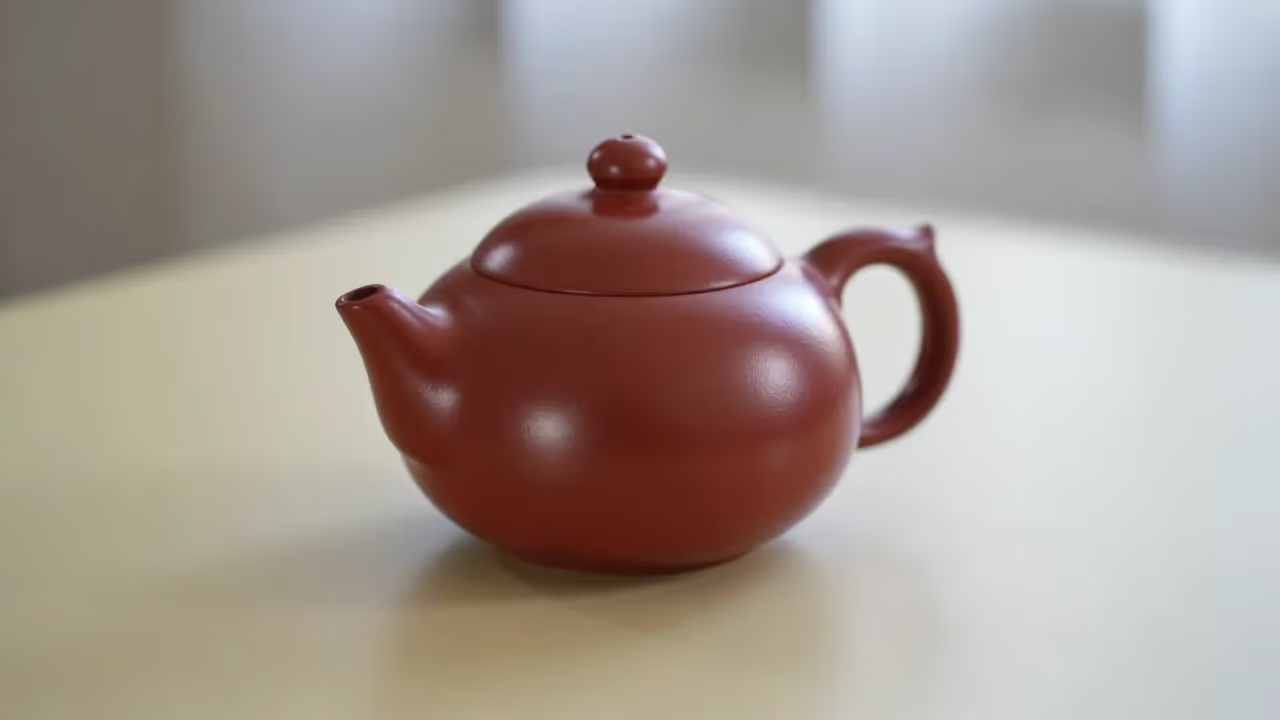
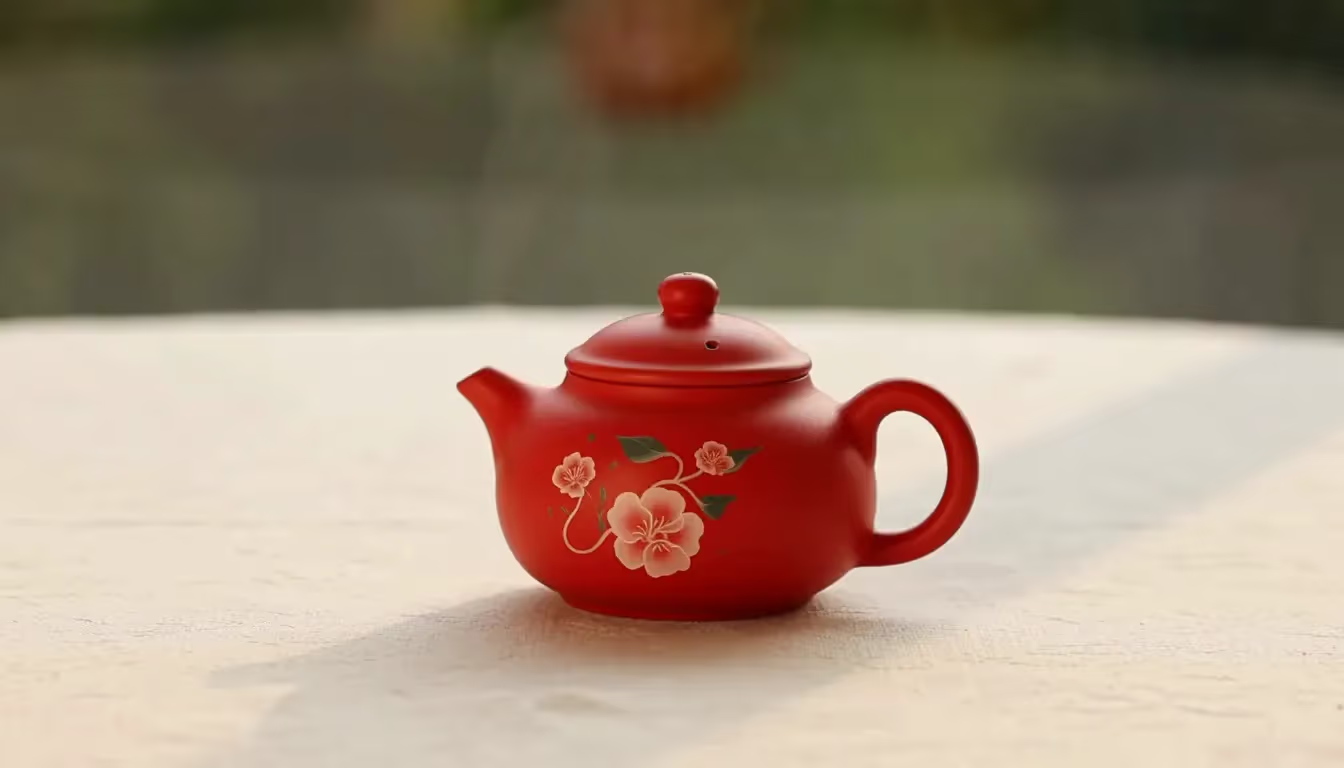
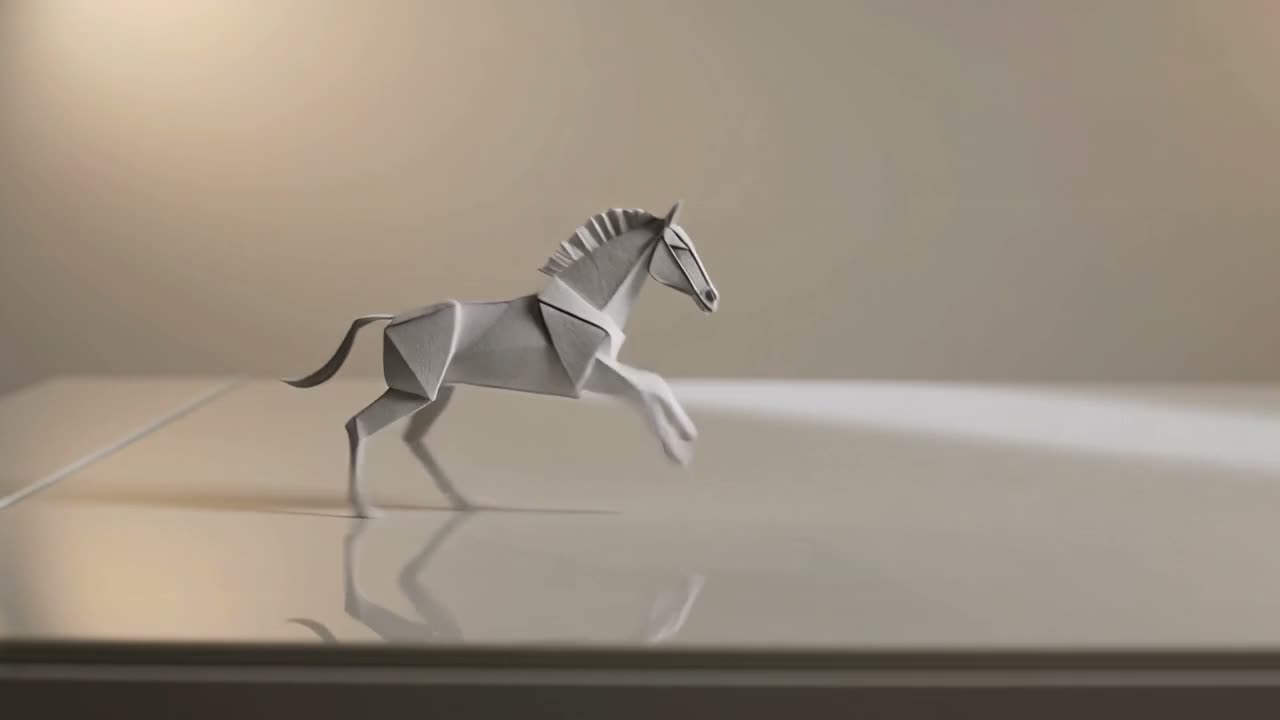
Happy Horse 1.1 text to video paper horse result

Happy Horse 1.1 AI Video Generator

Use NanoPic to test HappyHorse 1.1 for fast short-form video ideas. Start from a written scene, animate one uploaded image, or blend several reference images into a controlled 3-15 second clip.

What Happy Horse 1.1 Does Best

Happy Horse 1.1 is useful when you need a compact video model page for testing ideas quickly, comparing prompt directions, and deciding whether a concept deserves a longer or more expensive generation pass.

Text to Video for quick scene tests

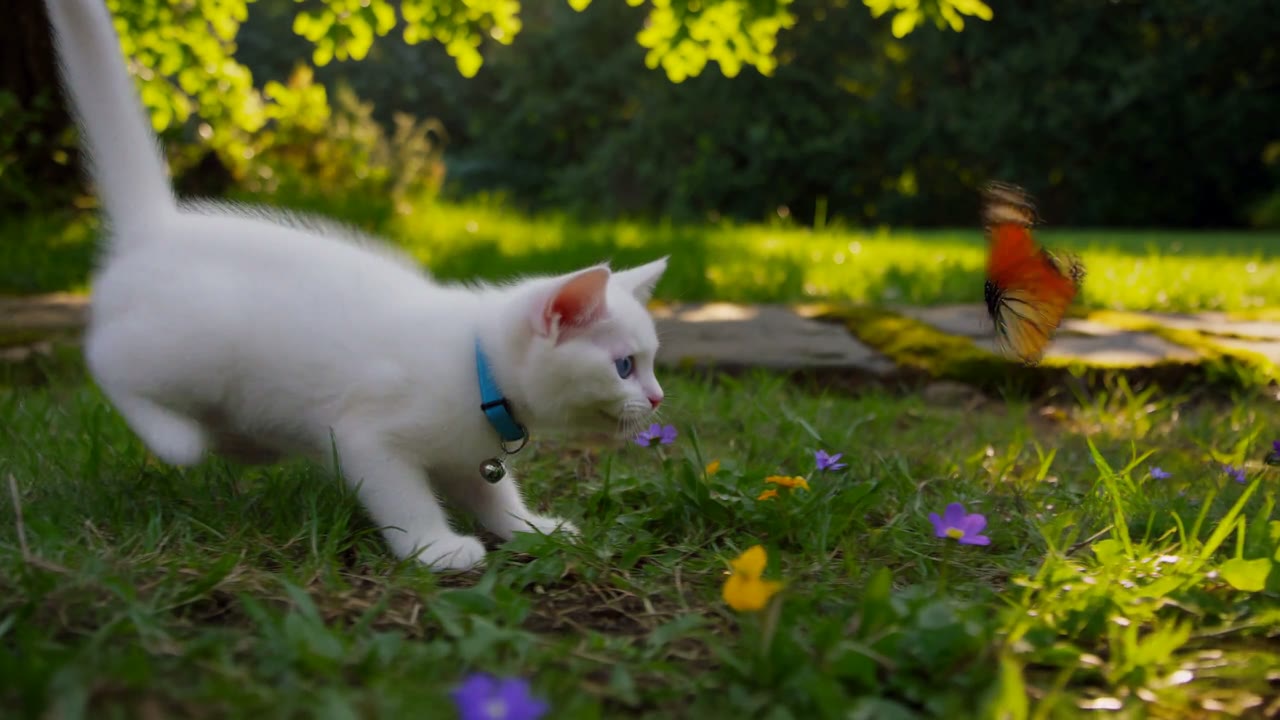
Write a concise scene prompt and generate a short AI video without uploading a source image. This mode is practical for testing camera motion, subject behavior, atmosphere, and simple visual concepts before investing in a larger production workflow.

Image to Video for product and character motion

Upload one image and ask HappyHorse 1.1 to animate it with controlled motion. NanoPic keeps the workflow focused on a single visual anchor, which is helpful for product visuals, character stills, posters, packaging mockups, and social creative variants.

Reference to Video for style ingredients

Use multiple reference images when the video needs visual ingredients rather than one strict source frame. This is useful for combining material, shape, lighting, and mood references into one short clip while keeping the prompt readable.

Duration controls from 3 to 15 seconds

HappyHorse 1.1 supports compact clips for prompt tests and longer short-form ideas. NanoPic exposes duration choices from 3 seconds through 15 seconds, so you can choose the smallest useful length before scaling a direction.

720p and 1080p output choices

Choose 720p when you want the cheapest useful validation pass, or move to 1080p when the prompt has already proven itself. This keeps experimentation cost-aware without hiding the quality tradeoff from the creator.

Three modes in one NanoPic workflow

Switch between text-to-video, image-to-video, and reference-to-video from the same generator surface. Saved tasks, prompts, credits, and history remain connected inside NanoPic instead of forcing creators to juggle separate tools.

How to Use Happy Horse 1.1 in NanoPic

The Happy Horse 1.1 AI video generator page is built for practical iteration. Keep the first generation small, study the motion, then decide whether the idea needs a different source image, more reference images, a higher resolution, or a longer duration.

Start with the smallest useful text-to-video pass

For early ideation, begin with a 3-second 720p text-to-video generation. Describe one subject, one camera move, one environment, and one quality constraint. HappyHorse 1.1 responds best when the prompt avoids overloaded story beats and focuses on a clear visual action. A strong prompt for this model might define the subject material, the lighting direction, the camera path, and what should not appear, such as text overlays or watermarks. This gives NanoPic a fast, low-friction way to test whether the model understands the motion and framing you want before you spend more credits on higher resolution or a longer clip.

Try Text to Video

Use image-to-video when the source image matters

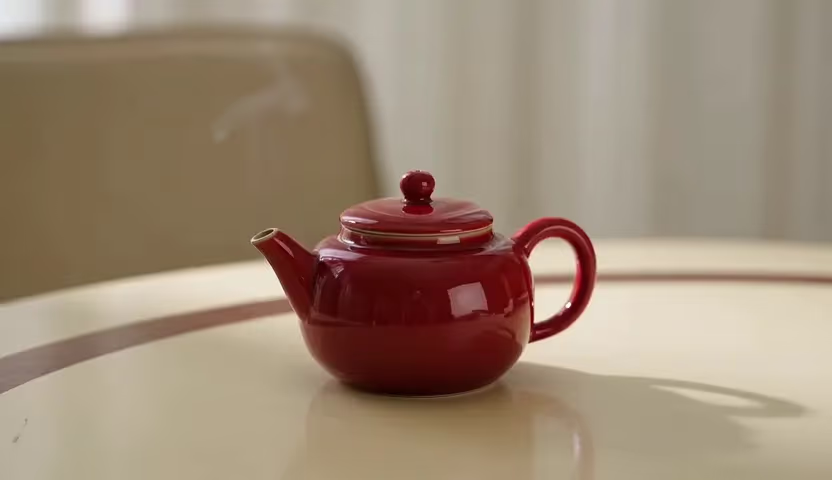
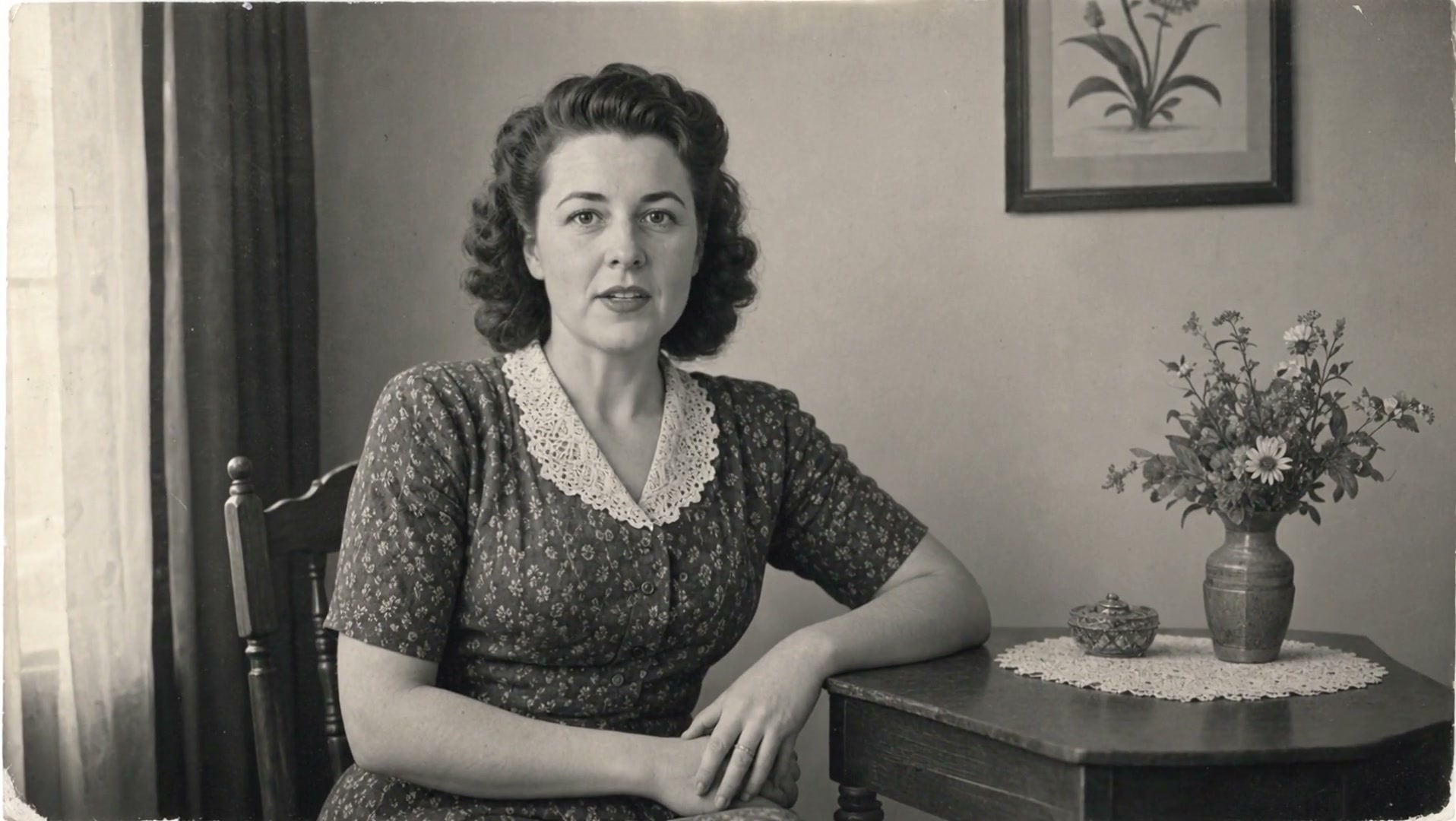
Choose image-to-video when the core subject already exists as a still frame. Product photos, stylized key visuals, character portraits, logo concepts, fashion shots, and environment stills can become short motion studies without rebuilding the scene from scratch. In NanoPic, this mode works best when the uploaded image is clean, uncropped, and easy for the model to understand. Ask for one controlled motion direction, such as a smooth push-in, gentle floating, subtle fabric movement, drifting particles, or a slow camera pan. Because this mode follows the source image proportion, it is especially useful when the original composition is vertical, square, or product-centered.

Animate an Image

Switch to reference-to-video for blended visual direction

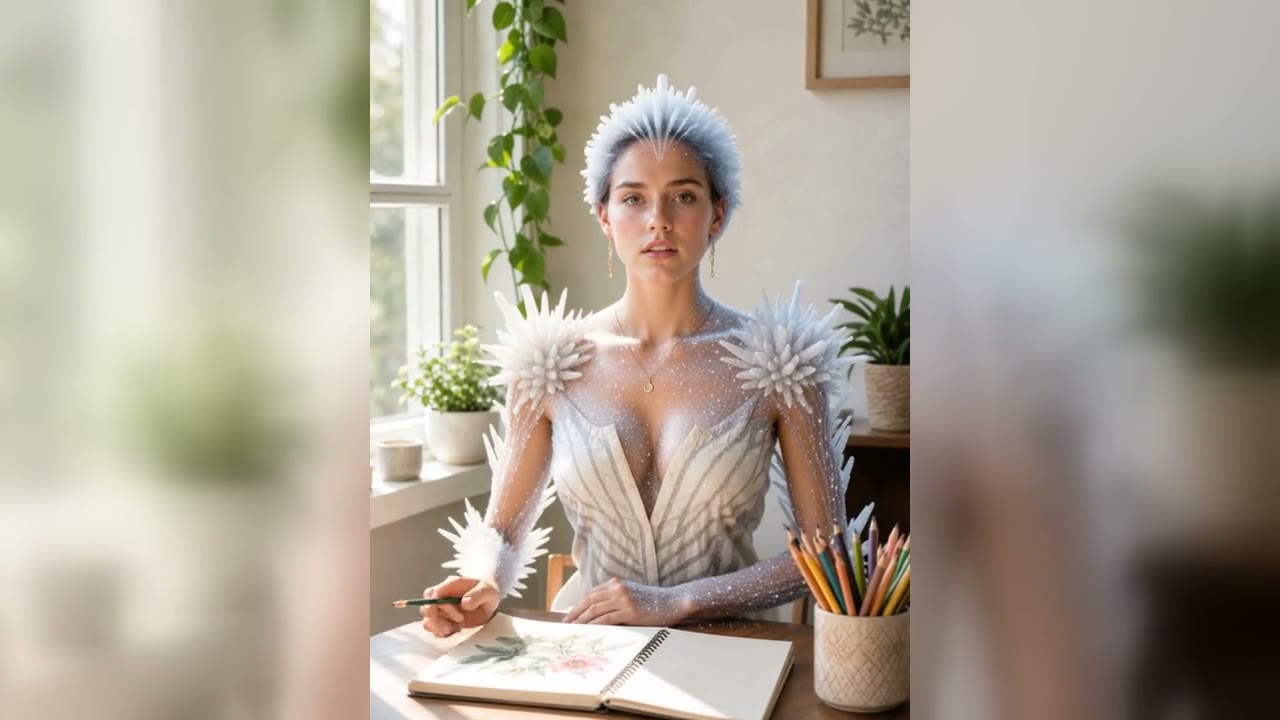
Reference-to-video is the mode to use when the output needs to borrow qualities from more than one image. One reference can define a subject shape, another can define material, and another can define lighting or atmosphere. That makes Happy Horse 1.1 useful for concept art, ad tests, stylized product motion, and mood-driven social clips. The key is to explain how the references should be used instead of assuming the model will infer the relationship automatically. Say whether the images are source frames, material references, character references, or mood references. NanoPic keeps these references in the generator request so the task can be reviewed later from the same creation history.

Blend References

Scale only the generations that prove the idea

HappyHorse 1.1 is best treated as an iteration model. Run several short 720p drafts to evaluate prompt interpretation, subject stability, camera motion, and artifact risk. Once a direction works, move to 1080p or a longer duration. This approach protects credits because video pricing is tied to generation settings such as duration and resolution. It also creates a cleaner creative workflow: first validate the idea, then polish the version that already demonstrates useful motion. NanoPic keeps the generator, credit cost, output, and task history together so teams can compare which prompt and mode produced the strongest result.

Generate a Draft

Best Use Cases for HappyHorse 1.1

Use Happy Horse 1.1 when the goal is a short, fast video experiment rather than a complex multi-scene production. It fits teams that need many visual directions before selecting one to polish.

Social ad concept drafts

Create fast visual tests for product motion, poster animation, beauty shots, food scenes, and app launch clips. Short drafts help marketing teams compare hooks before committing to a larger generation budget.

Product image animation

Turn still product renders or campaign visuals into simple motion studies. Ask for light refraction, camera movement, environmental motion, or subtle object animation while keeping the product recognizable.

Style and material exploration

Use reference-to-video to test how glass, paper, fabric, cloud, metallic, toy-like, or cinematic materials behave in motion. This is useful for art direction boards and campaign mood exploration.

Prompt benchmarking

Compare text-to-video, image-to-video, and reference-to-video prompts under the same model. NanoPic's history makes it easier to see which mode gives the clearest motion and the fewest artifacts.

Creator thumbnails and previews

Generate short previews for creator content, reels, landing pages, and pitch decks. HappyHorse 1.1 is useful when the clip only needs to communicate a visual direction quickly.

Low-cost validation before premium models

Use a short Happy Horse 1.1 draft to validate the prompt before moving to other NanoPic AI video models for specialized cinematic control, longer scenes, or alternative motion styles.

HappyHorse 1.1 vs Other NanoPic Video Models

NanoPic includes multiple AI video model families. Happy Horse 1.1 sits in the fast experiment lane: it is strongest when the creator wants compact clips, clear reference modes, and cost-aware iteration.

Choose Happy Horse 1.1 for quick controlled drafts

Pick Happy Horse 1.1 when you need to test a visual idea from text, animate one source image, or blend several reference images without leaving the same generator page. It is especially useful for creators who want to compare prompt structure and input mode. If the first pass succeeds, the same idea can be refined with a longer duration, higher resolution, or a different model family. This makes HappyHorse 1.1 a practical first stop in a larger NanoPic video workflow.

Start with Happy Horse 1.1

Move to other models when the brief needs specialized control

If the project requires a different model personality, compare HappyHorse 1.1 with NanoPic's other video pages. Kling models are useful for cinematic motion and image-driven animation tests. Veo pages are better for creators who want Google's video model family and its specific control patterns. Sora pages are useful for photoreal and imaginative prompt exploration. The video model hub lets you move between these options while keeping the core creation flow in NanoPic.

Compare Video Models

Happy Horse 1.1 AI Video Generator FAQ

Answers for creators testing HappyHorse 1.1 inside NanoPic.

What is Happy Horse 1.1 used for?

Happy Horse 1.1 is used for short AI video generation from text prompts, one source image, or multiple reference images. It is a practical model for prompt testing, product motion drafts, social creative concepts, and reference-driven visual experiments.

Does HappyHorse 1.1 support text-to-video and image-to-video?

Yes. NanoPic exposes HappyHorse 1.1 for text-to-video, image-to-video, and reference-to-video. Text-to-video starts from a prompt, image-to-video animates one image, and reference-to-video can use multiple images as visual ingredients.

What duration should I choose first?

Start with 3 seconds at 720p when you are testing a prompt or source image. This is the cheapest useful validation pass. Move to longer durations or 1080p only after the motion direction and prompt interpretation look promising.

Why does image-to-video not show an aspect ratio selector?

HappyHorse 1.1 image-to-video follows the uploaded image rather than a separate aspect ratio field. Text-to-video and reference-to-video can use an aspect ratio selector, but image-to-video keeps the source image as the main composition anchor.

Can I use Happy Horse 1.1 for commercial creative tests?

You can use NanoPic to draft commercial-style concepts such as product reveals, social ad visuals, logo motion, and campaign mood clips. Always review the final output, licensing terms, and brand safety requirements before publishing externally.

Generate a Happy Horse 1.1 Video in NanoPic

Start with the generator above, keep the first clip short, and compare text-to-video, image-to-video, and reference-to-video before scaling the best result.