












































































































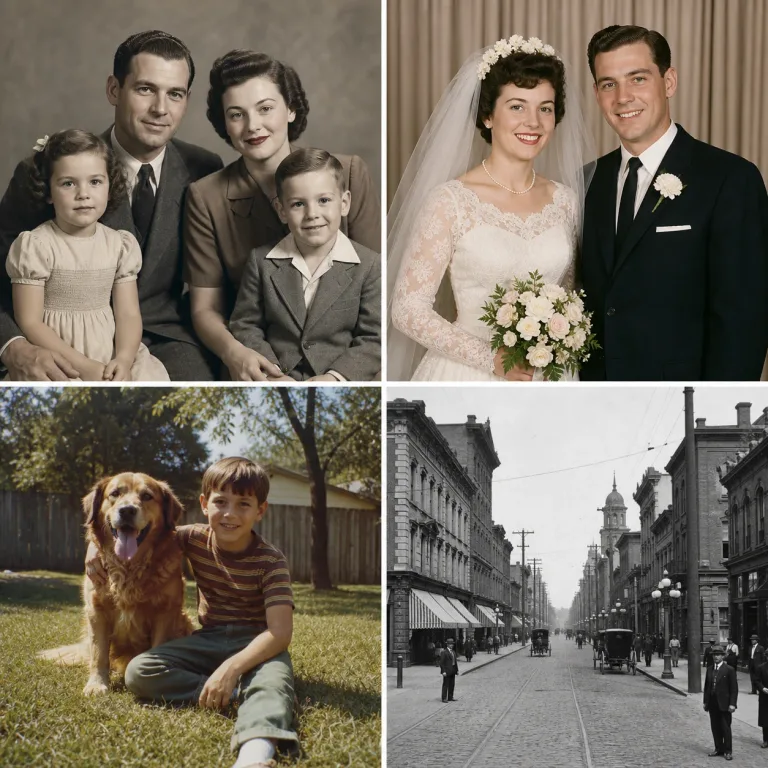
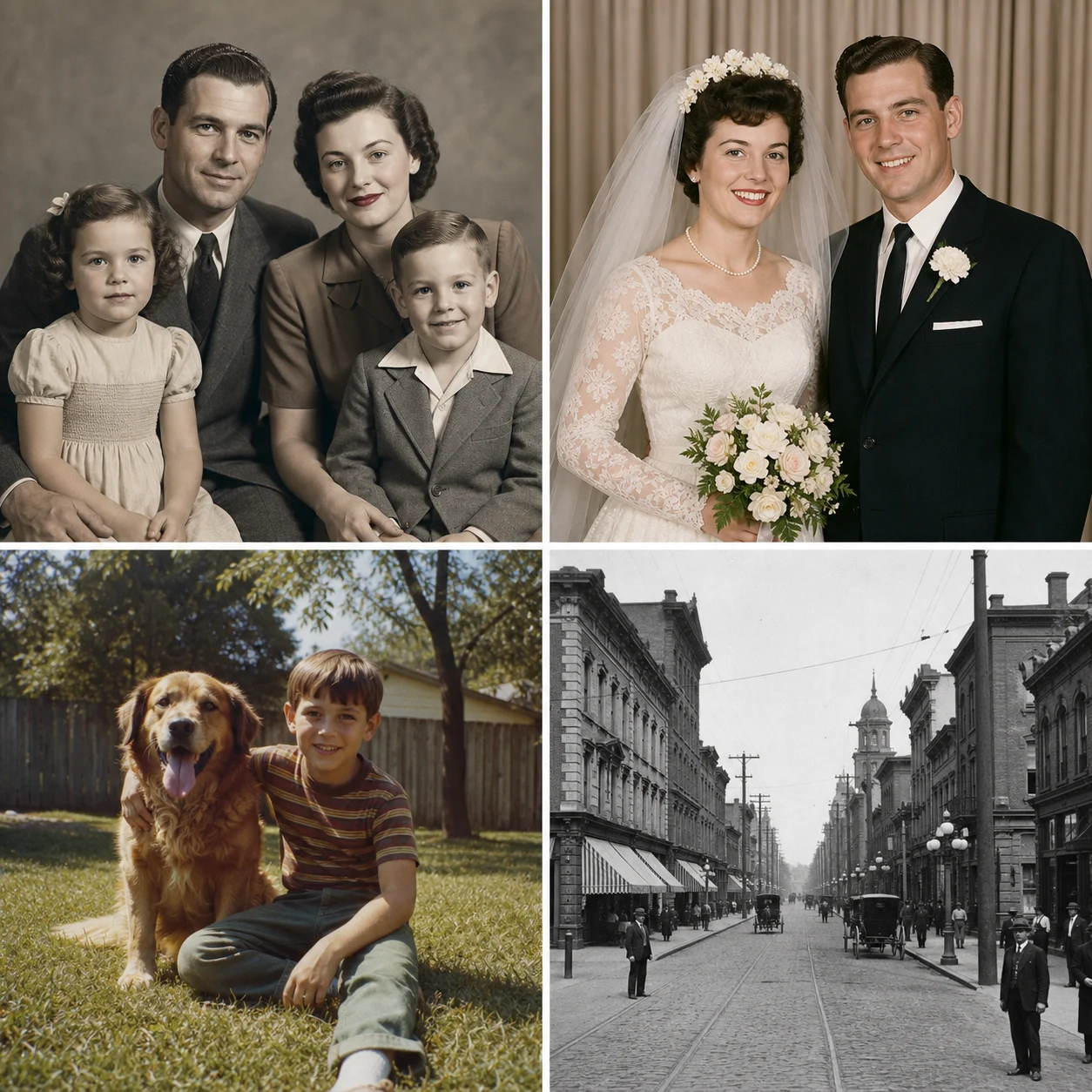
Family, Wedding, Snapshot, and Archive Examples
Balanced repair keeps film character, restrained color avoids neon modernization, faded-color recovery helps later snapshots, and black-and-white archive preserves monochrome history.
Restore a PhotoSave up to 73% on plans
Image
Browse every other AI image model and effect published on this site in a continuous carousel.
Useful AI photo restoration should improve what remains in the source rather than invent a different person or modernize the scene. NanoPic asks the image model to preserve recognizable faces, visible age, expressions, clothing, pose, crop, objects, and period context while repairing recoverable scratches, dust, stains, fading, weak contrast, and soft detail. AI restoration is still an interpretation: keep the original scan and inspect faces, hands, jewelry, uniforms, architecture, and historical objects carefully.
Choose a repair path that matches the original photograph instead of forcing every image into the same glossy look.
Balanced repair keeps film character, restrained color avoids neon modernization, faded-color recovery helps later snapshots, and black-and-white archive preserves monochrome history.
Restore a PhotoA high-quality source and conservative direction reduce unnecessary reconstruction.
Scan at high resolution when possible, or photograph the print evenly without glare. Keep an untouched master file.
Start with Balanced Repair. Add color only when it helps the goal and the source provides enough tonal evidence.
Zoom into every face, hand, object, text fragment, uniform, and architectural detail. Treat invented detail as a reason to regenerate or use a manual retoucher.
The workflow prioritizes preservation, reversibility, and honest review.
The fixed prompt protects facial structure, visible age, expression, hairstyle, and clothing.
Instructions target scratches, dust, fading, stains, contrast loss, and small tears rather than rewriting the whole scene.
Restrained color asks for historically plausible materials and avoids modern props or fashion.
The page makes clear that AI output is interpretive and the source should always be preserved.
Answers about damage, identity, colorization, originals, credits, and historical use.
It can often reduce recoverable scratches, dust, stains, fading, weak contrast, and soft detail. Large missing regions or severely destroyed faces may require manual restoration.
The template strongly requests identity preservation, but generative AI can still invent fine facial detail. Compare every face with the source and do not treat reconstruction as historical fact.
Only when color supports your goal. Black & White Archive keeps the original monochrome character; Restrained Color creates an interpretation, not verified historical color.
New users receive the welcome credits shown in the live generator. Generation uses NanoPic credits, and free-credit output includes a watermark.
Use only material you are authorized to process. For archives, publications, or legal evidence, preserve provenance and label AI-restored versions clearly.
Upload the best copy, keep the original, and review every recovered detail against the source.

80s Photo Filter adds warm, faded film color to your photo in the browser. Adjust strength, preserve clothing and framing, and download a PNG.
Open tool
AI Age Filter creates a natural older-look concept from an authorized adult portrait. Review identity, complete-head framing, light and scene after editing.
Open tool
AI Age Progression creates a target-age concept from an authorized adult portrait. Set an age interval and review identity, framing and scene after editing.
Open tool
AI Labubu Generator helps explore your own monster doll concept from an authorized reference. Create original shapes and outfits, with no official affiliation.
Open tool
Camera Roll AI turns an authorized reference photo into one lifestyle collage. Plan varied scenes and a phone-gallery-inspired layout, then save one image.
Open tool
Face in Hole Generator places an authorized face into your chosen photo or template. Upload two references, refine the blend, and save a creative portrait.
Open tool
Explore a Hotpot AI alternative with NanoPic’s independent Seedream 5.0 editor. Upload a reference, direct a visual concept, and review your image.
Open tool
Make Image Higher Resolution with real 2× or 4× browser resizing. Compare pixel dimensions and download PNG without claiming recovered detail.
Open tool
Remove Glare from Glasses in photos with an editable AI image prompt. Upload your portrait, reduce lens reflections, and review the result before using it.
Open toolTurn one authorized adult portrait into a realistic flashlight scene with a miniature stylized double. Generate, then inspect identity, hands, light, scale, and crop.
Open toolTry 12 original funny AI prompts on one authorized person or pet photo. Load, edit, generate, and review identity, anatomy, props, text, and visual coherence.
Open toolTurn one authorized photo into original blocky pixel art with six editable prompts. Generate, then review subject detail, geometry, text, rights, and composition.
Open tool