












































































































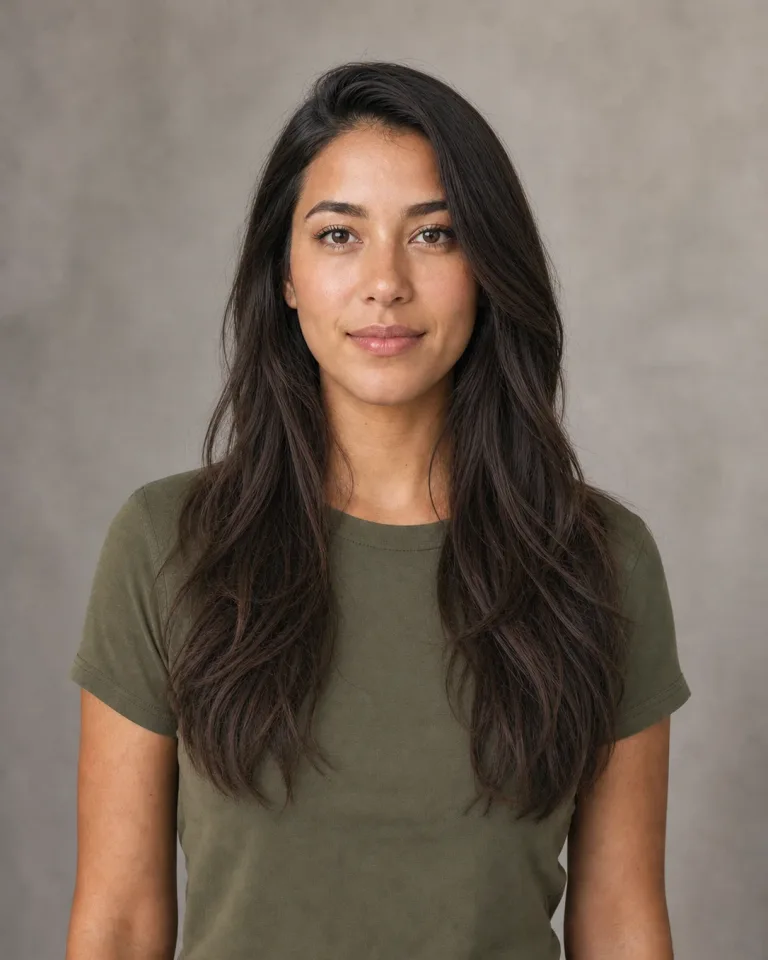
Soft Long Waves
Loose bends and subtle face-framing layers create an everyday long-hair preview without adding extreme volume. This is a practical first choice when you want a natural change that still feels close to the source portrait.
Save up to 73% on plans
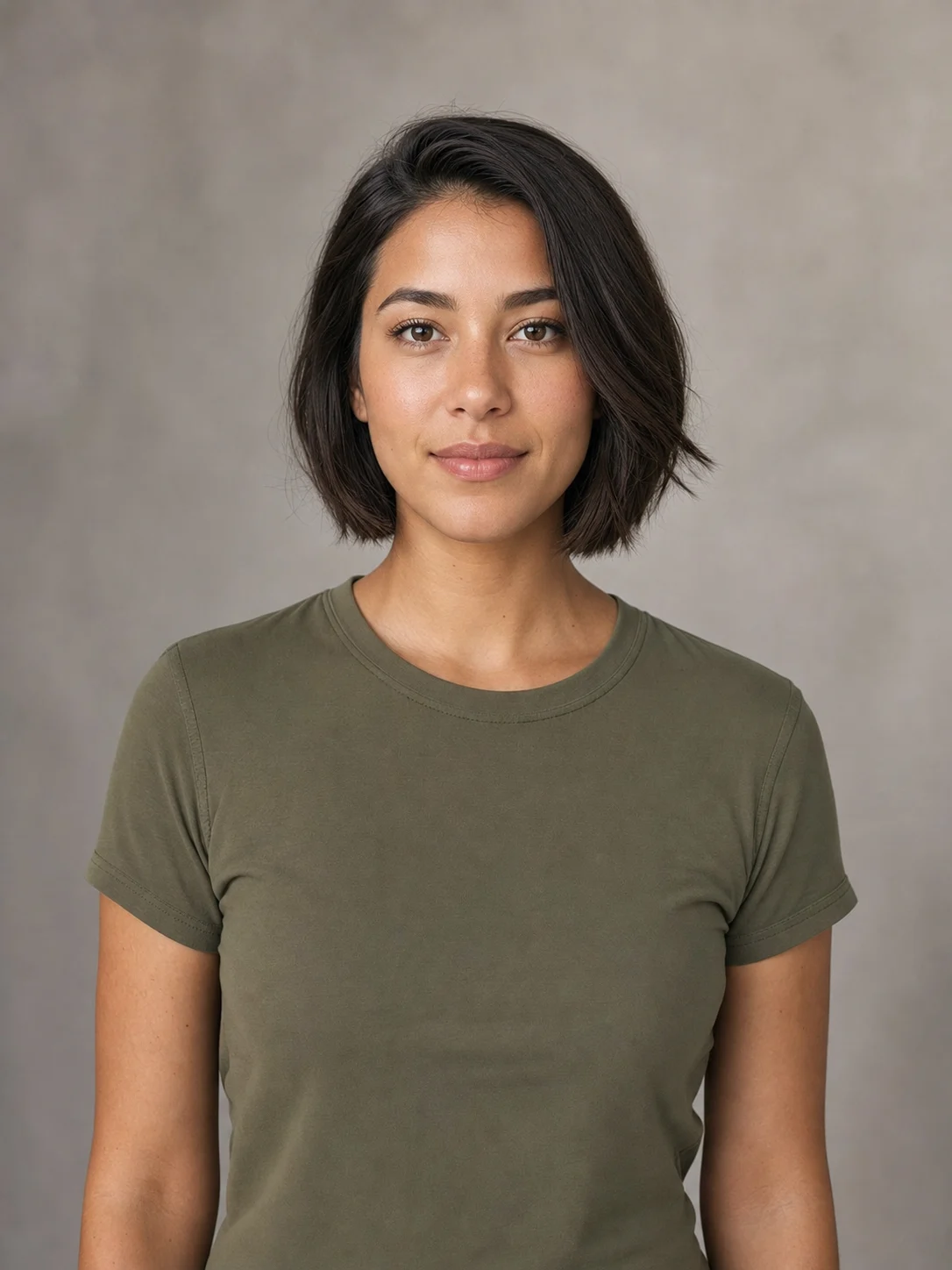
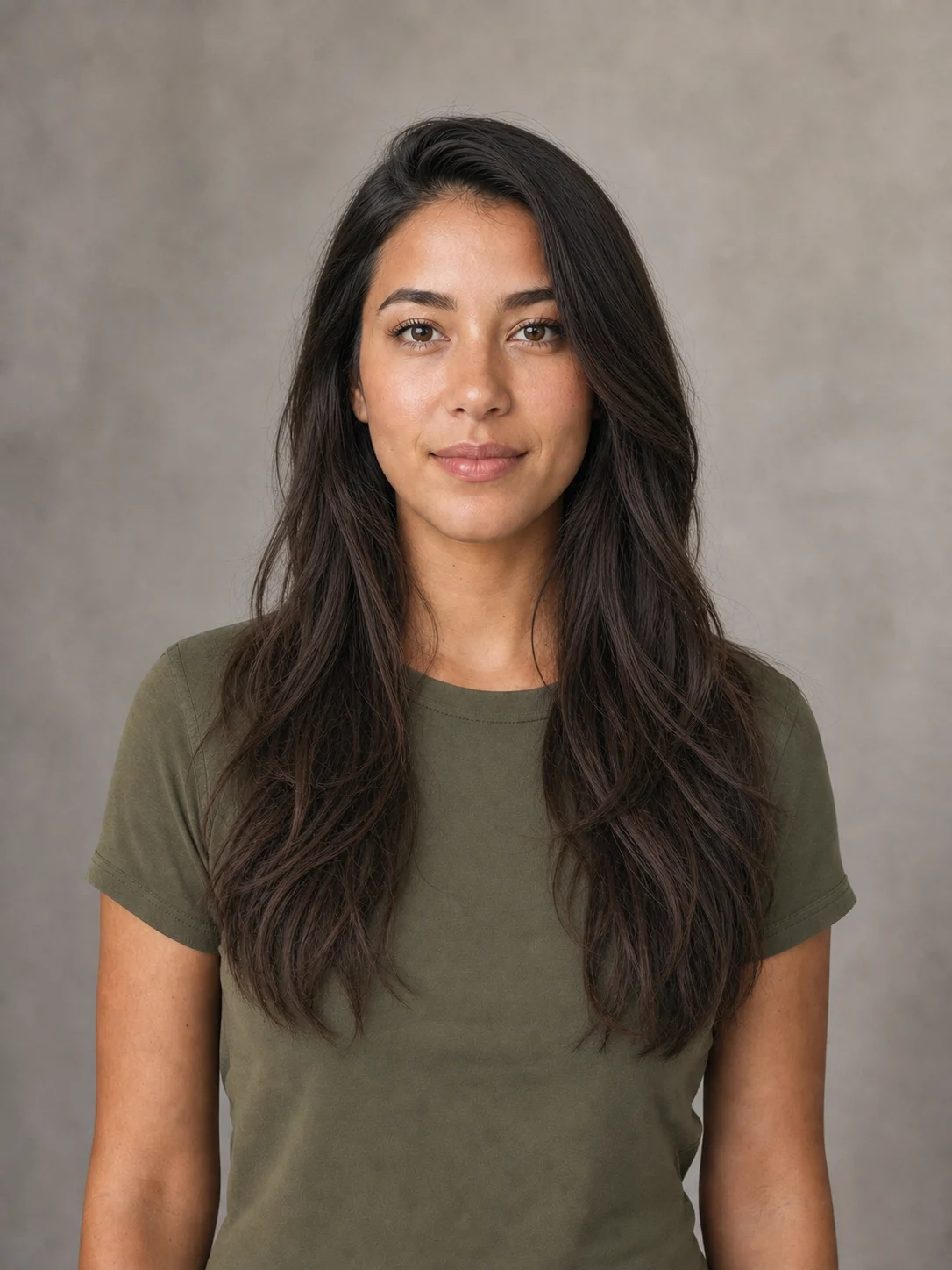
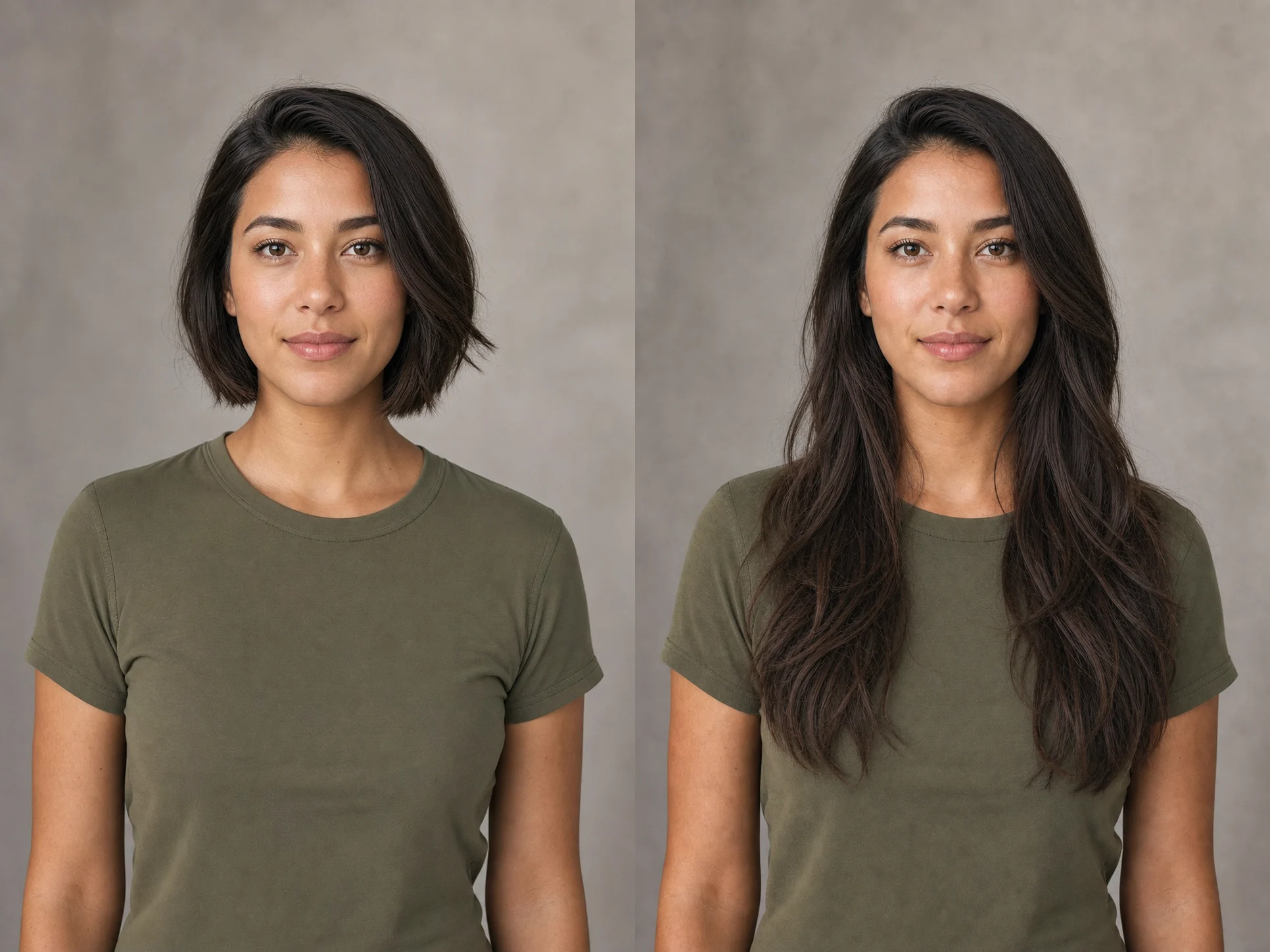
A longer haircut can change how a face is framed, where volume sits, and how a portrait feels. NanoPic gives you a quick visual starting point without pretending to predict an exact salon result. Test soft waves, sleek straight hair, defined curls, or a layered blowout on a photo you already know, then use the result to compare directions or explain an idea more clearly.
Each preset describes a different combination of part, texture, layering, volume, and finish. The fixed workflow still asks the model to preserve the person and the rest of the photograph.
Loose bends and subtle face-framing layers create an everyday long-hair preview without adding extreme volume. This is a practical first choice when you want a natural change that still feels close to the source portrait.
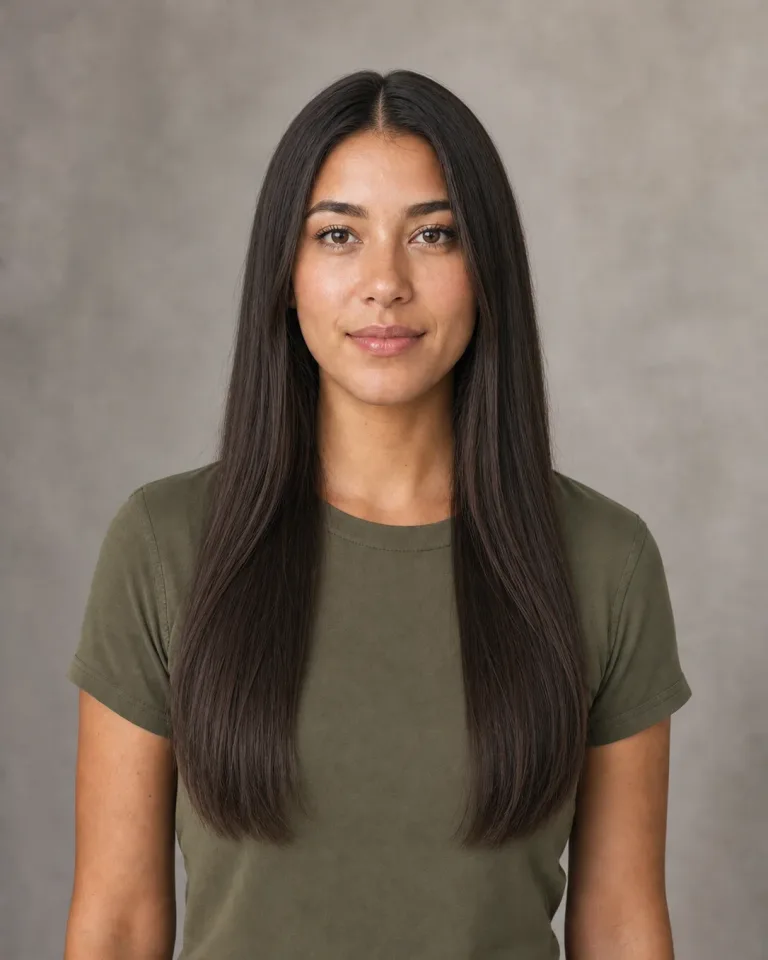
A center part, smooth length, tapered ends, and restrained shine show how a clean straight silhouette frames the face. Individual strand detail and a believable hairline remain part of the prompt.
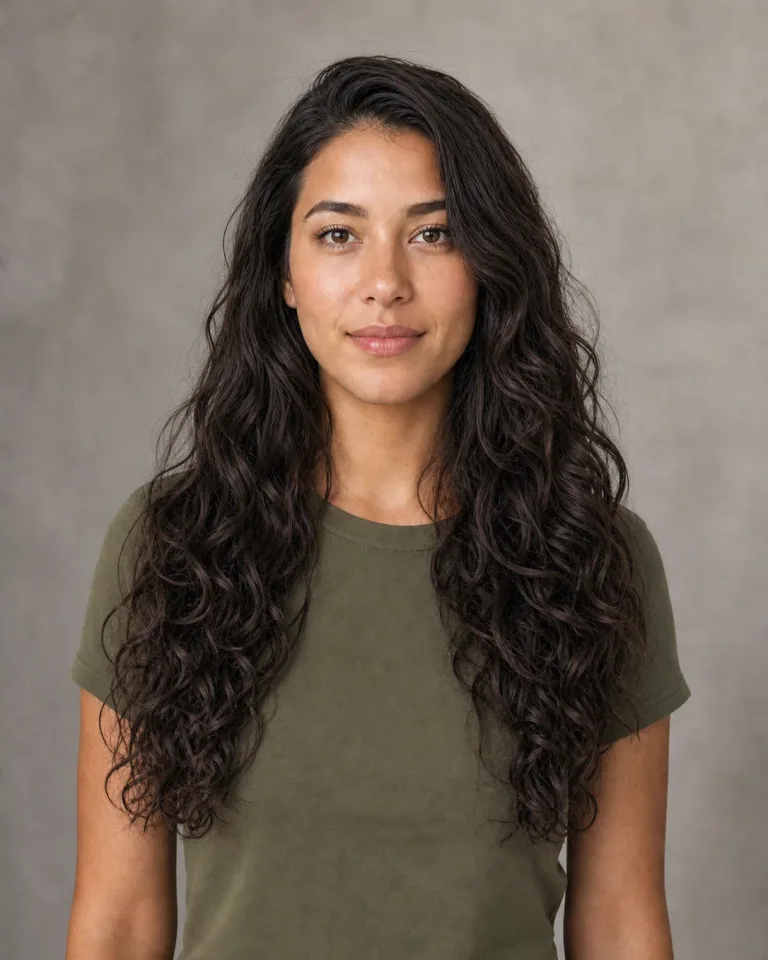
Varied curl sizes and balanced volume make the shape readable without turning the hair into one solid mass. The preset asks for realistic roots, gravity, separated strands, and curls that stay clear of the eyes.
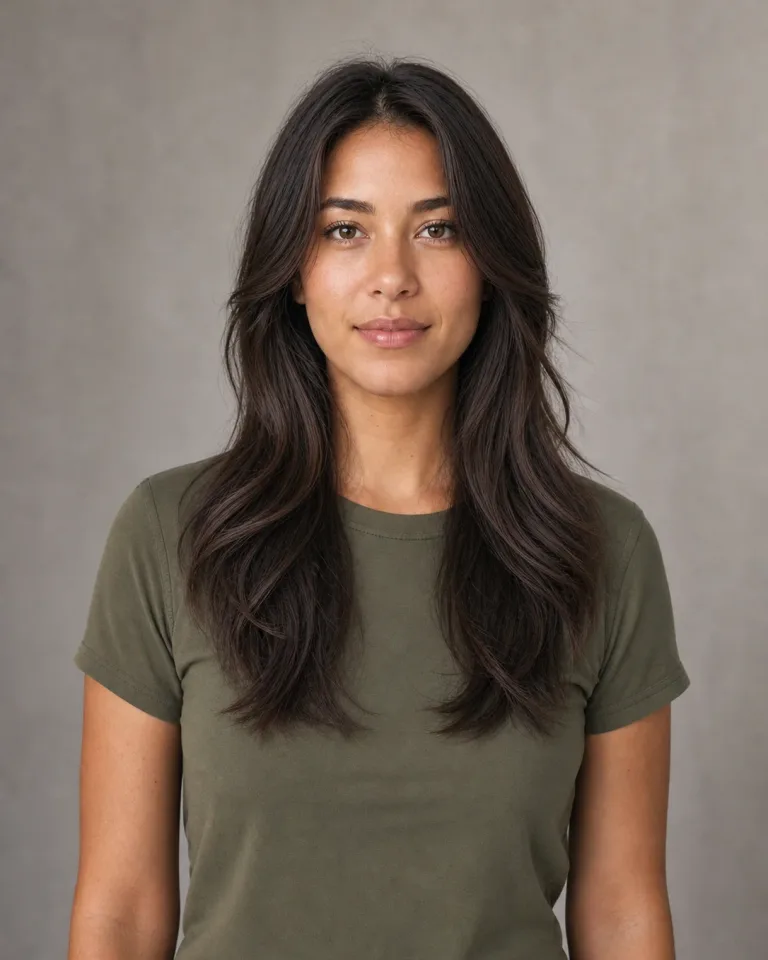
Airy face-framing layers and soft curtain bangs create more movement around the cheeks and shoulders. The bangs are kept away from the eyes, so the portrait remains useful for comparing the face shape.
The saved prompt does more than ask for longer hair. It defines what may change, what should stay stable, and which common artifacts should be avoided.
The core instruction changes the hairstyle while asking the model to retain facial structure, age, skin tone, expression, gaze, clothing, background, pose, camera perspective, and lighting. This reduces unrelated portrait restyling.
The prompt keeps the top of the head, natural hairline, side edges, and requested ends inside the frame. It also rejects cropped hair, eye-covering strands, extension seams, duplicated sections, borders, and multi-panel output.
Add one or two details that matter, such as keeping a side part, reducing volume, preserving natural gray, adding lighter face-framing pieces, or stopping the length at the shoulders instead of the lower chest.
This is not a decorative slider over a stock photograph. The upload is used as a visual reference by NanoPic's image-to-image template. Generation consumes credits, and AI results can still vary between runs.
A clear source portrait and one coherent hairstyle direction usually produce a more useful preview than a crowded prompt with conflicting requests.
Choose a sharp, front-facing or gently angled photo with the complete head, hairline, ears, neck, and shoulders visible. Leave enough space above the crown and beside the shoulders for longer hair to fit. Even light and a simple background make it easier to inspect the new silhouette. Avoid motion blur, heavy beauty filters, hats, hands covering the hair, severe backlight, or a crop that already removes the top of the head.
Upload a PortraitStart with Soft Long Waves, Sleek Straight, Defined Long Curls, or Layered Blowout. These presets already include practical instructions for length, texture, hairline, strand detail, and eye visibility. If you add notes, keep them short and compatible with the selected preset. For example, ask for a side part and shoulder-blade length; do not request pin-straight hair and tight curls in the same generation.
Choose a Hairstyle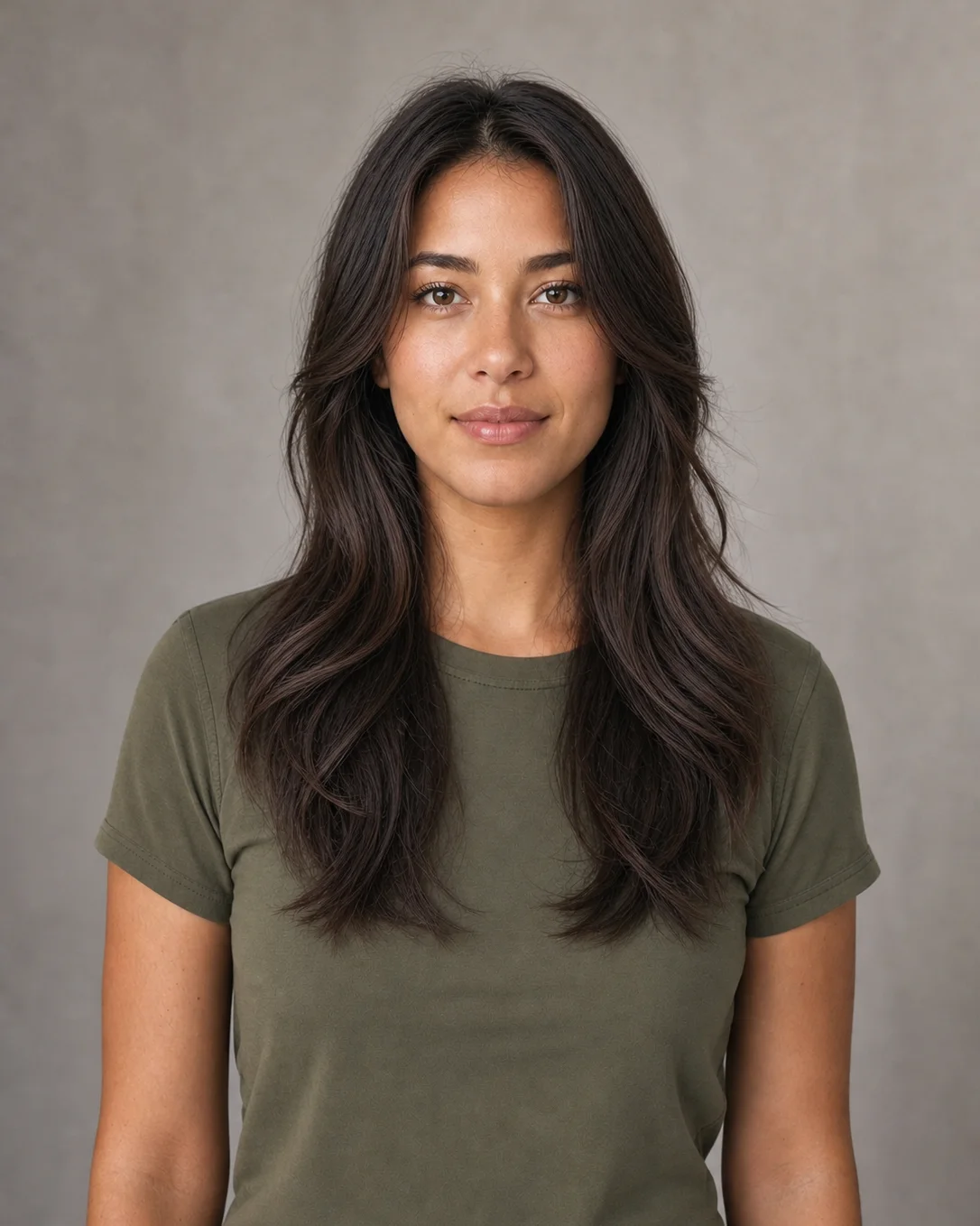
Compare the result with the source at both thumbnail and full size. Check the face, hairline, ears, jaw, crown, shoulders, clothing edge, background, and the complete hair ends. AI previews do not know your real hair density, growth pattern, texture, maintenance routine, or how a physical haircut will behave. Use a strong result to compare ideas or start a conversation with a stylist, not as a guarantee of an exact real-world outcome.
Generate and CompareA generated hairstyle is most useful when it helps answer one focused visual question rather than pretending to replace professional advice.
Compare whether more length, a different part, softer layers, or added curl changes the balance around your face. Save the source and each promising output together so you remember which direction produced the result.
Bring a generated image alongside real haircut references to explain a general mood, length, and volume direction. A stylist can then translate that visual idea into choices that fit your actual hair texture and condition.
Test a long-hair direction for an avatar, character portrait, campaign mood board, or social concept before organizing a physical wig, extension, haircut, or new photo session.
Explore broad shape and texture ideas before comparing real products. The generated preview cannot verify a product's color match, density, installation, comfort, or fit, so make final decisions from real specifications and professional guidance.
Clear limits make the AI hairstyle preview more useful and reduce the chance of treating an attractive generated portrait as a measurement tool.
Use it to see broad differences between straight, wavy, curly, and layered long-hair silhouettes on one portrait.
Try NowThe model does not measure growth rate, density, shrinkage, scalp health, damage, porosity, or how your real hair reacts to styling and weather.
Try NowThe workflow asks for the same person, but AI can still change facial or body details. Inspect every result before downloading, sharing, or using it as a reference.
Try NowAnswers about source photos, hairstyle presets, identity, color notes, generation limits, and responsible use.
It uses an uploaded portrait as a visual reference and asks an image model to replace the visible hairstyle with a longer direction. This NanoPic template also asks the model to preserve the face, expression, clothing, background, pose, camera angle, and lighting while changing the hair.
No. It is an image-to-image generation workflow, not a transparent hairstyle sticker placed over the source. The model interprets the portrait and creates new pixels, which can look more integrated but can also introduce variation or unwanted changes that you should review.
Use a sharp portrait with one clearly visible person, the complete crown and shoulders inside the frame, even lighting, and little obstruction around the hair. Avoid hats, hands over the head, severe blur, extreme profile angles, clipped hair, or a very small face.
Yes. The page includes Soft Long Waves, Sleek Straight, Defined Long Curls, and Layered Blowout presets. Each one specifies a different part, texture, volume, layering pattern, and finish while keeping the same preservation constraints.
Add one concise note such as shoulder-blade length, keep my natural gray, warm dark brown, or subtle face-framing highlights. The model may not reproduce an exact salon shade, so treat color as a broad visual direction and check the result under realistic lighting.
The prompt explicitly asks for the same identity and photograph, but image generation can still shift facial structure, age, skin texture, body shape, or small scene details. Compare the source and output carefully. NanoPic does not promise perfect identity preservation.
Yes. The workflow is not limited by gender. Use a clear portrait and describe the long-hair shape you want, such as shoulder-length waves, long straight hair with a center part, or defined curls with controlled volume.
No. It cannot predict growth time, density, texture, shrinkage, damage, maintenance, or whether a specific haircut, wig, or extension will suit your real hair. Use it as a creative reference, then consult reliable product information or a qualified stylist for practical decisions.
You can open the page, upload a sample, choose a preset, and configure the prompt without charge. Creating the image uses NanoPic credits. Outputs made with free credits include a watermark; paid-credit outputs do not include that free-credit watermark.
Only upload a photo you are authorized to use. Respect privacy, consent, publicity, and platform rules, especially when a recognizable person is involved. Do not present a generated hairstyle as a real endorsement, medical result, or guaranteed professional outcome.
Upload one complete portrait, choose a clear long-hair direction, and generate a visual reference with identity and full-hair framing built into the prompt.

80s Photo Filter adds warm, faded film color to your photo in the browser. Adjust strength, preserve clothing and framing, and download a PNG.
Open tool
AI Age Filter creates a natural older-look concept from an authorized adult portrait. Review identity, complete-head framing, light and scene after editing.
Open tool
AI Age Progression creates a target-age concept from an authorized adult portrait. Set an age interval and review identity, framing and scene after editing.
Open tool
AI Labubu Generator helps explore your own monster doll concept from an authorized reference. Create original shapes and outfits, with no official affiliation.
Open tool
Camera Roll AI turns an authorized reference photo into one lifestyle collage. Plan varied scenes and a phone-gallery-inspired layout, then save one image.
Open tool
Face in Hole Generator places an authorized face into your chosen photo or template. Upload two references, refine the blend, and save a creative portrait.
Open tool
Create still images with the Hotpot AI Image Generator on NanoPic. Write a clear scene, generate with Nano Banana 2, refine the look, and download the picture you like.
Open tool
Make Image Higher Resolution with real 2× or 4× browser resizing. Compare pixel dimensions and download PNG without claiming recovered detail.
Open tool
Remove Glare from Glasses in photos with an editable AI image prompt. Upload your portrait, reduce lens reflections, and review the result before using it.
Open toolTurn one authorized adult portrait into a realistic flashlight scene with a miniature stylized double. Generate, then inspect identity, hands, light, scale, and crop.
Open toolTry 12 original funny AI prompts on one authorized person or pet photo. Load, edit, generate, and review identity, anatomy, props, text, and visual coherence.
Open tool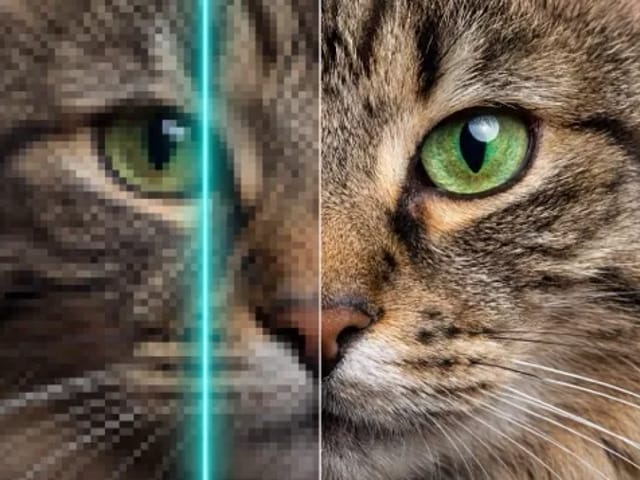
Run a magnific ai image generator style enhance on NanoPic: upload one photo, rebuild edges and textures toward 4K, then download after a full-size check.
Open toolCopy free mera prompt AI photo prompts for boys, girls, couples, festivals and cricket, then turn your own selfie into a viral edit on NanoPic.
Open toolTurn one authorized photo into original blocky pixel art with six editable prompts. Generate, then review subject detail, geometry, text, rights, and composition.
Open toolPrompt seen girl portraits from your own selfie: upload one photo, describe the outfit, setting and light, and keep your face looking like you.
Open tool
Pumpkin head photoshoot from one photo: swap heads for carved jack-o'-lanterns while keeping your outfit and pose, with an optional autumn or spooky mood.
Open tool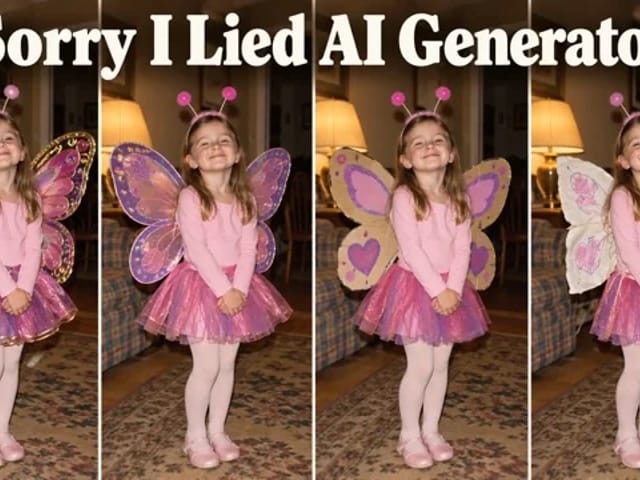
Make sorry i lied ai costume reveal photos from one authorized childhood costume shot: Perfect, First Apology, Almost Honest, then your real original last.
Open tool
Vikas Editor AI image generator: turn your own photo into a Vikas edit style portrait online, with editable prompts that keep your face recognizable.
Open tool