












































































































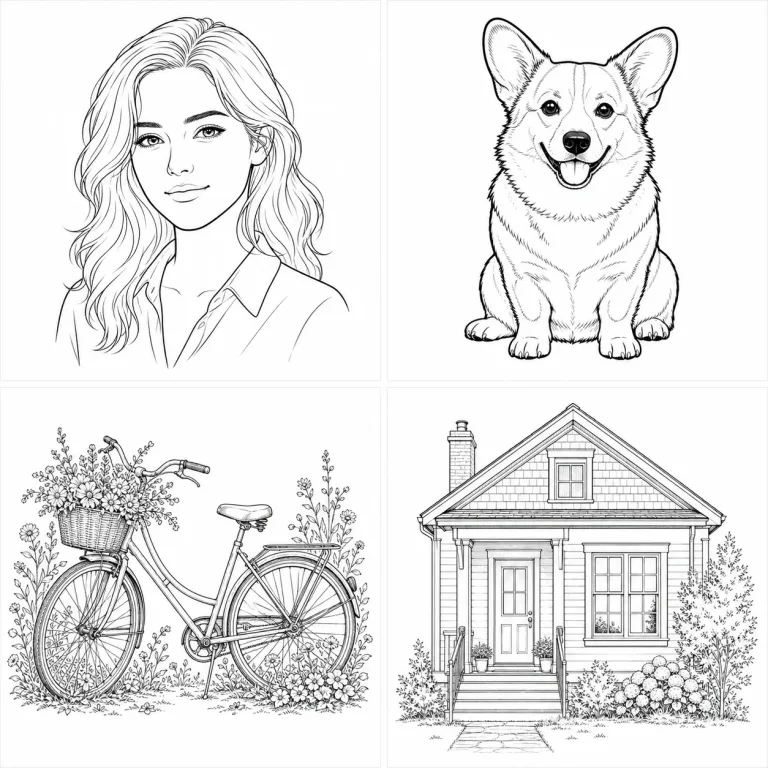
Portrait, Pet, Object, and Architecture Line Art
Use clean contour for simple faces, bold ink for strong silhouettes, detailed pen for complex objects, and architectural lines for perspective-heavy scenes.
Create Line ArtSave up to 73% on plans
Image
Browse every other AI image model and effect published on this site in a continuous carousel.
The converter uses the uploaded image as a structural anchor. It keeps the main subject, pose, viewpoint, and important object geometry while rebuilding the image with monochrome lines. Choose lighter contours for faces, bold ink for pets and stickers, detailed pen for objects and flowers, or measured architectural lines for rooms and buildings.
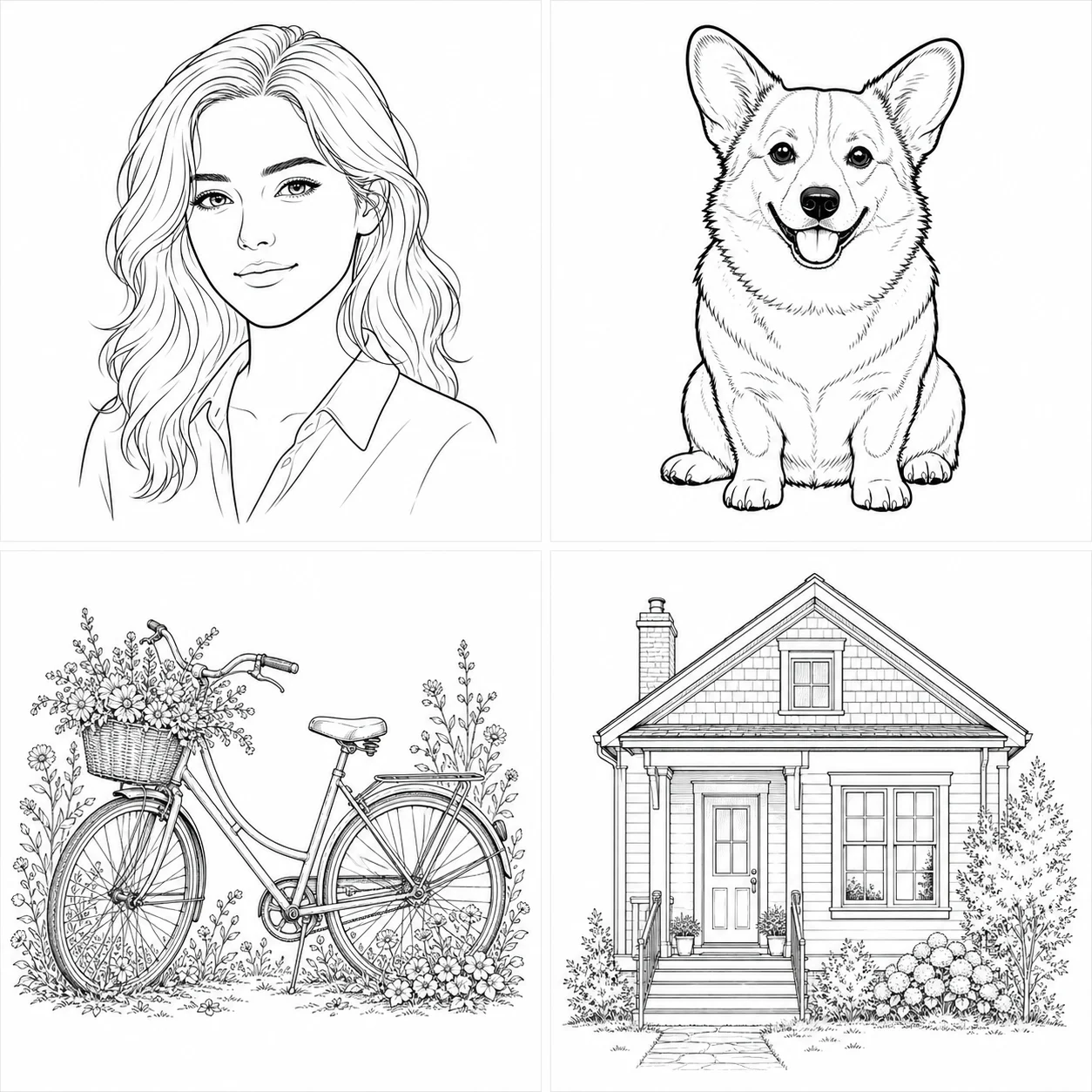
The contact sheet shows how different subjects need different line weight and detail.
Use clean contour for simple faces, bold ink for strong silhouettes, detailed pen for complex objects, and architectural lines for perspective-heavy scenes.
Create Line ArtGood edges and a focused detail level make the result easier to print and reuse.
Choose a portrait, pet, product, vehicle, flower, room, or building with readable edges and minimal blur.
Choose a style based on the final use: light contours, bold outlines, detailed pen, or architectural precision.
Check faces, fingers, paws, wheels, windows, and object intersections. Regenerate with a shorter note when details become cluttered.
The workflow keeps the source recognizable while making detail level understandable.
The fixed instruction requests black-and-white lines on a clean light background.
Choose light contour, bold ink, detailed pen, or architectural linework.
The prompt protects the full subject, composition, perspective, and defining object geometry.
Ask for fewer interior lines, stronger outlines, or preservation of one important feature.
Answers about sources, styles, printing, accuracy, credits, and rights.
Sharp photos with a clear subject, visible edges, and simple lighting work best. Heavy blur, occlusion, and clutter can produce broken or noisy lines.
Choose Clean Contour or Bold Ink and request fewer interior lines. Review the final line closures and small details before printing.
The current generator returns a raster image, not editable SVG paths or CAD geometry.
New users receive the welcome credits shown in the live generator. Generation uses NanoPic credits, and free-credit output includes a watermark.
Only upload images you are authorized to use. Get consent for identifiable people and review rights before commercial use.
Upload a clear source, choose the right detail system, and generate printable monochrome art.

80s Photo Filter adds warm, faded film color to your photo in the browser. Adjust strength, preserve clothing and framing, and download a PNG.
Open tool
AI Age Filter creates a natural older-look concept from an authorized adult portrait. Review identity, complete-head framing, light and scene after editing.
Open tool
AI Age Progression creates a target-age concept from an authorized adult portrait. Set an age interval and review identity, framing and scene after editing.
Open tool
AI Labubu Generator helps explore your own monster doll concept from an authorized reference. Create original shapes and outfits, with no official affiliation.
Open tool
Camera Roll AI turns an authorized reference photo into one lifestyle collage. Plan varied scenes and a phone-gallery-inspired layout, then save one image.
Open tool
Face in Hole Generator places an authorized face into your chosen photo or template. Upload two references, refine the blend, and save a creative portrait.
Open tool
Explore a Hotpot AI alternative with NanoPic’s independent Seedream 5.0 editor. Upload a reference, direct a visual concept, and review your image.
Open tool
Make Image Higher Resolution with real 2× or 4× browser resizing. Compare pixel dimensions and download PNG without claiming recovered detail.
Open tool
Remove Glare from Glasses in photos with an editable AI image prompt. Upload your portrait, reduce lens reflections, and review the result before using it.
Open toolTurn one authorized adult portrait into a realistic flashlight scene with a miniature stylized double. Generate, then inspect identity, hands, light, scale, and crop.
Open toolTry 12 original funny AI prompts on one authorized person or pet photo. Load, edit, generate, and review identity, anatomy, props, text, and visual coherence.
Open toolTurn one authorized photo into original blocky pixel art with six editable prompts. Generate, then review subject detail, geometry, text, rights, and composition.
Open tool