













AI Video Generator
Sign In
CreditsCost

AI Video Generator

Seedance 2.0 Mini

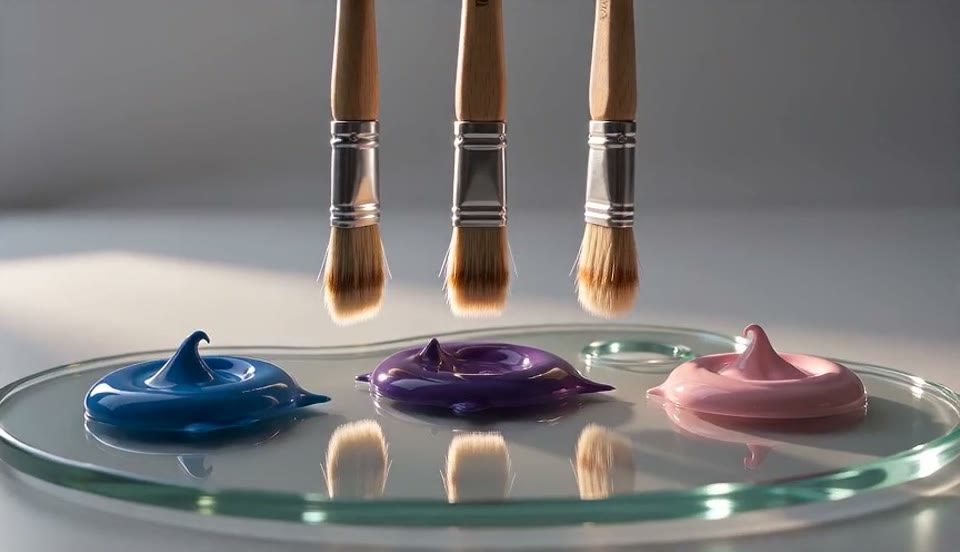
Studio art materials prompt

A compact cinematic art-studio video of three premium paint brushes hovering above a glass palette with glossy blue, violet, and pink paint, soft rim light, smooth camera push-in, realistic reflections, stable shapes, gentle studio ambience, no text, no watermark.

1/4
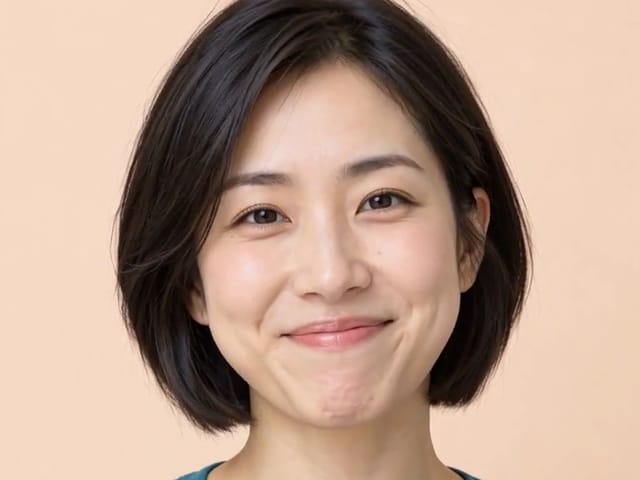
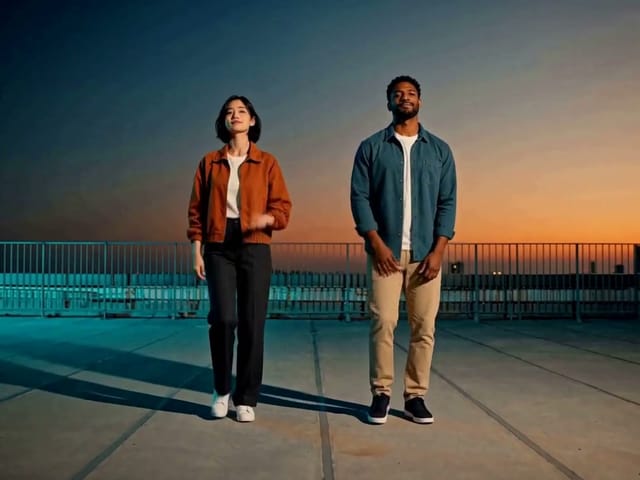
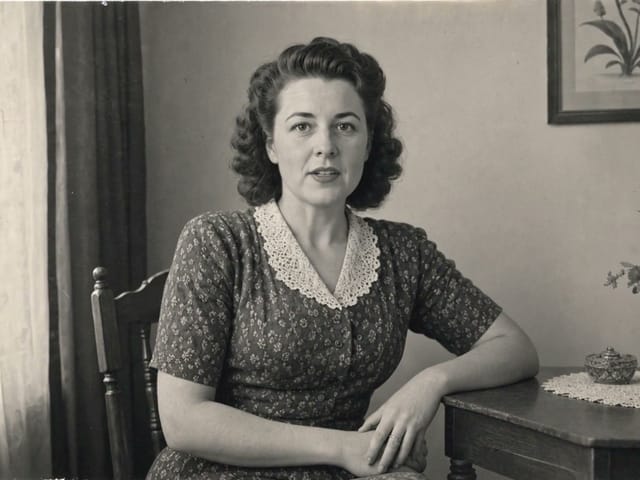
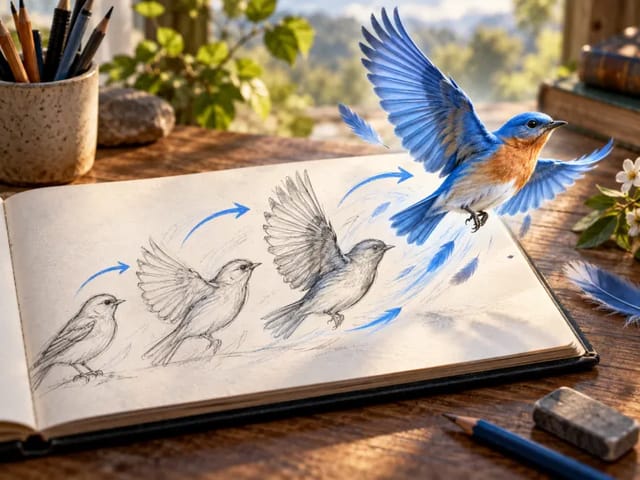
Seedance 2.0 Mini generated art studio video preview

Seedance 2.0 Mini AI Video Generator

Use NanoPic's Seedance 2.0 Mini AI video generator to create text-to-video, image-to-video, and reference-to-video drafts. Start with a 5-second 720p clip, keep audio on when the scene benefits from ambience, and adjust aspect ratio before scaling a direction.

Seedance 2.0 Mini AI Video Generator Features

Seedance 2.0 Mini is useful when you need a compact video model for fast cinematic motion tests, audio-enabled drafts, social aspect ratios, and reference-driven visual direction inside the NanoPic workflow.

Text-to-video AI drafts from prompts

Start from a written prompt and generate a short video without uploading source media. This is the fastest route for testing camera motion, subject stability, product reveal ideas, and simple social creative concepts.

Image-to-video with one source frame

Upload one image when the source product, character, poster, or key frame should remain the main composition anchor. Seedance 2.0 Mini can then add movement while NanoPic keeps the prompt and task history attached.

Reference-to-video for visual direction

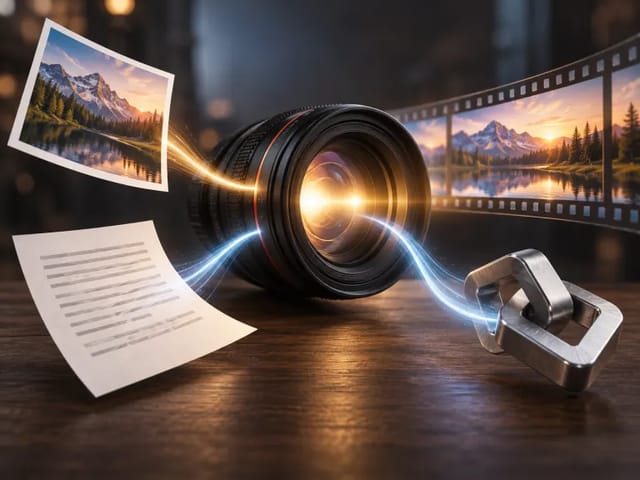
Use multiple references when the output should borrow material, lighting, mood, or environment cues. This helps teams move from a visual board to a short controlled motion draft without writing a separate brief.

4-15 second short video generation

Seedance 2.0 Mini exposes duration choices from 4 through 15 seconds. Use 4-5 seconds for prompt validation, then extend only when the scene needs a longer reveal or more narrative motion.

480p/720p output for cost control

Choose 480p for low-cost exploration or 720p when a draft is ready for closer review. NanoPic keeps the resolution setting visible so cost and quality tradeoffs stay clear.

Generated audio and safety controls

The generator includes an audio toggle plus advanced web search and NSFW checker controls from the configured Seedance route. Keep defaults on for most public creative tests, then adjust only when the brief requires it.

How to Create Seedance 2.0 Mini Videos

The Seedance 2.0 Mini page is built for practical iteration: pick a scene mode, keep the first clip short, review motion and audio, then adjust ratio, duration, references, or resolution.

Start with a focused 5-second text-to-video draft

For the first pass, use 720p, 5 seconds, and a clear 16:9 or 9:16 composition. Describe one subject, one action, one environment, and one camera move. Add audio direction only when it matters, such as soft room tone, gentle product sounds, or cinematic ambience. This keeps Seedance 2.0 Mini focused on the visual result instead of forcing it to solve a full multi-scene script.

Try Text to Video

Use image-to-video when the source frame matters

Choose image-to-video when you already have a product shot, key visual, poster, character still, or composition that should remain recognizable. Upload a clean image, then ask for one controlled motion direction such as a slow push-in, gentle turntable, subtle fabric movement, drifting light, or a small environmental change. The uploaded image gives Seedance 2.0 Mini a stronger visual anchor than a text-only prompt.

Animate an Image

Switch to reference-to-video for visual ingredients

Reference-to-video is useful when a brief needs several ingredients at once: one image for shape, another for material, another for lighting, and another for mood. Explain what each reference should contribute instead of assuming the model will infer the role automatically. NanoPic keeps those references attached to the generation task so the team can review what produced each result.

Blend References

Scale only the directions that prove themselves

Run quick 480p or 720p drafts before committing to a longer duration. Check whether the subject remains stable, whether the camera movement is readable, whether audio helps the scene, and whether the aspect ratio fits the target channel. If the short draft is clear, extend toward 10-15 seconds; if it is not, revise the prompt or references first.

Generate a Draft

Seedance 2.0 Mini Use Cases for Ads, Reels, and Product Motion

Use Seedance 2.0 Mini when the goal is a fast, flexible AI video draft for social media, ads, product motion, audio ambience, or reference-driven visual direction.

Social video concept drafts

Create quick clips for reels, ads, shorts, and launch teasers. Seedance 2.0 Mini is a practical first pass before committing to more expensive or specialized model runs.

Product and brand motion tests

Turn product photos, campaign stills, packaging concepts, and app visuals into simple motion studies with camera movement, lighting changes, and ambient sound.

Reference board exploration

Use several references to test material, mood, color, and environment combinations. This helps creative teams turn art direction boards into motion options.

Aspect ratio experiments

Compare horizontal, square, and vertical framing before choosing a channel-specific edit. Adaptive, 21:9, 16:9, 4:3, 1:1, 3:4, and 9:16 options are available in the NanoPic control surface.

Audio-enabled ambience

Keep generated audio enabled when atmosphere matters, such as room tone, soft product movement, cinematic ambience, or simple sound beds for social previews.

Low-cost validation before premium models

Use Seedance 2.0 Mini to validate prompt structure, source images, references, and ratio choices before moving to another NanoPic video model for a more specialized final pass.

Seedance 2.0 Mini vs Other AI Video Models

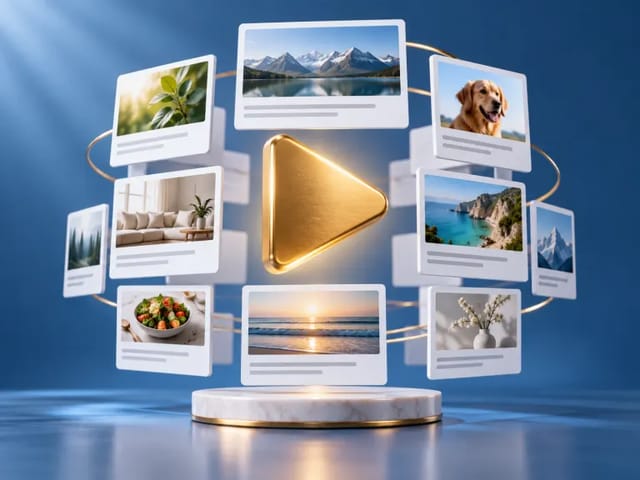
NanoPic includes multiple video model families. Seedance 2.0 Mini sits in the quick, flexible draft lane with text, image, reference, audio, and social ratio controls.

Choose Seedance 2.0 Mini for flexible early drafts

Pick Seedance 2.0 Mini when you need fast concept motion from text, one image, or a small reference set. It is especially useful when the first question is whether the idea, camera movement, aspect ratio, and audio direction work at all. Keep the clip short, evaluate the result, then refine the prompt or input assets before scaling duration.

Start with Seedance 2.0 Mini

Move to other models for specialized polish

If the project needs a different model personality, compare Seedance 2.0 Mini with NanoPic's other video pages. Kling is useful for cinematic motion and image-driven animation tests, Veo pages are useful for Google's video model family, Sora pages are useful for photoreal and imaginative prompt exploration, and HappyHorse is useful for compact controlled drafts.

Compare Video Models

Seedance 2.0 Mini AI Video Generator FAQ

Answers for creators testing Seedance 2.0 Mini inside NanoPic.

What is Seedance 2.0 Mini used for?

Seedance 2.0 Mini is used for short AI video generation from text prompts, one source image, or reference inputs. It is a practical model for early motion tests, social creative drafts, product animation, and audio-enabled concept clips.

Does Seedance 2.0 Mini support text-to-video and image-to-video?

Yes. NanoPic exposes Seedance 2.0 Mini for text-to-video, image-to-video, and reference-to-video workflows. The page starts in text-to-video mode, but you can switch modes in the generator.

Which resolution and duration should I choose first?

Start with 720p and 5 seconds when you need a useful review draft, or 480p when you are only checking prompt direction. Seedance 2.0 Mini supports 480p/720p and durations from 4 through 15 seconds.

Which aspect ratios are available?

NanoPic exposes adaptive, 21:9, 16:9, 4:3, 1:1, 3:4, and 9:16 aspect ratio choices for Seedance 2.0 Mini. Choose the target channel before generation so the composition does not need heavy cropping later.

How is Seedance 2.0 Mini different from other NanoPic video models?

Use Seedance 2.0 Mini when you want a compact, fast draft workflow for text, image, or reference-guided short videos. Switch to another NanoPic video model when a project needs a different model style, longer creative exploration, or specialized polishing.

Should I keep generated audio enabled?

Keep generated audio enabled when ambience or simple sound design helps the video. Turn it off when you only need silent motion for editing, thumbnails, or later post-production.

Create a Seedance 2.0 Mini Text-to-Video or Image-to-Video Draft

Start with the generator above, keep the first clip short, and compare text-to-video, image-to-video, and reference-to-video before scaling the best result.