



















































































































Text-to-Image at 1K or 2K
Start from a detailed prompt and choose Basic for a lower-cost 1K draft or High for a sharper 2K result. This makes it practical to explore a direction before spending more on a final asset.
Save up to 73% on plans
Seedream 5.0 Pro
AI output preview
Browse every other AI image model and effect published on this site in a continuous carousel.
Use Seedream 5.0 Pro on NanoPic AI for text-to-image generation and reference-guided editing. The KIE-powered workflow supports 1K and 2K output, eight practical aspect ratios, PNG or JPEG delivery, and up to 10 reference images for image-to-image work.
A focused control set for professional image generation and editing.
Start from a detailed prompt and choose Basic for a lower-cost 1K draft or High for a sharper 2K result. This makes it practical to explore a direction before spending more on a final asset.
Switch to image-to-image mode and provide up to 10 reference images. Use them to guide subject consistency, style, composition, products, or visual details while describing the intended change in natural language.
Choose 1:1, 4:3, 3:4, 16:9, 9:16, 2:3, 3:2, or 21:9. Export as PNG or JPEG, and keep safety screening enabled for a production-friendly workflow.
NanoPic keeps separate pages for the current Pro and Lite provider routes so you can choose the model that matches the job.
Seedream 5.0 Pro is the stronger fit for polished layouts, reference-guided editing, product or campaign visuals, and work that benefits from a 2K final pass. NanoPic currently prices Basic 1K at 35 credits and High 2K at 70 credits.
Use Seedream 5.0 ProSeedream 5.0 Lite remains available as a separate model family for users who want to compare another Seedream workflow. Open its dedicated page to review that route before generating.
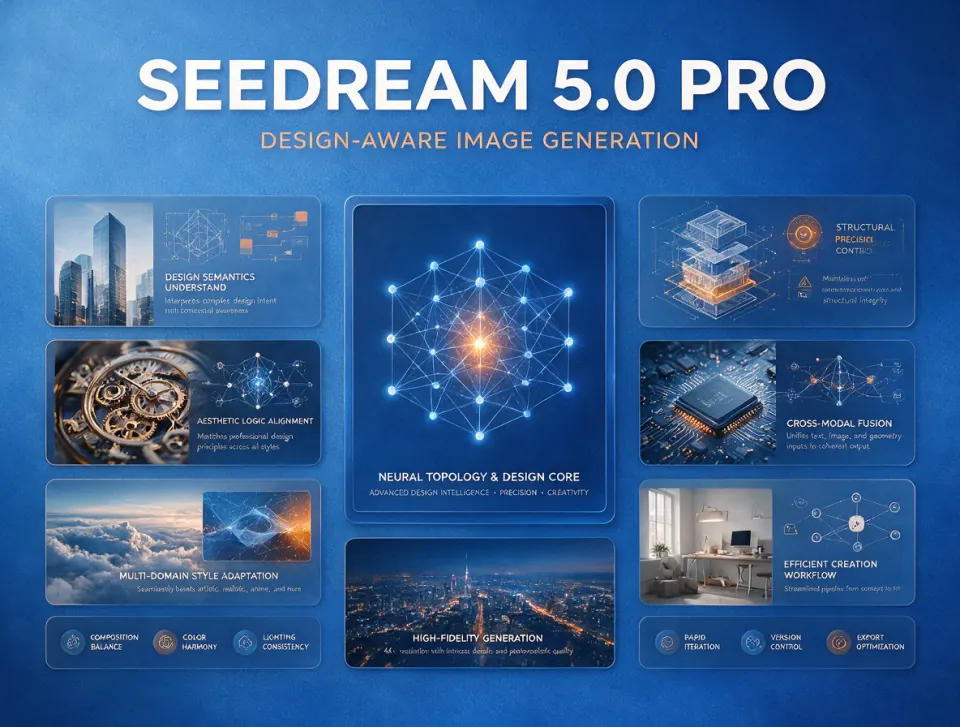
View Seedream 5.0 LiteTested July 18, 2026: this 4:3 image was generated through the same KIE model route used by NanoPic. The live task completed successfully in 151 seconds using the Basic 1K tier.
A real 1184 × 896 PNG from our launch smoke test. The main requested headline rendered correctly, while the smallest decorative labels still show normal generative-text limitations and should be reviewed before publication.
Create Your OwnMove from prompt to reviewed image in three clear steps.
Use text-to-image for a new composition. Choose image-to-image when a subject, product, character, layout, or style should stay anchored to one or more references.
Open GeneratorPick the canvas that matches the destination. Use Basic 1K for exploration and High 2K for detailed delivery. NanoPic shows the credit cost before you submit the task.
Choose Settings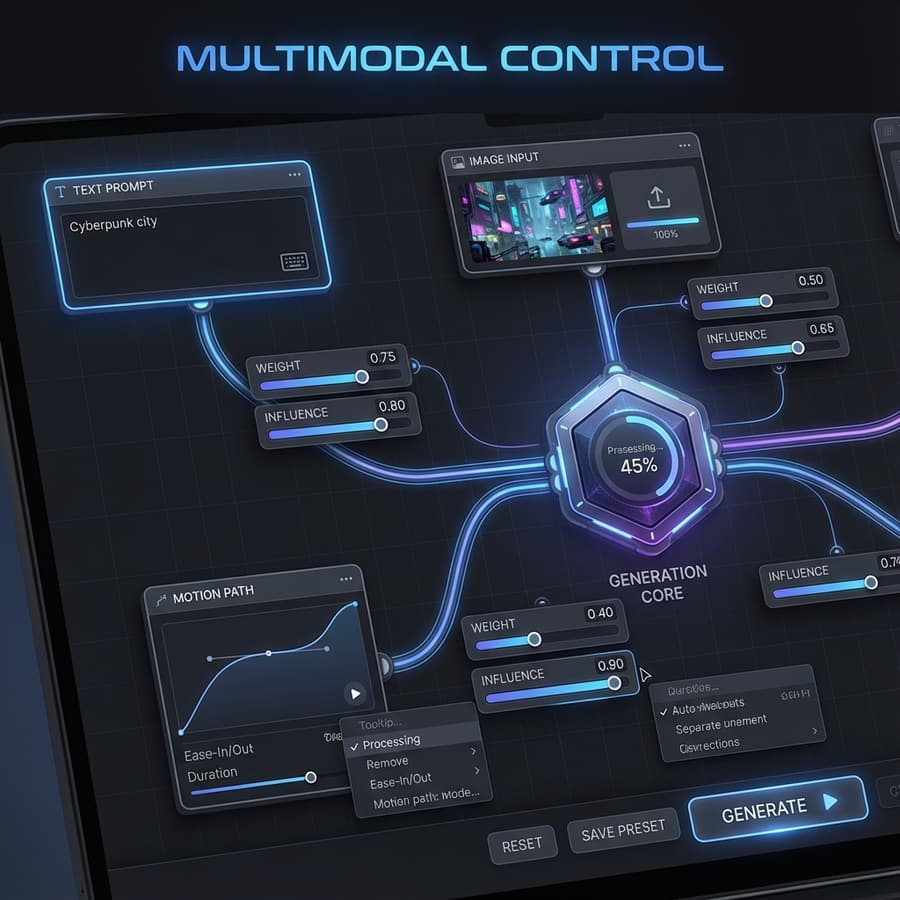
Check small text, faces, product details, and factual claims before publishing. AI image models can produce excellent layouts while still introducing minor visual or typography errors.
Start Creating
Practical answers about NanoPic's current integration.
Yes. NanoPic routes text-to-image requests to seedream/5-pro-text-to-image and image editing requests to seedream/5-pro-image-to-image through KIE's asynchronous job API.
Basic generates a 1K-class image and High generates a 2K-class image. The High option costs more credits and is best reserved for final-quality work.
Yes. Select image-to-image mode, upload between one and 10 references, and describe the edit. The model can use those references for subject, style, and composition guidance.
NanoPic exposes 1:1, 4:3, 3:4, 16:9, 9:16, 2:3, 3:2, and 21:9 for both generation and editing.
The current NanoPic route displays 35 credits for Basic 1K and 70 credits for High 2K. Image-to-image pricing can increase with additional reference images, and the generator shows the calculated amount before submission.
Yes. NanoPic's launch validation submitted the exact KIE Pro model ID, received a provider task ID, reached the success state, and returned a valid 1184 × 896 PNG.
Generate a new image or guide the model with references, then review and download the result in one workspace.

FLUX Kontext Multi Image Generator combines 2 to 4 references into one coherent image. Assign each source a role, choose a canvas, and review the result.
Open tool
Qwen Image Generator creates images from prompts and edits references. Use Qwen Image 3 or Pro, choose your canvas, and review downloadable visual drafts.
Open tool