












































































































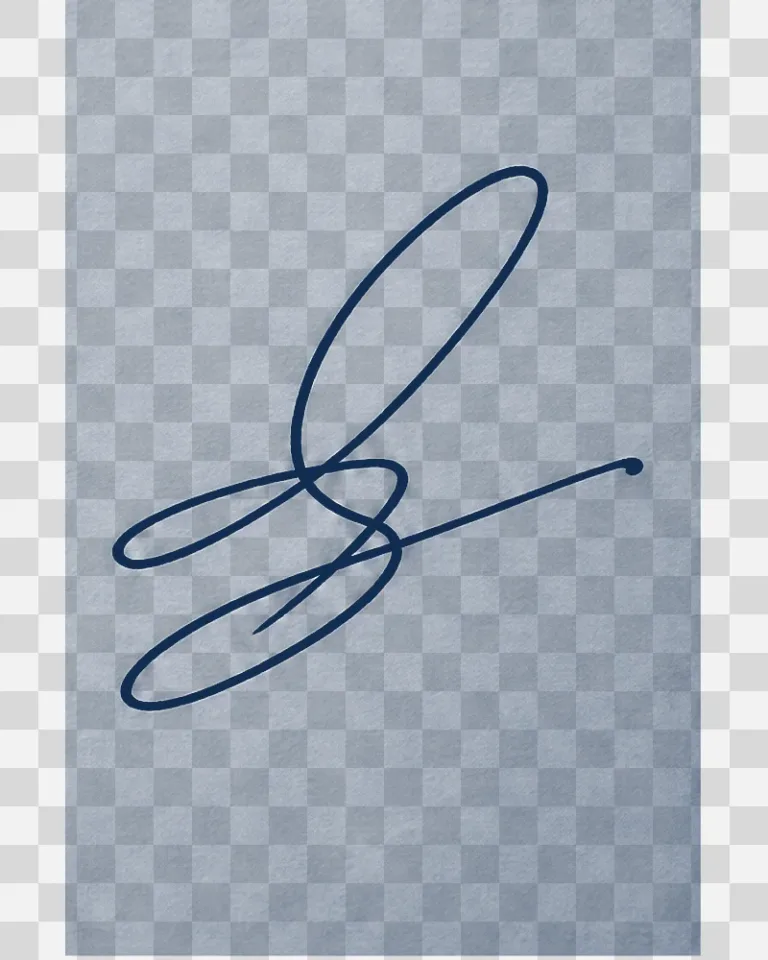
Invented Ink Flourish on Transparency
The example is fictional and contains no readable name. Downloaded results should be opened in an editor that displays alpha transparency.
Remove the BackgroundSave up to 73% on plans
Image
Browse every other AI image model and effect published on this site in a continuous carousel.
The extraction prompt protects stroke geometry, crossings, endpoints, pressure variation, and ink color while removing paper tone, scanner borders, shadows, lines, and noise. For privacy, crop out names, addresses, account numbers, IDs, contracts, and unrelated document content before uploading. This tool cleans an image; it does not authenticate a signer, create legal consent, or authorize anyone to sign on another person's behalf.
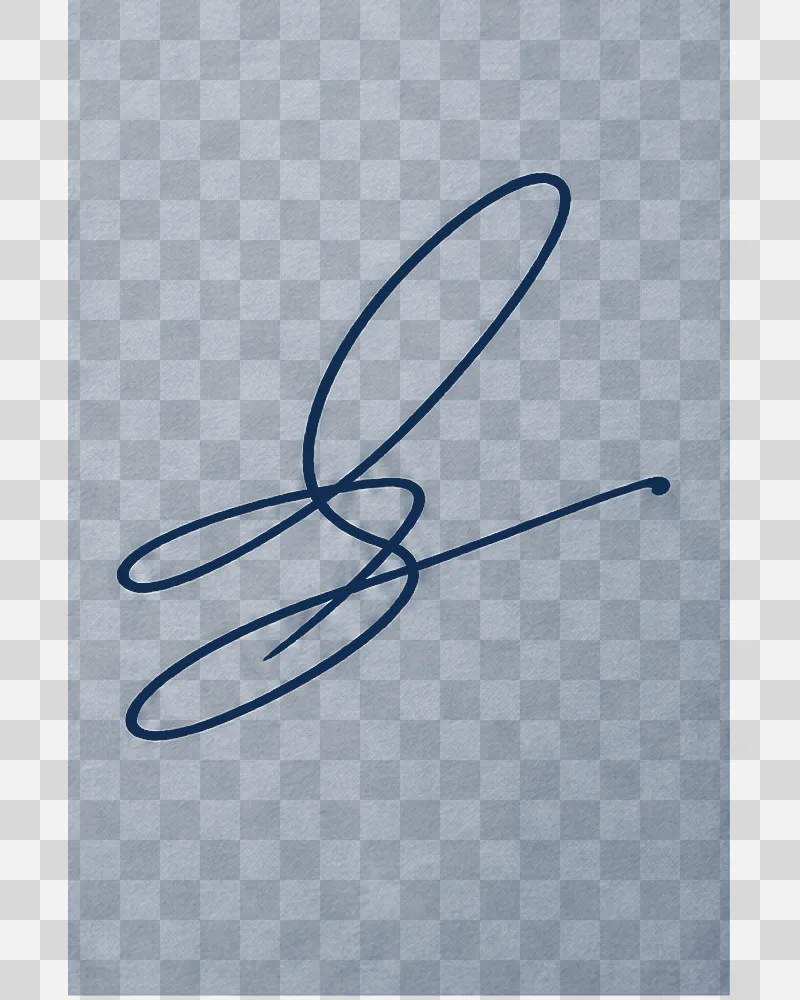
The checkerboard is only a preview convention used to make transparency visible.
The example is fictional and contains no readable name. Downloaded results should be opened in an editor that displays alpha transparency.
Remove the BackgroundA tight, evenly lit crop protects privacy and edge quality.
Make a copy and remove all unrelated document content. Keep a small margin around every stroke and avoid clipping fine endpoints.
The template asks for the exact strokes on true alpha transparency. Add a note only when you need to preserve a specific ink color or faint line.
Open the result over both light and dark backgrounds. Compare every loop, crossing, gap, endpoint, and pressure change with the authorized source.
The workflow narrows the task to background cleanup.
The model route requests real alpha rather than white, solid color, or a baked checkerboard.
Geometry, crossings, endpoints, ink color, and anti-aliased edges are explicitly protected.
Users are told to remove personal and document data before upload.
Image cleanup does not verify identity, intent, consent, or legal validity.
Answers about transparency, privacy, fidelity, documents, credits, and legal use.
The template requests a PNG with real alpha. Open the file over light and dark backgrounds to verify it is not flattened onto white or checkerboard pixels.
No. Crop to the authorized handwriting and remove names, addresses, account numbers, IDs, contract text, and unrelated content before upload.
Generative processing can alter fine strokes. Compare every loop, crossing, endpoint, and spacing detail with the source and reject inaccurate results.
No. This tool does not authenticate identity, prove consent, or provide authority to sign. Follow the document system and laws that apply to your use.
New users receive the welcome credits shown in the generator. Generation uses NanoPic credits, and free-credit output includes a watermark.
Crop sensitive context, preserve the strokes, and verify real transparency before use.

80s Photo Filter adds warm, faded film color to your photo in the browser. Adjust strength, preserve clothing and framing, and download a PNG.
Open tool
AI Age Filter creates a natural older-look concept from an authorized adult portrait. Review identity, complete-head framing, light and scene after editing.
Open tool
AI Age Progression creates a target-age concept from an authorized adult portrait. Set an age interval and review identity, framing and scene after editing.
Open tool
AI Labubu Generator helps explore your own monster doll concept from an authorized reference. Create original shapes and outfits, with no official affiliation.
Open tool
Camera Roll AI turns an authorized reference photo into one lifestyle collage. Plan varied scenes and a phone-gallery-inspired layout, then save one image.
Open tool
Face in Hole Generator places an authorized face into your chosen photo or template. Upload two references, refine the blend, and save a creative portrait.
Open tool
Explore a Hotpot AI alternative with NanoPic’s independent Seedream 5.0 editor. Upload a reference, direct a visual concept, and review your image.
Open tool
Make Image Higher Resolution with real 2× or 4× browser resizing. Compare pixel dimensions and download PNG without claiming recovered detail.
Open tool
Remove Glare from Glasses in photos with an editable AI image prompt. Upload your portrait, reduce lens reflections, and review the result before using it.
Open toolTurn one authorized adult portrait into a realistic flashlight scene with a miniature stylized double. Generate, then inspect identity, hands, light, scale, and crop.
Open toolTry 12 original funny AI prompts on one authorized person or pet photo. Load, edit, generate, and review identity, anatomy, props, text, and visual coherence.
Open toolTurn one authorized photo into original blocky pixel art with six editable prompts. Generate, then review subject detail, geometry, text, rights, and composition.
Open tool