
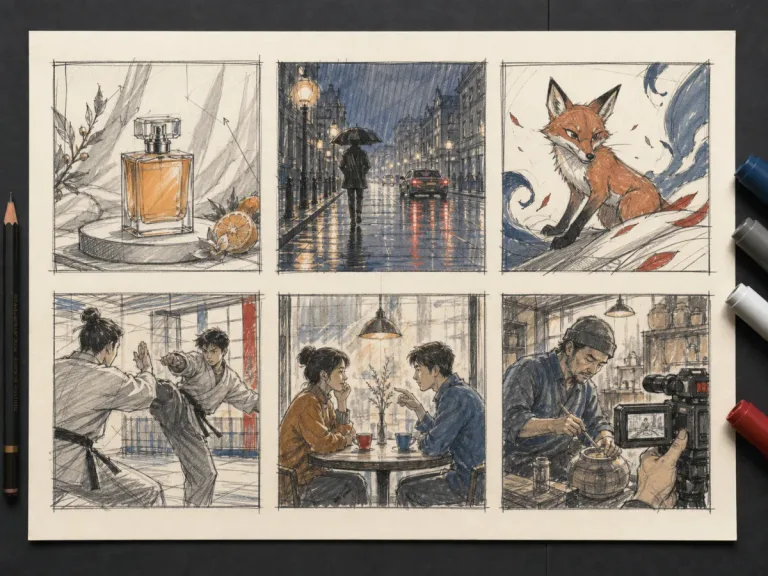
Seedance 2.5 Prompt Library
Build and copy production briefs for product, cinematic, animation, action, dialogue, documentary, long-form, and reference-consistent video concepts.
Browse PromptsSave up to 73% on plans
Compare NanoPic AI video models by family, output style, and workflow, then choose a MiniMax H3, Sora, Kling, Seedance, Veo, or LTX generator for photoreal clips, prompt tests, reference-image motion, audio drafts, or fast creative exploration.
 HeyGen Video 1
 Kling O3
 Wan 3.0 Prime
 Gemini Omni 1.1 Flash
 MiniMax H3
 MiniMax H3 Max
 MiniMax H3 Max Turbo
 Kling 3.0
 Kling 2.6
 Seedance 2.0 Mini
 Seedance 2.5
 Wan 3.0
 Happy Horse 1.5
 Happy Horse 1.1
 Sora 2 Pro
 Veo 3
 Veo 3.1
 Gemini Omni Prompt Builder
 Veo Omni Shot Planner
 Muse Video Prompt Builder
 FLUX 3 Video Keyframe PlannerSora 2
 LTX-2 Fast
 LTX-2 Pro
 PixVerse V6
 Grok Imagine
 Kling 4
Plan the shot before choosing a compatible generation route.
Build and copy production briefs for product, cinematic, animation, action, dialogue, documentary, long-form, and reference-consistent video concepts.
Browse Prompts
Flux Video Edit revises existing footage with a text prompt. Upload a short MP4, describe a visible change, and review an edited clip at up to 720p.
Open tool
HeyGen Video 1 turns text or a first-frame image into 5–15 second videos with audio. Create product demos and image animations at 480p or 768p on NanoPic.
Open tool
H3 Max Lip Sync animates an authorized portrait with your uploaded voice audio. Create a talking photo, choose resolution, and review the video with sound.
Open tool
Learn what FastH3 Omni is and create short videos with synced sound online. Write a prompt, add a reference image and get a clip with no GPU or setup.
Open tool
Use OmniHuman 2.0 on NanoPic to turn a clear portrait into video: upload a photo, add a short motion direction, and generate an image-to-video clip.
Open tool
Use Pika H3 Flex online to turn a prompt or a photo into a short AI video. Write the action, add a first frame if you like, and generate in your browser.
Open tool
Vidu Q4 AI Video Generator: upload one image, describe the motion, camera and sound, and turn your still into a 3–15 second clip with audio.
Open tool