
Save up to 73% on plans
Preview and Generated Result
Image

More AI Image Models & Effects
Browse every other AI image model and effect published on this site in a continuous carousel.
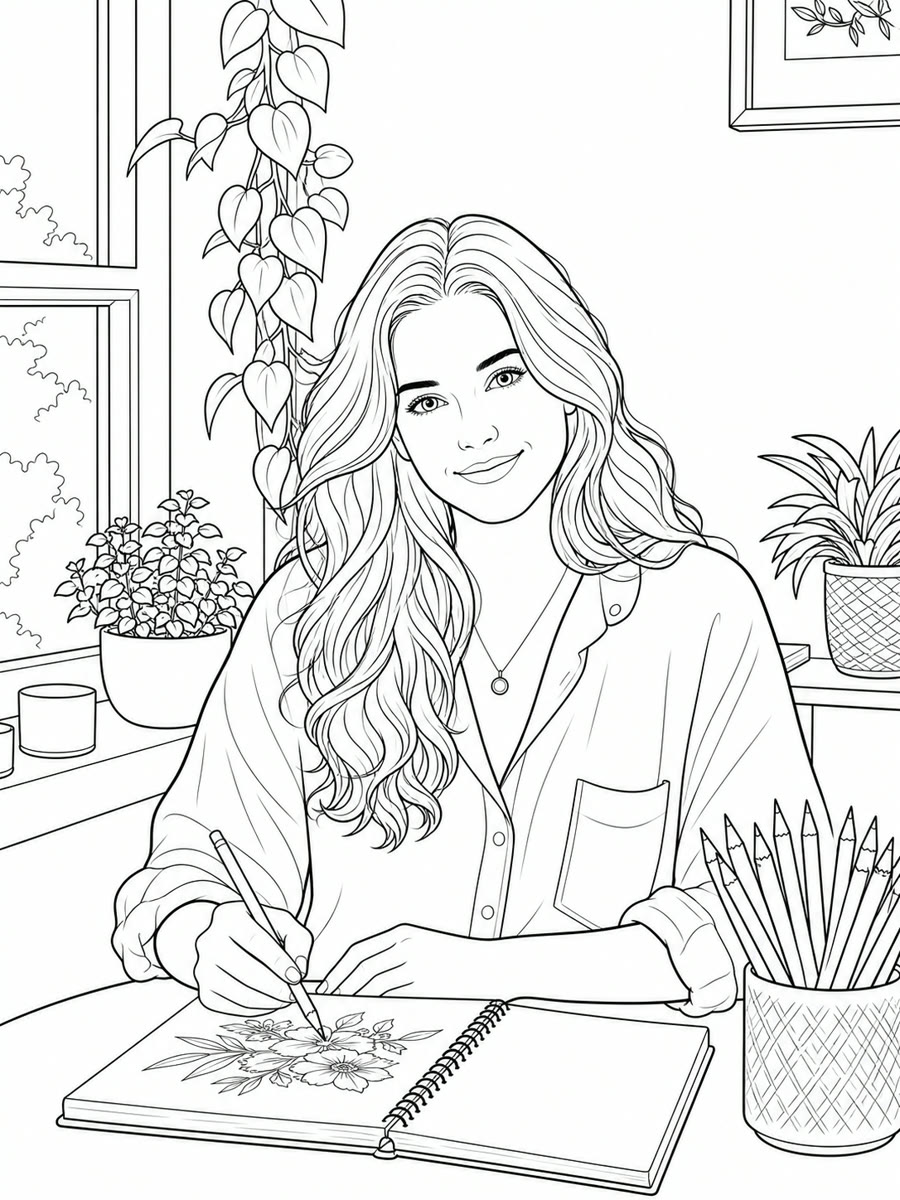


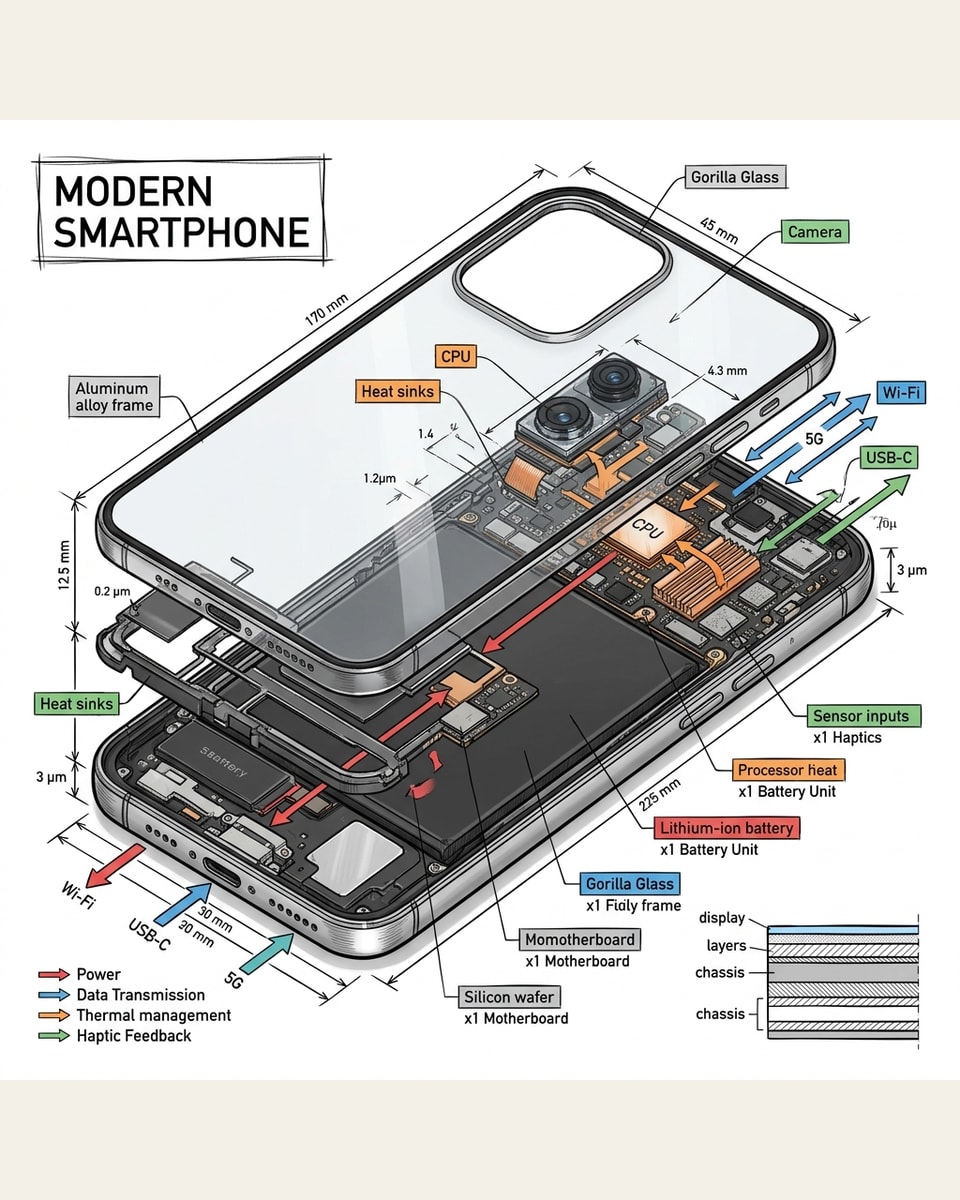







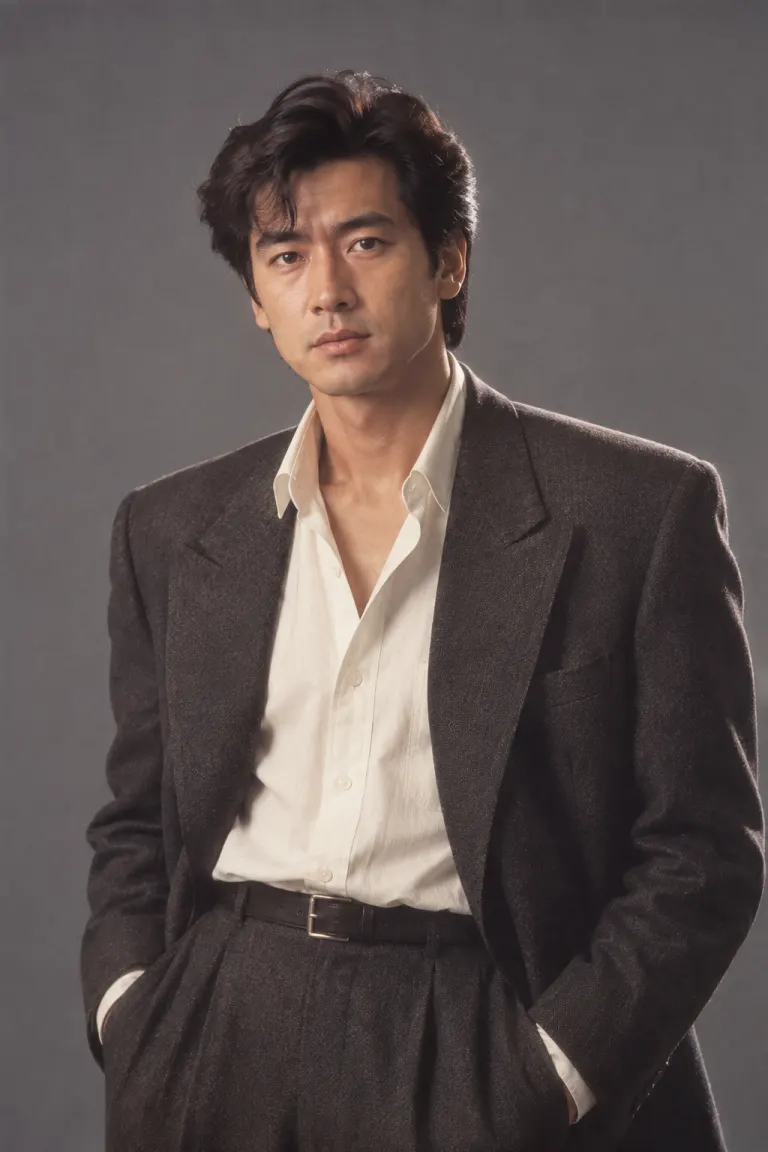
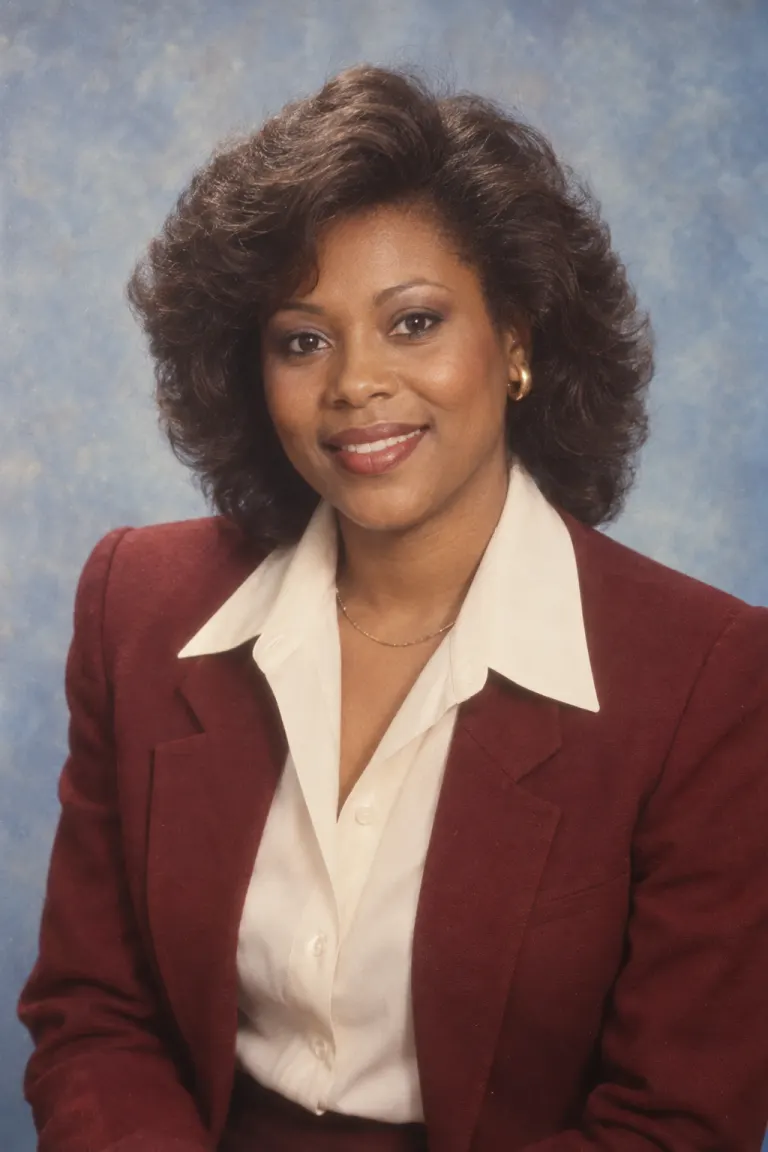
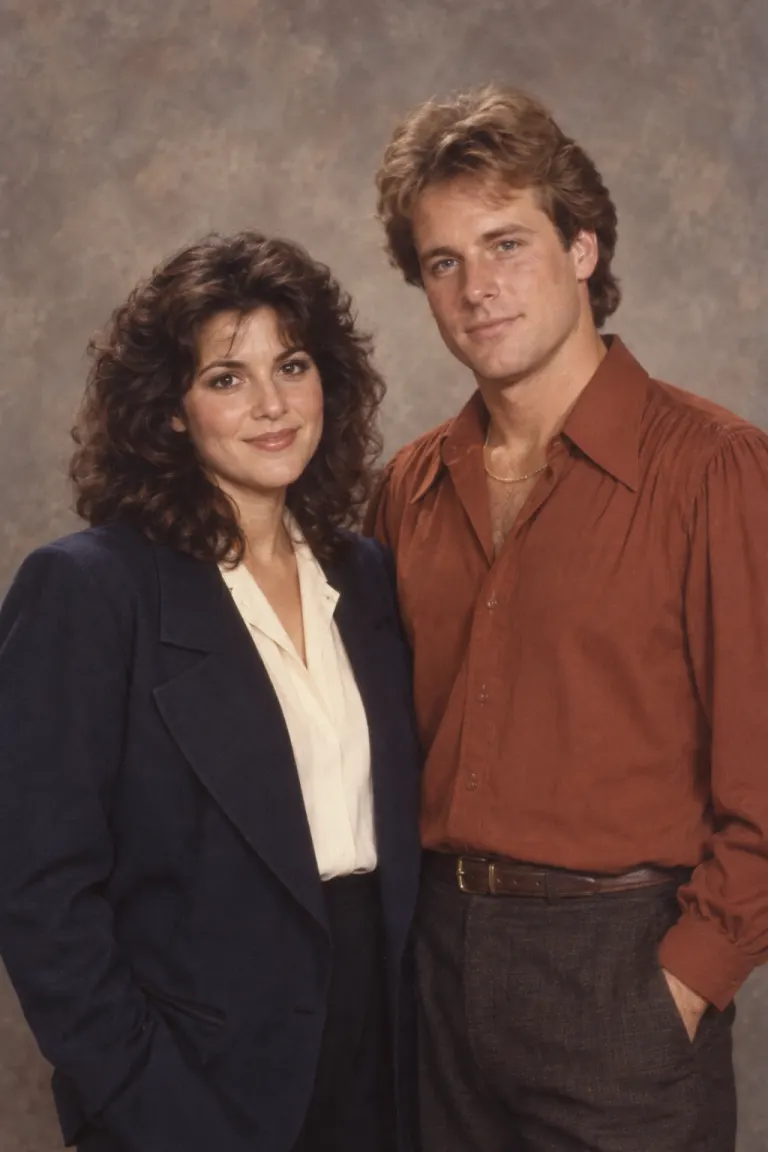
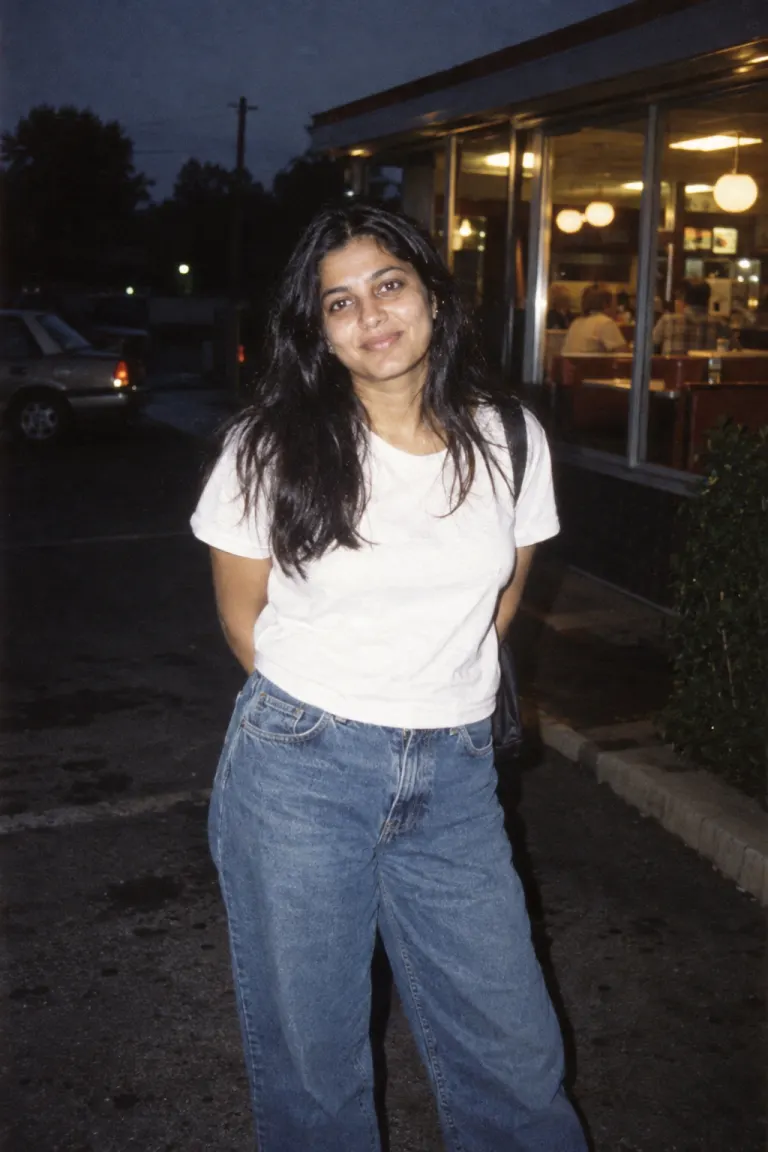
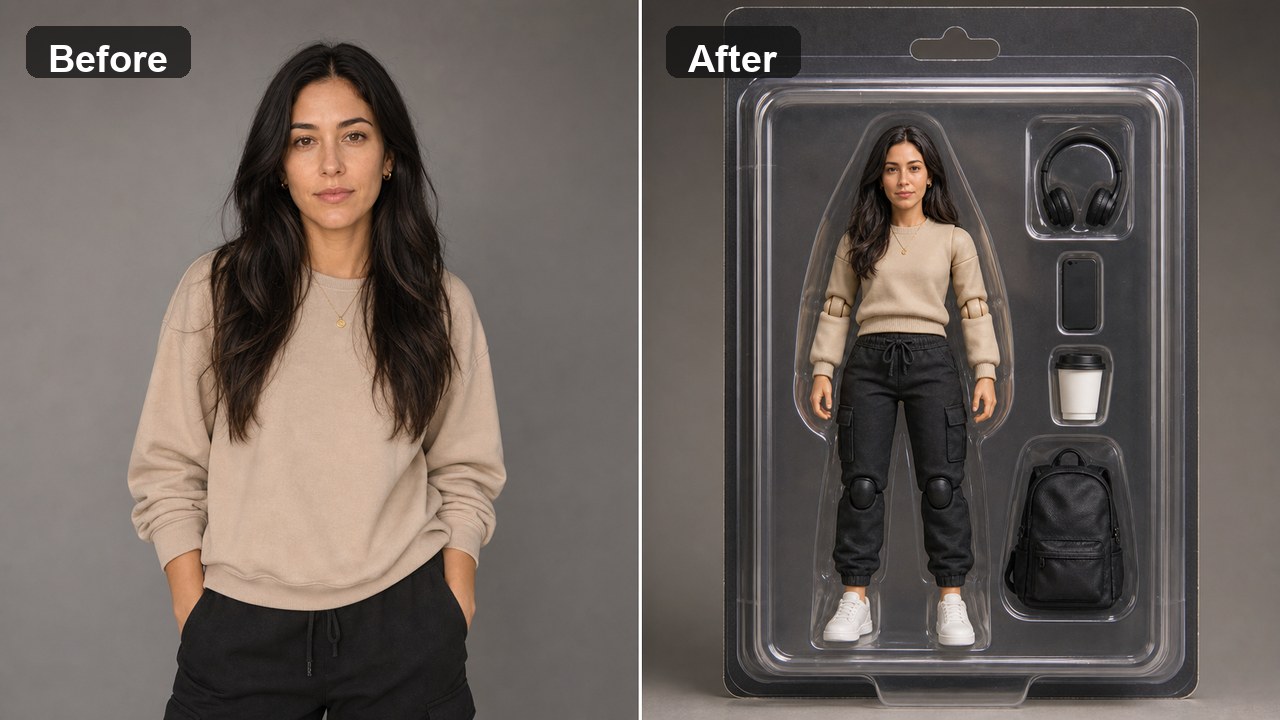

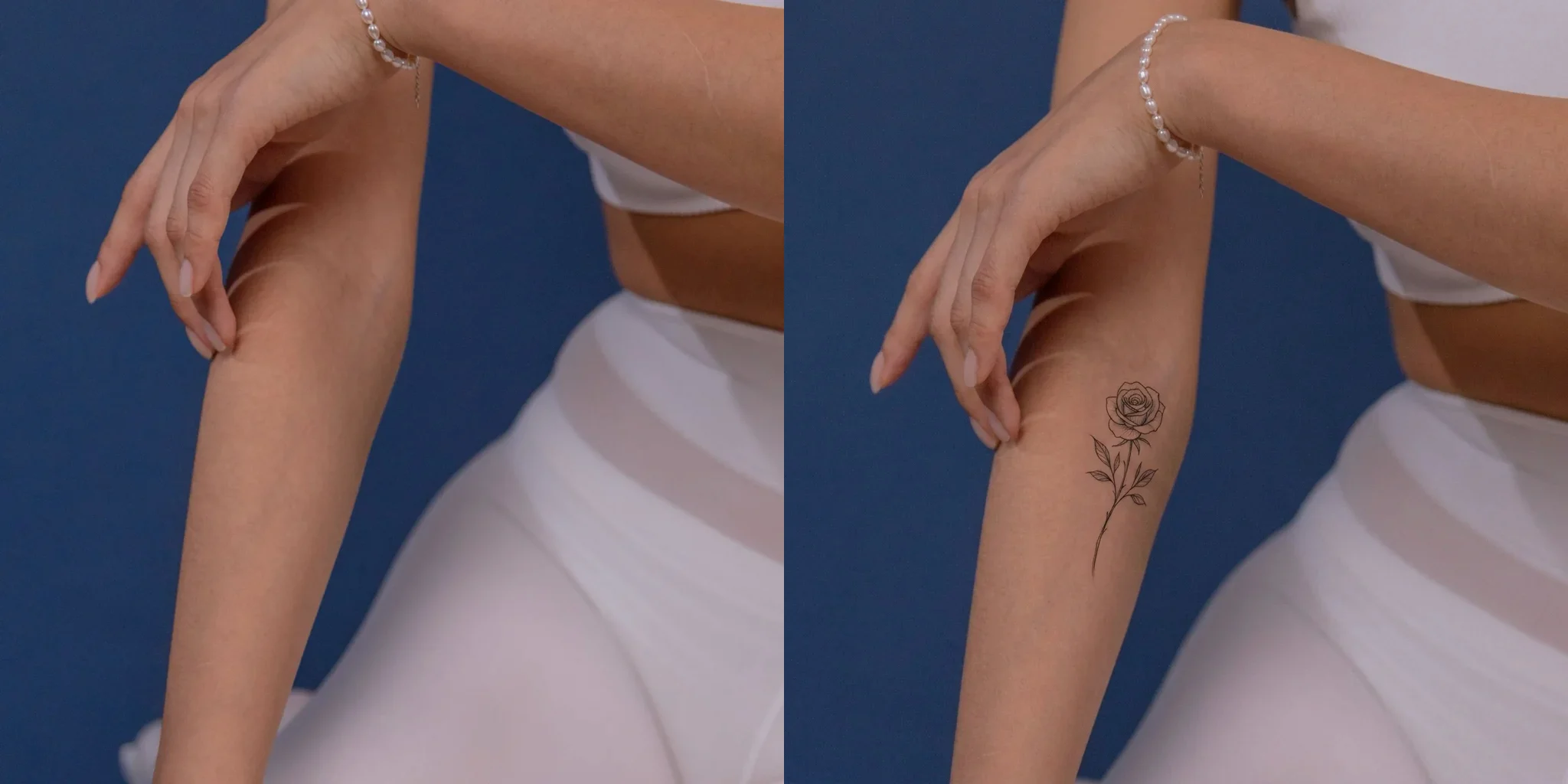
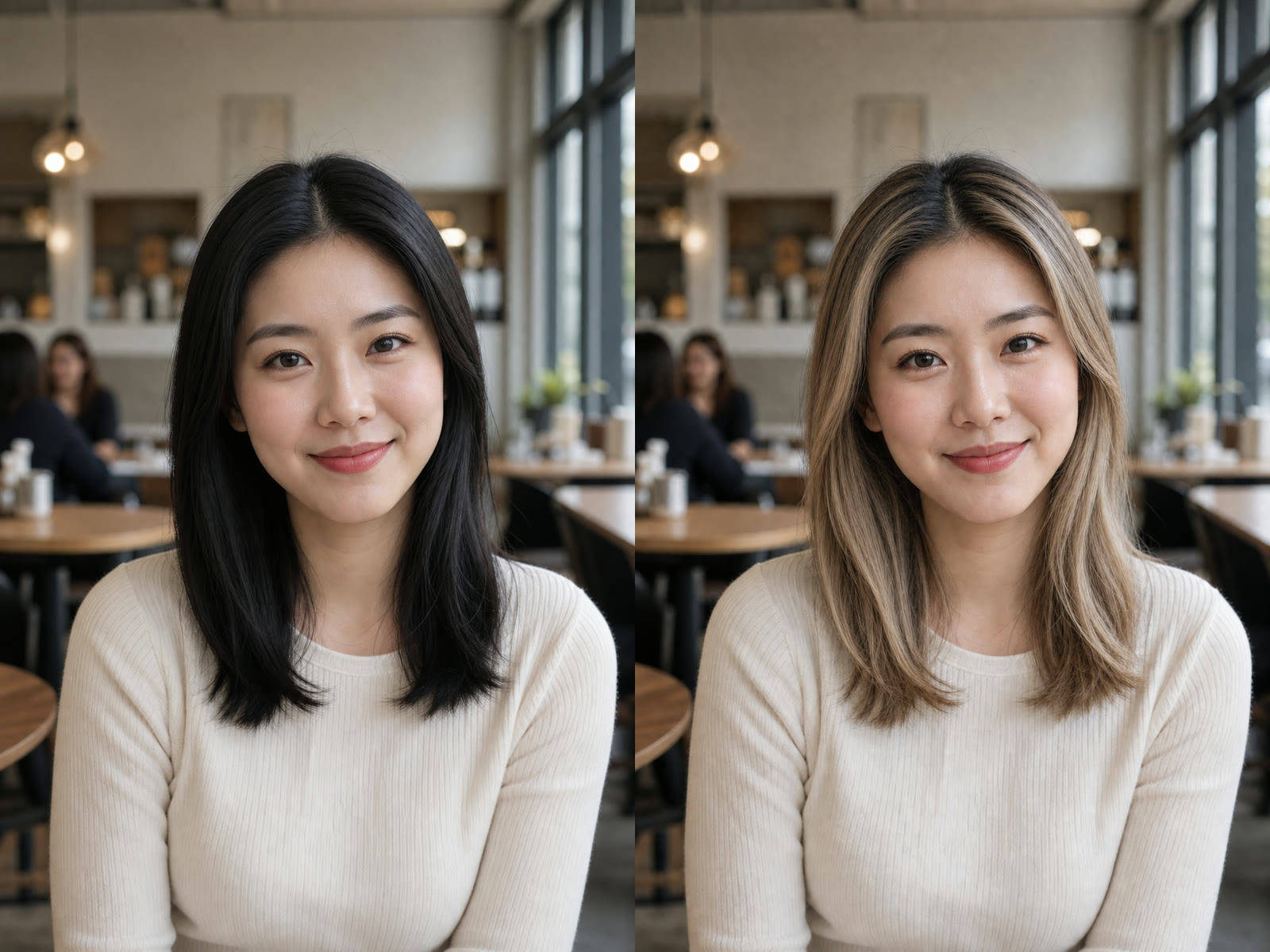
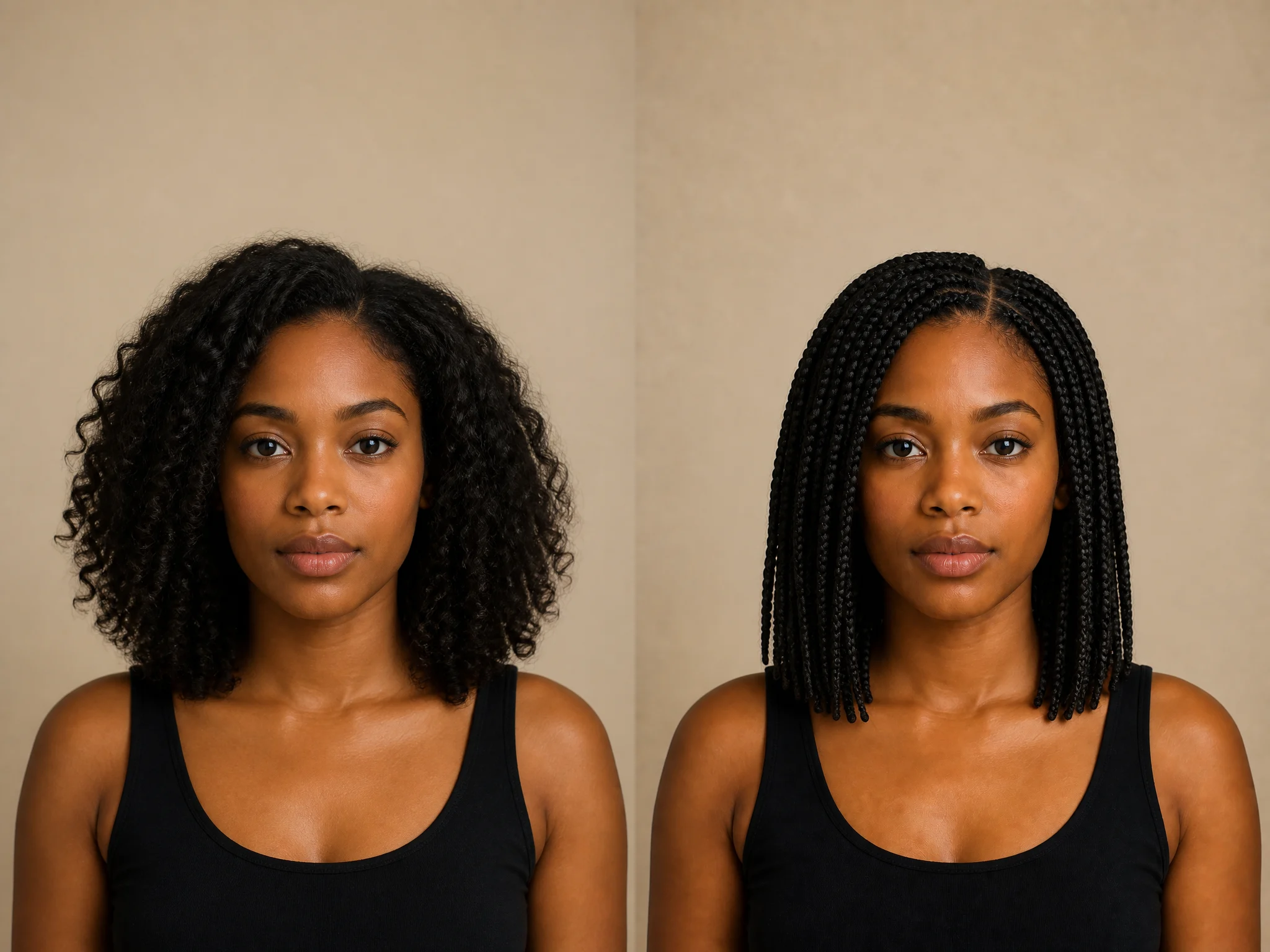
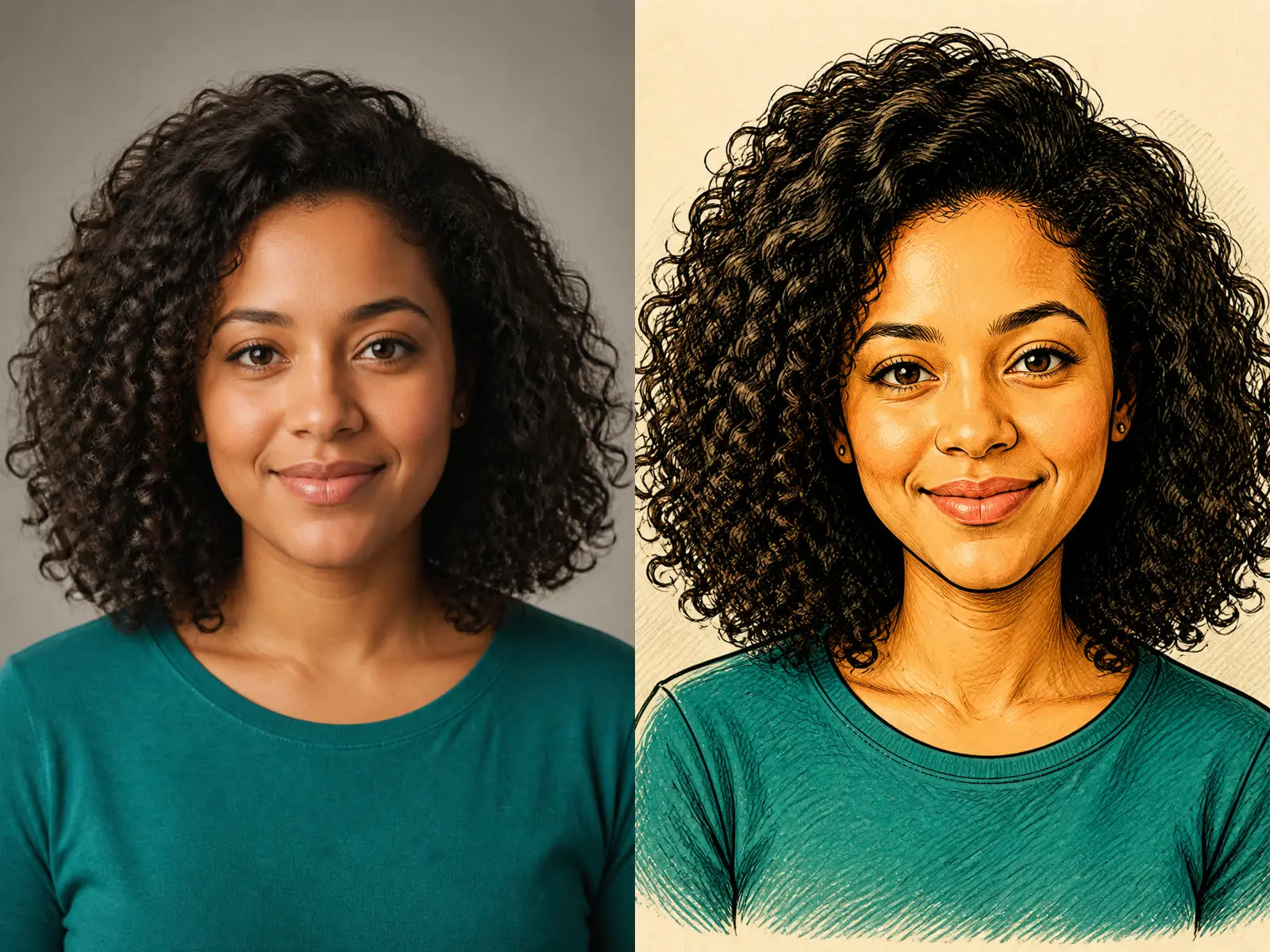
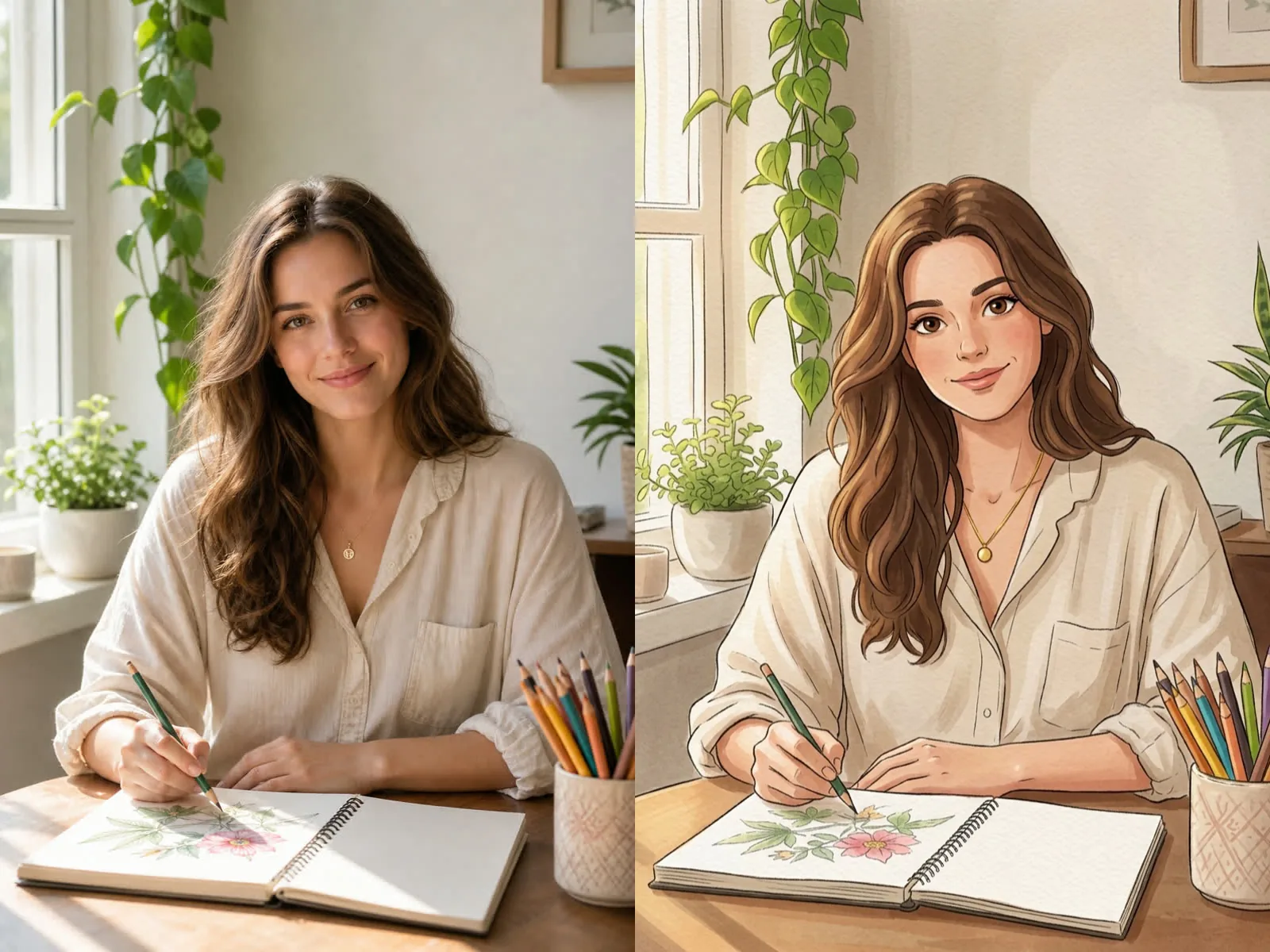
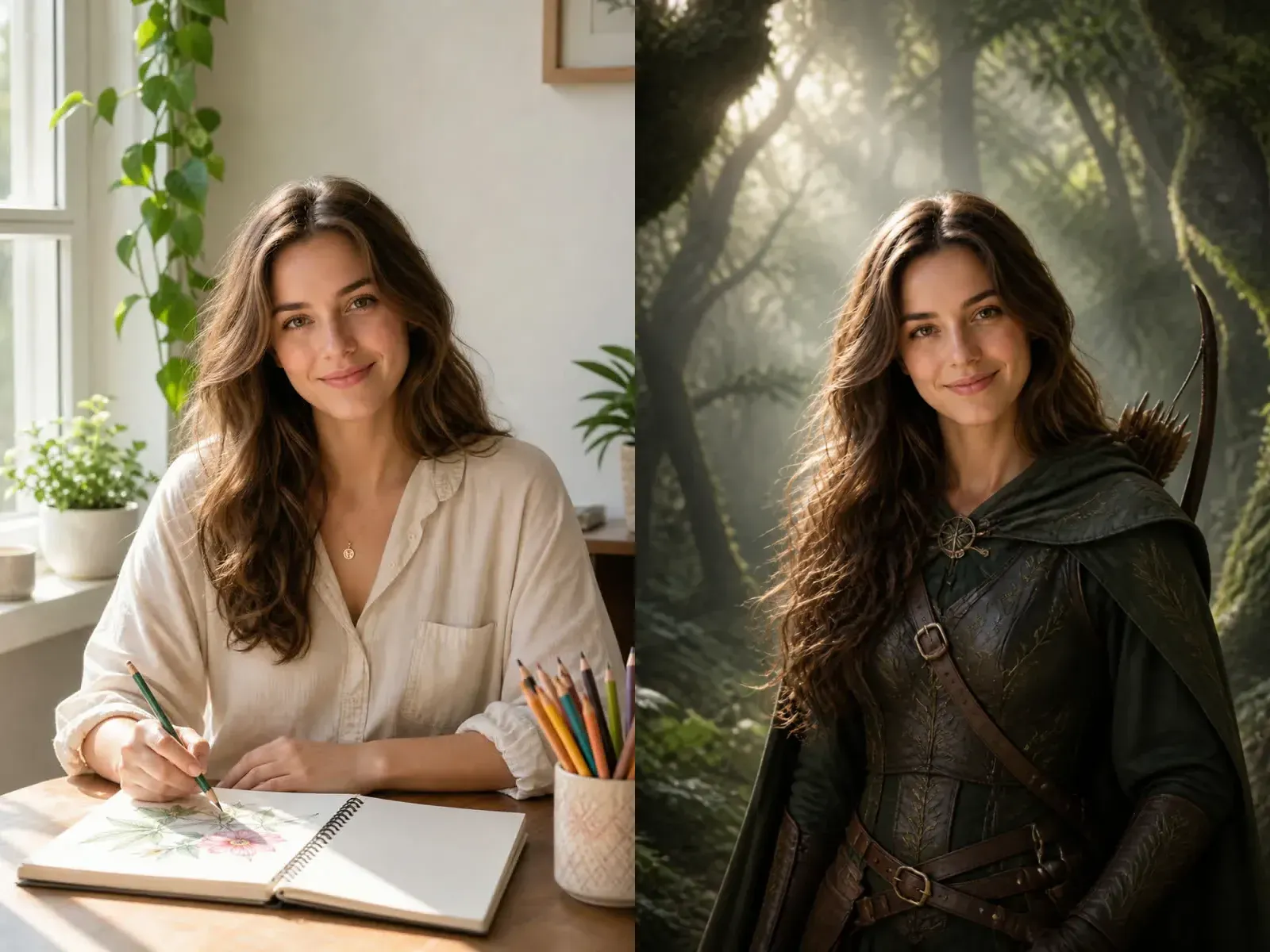
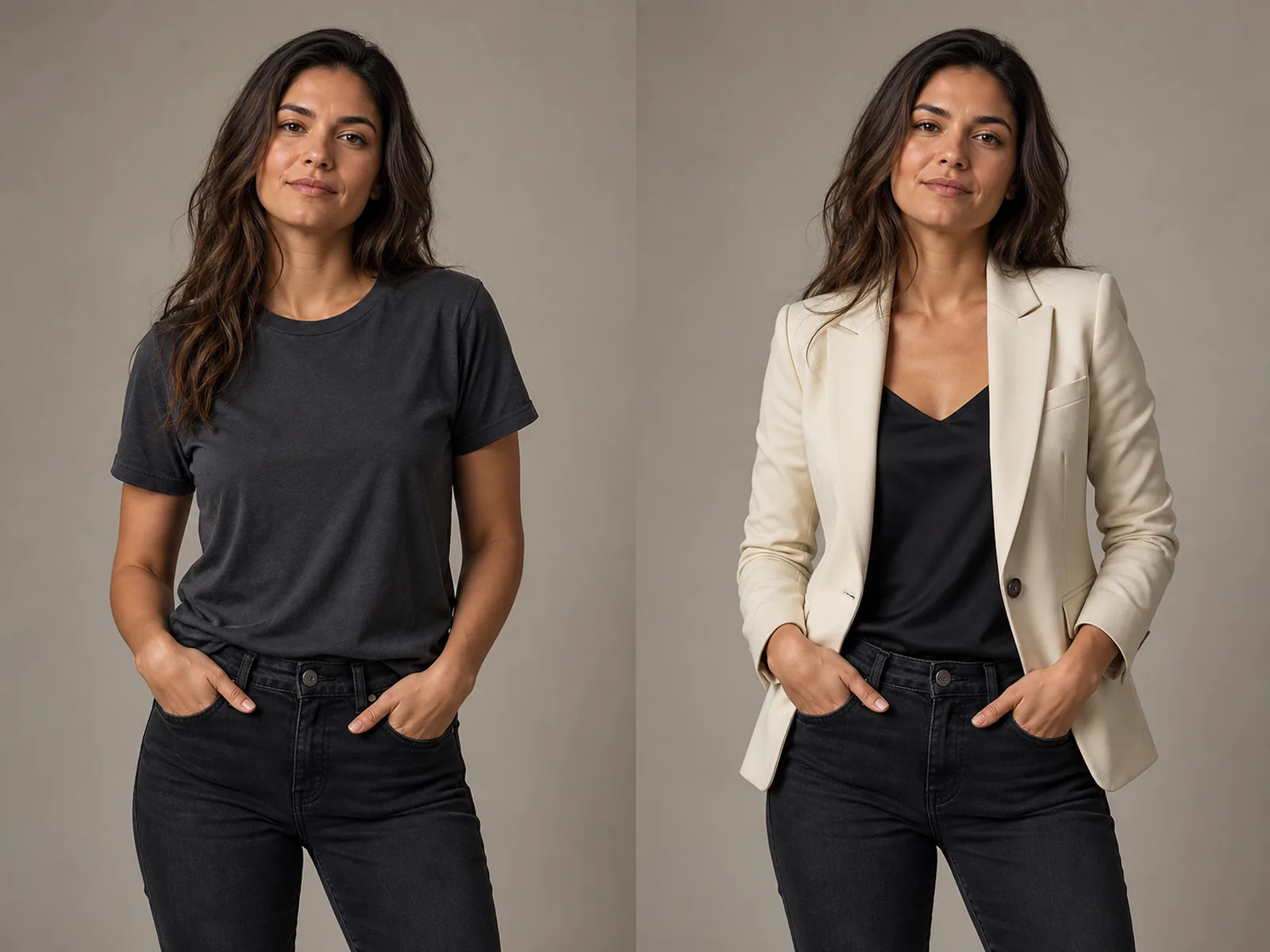
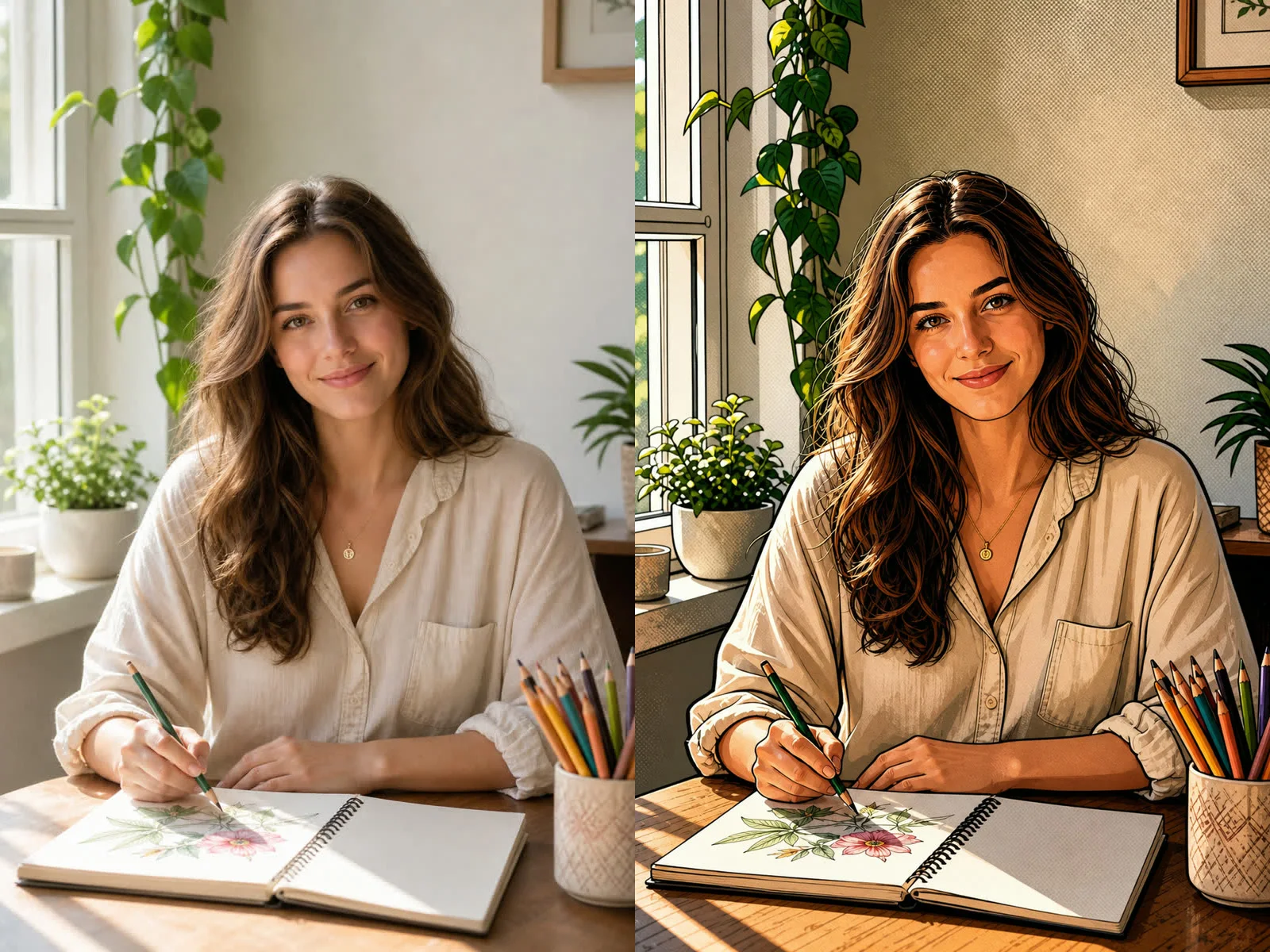

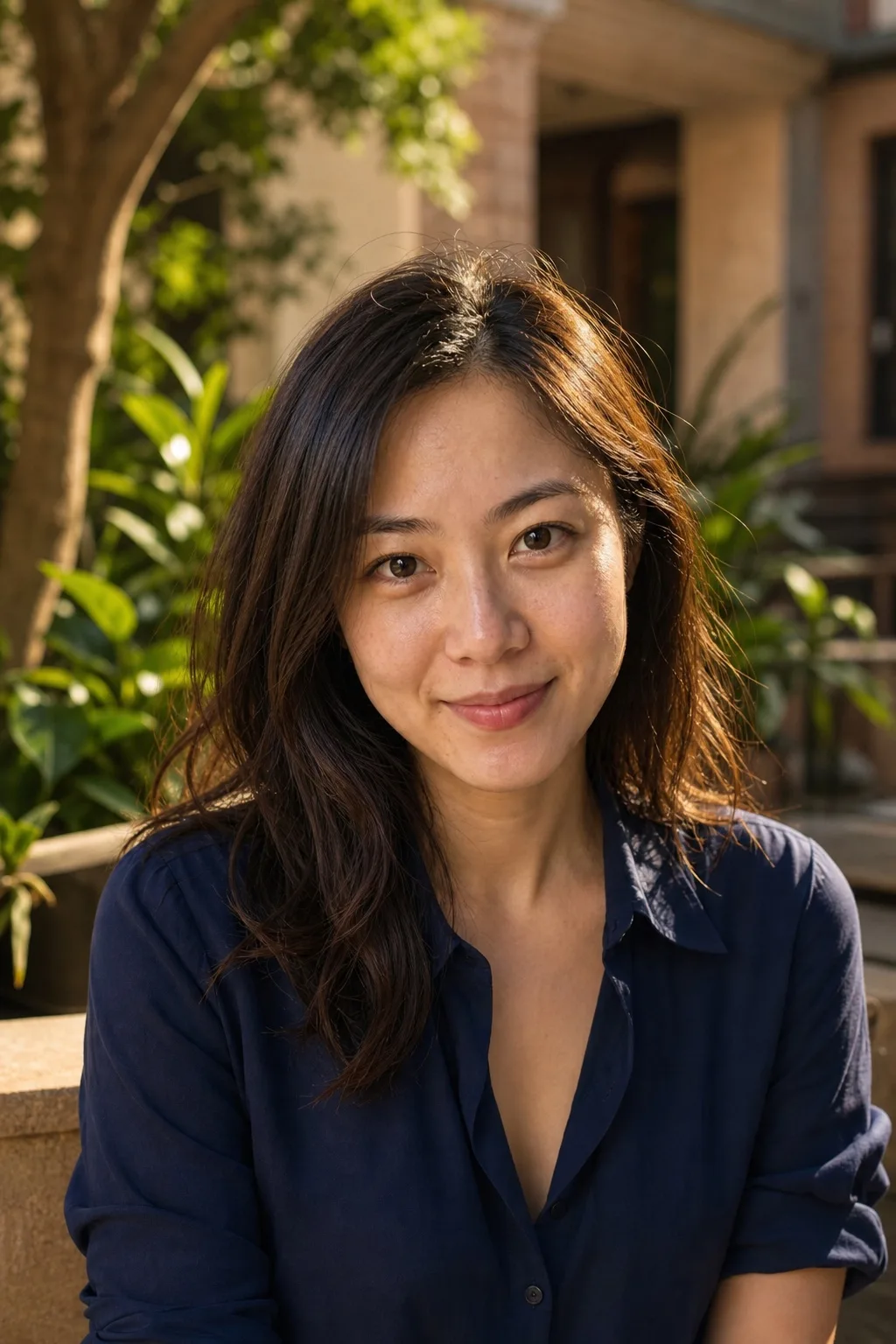
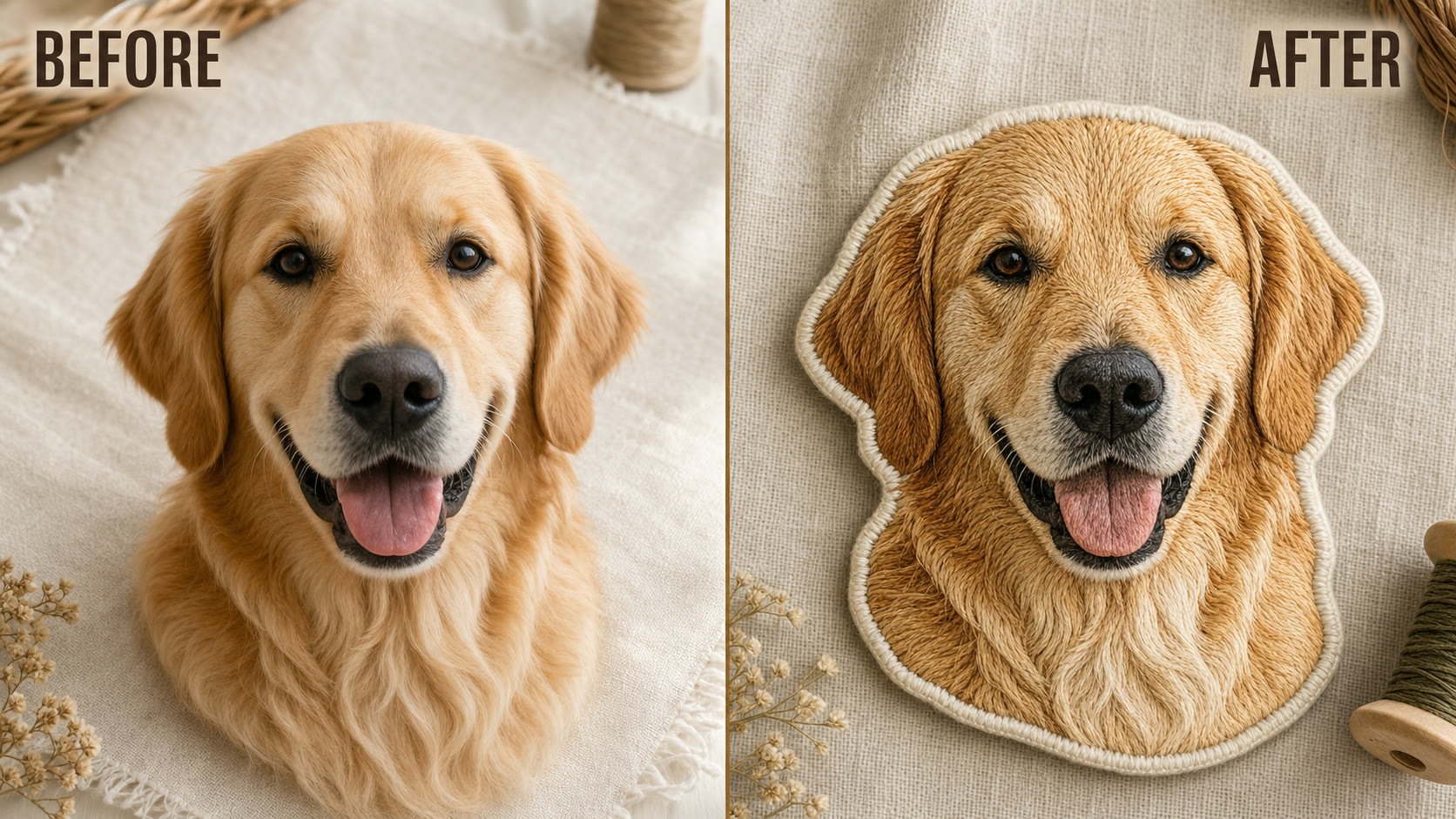


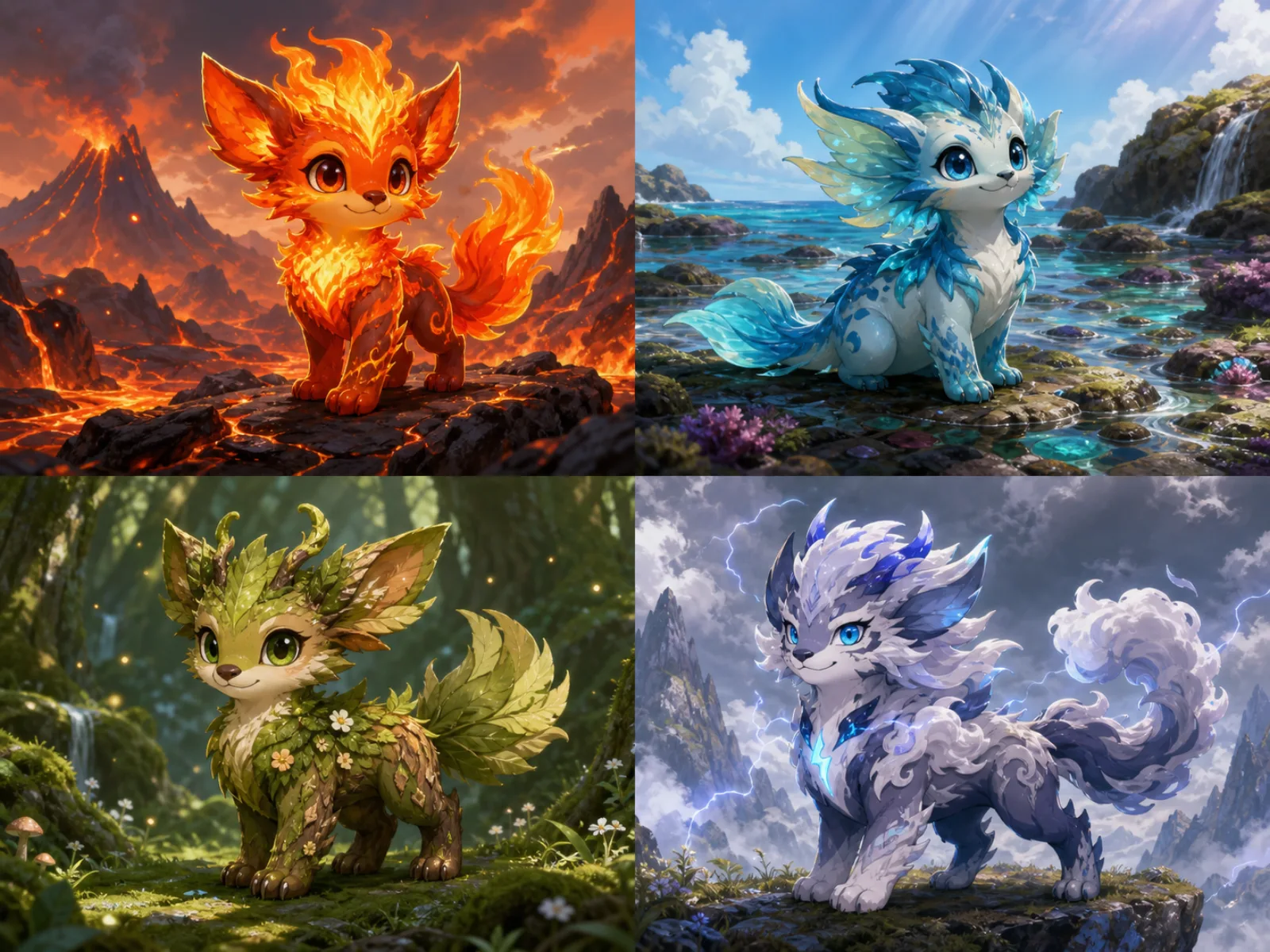
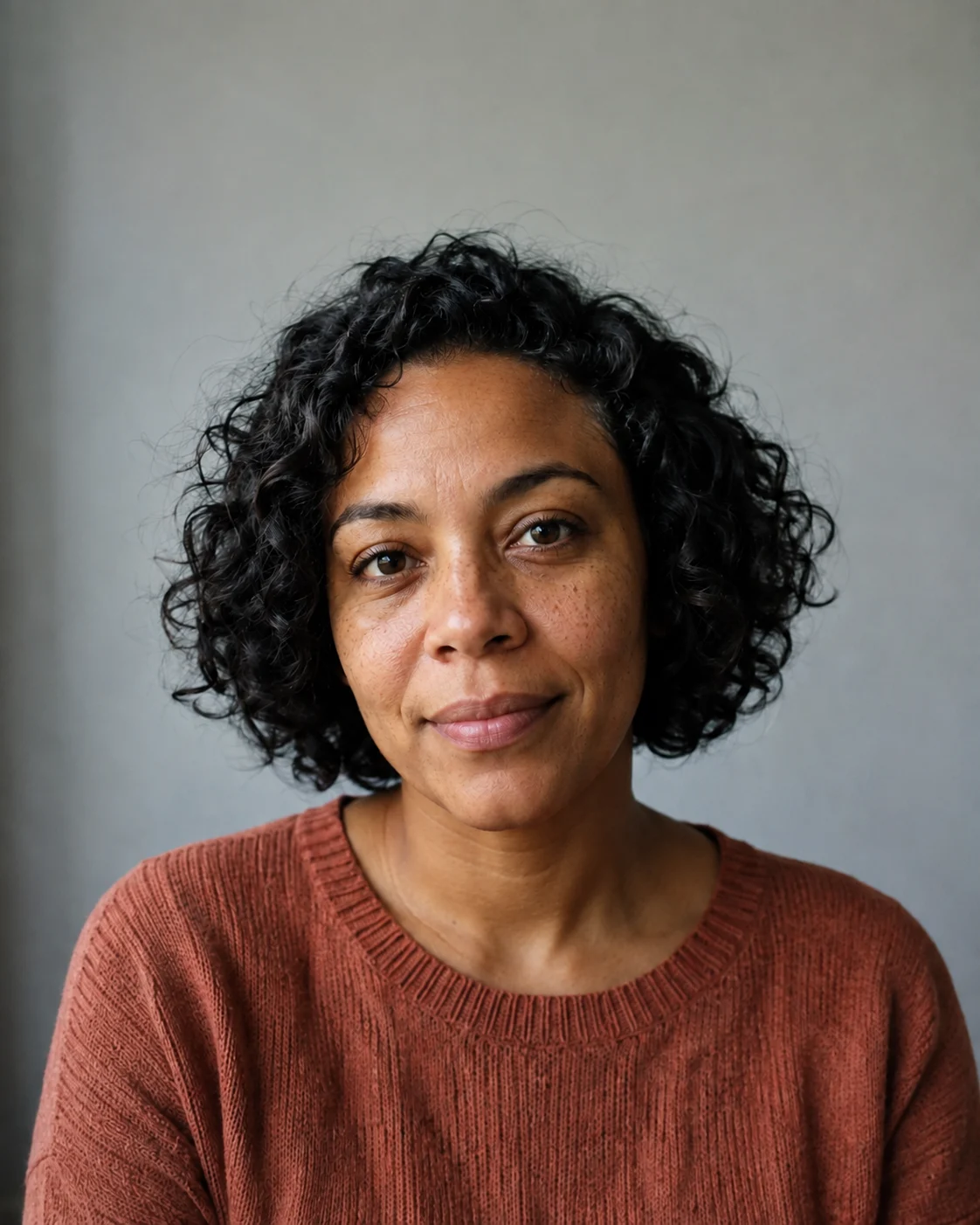
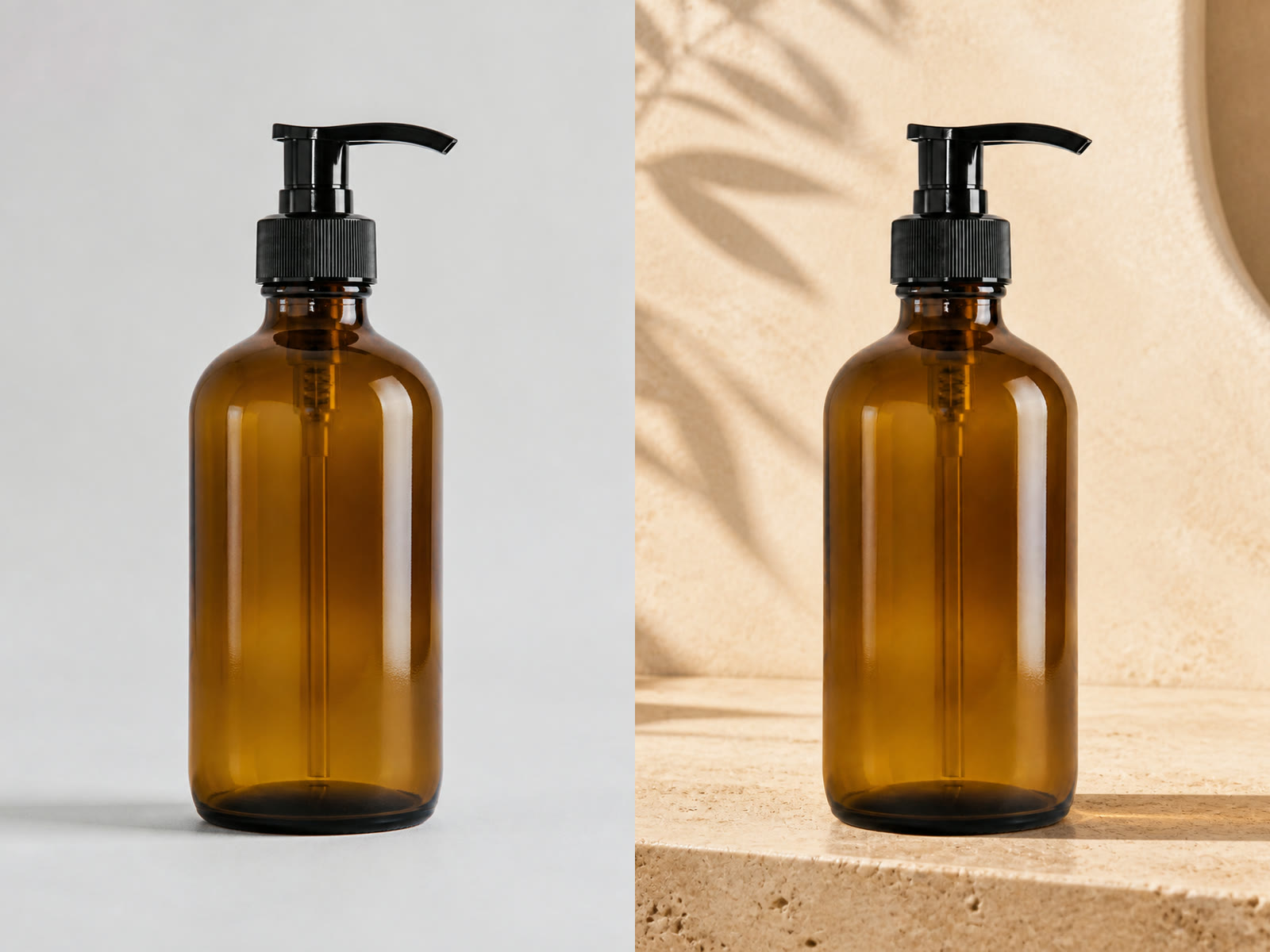

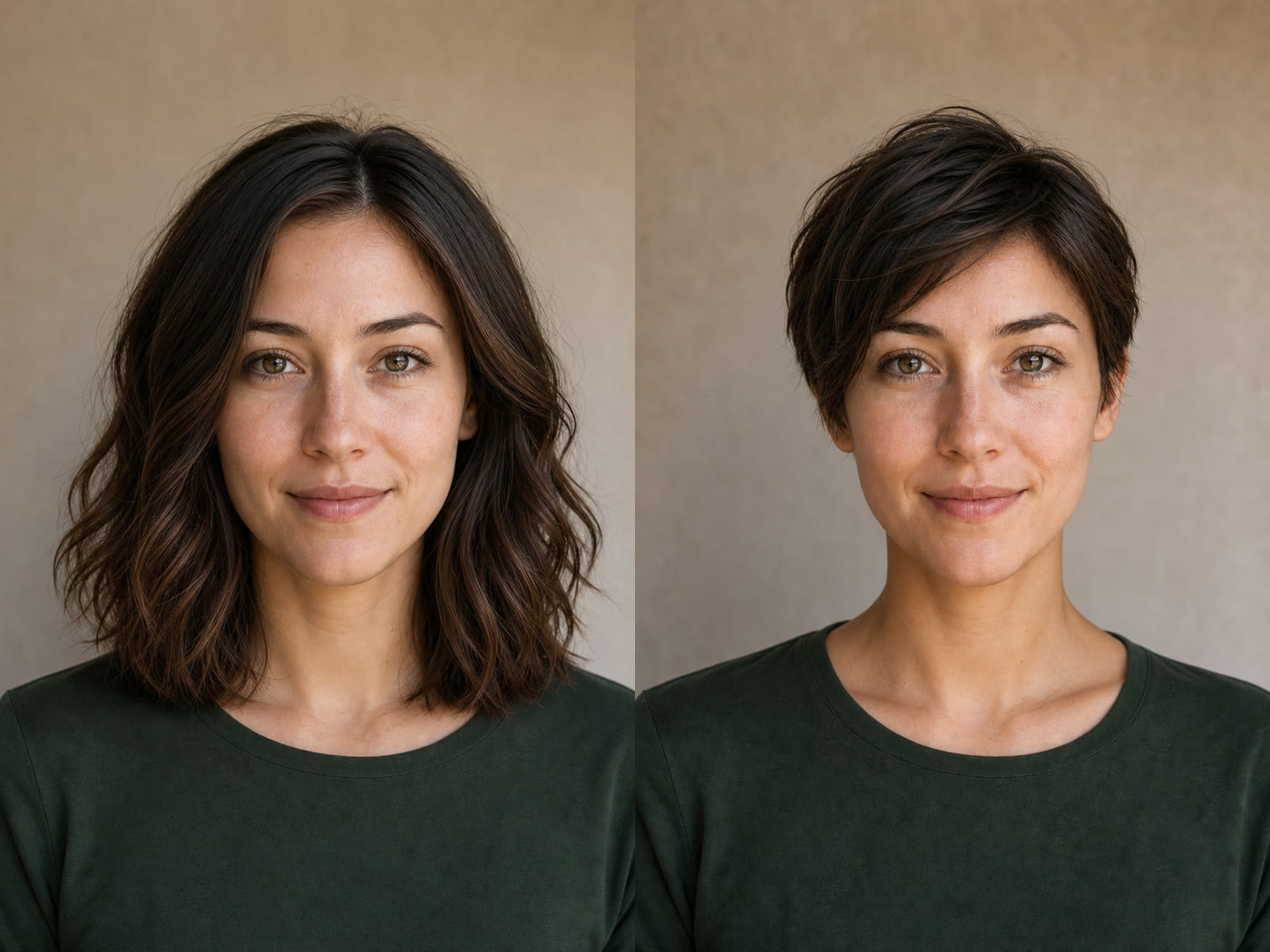

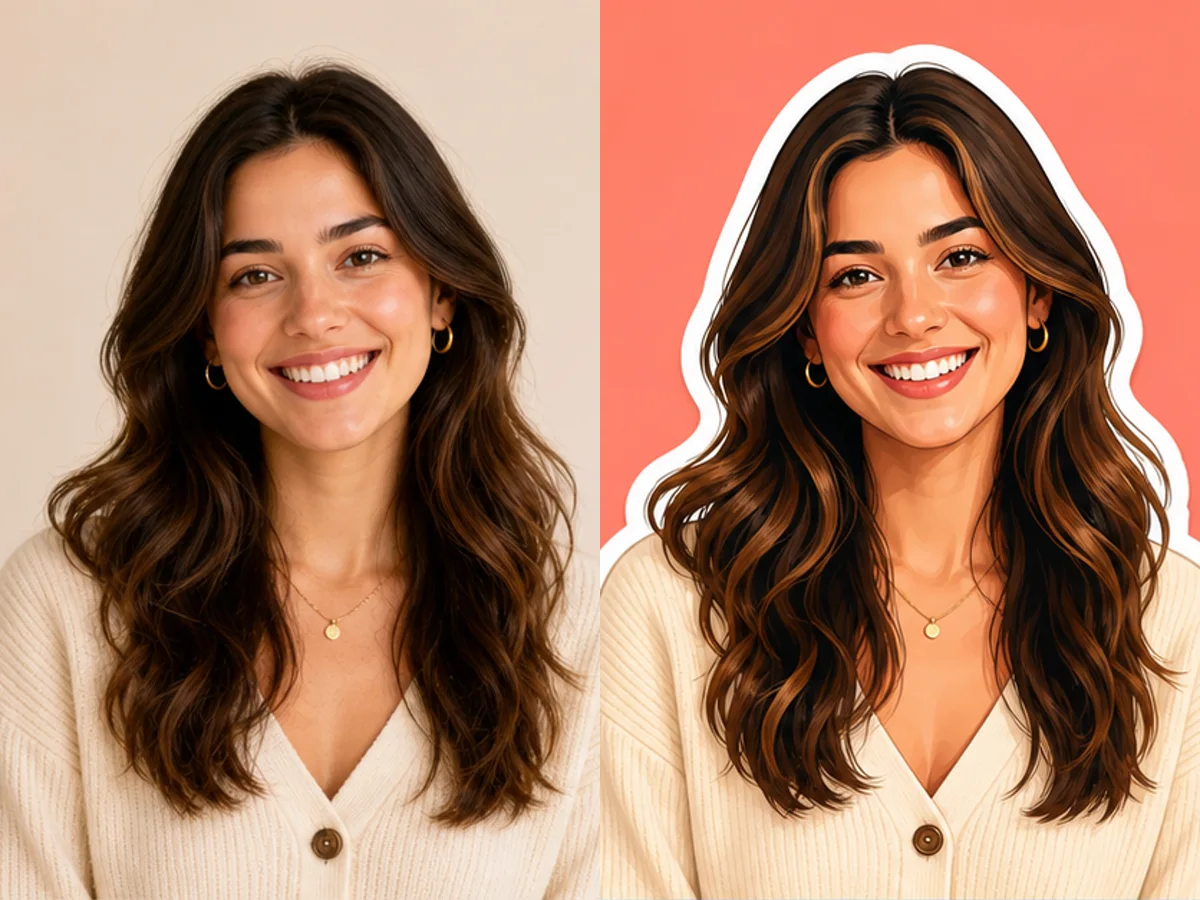





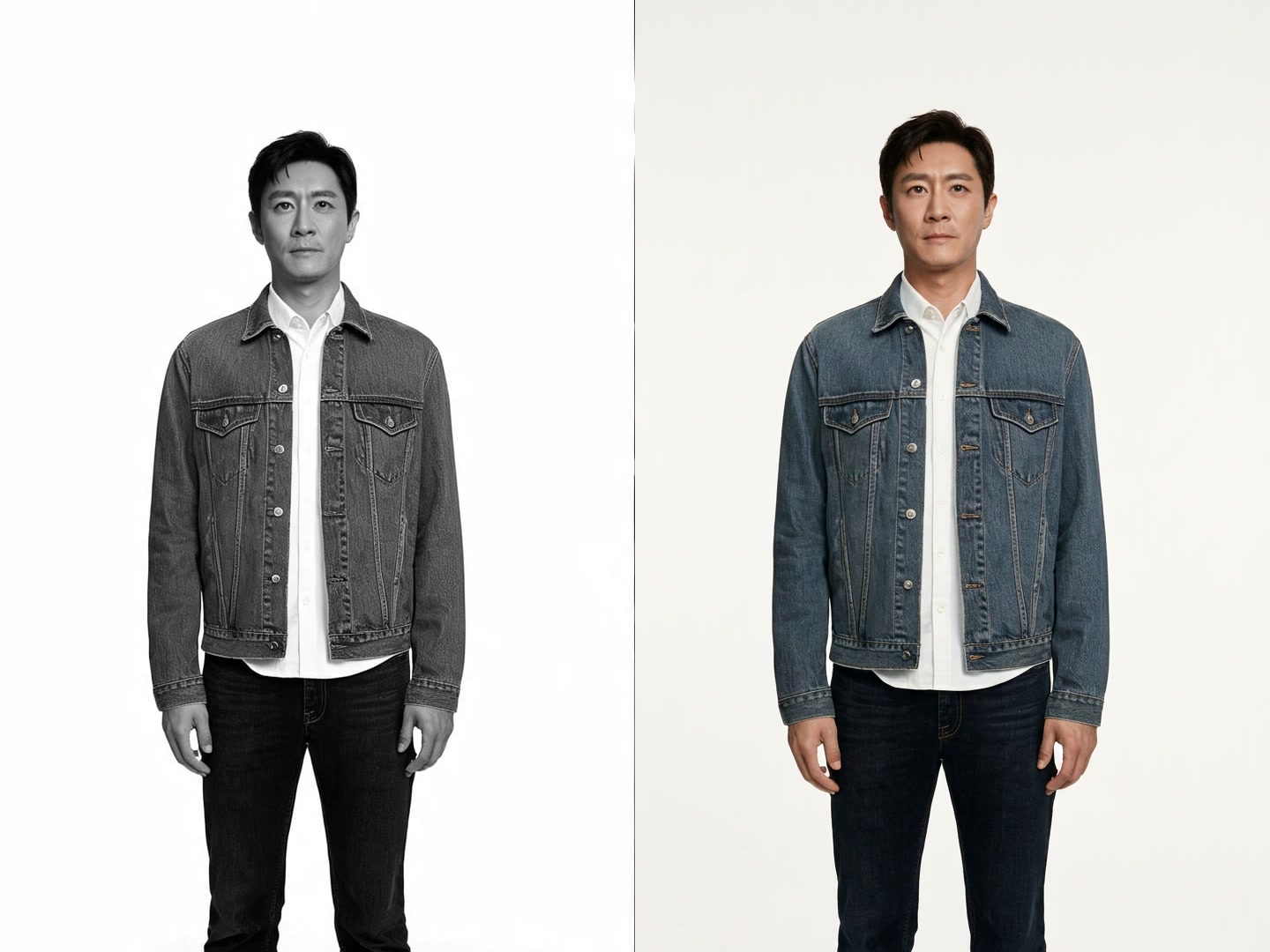

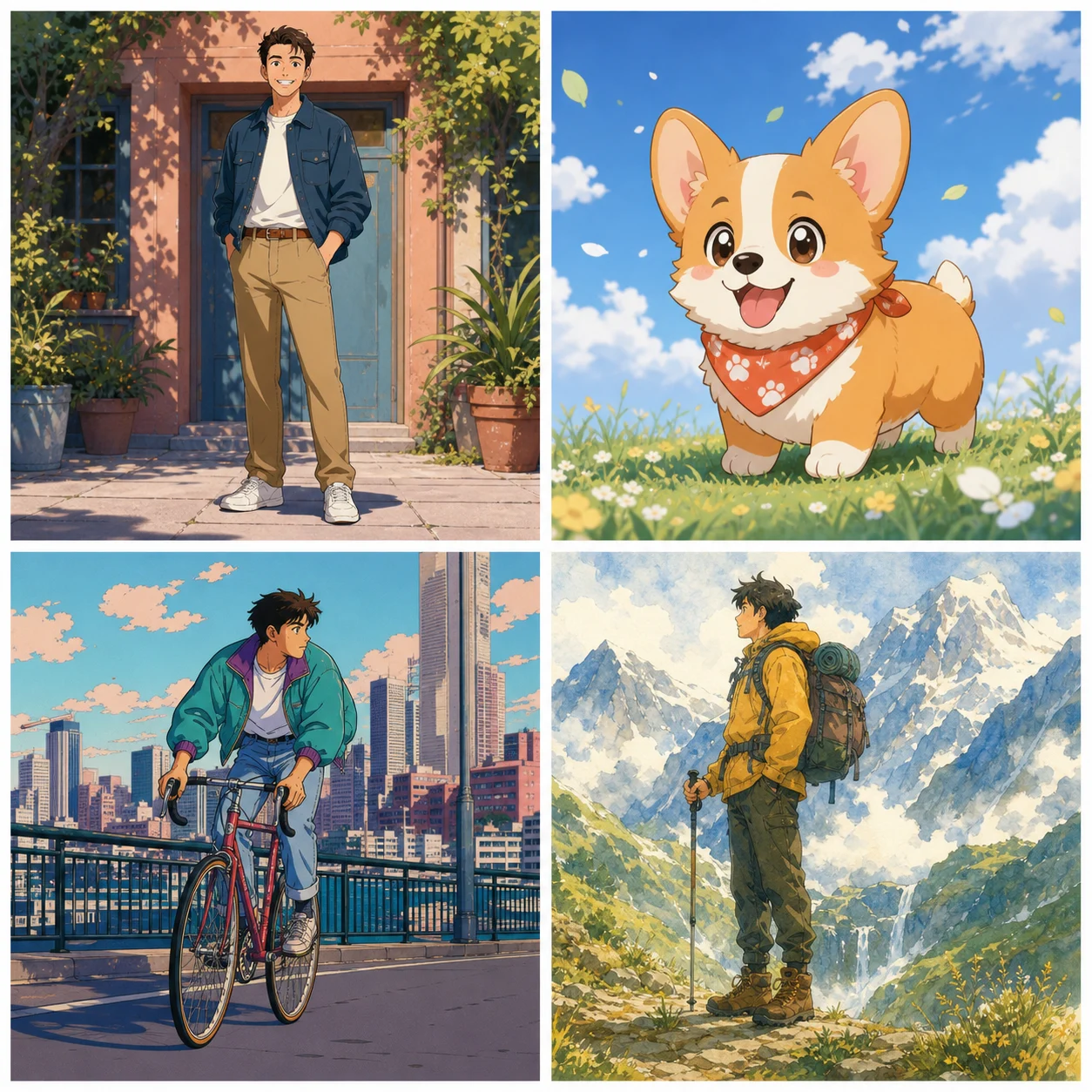
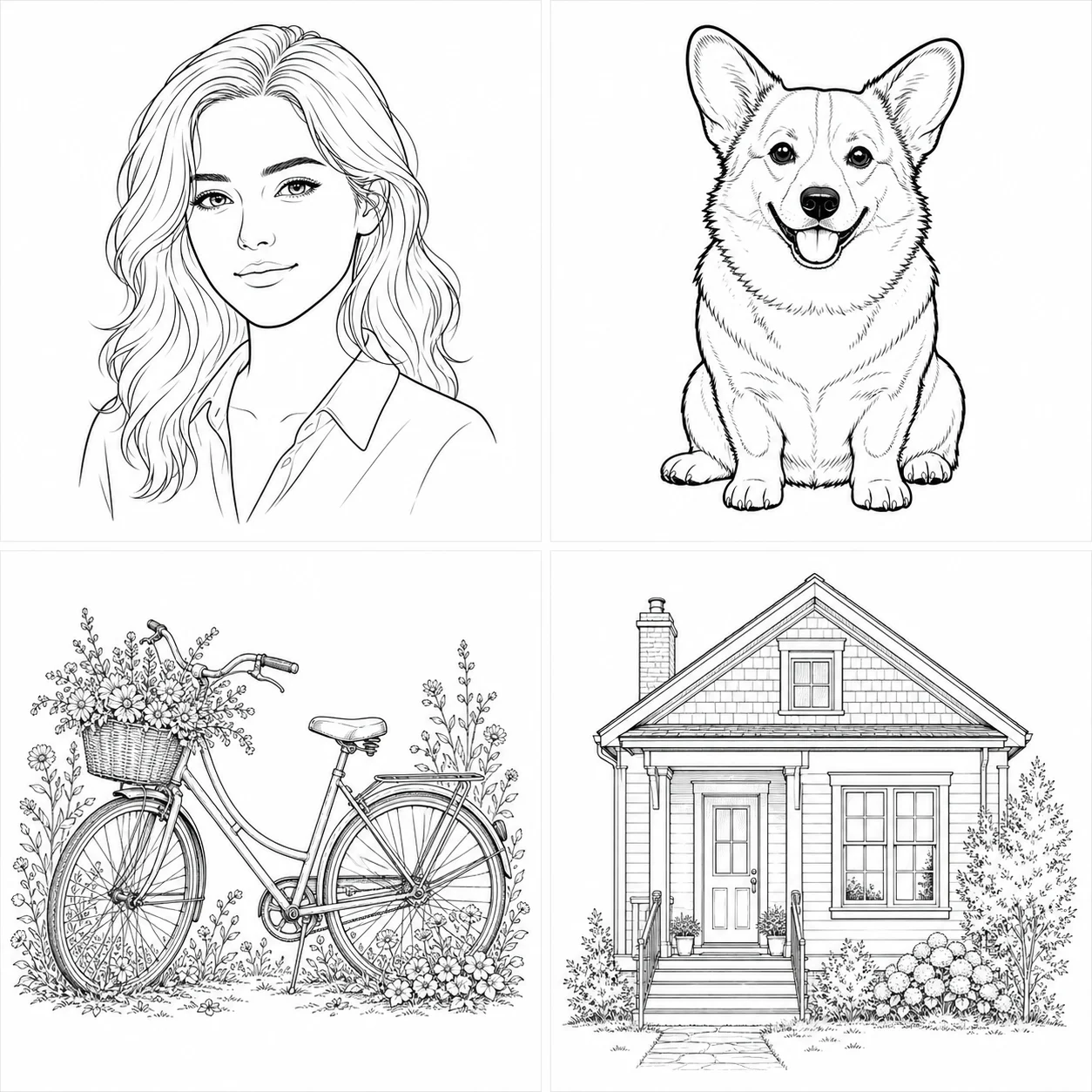
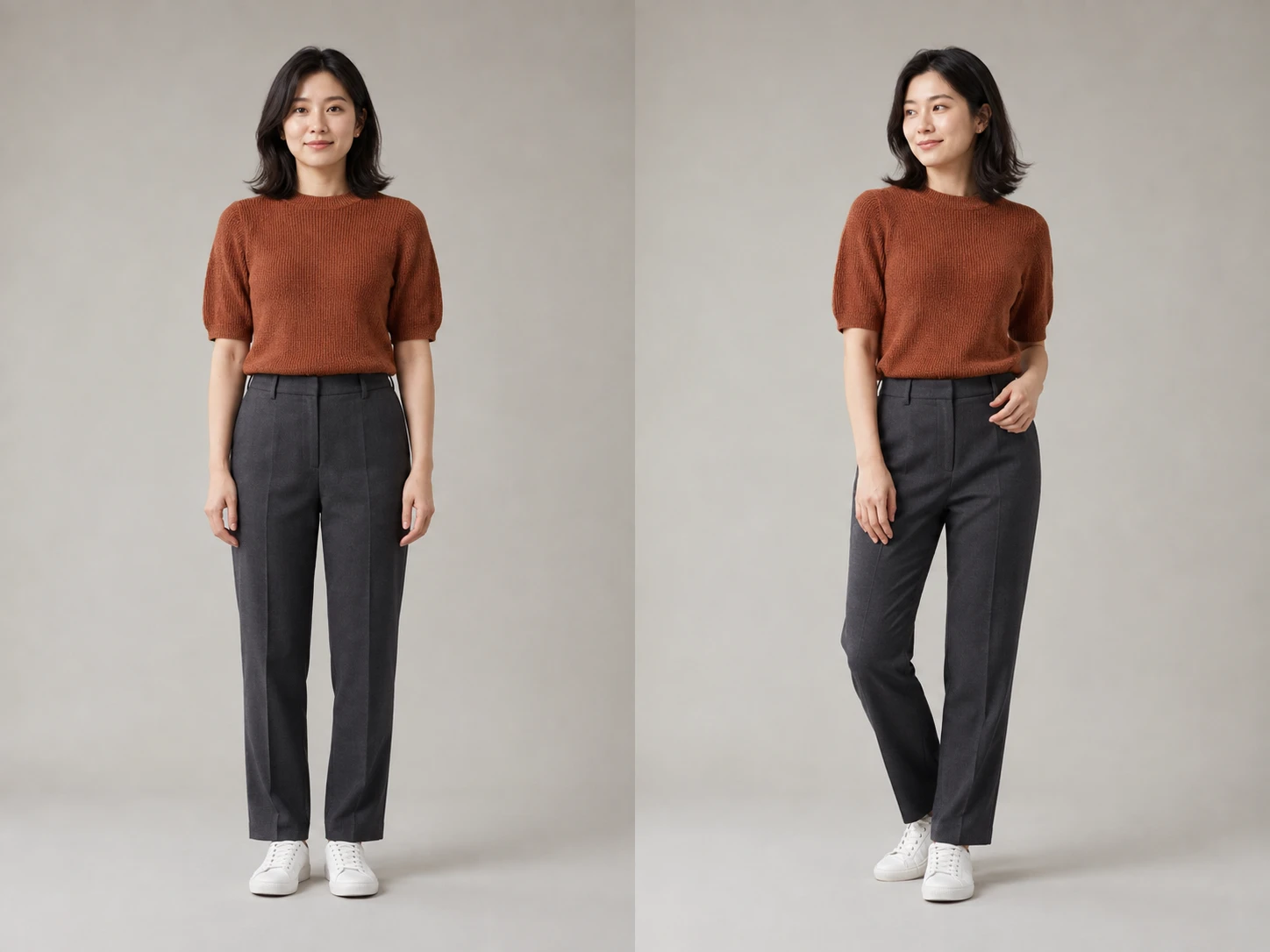
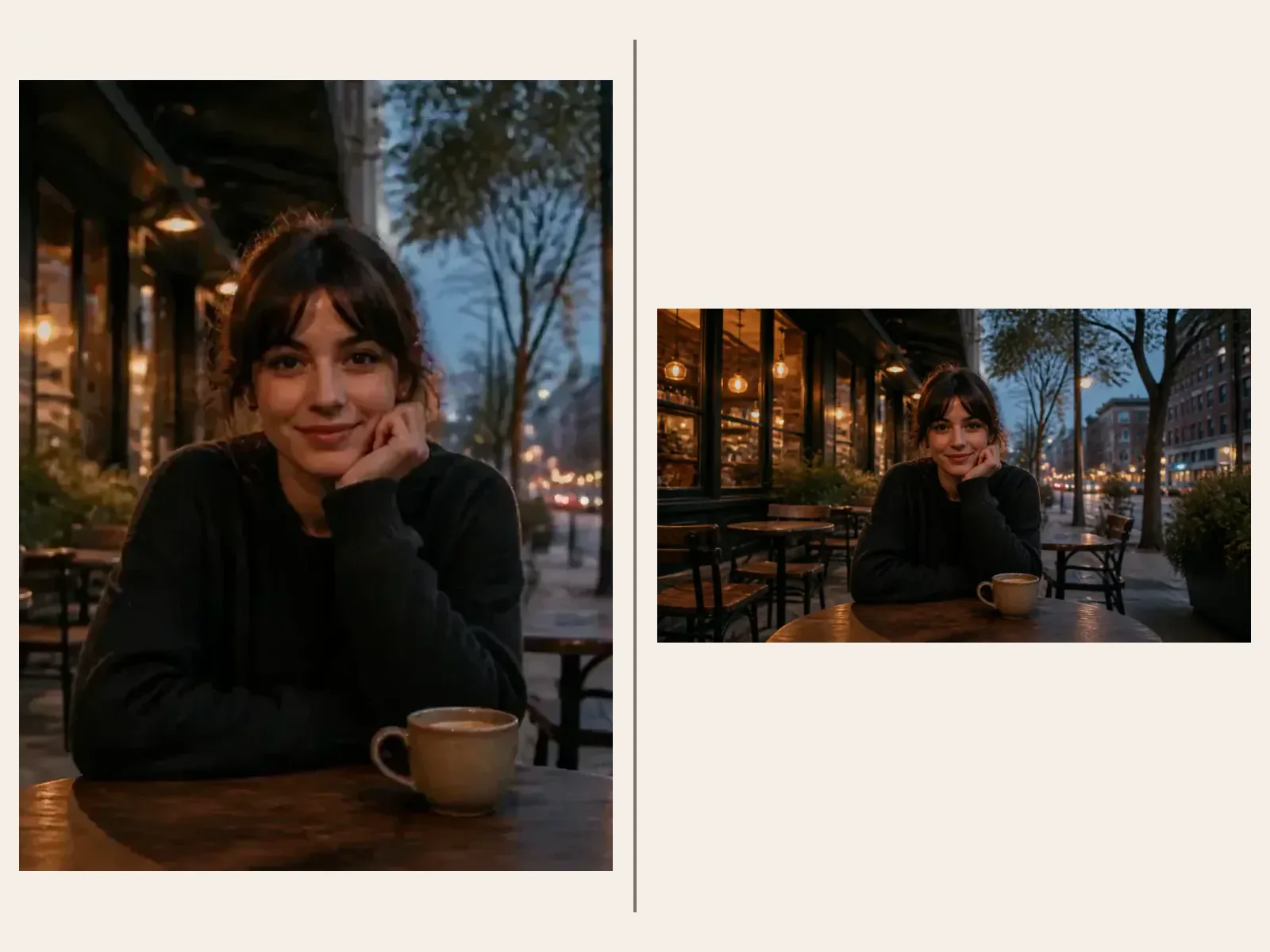

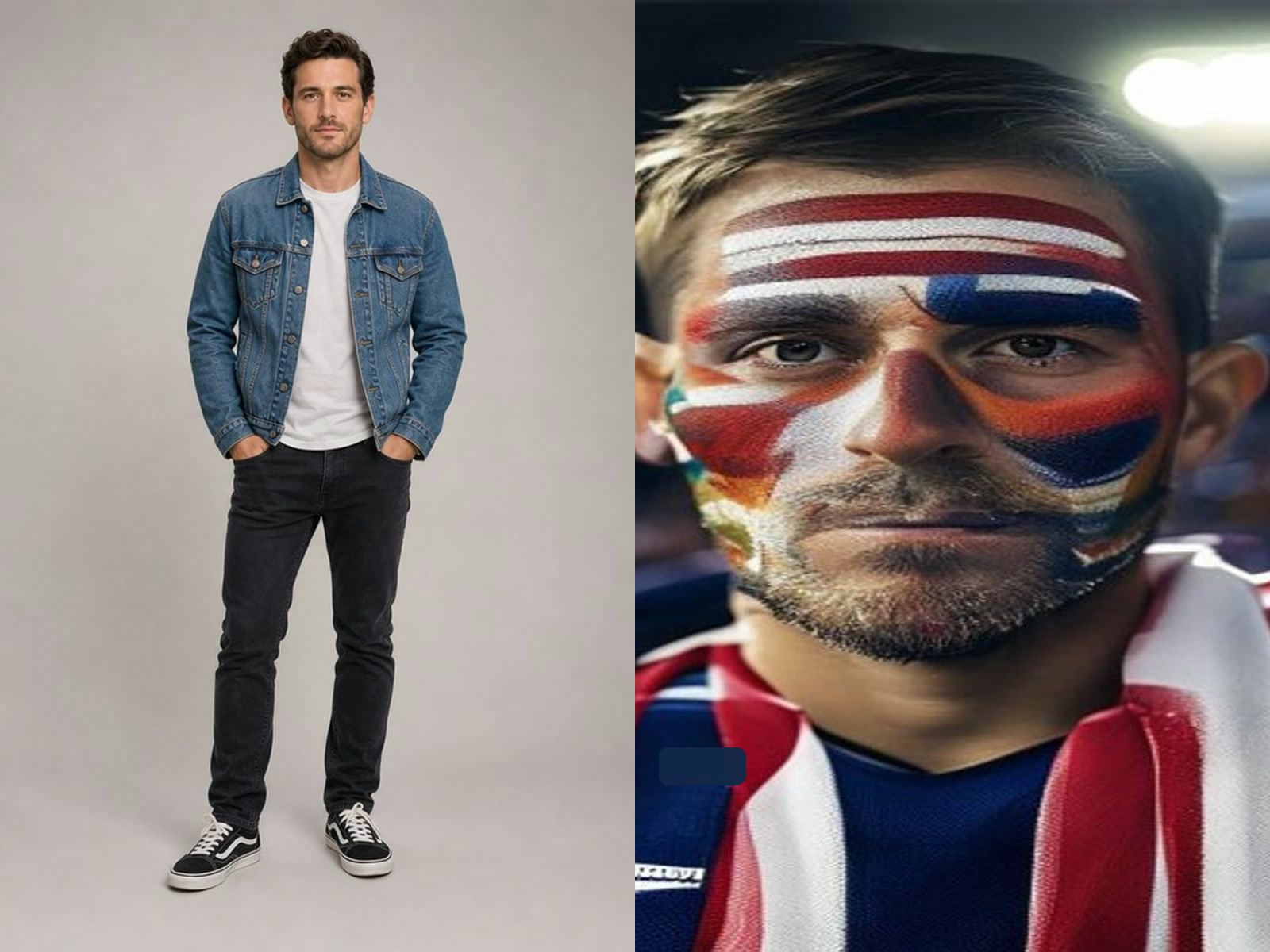


Define the role before describing the costume
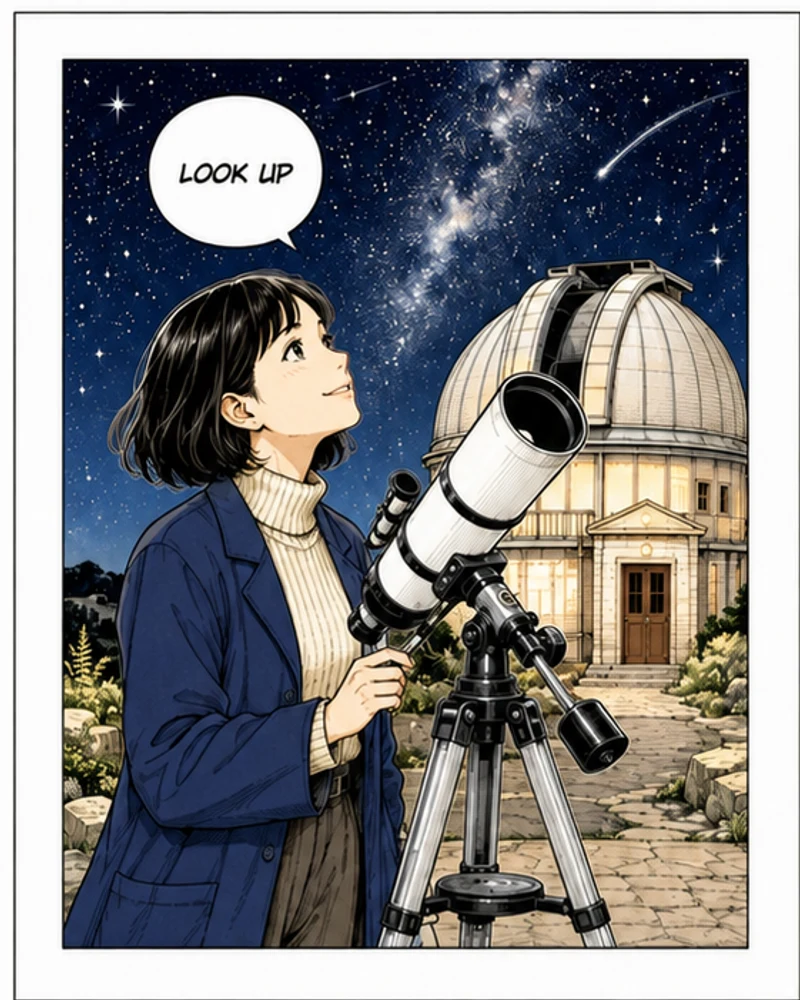
A useful character brief begins with who the person is in the story: desert astronomer, coastal rescue engineer, traveling botanist, or ceremonial guardian. The role suggests tools, posture, materials, and environment. Then describe age range, silhouette, clothing layers, practical equipment, palette, personality, pose, and setting. This produces a more coherent concept than listing unrelated style words. Keep one main character and one visual priority. If the result looks attractive but the role is not readable, simplify the wardrobe and emphasize the one prop or shape that communicates the occupation.
Build an original silhouette instead of copying a franchise
Recognizable characters often depend on silhouette, color blocks, and signature accessories. Use those design principles without requesting a named movie, game, anime, comic, celebrity, brand mascot, logo, or protected costume. Combine original materials, shapes, and world rules. A broad phrase such as “cinematic science fiction” leaves room for original design; asking for an exact studio character does not. Check the result for borrowed insignia or unusually familiar details even when the prompt was original. Generation does not guarantee legal clearance or exclusivity, so commercial projects should complete independent rights and similarity review.
Use references for a specific authorized purpose
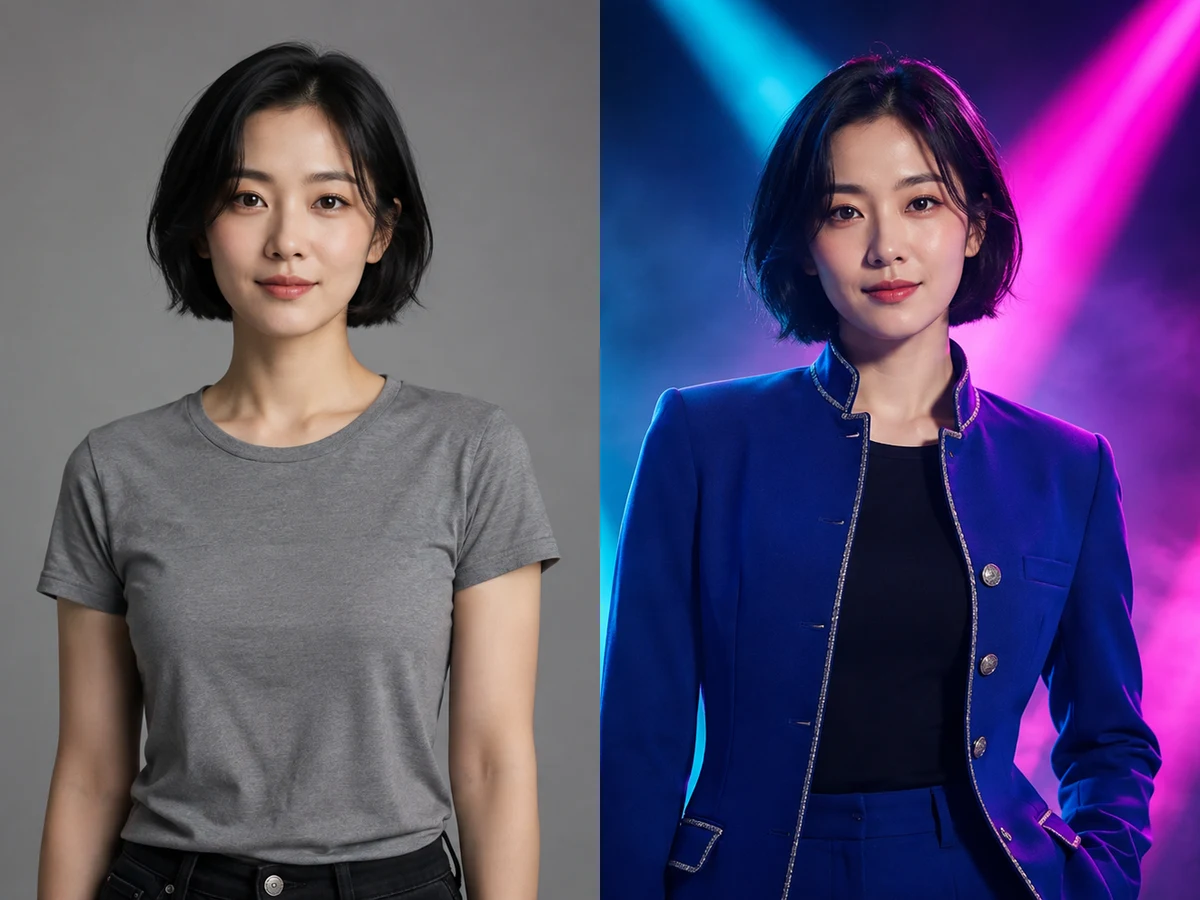
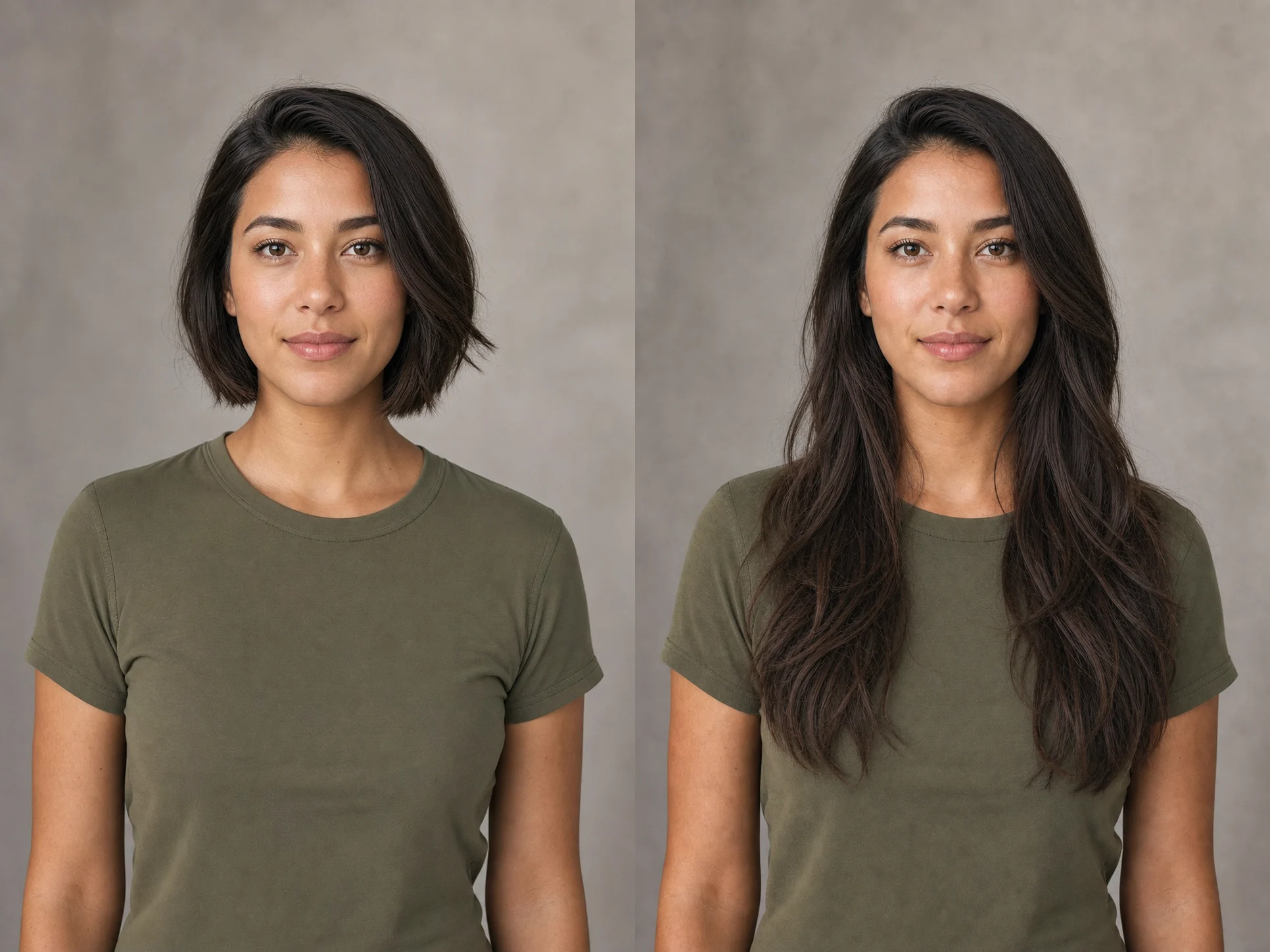
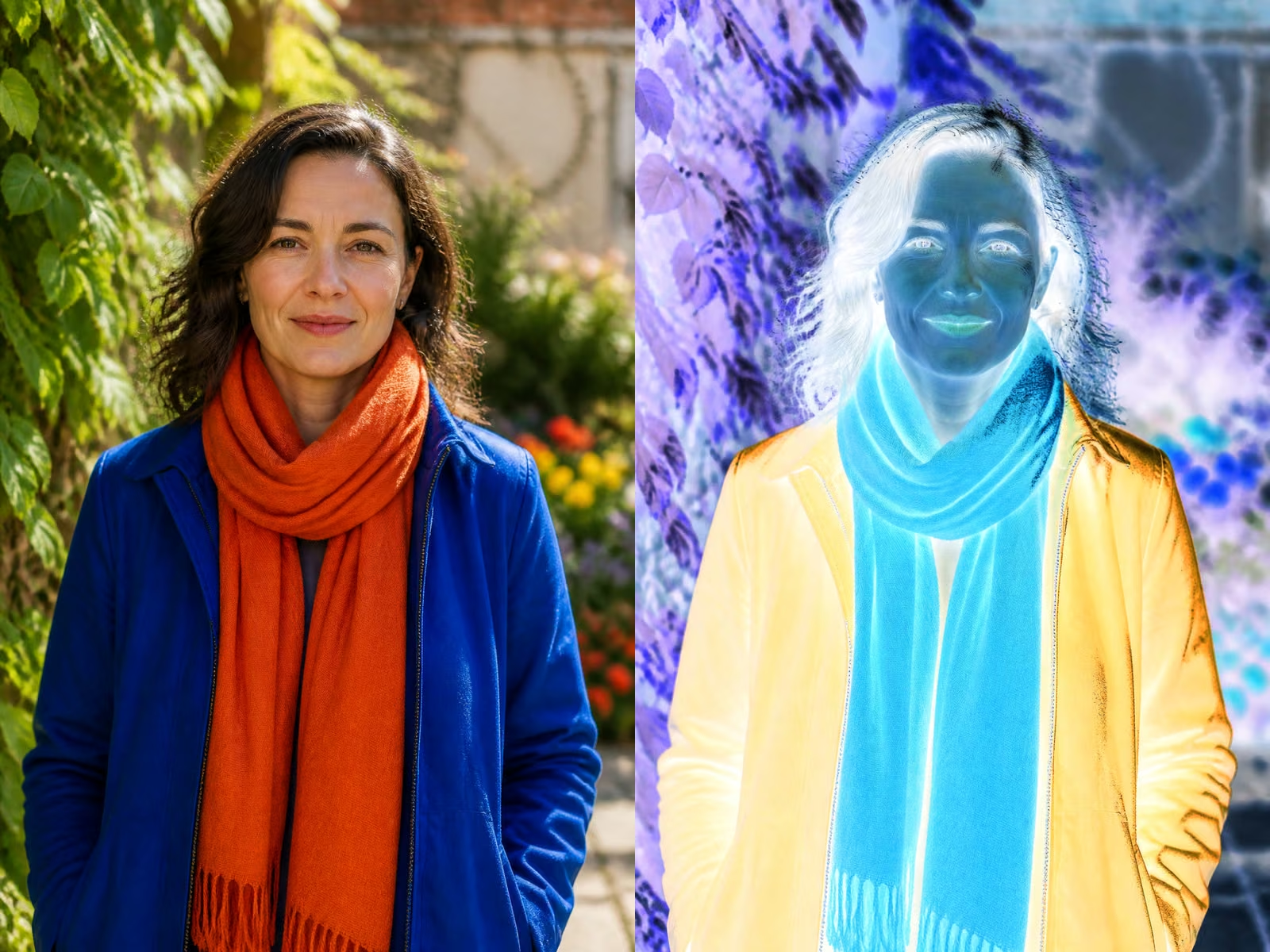
A reference may define an identity, pose, palette, clothing material, or rough composition. State its role explicitly and avoid uploading unrelated images. If preserving a person, use a consenting adult photo and explain which facial and hair features should remain. If using a sketch, distinguish fixed design decisions from areas the model may explore. Reference-led generation can still change faces, proportions, hands, logos, and small costume elements. Compare the output with every source and keep the originals. Never assume that uploading an image grants the right to reproduce it or that the model will separate protected content from general inspiration.
Design clothing as functional layers
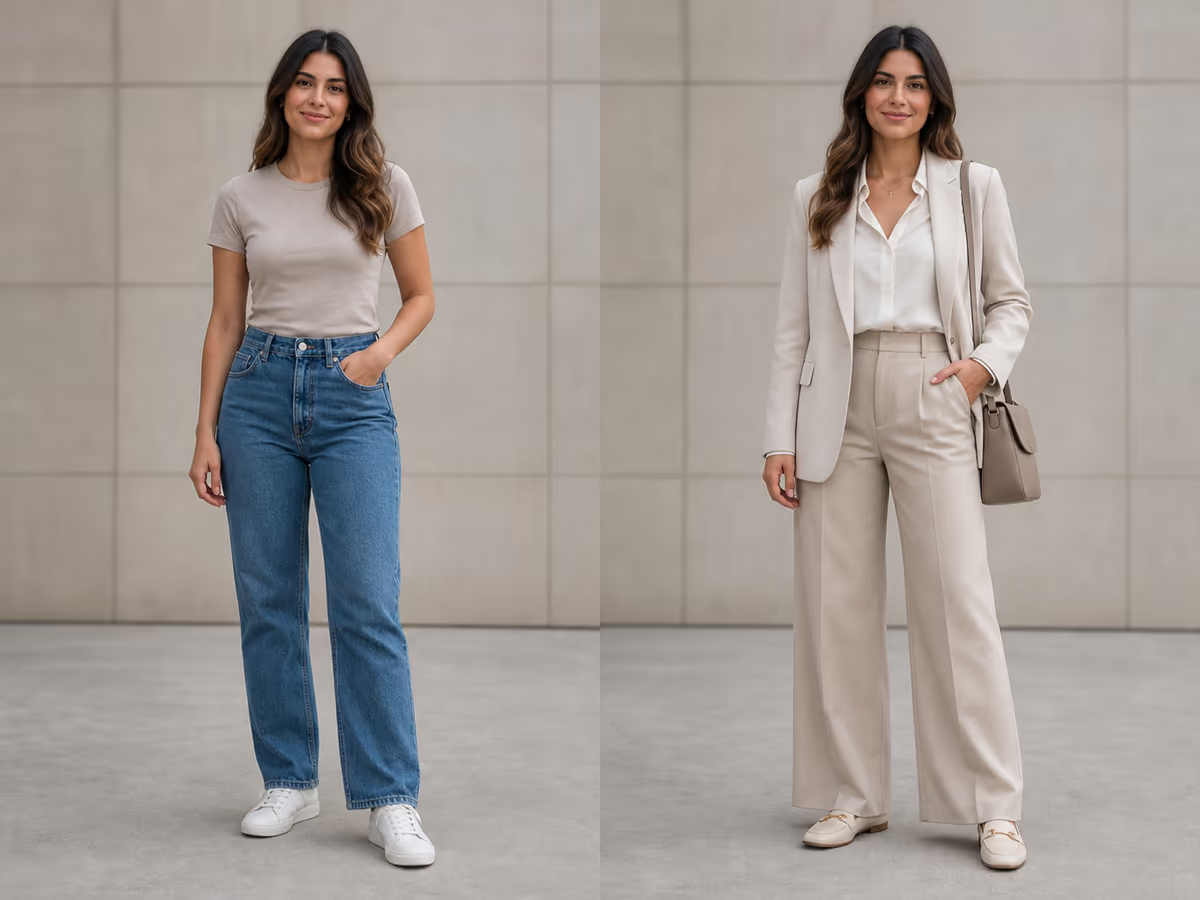
Describe garments from inside to outside and connect them to climate, movement, status, and tools. A field character might need breathable base layers, a weather shell, reinforced boots, and reachable storage. A ceremonial character may use repeated motifs and valuable materials while still having a readable silhouette. Name a small material set—linen, leather, brushed brass, recycled polymer—rather than asking for every texture. Look for straps that go nowhere, impossible fasteners, intersecting fabric, and accessories that duplicate. A believable design does not require realism, but its internal rules should remain consistent.
Control framing for portrait, full body, or concept art
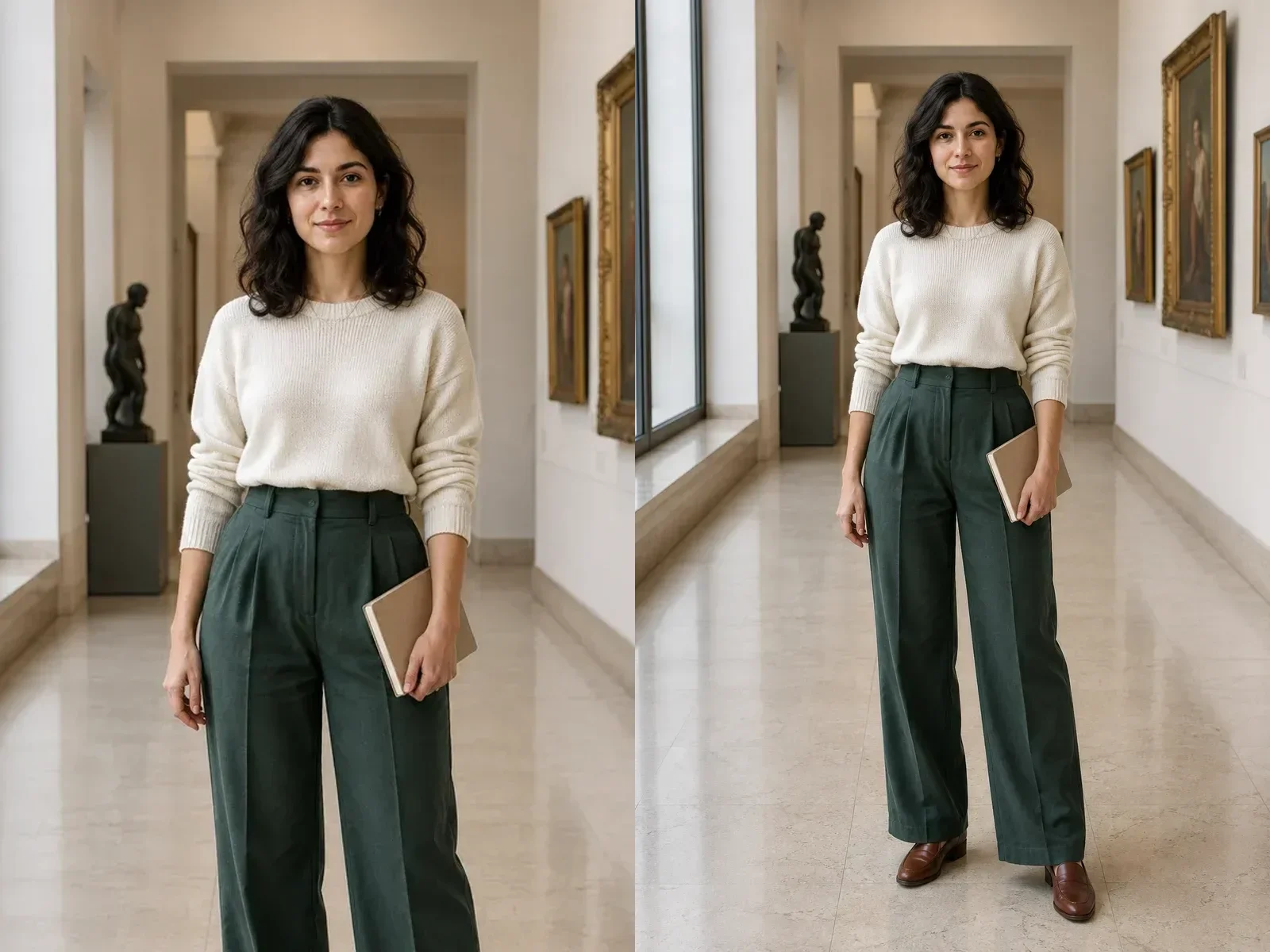
Choose 3:4 or 4:5 for portrait-led character art, 2:3 for a taller costume view, and 1:1 for an avatar or compact bust. State whether the full head, hands, feet, and important equipment must be visible. Full-body concepts require enough canvas around the figure; otherwise the model may crop boots or weapons. A portrait can show facial identity and materials more clearly but reveals less of the silhouette. Match the framing to the deliverable instead of trying to show every design decision in one image. Generate separate views only when the project genuinely needs them.
Review anatomy, identity, and small design facts
Inspect the complete figure before focusing on rendering quality. Count visible hands, fingers, legs, tools, and repeated accessories. Check that clothing follows the body and that the pose is physically understandable. For an identity reference, compare face shape, age, skin tone, hair, and expression, but expect some drift. Read every visible symbol or word; random marks can resemble a logo or language. Check material continuity where straps, armor, and fabric overlap. A polished face does not compensate for broken hands, impossible equipment, or a silhouette that fails the brief.
Create a repeatable character sheet outside the generator
One attractive image is not a production-ready character system. Record the accepted role, body proportions, palette, materials, costume layers, signature items, and prohibited changes in a written character sheet. Store the prompt and reference roles beside the selected output. If the character returns in several scenes, compare every new result against that sheet. Image generation may drift across requests and does not guarantee identical faces or clothing. For animation, games, comics, or merchandise, professional turnarounds, model sheets, rigging, topology, and continuity checks remain separate work.
Know what this generator does not promise
The tool creates a single original concept image from text or an authorized reference. It does not automatically deliver a 3D model, rig, sprite sheet, animation, turnaround, production costume pattern, trademark clearance, or consistent multi-scene identity. It also cannot prove historical accuracy, cultural authenticity, or practical safety of fictional equipment. Use specialists for those tasks. Treat the image as a conversation artifact for writing, visual development, role-playing, or a concept pitch. Keep human review in the loop whenever the character represents a real culture, profession, disability, or sensitive identity.
Connect personality to visible design decisions
Personality becomes useful when it changes posture, maintenance, color, and objects. A careful archivist may carry labeled cases, repair worn tools, and stand with contained gestures; a bold courier may use a forward posture, bright route markings, and compact gear. Avoid stereotypes that map personality directly to body type, ethnicity, disability, or gender. Describe behavior and choices instead. Check whether the visible design communicates the intended trait without relying on text. If not, revise one concrete signal rather than adding more adjectives. A character should remain understandable even when the viewer has not read the complete backstory.
Design a palette with hierarchy and contrast
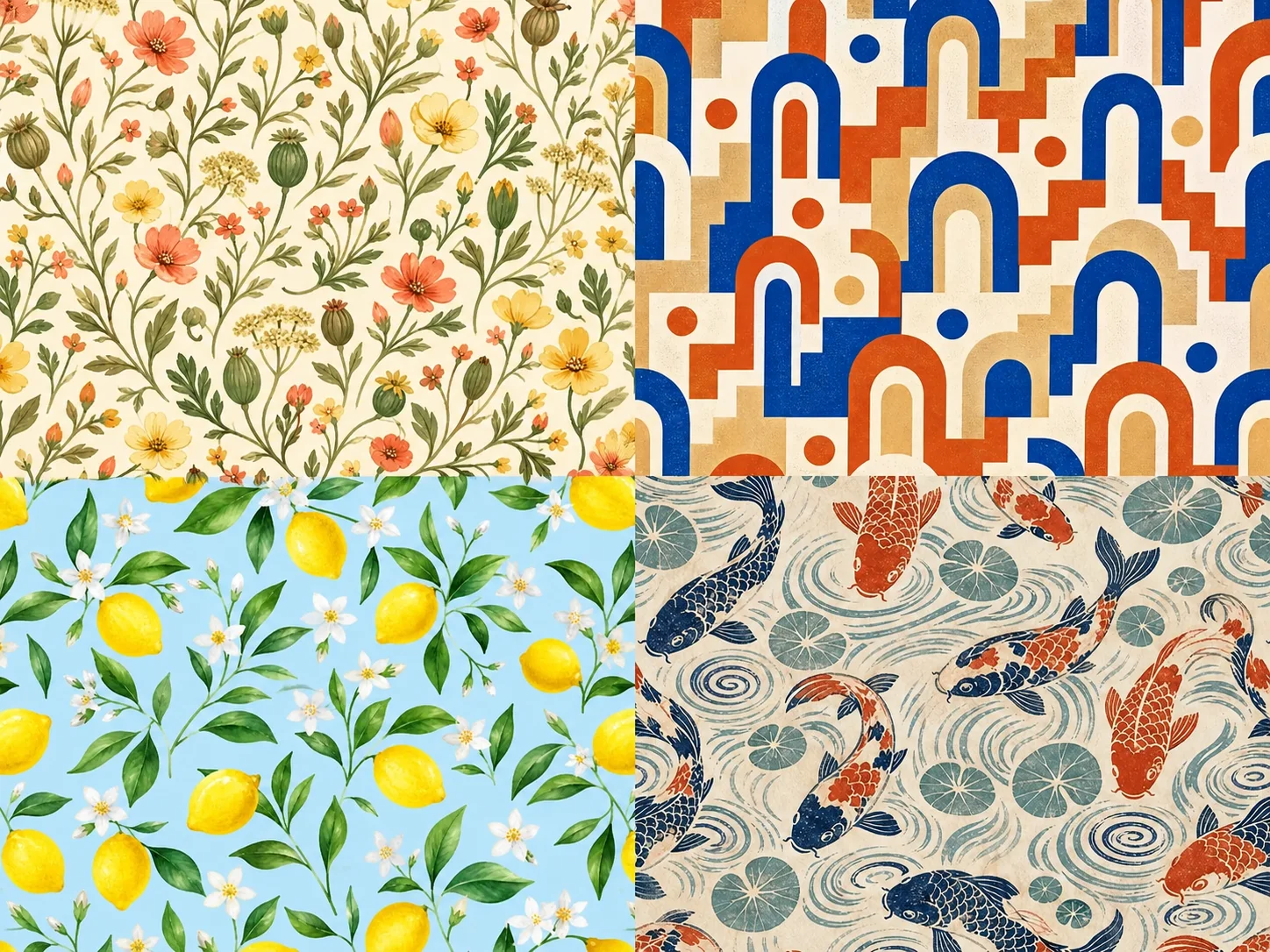
Choose one dominant family, one supporting neutral, and one accent that marks important tools or story information. State which garment or object receives the accent. Too many equally strong colors fragment the silhouette and make equipment hard to read. Consider how skin, hair, clothing, metal, and background separate from one another. A dark outfit on a dark environment may need rim light or a lighter value break. Color associations vary across cultures and genres, so do not treat them as universal facts. Save the accepted palette as named swatches for later human design work.
Use world rules to prevent arbitrary decoration
Write two or three constraints about technology, climate, available materials, social status, or craft tradition. A water-scarce desert world might favor covered storage and repairable equipment; a floating research station may require tether points and soft protective layers. These rules help decide which details belong and which are merely decorative noise. Inspect the output for contradictions, such as heavy fur in extreme heat or tools that cannot be reached. Fiction can break real-world rules intentionally, but the break should support the story. Record the chosen world rules beside the character sheet.
Prepare the concept for human development
After selecting a direction, annotate what is approved, unresolved, and prohibited. A concept artist can create turnarounds and expression studies; a costume designer can test materials and movement; a 3D artist can resolve construction and topology; a sensitivity reader can review cultural representation. Provide the original sources and AI prompt so collaborators understand how the image was made. Do not ask downstream artists to reproduce accidental artifacts simply because they appeared in the generated picture. The strongest concept is one that gives human specialists clear decisions to develop, challenge, and improve.
Test the character against a short story moment
A concept becomes easier to judge when it is placed in one specific moment. Write a sentence describing what the character is doing, what they want, and what obstacle is present. Then ask whether the costume, equipment, posture, and expression support that moment. A mountain medic moving through a storm needs different access to tools than the same person at a ceremony. A diplomatic engineer should communicate both technical work and social role without relying on a paragraph of explanation. This test reveals decoration that has no narrative function and missing details that the role requires. It also helps separate a flexible core design from scene-specific props. Record which features should remain constant across situations and which may change. If the character is intended for a game, novel, comic, or film, share the moment and design rationale with the human team rather than presenting the generated image without context. Narrative testing does not guarantee production consistency, but it gives later specialists a clearer foundation for turnarounds, expressions, animation, writing, and world-building. Use the selected image to ask focused questions—what role is visible, what detail feels arbitrary, and what must change before another specialist can continue—then record those answers with the asset.
AI Character Design Generator FAQ
Answers about text, references, originality, consistency, framing, credits, and production limits.
Can I generate a character from text only?
Yes. Describe the role, silhouette, clothing, materials, palette, personality, pose, and setting.
Can I upload a sketch or portrait?
Yes, if you own it or have permission to use it. State whether it defines identity, pose, palette, clothing, or composition.
Is the character design generator free?
New users receive the welcome credits shown in the generator. The live controls show the current request cost before submission.
Can I recreate a famous character?
This workflow is designed for original characters. Do not request named franchise characters, celebrities, logos, protected costumes, or living-artist imitation.
Will it keep one character consistent?
Not reliably across separate generations. Use a written character sheet and compare every output; production continuity needs additional tools and review.
Does it create a 3D model or sprite sheet?
No. It creates a single raster concept image. Modeling, turnarounds, sprites, rigging, and animation are separate workflows.
Start with the AI Character Design Generator
Define the deliverable and subject, choose one direction, edit the brief, and review the live credit cost before submitting.