






Save up to 73% on plans

Burning Bridges AI Video Generator
Sign In

Burning Bridges AI Video Generator

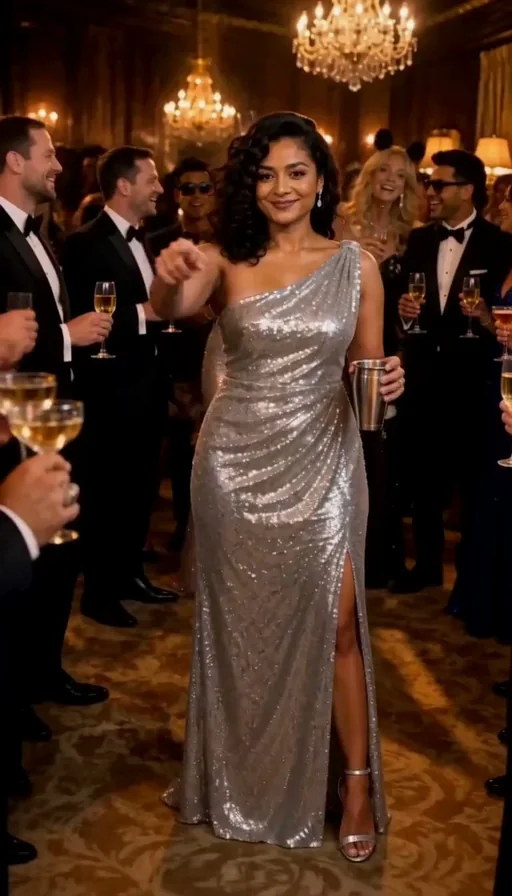
Upload one clear photo and Burning Bridges AI puts you at the center of a chandelier party, toasting with a metal cup, drawing a hand to your heart, pointing toward the camera, then turning back to the room. You get a vertical 9:16, 768P MP4. Upload one JPG, PNG or WebP of one person, up to 10 MB. Failed renders refund credits automatically.

Your photo*(0/1)
Try Your photo sample

Please add the required Your photo before generating.

0 / 300

Public VisibilityAllow this result to appear in public inspiration surfaces.

Your party clip

Video

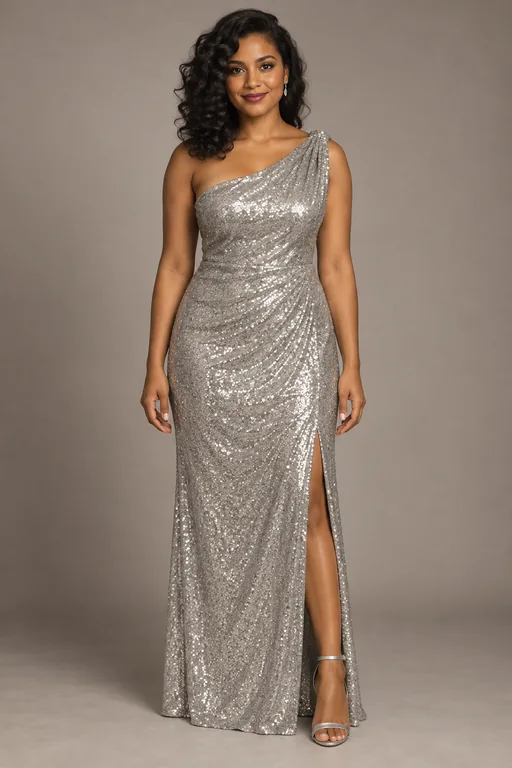
Silver evening gown
1 / 3

More AI Video Models & Effects

What is Burning Bridges AI?

Burning Bridges AI is a photo-to-video party effect built around one clear idea: put you in the spotlight of a warm chandelier ballroom. You upload a single portrait, and the effect keeps your face, hair and full outfit while placing you among evening-wear guests under crystal lights. The clip opens into a short, recognizable celebration: you toast with a metal cup, bring a hand to your heart, point toward the camera, then turn back toward the crowd—so the result feels like a celebration lead rather than a static photo. You do not need to film yourself, learn choreography or find a real ballroom. Your photo sets who leads; the party scene supplies the room, the guests and the camera path. The finished file is a vertical 9:16 MP4 you can review end to end before you download it for TikTok, Reels or Shorts. Friends often use the same moves to compare who looks strongest in the room, and a vertical frame means you can drop the clip into a feed without cropping the chandelier or the crowd. Start with one photo and walk away with a party clip you can review before you share it.

How to make a Burning Bridges AI video

Three steps from one photo to a party clip you can post.

1. Upload one photo

Open the generator and add one JPG, PNG or WebP photo of yourself or someone who agreed to appear. A full-length, front-facing shot works best because the party moves show your whole outfit. You only need this single image. An optional short note can ask for a bigger smile or calmer energy without changing the room or the moves. Skip logos on clothing if you plan to post publicly, and make sure arms are visible so the toast and heart-hand read clearly.

Upload now
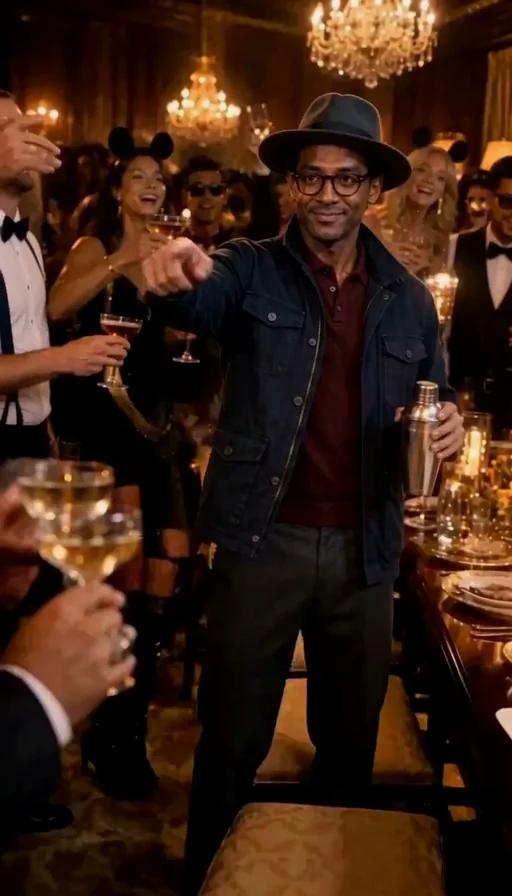
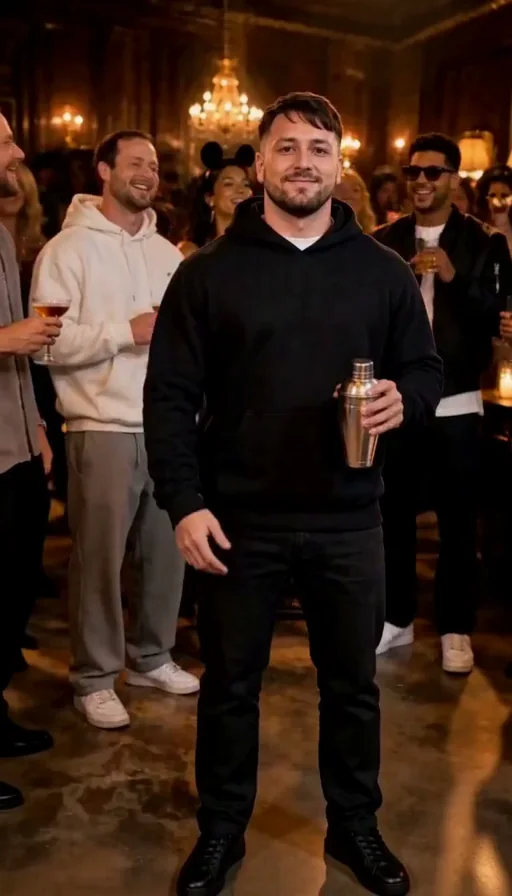
Step one for Burning Bridges AI: upload a photo

2. Create your party clip

Start when you are ready. The effect places you in the chandelier ballroom for a toast, a heart-hand moment, a point at the camera, and a turn back to the room. If a render fails, credits return to your account automatically. Wait for the result panel rather than refreshing mid-run.

Create my clip
Step two for Burning Bridges AI: create the clip

3. Review, download and share

Play the full clip and look closely at your face, both hands and the cup. If you are happy, download the MP4—there is no NanoPic watermark—and post it with a clear AI-generated label where a platform asks. If a detail looks off, try a sharper photo and run it again rather than editing frame by frame.

Review my clip
Step three for Burning Bridges AI: review and share

What Burning Bridges AI brings to your photo

Spotlight, expressive moves, warm atmosphere, and a simple photo-to-video path.

Your character in the spotlight

The effect starts from your uploaded image as the lead. A clear full-length or knee-up portrait helps your face, hairstyle and clothing read against the surrounding guests. Plain photo backgrounds are fine because only you carry into the party room. Preview the finished clip to check that you stay the visual focus from the first toast through the final turn. If the face looks soft, switch to a brighter, sharper photo and try again.

Upload my photo
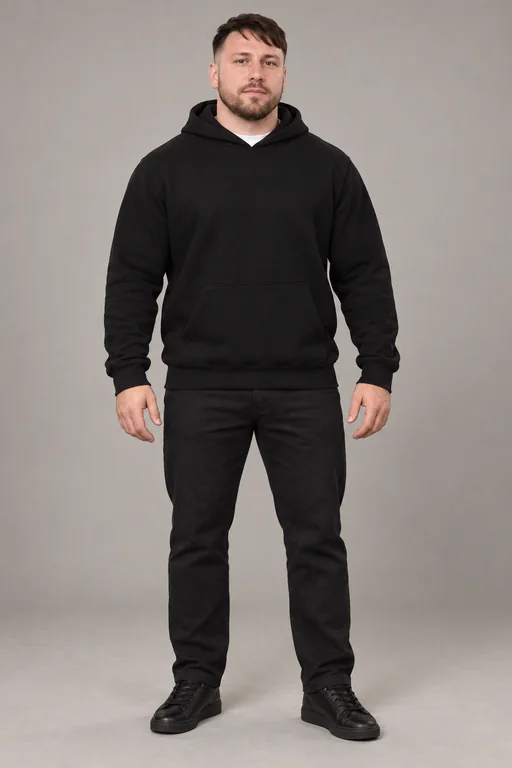
Full-length portrait used for a Burning Bridges AI video

Expressive party moves

Still images gain energy through a fixed set of gestures. Every Burning Bridges AI clip has you toasting with a metal cup, resting a hand over your heart, pointing toward the camera, then turning to look back at the crowd. You do not upload a separate motion reference or mark keyframes. Because the moves stay the same, friends can compare takes and pick the strongest lead. Exact hand detail can vary slightly between renders, so always play the full clip once. If a hand or the cup drifts, a sharper source photo with both arms in frame usually improves the next take.

Start the party
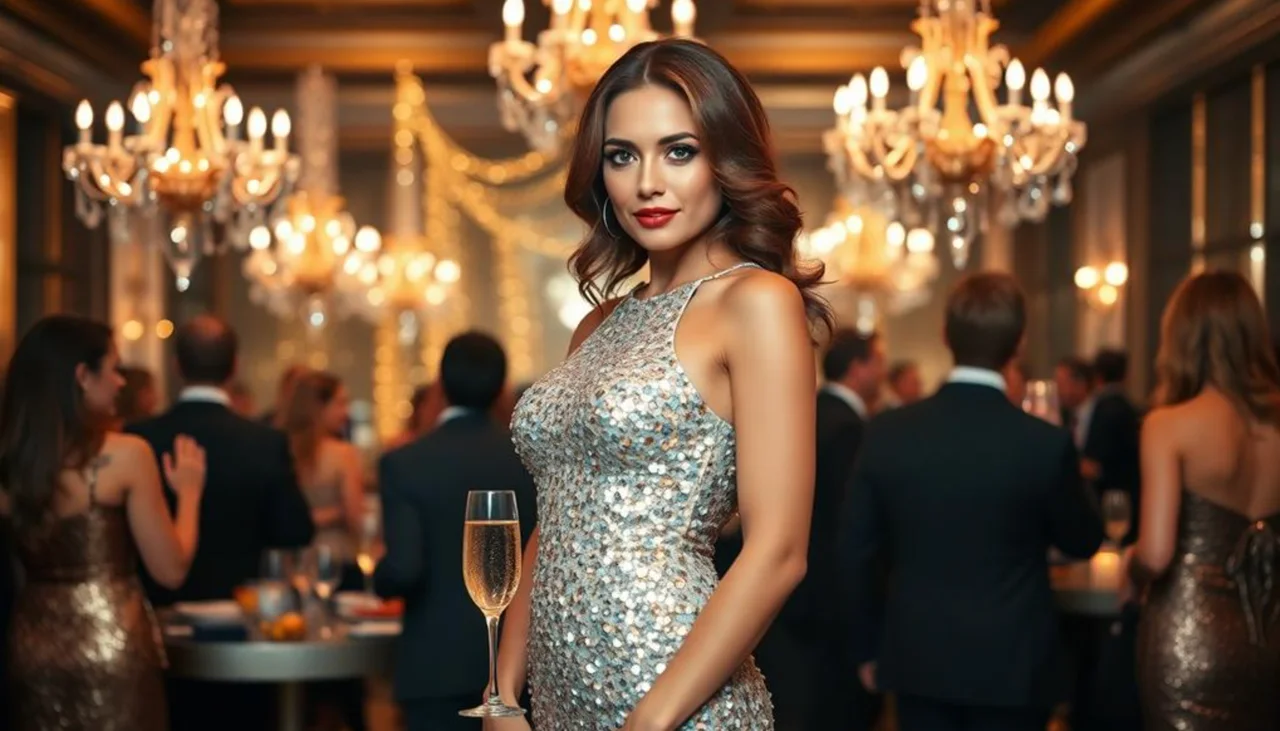
Lead with a cup in a chandelier ballroom for Burning Bridges AI

A warm party atmosphere

The scene is a celebration shaped by chandelier lighting, warm highlights and guests in evening wear. Your personal look blends with that inviting room so the mood stays coherent from start to finish. You keep your own outfit—gown, jacket, hoodie or hat—while the ballroom and crowd stay locked to the party theme. Check lighting on your face and both hands in the preview; a well-lit source photo usually blends more cleanly with the warm room.

Create my party clip
Solo lead shot for sharing a Burning Bridges AI clip

A simple photo-to-video workflow

The path is short on purpose: upload one photo, create the clip, review it, then download the MP4. The workflow stays accessible without a motion-reference upload or manual choreography setup. Optional style notes can nudge expression or energy, but the room, guests and moves stay fixed. When the render finishes, play it through, confirm the point and the turn feel right, then save the file and add your caption where you post.

Make my clip
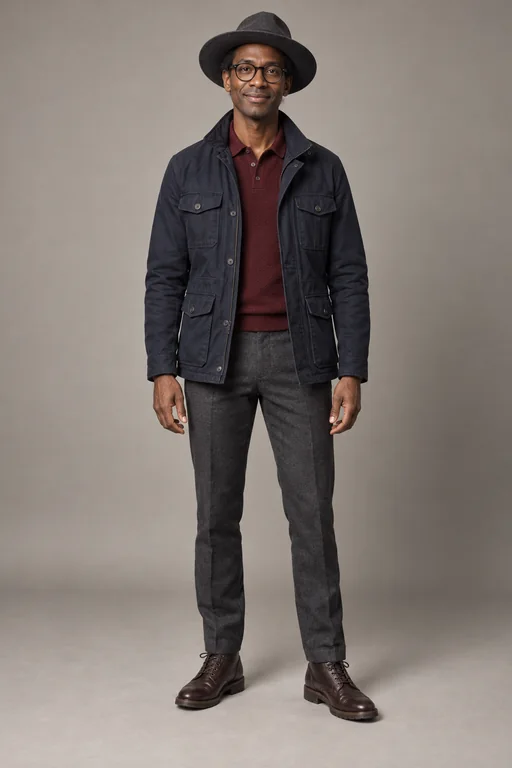
Portrait with hat and jacket for Burning Bridges AI

Photo tips for a better Burning Bridges AI result

A good source photo matters more than anything else you can change.

Choose a clear, well-lit portrait

Pick a photo where one person faces the camera with eyes open and even light on the face. Avoid distant group shots where the face is tiny. Sunglasses, masks, heavy beauty filters and strong shadows make identity harder to keep steady. Show your arms and outfit when you can, since the toast and heart-hand moments use both hands. If you only have a group photo, crop it down to the single person who should lead before you upload.

Upload a clear photo
Clear front-facing portrait for Burning Bridges AI

Pets, characters and creative ideas

Burning Bridges AI is built around a human lead holding a cup, so people give the most reliable result. Original characters and mascots with clear arms can work for a playful showcase, and some pet owners enjoy the mismatch for a greeting or experiment. Animal takes vary more, especially for paws and the cup, so treat them as trials. Only use characters you created or have the right to use, and never real public figures or photos of minors.

Try a pet or character
Dog in party style for a Burning Bridges AI idea

Burning Bridges AI FAQ

What is Burning Bridges AI?

Burning Bridges AI is a photo-to-video party effect. You upload one photo and get a vertical clip where you lead a chandelier party—toasting, hand to heart, pointing at the camera, then turning back to the room.

How do I use Burning Bridges AI?

Upload one clear photo, create the clip, then review and download the MP4. Optional notes can nudge expression; the room, guests and moves stay the same.

Can I use a group photo or add friends?

Each clip has one lead. Crop a group photo to the single person who should lead; the guests around you come from the party scene.

Can my pet or a cartoon character be the lead?

People are the most reliable. Original characters and pets can work but vary more, especially hands, paws and the cup.

Can I type a prompt?

Yes, an optional short note such as a bigger smile or calmer energy. The room, guests and moves stay the same.

Why does my face sometimes look slightly different?

Fast turns and close-ups can soften identity. A brighter, higher-resolution photo with an unobstructed face usually helps.

Can I use someone else's photo?

Only with their permission. Do not upload photos of minors or public figures.

How many credits does it cost, and what if it fails?

Credits for each render show in the generator before you start. If a render fails, credits return to your account automatically.

How do I download my clip?

When the render finishes, play it in the result panel and use the download button to save the MP4. The file has no NanoPic watermark.

Is Burning Bridges AI official?

No. It is an independent creative effect and is not affiliated with the song, its artist or label.

Ready to lead the party with Burning Bridges AI?

Upload one photo, raise the cup and get a vertical party clip you can review before sharing.

Related tools

25th Anniversary Video Maker

25th Anniversary Video Maker

Make a short silver 25th anniversary video concept from one or two authorized couple photos. Add names, year, mood, motion, and editor-ready greeting space.

Open tool
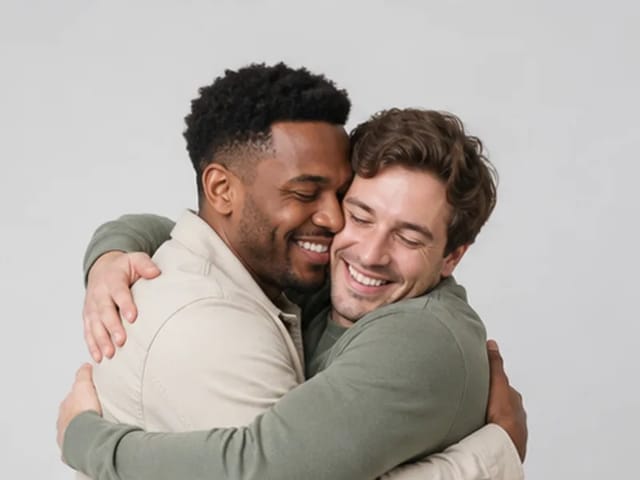
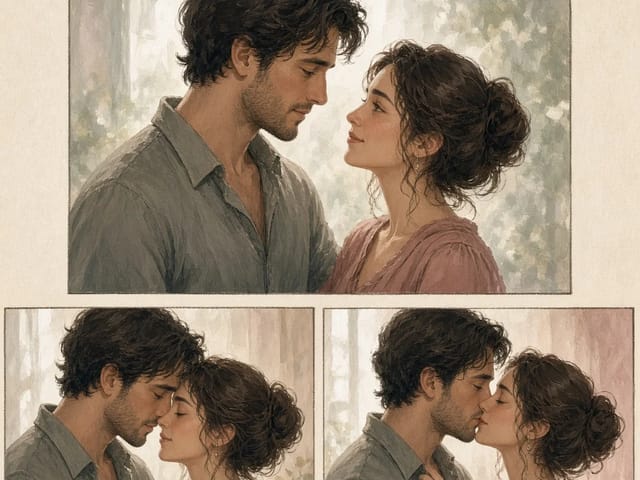
Storyboard cover of two fictional adults sharing a hug

AI Hug Video Generator

AI Hug Video Generator turns an authorized photo of consenting adults into a five-second friendly hug. Review faces, hands, clothing and scene throughout.

Open tool
Animate Picture

Animate Picture

Animate a picture into a short AI video. Upload one authorized photo, describe subject and camera motion, review the live credit cost, and generate with Seedance.

Open tool
Birthday Video Maker

Birthday Video Maker

Create a short birthday video concept from one or two authorized photos. Direct the theme, transition, motion, format, and clean space for exact editor-added greetings.

Open tool
Draw to Video: Animate Images with Motion Arrows

Draw to Video: Animate Images with Motion Arrows

Draw to Video lets you add arrows, text and brush strokes to an image, then generate an AI video from your motion guide. Edit, save, create and download.

Open tool
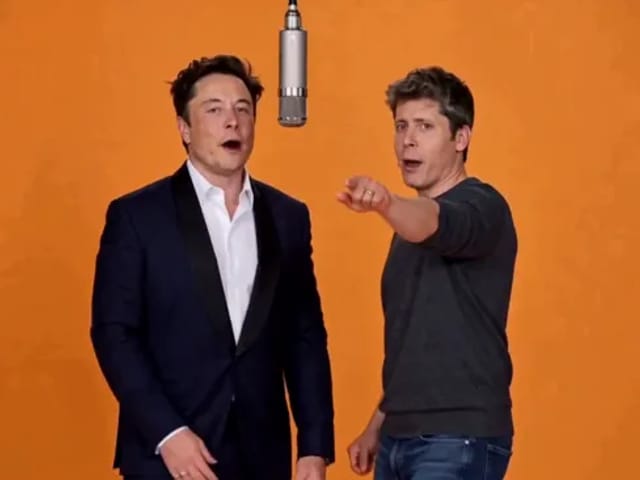
Elon Musk + Sam Altman

Hotel Lobby AI

Turn two photos into a 15-second orange-studio rap duo with MiniMax H3. Explore five actual videos, inspect their inputs and choose your left and right performers.

Open tool
STORM II dance with a lead and coordinated supporting dancers

STORM II Dance AI Video Generator | NanoPic

Create a STORM II dance with your lead photo and an AI-generated motion reference. Add a supporting cast, compare three videos and review your result.

Open tool
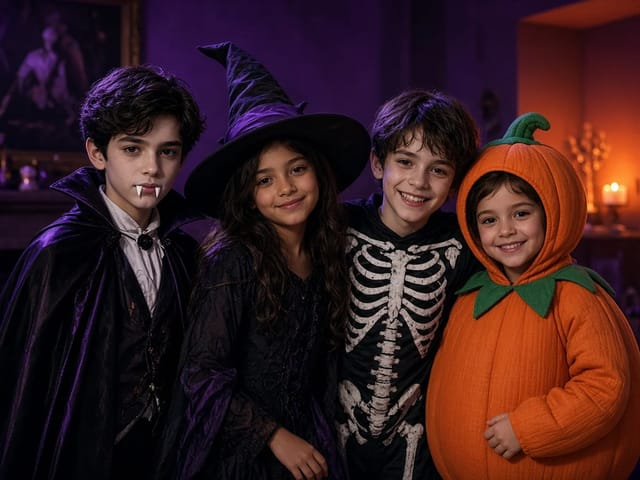
Four children dressed as a vampire, a witch, a skeleton and a pumpkin posing together in a candlelit room

AI Halloween Costume Transformation Video | NanoPic

AI Halloween costume transformation from one photo: pick a vampire, witch, skeleton or pumpkin look and watch your outfit change in smoke in a short video.

Open tool
AI Rap Battle Generator

AI Rap Battle Generator: Two Photos, One Battle Video | NanoPic

Upload two photos and create an AI rap battle video. Each side takes a turn in a short widescreen clip you can review before posting.

Open tool
Cover still for anijam ai video maker

Anijam AI Video Maker Online | NanoPic

Use anijam ai video maker on NanoPic: upload one authorized photo, describe motion in plain words, review credits, and check every frame before sharing.

Open tool
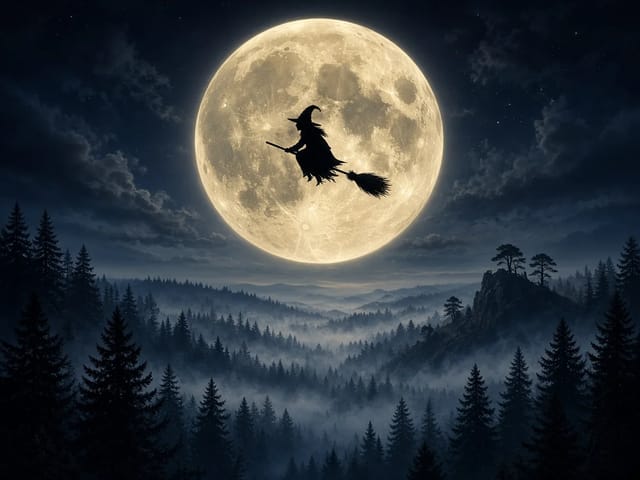
Silhouette of a witch riding a broomstick across a full moon over a misty forest

Broom Riding AI - My Ride Is Here Broom Video | NanoPic

Broom Riding AI puts you on a flying broom beside a moving car in the My Ride Is Here trend. Upload one photo, get a 10-second clip and add your own sound.

Open tool

EveryGen AI Video Generator | NanoPic

EveryGen AI video generator: describe a scene in plain words, choose a frame shape and turn your idea into a short AI video you can watch and download.

Open tool
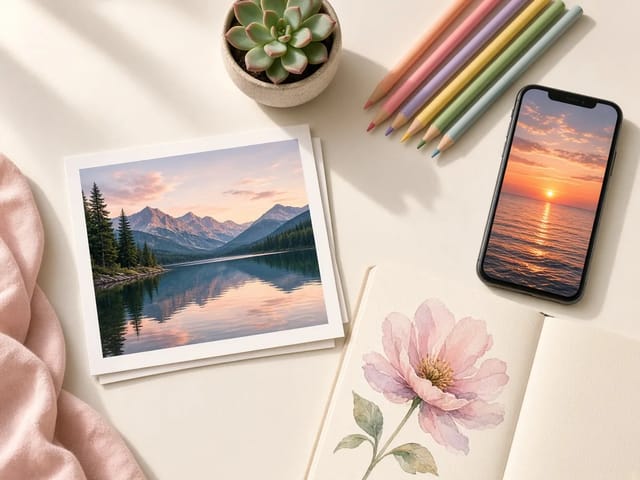
Creative desk with a printed lake photo, a phone showing a sunset and a watercolour flower sketch

EzCreate AI Image & Video Generator: Edit and Animate Photos

Use the EzCreate AI Image & Video Generator online to turn your own photos and ideas into new pictures and short video clips.

Open tool

Hedra Character 3 AI Video Generator: Lip Sync | NanoPic

Hedra Character 3 AI video generator: upload a portrait, mascot or cartoon, type a line, and get a lip-synced talking or singing character video.

Open tool
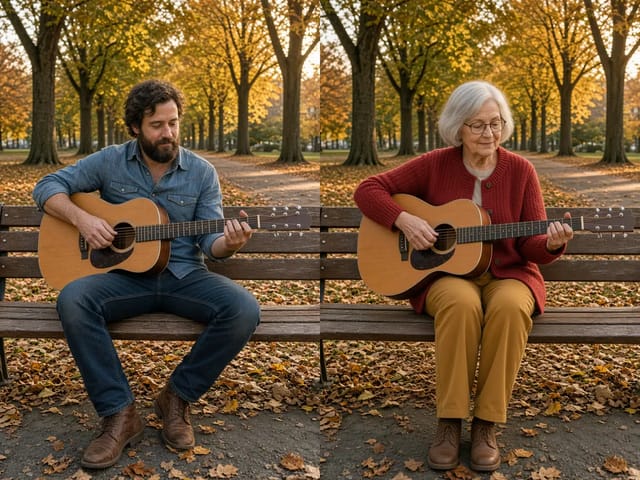
Two stills side by side: a bearded man playing guitar on a park bench in autumn on the left, and an elderly woman in a red cardigan in the same pose on the same bench on the right

Higgsfield Genjutsu AI Video Generator – Recast | NanoPic

Higgsfield Genjutsu style video editing on NanoPic: keep the motion and camera of your clip and recast the person, outfit, product or setting from photos.

Open tool
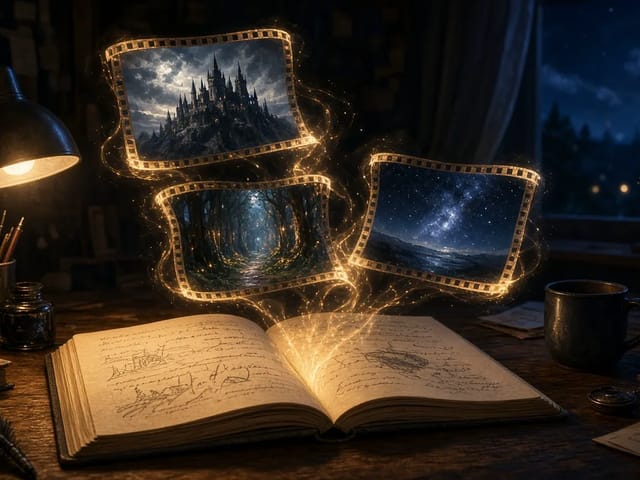
Open notebook on a desk at night with glowing film frames of a castle, a forest and a starry sky rising from the page

LoreMotion AI Video Generator: Text to Video | NanoPic

Write a short scene or upload a photo and the LoreMotion AI video generator turns it into a short AI video clip you can download and share.

Open tool
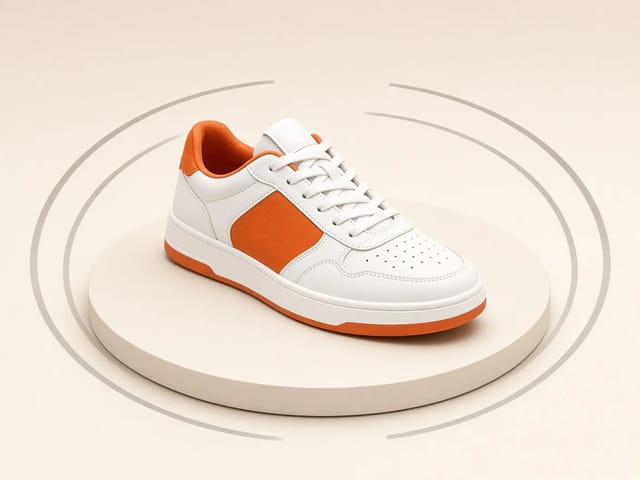
White and orange sneaker on a round turntable with a circular motion arc

MiniMax H3 360 Orbit AI Video Generator | NanoPic

Turn one photo into a MiniMax H3 360 orbit video: upload a product, shoe, figure or portrait and watch your subject turn a full circle in place.

Open tool

Opus Clip Free AI Video Generator: Vertical Clips | NanoPic

Opus Clip free AI video generator: describe a scene in a few sentences and turn it into a short vertical 9:16 video clip.

Open tool
Pavo AI Video Generator: Turn Text into AI Video

Pavo AI Video Generator: Text to Video | NanoPic

Pavo AI video generator: write one scene, pick the length and frame shape, and turn your text into a short AI video with natural motion and steady framing.

Open tool
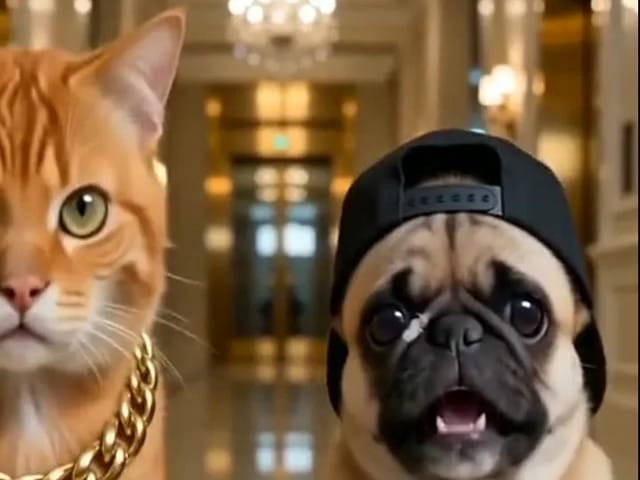
Orange tabby cat and pug rapping in a grand lobby for a pet rap video cover

Pet Rap Video Generator: Make Your Dog or Cat Rap | NanoPic

Turn clear pet photos into a short pet rap video. Cast left and right subjects, generate a vertical draft, and review identity before you share.

Open tool
Storyboard cover of fictional adults for a kissing motion

pollo ai kissing — Couple Photo or Two Singles | NanoPic

Run pollo ai kissing on NanoPic: upload one authorized adult couple photo or two single adult photos for a five-second tender kiss clip. Confirm consent and review every frame.

Open tool
Illustrative tiny desk ai desk-concert cover

tiny desk ai — Desk-Concert Video from Photos | NanoPic

Make a tiny desk ai desk-concert clip from 1–5 adult photos. Vertical 15s 9:16 office soul-band with model-generated audio.

Open tool