





























Video Models
Sign In

MiniMax H3 Max Video Generator

Write one executable shot, choose the output settings, and review the live credit requirement in this generator before submitting.

CreditsCost
Public VisibilityAllow this result to appear in public inspiration surfaces.

MiniMax H3 Max

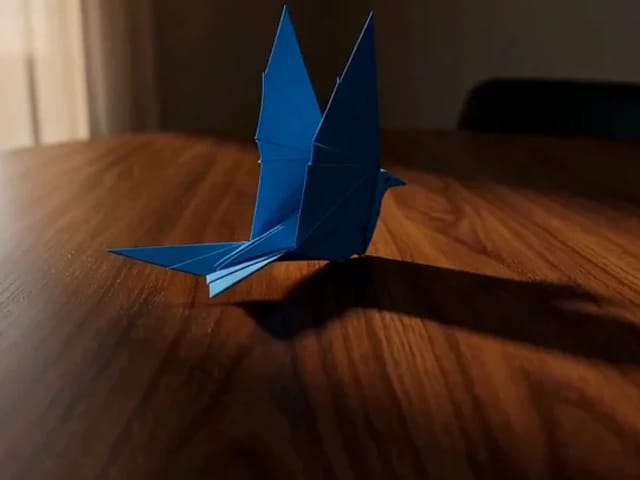
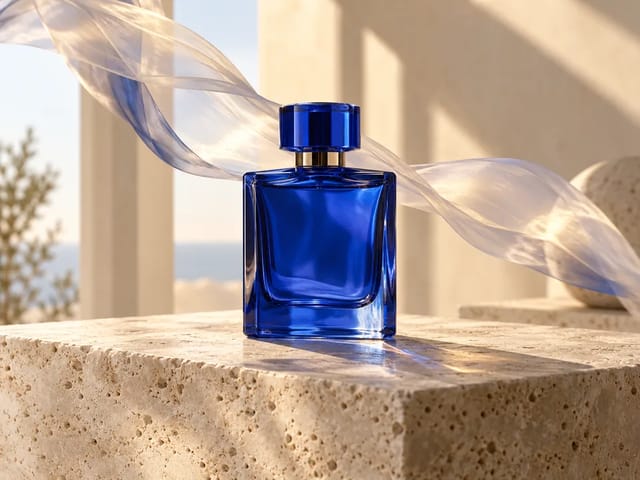
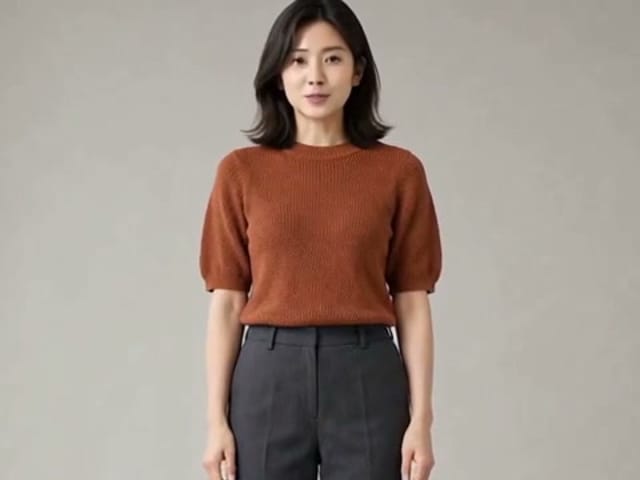
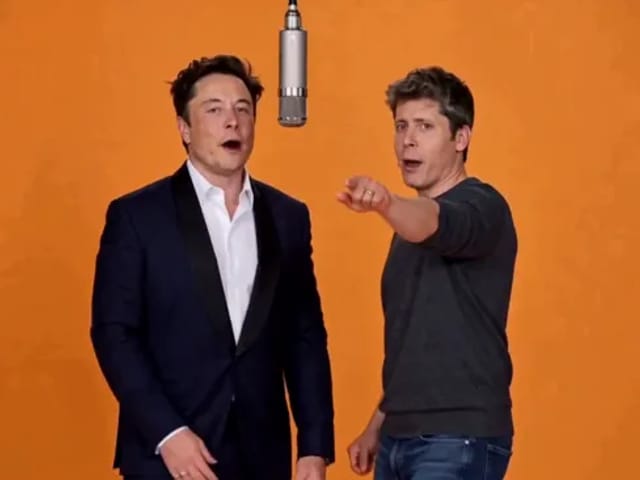
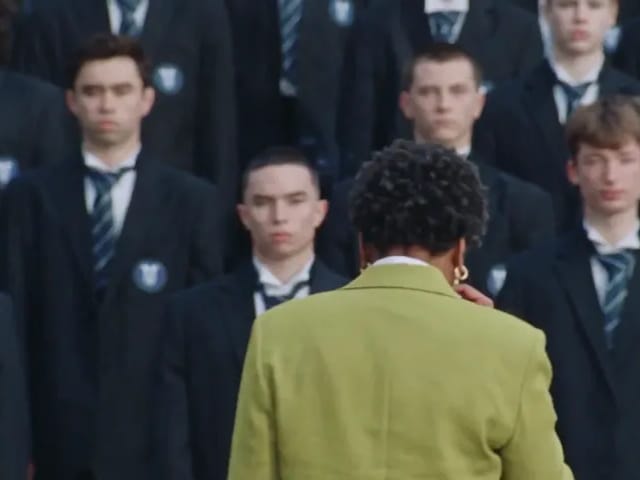
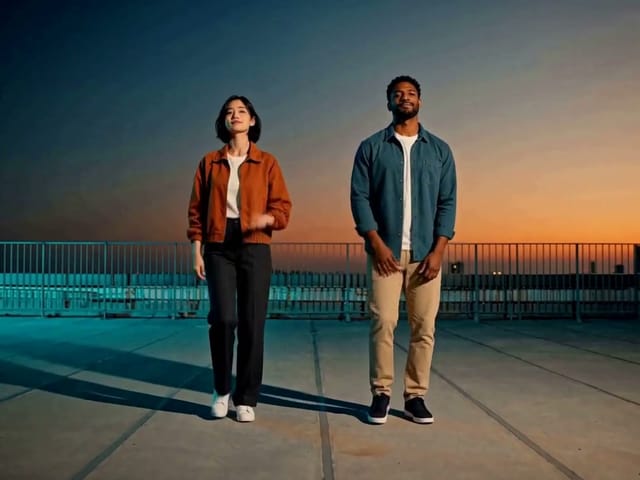
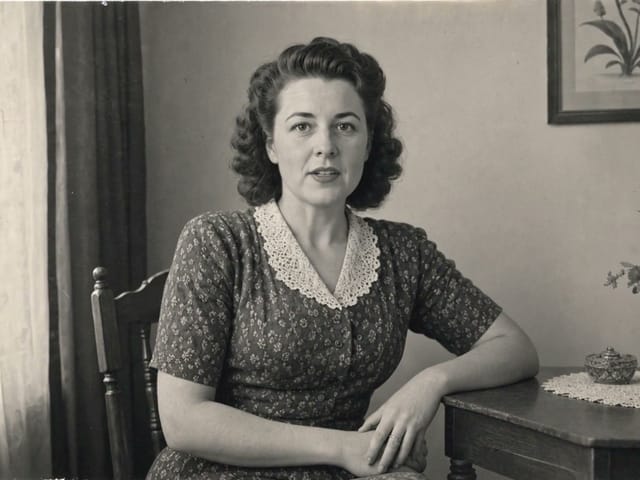
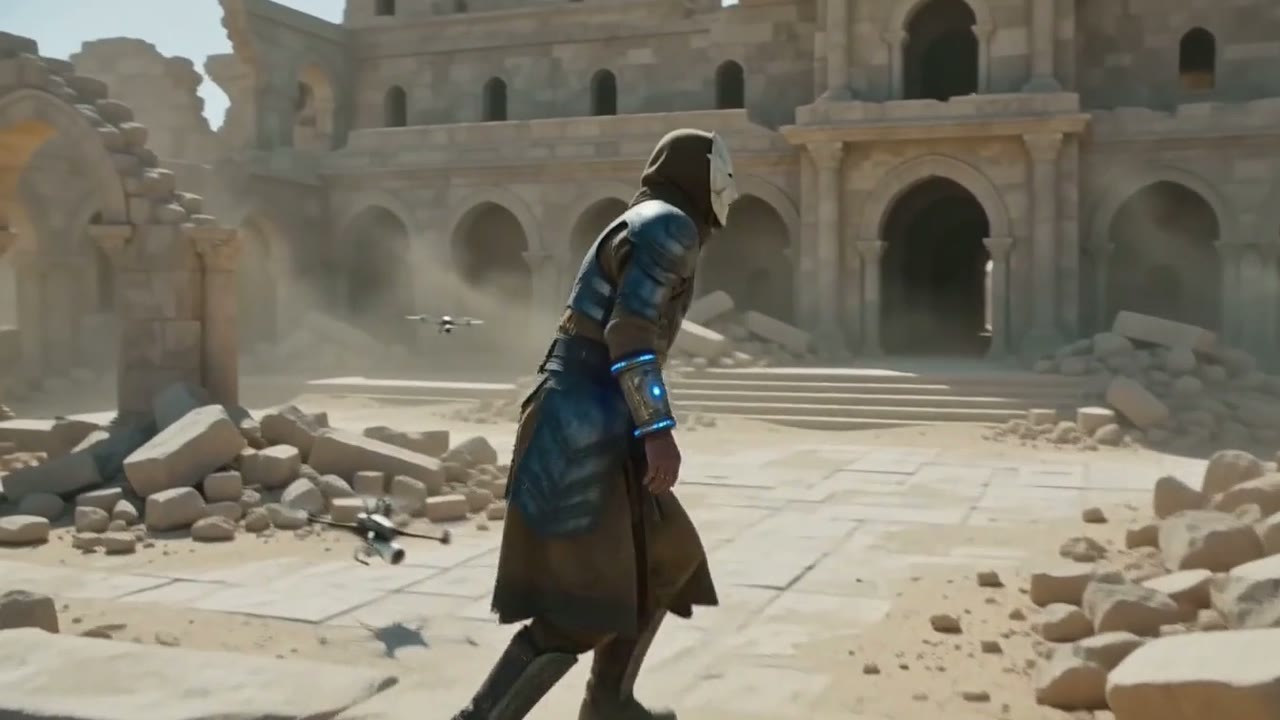
Official fal MiniMax H3 Max output example

Official fal model-page example shown as provider evidence, not a NanoPic-paid verification run.

Frame from the official fal MiniMax H3 Max model-page output example

MiniMax H3 Max for Fast, Directed AI Video

MiniMax H3 Max is a fal-hosted, speed-optimized post-training of MiniMax H3. It turns a text brief or one to two ordered frames into a 5–15 second clip at 480P or 768P, with synchronized audio in the returned video. The useful way to approach it is as a shot-making tool: define a subject, a visible action, a camera decision, the environment, and the sound caused by the scene. Begin at five seconds and 480P while the idea is uncertain. Extend the duration or move to 768P only after the composition and motion are worth preserving.

What the H3 Max Generator Actually Supports

These controls follow fal’s public H3 Max endpoint schema. NanoPic keeps unsupported choices out of the form instead of translating them into a different model.

Text-to-video with six frame ratios

Start without source media and describe the complete shot in text. Choose 21:9 for an extra-wide composition, 16:9 for general video, 4:3 or 1:1 for compact framing, and 3:4 or 9:16 for vertical delivery. The ratio changes the canvas and composition; resolution and duration remain separate controls in the generator.

First-frame and last-frame animation

Upload one image to establish the opening composition. Add a second ordered image when the final state matters, such as a product rotating into a hero angle or a room changing from day to night. Image-to-video follows the source geometry, so NanoPic removes the separate aspect-ratio selector for this scene rather than sending a misleading value.

Five through fifteen seconds

Every whole-second duration from 5 through 15 is available. Short tests are easier to diagnose because one action has enough room to complete without inviting unrelated scene changes. Longer clips are useful for dialogue, reveals, or multi-stage movement and benefit from a timed sequence in the prompt.

480P and 768P output

Use 480P for prompt and motion validation. Use 768P after the shot logic is stable and the result needs more detail. H3 Max does not expose 1080P or 2K through these fal endpoints, so those labels are not offered on this page. The returned file is a hosted video object that NanoPic can store with the task result.

Native audiovisual generation

The endpoint produces video with synchronized audio rather than asking NanoPic to attach a separate soundtrack. Prompt ambience, speech, music, and effects in relation to visible events: the click should occur when a switch moves, and a speaker should be identified before a line. Always open the finished media because a poster frame cannot verify audio.

Balanced or quality prompt expansion

Balanced expansion is the practical default for iteration. Quality expansion allows the provider more processing time to refine the submitted brief and may take roughly thirty seconds longer according to fal’s schema guidance. Expansion does not replace a coherent prompt, and it should not be confused with output resolution or H3 Max Turbo.

A Reliable H3 Max Workflow

Treat each generation as a controlled production decision. A focused first test gives better information than a prompt that tries to solve every creative problem at once.

1. Choose text or frame-led generation

Choose text-to-video when you want the model to invent composition as well as motion. Choose image-to-video when a product angle, character appearance, palette, or location must begin from a specific frame. Add a last frame only when you can describe a plausible path between the two images. Large changes in subject identity, perspective, and lighting at the same time create an ambiguous transition. The dedicated adapter sends the first upload as image_url and the second as end_image_url in the order shown.

Choose a Scene

2. Write a shot that can fit the duration

For five seconds, describe one main action and one camera move. Put identity and continuity facts before decorative adjectives. Then describe the action in temporal order, the camera position, lighting, environmental movement, and sound. For ten to fifteen seconds, use clear beats such as opening, development, and final hold. Keep spoken lines short enough to fit naturally and avoid asking the camera to be simultaneously locked, handheld, and orbiting.

Use the Prompt Template

3. Validate at 480P before scaling

Begin with a short 480P draft and inspect silhouette stability, hand and face continuity, object contact, camera direction, temporal order, and soundtrack alignment. If the result fails, change one class of instruction at a time. Moving directly to 768P does not repair unclear staging; it only renders the same plan at a higher output setting.

Run a Short Draft

4. Extend, refine, and verify the delivered file

Once the short draft works, add seconds for a longer movement or spoken beat and switch to 768P if the extra detail is useful. Confirm that the task reaches COMPLETED, open the returned video, listen to its audio, and compare it with the prompt and source frames. Save the successful duration, resolution, ratio, expansion mode, and seed beside the result so a later revision has a reliable baseline.

Review the Controls

How to Prompt MiniMax H3 Max

A useful prompt behaves like a compact brief for a camera, performers, art department, and sound team. The model may expand it, but the creative hierarchy still comes from you.

Subject and continuity

Name the main subject and the attributes that cannot drift: age range, hairstyle, clothing, product materials, vehicle shape, or architectural features. If a source frame is present, state which elements should remain unchanged and which are allowed to move. Replace vague phrases such as make it cinematic with concrete visible decisions.

Action and timing

Write actions in the order they should appear. For a short clip, one verb with a clear endpoint is often enough. For a longer clip, mark approximate beats without packing in a full commercial. Describe contact events—placing a cup, closing a door, landing a jump—because they connect motion to sound and reveal whether physical relationships stay coherent.

Camera and composition

Specify framing, lens feeling, camera height, and one primary move. A slow push-in, lateral tracking shot, controlled orbit, crane reveal, or locked macro view gives the model a navigable instruction. Mention what must remain inside the frame and whether the final moment should hold for editing. Avoid mutually exclusive camera directions.

Light, materials, and atmosphere

Describe the key light, time of day, contrast, color relationship, weather, and material response. Wet pavement, brushed metal, paper fibers, translucent fabric, and skin all react differently. Environmental motion such as steam, leaves, reflections, or dust should support the subject rather than compete with the central action.

Dialogue and sound cues

Identify who speaks and keep the line realistic for the chosen duration. Attach a sound effect to its source and time: a soft latch clicks as the box closes. Describe ambience separately from music. If silence is important, say so. Review lip timing and sound synchronization in the actual returned video, never from the preview poster alone.

Constraints and final state

State important exclusions such as no captions, no duplicated subject, no brand marks, no camera cut, and no added objects. A last-frame upload is a visual endpoint, but the prompt should still describe how the scene reaches it. Seeds can support controlled experiments; they do not promise identical output after other parameters change.

Where H3 Max Fits

H3 Max is most useful when speed matters but the shot still needs deliberate motion and audio direction.

Product motion studies

Animate a stable pack shot into a turn, reveal, assembly, or material close-up. Use the source image to protect the starting silhouette, keep labels and factual claims out of generated frames unless they will be replaced in post, and inspect reflections and geometry before using the clip commercially.

Social video concepts

Draft a vertical hook at 9:16, a square feed concept at 1:1, or a landscape sequence at 16:9. Keep on-screen text for editing software instead of asking the generator to spell campaign copy. Use the five-second draft to test whether the visual premise reads without an explanation.

Character performance tests

Plan a small gesture, reaction, entrance, or spoken line. Give wardrobe, eyeline, body orientation, and emotional change in observable terms. A first frame can anchor appearance, but every face, hand, and identity-sensitive detail still requires review across the whole clip.

Previsualization and story beats

Turn a storyboard frame or written shot into moving reference for editors, directors, and clients. Use the result to discuss pacing and camera language, not as proof that a later production will match it exactly. Longer duration can help a reveal breathe after a short motion test succeeds.

Environment and travel mood

Explore weather, time-of-day changes, water, traffic, foliage, or crowd ambience around a clear focal subject. Establish scale and camera height so background motion does not overwhelm the shot. Generated places should not be presented as documentary evidence of a real location or event.

Transition experiments

Use ordered first and last frames to test a controlled transformation or camera passage. The strongest pairs share enough structure for a plausible route. Describe what changes, what stays fixed, and when the final state should settle. If the endpoints have unrelated subjects, treat the result as an exploratory morph rather than a continuity-safe transition.

H3 Max, H3 Max Turbo, or Base H3?

These are separate routes with different providers and control sets. NanoPic does not rename the existing MiniMax H3 integration to create a Max label.

Choose H3 Max for the fal Max route

Use this page when you want fal’s H3 Max text or frame-led endpoint and its 480P/768P, 5–15 second control set. The provider also lists a separate H3 Max reference endpoint, but NanoPic does not expose it because the current public form cannot safely enforce that endpoint’s mixed reference-image, video, and audio input contract.

Choose H3 Max Turbo for iterative work

Turbo exposes the same two public creation modes and the same output duration, resolution, and fixed-ratio choices. It is a separate fal model alias, not a speed switch sent to the H3 Max endpoint.

Choose MiniMax H3 for its different route set

NanoPic’s existing MiniMax H3 uses verified KIE model IDs, offers 768P and 2K, begins at four seconds, and includes a separate reference-image route. Its settings should not be inferred from Max or Turbo.

MiniMax H3 Max FAQ

Check the exact route, controls, input rules, audio behavior, and verification status before generating.

Is MiniMax H3 Max a real, separate API model?

Yes. fal publishes active public aliases for minimax/h3-max/text-to-video and minimax/h3-max/image-to-video. MiniMax’s model guide describes H3 Max as a high-speed post-training of H3 by fal. NanoPic keeps those IDs separate from the existing KIE MiniMax H3 routes.

What input modes are enabled on NanoPic?

This page enables text-to-video and image-to-video. Image mode accepts a required first frame and an optional second frame as the endpoint. fal also publishes an H3 Max reference-to-video endpoint with images, video, and audio references, but it is withheld here until NanoPic can meter reference tokens safely.

What duration, resolution, and ratios can I choose?

Choose any whole duration from 5 to 15 seconds and either 480P or 768P. Text mode offers 21:9, 16:9, 4:3, 1:1, 3:4, and 9:16. Image mode derives its frame geometry from the uploaded first image and does not send a separate ratio.

Does H3 Max include audio?

The fal schema returns a video file and the model is presented as native audiovisual generation. Describe dialogue, ambience, music, and action sounds in the prompt. Listen to the downloaded result because an image preview cannot confirm synchronization or audio quality.

Where can I see the current credit requirement?

Choose the scene, duration, and resolution in the generator. Signed-in users see the current NanoPic credit requirement beside the Generate action before submission.

Can the required credits change with my settings?

Yes. Duration and resolution affect the current requirement. Treat the live value shown inside the generator as authoritative before submitting a task.

What does Quality prompt expansion change?

It asks the provider to spend more processing time refining the prompt before generation. fal notes that Quality can add roughly thirty seconds of processing. It does not select Turbo, raise the resolution, extend the clip, or guarantee that an overloaded brief will become coherent.

Has NanoPic paid for a live H3 Max verification generation?

Not yet. Local tests cover the route, request schema, queue polling, output parsing, option normalization, and strict rejection behavior, while the preview comes from fal’s official model page. A paid NanoPic generation requires separate approval before production readiness is claimed.

Plan Your First MiniMax H3 Max Shot

Start with five seconds at 480P, one subject, one action, one camera move, and audio tied to visible events. Confirm the selected model and settings before submitting.