








































































































Image Models
Sign In
CreditsCost

Nano Banana 2 Lite AI Image Generator

Nano Banana 2 Lite

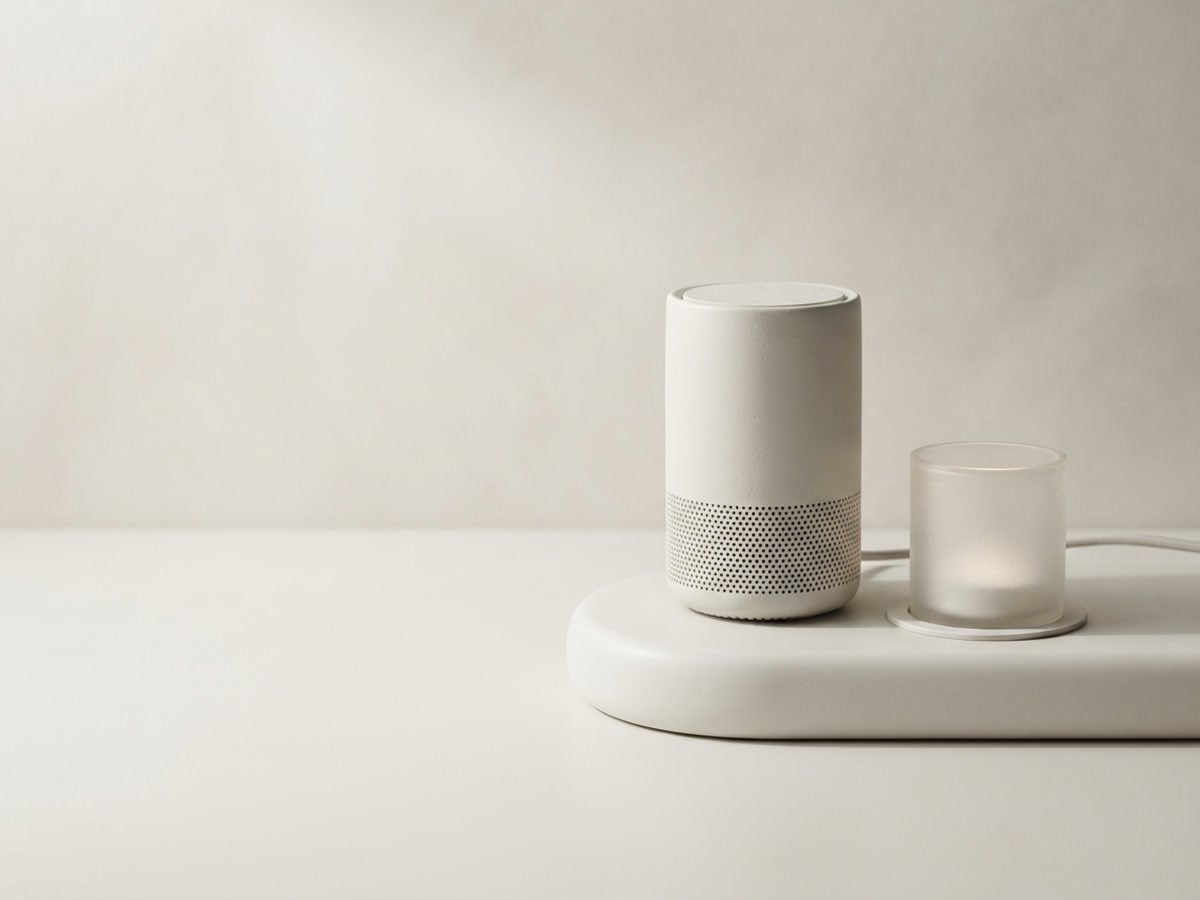
Premium website product hero image generated with the Lite model, clean studio plinth, soft directional light, generous copy space, no readable text.

NanoPic output preview

Premium website product hero image generated with the Lite model, clean studio plinth, soft directional light, generous copy space, no readable text.

1/3
Nano Banana 2 Lite AI image generator product hero sample

Fast Visual Drafts with Nano Banana 2 Lite

This Lite image generator is built for fast, practical image creation when your team needs useful visual drafts without a heavy production setup. Use it for product hero concepts, landing page imagery, social creative tests, thumbnail directions, and lightweight image edits that need a clean first pass. The page is connected to the active provider route, so generation requests use the configured API model while the workflow keeps prompts simple, aspect ratios clear, and review cycles short.

Nano Banana 2 Lite Features for Fast Image Work

Use the Lite model when speed, simple controls, and clean campaign-ready direction matter more than complex production settings.

Lightweight Text-to-Image Drafting

This AI image generator keeps the first request simple: prompt, aspect ratio, and a clear creative target. That makes it useful for product teams and growth teams that need fast direction before committing to higher-cost production passes.


Image Reference Friendly

For image-to-image tasks, the Lite model can send reference image URLs through the provider API. Use one or more references when the job needs a style cue, layout cue, or object direction instead of a purely text-based start.

Aspect Ratio Control

Choose a supported aspect ratio before generation so the output fits a landing page card, product grid, social post, or presentation slot. Good ratio planning reduces waste and avoids manual cropping later.

Nano Banana 2 Lite Example Assets

These sample images show the type of practical commercial output the model page is designed around: clean product focus, web-ready workspace imagery, and reusable social creative packs.

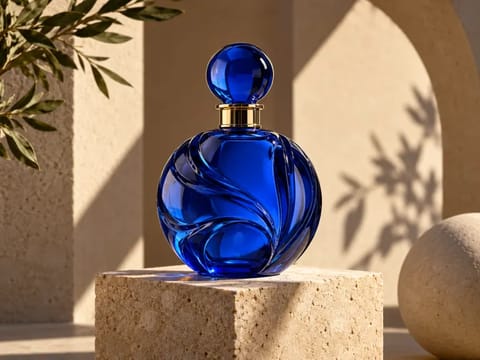
Nano Banana 2 Lite product hero concept sample

Product Hero Concept

Use it to explore clean hero imagery before the final art direction is locked. The goal is clear subject focus, controlled shadow, and enough empty space for headlines.

Try Now
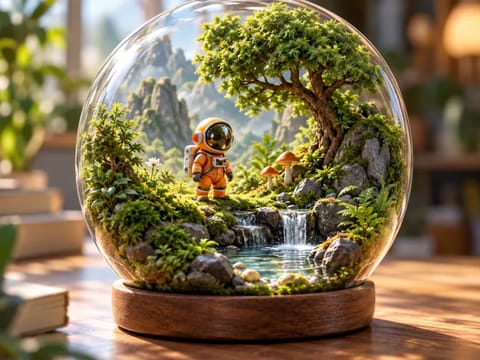
Nano Banana 2 Lite landing page visual sample

Landing Page Visual

Create web visuals that feel polished without relying on readable UI text or protected branding. This is useful for SaaS, creative tools, and product launch pages.

Try Now
Nano Banana 2 Lite social creative pack sample

Social Creative Pack

Generate a compact set of related visual directions for paid social, organic posts, and campaign planning. Keep each prompt unbranded and text-free for cleaner reuse.

Try Now

How to Use Nano Banana 2 Lite in Production

A repeatable workflow helps Lite outputs stay useful instead of becoming random visual experiments.

Start with a Single Asset Role

Before writing a prompt, decide whether the image is a hero visual, product tile, social thumbnail, reference board, or edit pass. The model performs best when the prompt names one job clearly. For a product hero, specify the subject, surface, lighting, camera distance, background density, and copy space. For social creative, specify how many visual directions you want, whether text must be absent, and how consistent the color system should be across the set.

Plan the Asset
Nano Banana 2 Lite product hero workflow

Lock the Display Ratio Early

Pick the aspect ratio before generation instead of cropping after the image is complete. A 4:3 result fits many example cards and product sections, 16:9 suits hero banners and video-style previews, and 1:1 works for compact social assets. Ratio discipline matters because it protects the main subject from being clipped when the final page or campaign card uses a fixed frame.

Choose 4:3 Output
Nano Banana 2 Lite landing page ratio planning

Review for Reuse, Not Just Beauty

A good Lite output should be usable in a real workflow. Check whether the image has readable fake text, accidental logos, watermark-like marks, awkward crops, or a focal point that conflicts with your headline area. Keep prompts that produce clean assets and reject prompts that create visual clutter. This makes the next batch faster and protects page quality when several people use the same model.

Generate a Clean Batch
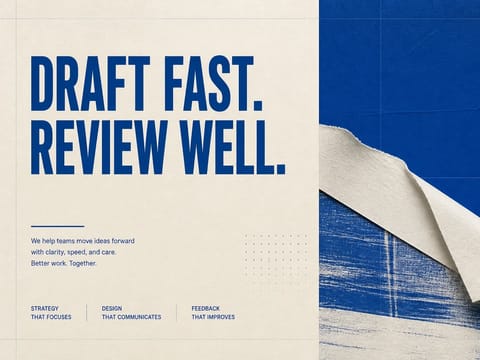
Nano Banana 2 Lite reusable social creative workflow

Related NanoPic Image Models

After testing this generator, compare adjacent image models when the job needs heavier detail, different provider behavior, or a more specialized generation workflow.

Nano Banana 2 Lite FAQ

Practical answers for teams deciding when to use this fast image model.

What is Nano Banana 2 Lite AI Image Generator best for?

It is best for quick product visuals, campaign drafts, landing page images, social thumbnails, and lightweight image edits where a fast visual direction is more important than complex high-resolution controls.

Does this page use a real API route?

Yes. The generator defaults to the user-visible Lite option, which maps to the configured provider model ID for generation tasks.

Can Nano Banana 2 Lite use reference images?

Yes. The provider payload supports image URLs for image-to-image usage, so uploaded or stored references can guide style, layout, or subject direction when the workflow includes references.

Which aspect ratios should I use?

Use 4:3 for page examples and product sections, 16:9 for broad hero imagery, 1:1 for compact social assets, and auto when you want the provider to choose based on the prompt.

How should I write prompts for Nano Banana 2 Lite?

State the asset role first, then the subject, environment, lighting, framing, ratio, and negative constraints such as no readable text, no logo, and no watermark.

When should I choose a heavier model instead?

Use a heavier model when you need advanced resolution controls, more demanding edits, or final production detail. This Lite option remains better for fast iteration and lower-cost visual exploration.

Create Fast Visual Drafts with Nano Banana 2 Lite

Open the generator, keep the prompt focused, choose the target ratio, and create practical assets for web, product, and campaign workflows.