
























January — Carnation
Ruffled carnation petals symbolize devotion, admiration, and lasting affection.
Save up to 73% on plans
Image
Browse every other AI image model and effect published on this site in a continuous carousel.
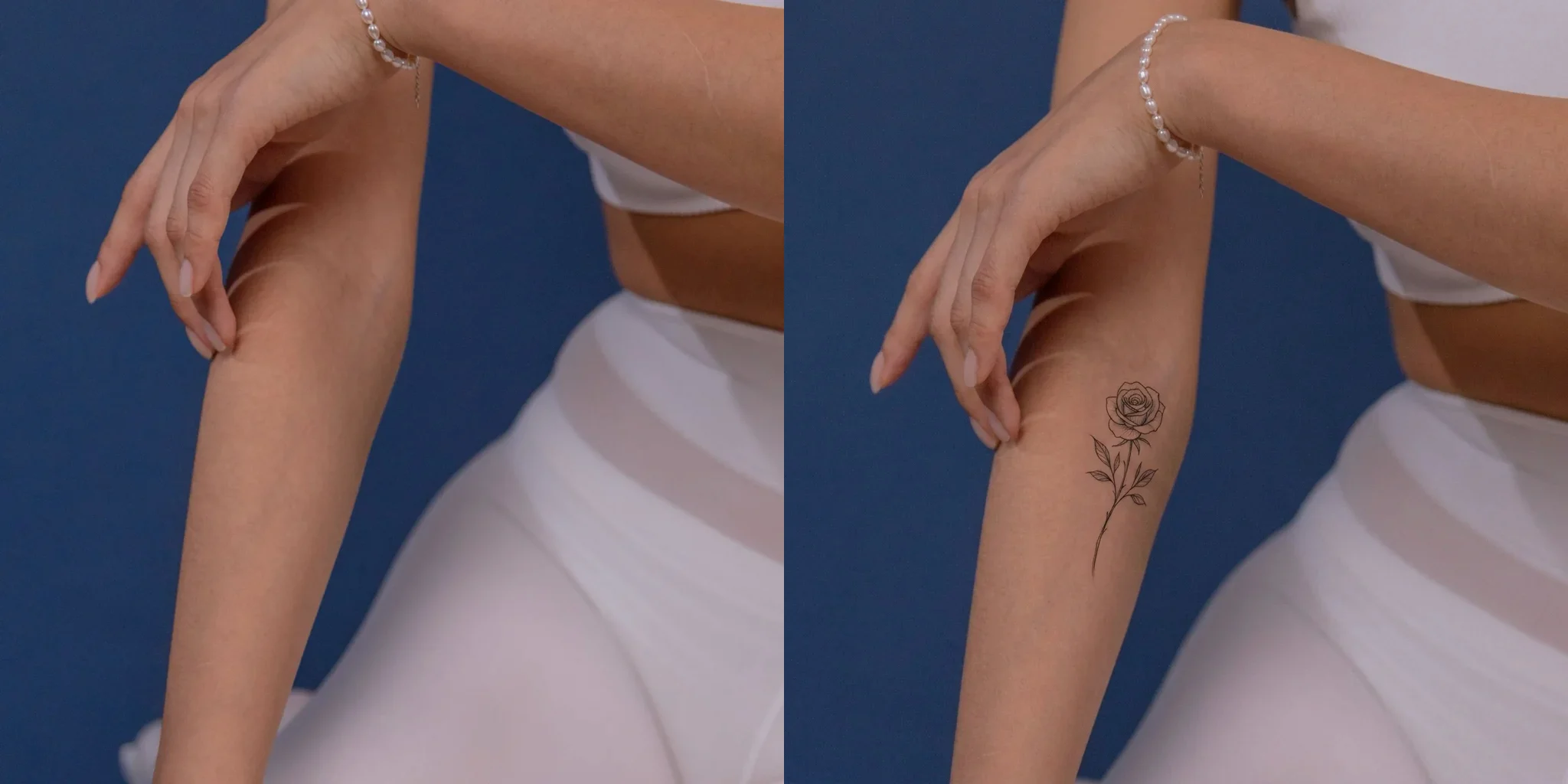
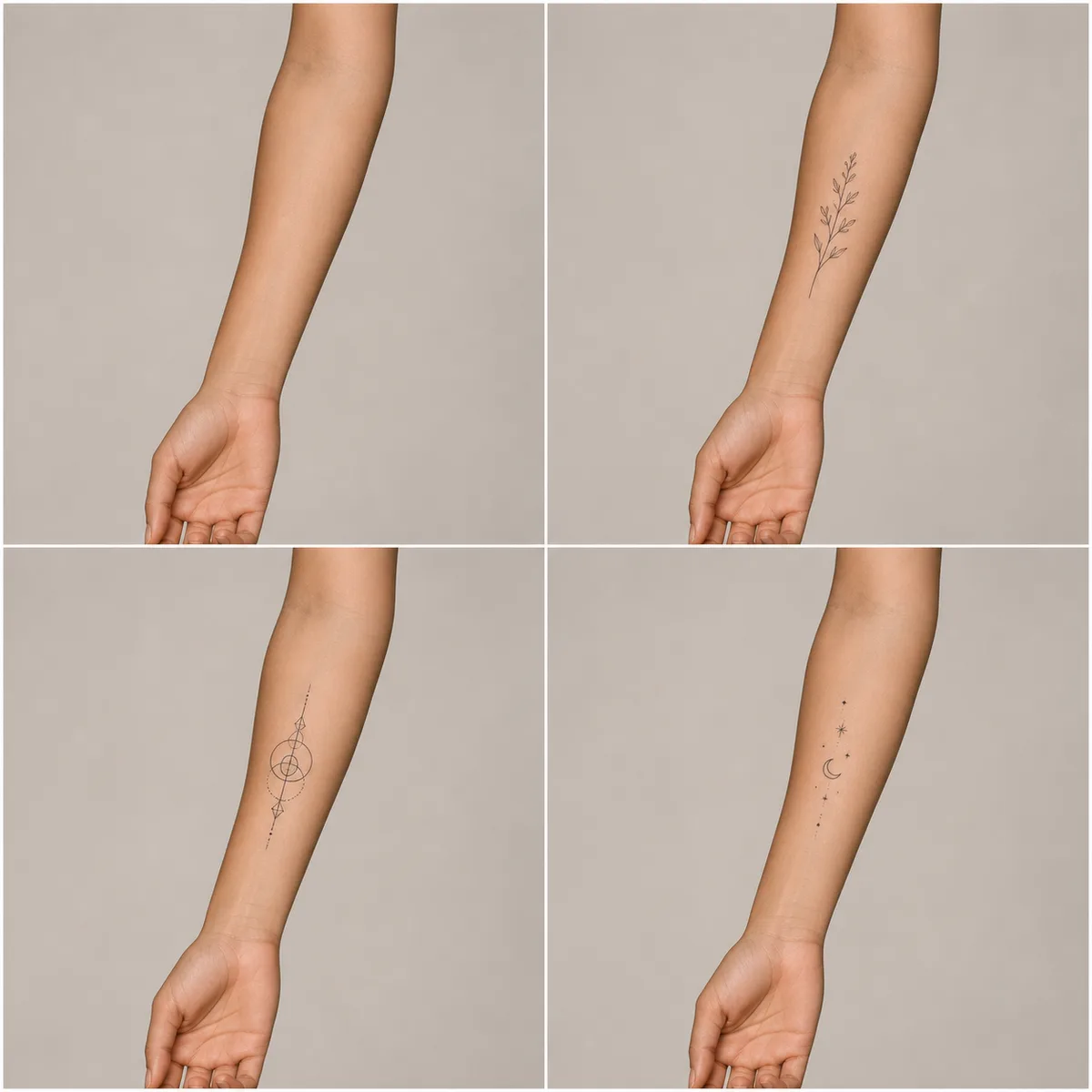
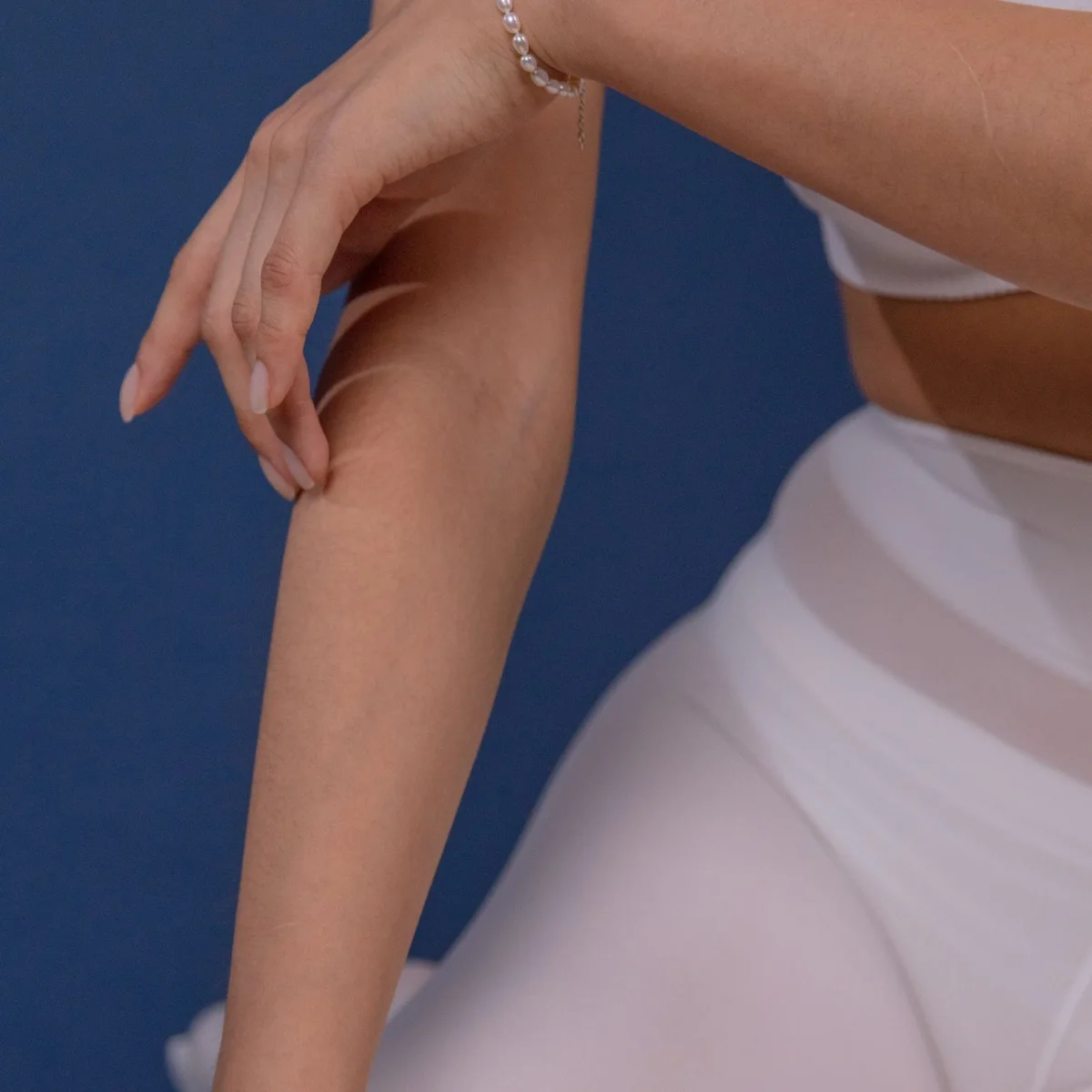
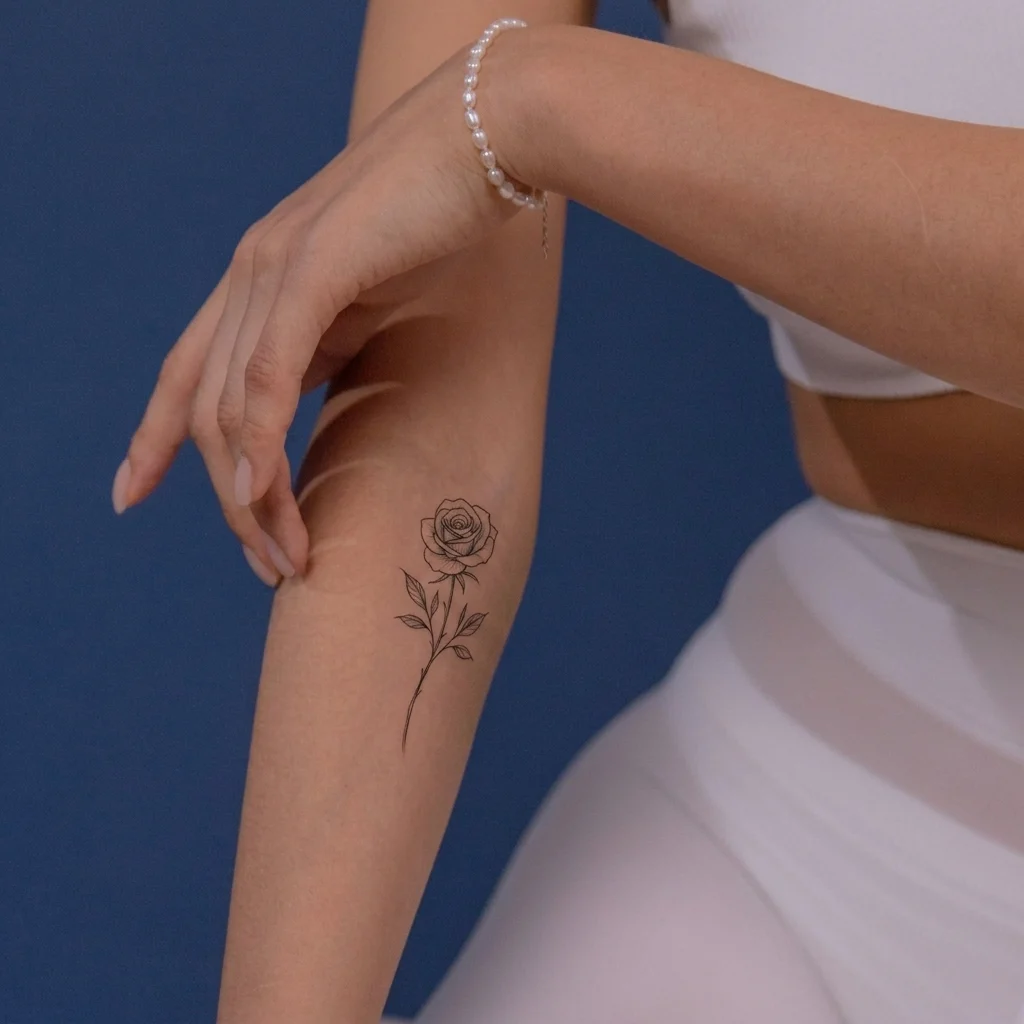
A birth flower can represent a birthday, partner, family milestone, or memorial. The licensed forearm photo and actual June rose output above prove the workflow without a hand-drawn tattoo mockup. Choose one month, upload the body area you are considering, then note names, dates, placement, or a family bouquet before comparing ideas with a professional tattoo artist.
Each month supplies one explicit botanical subject, so the generator does not guess between traditions. Prompts emphasize recognizable flower structure and clean black fine-line treatment.
Ruffled carnation petals symbolize devotion, admiration, and lasting affection.
Rounded violet petals and heart-shaped leaves represent loyalty and quiet strength.
Trumpet-shaped daffodils represent renewal, hope, and fresh beginnings.
Open daisy faces convey innocence, clarity, and cheerful beginnings.
Bell-shaped blooms on arching stems suggest sweetness and returning happiness.
Layered rose petals and a graceful stem convey love and gratitude.
Airy larkspur florets create a vertical design linked with positivity.
Upright gladiolus stems suit longer placements and symbolize resilience.
Star-shaped asters create a branching motif for wisdom and patience.
Dense marigold petals bring warmth, creativity, and determined energy.
Layered chrysanthemum petals form a radial bloom for loyalty and joy.
Cup-shaped narcissus flowers represent hope, renewal, and reflection.
Start with one birth month, then use the notes field to explain the people, dates, and meaning you want the artist-ready reference to explore.
Choose a base month, list other family birth months in Tattoo Notes, and request one recognizable flower per person in a balanced bouquet.
Describe two flowers, shared stems, matching placements, or names. Treat generated lettering as layout guidance and let an artist redraw every character.
Add initials, a date, or memorial text, then check every character and ask an artist to finalize lettering, spacing, and line weight.
A wrist, forearm, upper-arm, or shoulder photo anchors size while the workflow preserves skin, light, jewelry, clothing, and the scene.
Keep the selected month flower recognizable while using Tattoo Notes to guide line weight, color, scale, and composition.
Request delicate black lines, clear petals, restrained leaves, and healed-looking ink that follows the body curve.
Use one small bloom, a simple stem, generous negative space, and minimal shading for a compact design.
Request muted botanical color while preserving skin texture, then let an artist adapt pigment choices for aging.
Combine named birth months into a bouquet or tied stems while keeping each flower botanically distinct.
A useful preview begins with a simple photo and ends as a reference for thoughtful, professional design work.
Photograph the wrist, forearm, shoulder, ankle, or collarbone in soft light with blank skin around the placement. Avoid filters, blur, strong shadows, and extreme perspective.
Choose a MonthAfter selecting the month, describe the placement, scale, stem direction, initials, or date. Short, concrete notes preserve the chosen flower better than conflicting instructions.
Add Tattoo NotesUse the image as a conversation aid, not a stencil or healing promise. A professional artist should redraw the flower, confirm details, adapt it to your anatomy, and prepare the final tattoo safely.
Create a Visual ReferenceGuidance for selecting flowers, writing notes, and using an AI result responsibly.
Yes. The selected month controls the exact flower prompt: January uses carnation, March uses daffodil, June uses rose, and every other month follows the guide above. Each prompt requests recognizable botanical traits and excludes unrelated flowers.
Yes. Select another month before generating to replace the flower instructions while keeping your photo. Check the highlighted button to confirm your intended flower is active.
Use Tattoo Notes for concise requests such as initials J + M, a small inner-wrist placement, or a curved stem. Generated lettering may be imperfect, so verify every character with your artist.
Save the preview with the chosen month, approximate dimensions, body location, line weight, and meaningful details. Ask a professional artist to interpret the direction rather than copy the AI image.
The prompt requests healed black ink, subtle skin interaction, natural negative space, and preserved light and body shape. AI can still distort petals, anatomy, scale, text, or ink, and cannot predict pain, healing, fading, or medical suitability.
Use a sharp, unfiltered image taken straight toward the intended area with soft light and surrounding skin visible. A neutral pose helps the preview follow the surface and compare sizes.
Choose a month, upload a skin photo, add personal notes, and review the displayed credit cost.