



















































Video Extension
Seamlessly extend your clips in time with the Veo 3.1 AI video generator for longer narratives.
Save up to 73% on plans

Push the boundaries of AI creativity with the Veo 3.1 AI video generator. Extend clips, reference multiple images, and refine your vision with Google's most advanced model.
Veo 3.1
Paper crane taking flight · Veo 3.1 Fast
Archive reference · Generated with Veo 3.1 Fast. Reference only; not a benchmark of the currently selected model.
Enhanced capabilities for greater control and flexibility in video generation.
Seamlessly extend your clips in time with the Veo 3.1 AI video generator for longer narratives.
Veo 3.1 AI video generator can use up to three reference images to better understand your subject and style.
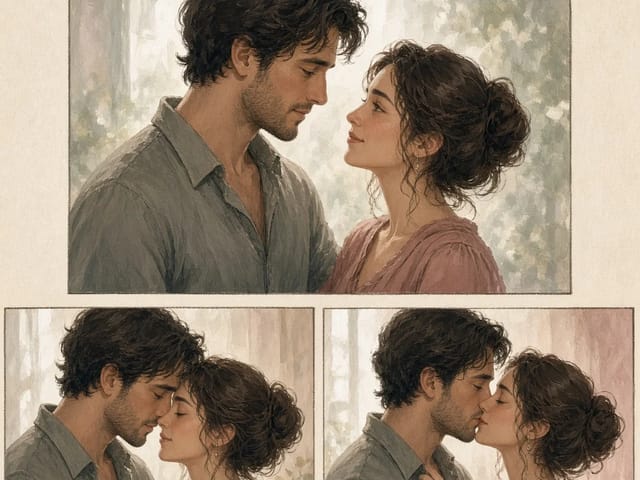
Define the exact starting and ending frames with Veo 3.1 AI video generator for precise transitions.
Reused video references from our archive, generated with Kling 2.6 and Veo 3.1 Fast. Labels identify the original source model, which may differ from your current selection.
Source model: Veo 3.1 Fast. An origami crane lifts off a wooden table in warm light.
Source model: Veo 3.1 Fast. A golden retriever moves across a sunset beach.
Source model: Kling 2.6. A fixed-camera still life with a teal ceramic bird and a moving green leaf.
Source model: Kling 2.6. A square-format reference-image animation of the ceramic bird and leaf.
Unlock the latest tools and improvements from Google's research labs.
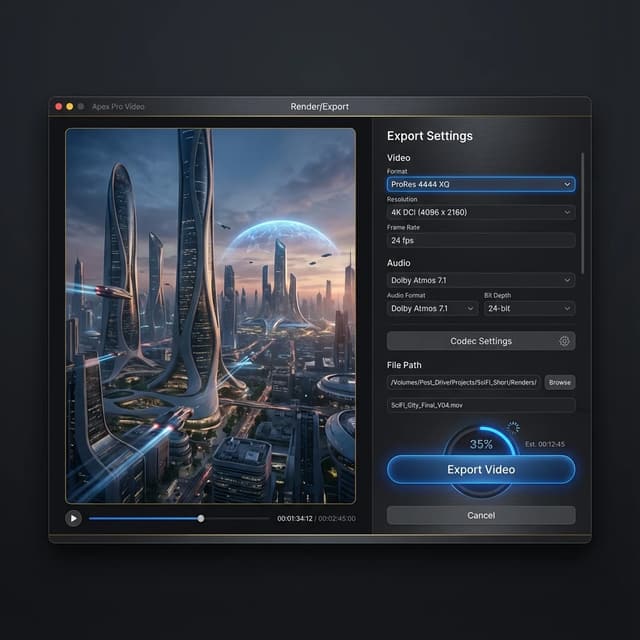
From keyframes to extensions, the Veo 3.1 AI video generator gives you more tools to direct the final output.
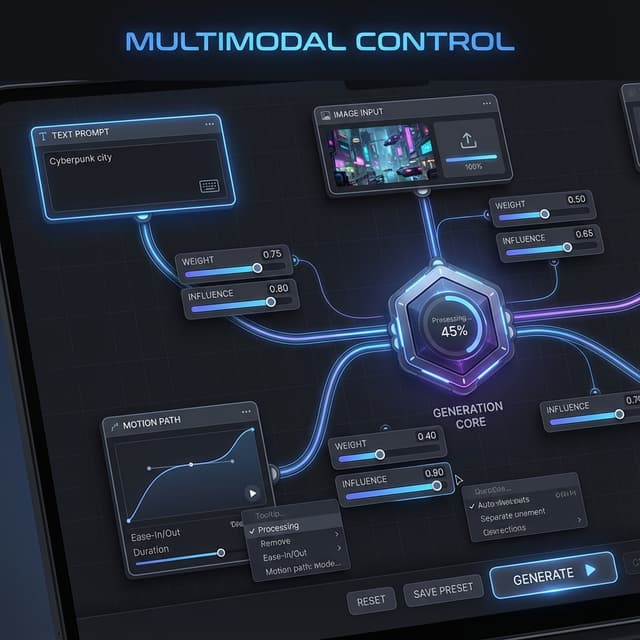
Veo 3.1 reduces artifacts and improves stability over Veo 3, making the Veo 3.1 AI video generator the highest quality option available.

Run the Veo 3.1 AI video generator on Google's cloud for reliable, fast, and scalable performance.
Creators react to the new features in Veo 3.1.






Common questions about the Veo 3.1 update.
Veo 3.1 adds video extension, multi-image referencing, and start/end frame controls to the Veo 3 foundation.
Yes, the Veo 3.1 AI video generator can take a video clip and extend it seamlessly in either direction.
Yes, Veo 3.1 includes all the audio features of Veo 3, with further refinements for better synchronization.
It allows you to provide an image for the first and last frame, guiding the Veo 3.1 AI video generator to create the transition between them.
Veo 3.1 is optimized for performance, offering comparable or better speeds despite the increased capabilities.
Veo 3.1 AI video generator is available through our platform to all eligible subscribers.
Experience the next level of control and creativity. Start using Veo 3.1 today.
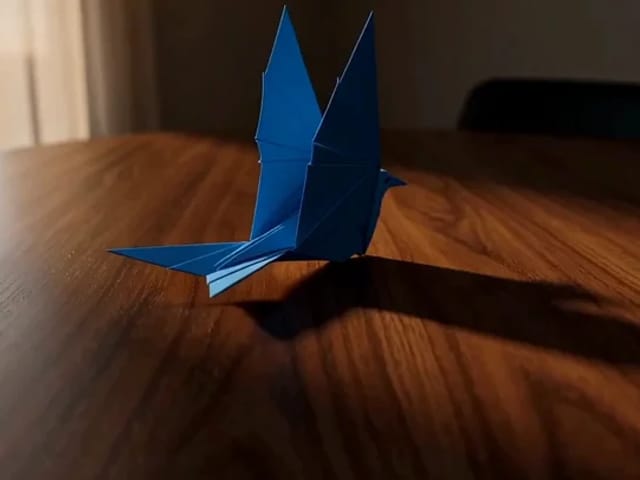
Flux Video Edit revises existing footage with a text prompt. Upload a short MP4, describe a visible change, and review an edited clip at up to 720p.
Open tool
HeyGen Video 1 turns text or a first-frame image into 5–15 second videos with audio. Create product demos and image animations at 480p or 768p on NanoPic.
Open tool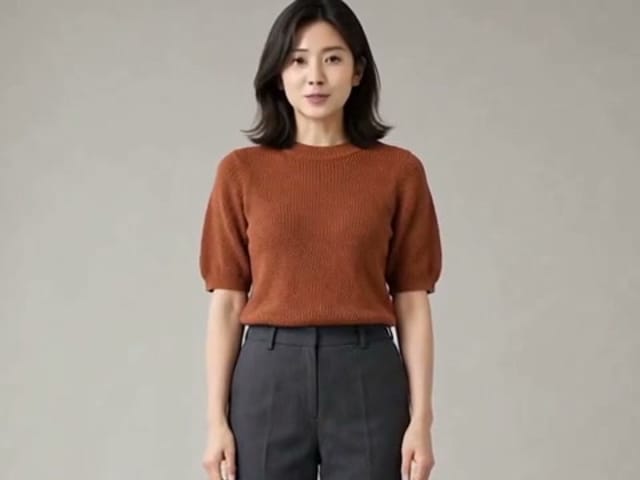
H3 Max Lip Sync animates an authorized portrait with your uploaded voice audio. Create a talking photo, choose resolution, and review the video with sound.
Open tool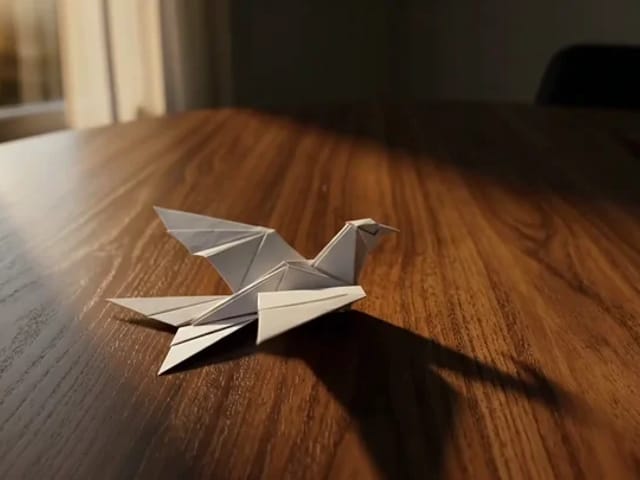
Draw to Video lets you add arrows, text and brush strokes to an image, then generate an AI video from your motion guide. Edit, save, create and download.
Open tool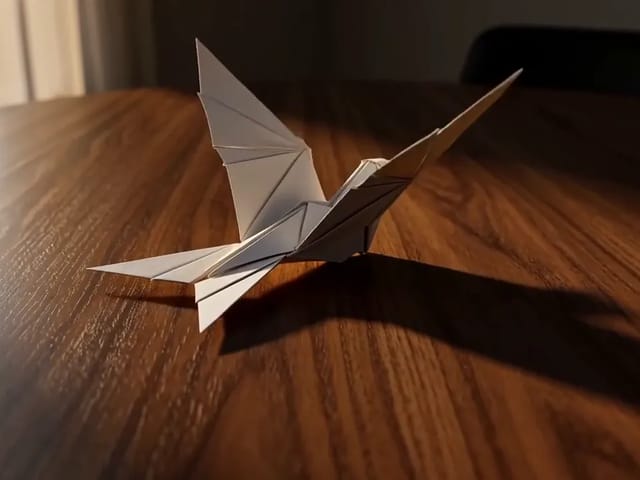
Learn what FastH3 Omni is and create short videos with synced sound online. Write a prompt, add a reference image and get a clip with no GPU or setup.
Open tool
Use OmniHuman 2.0 on NanoPic to turn a clear portrait into video: upload a photo, add a short motion direction, and generate an image-to-video clip.
Open tool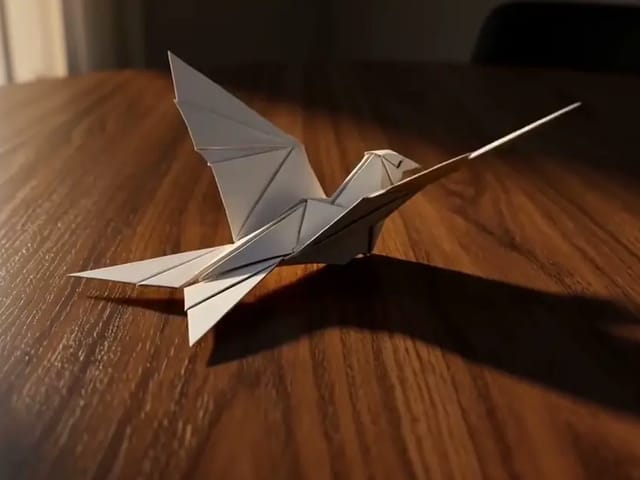
Use Pika H3 Flex online to turn a prompt or a photo into a short AI video. Write the action, add a first frame if you like, and generate in your browser.
Open tool
Vidu Q4 AI Video Generator: upload one image, describe the motion, camera and sound, and turn your still into a 3–15 second clip with audio.
Open toolHedra Character 3 AI video generator: upload a portrait, mascot or cartoon, type a line, and get a lip-synced talking or singing character video.
Open tool