Save up to 73% on plans

Pet Rap Video Generator
Sign In

Pet Rap Video Generator

Upload two clear photos—dog, cat, or pet-and-owner—then create a short vertical pet rap video you can preview before sharing. The clip is a performance draft: fur color and facial details may shift frame to frame, mouth motion is not syllable-perfect, and the voice is a generated performance—not your pet’s real bark or meow.

Left pet (or pet) photo*
Try sample
Right pet (or owner) photo*
Try sample

Please add the required Left pet (or pet) photo, Right pet (or owner) photo before generating.

Public VisibilityAllow this result to appear in public inspiration surfaces.

Your Pet Rap Video

Video

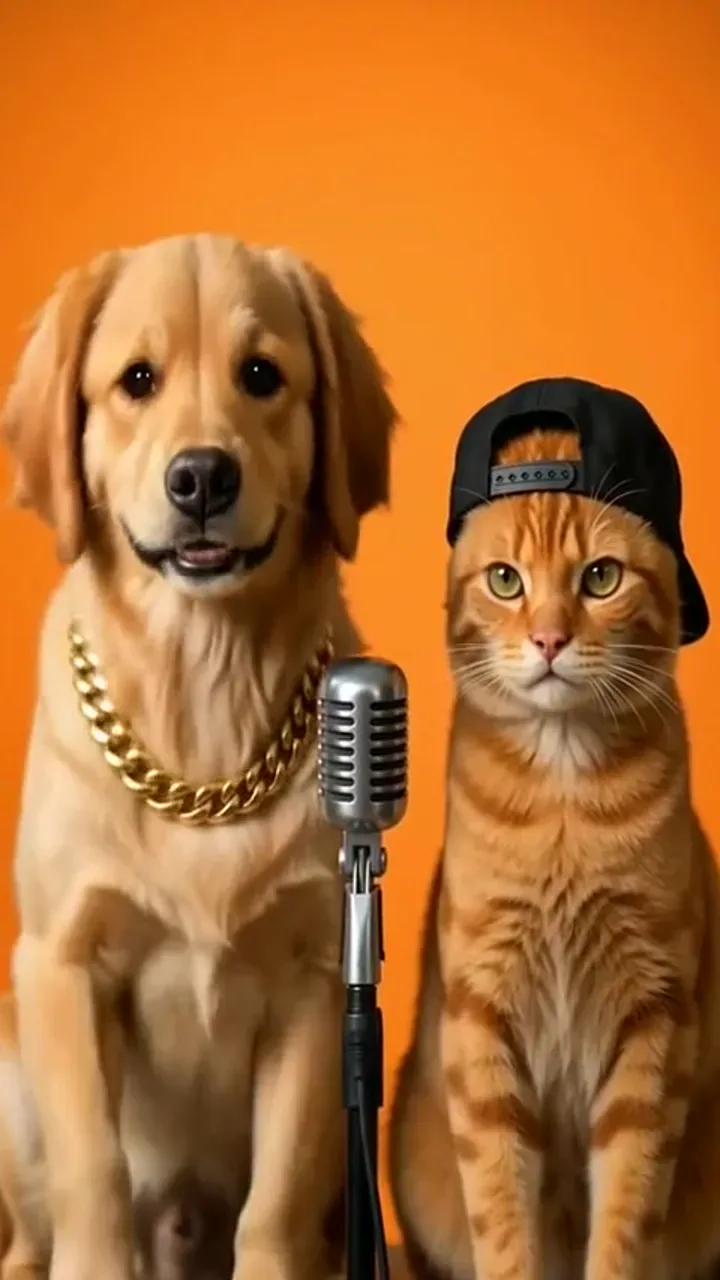
Cat boss lobby take · sample performance
1 / 4

What a pet rap video is

A pet rap video is a short vertical performance clip built from still photos of animals you are allowed to use. Cast a dog, a cat, two pets, or a pet beside an adult owner into left and right slots, then generate a watchable draft—not a finished album and not a still portrait. Expect expressive head motion and generated vocals for a brief hook. Fur markings can soften on fast beats—play the full result, pause on face and paws, and regenerate when identity feels off. Use only authorized likenesses, and never upload photos of minors.

Photos that keep fur, face, and markings readable

Face, fur, and markings that stay readable

Start with a sharp front-facing shot where eyes, nose, and mouth are visible and fur patterns are easy to read. Soft, even light keeps coat color steadier than backlight or a distant yard shot. Skip muzzles or toys that hide the mouth. Retake blurry shots before you cast them into the generator.

Try a clearer pet photo
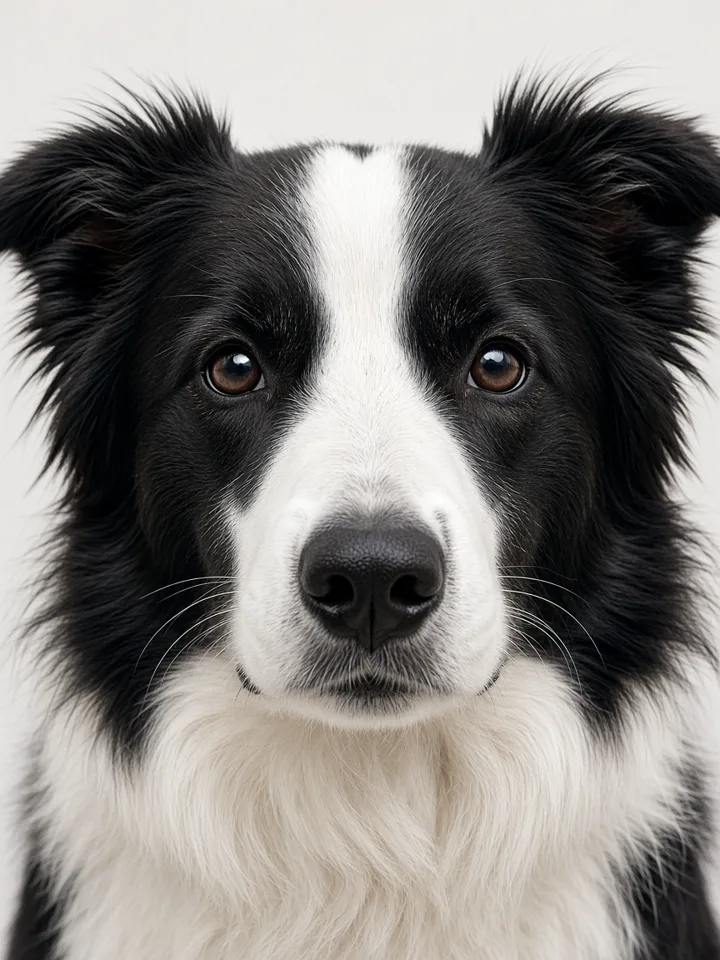
Clear front-facing border collie face showing readable fur markings for a pet rap video photo tip

One subject per upload when you cast a duo

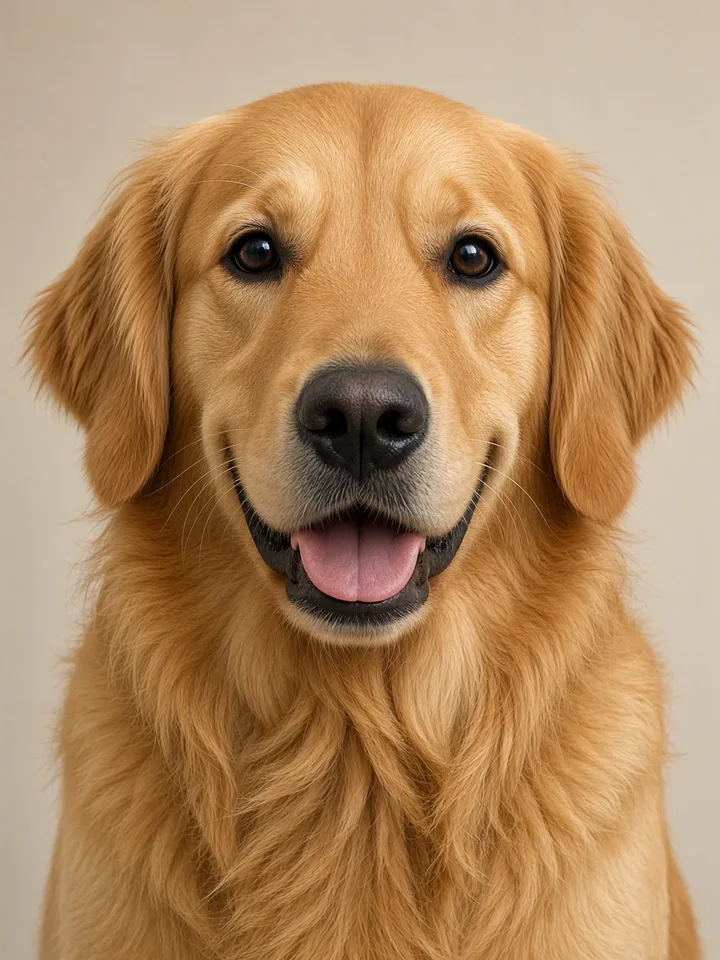
When you want two performers, upload separate photos—one subject each—so left and right roles stay distinct. A crowded group shot weakens the performance more than a soft background. For a pet-and-owner pair, keep the adult’s full face visible and confirm consent. Check thumbnails for left/right order before you generate.

Cast a clean duo
Golden retriever front portrait as a single clear subject for a pet rap video upload

Keep animal anatomy in the review loop

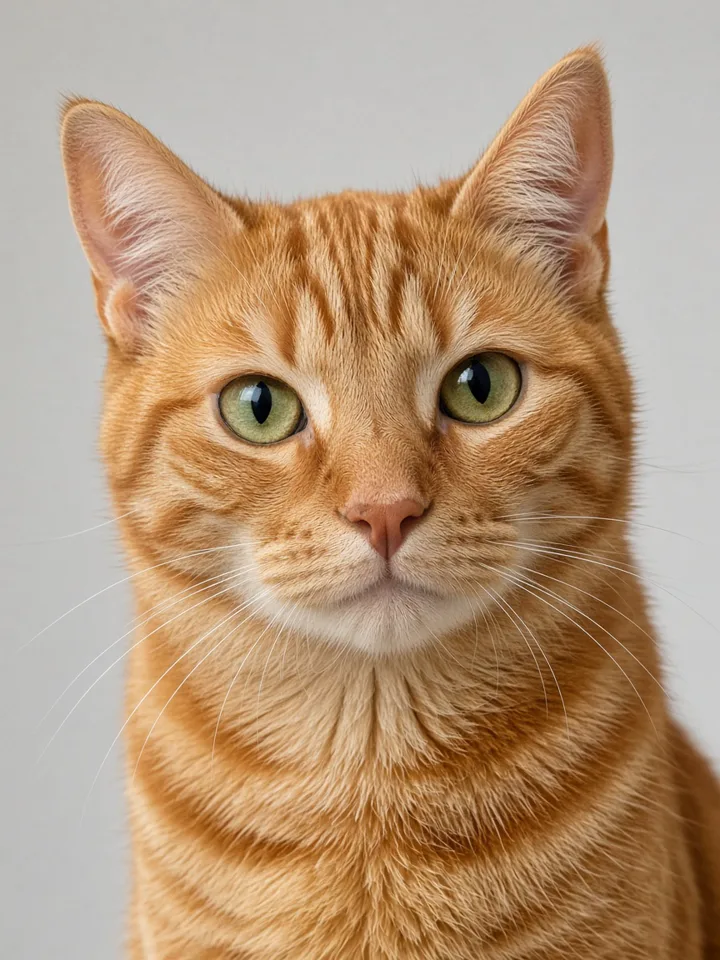
After you generate, pause on muzzle, whiskers, ear tips, and paws. Reject melted limbs, human hands on an animal body, or breed swaps. Head bops and proud sits read better than human dance poses. If an output looks too human, swap in a sharper front-facing pet photo and try again.

Review a clearer cast
Orange tabby cat front portrait used to check animal anatomy in a pet rap video

How to make a pet rap video in NanoPic

Four practical steps from clear photos to a reviewed short clip.

Upload two clear photos

Fill the left and right slots with a dog, a cat, or a consenting adult owner. Use JPG or PNG files you own or may process, and keep faces and mouths readable in soft light. Sharp fur markings help hold breed and coat color. Retake blurry yard shots before you start a pet rap video.

Upload clear photos
Golden retriever front portrait ready to upload for a pet rap video

Confirm left and right cast

Check both thumbnails so the intended pet or owner sits on each side. Swap slots if the lead should face the other way, then freeze the order before you spend credits. A mistaken cast wastes a run. Confirm roles once more, then continue your pet rap video setup.

Confirm the cast
Golden retriever and tabby cat assigned left and right for a pet rap video

Confirm duration and credits

Use the controls shown in the UI for length, aspect, and credit cost. This effect locks a short vertical-friendly performance draft for phone feeds. Read the credit note so you know what one run spends. When the panel looks right, generate the pet rap video.

Check credits and run
Compact booth still used while confirming duration for a pet rap video

Generate and review end to end

Watch identity, mouth motion, and audio from the first frame to the last. Pause on muzzle, whiskers, paws, and coat color before you save. Reject melted limbs, breed swaps, or clips you would not label honestly. Keep only drafts you are willing to share as a reviewed pet rap video.

Generate and review
Reviewed golden retriever performance still from a pet rap video draft

Solo pet, two pets, or pet-and-owner setups

Solo pet spotlight

A solo-looking cast keeps attention on one animal’s face and coat. Put matching clear photos of the same pet in both slots, or pair two angles of one animal, so a second character is not invented. Solo clips suit birthday shout-outs or nap boasts. Review whiskers, ear tips, and collar details before you export. A focused solo pet rap video is often the cleanest first try.

Make a solo take
Solo golden retriever ready for a spotlight pet rap video

Two pets sharing the mic

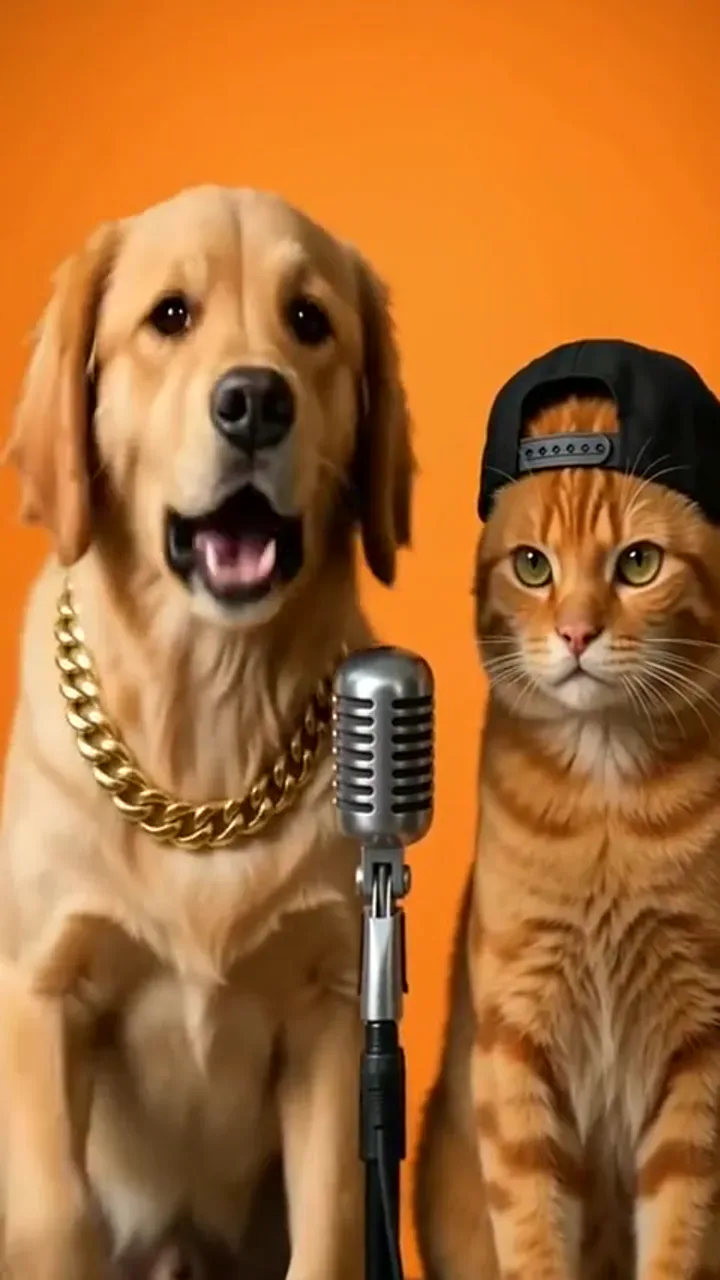
Upload one photo per pet and assign left/right roles deliberately. Contrast coats—tabby beside retriever, black cat beside white dog—helps viewers track who leads each beat. Keep the tone playful rather than aggressive. If one face drifts, swap that slot’s photo and regenerate. Clear contrast keeps a two-pet pet rap video easy to follow.

Cast two pets
Golden retriever and tabby cat sharing a mic in a pet rap video duo

Pet-and-owner setups

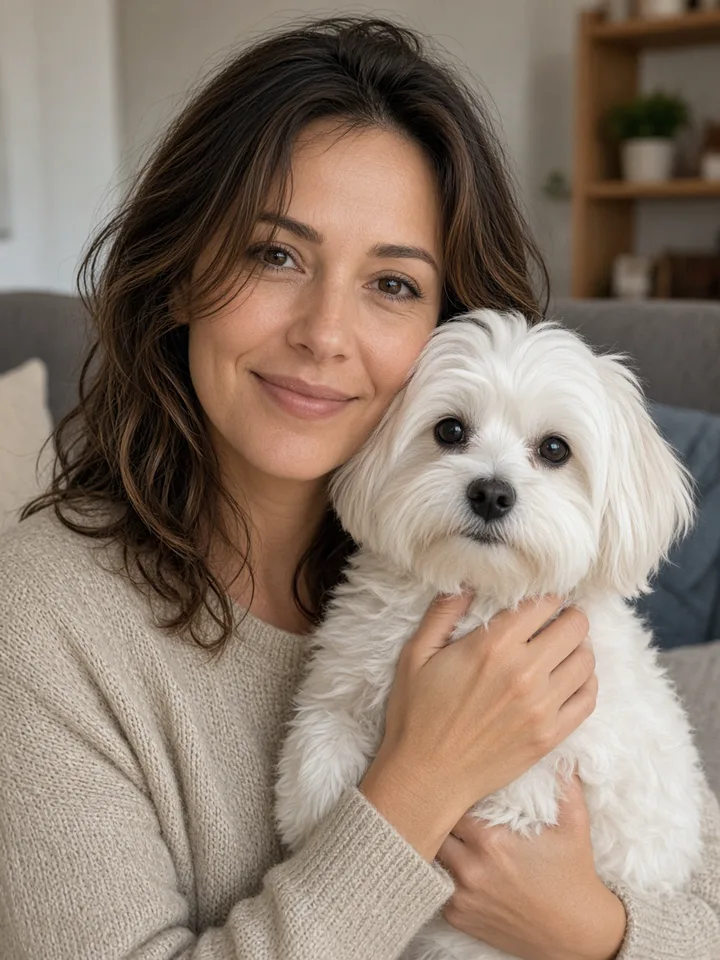
Place the pet in one slot and a consenting adult owner in the other. Keep both faces unobstructed and avoid costumes that hide mouths. Owner-and-pet clips often work as call-and-response. Confirm you may use the adult likeness, then review hands, eyes, and animal anatomy across the clip. Only share a pet-and-owner pet rap video when every likeness is authorized.

Try pet-and-owner
Adult owner holding a small white dog for a pet-and-owner pet rap video setup

Stages and vibes that fit short vertical clips

Compact studio booth vibe

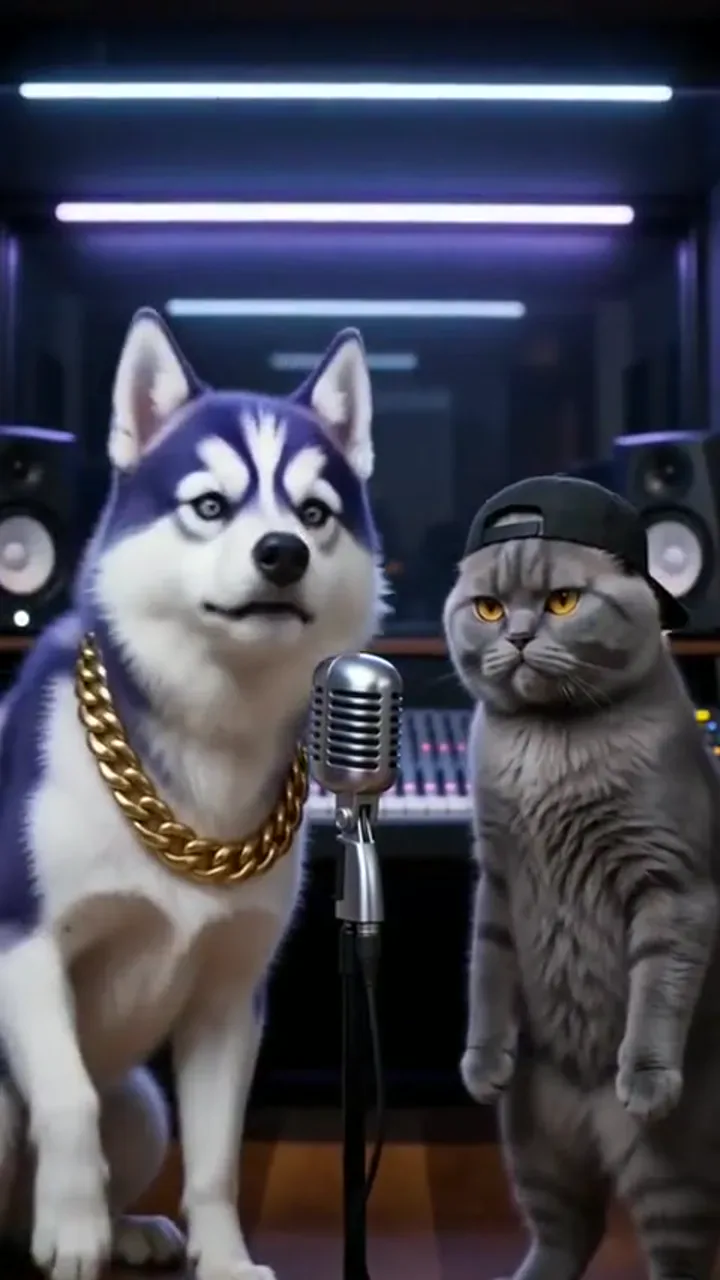
A tight booth with warm key light frames faces for vertical feeds. Use it when you want a clean performance with minimal clutter and strong mouth readability. Keep props sparse so fur detail stays primary. Soft bounce light helps whiskers survive compression. This booth setup is a reliable default for a pet rap video.

Start in a booth vibe
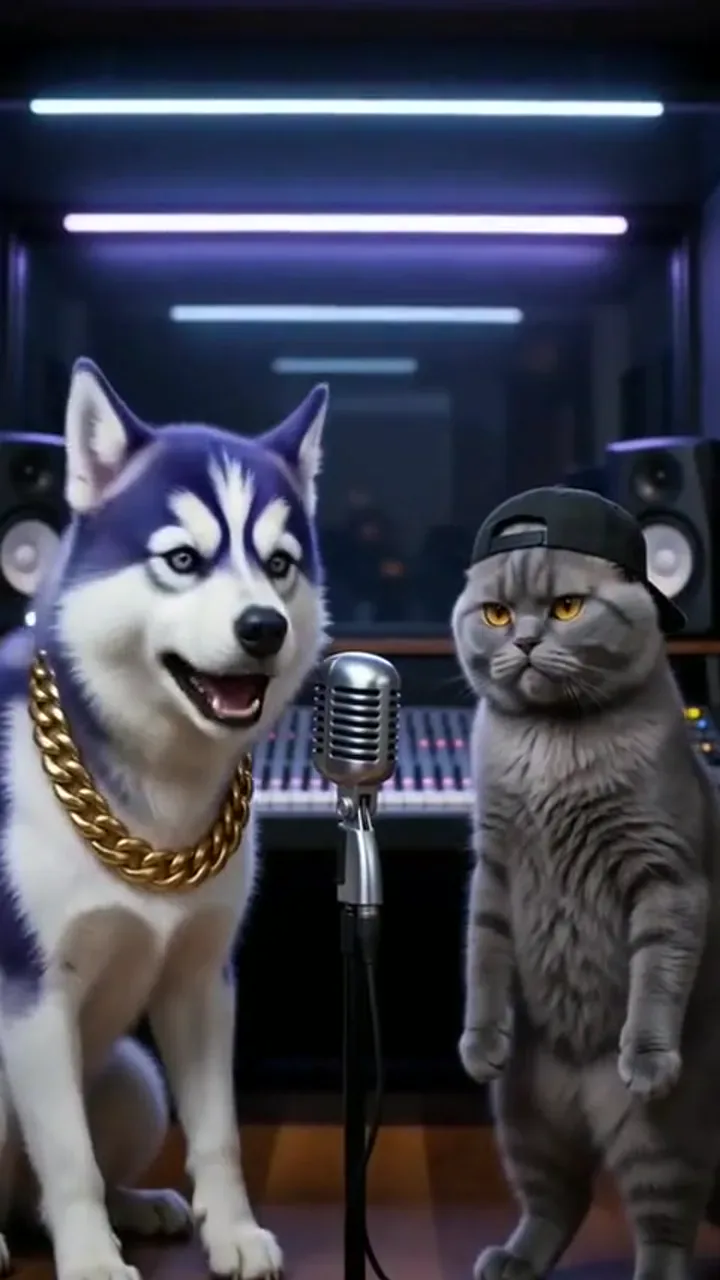
Husky and cat in a compact studio booth vibe for a pet rap video

Lobby-inspired performance corner

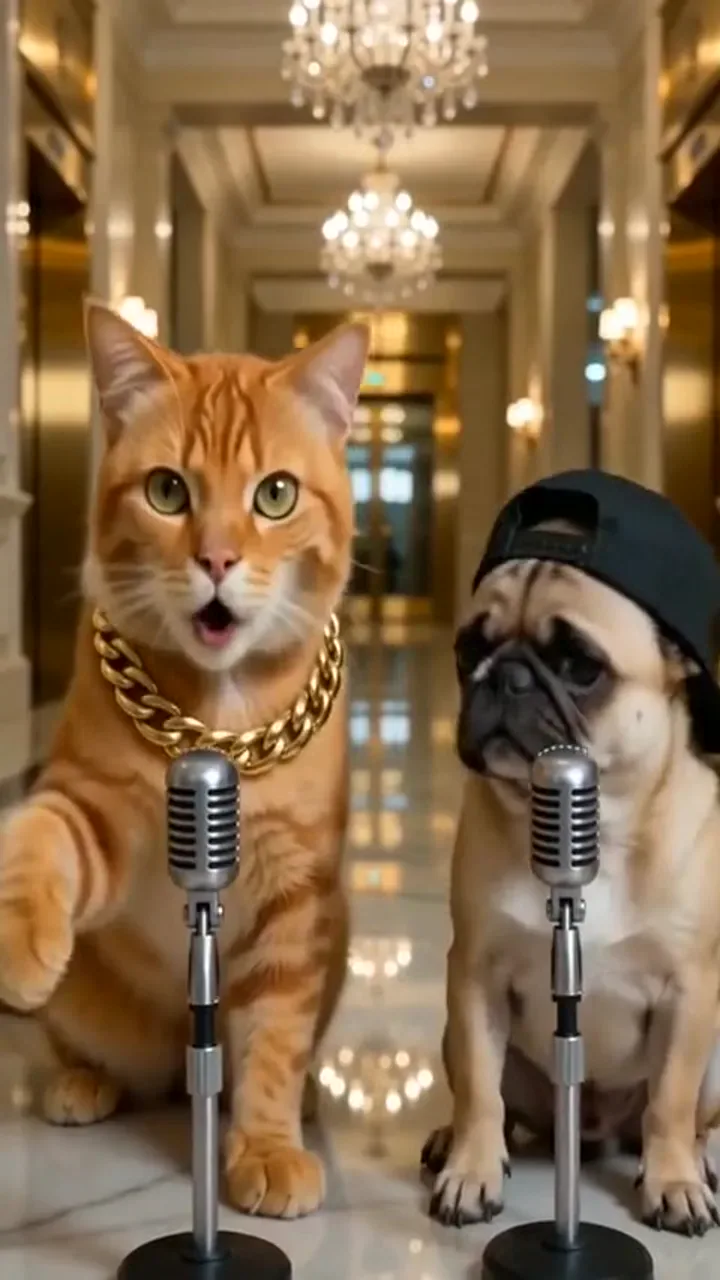
Soft orange or amber accents and a wide stance recall a polished duo stage without a real venue. This vibe suits two performers trading lines and sharing the frame evenly. Check both subjects stay visible at the edges. Warm corridor tones flatter gold and cream coats. Try this corner when your pet rap video needs a dressier mood.

Try a lobby-inspired stage
Cat and pug performing in a lobby-inspired hallway for a pet rap video

Alley or street-night energy

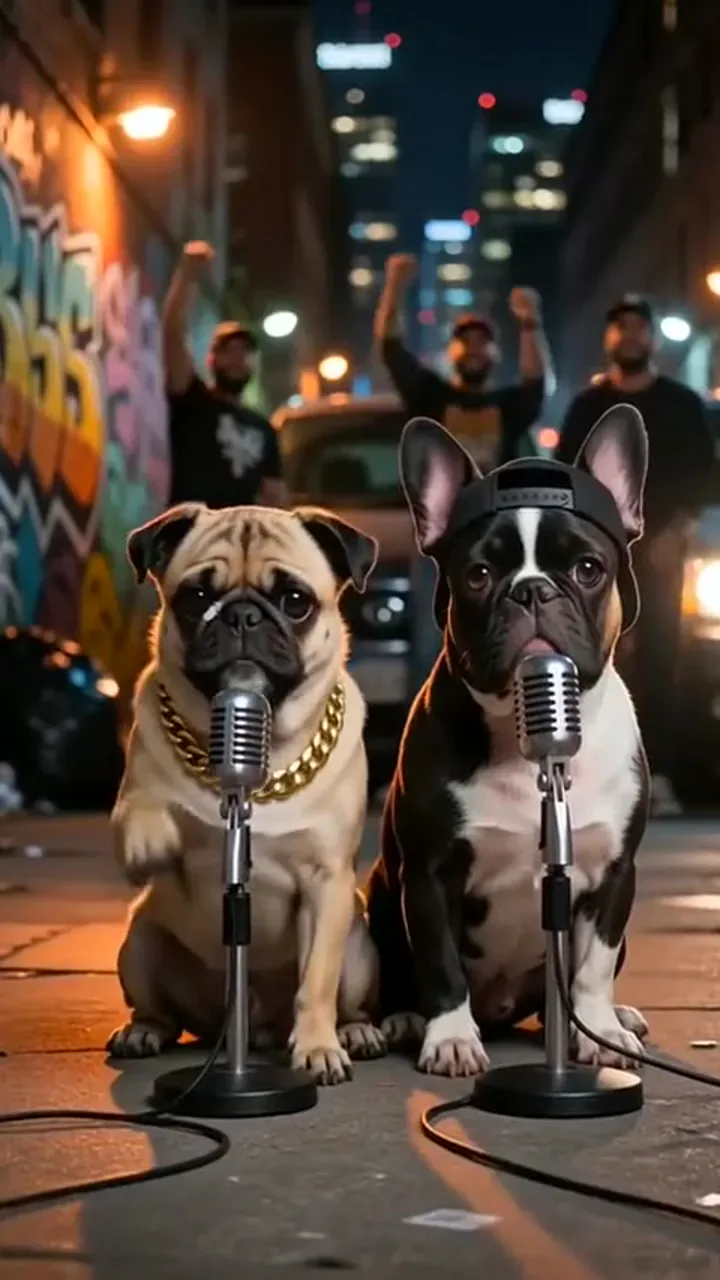
Cooler shadows and a narrow backdrop add attitude for comedy roasts. Keep the pet’s face lit so coat color still reads on a phone. Avoid drowning the muzzle in silhouette; a small rim light saves identity. Short verses land better than long monologues. Use street-night energy when your pet rap video should feel punchy.

Add street-night energy
Pug and French bulldog on a street-night alley stage for a pet rap video

Party accent for celebrations

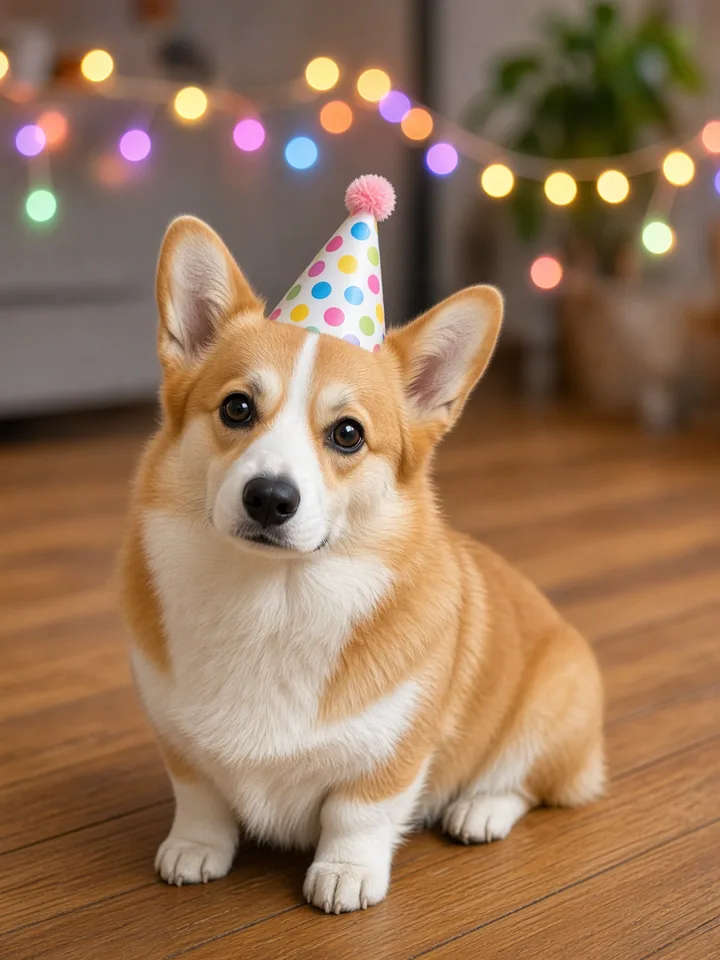
Confetti-light sparkle or birthday tones fit short congratulations. Generate the draft, then replace audio later if you need another licensed track. Keep hats and balloons from covering eyes or mouths. Review fur color under warm party bulbs before you export. A festive accent keeps a celebration pet rap video readable.

Celebrate with a party vibe
Corgi with a party hat under string lights for a festive pet rap video

Review identity, motion, and audio before you post

Play every clip from the first frame to the last. Pause on eyes, nose, ear edges, and paws. Reject melted limbs, human hands on an animal body, sudden breed changes, or misleading audio. Generated vocals are performance voices, not recordings of your pet, and mouth shapes may miss syllables. Share only authorized results and follow synthetic-media label rules.

Example casts you can adapt

Adapt these casts with your own authorized photos. Demo stills use the pet-rap-video media library on NanoPic.

Solo dog boast

Imagine a golden retriever owning a short stage, head bobbing to a treat-themed hook. The clip keeps the smile-line muzzle readable while the coat stays warm gold. A few seconds of swagger is enough for a story post. Compare the still to mid-clip frames before you download. Regenerate if the ears reshape into another breed in your pet rap video.

Cast your dog
Example cast: golden retriever energy in a short pet rap video

Solo cat roast

A tabby delivers a dry birthday roast from a booth seat. This take leans on whisker detail and slow blinks more than big jumps. Keep the verse short so the attitude lands. Review eye color and stripe continuity. Swap to a brighter photo if shadows swallow the face in the pet rap video.

Cast your cat
Example cast: clear orange tabby still for a solo cat pet rap video

Dog and cat duo

Left slot dog, right slot cat—or the reverse—trading friendly bars. Separate uploads keep faces from merging. Watch for paw anatomy and mismatched scale. Soften the staging if either animal starts looking bipedal. A balanced duo pet rap video should keep both mouths readable.

Cast a duo
Example cast: husky and cat duo pet rap video frame

Pet with adult owner

An adult kneels or stands beside the pet for a call-and-response take. Confirm consent, keep both mouths visible, and review hands carefully. Reject drafts that imply celebrity endorsement or use someone else’s pet without permission. Label synthetic media when asked. Only post a pet-and-owner pet rap video you are ready to stand behind.

Cast pet and owner
Example cast: pet with adult owner still for a pet rap video

Related workflows on NanoPic

Hotel Lobby AI

Two-performer stage clips when your cast is people-first rather than animal-led.

Try Now

AI Rap Duo

Dual human (or mixed) rap performances with left/right photo slots.

Try Now

AI Rap Battle Generator

Versus-style rap drafts when you want a battle framing between two performers.

Try Now

AI Pet Portrait Generator

Still pet portraits when you need a photo, not motion audio.

Try Now

Halloween Pet Hat

Seasonal pet video effects for costume moments.

Try Now

Pet rap video FAQ

Photos, voice, length, posting, and how this differs from still pet portraits.

What is a pet rap video?

A pet rap video is a short AI performance clip from authorized pet photos. It shows staged motion and generated vocals for a playful verse. Treat it as a draft for review, not a live concert recording.

Can dogs and cats both work?

Yes. Dogs and cats both work when the photo shows a clear face and readable fur. Other pets may work if anatomy stays obvious; always review the full clip for species drift.

Will it sound like my real pet?

No. The voice is a generated performance track, not your pet’s real bark, meow, or recorded speech. Listen end to end before you share.

Can I include myself with my pet?

Yes—upload a consenting adult photo in one slot and the pet in the other. Keep both faces visible. NanoPic does not allow uploads of minors.

Can two pets rap together?

Yes. Use two separate photos, one animal each, and check left/right order. Coat contrast and unobstructed mouths help the duo read clearly.

What photo works best?

Use a sharp, front-facing shot with even light, visible eyes and mouth, and clear fur markings. Avoid heavy filters, tiny distant subjects, and props covering the muzzle.

How long is the video?

Clips are short—about fifteen seconds. Prefer a vertical phone crop when you plan to post to Reels, Shorts, or similar feeds.

Is NanoPic affiliated with TikTok or Instagram?

No. NanoPic is not an official TikTok, Instagram, or YouTube tool. Export and upload yourself where those platforms allow.

Can I post the result on Reels or Shorts?

Yes, after you review the full clip and confirm rights to every likeness. Add any required AI labels. Reach is never guaranteed.

How is this different from a pet portrait generator?

A pet portrait generator returns a still image. This effect adds staged motion and generated performance audio for a short vertical clip.

How do I make a pet rap video from pet photos?

Upload clear authorized photos into the left and right slots, confirm cast order and credits, then generate and review. Matching angles support a solo look; two pets support a duo.

Is mouth motion syllable-perfect?

Mouth motion is approximate—not syllable-perfect lip sync. Always watch the mouth closely before you share.

Can I replace the audio later?

Yes. Export the reviewed clip and swap audio in your own editor if you have rights to the replacement track.

Solo, duo, or pet-and-owner—how do I choose?

Solo casts keep one face stable; duos need one photo per pet; pet-and-owner needs a consenting adult and two readable faces. Decide the cast before you generate.

Create another pet rap video

Ready for another take? Upload sharper photos, confirm left and right cast, and create a fresh pet rap video in the generator.