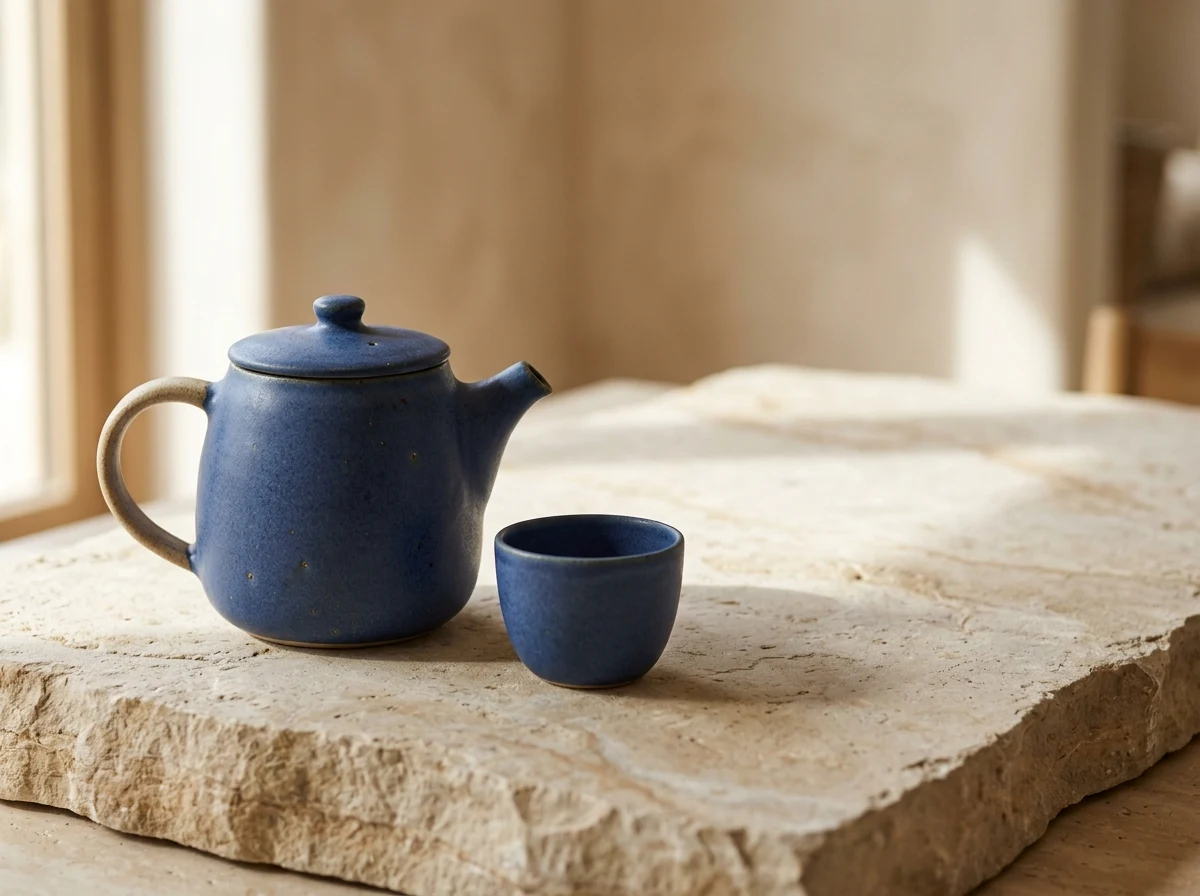
Product study · 1K
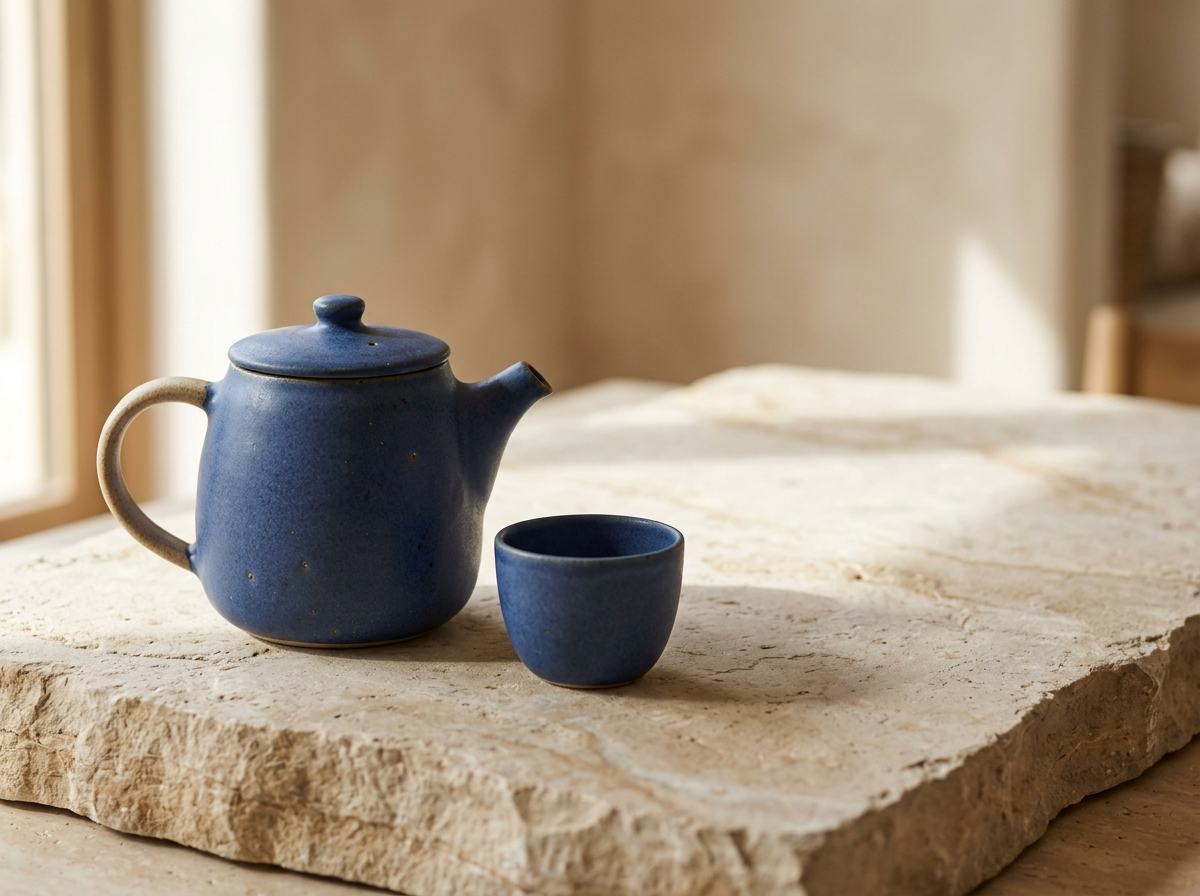
A blue teapot and cup generated from the brief, with soft daylight and space for copy. This is also the source image for the reference edit below.
View originalSave up to 73% on plans
Nano Banana 2.1
Product study · 1K
Product photograph of a matte blue ceramic teapot on pale limestone, one small cup beside it, soft morning window light from the left, realistic glaze texture, clean warm background, generous empty space on the right, no text or logos.
Browse every other AI image model and effect published on this site in a continuous carousel.
Our own generations, made on October 8, 2026. Open each image to inspect the original output; these are individual examples, not a comparative benchmark.
A blue teapot and cup generated from the brief, with soft daylight and space for copy. This is also the source image for the reference edit below.
View original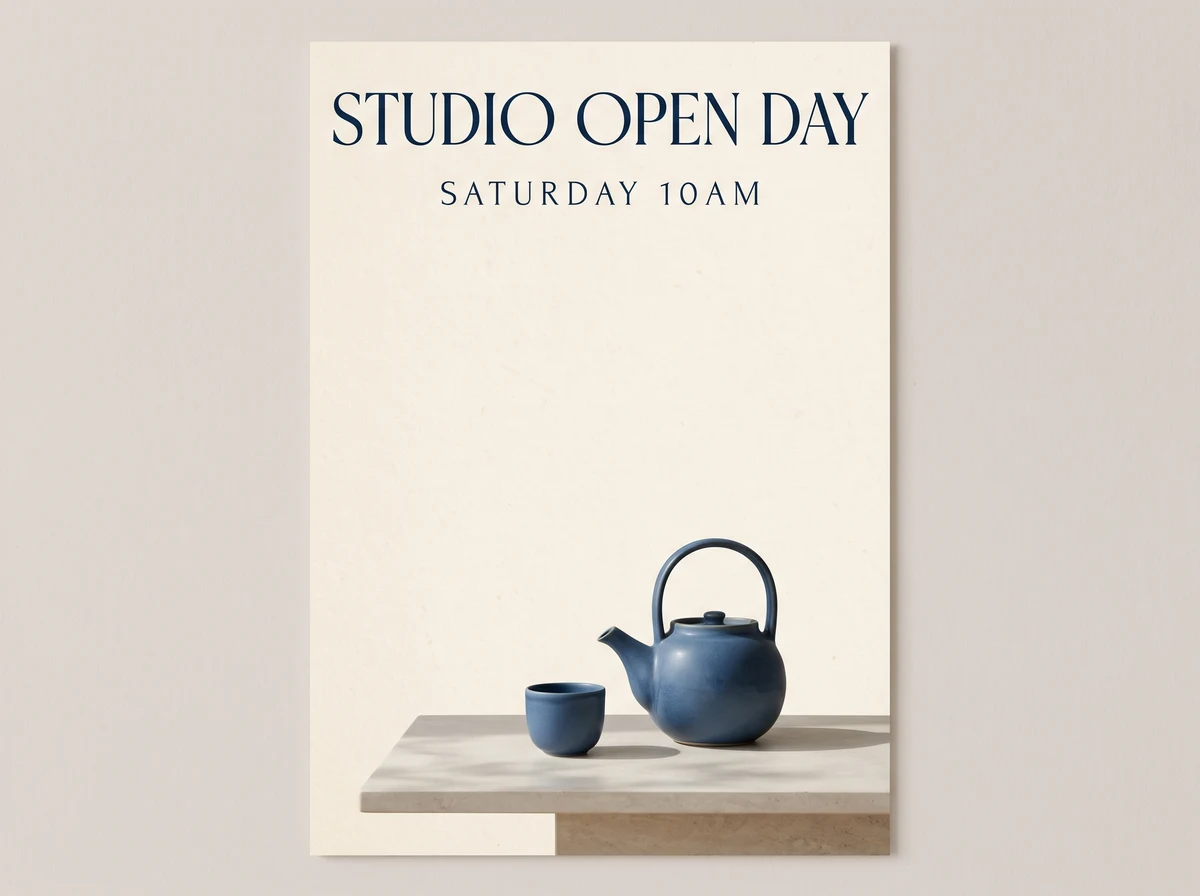
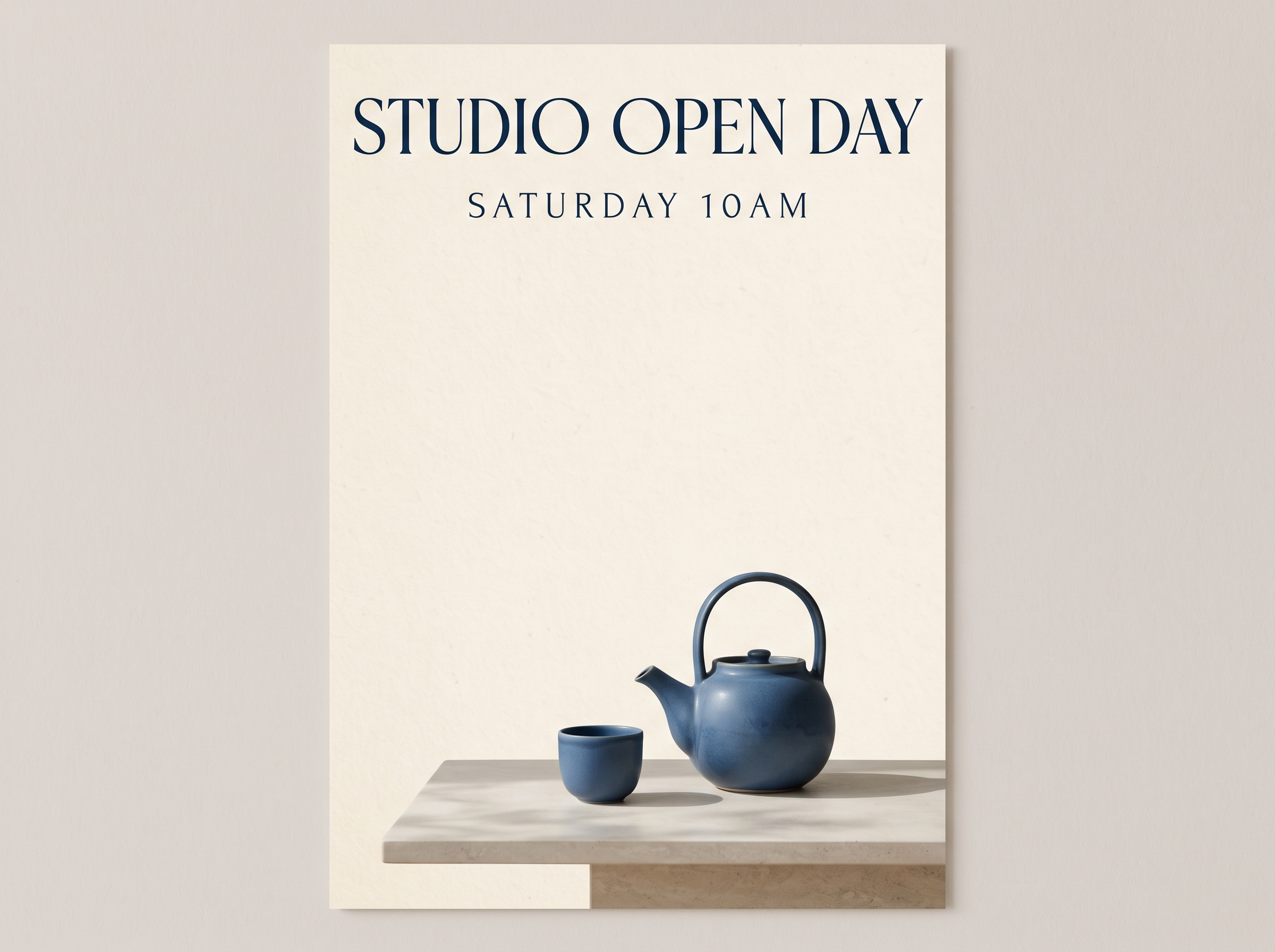
The headline is readable. The model added a paper mockup border despite the prompt, and rendered “10 AM” as “10AM”; inspect lettering and layout before use.
View original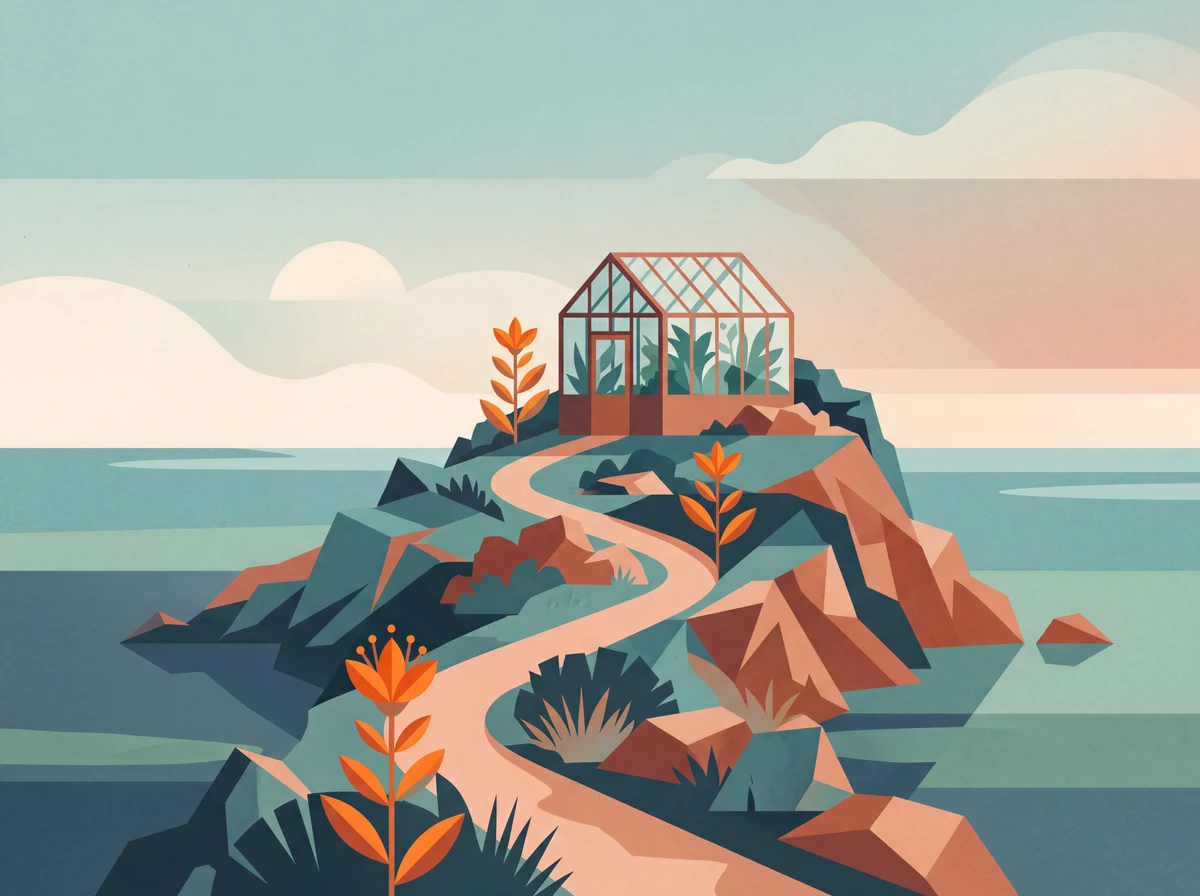
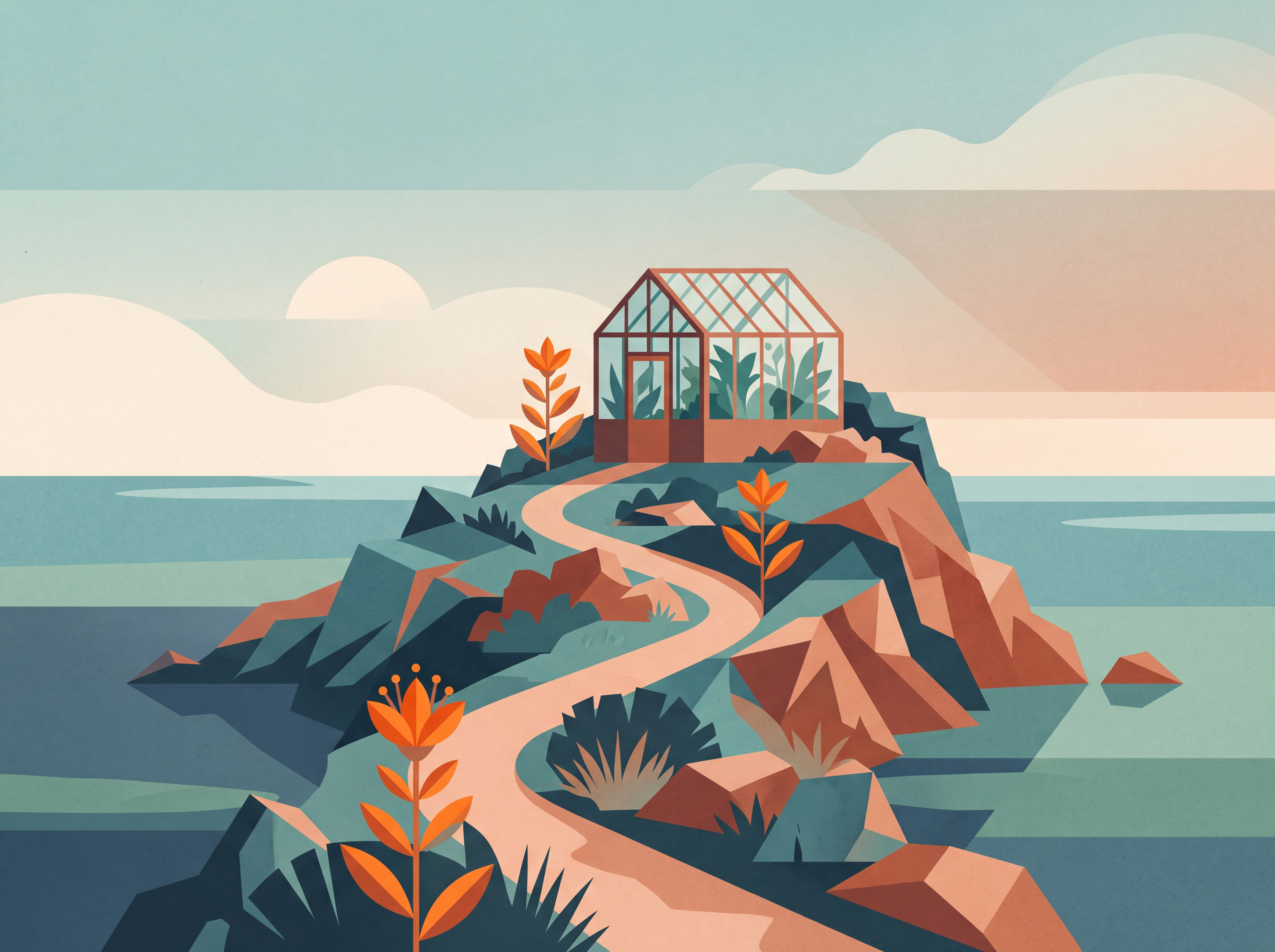
A 4K generation of a seaside greenhouse, shown here as a smaller web image. The original download contains 4800 × 3584 pixels.
View original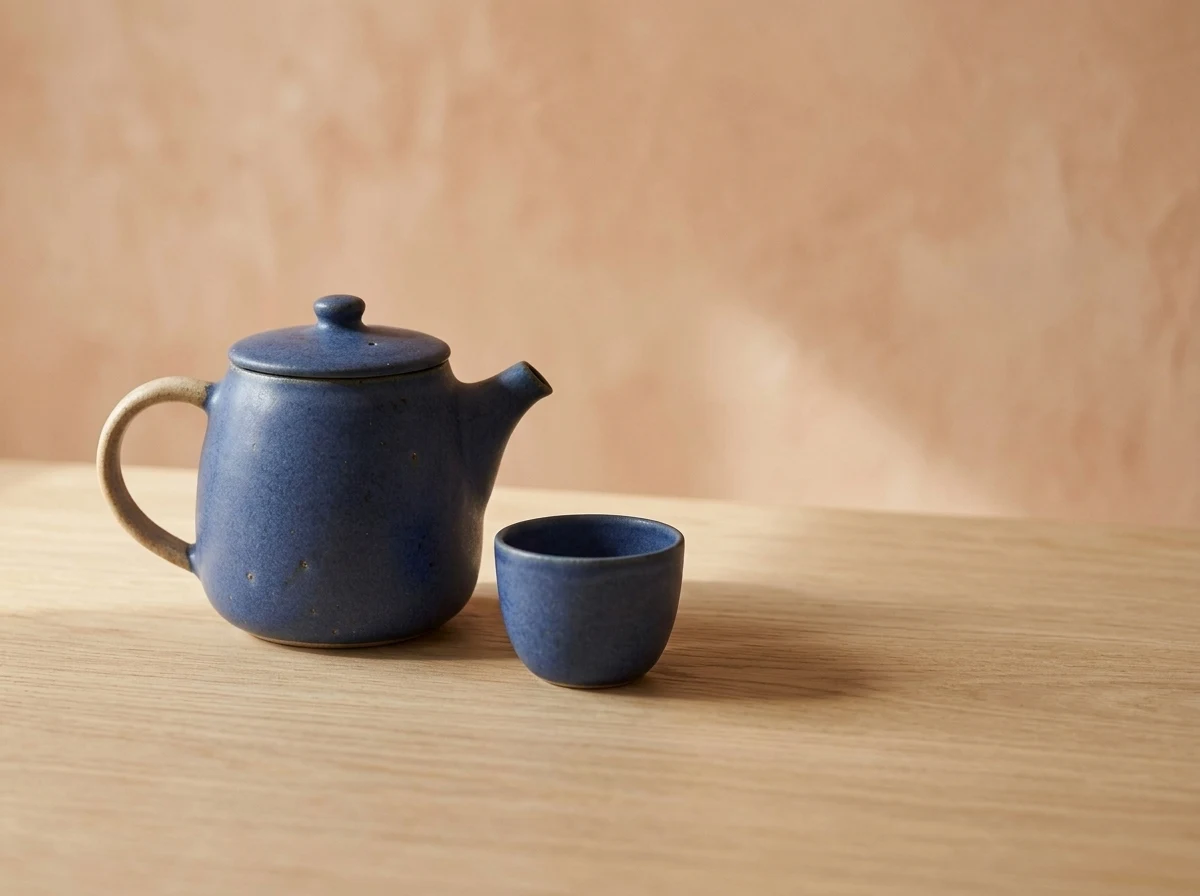
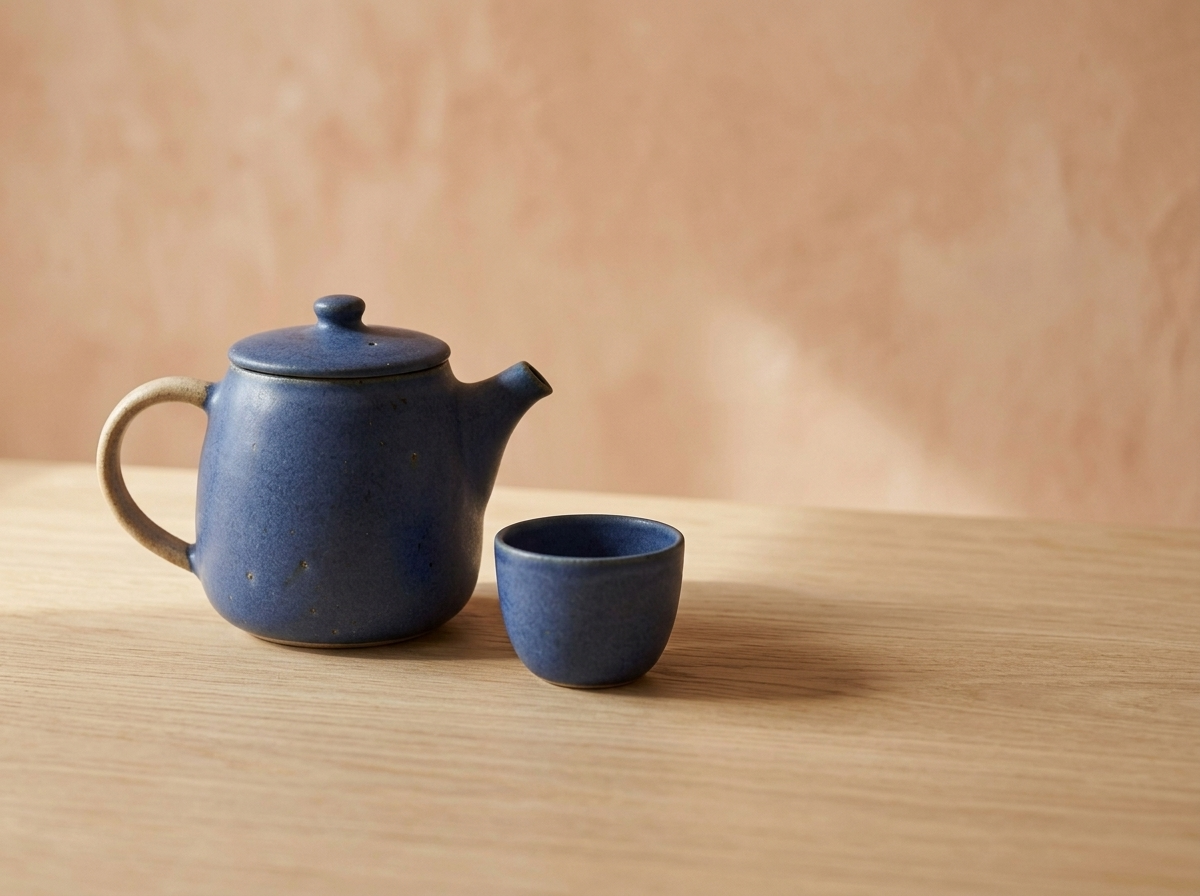
The edit preserves the main teapot and cup shapes while replacing the stone surface and background with oak and terracotta. Compare with the first image; small details can still vary.
View originalStart with a focused draft and increase resolution after the composition works.
Describe one deliverable: a product photograph, event poster, illustrated scene or social visual. Name the subject, camera angle, background, light and where empty space should remain. A short concrete brief makes the first result easier to evaluate than a long string of style adjectives.
Switch to image-to-image and upload the photos you want the model to use. Explain each reference separately: the first supplies the product shape, the second a color palette, and the third a composition cue. State what should stay unchanged. PNG, JPG and WebP inputs are supported, up to 30 MB each.
Use 1K to explore composition, 2K for larger web placements and 4K when the final layout needs more pixels. Resolution does not guarantee accurate small text or perfect details. Inspect the downloaded file at full size before printing or publishing it.
Choose 1:1 for square posts, 4:3 for product cards, 16:9 for landscape layouts or 9:16 for vertical content. Extra-wide and extra-tall formats are available too. Keep important subjects away from the edge if the image will later appear in a responsive card.
Put short text you want inside the image in quotation marks and describe its location. For edits, distinguish the requested change from protected details: change the background to warm gray while keeping the teapot shape and blue glaze. Check spelling and subject consistency after every generation.
Choose PNG for lossless delivery or JPG for a compact photographic file. PNG selection alone does not promise transparent pixels. Download the result, inspect the edges, shadows and any lettering, and keep the successful prompt for your next variation.
Make one deliberate change per iteration so you can reuse what works.
Decide where the image will be used before choosing a ratio. A product card can start at 4:3; a poster needs deliberate space for a headline. Combine the subject, background, light and camera angle into a complete brief. Keep the first attempt at 1K and check whether the whole product fits, the empty space is usable and the composition matches the intended layout.
For an edit, upload the subject to preserve before adding a palette or setting reference. Instead of asking for a better image, specify one change: replace the background color while retaining the handle, proportions and camera angle. If the result changes the subject, reduce the number of references and put the preservation instructions at the start of the prompt.
Download the image and inspect lettering, edges, shadows and object geometry at full size. Once the brief is satisfied, choose 2K or 4K according to the final display size. A fresh generation can still vary, so review the higher-resolution result again. Save the prompt, inputs and settings alongside the image; this is more useful for the next task than keeping the final file alone.
Create an image from a written brief or use uploaded reference images to guide an edit. Product visuals, illustrated scenes, short-text posters and campaign compositions are useful starting points. Results vary with the input and should be reviewed before use.
This NanoPic route accepts up to 10 reference images, each up to 30 MB. Use fewer, clearly assigned references when possible. Conflicting subjects, angles or palettes can make the result harder to control.
The configured cost is 20 credits for 1K, 30 for 2K and 45 for 4K per image. Check the displayed estimate before generating; your selected resolution determines the cost.
No. Nano Banana 2.1 is a separate model option. Compare both with the same brief and reference images when consistency with an existing project matters. Read our linked comparison for practical test cases.
This page provides prompt and image-reference generation. It does not expose a web-search control. Include the relevant facts and references in your own brief instead of assuming the model will retrieve current information.
Explain what each reference contributes, ask for one main change at a time, and explicitly identify details to preserve. Check faces, product geometry, lettering and the full frame. Revise the brief if the output changes something important.
Describe the subject, composition and details that matter, then review your result.