












Photo-to-Line-Art Conversion
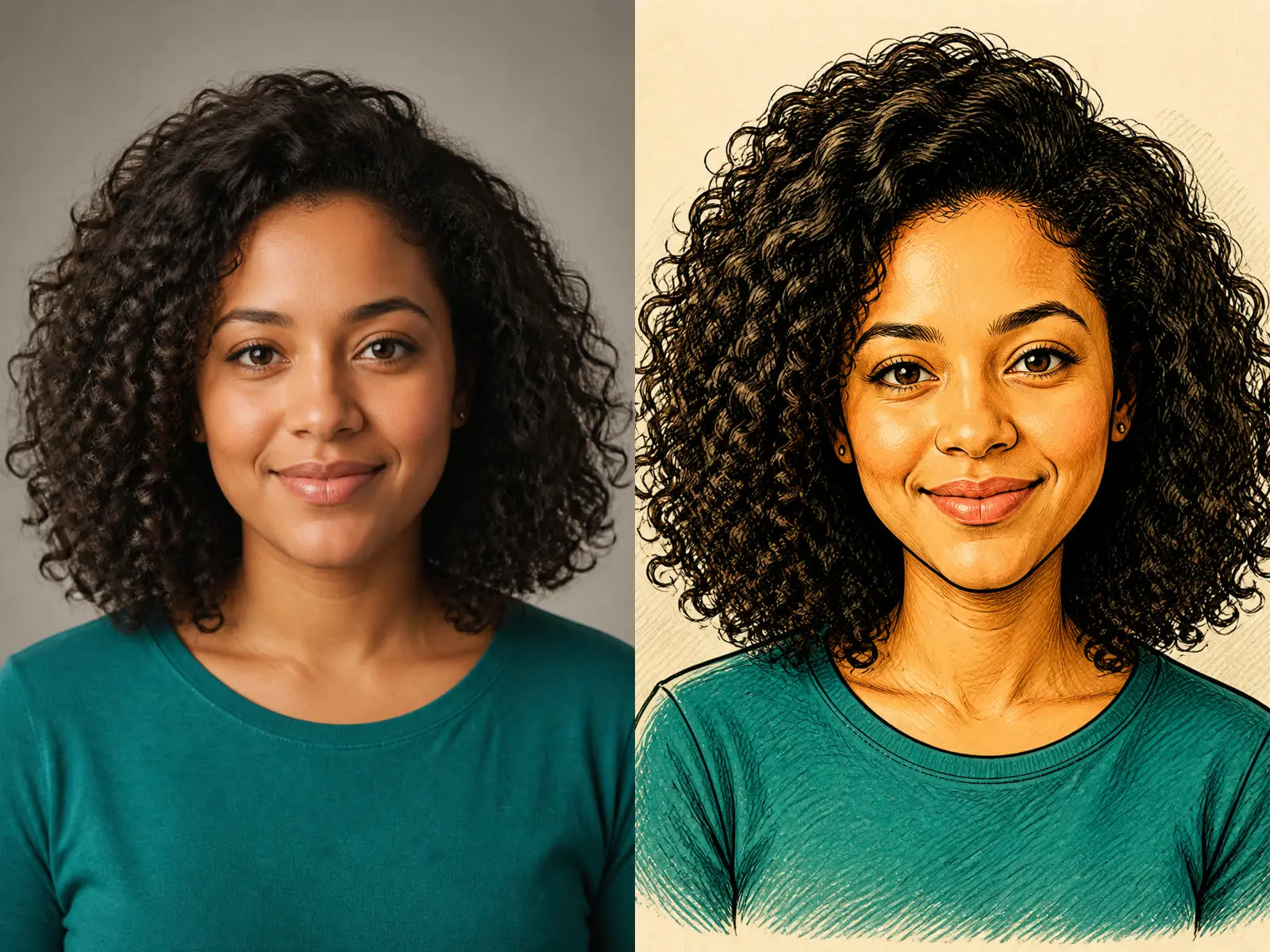
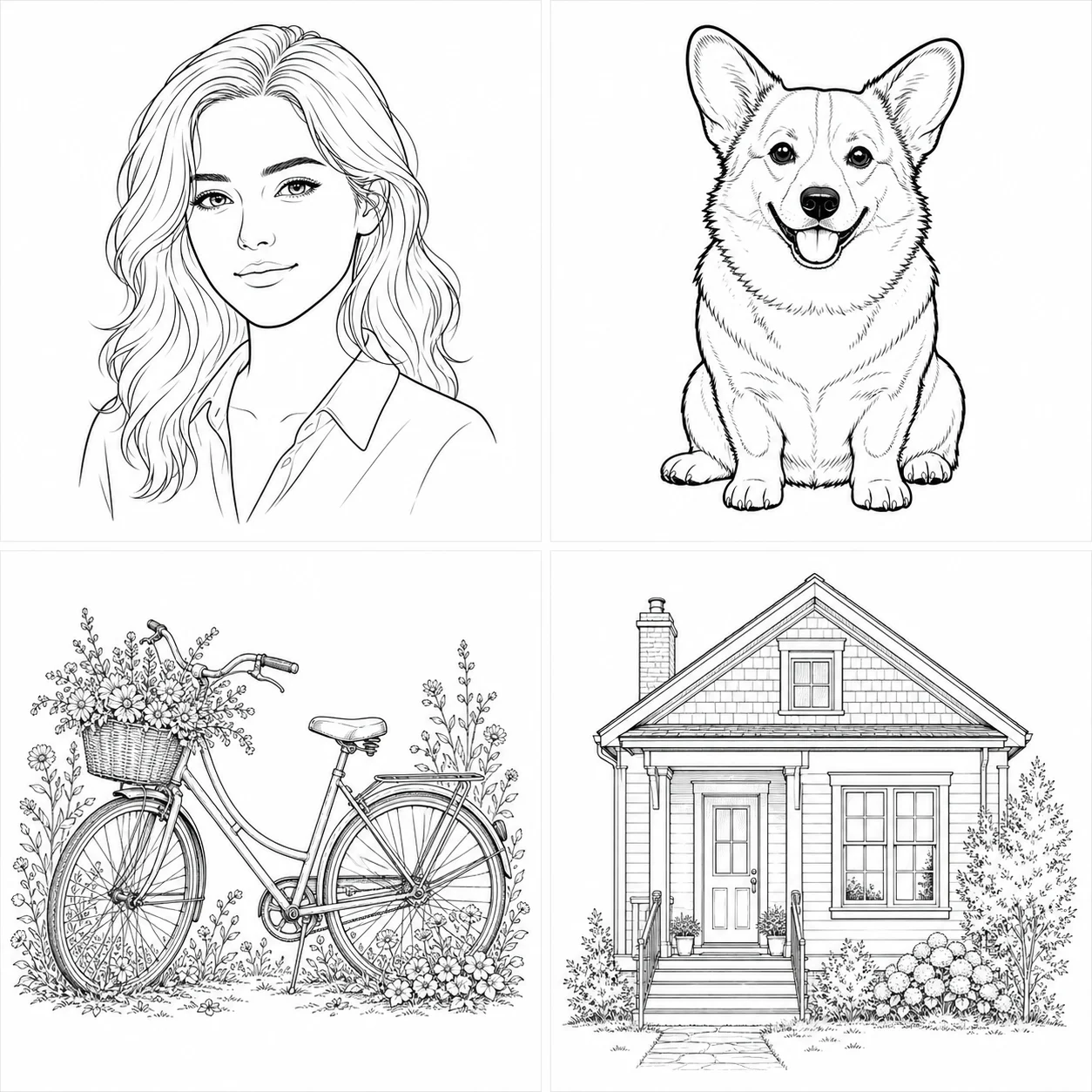
Upload a real photo and NanoPic uses it as the visual reference, keeping the core subject, pose, layout, and recognizable details while converting the image into clean coloring-page line work.
Save up to 73% on plans
Image
Browse every other AI image model and effect published on this site in a continuous carousel.
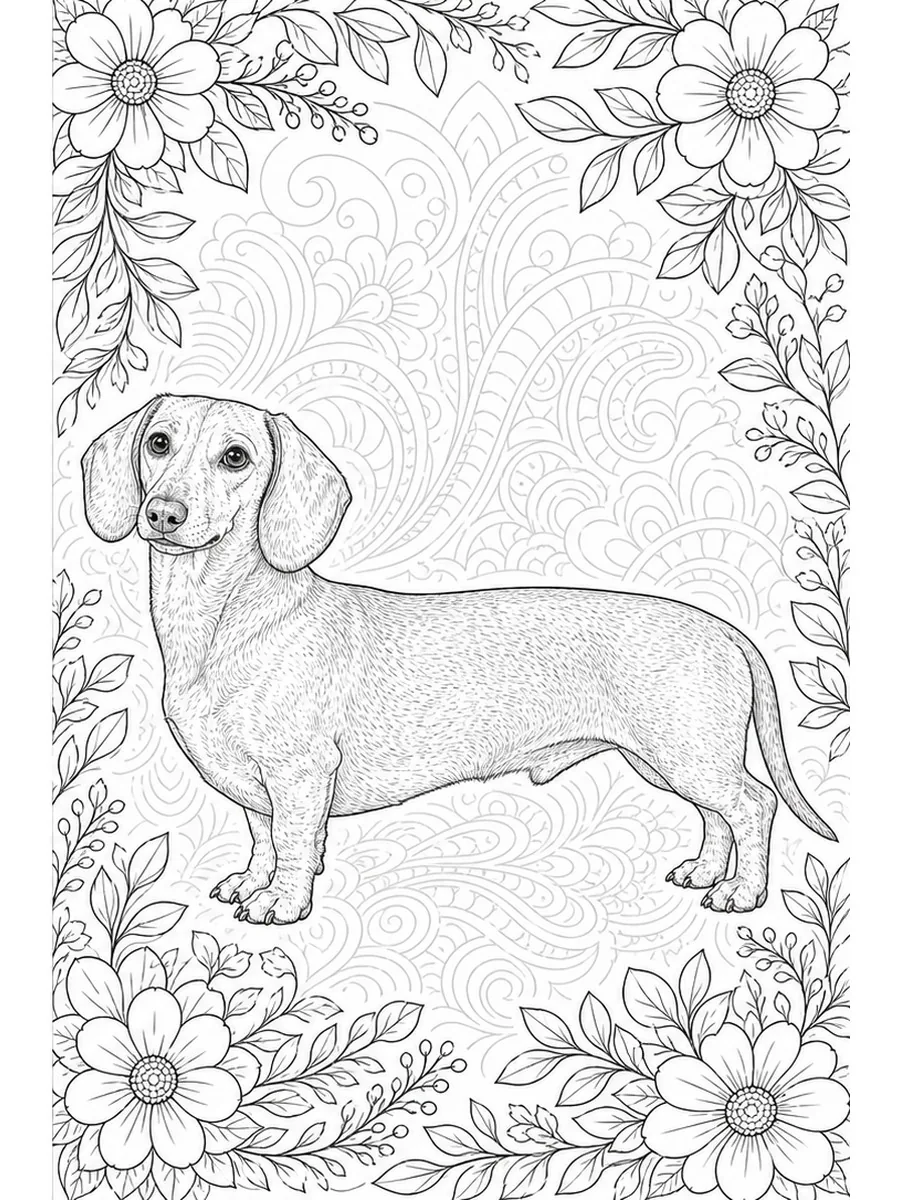
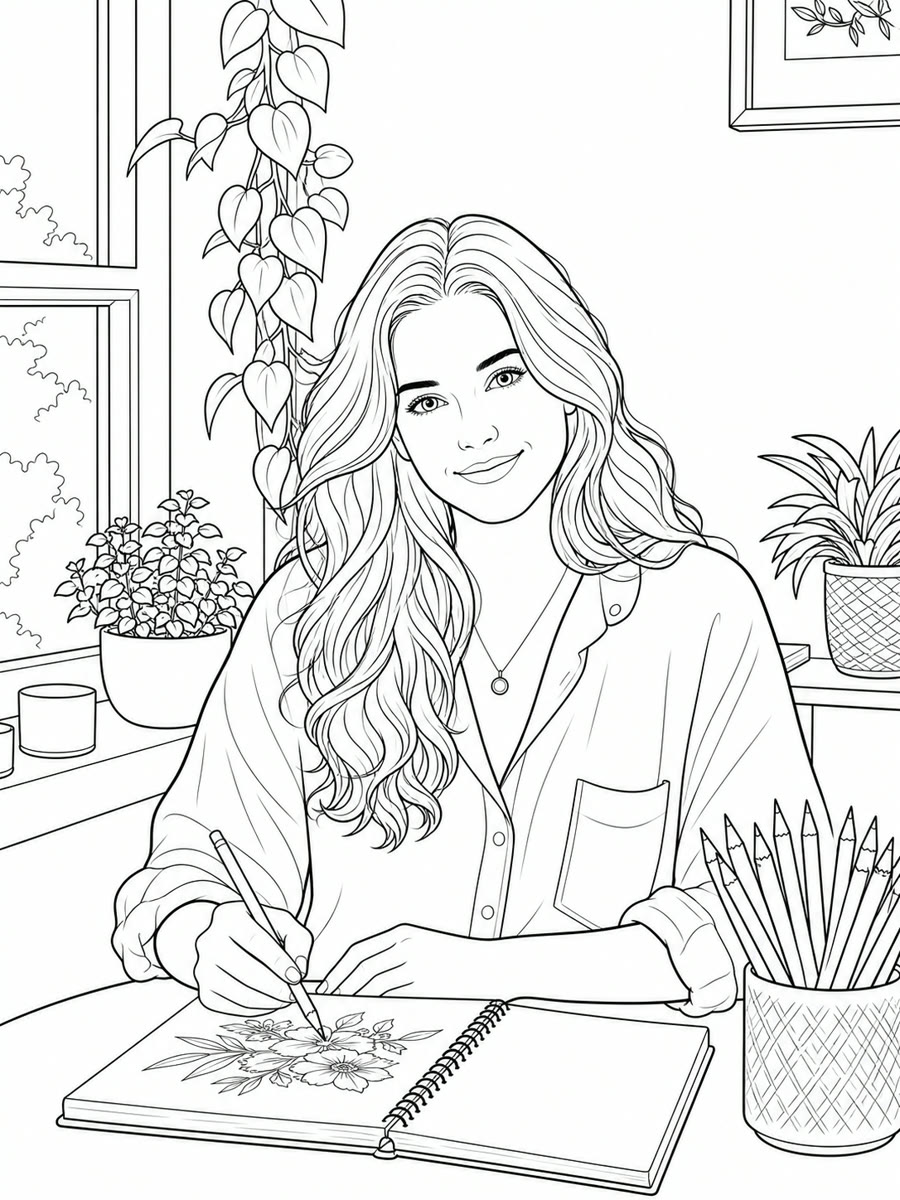
NanoPic turns a real uploaded photo into a refined adult coloring page, so creators can make printable line art from portraits, lifestyle photos, pets, interiors, objects, travel scenes, and gift references. The free preset focuses on mature detail, clean black outlines, printable white space, and photo-to-line-art consistency instead of childish clipart.
The generator is configured for photo-to-line-art workflows where the uploaded image anchors the subject and composition.
Upload a real photo and NanoPic uses it as the visual reference, keeping the core subject, pose, layout, and recognizable details while converting the image into clean coloring-page line work.
The template asks for refined outlines, balanced negative space, detailed hair, clothing, objects, and backgrounds that feel suitable for adult coloring pages rather than simple children-style clipart.
Add details like floral borders, mandala patterns, thicker outlines, cafe scenery, printable white background, or no text without writing the whole prompt from scratch.
Use the image as the anchor, then guide the line-art style with a short prompt.
Portraits, pets, objects, and lifestyle scenes work best when the subject is clear, well-lit, and not buried in a busy background. Avoid screenshots, tiny faces, motion blur, and text-heavy images.
Upload a PhotoAsk for thicker outlines, floral details, open coloring areas, a cozy cafe background, botanical patterns, or a mandala frame. Keep the request focused so the result stays printable.
Edit Coloring DetailsGenerated coloring pages are useful for printable packs, custom gifts, classroom activities for adults, craft products, social content, and visual drafts for coloring book projects.
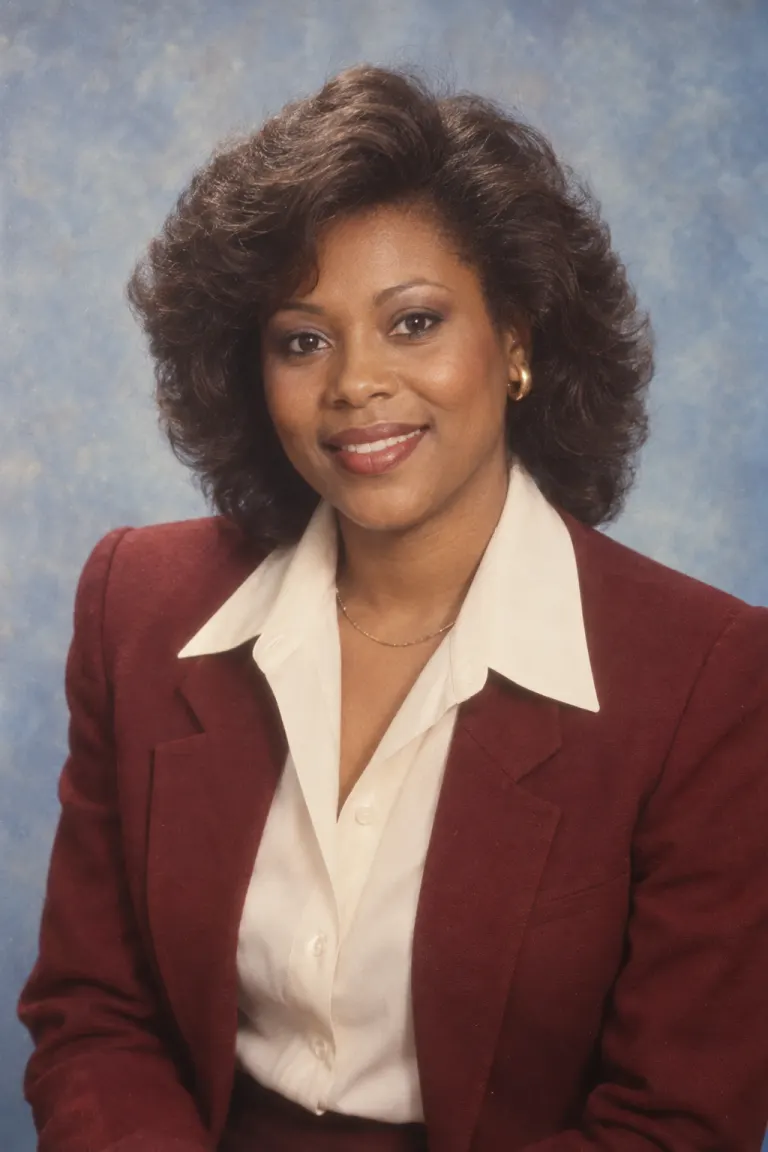
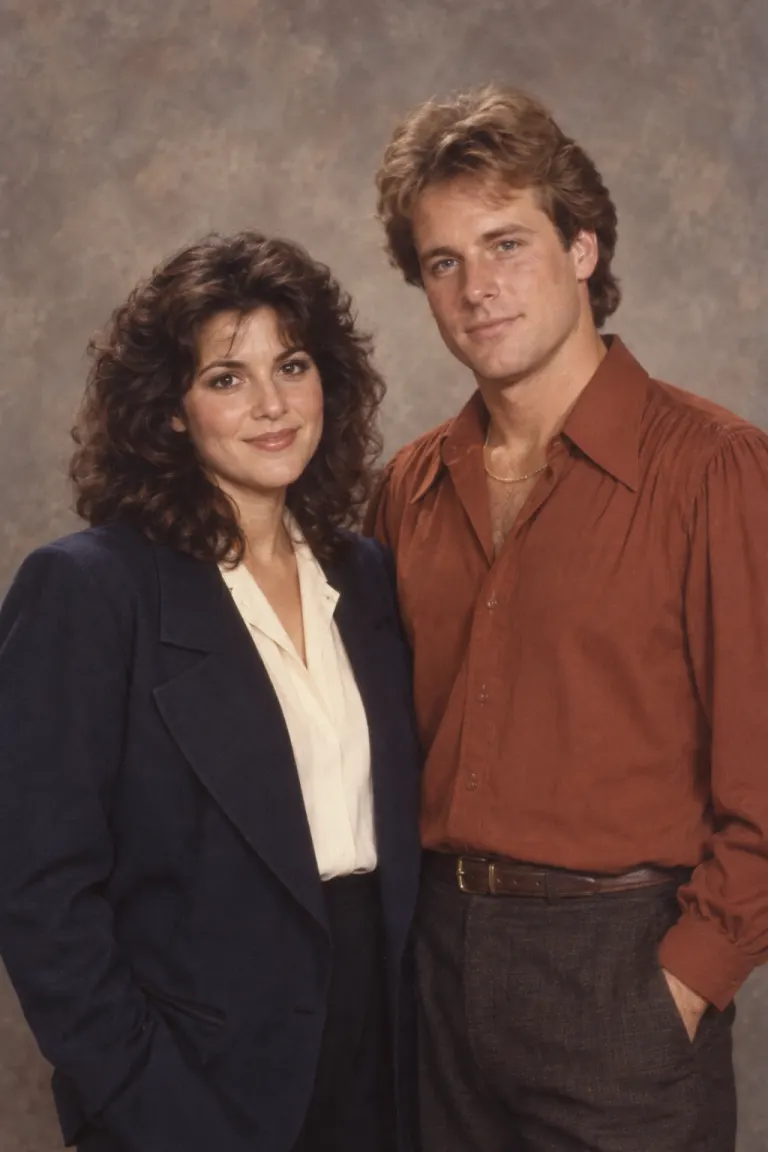
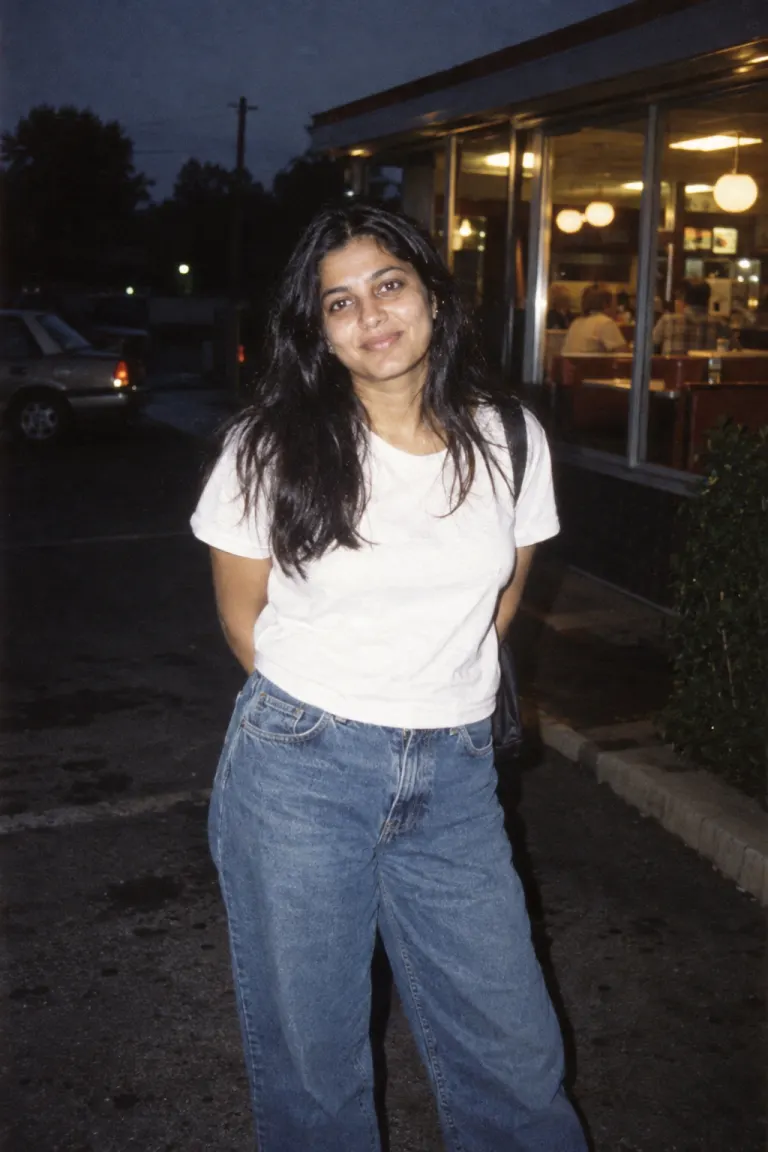
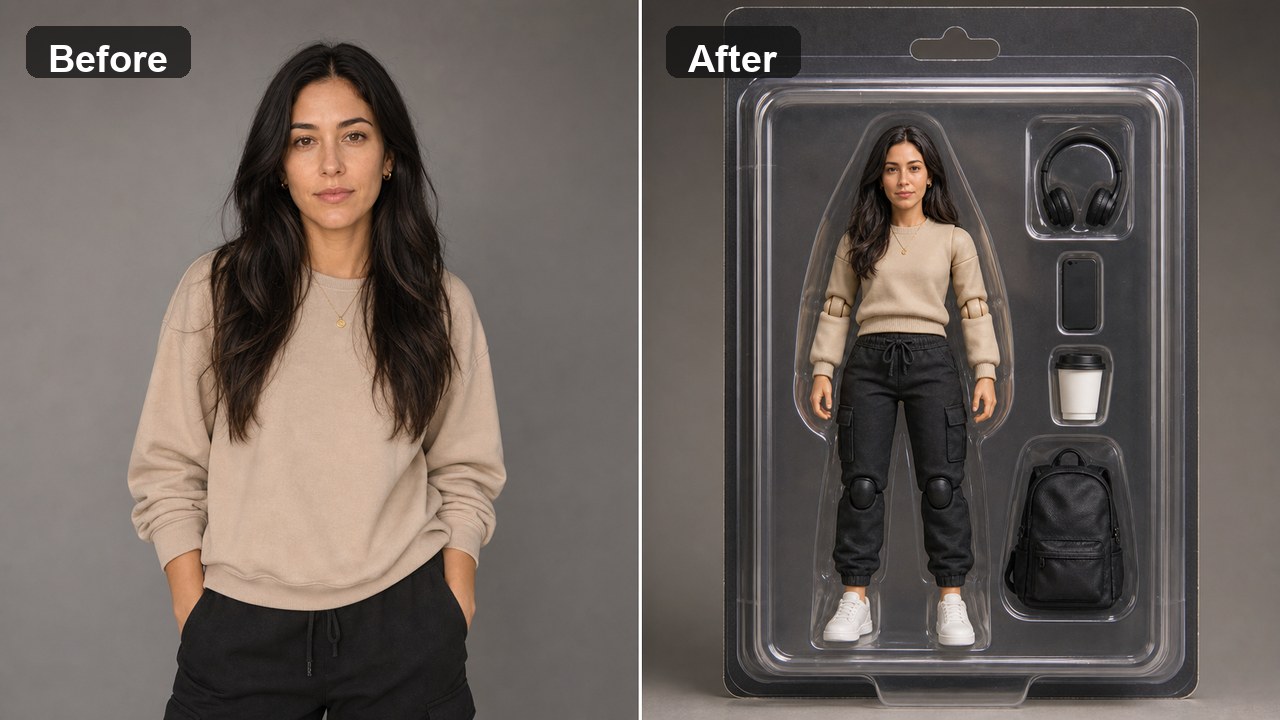
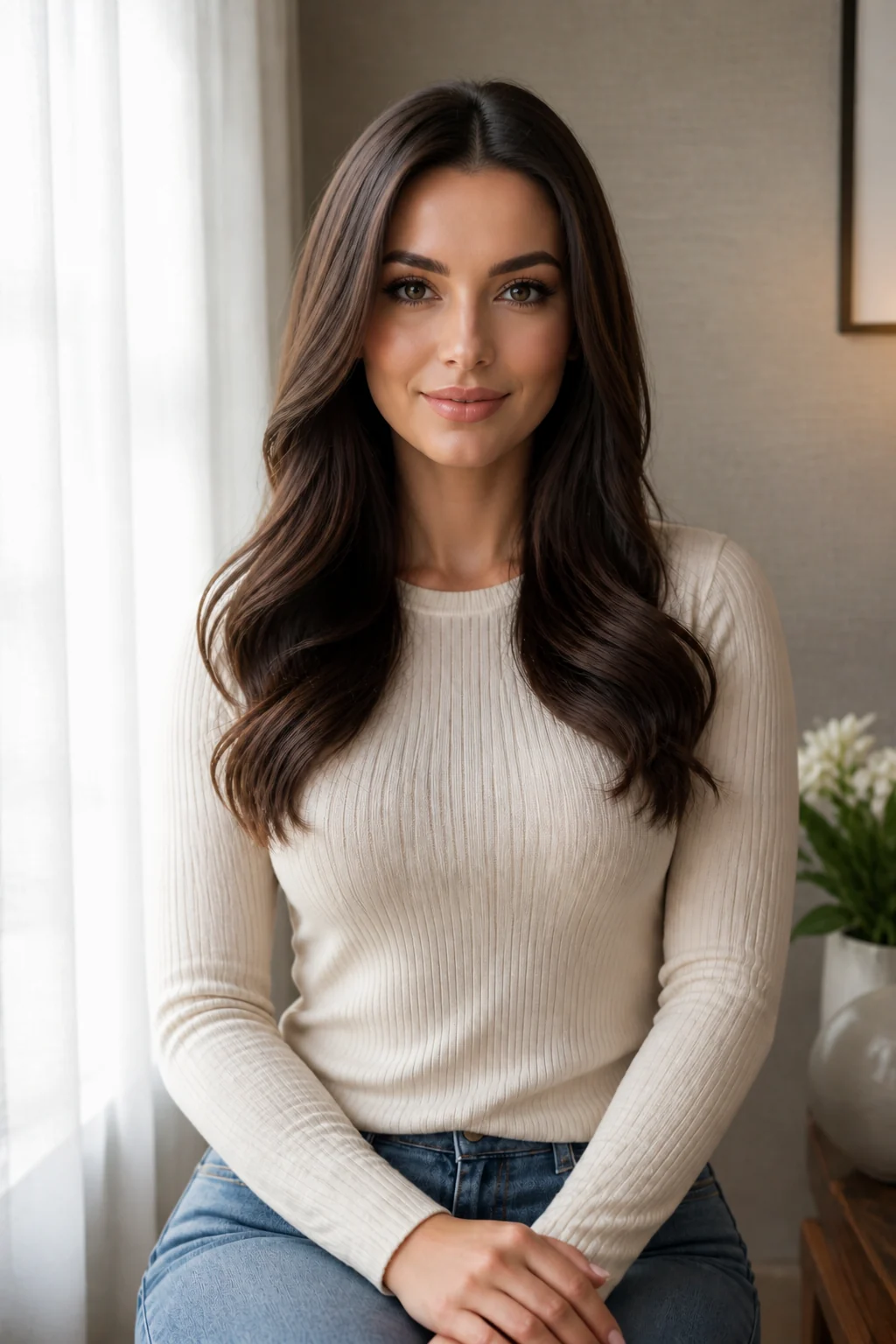
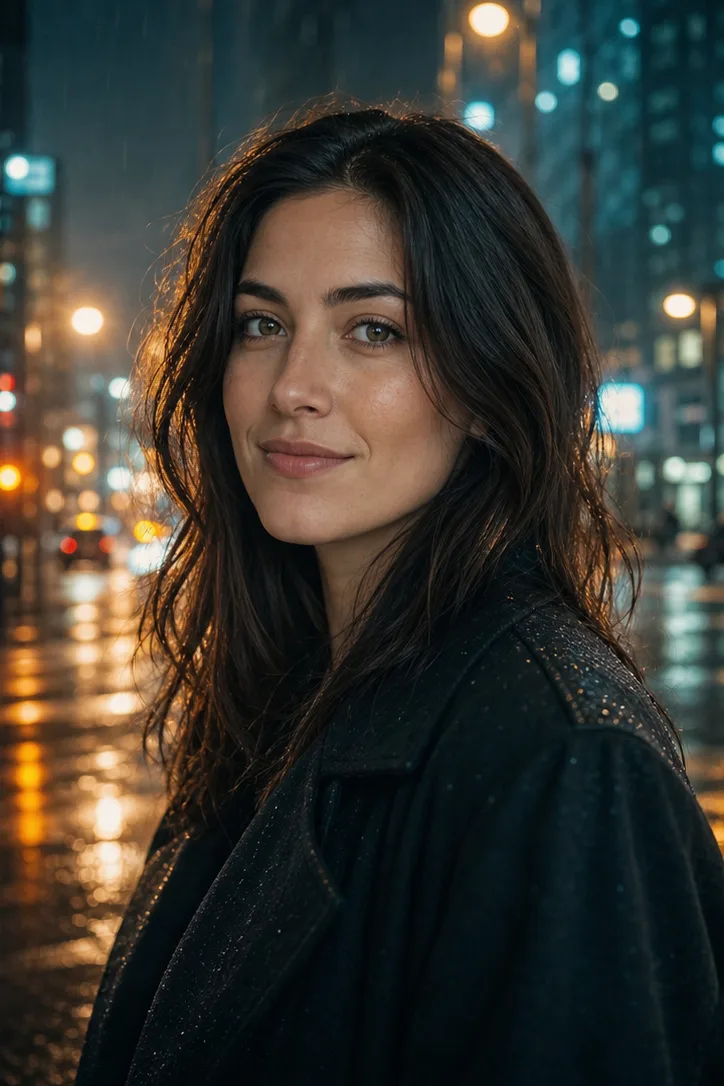
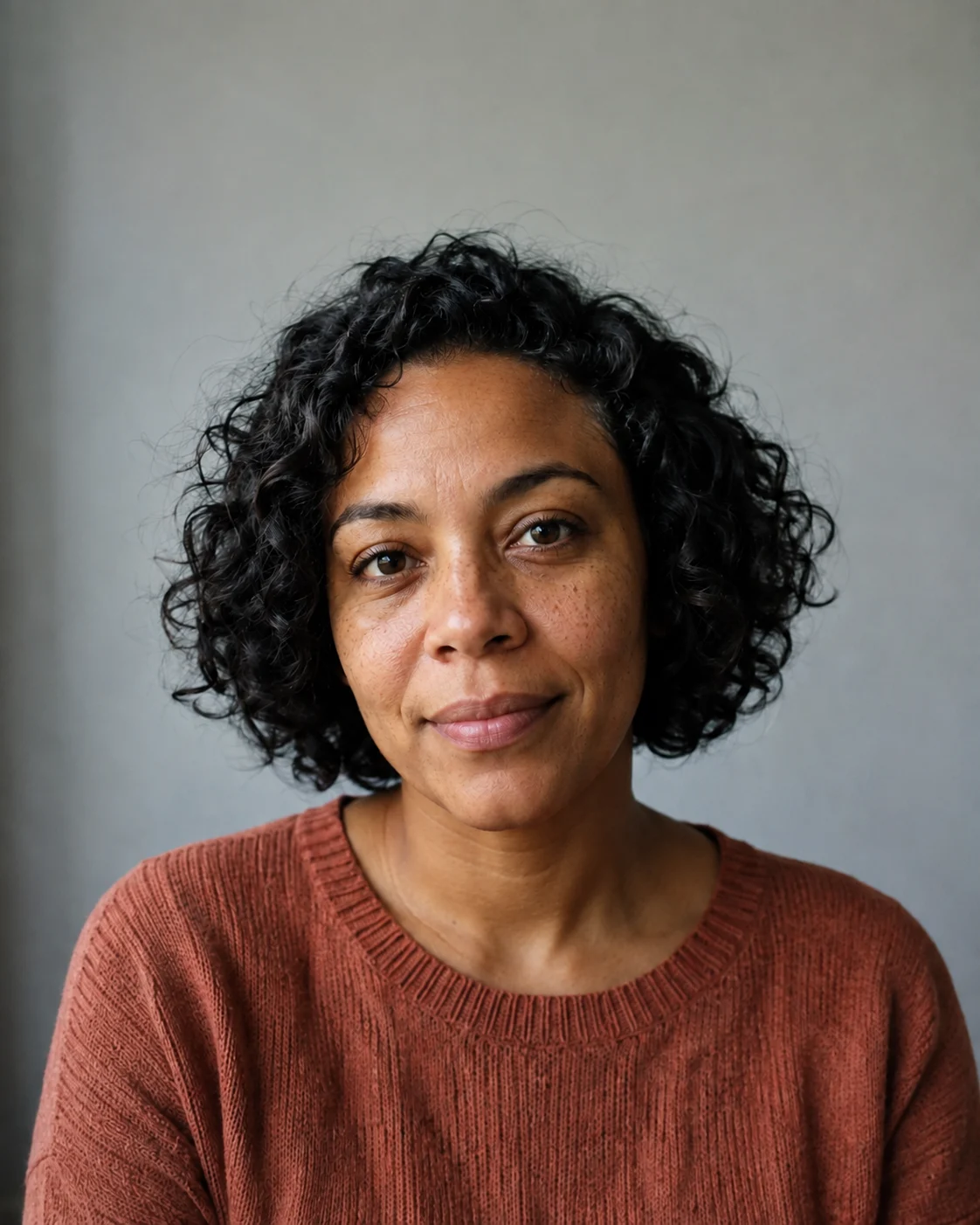
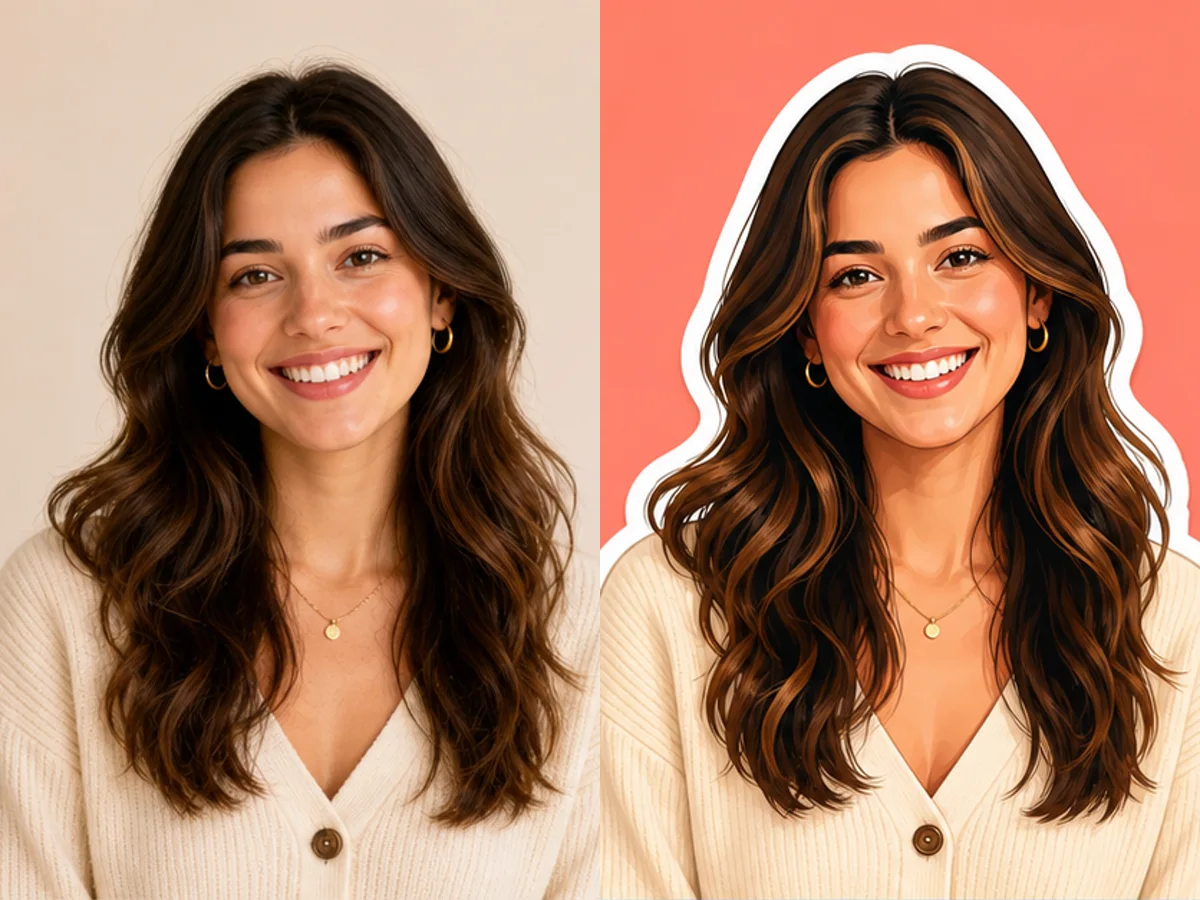
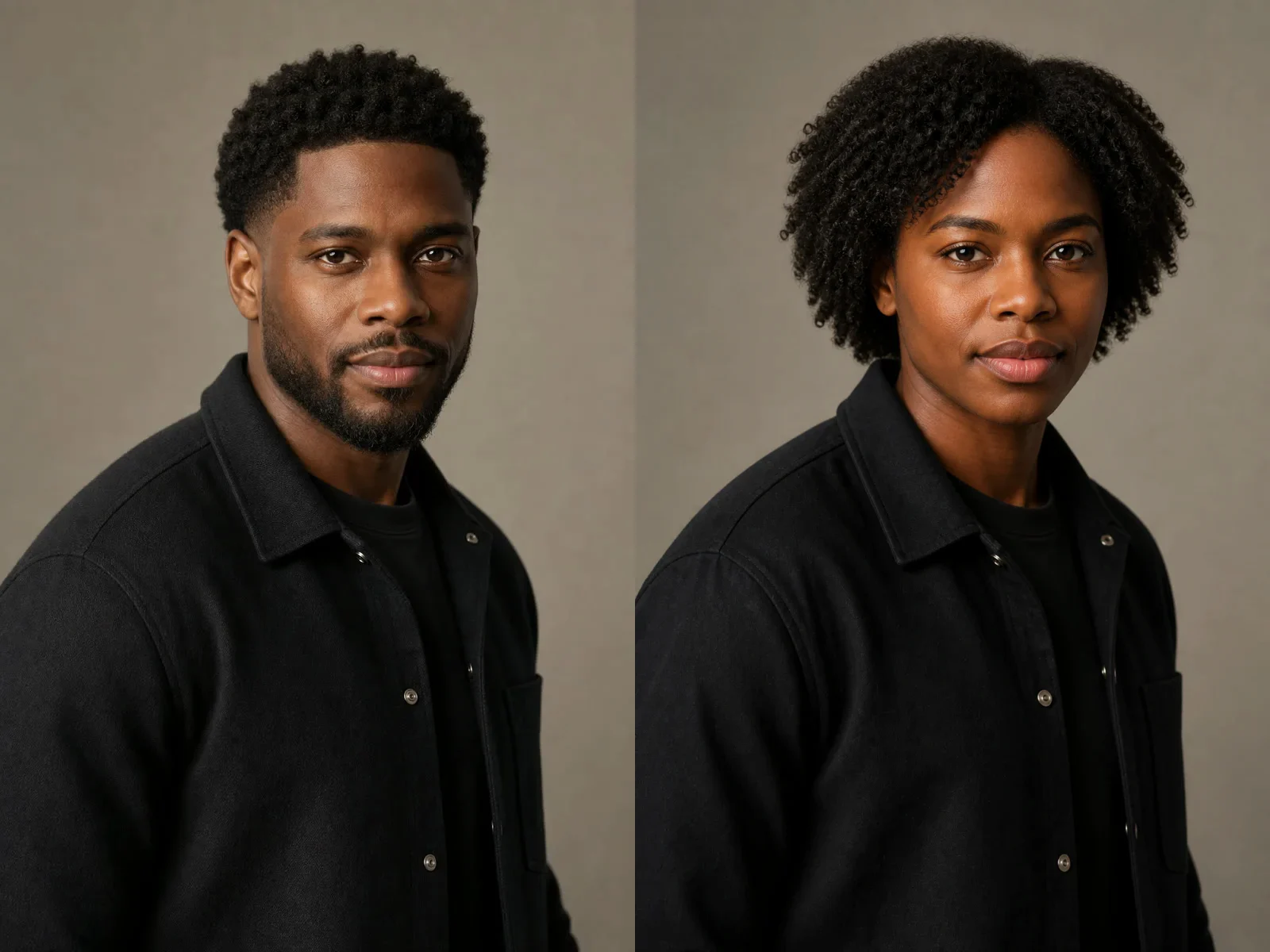
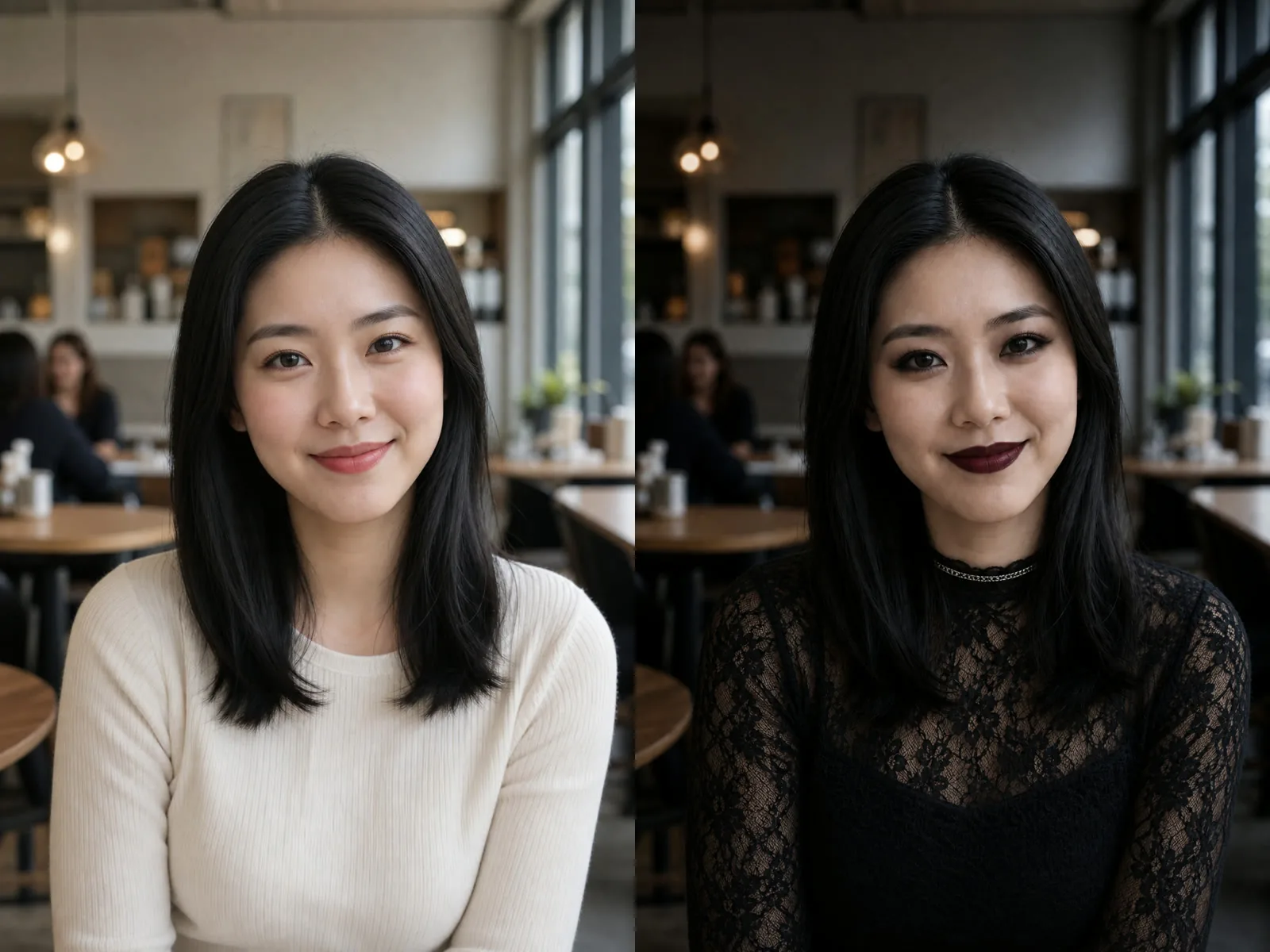
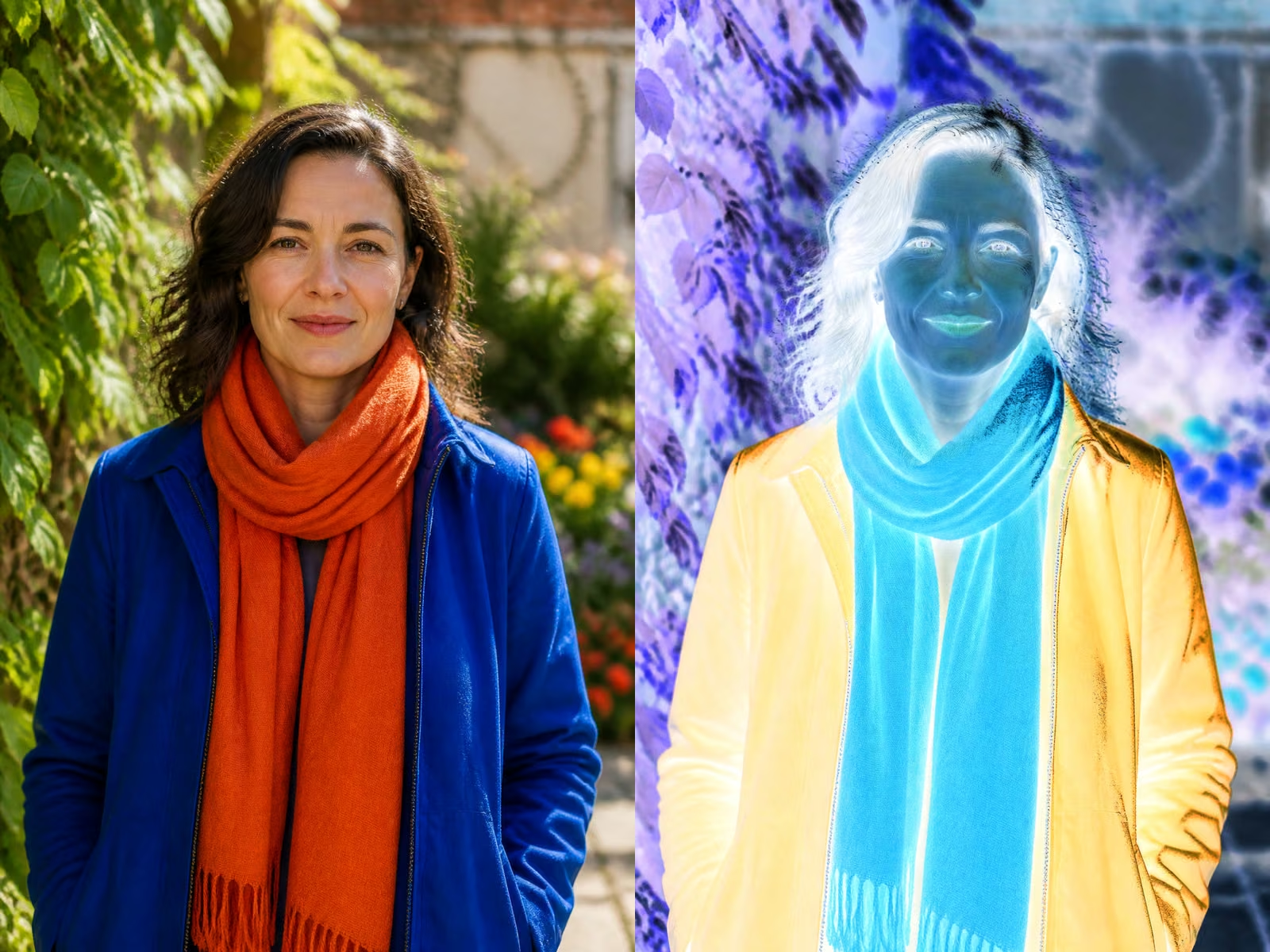
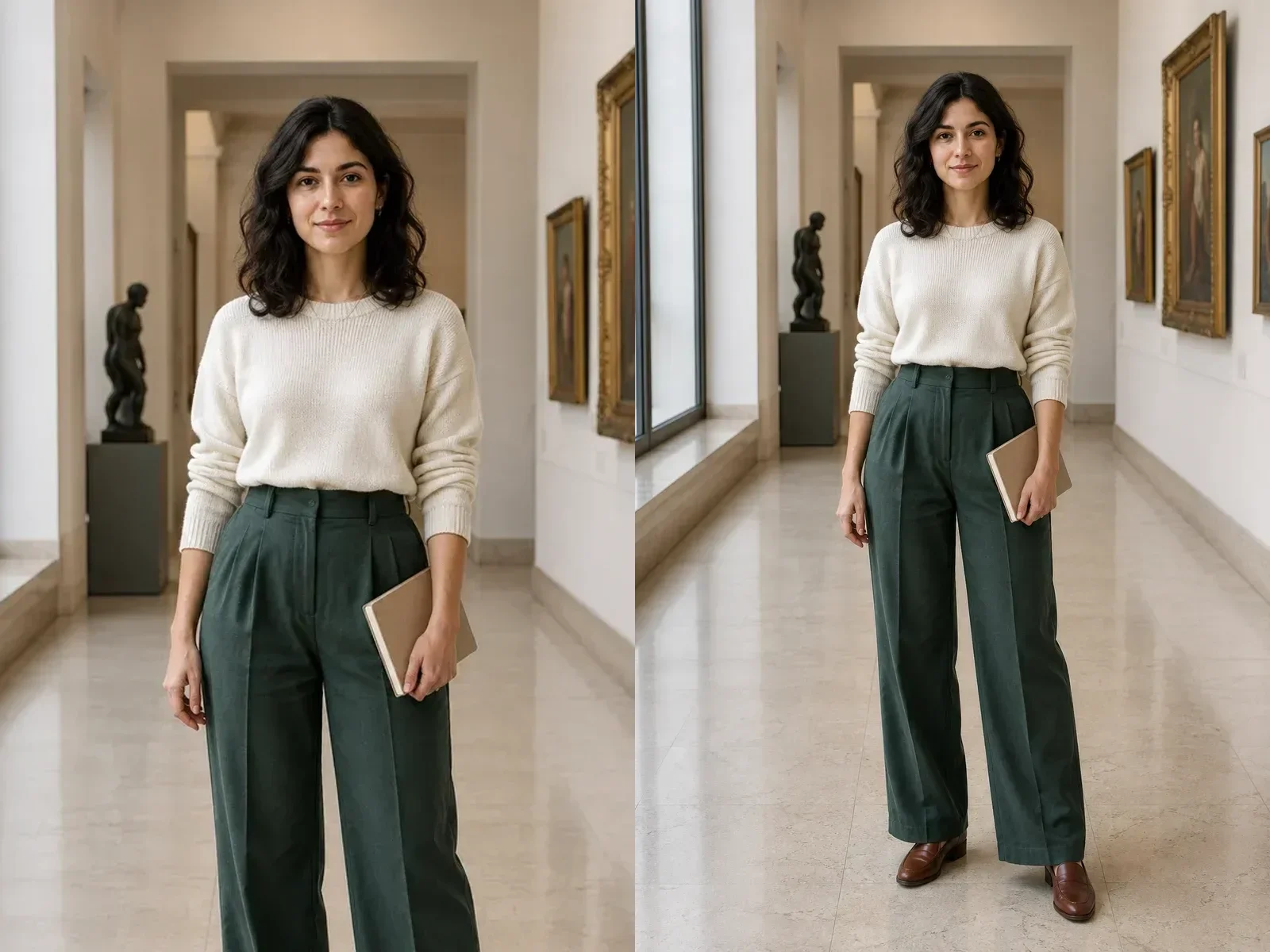
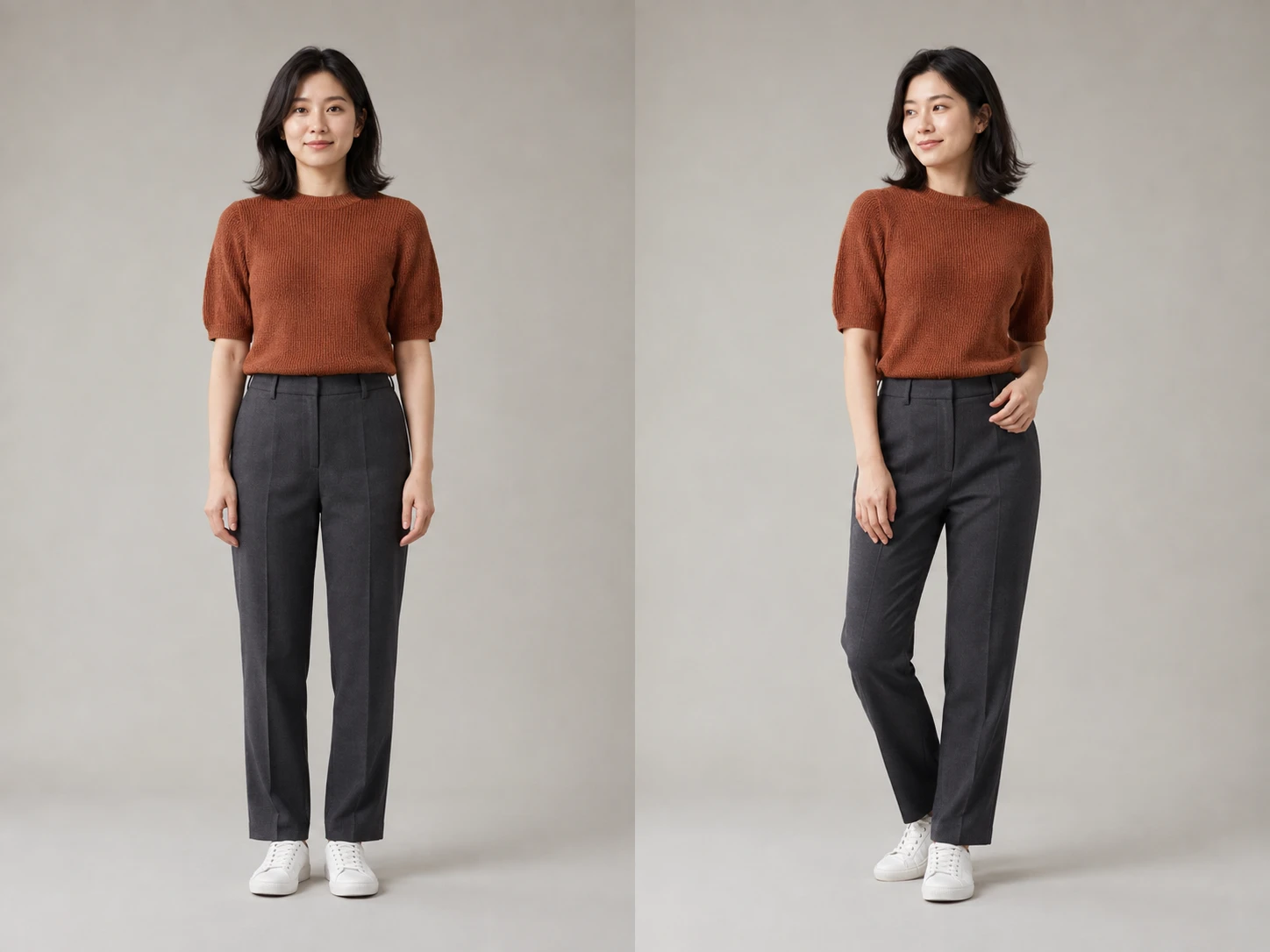
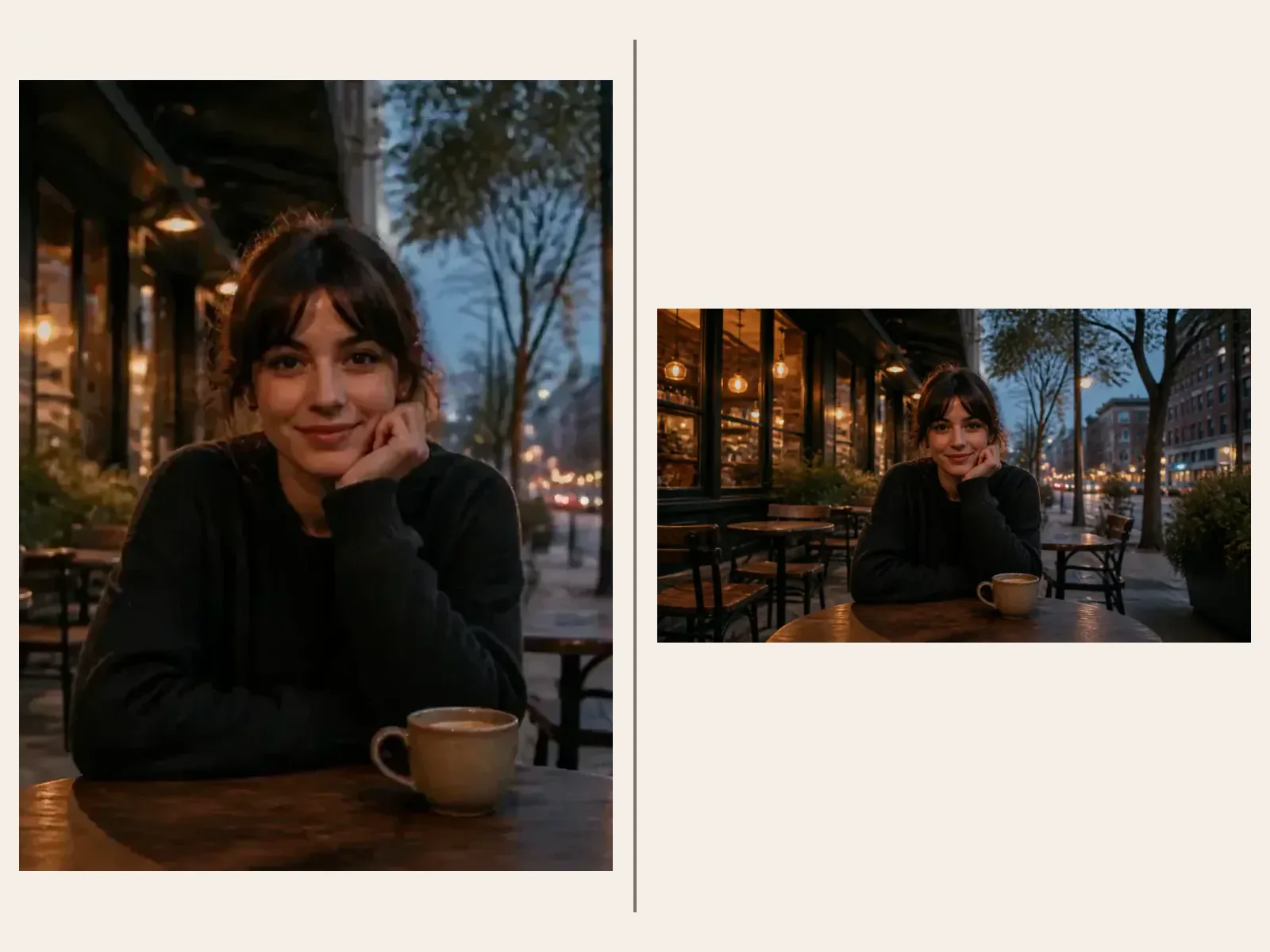
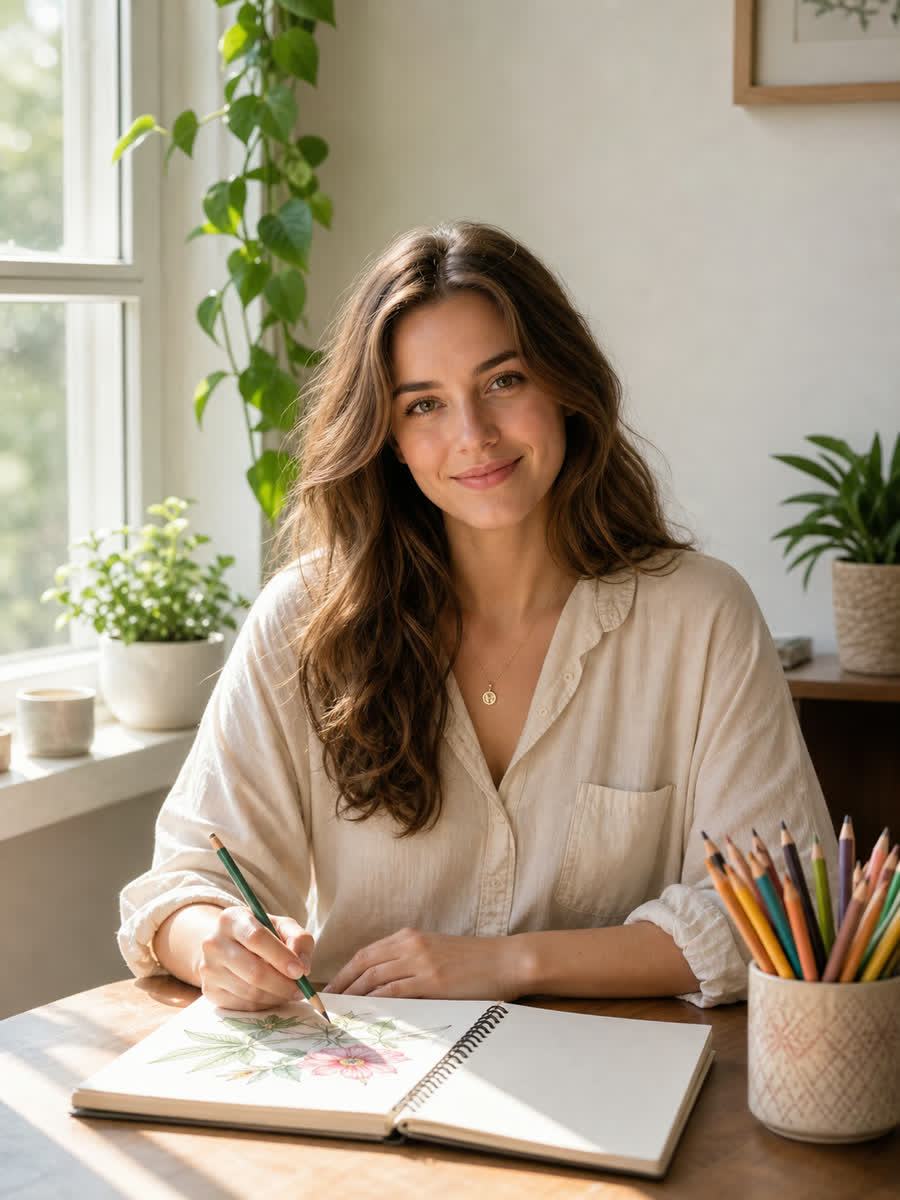
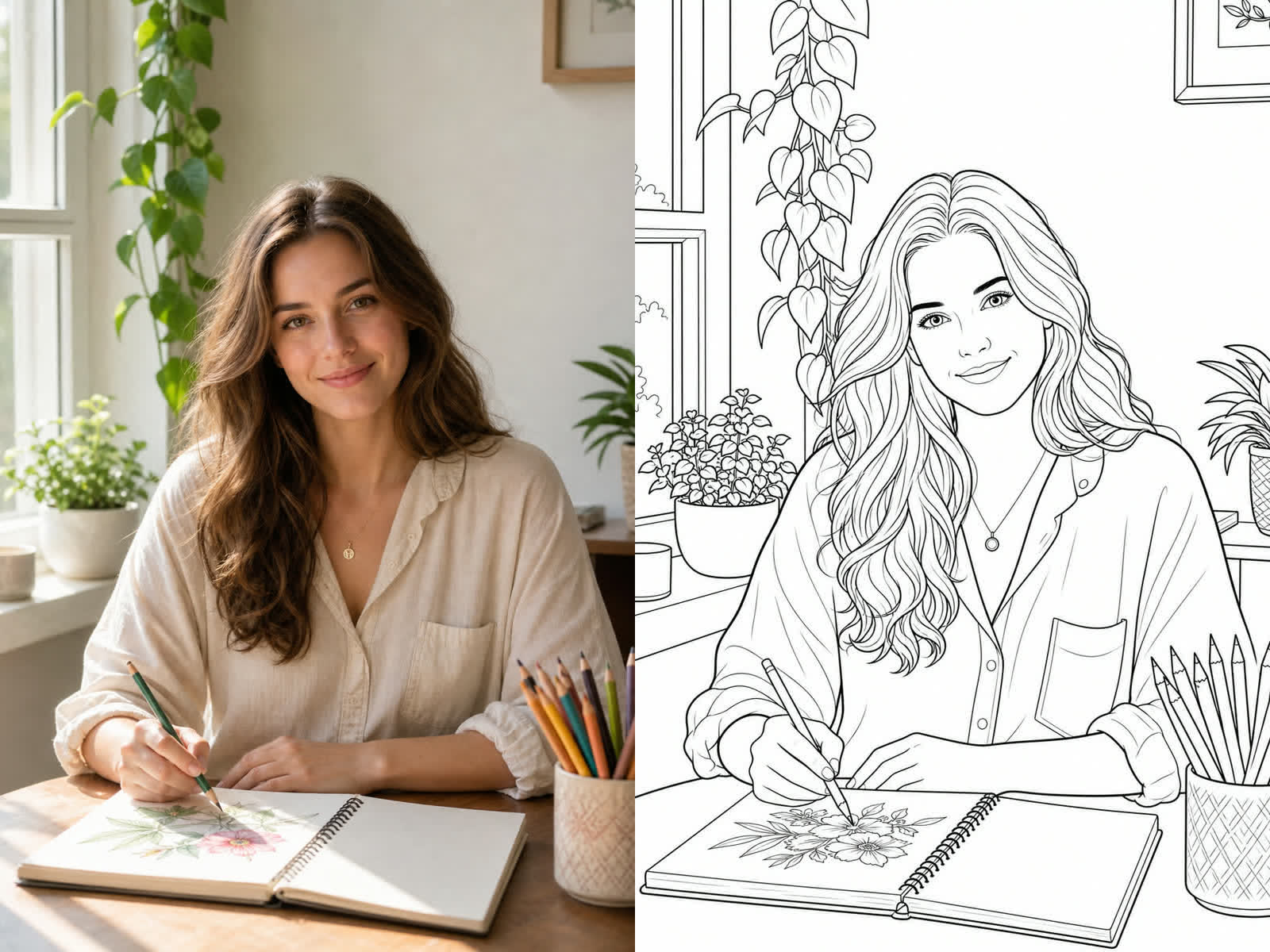
Generate and DownloadThese examples show portraits, indoor lifestyle photos, and a couple photo using the same printable line-art standard for input, output, and before-after assets.
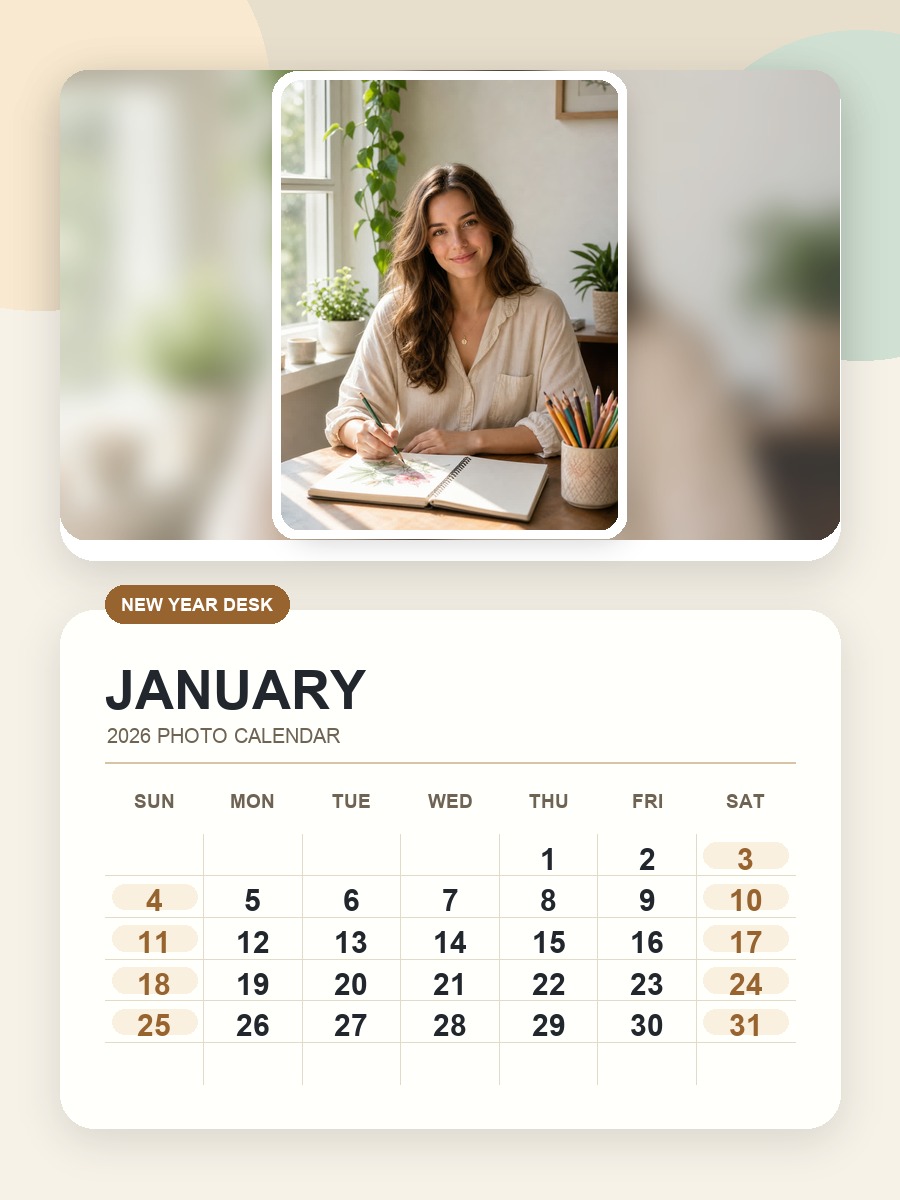
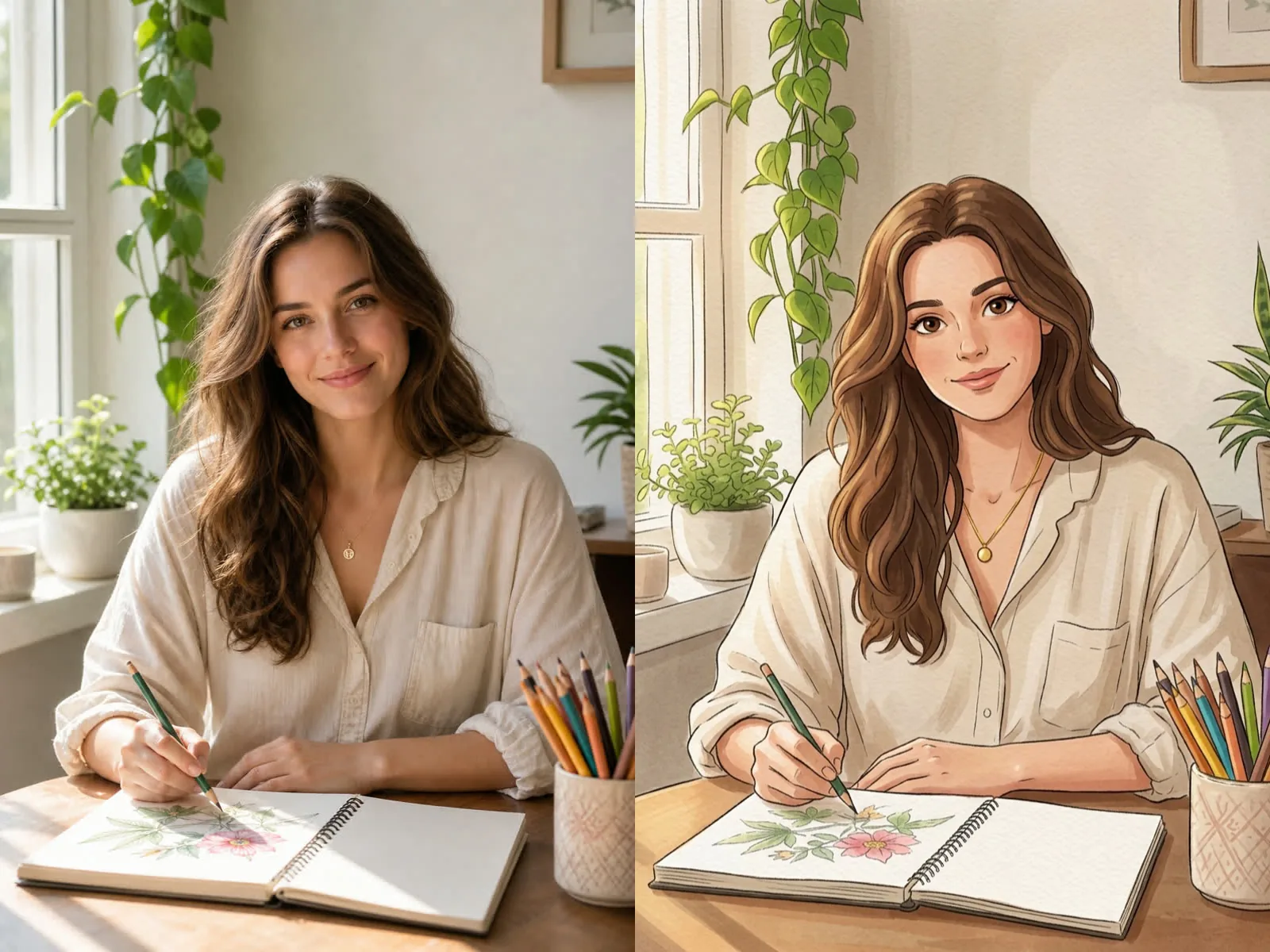
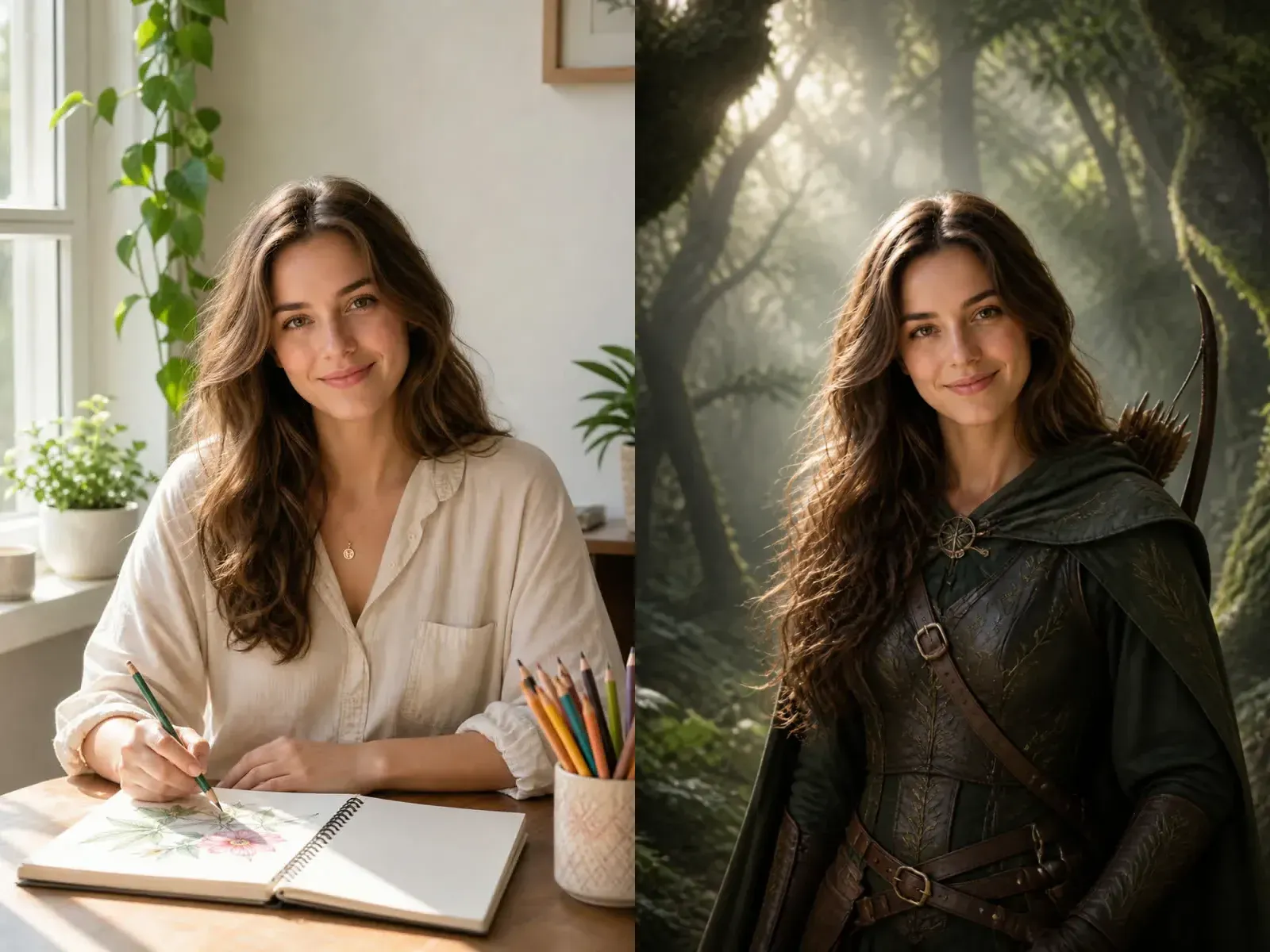
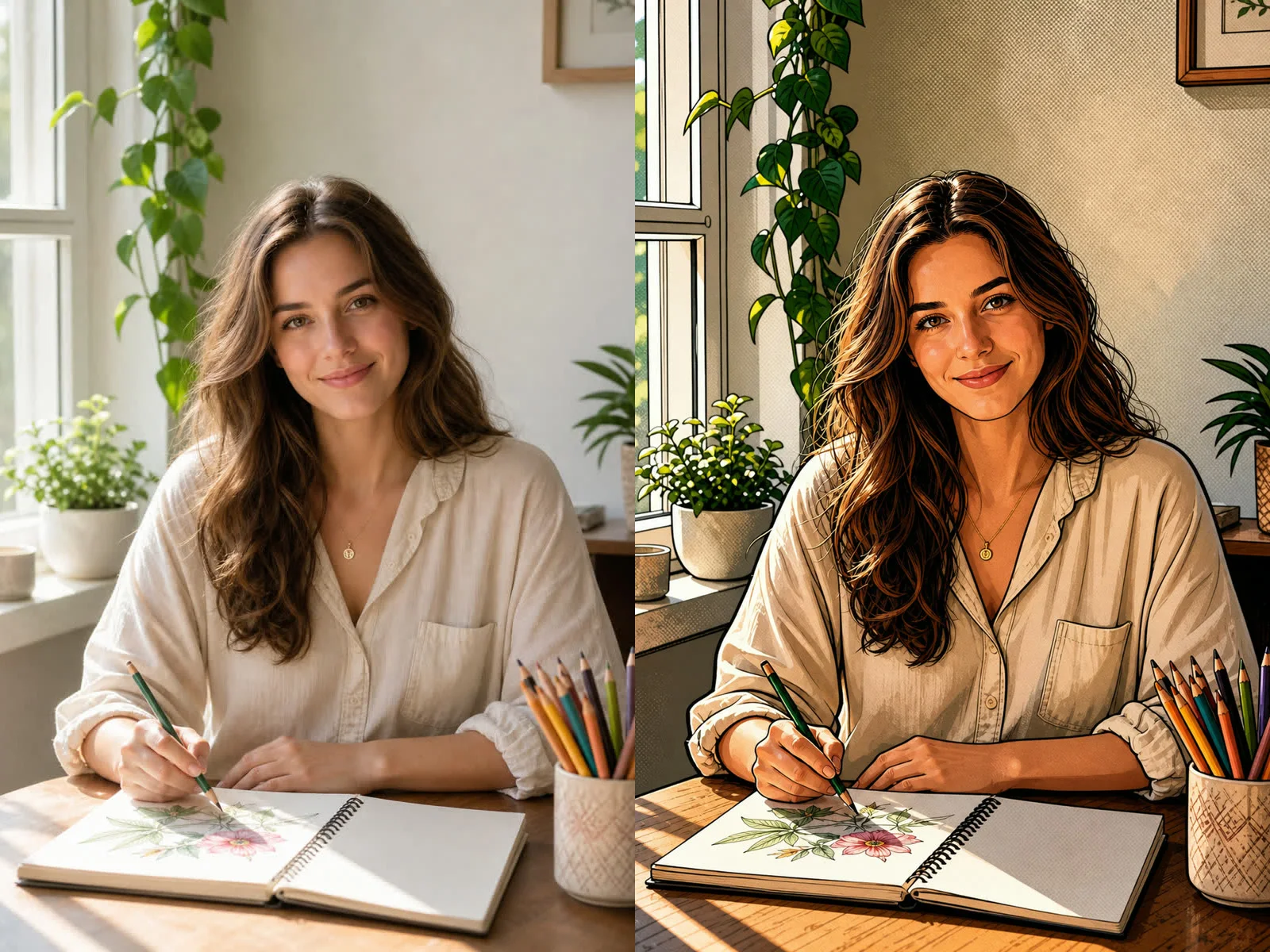
A lifestyle portrait with sketchbook, window light, plants, and pencils converted into printable adult coloring page line art.
Use This PromptQuick answers for creating printable coloring pages from photos.
Yes. This page is configured as a photo-to-coloring-page generator. Upload a clear image so the result can preserve the real subject and composition.
Use clear portraits, pets, products, interiors, travel scenes, or objects with good lighting and a readable subject. Avoid heavy blur, tiny faces, screenshots, and images full of text.
Yes. Add prompt details such as detailed hair lines, floral background, mandala border, thicker outlines, printable white background, or more open spaces for coloring.
The template asks for clean black-and-white printable line art. You should still review the generated file before selling or printing large batches.
NanoPic can help create drafts and assets, but you should confirm rights for the uploaded photo, any recognizable people or products, and the generated output before commercial use.
Upload one image, adjust the coloring style, and generate a free printable adult coloring book page.