


Save up to 73% on plans

Puerto Rican Mami Dance Video Generator
Sign In

Puerto Rican Mami Dance Video Generator

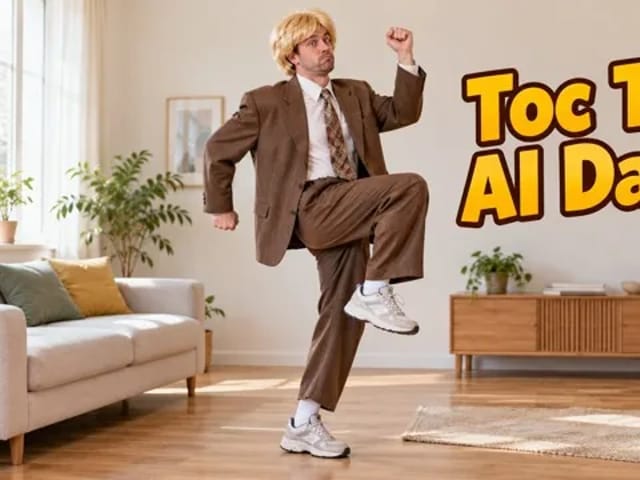
Upload one clear full-body JPG, PNG or WebP of one or two consenting adults, up to 10 MB, and Puerto Rican Mami Dance turns that photo into a playful duo-style routine: arms raised with a light bounce, a side-to-side sway, a knee tap, then a lean with hands on the knees. You get a vertical 9:16 MP4 in 720p. Each result is an original take inspired by the trend, not a copy of any real clip.

Your photo (required)*(0/1)

Please add the required Your photo (required) before generating.

0 / 500

Public VisibilityAllow this result to appear in public inspiration surfaces.

Your dance clip

Video

Courtyard duo Puerto Rican Mami Dance

More AI Video Models & Effects

What you get before you press generate

Puerto Rican Mami Dance needs one full-body photo of one or two adults who agreed: friends, partners, or a solo take. JPG, PNG or WebP up to 10 MB works; face the camera with shoes in frame and eyes visible. Pets, group crowds, children and celebrity faces are not supported. Every clip comes out the same way: vertical 9:16, 720p MP4. The four-step choreography and steady full-body camera are fixed. You choose the photo and can add a short direction, such as a bigger grin or a calmer sway; aspect ratio and resolution cannot be changed. Results vary from the examples and will not match any original post. Credits for each render show in the generator; if a generation fails, those credits return to your account automatically. Downloaded videos carry no NanoPic watermark; save the ones you want to keep promptly.

What a Puerto Rican Mami Dance clip looks like

Four beats carry the vibe, and each one leans on a different part of your full-body photo.

Arms up with a light bounce

A Puerto Rican Mami Dance clip opens with both arms high and a soft bounce through the knees, so the whole body has to stay readable. That is why a head-to-shoe photo beats a tight selfie: the model needs room over the raised hands and under the sneakers. Bright, even light on the face keeps likeness steady while the arms move. Fitted tops and simple colors hold up better than busy logos that stretch during the bounce. If you want a calmer opening, add a short note such as softer bounce, smaller smile.

Try it with my photo
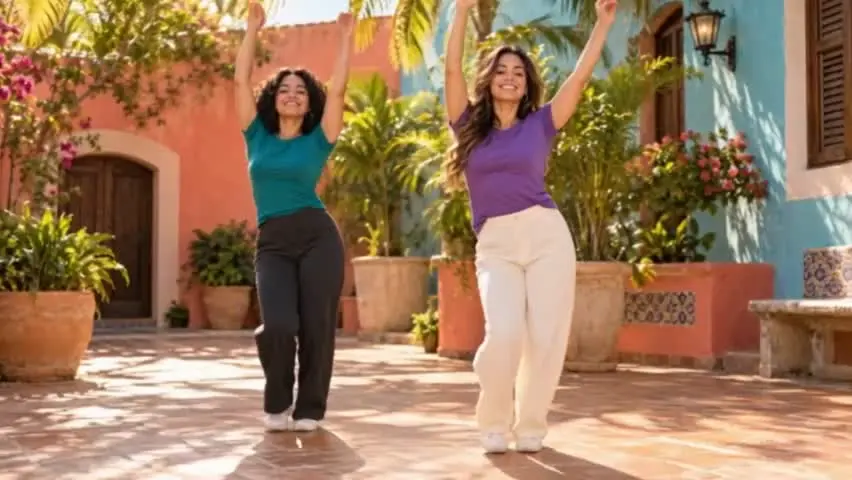
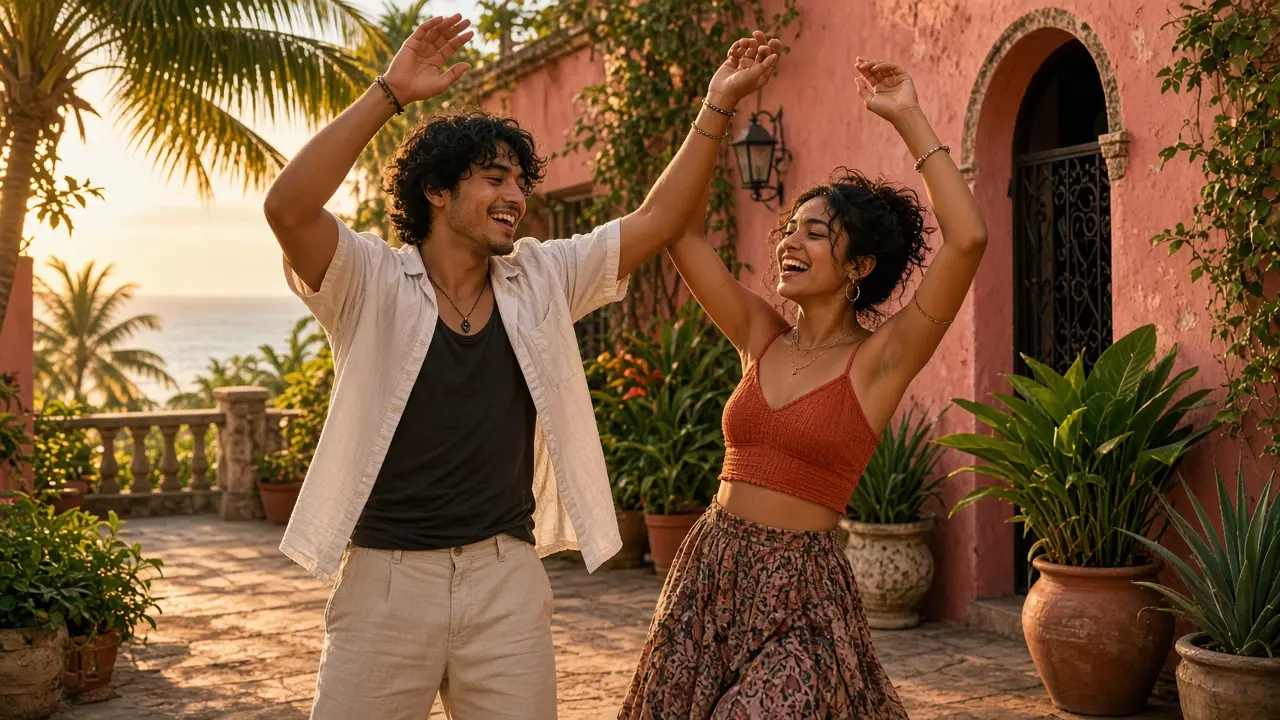
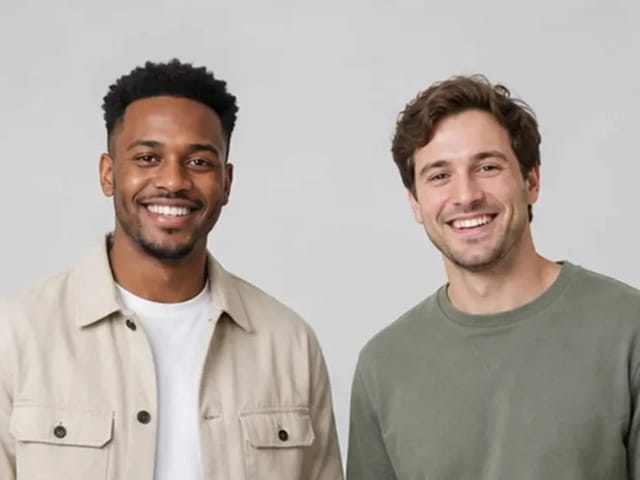
Two friends raising both arms overhead in a sunny Caribbean courtyard

Side sway and grounded steps

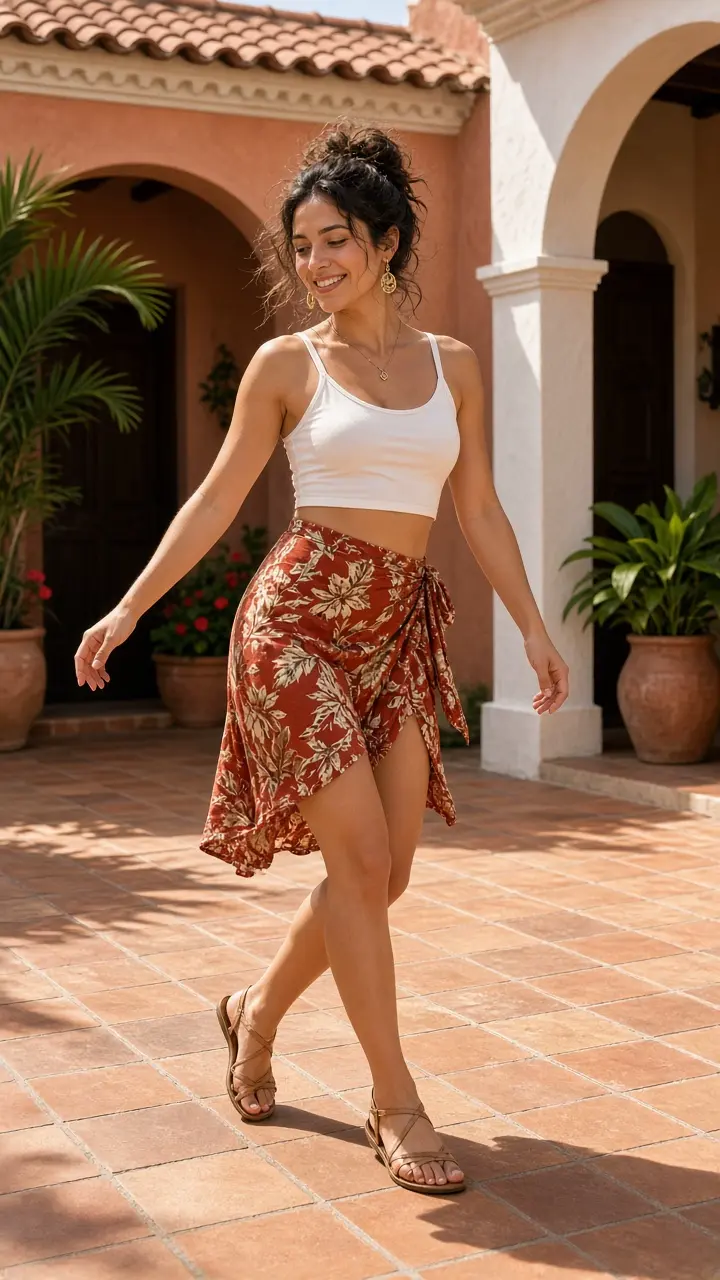
Next comes the side sway: arms lower, shoulders stay loose, and small grounded steps keep the groove playful rather than acrobatic. This is the heart of every Puerto Rican Mami Dance video, so watch that both dancers stay upright and shoes stay planted. A waist-up crop leaves the feet to guesswork; full-body framing keeps the steps honest. Jackets and wide pants look great if the silhouette is clear against the background. Keep any direction short, such as slower sway or more shoulder movement, and let the sequence do the rest.

Try it with my photo
Woman swaying side to side with relaxed shoulders on a terracotta patio

Knee tap, then the lean-in finish

Weight shifts to one foot, the opposite knee lifts, a hand taps it lightly, then both feet plant wide for the lean with hands on the knees. That finish is the shareable punchline of the take, so check hands, knees and faces carefully before you download. Fast limb moves can blur fingers for a moment; a sharper photo usually helps more than a longer note. For a duo shot, both people run the same progression and keep their own outfits. Solo photos stay centered the whole way, with no partner invented for you.

Try it with my photo
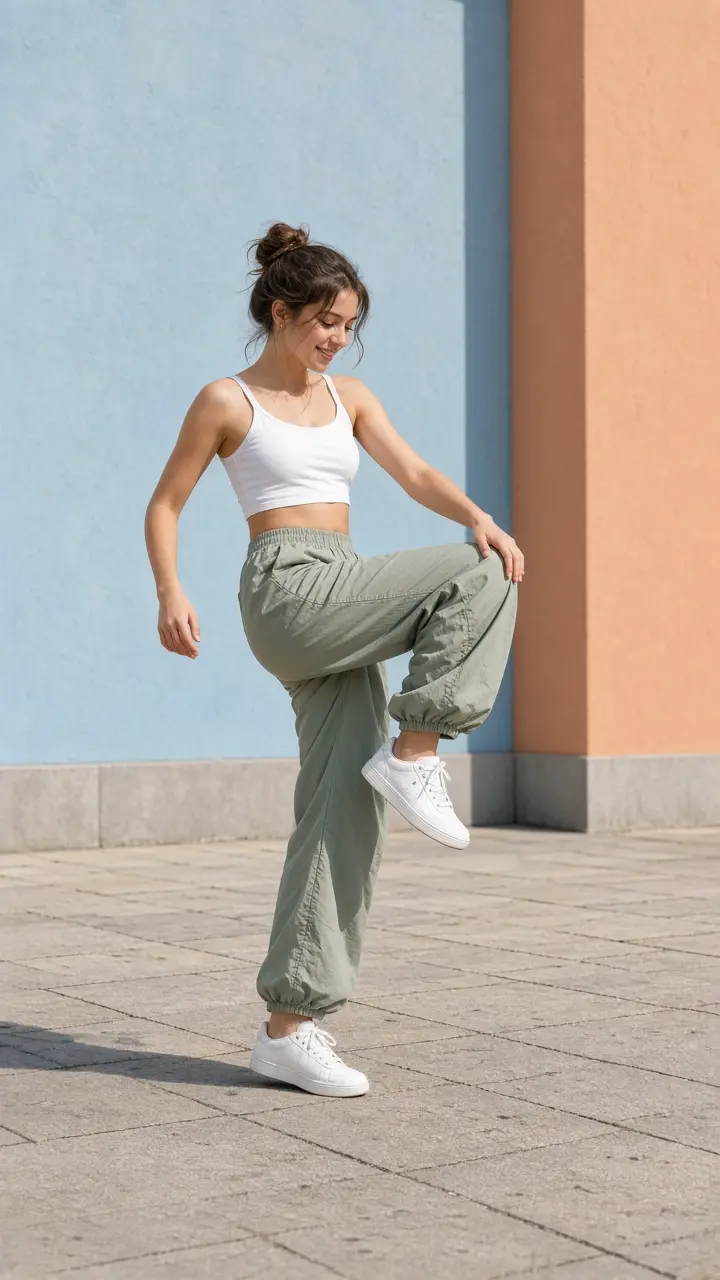
Dancer lifting one knee and tapping it lightly with one hand outdoors

Solo or duo from one photo

Upload a solo portrait for a centered solo, or a photo that already shows two adults standing side by side for a duo take. The effect does not ask for a separate reference clip; your still photo supplies faces, hair, skin tone, outfits and shoes. If there is room, a duo may trade sides once between the sway and the knee tap; otherwise they stay side by side. Only animate adults who said yes, and make one clip per cast so faces do not blend. When each friend has a version, the trend becomes a shared joke instead of a one-off post.

Try it with my photo

How to make a Puerto Rican Mami Dance video

Three steps from one full-body photo to a vertical clip you can post.

Upload one clear full-body photo

Pick a sharp JPG, PNG or WebP of one or two consenting adults: you, a partner, or friends who agreed. Face the camera, keep eyes visible, and show hair, outfit and shoes, because those details carry into the clip. Avoid crowd shots, masks, heavy beauty filters and face-only selfies. Plain backgrounds are fine; the dance sequence and framing are already built in. If faces are small, crop closer before uploading so likeness is easier to read.

Try it with my photo
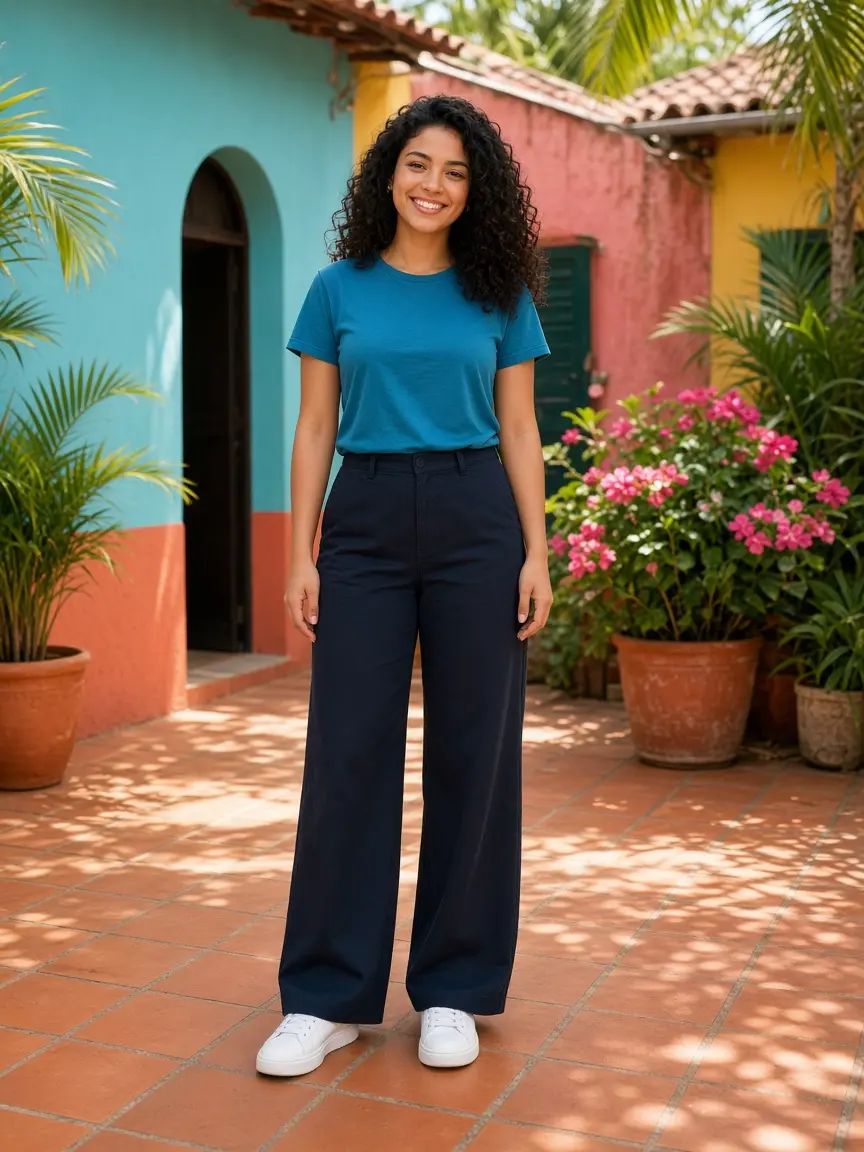
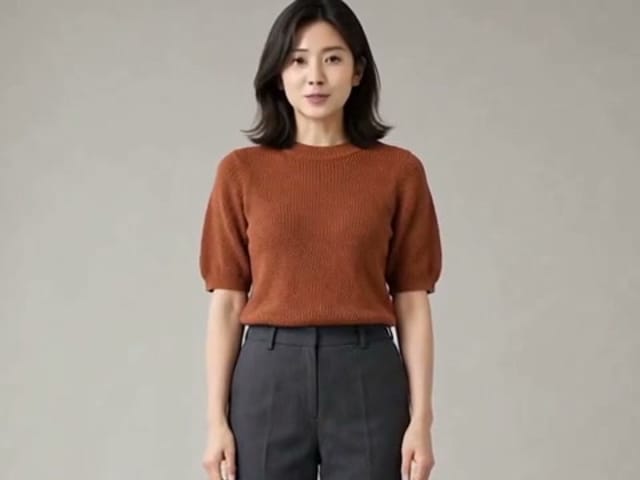
Front-facing full-body portrait of a woman in a teal shirt ready to upload

Add a short direction and generate

The choreography is already part of the effect, so the text box is optional. Use it for small, concrete requests: bigger smile, slower sway, calmer lean, or keep sunglasses on. Describe one or two changes rather than a whole new story, because short notes keep faces and outfits stable. Press generate when you are ready; credits for each render show in the generator. You can keep browsing while it works and come back to the result panel when it is ready.

Try it with my photo
Two friends dancing with arms raised on a sunlit Caribbean terrace

Review, download and post

Play the full clip before you save it, not just the opening arms-up beat. Check that faces stay recognizable through the sway, that hands look natural on the knee tap, and that outfits hold through the lean. If something drifts, retry with a clearer full-body photo rather than a longer paragraph of notes. Download the vertical MP4 and post it to TikTok, Reels or Shorts in the format they already expect. Label the post as AI-generated so friends know it is a playful remix.

Try it with my photo
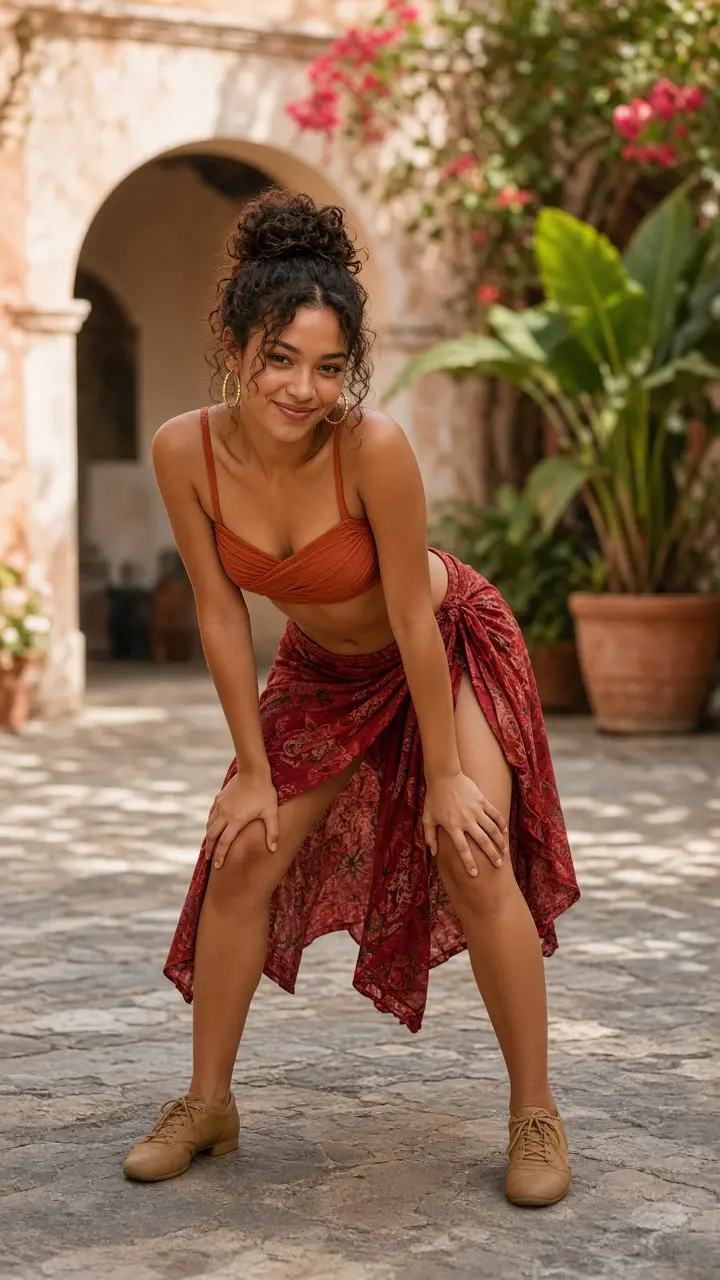
Dancer leaning forward with hands on knees looking at the camera

Puerto Rican Mami Dance questions and answers

What is Puerto Rican Mami Dance?

Puerto Rican Mami Dance is a photo-to-video effect that turns one full-body portrait of one or two adults into a short, original playful routine: arms up, side sway, knee tap and a lean-in finish.

How do I make a Puerto Rican Mami Dance video?

Upload one clear full-body photo, add an optional short direction, generate, then review the vertical clip and download the MP4 before you post.

Do I need one photo or two?

One photo is enough. Use a solo portrait for a centered take, or a side-by-side photo of two adults for a duo. Separate multi-upload slots are not required.

Does this effect recreate an original clip?

No. Each video is a new performance inspired by the trend, not a copy of any original footage or the people in it.

Is Puerto Rican Mami Dance free?

Credits for each render show in the generator, and you are asked to sign in first. Failed generations refund the credits automatically.

Will it look exactly like me?

Likeness is usually close but not guaranteed. Fast moves can change hands, sleeves or small details for a moment, so watch every clip before sharing.

Whose photos can I use?

Only your own photo or photos of adults who agreed to be animated. Celebrities, public figures, children and anyone who did not consent are not allowed.

Is NanoPic affiliated with the original creators?

No. This is an independent, unofficial effect and is not affiliated with or endorsed by the original dancers, songwriters or platforms.

Ready for your Puerto Rican Mami Dance?

Upload one clear full-body photo, add a short direction if you like, and see yourself run the arms-up, sway, knee-tap and lean-in sequence in your own Puerto Rican Mami Dance video.

Related tools

25th Anniversary Video Maker

25th Anniversary Video Maker

Make a short silver 25th anniversary video concept from one or two authorized couple photos. Add names, year, mood, motion, and editor-ready greeting space.

Open tool
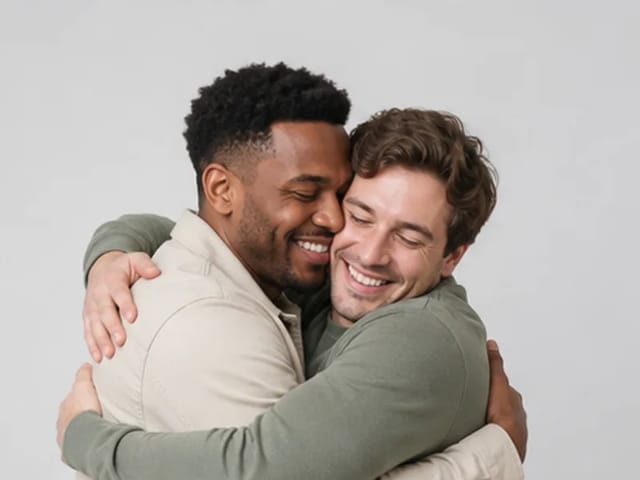
Storyboard cover of two fictional adults sharing a hug

AI Hug Video Generator

AI Hug Video Generator turns an authorized photo of consenting adults into a five-second friendly hug. Review faces, hands, clothing and scene throughout.

Open tool
Animate Picture

Animate Picture

Animate a picture into a short AI video. Upload one authorized photo, describe subject and camera motion, review the live credit cost, and generate with Seedance.

Open tool
Birthday Video Maker

Birthday Video Maker

Create a short birthday video concept from one or two authorized photos. Direct the theme, transition, motion, format, and clean space for exact editor-added greetings.

Open tool
Draw to Video: Animate Images with Motion Arrows

Draw to Video: Animate Images with Motion Arrows

Draw to Video lets you add arrows, text and brush strokes to an image, then generate an AI video from your motion guide. Edit, save, create and download.

Open tool
Elon Musk + Sam Altman

Hotel Lobby AI

Turn two photos into a 15-second orange-studio rap duo with MiniMax H3. Explore five actual videos, inspect their inputs and choose your left and right performers.

Open tool
STORM II dance with a lead and coordinated supporting dancers

STORM II Dance AI Video Generator | NanoPic

Create a STORM II dance with your lead photo and an AI-generated motion reference. Add a supporting cast, compare three videos and review your result.

Open tool
AI Cheek Pinch Video Generator

AI Cheek Pinch Video Generator – Pinch Cheeks From One Photo | NanoPic

Turn one photo of an adult (with consent) or your pet into an ai cheek pinch video: hands gently squeeze the cheeks and let go. Download and share.

Open tool
AI Christmas Video

AI Christmas Video from One Photo | NanoPic

Make an ai christmas video from one photo of your pet or yourself: Santa outfit, glowing tree, fireplace and soft snow. Download and share the clip.

Open tool
Golden retriever on a marigold memorial path

AI Day of the Dead Pet Video Generator from One Photo | NanoPic

Make an ai day of the dead pet video from one dog or cat photo: warm marigold bridge, vertical 9:16, memorial not horror for keepsakes.

Open tool
Corgi standing on its hind legs in a living room for an ai dog dance video

AI Dog Dance Generator: Make Your Dog or Cat Dance | NanoPic

Upload one clear dog or cat photo and get a vertical ai dog dance clip: your pet stands up and dances a living-room routine.

Open tool
Four children dressed as a vampire, a witch, a skeleton and a pumpkin posing together in a candlelit room

AI Halloween Costume Transformation Video | NanoPic

AI Halloween costume transformation from one photo: pick a vampire, witch, skeleton or pumpkin look and watch your outfit change in smoke in a short video.

Open tool
AI Rap Battle Generator

AI Rap Battle Generator: Two Photos, One Battle Video | NanoPic

Upload two photos and create an AI rap battle video. Each side takes a turn in a short widescreen clip you can review before posting.

Open tool
AI Stop Motion Video Maker

AI Stop Motion Video Maker | NanoPic

Use an ai stop motion video maker to turn one still into clay, paper-craft, or blocky tabletop motion you can preview before download.

Open tool

AI Zombie Trend Video Generator from Two Photos | NanoPic

Make the AI zombie trend video from two photos: one person turns, the other lowers the weapon for a hug, then a warm memory. Vertical 9:16, no gore.

Open tool
Cover still for anijam ai video maker

Anijam AI Video Maker Online | NanoPic

Use anijam ai video maker on NanoPic: upload one authorized photo, describe motion in plain words, review credits, and check every frame before sharing.

Open tool
Birthday Rap Video

Birthday Rap Video Maker from a Photo | NanoPic

Make a birthday rap video from one clear photo: a fixed studio rap reference drives lip motion in a vertical clip. Add a name and review.

Open tool
Silver watch in an open black gift box with red ribbon and gold confetti, Black Friday product clip

Black Friday Video Maker: Product Photo to Sale Clip | NanoPic

Black Friday video maker: upload one product photo and get a promo clip with seasonal lighting and a slow camera move, ready for your sale text.

Open tool
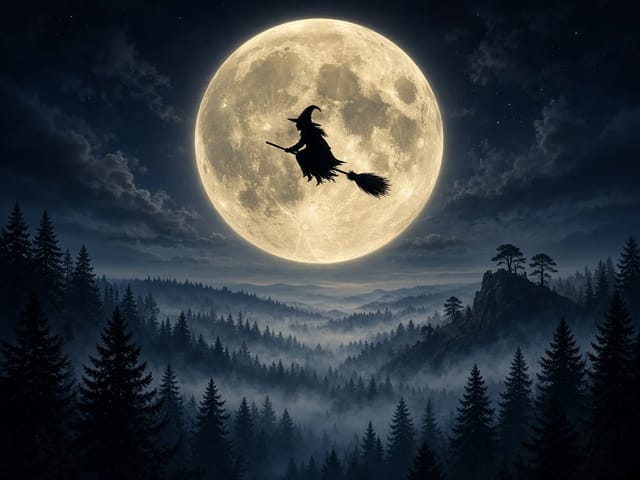
Silhouette of a witch riding a broomstick across a full moon over a misty forest

Broom Riding AI - My Ride Is Here Broom Video | NanoPic

Broom Riding AI puts you on a flying broom beside a moving car in the My Ride Is Here trend. Upload one photo, get a 10-second clip and add your own sound.

Open tool
Bulin 47 AI

Bulin 47 AI Video Generator: Your Photo in a Street Freestyle

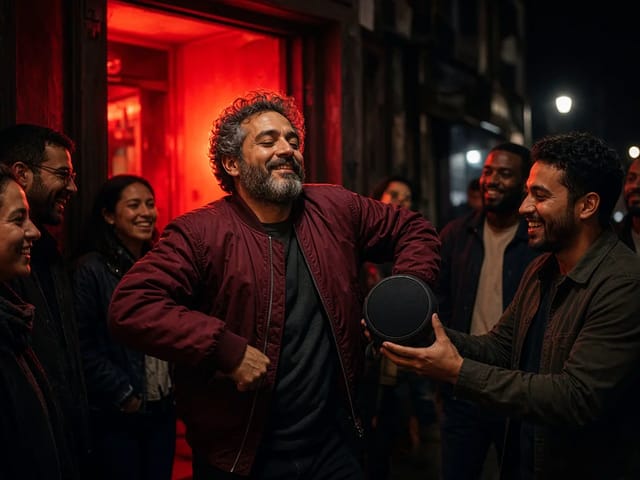
Turn one photo into a Bulin 47 AI freestyle clip: shoulder rolls, a cheering friend and a laughing crowd under red lights, in vertical 9:16.

Open tool
Burning Bridges AI Video Generator

Burning Bridges AI: One Photo Party Video | NanoPic

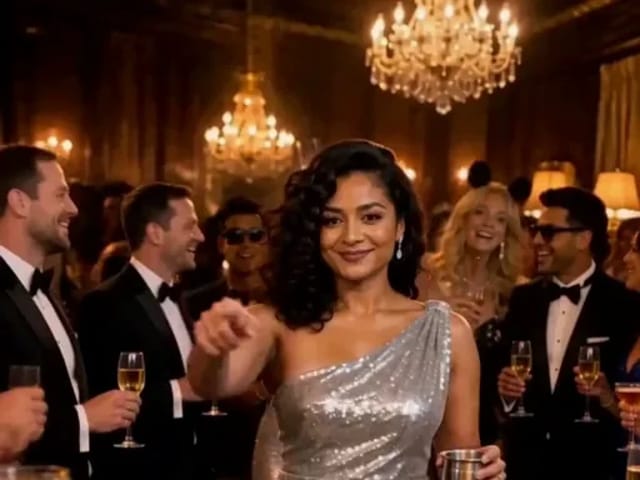
Make a Burning Bridges AI video from one photo: toast, hand to heart, point at the camera, then turn in a vertical chandelier party clip.

Open tool

Check One Check Two AI Video Generator | NanoPic

Make a check one check two AI video from one photo: you lean into the lens and shout the mic check over a night crowd. Vertical MP4, ready to post.

Open tool