














































Video Models
Sign In

MiniMax H3 Max Turbo Generator

Choose a text or frame-led scene, keep the first experiment focused, and review the live credit requirement in this generator before submitting.

CreditsCost
Public VisibilityAllow this result to appear in public inspiration surfaces.

MiniMax H3 Max Turbo

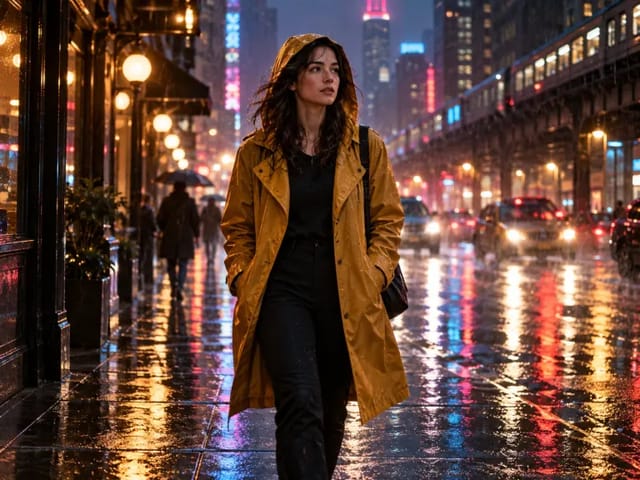
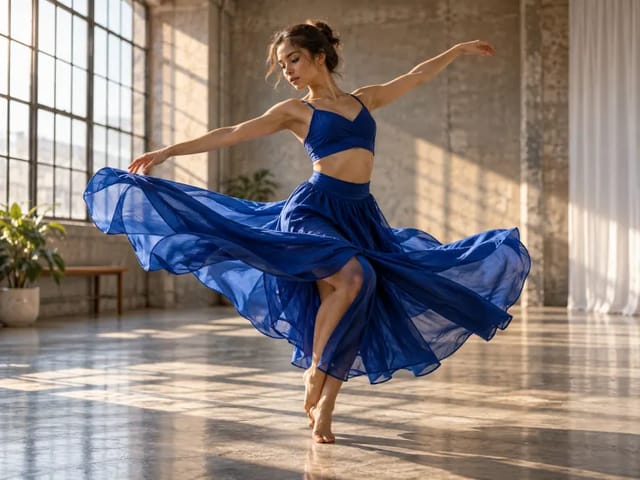
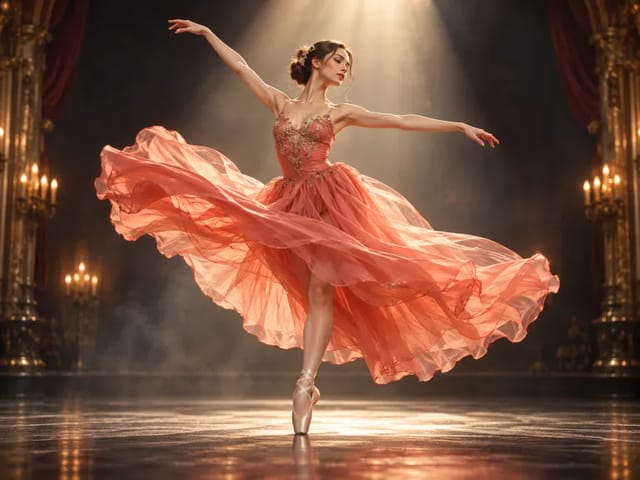
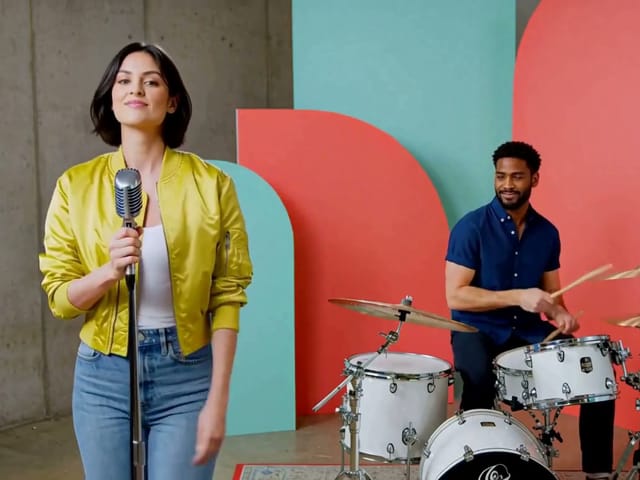
Official fal MiniMax H3 Max Turbo output example

Official fal model-page output shown as provider evidence, not a NanoPic-paid verification task.

Frame from fal's official MiniMax H3 Max Turbo output example

MiniMax H3 Max Turbo for Rapid Video Iteration

MiniMax H3 Max Turbo is a dedicated fal Max-family route for text-to-video and image-to-video. It accepts a written shot or an opening frame with an optional closing frame, produces 5–15 second clips at 480P or 768P, and returns video with native audio. Turbo is especially practical when a team needs to compare several camera, action, or timing ideas before choosing a final direction. It remains a generative system, so speed does not remove the need to review identity, anatomy, object contact, factual details, and sound synchronization across the completed video.

Verified H3 Max Turbo Controls

NanoPic’s options mirror the active fal aliases and reject values outside the published schema before any provider request is created.

Independent Turbo endpoints

Text generation uses minimax/h3-max-turbo/text-to-video and frame-led generation uses minimax/h3-max-turbo/image-to-video. These are public fal model aliases, not a turbo boolean sent to the Max or base H3 route. Keeping each ID explicit makes queue polling, error reporting, and task history auditable.

Text-to-video in six ratios

Choose 21:9, 16:9, 4:3, 1:1, 3:4, or 9:16, then describe a shot designed for that frame. A vertical composition needs subject spacing and camera movement that work in a narrow canvas; an ultra-wide shot needs intentional use of the edges.

First and optional last frame

Image-to-video requires a source image and can accept a second image as the destination frame. NanoPic preserves their upload order in dedicated image_url and end_image_url fields. The endpoint takes geometry from the source, so the form removes the text-only aspect-ratio option instead of implying that it can override the frame.

Eleven duration choices

Generate any whole-second length from five through fifteen. Five seconds is a useful motion probe; eight to ten seconds offers room for a reveal or short line; fifteen seconds can support a more deliberate sequence. More time does not automatically improve a shot, so give every added second a clear purpose.

480P or 768P

Both Turbo endpoints support 480P and 768P. Start at 480P when evaluating whether the scene reads, the action begins on time, and the camera follows the intended path. Move to 768P after those decisions are stable. The public schema does not offer 1080P or 2K on these aliases.

Audio and prompt expansion

The output includes native audio, so prompts can connect ambience, dialogue, music, and effects to visible events. Balanced prompt expansion is the default; Quality allows longer provider-side refinement. Neither option removes the need to listen to the finished file or to keep speech realistic for the selected duration.

How to Iterate with H3 Max Turbo

Turbo is most useful when each draft answers a specific creative question. Use a repeatable review loop instead of changing every parameter after every result.

1. Define the question for this draft

Decide what the generation should prove: whether the camera move works, whether a character action reads, whether the opening product frame can reach a clean hero state, or whether a sound cue lands at the correct moment. Choose text-to-video for broad exploration and image-to-video when the opening composition must remain recognizable. An optional last frame is useful only when the path between the endpoints can be described without contradictory transformations.

Set Up a Draft

2. Use a five-part shot brief

Write the subject and continuity facts first. Add one primary action, then the framing and camera move, then light and environmental behavior, and finally dialogue or sound. End with hard constraints such as no captions or no extra people. This order makes failures easier to trace. Balanced expansion can polish the brief, but it cannot decide which creative instruction should win when two directions conflict.

Read the Prompt Guide

3. Compare focused 480P variations

Begin with a short 480P draft. Keep duration, resolution, ratio, and source frame fixed while comparing two prompt versions. Then keep the stronger prompt fixed while testing a camera or timing change. This controlled method reveals which instruction improves the result and avoids using a long render merely to discover that the opening composition is wrong.

Start a Focused Draft

4. Promote the winning direction

After a draft succeeds, add only the seconds required for the full beat and select 768P if the output needs more detail. Open the completed video, listen through headphones when audio matters, and check every frame around fast motion and object contact. Record the successful seed and settings, but remember that changing inputs or prompt structure can still produce a substantially different result.

Review the Controls

A Practical H3 Max Turbo Prompt Recipe

Clarity is more useful than length. Each sentence should describe something visible, audible, or necessary for continuity.

Anchor the subject

Identify who or what the viewer follows and list only continuity details that matter to the shot. For a person, that may be clothing, hair, position, and eyeline. For a product, it may be silhouette, material, color, and orientation. When using a first frame, describe the intended motion rather than rewriting every visible pixel.

Give the action an endpoint

A usable action has a beginning and an observable finish: the cyclist stops under the canopy, the lid closes, the curtain reveals the room, or the camera reaches the front of the car. If the clip contains several beats, put them in order and reserve a short final hold so editors have a clean cut point.

Choose one camera logic

State the shot size and one dominant camera behavior, such as a shoulder-height lateral track, a low locked close-up, or a slow overhead rise. Describe focus changes only when they support the action. Contradictory instructions such as static camera plus rapid orbit make it impossible to judge whether the output followed the brief.

Make atmosphere physical

Replace generic mood words with light direction, color temperature, weather, texture, reflections, particles, and background motion. Say how rain reacts on glass, how fabric moves in wind, or how neon travels across polished metal. Limit secondary movement so the focal action remains legible in a short clip.

Place sound on the timeline

Name the speaker before a line and keep dialogue short. Connect each effect to its visible source, describe continuous ambience separately, and state whether music should lead or remain subtle. Native audio is part of the generated file, but synchronization, pronunciation, noise, and balance still require human listening.

Use constraints selectively

Protect the few details that would make the shot unusable: no captions, no duplicate limbs, no extra product, no camera cut, stable clothing, or a clean final frame. An enormous negative list can dilute the main direction. If exact typography or regulated product information matters, add it during editing rather than relying on generated pixels.

Good Uses for H3 Max Turbo

The model is designed for exploration, option generation, and early-stage motion decisions.

Creative direction comparisons

Generate controlled variants for camera height, movement, time of day, or performance energy. Keep the rest of the prompt unchanged so a team can compare one creative choice. Label each task with its settings instead of relying on memory or a thumbnail grid.

First-frame motion tests

Upload a storyboard, concept frame, product photograph, or character portrait to test how it begins moving. Preserve the subject and describe only the motion that belongs in the clip. The result is a generative interpretation, not a promise of exact identity or product geometry.

Social hooks and short loops

Draft a five-second opening for vertical, square, or landscape distribution. Put the visual hook in the first beat, keep generated text out of the frame, and judge whether the premise reads with and without sound. Create a seamless loop only when the starting and ending states can plausibly align.

Audio-aware storyboards

Test whether a door slam, train arrival, splash, spoken reaction, or music cue supports a storyboard beat. Use the generated soundtrack as a planning reference and replace it in post when rights, exact timing, voice identity, or broadcast quality matters.

Fast product and material studies

Explore highlights moving across glass, metal, fabric, cosmetics, food, or packaging before funding a longer pass. Check labels, logos, edges, reflections, and physical contact frame by frame. Generated product footage must not introduce claims or details that the real item does not have.

Previsualization for longer shots

Use several focused drafts to settle staging and camera language, then render only the strongest direction at a longer duration or higher resolution. A Turbo draft is useful evidence for a production conversation, but it remains a generated proposal rather than a guaranteed blueprint.

Comparing Turbo with H3 Max and H3

Similar names do not mean interchangeable IDs. Confirm the model shown in the selector and use the settings published for that route.

H3 Max Turbo

Choose Turbo for fal’s dedicated text and frame-led Turbo aliases. It supports 480P/768P and 5–15 seconds. This page defaults to Turbo and never rewrites the request as base H3.

H3 Max

Choose H3 Max when you specifically want the non-Turbo fal alias. It exposes the same two NanoPic scenes and control dimensions. Its separately published reference endpoint remains disabled because the current public form cannot safely enforce that endpoint’s mixed reference-input contract.

MiniMax H3

The existing NanoPic H3 route uses KIE IDs, starts at four seconds, offers 768P/2K, and has different text, frame, and reference controls. It is preserved as its own model rather than renamed to Max or Turbo.

MiniMax H3 Max Turbo FAQ

Understand the endpoint, input rules, audio behavior, controls, and current verification boundary.

Is H3 Max Turbo a verified API route?

Yes. fal publishes active public aliases for minimax/h3-max-turbo/text-to-video and minimax/h3-max-turbo/image-to-video. NanoPic routes those exact IDs and polls their public queue alias; it does not simulate Turbo by changing the name of H3 Max or MiniMax H3.

Which inputs can I use?

Text-to-video needs a prompt. Image-to-video needs one first frame and can use a second last frame. The dedicated provider adapter preserves frame order, removes the inapplicable text aspect ratio, converts duration to the integer fal expects, and retains the selected resolution and expansion mode.

Which output settings are available?

Choose 480P or 768P and any whole duration from 5 through 15 seconds. Text mode also offers 21:9, 16:9, 4:3, 1:1, 3:4, and 9:16. Image mode follows its source frame rather than exposing an unsupported ratio override.

Does H3 Max Turbo generate audio?

It is presented through fal as native audiovisual generation and returns a video file. Prompt the desired dialogue, ambience, music, and action effects, then listen to the completed media. A poster or silent browser state cannot verify the soundtrack.

Where can I see the current credit requirement?

Choose the scene, duration, and resolution in the generator. Signed-in users see the current NanoPic credit requirement beside the Generate action before submission.

Can the required credits change with my settings?

Yes. Duration and resolution affect the current requirement. Treat the live value shown inside the generator as authoritative before submitting a task.

Is Turbo always the better choice than H3 Max?

No universal quality claim is made. Turbo and H3 Max are distinct fal aliases. Choose by testing the same production brief, reviewing the entire video and audio, and deciding whether any observed difference matters for the actual shot.

Has a paid NanoPic Turbo generation passed production-equivalent review?

Not yet. Local tests cover payload mapping, required images, queue polling, output parsing, option normalization, and strict rejection behavior. A paid NanoPic generation requires separate approval before production readiness is claimed.

Build a Focused H3 Max Turbo Draft

Use five seconds at 480P to answer one creative question, then promote only the direction that survives full video and audio review.