
Save up to 73% on plans
Preview and Generated Result
Image
More AI Image Models & Effects
Browse every other AI image model and effect published on this site in a continuous carousel.


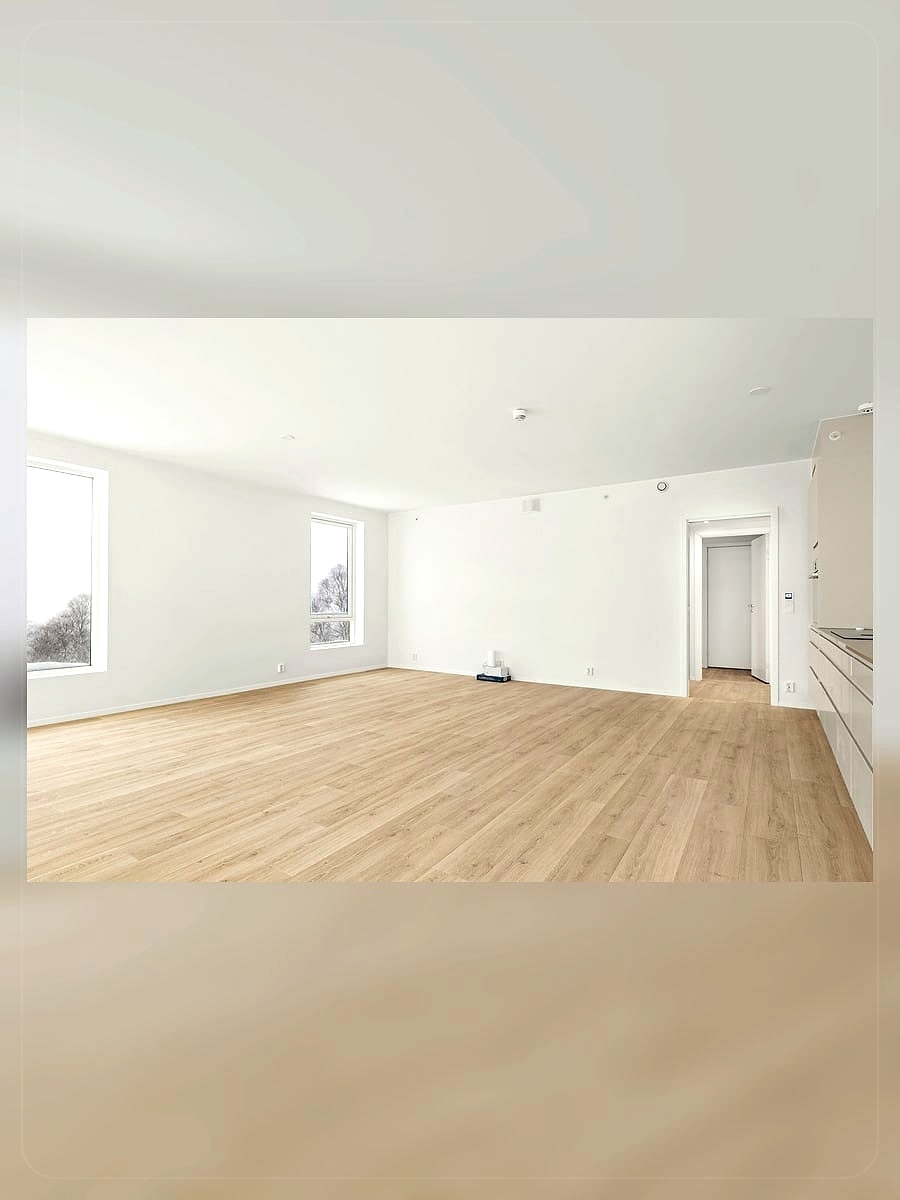

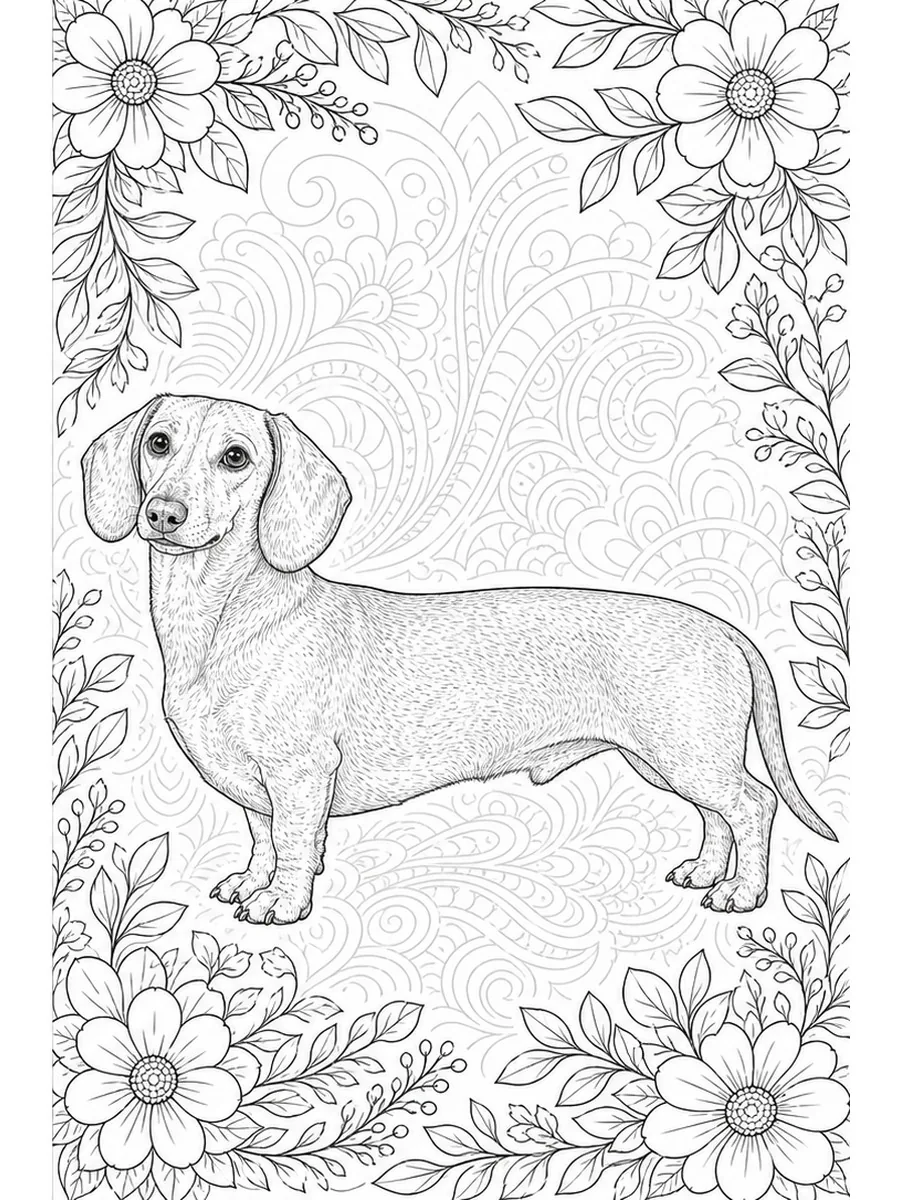









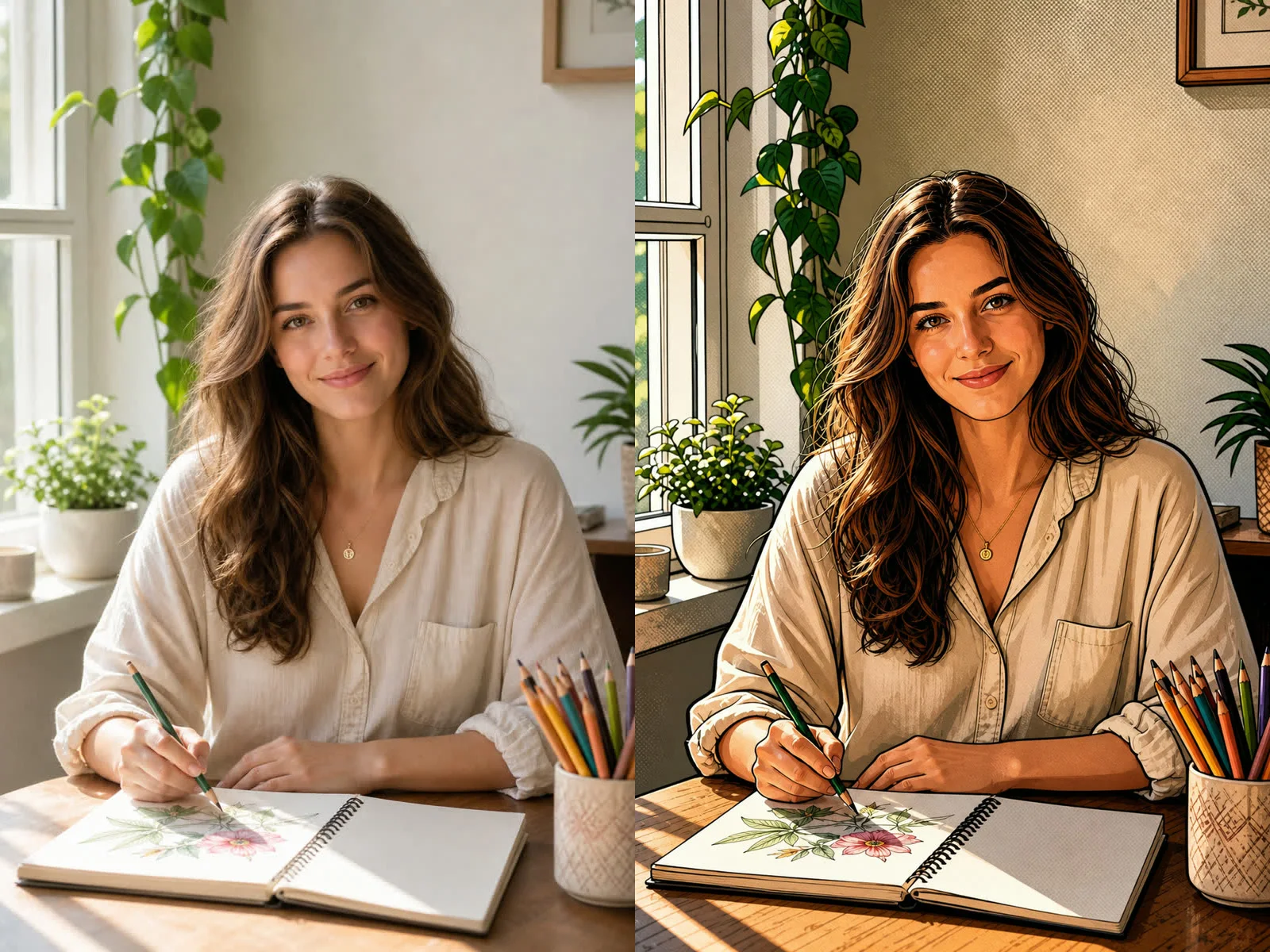


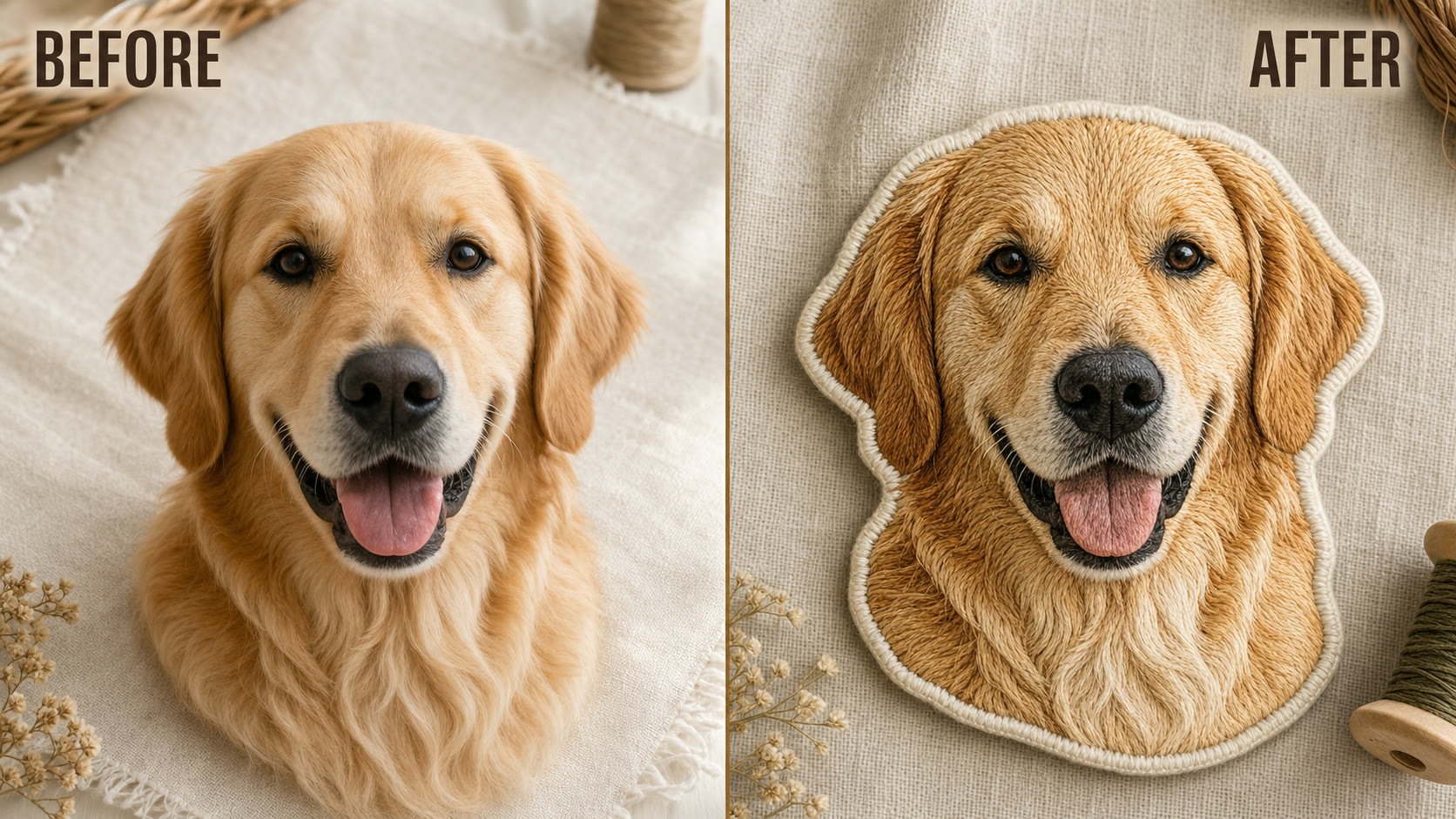
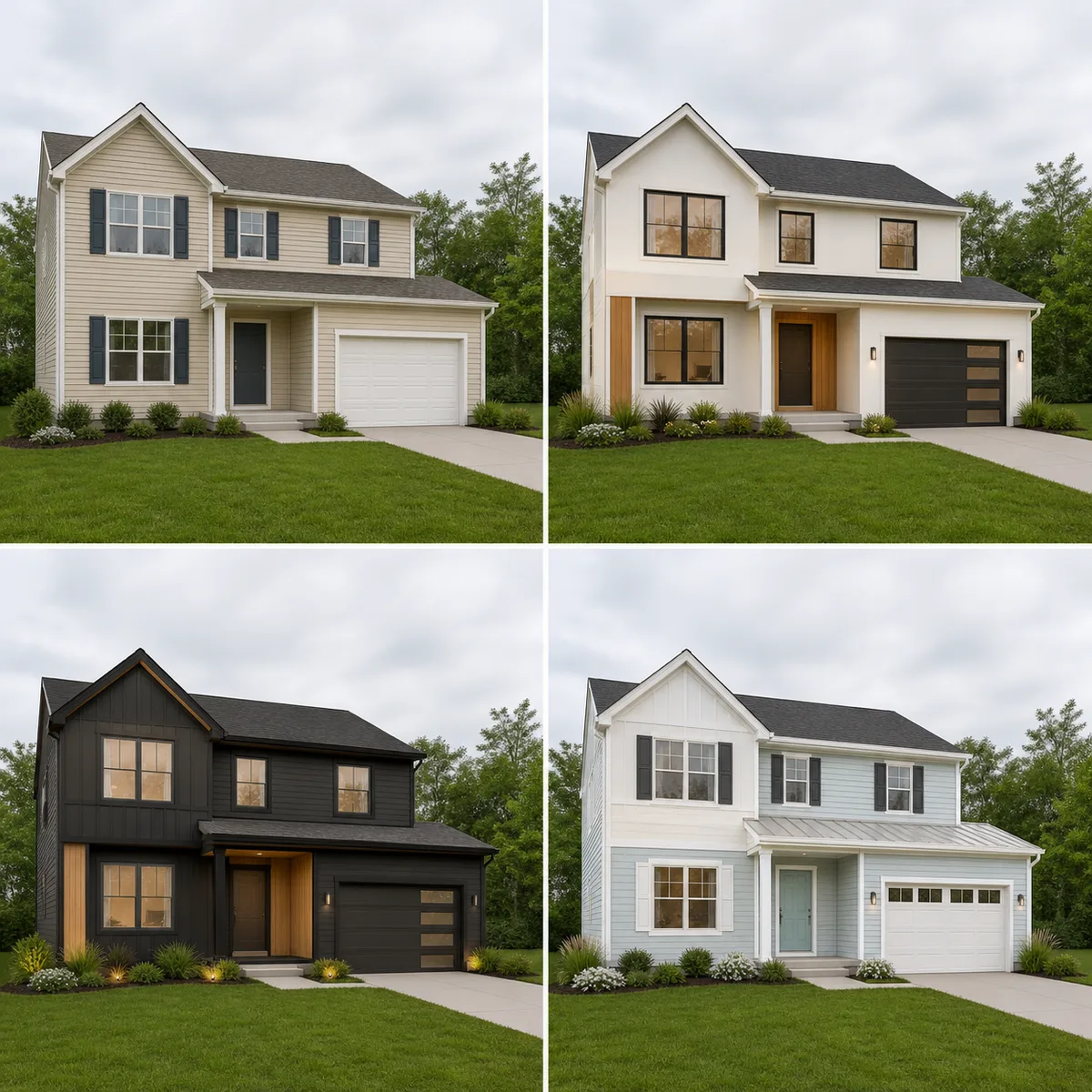


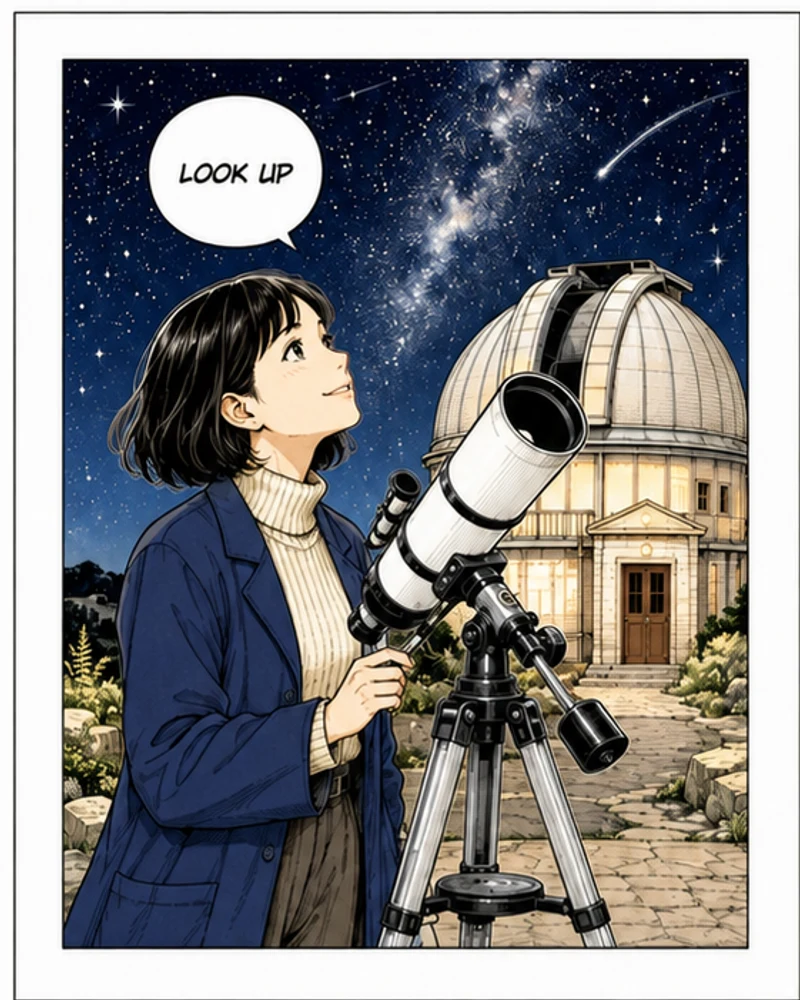
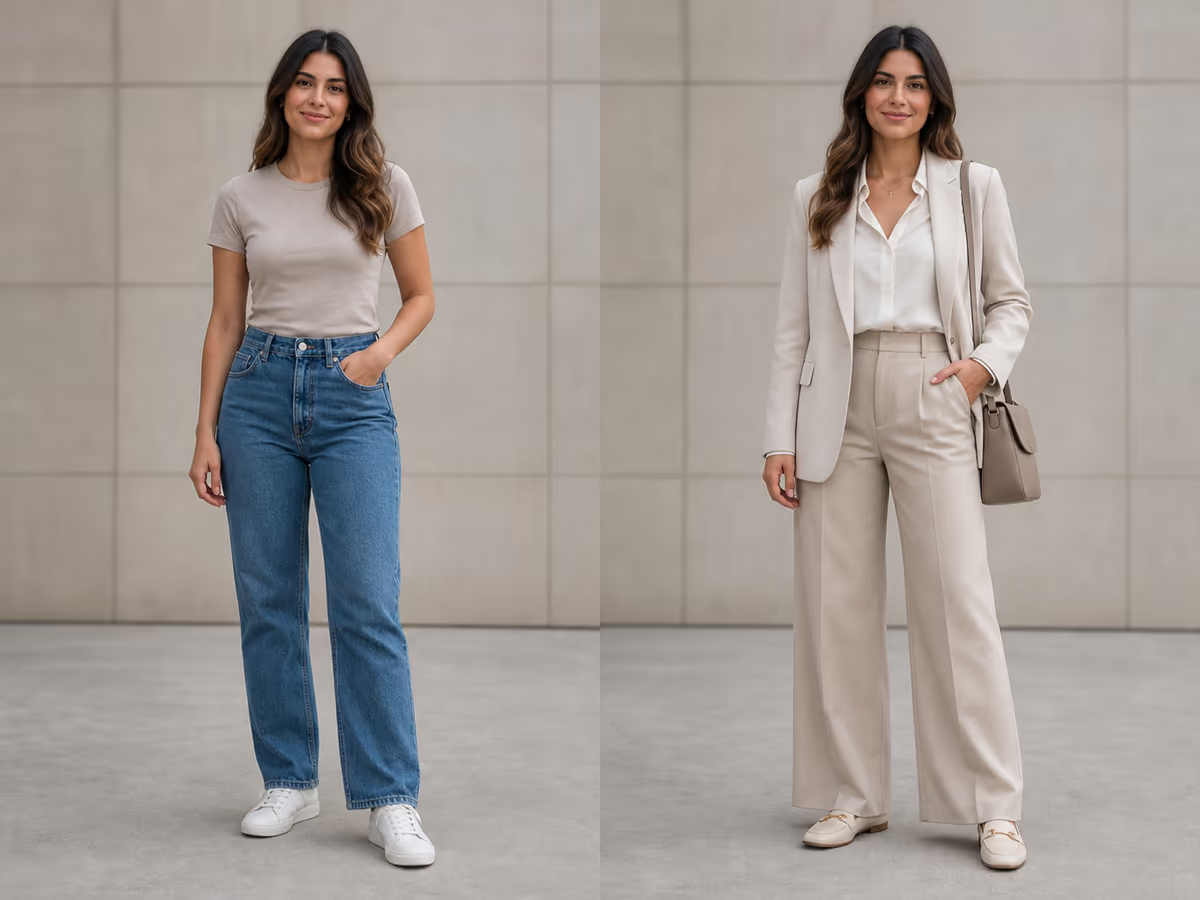
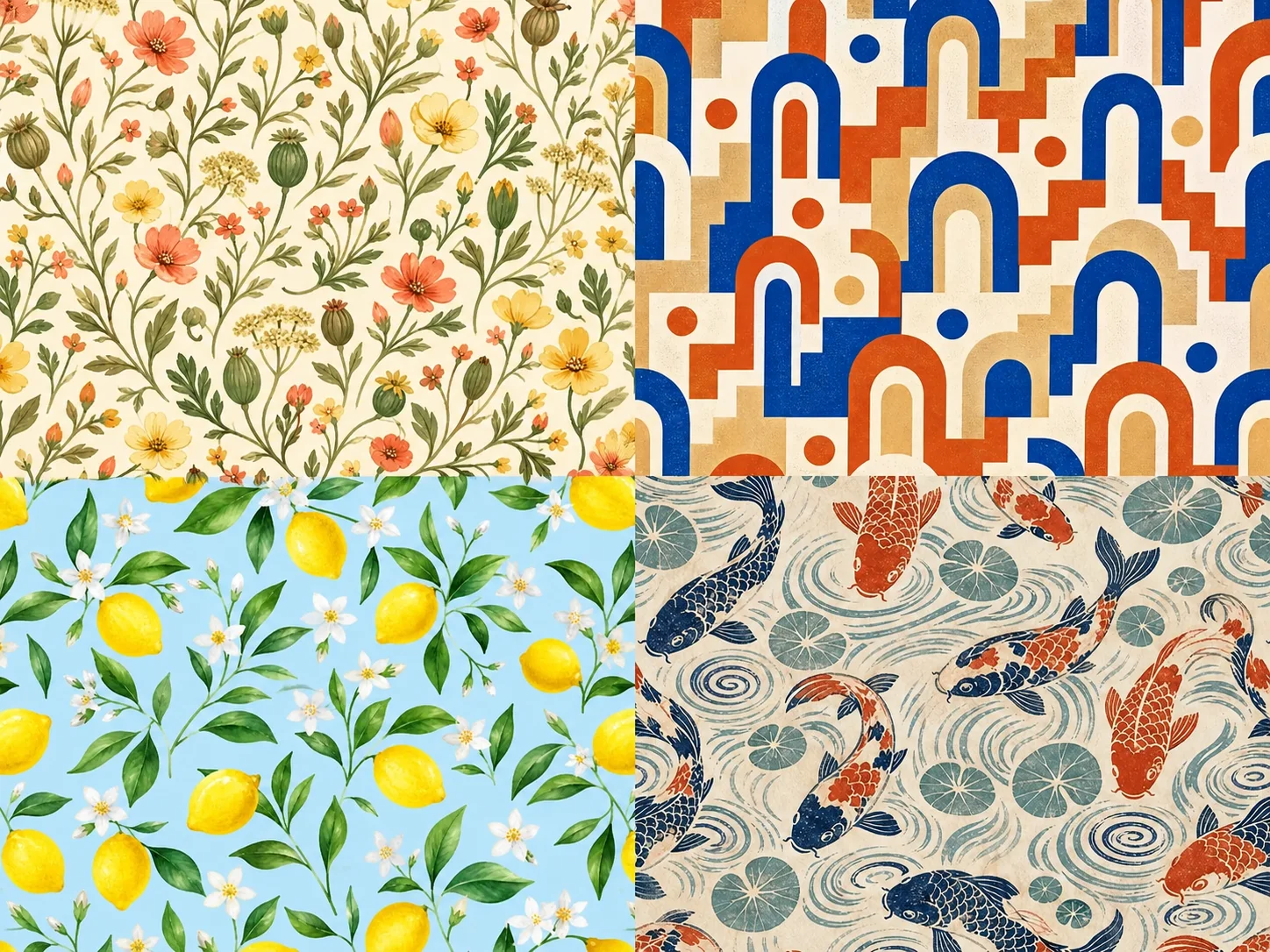
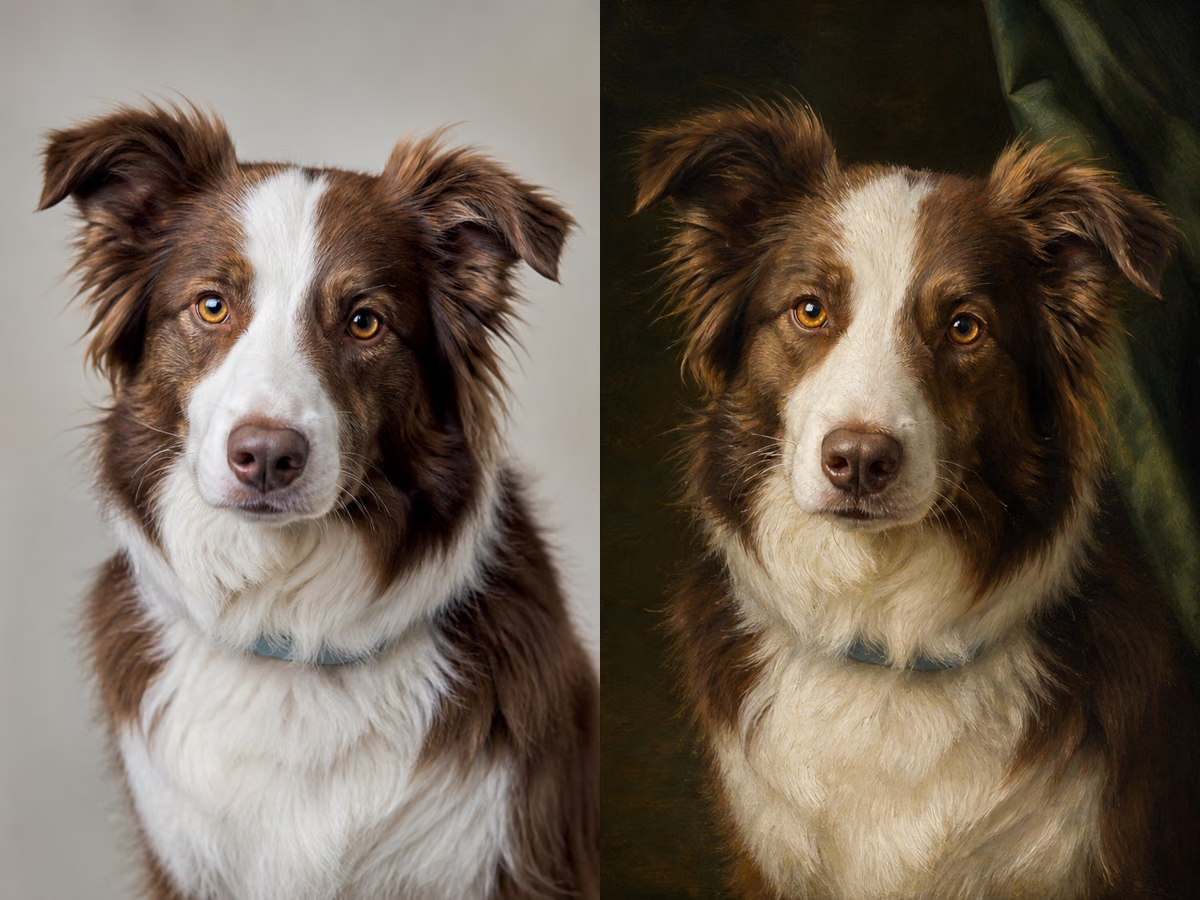
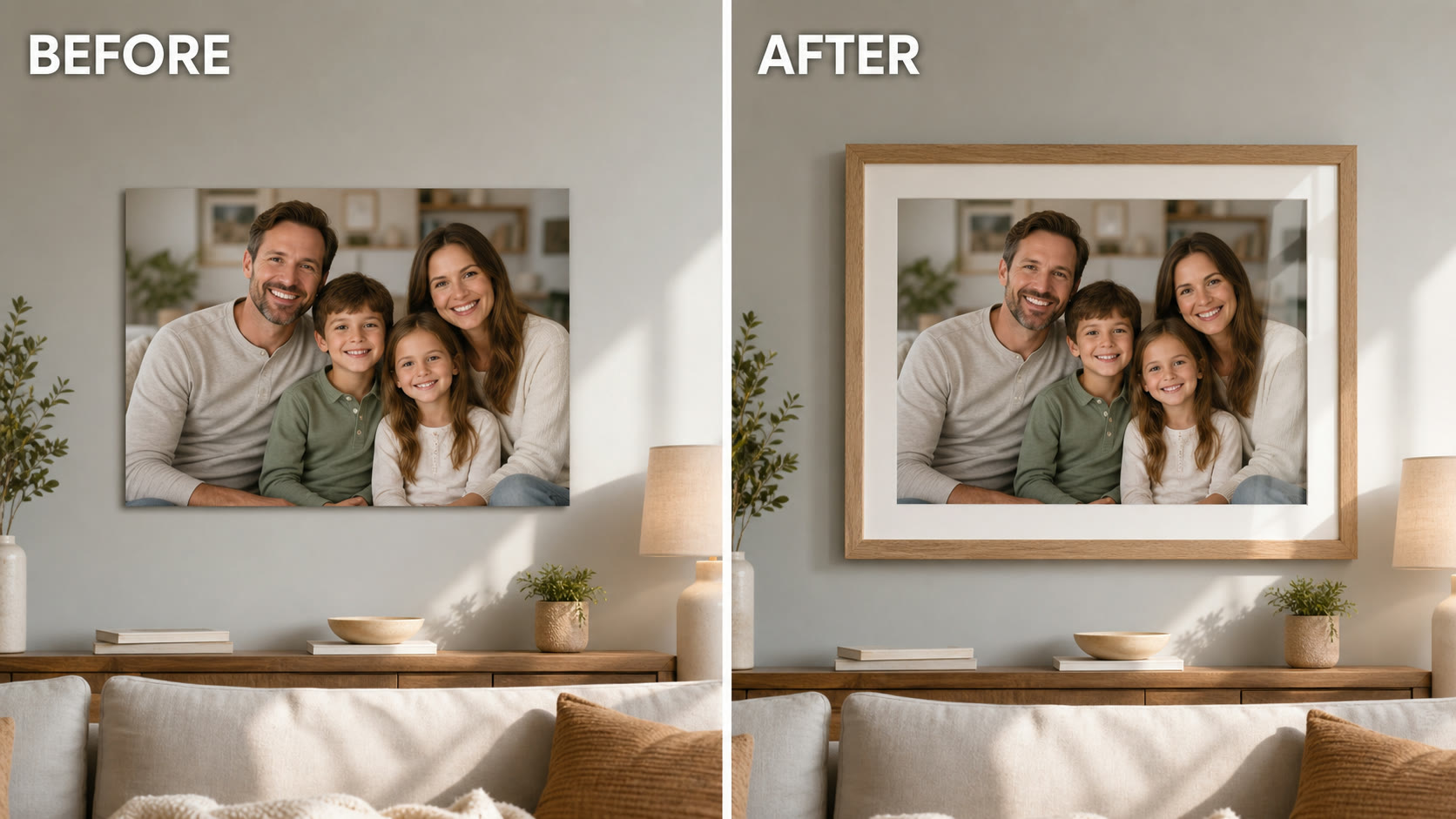
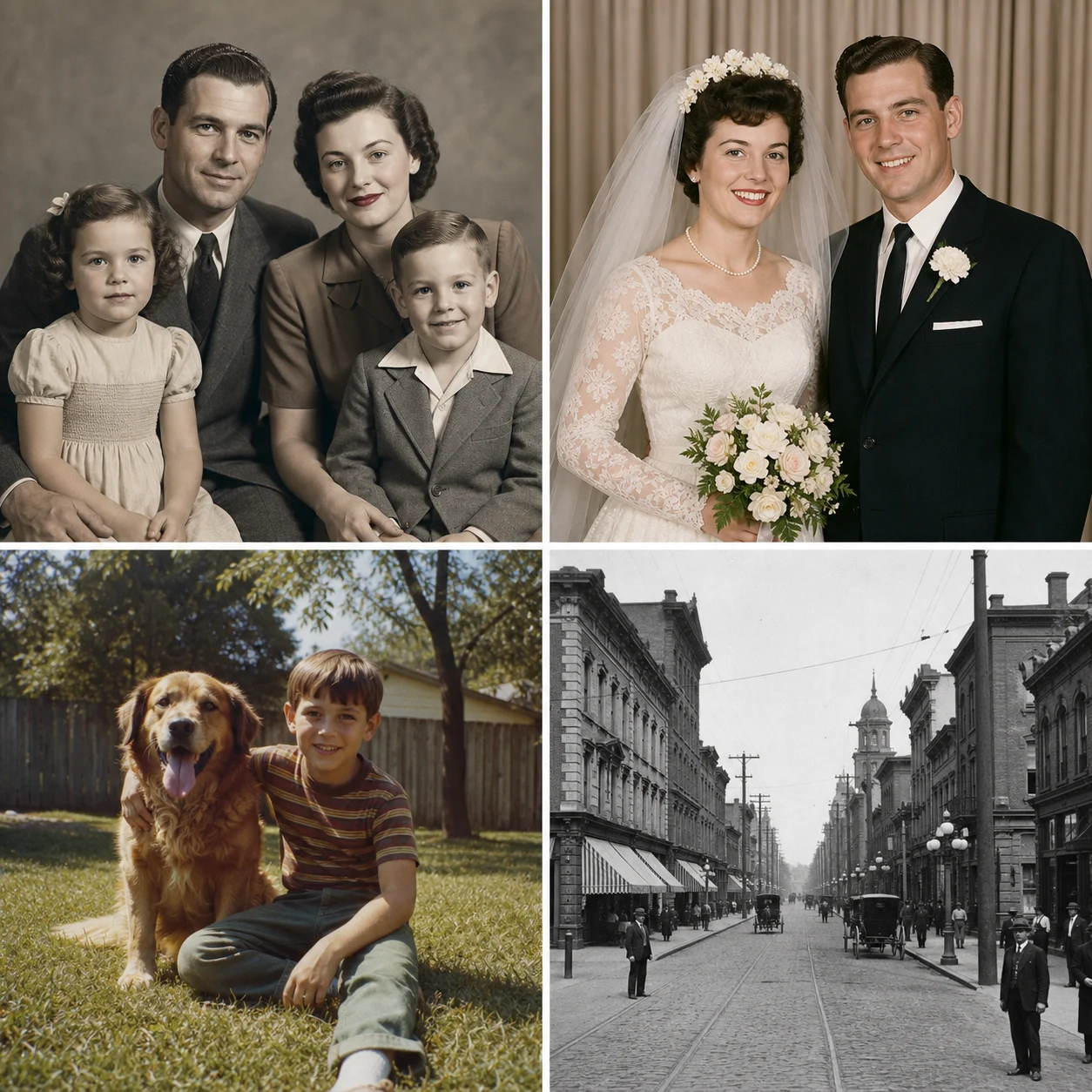
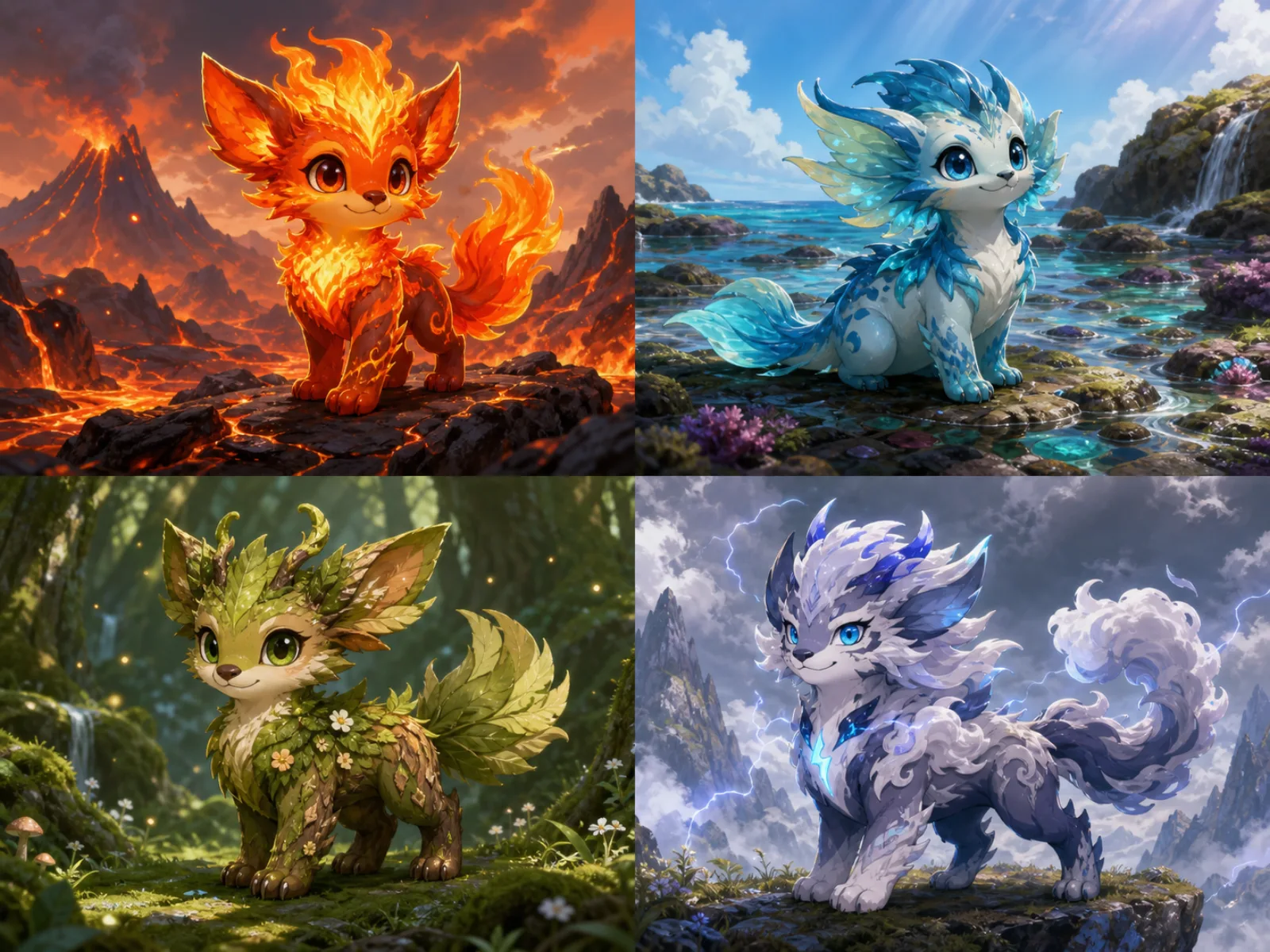
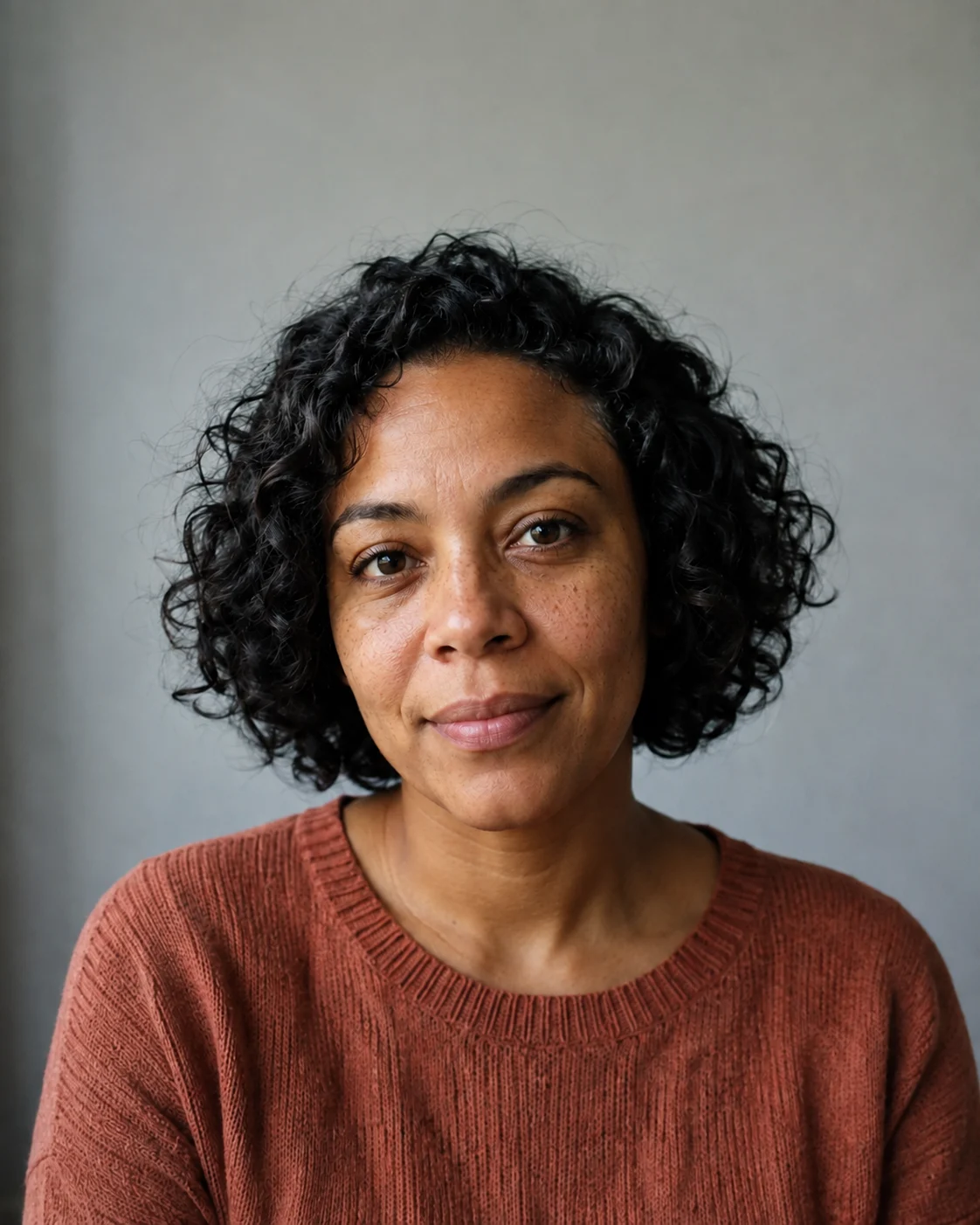










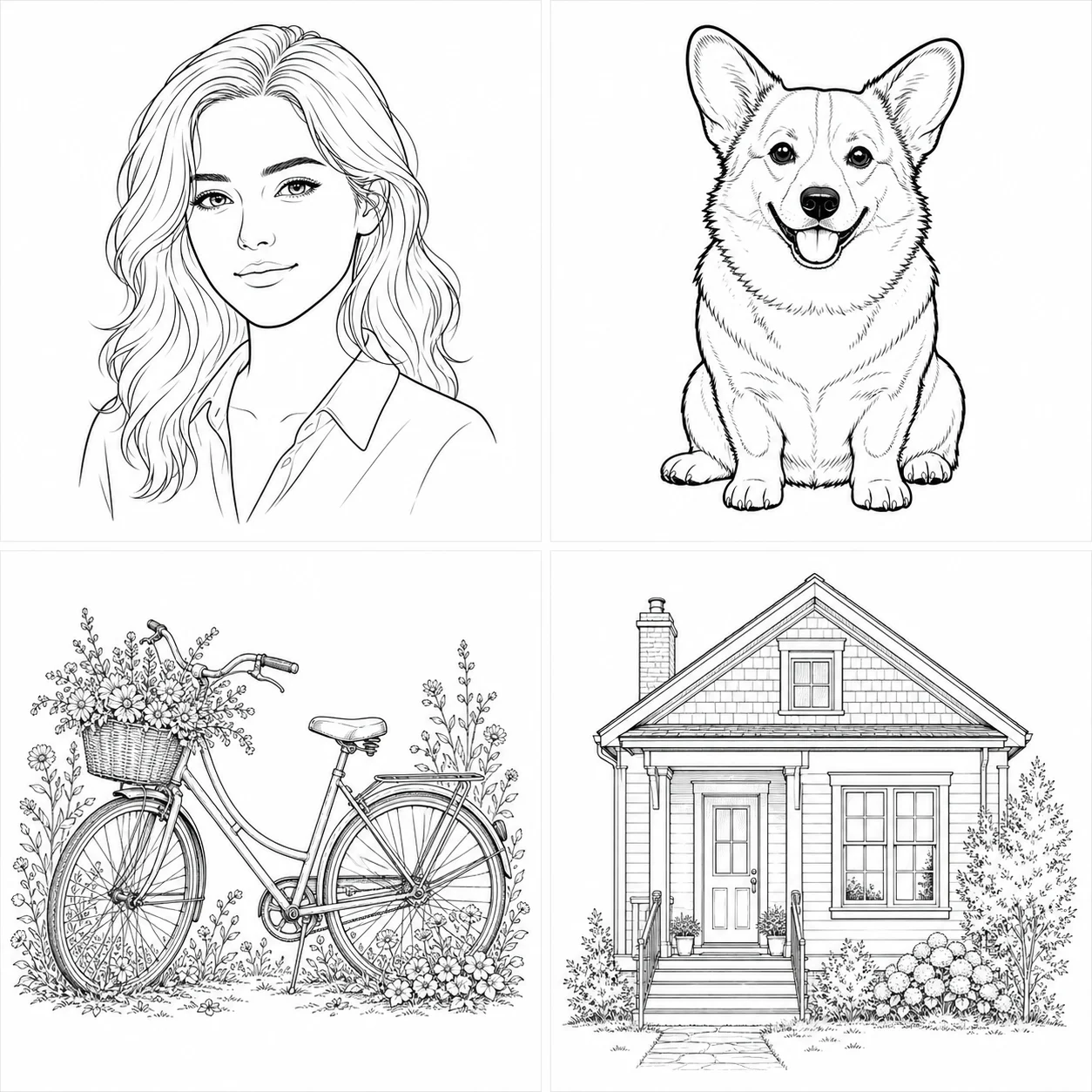



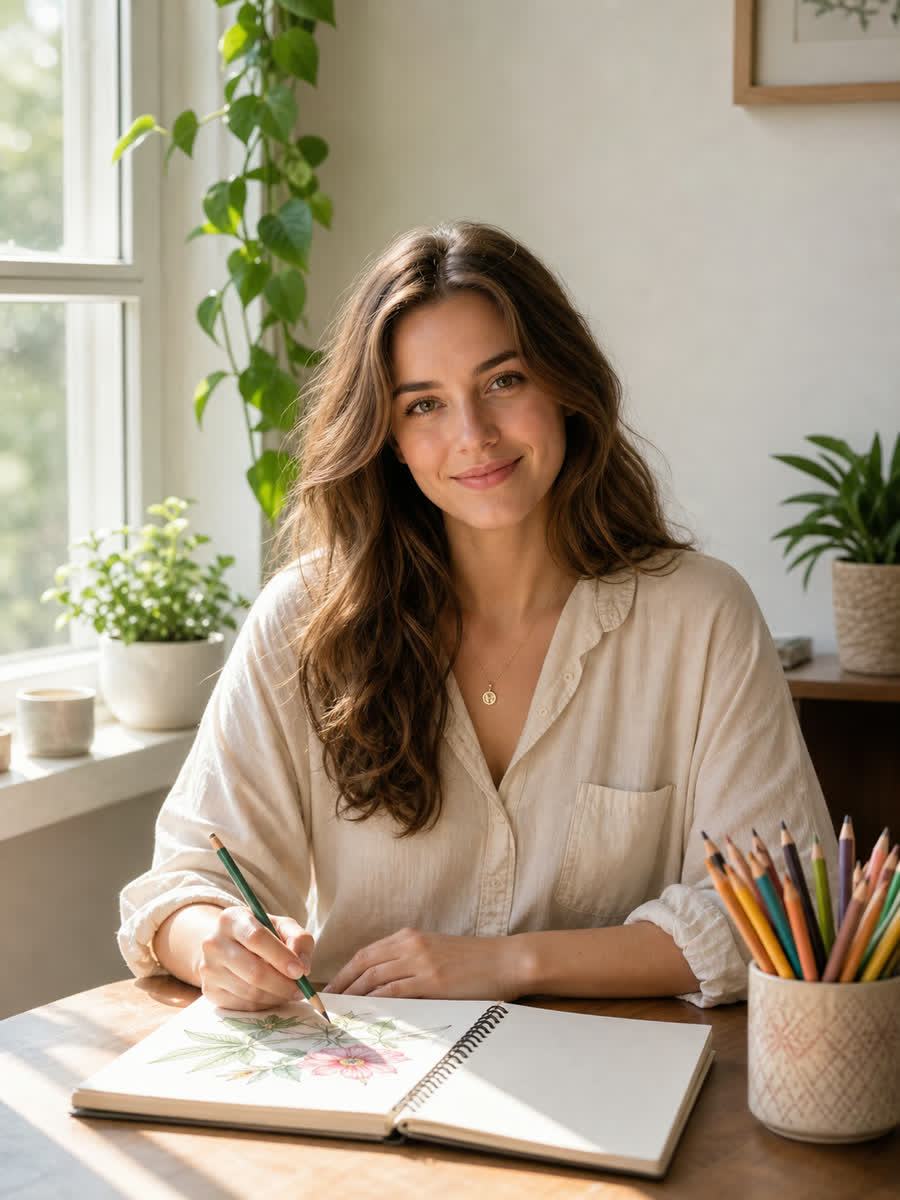
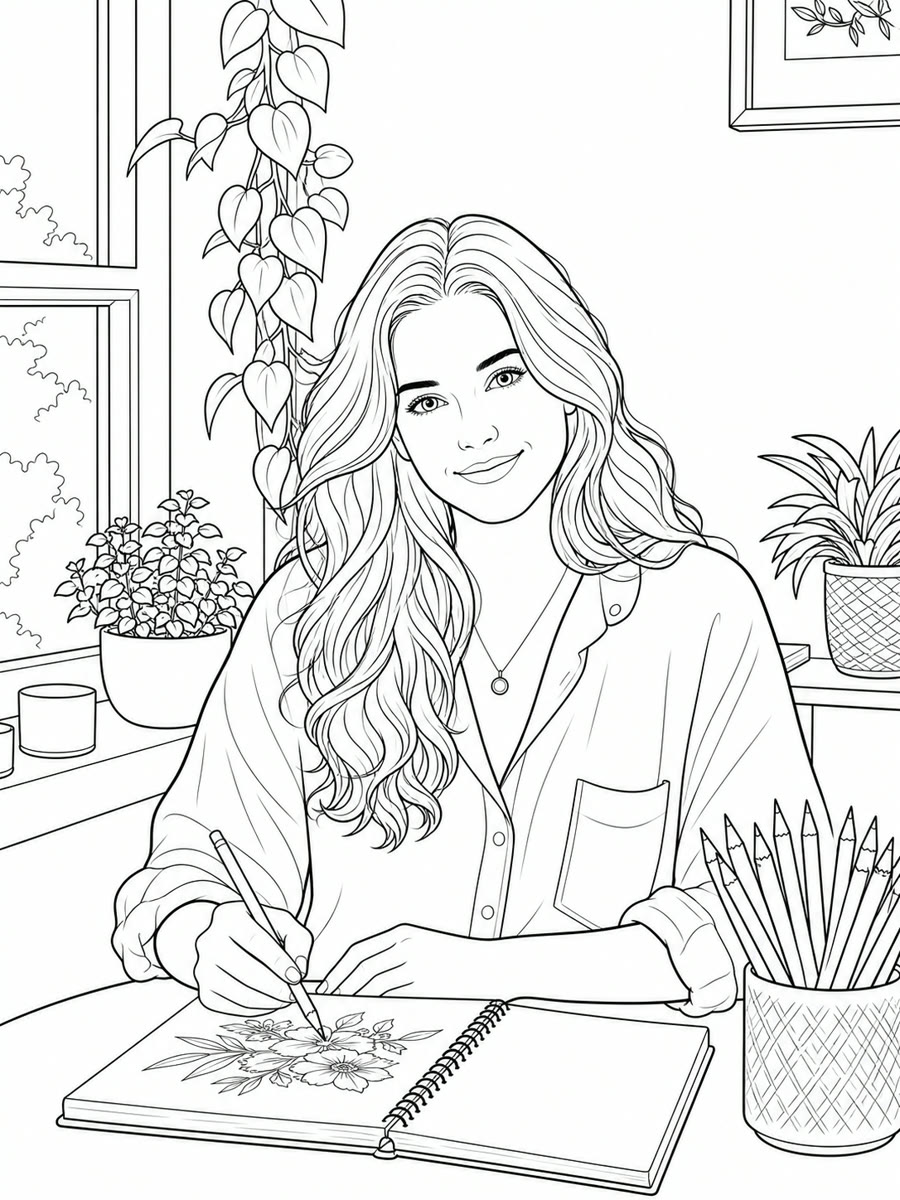
Choose text creation or photo-to-coloring-page conversion
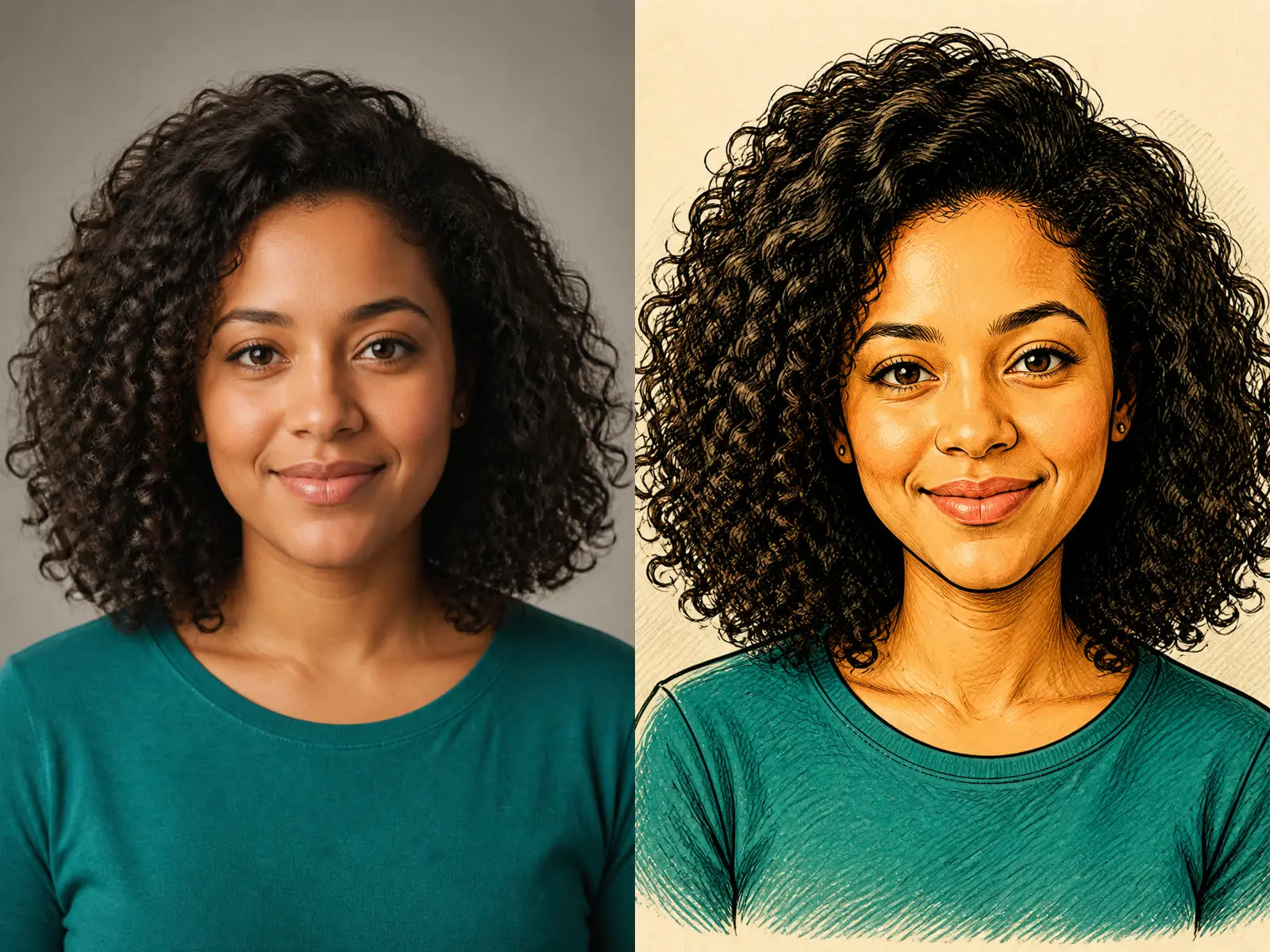
Use text creation when you want a new printable scene from a written subject. Name the main character or object, the setting, the intended age range, and the amount of detail. Use photo conversion when composition and identity should begin from an authorized portrait, pet, object, or place. A clean source with one readable subject provides a clearer basis than a crowded collage. In both modes, the output remains generated line art rather than an exact tracing. Compare the silhouette and important subject features with the brief or source, then reject pages that introduce extra limbs, clipped objects, random text, or confusing overlaps.
Set detail for children, adults, and classroom use
Simple kids pages need large closed shapes, thick outlines, broad coloring areas, and few tiny decorations. Adult coloring pages can include more textures, patterns, foliage, and background objects, but they still need clear boundaries and white spaces that accept color. Classroom sheets should match the learning objective rather than merely looking busy. State the intended audience in the editable brief. A dense adult pattern is frustrating for young children, while a very simple outline may not hold an adult colorist’s attention. Print one test page at the intended paper size before producing a larger set.
Ask for clean black outlines and a white background
A useful printable coloring page should separate black contour lines from white fill areas. Request crisp closed outlines, no gray wash, no photographic shading, and no filled black areas unless a deliberate small accent needs them. Soft pencil textures and half-tone dots may look artistic on screen but consume toner and make areas hard to color. Check the output at full size for broken contours, muddy edges, accidental gradients, and areas that close incorrectly. If the model adds paper texture or a gray background, revise the prompt directly instead of relying on a printer setting to repair it.
Preserve the main subject when converting a photo
For a portrait, inspect face shape, hairstyle, glasses, clothing, pose, hands, and the complete head. For a pet, check ears, muzzle, markings, legs, and tail. For an object, compare its overall silhouette and important parts. The model may simplify or reinterpret details to create line art, so it cannot promise an exact technical trace or identity match. Tell it which features must remain and which background details may be removed. Use photos you own or are authorized to edit, and avoid private information that the coloring task does not need.
Design pages for home printing
Select a portrait ratio for common coloring sheets and leave clear margins around the artwork. Keep important lines away from the edge so ordinary printers do not crop the subject. A generated 1K image can support casual home printing, but resolution alone does not establish a professional print specification. Place the downloaded image in a document sized for the paper you intend to use, inspect the effective resolution, and print a proof. Do not claim that an AI output is a vector file unless you have separately traced and checked it.
Build a coherent coloring book one page at a time
A book needs consistency in line weight, complexity, margins, subject scale, and visual vocabulary. Record the accepted prompt, style direction, aspect ratio, and review checklist. Then change one subject while keeping the production rules stable. Generative tools do not guarantee identical characters from page to page, so inspect recurring faces, outfits, props, and symbols. For a story-based book, create a written character sheet and storyboard before generation. Treat each result as a candidate page, not automatic evidence that a complete set is coherent or ready to sell.
Check text, rights, and age suitability
Image models can invent letters or place pseudo-text in the background. Generate the illustration without instructional wording when exact spelling matters, then add verified text in a layout editor. Avoid requesting protected characters, copied coloring pages, living-artist imitation, or logos. Use original subjects and references you may adapt. Review the result for frightening content, stereotypes, unsafe behavior, and small details that may not suit the intended age. Commercial publishing may require additional rights, trademark, safety, and print checks beyond the image generation process.
Review the complete page before downloading
First zoom out and check whether the subject is centered, readable, and surrounded by useful white space. Then zoom in to inspect faces, hands, paws, repeated patterns, tangencies, and closed regions. Make sure no element is cut off and no gray texture fills large areas. Compare photo-based outputs with the source. If the page is meant for a set, compare it with the previously accepted page rather than evaluating it alone. A short specific revision—thicker outlines, fewer leaves, remove gray shading, keep both hands visible—is more useful than repeatedly asking for higher quality.
Choose subjects that create useful closed regions
Coloring works best when the subject contains recognizable shapes that can become closed or nearly closed regions. A vehicle, flower, animal, simple room, or character with separated clothing layers gives the colorist clear decisions. Fog, hair flyaways, transparent glass, reflections, and highly textured foliage are harder to translate without clutter. Ask the model to simplify secondary texture while preserving the subject silhouette. Check whether important regions remain large enough for pencils or markers at print size. A beautiful line drawing can still be a poor coloring page if every area is tiny, open, or tangled with another contour.
Plan backgrounds as supporting shapes
A background should establish place without competing with the subject. Name two or three important elements and ask for simplified contours, such as one window, a plant, and a table rather than a fully stocked room. For children, use fewer background objects and wider open areas. For adults, introduce repeated pattern or botanical detail selectively. Keep a quiet zone around faces and hands so the focal subject remains readable. If the source photo has visual clutter, state which background elements to remove. Review the generated page for floating objects, broken perspective, and lines that accidentally cross the main subject.
Prepare accessible activity instructions separately
If the page belongs to a classroom, therapy activity, event, or downloadable workbook, write the instructions outside the generated image. Use plain language, readable typography, and a logical order. Provide a descriptive page title so teachers and caregivers know what the illustration contains. Consider motor skill and vision needs when choosing line thickness, area size, and contrast. The generator does not evaluate accessibility or learning outcomes. Test the printed page with the intended audience when appropriate, and revise the activity based on observation rather than assuming that a technically clean image works for everyone.
Archive sources and accepted print proofs
Keep the original prompt, references, generated file, layout file, and one approved print proof together. Name versions clearly so a later correction does not accidentally use an older line-art file. Record any manual cleanup, text addition, or vector tracing performed after generation. For a commercial set, maintain a checklist for dimensions, margins, rights, age suitability, spelling, and repeated-character continuity. This evidence makes future revisions faster and helps separate the raw AI output from the final human-reviewed publication. Do not delete the source photo until you have confirmed that your rights and privacy process allow it to be retained.
Evaluate the page as an activity, not only as an image
A successful coloring page gives the user a satisfying sequence of choices. Large anchor areas establish the subject, medium regions add variety, and a smaller number of fine details reward patience. Print the page and trace the likely coloring path: can the main subject be understood before every detail is filled, are adjacent regions separated, and do important shapes remain open enough for the intended tools? Colored pencils tolerate smaller spaces than broad crayons or markers. Avoid enclosed white gaps that look accidental, black areas so large that they cannot be colored, and repeated micro-patterns that dominate the activity. For classroom or event use, estimate completion time and provide a simpler alternative if needed. For a book, vary subjects while keeping the difficulty progression intentional. Ask a human reviewer to identify confusing contours before publication. The AI can create line art quickly, but it cannot observe frustration, motor demands, printing conditions, or whether the activity actually feels enjoyable. Treat those as product decisions that belong to the final human review.
AI Coloring Page Generator FAQ
Answers about text, photos, printing, age levels, line art, credits, and rights.
Can I generate from text and from a photo?
Yes. Use text mode for a new scene or image mode with one authorized photo as the starting composition.
Is the AI coloring page generator free?
New users receive the welcome credits shown in the generator. Each request uses the current credit amount displayed by the live controls.
Will it make vector line art?
No. The result is a raster image. Create or verify vector paths separately if a production workflow requires them.
What makes a good photo?
Use one clear subject with readable edges and limited clutter. The model may simplify details, so compare the result with the source.
Can I sell a generated coloring book?
Review NanoPic terms and all applicable rights. Use original prompts and authorized references, avoid protected characters, and complete independent publishing checks.
How do I prevent gray shading?
Choose a clean outline direction and explicitly request a white background, closed black lines, and no gray wash or photographic shadows.
Start with the AI Coloring Page Generator
Define the deliverable and subject, choose one direction, edit the brief, and review the live credit cost before submitting.